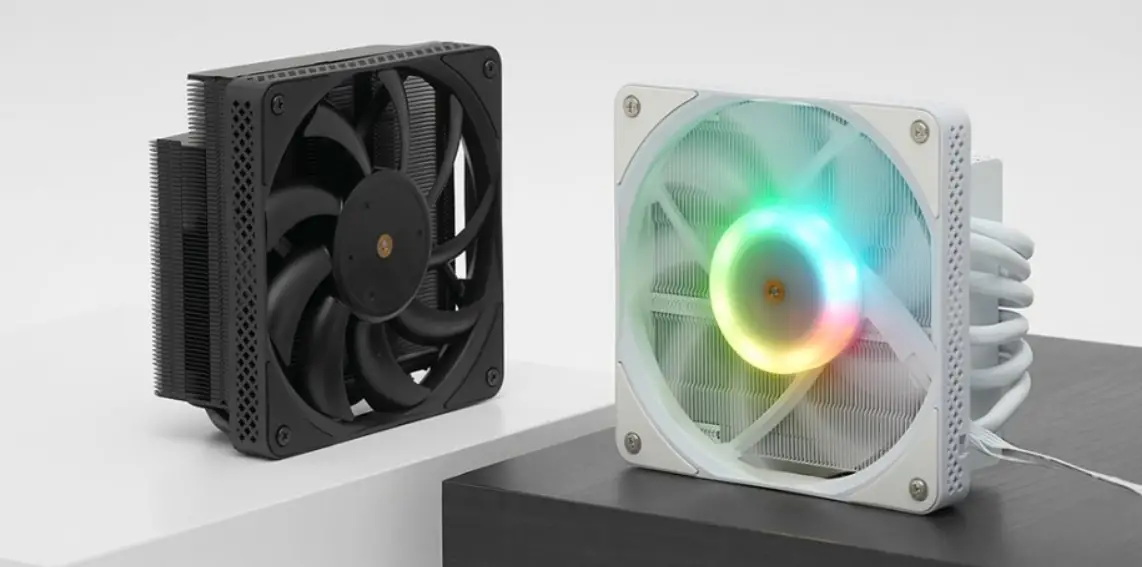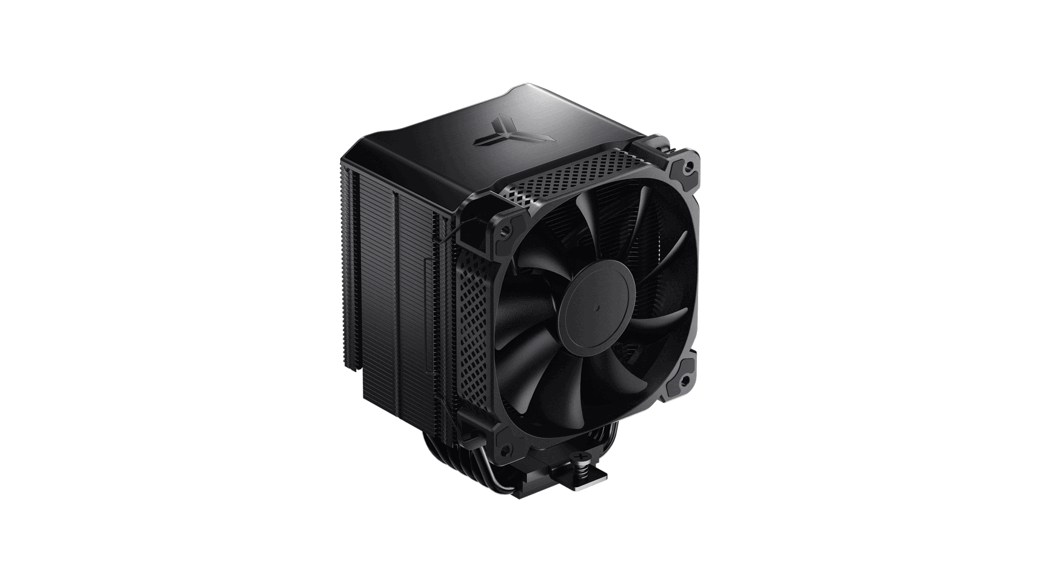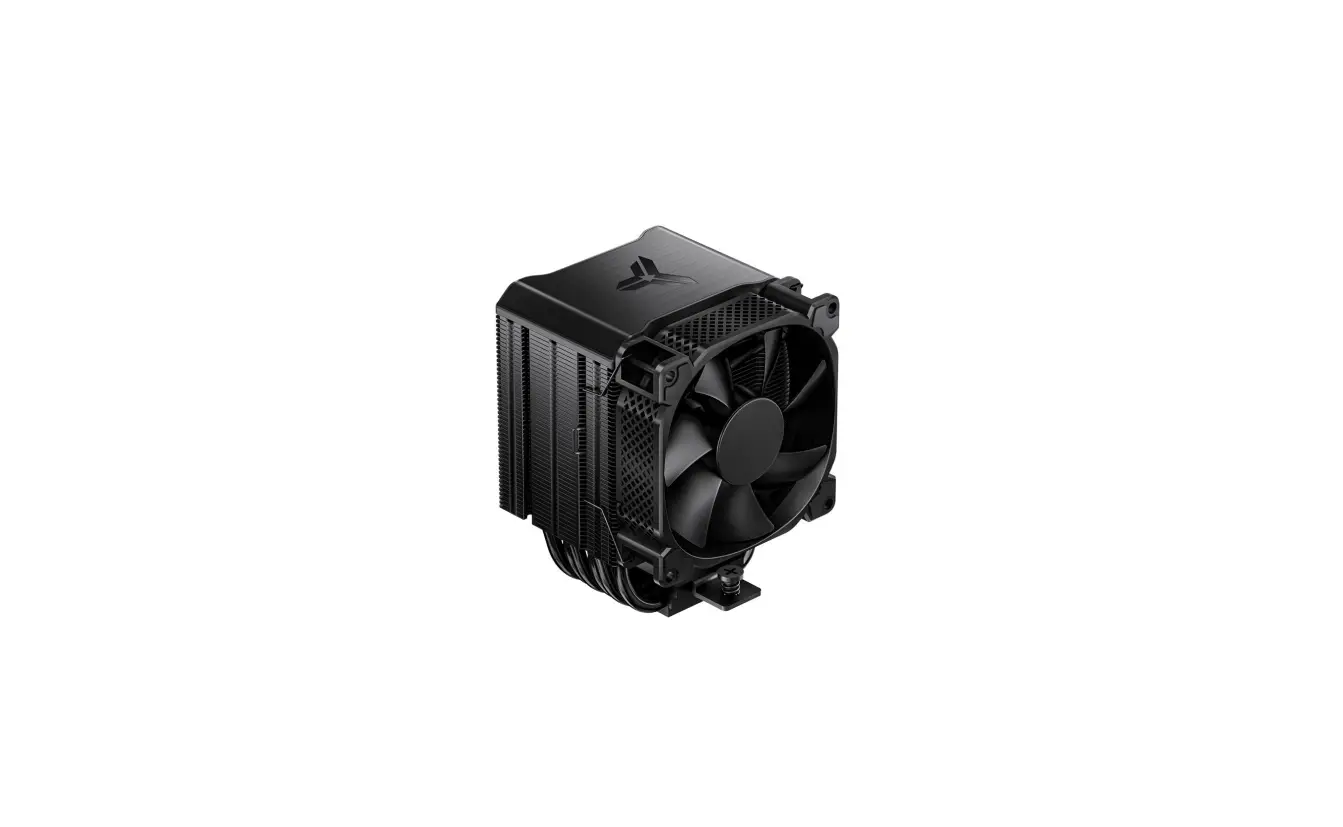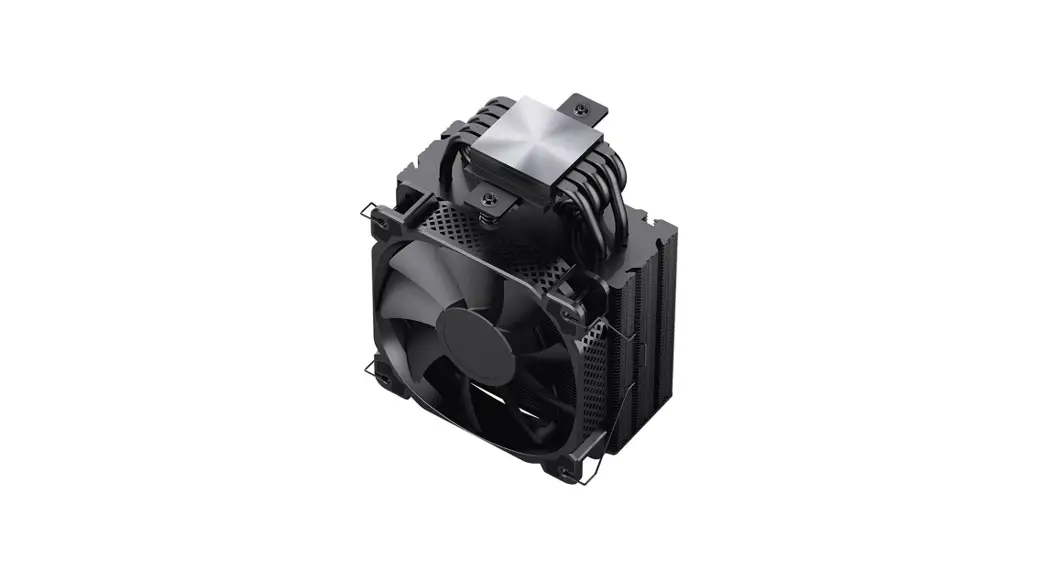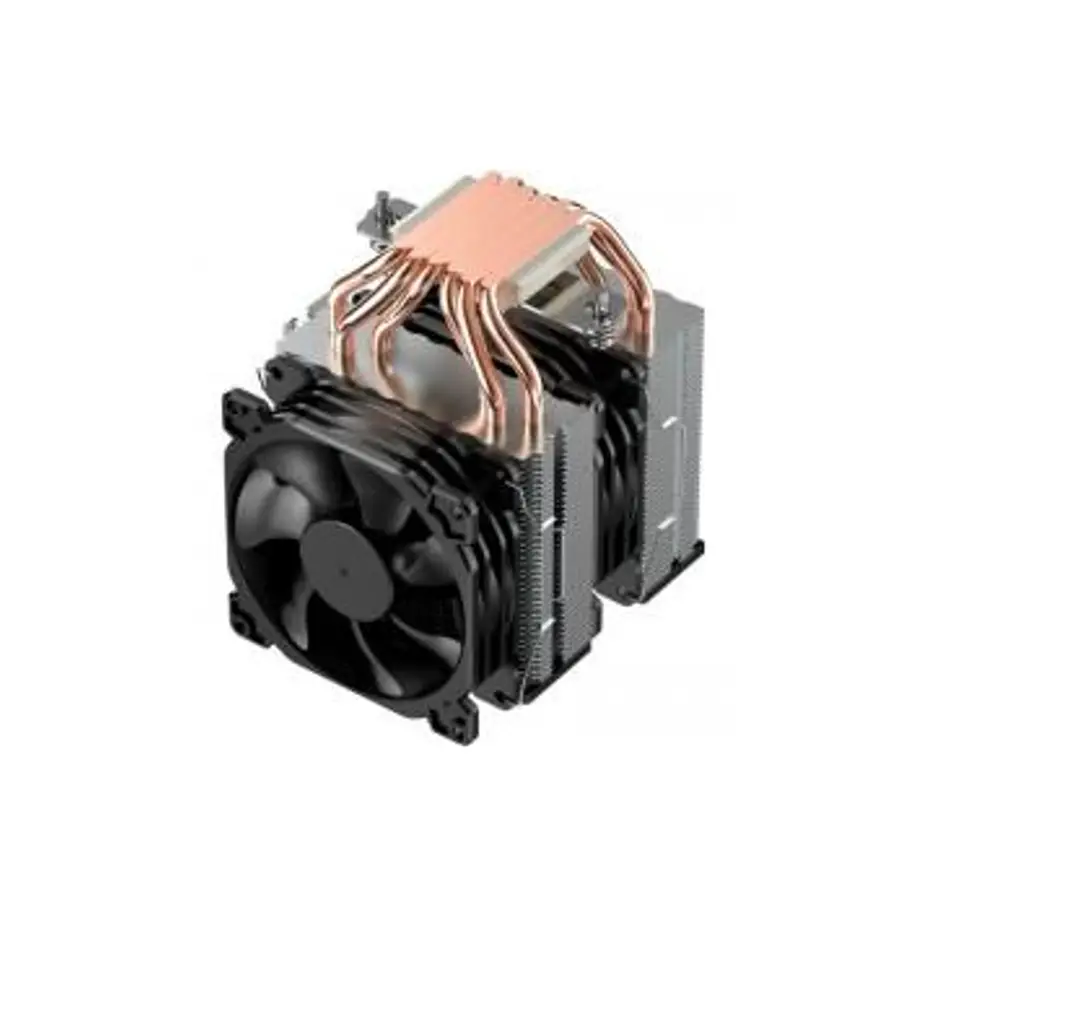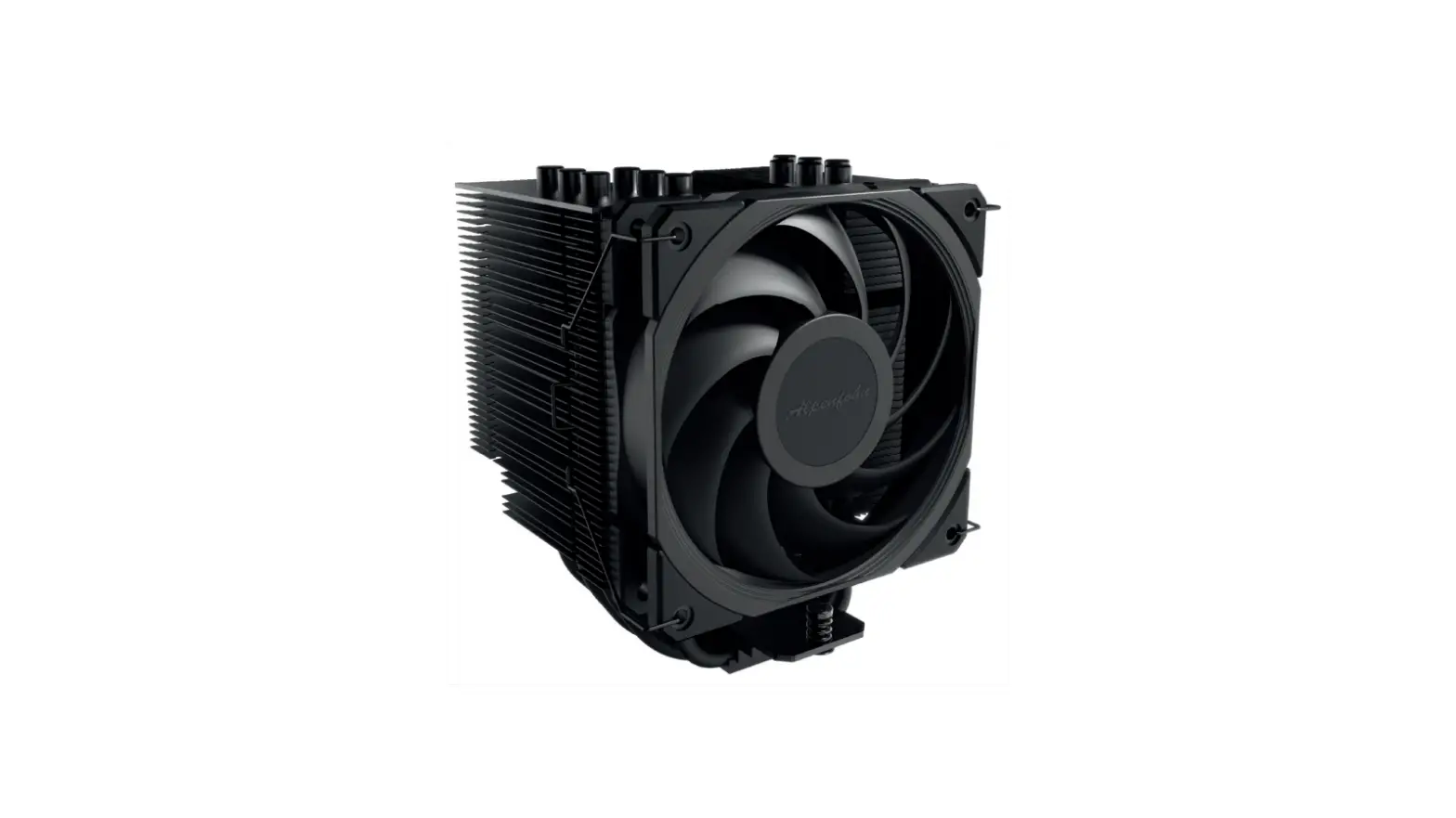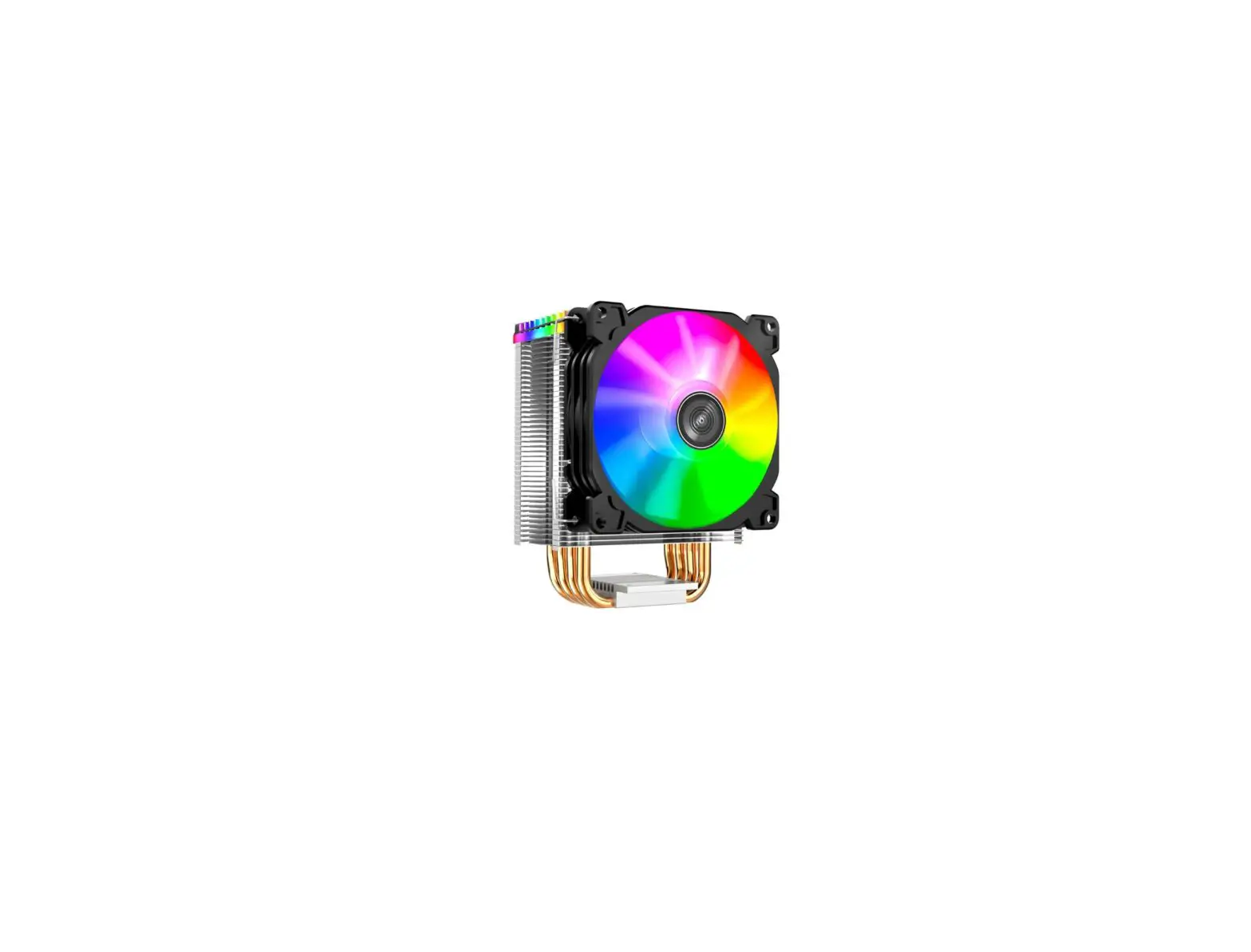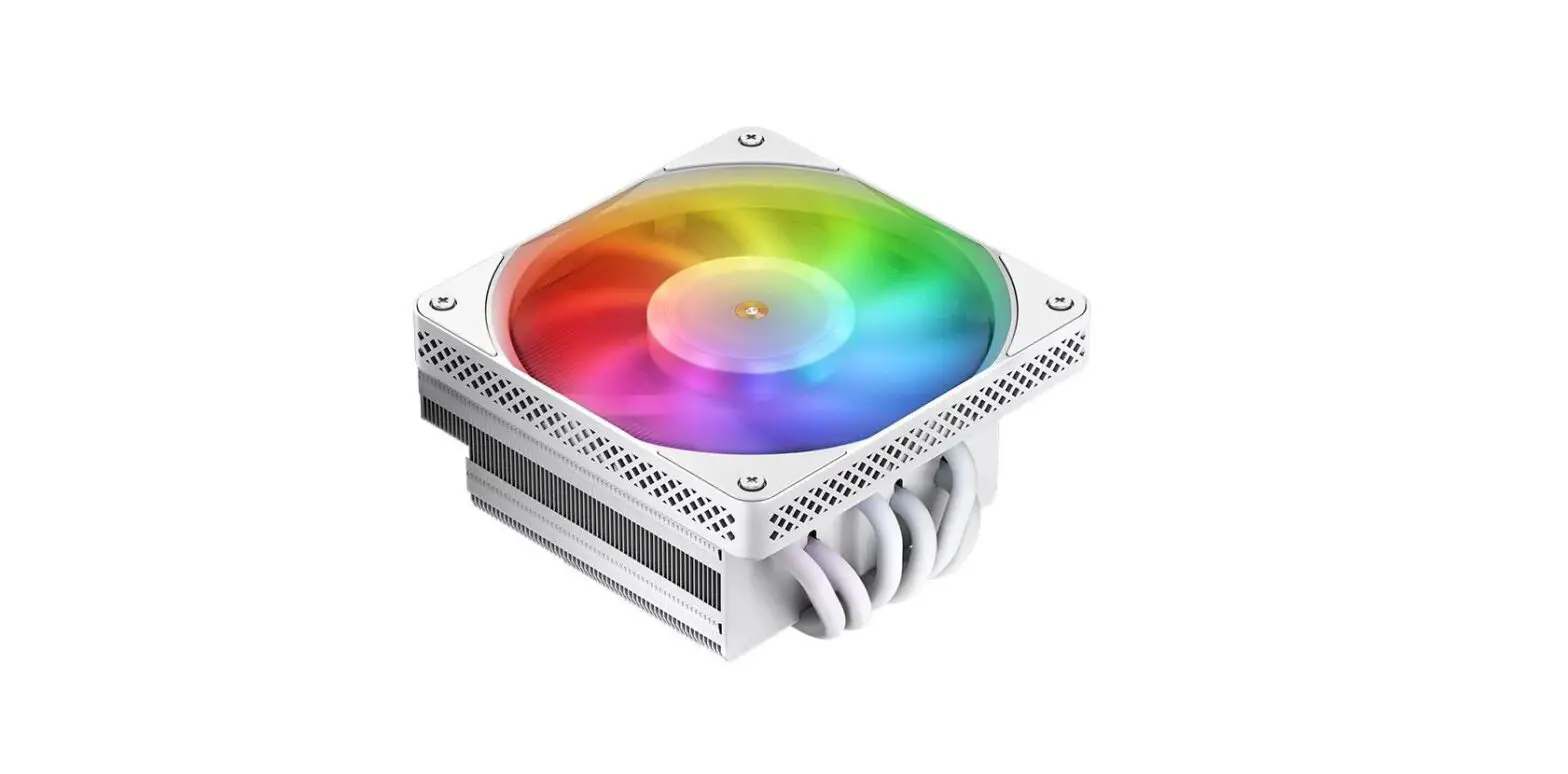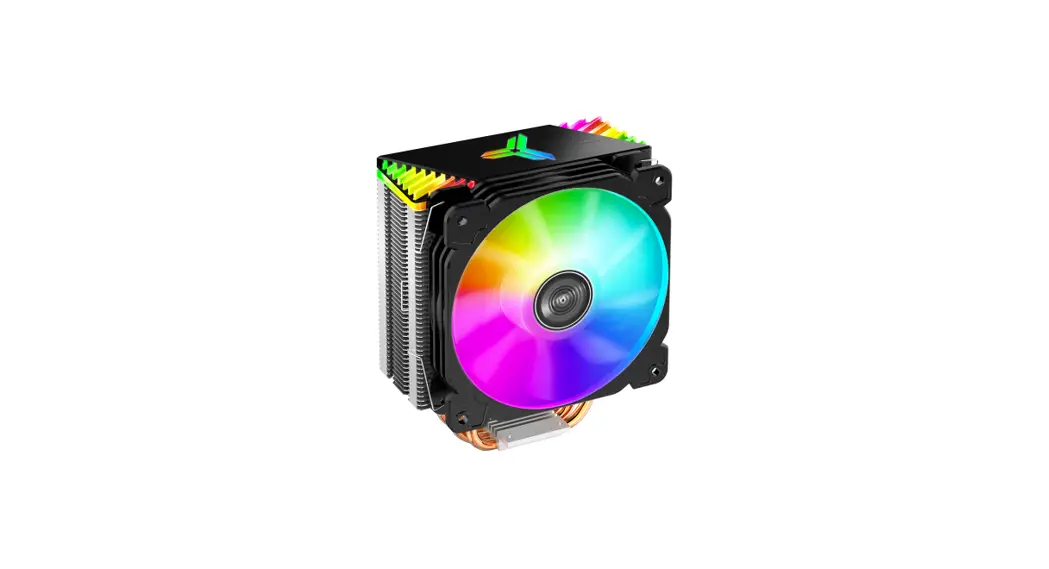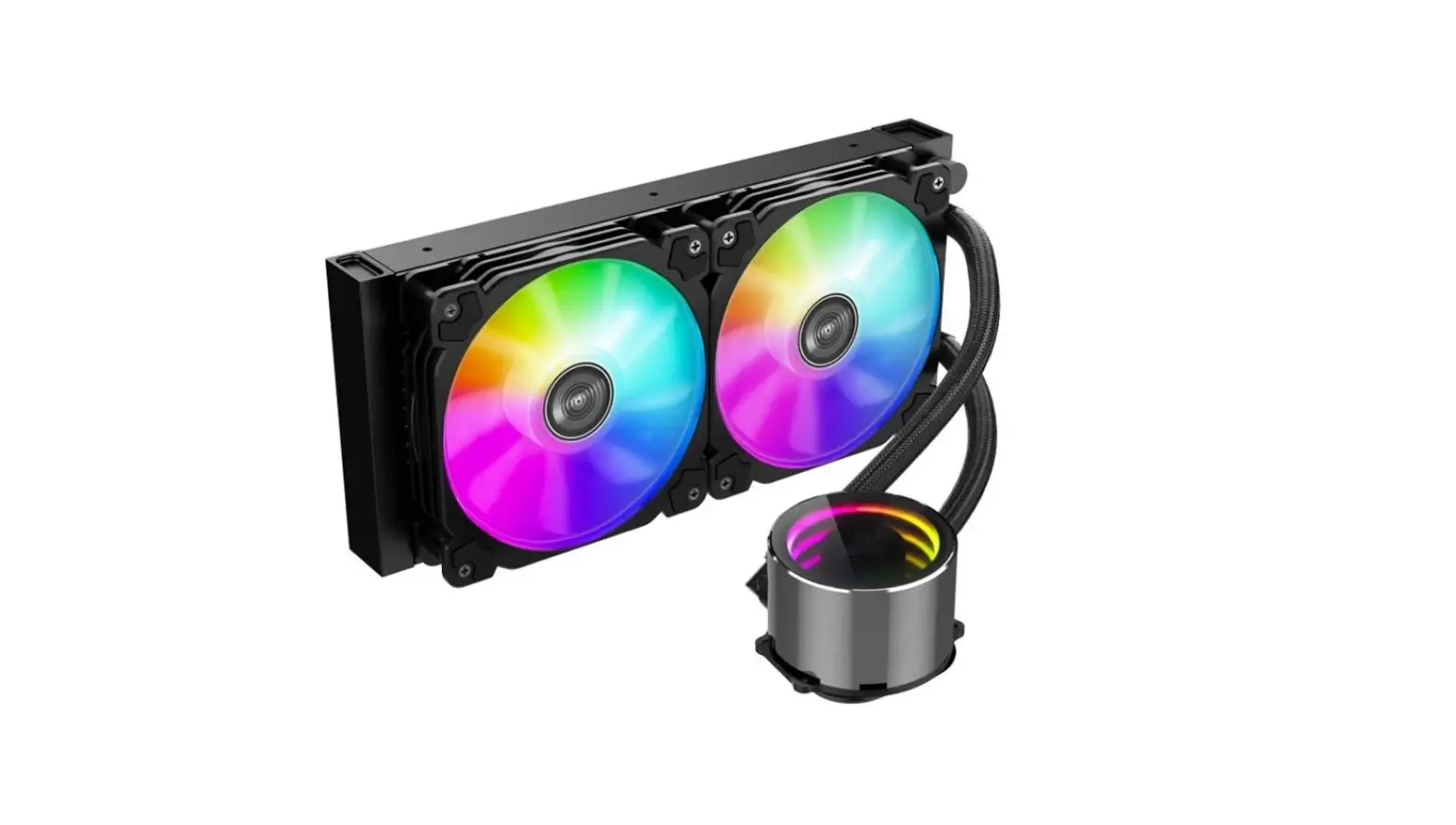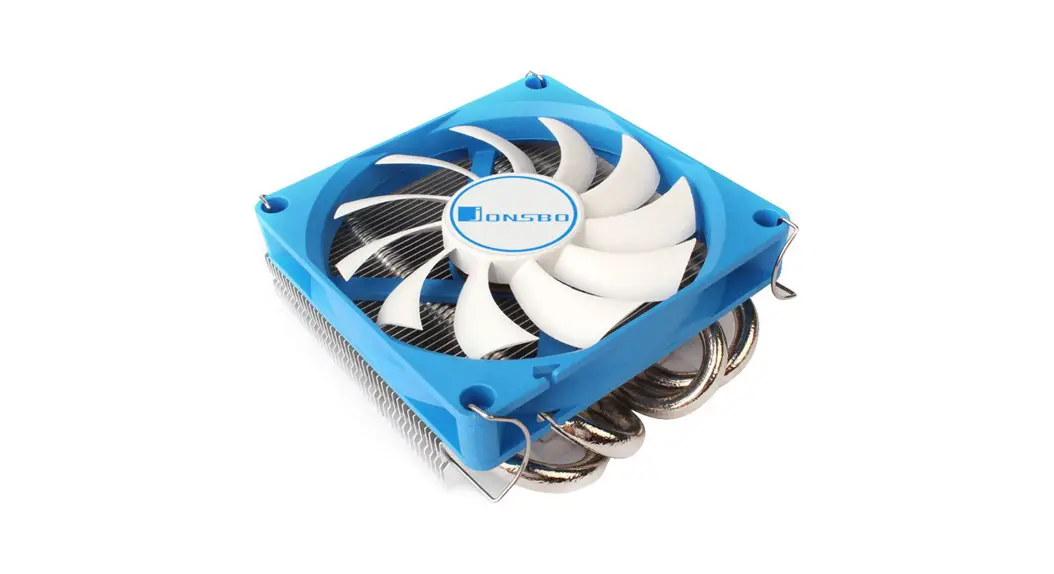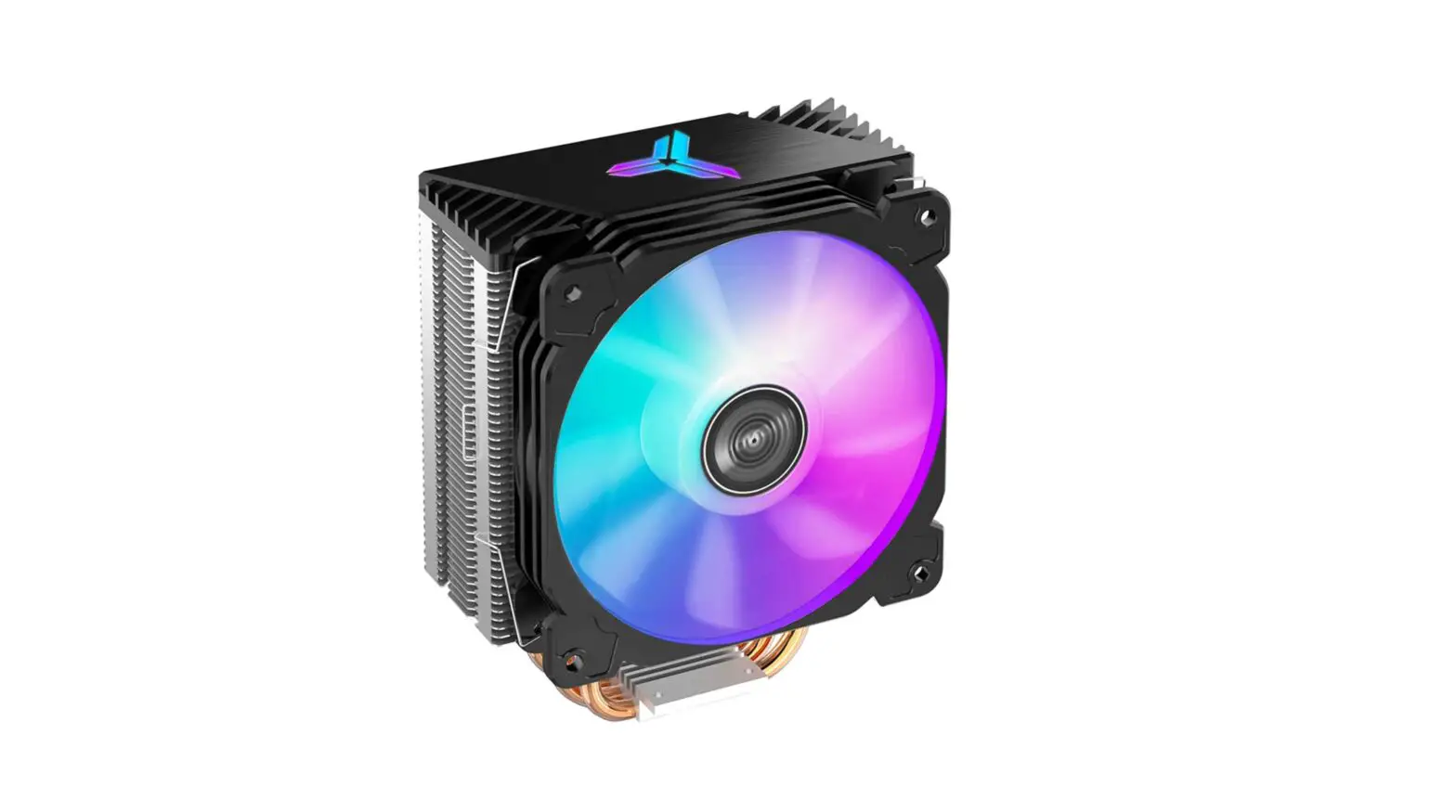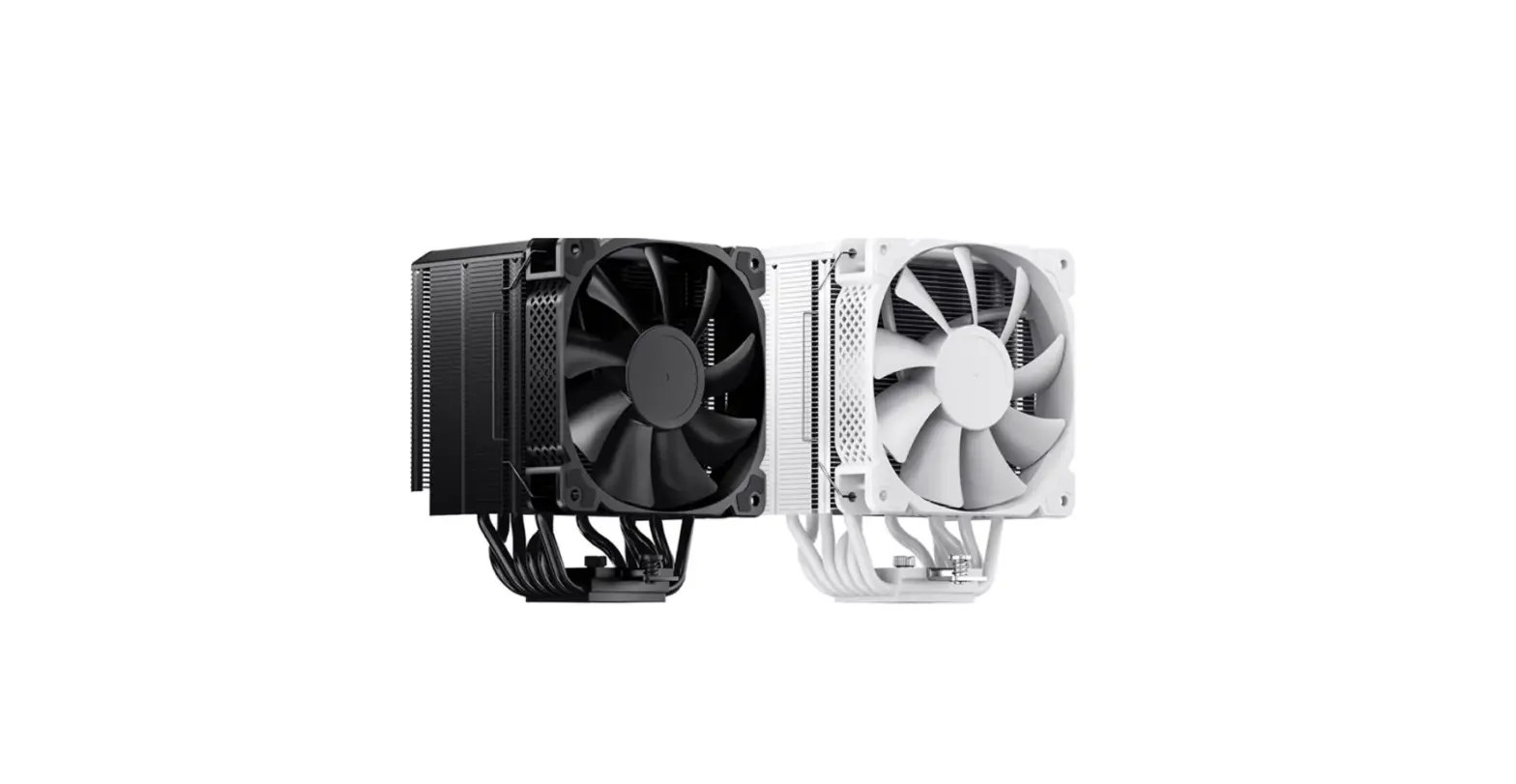

Jonsbo Hx6240 Black/white 6 Heat Pipe Cpu Cooler Instruction Manual

Jonsbo Hx6240 Black/white 6 Heat Pipe Cpu Cooler Instruction Manual

JONSBO-logo

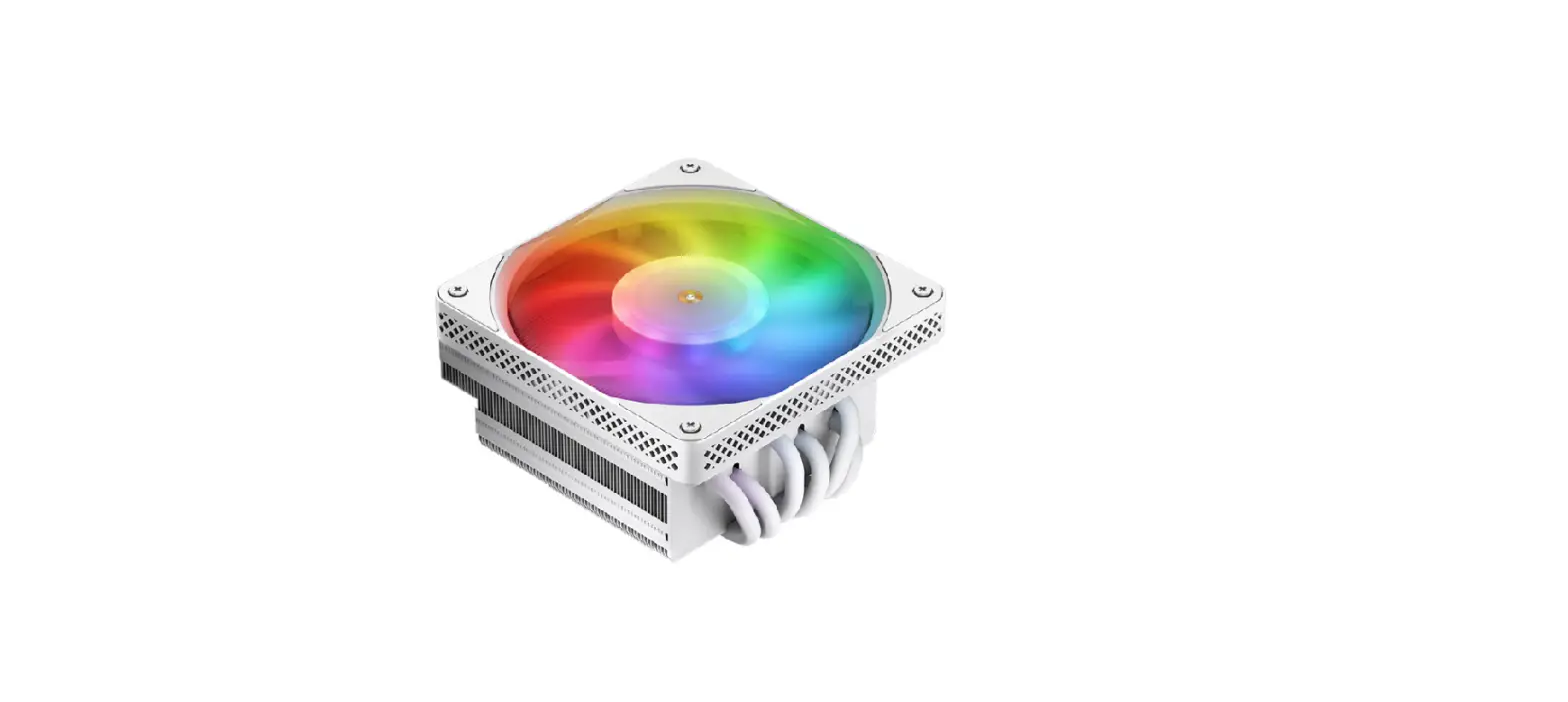
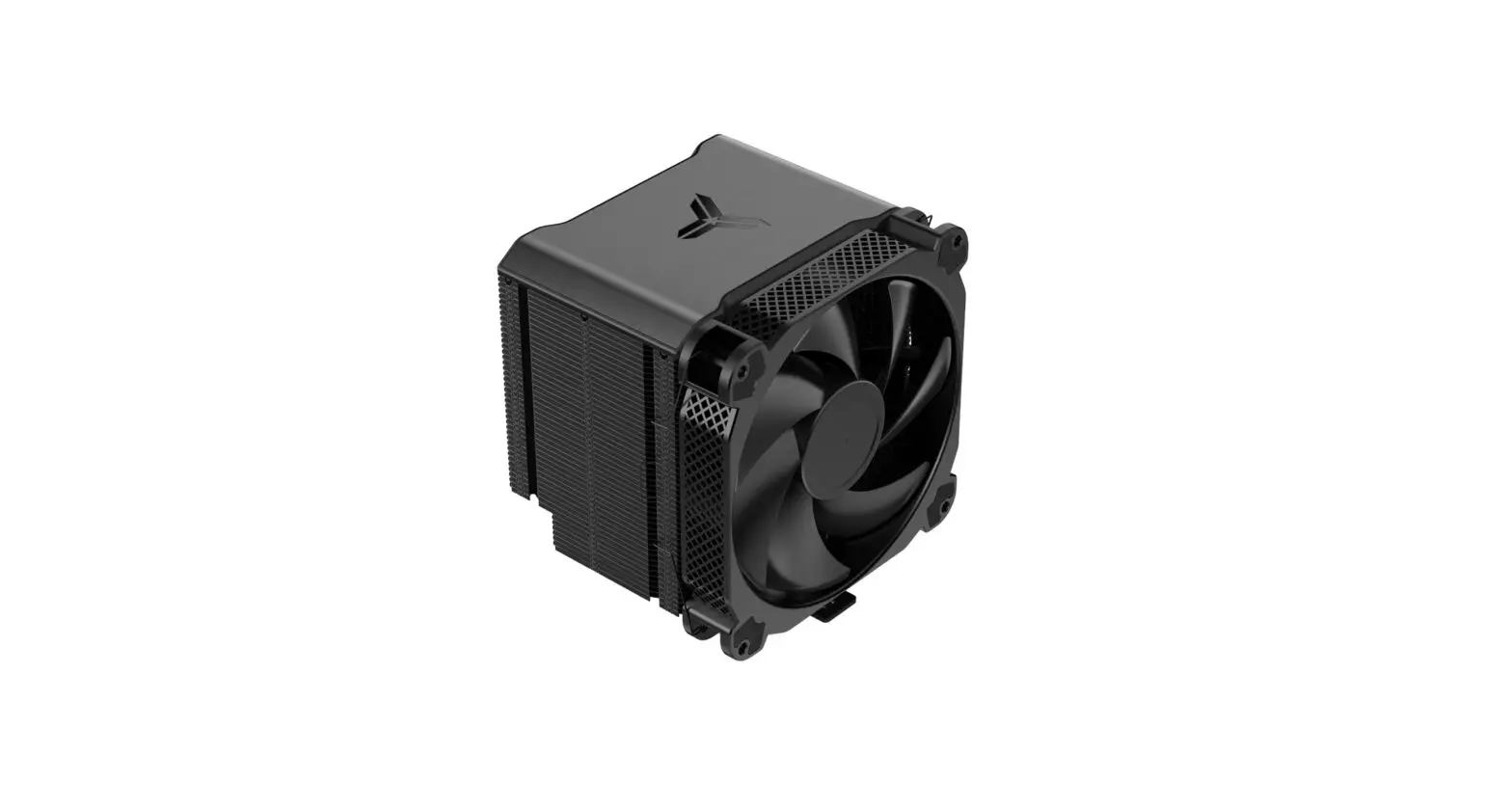
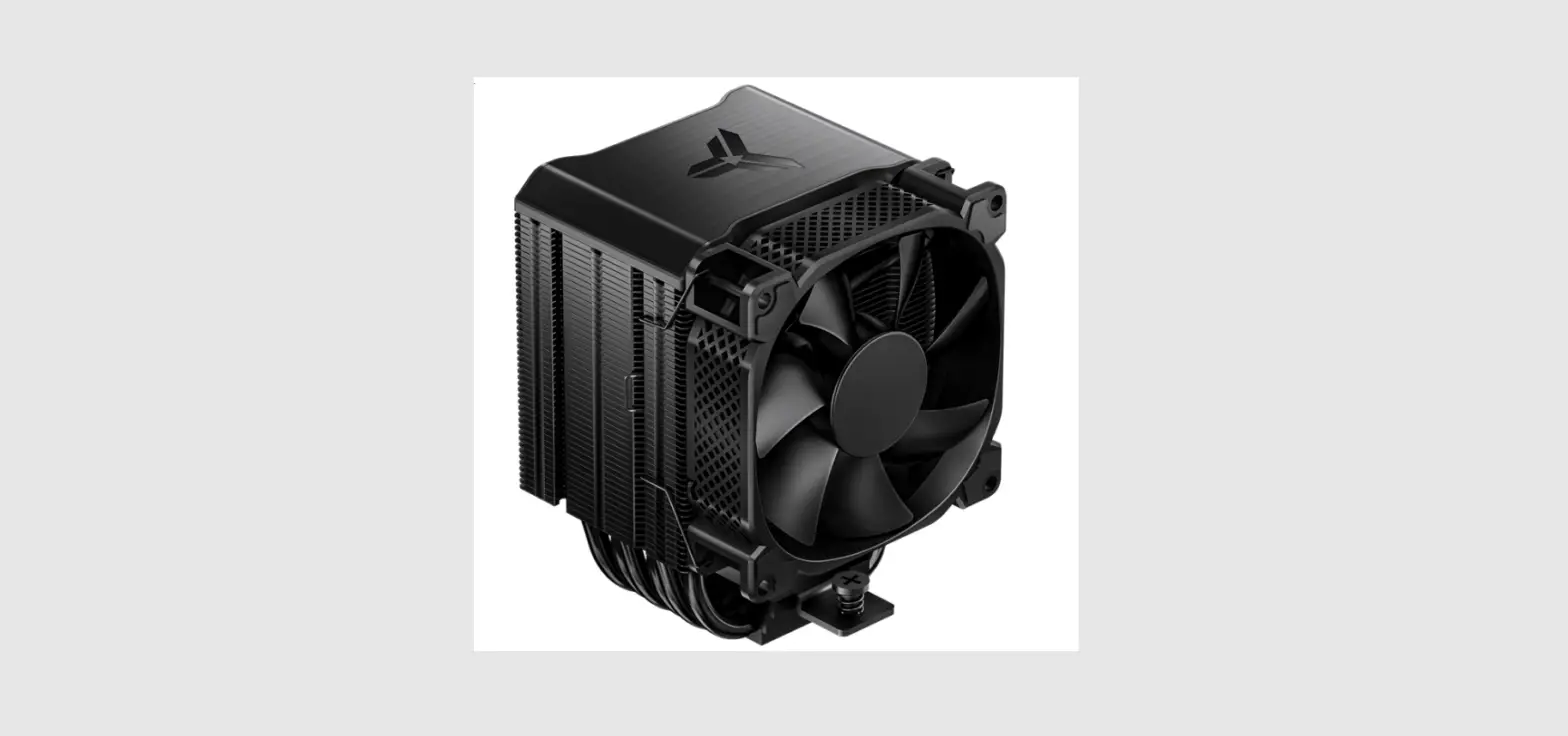
JONSBO HX6240 Black/White 6 Heat Pipe CPU Cooler
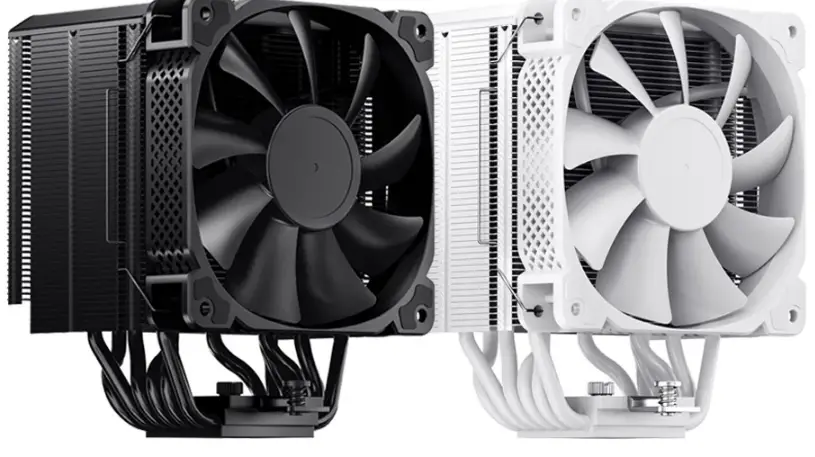
JONSBO-HX6240-Black-White-6-Heat-Pipe-CPU-Cooler-product

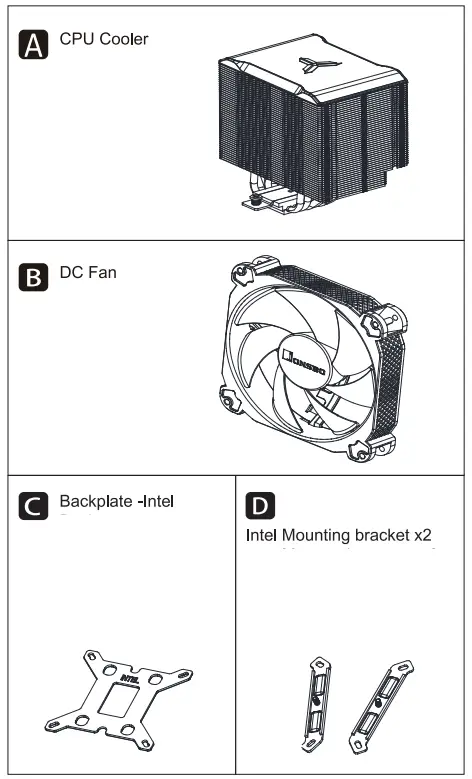
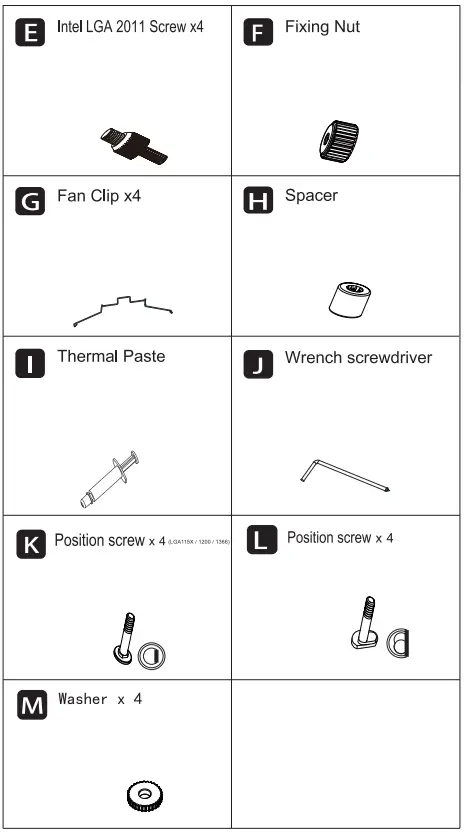
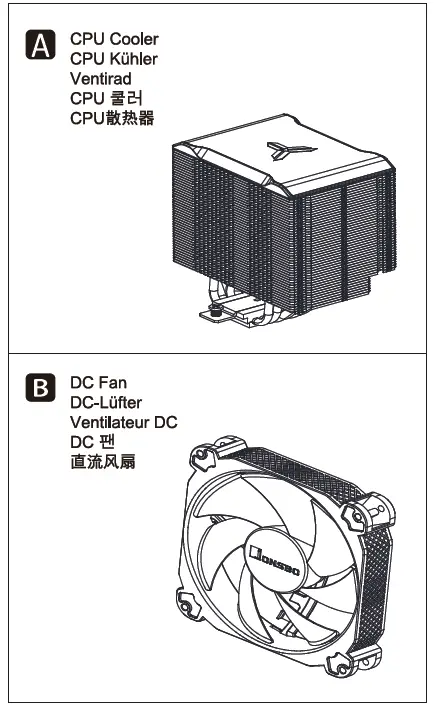
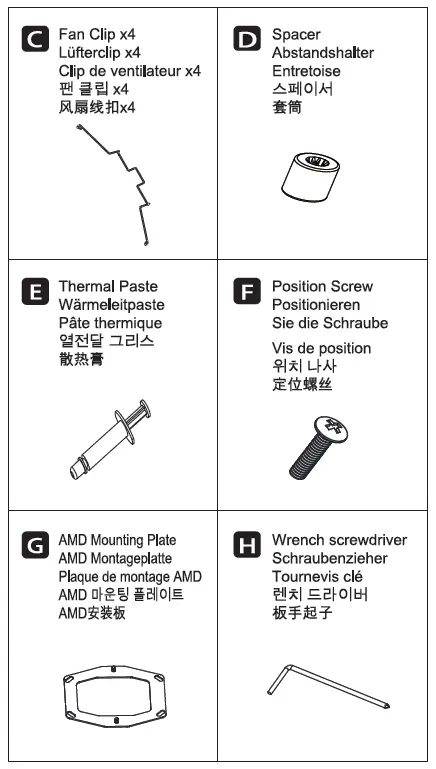
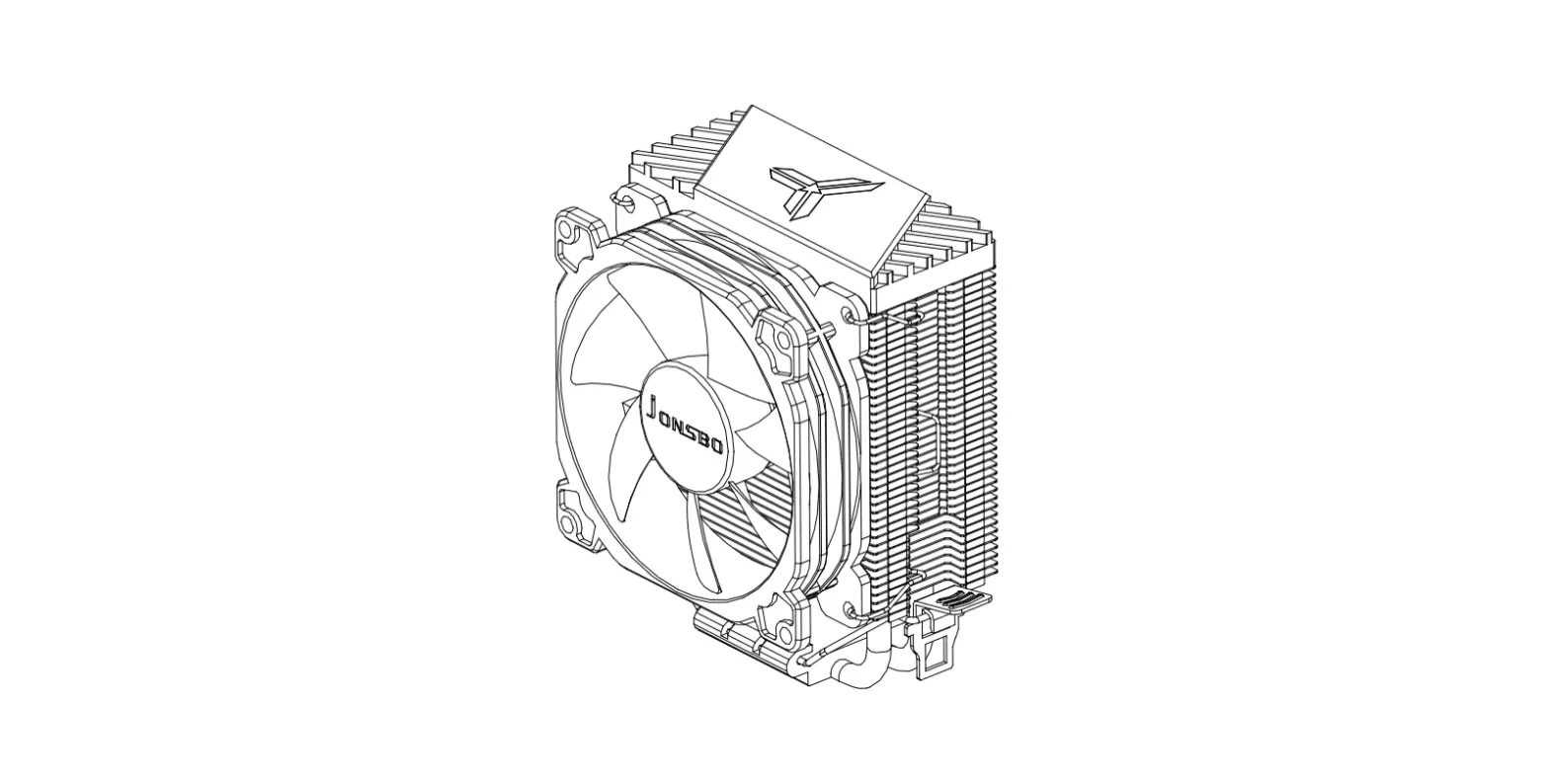
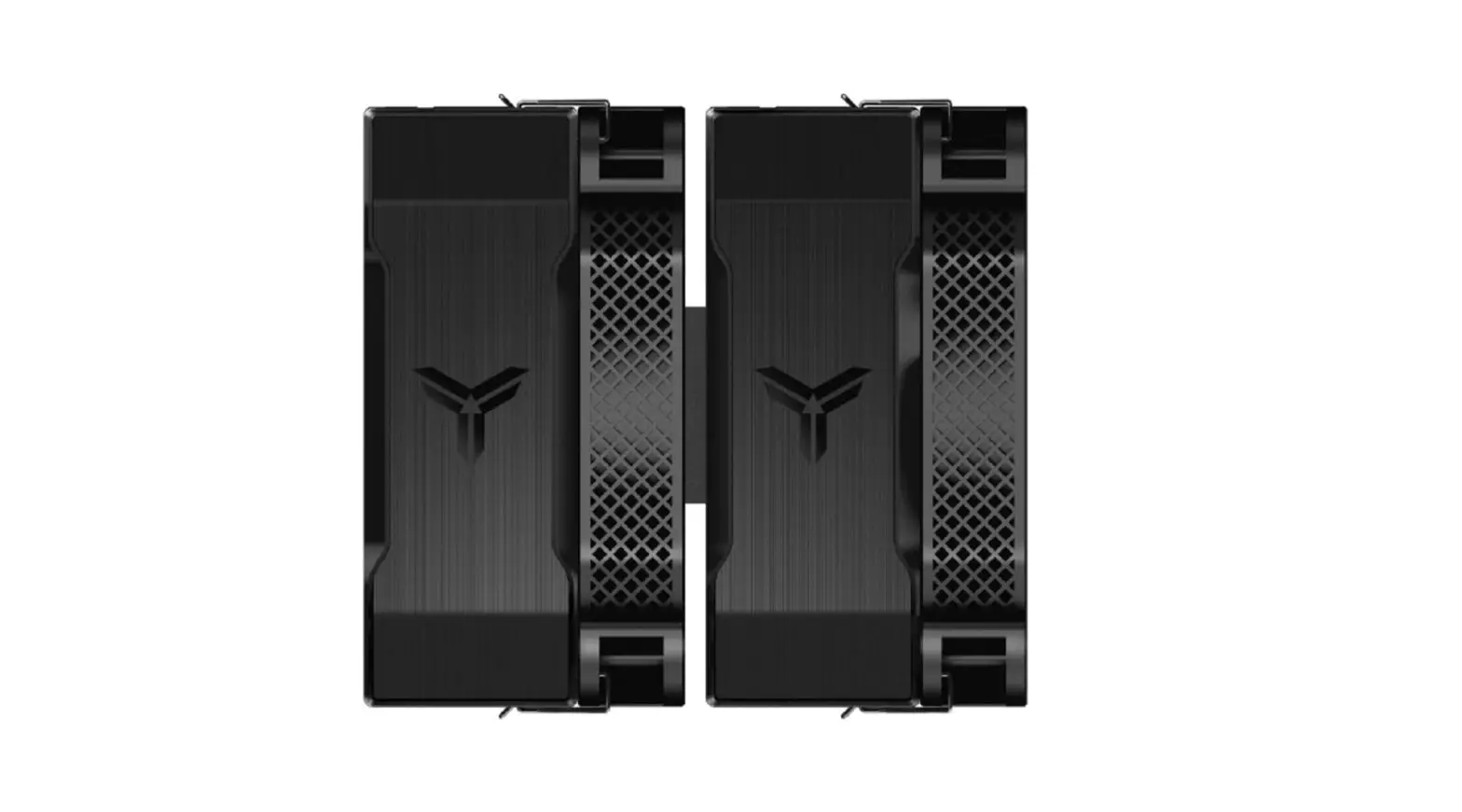
Chapter 1- Part ListJONSBO-HX6240-Black-White-6-Heat-Pipe-CPU-Cooler-fig 1JONSBO-HX6240-Black-White-6-Heat-Pipe-CPU-Cooler-fig 2

Chapter 2- Intel Installation

Stepntel LGA1366/1200/ 115X/1700JONSBO-HX6240-Black-White-6-Heat-Pipe-CPU-Cooler-fig 3
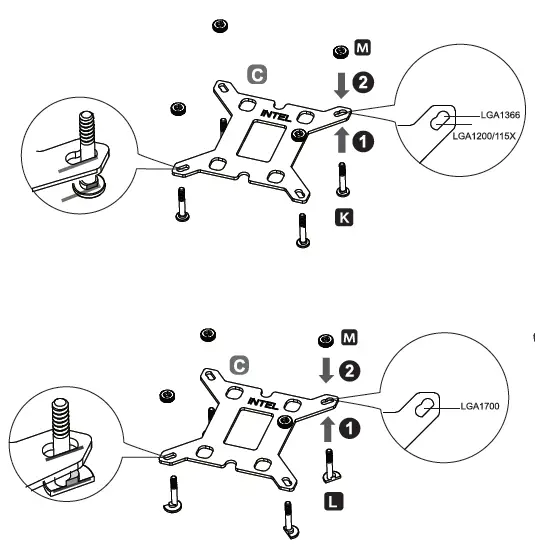
Install the backplate to the motherboard and fix it with spacers

Intel LGA1366/ 1200/115X/ 1700JONSBO-HX6240-Black-White-6-Heat-Pipe-CPU-Cooler-fig 4
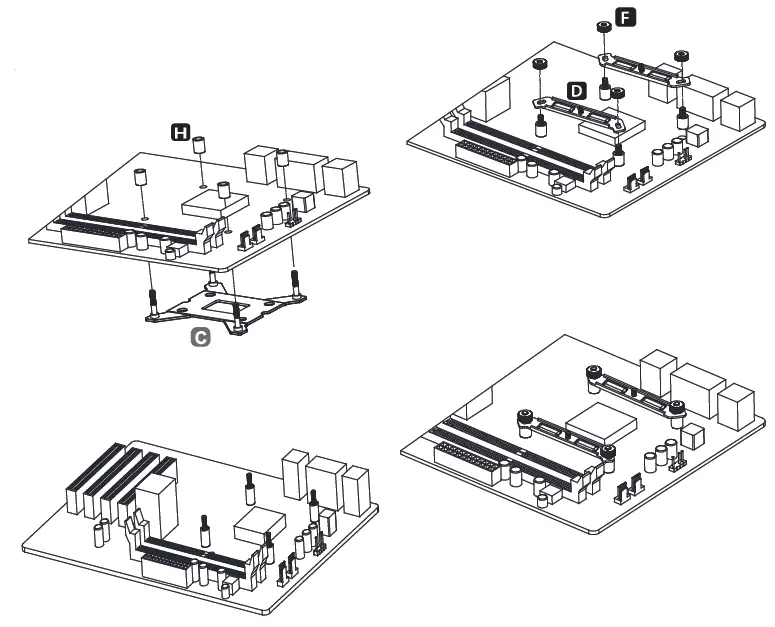
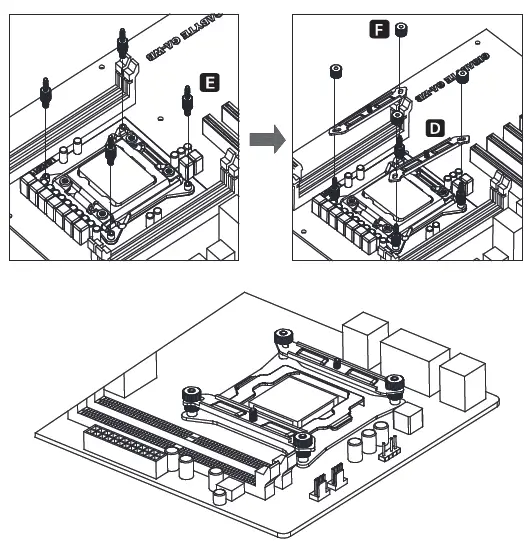
Intel LGA 2011 installationJONSBO-HX6240-Black-White-6-Heat-Pipe-CPU-Cooler-fig 5

Install the LGA2011 screws to CPU Bracket, and secure the mounting bracket with fixing nutJONSBO-HX6240-Black-White-6-Heat-Pipe-CPU-Cooler-fig 6
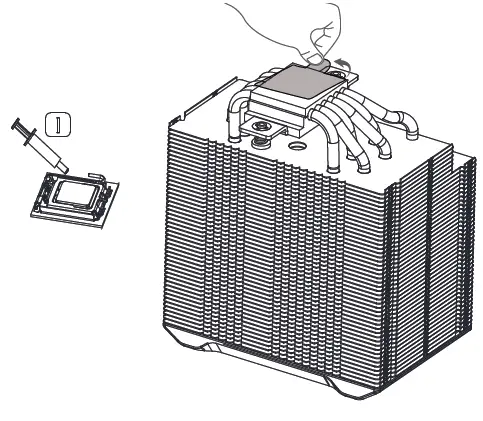
Applying the thermal paste on CPU evenly, and remove the protection film from copper baseJONSBO-HX6240-Black-White-6-Heat-Pipe-CPU-Cooler-fig 7
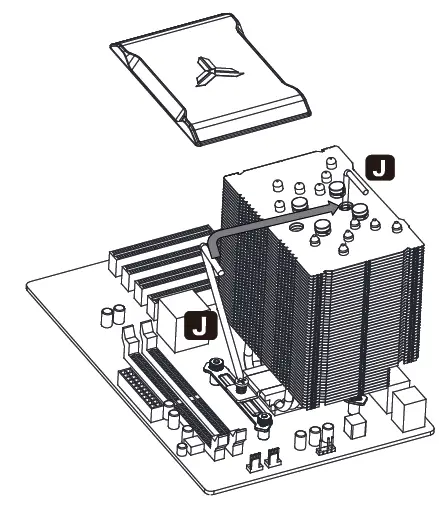
Place the cooler on the CPU, remove the magnetic top cover, and secure the base screw to the mounting bracketJONSBO-HX6240-Black-White-6-Heat-Pipe-CPU-Cooler-fig 7
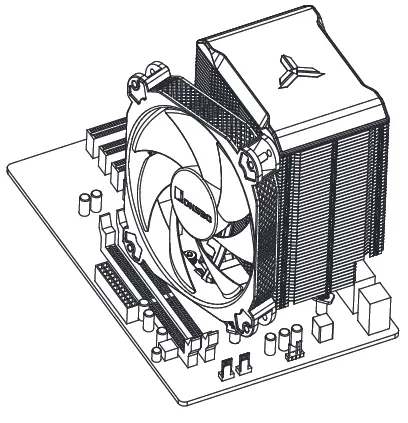
Insert the top cover back on coaler, secure the fan with fan clipsJONSBO-HX6240-Black-White-6-Heat-Pipe-CPU-Cooler-fig 9
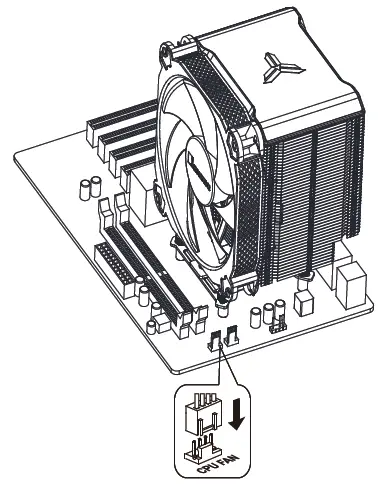
Connect fan cables to CPU_FAN socket

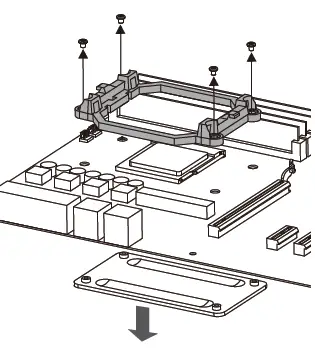
AMD InstallationJONSBO-HX6240-Black-White-6-Heat-Pipe-CPU-Cooler-fig 110JONSBO-HX6240-Black-White-6-Heat-Pipe-CPU-Cooler-fig 11JONSBO-HX6240-Black-White-6-Heat-Pipe-CPU-Cooler-fig 12

Remove the plastic retainer of the AMD retention module, place the existing backplate back to MBJONSBO-HX6240-Black-White-6-Heat-Pipe-CPU-Cooler-fig 13
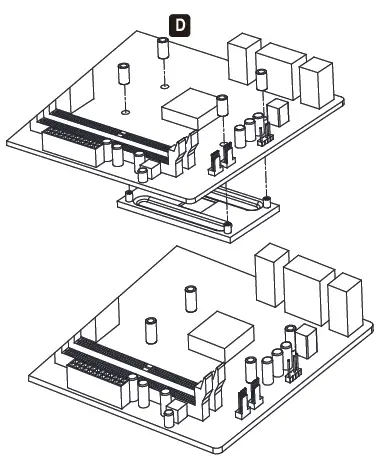
Install the spacer to secure the AMD backplateJONaBO-HX6240-Black-White-6-Heat-Pipe-CPU-Cooler-fig 14
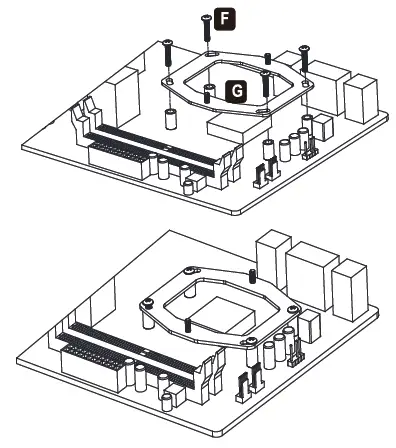
Install the AMD mounting plate and secure with position screwJONSBO-HX6240-Black-White-6-Heat-Pipe-CPU-Cooler-fig 15
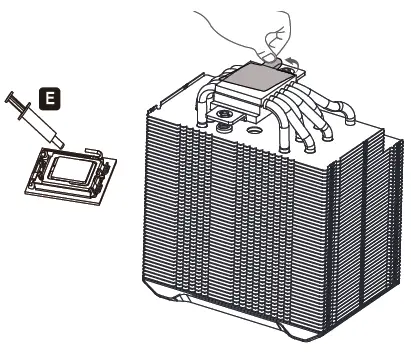
Applying the thermal paste on CPU evenly, and remove the protection film from copper baseJONSBO-HX6240-Black-White-6-Heat-Pipe-CPU-Cooler-fig 16
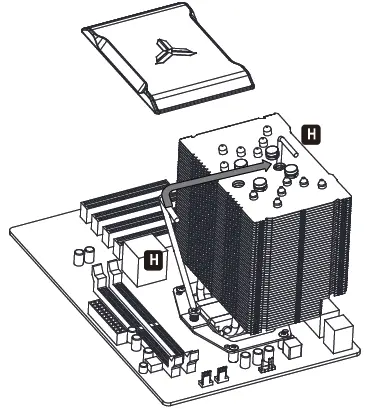
Place the cooler on the CPU, remove the magnetic top cover and secure the base screw to the mounting bracket.JONSBO-HX6240-Black-White-6-Heat-Pipe-CPU-Cooler-fig 17
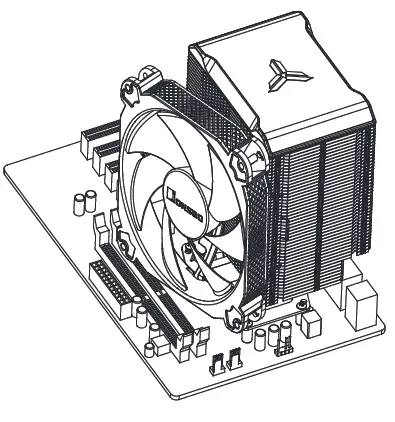
Insert the top cover back on cooler, secure the fan with fan clipsJONSBO-HX6240-Black-White-6-Heat-Pipe-CPU-Cooler-fig 18
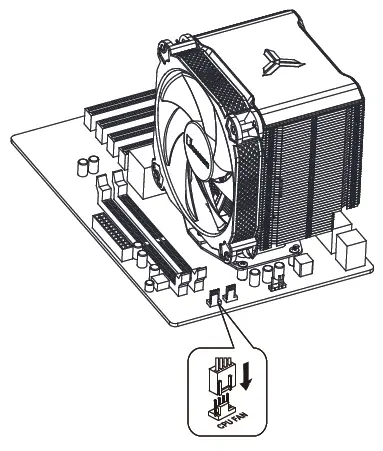
Connect fan cables to CPU_FAN socket
Documents / Resouces

Download manual
Here you can download full pdf version of manual, it may contain additional safety instructions, warranty information, FCC rules, etc.


Related Manuals