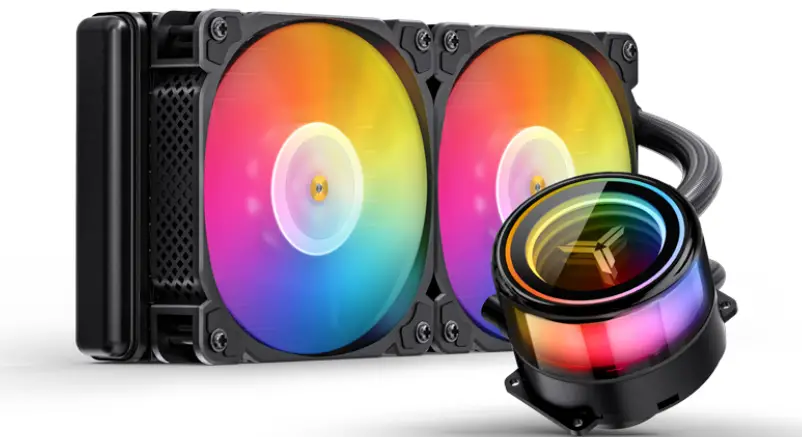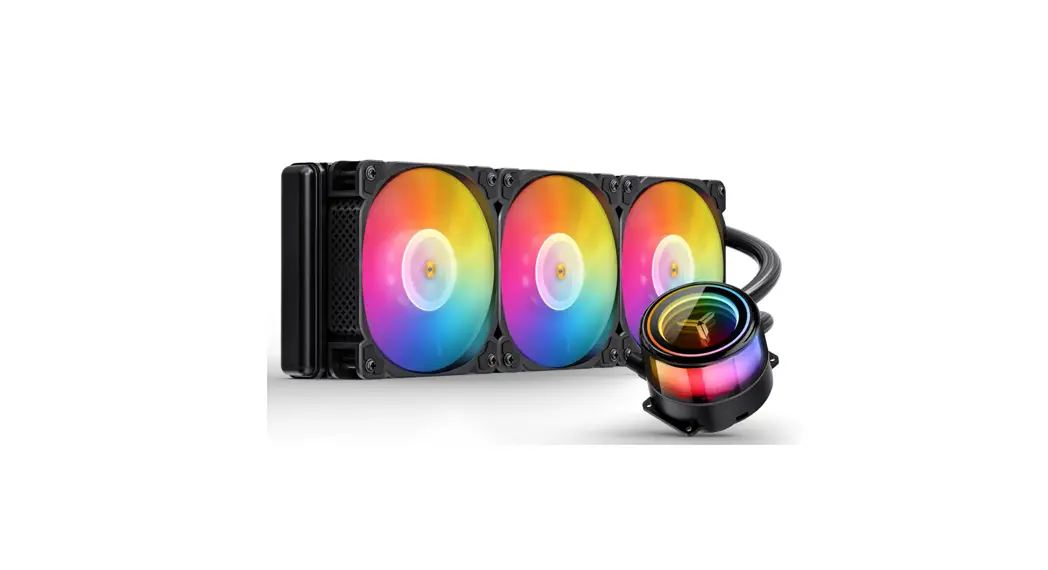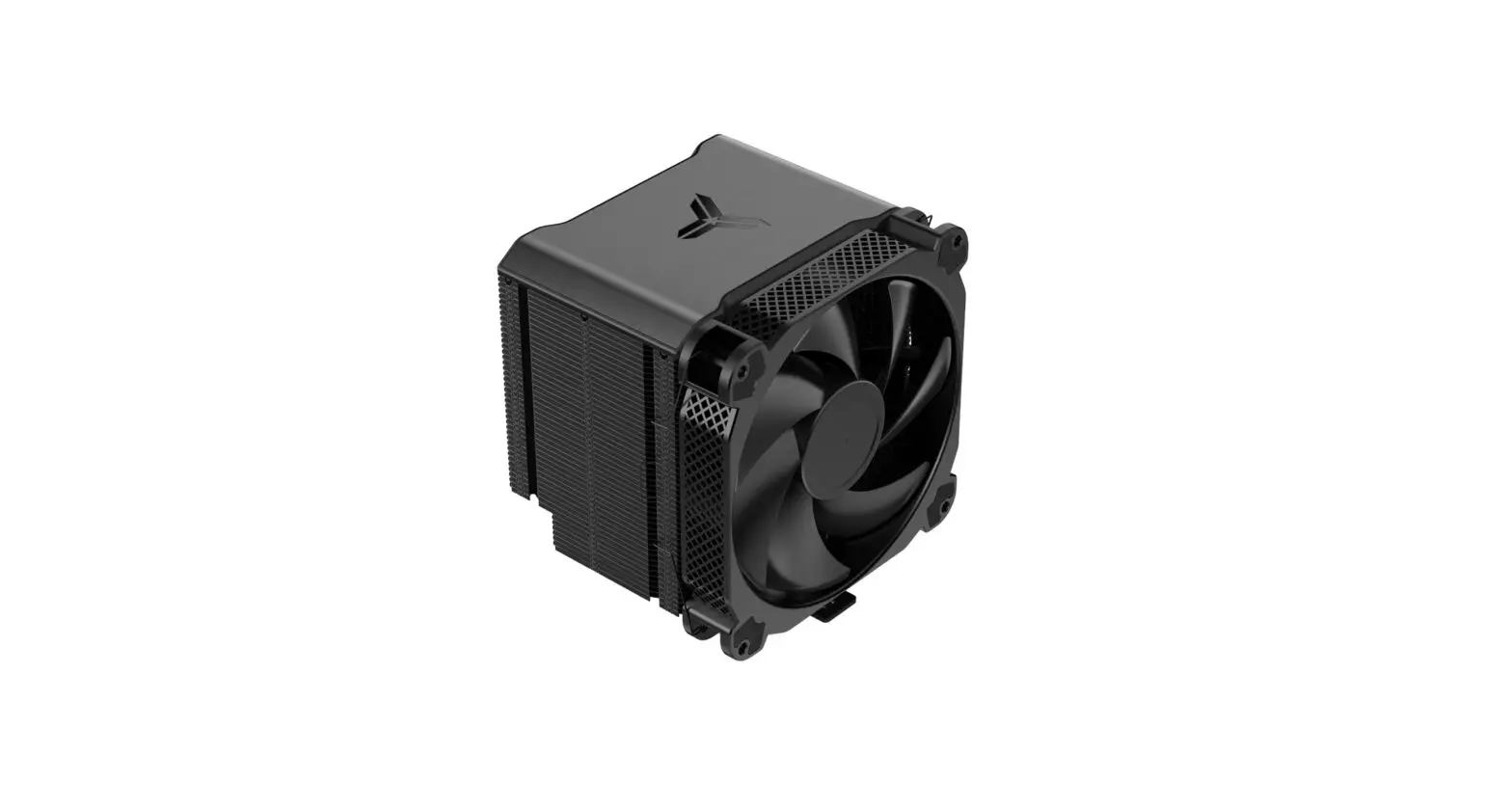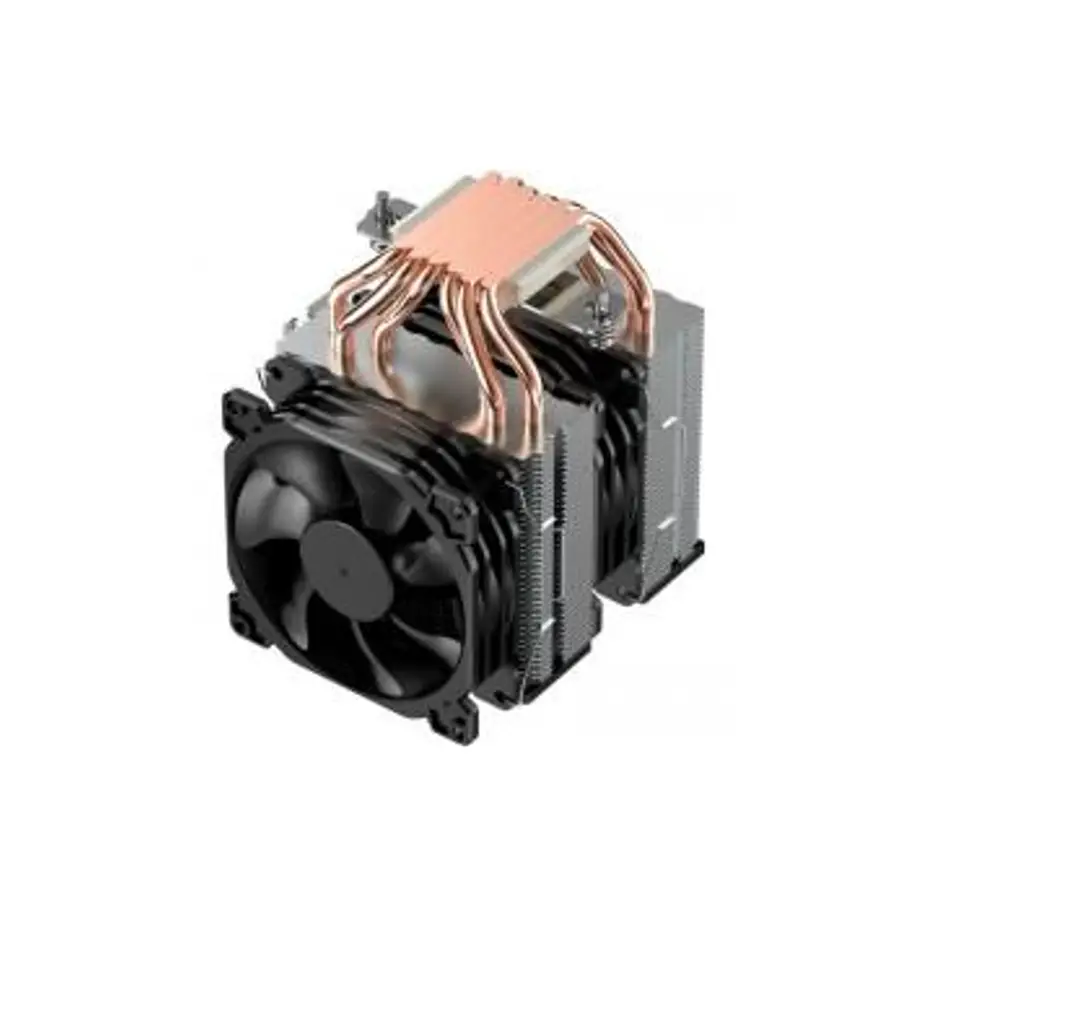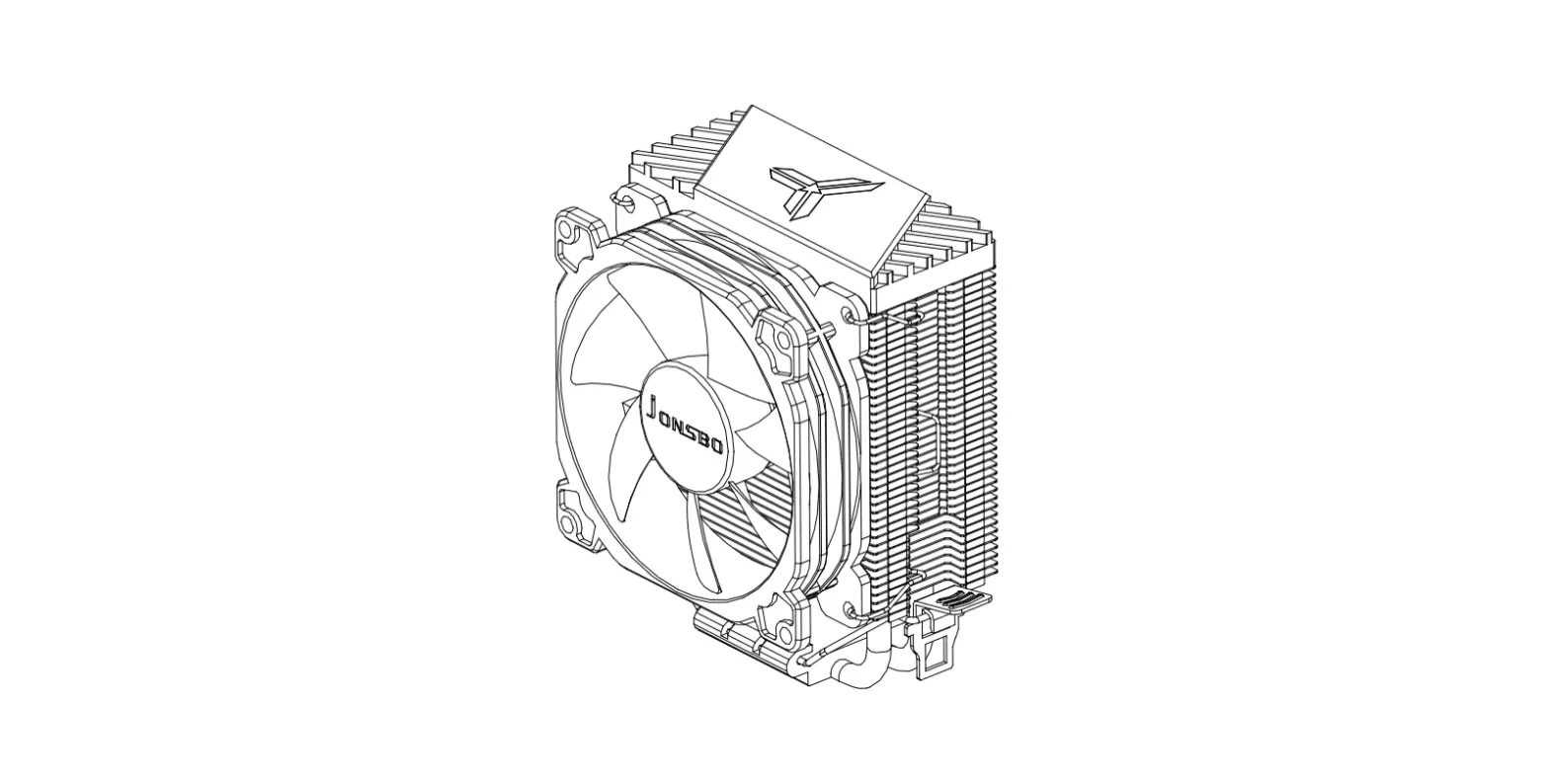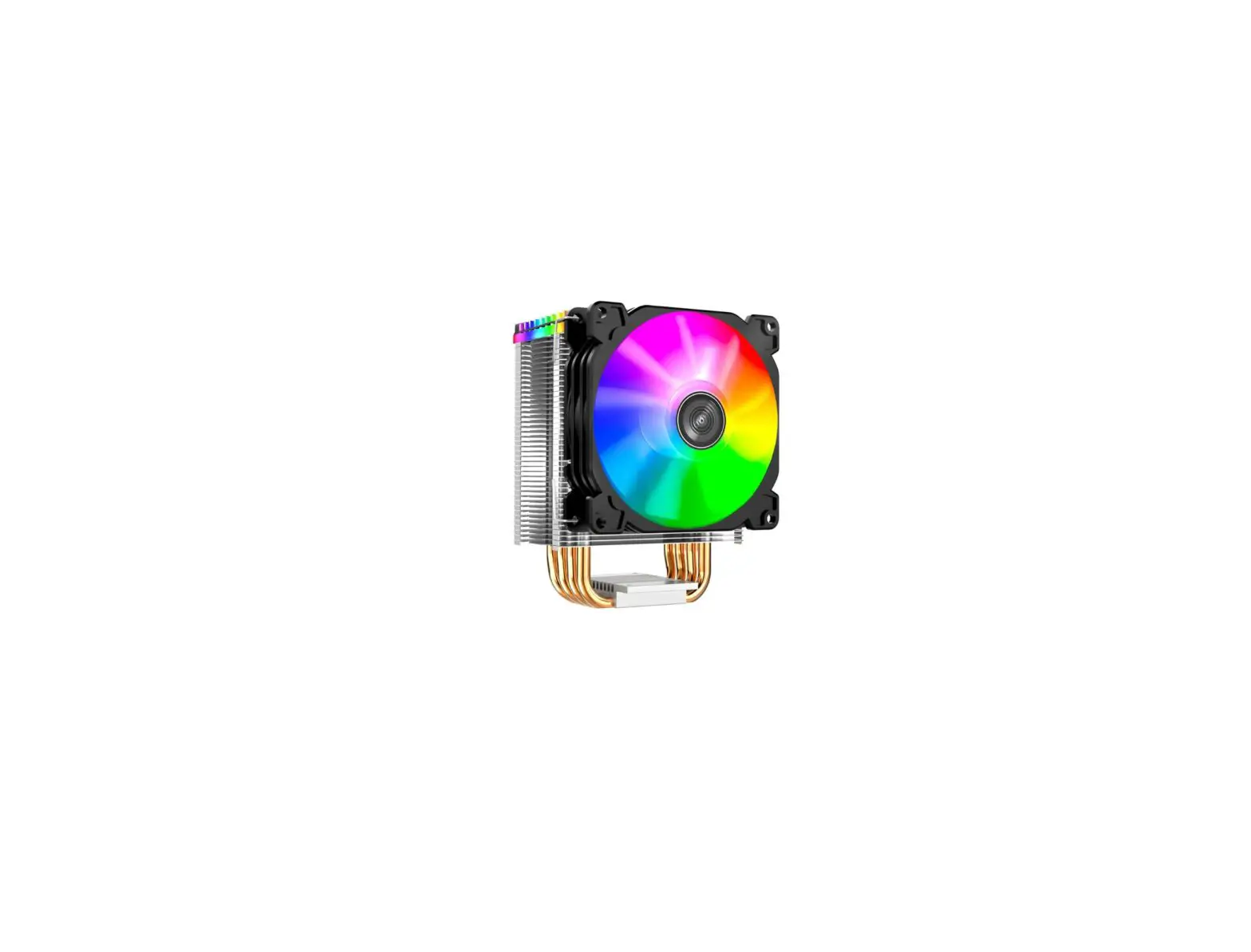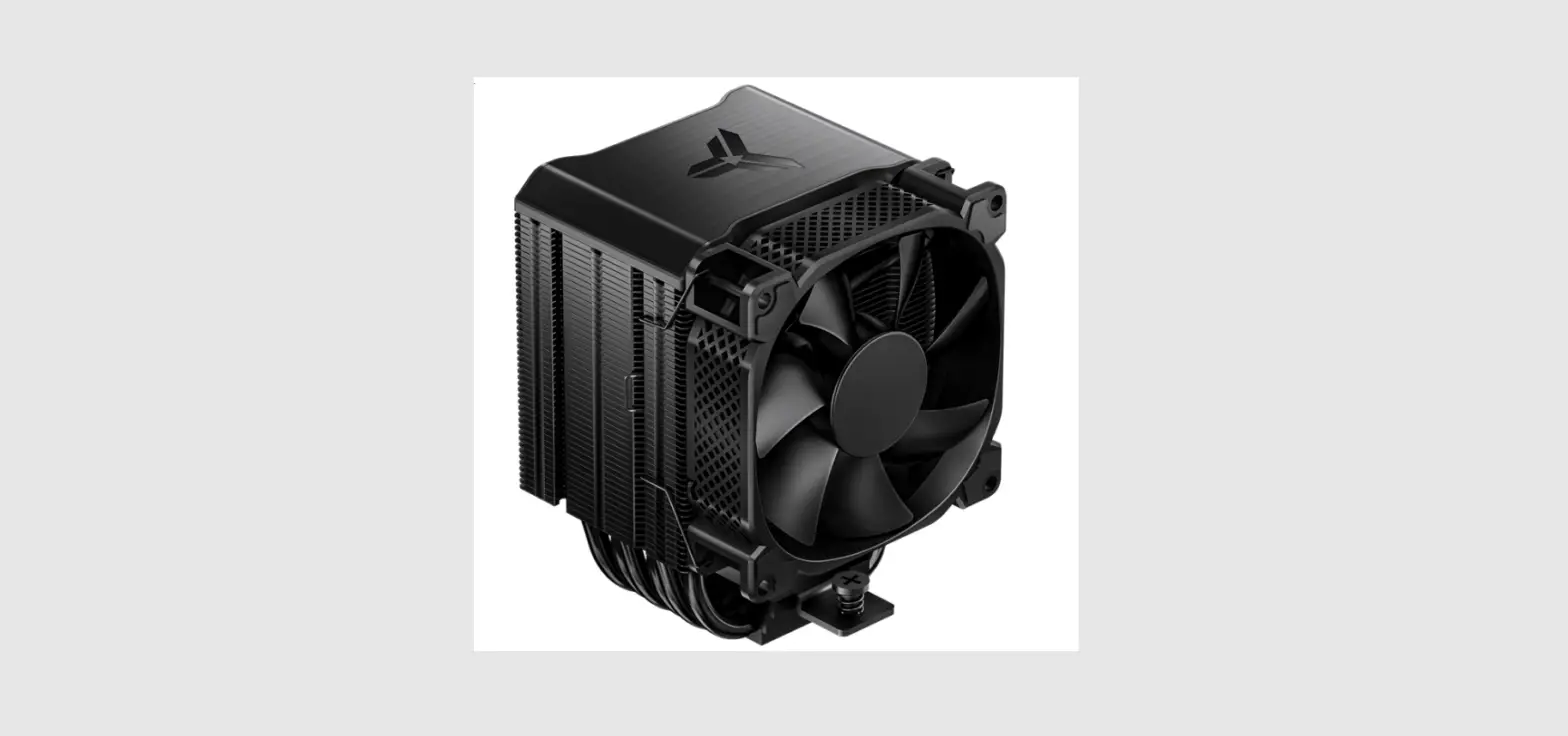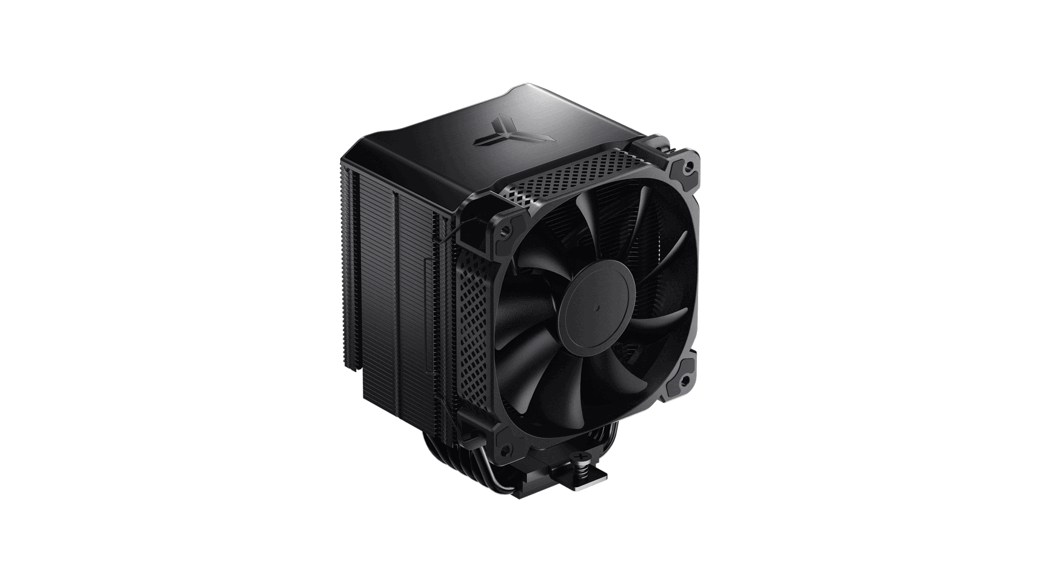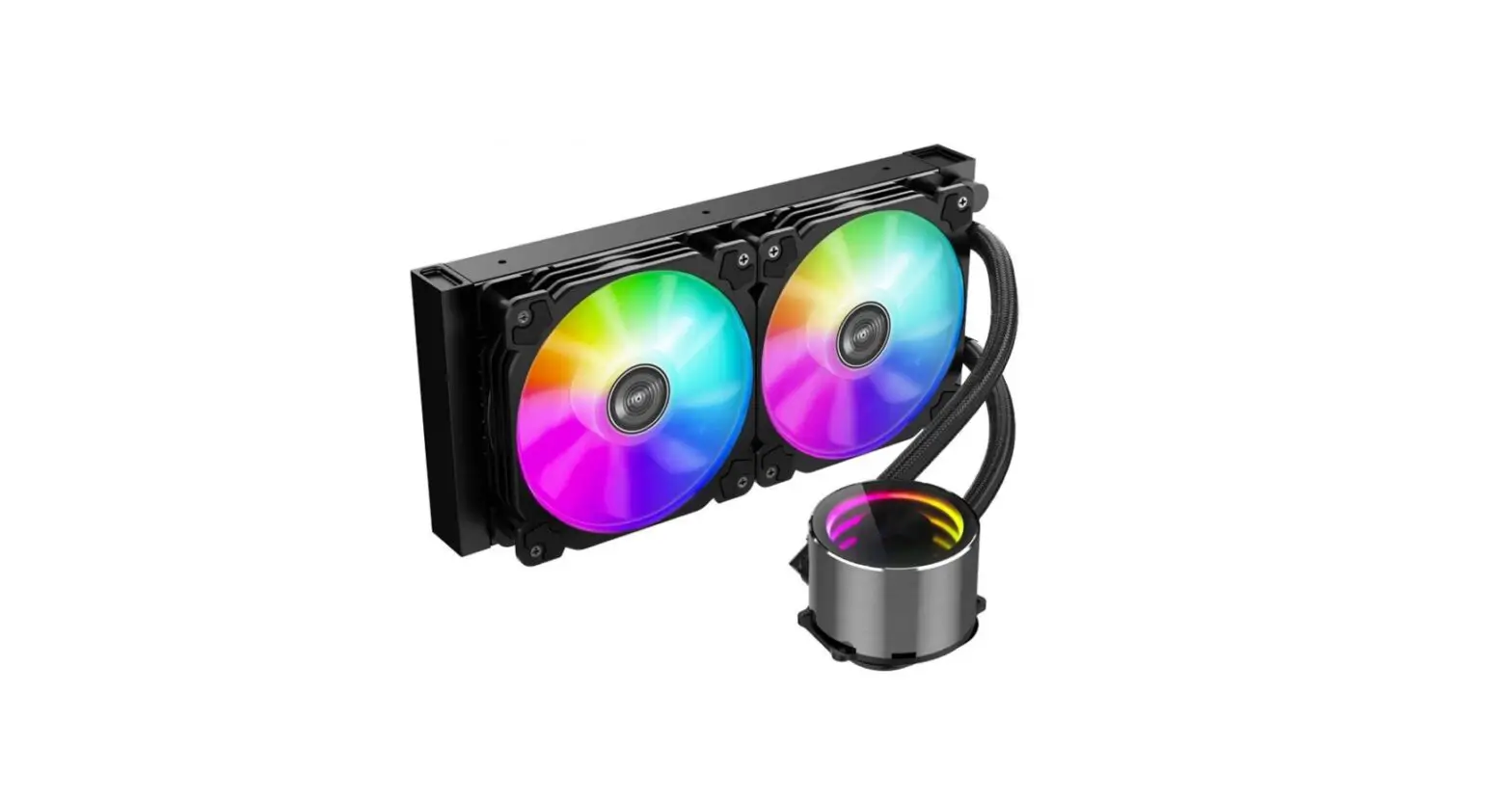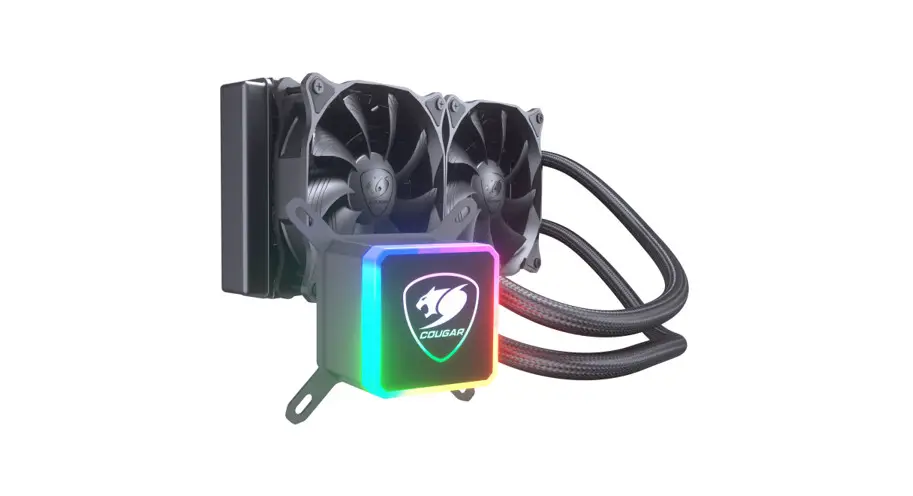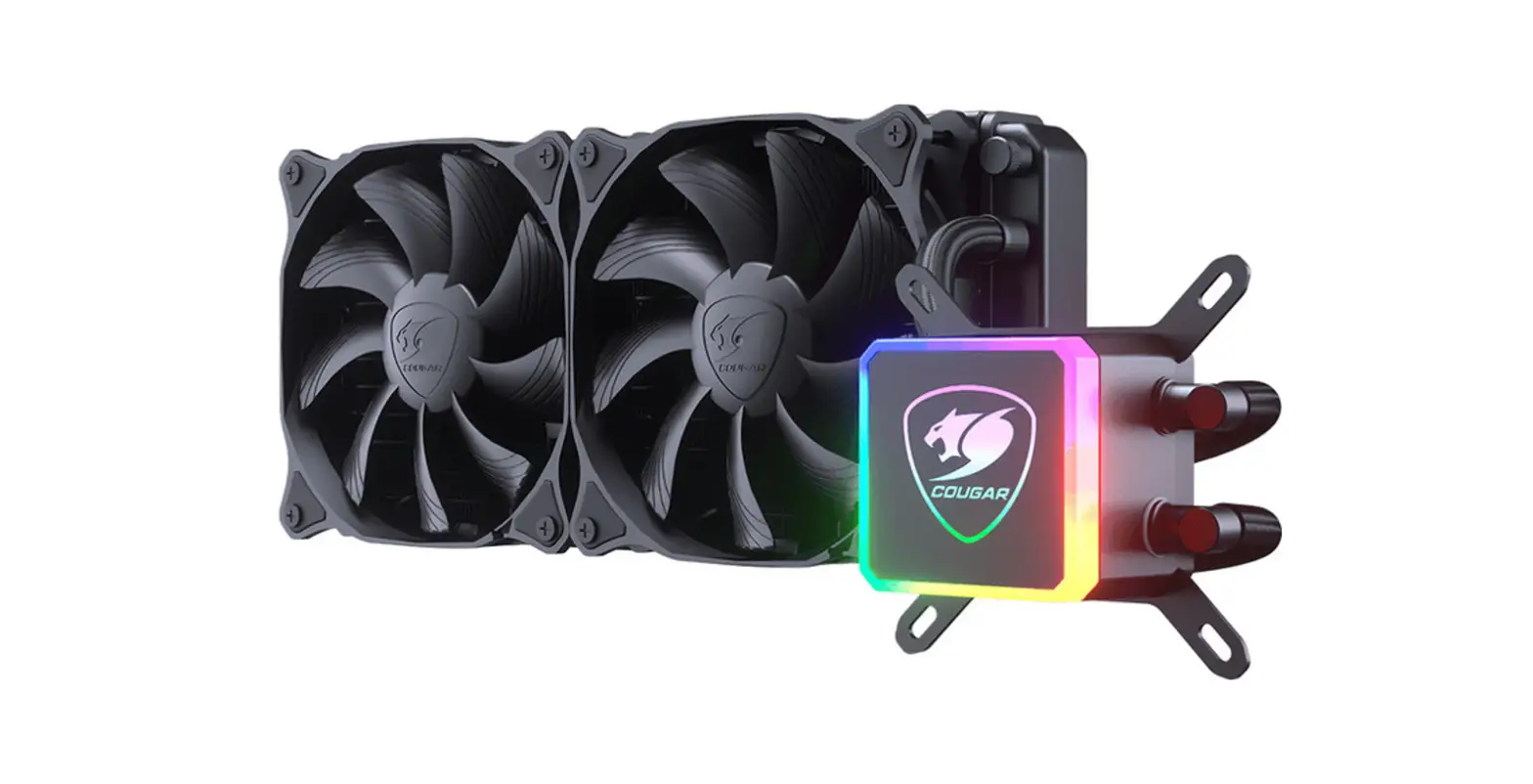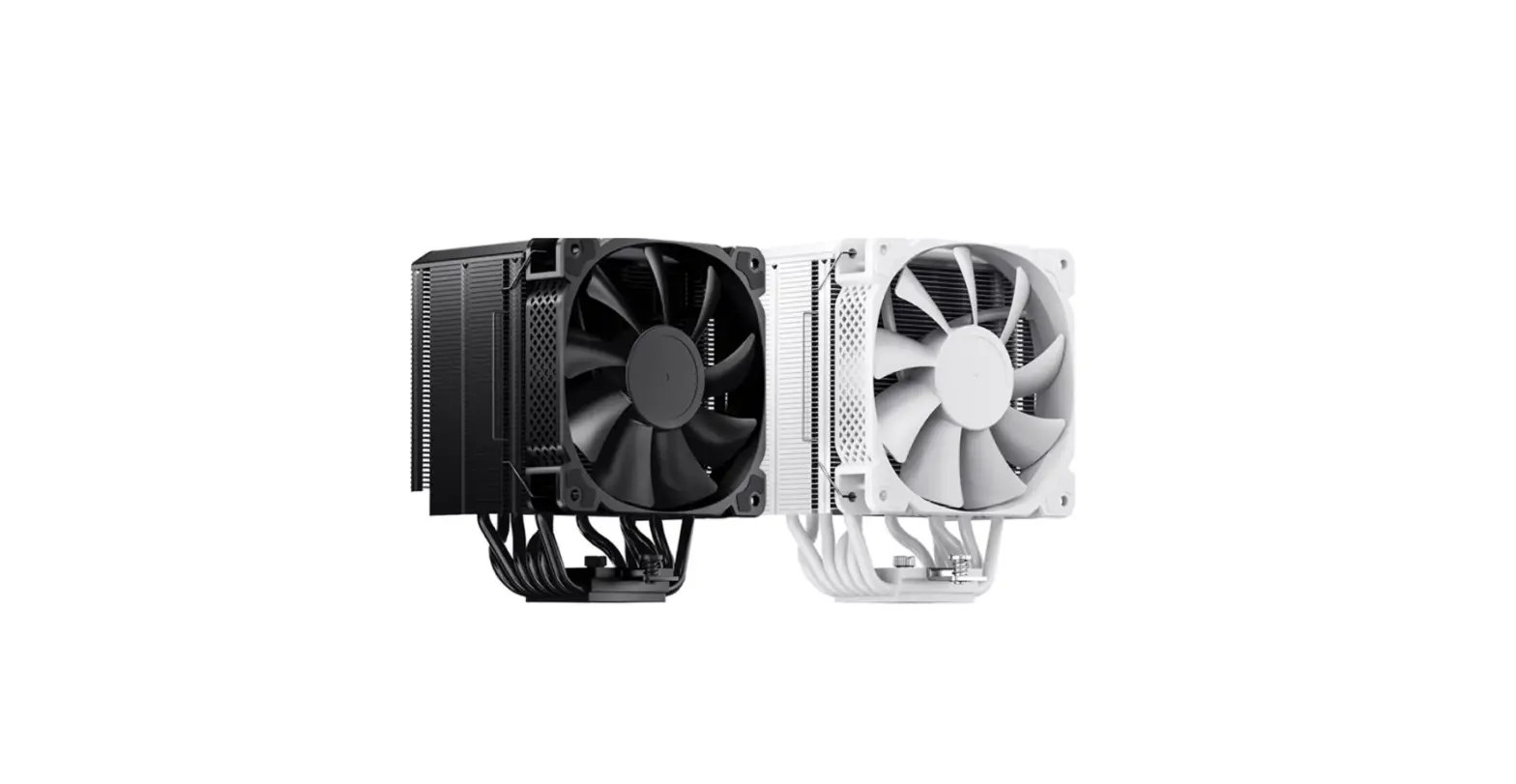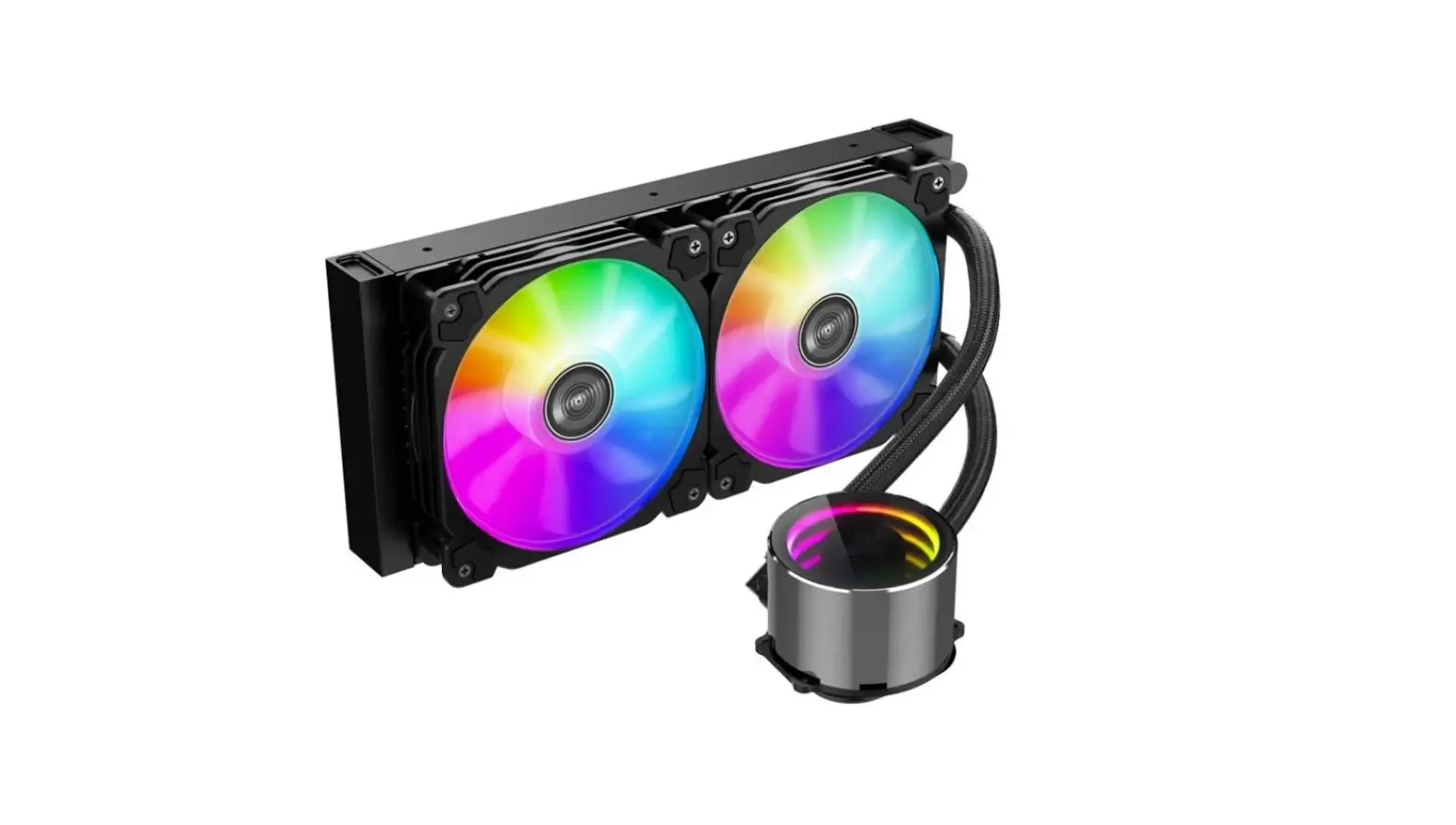
JONSBO TW4-240 CPU Cooler ARGB Water Cooled Instruction Manual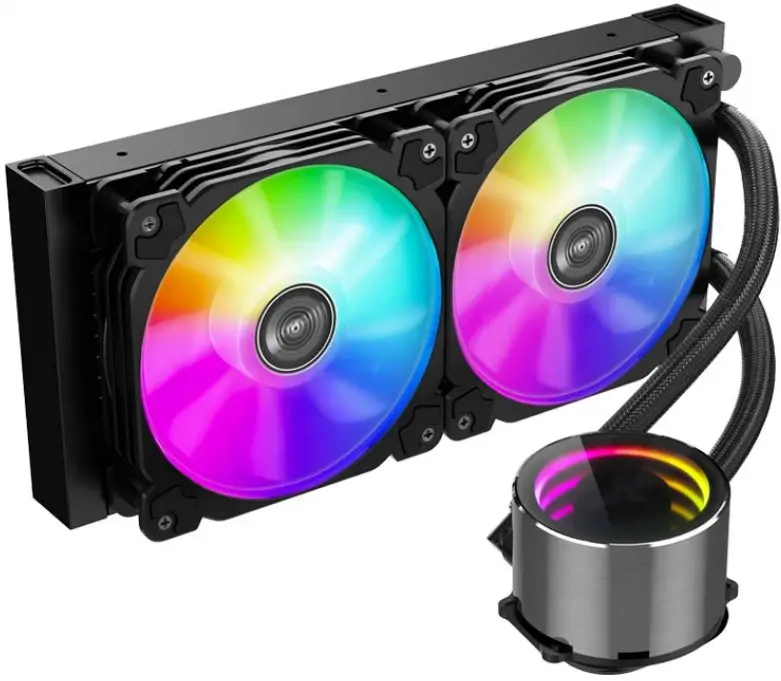
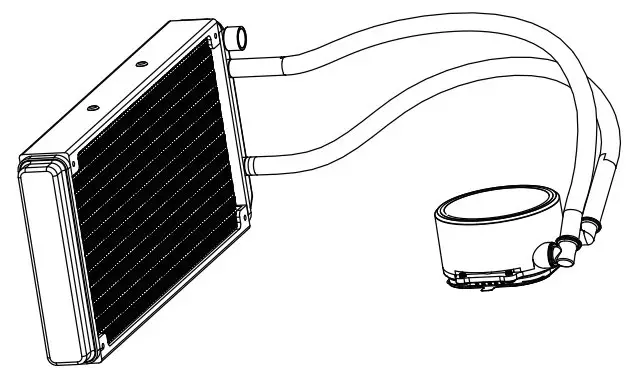
Part List
- A. CPU Cooler

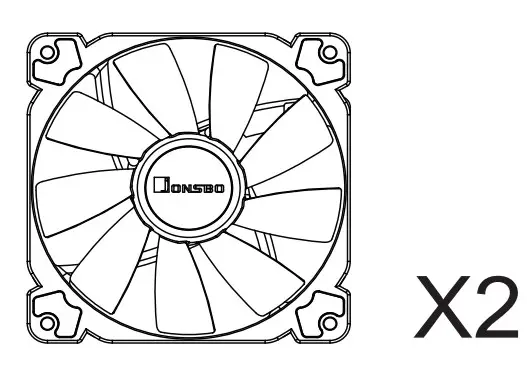
- B. Fan

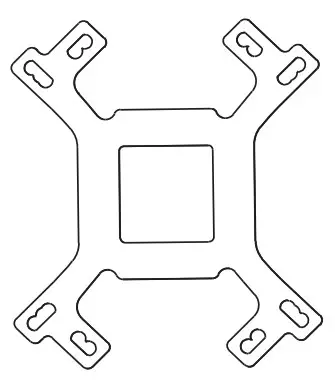
- C. Backplate

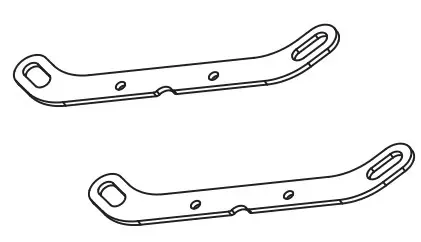
- D. Intel Bracket

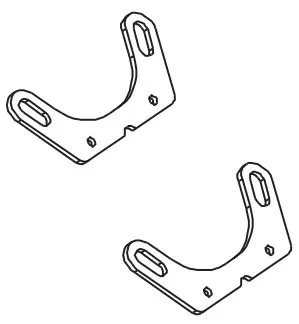
- E. AMD Bracket

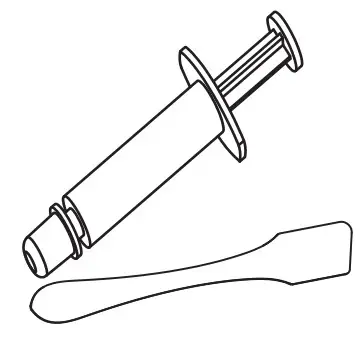
- F. Thermal Paste

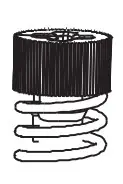
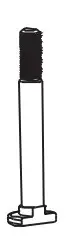
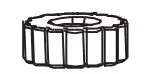
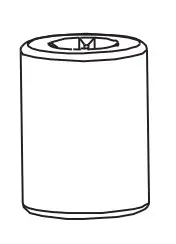
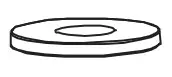
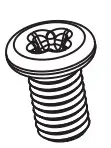
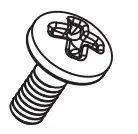
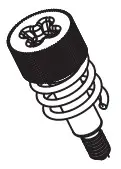
- G1. Scew

- G2. x4

- G3. x4

- G4. x4

- G5. x4

- G6. x4

- G7. x8

- G8. x4

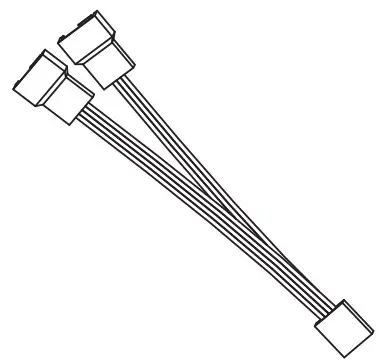
- H. Y-Cabale

Installation
Step1:
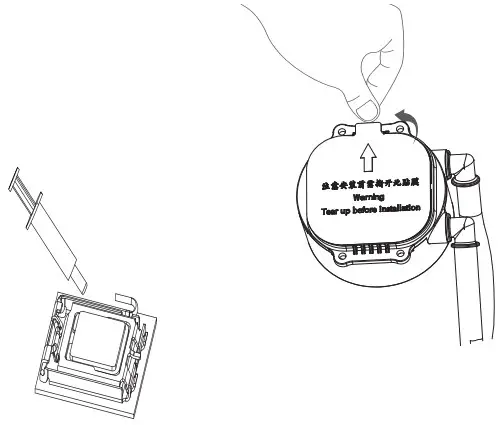
Applying thermal paste / Remove the protection film
Step2:
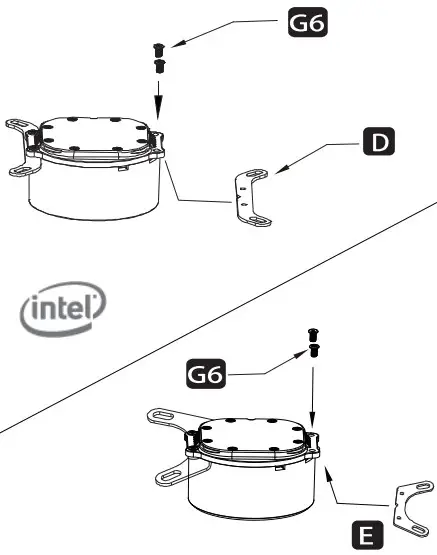
Installing the Intel / AMD bracket
Step3:
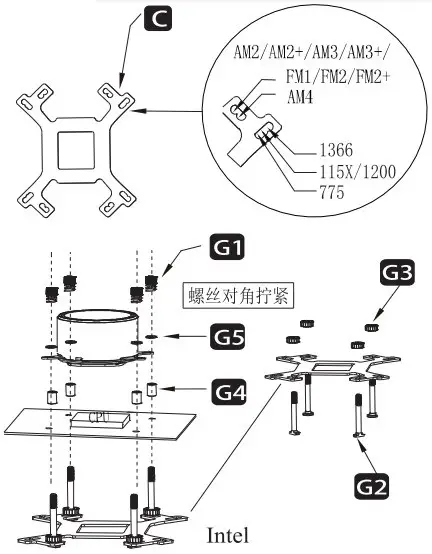
Tightening screws diagonally
Secure the cooler -Intel LGA 1366/115x/1200/775
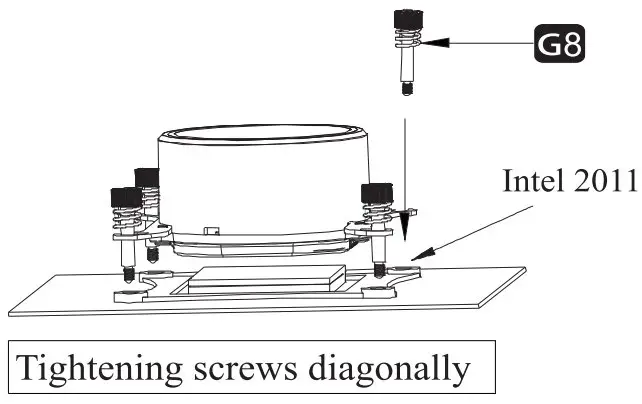
Secure the cooler -Intel LGA 2011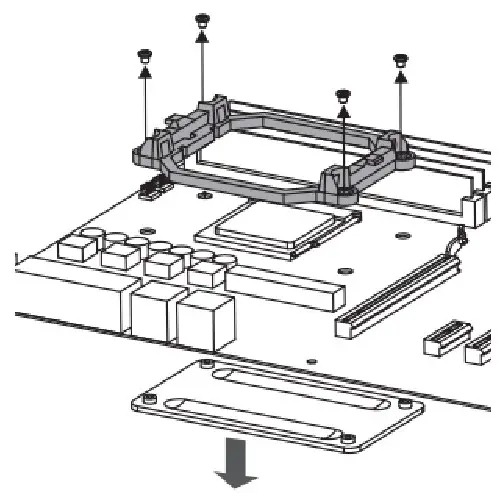
Remove the plastic retainers of the AMD retention module
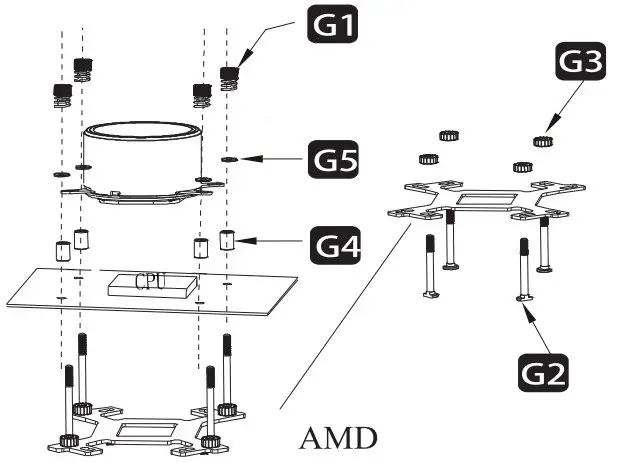
Secure the cooler -AMD
Connect the 3-pin connector from the pump unit to AlO/PUMP socket on the motherboard
Step4:
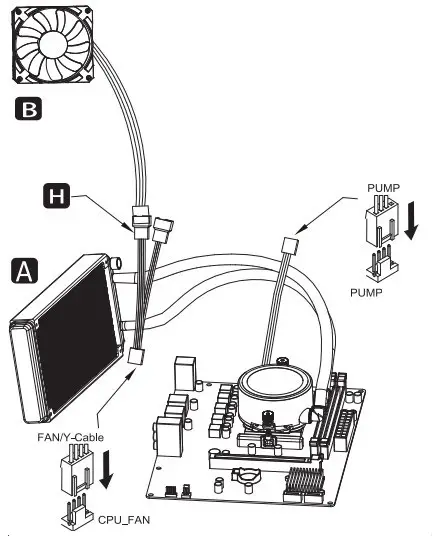
Connect fan and pump cables to CPU_fan & AIO/PUMP/SYS_FAN sockets
Step5:
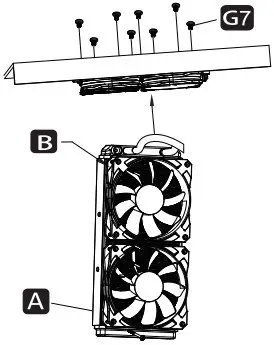
Secure the the fans and radiator
Intel Gen 12th LGA1700 installation guide
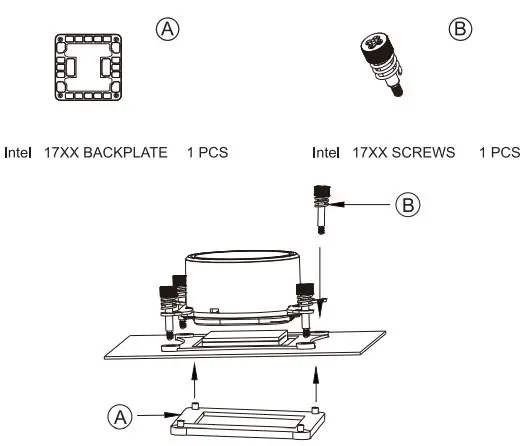
Step1:
Put the LGA1700 backplane on the back of the MB
Step2:
Diagonally fixed pump unit