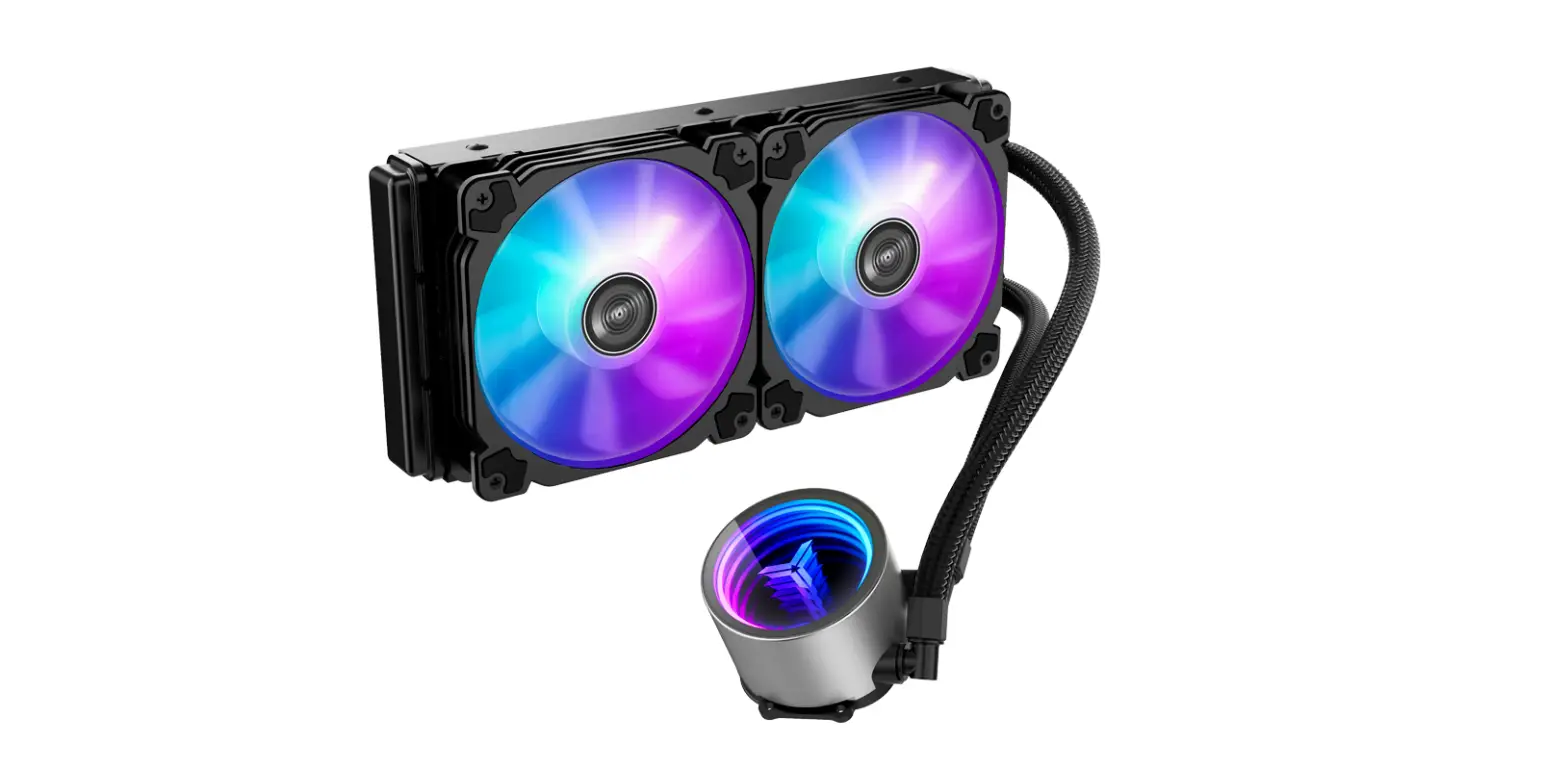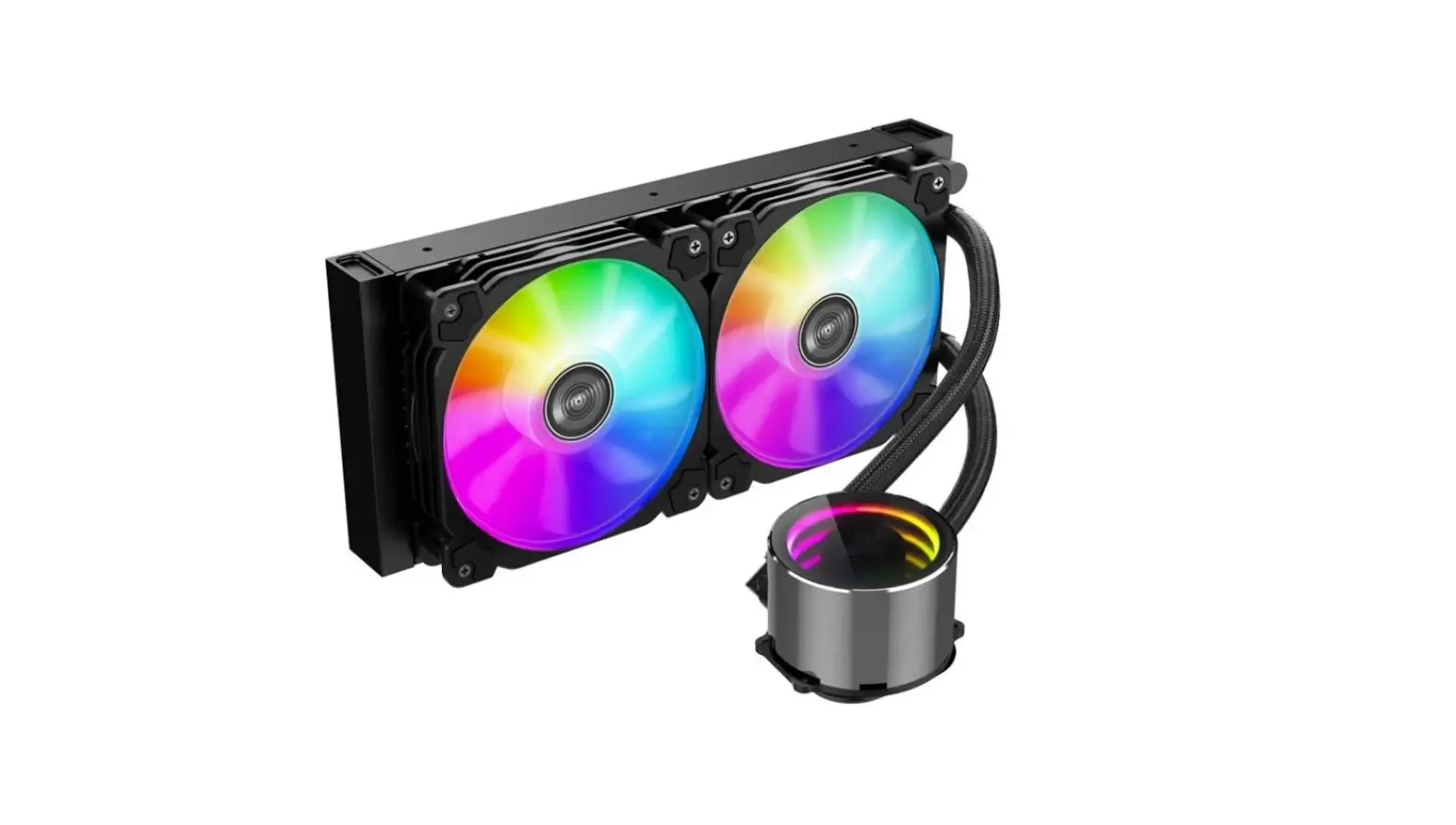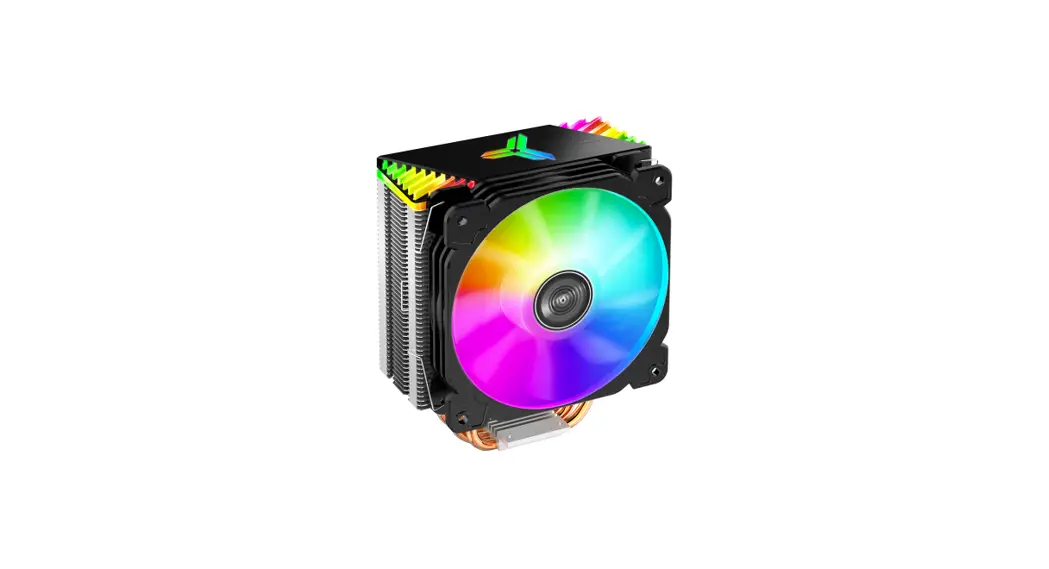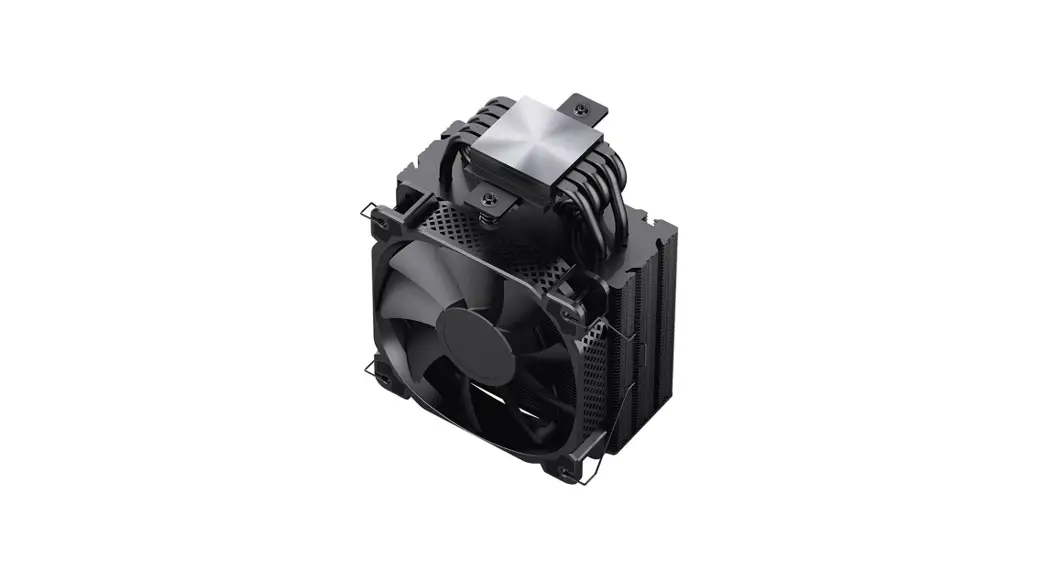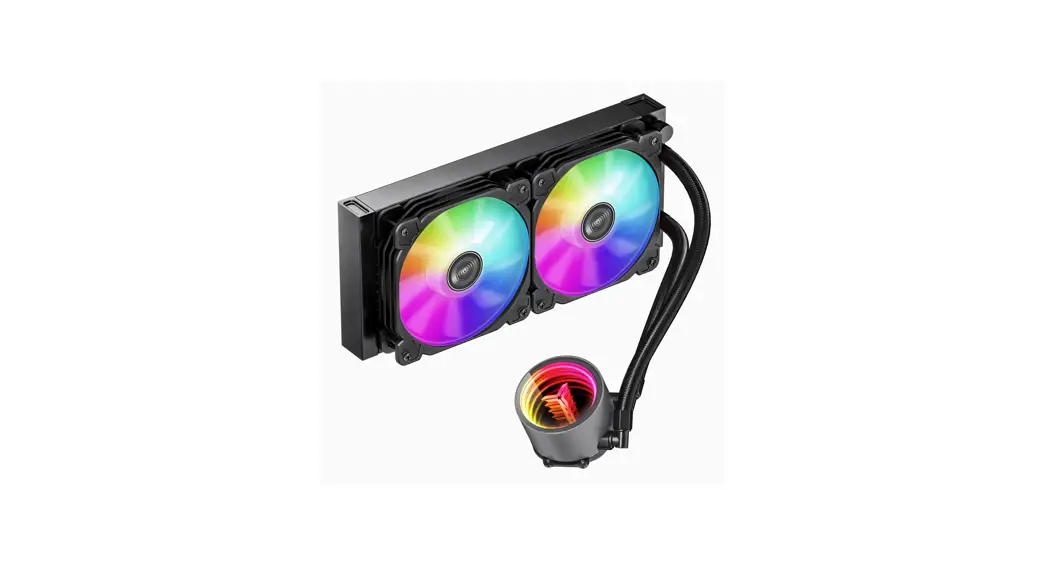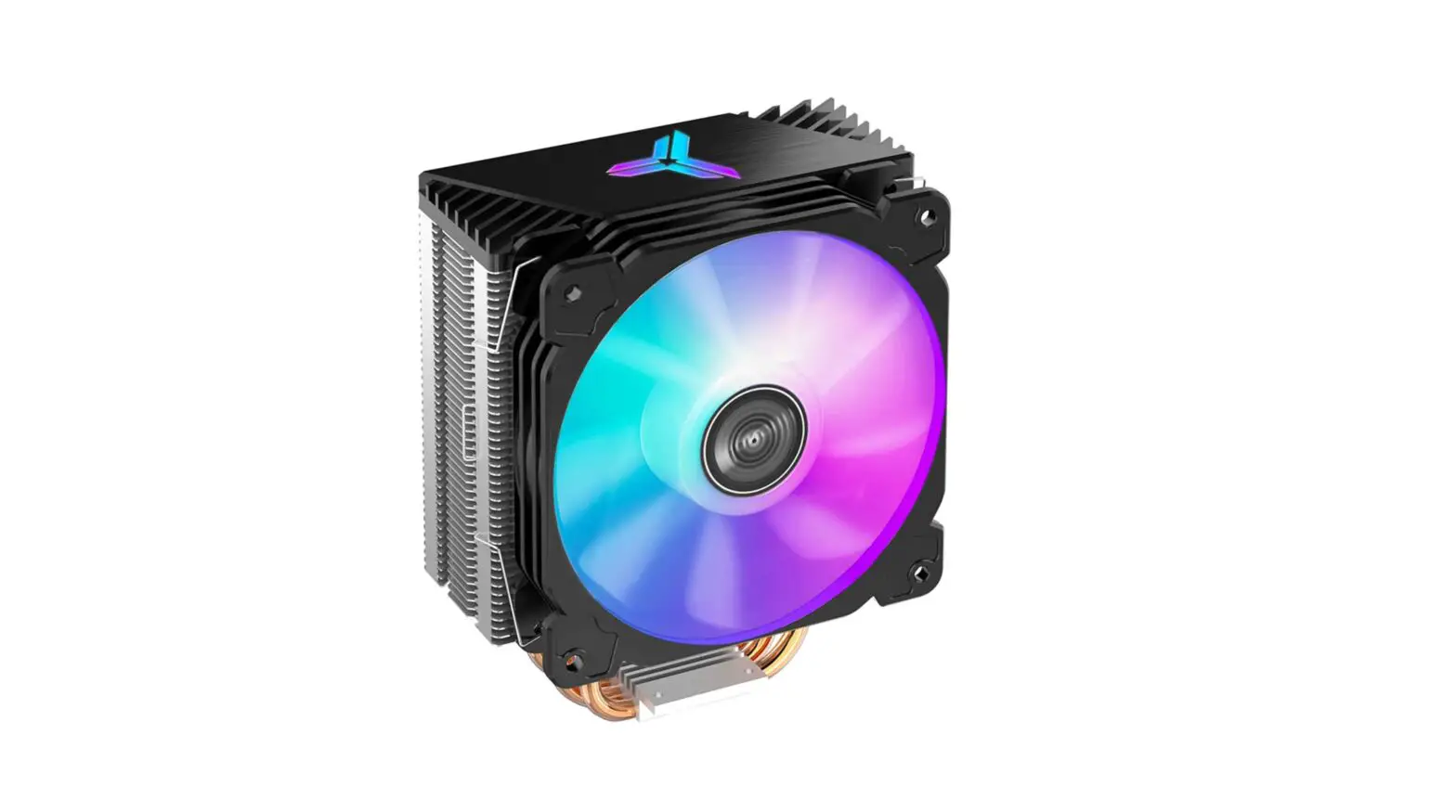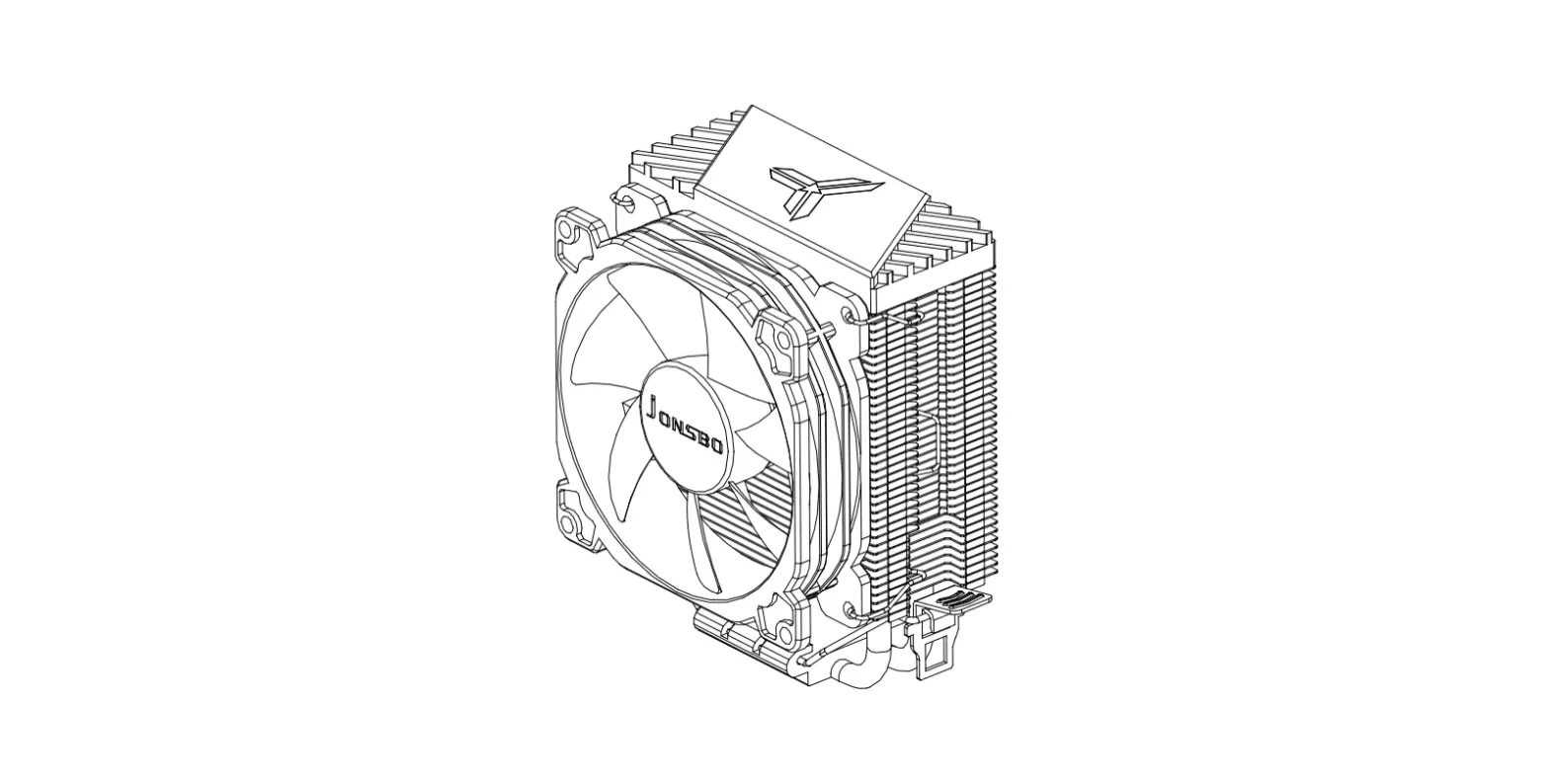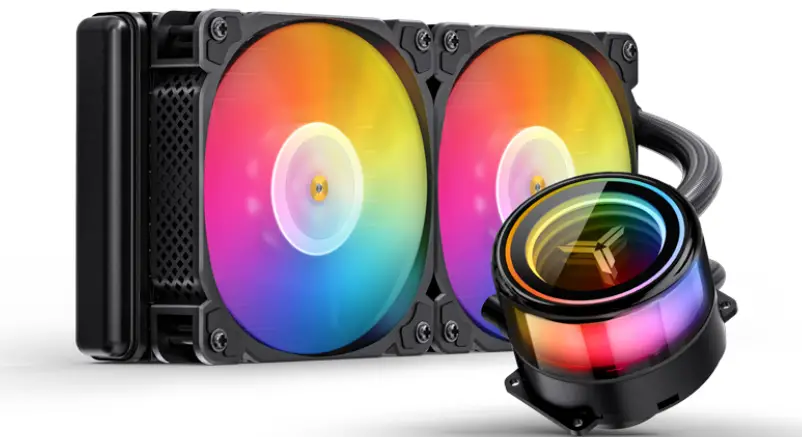
Jonsbo Tg-240 Cpu Cooler User Manual

jONSBO logo

TG-240/360
ARGB

User’s Manual

© 2022 JONSBO Technology Co., Ltd. All right reserved. Specifications are subject to change without prior notice. Some trademark may be claimed as the property of others.

Chapter 1 – Part List

A CPU Cooler
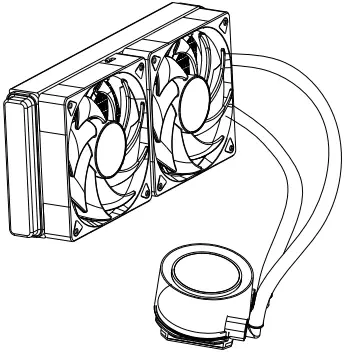
jONSBO TG-240 CPU Cooler 1A
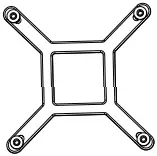
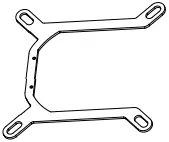
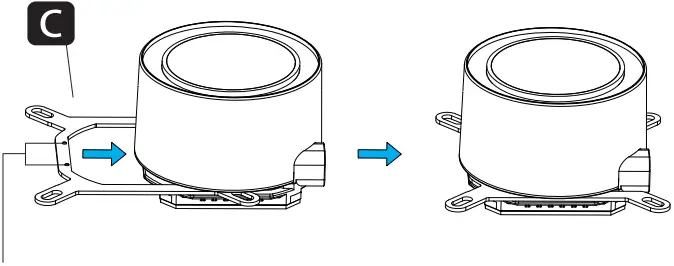
B Intel Backplate                       C Intel Bracket

jONSBO TG-240 CPU Cooler 1B                  jONSBO TG-240 CPU Cooler 1C
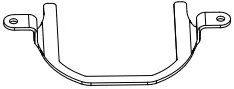
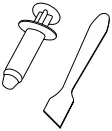
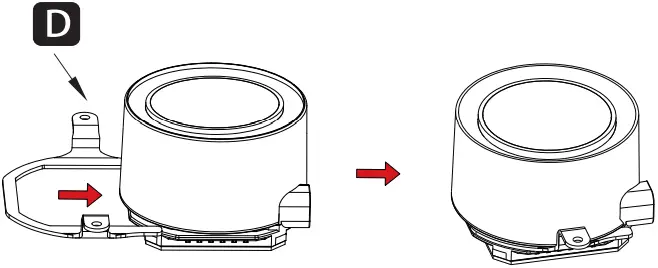
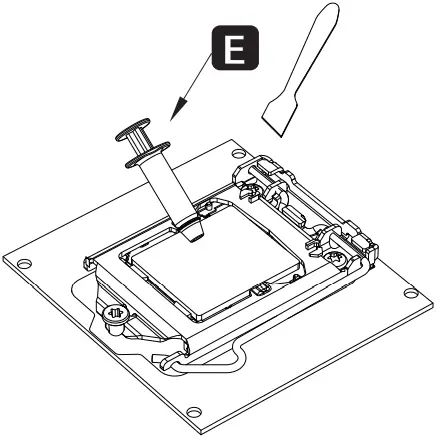
D AMD Bracket                          E Thermal Paste

jONSBO TG-240 CPU Cooler 1D           jONSBO TG-240 CPU Cooler 1E
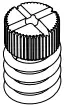
G1 Screw x4                          G2 AMD Screw stud x2

jONSBO TG-240 CPU Cooler 1G1                                                 jONSBO TG-240 CPU Cooler 1G2
G3 Intel Screw Stud x4          G4 2011 Screw Stud x4
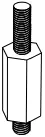
jONSBO TG-240 CPU Cooler 1G3                                                     jONSBO TG-240 CPU Cooler 1G4
G5 Case Screws 240: x8 360: x12

jONSBO TG-240 CPU Cooler 1G5

Chapter 2 – Installation
Step 1

jONSBO TG-240 CPU Cooler A1

intel

The side with two bumps facing up

Step 2
jONSBO TG-240 CPU Cooler A2a

jONSBO TG-240 CPU Cooler A2b

AMD
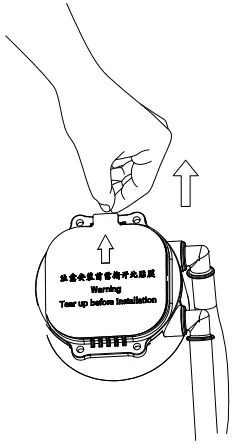
Installing the Intel / AMD bracket

jONSBO TG-240 CPU Cooler A2c
Remove the protection film / Applying thermal paste

Step 3
jONSBO TG-240 CPU Cooler A3a

jONSBO TG-240 CPU Cooler A3b1

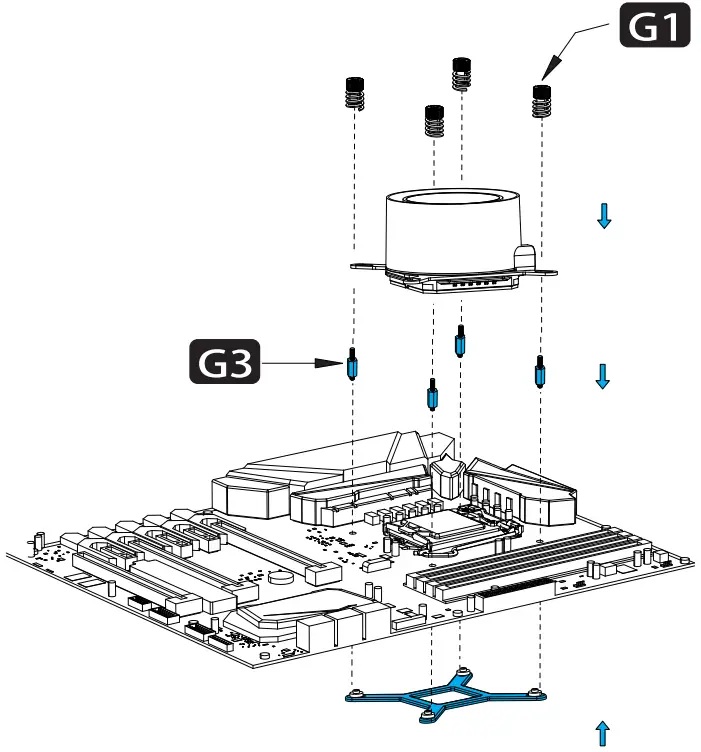
intel

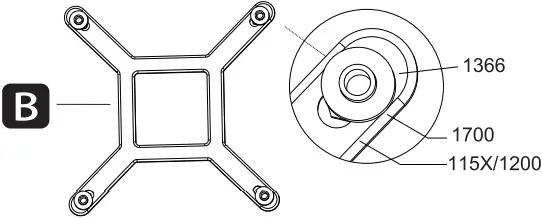
Secure the cooler -Intel LGA 115X/1200/1700

Step 3.1
jONSBO TG-240 CPU Cooler A3.1

intel

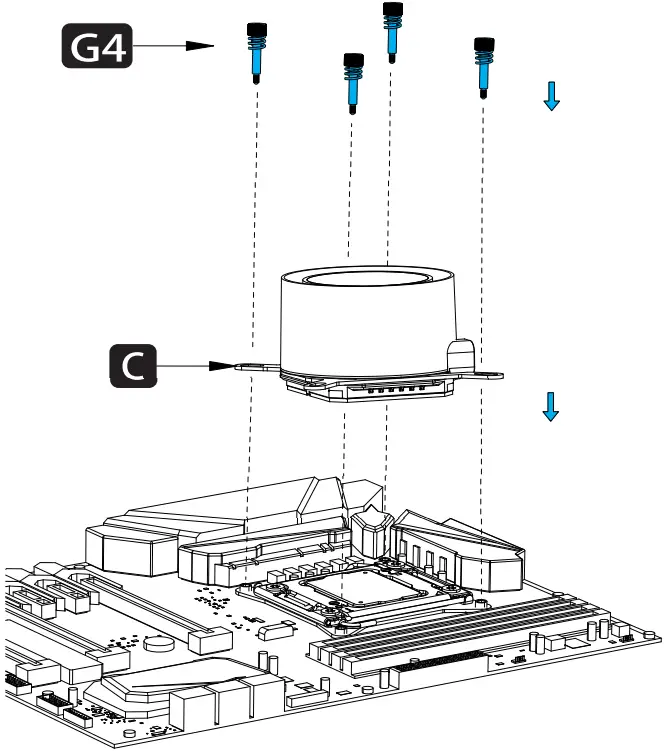
Secure the cooler -Intel LGA 2011

Step 4
jONSBO TG-240 CPU Cooler A4ajONSBO TG-240 CPU Cooler A4c

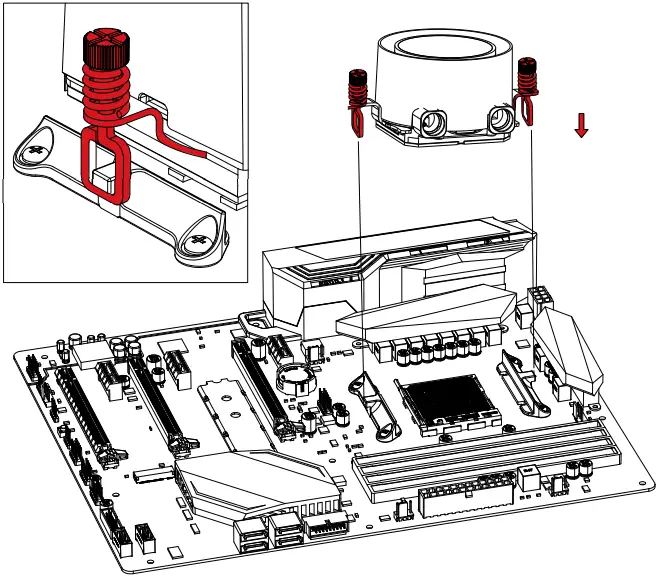
AMD

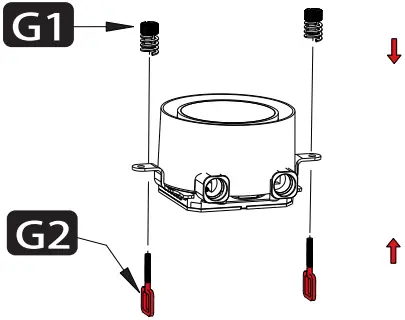
Secure the cooler -AMD

Step 5

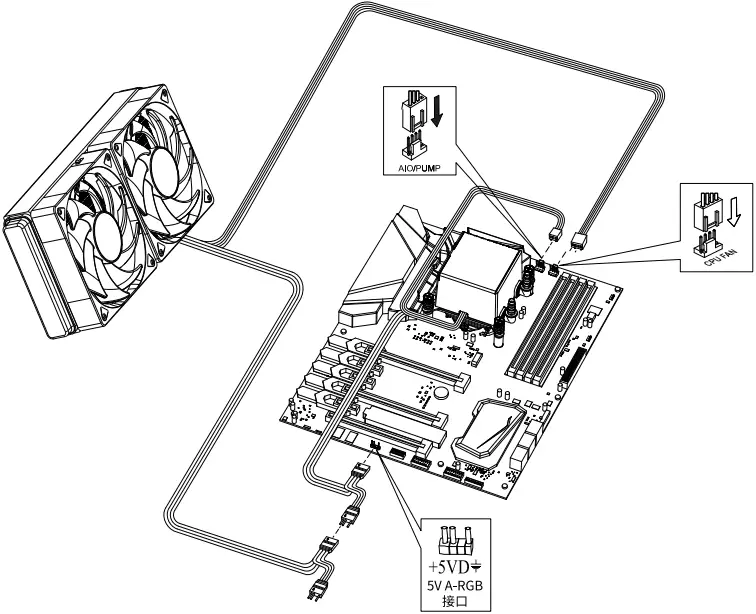
jONSBO TG-240 CPU Cooler A5

Connect the 3-pin connector from the pump unit to AlO/PUMP socket on the motherboard

Connect to 5V ARGB LED socket on motherboard

Step 6
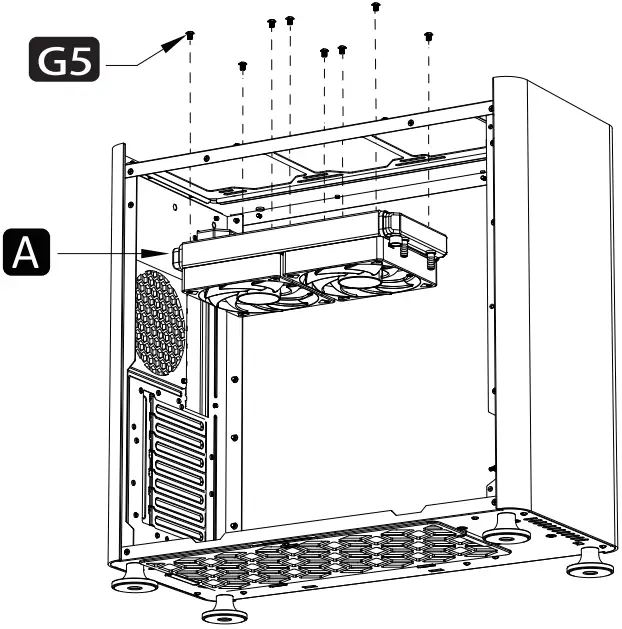
jONSBO TG-240 CPU Cooler A6

Secure the the fans and radiator
Documents / Resouces

Download manual
Here you can download full pdf version of manual, it may contain additional safety instructions, warranty information, FCC rules, etc.


Related Manuals