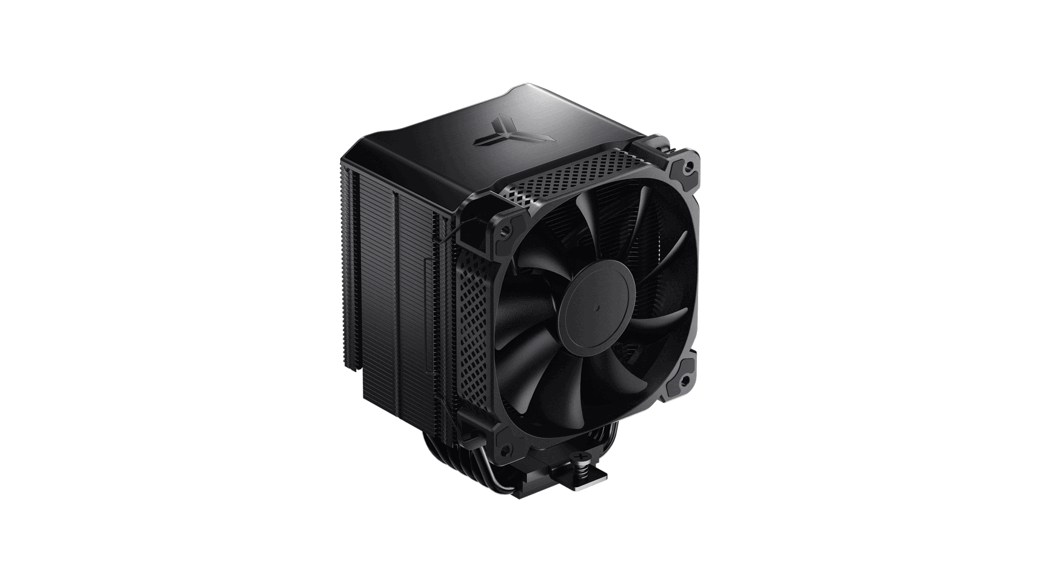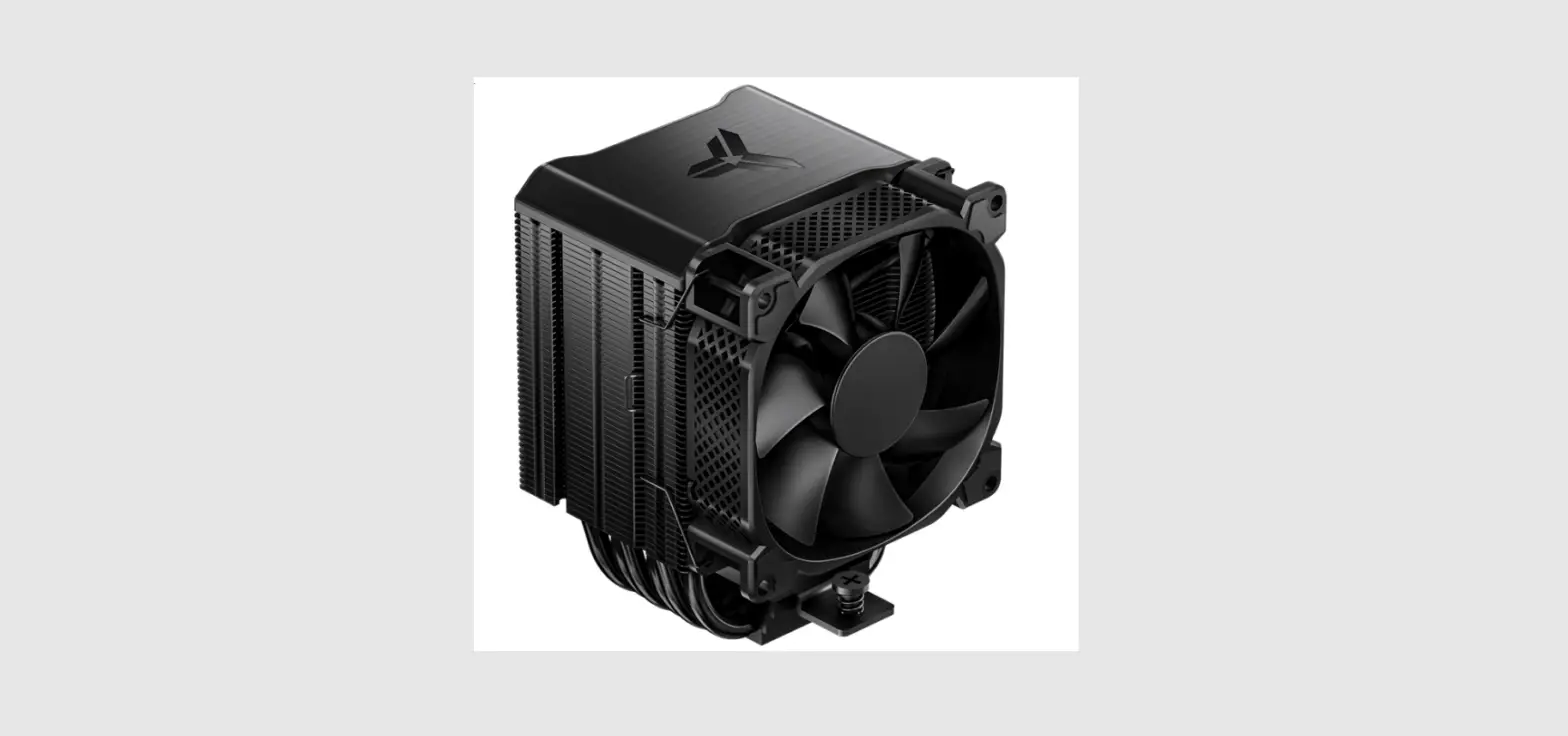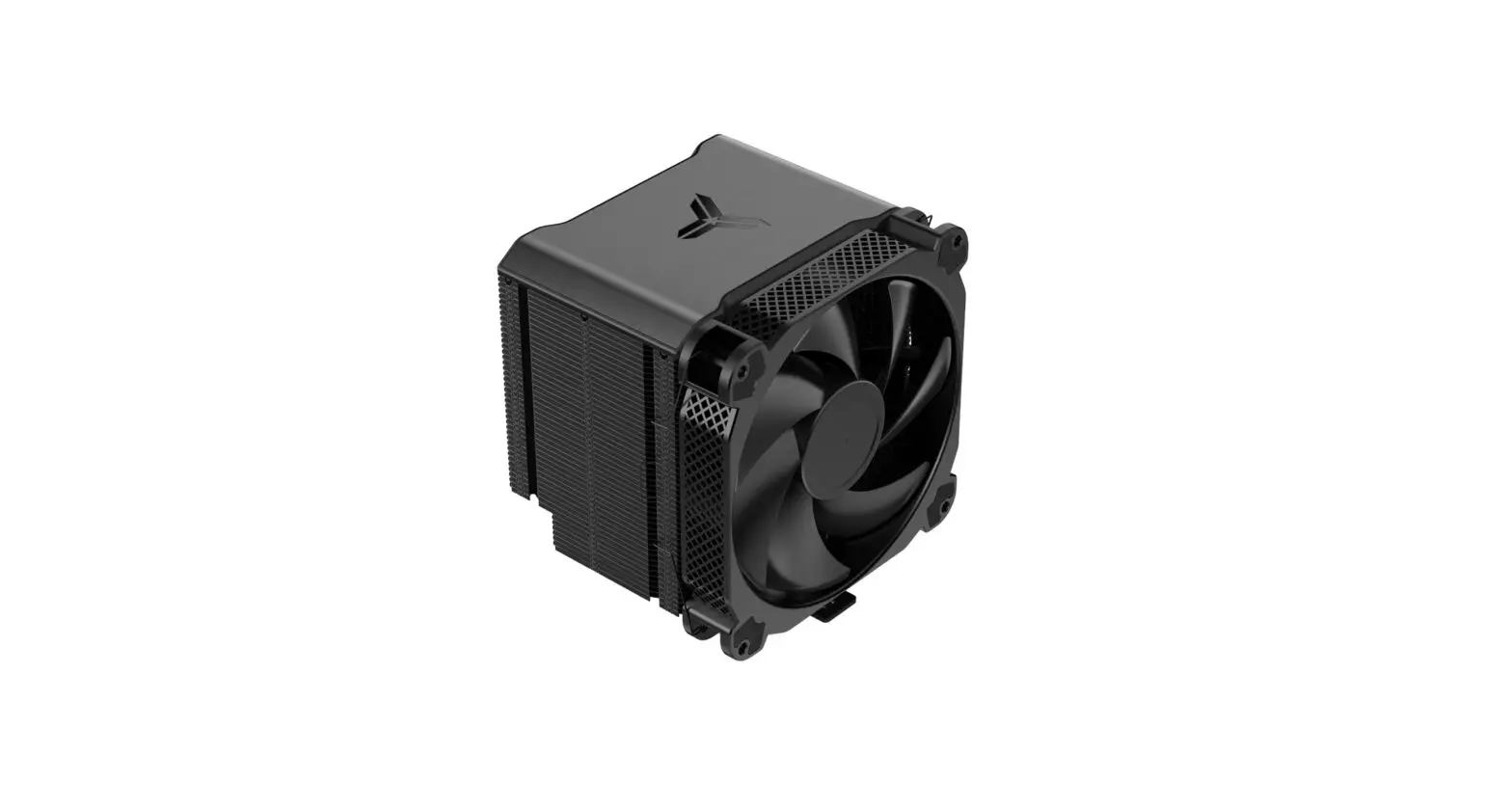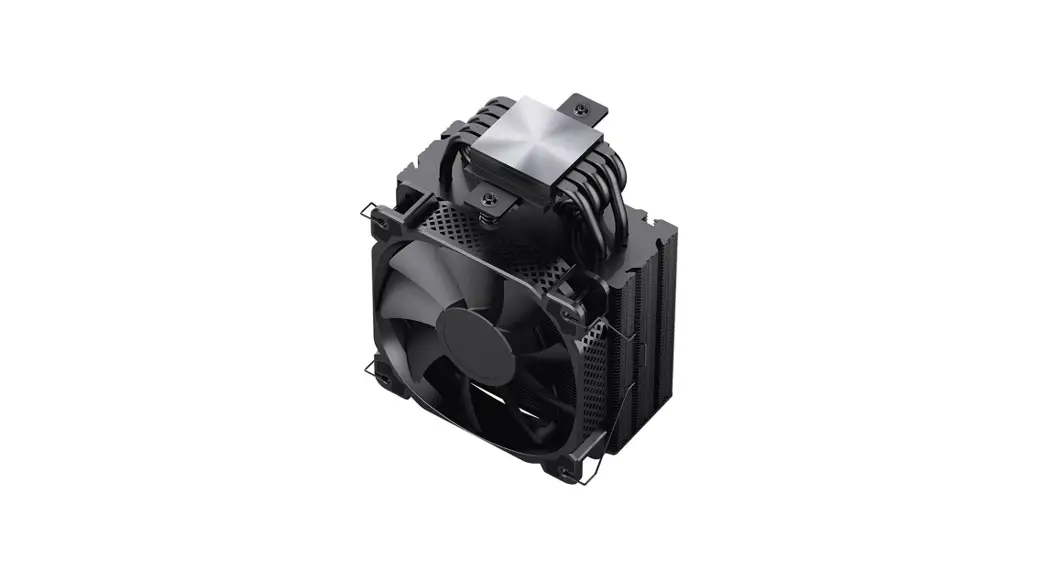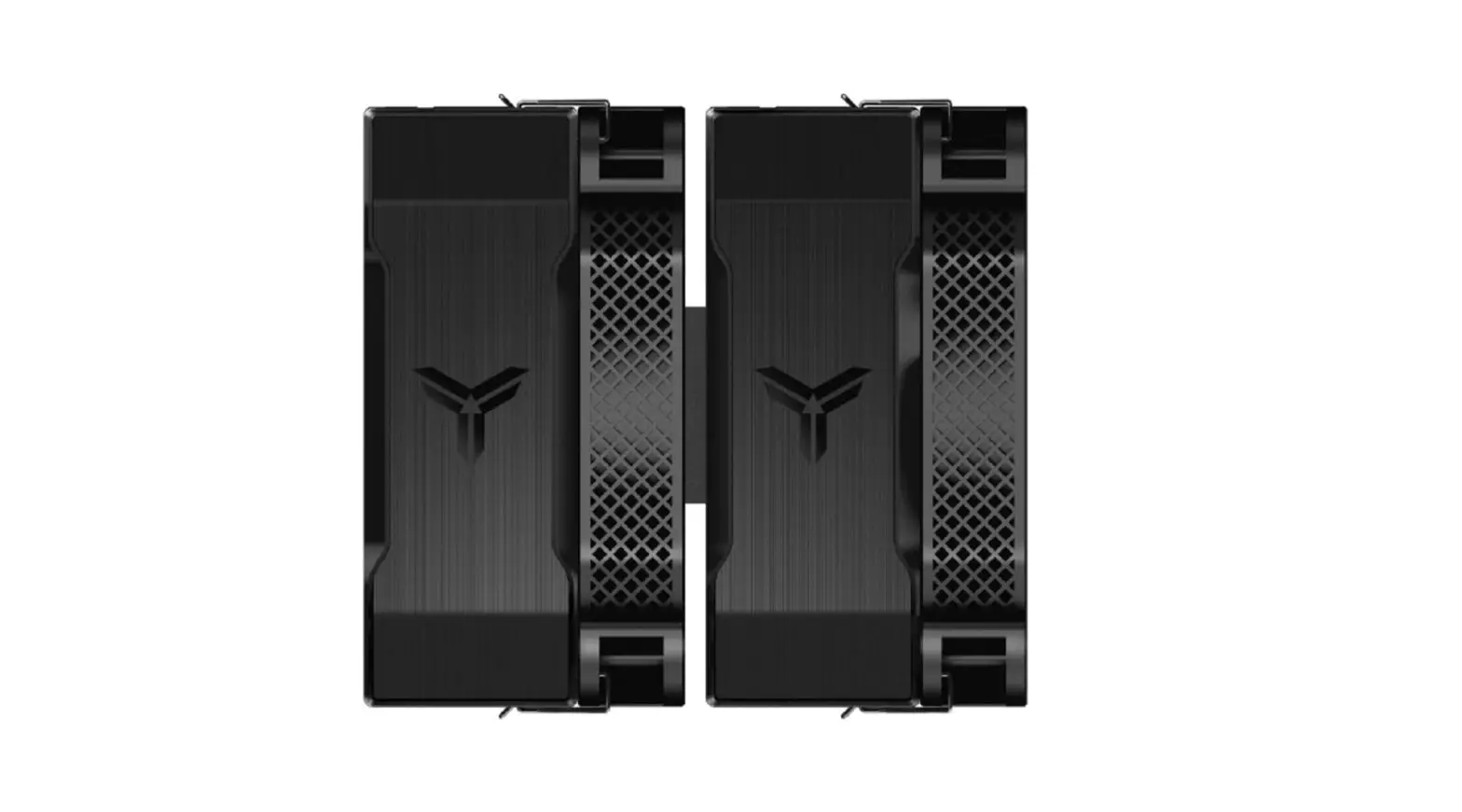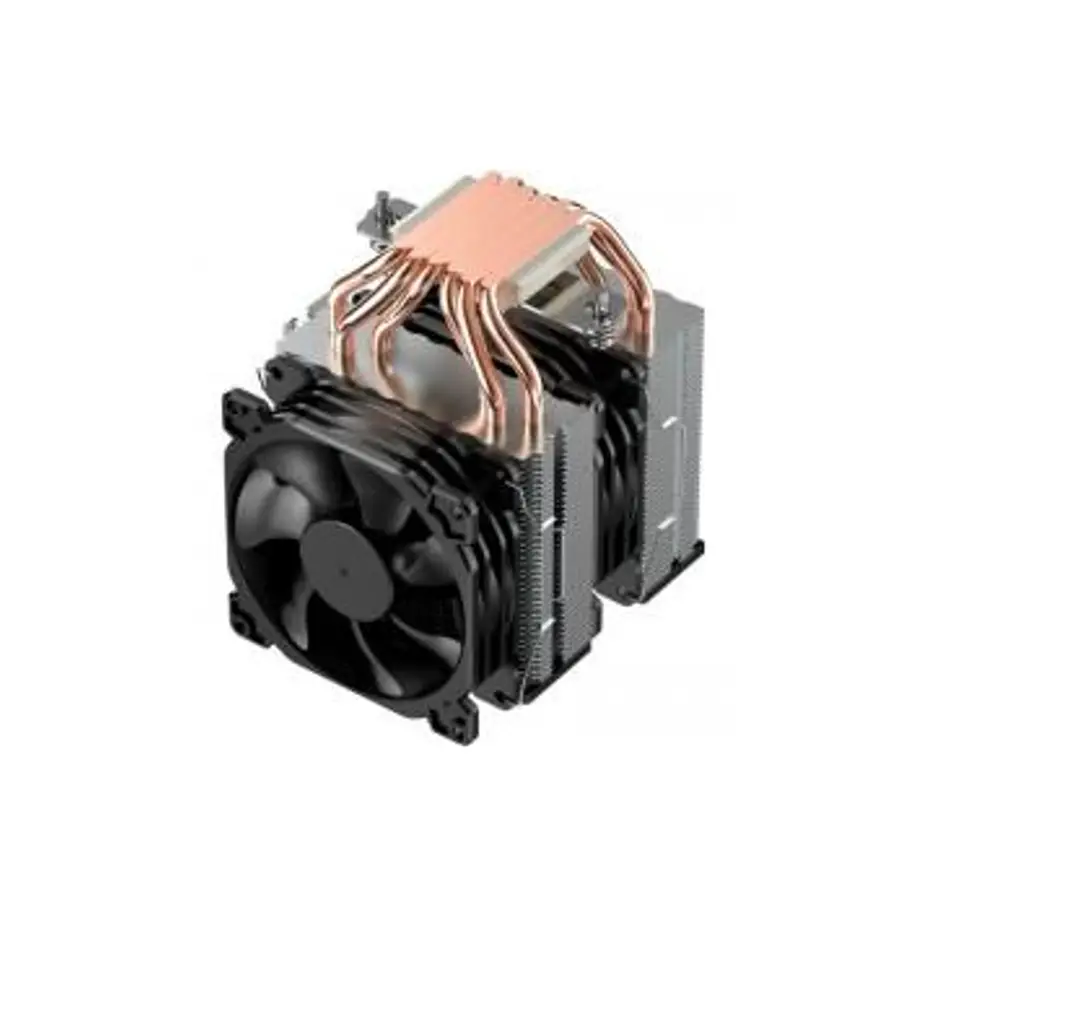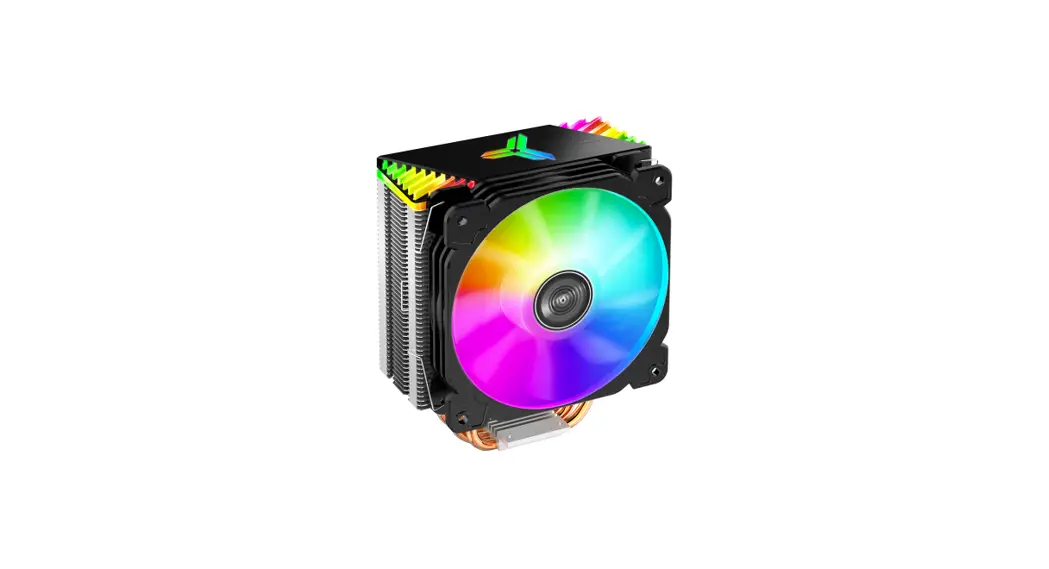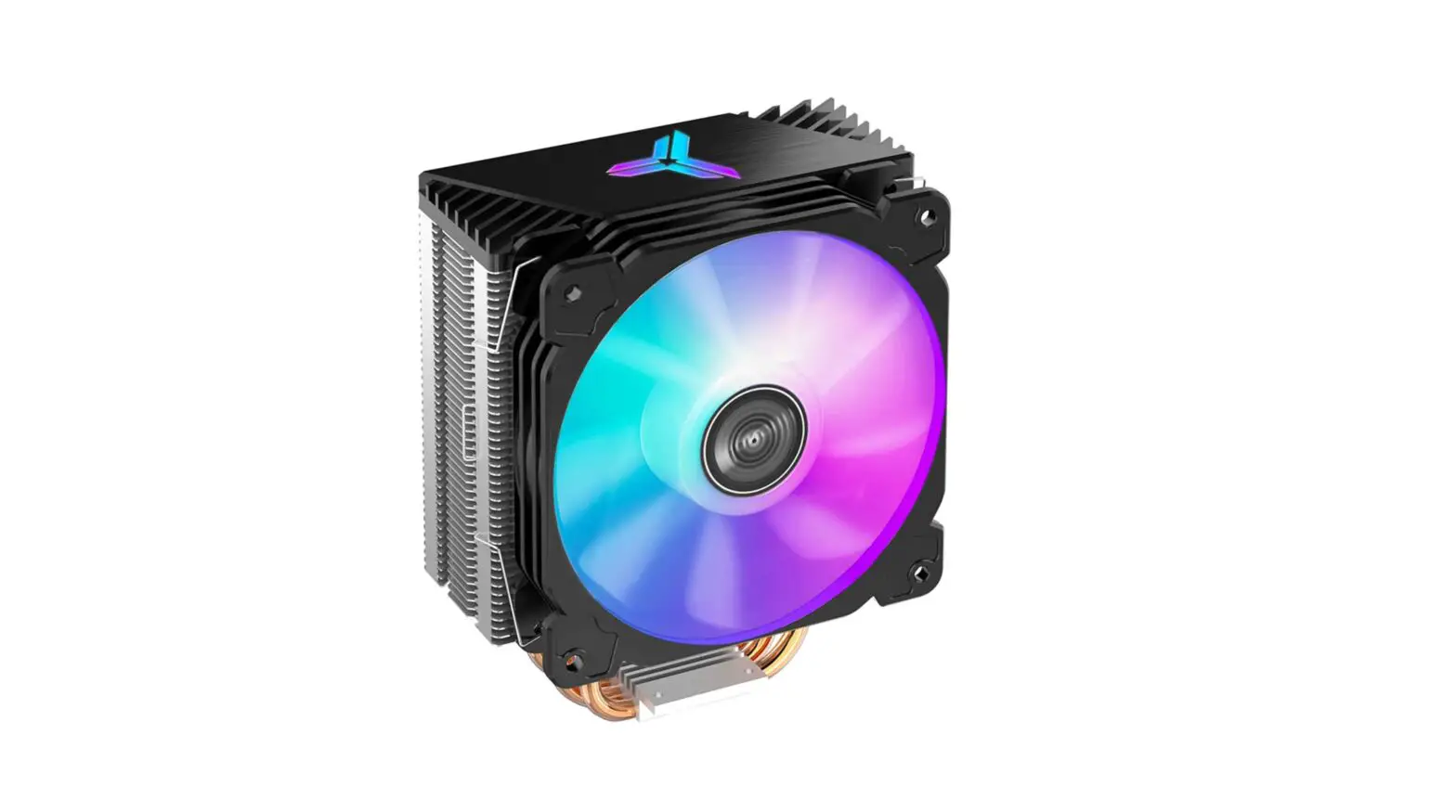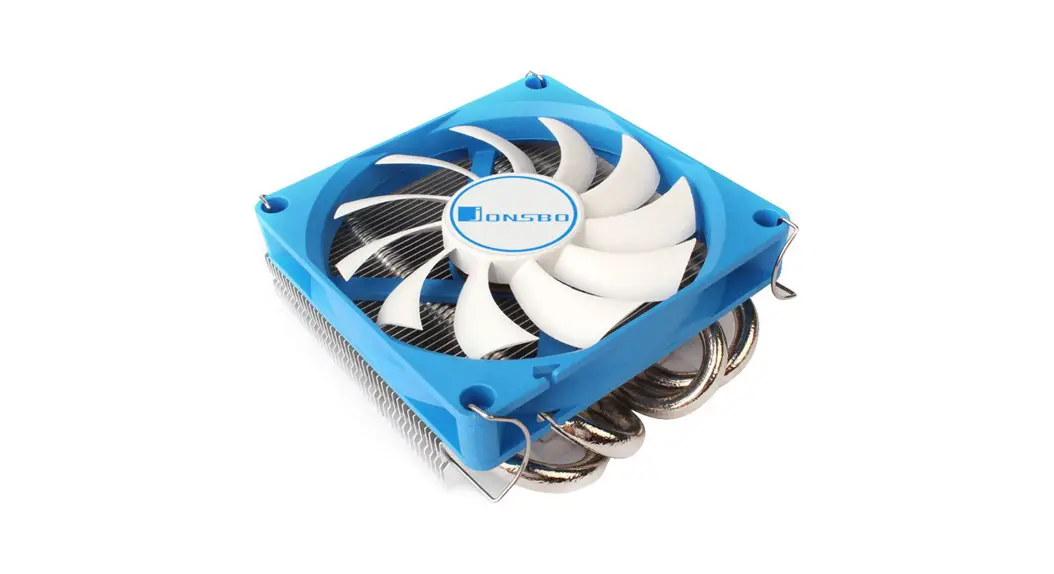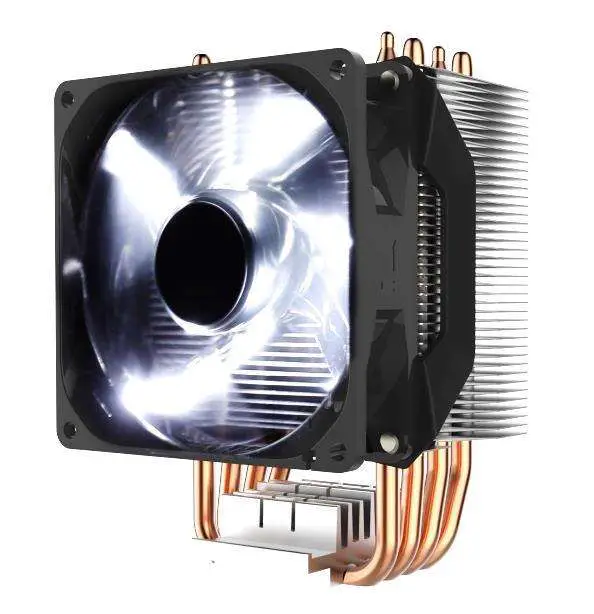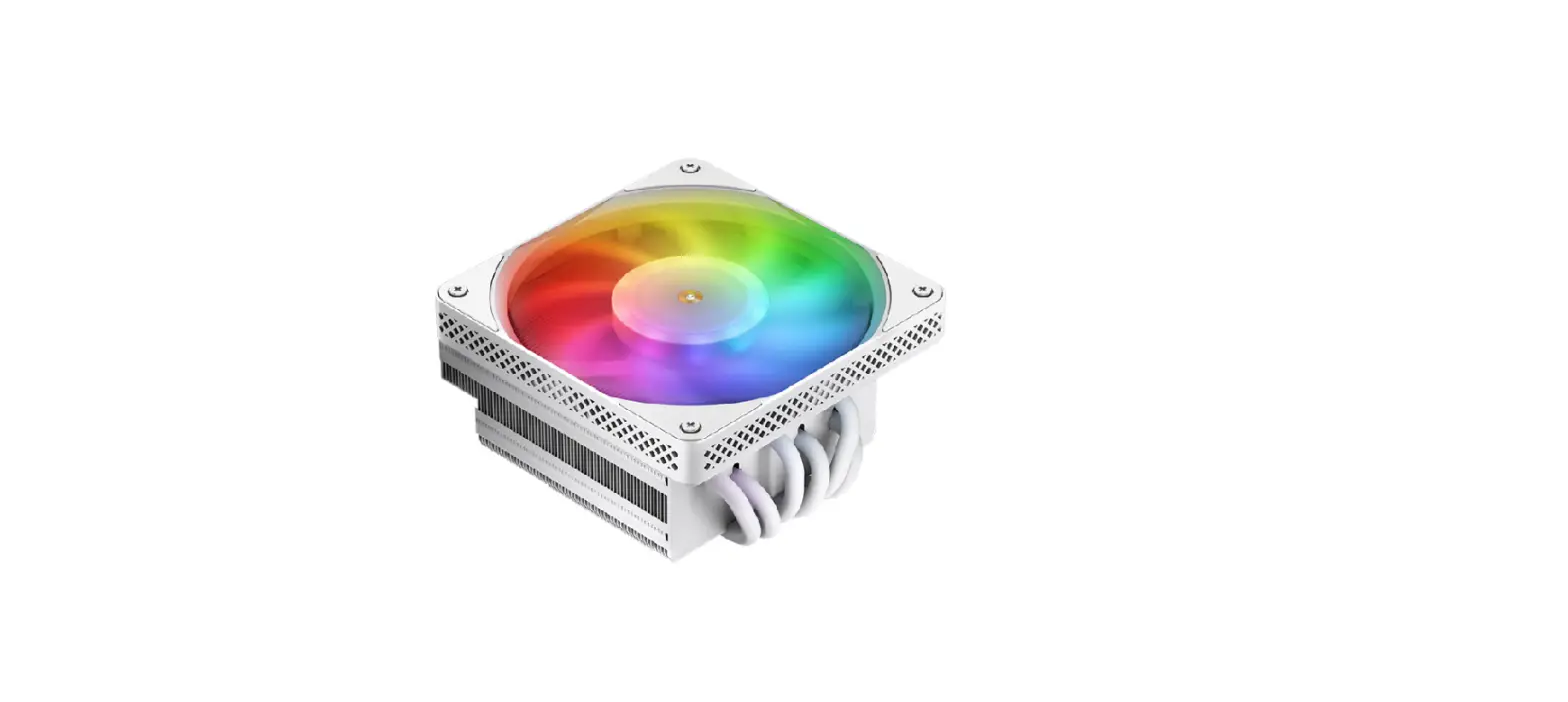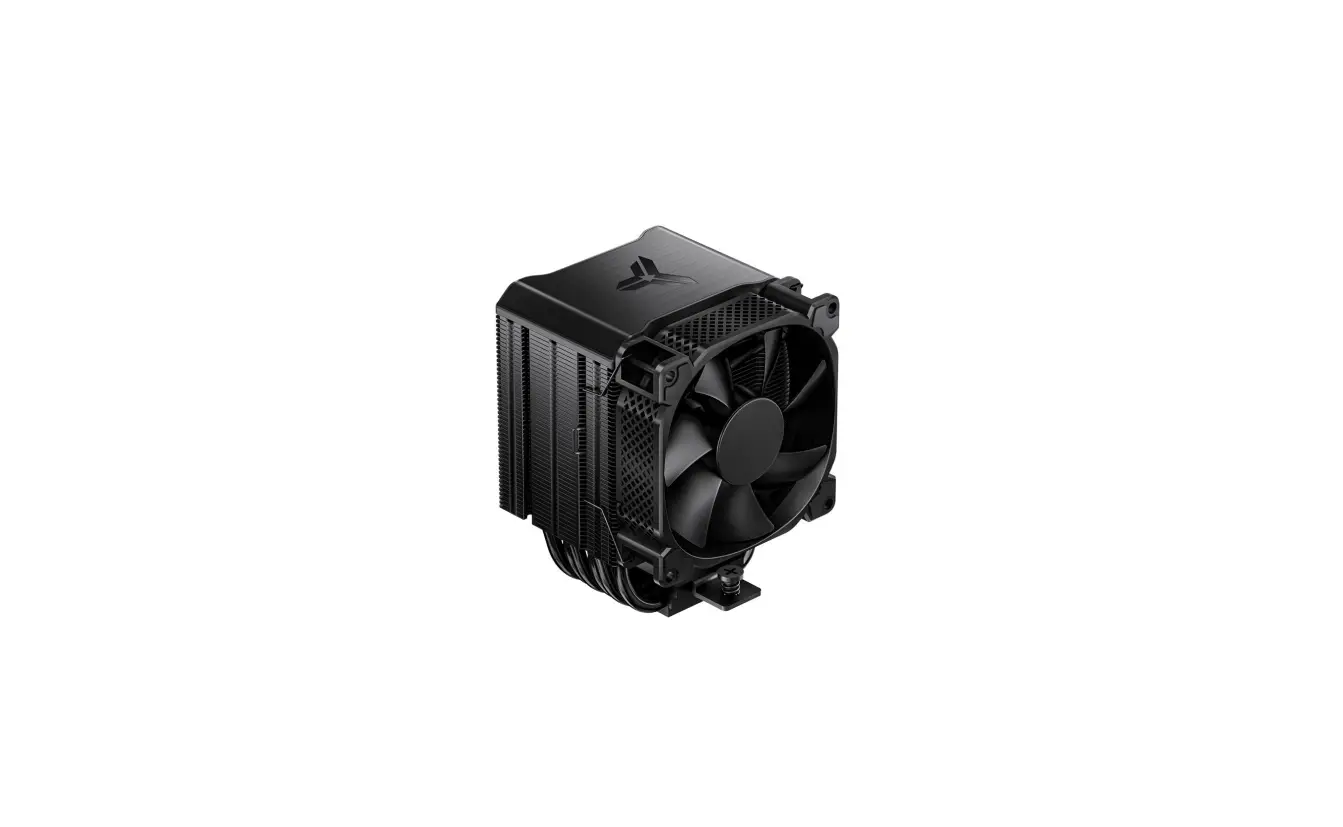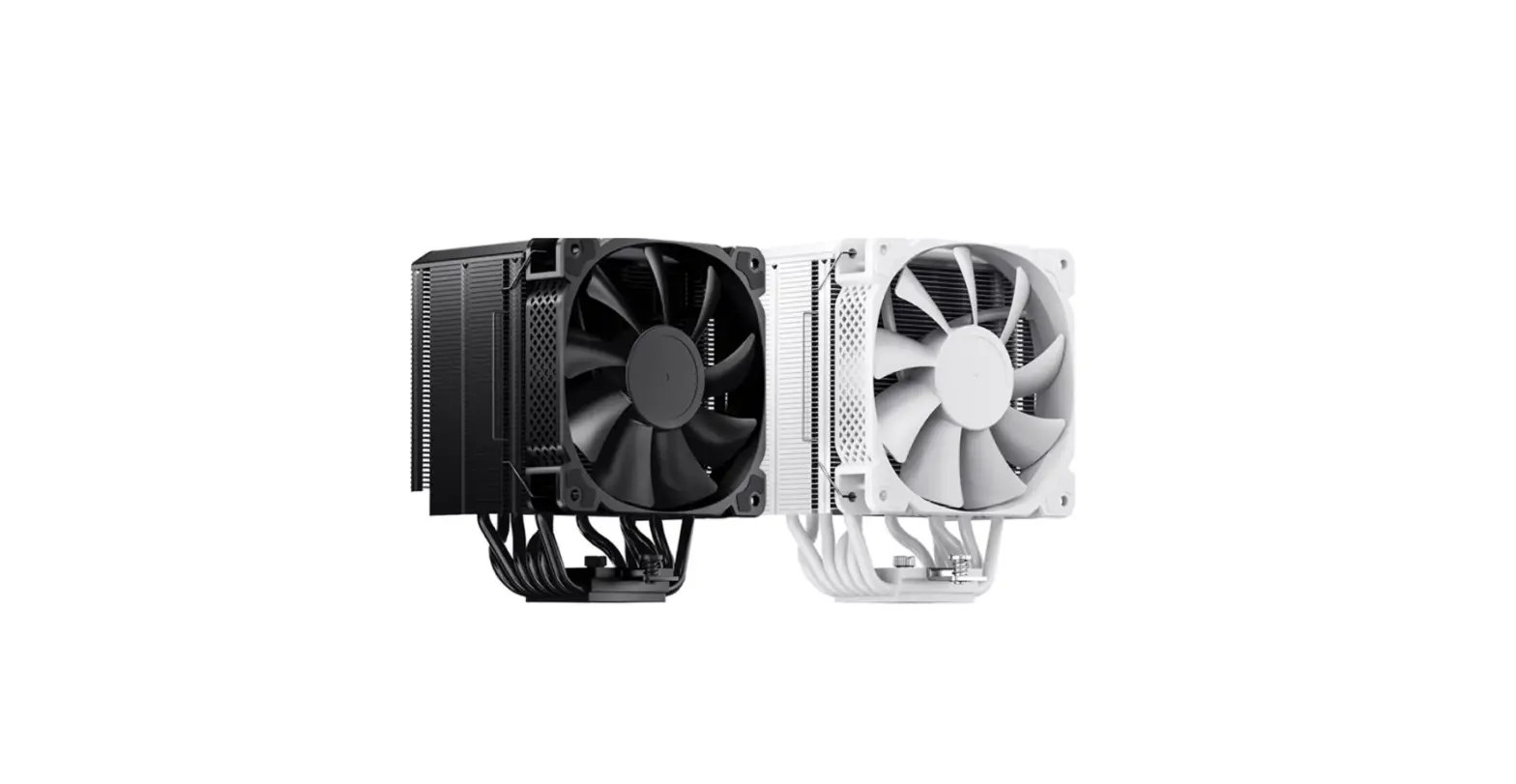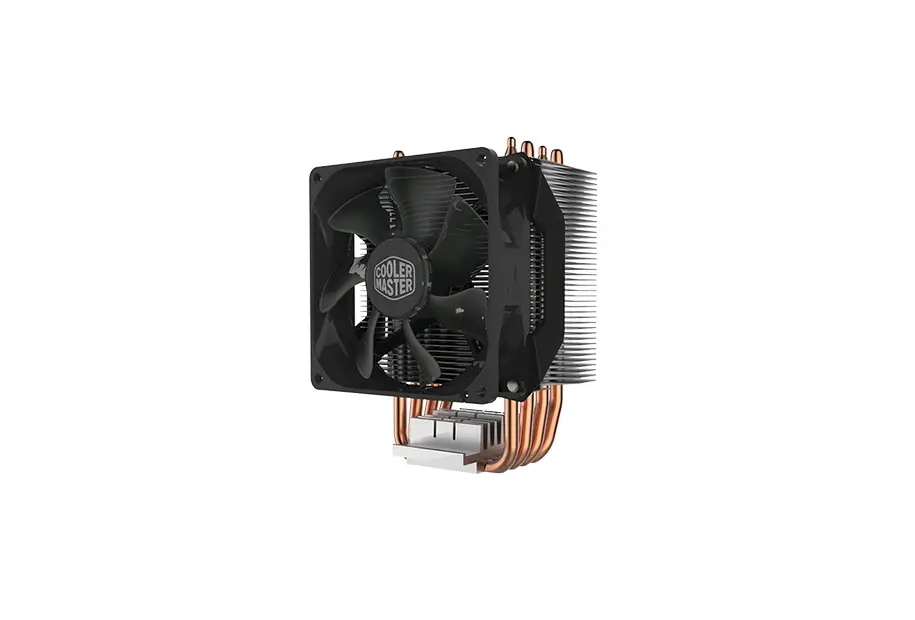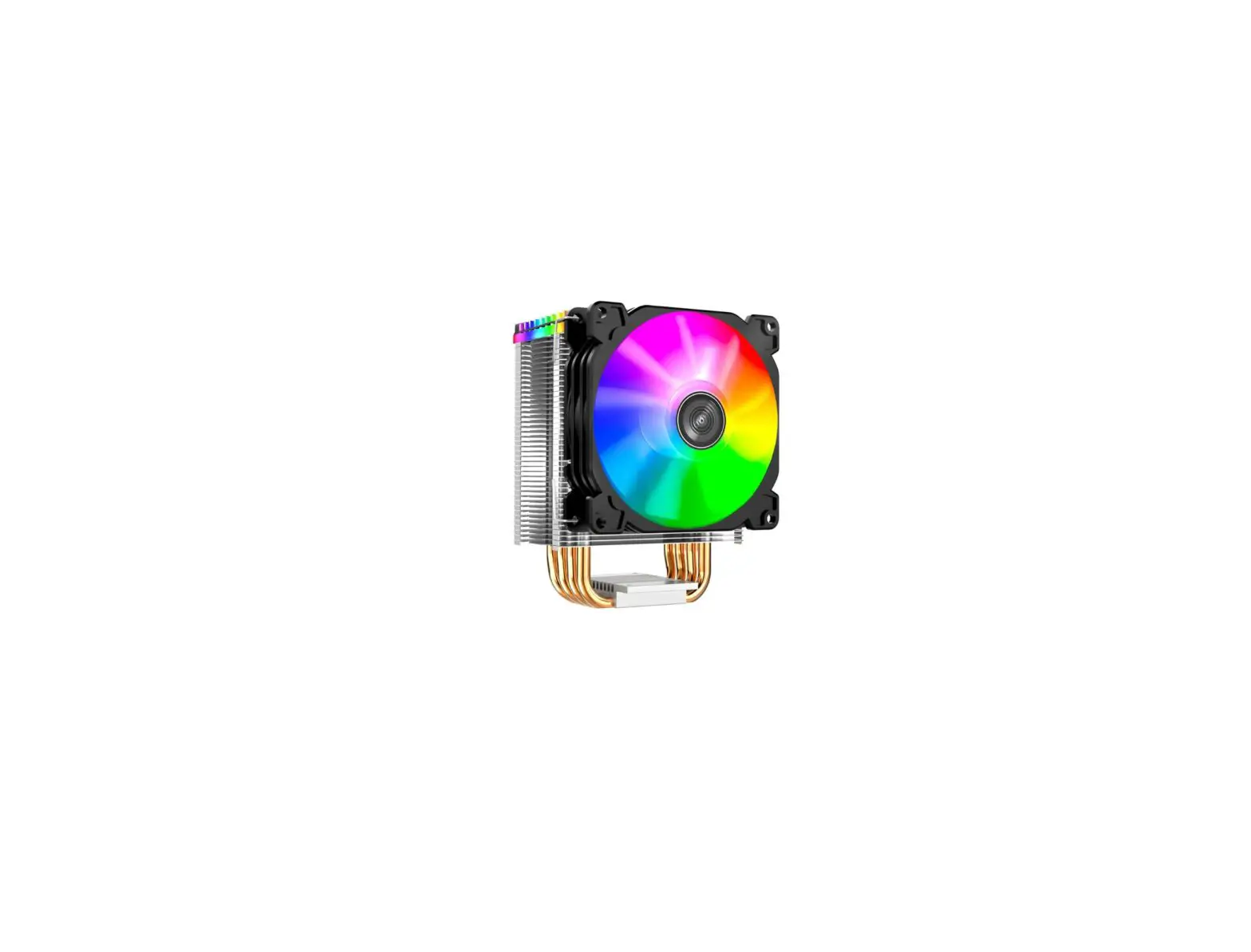

jONSBO HX4170D CPU Cooler
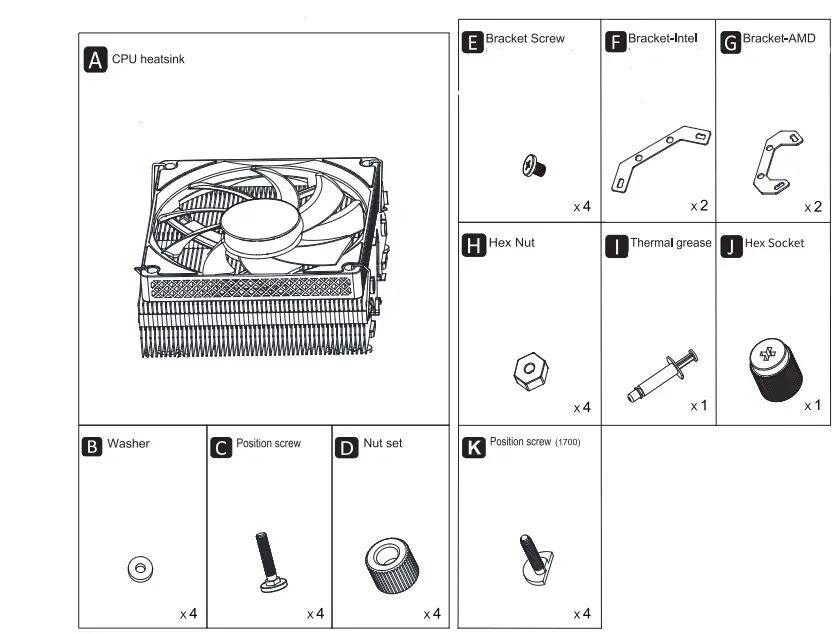
PART LIST
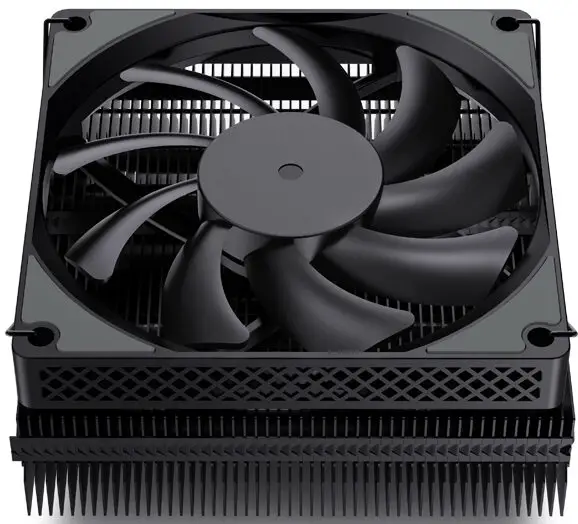
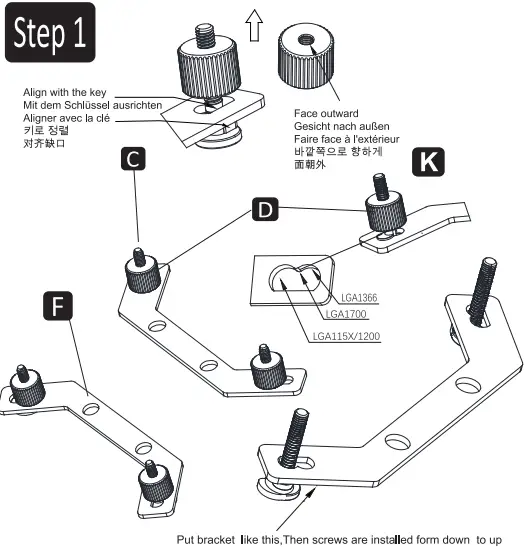
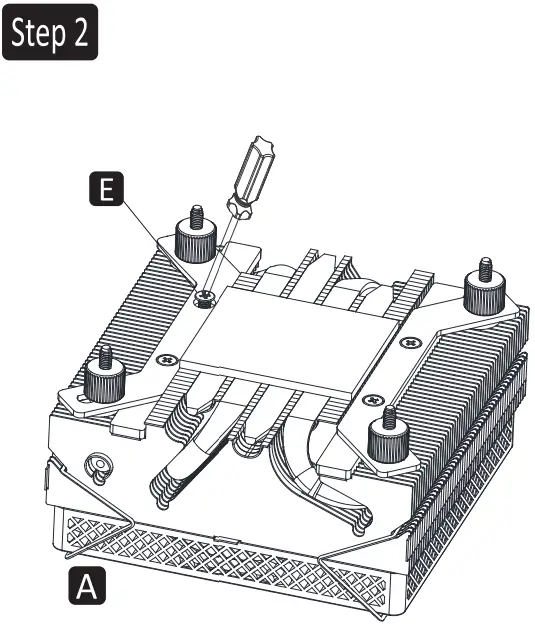
Intel Installation
- Insert the position screws to corresponding holes of Intel brackets, fixing them with nuts

- Secure Intel brackets to cooler with bracket screws

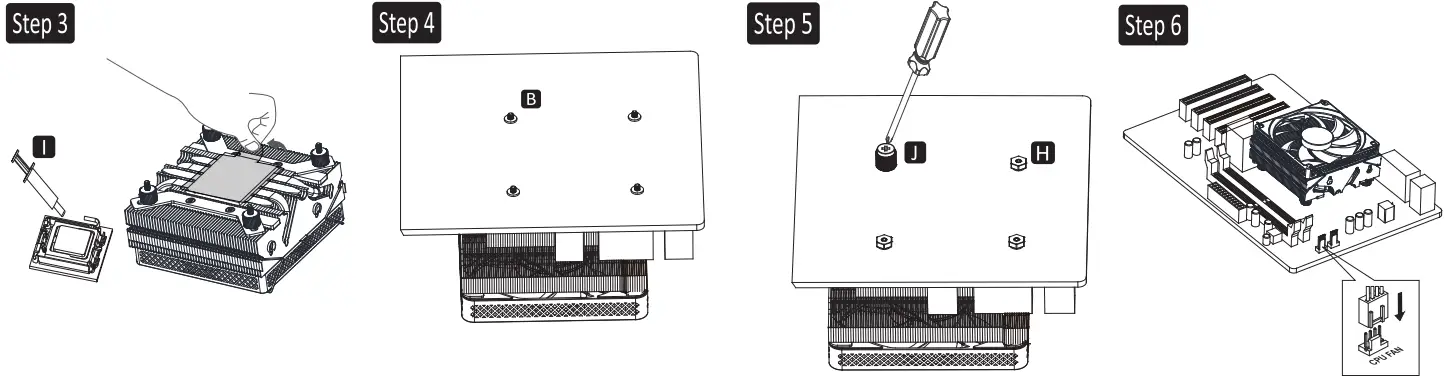
- Apply thermal paste on CPU / Remove the protection film
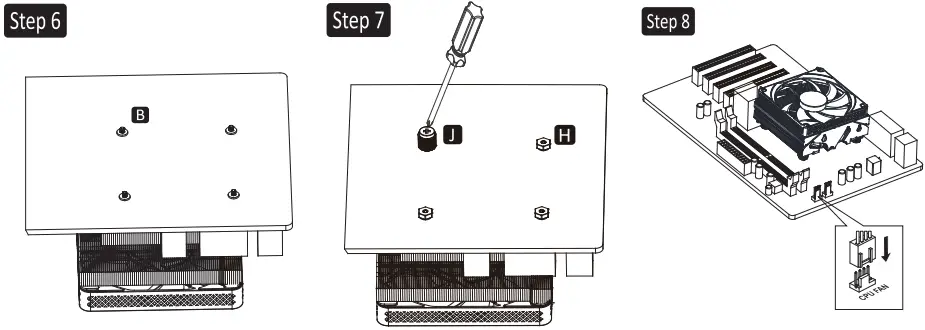
- Align CPU cooler mounting holes of MB with positioning screws, snap it back on the cooler, and insert the washers.
- Tighten the nut with hex socket
- Connect the fan cable to CPU_FAN socket on MB

AMD Installation
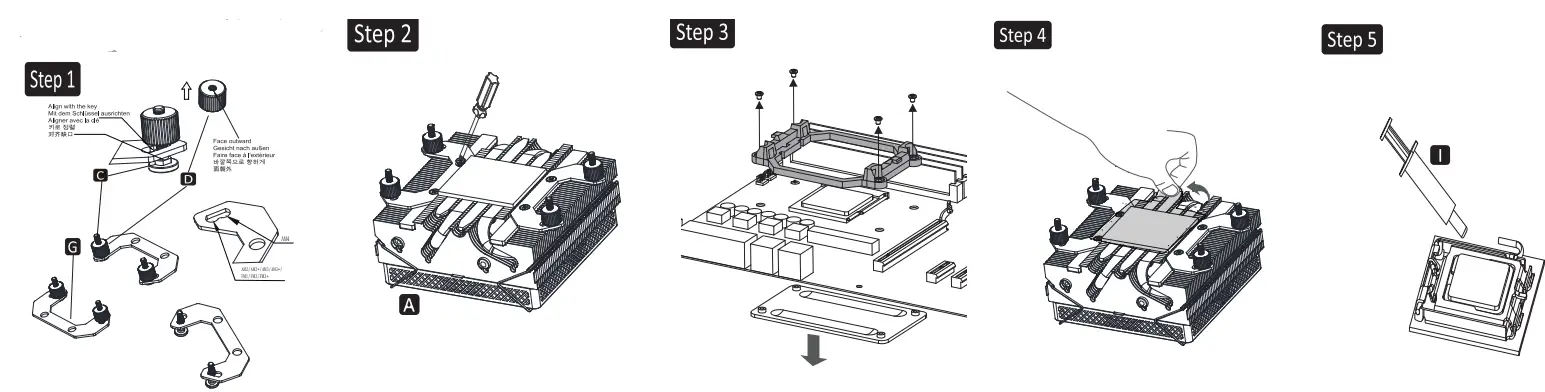
- Insert the position screws to corresponding holes of AMO brackets, fixing them with nuts
- Secure AMD brackets to cooler with bracket screws
- Remove the plastic retainers of the AMO retention module
- Remove the protection film
- Apply thermal paste on CPU

- Align CPU cooler mounting holes of MB with positioning screws, snap it back on the cooler, and insert the washers.
- Tighten the nut with hex socket
- Connect the fan cable to CPU_FAN socket on MB

© 2015 ENERMAX TECHNOLOGY CORPORATION. All right reserved. Specifications are subject to
change without prior notice. Some trademark may be claimed as the property of others.