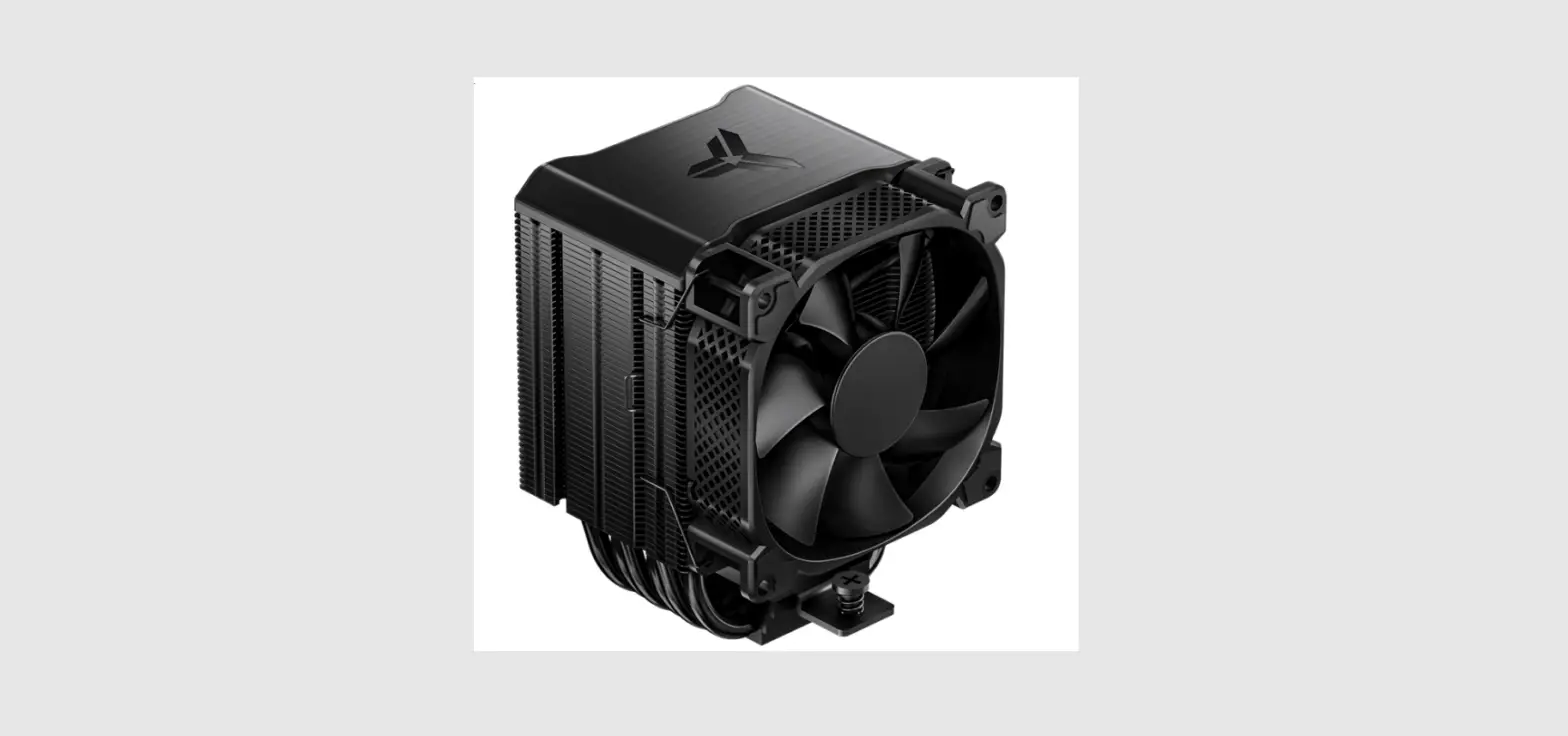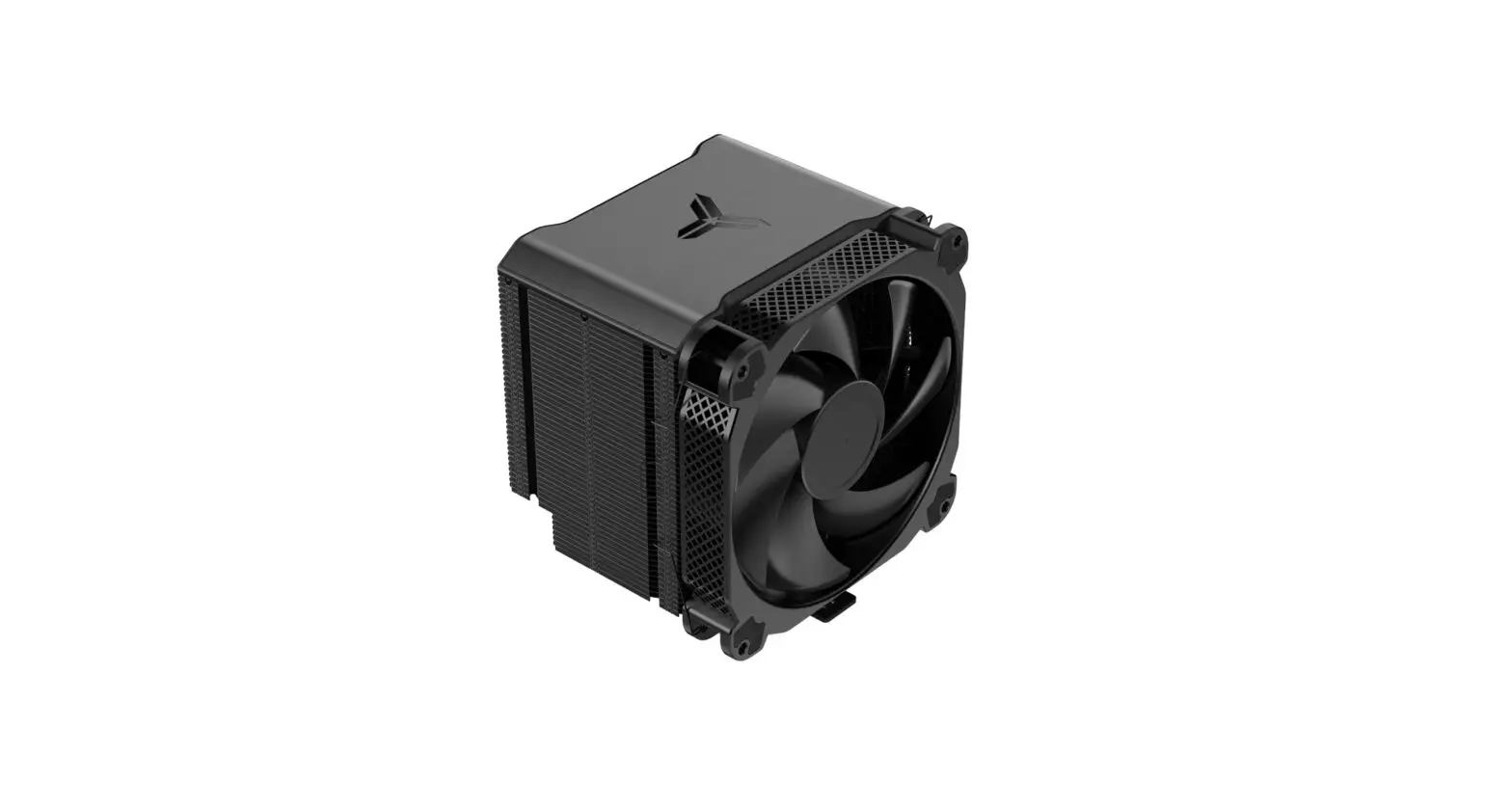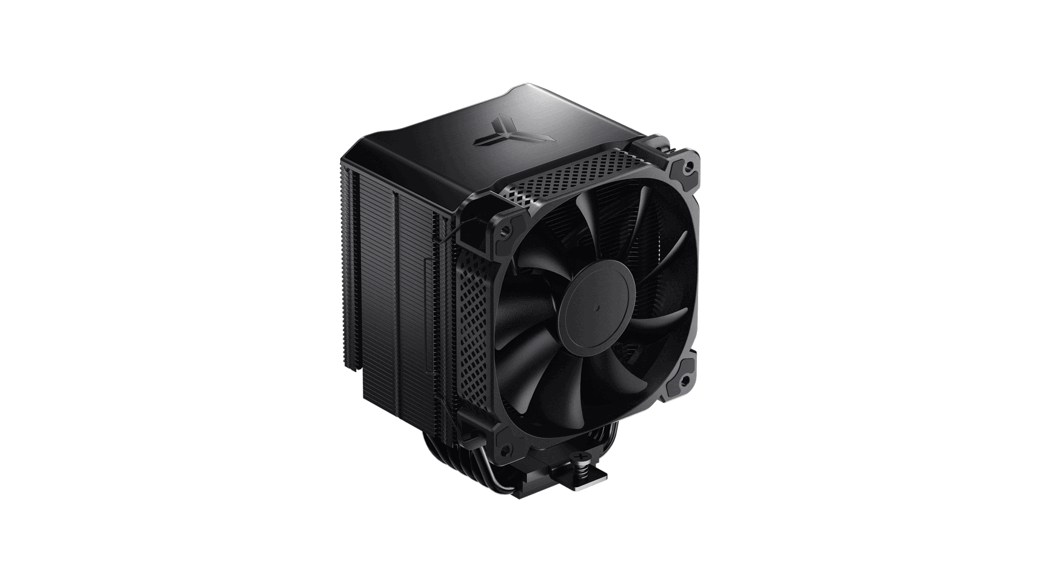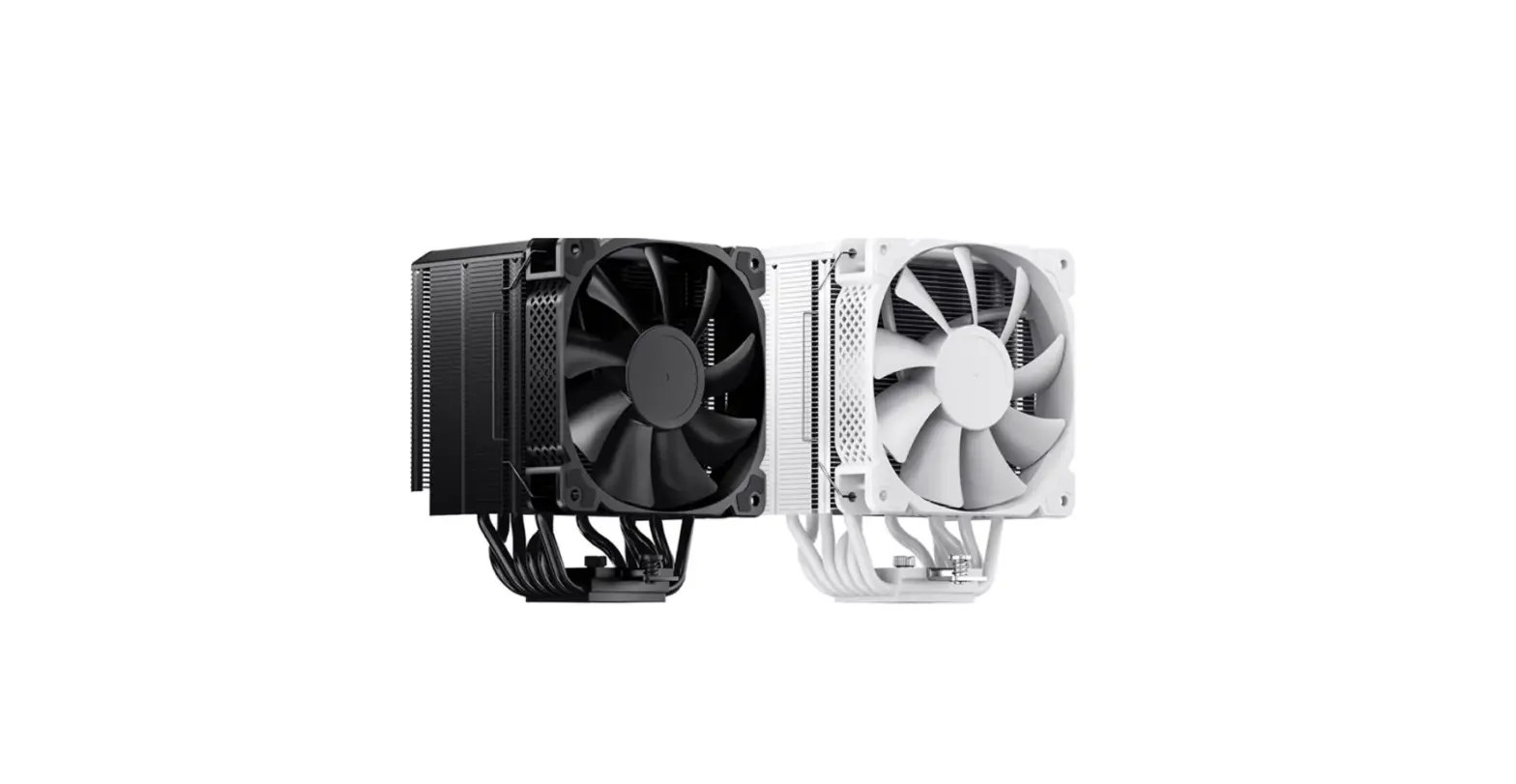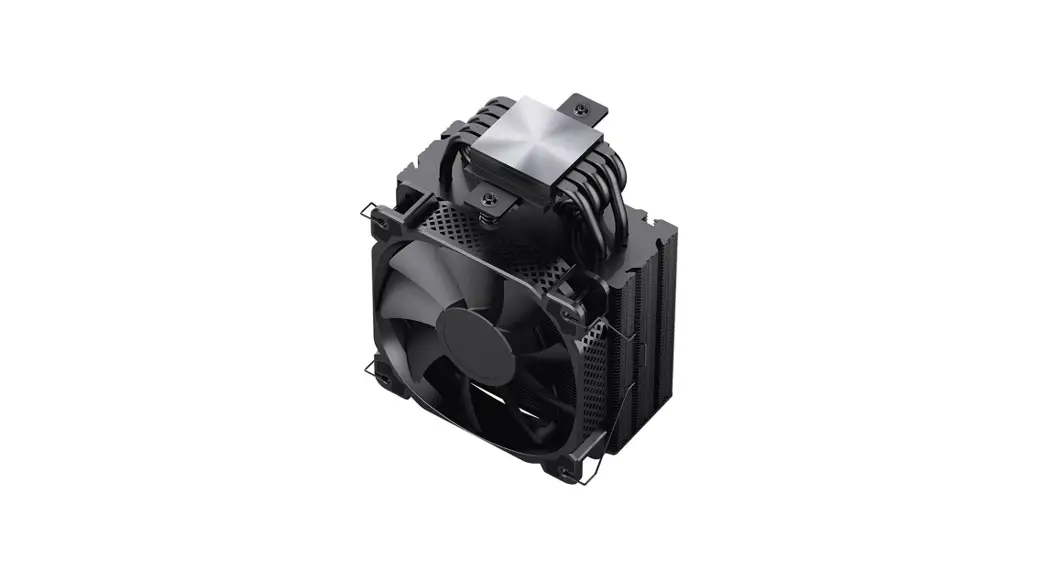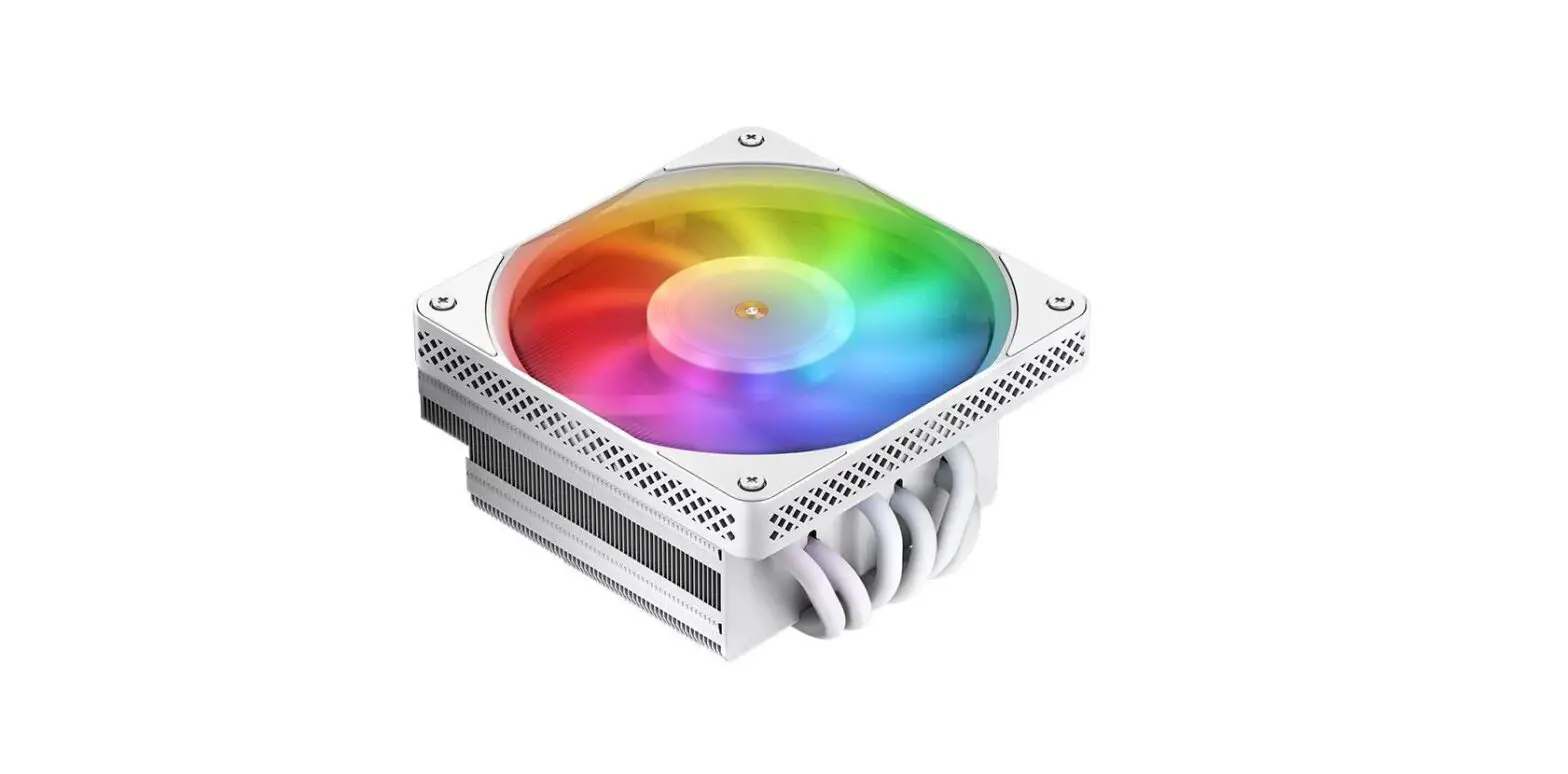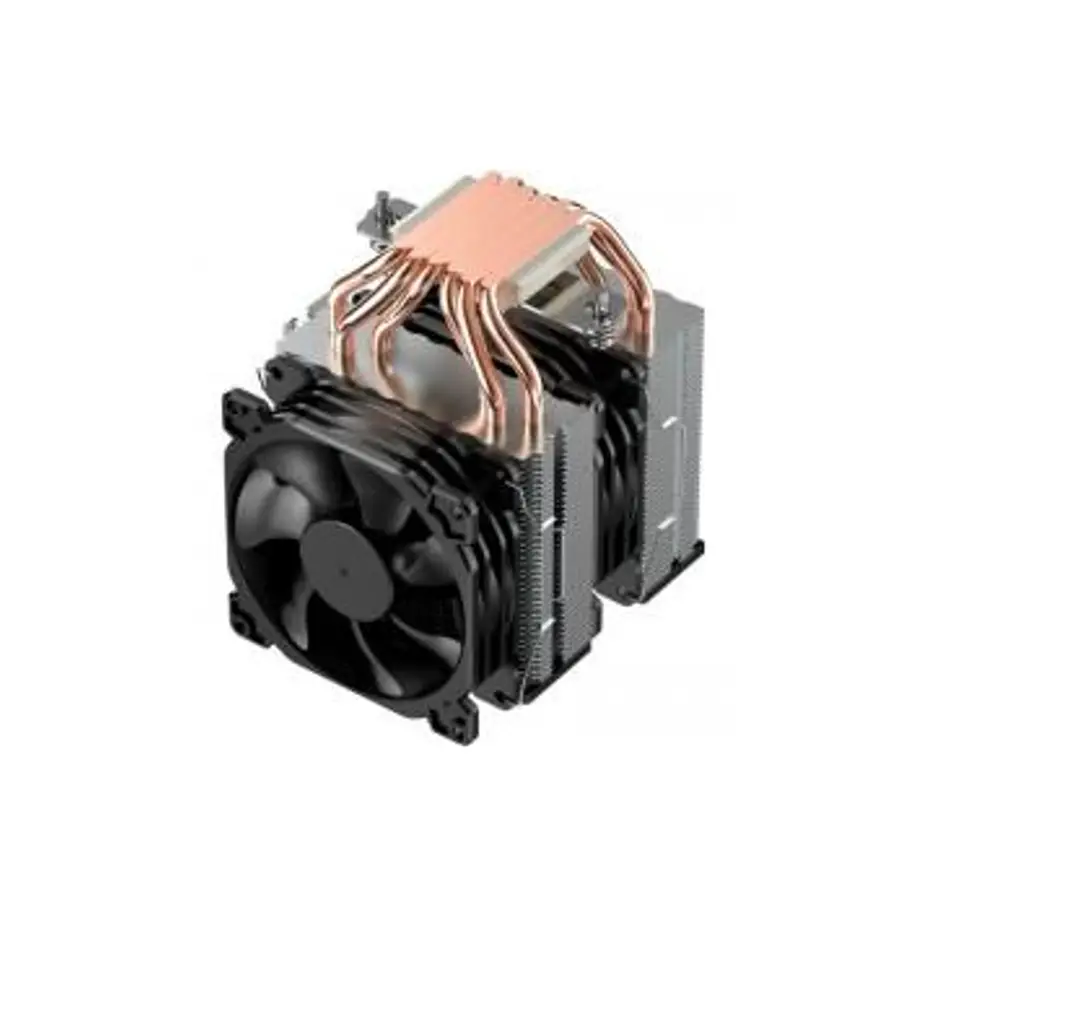

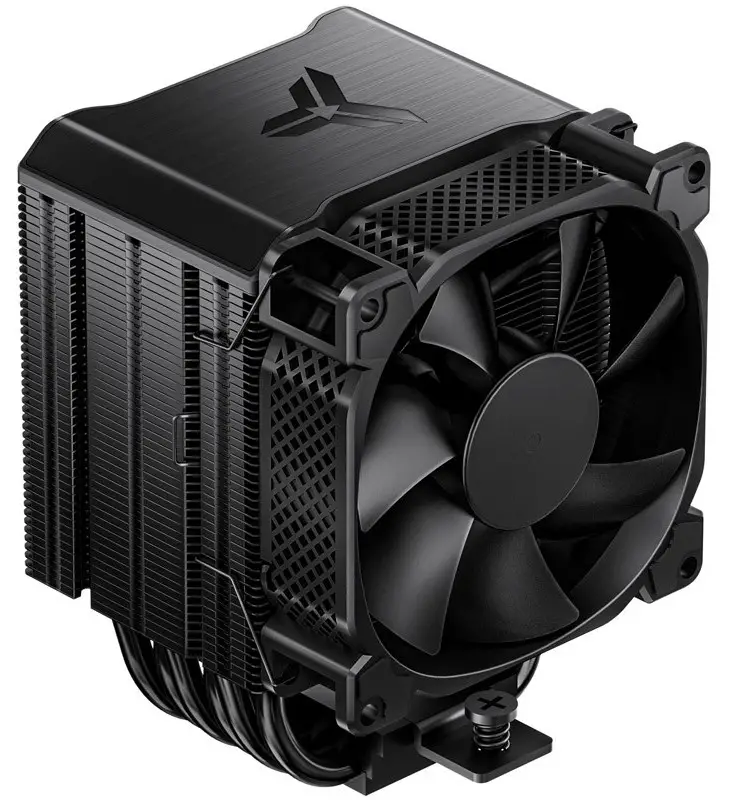
JONSBO HX6210 High Performance Air Cooler
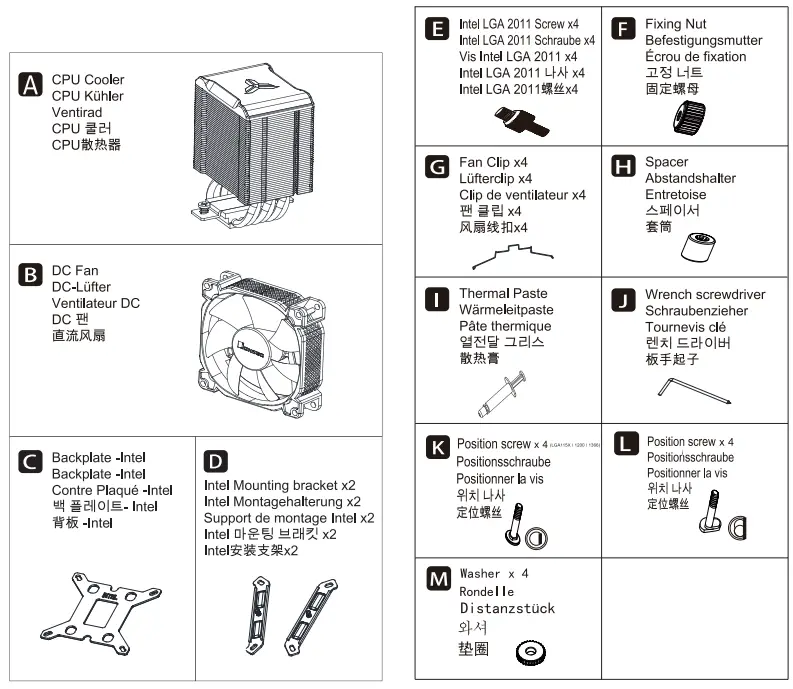
PART LIST
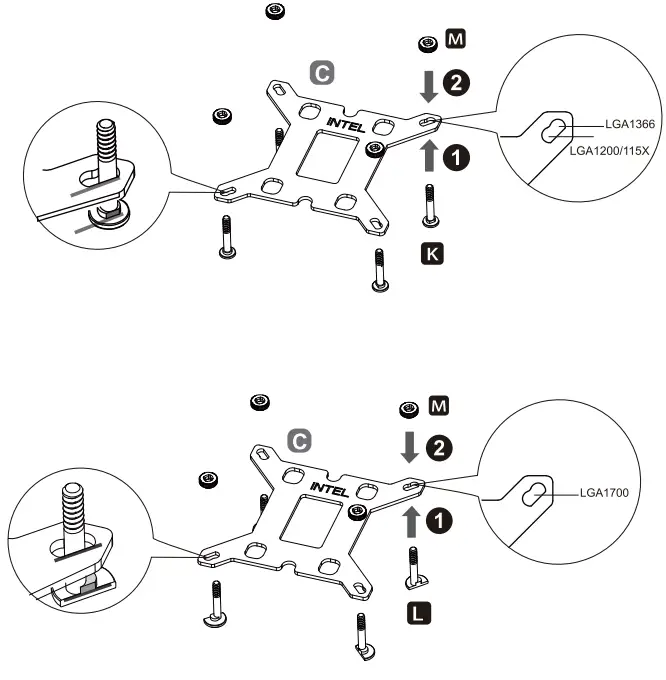
INTEL INSTALLATION
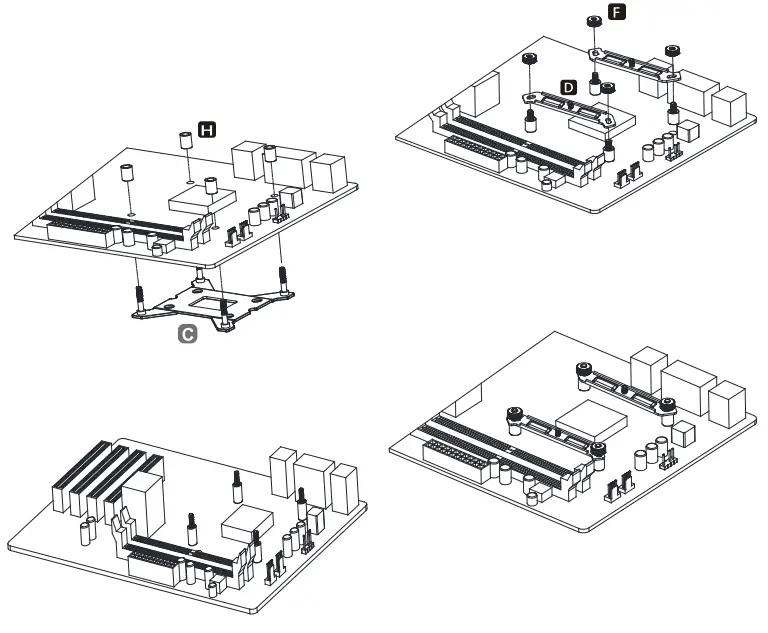
- STEP 1: Intel LGA1366/1200/ 115X/ 1700
Install the backplate to the motherboard and fix it with spacers
- STEP 2: Intel LGA1366/1200/ 115X/ 1700
Install the mounting brackets and secure with fixing nut
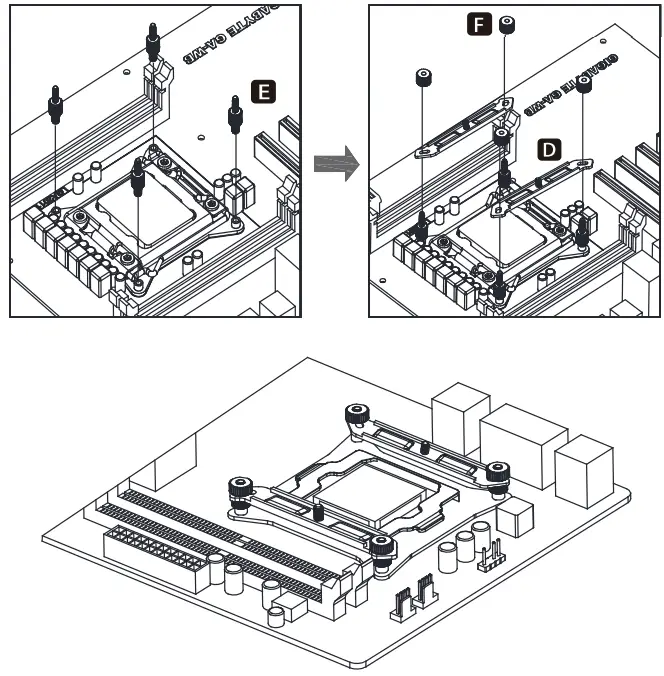
- STEP 2.1: Intel LGA 2011 installation
Install the LGA2011 screws to CPU Bracket, and secure the mounting bracket with fixing nut
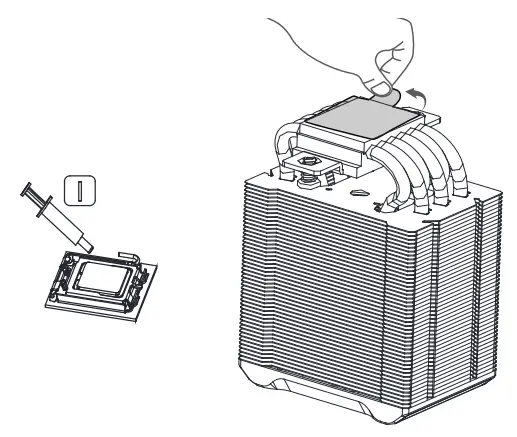
- STEP 3: Applying the thermal paste on CPU evenly, and remove the protection film from copper base

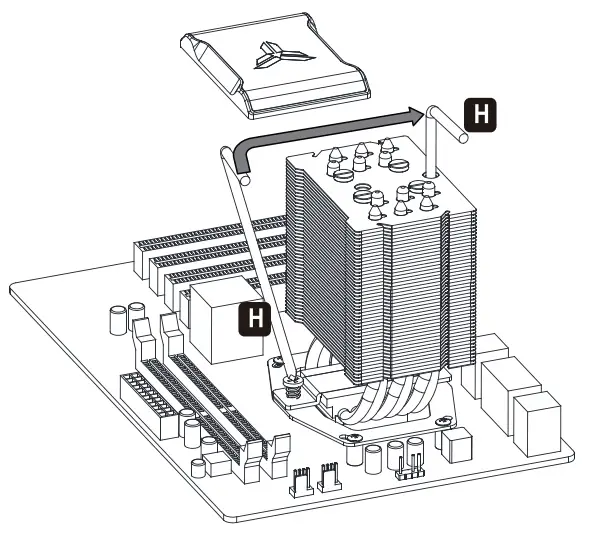
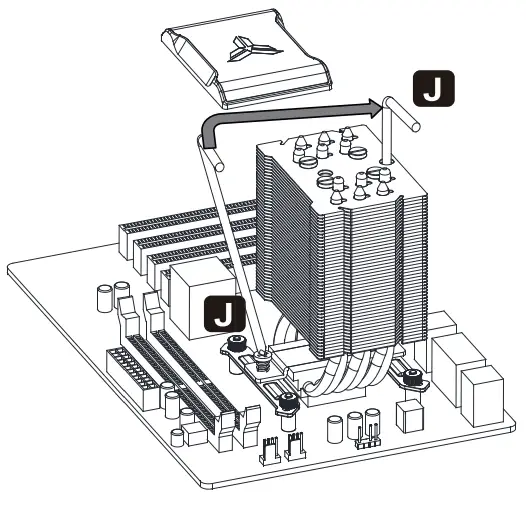
- STEP 4: Place the cooler on the CPU, remove the magnetic top cover, and secure the base screw to the mounting bracket.

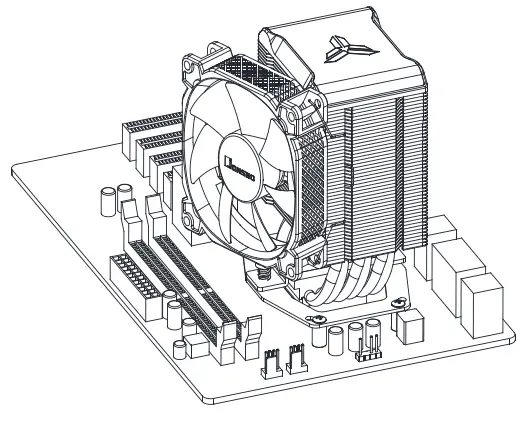
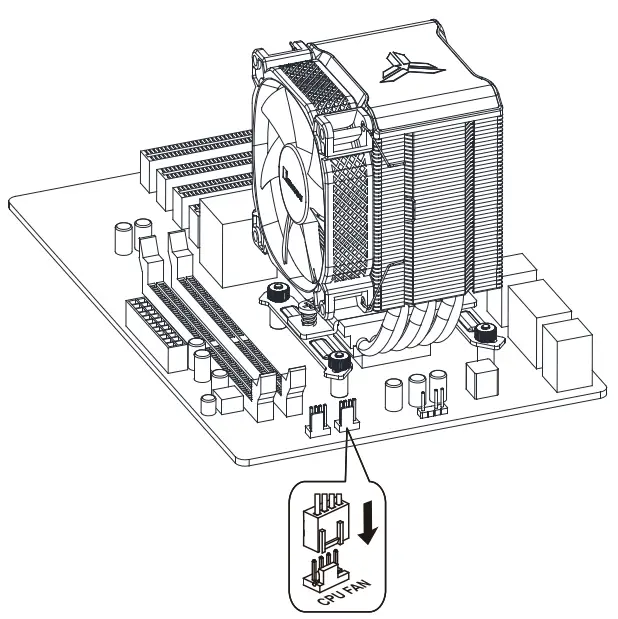
- STEP 5: Insert the top cover back on cooler, secure the fan with fan clips.

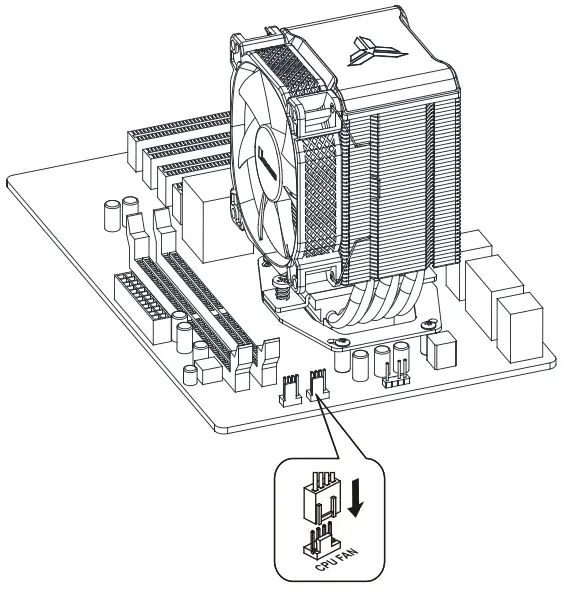
- STEP 6: Connect fan cables to CPUFAN socket


AMD INSTALLATION
PART LIST
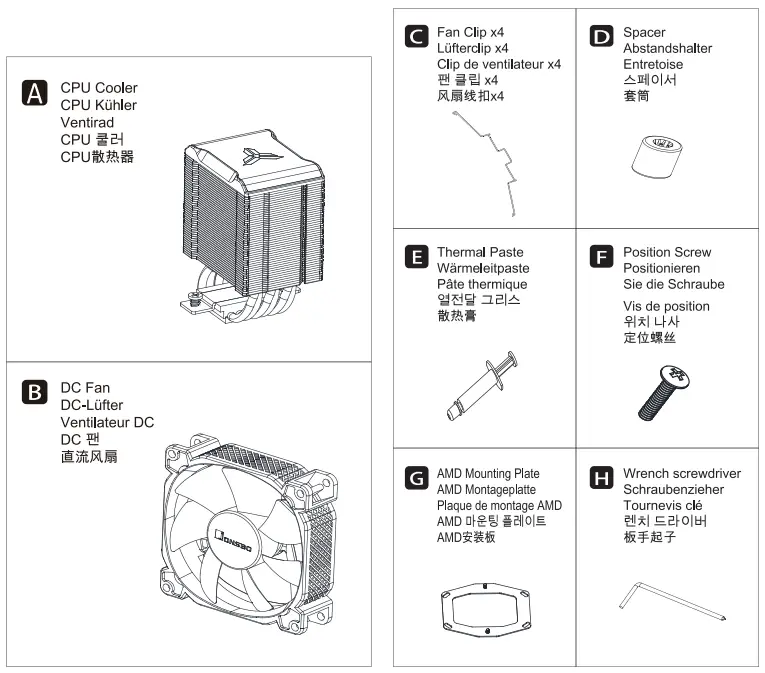
INSTALLATION INSTRUCTION
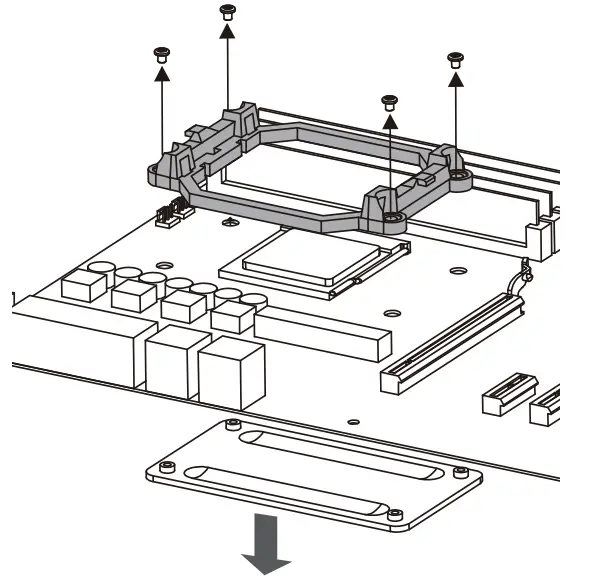
- STEP 1: Remove the plastic retainer of the AMD retention module, place the existing backplate back to MB

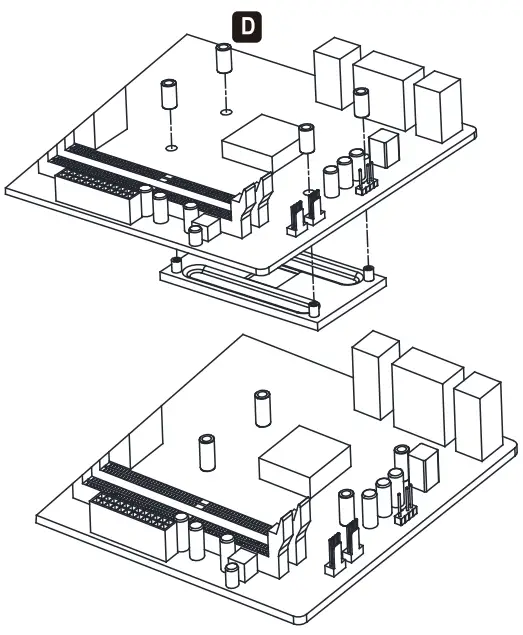
- STEP 2: Install the spacer to secure the AMD backplate

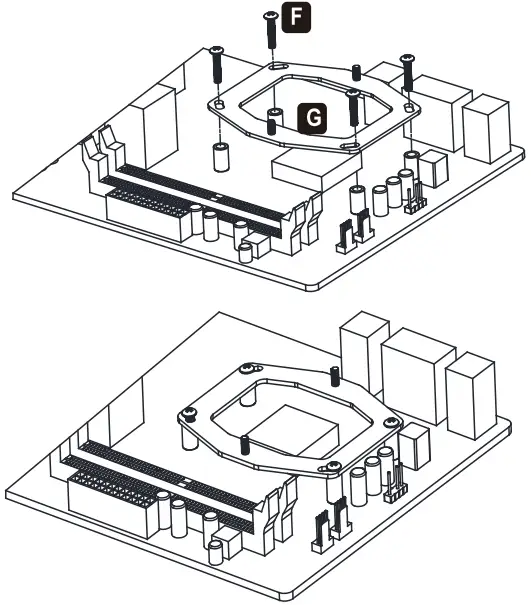
- STEP 3: Install the AMD mounting plate and secure with position screw

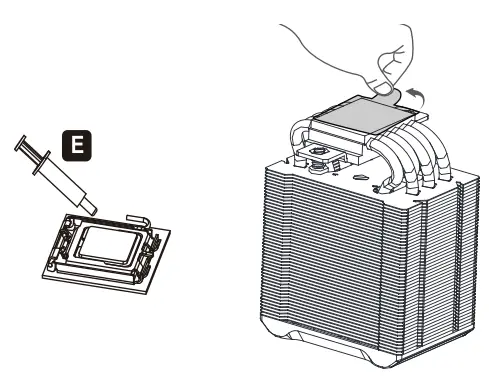
- STEP 4: Applying the thermal paste on CPU evenly, and remove the protection film from copper base

- STEP 5: Place the cooler on the CPU, remove the magnetic top cover, and secure the base screw to the mounting bracket.

- STEP 6: Insert the top cover back on cooler, secure the fan with fan clips

- STEP 7: Connect fan cables to CPU_FAN socket