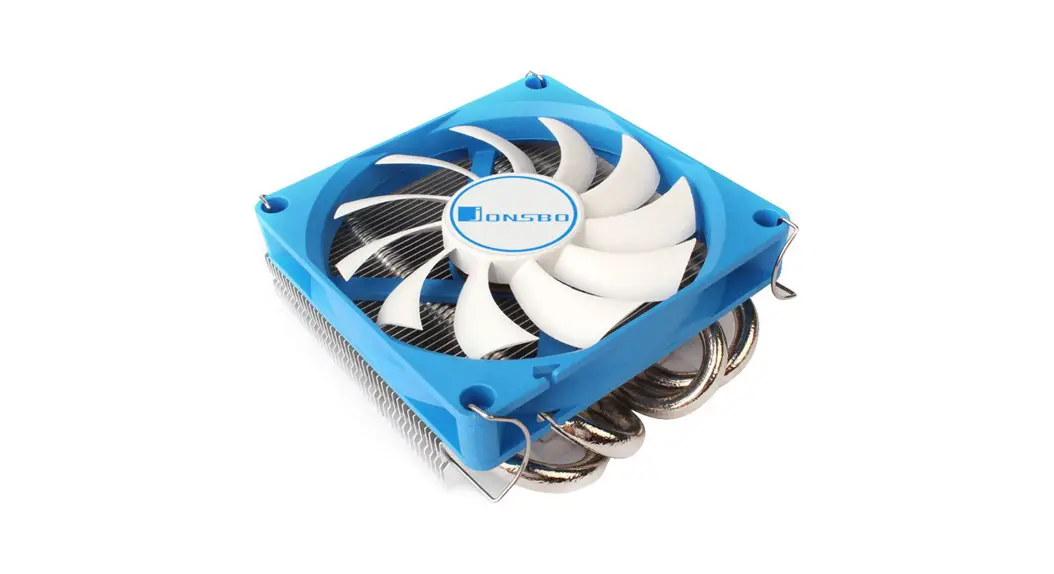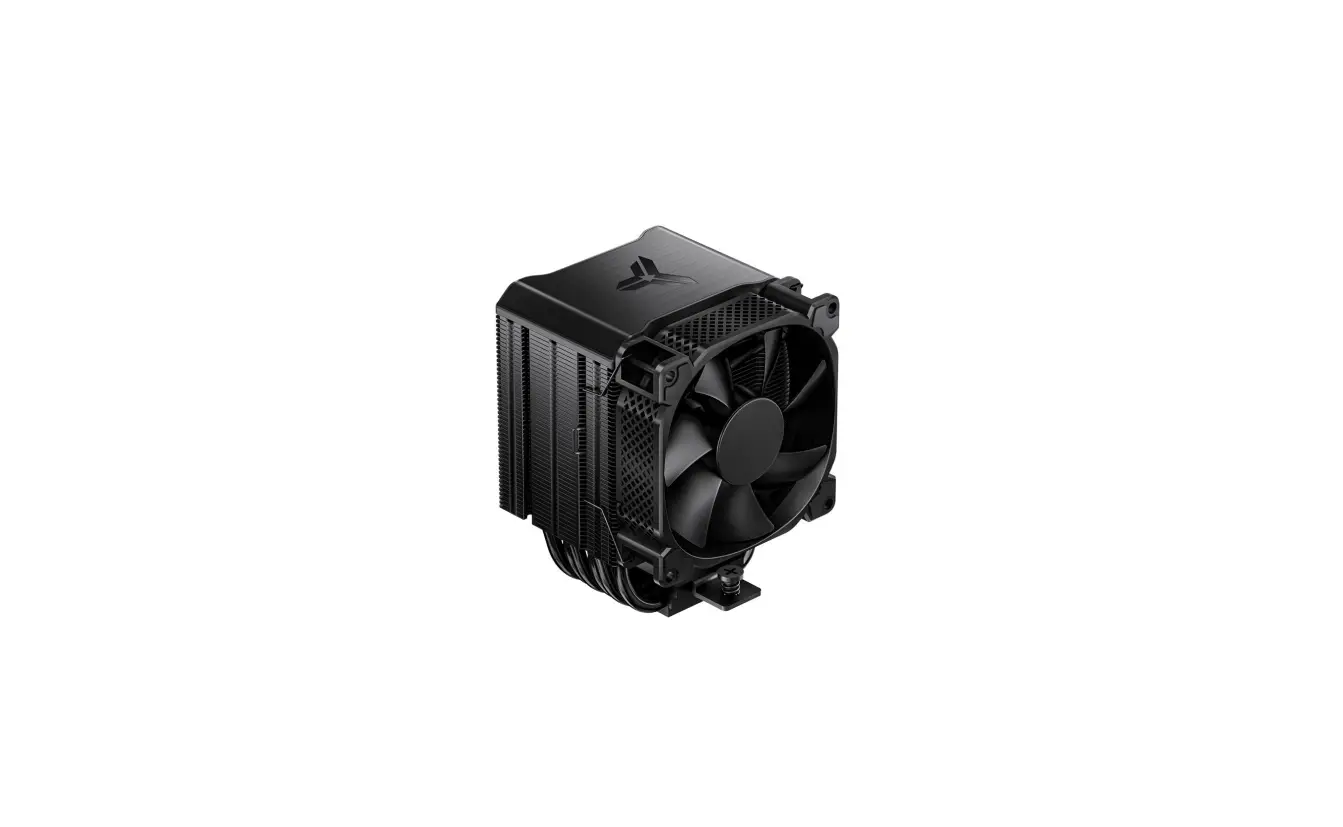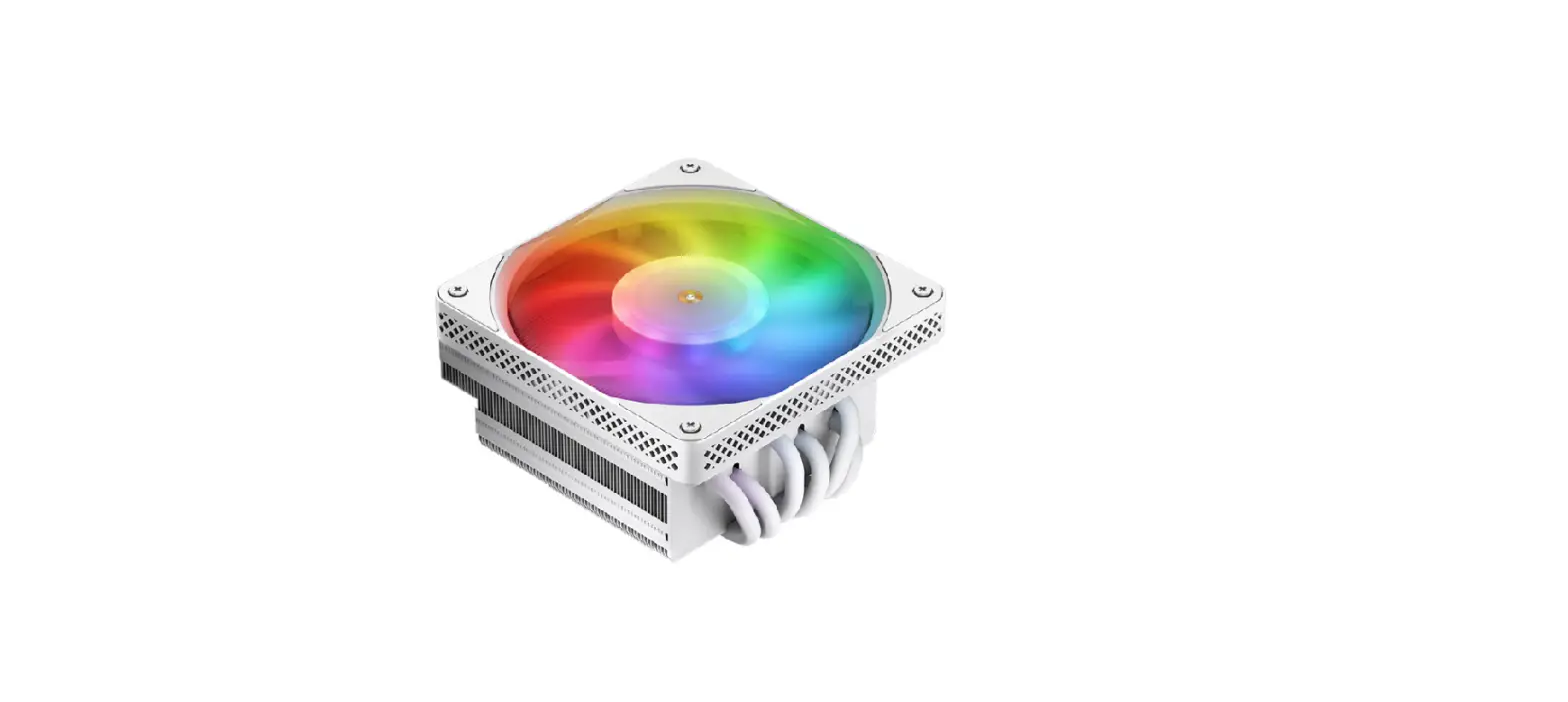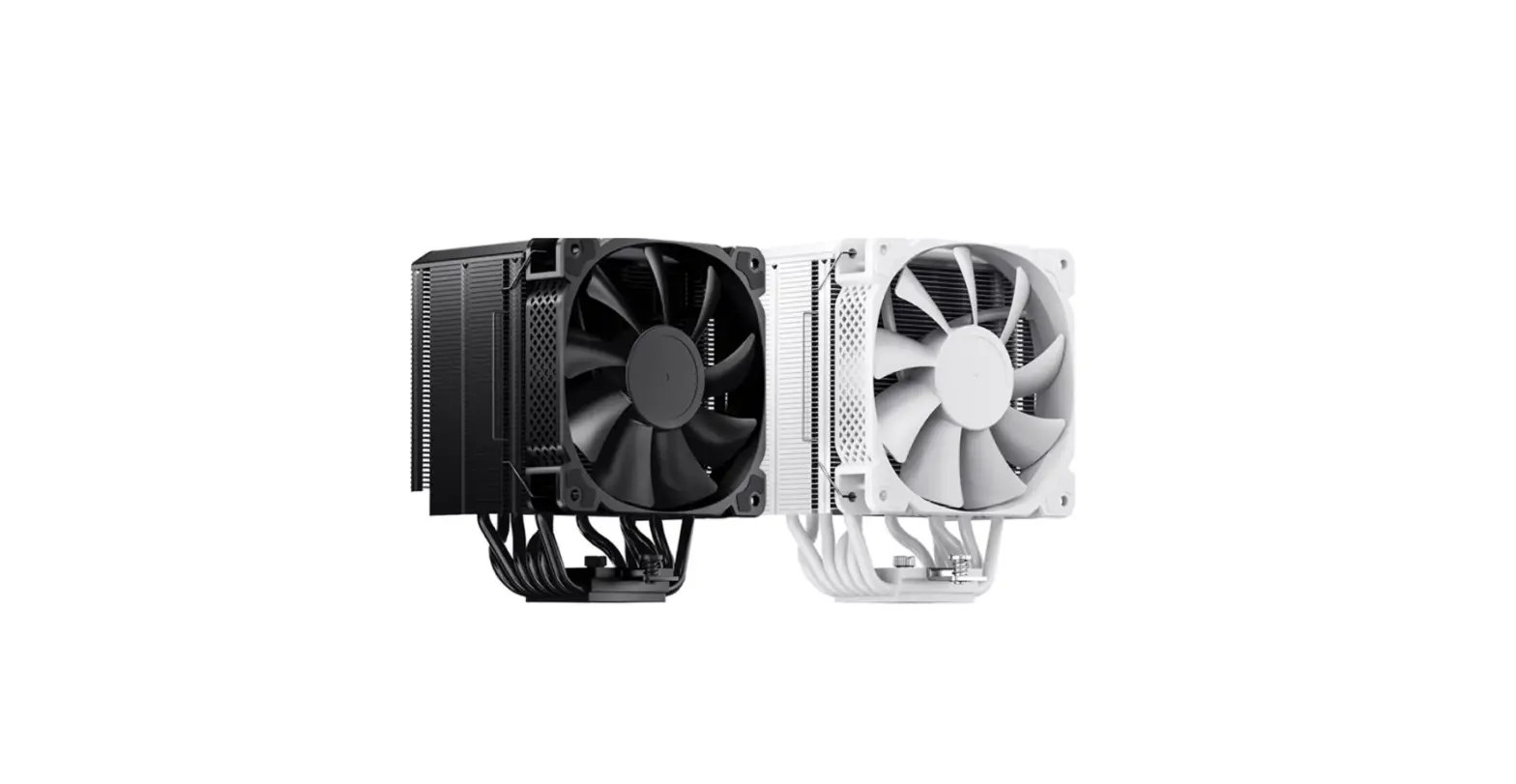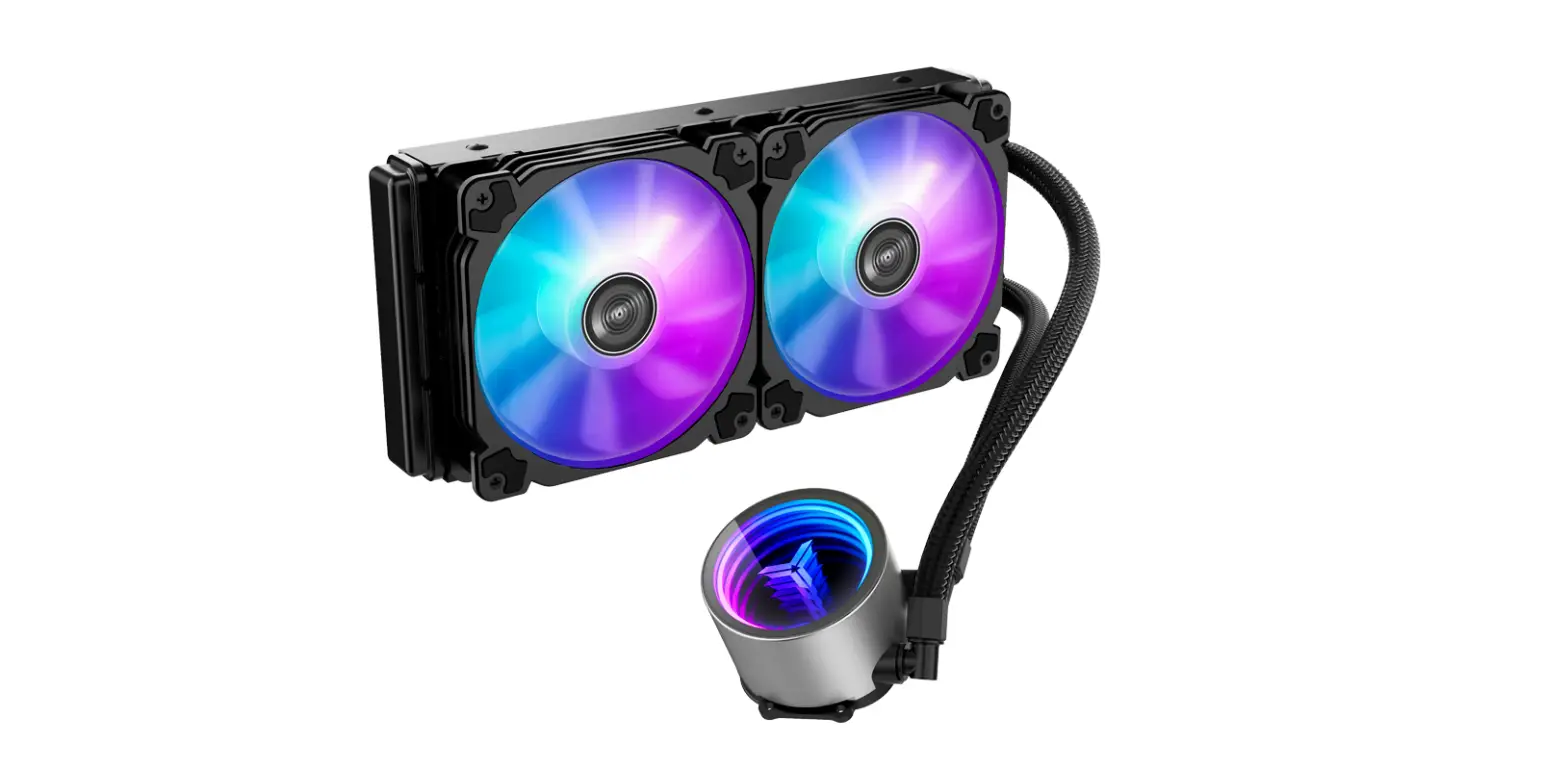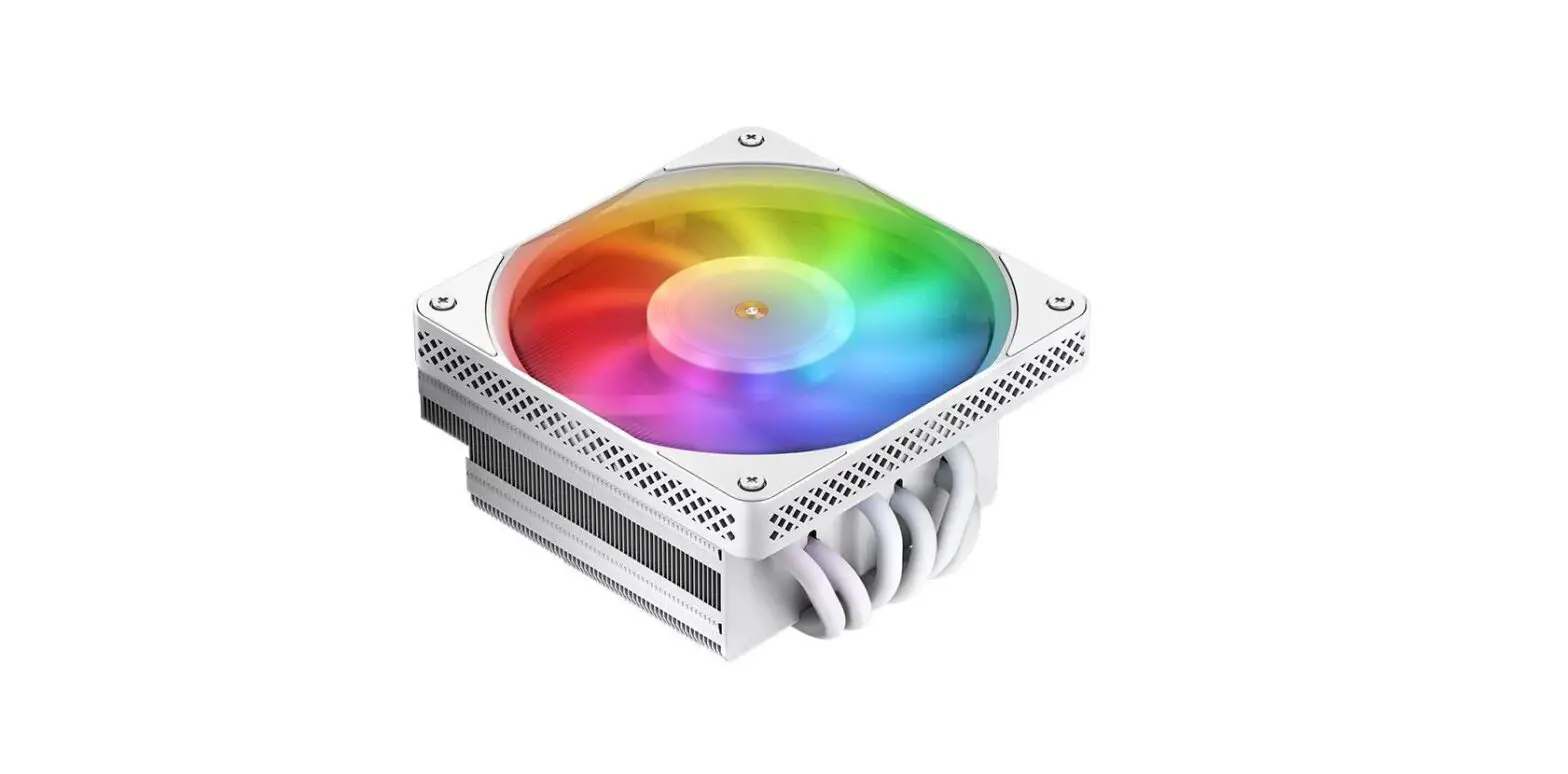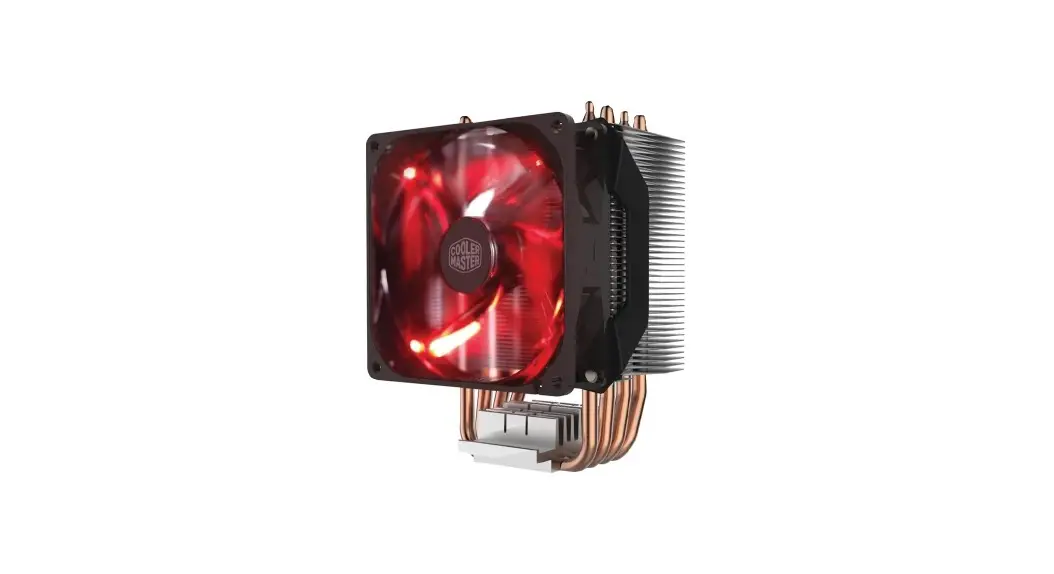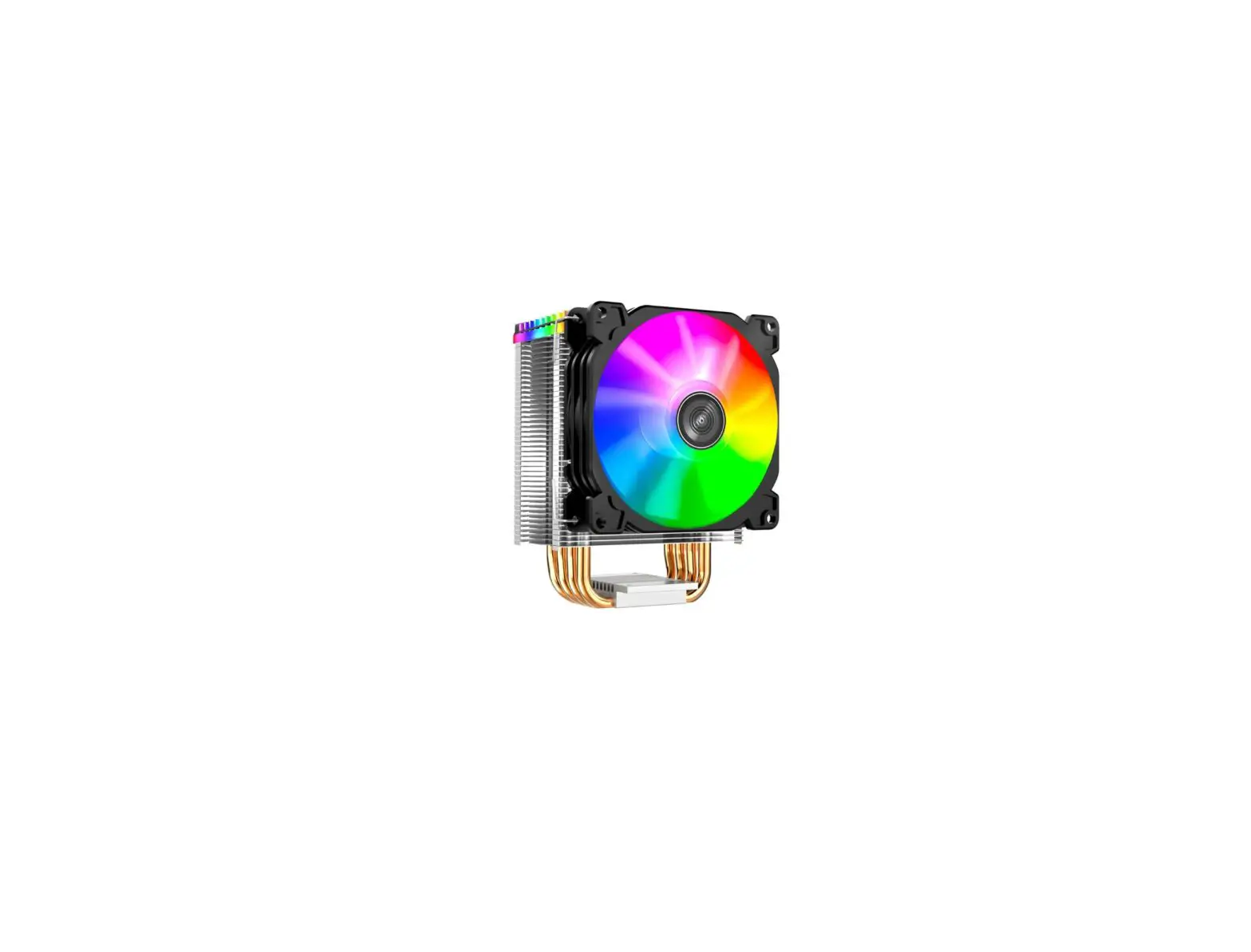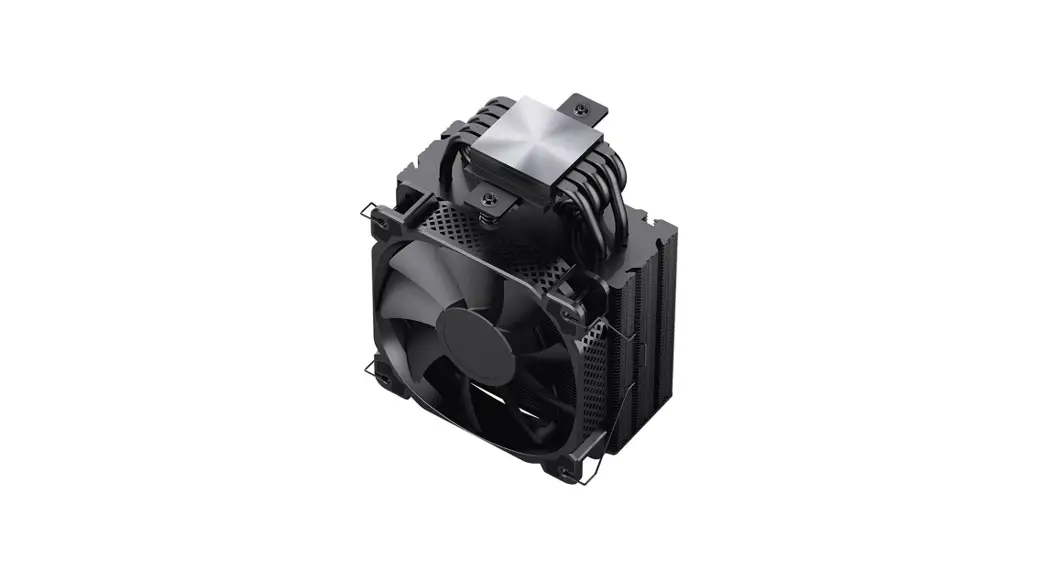
 HX5230 CPU Cooler User Manual
Part List
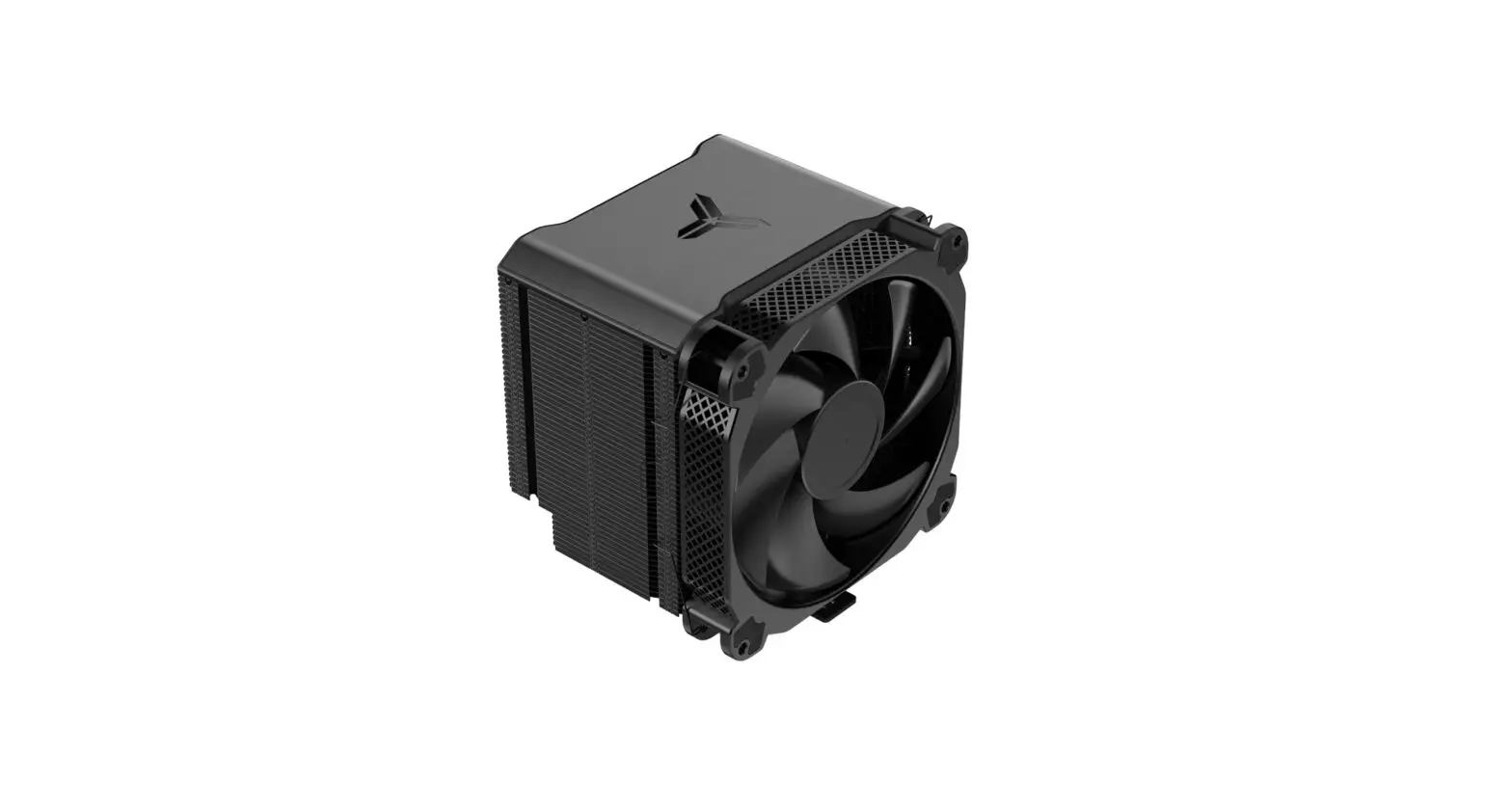
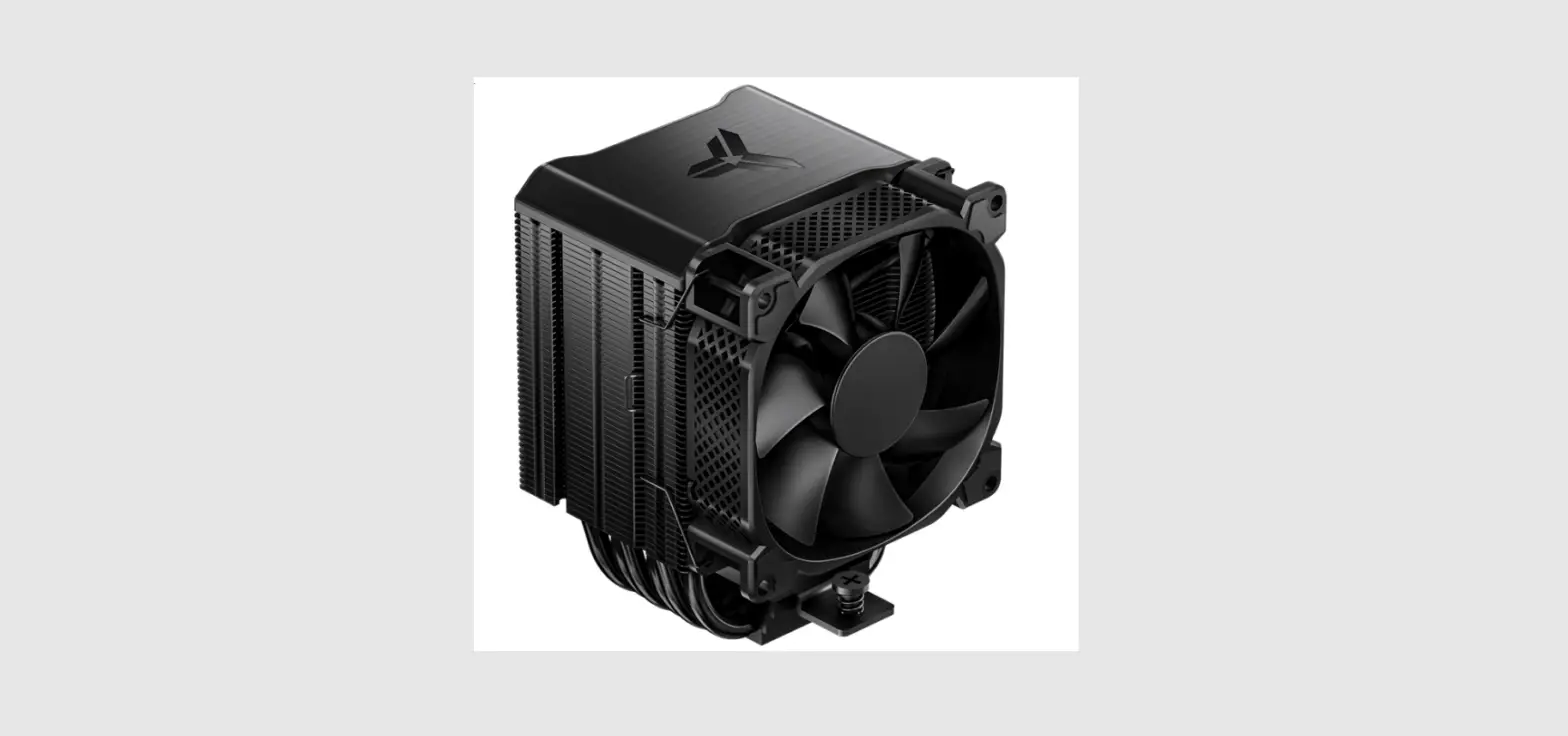
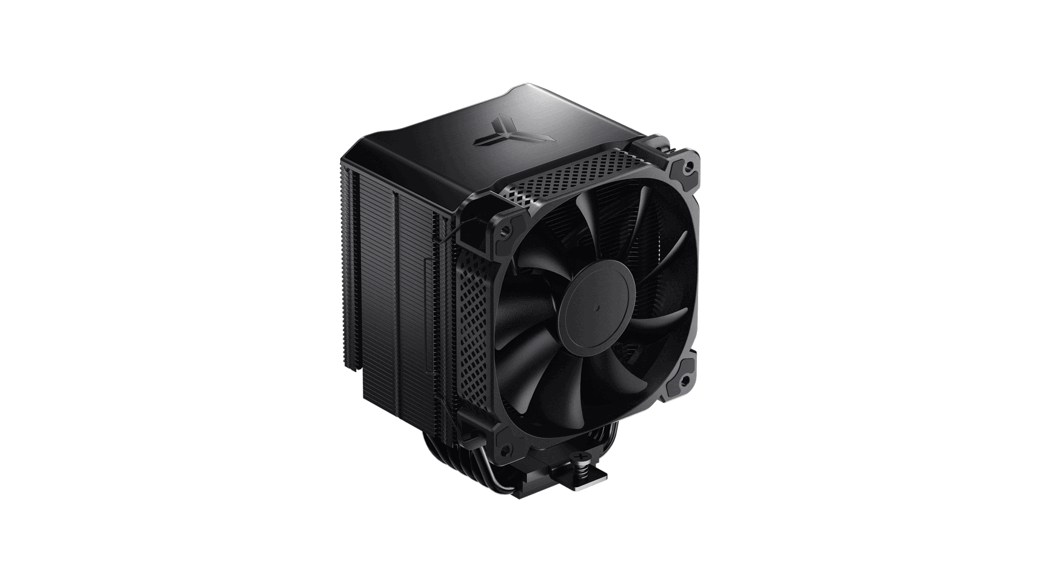
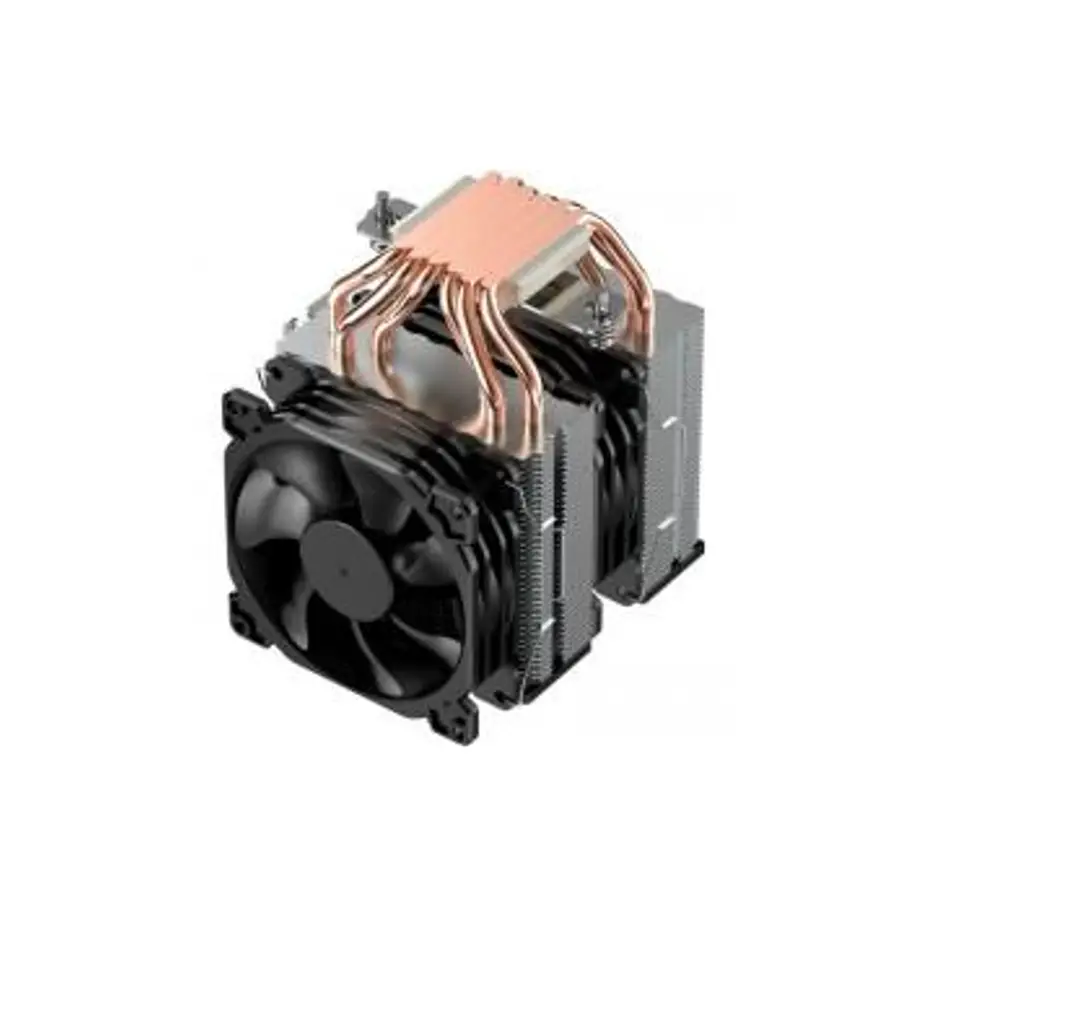
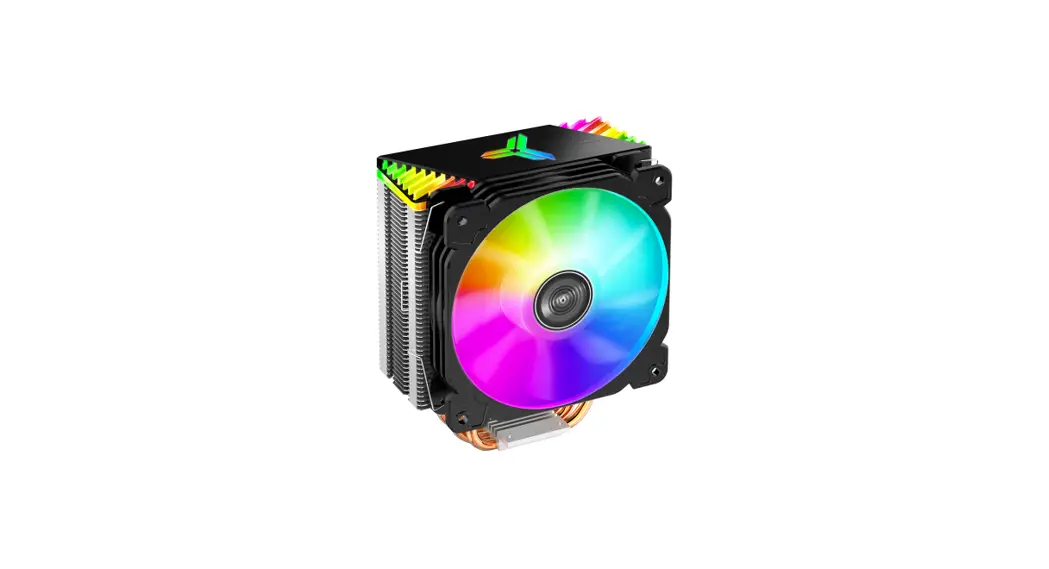
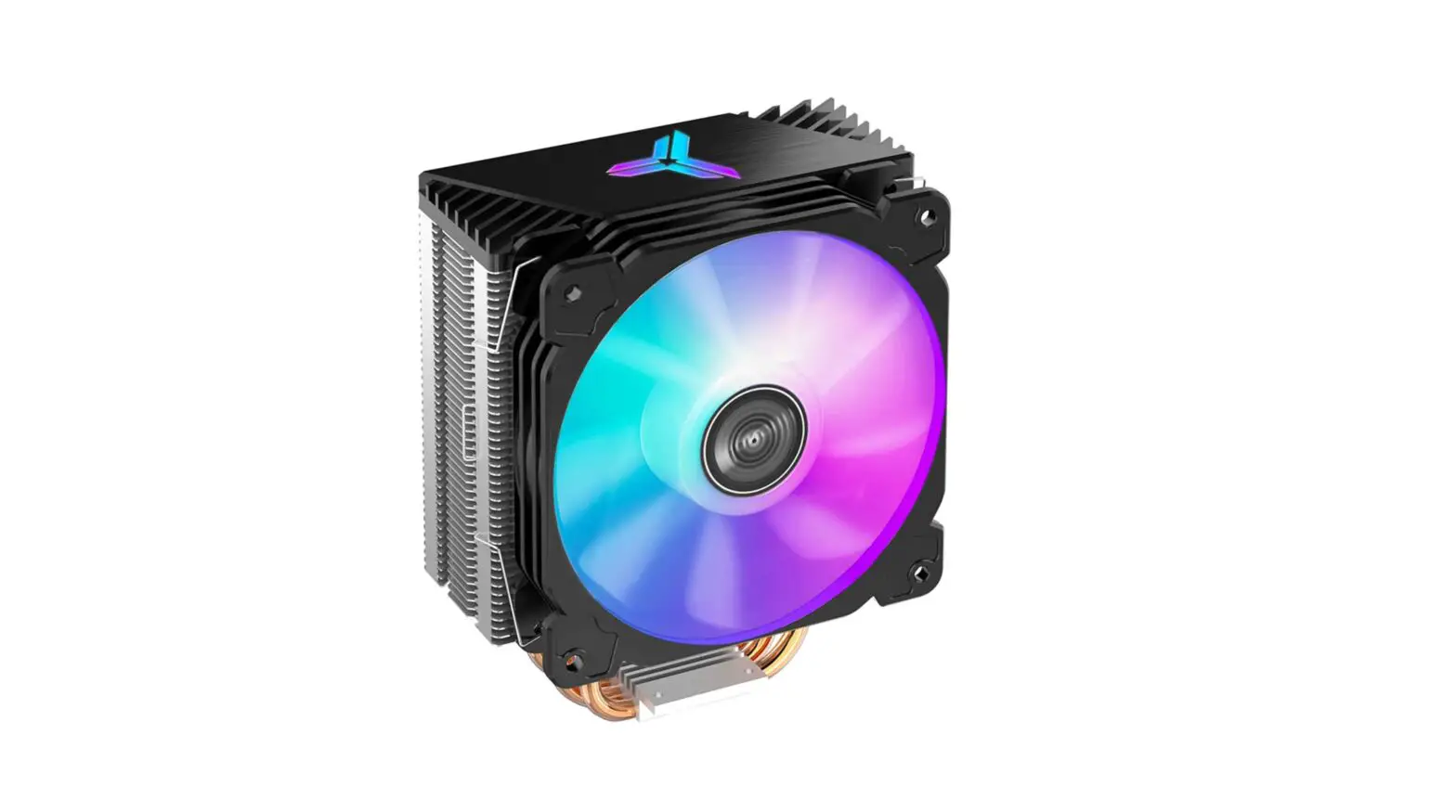
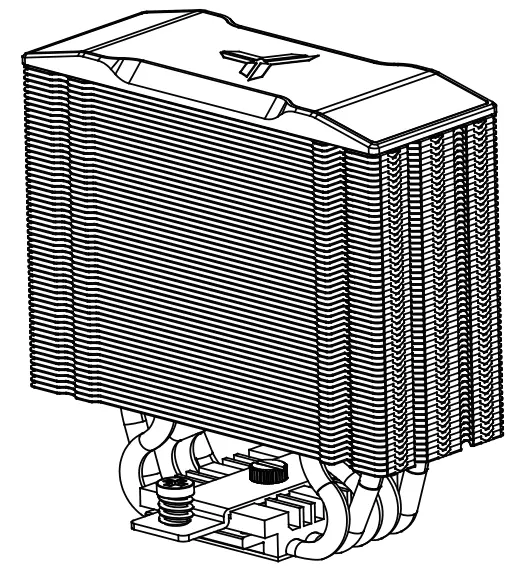
A CPU Cooler
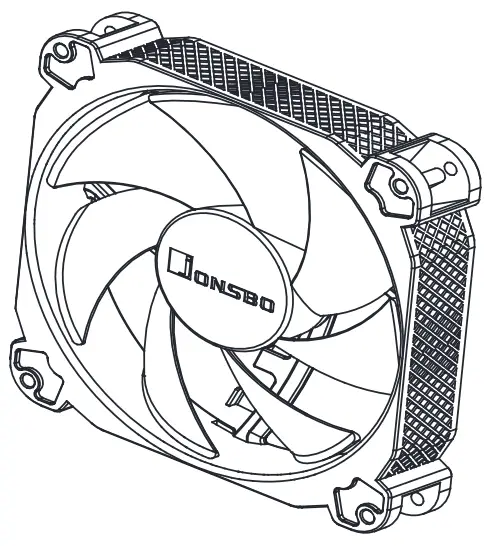
 B DC Fan
 C Backplate -Intel
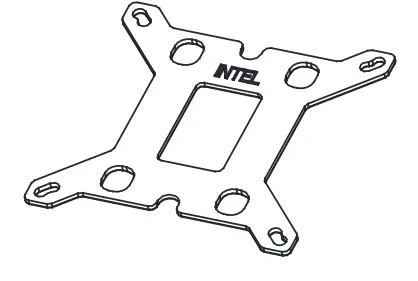 D Intel Mounting bracket.
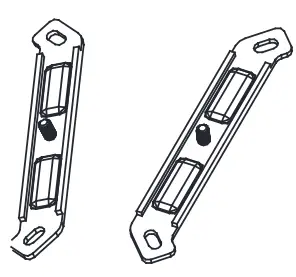
E Intel LGA 2011 Screw
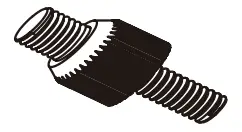 F Feting Nut x4
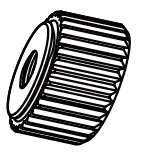
G Fan Clip x4
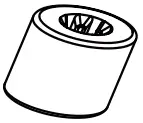
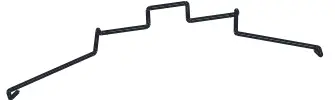 H Spacer x4
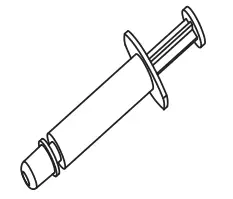
 I Thermal Paste
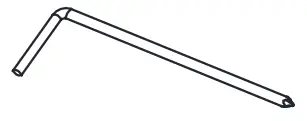
 J Wrench screwdriver
 K Position screw x4
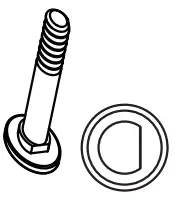 L Position screw x4
M Washer x4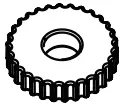
Intel Installation
Stepl
Intel LGA1366 / 1200 / 115X/ 1700
Step2 Intel LGA1366 / 1200 / 115X / 1700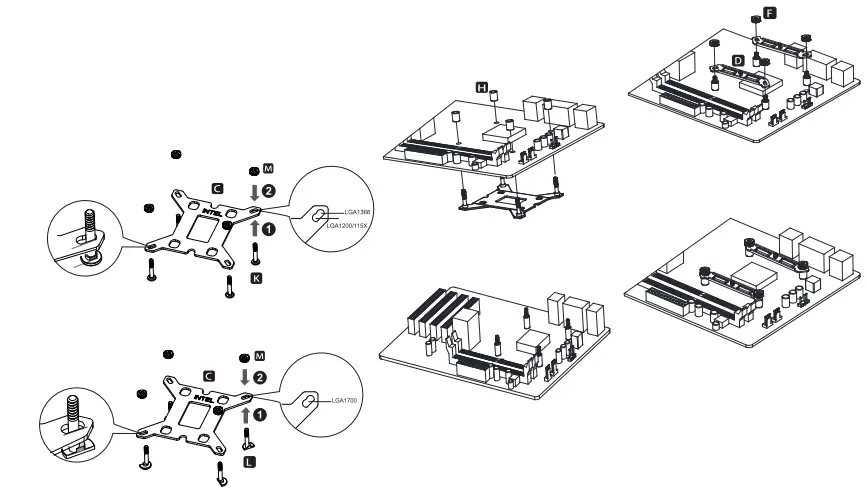
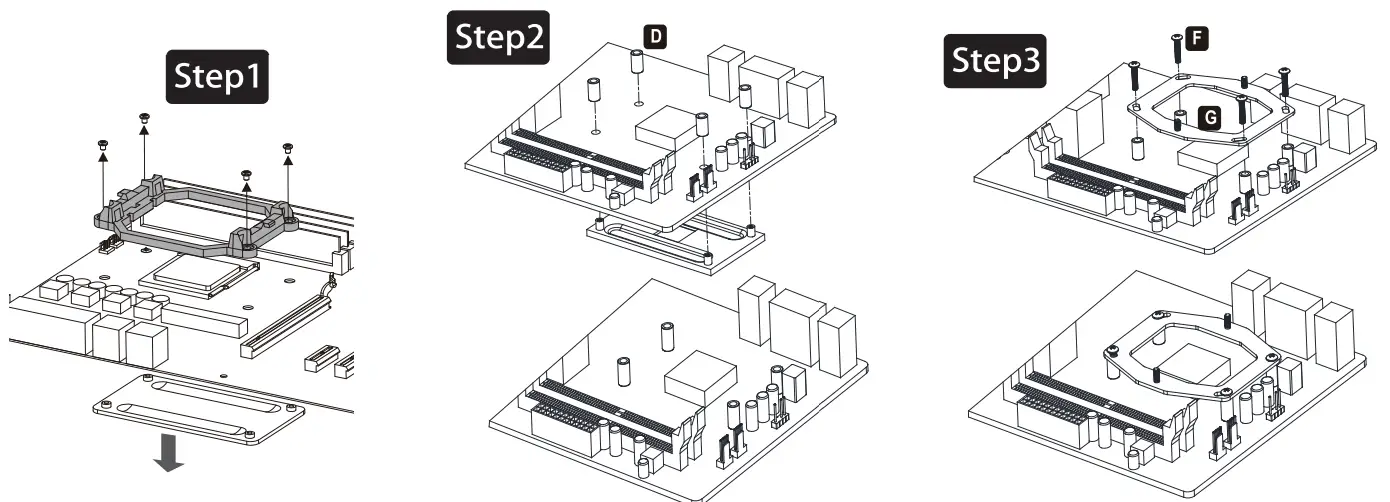
Install the backplate to the motherboard and fix it with spacers
Install the mounting brackets and secure with fixing nut
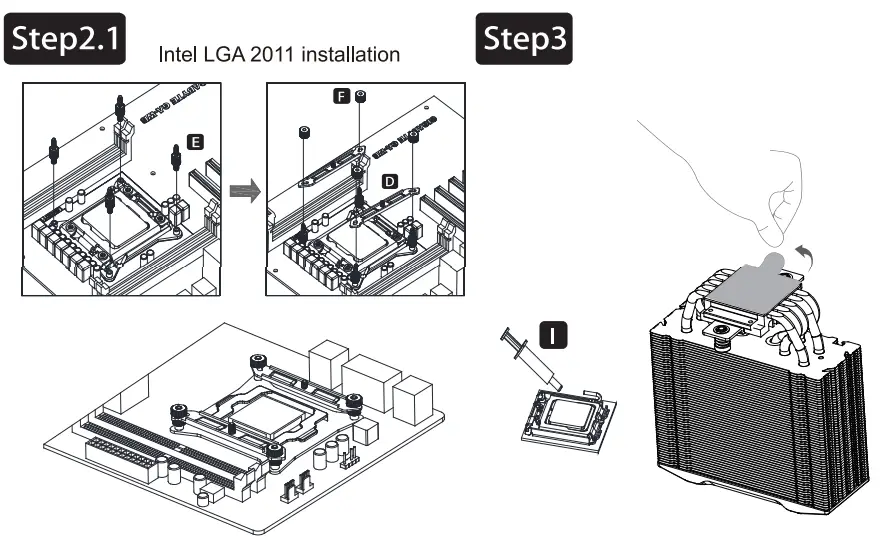 | |
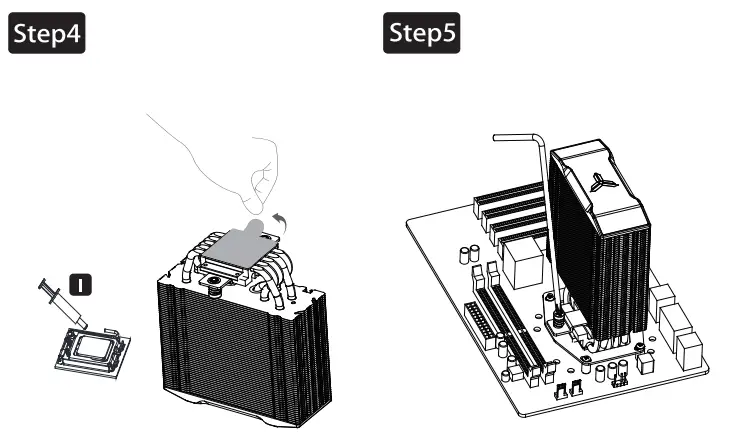
| Install the LGA2011 screws to CPU Bracket, and secure the mounting bracket with fixing nut | Applying the thermal paste on CPU evenly, and remove the protection film from copper base |
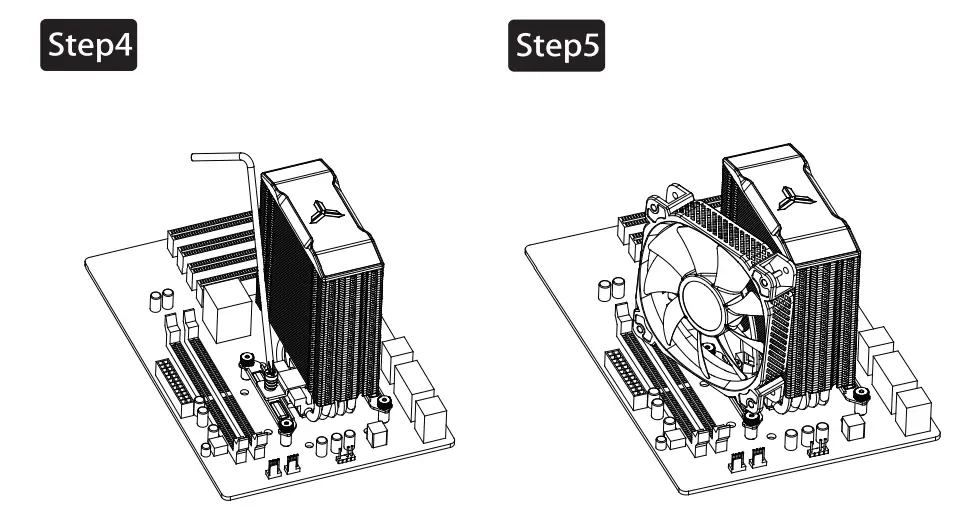 | |
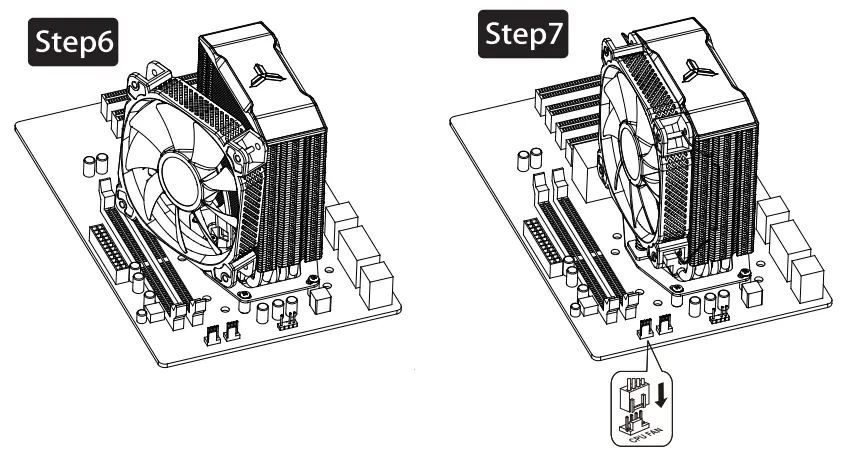
| Place the cooler on the CPU, remove the magnetic top cover, and secure the base screw to the mount, ! bracket. | Inert the top cover back on owlet, secure the lee with fen clips |
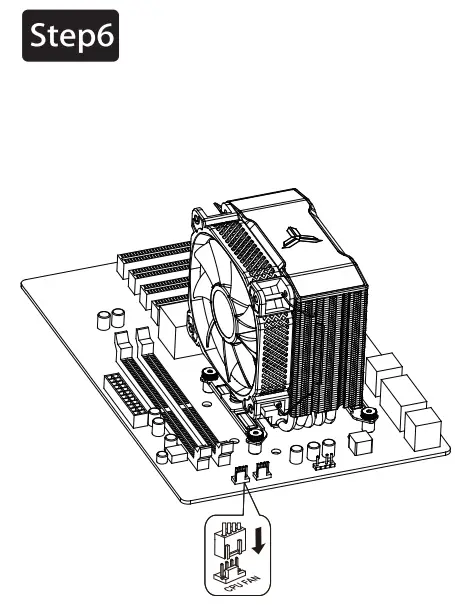 Connect fan cables to CPU FAN socket
AMD Installation
A CPU Cooler
B DC FanC Backplate -Intel
D Intel Mounting bracket.
E Intel LGA 2011 Screw
F Feting Nut x4
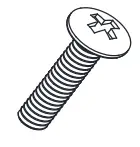
G Fan Clip x4
H Wrench screwdriver
 | ||
| Remove the plastic retainer of the AMD retention module, place the existing backplate back to MB | Install the spacer to secure the AMD backplate | Install the AMD mounting plate and secure with position screw |
 | |
| Applying the thermal paste on CPU evenly, and remove the protection film from copper base | Place the cooler on the CPU, remove the magnetic top cover, and secure the base screw to the mounting bracket. |
 | |
| Insert the top cover back on cooler, secure the fan with fan clips | Connect fan cables to CPU_FAN socket |
© 2017 JONSBO SHENZHEN TECHNOLOGY CO., LTD.
All right reserved. Specifications are subject to change without prior notice.
Some trademark may be claimed as the property of others.