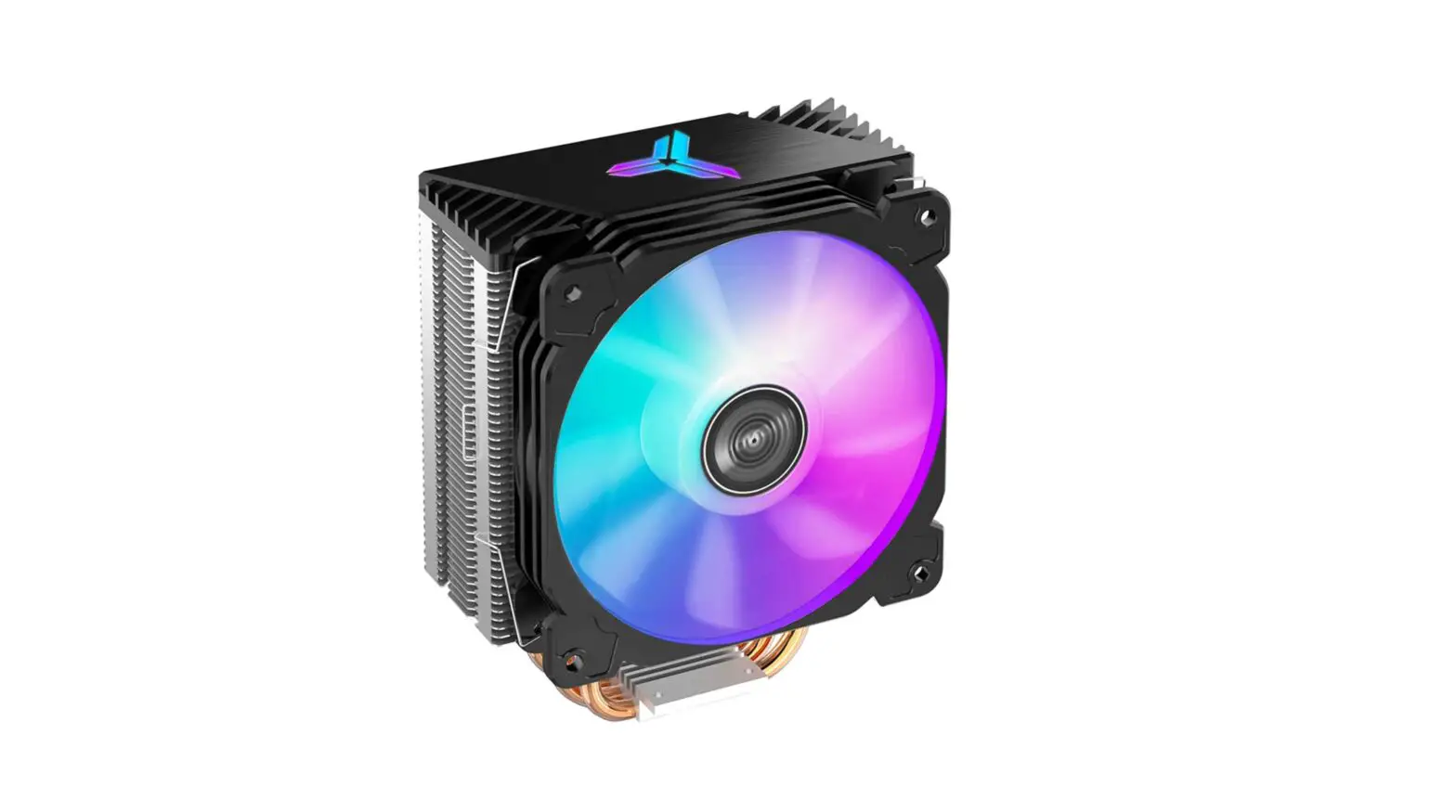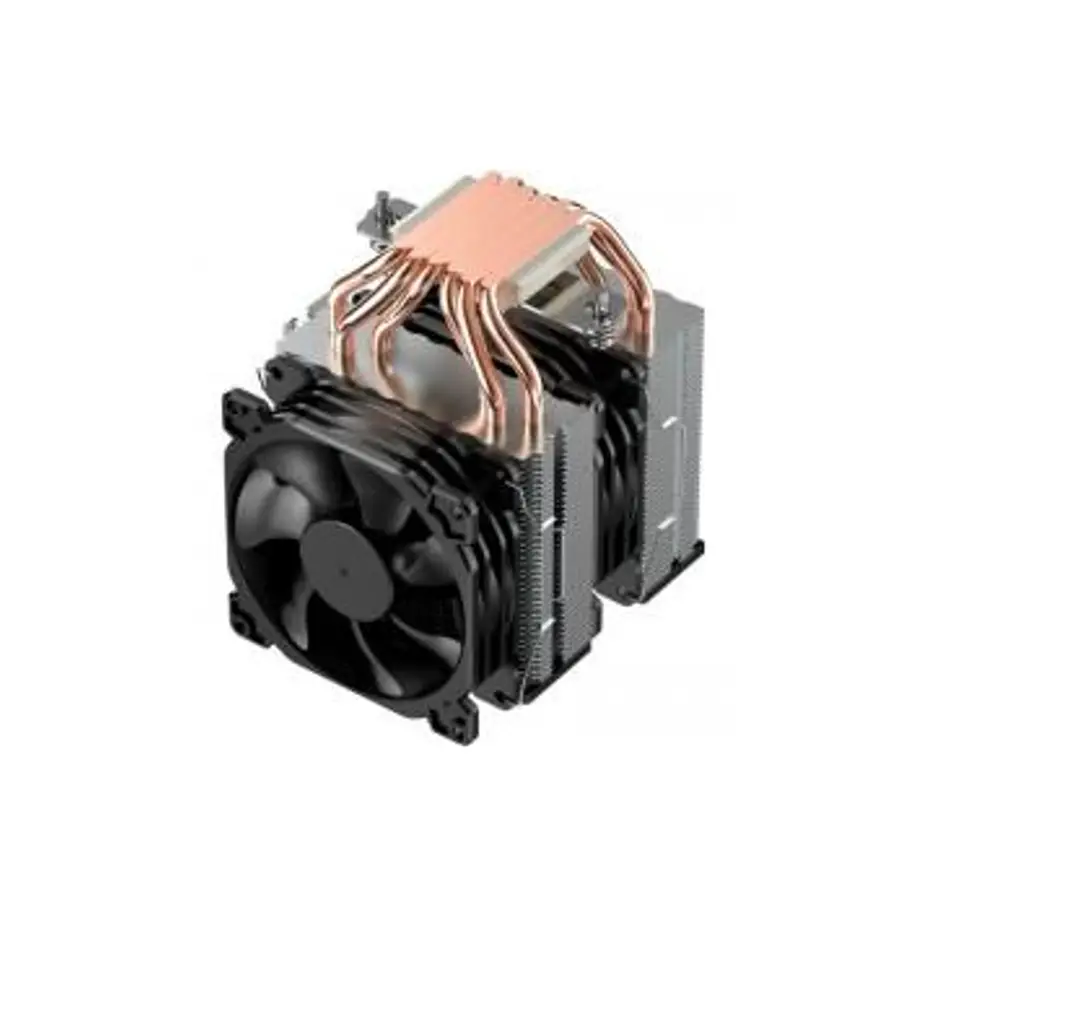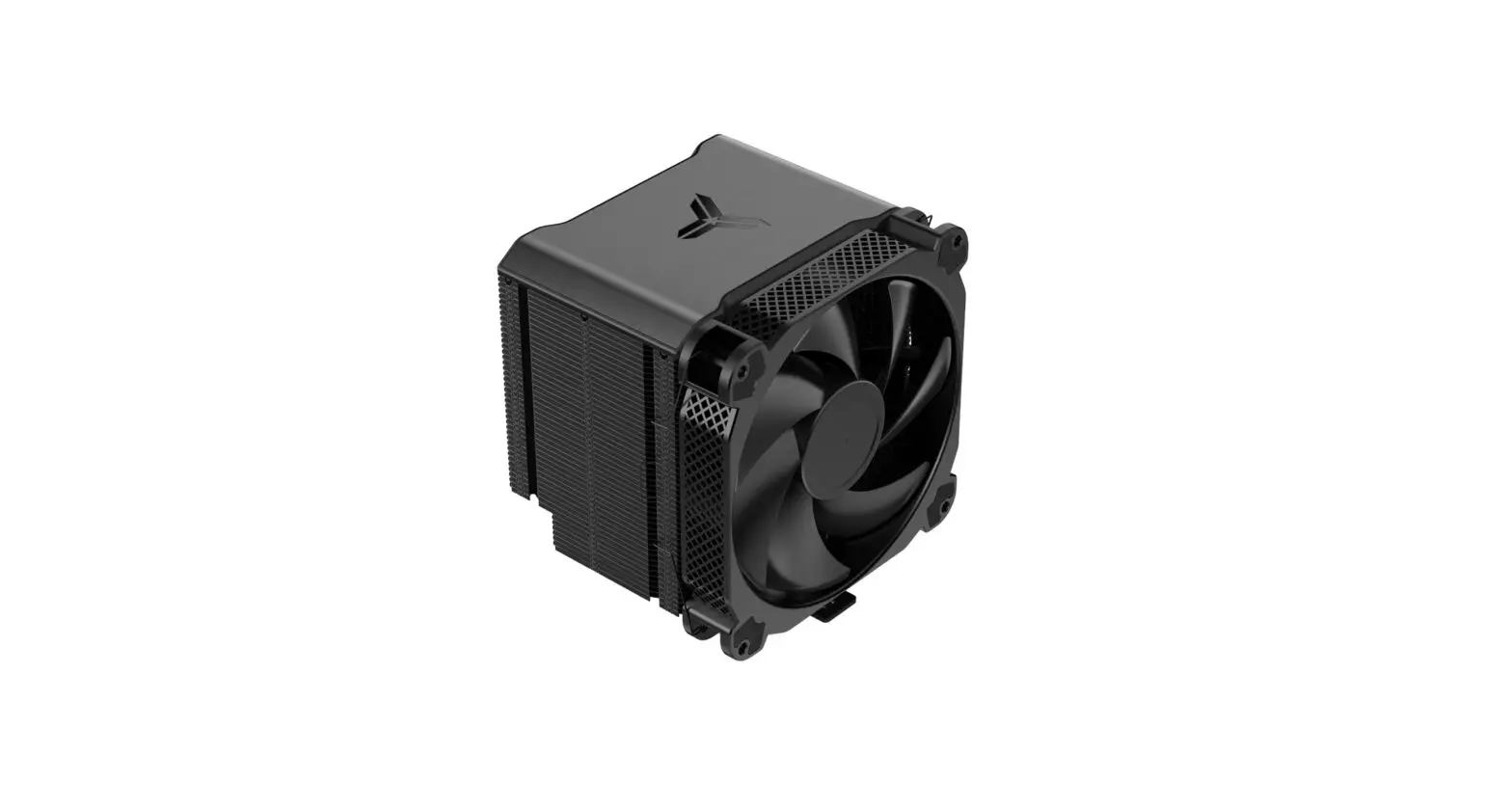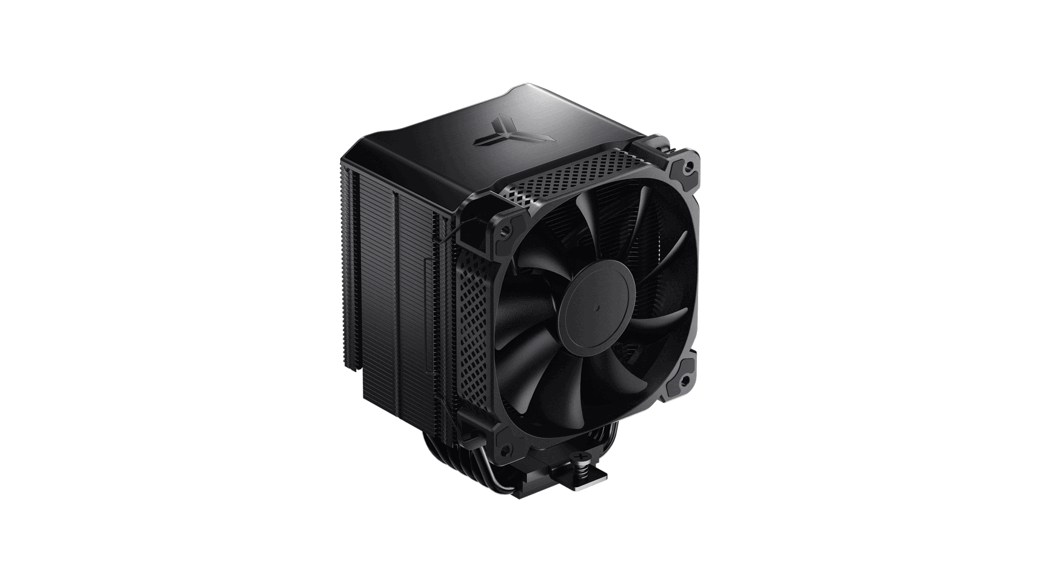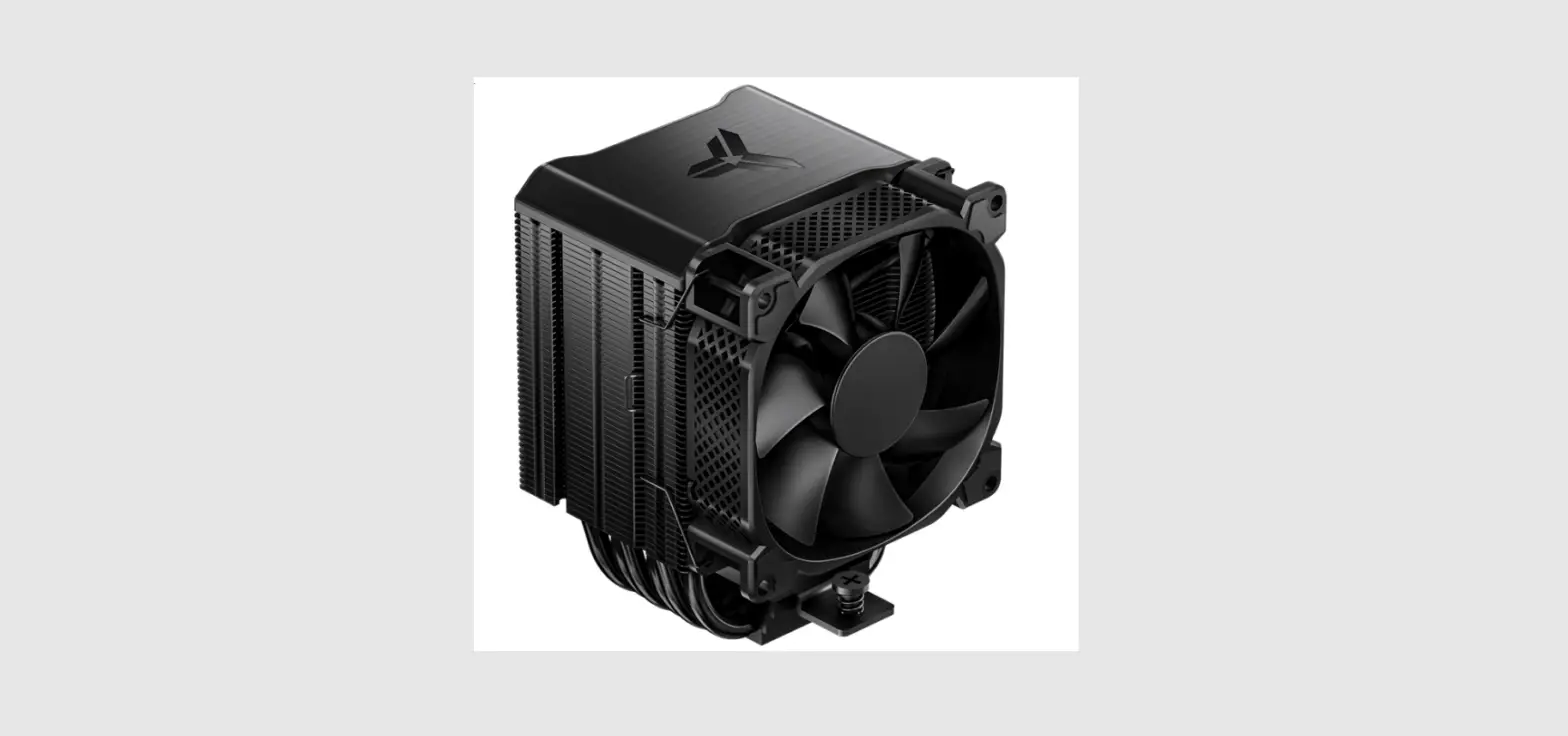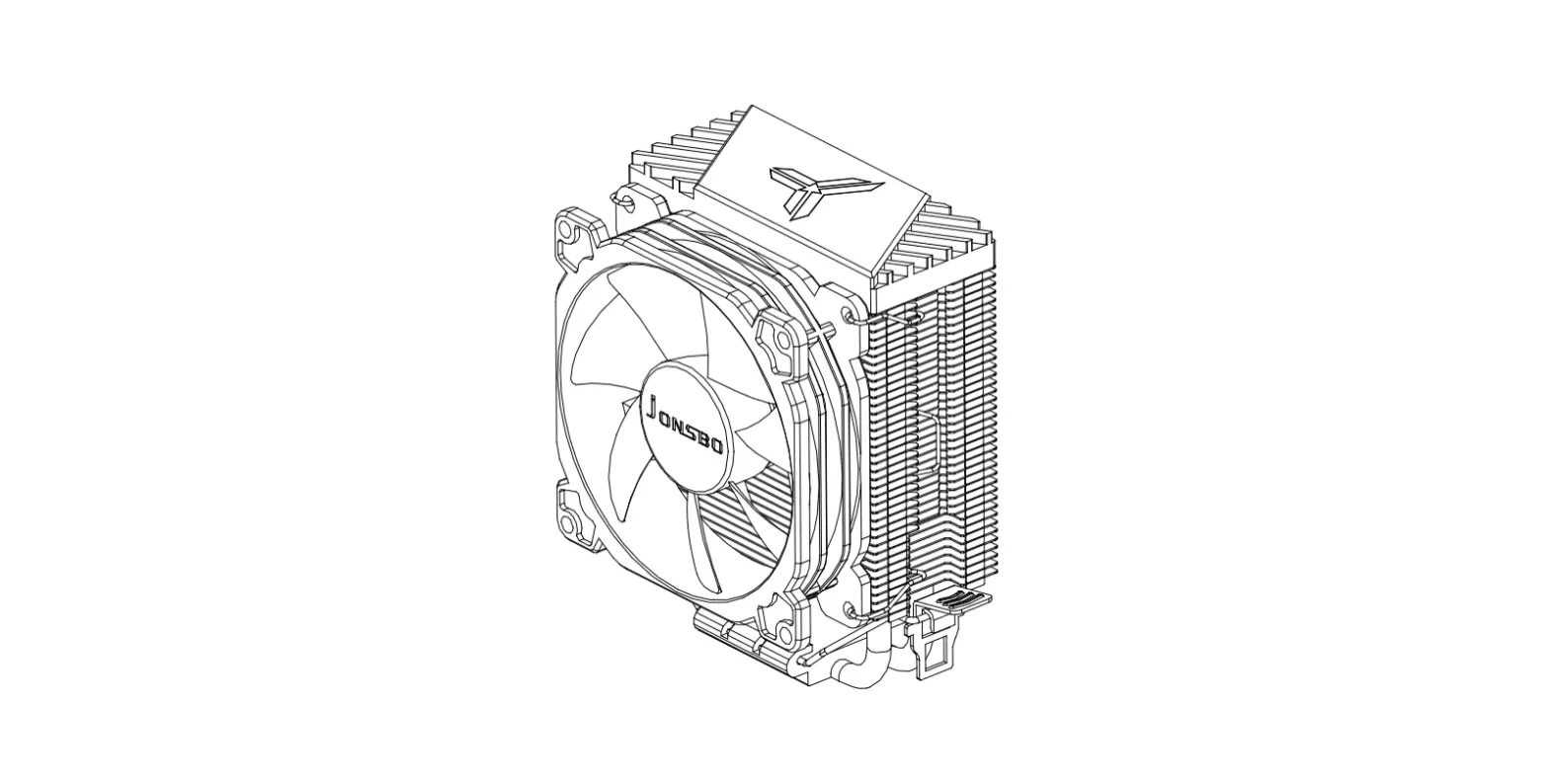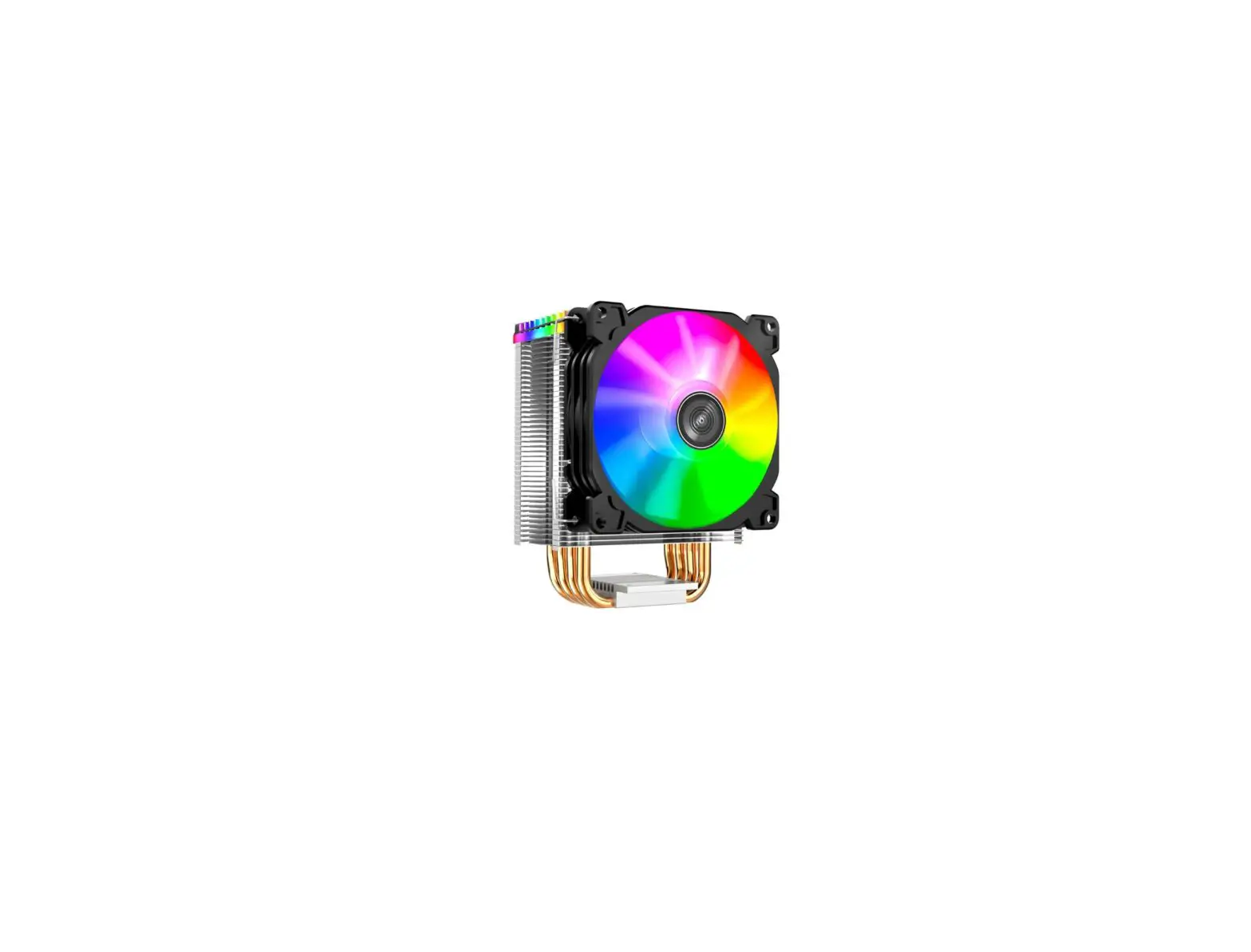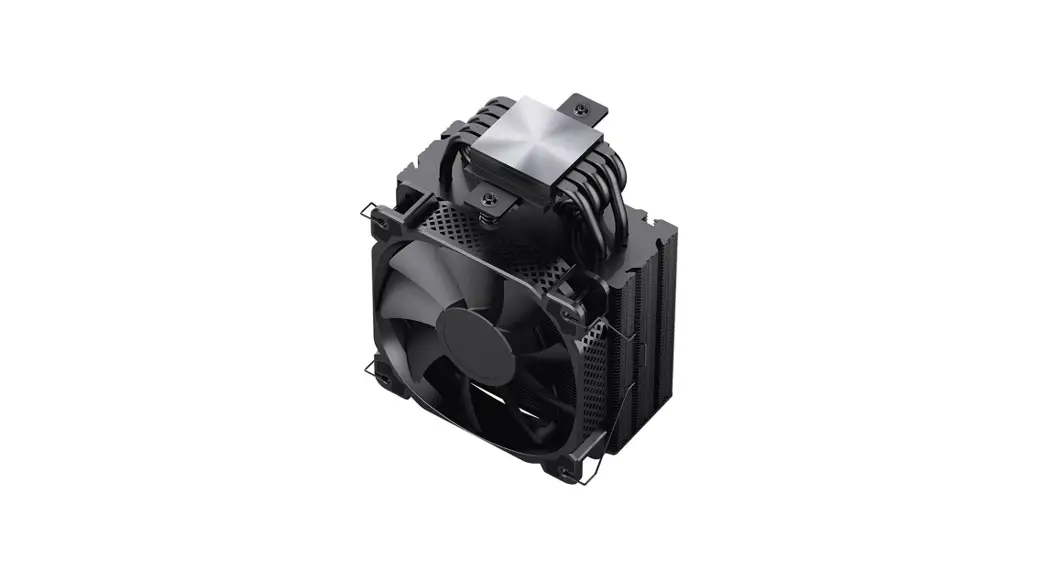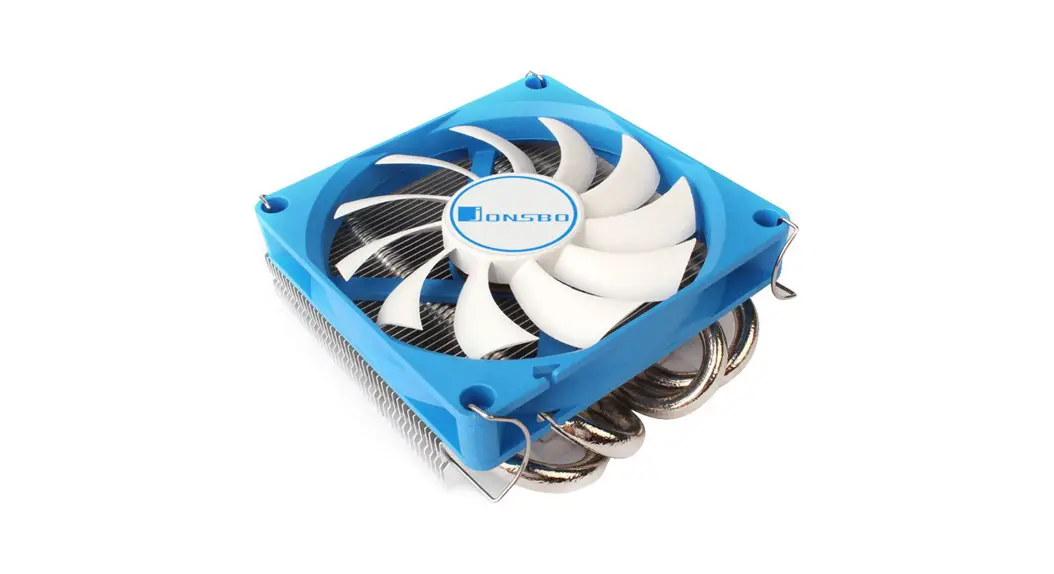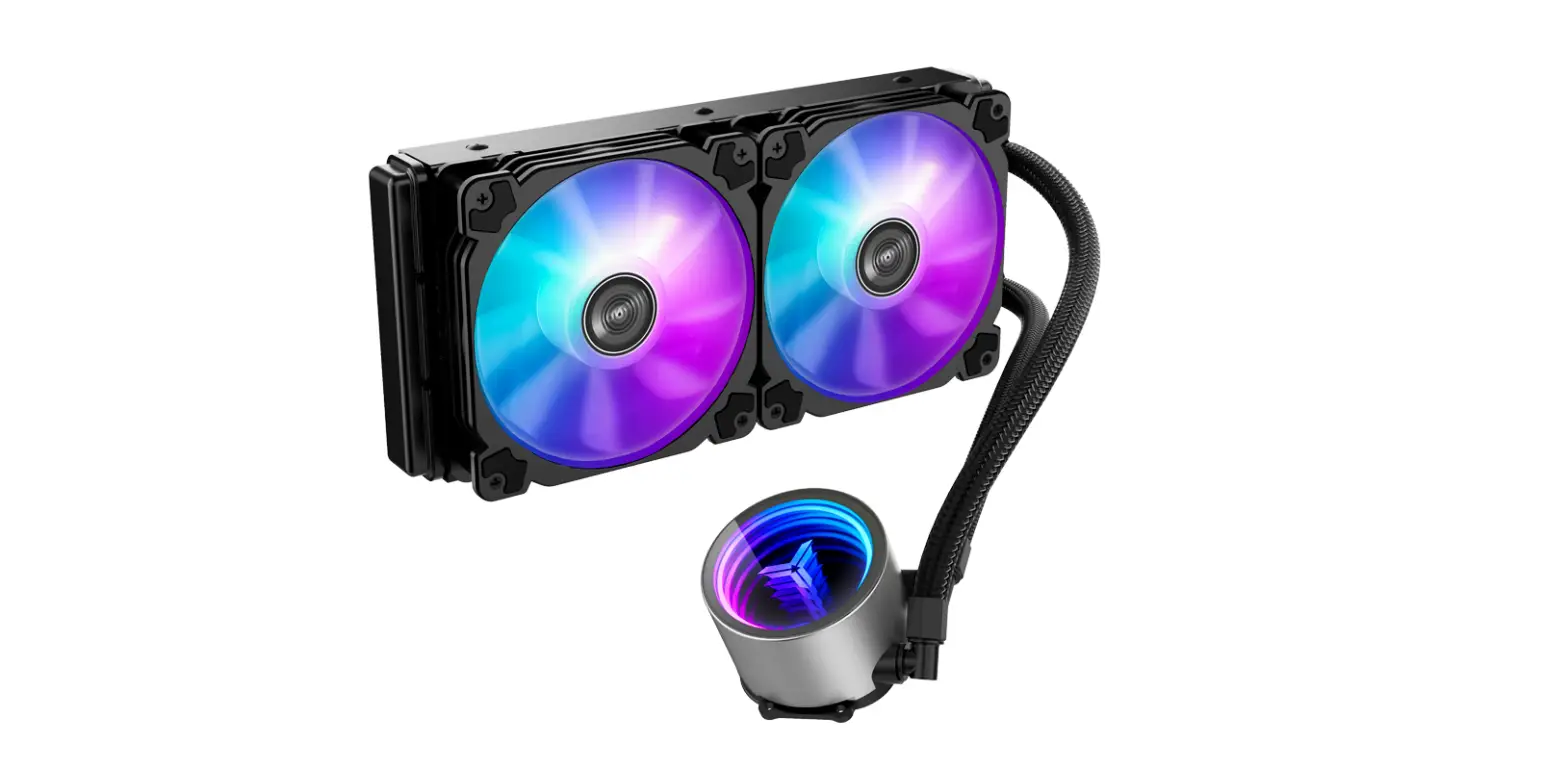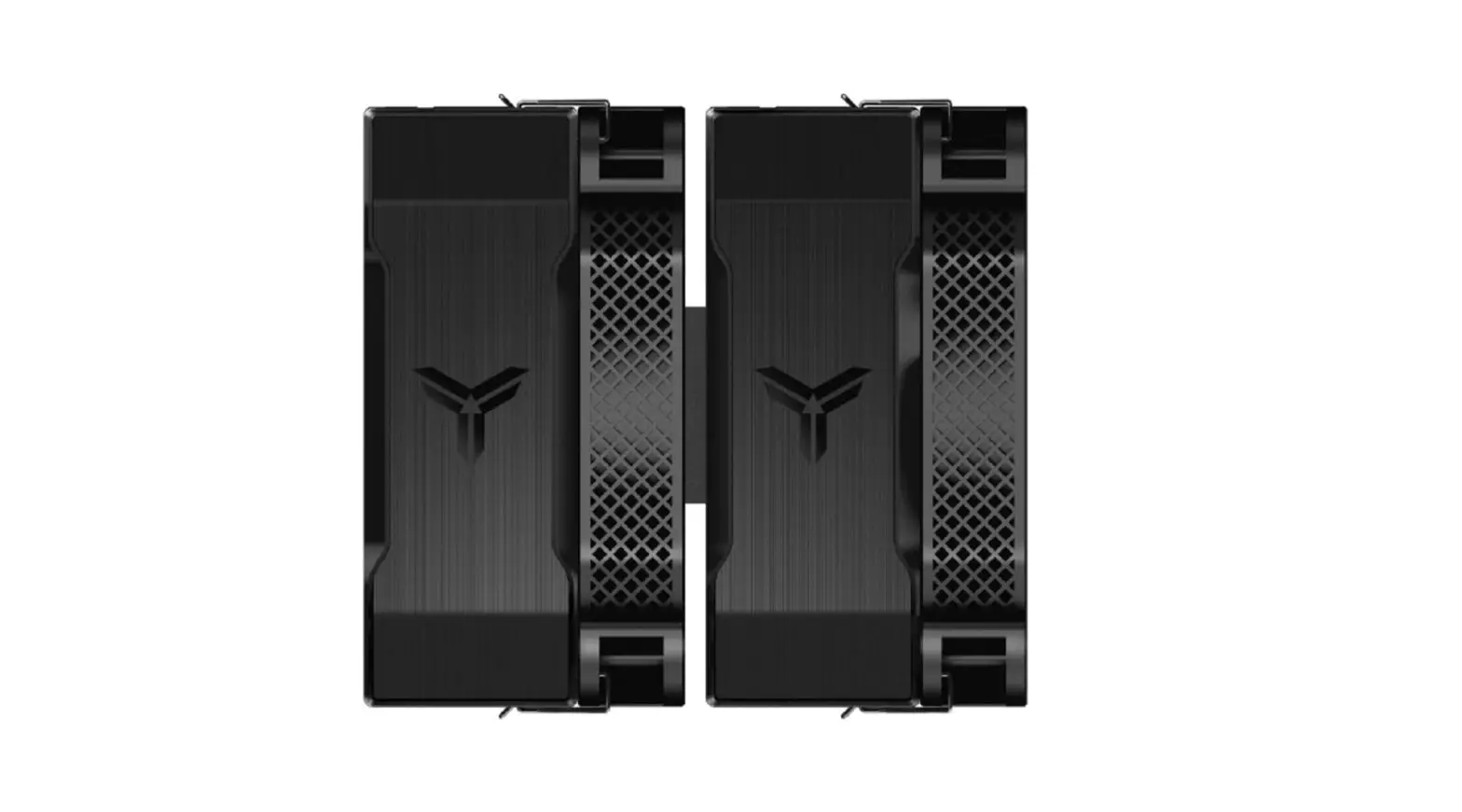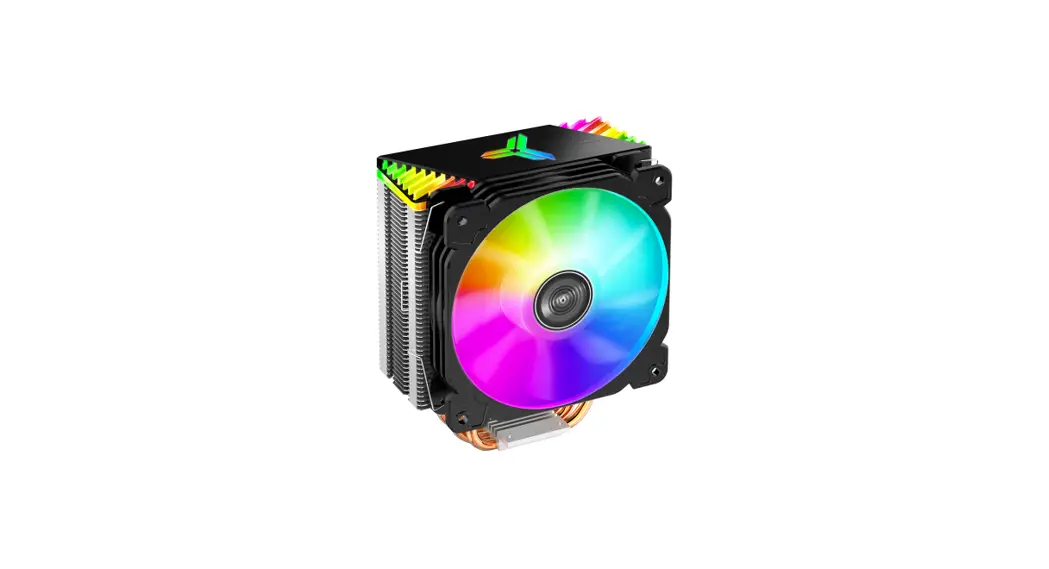
 CR-1000GT CPU Cooler
User Manual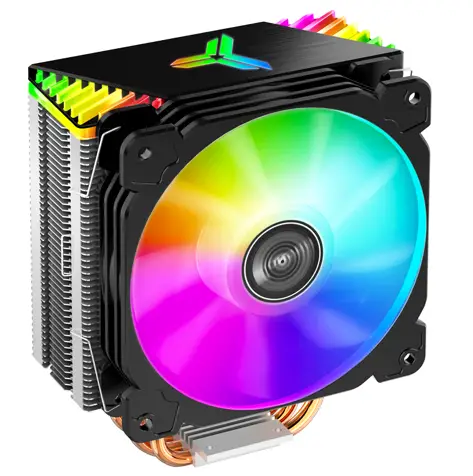
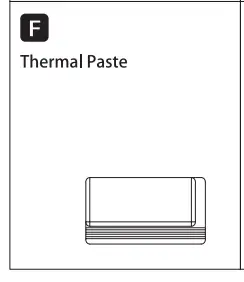
PART LIST
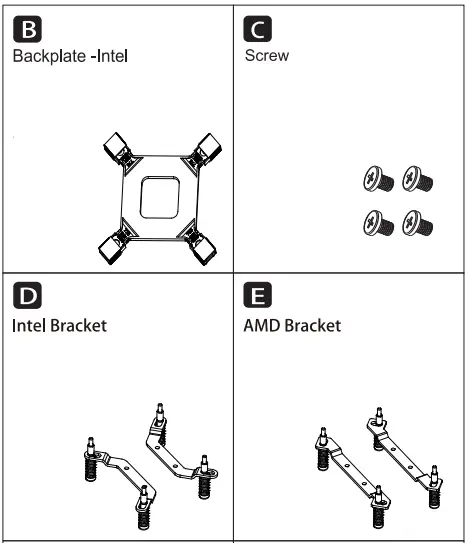
Intel Installation
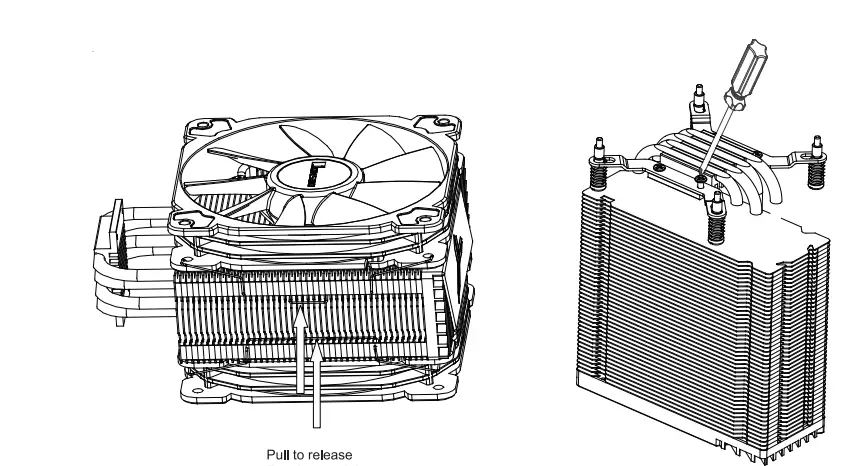
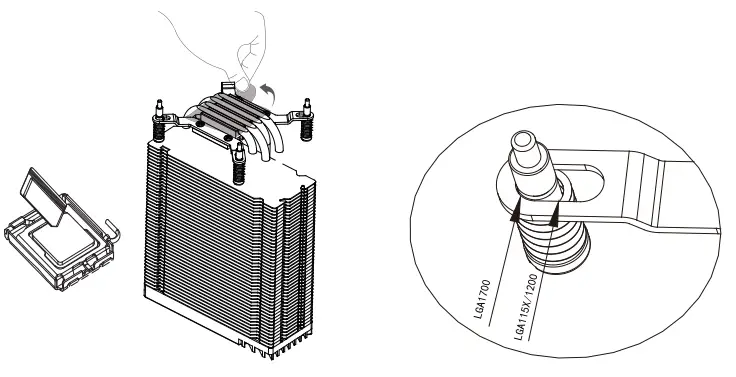
- Remove the fan before install heatsink
- Installing the Intel bracket

- Applying thermal paste/ Remove the protection film
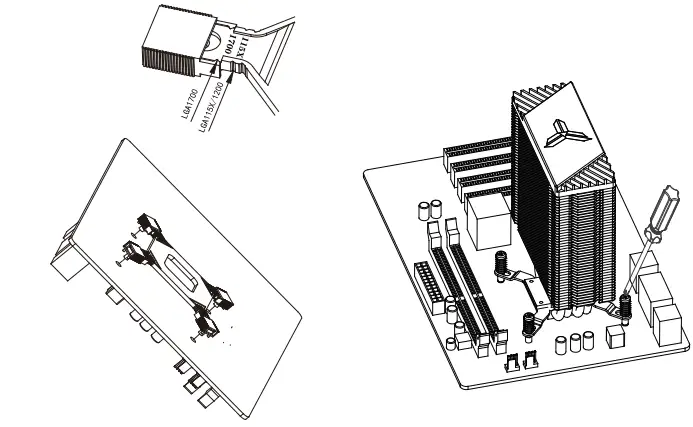
- Place the backplate at the rear of motherboard as shown

- Adjust the slider on the back plate to corresponding position.
- Secure the cooler with screwdriver.

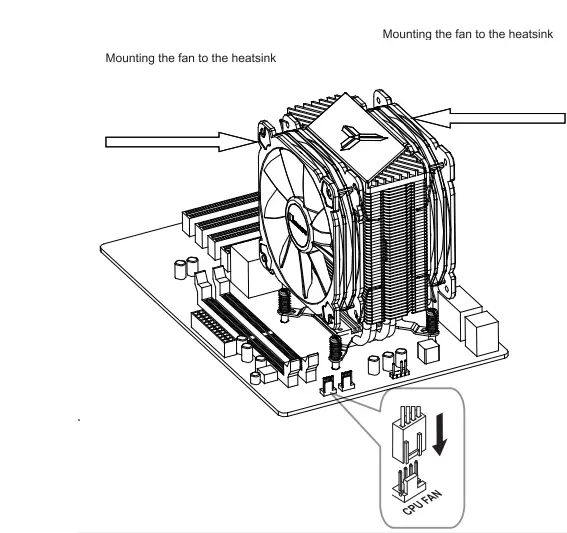
- Connect the power cord to the motherboard
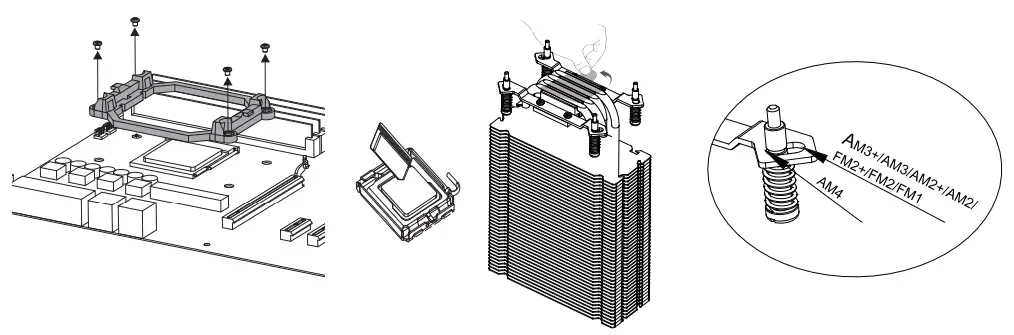
AMD Instalation
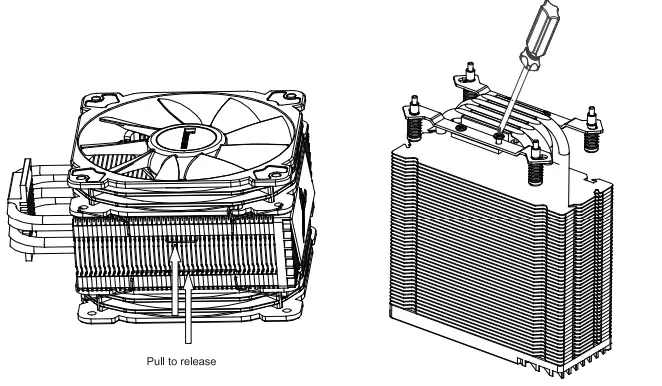
- Remove the fan before install heatsink
- Installing the AMD bracket

- Remove the plastic retainers of the AMD retention module
- Adjust the screws on the brackets to correspoding position

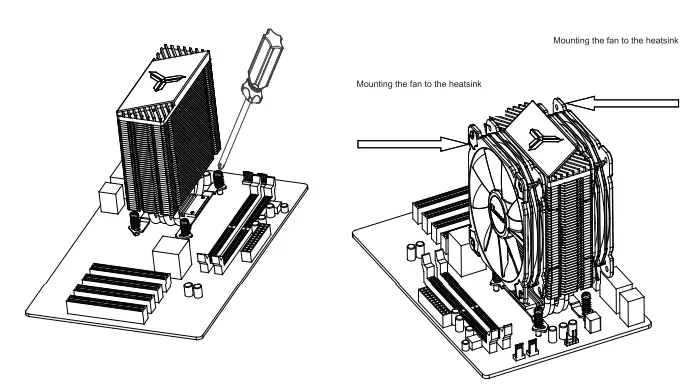
- Secure the cooler with screwdriver
- Mounting the fan to the heatsink

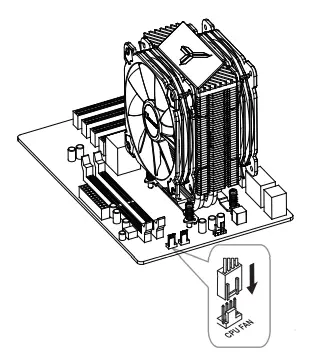
- Connect the power cord to the motherboard
©2017 JONSBO SHENZHEN TECHNOLOGY CO., LTD.
All right reserved. Specifications are subject to change without prior notice.
Some trademark may be claimed as the property of others.