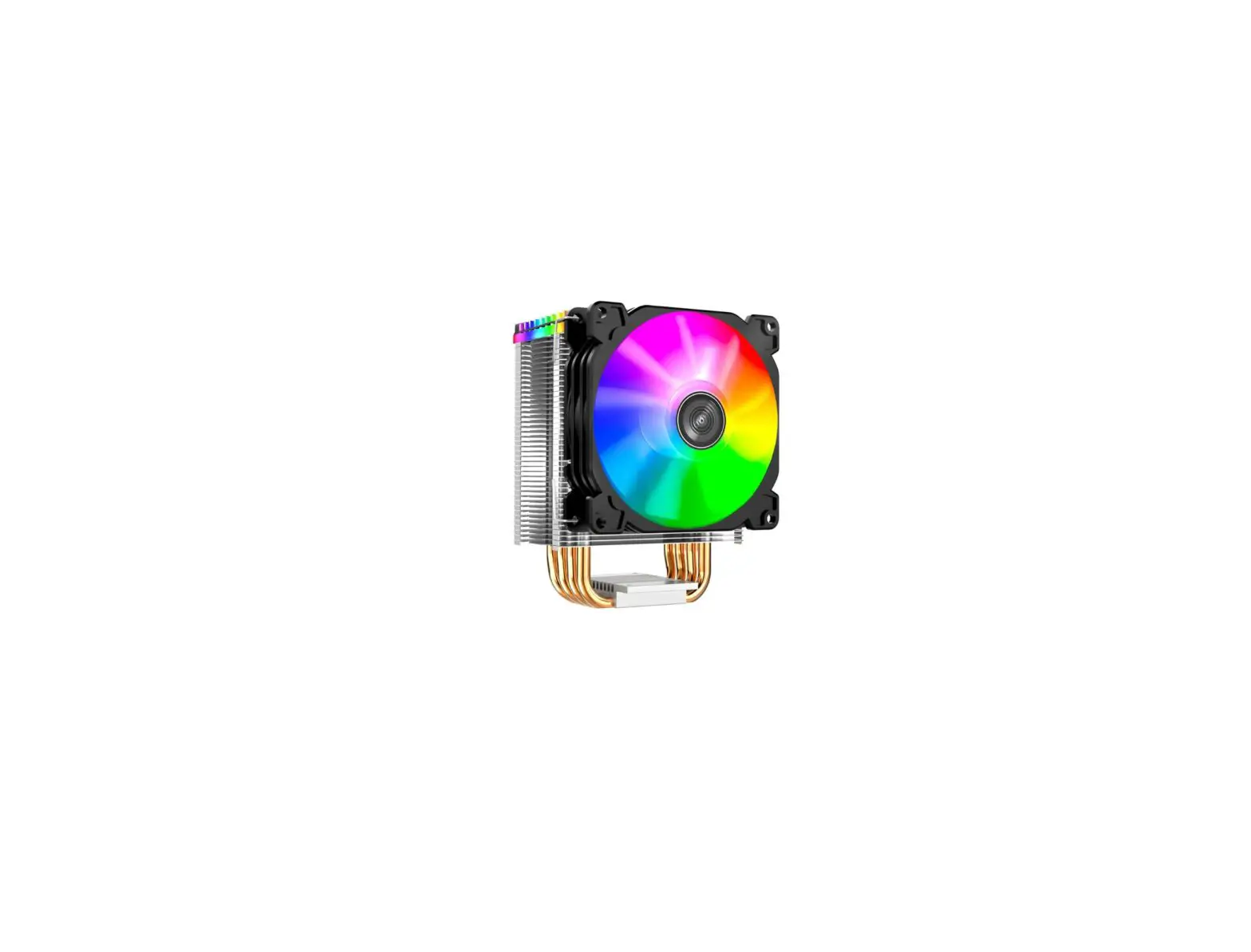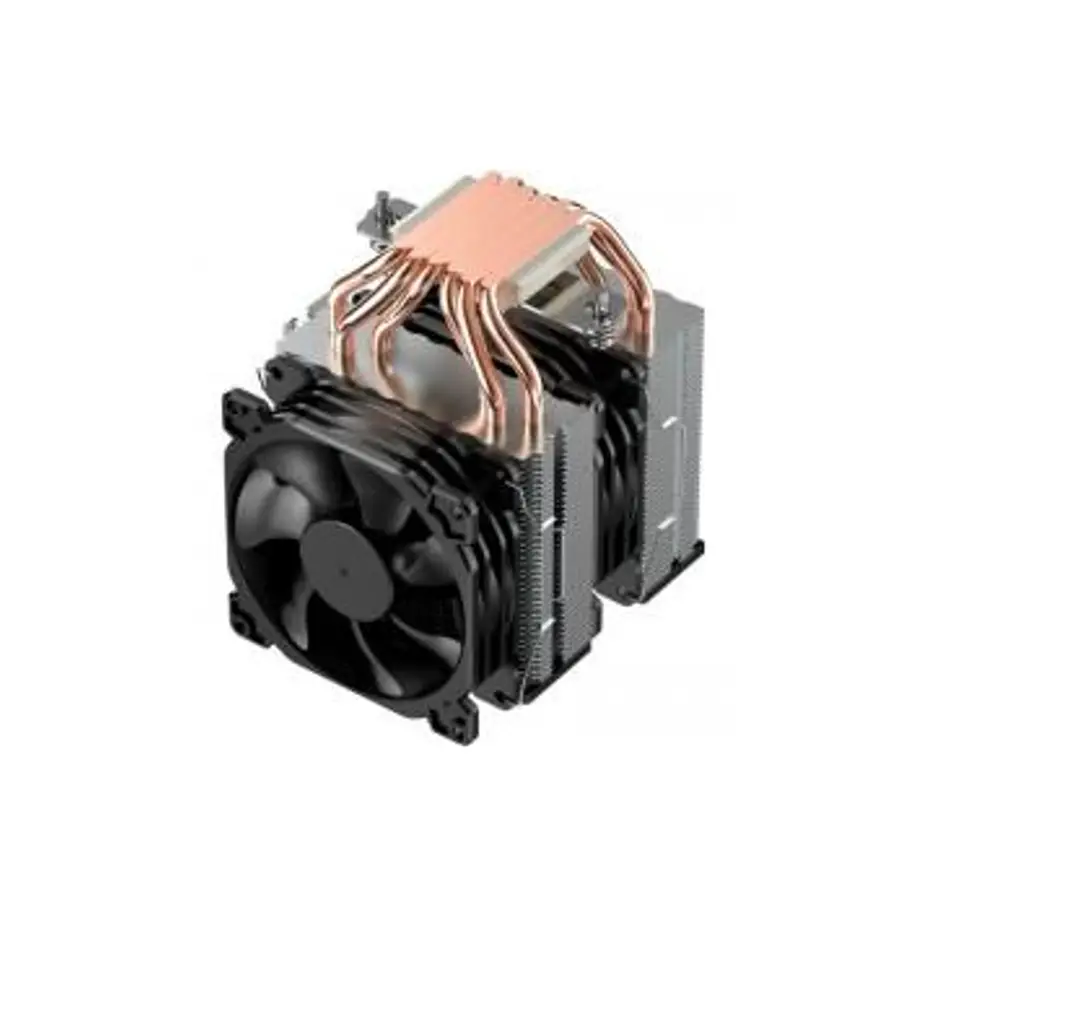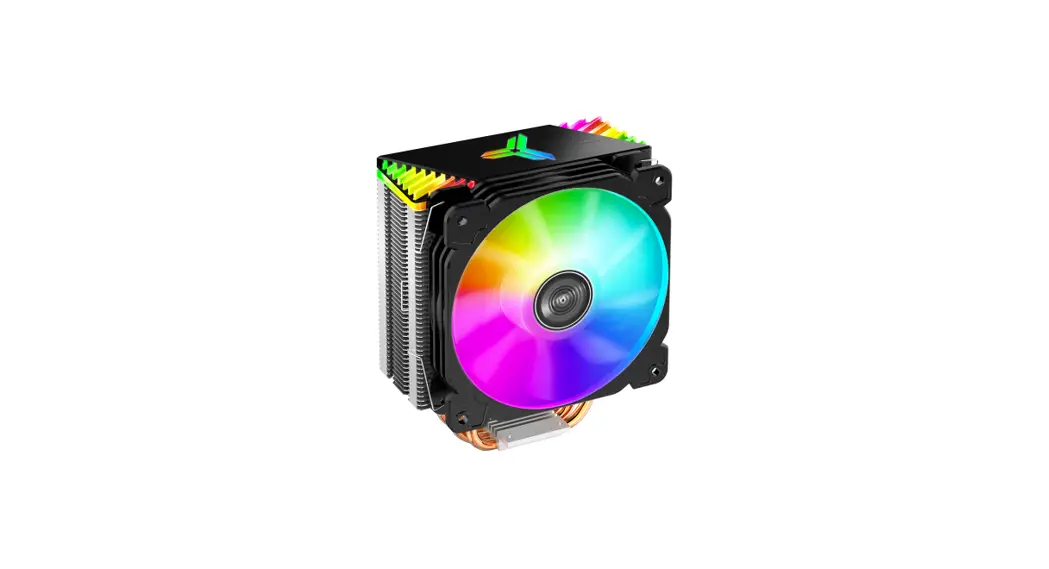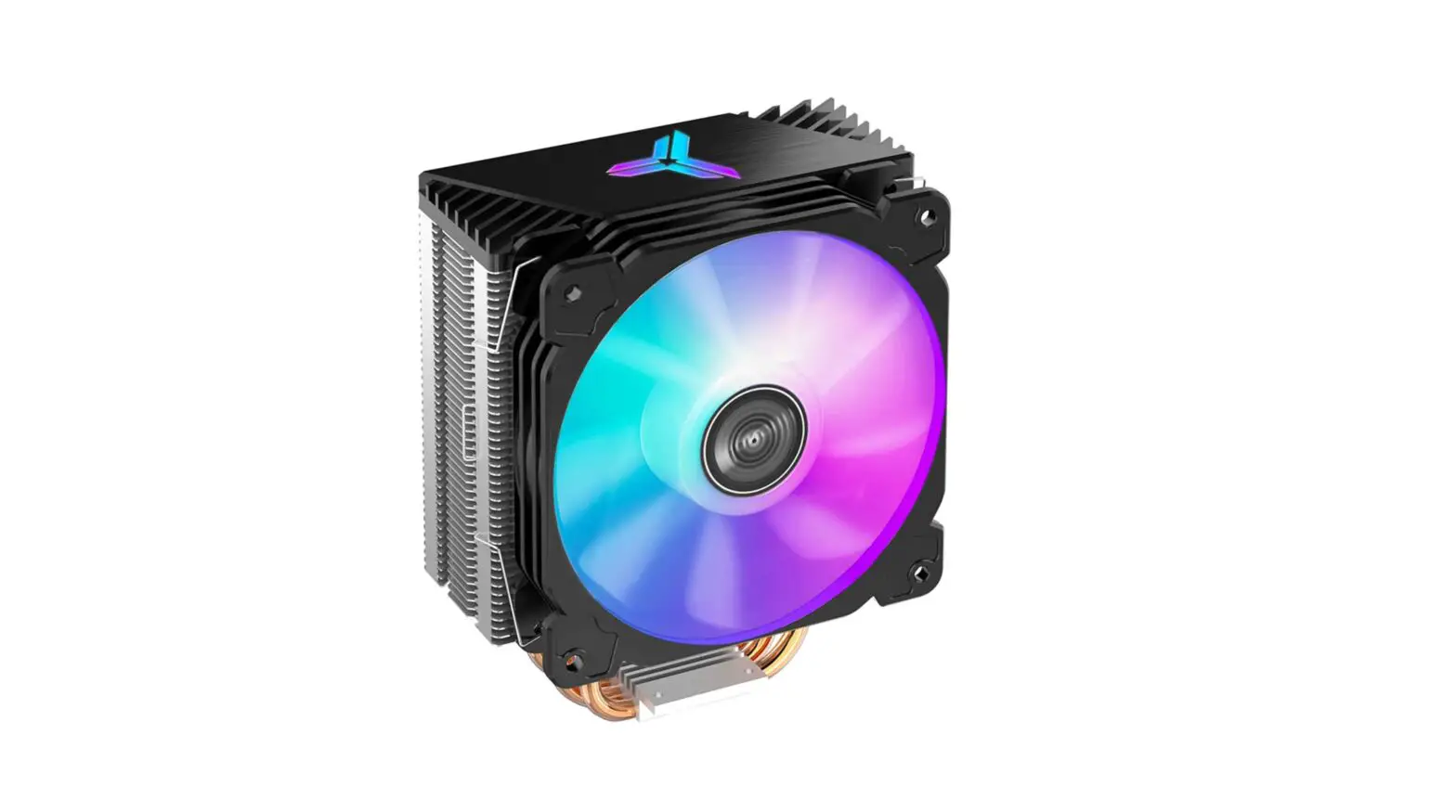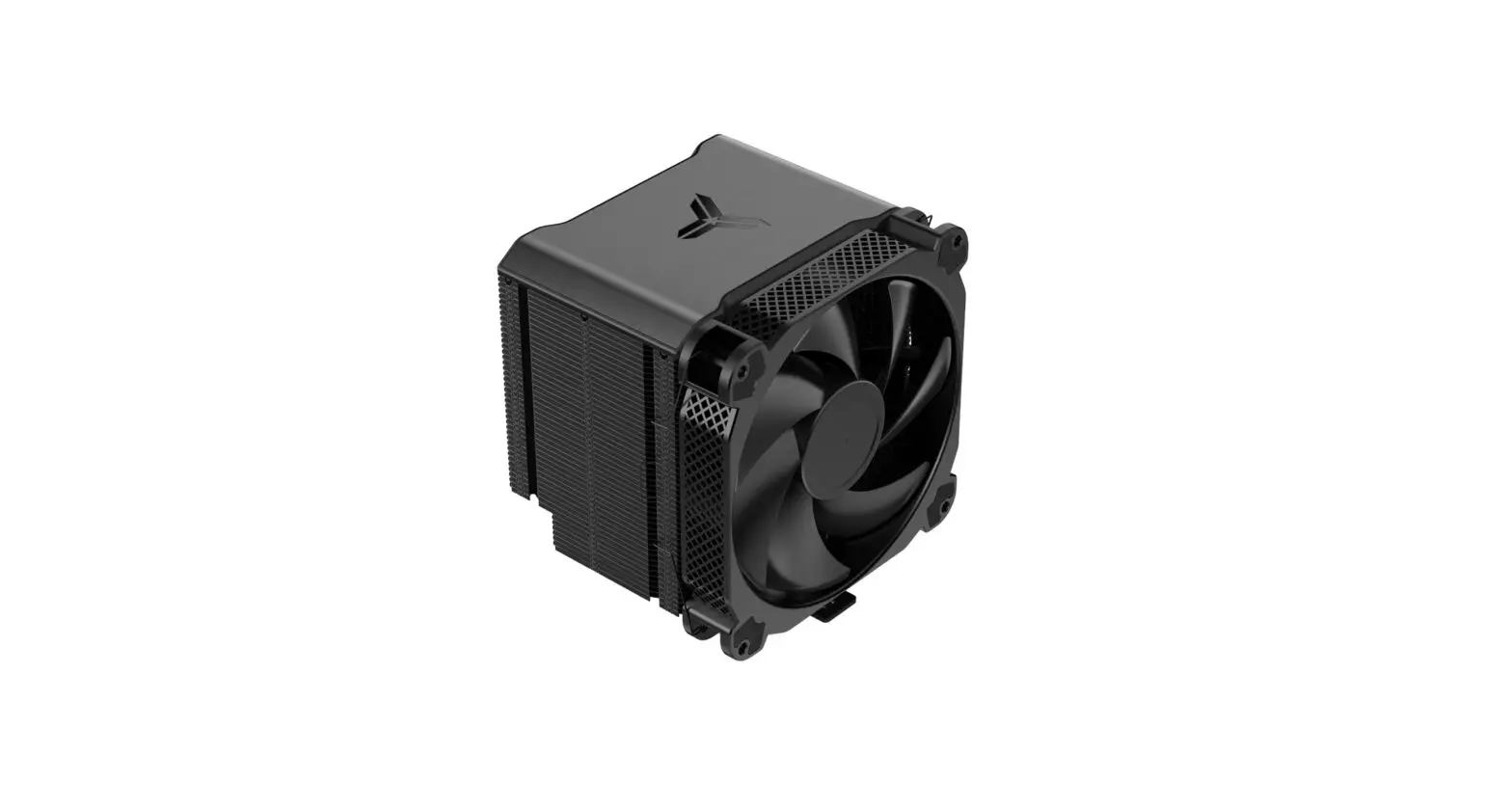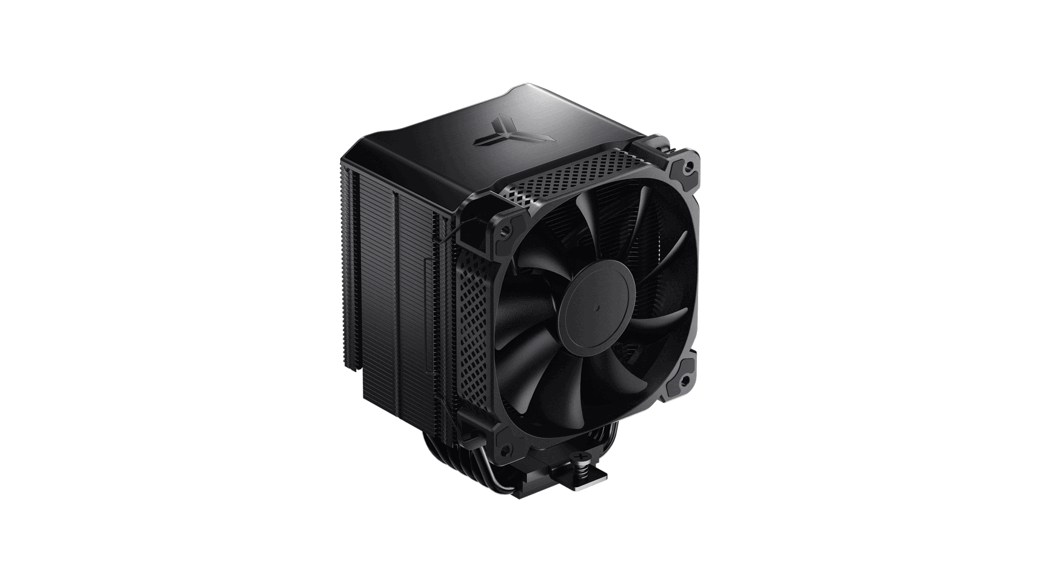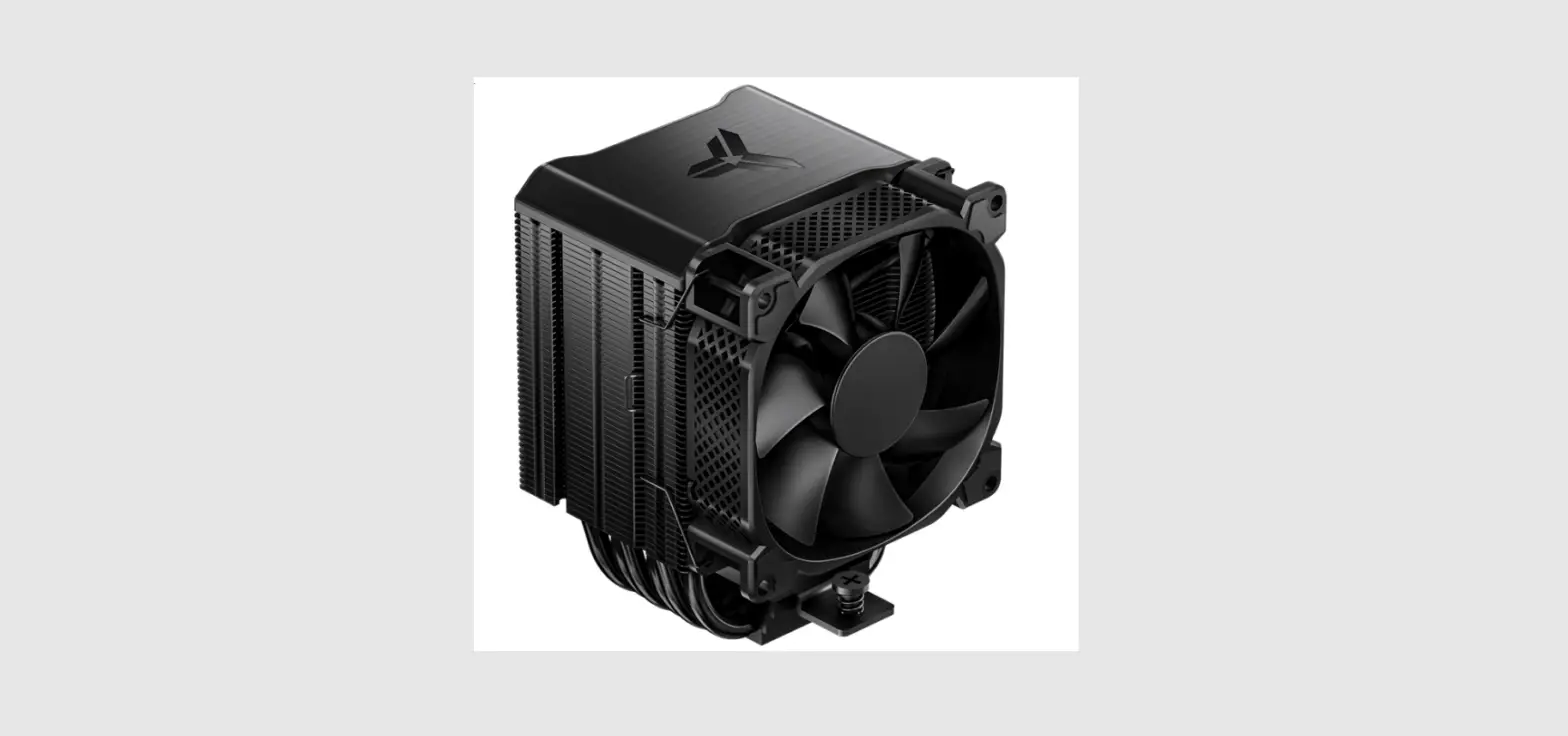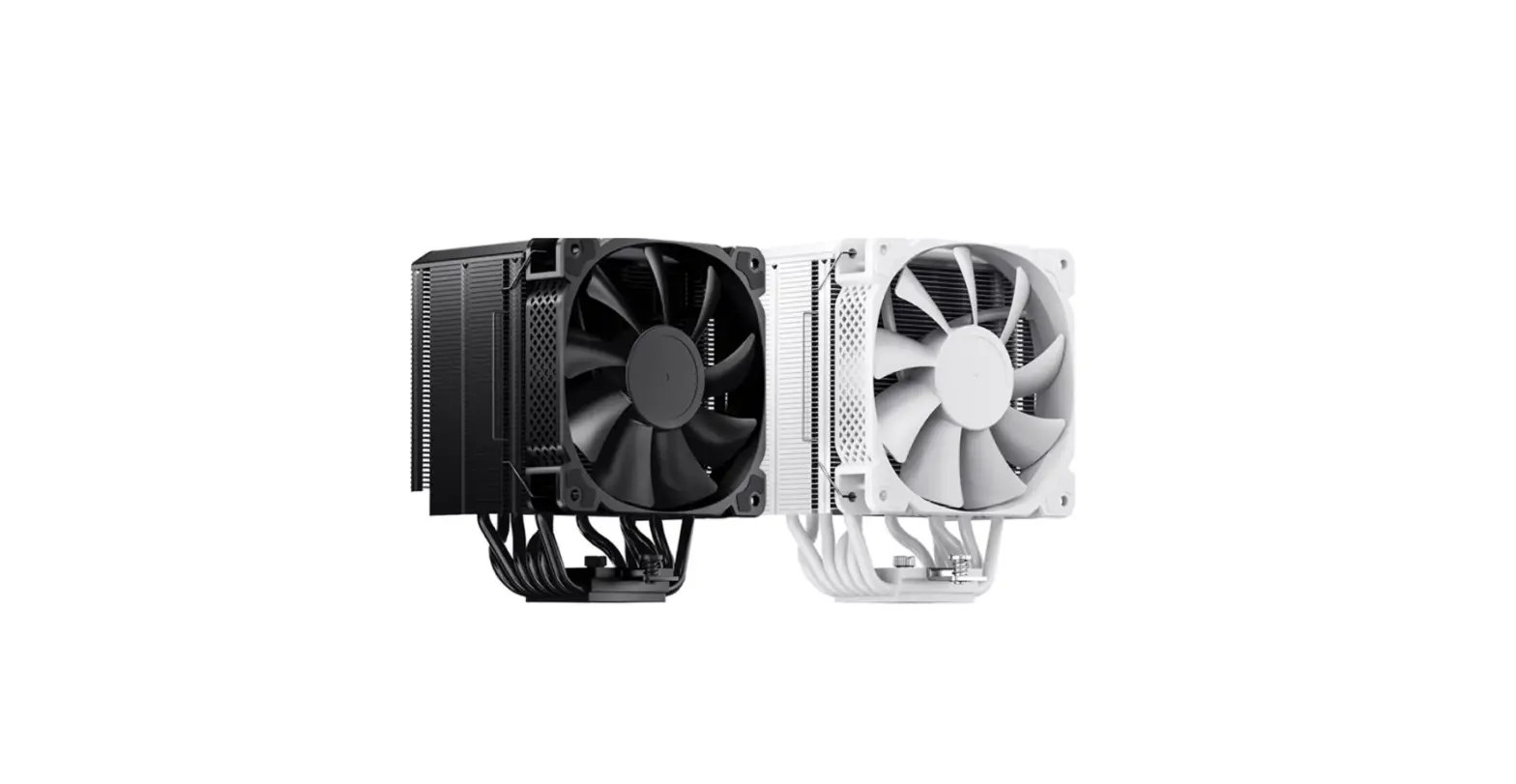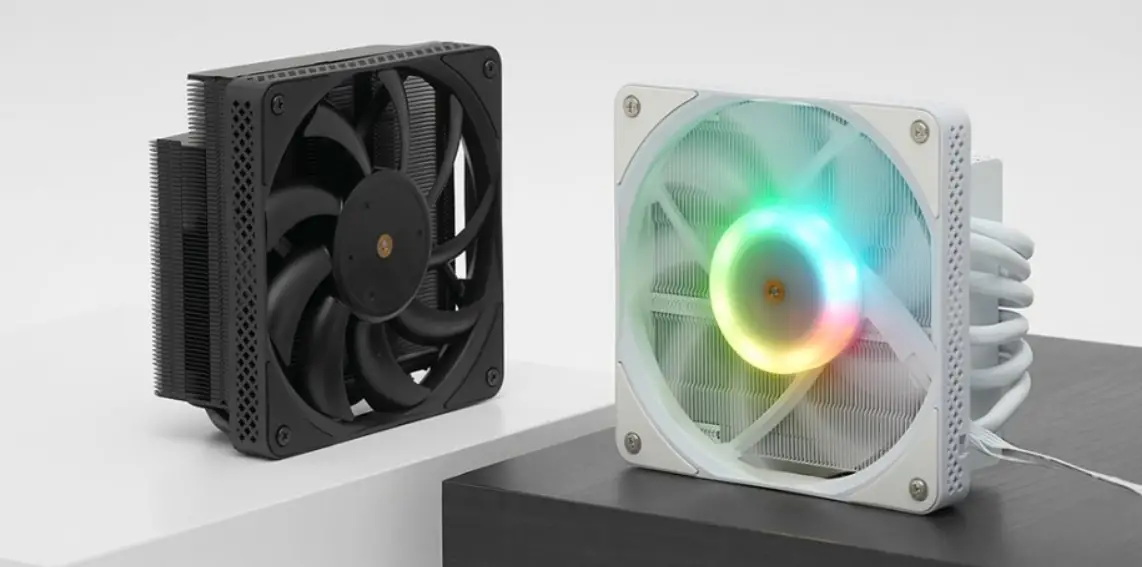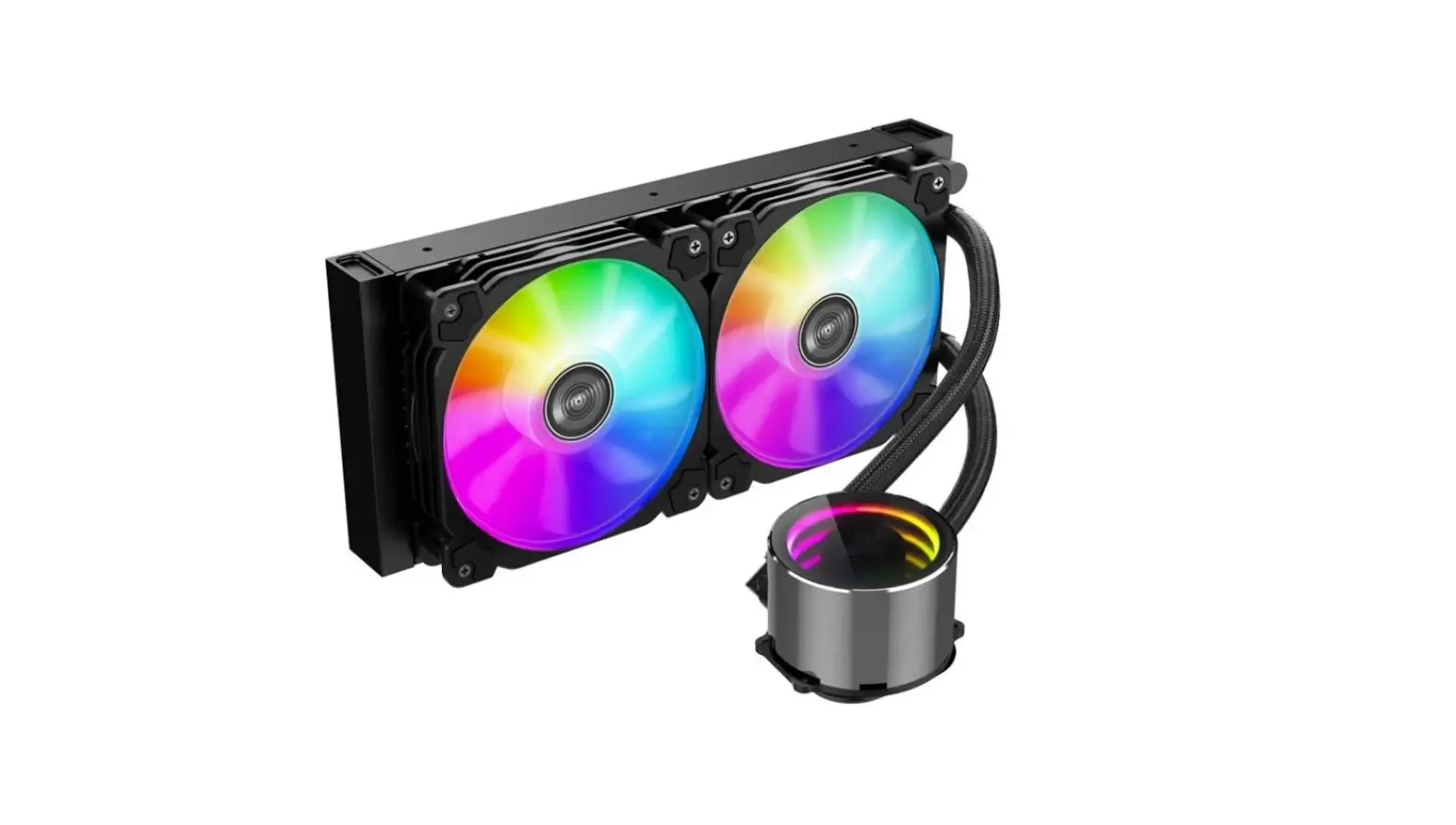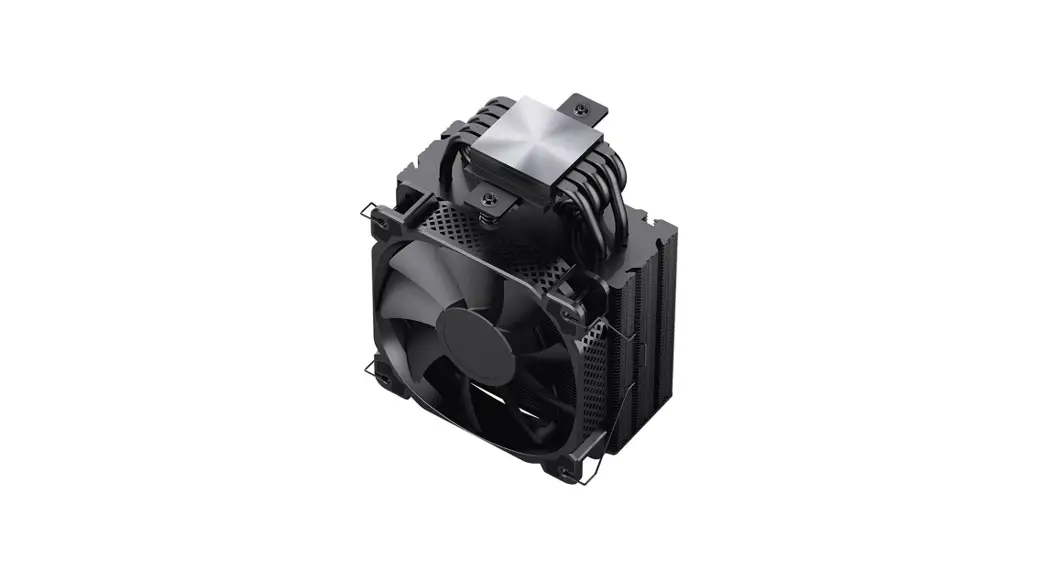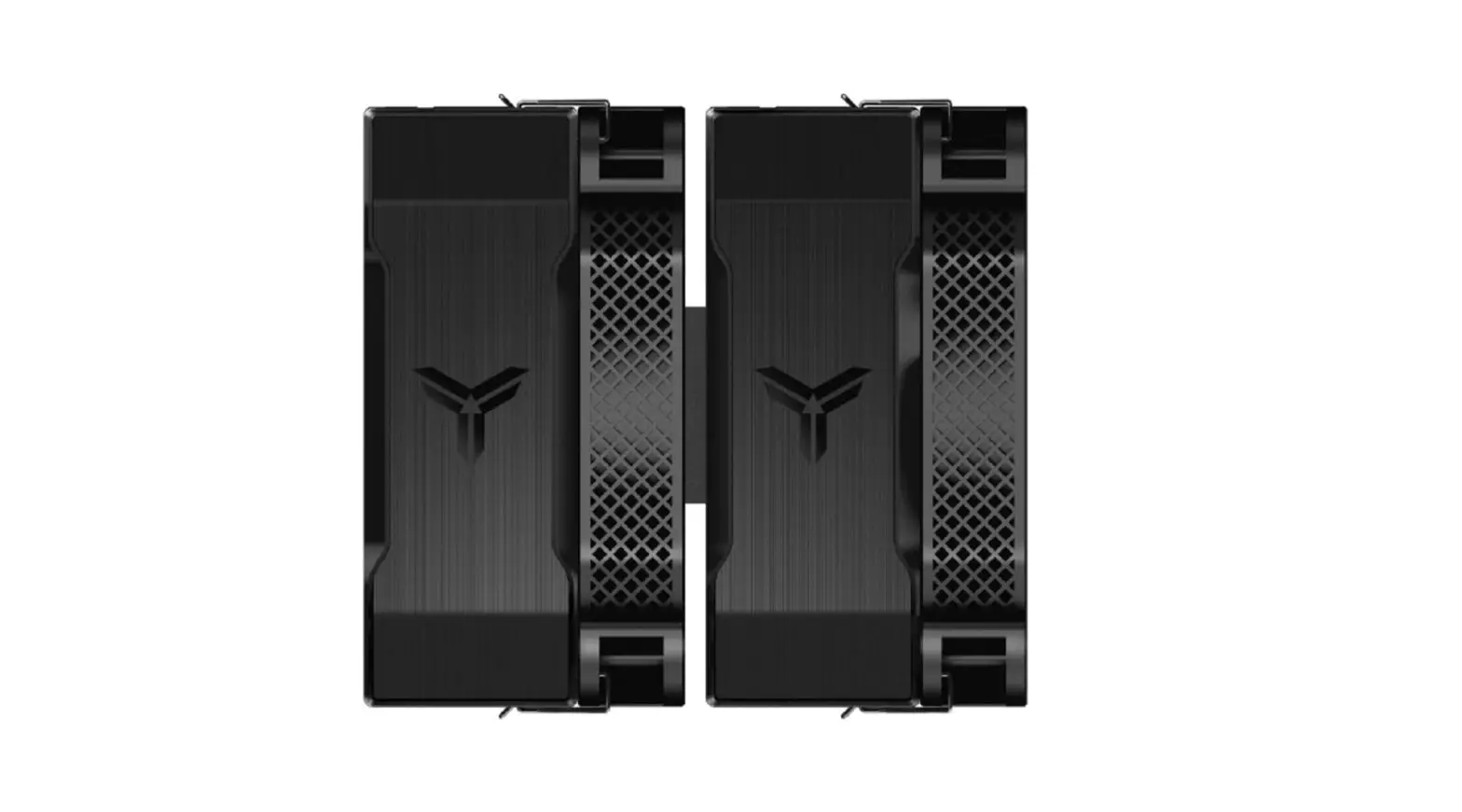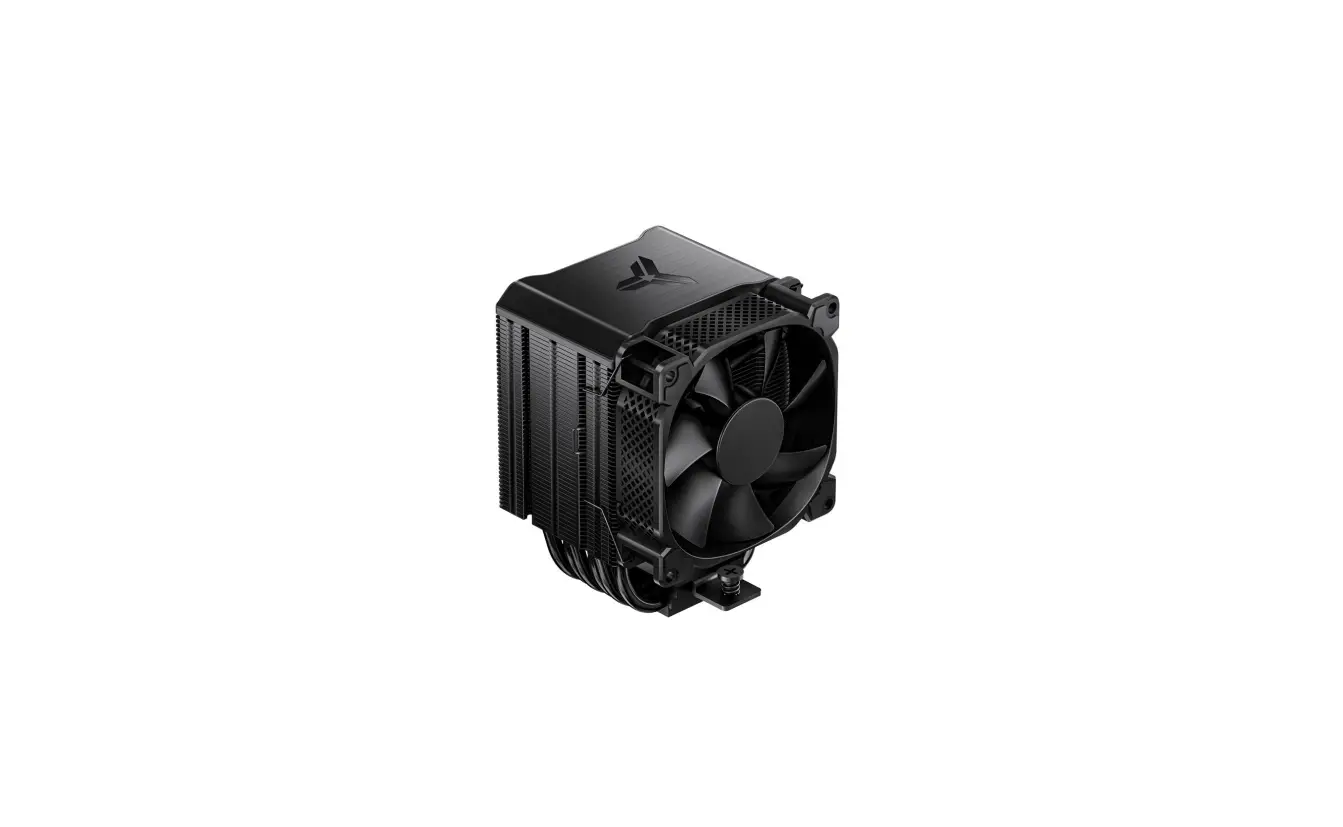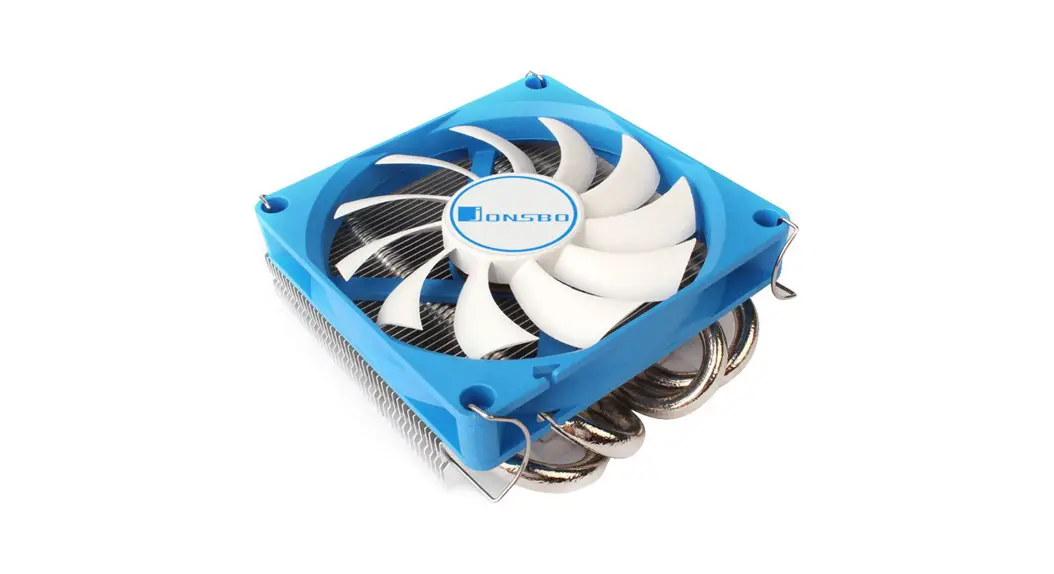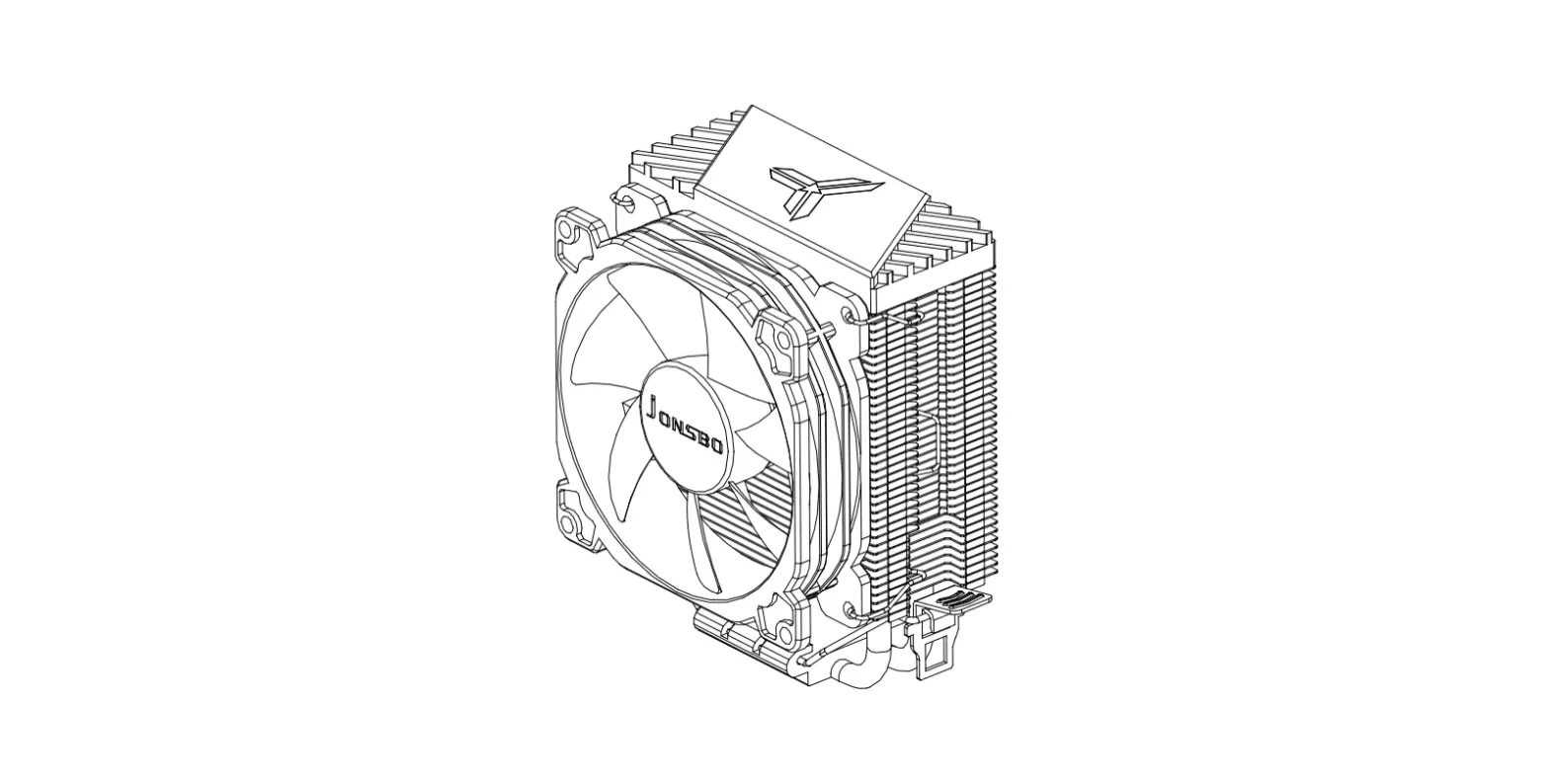

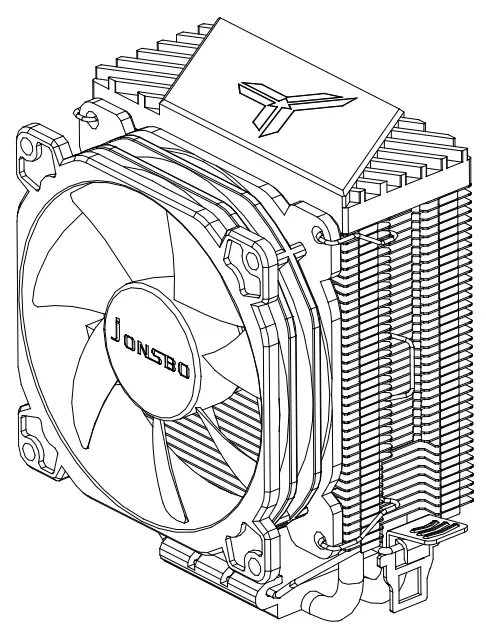
JONSBO CR1200 92mm ARGB CPU Cooler
2017 JONSBO SHENZHEN TECHNOLOGY CO., LTD. All right reserved. Specifications are subject to change without prior notice. Some trademark may be claimed as the property of others.
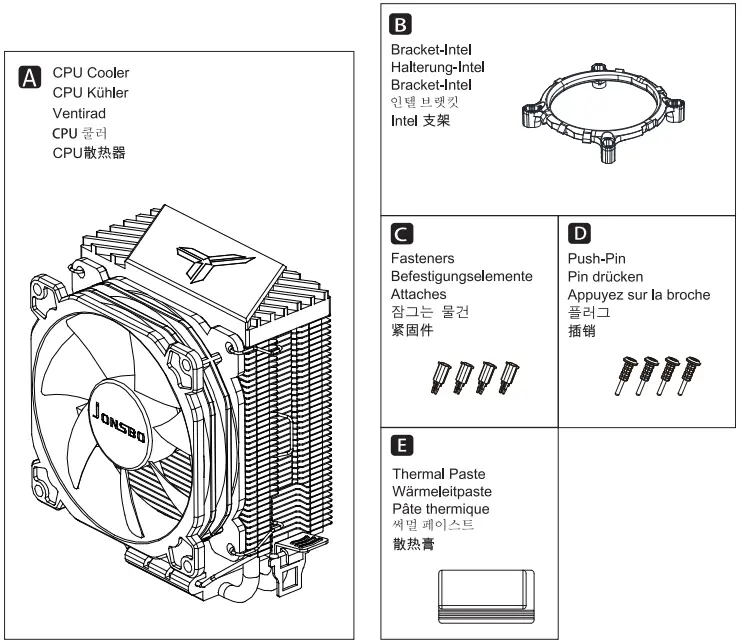
PART LIST
INSTALLATION
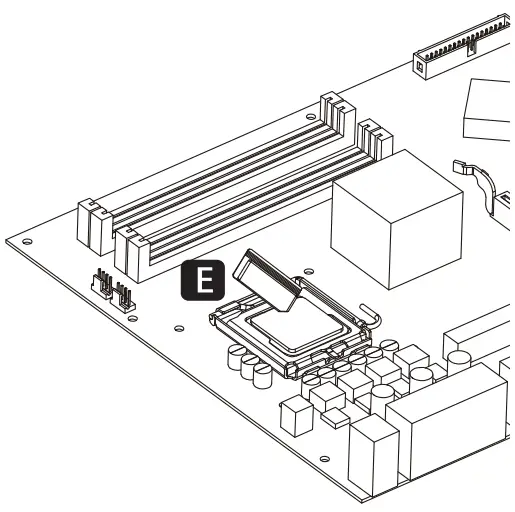
- Step 1: Applying thermal paste

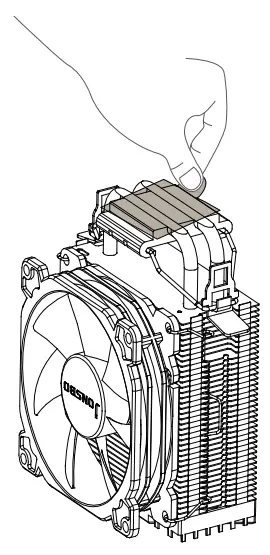
- Step 2: Remove the protection film

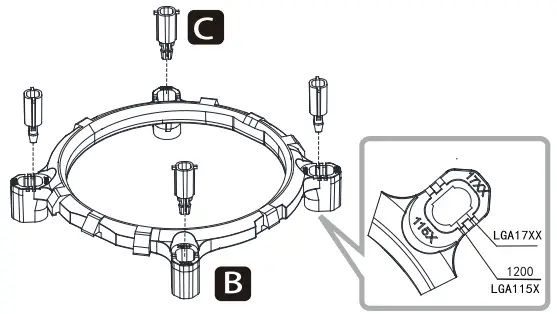
- Step 3 (For Intel): Insert the clips into the corresponding holes on the intel mounting bracket

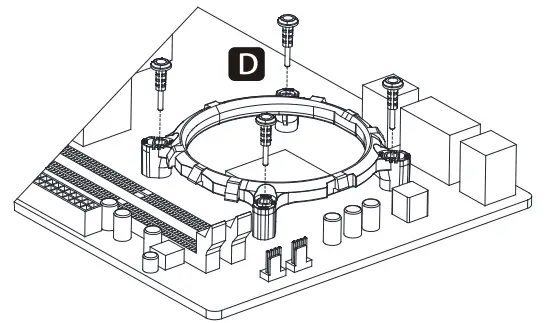
- Step 4 (For Intel): Secure the mounting bracket with push pins

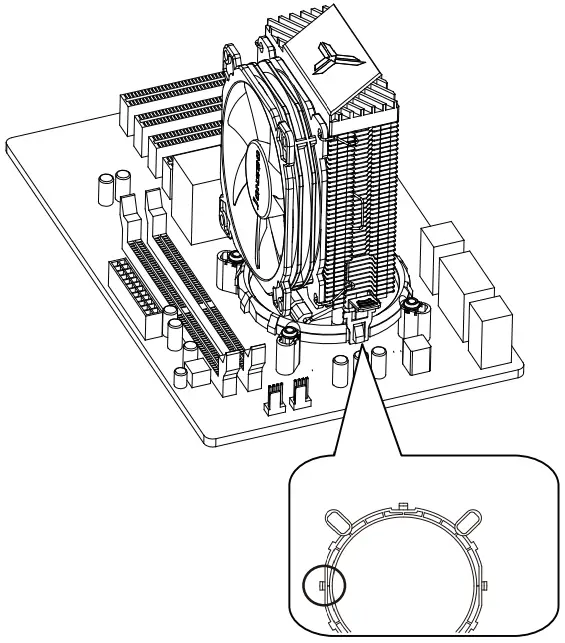
- Step 5 (For Intel): Push down on the retention clip, one side at a time, until both sides of the clip are hooked to the retention frame lugs.

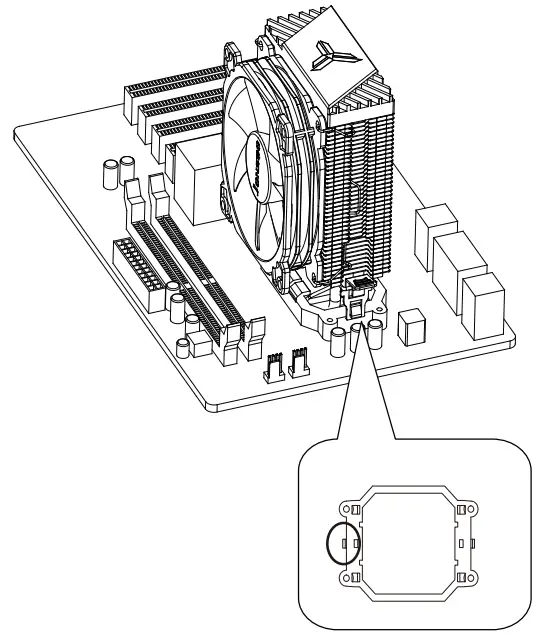
- Step 6 (For AMD): Push down on the retention clip, one side at a time, until both sides of the clip are hooked to the retention frame lugs.

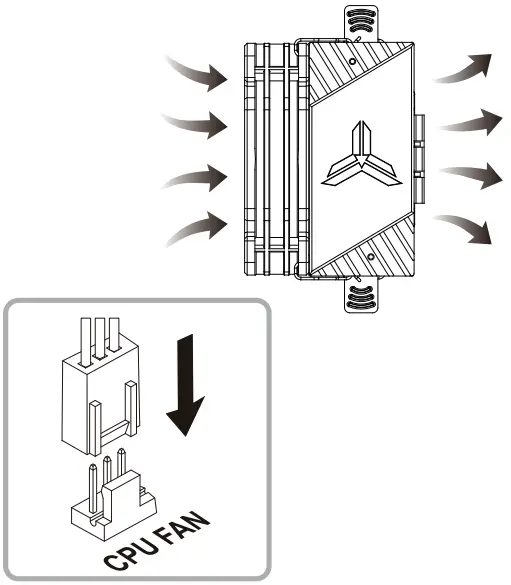
- Step 7: Connect fan cable to CPU_FAN socket