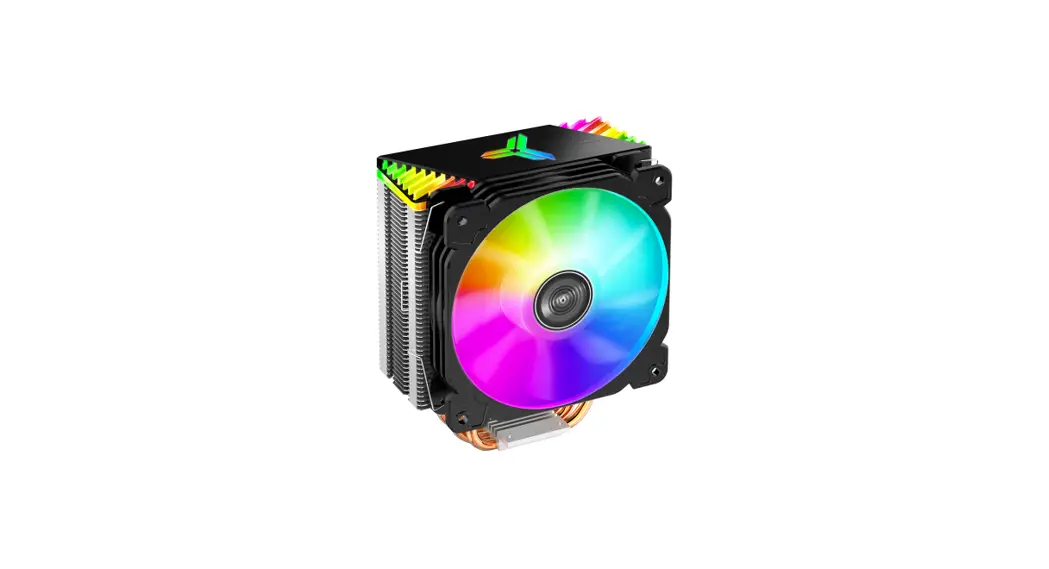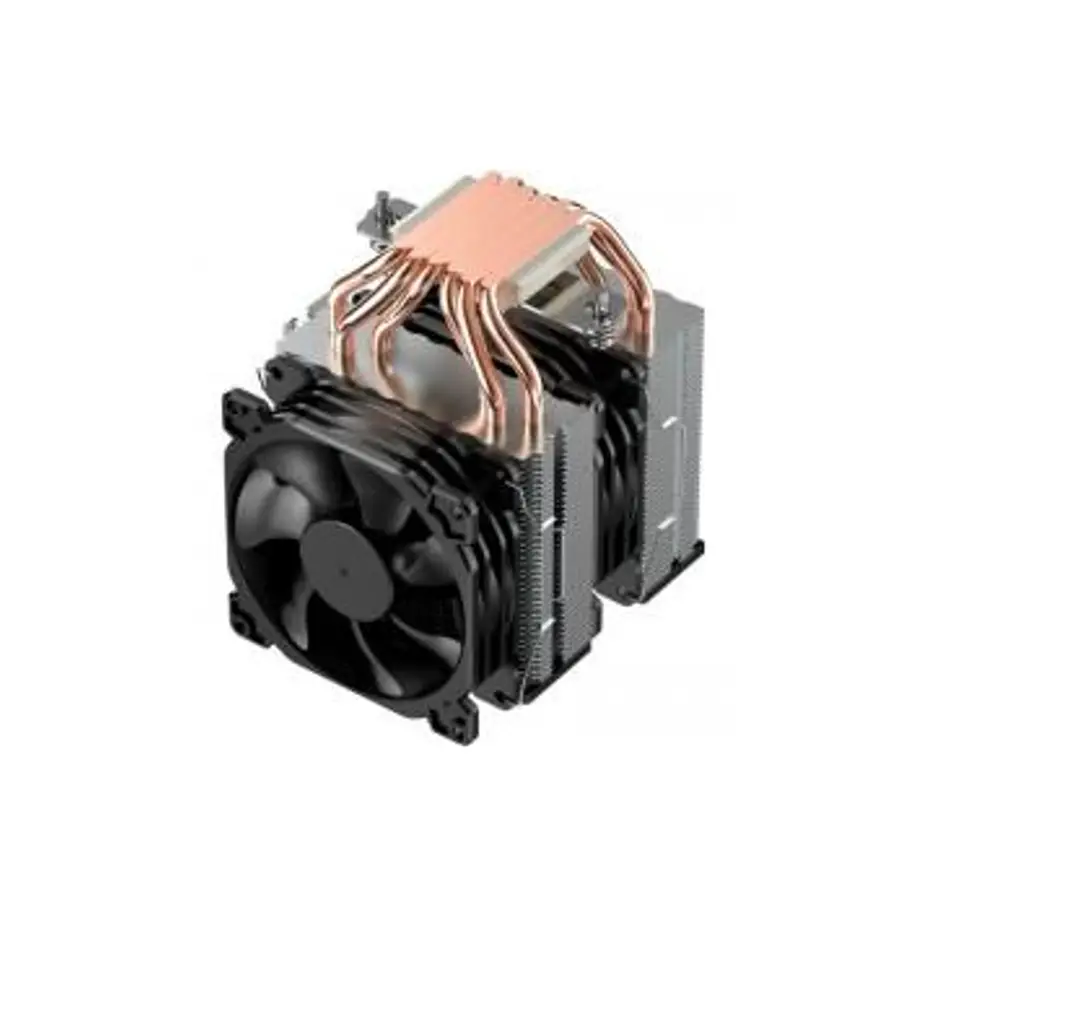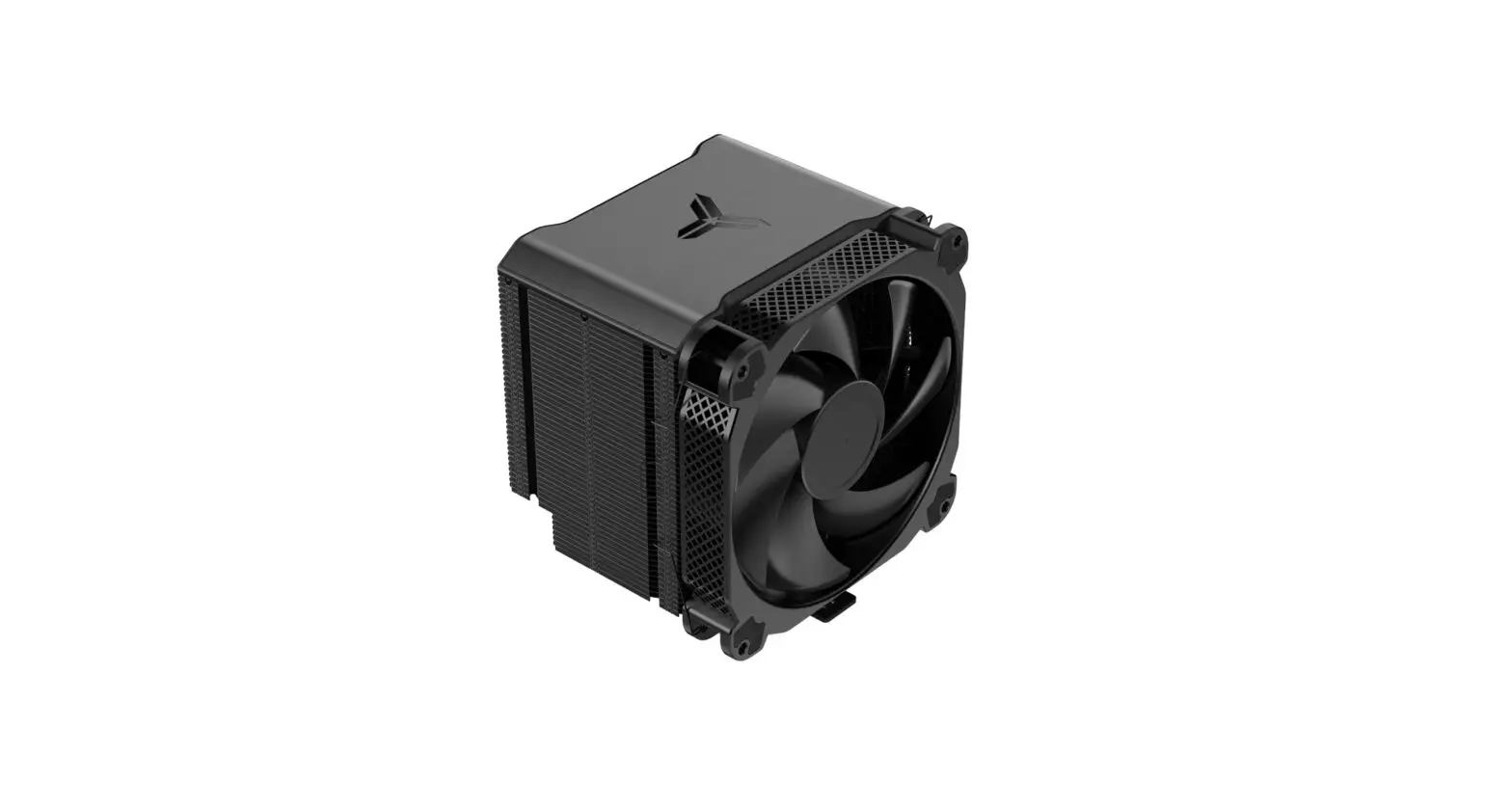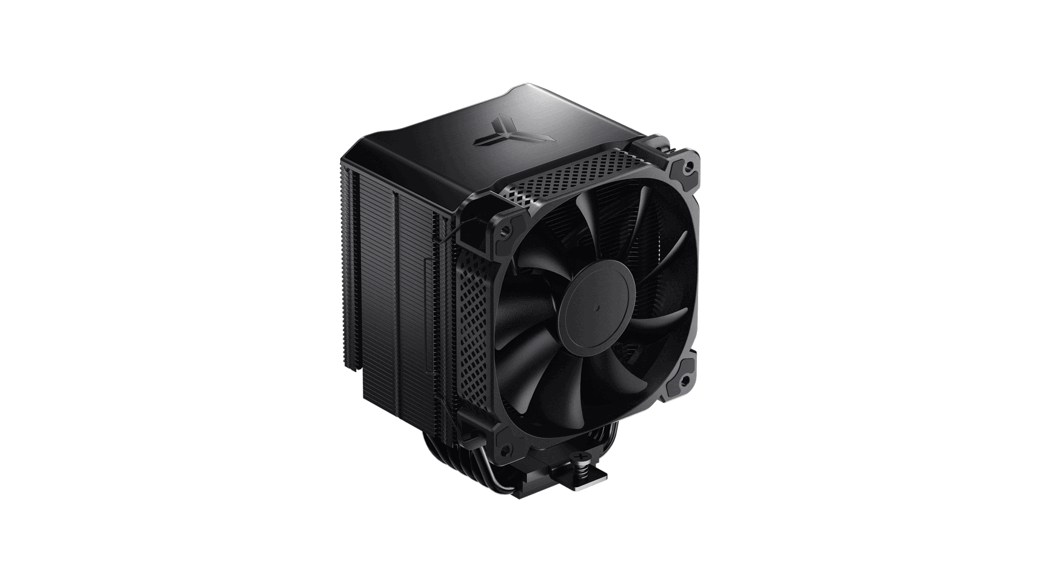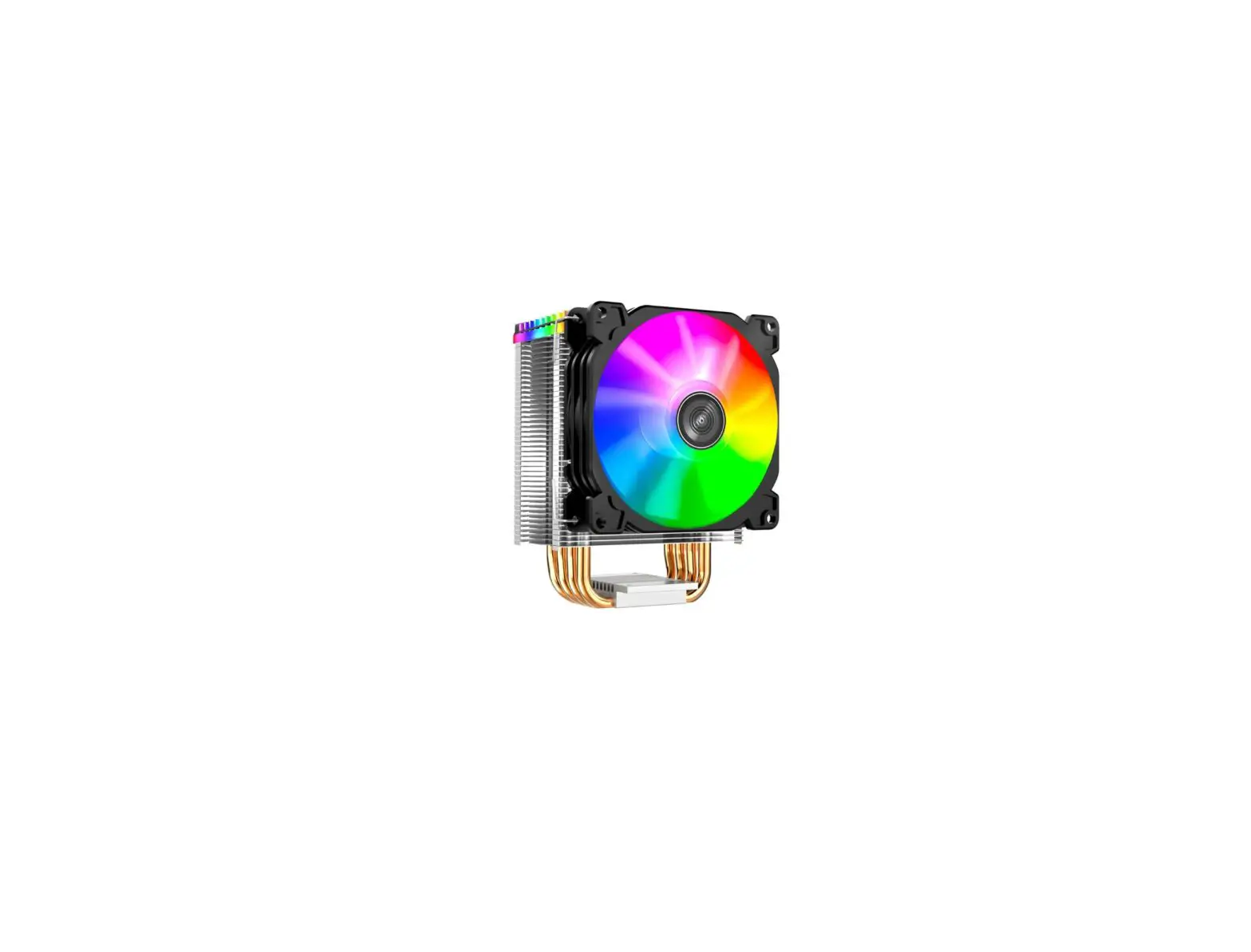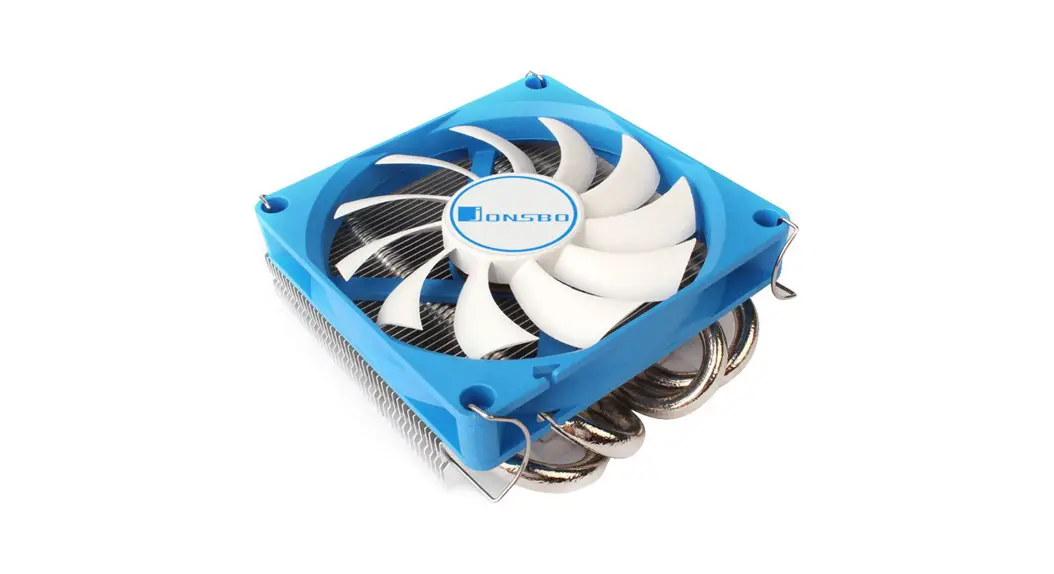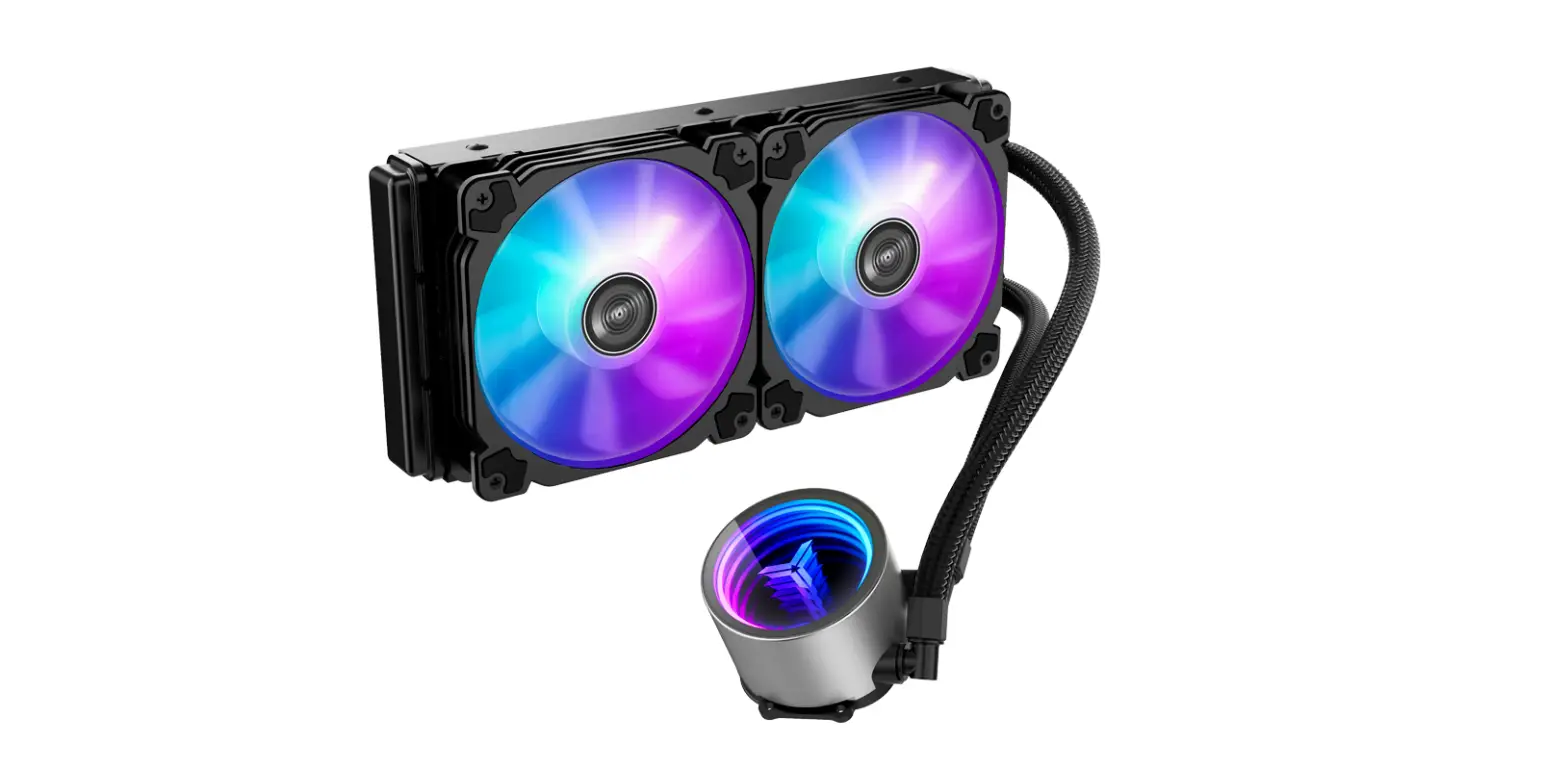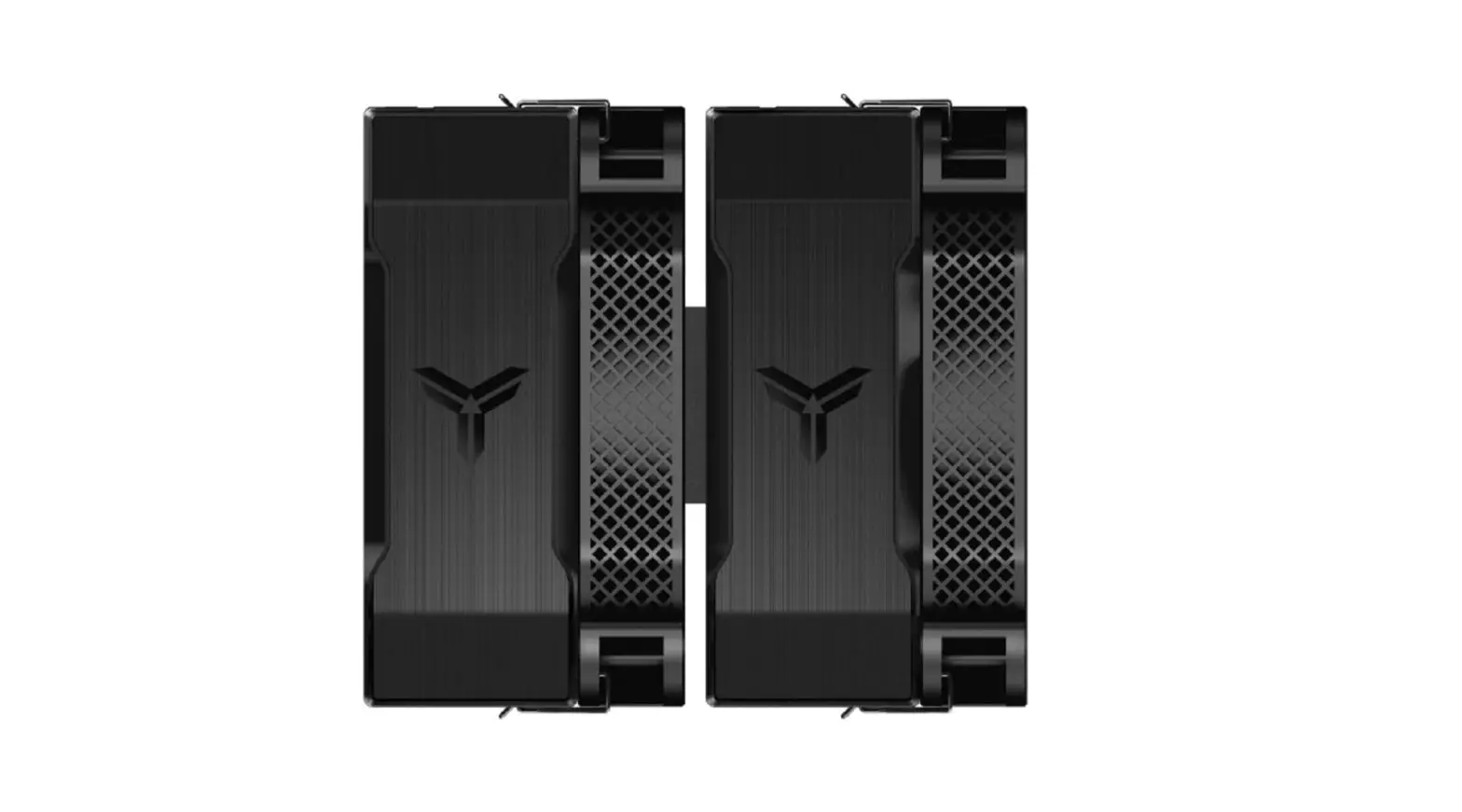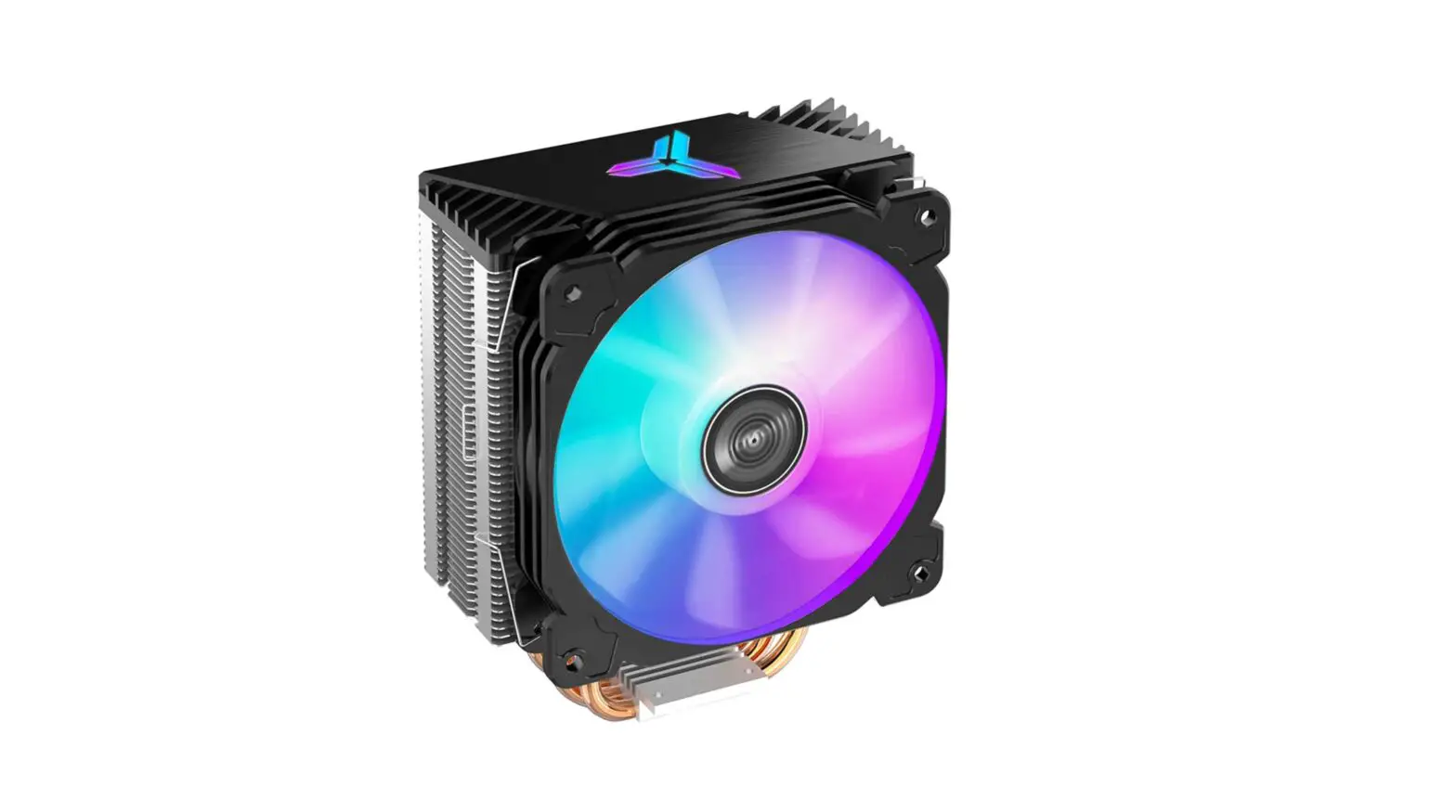
JONSBO CR-1000 Pro CPU Cooler User Manual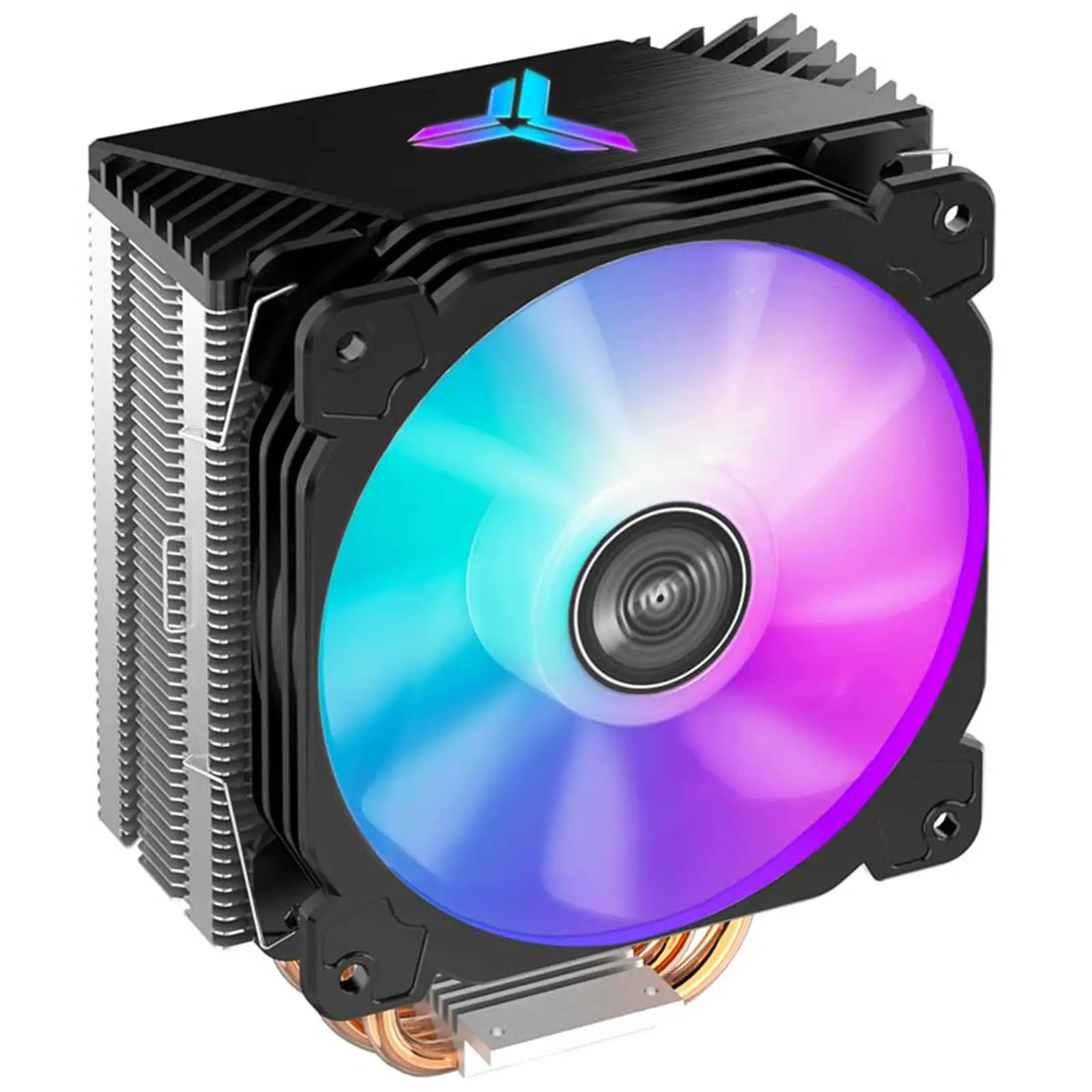
Part List
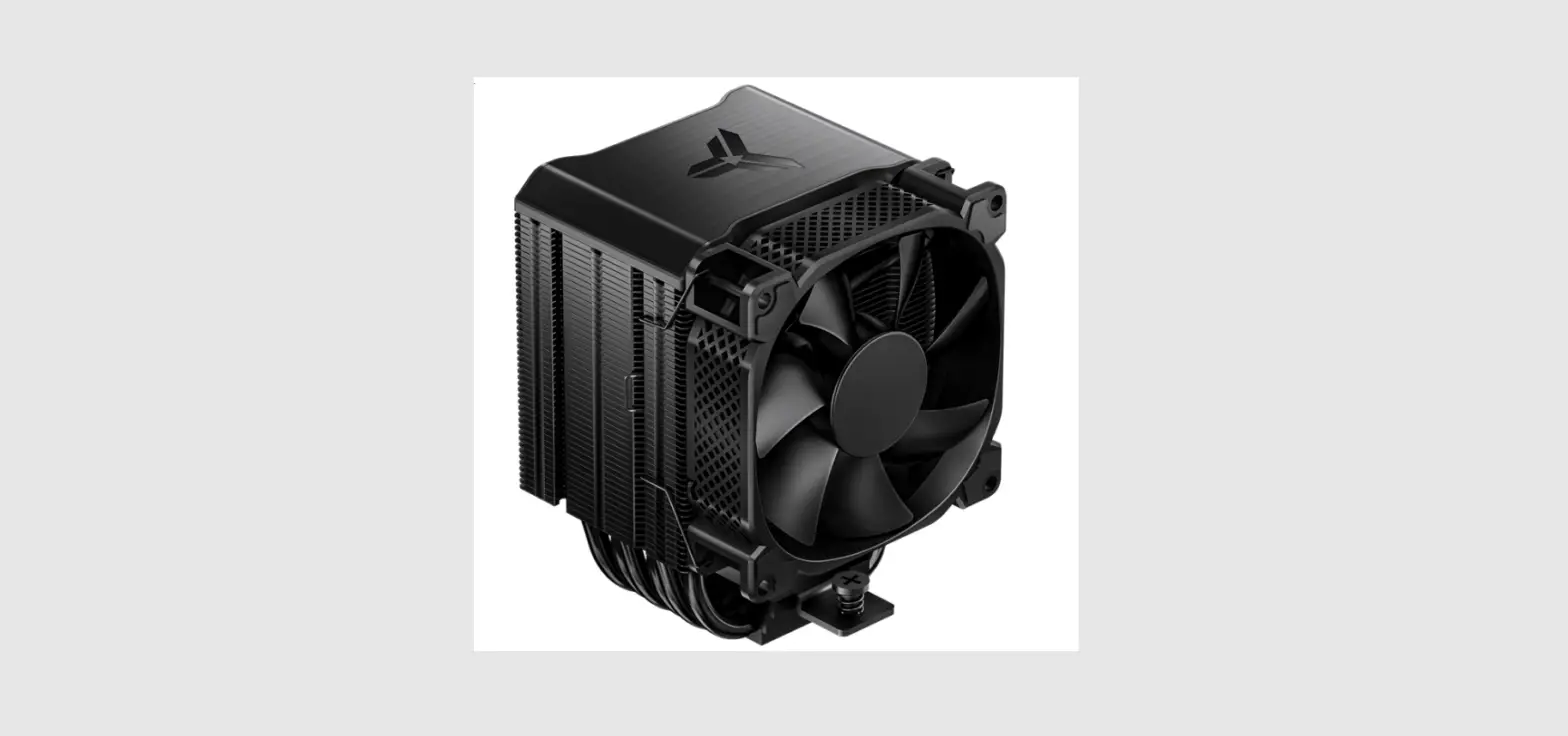
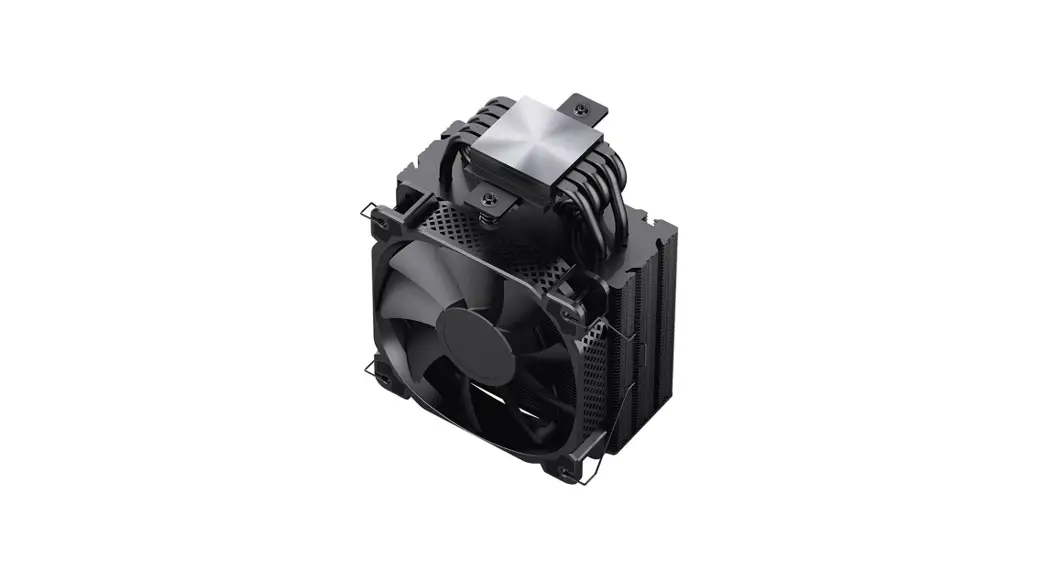
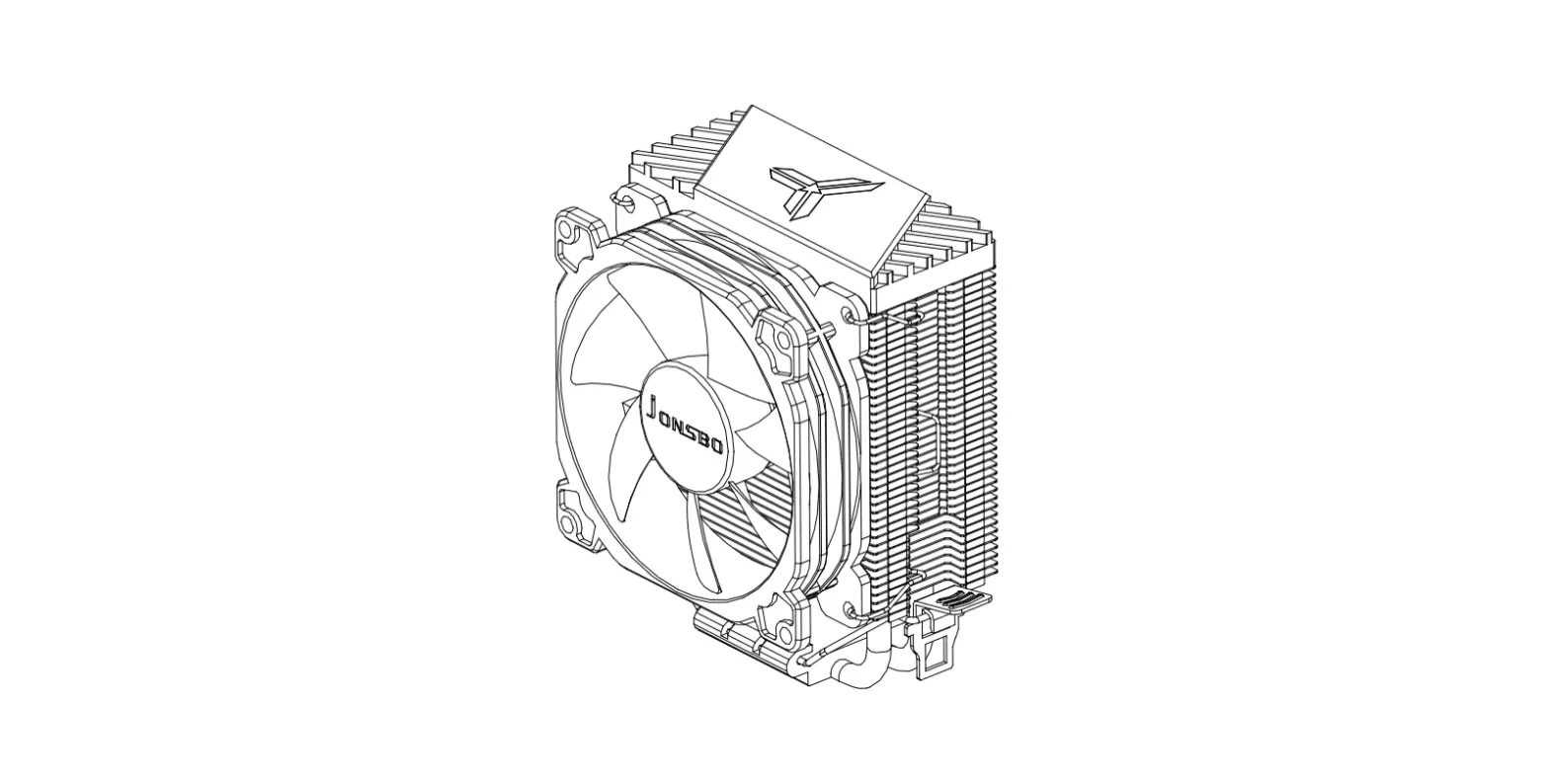
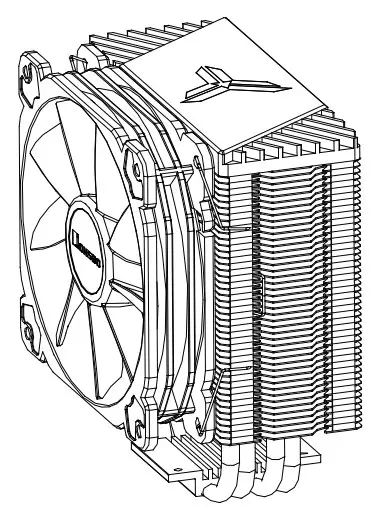
- A. CPU Cooler
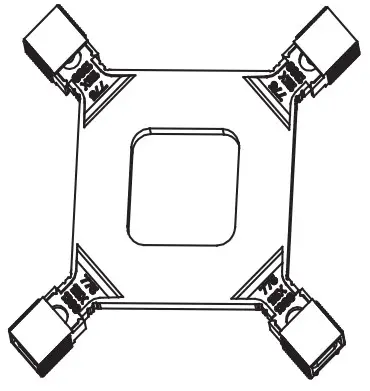
- B. Backplate-Intel

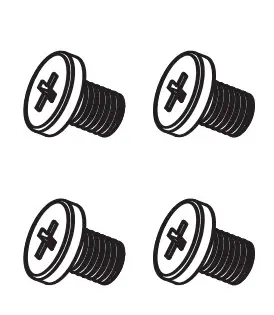
- C. Screw
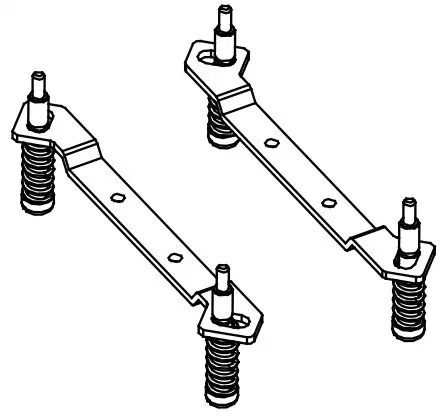
- D. Intel Bracket
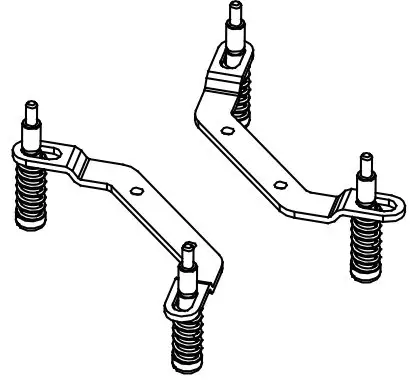
- E. AMD Bracket
- F. Thermal Paste
Intel Installation
Step 1:
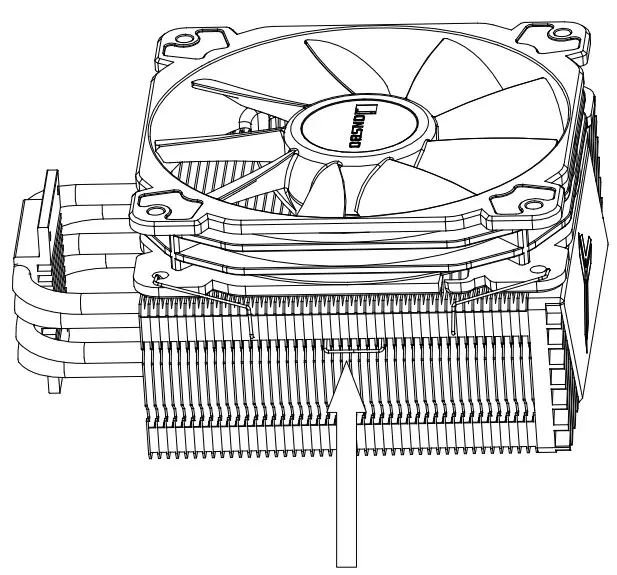
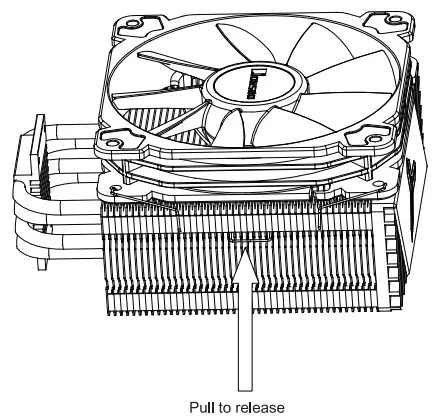
Pull to release
Remove the fan before install heatsink
Step 2:
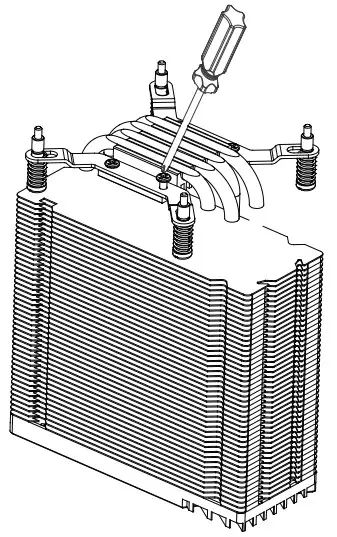
Installing the Intel bracket
Step 3:
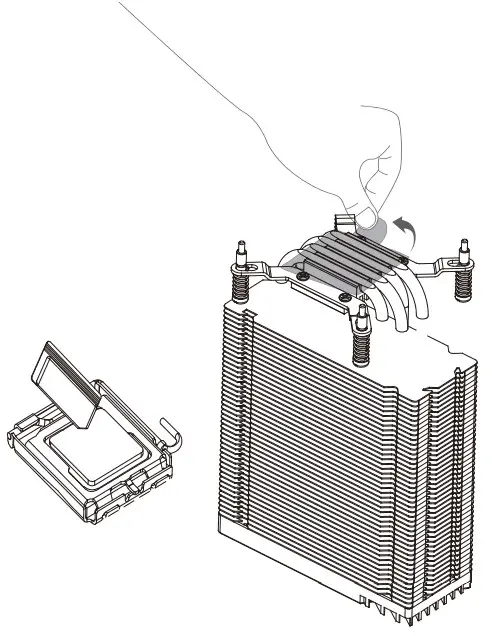
Applying thermal paste / Remove the protection film
Step 4:
Place the backplate at the rear of motherboard as shown
Step 5:
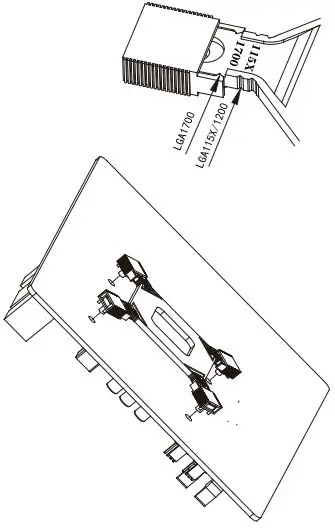
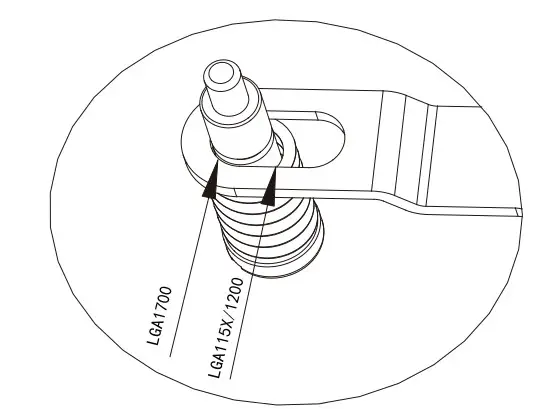
Adjust the slider on thebackplate to correspoding position
Step 6: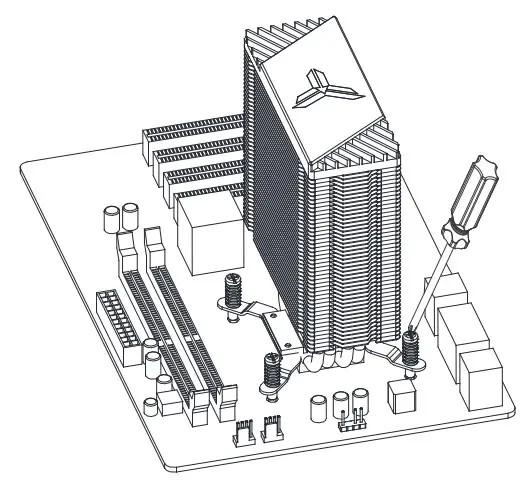
Connect the power cord to the motherboard
Step 7:
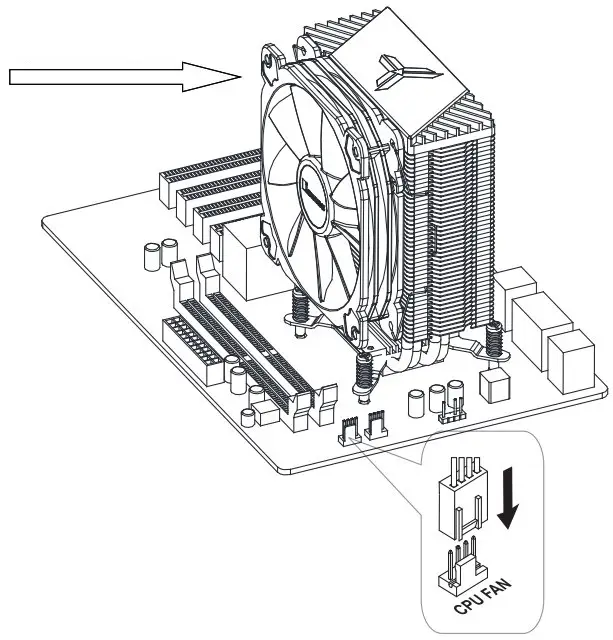
Mounting the fan to the heatsink
Remove the fan before install heatsink
AMD Installation
Step 1:
Remove the plastic retainers of the AMD retention module
Step 2:
Installing the AMD bracket
Step 3:
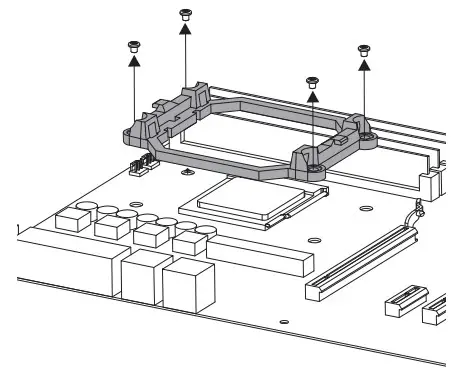
Remove the plastic relainers of the AMD relation module
Step 4:
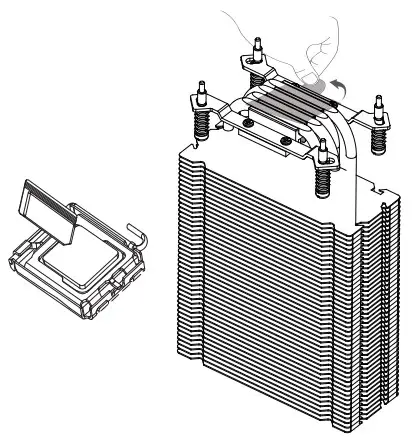
Applying thermal paste / Remove the protection film
Step 5:
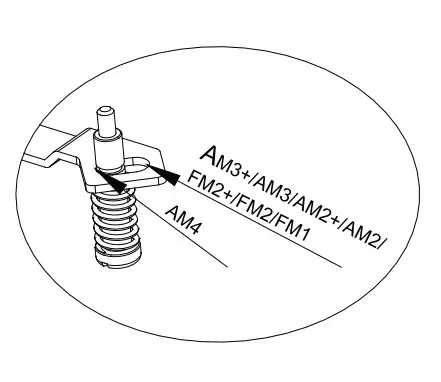
Adjust the screws on the brackets to correspoding position
Step 6: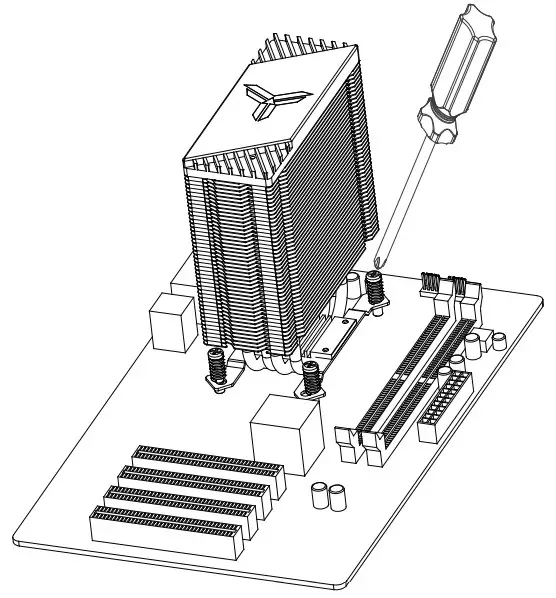
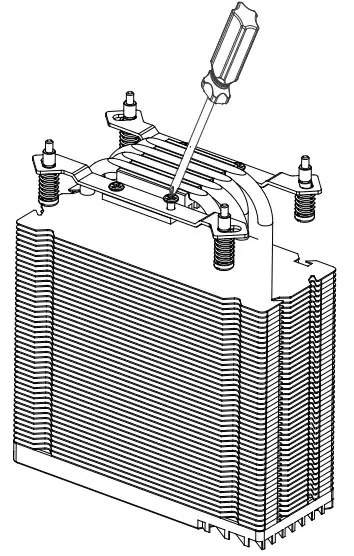
Secure the cooler with screwdriver
Step 7:
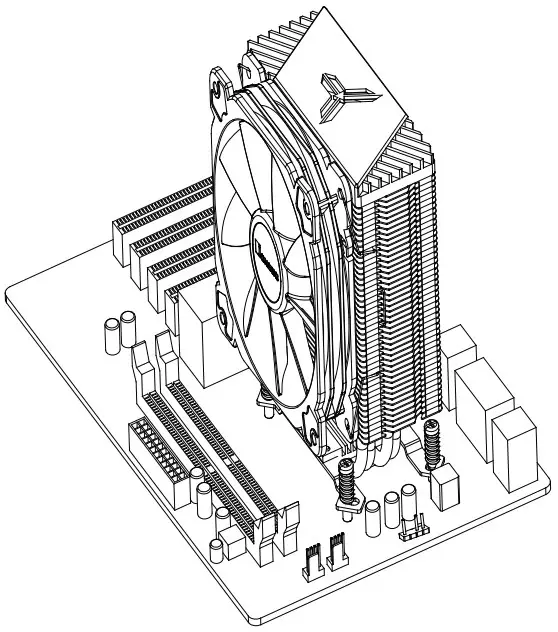
Mounting the fan to the heatsink
Step 8:
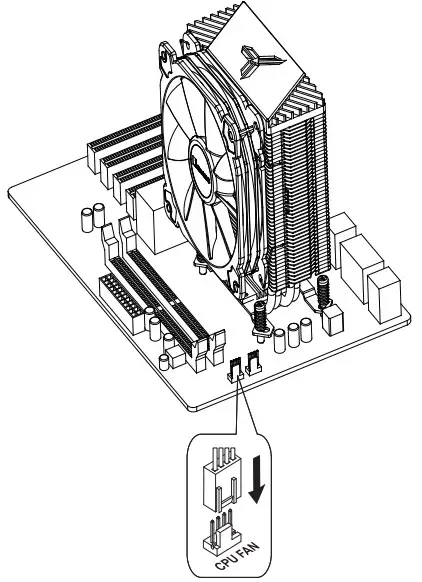
Connect fan and LED cables to CPU FAN socket