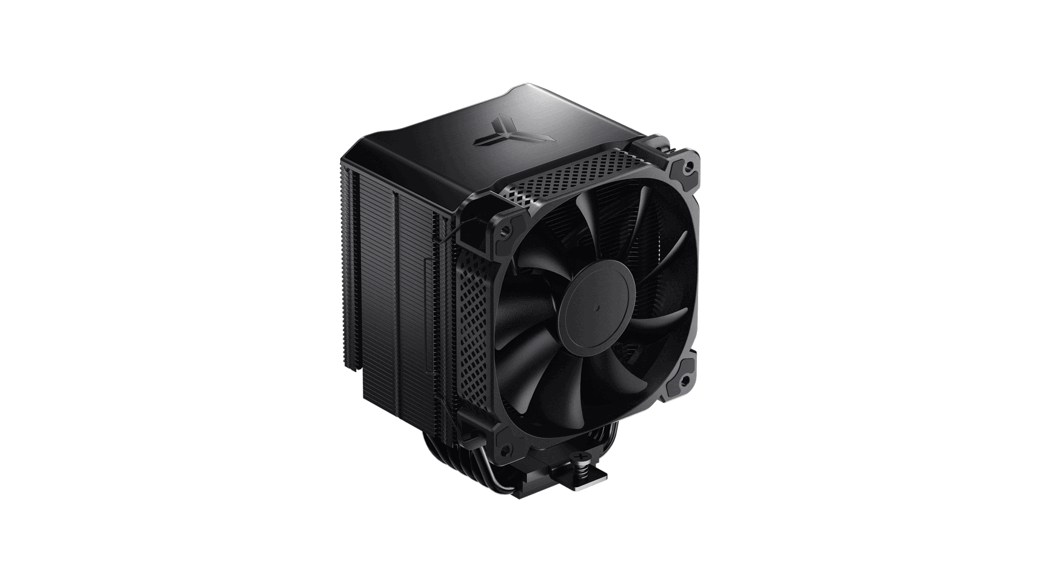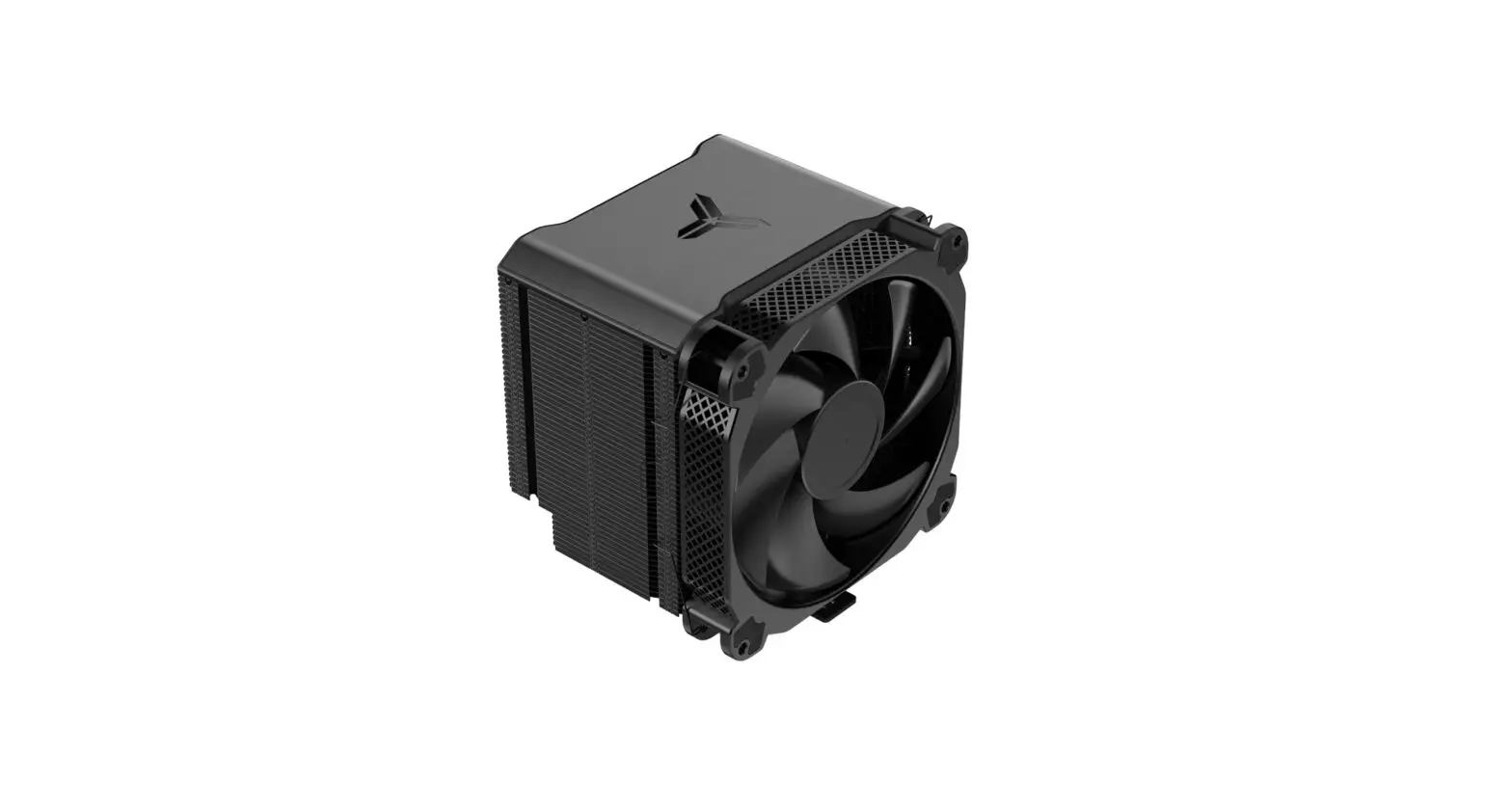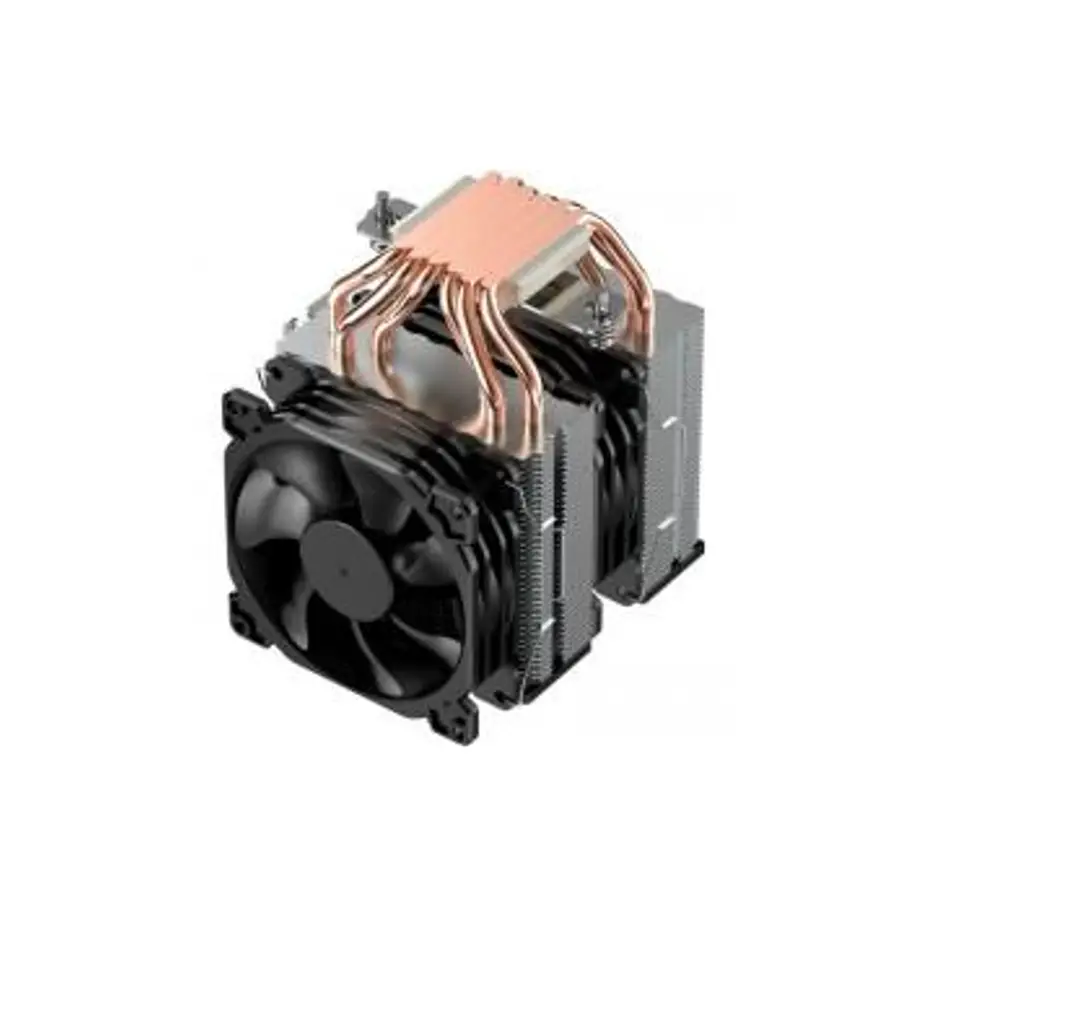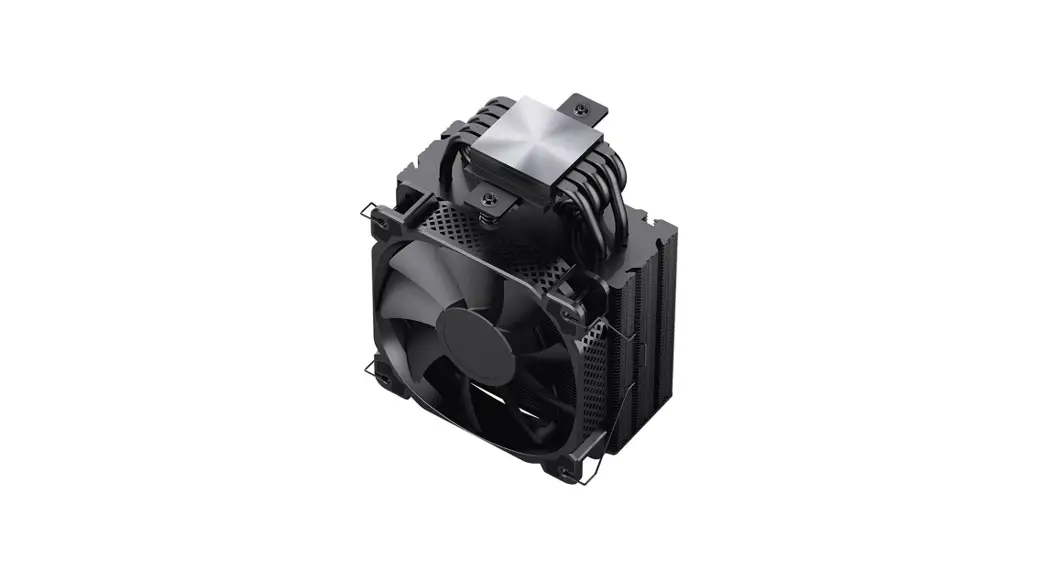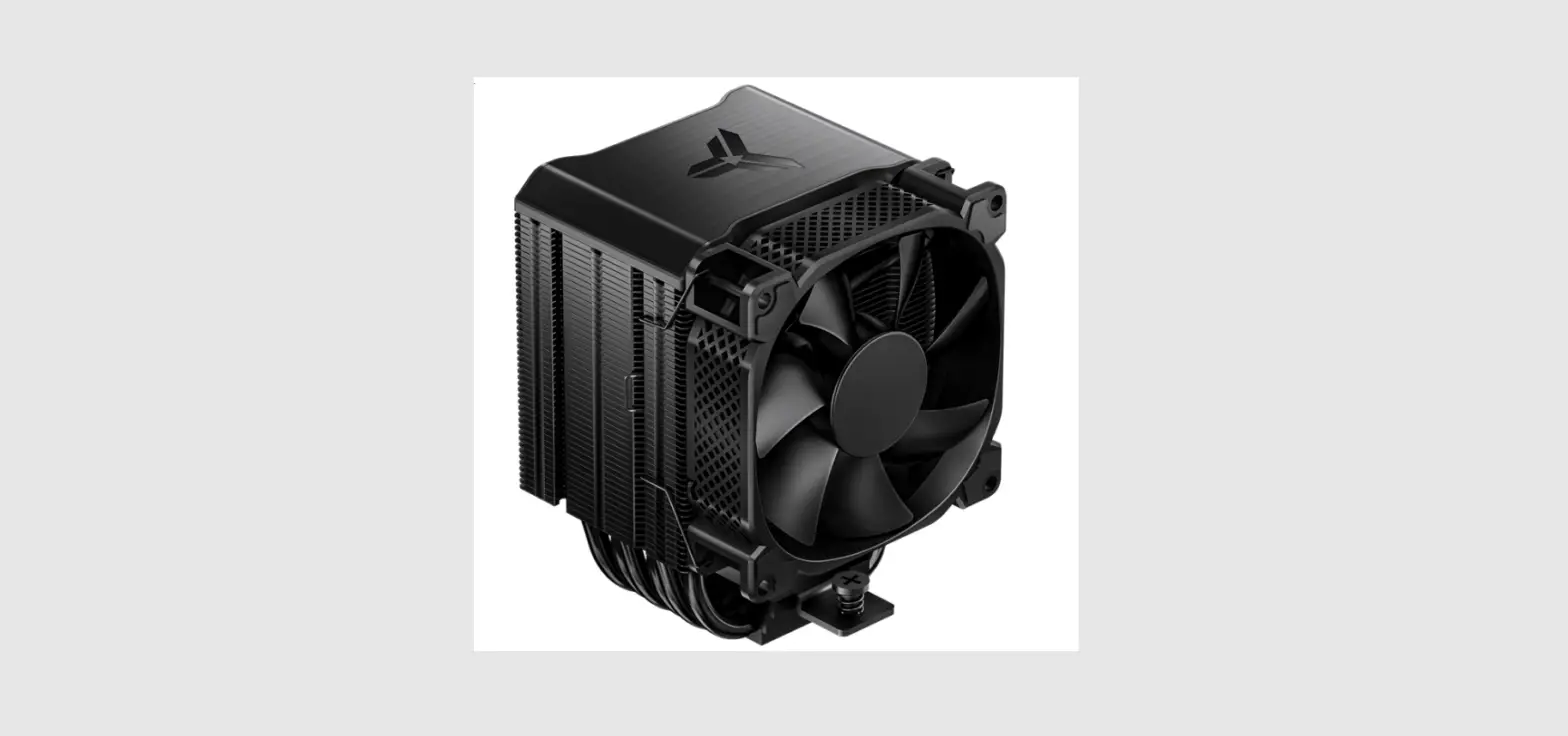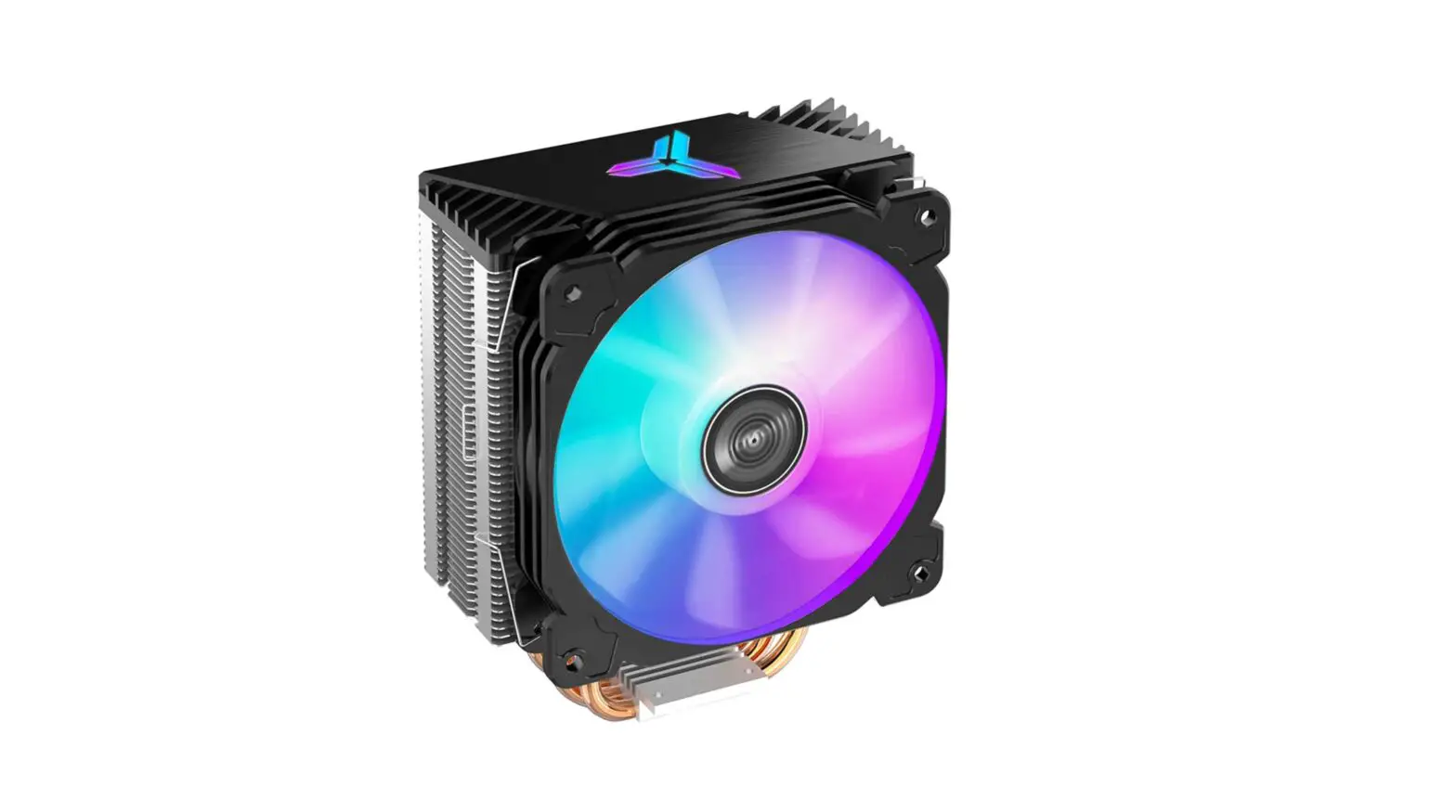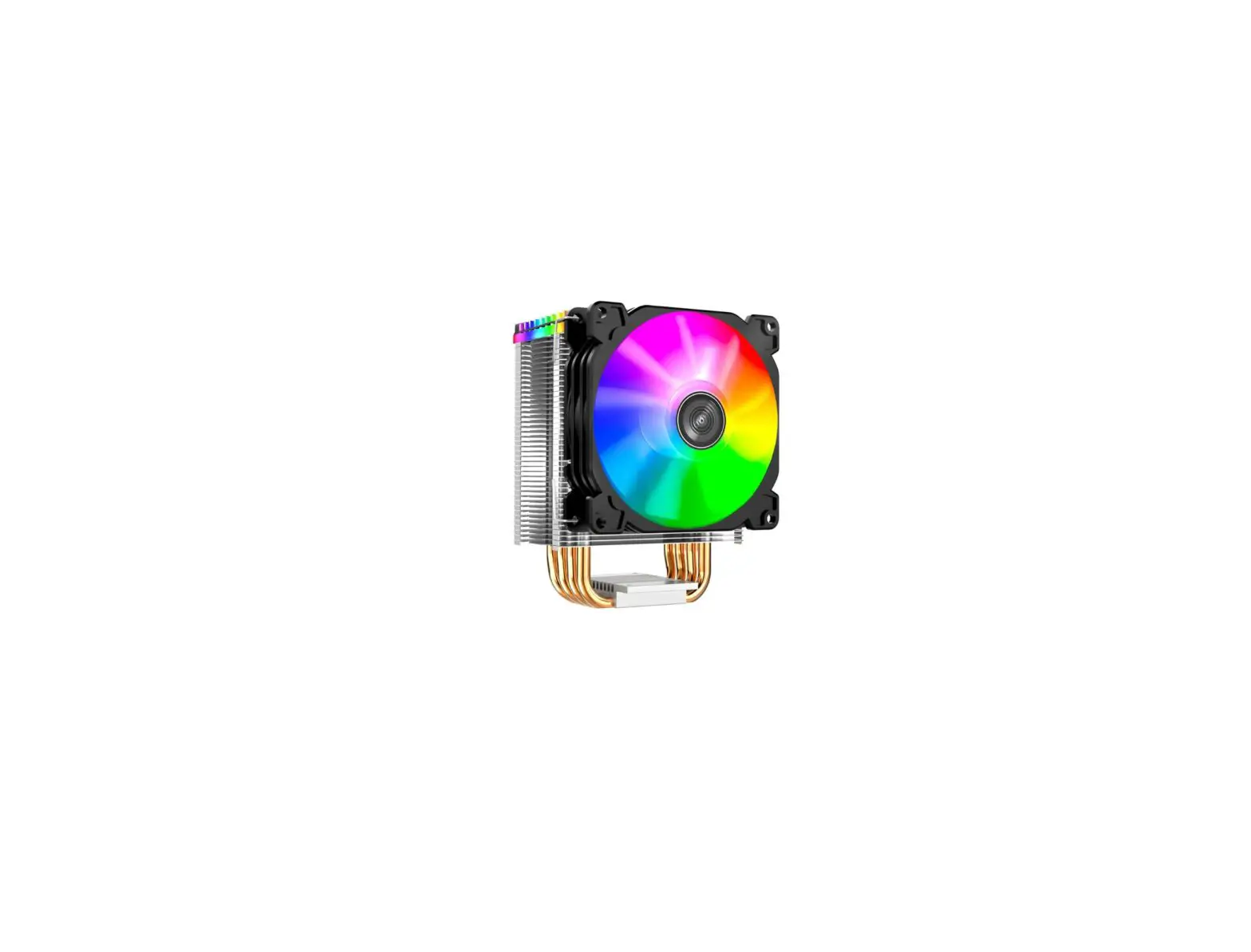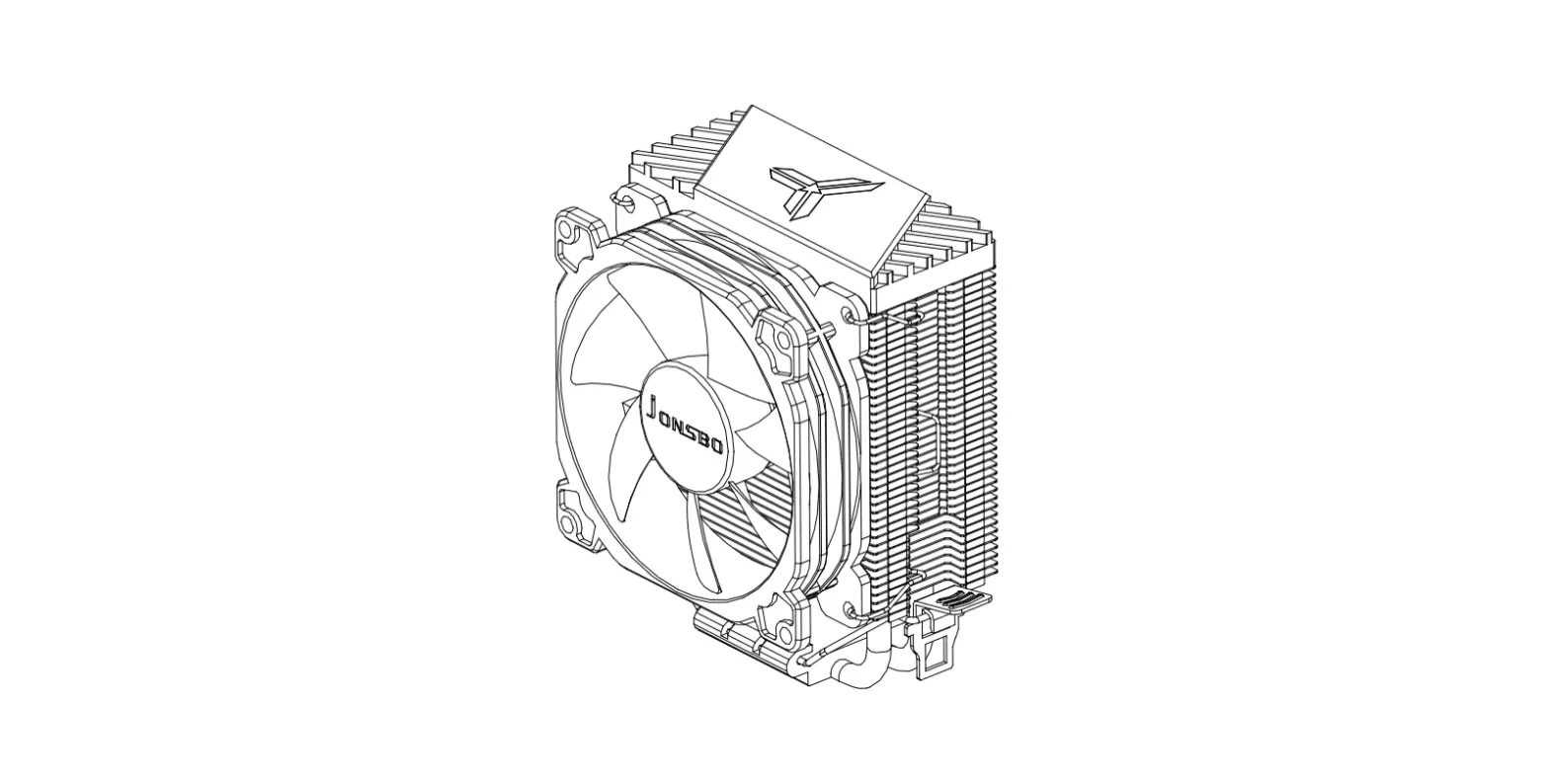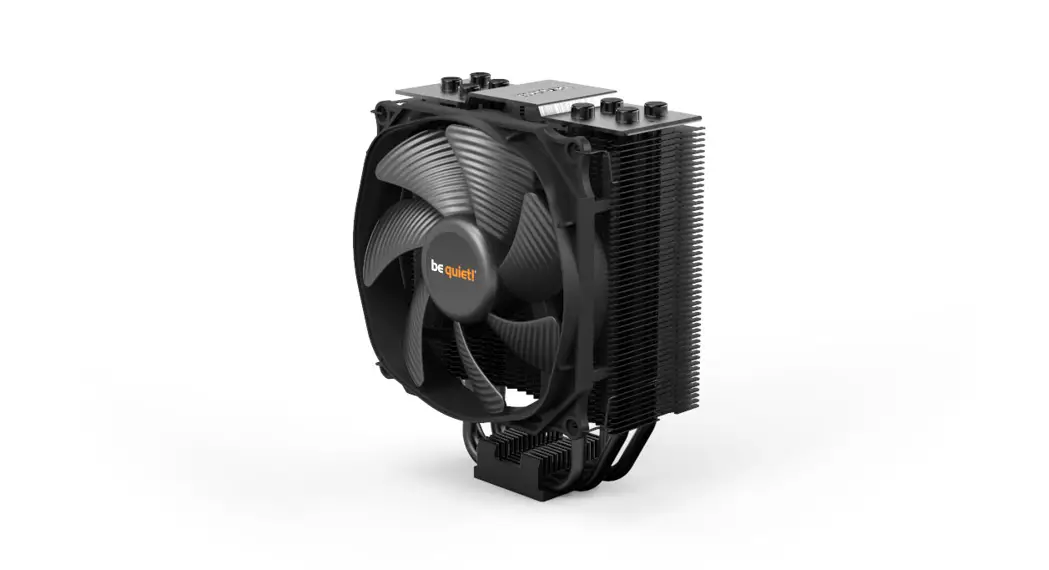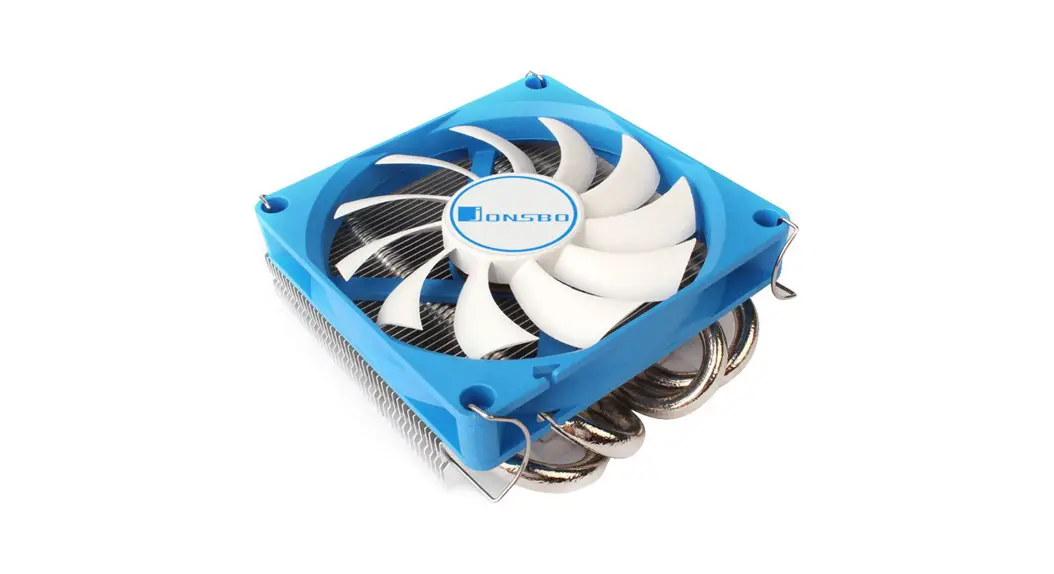
 HP400 MINI
CPU Cooler
USER MANUAL
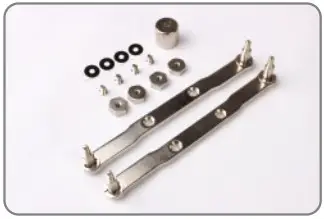
Part List
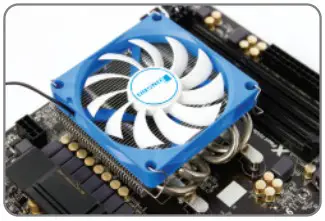
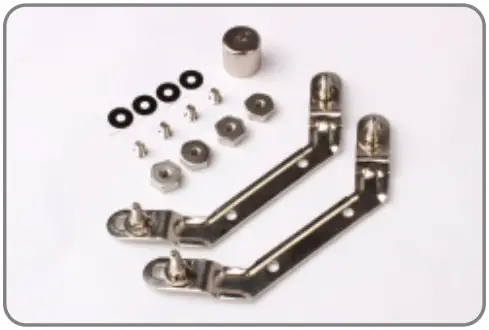
| CPU Cooler | 9cm Fan | Intel Bracket |
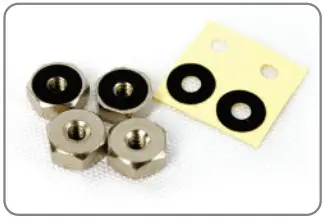
| AMD Bracket | Screw | HEX nuts |
| HEX socket | EVA Washer |
Intel Socket LGA 1366/ 1150/1155/1156/775
- Intel Socket LGA 1366/115x/775

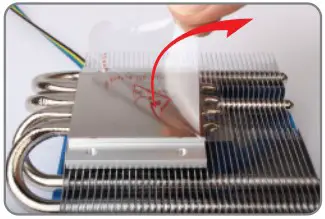
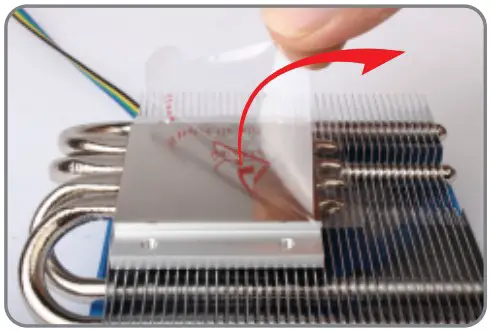
- Remove the protection film

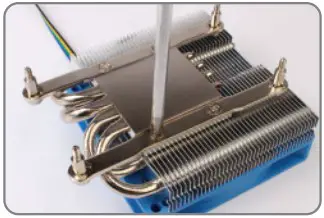
- Installing the Intel bracket

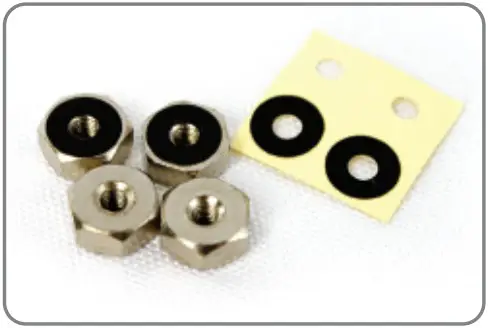
- Apply the EVA washer to the hexagonal nut
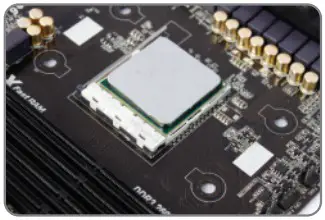
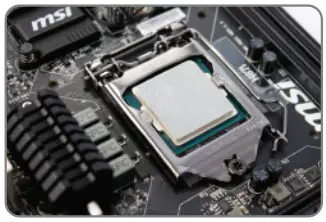
- Applying thermal paste

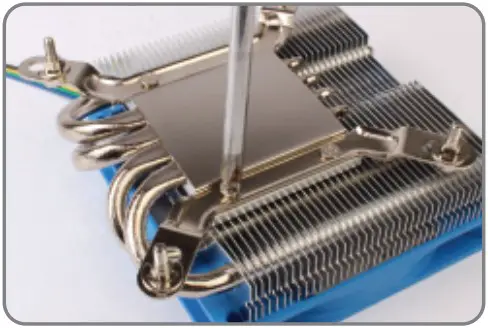
- Secure the cooler to Motherboard with with HEX nuts, EVA washer should be in between.

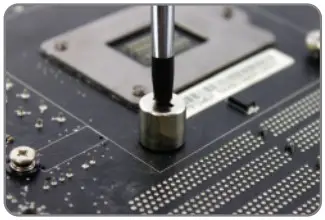
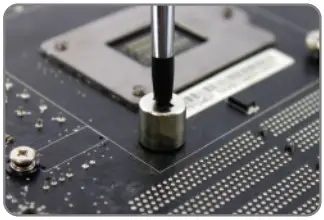
- Tighten the hexagon nuts hexagon socket.

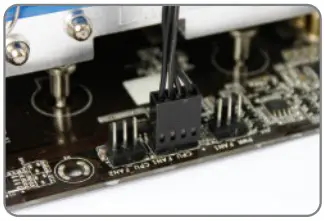
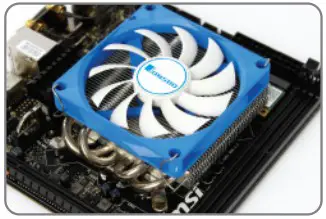
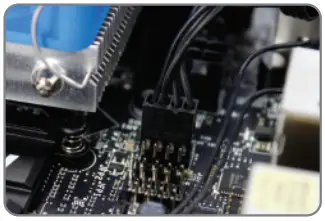
- Connect fan cable to CPU_Fan socket

AMD Socket FM2/ FM1/ AM4/ AM3+/ AM3/ AM2+/ AM2
- AMD FM1 / FM2 / AM2 / AM2+ / AM3 / AM3+/ AM4

- Remove the protection film

- Installing the AMD bracket

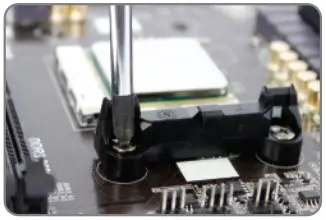
- Remove the plastic retainers of the AMD retention module

- Apply the EVA washer to the hexagonal nut
- Applying thermal paste

- Secure the cooler to Motherboard with HEX nuts, EVA washer should be in between.
- Tighten the hexagon nuts with hexagon socket.
- Connect fan cable to CPU_Fan socket