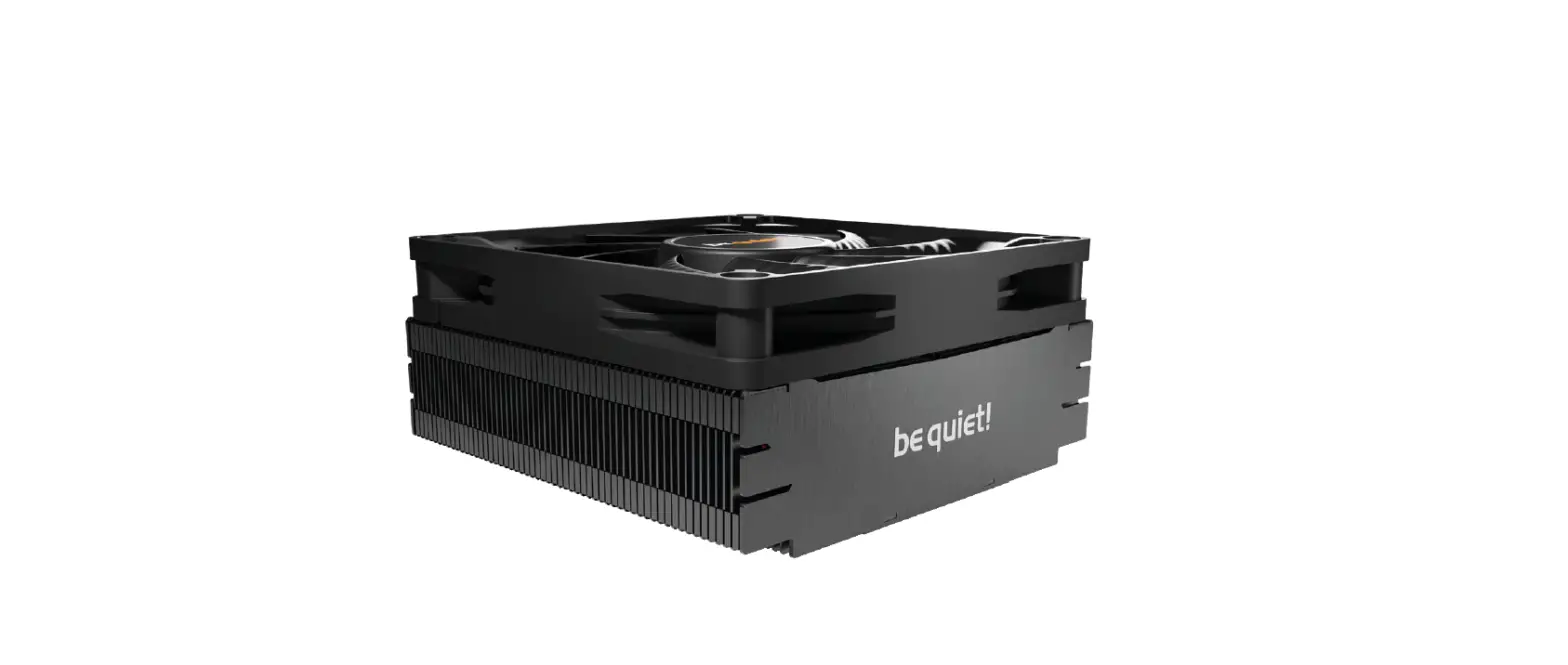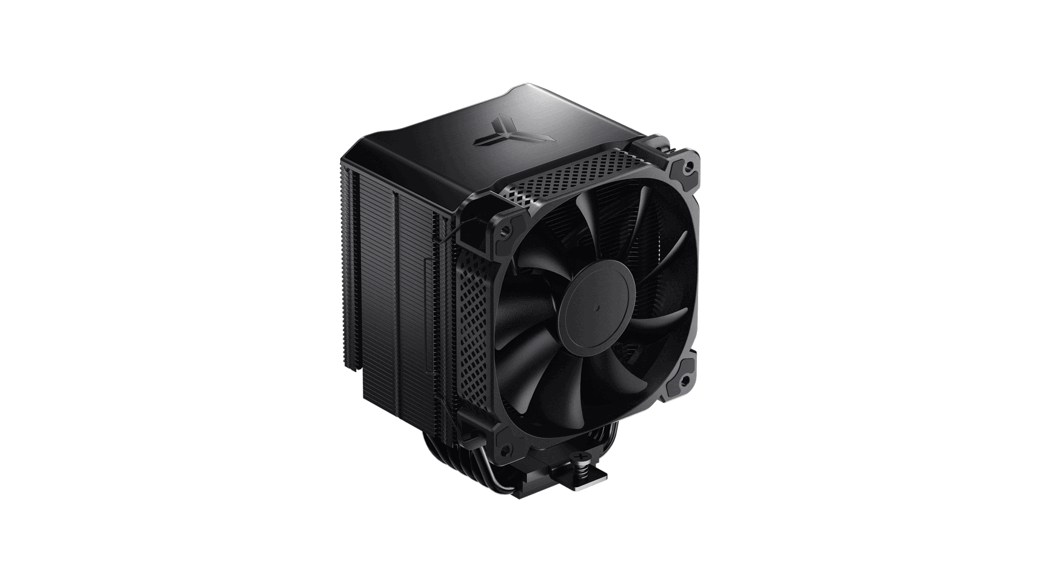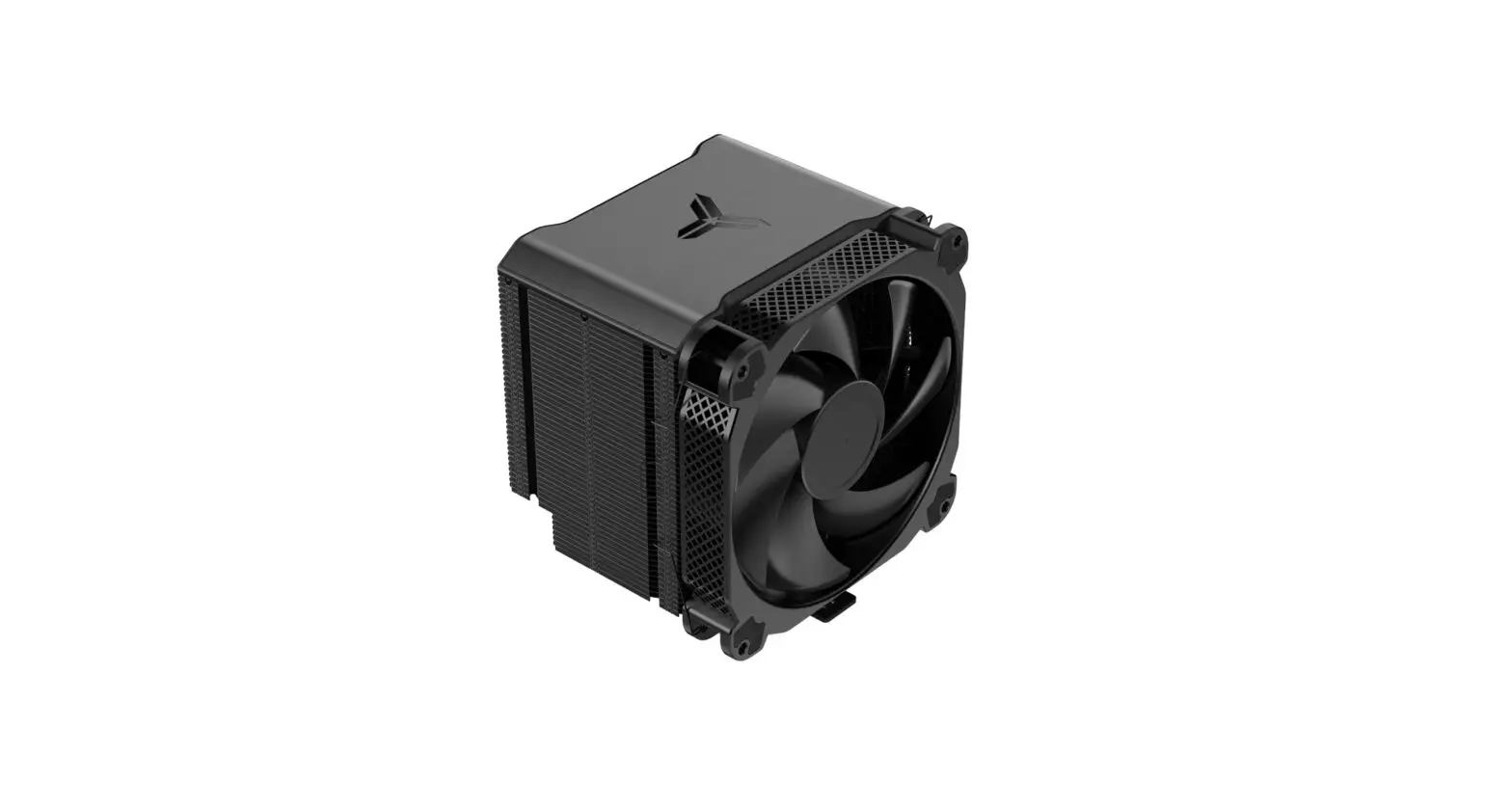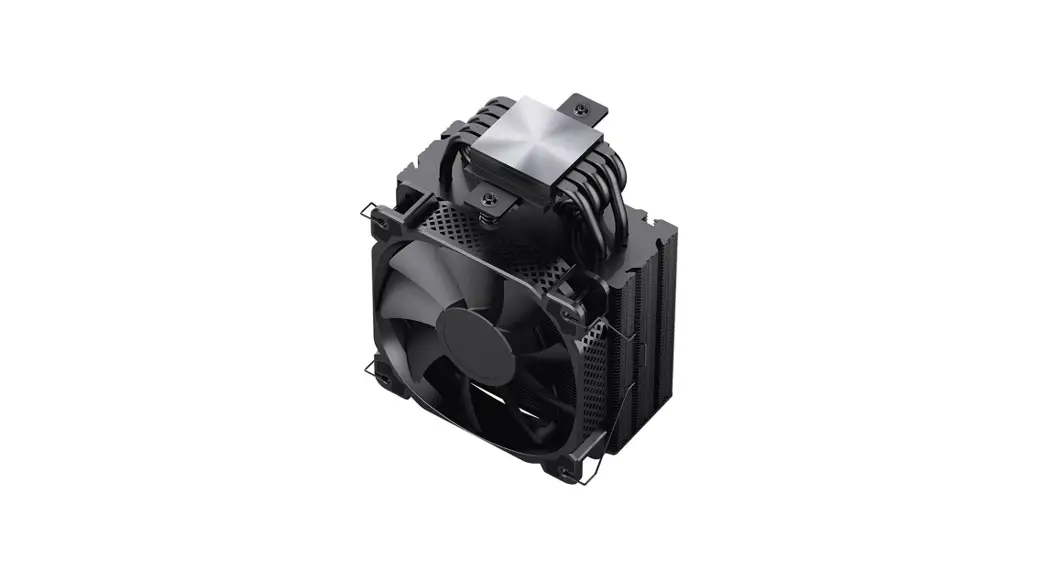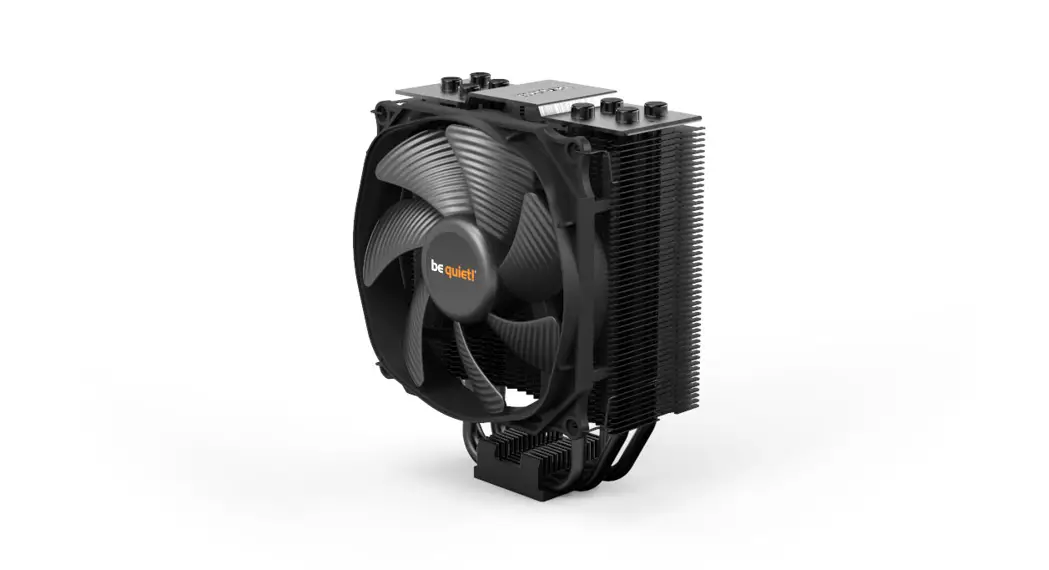
 DARK ROCK SLIM
User Manual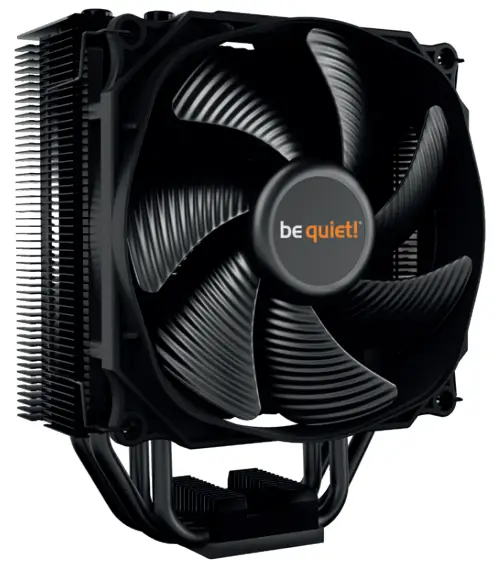
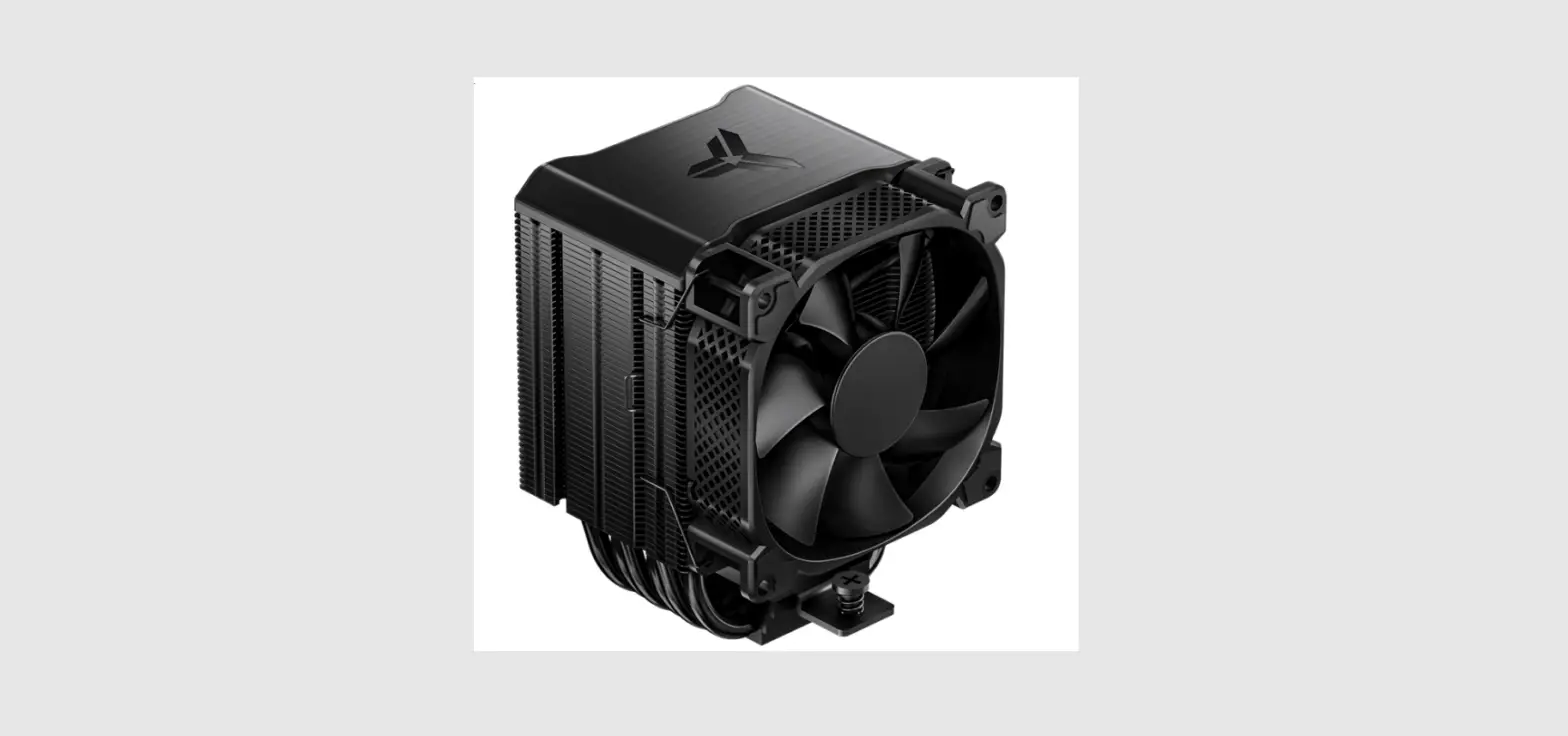
BK024 Dark Rock Slim CPU Cooler
Introduction: Thank you for deciding to purchase a be quiet!
product. The following instructions will guide you through the installation process. If you do encounter installation problems, please don’t hesitate to contact our customer services by mailing [email protected]. Please note that be quiet! cannot accept liability for damage caused by compatibility problems.
Warranty:
- 3 years manufacturer guarantee for consumers (original purchase from authorized be quiet! dealers only)
- Guarantee work can only be processed with an included copy of the purchase receipt from an authorized be quiet! dealer
- Manipulation and structural changes of any kind as well as damages through external mechanical forces lead to a complete voiding of the guarantee
- Our General Warranty Conditions apply, which can be viewed on bequiet.com Listan GmbH. Biedenkamp 3a. 21509 Glinde Germany
For further information contact us via e-mail: [email protected]
! We recommend preparatory mounting of the cooler outside the PC case for subsequent installation. The cooler should be removed prior to transportation as well.
SCOPE OF DELIVERY
| Part name | Quantity | ||
| 1 | 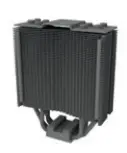 | be quiet! Dark Rock Slim CPU cooler | 1 |
| 2 |  | 120mm fan | 1 |
| 3 |  | Intel backplate | 1 |
| 4 | 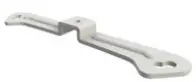 | Intel mounting brackets | 2 |
| 5 | 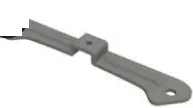 | Long AMD mounting brackets | 2 |
| 6 | 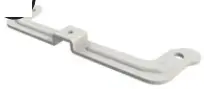 | Cooler mounting bridge | 1 |
| 7 | 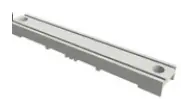 | Intel spacer nuts | 4 |
| 8 |  | Intel 115X/1366 nuts | 4 |
| 9 | 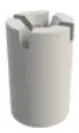 | AMD spacer nuts | 4 |
| 10 | 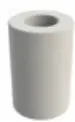 | Mounting bracket fastening screws | 4 |
| 11 | 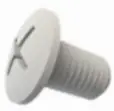 | Mounting bridge fastening screws | 2 |
| 12 | 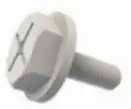 | Intel backplate screws | 4 |
| 13 | 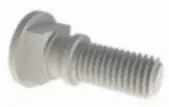 | AMD backplate screws | 4 |
| 14 | 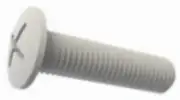 | O-rings | 4 |
| 15 | 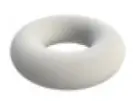 | Thermal paste | 1 |
| 16 | 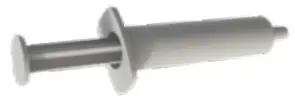 | Fan clips | 4 |
| 17 |  | AM3 washers | 4 |
Intel LGA 2011(-3) square ILM / LGA 2066
The following parts are needed for this:
1x Dark Rock Slim CPU cooler (1), 1x 120mm fan (2), 2x Intel mounting brackets (4), 1x cooler mounting bridge (6), 4x Intel spacer nuts (7), 4x mounting bracket fastening screws (10), 2x Intel/AMD mounting bridge fastening screws (11), 1x thermal paste (15), 2x fan clips (16)
Installation of the cooler fastening frame
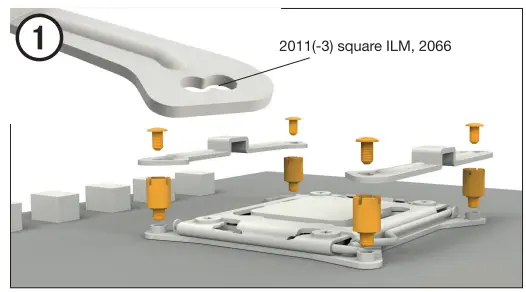
First screw the Intel distance nut and the nest frame threads. Put Intel storage support brackets on Intel distance nut and tighten them firmly using screws fastening the assembly bracket. You can use for this purpose any cross screwdriver.
First screw the Intel distance nut and the nest frame threads. Put Intel storage support brackets on Intel distance nut and tighten them firmly using screws fastening the assembly bracket. You can use for this purpose any cross screwdriver.
Installation of CPU cooler
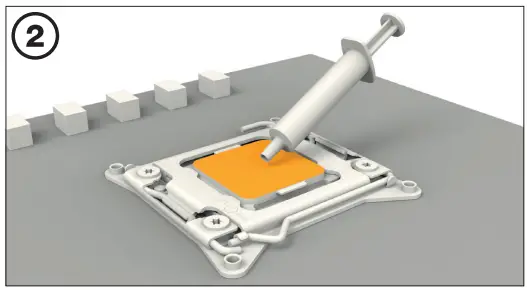
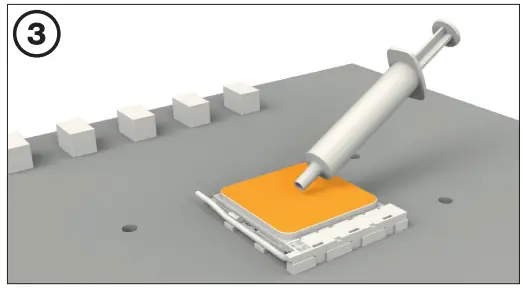
First, remove the protective film from the bottom of the cooler. Spread the processor surface thermal paste. The amount provided is sufficient for one or two applications.
Note: the supplied thermal paste is unsuitable for consumption. If you swallow, drink a large amount of water and immediately report to the doctor.
Keep out of the reach of children. Avoid contact with skin and eyes.
First, remove the protective film from the bottom of the cooler. Spread the processor surface thermal paste. The amount provided is sufficient for one or two applications.
Note: the supplied thermal paste is unsuitable for consumption. If you swallow, drink a large amount of water and immediately report to the doctor.
Keep out of the reach of children. Avoid contact with skin and eyes.
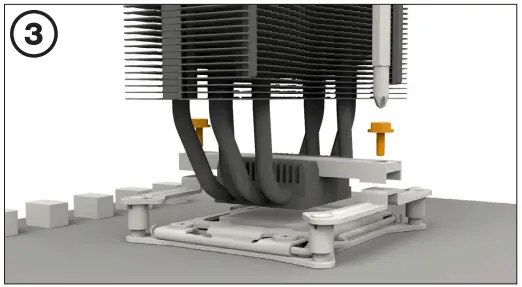
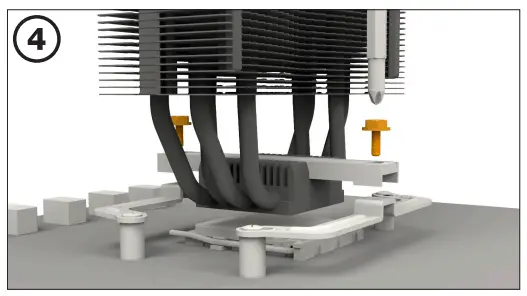
Place the assembly bridge centrally on the cooler. Then place the cooler above processor. Inserts of the Intel / AMD mounting bridge fastening screws in advance to the bridge mounting cooler, then tighten them alternately. For this purpose you can Use any Teutonic screwdriver.
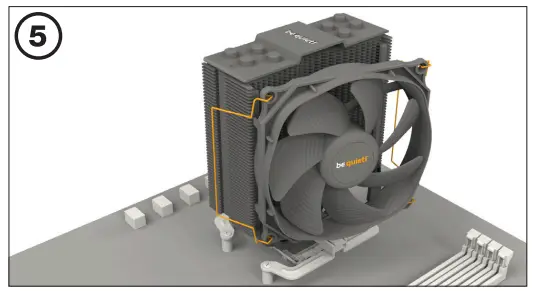
Fasten a 120 mm fan with a fan clipping on the cooler. Connect Fan for the PWM Signal of the Gain Plate.
When dismantling a 120 mm fan, press the fan clasp and move away from the fan.
When dismantling a 120 mm fan, press the fan clasp and move away from the fan.
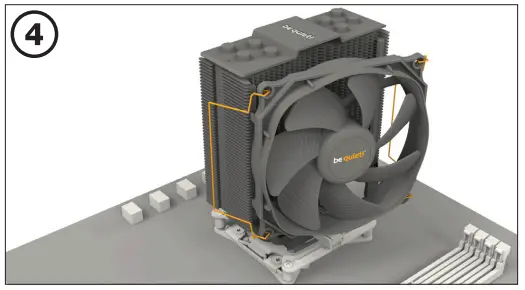
Intel: LGA 1700 / 1200 / 1150 / 1151 / 1155
The following parts will be needed:
1x Dark Rock Slim CPU Cooler (1), 1x Silent Wings 3 120 mm (2), 1x backplate Intel (3), 2x Intel assembly brackets (4), 2x Intel assembly brackets LGA 1700 (5), 1x Coolera mounting bridge bridge (7), 4x Intel B (9) distance button
Installation Intel/AMD (12), 4x Backplate Intel (13), 4x O-rings (15), 1x thermal paste (16), 2x fan clips (17)
1x Dark Rock Slim CPU Cooler (1), 1x Silent Wings 3 120 mm (2), 1x backplate Intel (3), 2x Intel assembly brackets (4), 2x Intel assembly brackets LGA 1700 (5), 1x Coolera mounting bridge bridge (7), 4x Intel B (9) distance button
Installation Intel/AMD (12), 4x Backplate Intel (13), 4x O-rings (15), 1x thermal paste (16), 2x fan clips (17)
Backplate assembly
Place the Intel Backplate screws in the cutouts on the back of Intel Backplate.
It is noteworthy to make holes specially drew for each nest.
To attach bakplate Intel screws, use O-ringow. After submitting backplate Intel for the appropriate Intel socket, place it under the head plate. Make sure that Backplate screws are accurately set in the opening of the head plate.
Place the Intel Backplate screws in the cutouts on the back of Intel Backplate.
It is noteworthy to make holes specially drew for each nest.
To attach bakplate Intel screws, use O-ringow. After submitting backplate Intel for the appropriate Intel socket, place it under the head plate. Make sure that Backplate screws are accurately set in the opening of the head plate.
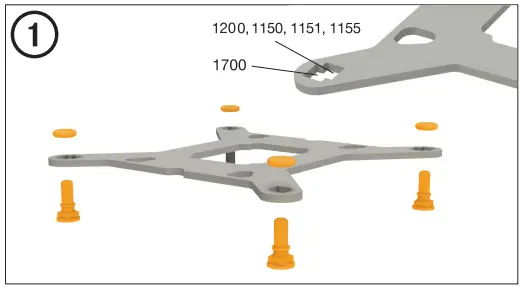
Installation of the cooler fastening frame
Screw the Intel B distance nut to the previously placed backplate plate Intel. Then place, depending on the nest, in Intel mounting brackets or Intel LGA 1700 assembly brackets above the Intel B distance caps And attach them with screws fastening the assembly bracket. You can for this Use any Teutonic screwdriver.
Screw the Intel B distance nut to the previously placed backplate plate Intel. Then place, depending on the nest, in Intel mounting brackets or Intel LGA 1700 assembly brackets above the Intel B distance caps And attach them with screws fastening the assembly bracket. You can for this Use any Teutonic screwdriver.
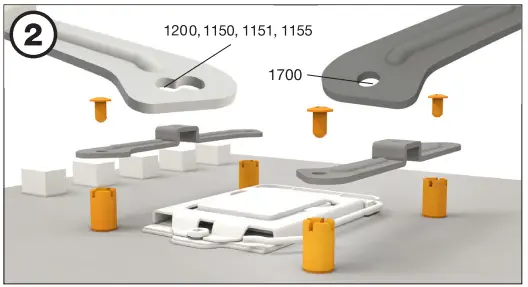
Installation of CPU cooler
First, remove the protective film from the bottom of the cooler. Spread the thermal paste on the processor surface. The amount provided is sufficient for one or two applications.
NOTE: The supplied thermal paste is unsuitable for consumption by people. If you swallow, drink a large amount of water and immediately report to the doctor.
Keep out of the reach of children. Avoid contact with skin and eyes.
First, remove the protective film from the bottom of the cooler. Spread the thermal paste on the processor surface. The amount provided is sufficient for one or two applications.
NOTE: The supplied thermal paste is unsuitable for consumption by people. If you swallow, drink a large amount of water and immediately report to the doctor.
Keep out of the reach of children. Avoid contact with skin and eyes.
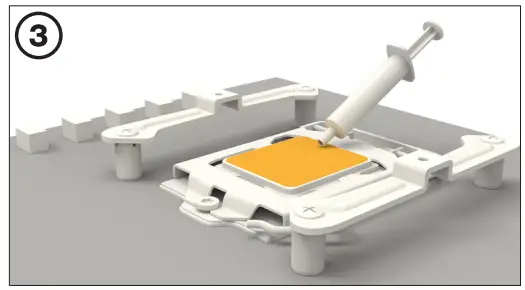
Place the assembly bridge centrally on the cooler. Then place the cooler above processor. Insert the Intel / AMD mounting bridge fastening screws in advance to Cooler mounting bridge, then tighten them alternately. For this purpose You can use any cross screwdriver.
Fasten a 120 mm fan with a fan clipping on the cooler. Connect
Fan for the PWM Signal of the Gain Plate.
When dismantling the 120mm fan (2), press the cuts of the fan clamp and move away from the fan.
Fan for the PWM Signal of the Gain Plate.
When dismantling the 120mm fan (2), press the cuts of the fan clamp and move away from the fan.
AMD: AM5 / AM4
The following parts will be needed:
1x Dark Rock Slim CPU Cooler (1), 1x Silent Wings 3 120mm (2), 2x AMD assembly brackets (6) 1x Coolera mounting bridge bridge (7), 4x distance nuts
AMD (10), 2x Intel/AMD mounting bolts (12), 4x Backplate AMD bolts (14), 1x thermal paste (16), 2x fan clips (17)
1x Dark Rock Slim CPU Cooler (1), 1x Silent Wings 3 120mm (2), 2x AMD assembly brackets (6) 1x Coolera mounting bridge bridge (7), 4x distance nuts
AMD (10), 2x Intel/AMD mounting bolts (12), 4x Backplate AMD bolts (14), 1x thermal paste (16), 2x fan clips (17)
Installation of the cooler fastening frame
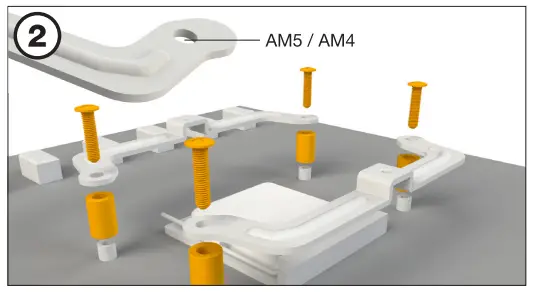
To allow cooler to be installed, remove both plastic elements to fix the module AMD retention. Factory mounting tile attached to the back side of the plate Głowna will be needed for a more than a cooler installation.
To allow cooler to be installed, remove both plastic elements to fix the module AMD retention. Factory mounting tile attached to the back side of the plate Głowna will be needed for a more than a cooler installation.
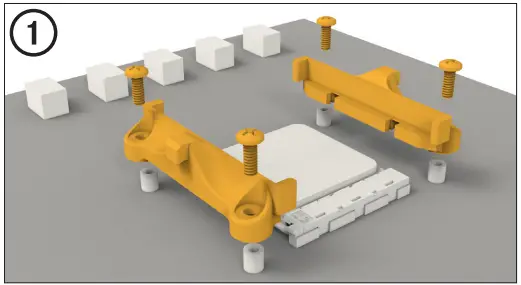
Place 4x AMD distance nuts on backplate bolts protruding with front side and attach both long AMD assembly brackets with the help of screws Backplate AMD.
Installation of CPU cooler
First, remove the protective film from the bottom of the cooler. Spread the paste Thermal conducting on the processor surface. The amount provided is sufficient for one or two applications.
NOTE: The supplied thermal paste is unsuitable for consumption by people. If you swallow, drink a large amount of water and immediately report to the doctor.
Keep out of the reach of children. Avoid contact with skin and eyes.
First, remove the protective film from the bottom of the cooler. Spread the paste Thermal conducting on the processor surface. The amount provided is sufficient for one or two applications.
NOTE: The supplied thermal paste is unsuitable for consumption by people. If you swallow, drink a large amount of water and immediately report to the doctor.
Keep out of the reach of children. Avoid contact with skin and eyes.
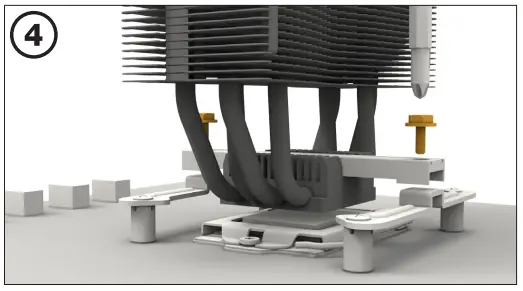
Place the assembly bridge centrally on the cooler. Then place the cooler above processor. Insert the Intel / AMD mounting bridge fastening screws in advance to Cooler mounting bridge, then tighten them alternately. For this purpose You can use any cross screwdriver.
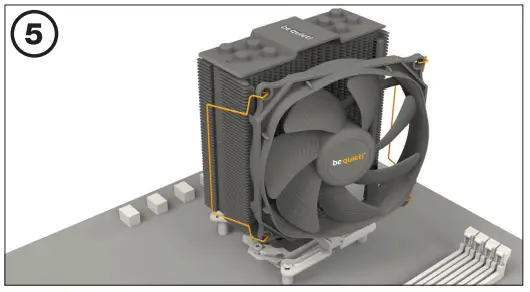
Fasten the 120mm fan with a fan clipping on the cooler. Connect Fan for the PWM Signal of the Gain Plate.
When dismantling a 120 mm fan, press the fan clasp and move away from the fan ..
When dismantling a 120 mm fan, press the fan clasp and move away from the fan ..
Product information for this CPU cooler

 be quiet! - Silent PSUs, cases and PC cooling products. PSU calculator and cooler check for your PC
 Info-tri | Ministères Écologie Énergie Territoires