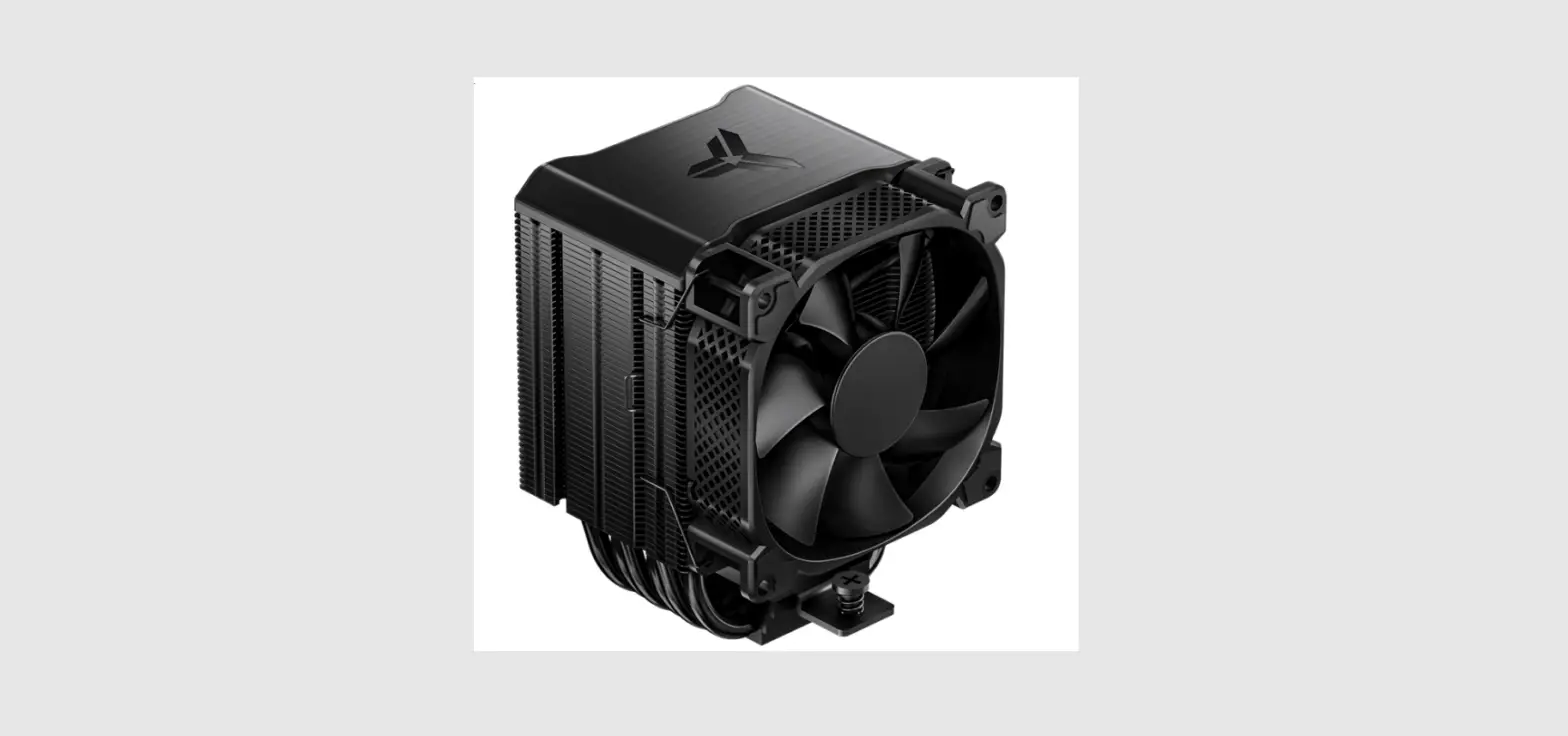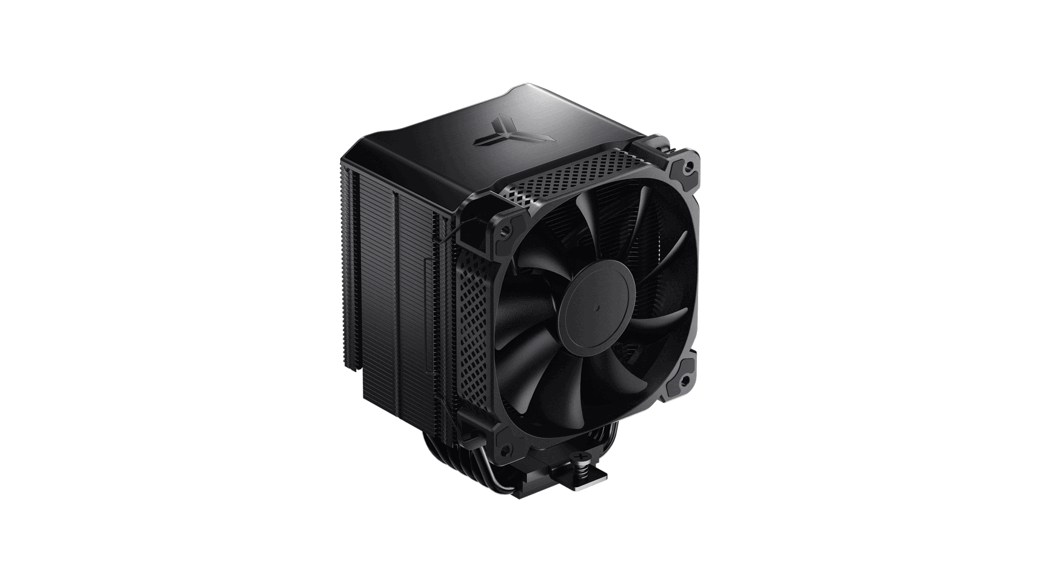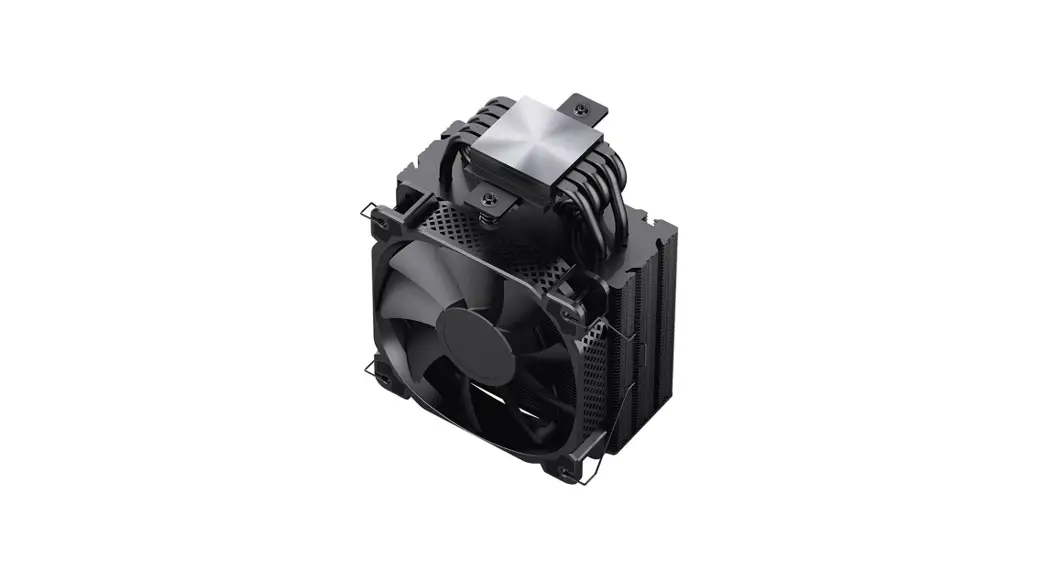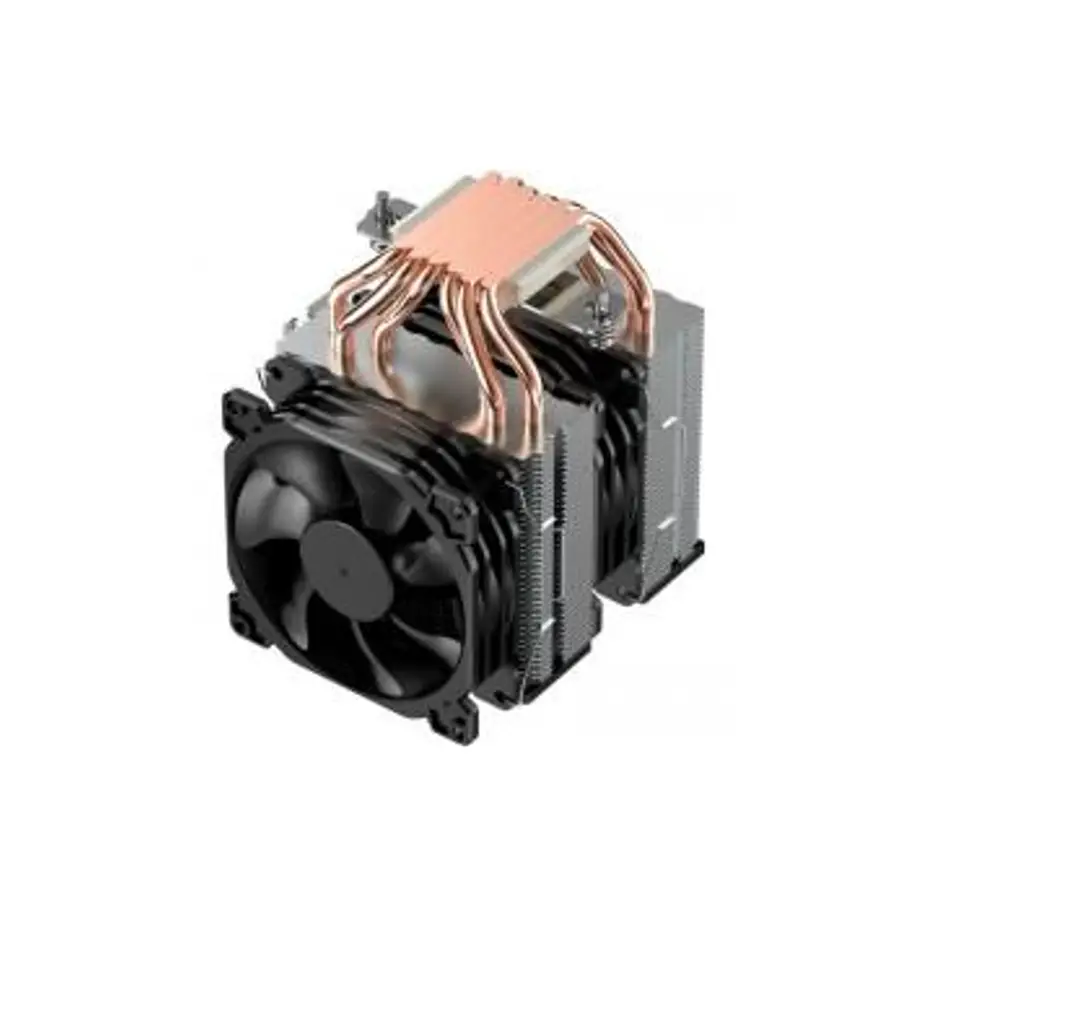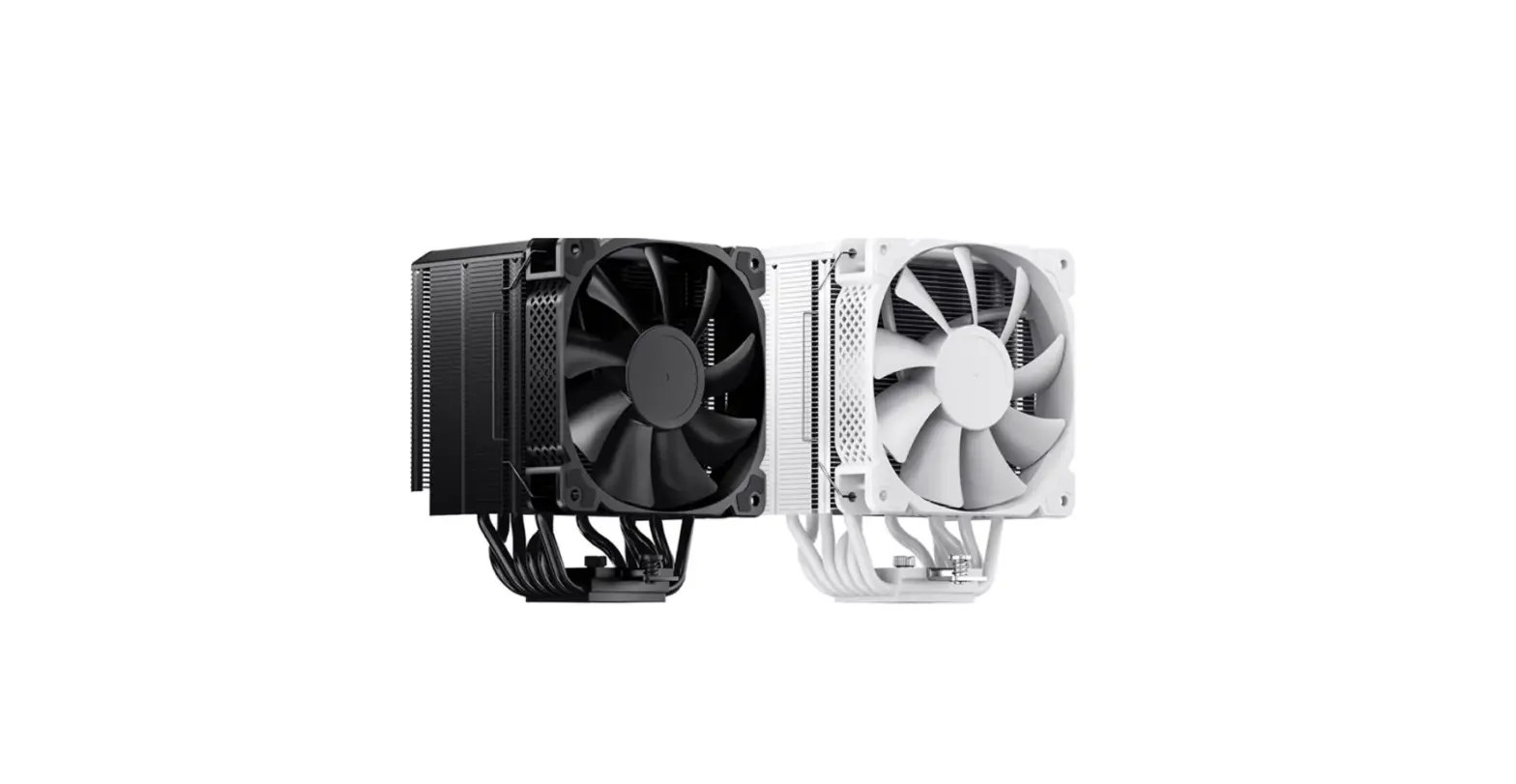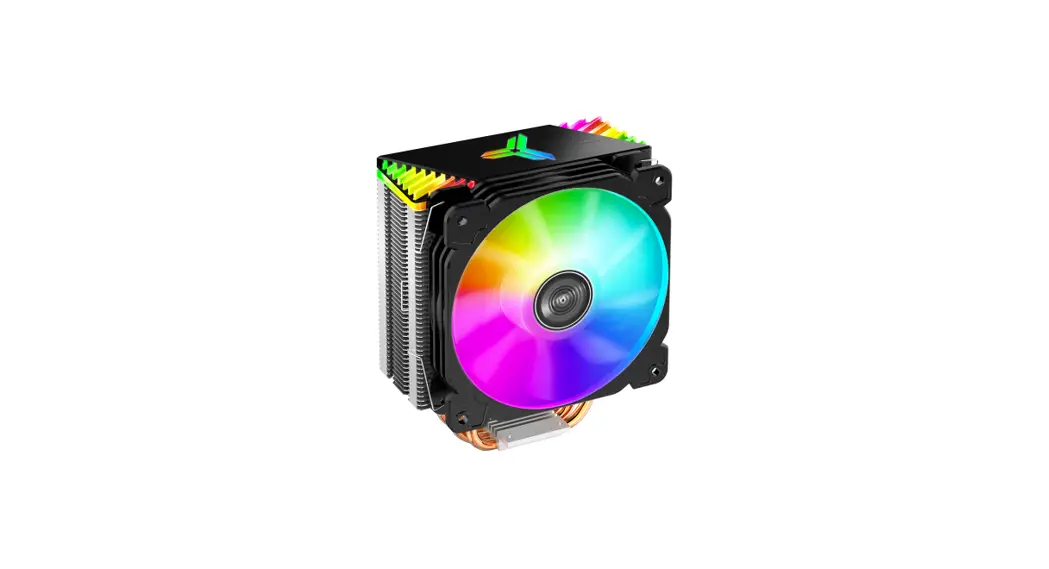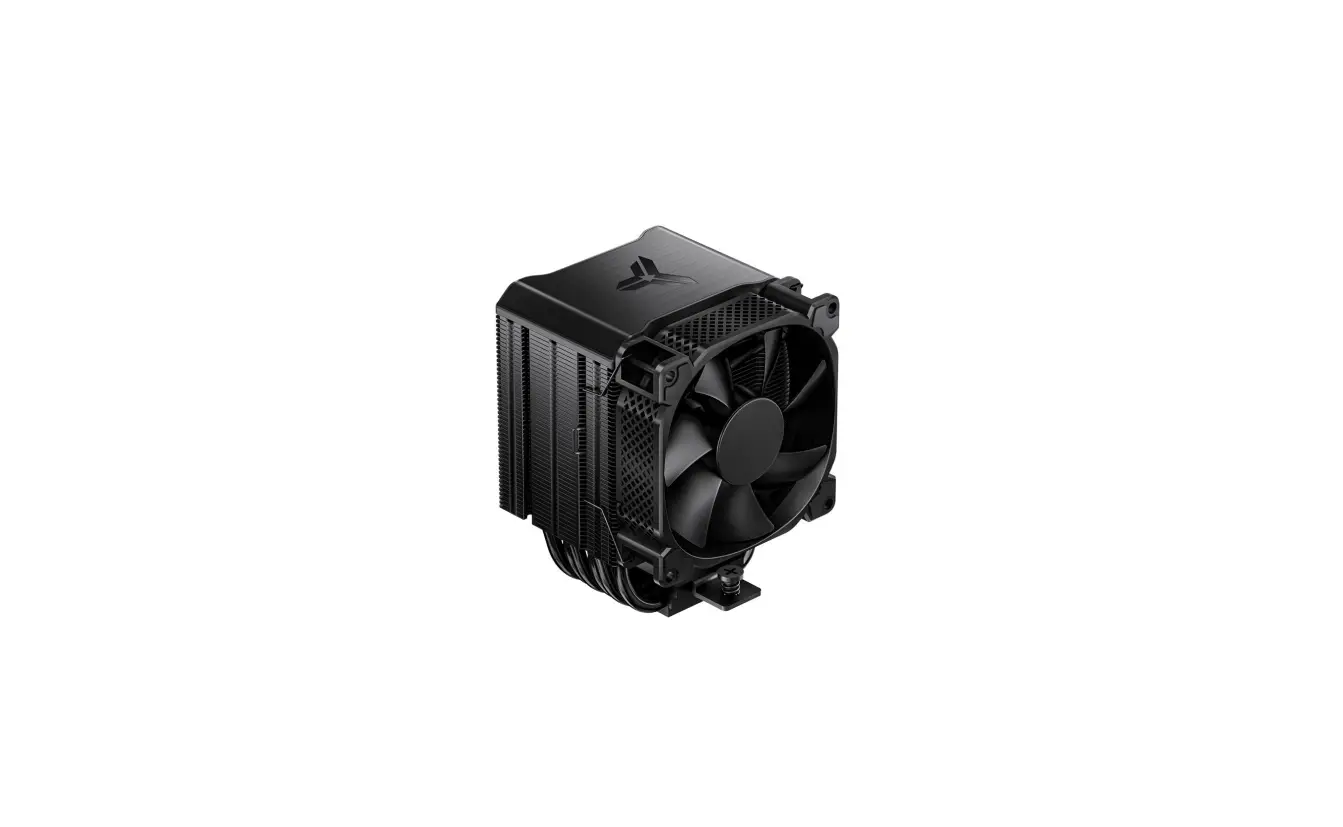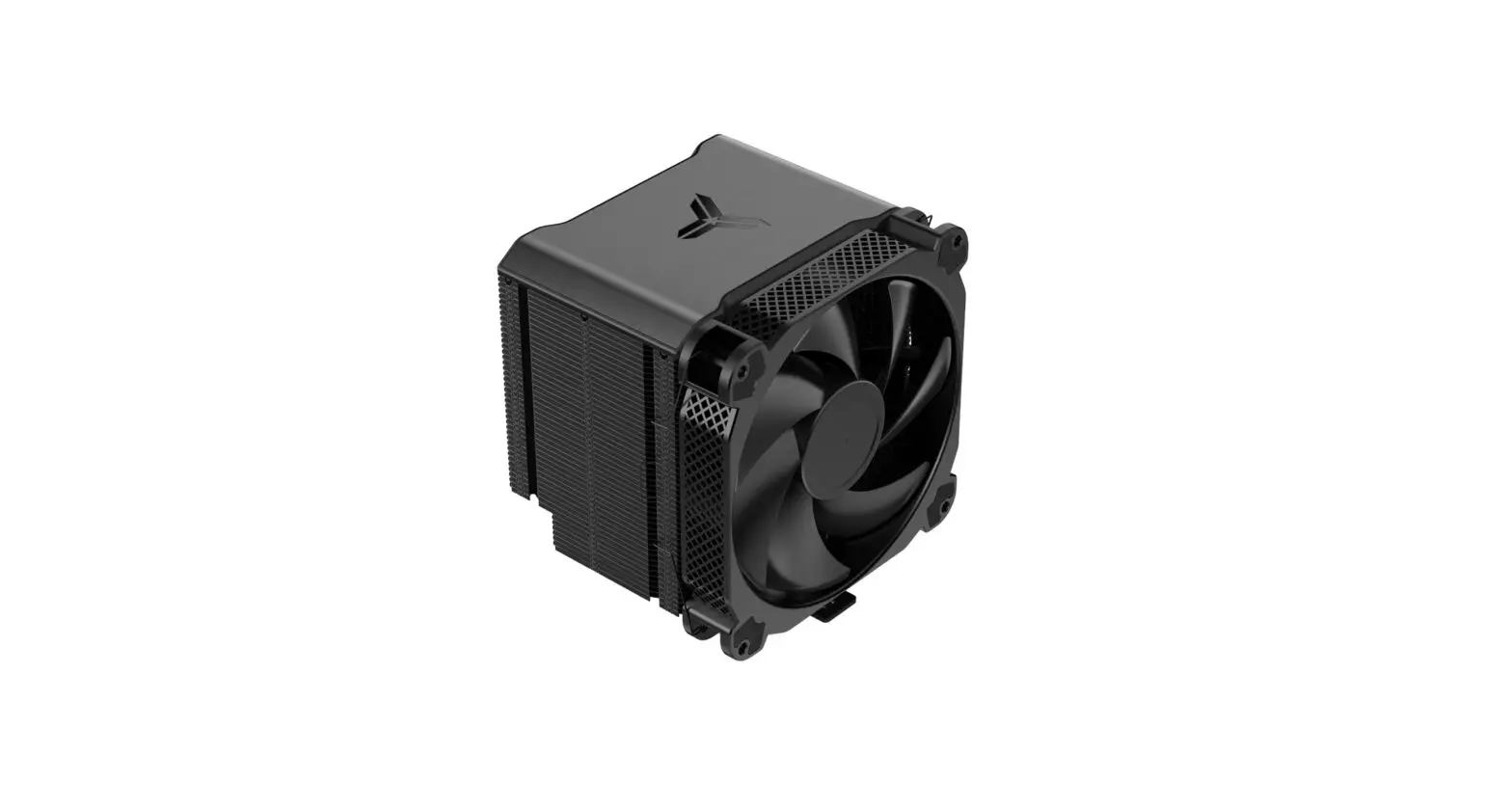

HX6250
User’s Manual
Chapter 1 – Part List
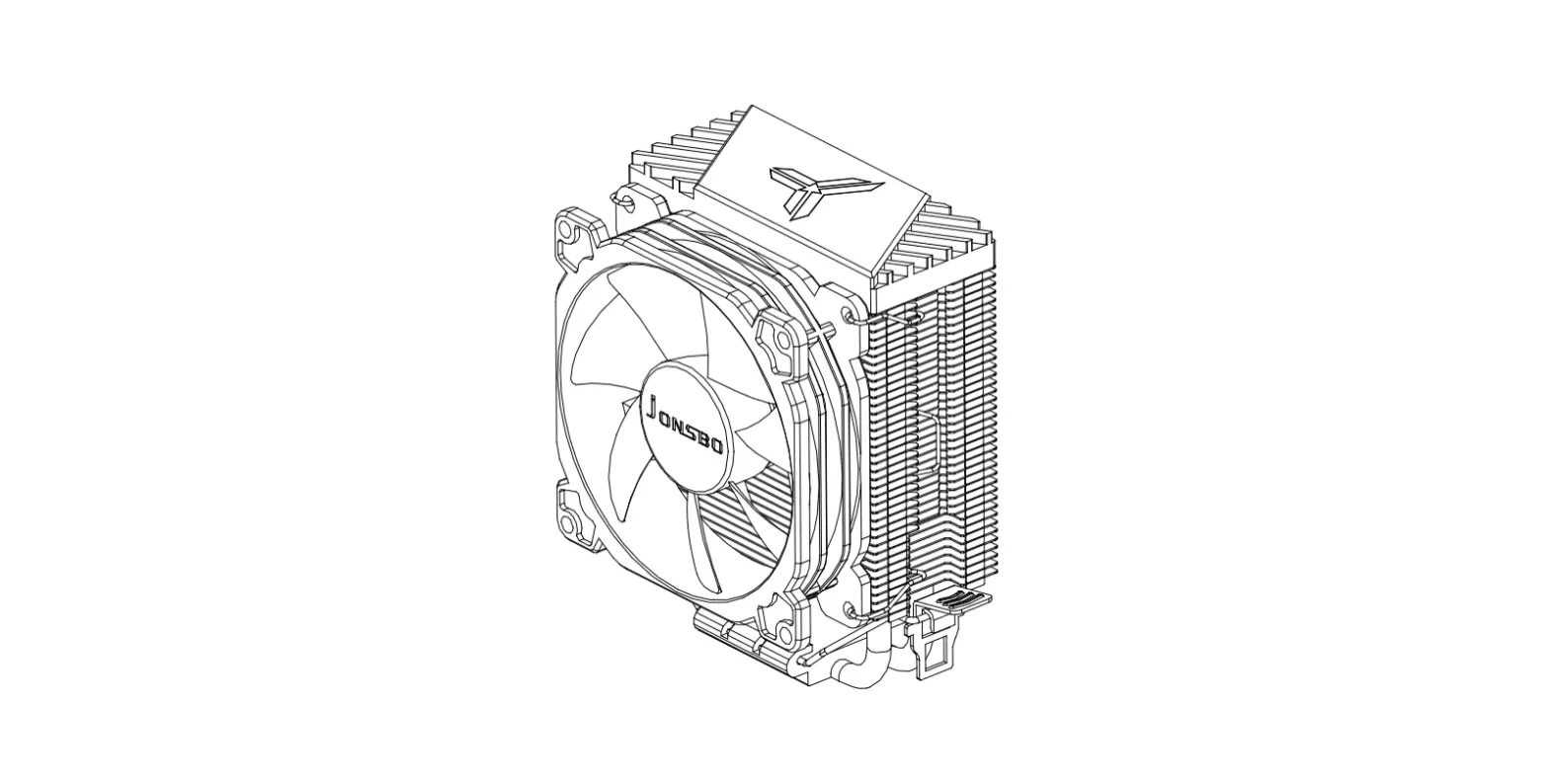
A CPU Cooler
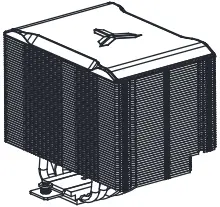
B DC Fan
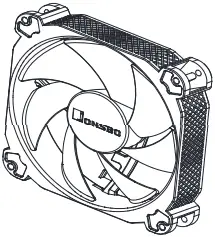
C Backplate -Intel
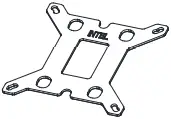
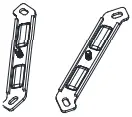
D Intel Mounting bracket x2
E Intel LGA 2011 Screw x4

F Fixing Nut

G Fan Clip x4
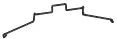
H Spacer

I Thermal Paste

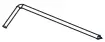
J Wrench screwdriver
K Position screw x 4

L Position screw x 4

M Washer x 4

Chapter 2 – Intel Installation
Step 1 Intel LGA1366 / 1200 / 115X / 1700
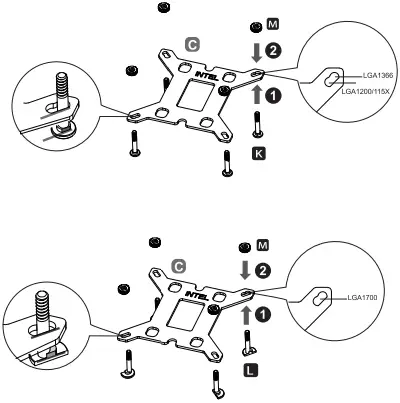
Install the backplate to the motherboard and fix it with spacers
Step 2 Intel LGA1366 / 1200 / 115X / 1700
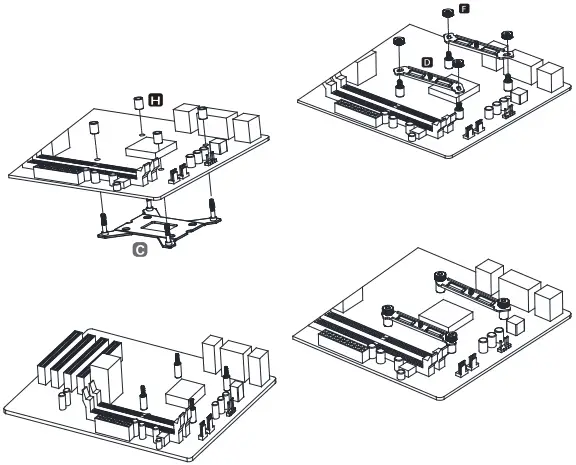
Install the mounting brackets and secure with fixing nut
Step 2.1 Intel LGA 2011 installation
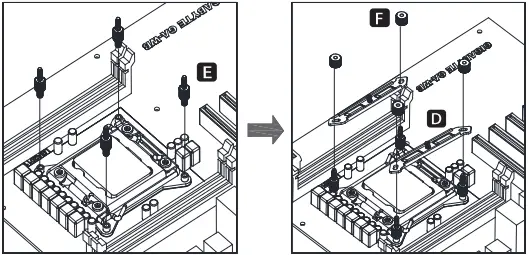
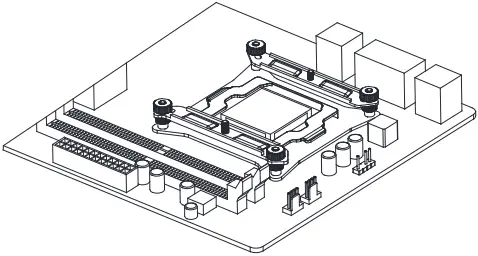
Install the LGA2011 screws to CPU Bracket, and secure the mounting bracket with fixing nut
Step 3
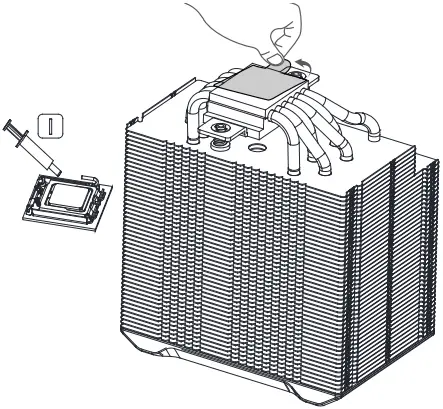
Applying the thermal paste on CPU evenly, and remove the protection film from copper base
Step 4
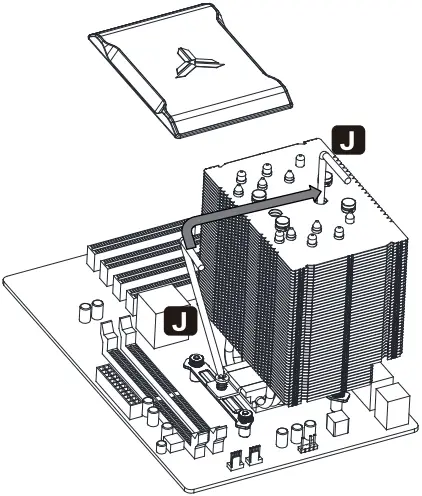
Place the cooler on the CPU, remove the magnetic top cover, and secure the base screw to the mounting bracket.
Step 5
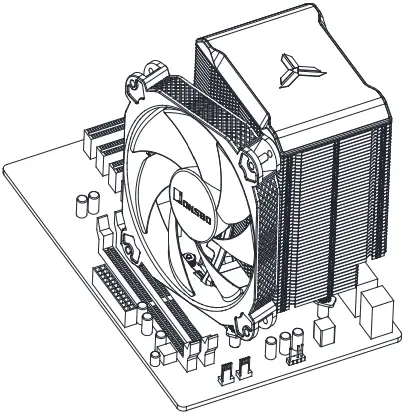
Insert the top cover back on cooler, secure the fan with fan clips
Step 6
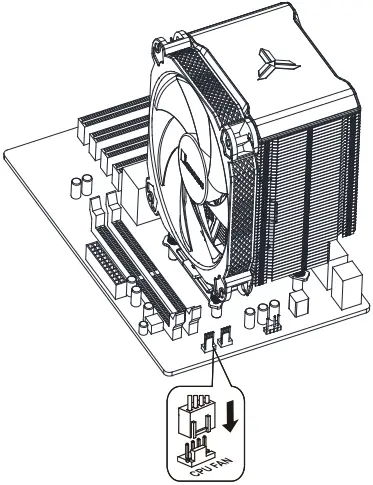
Connect fan cables to CPU_FAN socket
Chapter 3 – AMD Installation
A CPU Cooler
B DC Fan
C Fan Clip x4
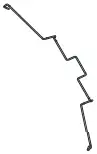
D Spacer
E Thermal Paste
F Position screw

G AMD Mounting Plate
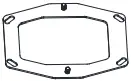
H Wrench screwdriver
Step 1
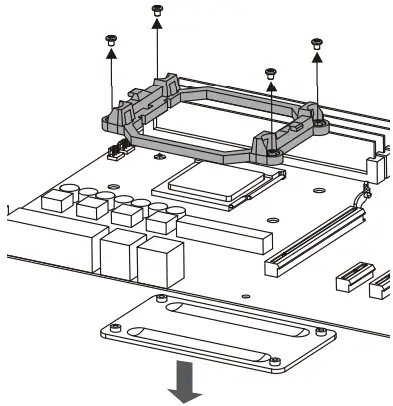
Remove the plastic retainer of the AMD retention module, place the existing backplate back to MB
Step 2
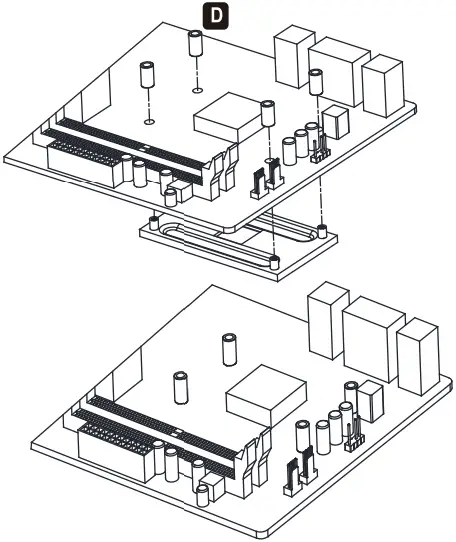
Install the spacer to secure the AMD backplate
Step 3
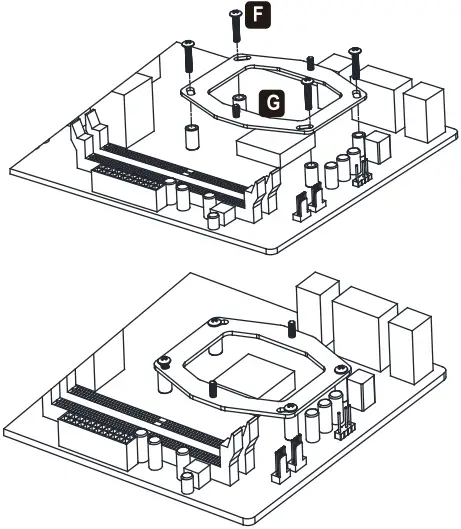
Install the AMD mounting plate and secure with position screw
Step 4
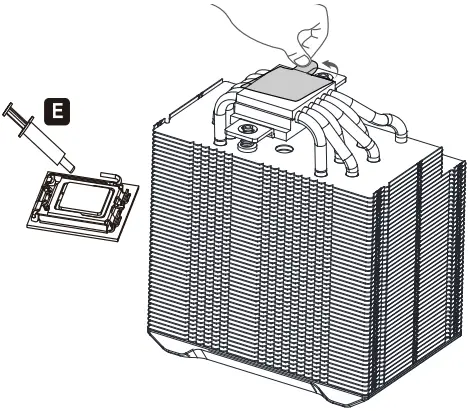
Applying the thermal paste on CPU evenly, and remove the protection film from copper base
Step 5
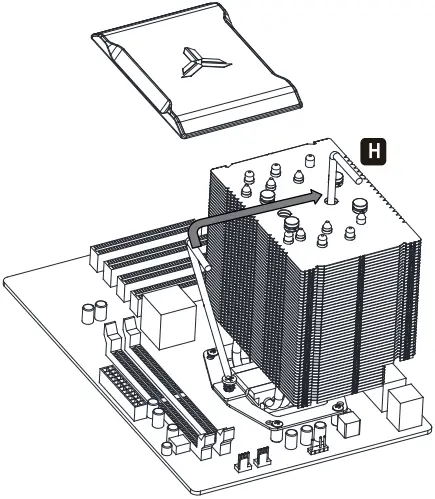
Place the cooler on the CPU, remove the magnetic top cover, and secure the base screw to the mounting bracket.
Step 6
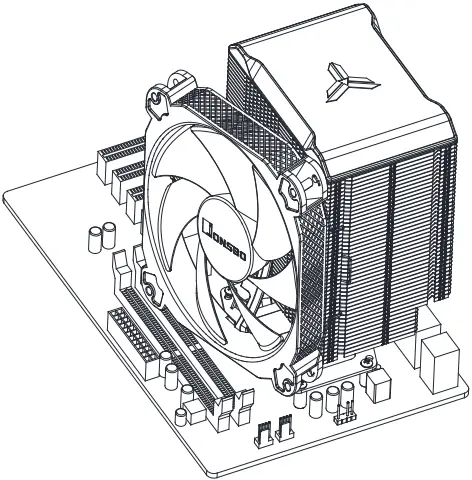
Insert the top cover back on cooler, secure the fan with fan clips
Step 7
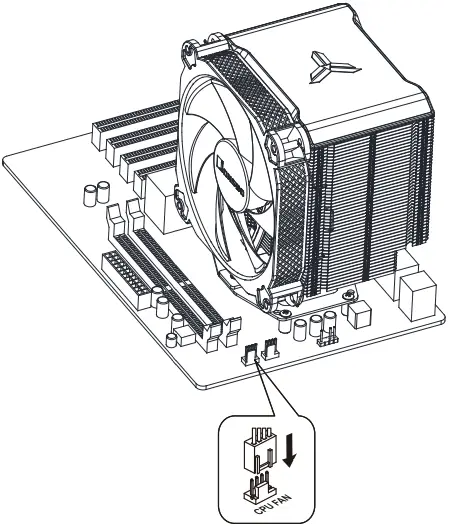
Connect fan cables to CPU_FAN socket
HX6250
© 2017 JONSBO SHENZHEN TECHNOLOGY CO., LTD. All right reserved. Specifications are subject to change without prior notice. Some trademark may be claimed as the property of others.