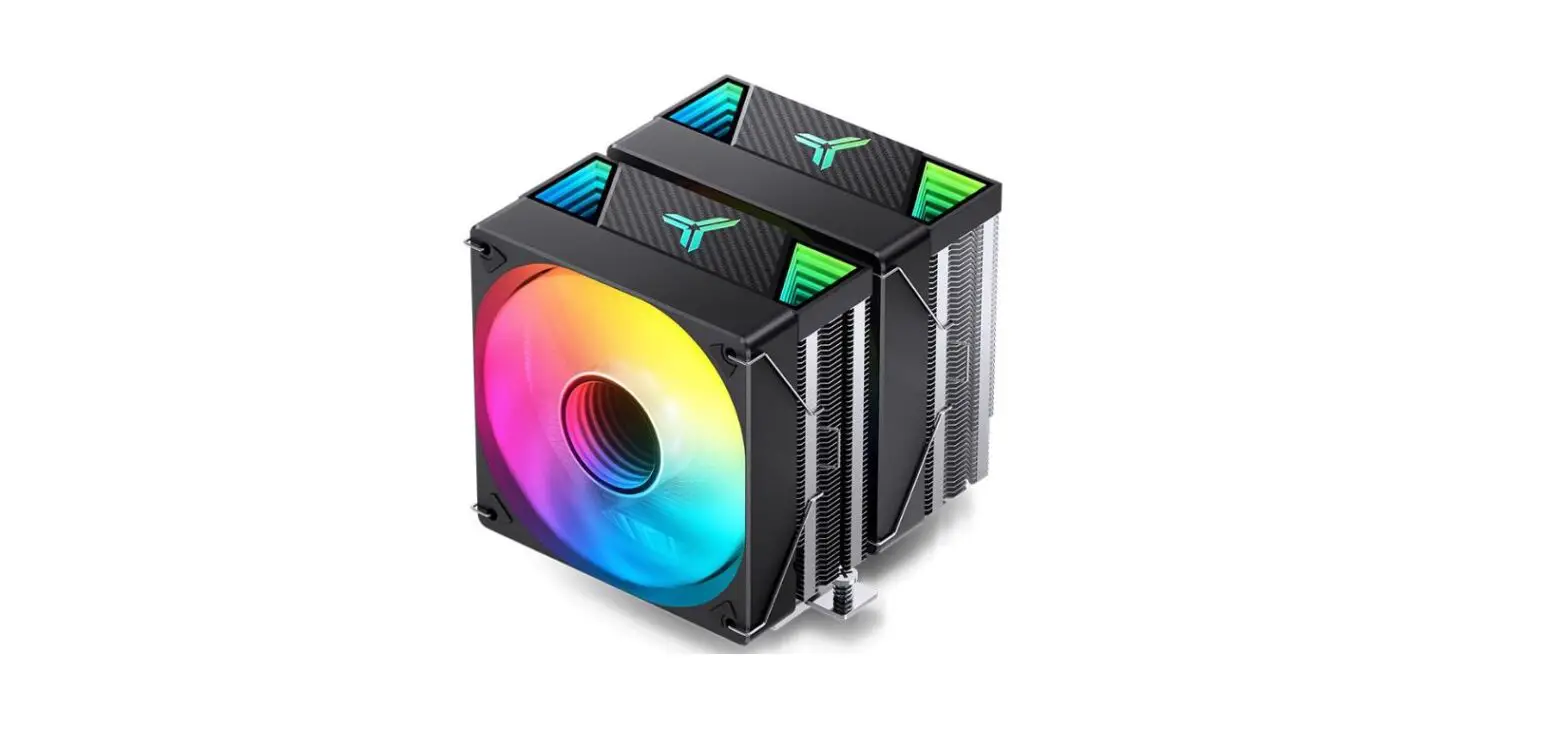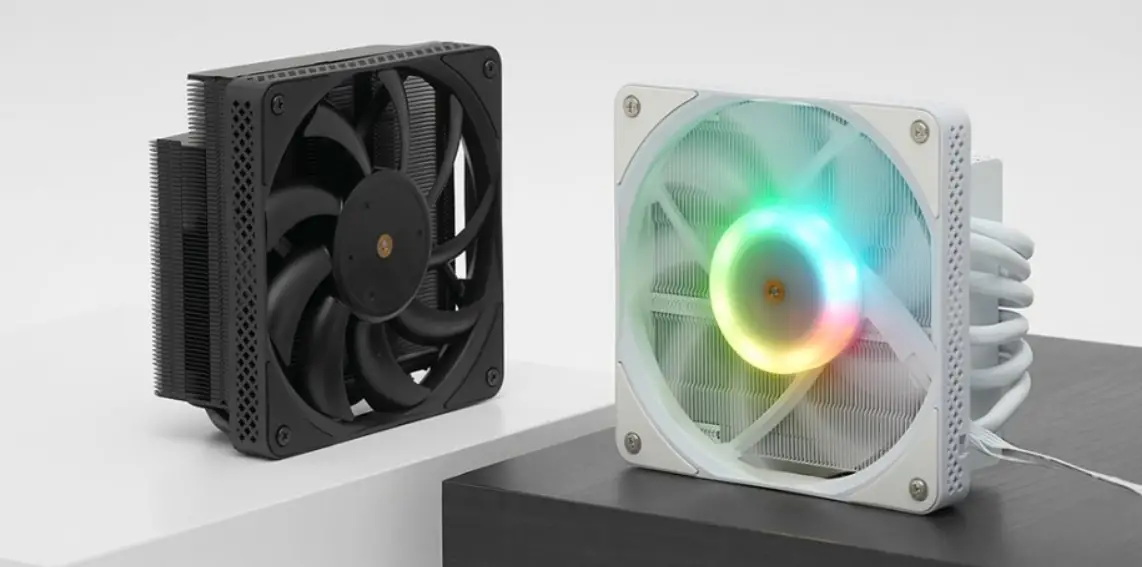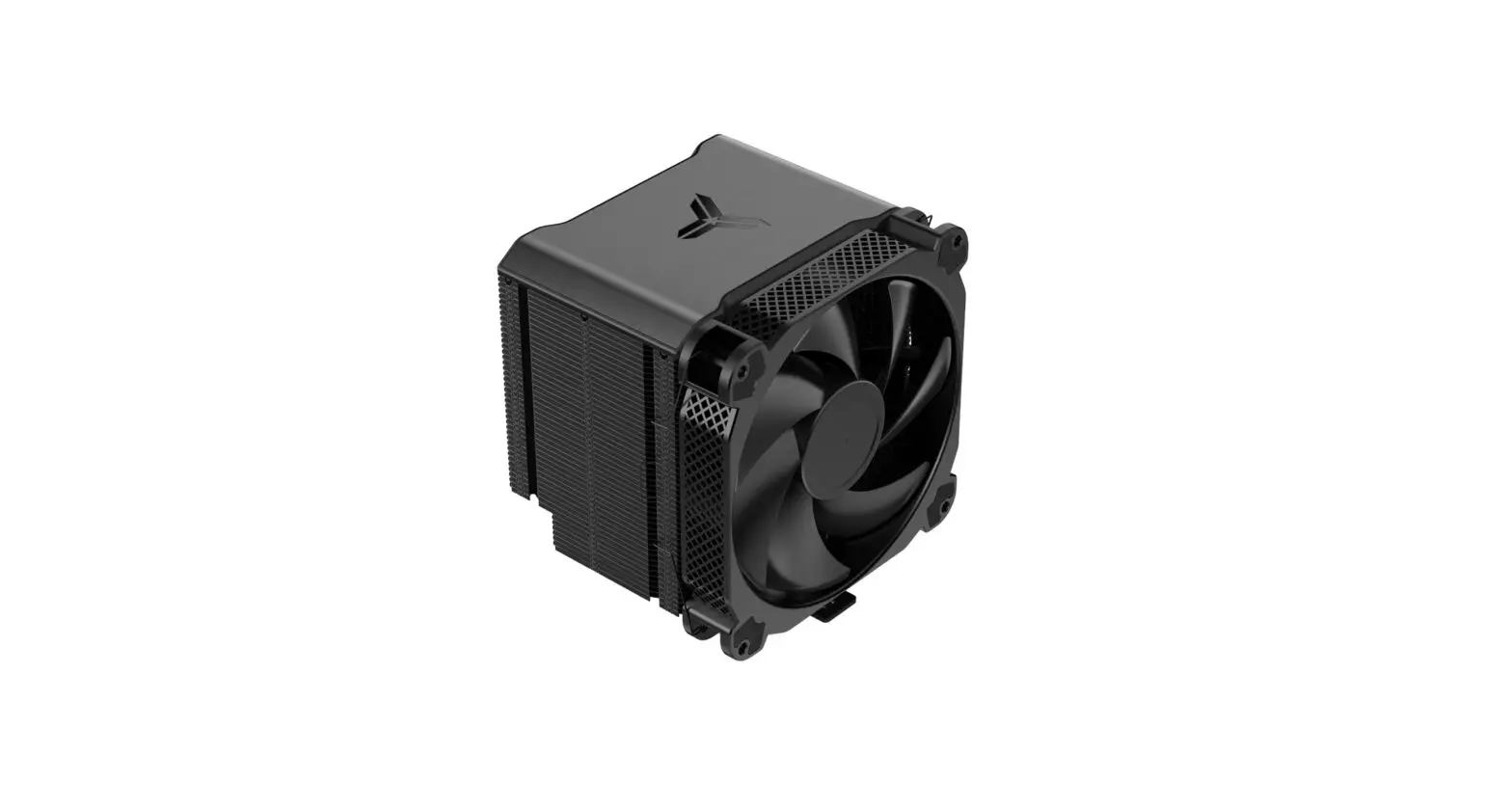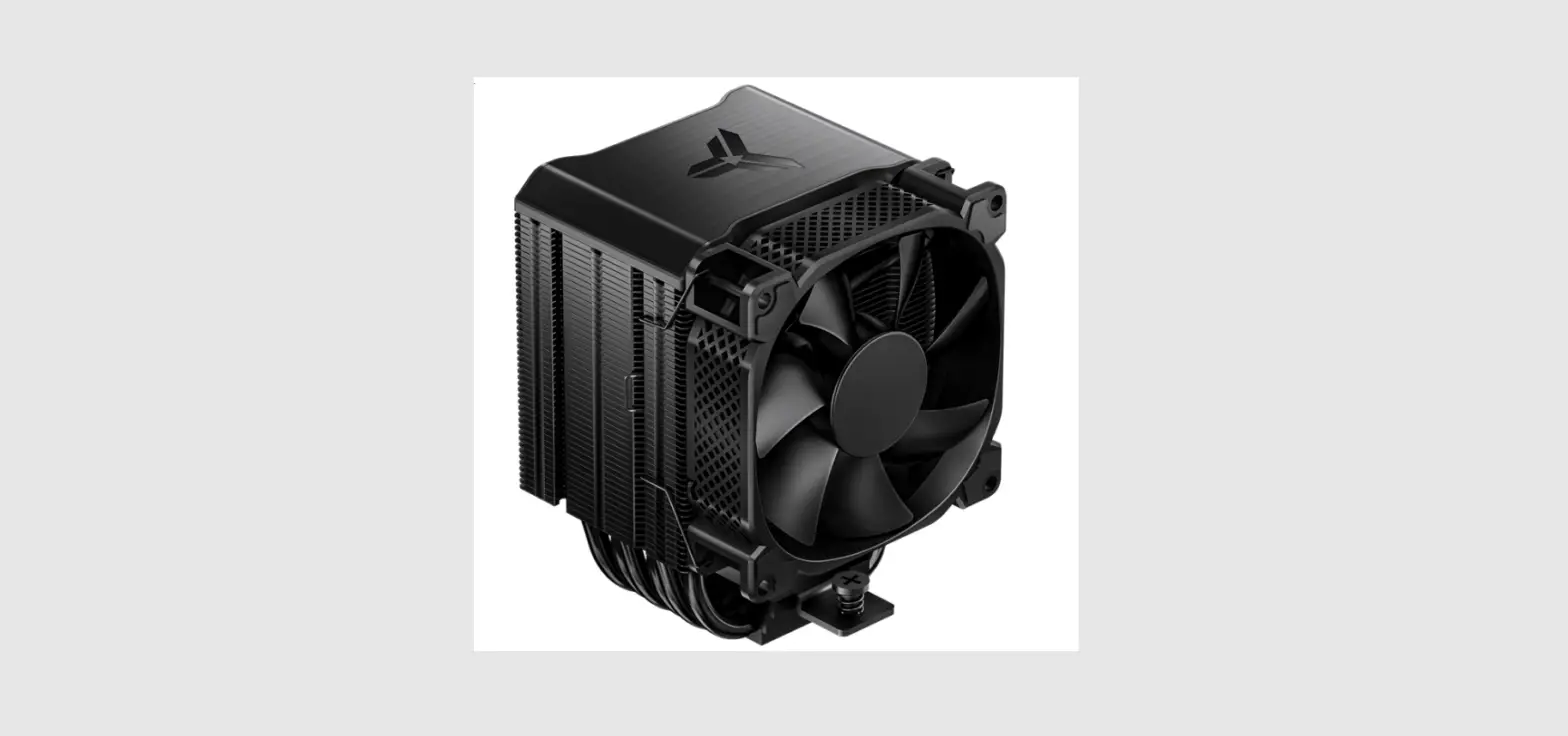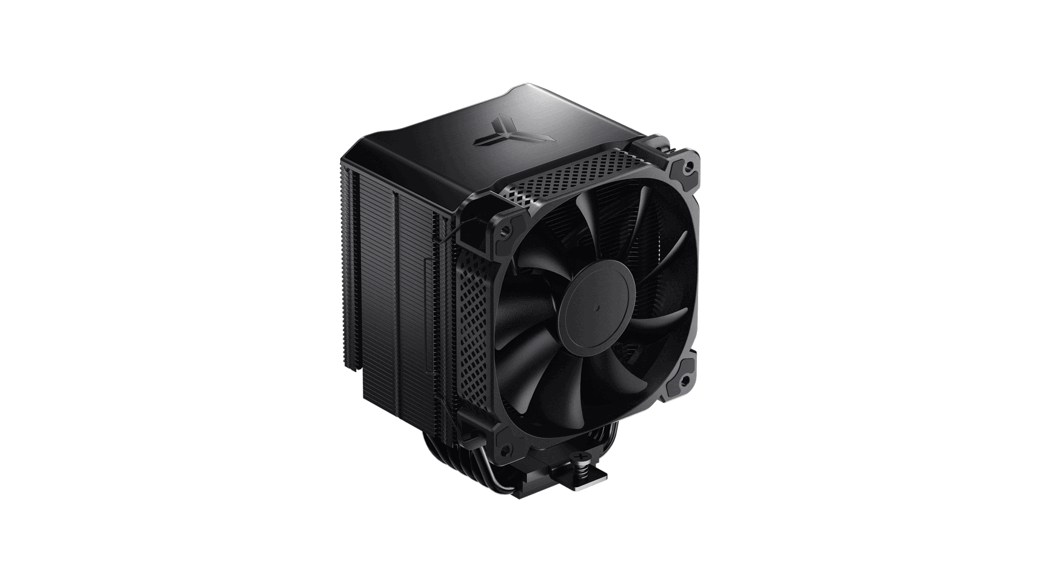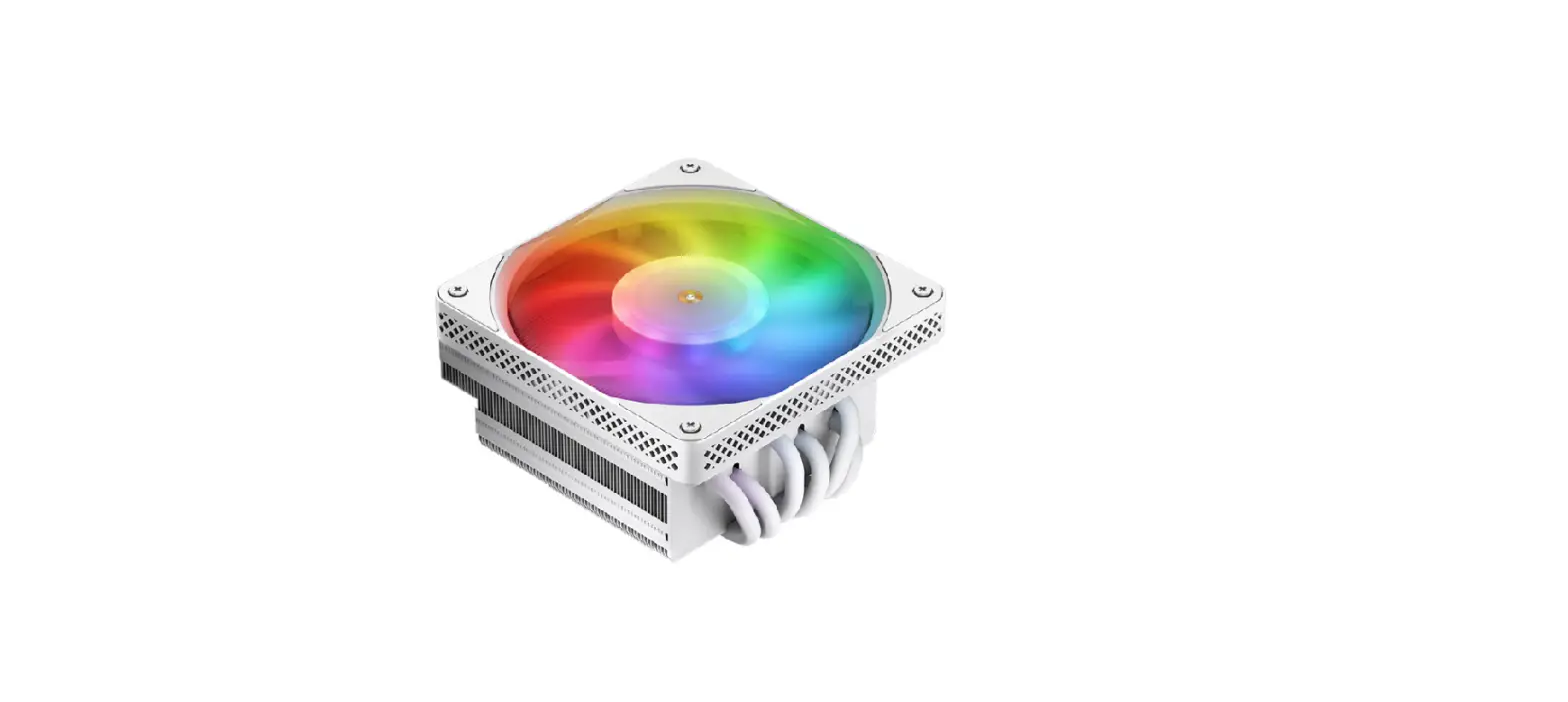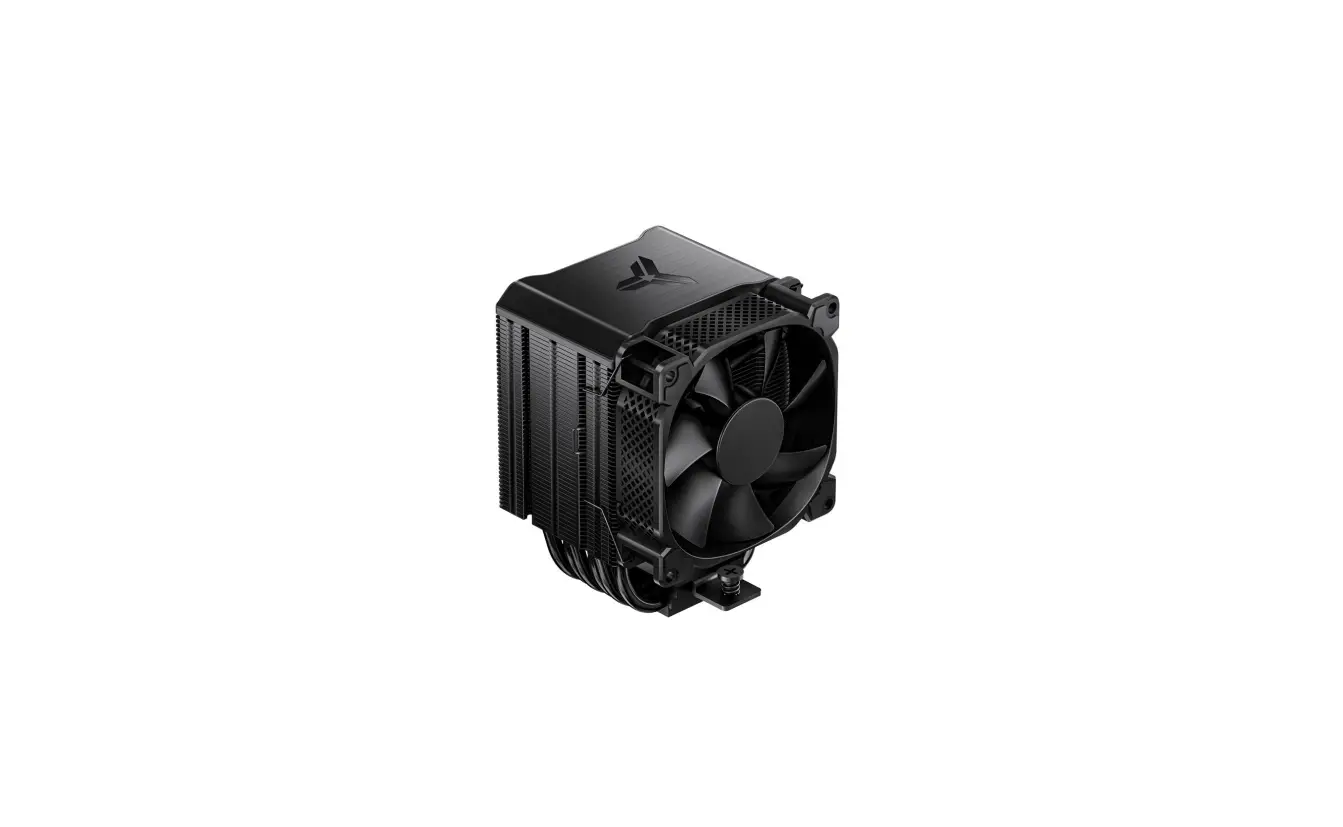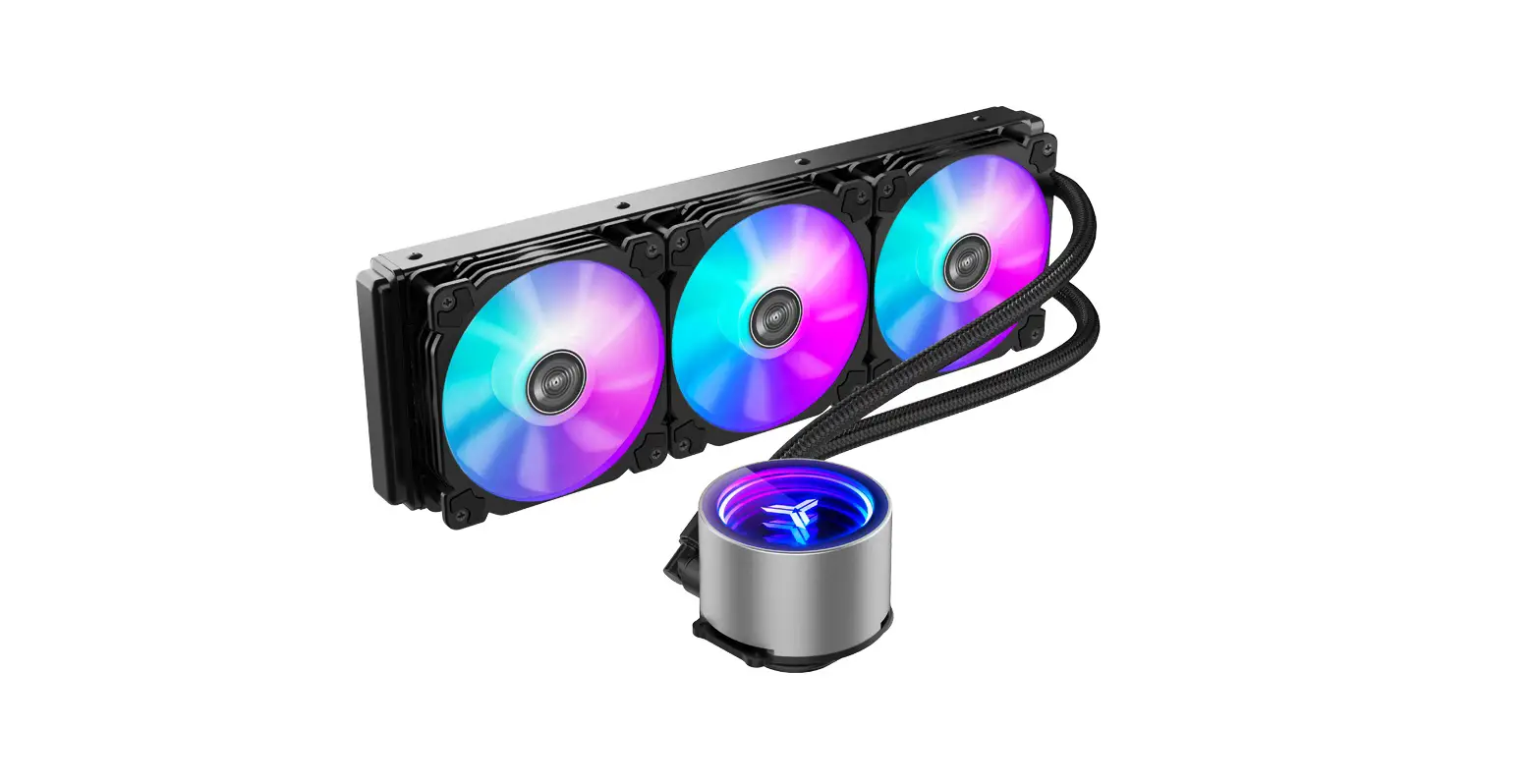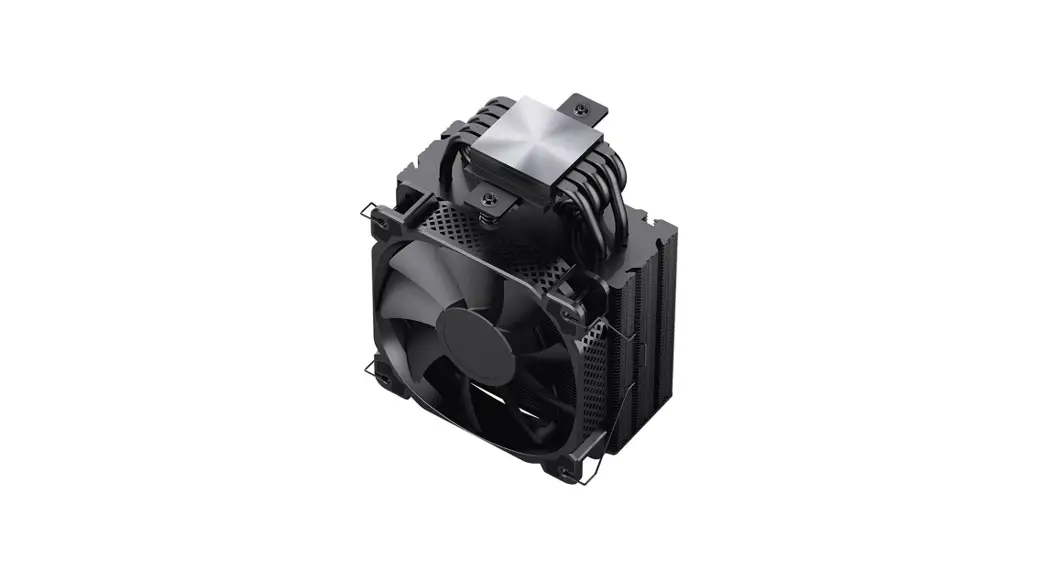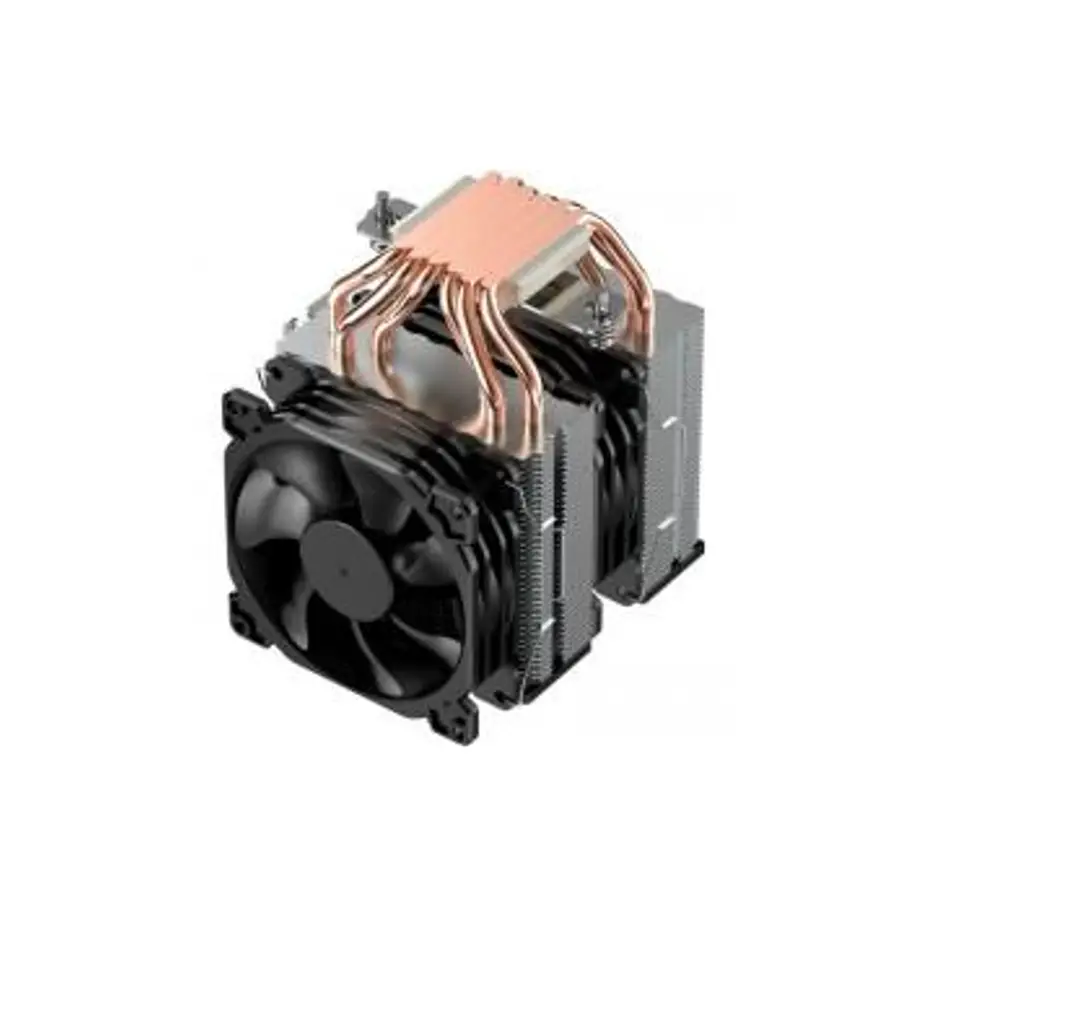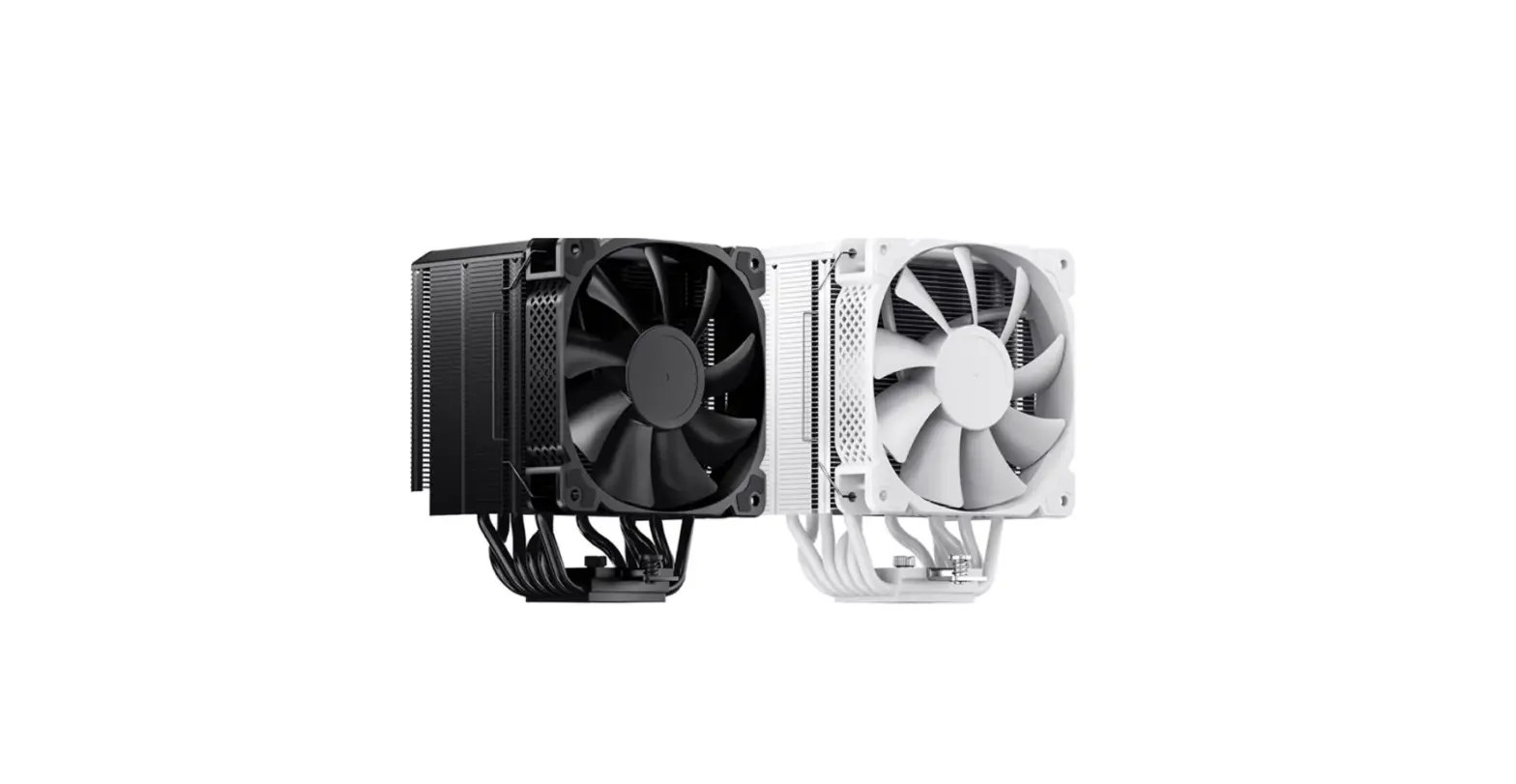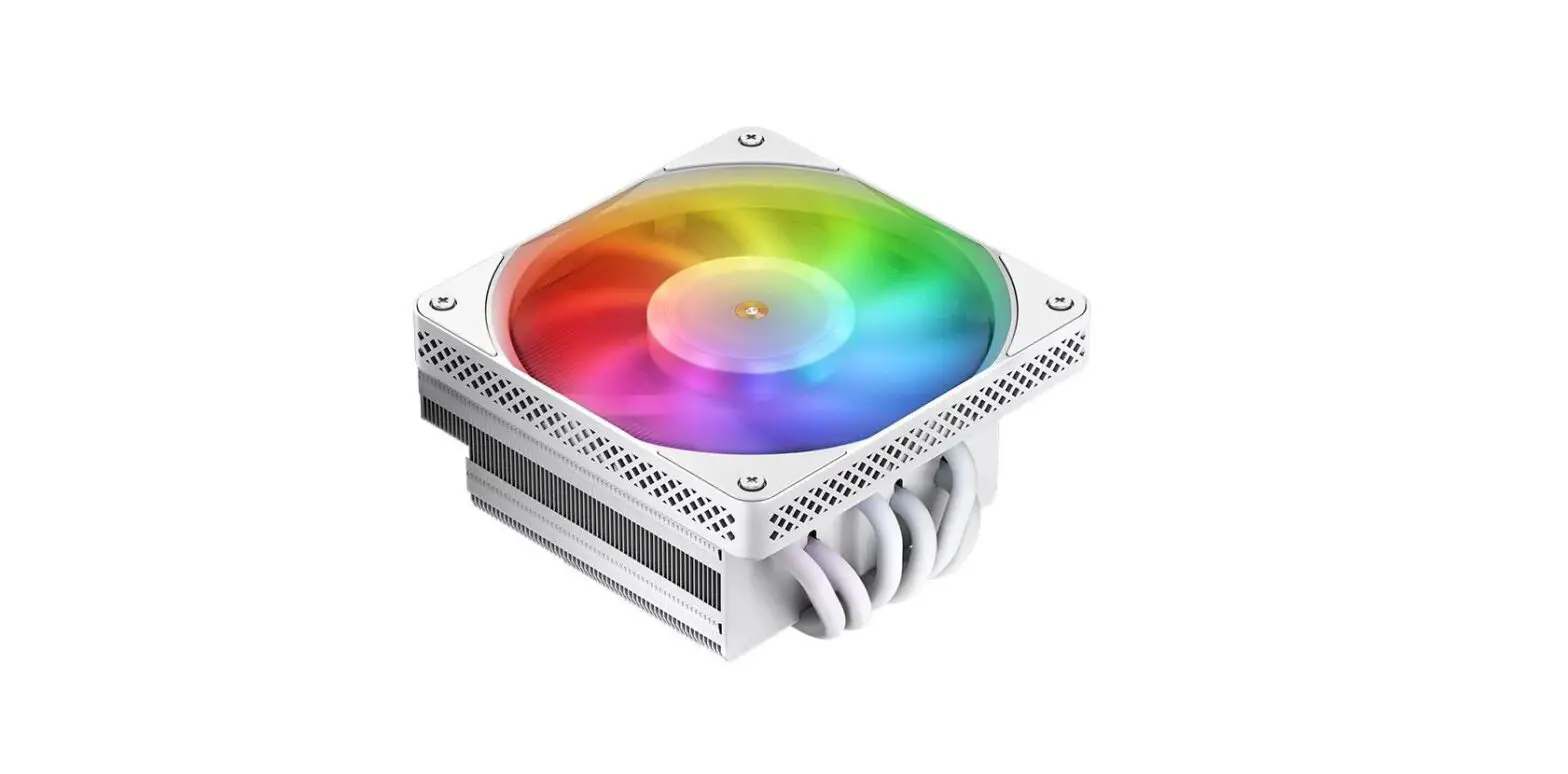
 JONSBO HX6200D Cooling Radiator
 JONSBO HX6200D Cooling Radiator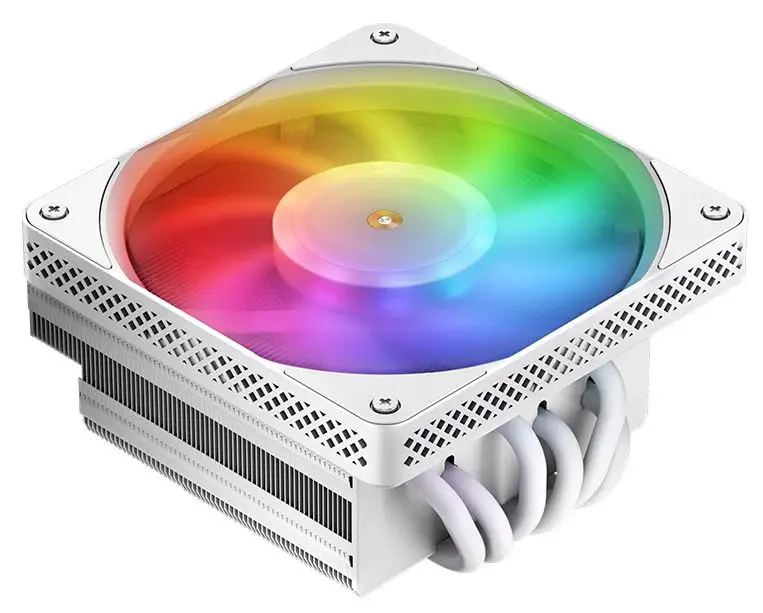
Part List
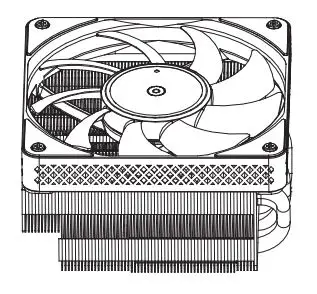
- CPU heatsink

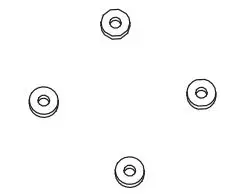
- washer

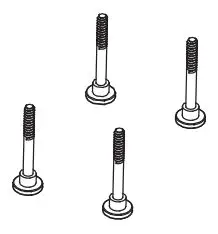
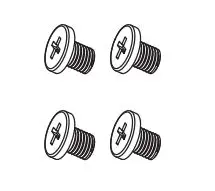
- Position screw

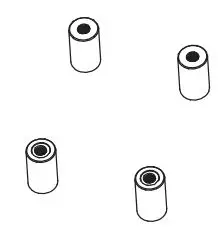
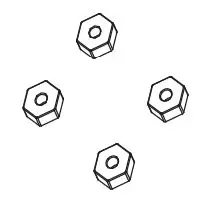
- Nut set

- Bracket Screw

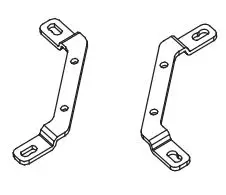
- Bracket-Intel

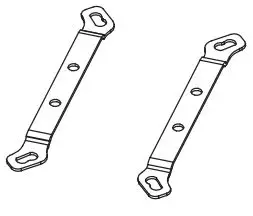
- Bracket-AMO

- Hex Nut

- thermal grease

- Hex Socket

- Position screPositionsschraube(1700)

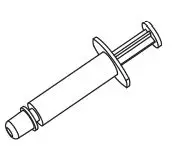
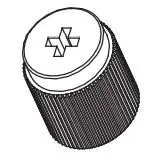
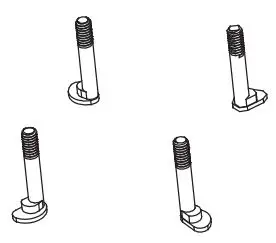
Intel Installation
Step 1
Insert the position screws to corresponding holes of Intel brackets, fixing them with nuts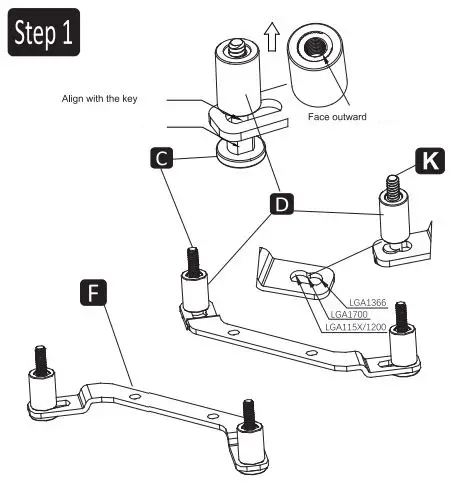
Step 2
Secure Intel brackets to cooler with bracket screws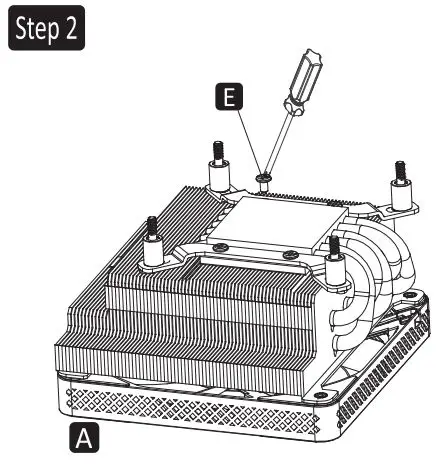
Step 3
Apply the thermal paste on the CPU / Remove the protection film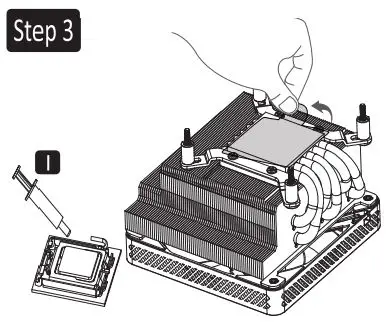
Step 4
Align CPU cooler mounting holes of MB with positioning screws, snap it back on the cooler, and insert the washers.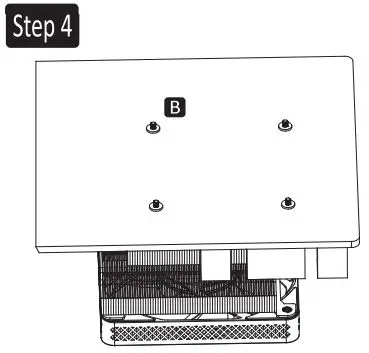
Step 5
Tighten the nut with a hex socket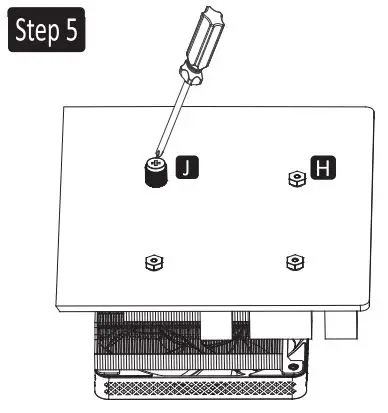
Step 6
Connect the fan cable to the CPU_FAN socket on MB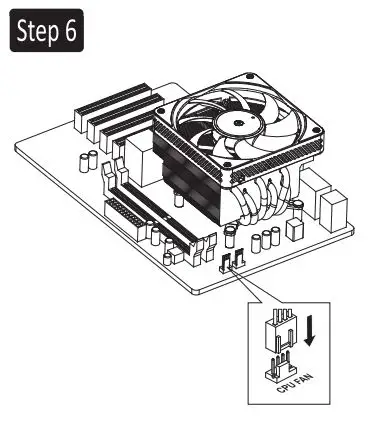
AMD Installation
Step 1
Insert the position screws to corresponding holes of AMO brackets, fixing them with nuts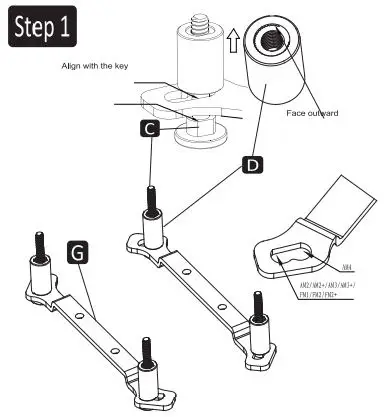
Step 2
Secure AMD brackets to cooler with bracket screws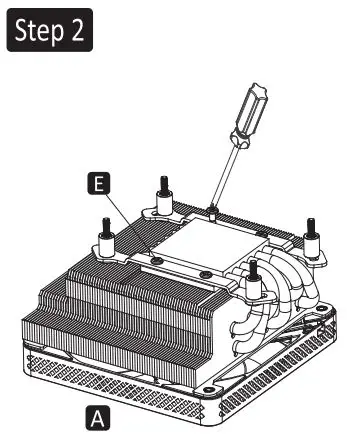
Step 3
Remove the plastic retainers of the AMO retention module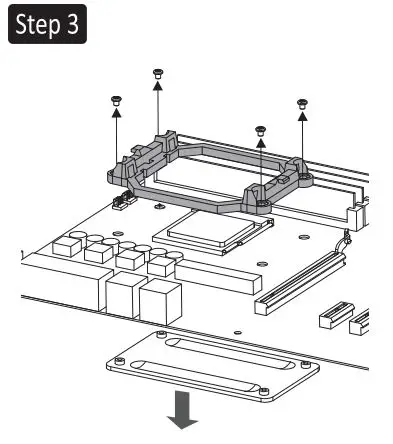
Step 4
Remove the protection film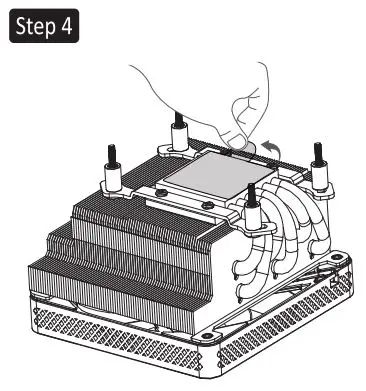
Step 5
Apply thermal paste to the CPU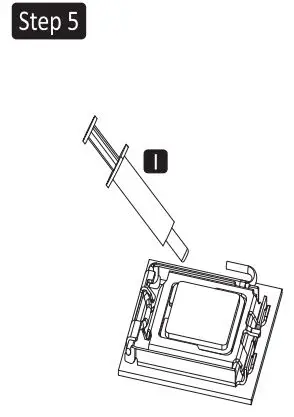
Step 6
Align CPU cooler mounting holes of MB with positioning screws, snap it back on the cooler, and insert the washers.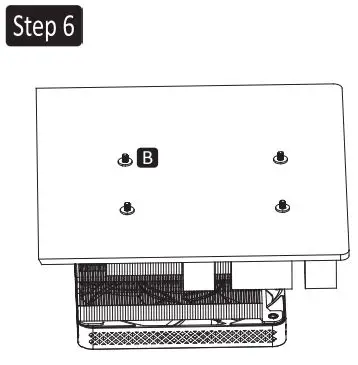
Step 7
Tighten the nut with a hex socket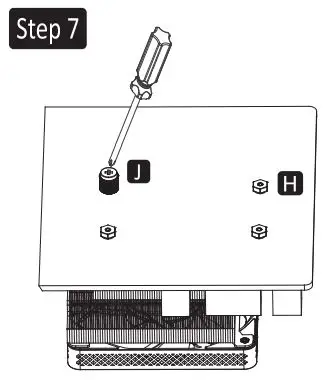
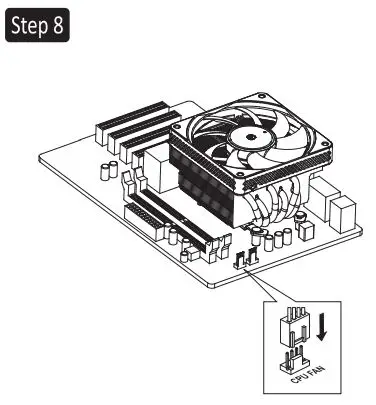
Step 8
Connect the fan cable to the CPU_FAN socket on MB