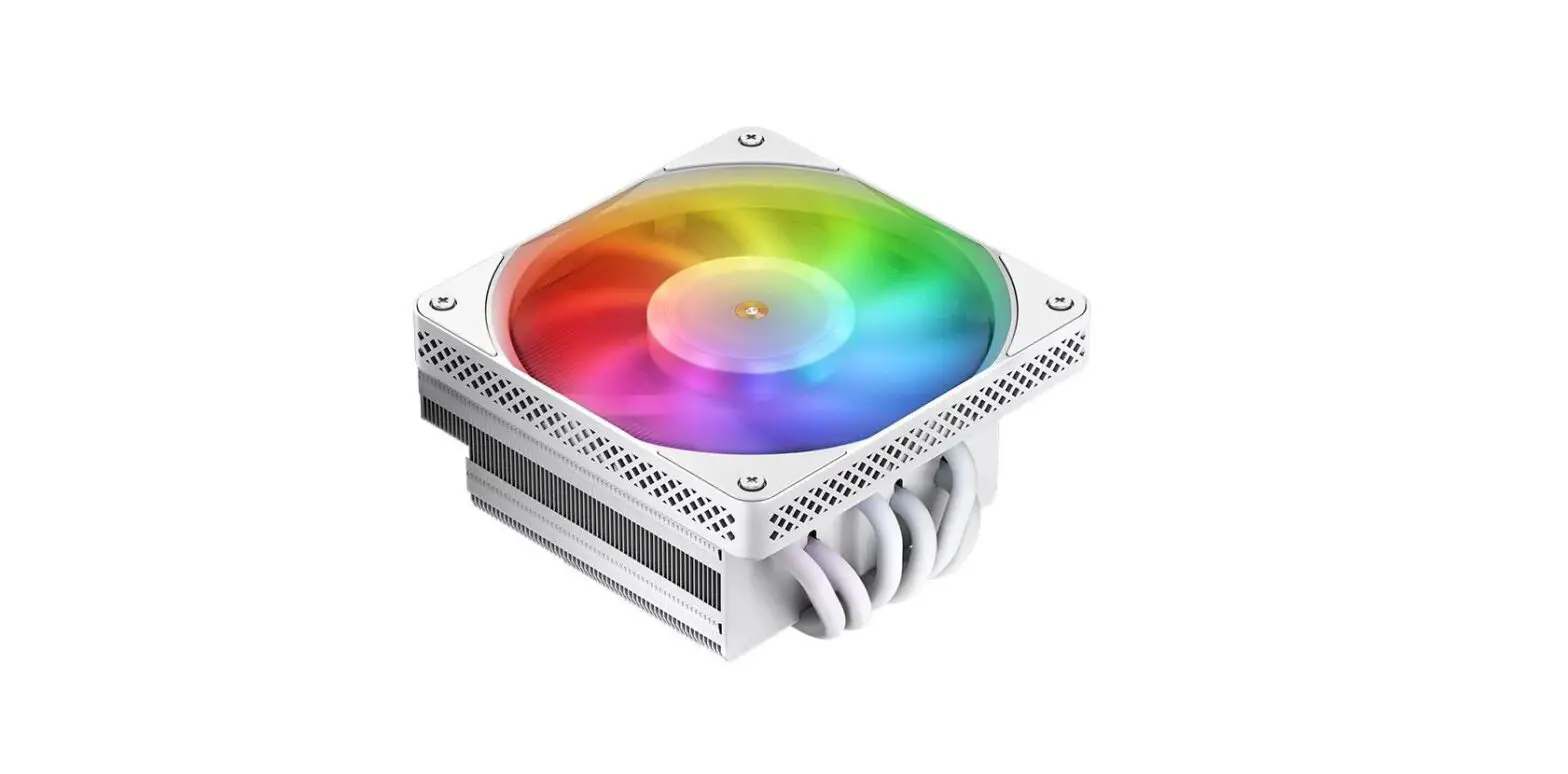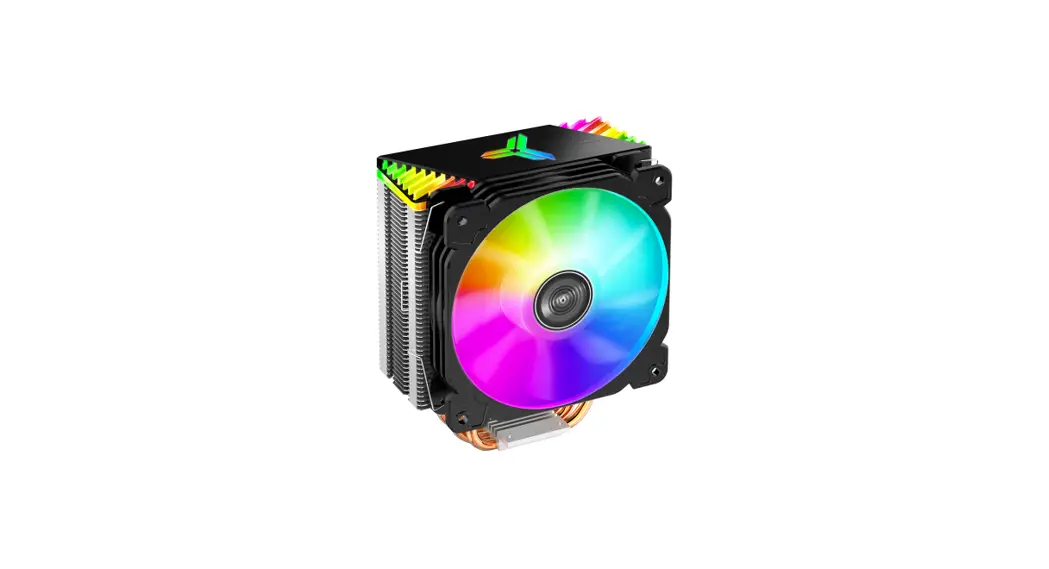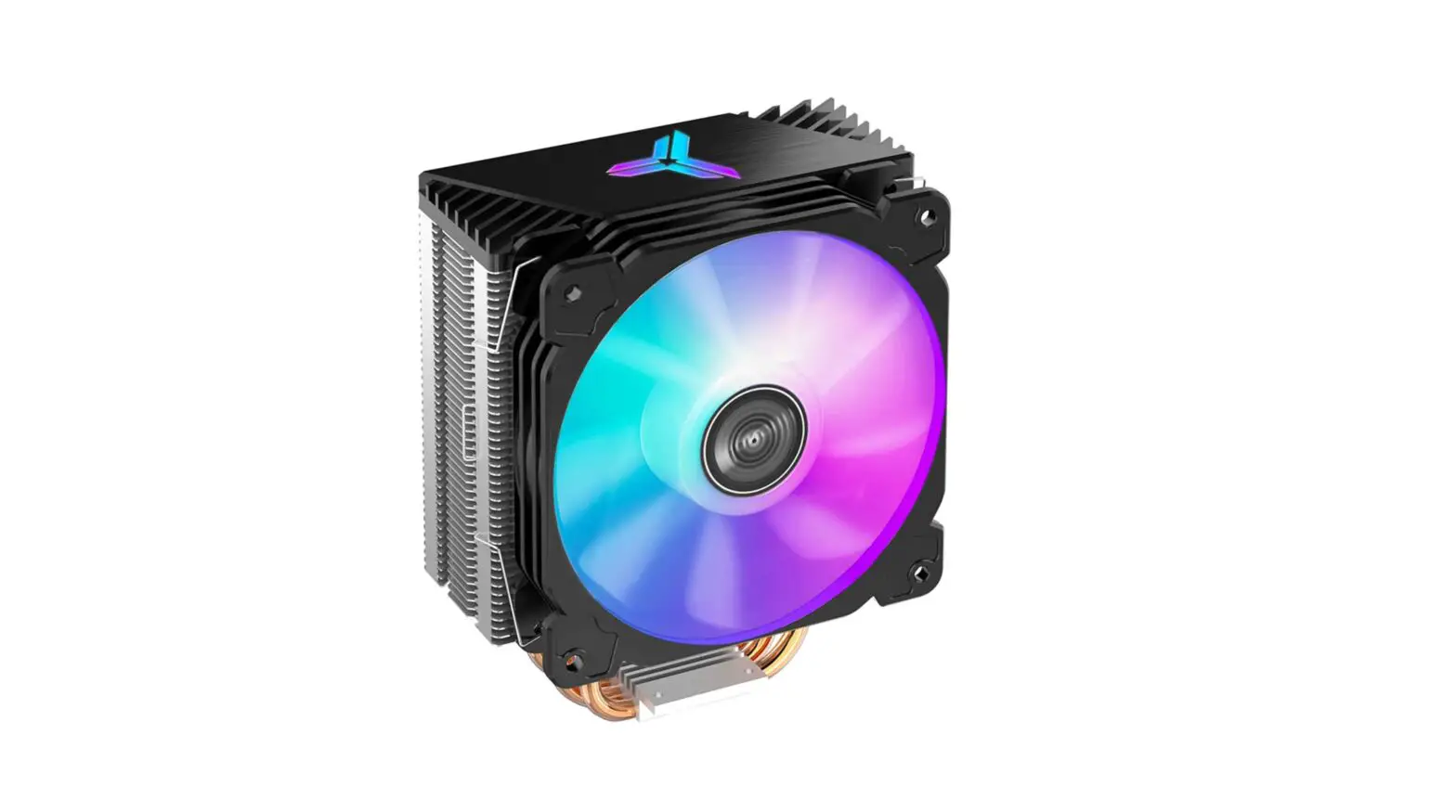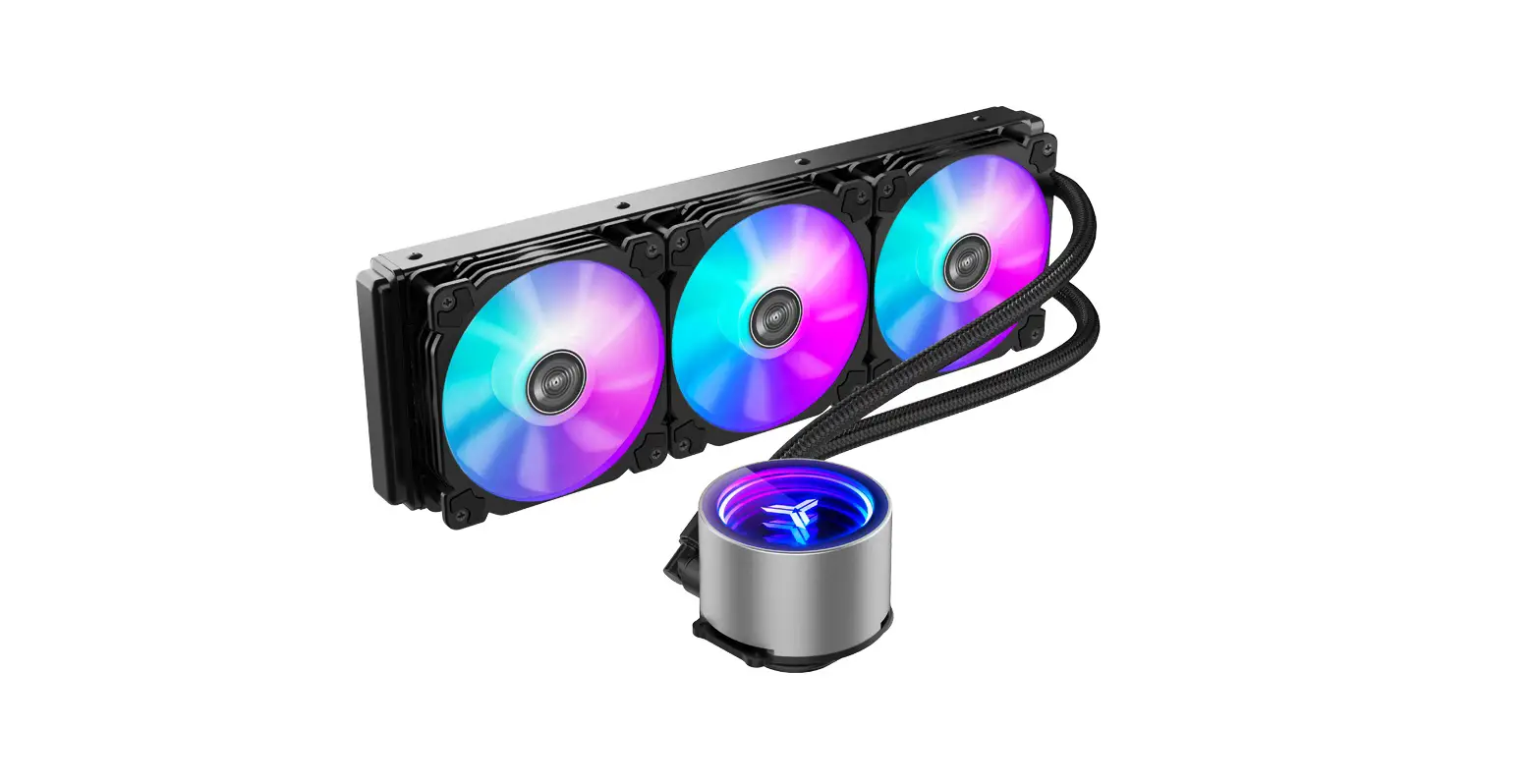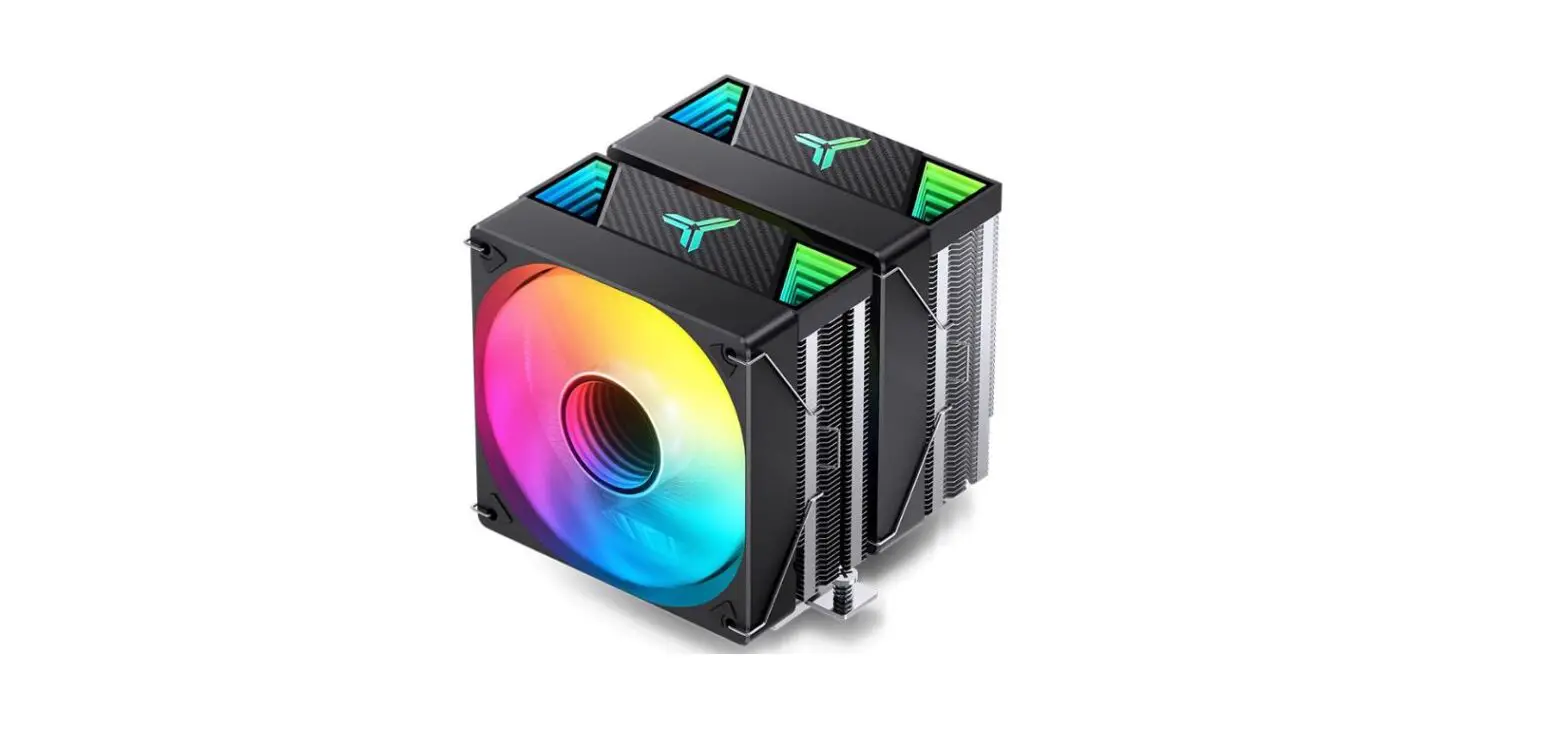

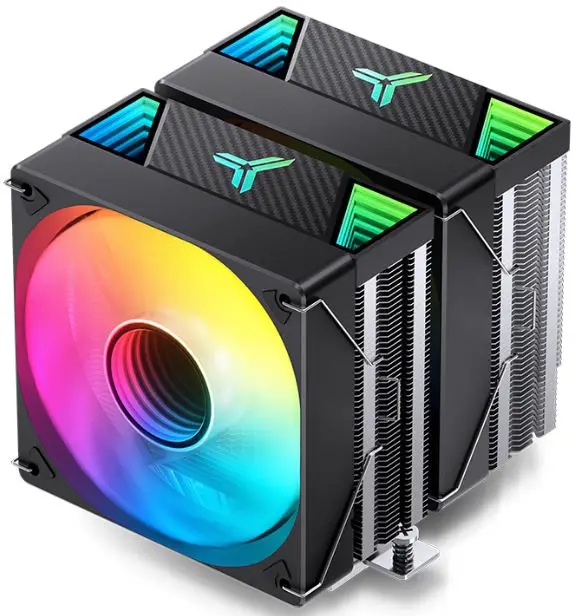
jONSBO CR-3000 Air Cooling Radiator
Product Information
The product is a computer processor from AMD with a model number of (1700). The processor has a 1MB cache and uses the AM4 socket. The package includes the processor only.
Product Usage Instructions
- Before installing the processor, ensure that your motherboard is compatible with the AM4 socket and has the latest BIOS version installed.
- Remove the old processor, if applicable, from the motherboard by gently lifting the retention arm and pulling the processor out of the socket.
- Align the notches on the processor with the notches on the socket and gently place the processor into the socket.
- Lower the retention arm to secure the processor in place. The arm should click into place.
- Apply the thermal paste on top of the processor, ensuring that it covers the entire surface of the processor’s heat spreader.
- Attach the CPU cooler to the motherboard, ensuring that it is properly secured and making contact with the thermal paste on top of the processor.
- Connect all necessary power cables to the motherboard and turn on your computer.
- Verify that the processor is recognized by your operating system by checking the system information or device manager.
Part List
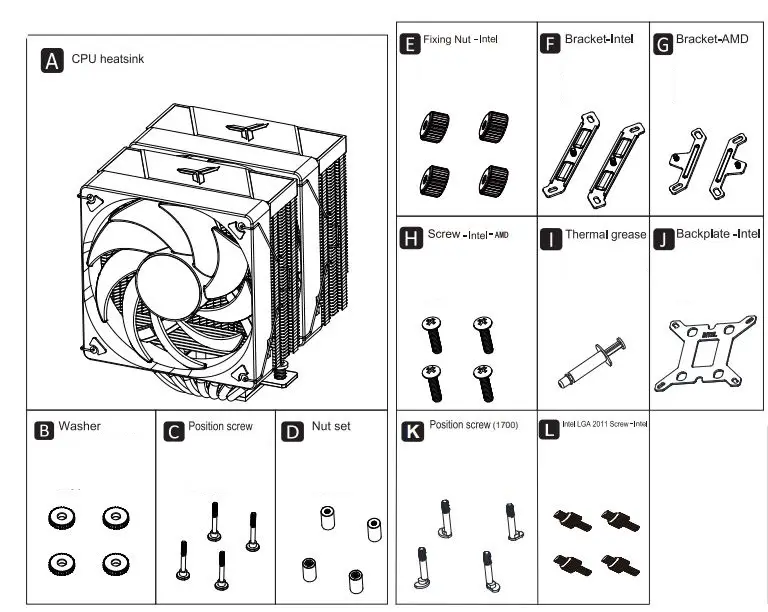
Intel LGA 2011 installation
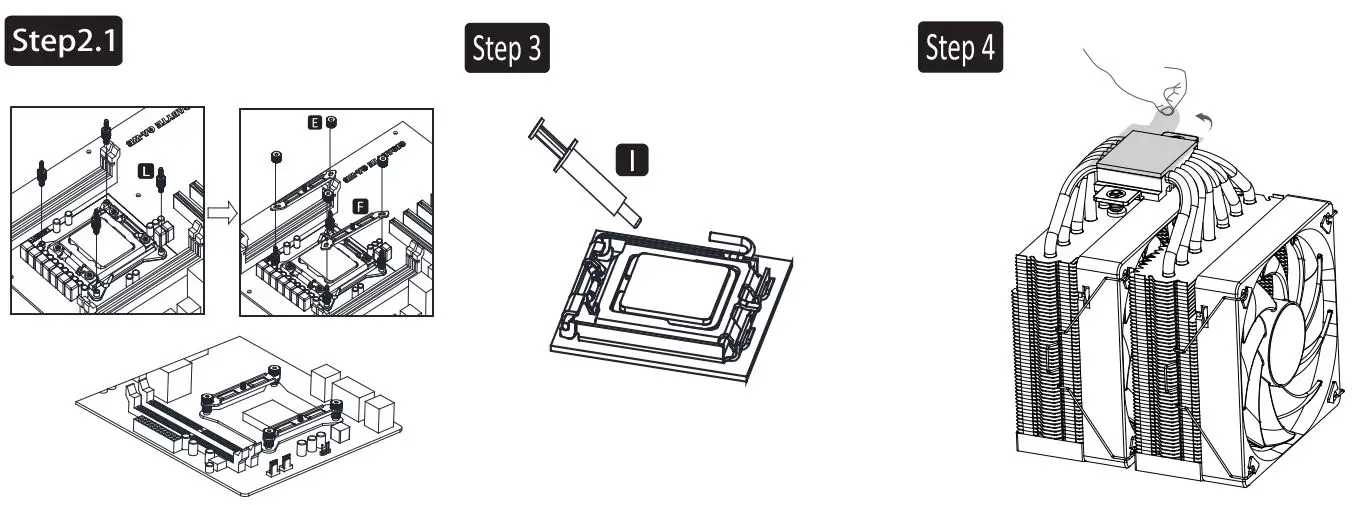
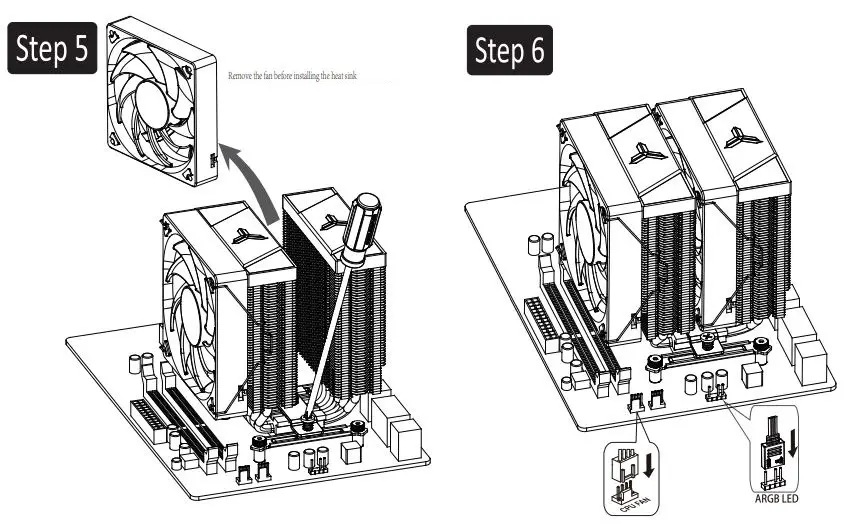
Intel Installation
- Intel LGA1366 / 1200 / 115X / 1700

- Intel LGA1366 / 1200 / 115X / 1700

- Place the set screw in the corresponding hole position of the Intel bracket, and then insert the gasket
- Install the back plate and fastener
- Install the 2011 screw onto the CPU bracket, install the fastener and fix it with nuts
- Apply heat conduction paste on the CPU
- Remove copper bottom protective film
- Place the heat sink on the CPU and fix it on the installation fastener
- Connect the fan lead to the main board according to the figure above
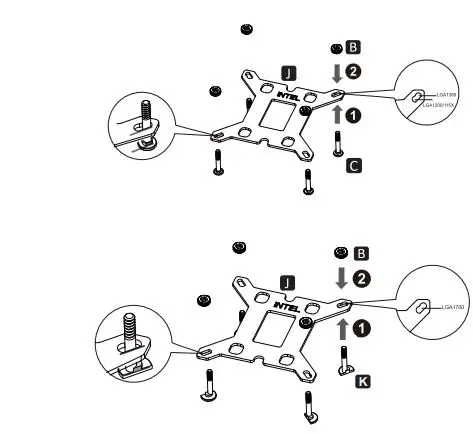
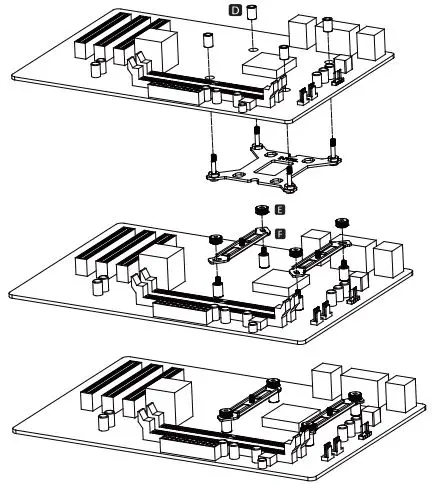
AMD Installation
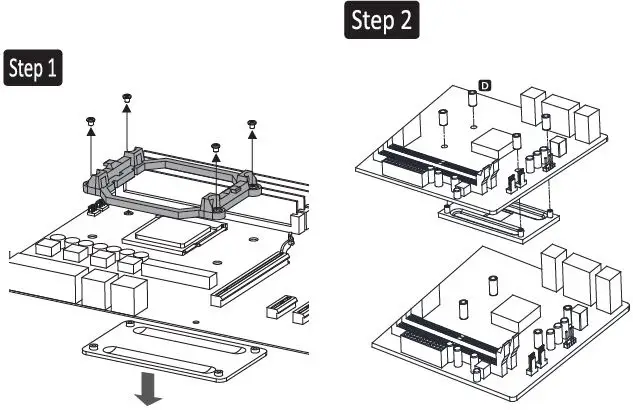
- Remove the AMD mounting bracket and keep its original backplane
- Installing the backplane
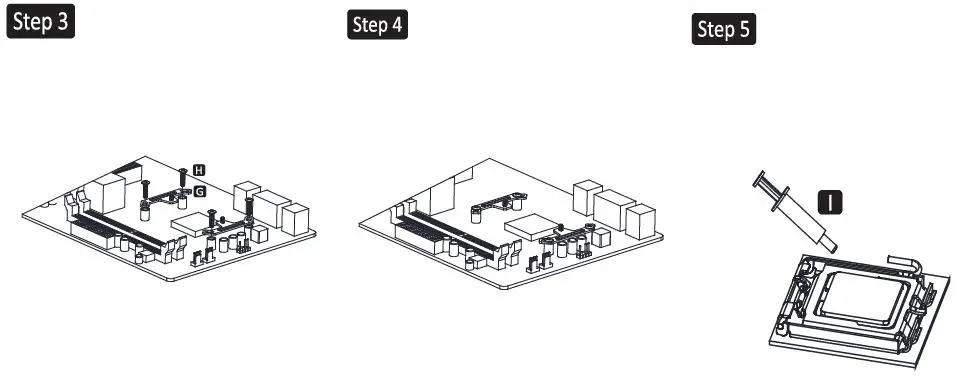
- AMD Befestigung installieren
- Rendering of installation completion
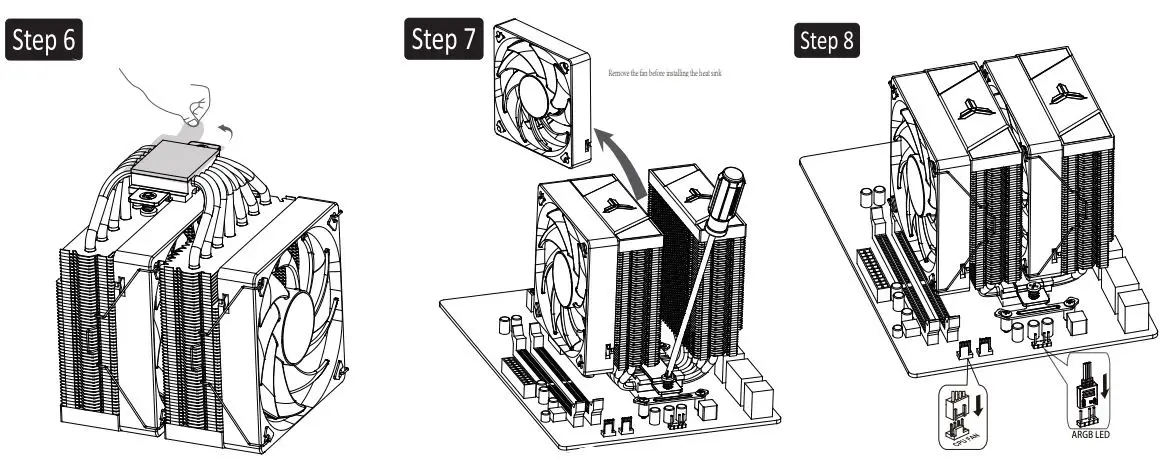
- Apply heat conduction paste on the CPU

- Remove copper bottom protective film
- Place the heat sink on the CPU and fix it on the installation fastener
- Connect the fan lead to the main board according to the figure above
© 2015 ENERMAX TECHNOLOGY CORPORATION. All right reserved. Specifications are subject to change without prior notice. Some trademark may be claimed as the property of others.