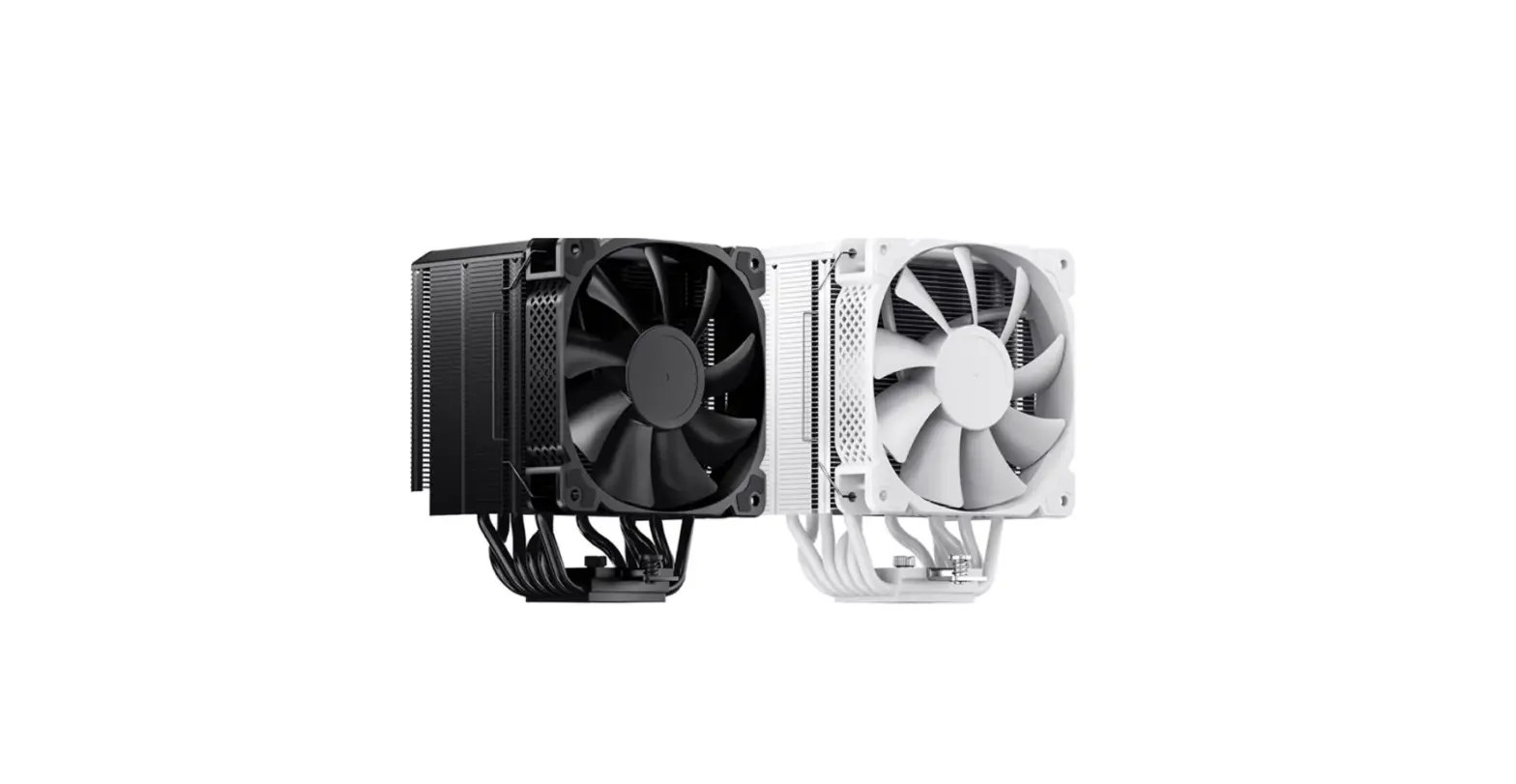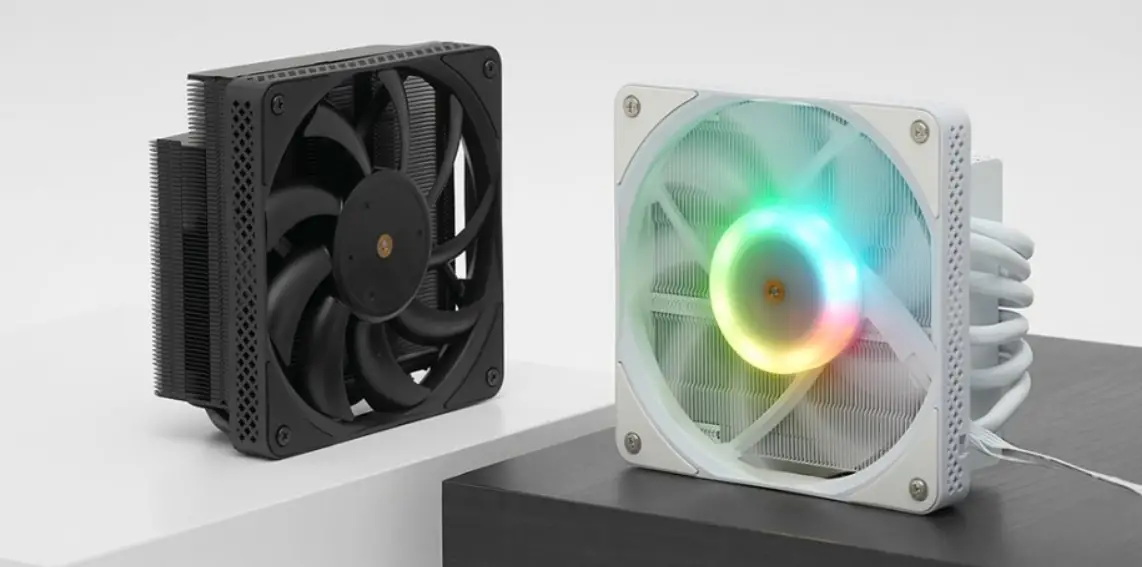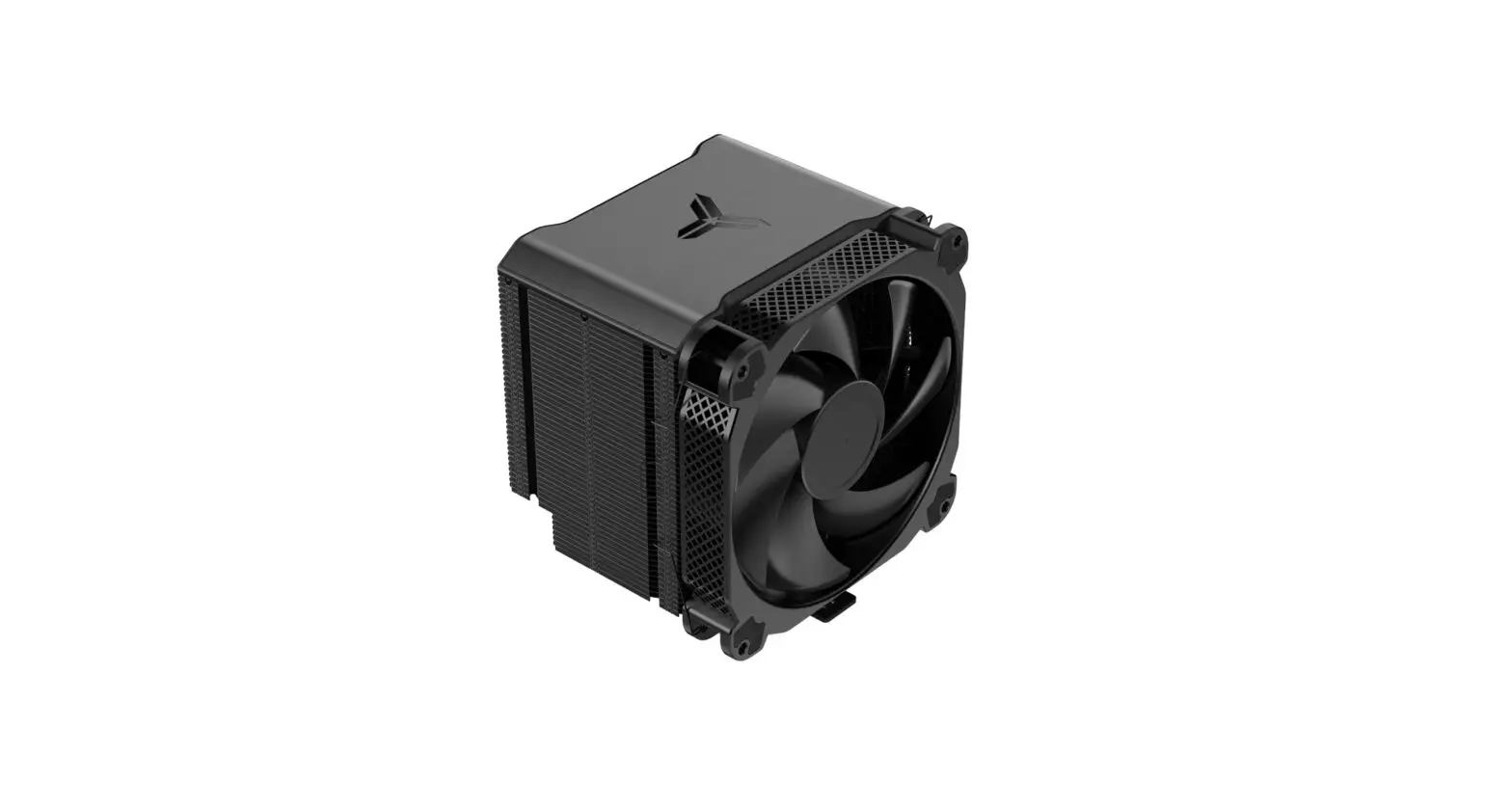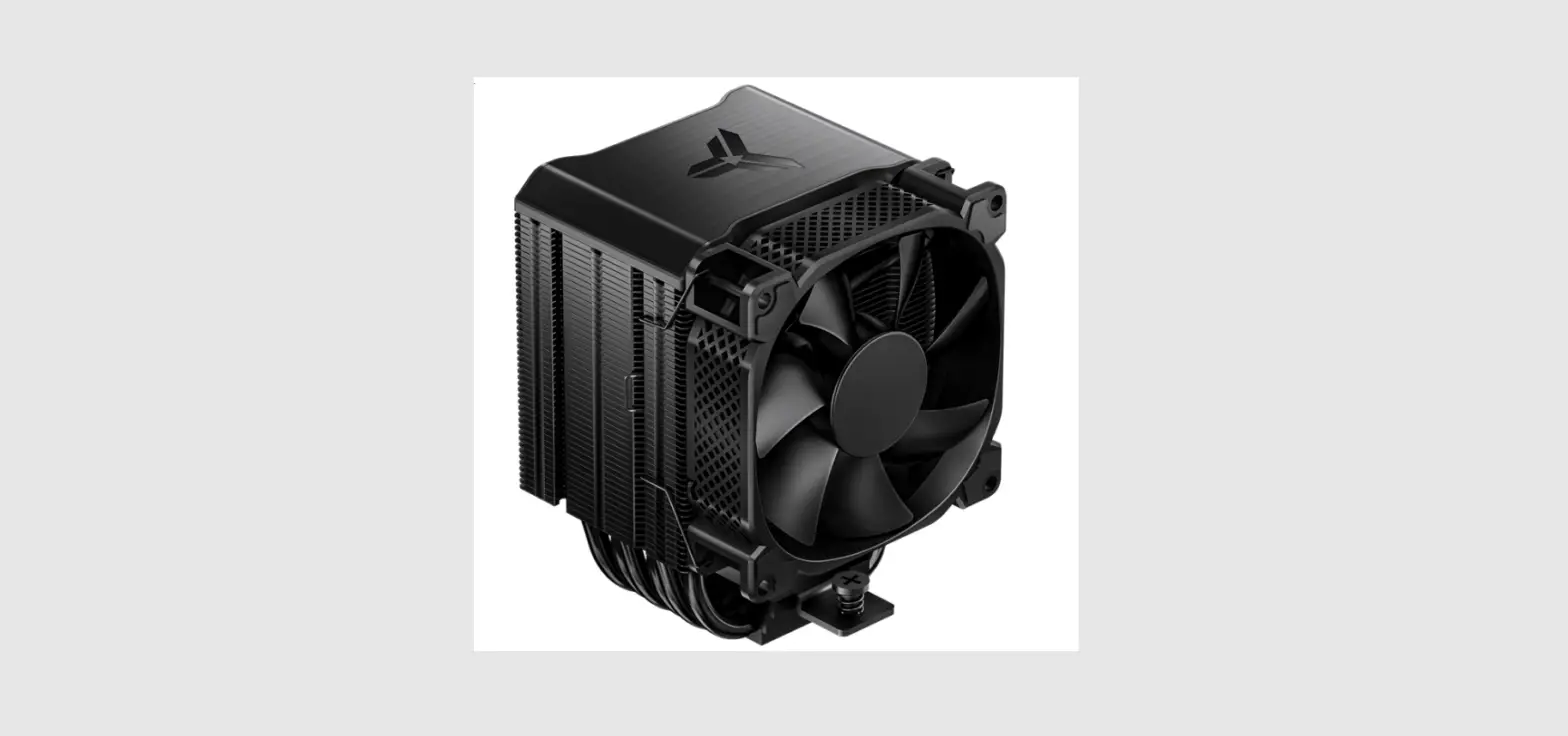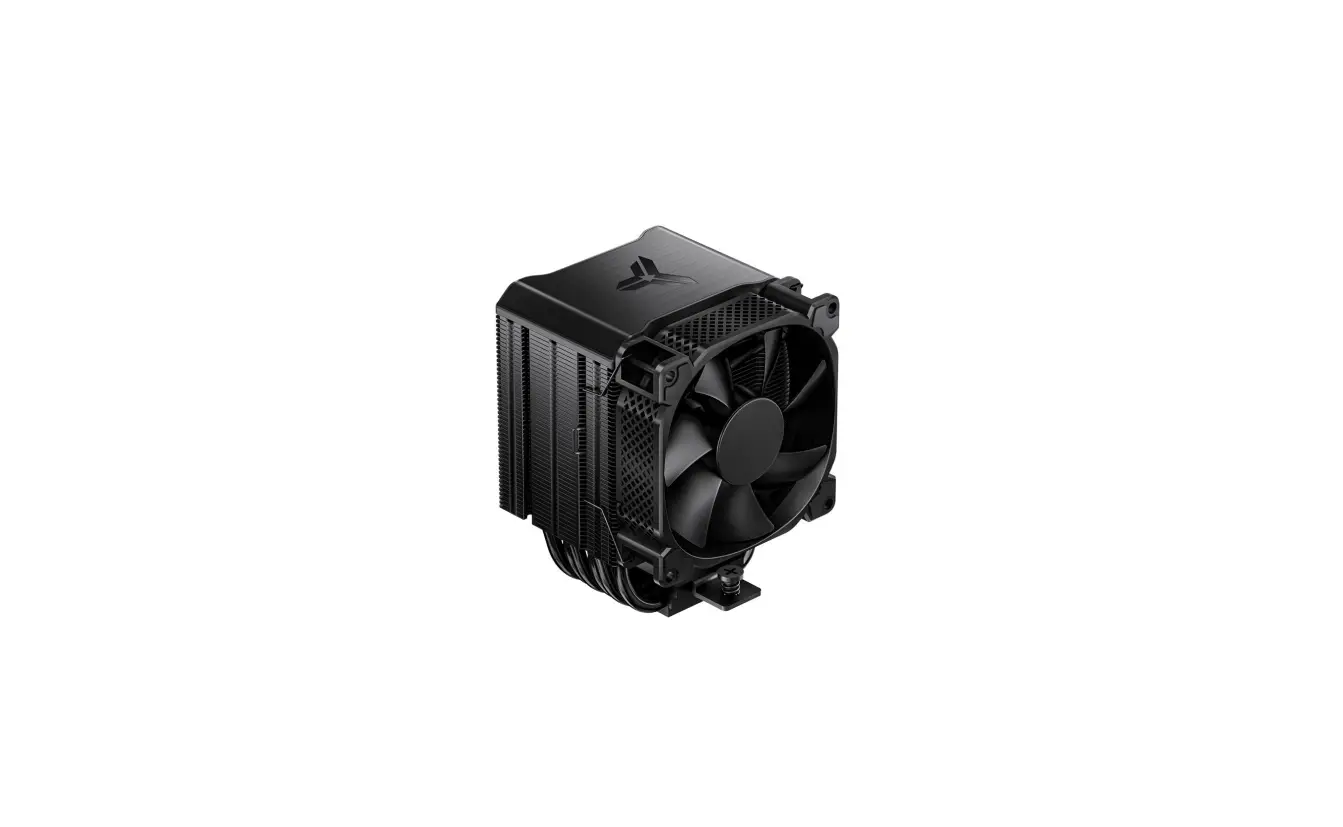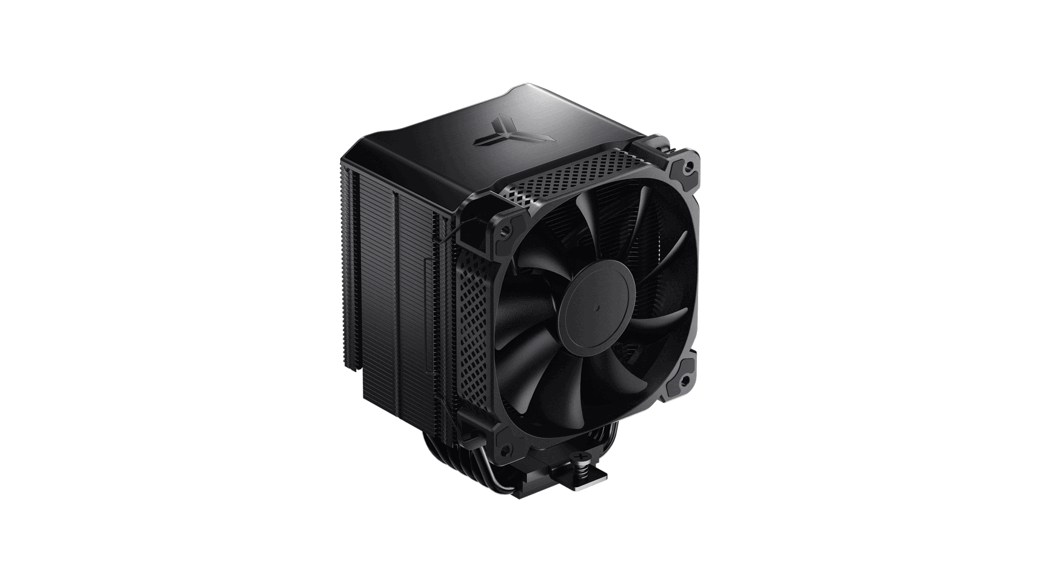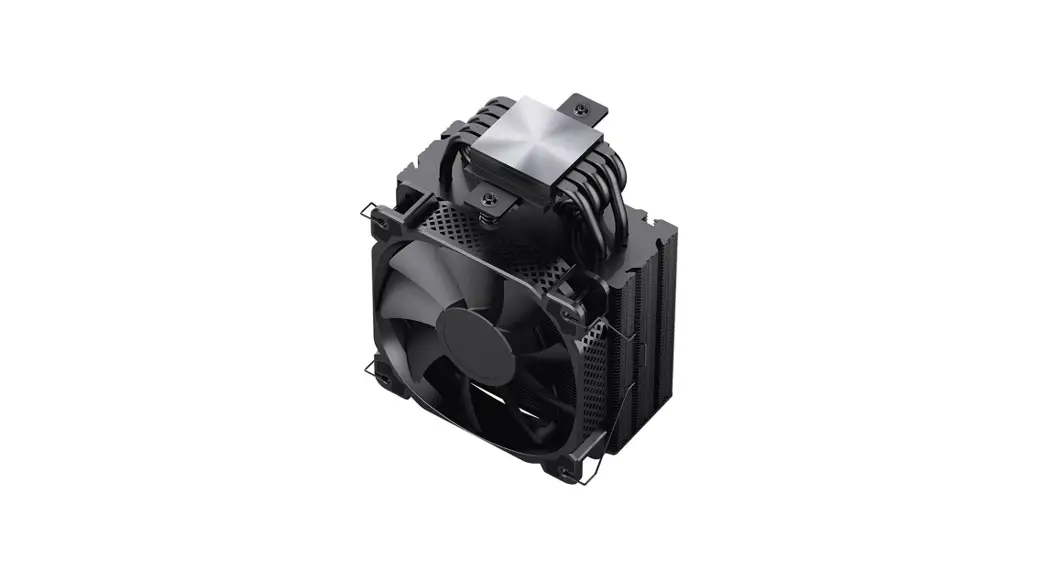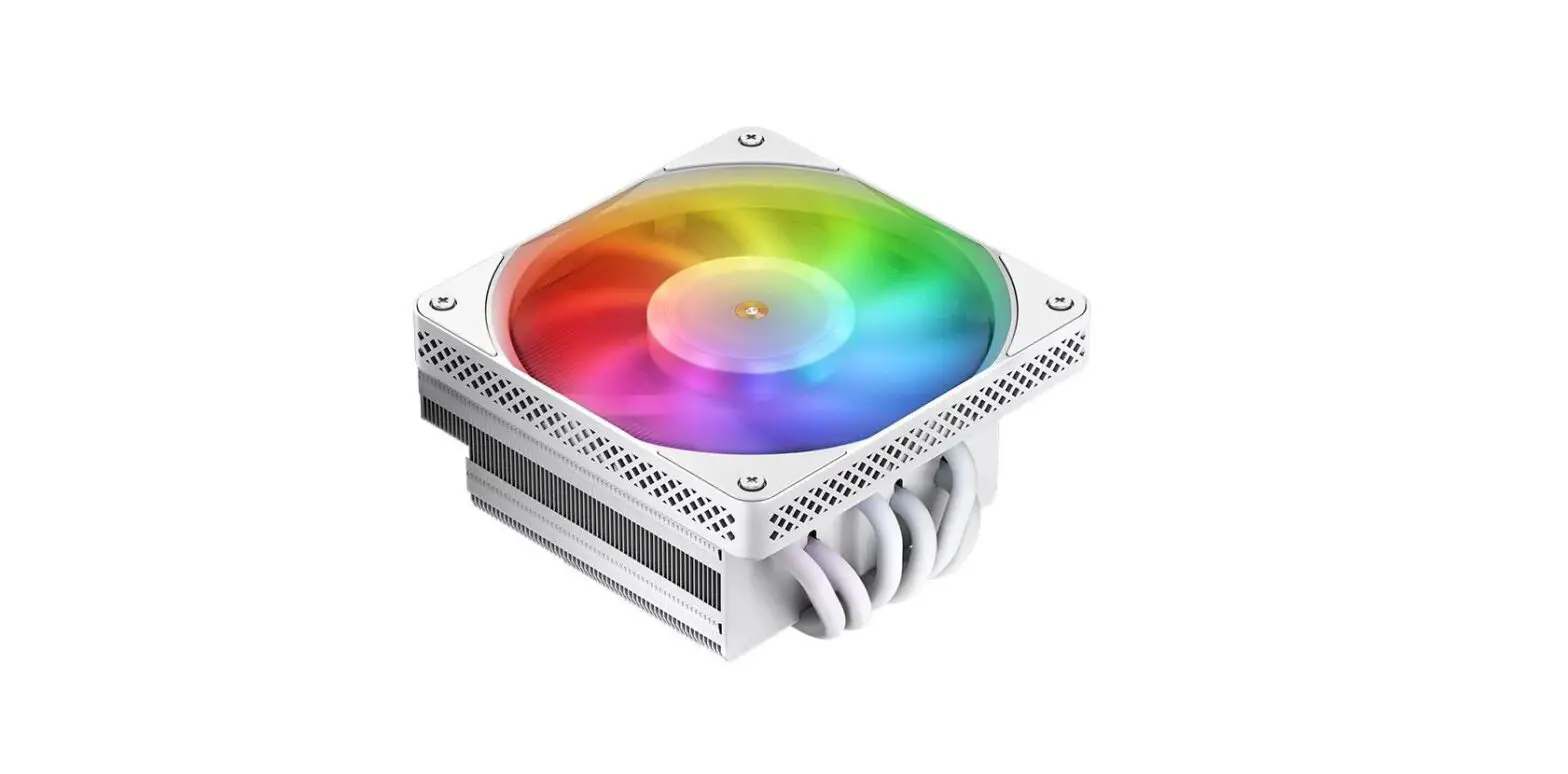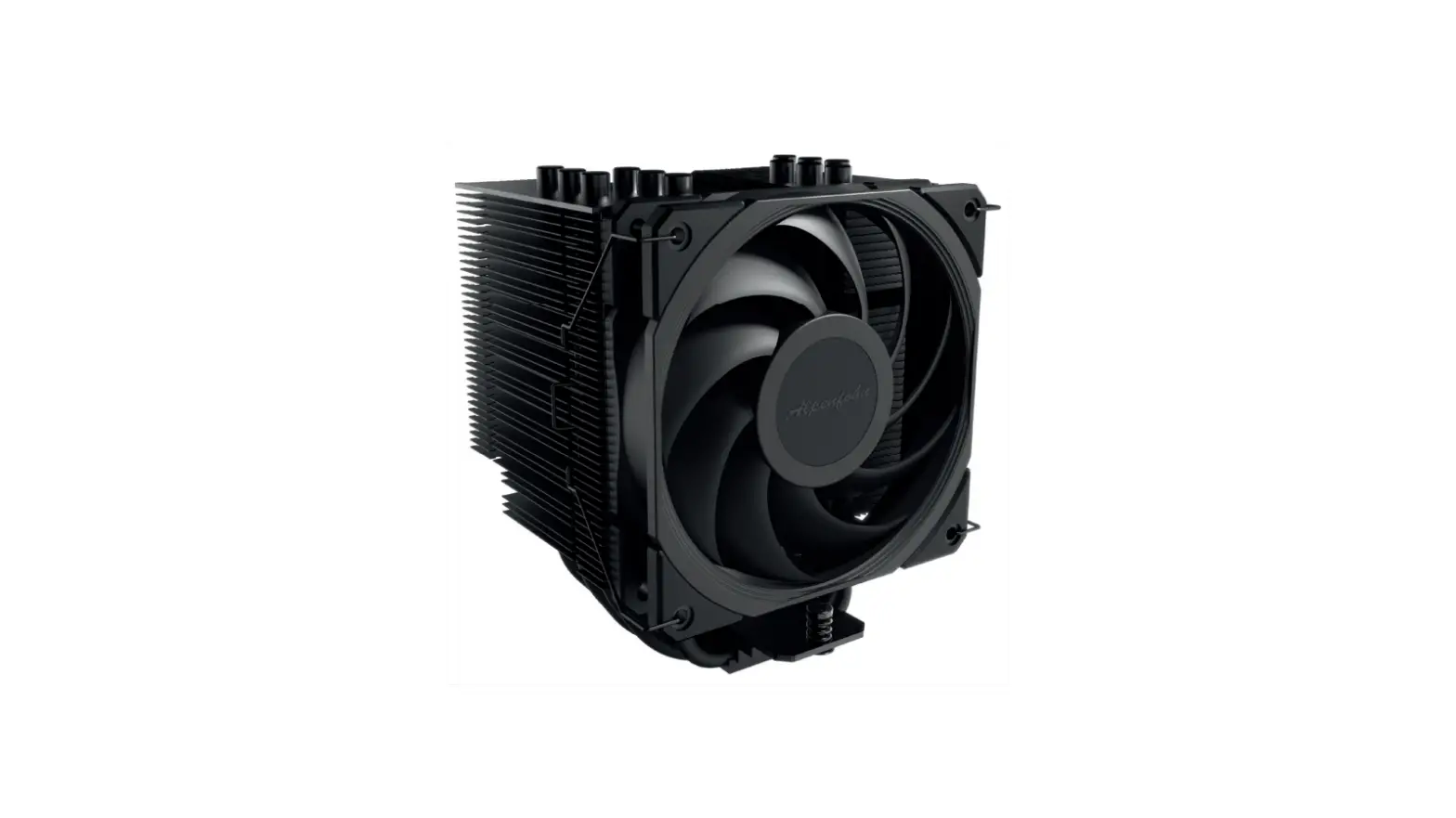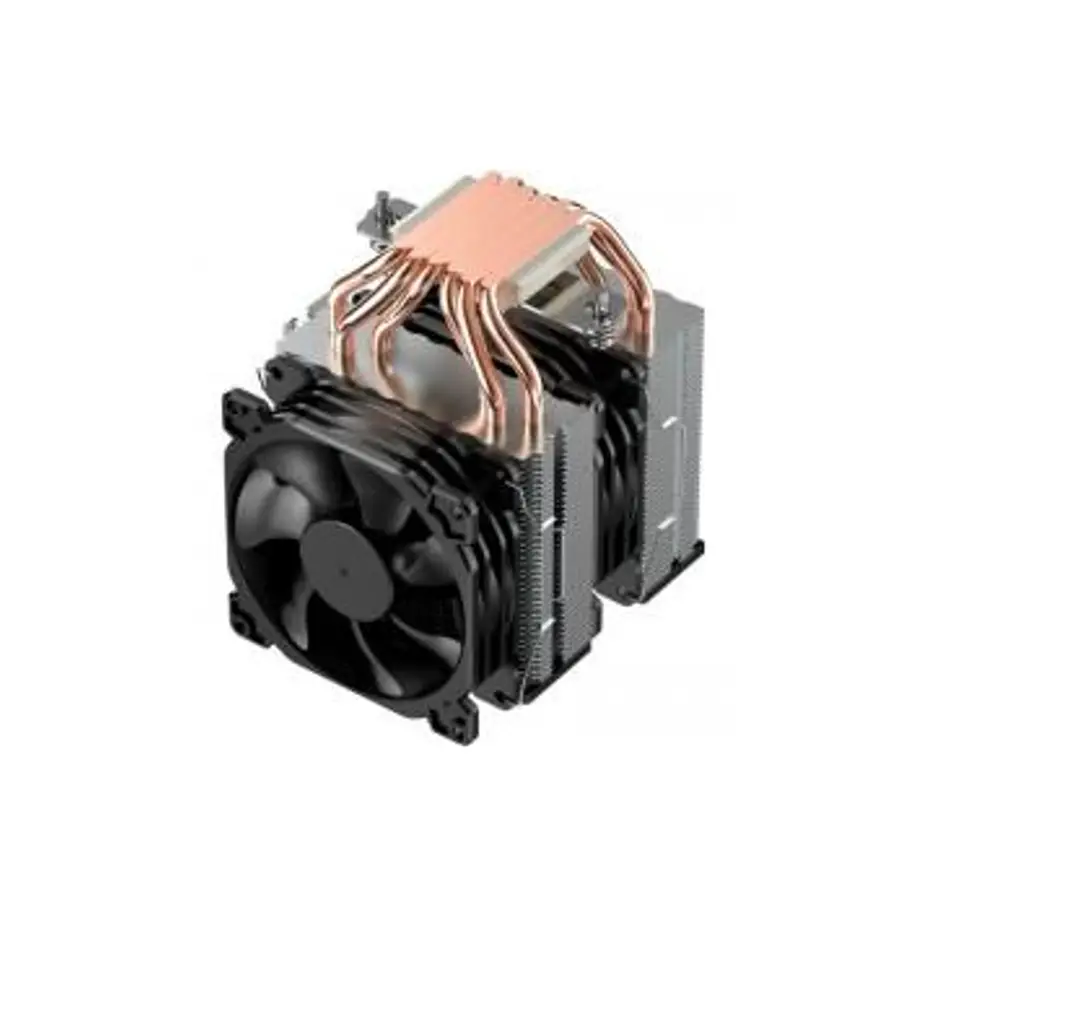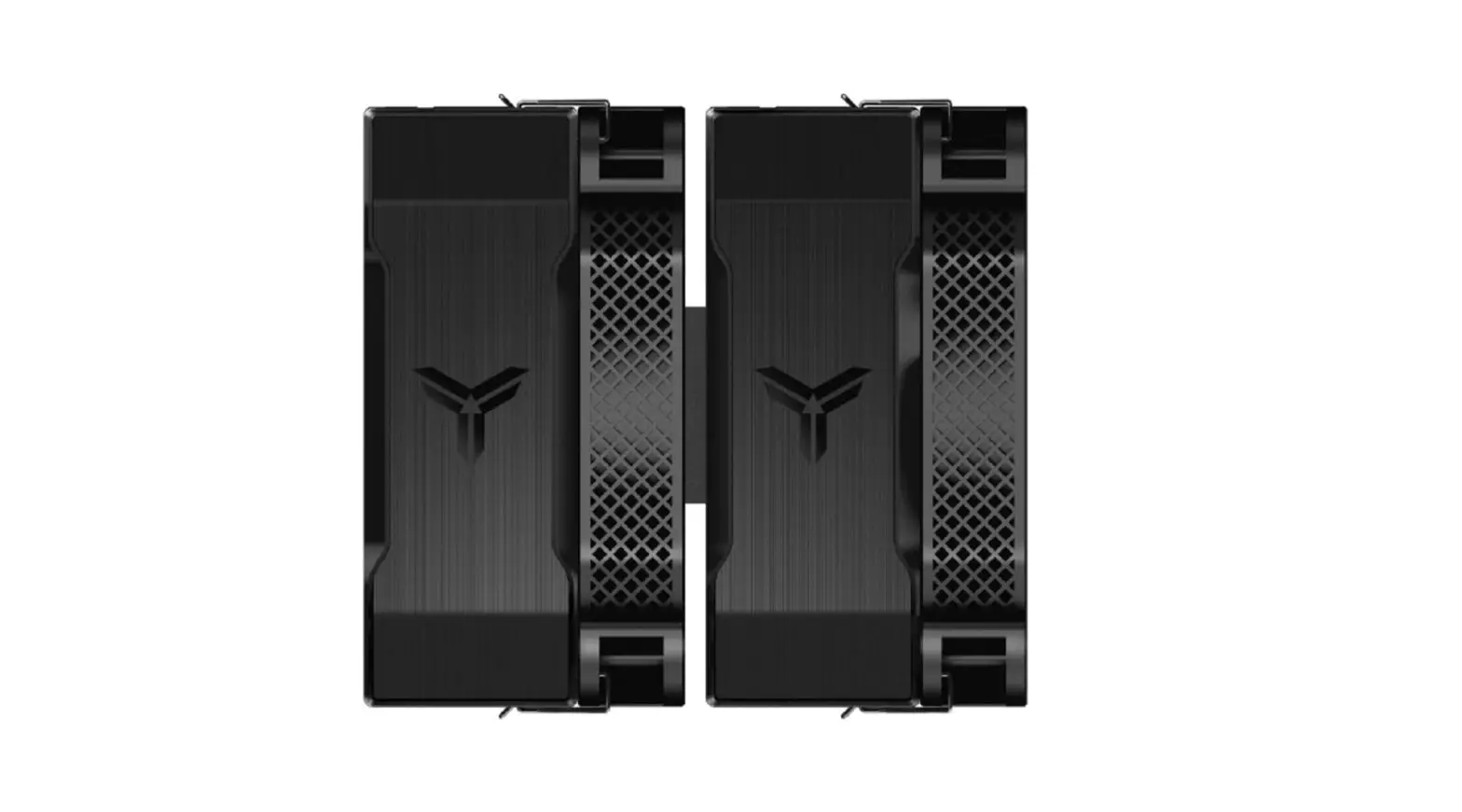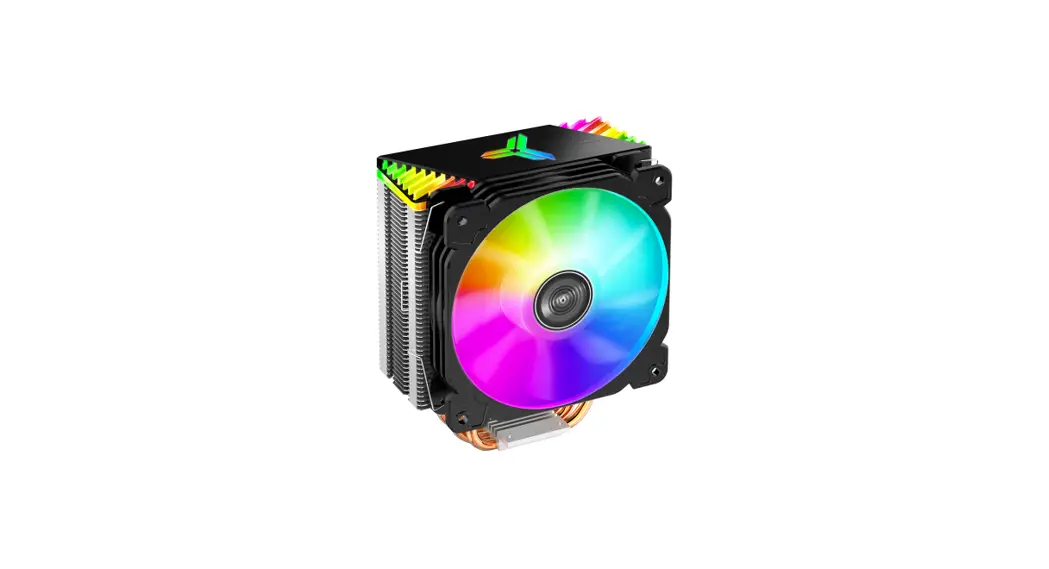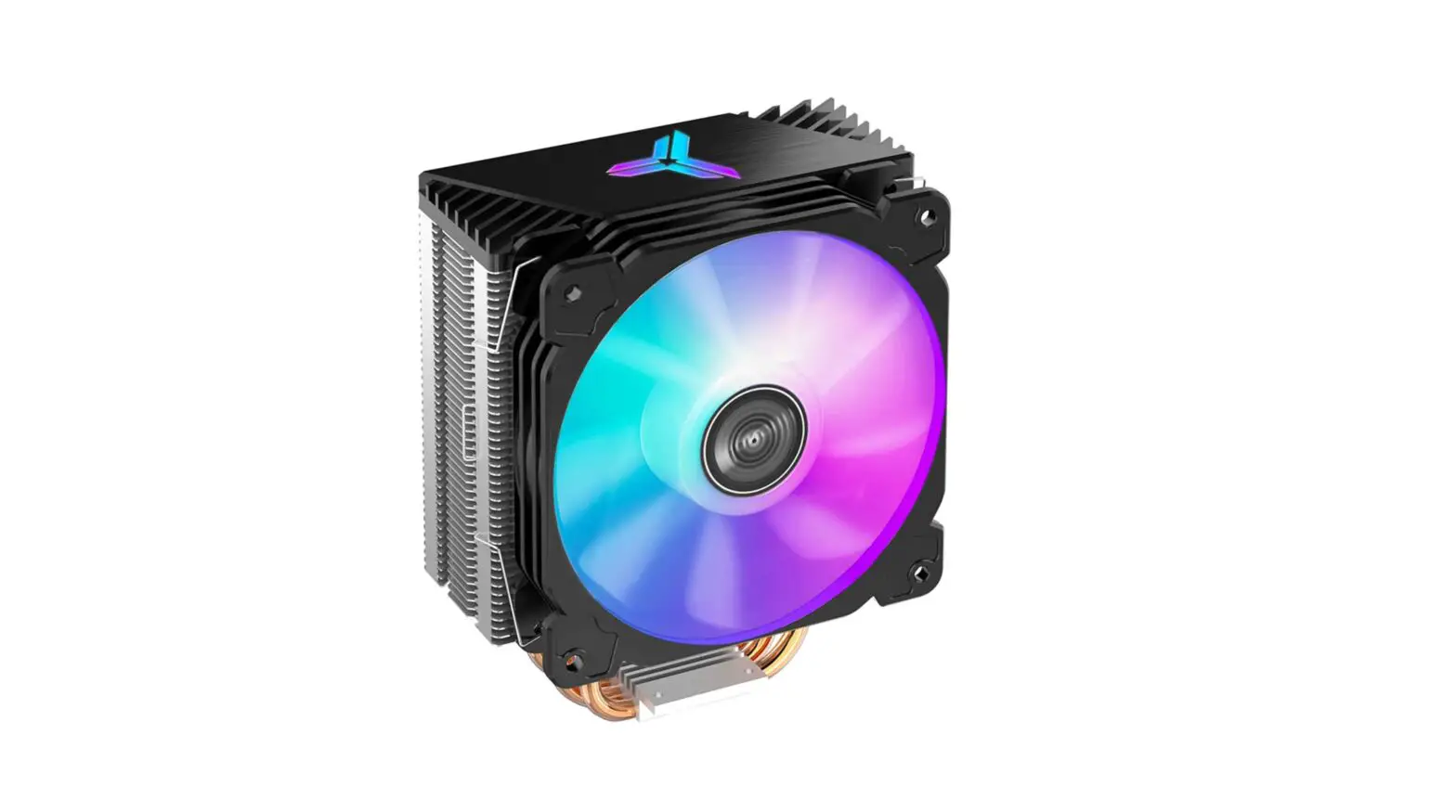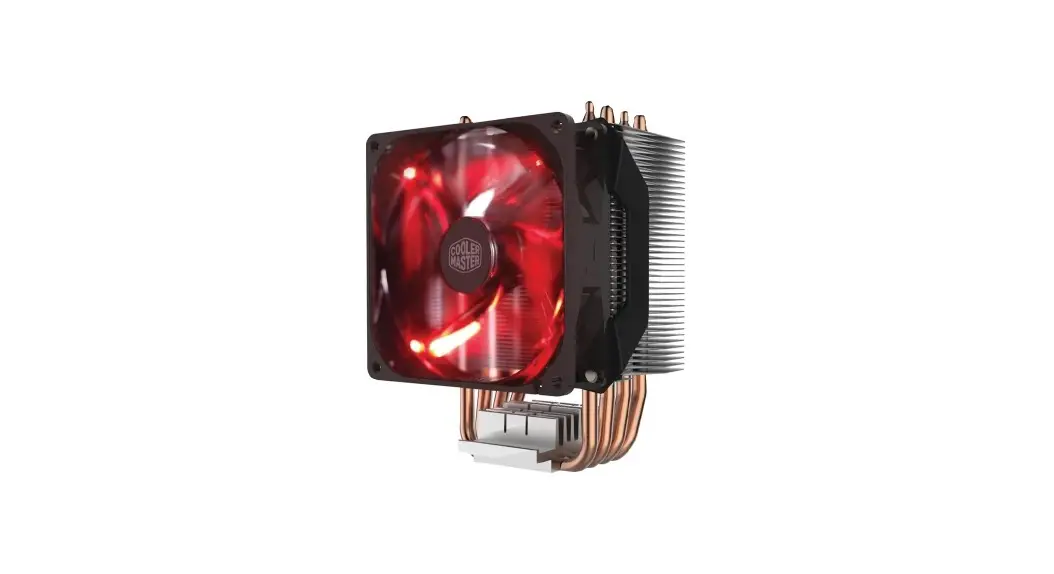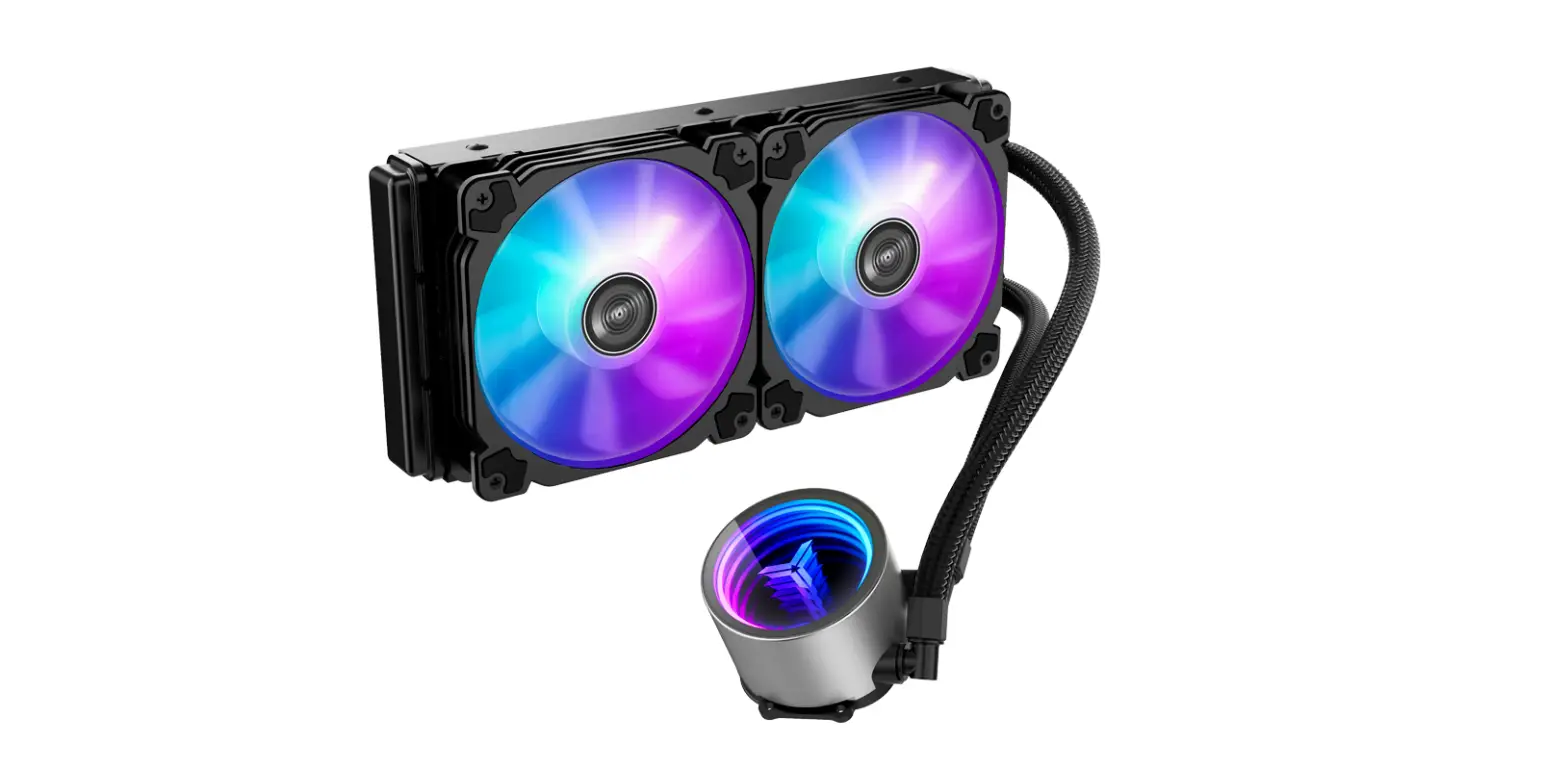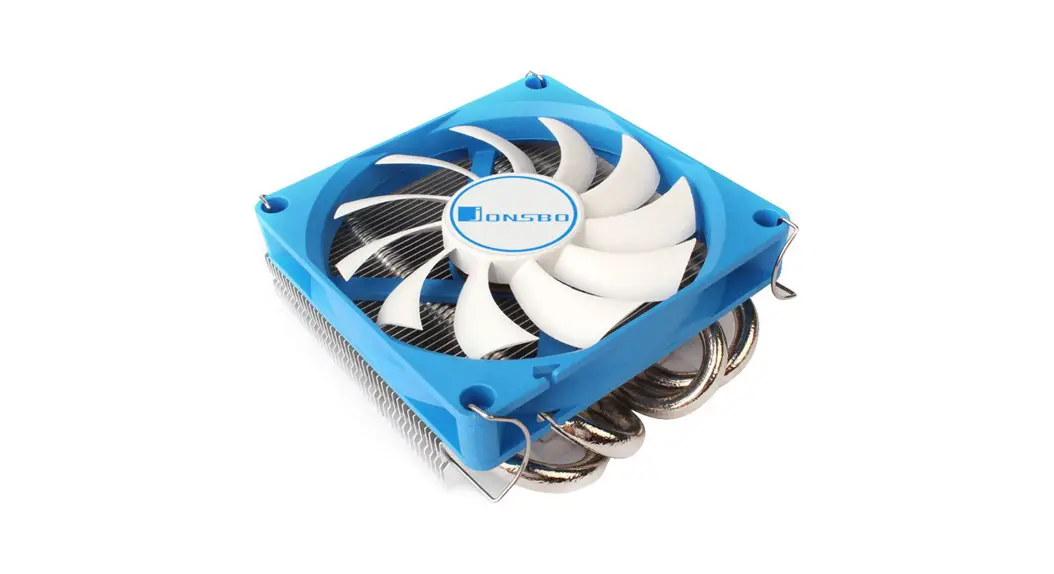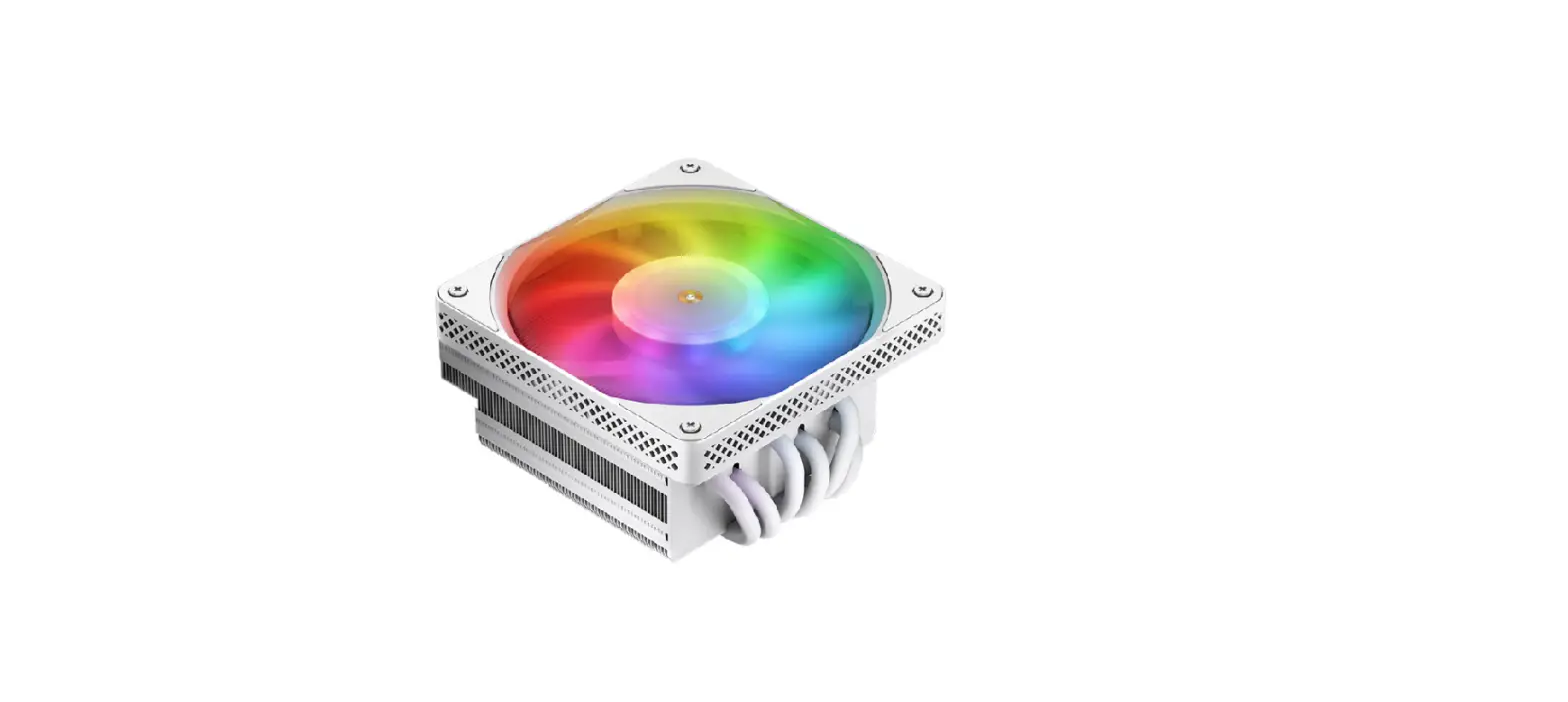

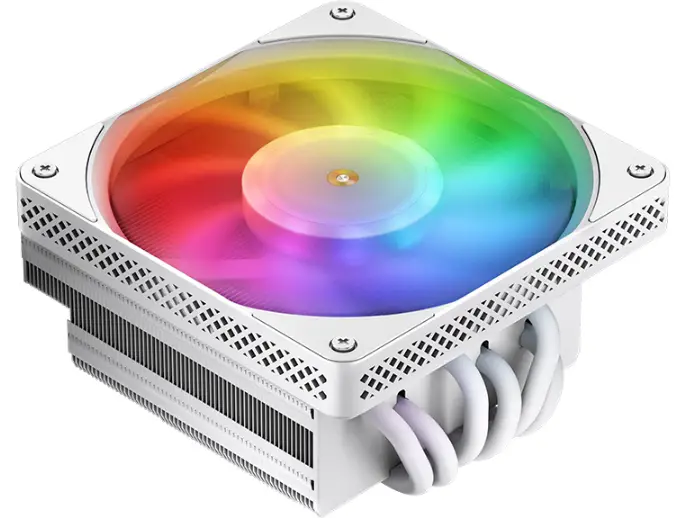
JONSBO HX6200D White CPU Cooler 6 Heat Pipe Air
Part List
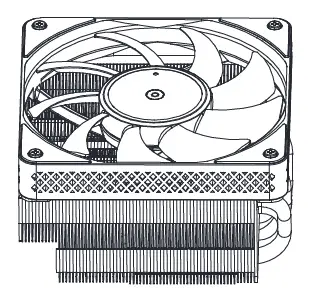
- CPU heatsink

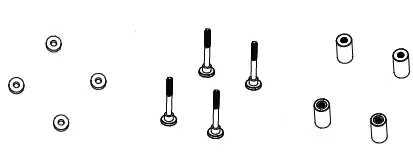
- Washer
- Position screw
- Nut set

- Bracket Screw
- Bracket-Intel
- Bracket-AMO

- Position screw (1700)
- Backplane – AMS
- Wrench

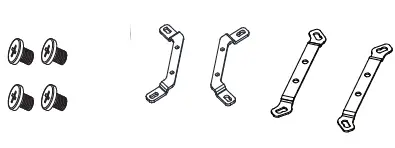
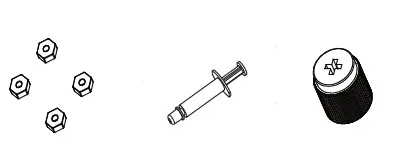
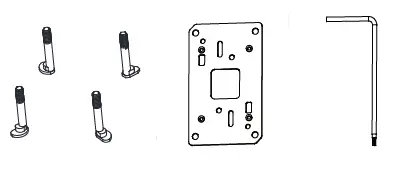
Intel Installation
Step 1
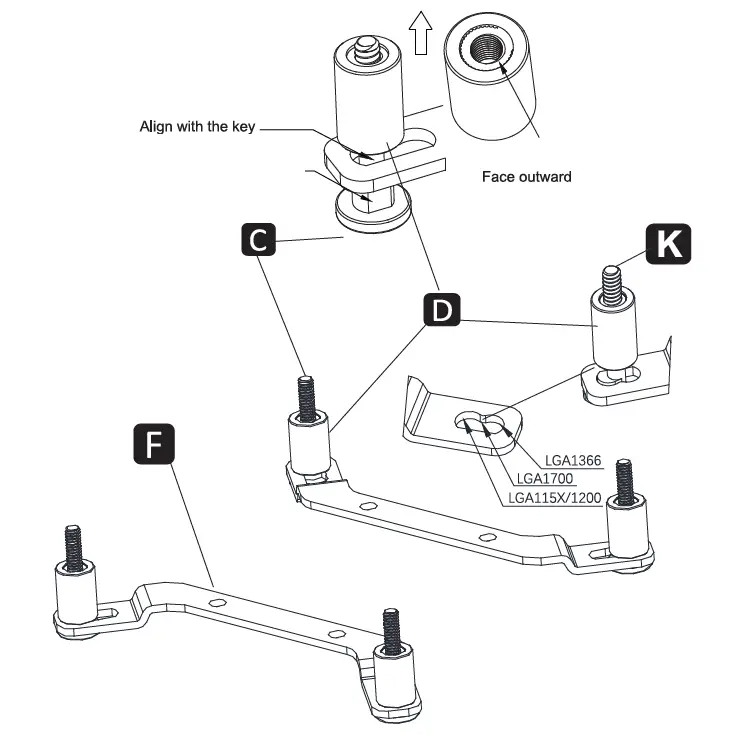
- Insert the position screws to corresponding holes of Intel brackets, fixing them with nuts
Step 2
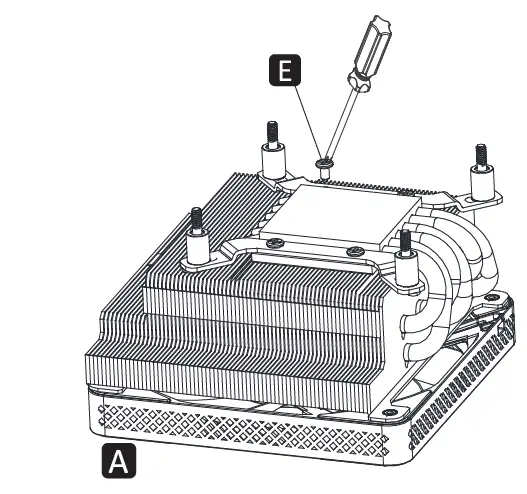
- Secure Intel brackets to cooler with bracket screws
Step 3
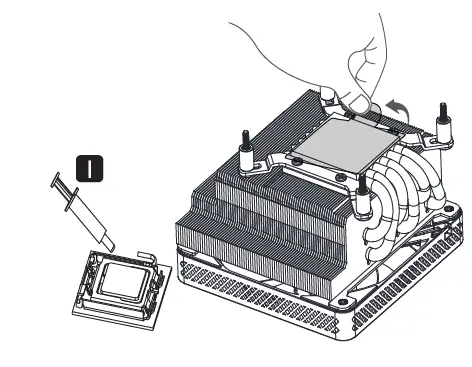
- Apply thermal paste on CPU / Remove the protection film
Step 4
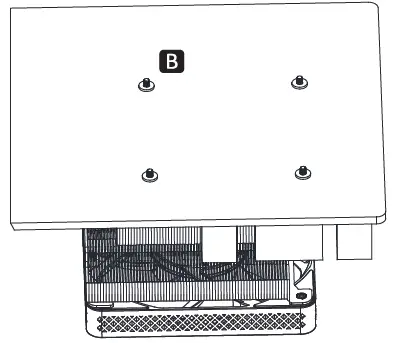
- Align CPU cooler mounting holes of MB with positioning screws, snap it back on the cooler, and insert the washers.
Step 5
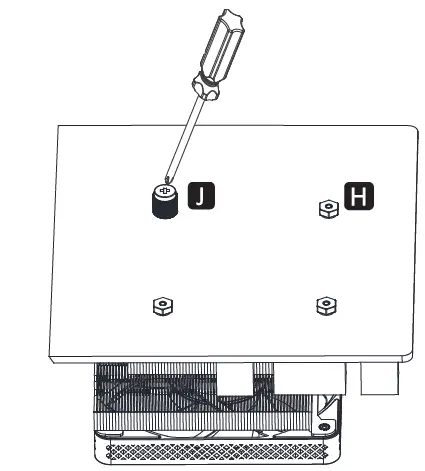
- Tighten hexagon nut.
Step 6
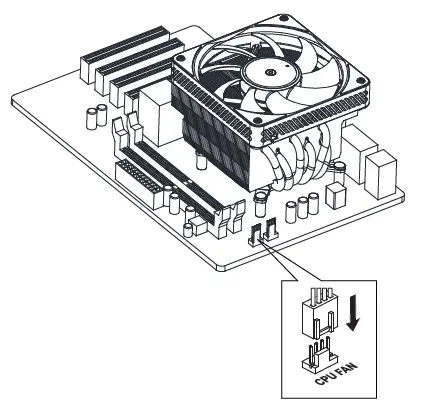
- Connect the fan cable to CPU_FAN socket on MB.
AMD Installation
Step 1
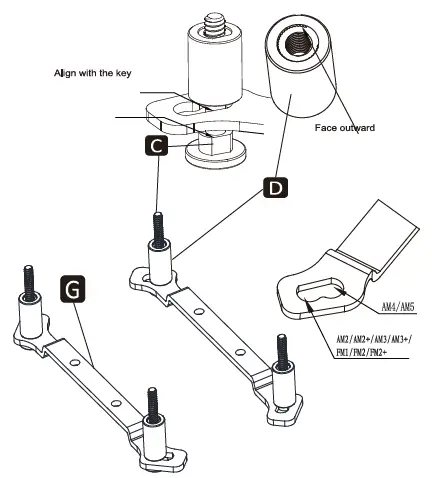
- Insert the position screws to corresponding holes of AMD brackets, fixing them with nuts.3
Step 2
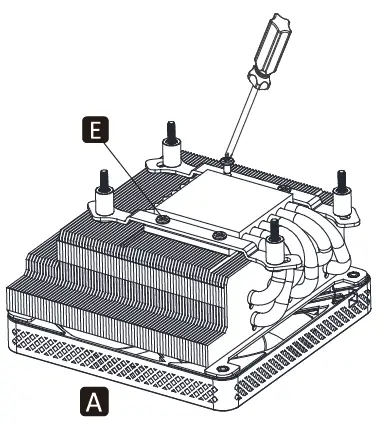
- Secure AMD brackets to cooler with bracket screws
Step 3 AM3/AM4
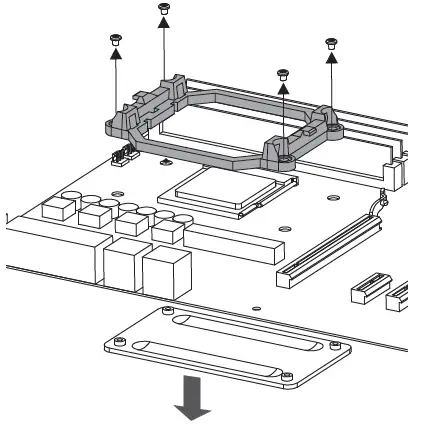
- Remove the plastic bracket and backplane for AMD fixing the radiator.
Step 4 AMS-1
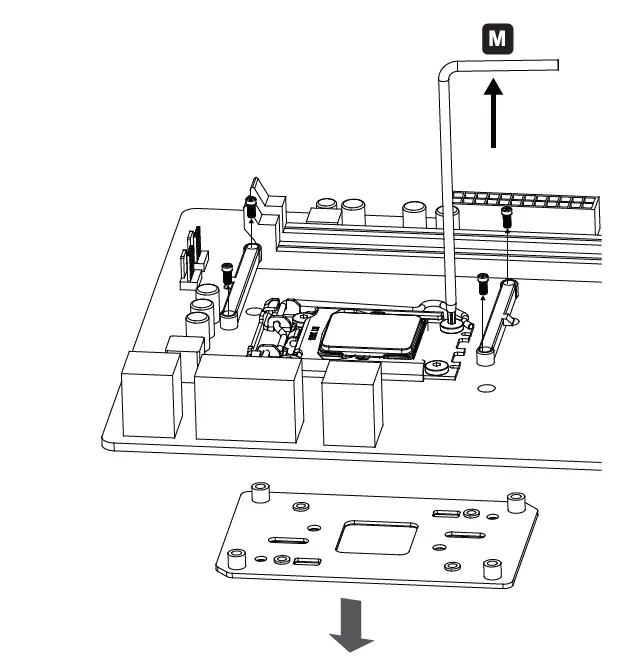
- Remove the CPU fixing bracket and AMD fixing plastic bracket and backplane
Step 3 AM5-2
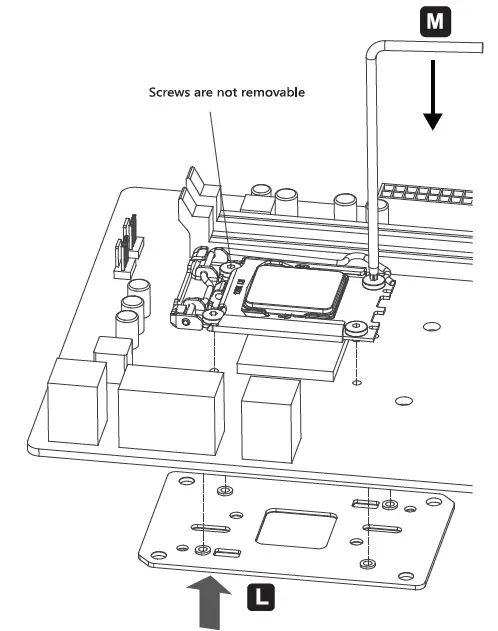
- Assemble the AMS backplane and the CPU mounting bracket to the motherboard.
Step 4
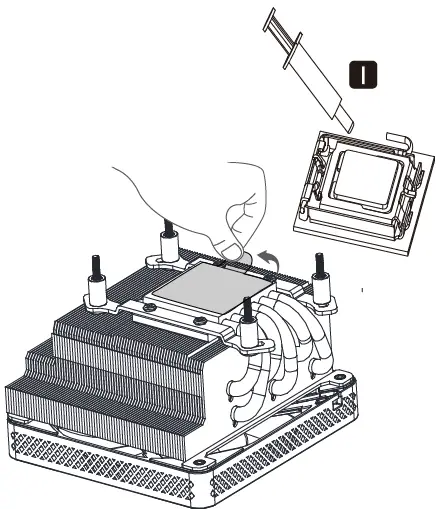
- Apply thermal paste on CPU / Remove the protection film.
Step 5 AM3/AM4
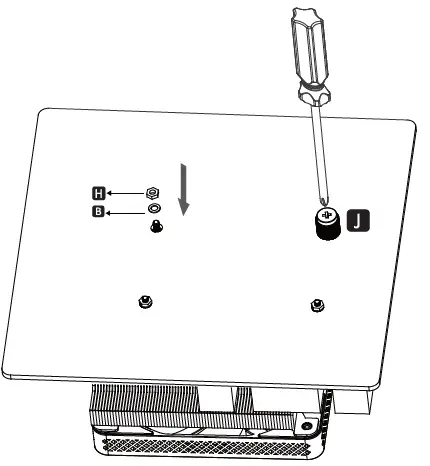
- Align the main board hole with the radiator locating screw, install the gasket, screw on the hexagon nut, and then tighten it with a sleeve.
step 5 AM5
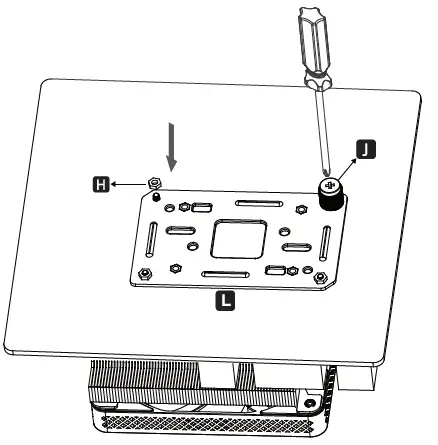
- Align the main board hole with the radiator locating screw, install the AM5 backplate Screw on the hexagon nut and then tighten it with a socket.
Step 6
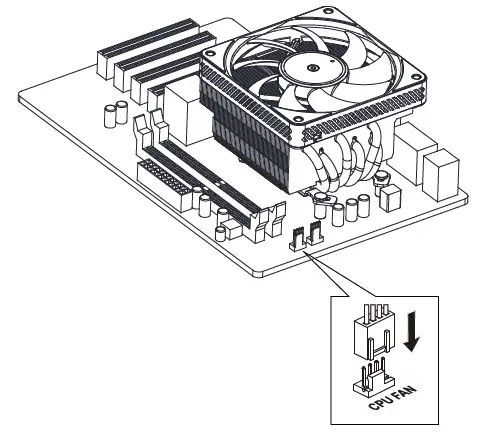
- Connect the fan cable to the CPU_FAN socket on MB.
2022 JONSBO Technology Co. Ltd. All right reserved.
Specifications are subject to change without prior notice. Some trademarks may be claimed as the property of others.