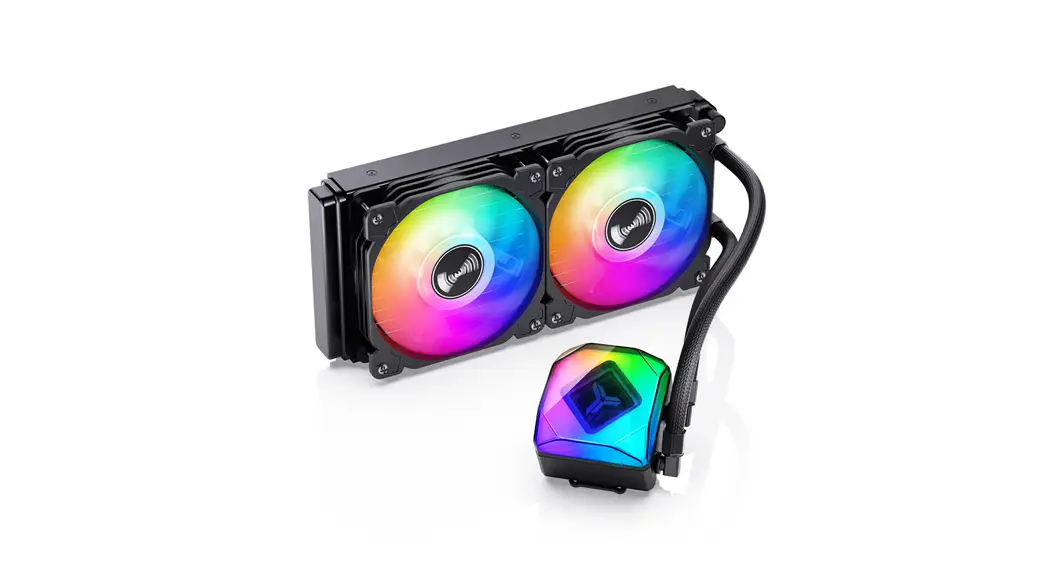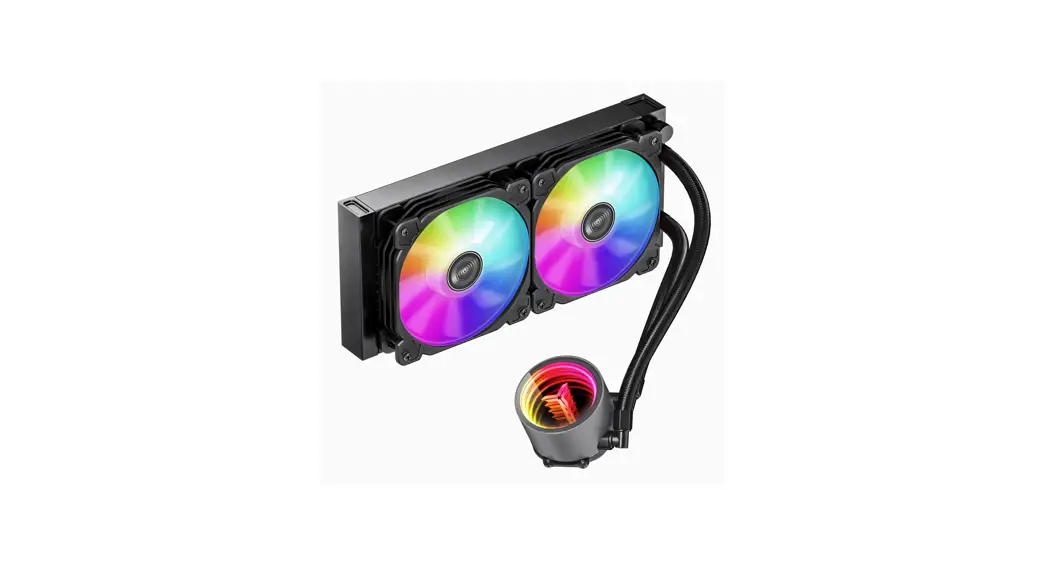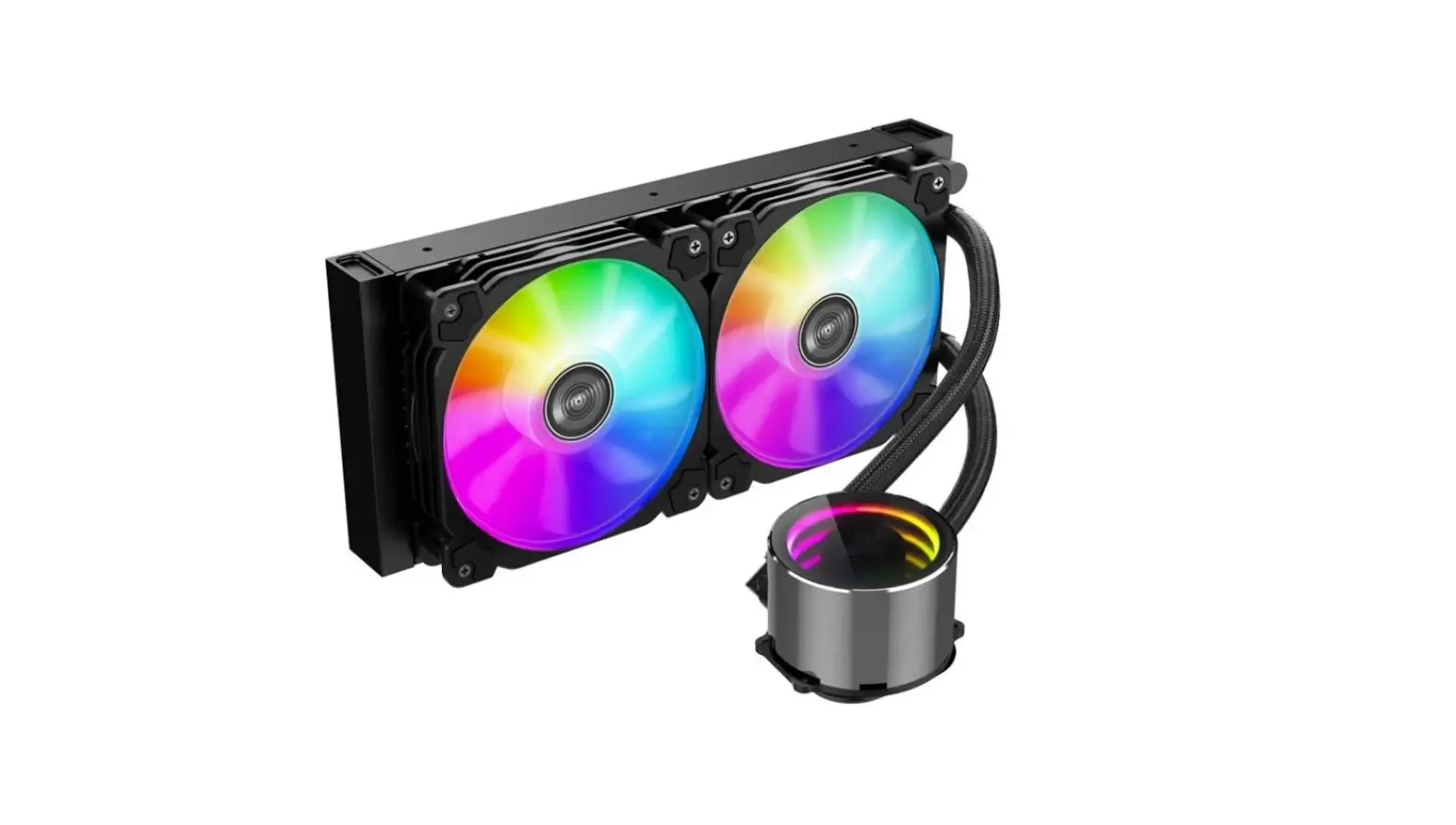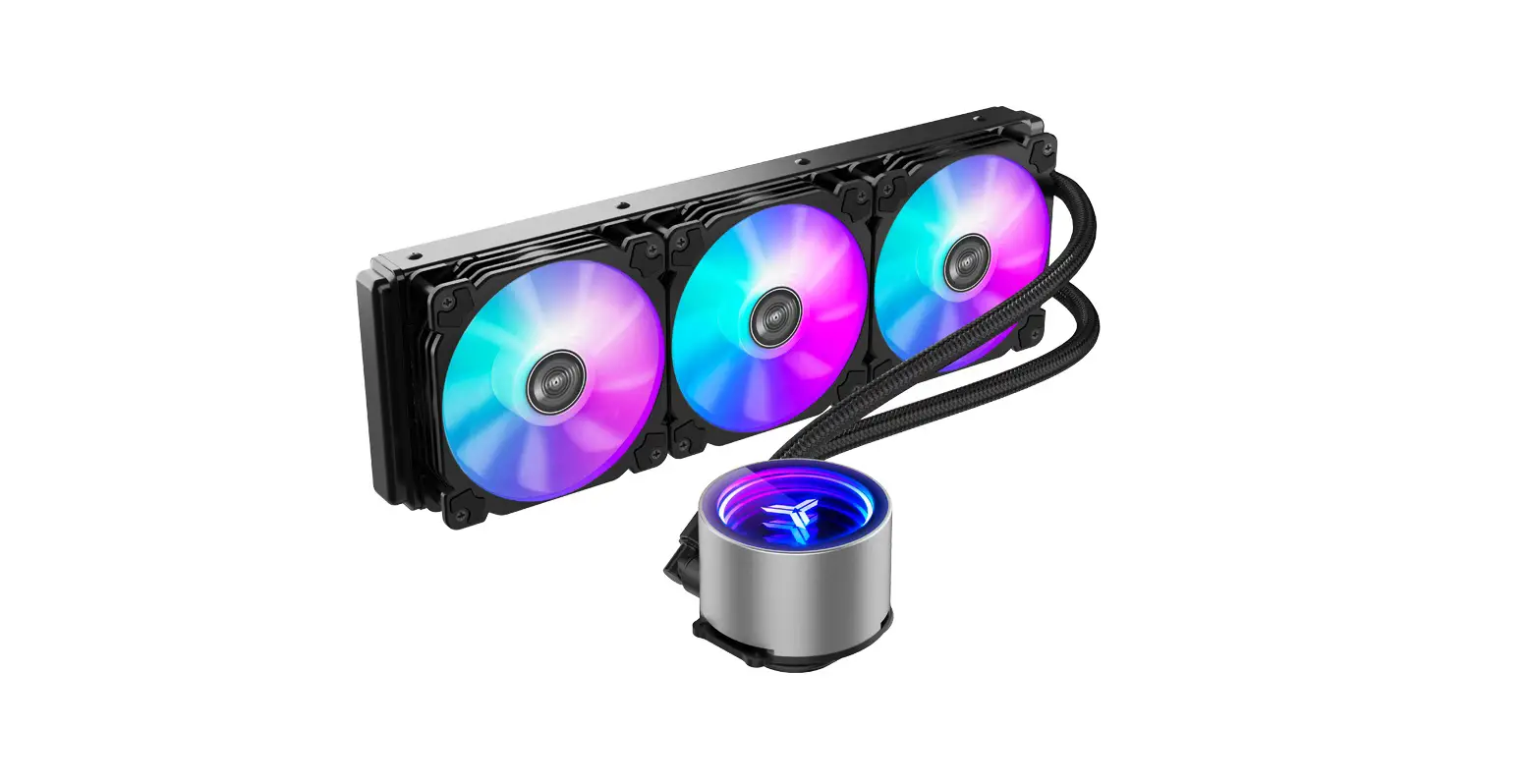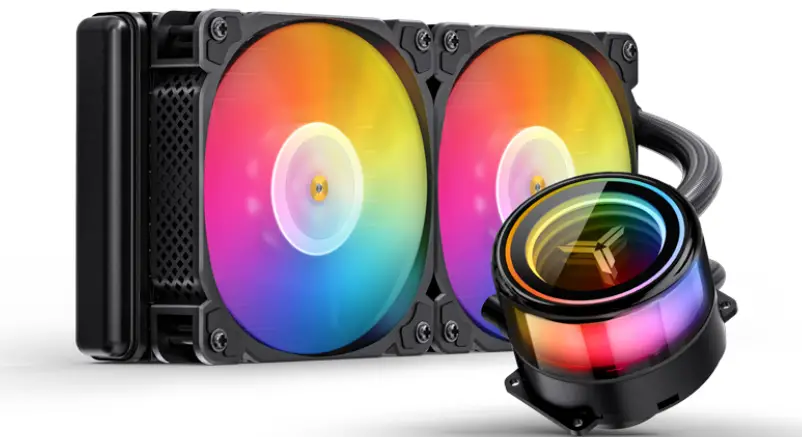

Jonsbo Tw7-240 Integrated Water Cooling User Manual

Jonsbo Tw7-240 Integrated Water Cooling User Manual

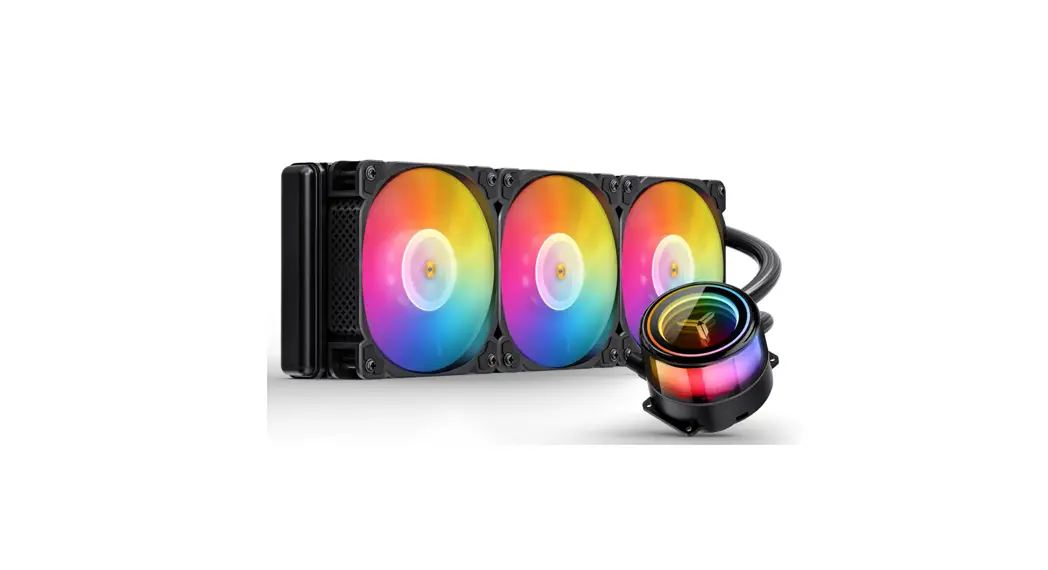
jONSBO TW7-240 Integrated Water Cooling logo
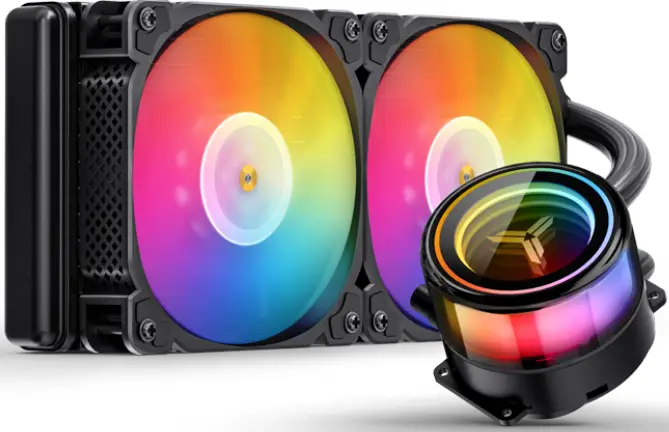
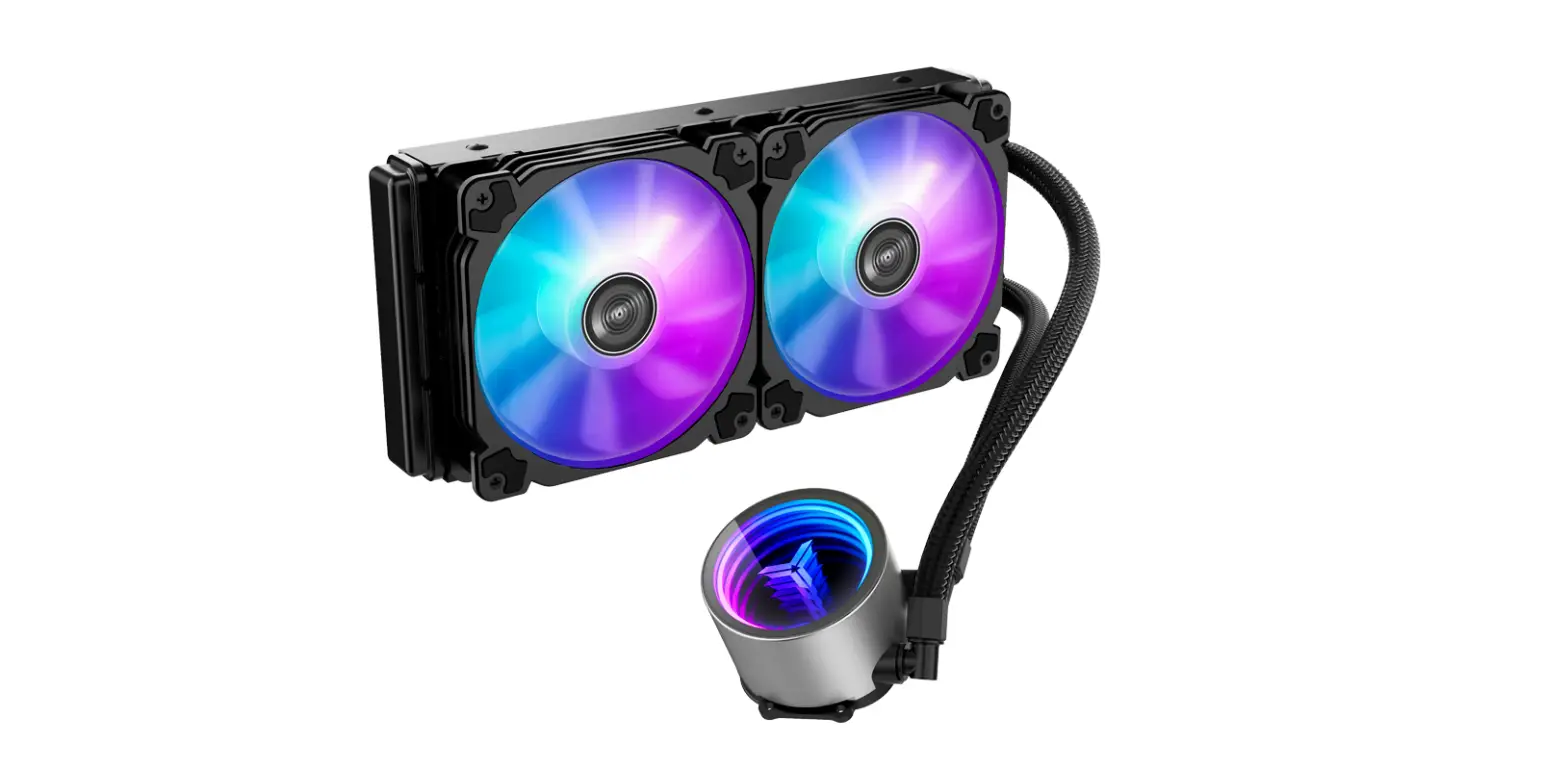
jONSBO TW7-240 Integrated Water Cooling

jONSBO TW7-240 Integrated Water Cooling product

Part List

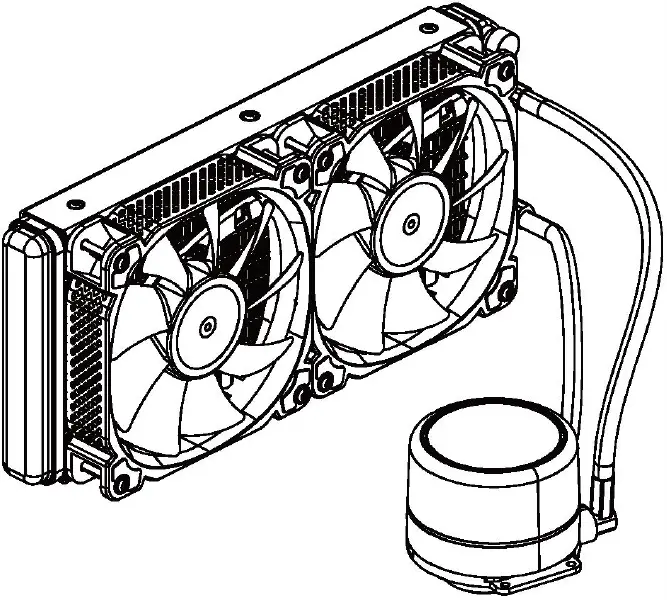
  • CPU CoolerjONSBO TW7-240 Integrated Water Cooling 01
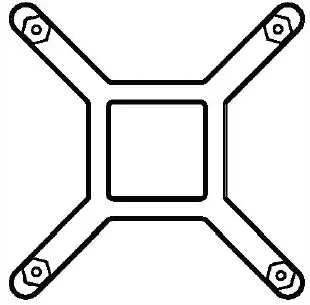
  • BackplatejONSBO TW7-240 Integrated Water Cooling 02
  • Intel BracketjONSBO TW7-240 Integrated Water Cooling 03
  • AMD  BracketjONSBO TW7-240 Integrated Water Cooling 04
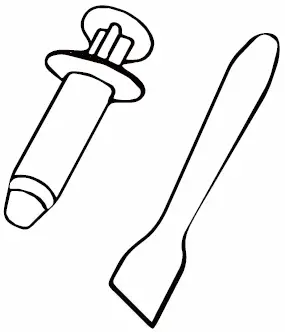
  • Thermal PastejONSBO TW7-240 Integrated Water Cooling 05
  • ScrewjONSBO TW7-240 Integrated Water Cooling 06
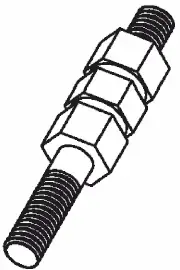
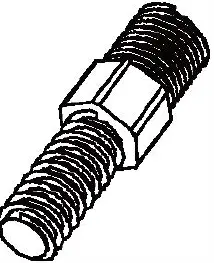
  • 115X/1200/1700 Screw StudjONSBO TW7-240 Integrated Water Cooling 07
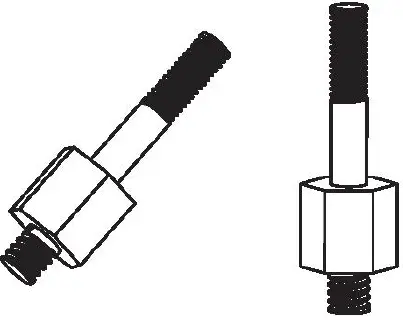
  • 2011 Screw StudjONSBO TW7-240 Integrated Water Cooling 08
  • AMD Screw StudjONSBO TW7-240 Integrated Water Cooling 09
  • ScrewjONSBO TW7-240 Integrated Water Cooling 10
  • Case ScrewsjONSBO TW7-240 Integrated Water Cooling 11

Installation

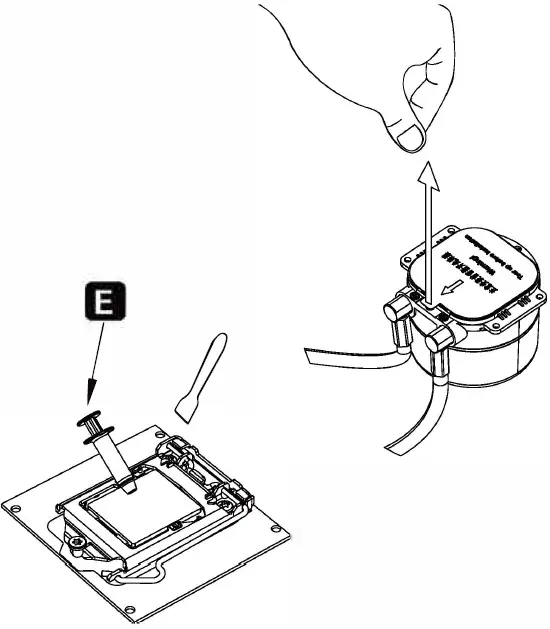
Step 1jONSBO TW7-240 Integrated Water Cooling 12Applying thermal paste/Remove the protection film
Step 2jONSBO TW7-240 Integrated Water Cooling 13
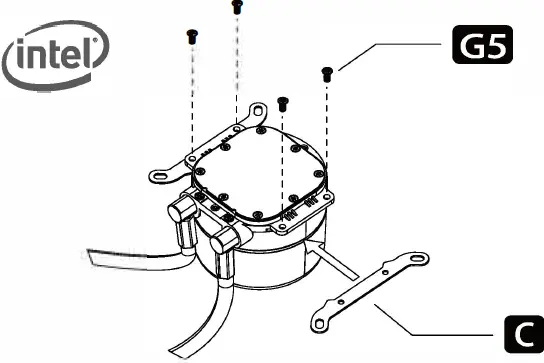
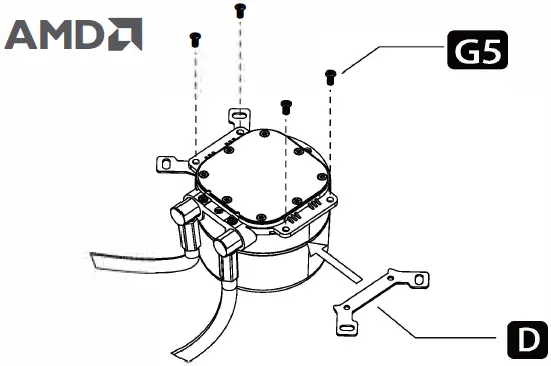
jONSBO TW7-240 Integrated Water Cooling 14Installing the Intel/ AMD bracket
Step 3jONSBO TW7-240 Integrated Water Cooling 15
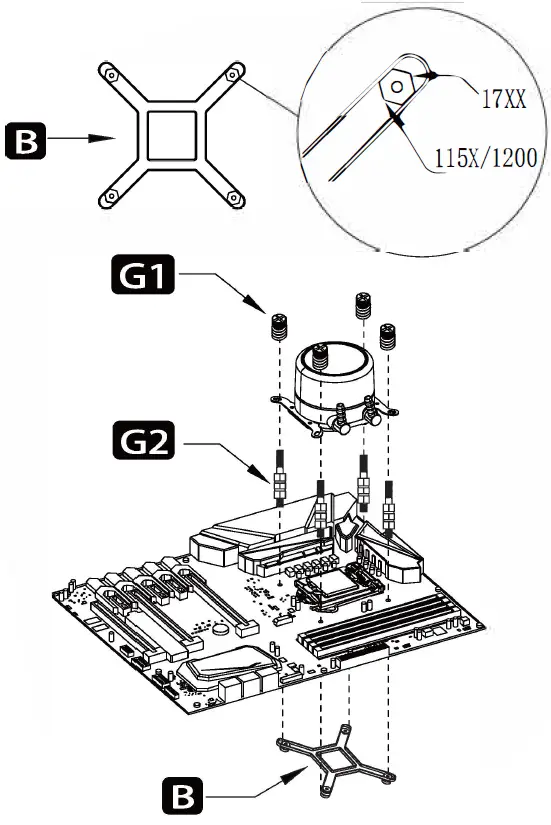
  • Tightening screws diagonally
  • Secure the cooler -Intel LGA 115X/1200/1700 jONSBO TW7-240 Integrated Water Cooling 16
  • Tightening screws diagonally jONSBO TW7-240 Integrated Water Cooling 17
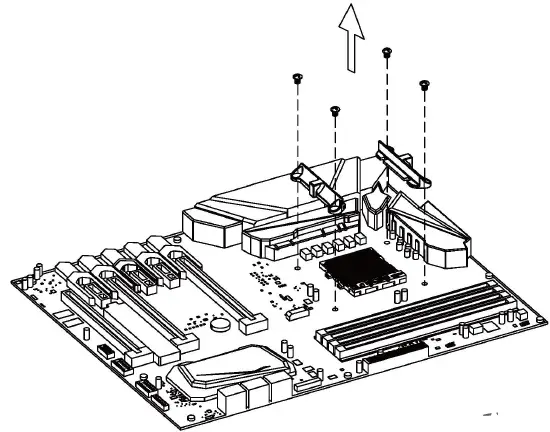
  • Remove the AMD original retention plastic brackets
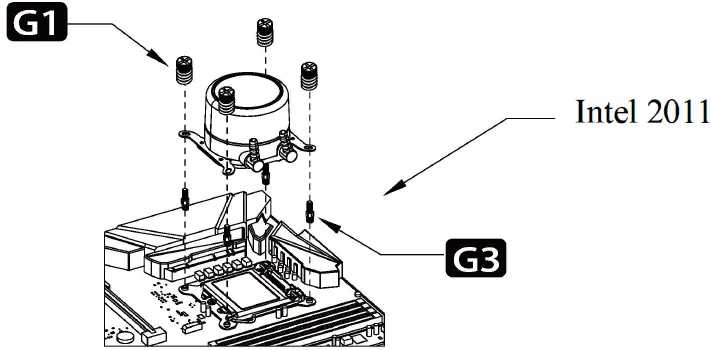
  • Secure the cooler – Intel LGA 2011 jONSBO TW7-240 Integrated Water Cooling 18
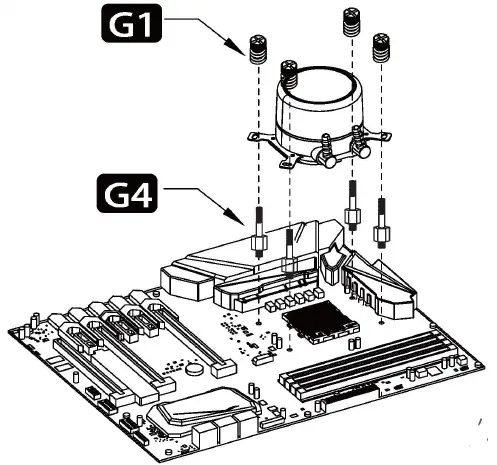
  • Screw in AMD studs / Secure the cooler -AMD
Step 4jONSBO TW7-240 Integrated Water Cooling 19
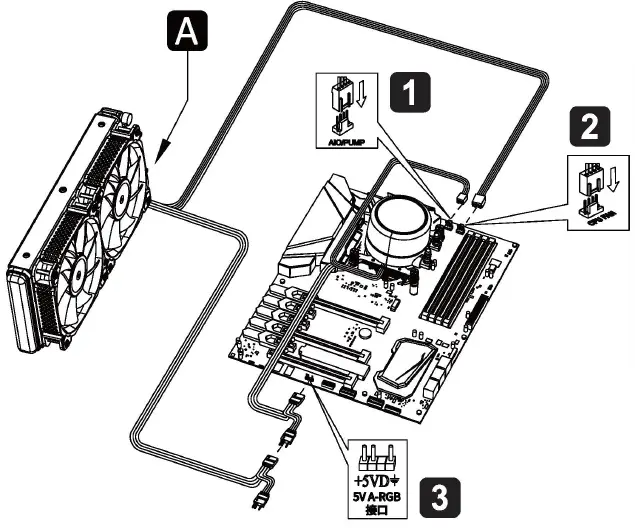
  • Connect the 3-pin connector from the pump unit to AlO/PUMP socket on the motherboard
  • Connect the 4-pin fan PWM connector to CPU_FAN socket on the motherboard
  •  Connect to 5V ARGB LED socket on motherboard

Step 5jONSBO TW7-240 Integrated Water Cooling 20
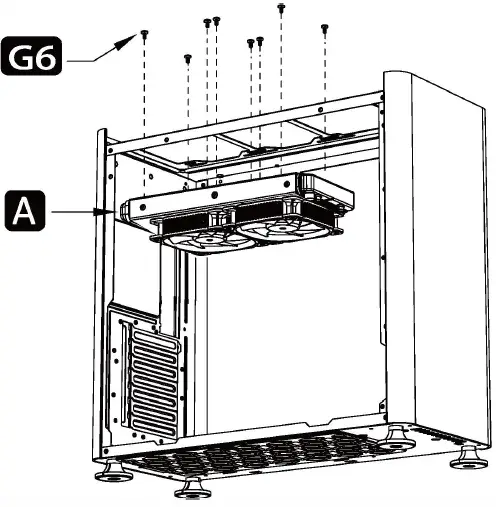
  • Secure the the fans and radiator
Documents / Resouces

Download manual
Here you can download full pdf version of manual, it may contain additional safety instructions, warranty information, FCC rules, etc.


Related Manuals