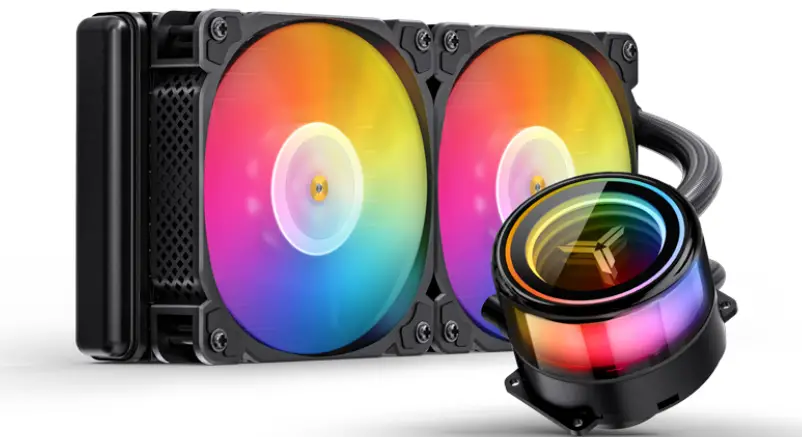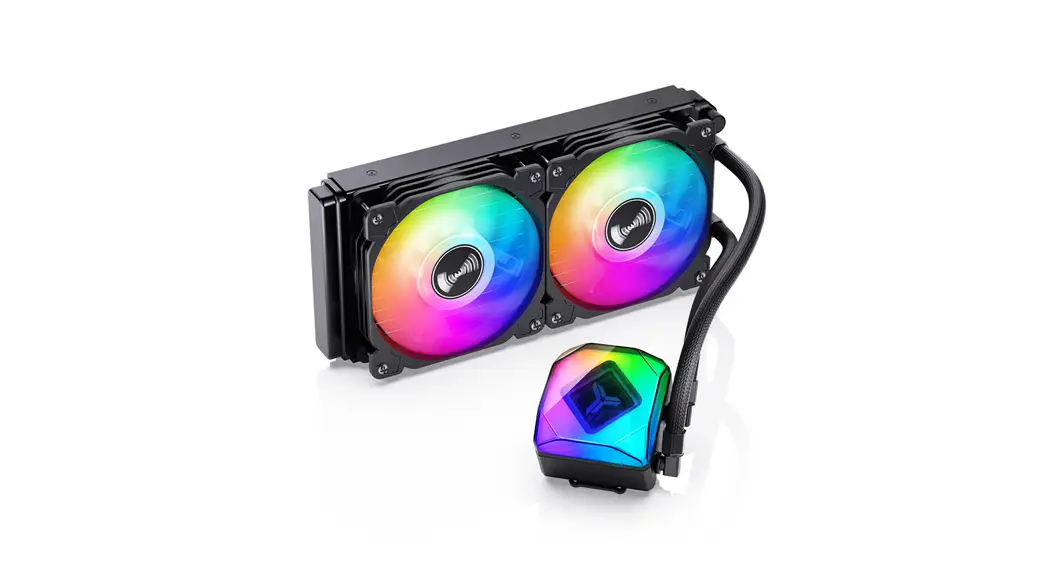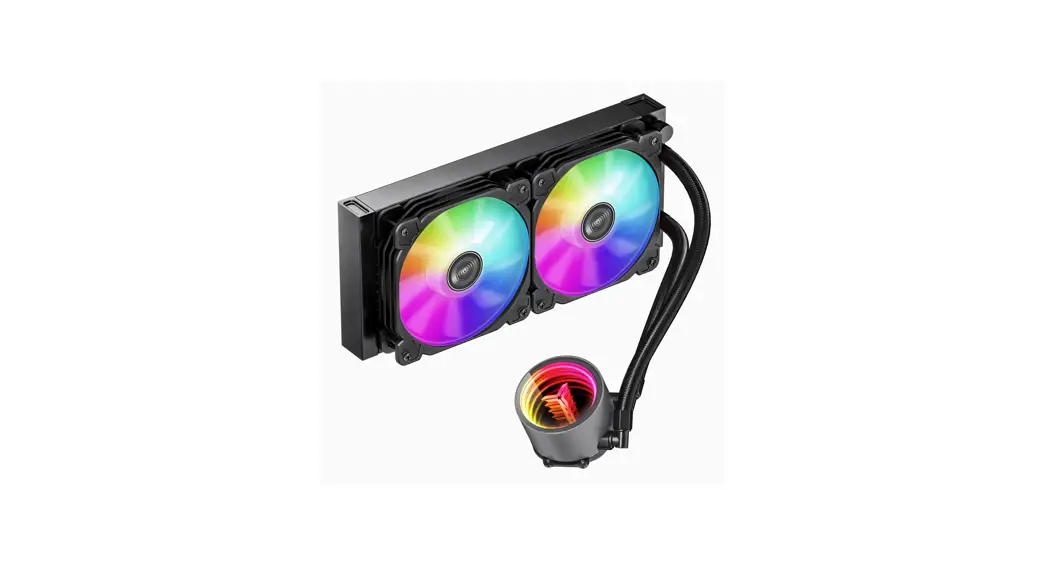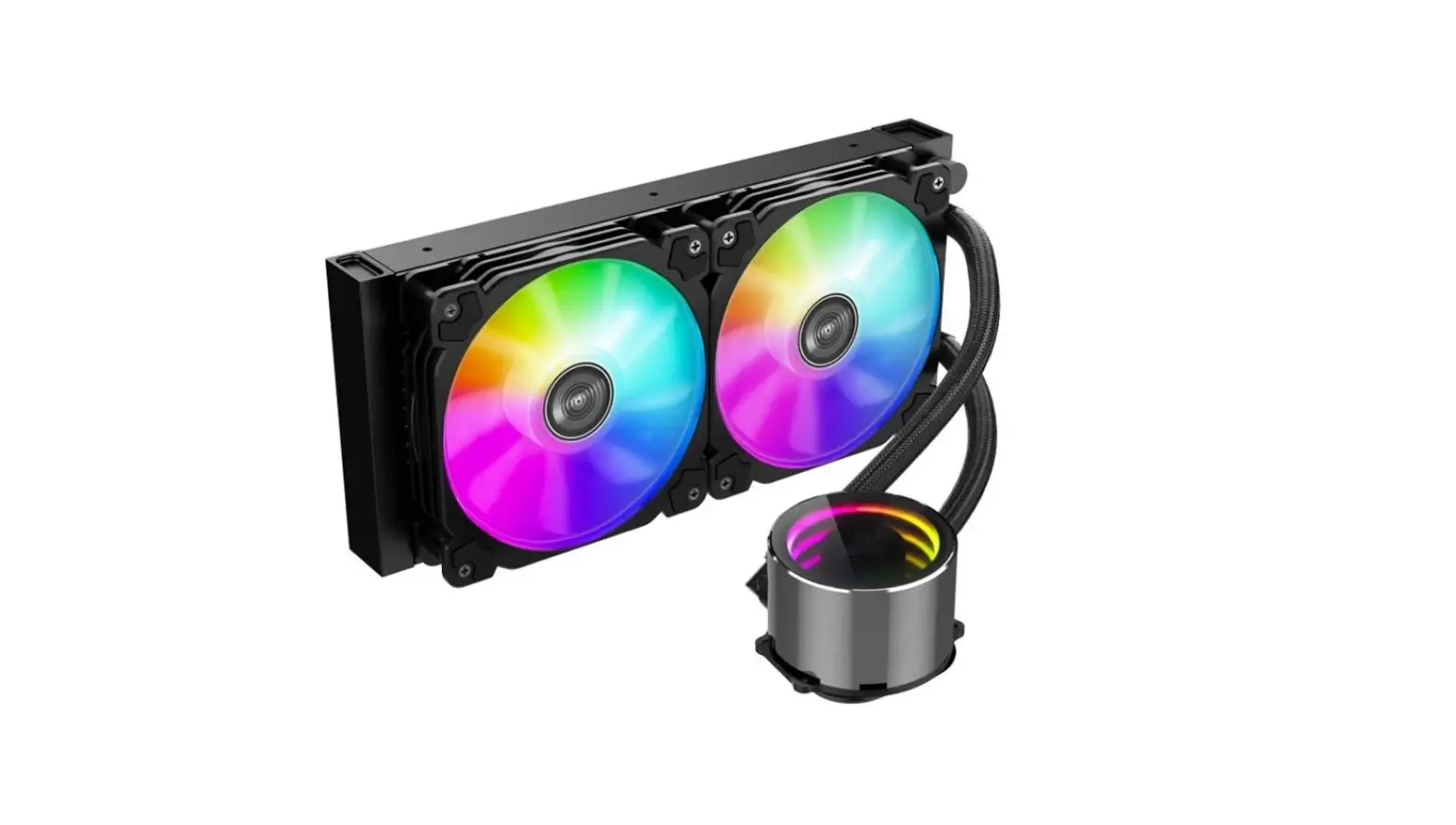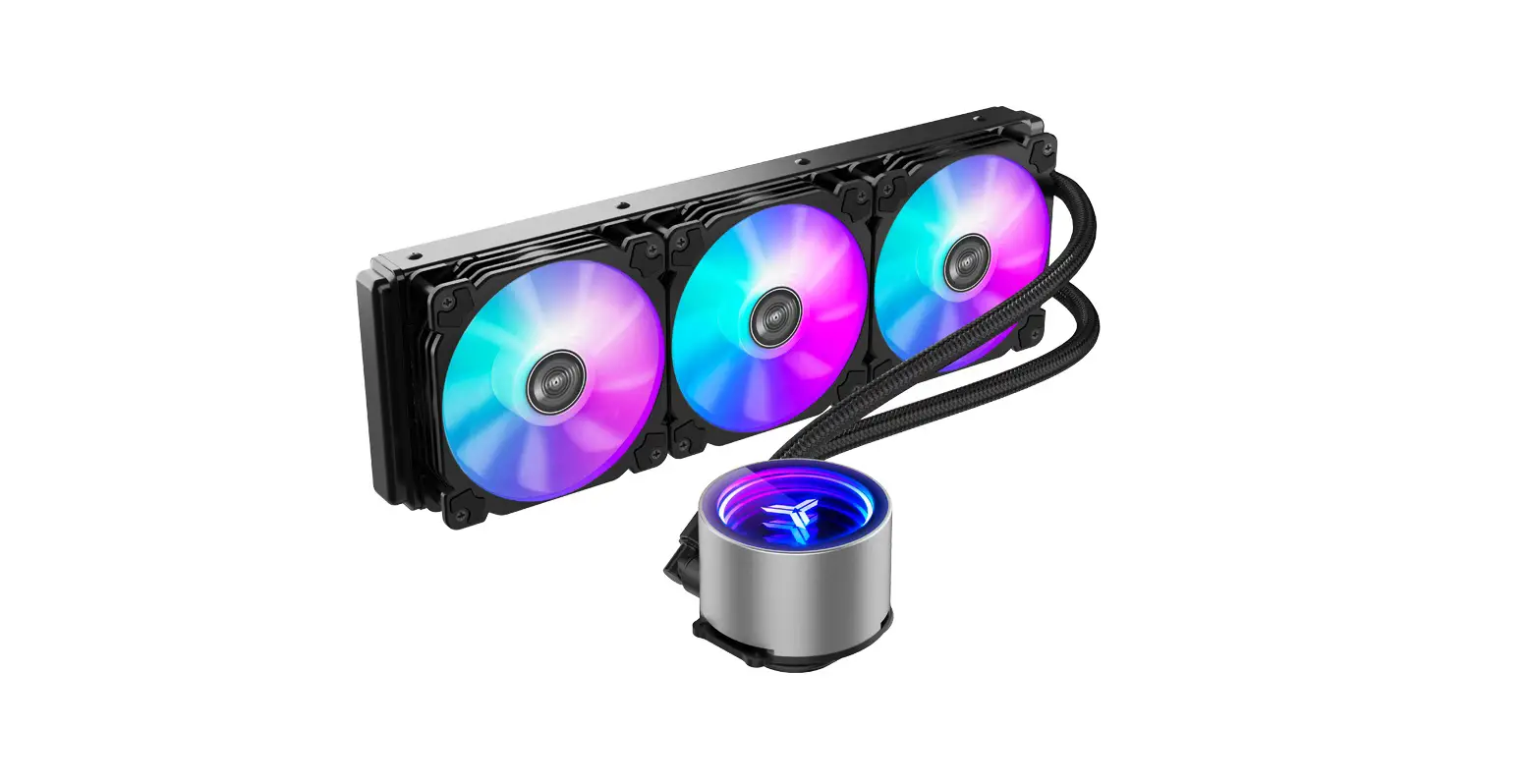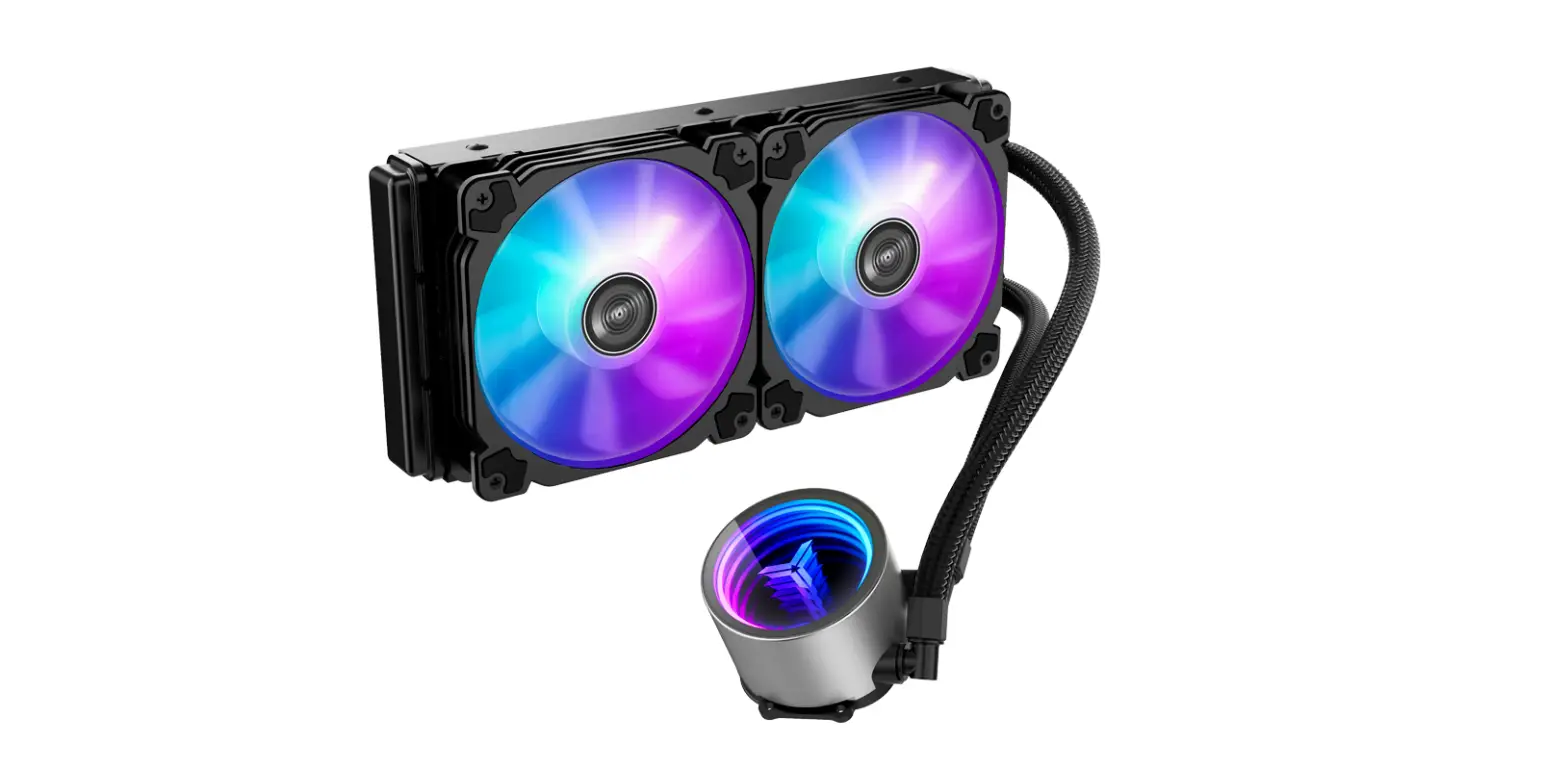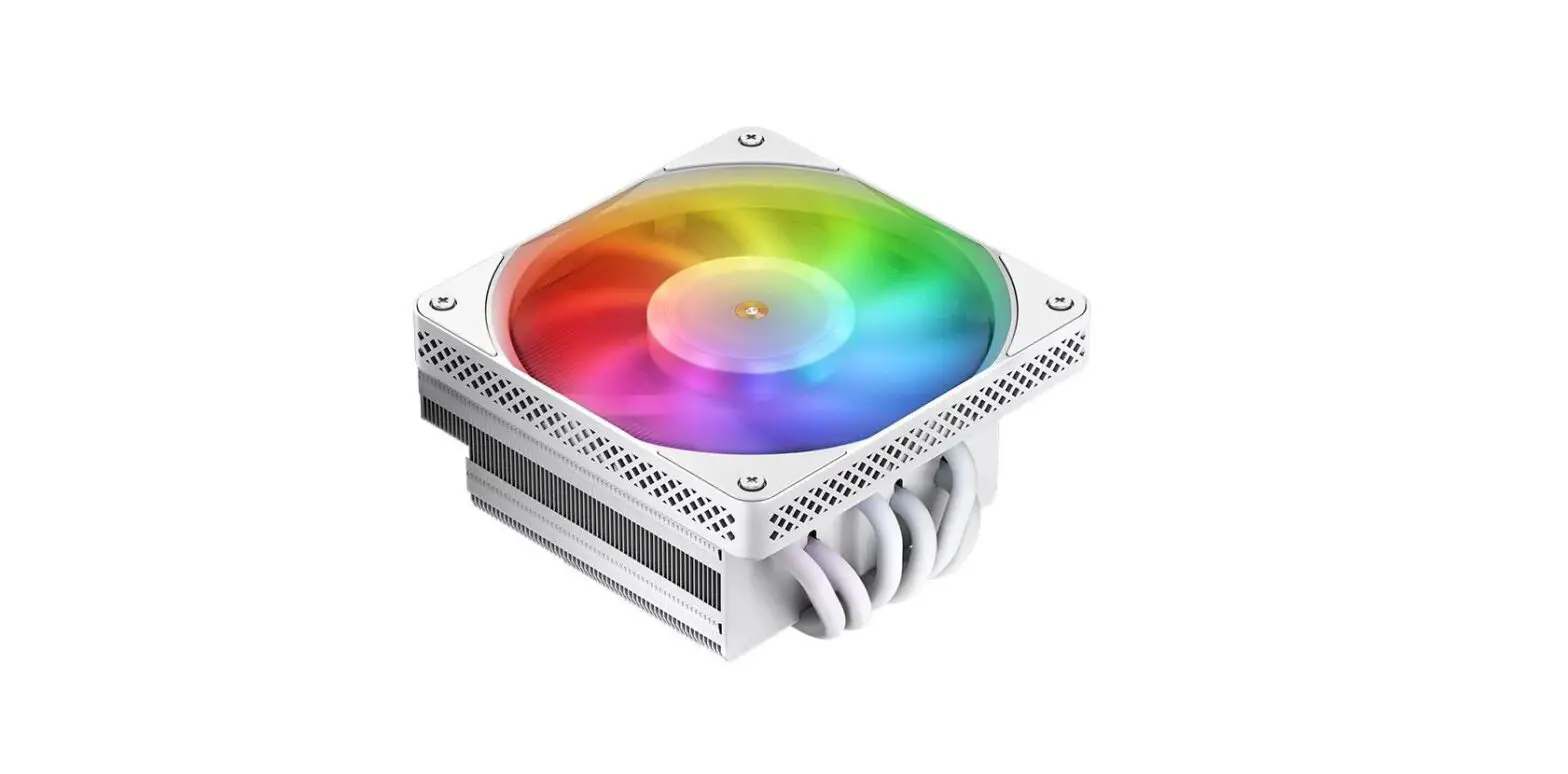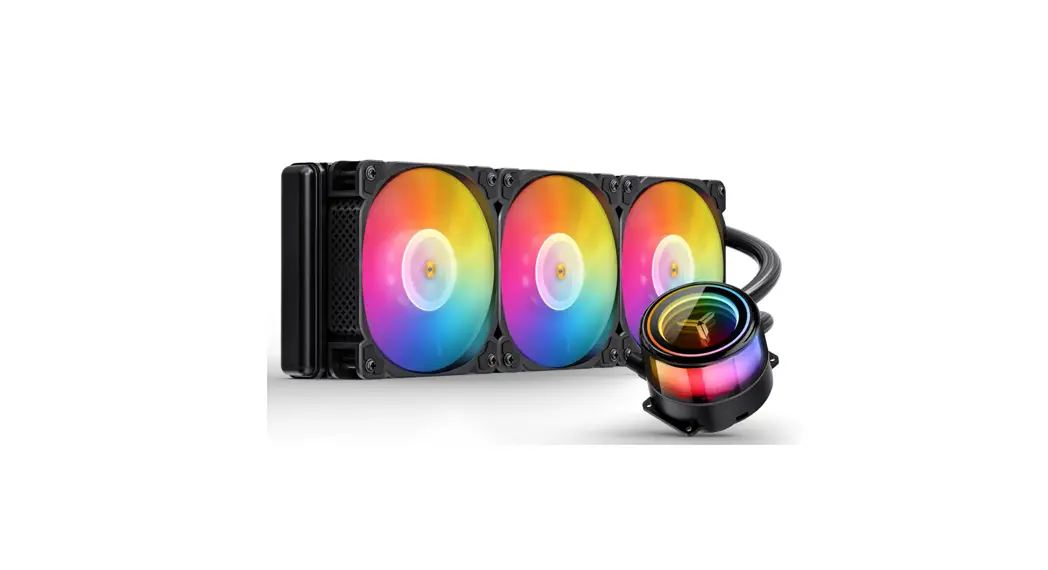
 TW7-360 ARGB Integrated Water Cooling
User Manual
Chapter 1 – Part List
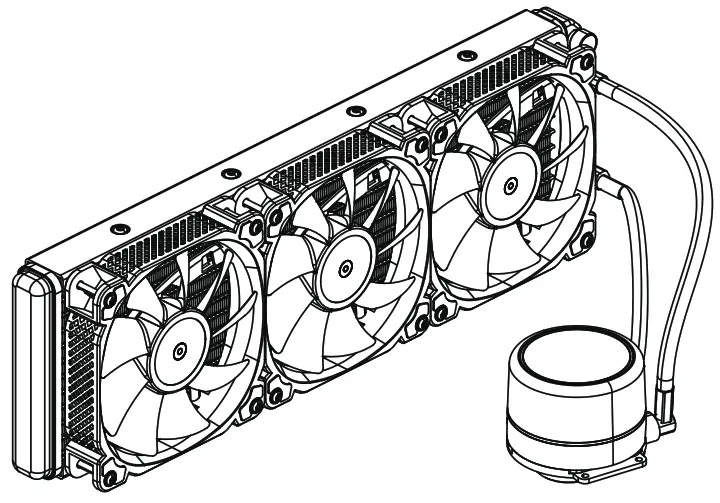
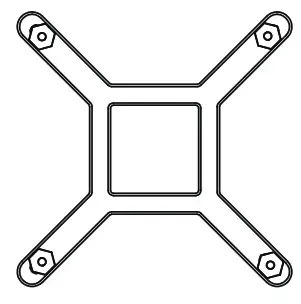
| A. CPU Cooler | B. Backplate | C. Intel Bracket |
 |  | 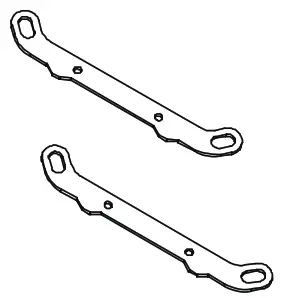 |
| D. AMD Bracket | E. Thermal Paste | G1. Screw |
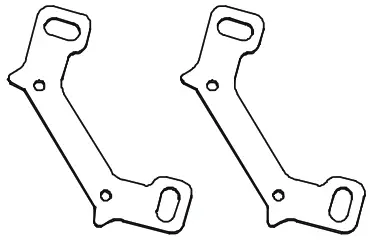 | 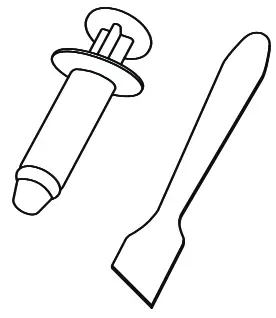 | 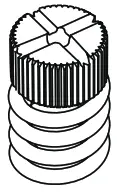 |
| G2. 1158/1200/1700 Screw Stud | G3. 2011 Screw Stud | G4. AMD Screw Stud |
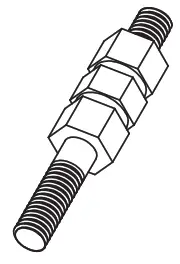 | 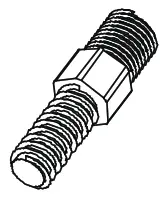 | 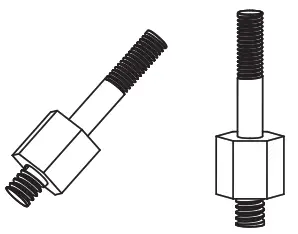 |
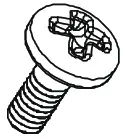
| G5. Screw | G6. Case Screws | |
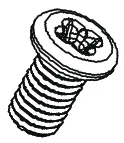 |  | |
Chapter 2 – Installation
Step 1
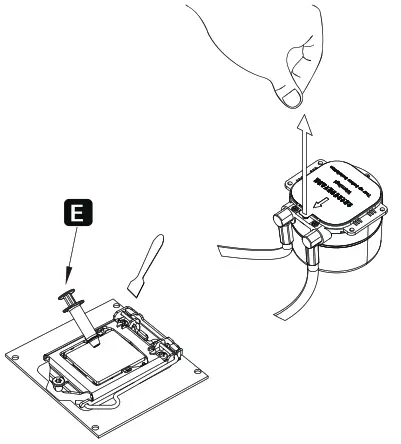 Applying thermal paste/Remove the protection film
Step 2
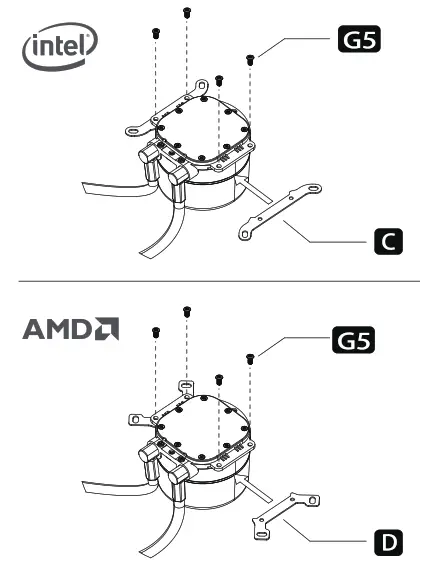 Installing the Intel/AMO bracket
Step 3
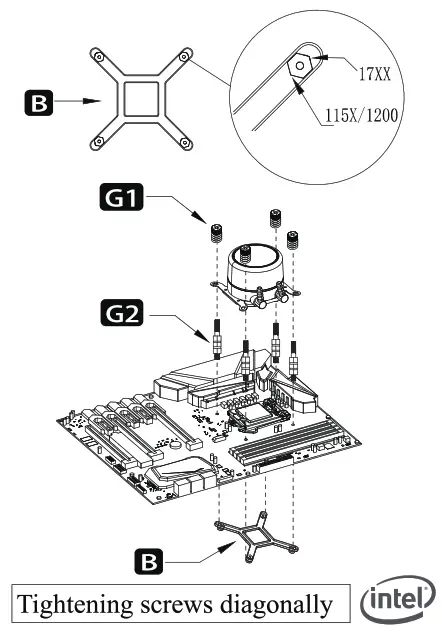 Secure the cooler -Intel LGA 115X /1200/1700
 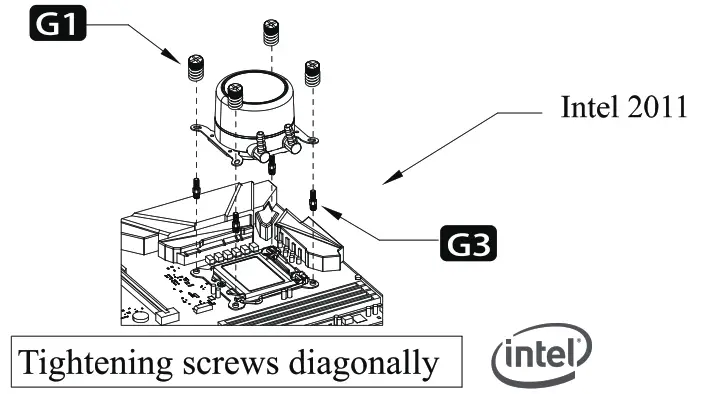 Secure the cooler -Intel LGA 2011
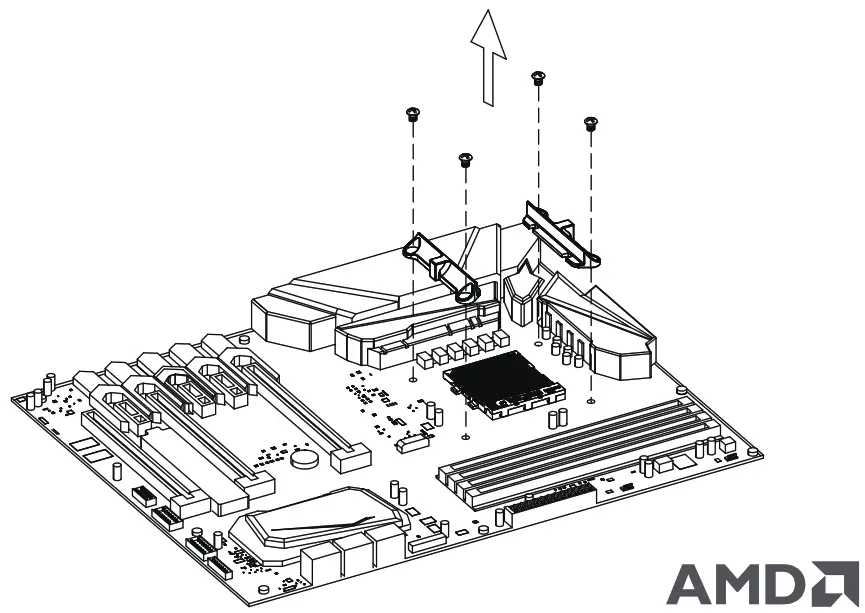 Remove the AMD original retention plastic brackets
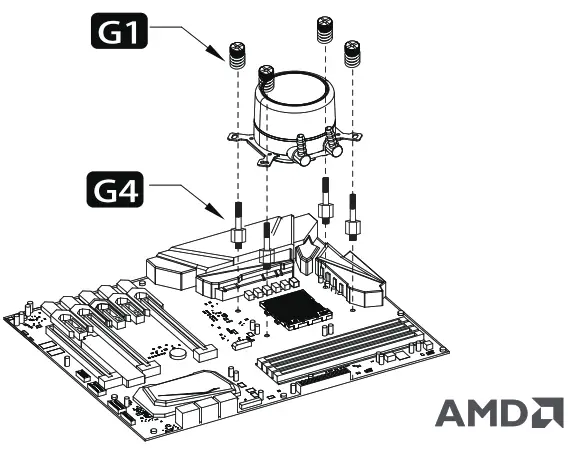 Screw in AMD/Secure the cooler-AMD
Step 4
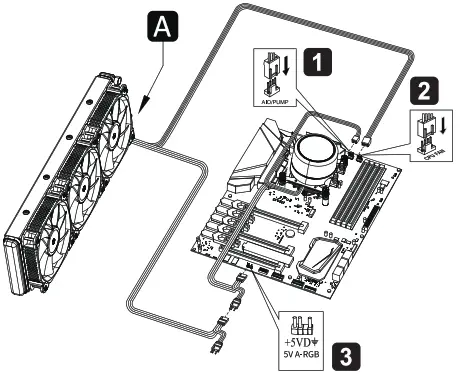
- Connect the 3-pin connector from the pump unit to AIO/PUMP socket on the motherboard
- Connect the 4-pin fan PWM connector to CPU_FAN socket on the motherboard
- Connect to 5V ARGB LED socket on motherboard
Step 5
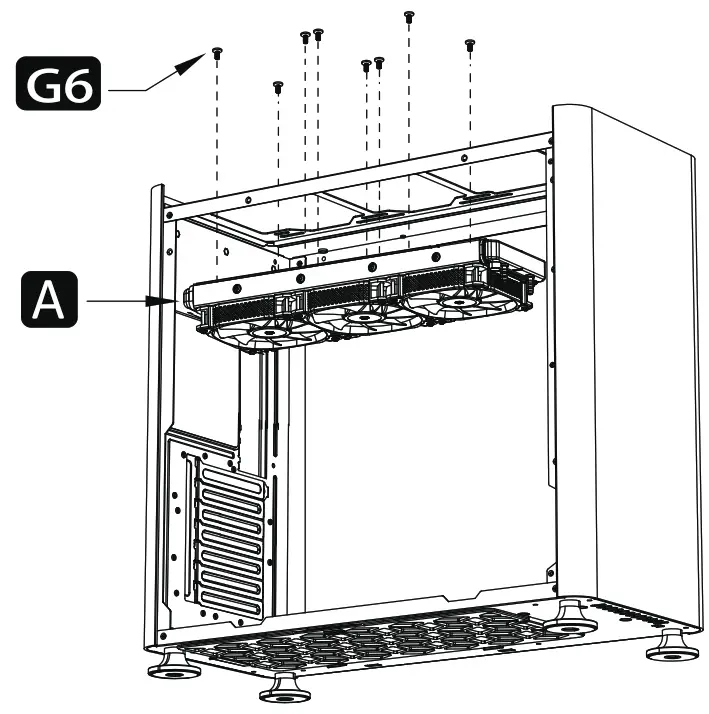 Secure the the fans and radiator
©2022 JONSBO Technology Co., Ltd.
All right reserved. Specifications are subject to change without prior notice,
Some trademark may be claimed as the property of others.