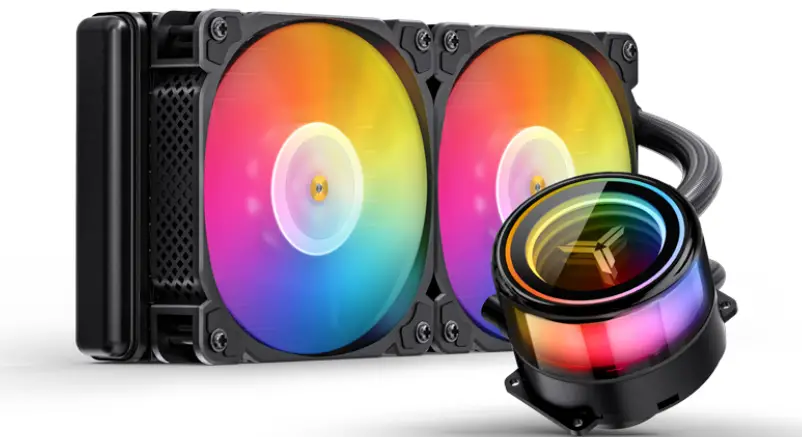
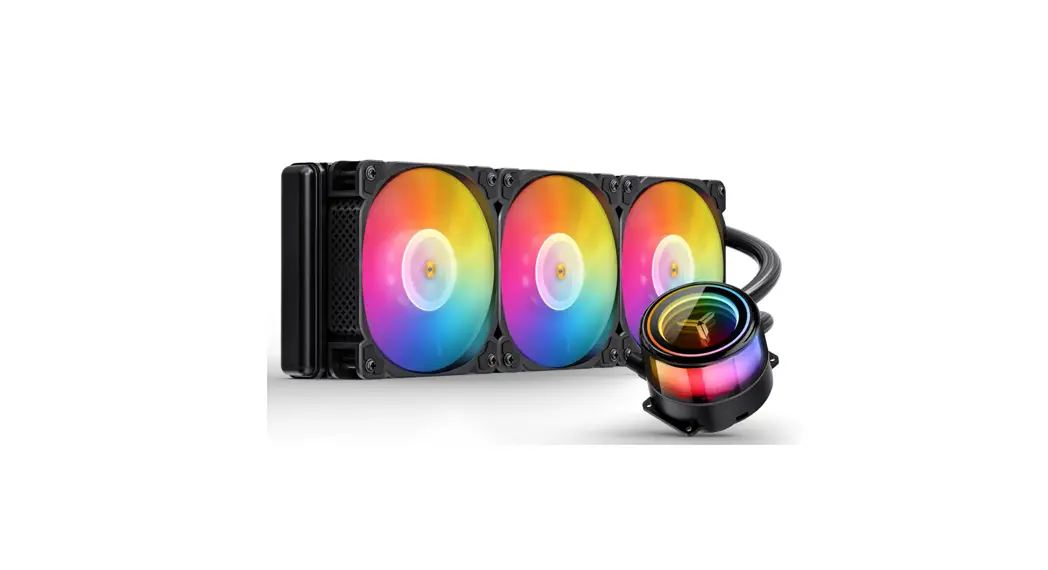
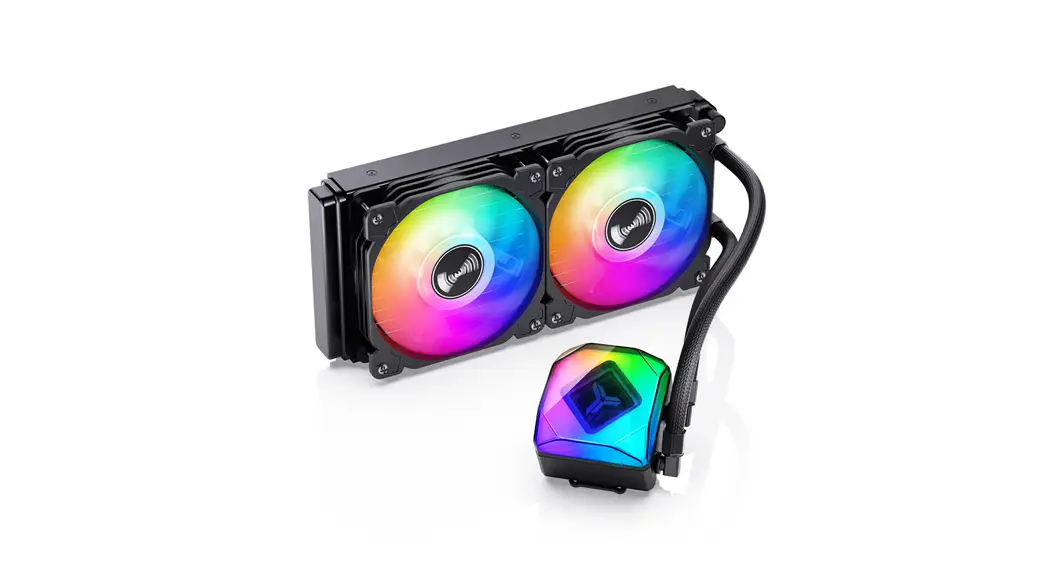
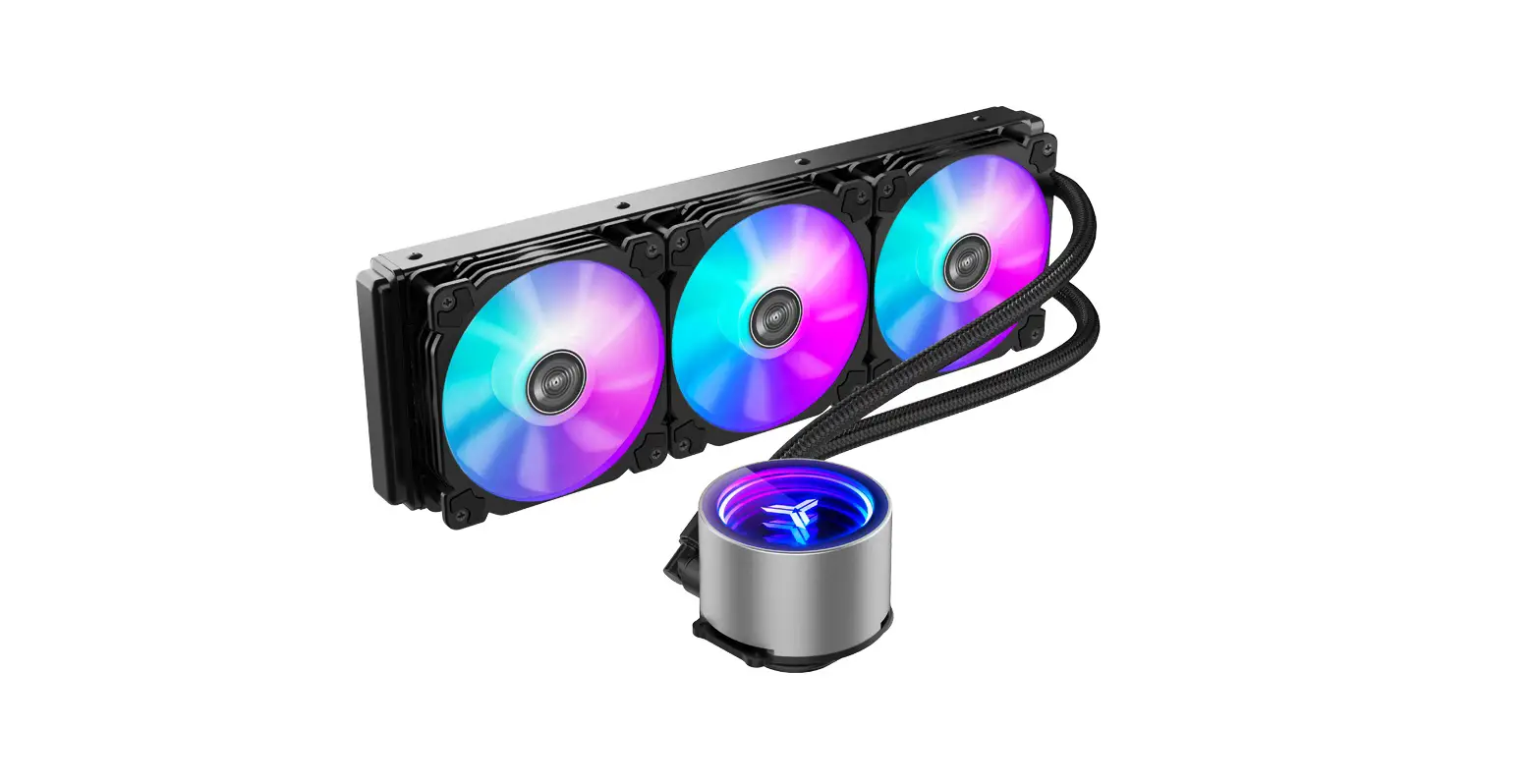
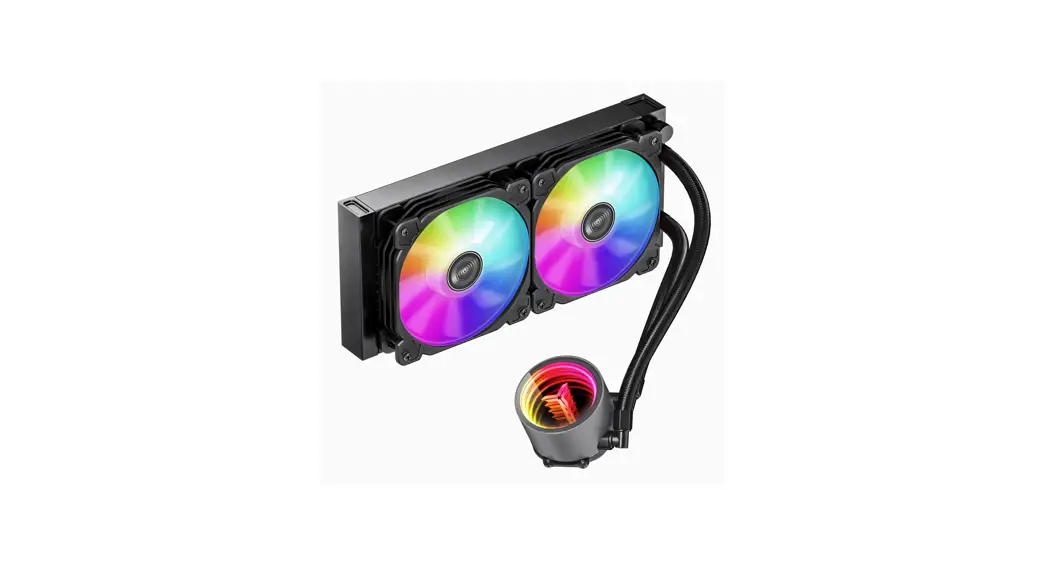
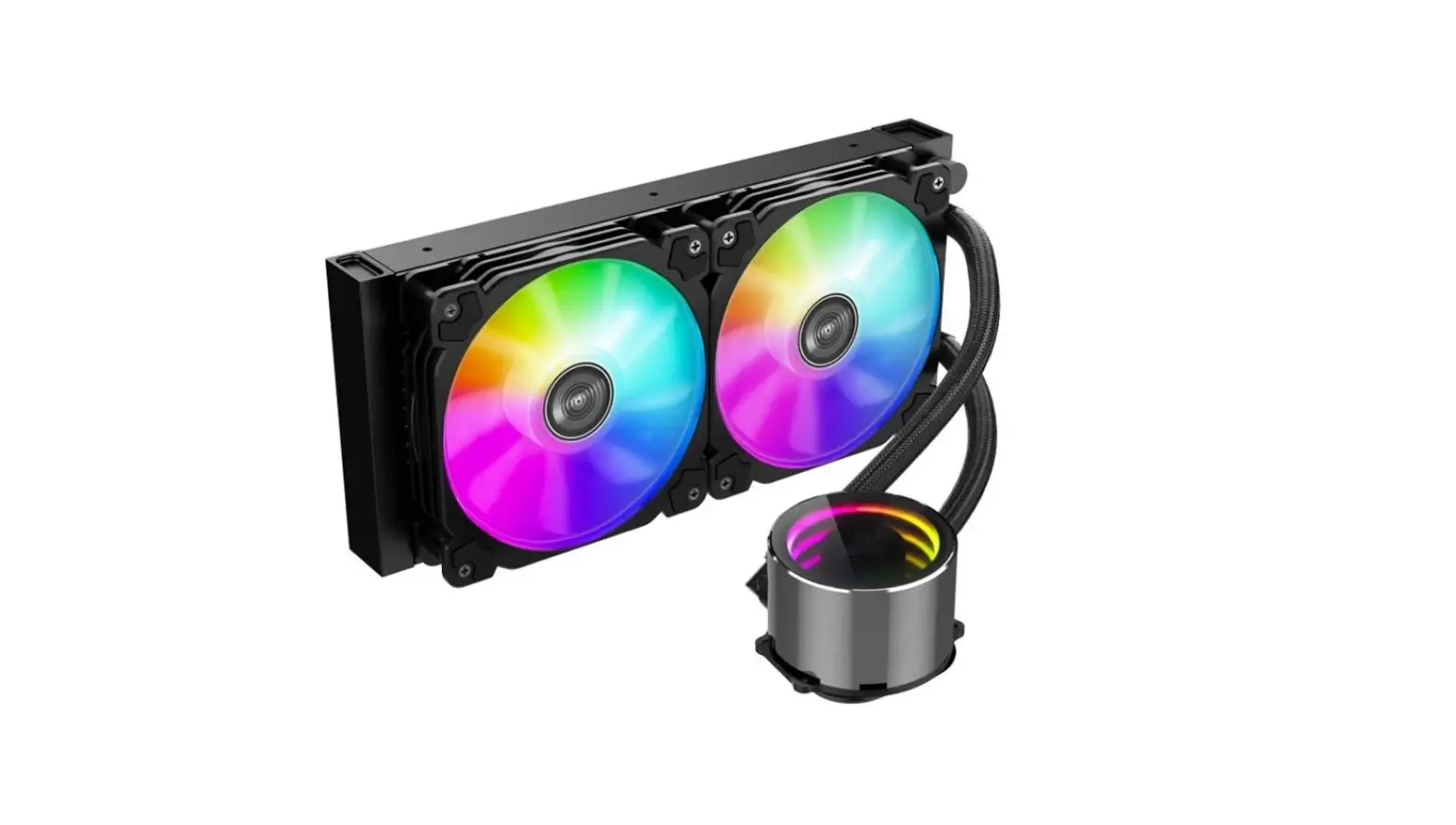
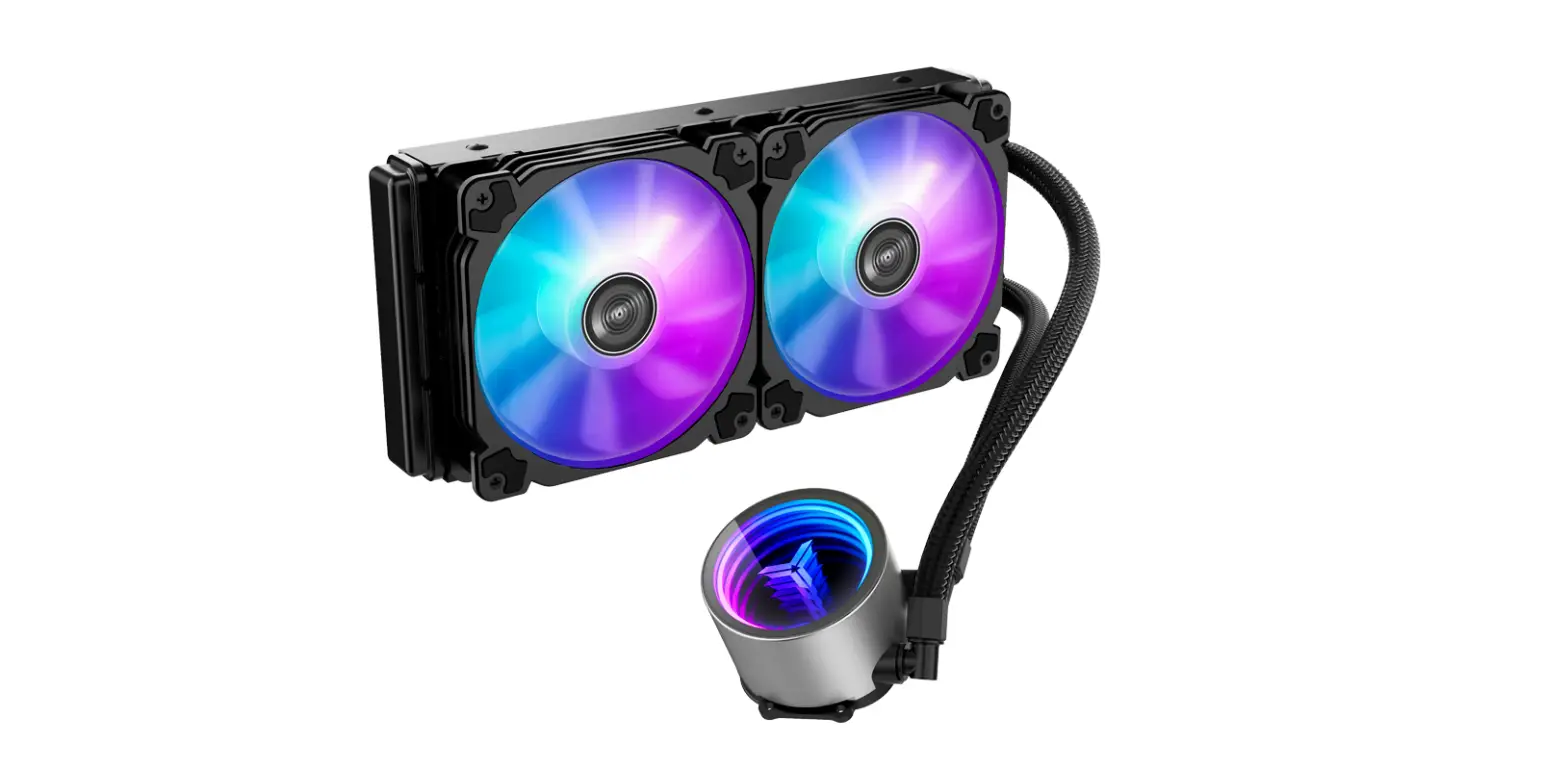
TW7-360 Integrated Water Cooling
Product Information
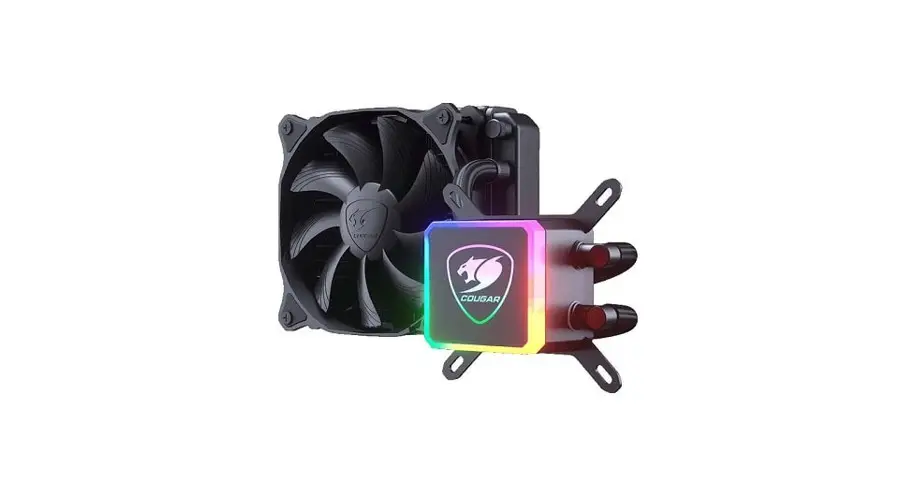
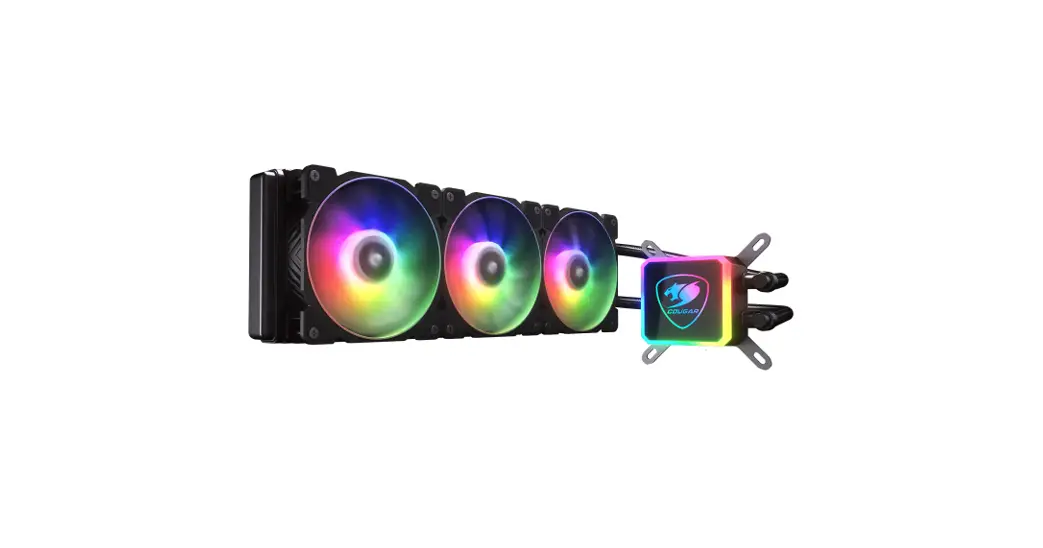
This product is an all-in-one liquid cooling system for desktop
computers. It consists of a pump unit and a radiator with fans to
dissipate heat efficiently from the CPU. The pump unit has a 3-pin
connector that needs to be connected to the AIO/PUMP socket on the
motherboard.
Product Usage Instructions
- Ensure that your computer is turned off and unplugged from the
power source. - Locate the AIO/PUMP socket on your motherboard. It is usually
located near the CPU socket. - Connect the 3-pin connector from the pump unit to the AIO/PUMP
socket on the motherboard. Ensure that it is connected
securely. - Attach the radiator to the case using the provided screws and
ensure that it is mounted securely. - Connect the fans to the radiator and ensure that they are
securely mounted. - Connect the power cables of the fans to the CPU fan headers on
the motherboard. - Connect the power cables of the pump unit to a SATA power
connector from your power supply unit. - Turn on your computer and check if the liquid cooling system is
working properly.
It is important to follow these instructions carefully to ensure
that the liquid cooling system functions properly and efficiently.
Failure to do so may result in damage to your computer
components.
Connect the 3-pin connector from the pump unit to AIO/PUMP socket on the motherboard
3PINAIO/PUMP Connect the 4-pin fan PWM connector to CPU_FAN socket on the motherboard Verbinden Sie den 4-poligen Lüfter-PWM-Anschluss mit der CPU_FAN-Buchse auf dem Motherboard Connectez le connecteur PWM du ventilateur à 4 broches à la prise CPU_FAN de la carte mère 4 PWM CPU_FAN . 4PIN PWMCPU-FAN Connect to 5V ARGB LED socket on motherboard An die 5V-ARGB-LED-Buchse auf dem Motherboard anschließen Connectez-vous à la prise LED ARGB 5V sur la carte mère 5V ARGB LED 5V ARGB