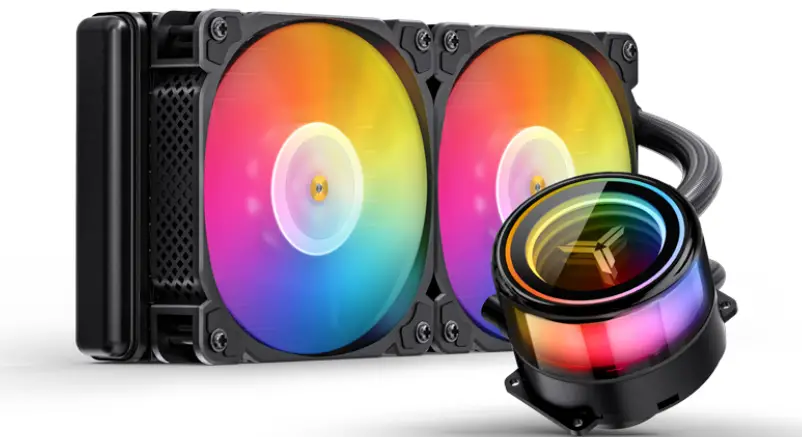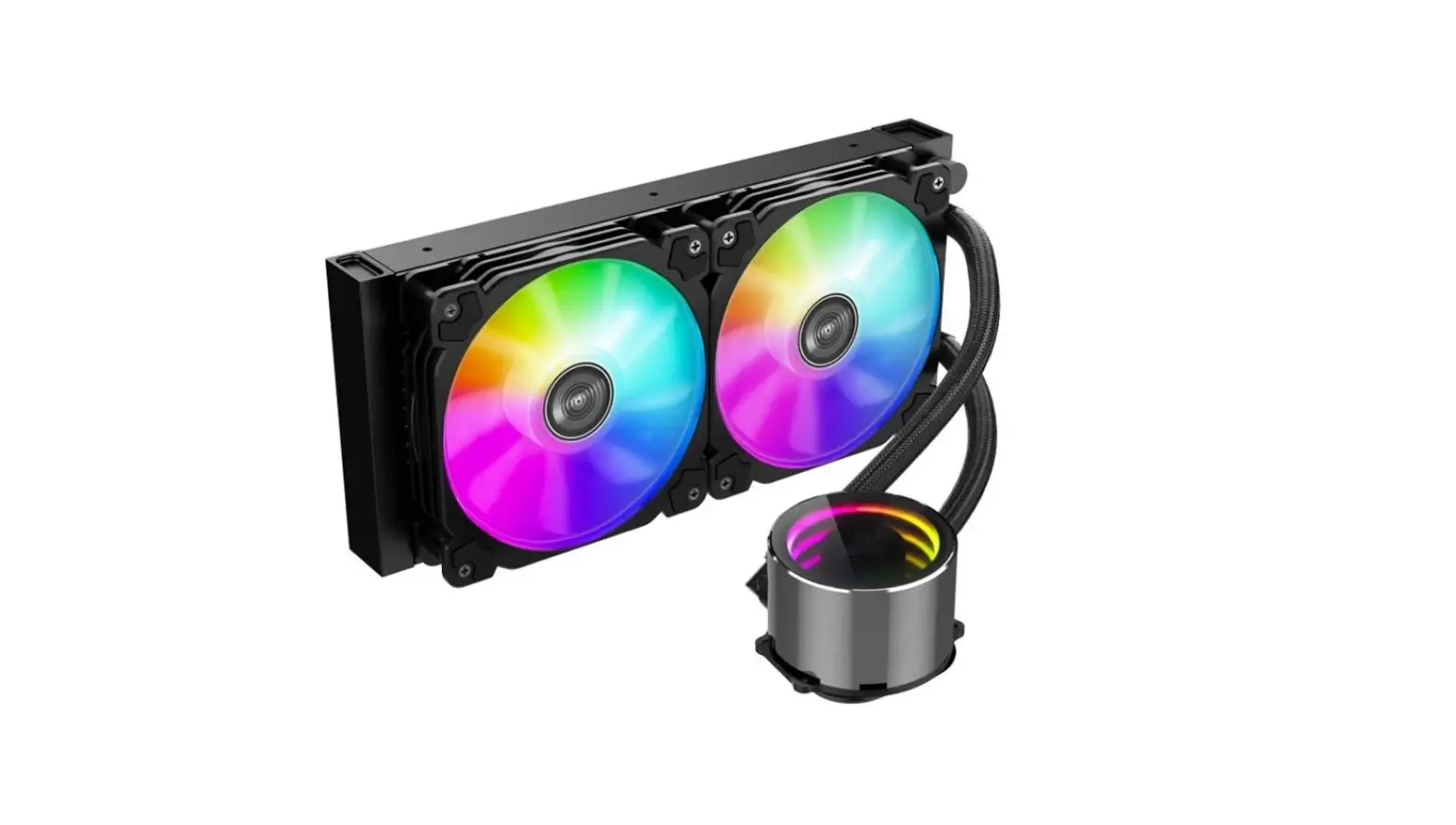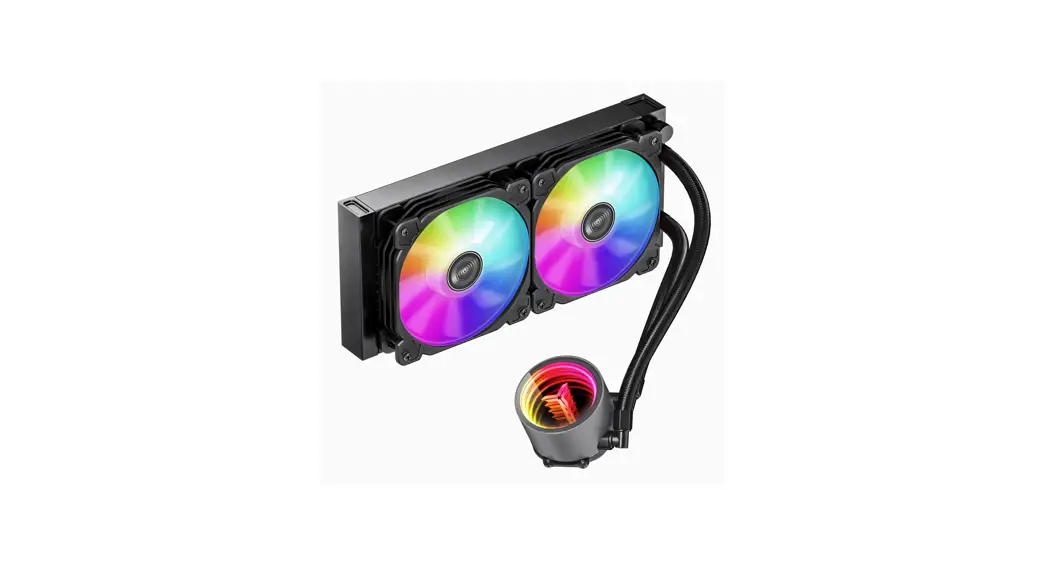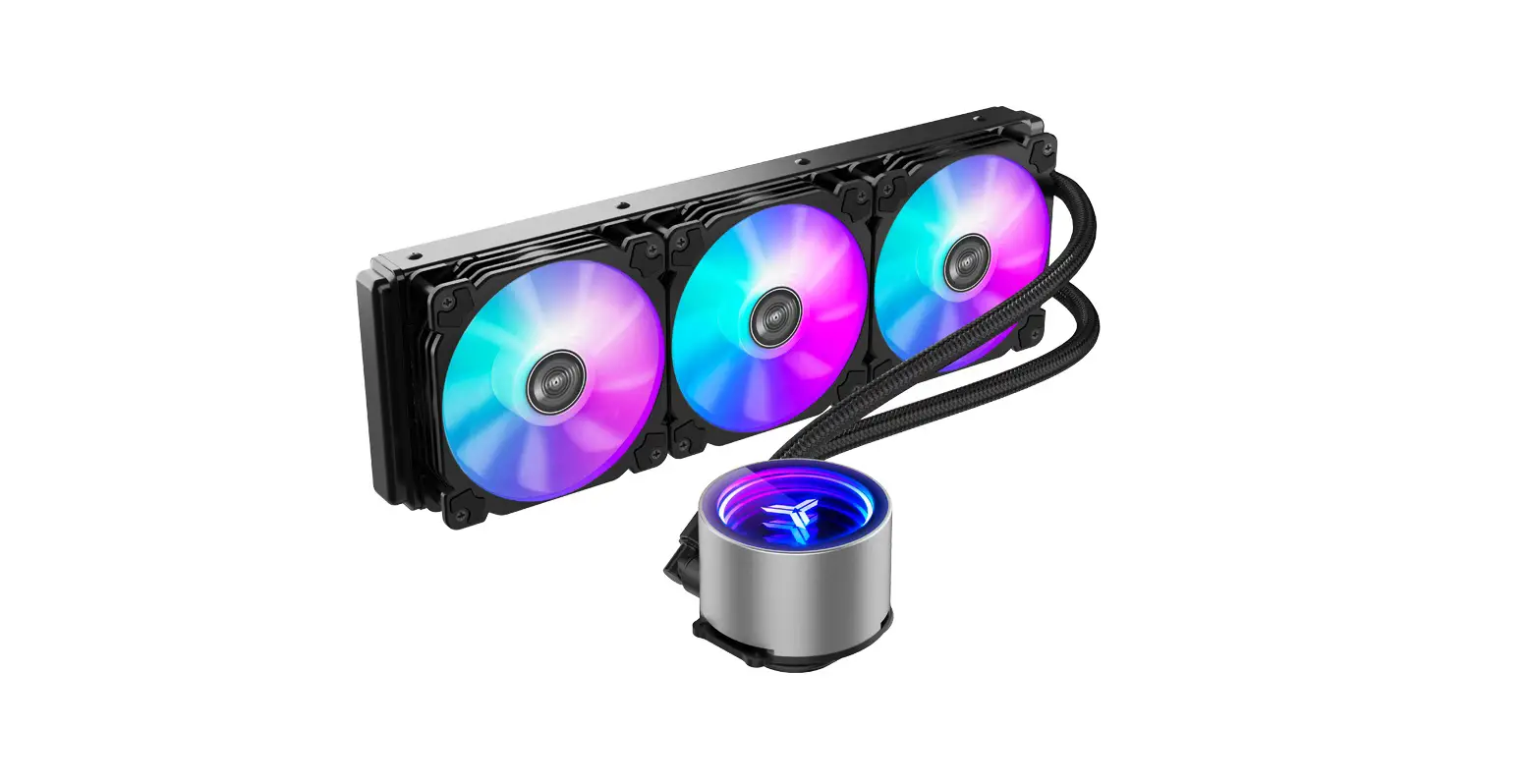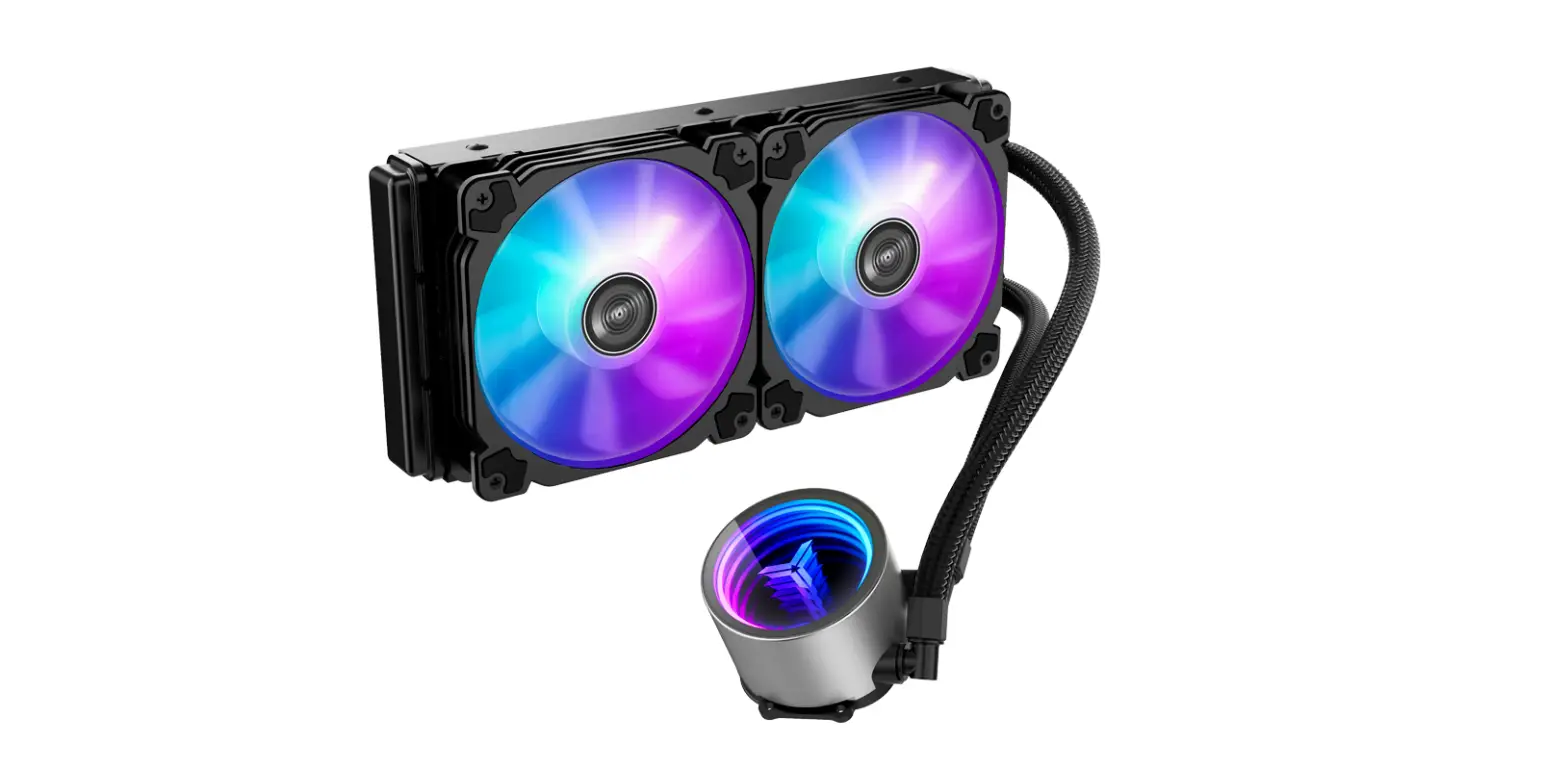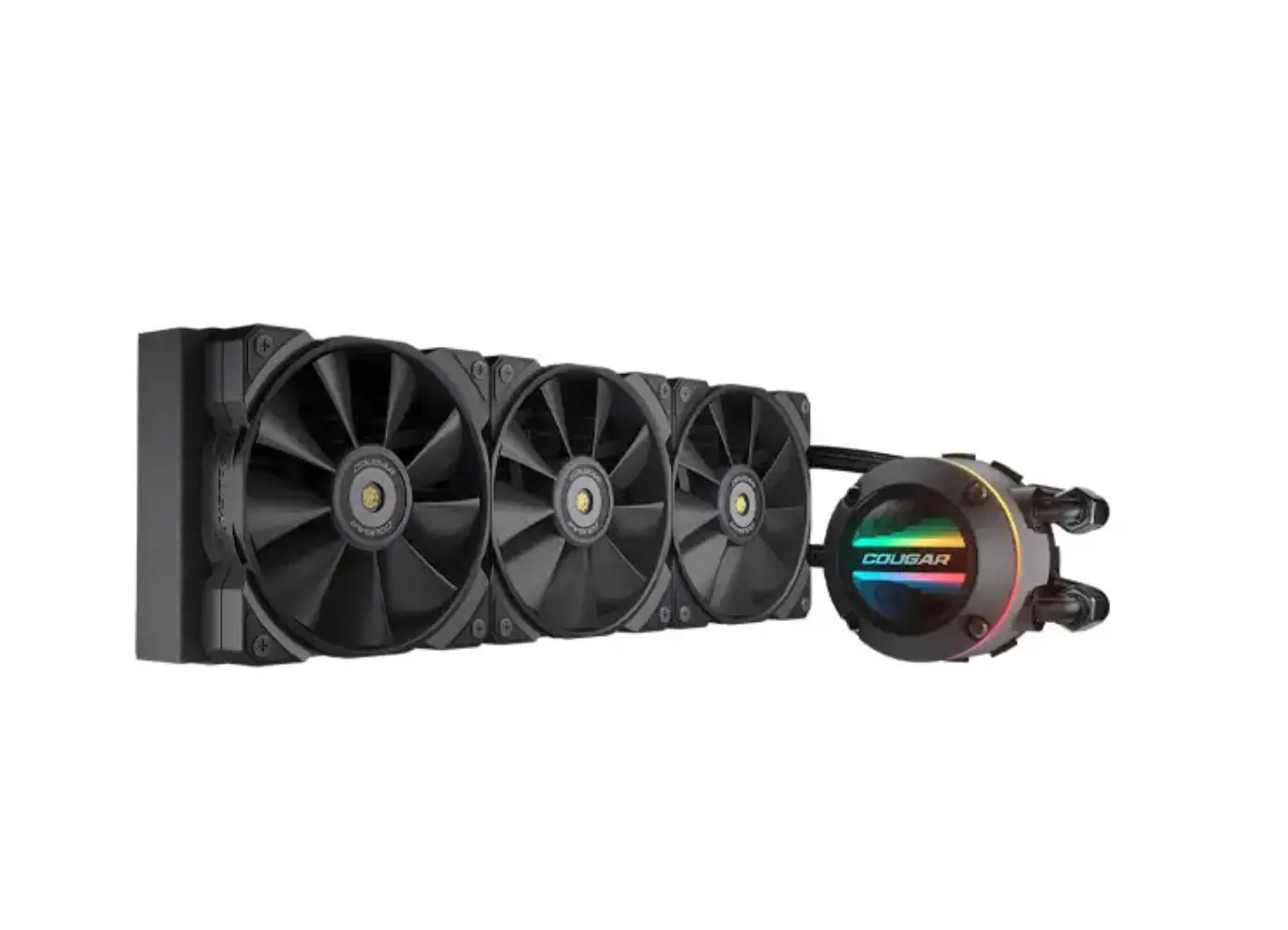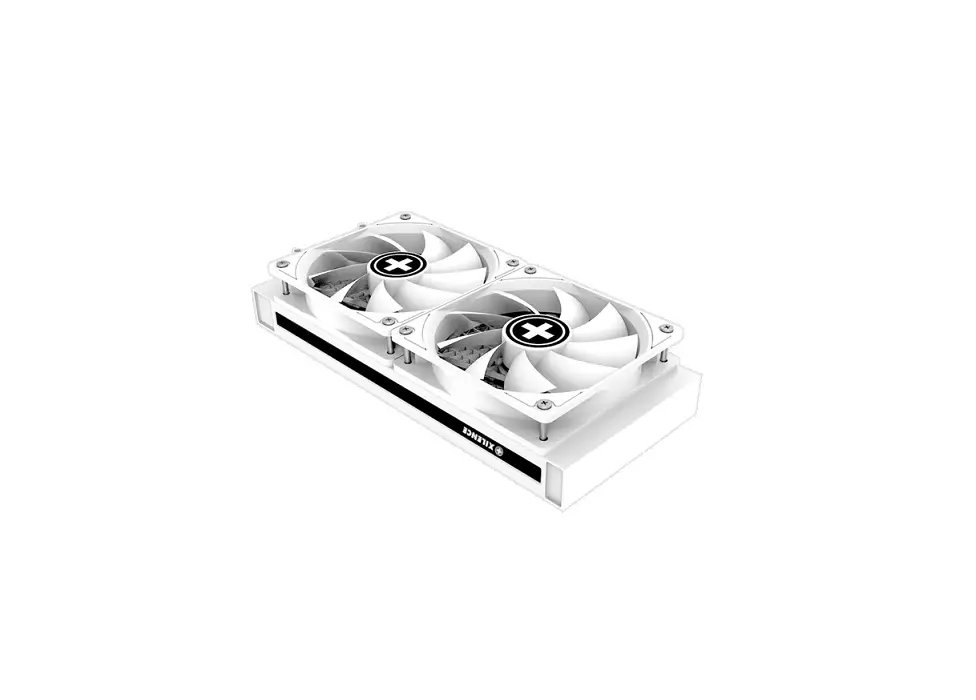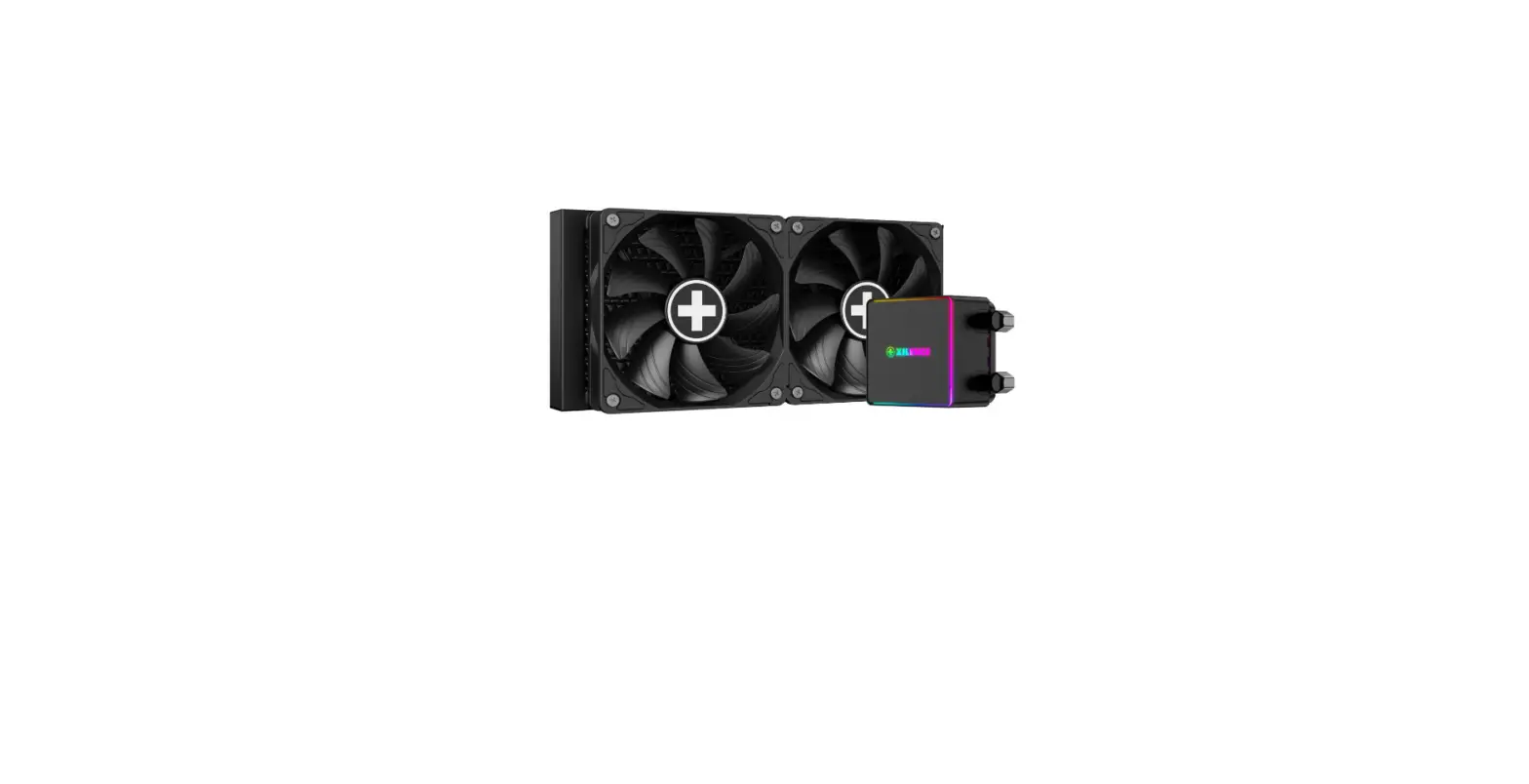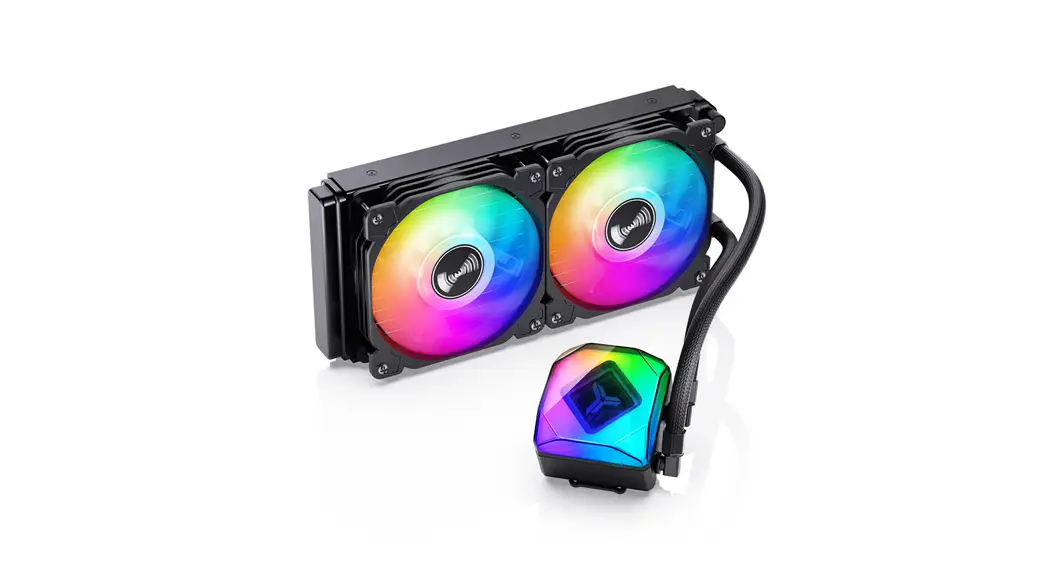
 TW6-240 ARGB Integrated Water Cooling
User Manual
Chapter 1- part list
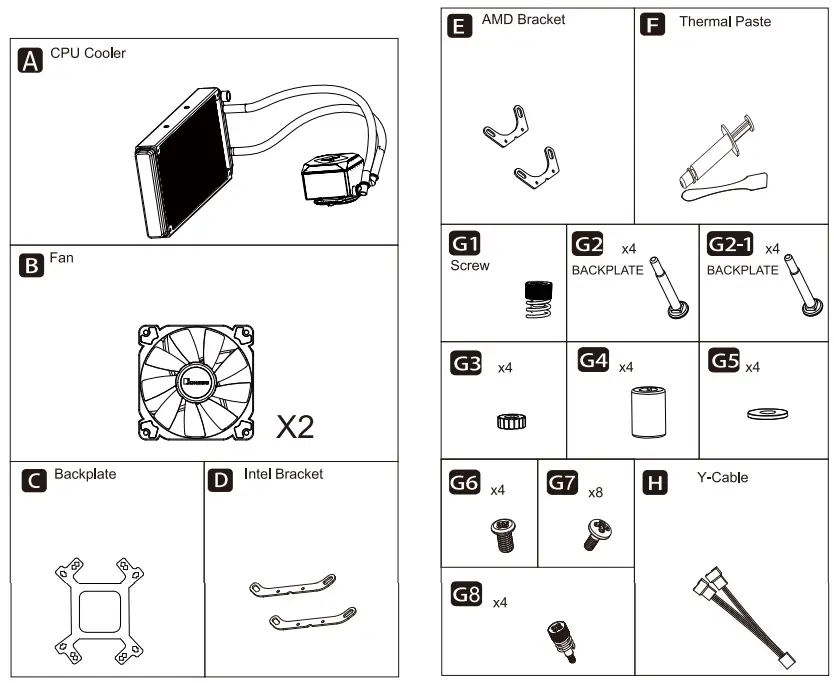
Chapter 2 – Installation
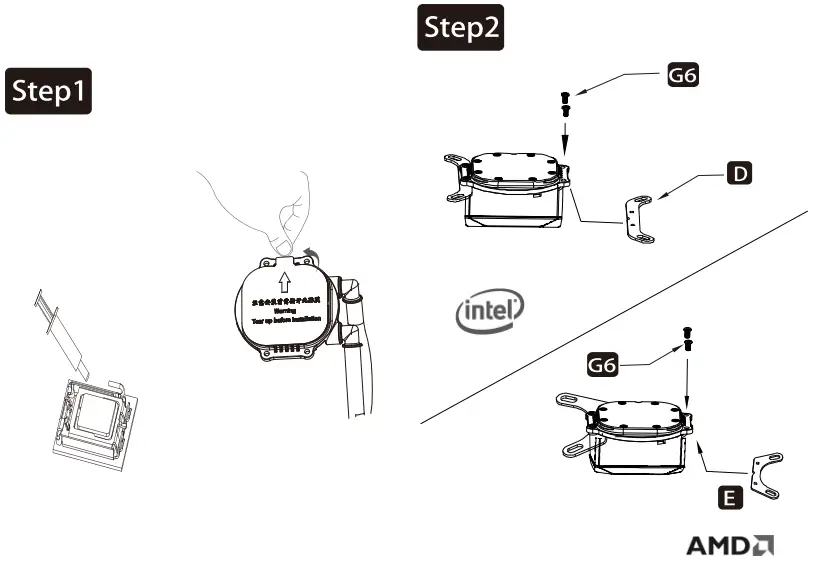 | |
| Applying thermal paste /Remove the protection film | Install the intel /AMD bracket |
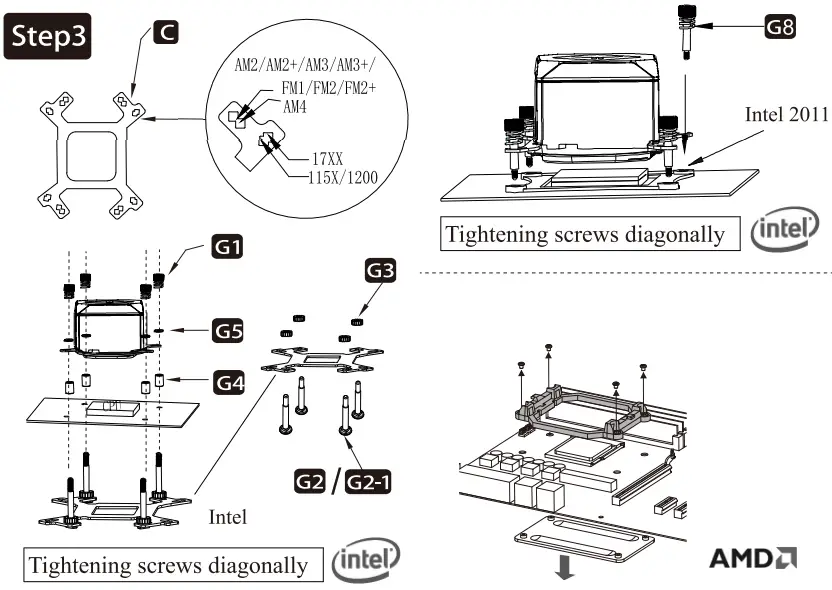 | |
| Secure the cooler -Intel LGA 115X/1200/1700 | Remove the plastic retainers of the AMD retention module |
Secure the cooler -Intel LGA 2011
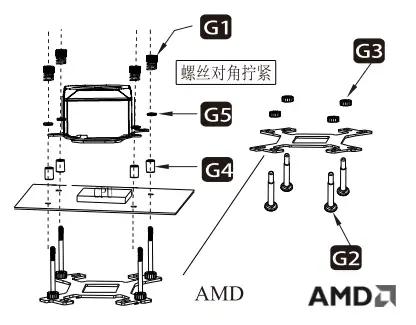 Secure the cooler -AMD
Connect the 3-pin connector from the pump unit to AIO/PUMP socket on the motherboard.
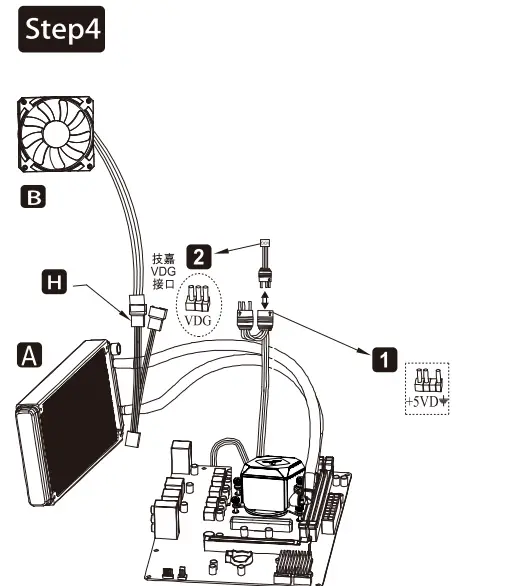
Connect fan and pump cables to CPU Jan & AIO/PUMP/SYS_FAN sockets
Connect to ASUS’s 5V AURA socket
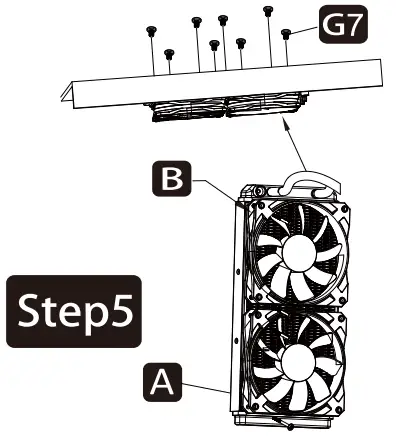
Secure the the fans and radiator