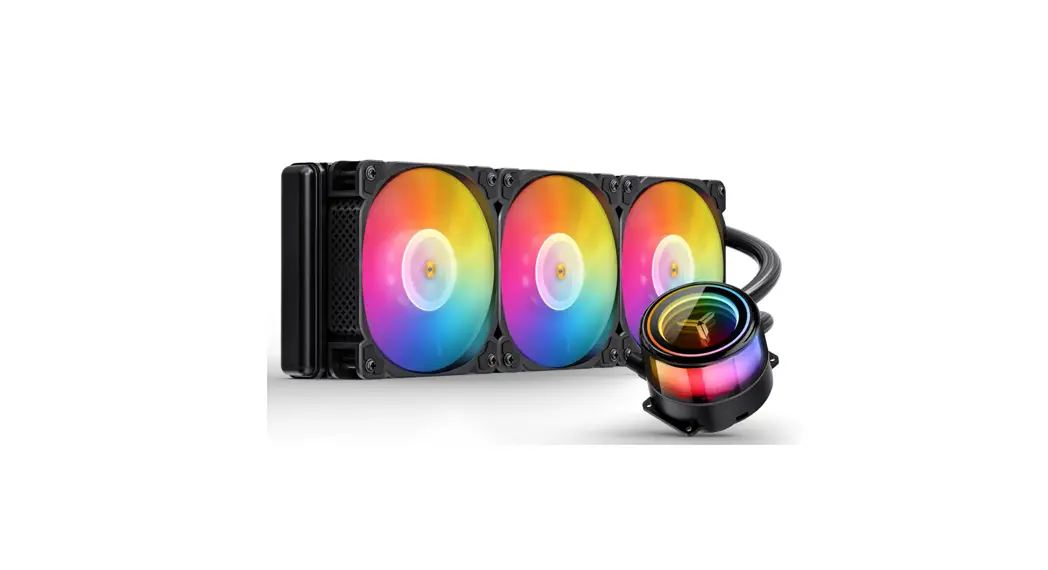
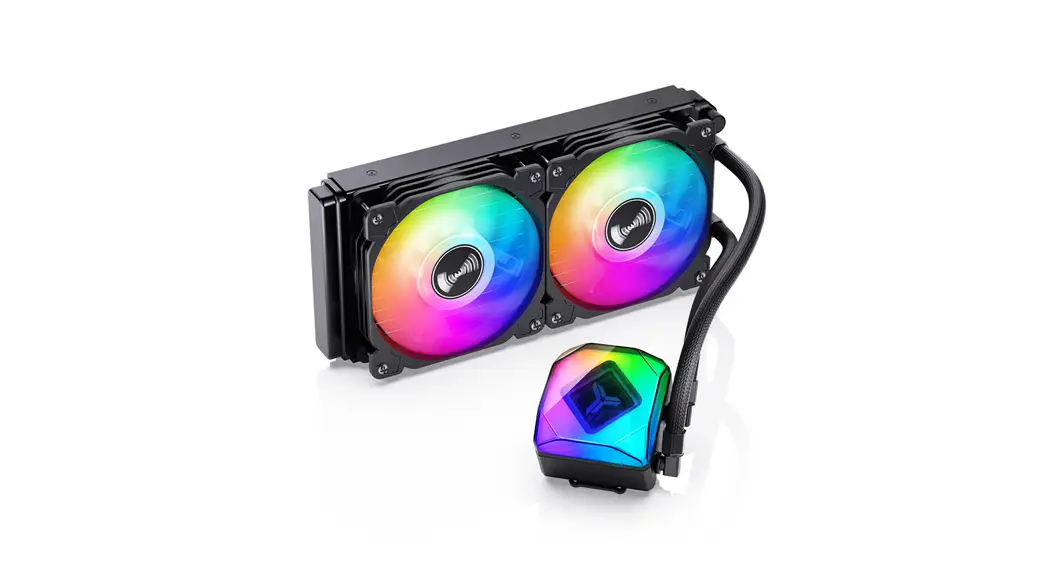
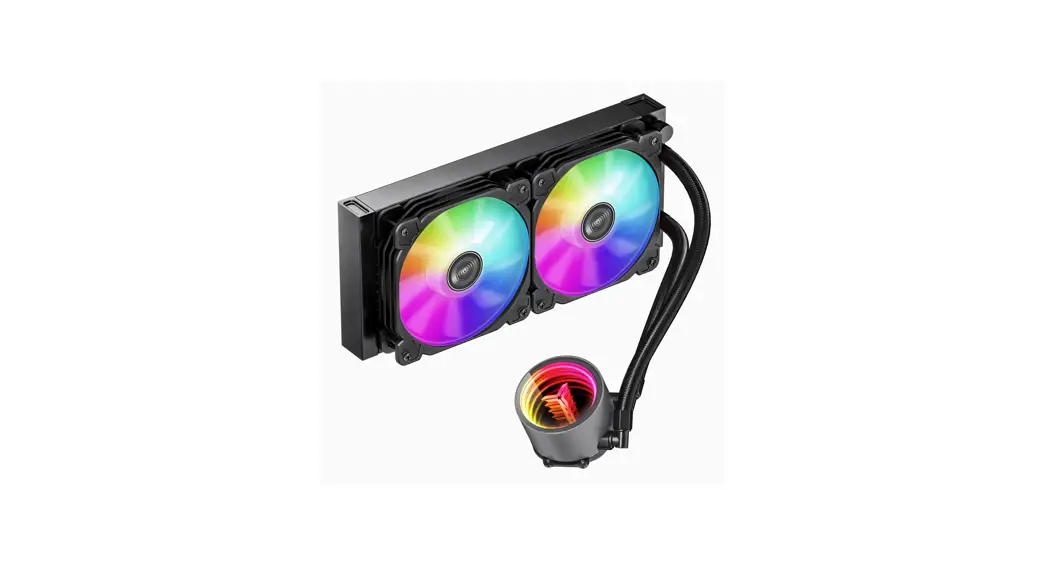
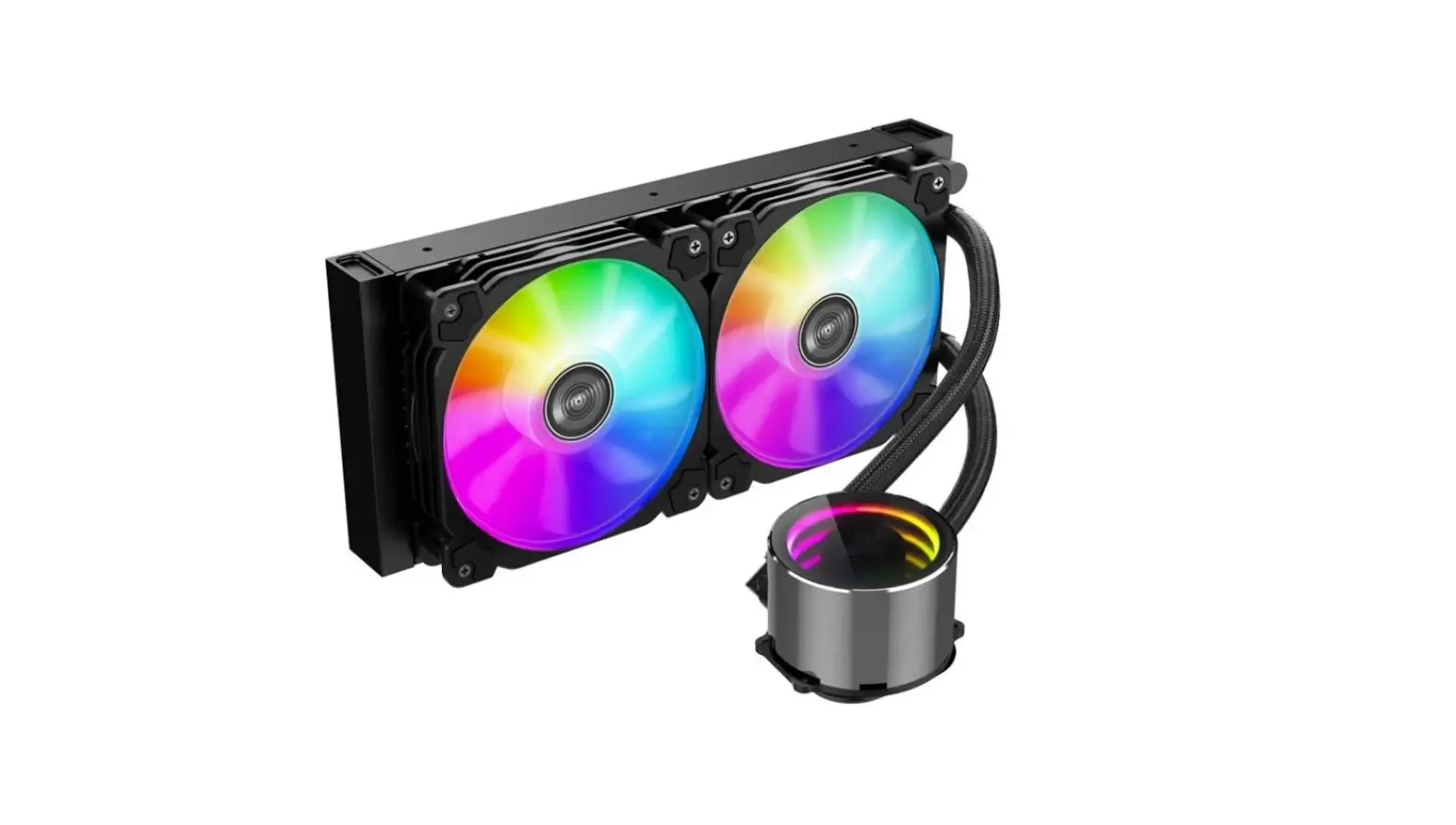
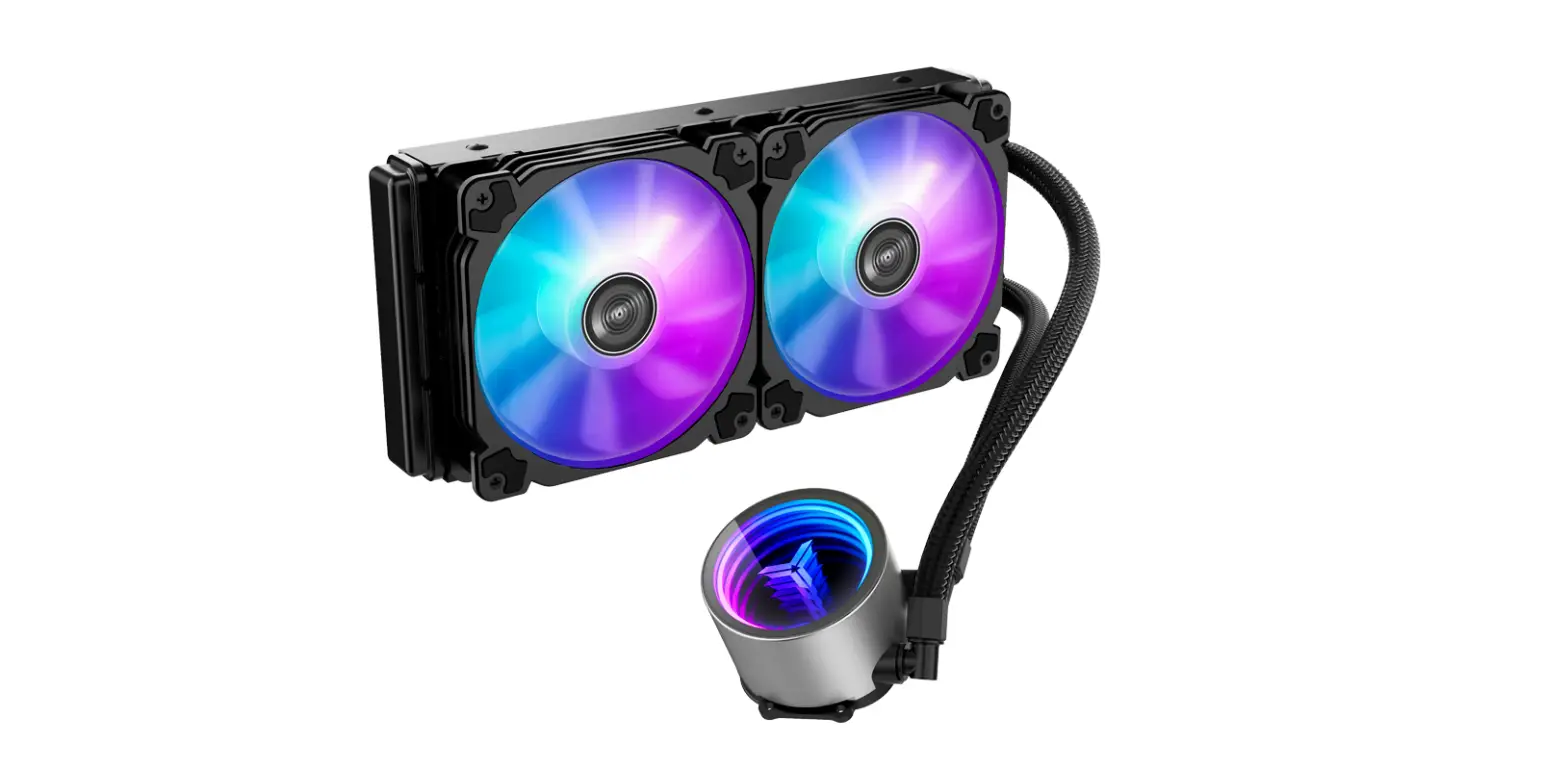
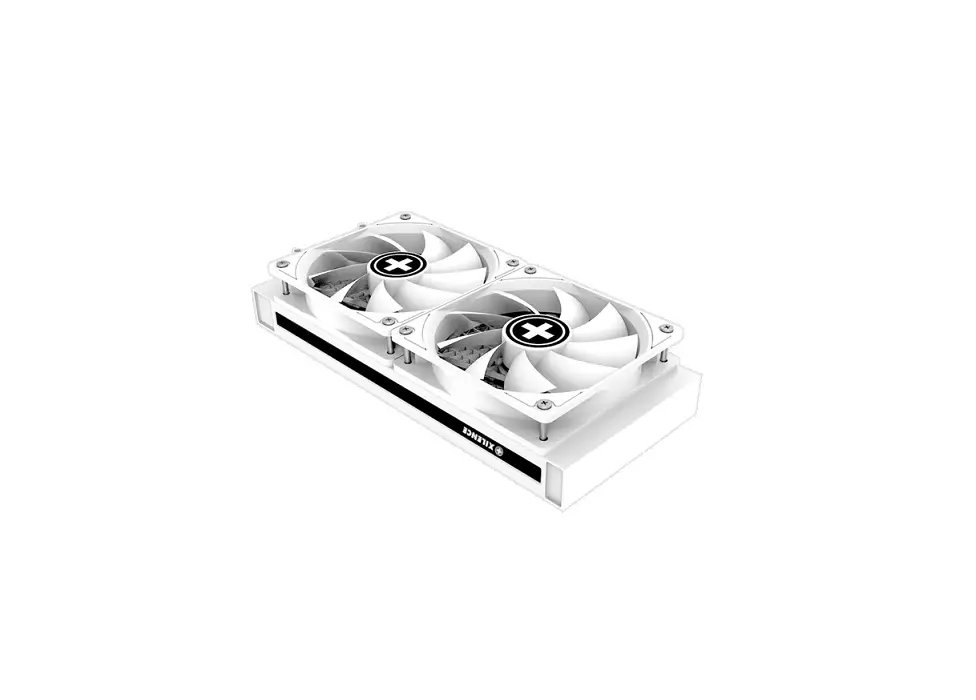
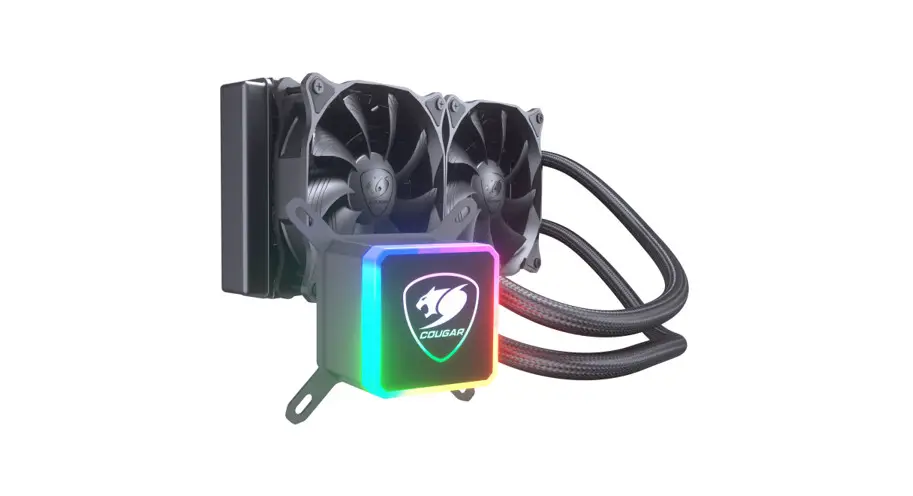
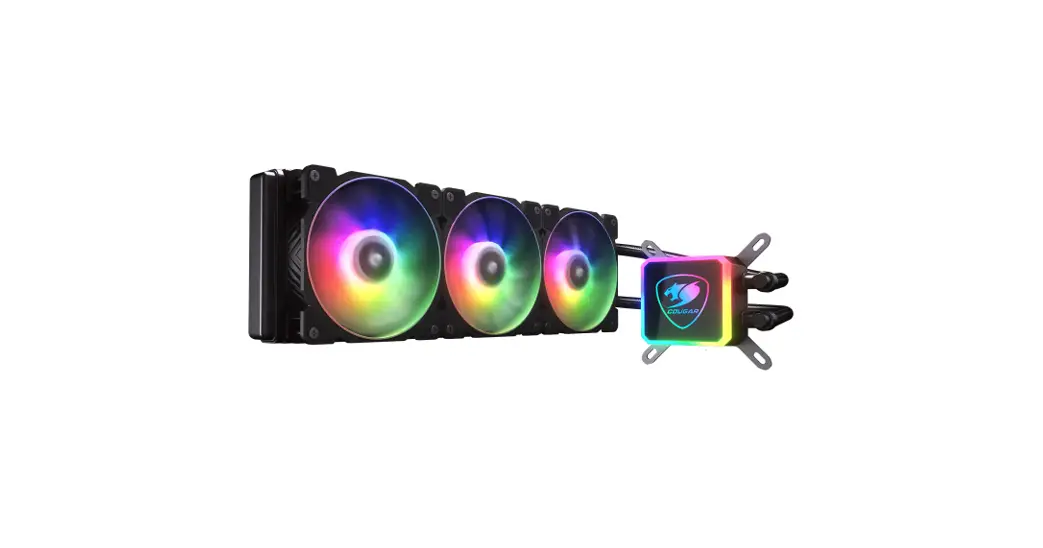
TW7-240 ARGB Integrated Water Cooling
Product Information
This product is a pump unit designed for liquid cooling systems.
It is used to circulate coolant within the system to keep the
components cool and maintain optimal performance.
Product Usage Instructions
- Locate the 3-pin connector from the pump unit.
- Identify the AIO/PUMP socket on the motherboard.
- Connect the 3-pin connector from the pump unit to the AIO/PUMP
socket on the motherboard. - Ensure a secure connection by aligning the pins and gently
pushing the connector into the socket. - Once connected, double-check that the connector is firmly
attached and does not wiggle or come loose. - Proceed with the installation of other components in your
liquid cooling system as per the manufacturer’s instructions.
It is important to follow these instructions carefully to ensure
proper installation and functionality of the pump unit. Improper
installation may result in system damage or inadequate cooling.
Connect the 3-pin connector from the pump unit to AIO/PUMP socket on the motherboard
3PINAIO/PUMP Connect the 4-pin fan PWM connector to CPU_FAN socket on the motherboard Verbinden Sie den 4-poligen Lüfter-PWM-Anschluss mit der CPU_FAN-Buchse auf dem Motherboard Connectez le connecteur PWM du ventilateur à 4 broches à la prise CPU_FAN de la carte mère 4 PWM CPU_FAN . 4PIN PWMCPU-FAN Connect to 5V ARGB LED socket on motherboard An die 5V-ARGB-LED-Buchse auf dem Motherboard anschließen Connectez-vous à la prise LED ARGB 5V sur la carte mère 5V ARGB LED 5V ARGB