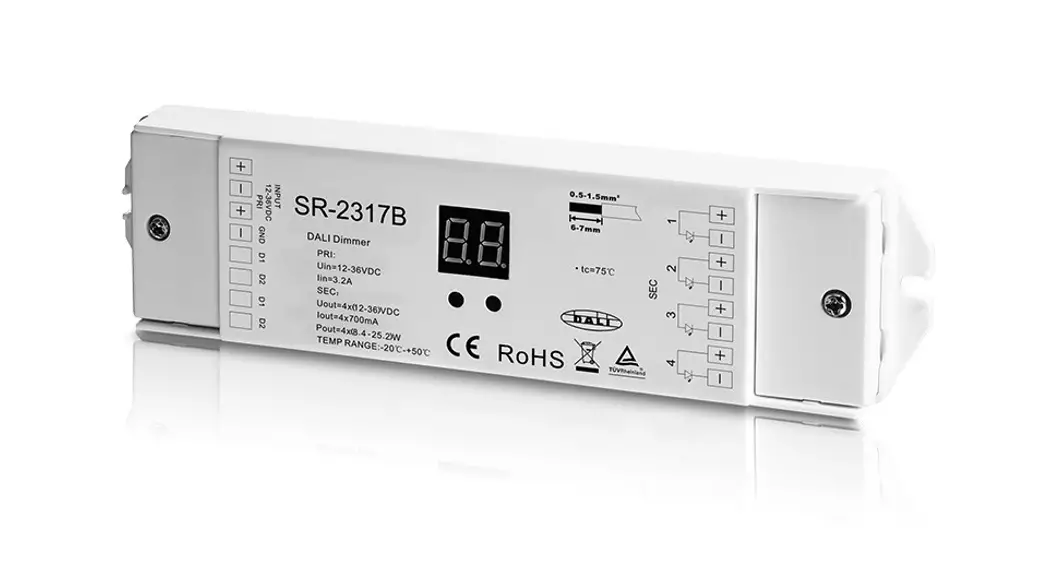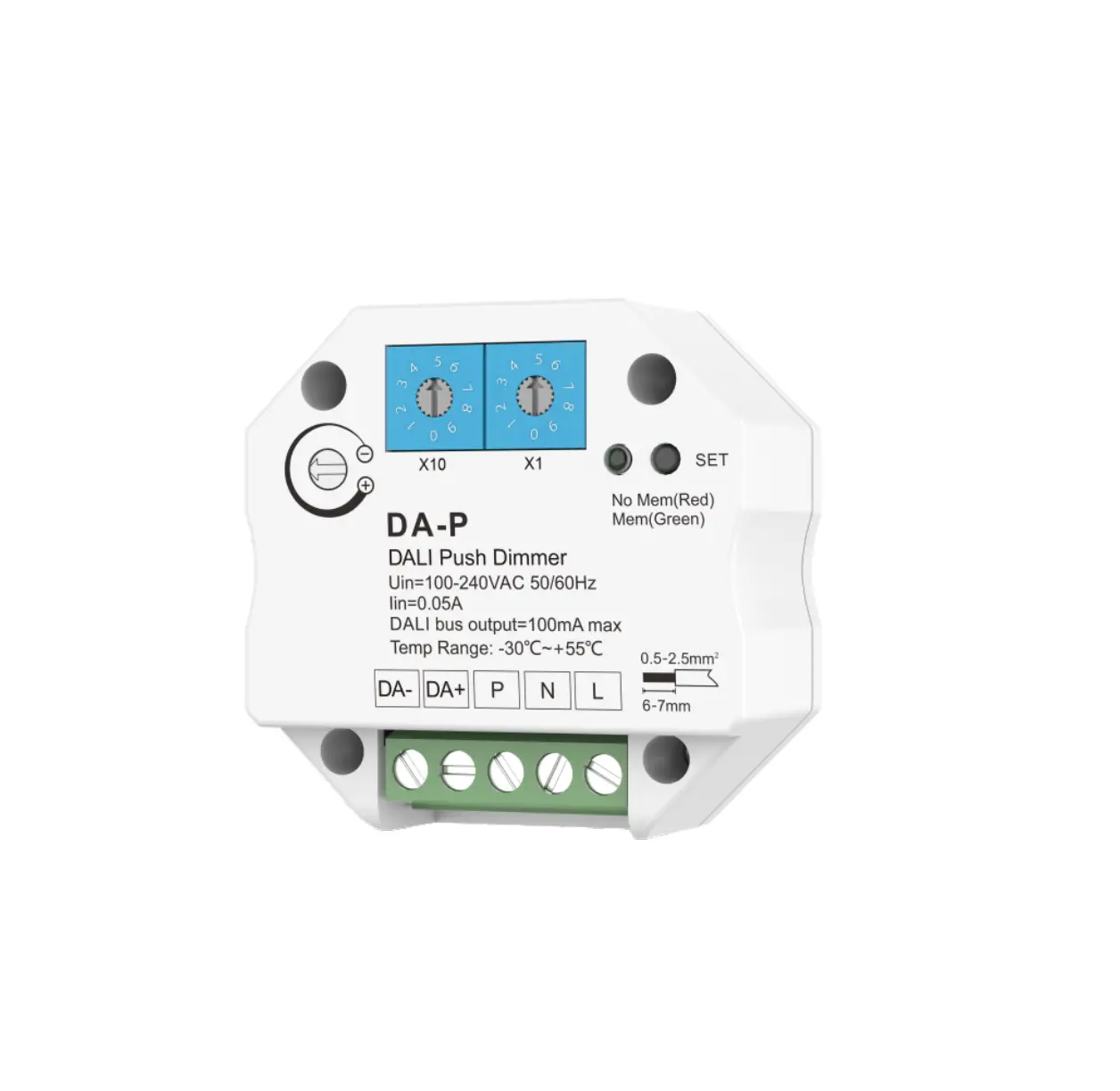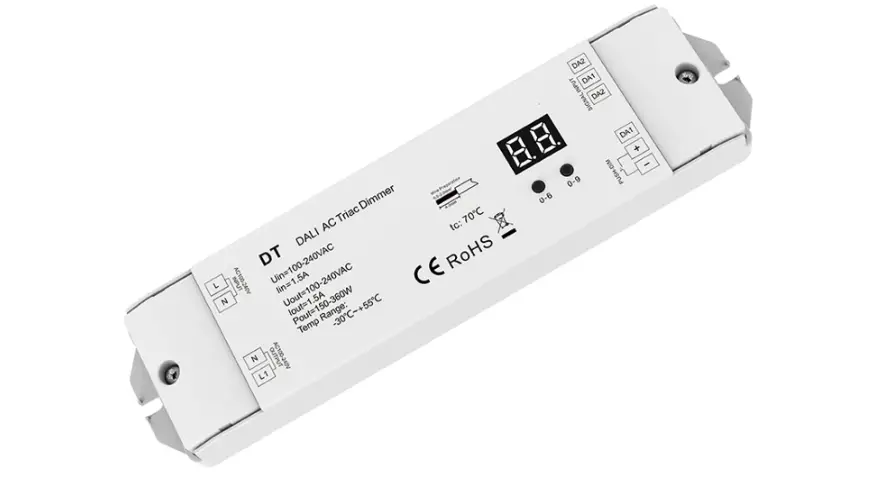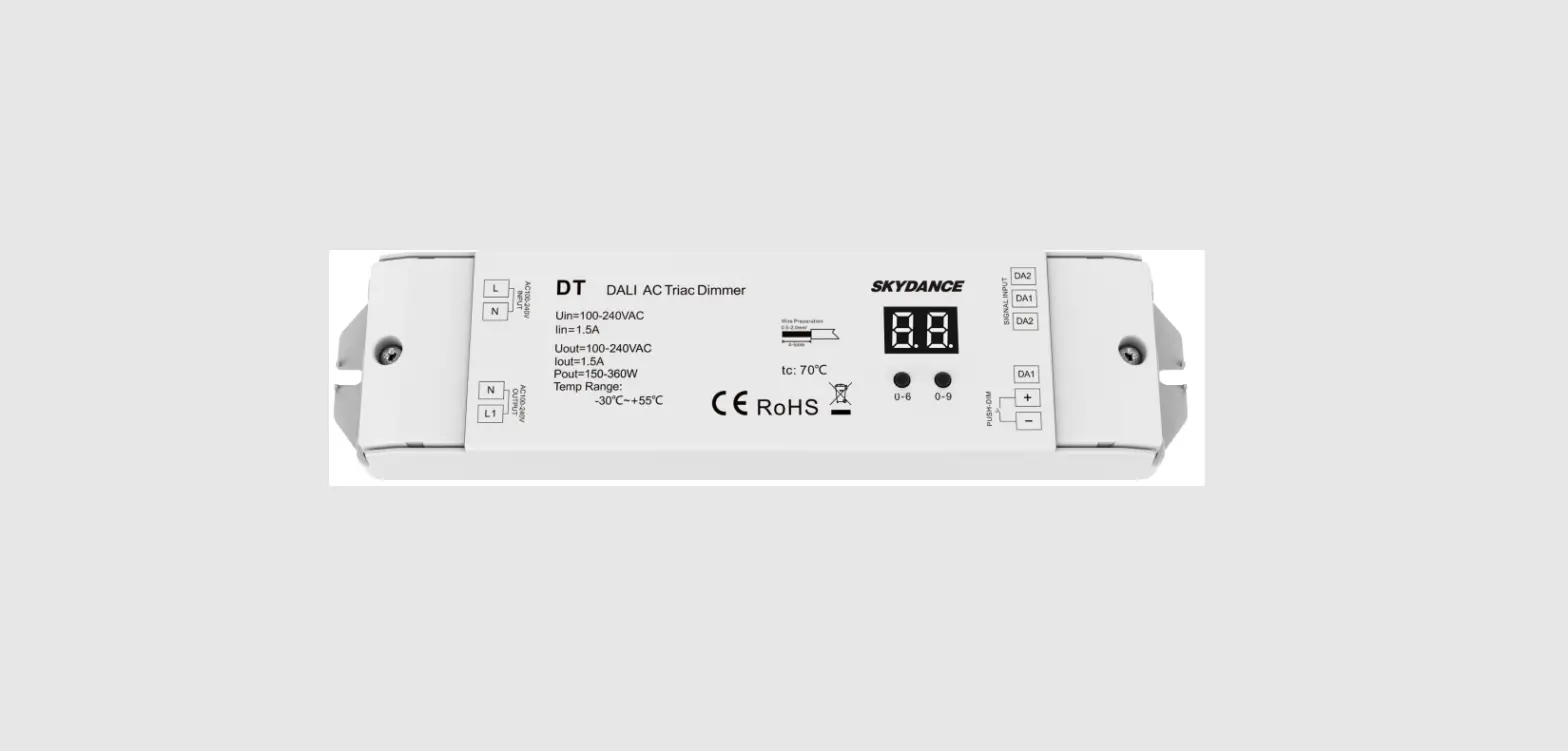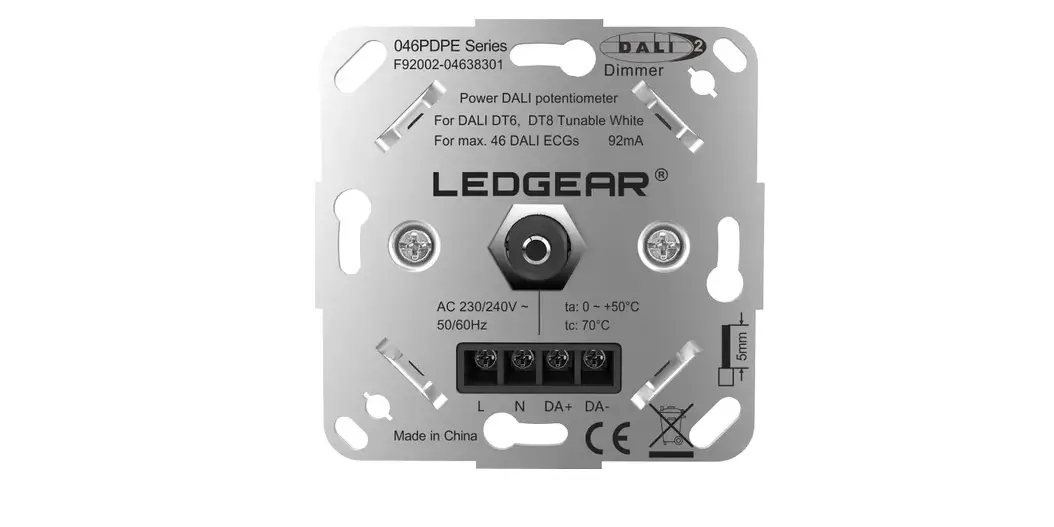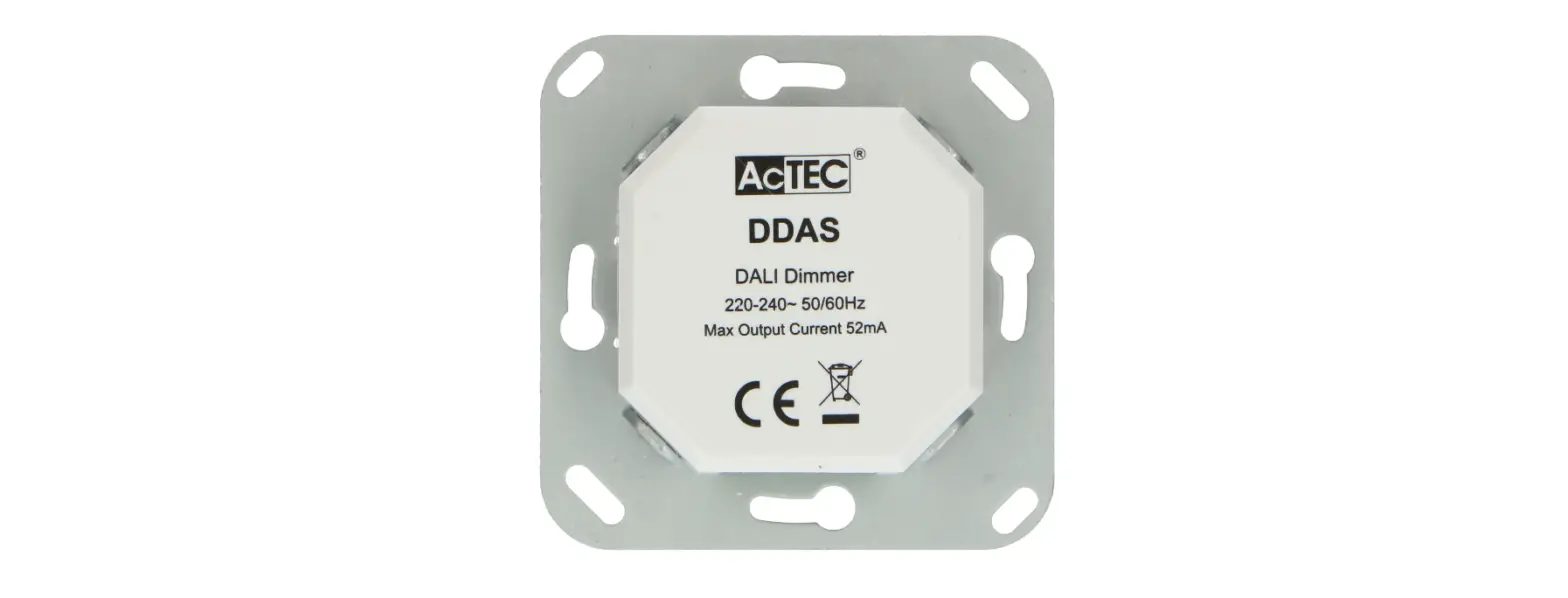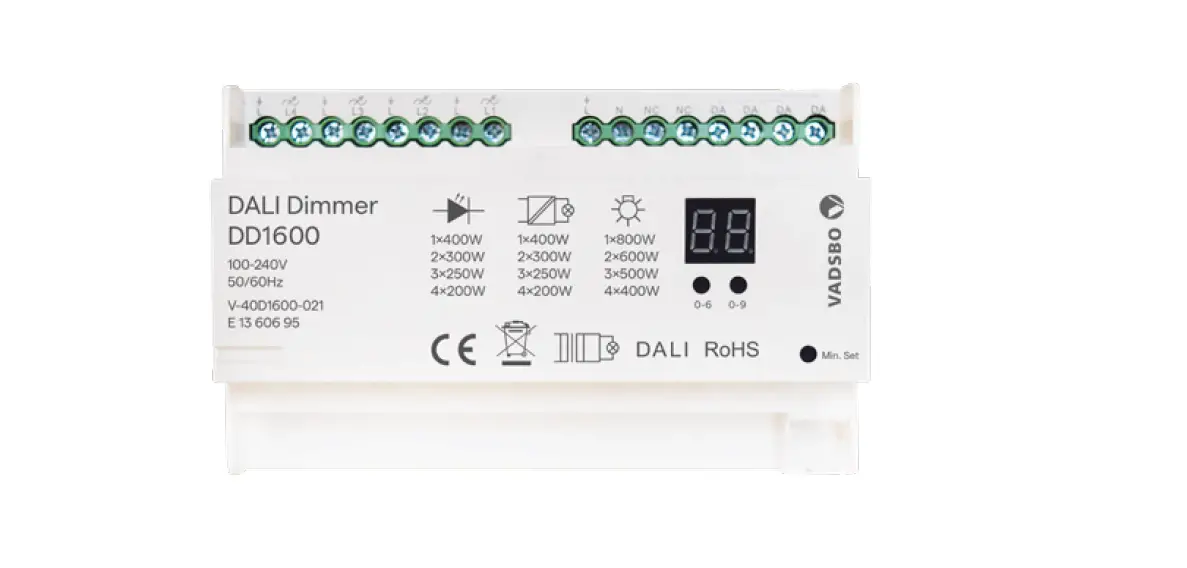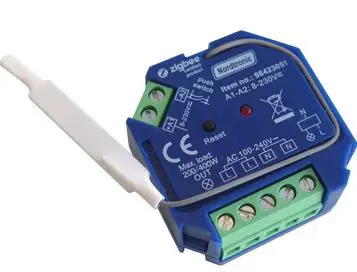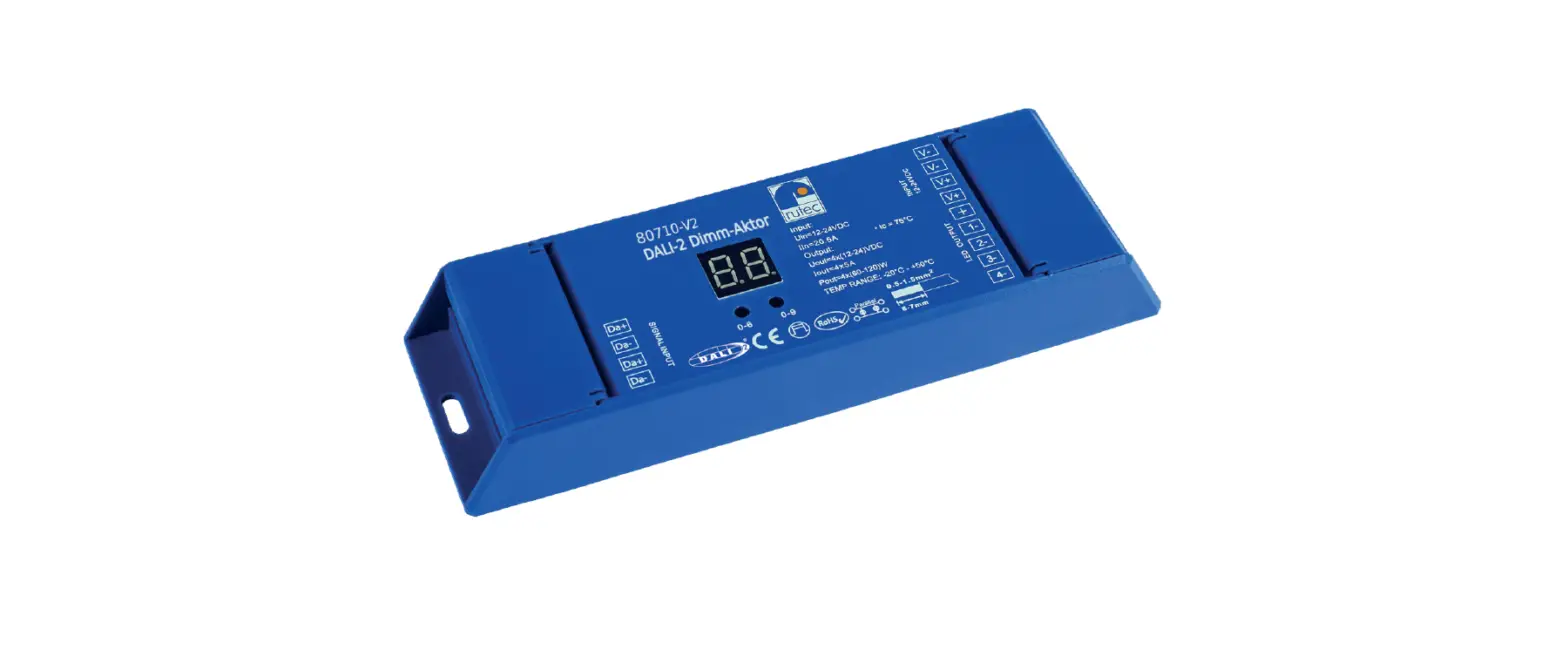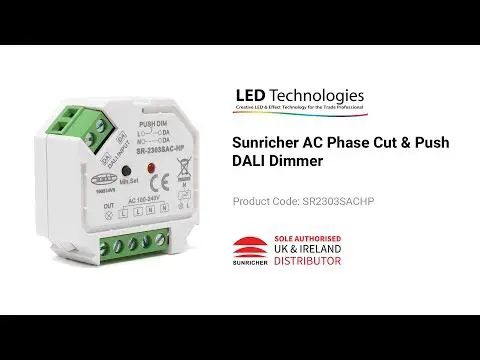
 98415031 Dali Box Dimmer
Instruction Manual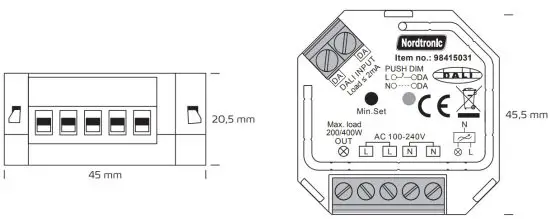
| Input voltage | Output voltage | Output current | DALI Consumption |
| 100-240VAC | 100-240VAC | Max. 1.5A | Max. 2mA |
| Compatible load types | |||
| Load symbol | Load type | Maximum load | Remarks |
 | Dimmable LED lamps | 200W @ 220V 100W @ 110V | Due to the variety of LED lamp designs, a maximum number of LED amps is further dependent on the power factor results when connected to dimmer. |
| Dimmable LED drivers | 200W @ 220V 100W @ 110V | Maximum permitted the number of drivers is 200W divided by driver nameplate power rating. |
 | Incandescent lighting, HV Halogen lamps | 400W @ 220V 200W @ 110V | |
 | Low voltage halogen lighting with electronic transformers | 200W @ 220V 100W @ 110V | |
Wiring diagram
- With DALI signal

- With AC push switch

- With push LV

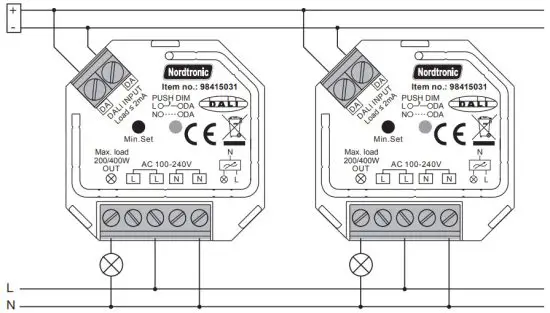
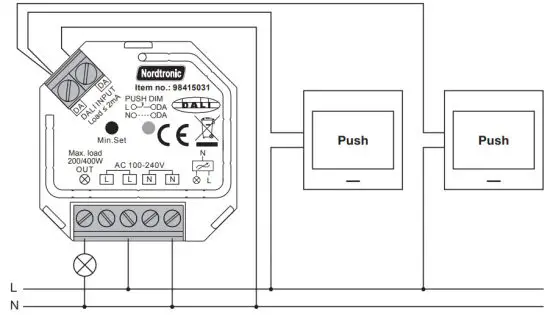
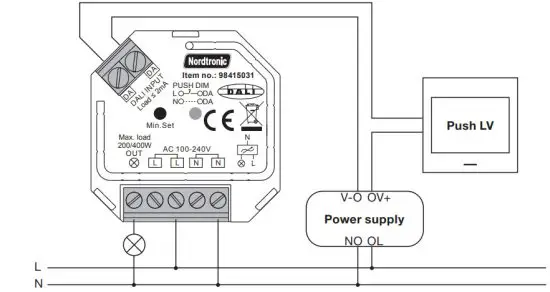
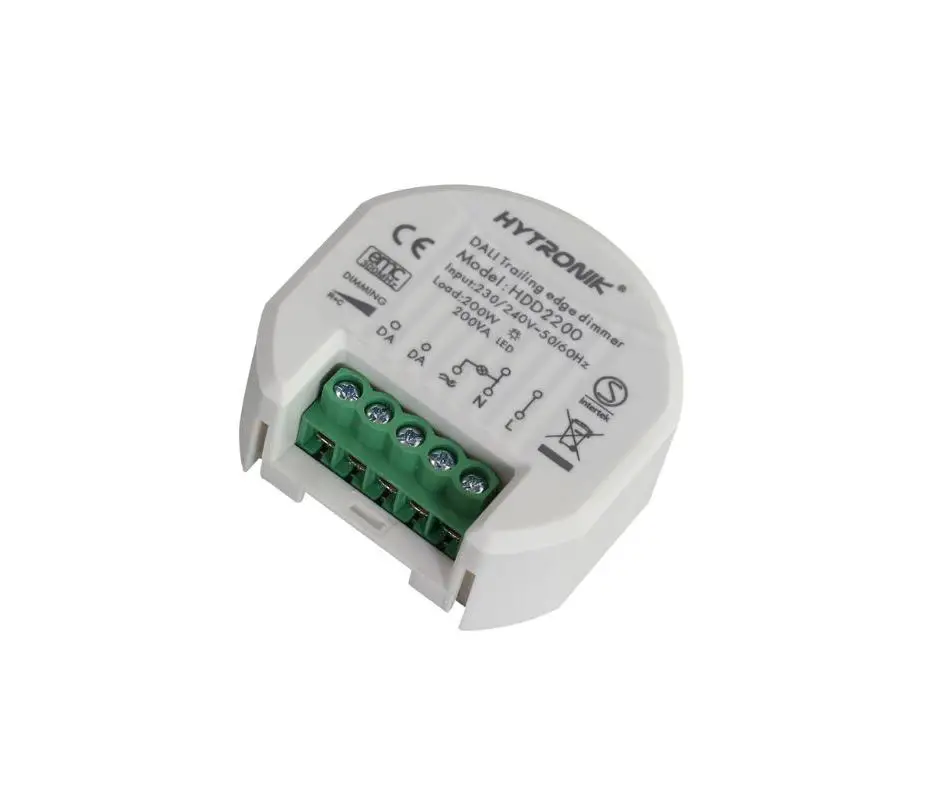
This phase dimmer adopts trailing edge dimming (reverse phase control), please make sure the connected loads support reverse phase control. Please refer to the user manual of the load or consult the supplier of the load.
Operation
Setting DALI address
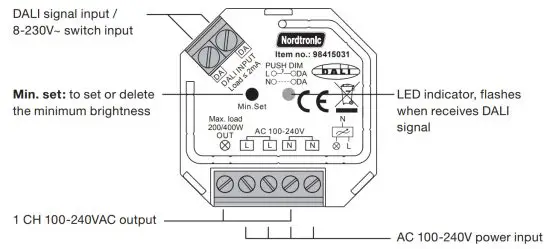
1 DALI address for 1 channel output is assigned by the DALI Master controller automatically, please refer to user manuals of compatible DALI Masters for specific operations.
Setting minimum brightness:
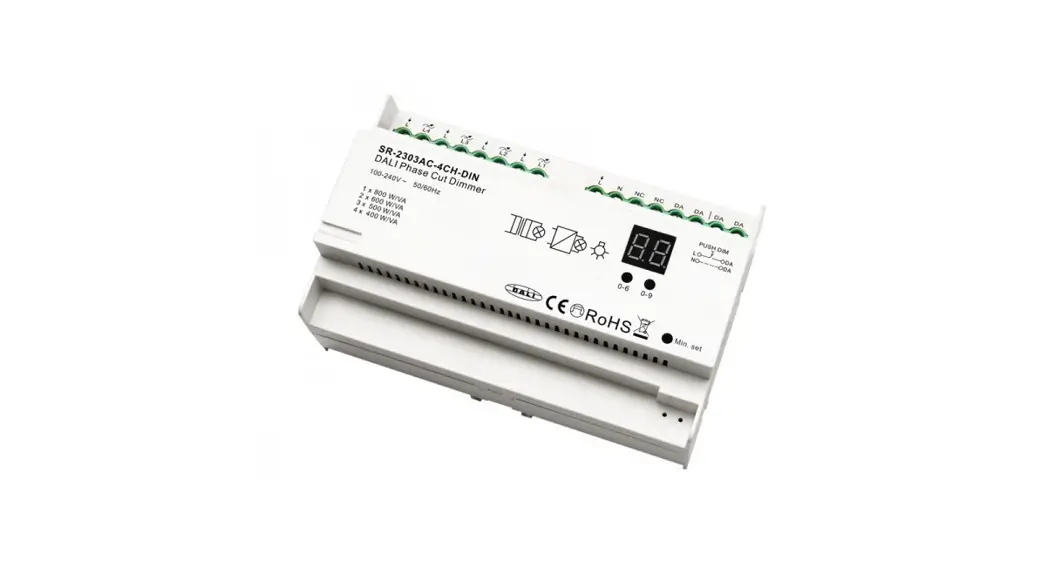
Adjust brightness to a level, then press and hold down the “Min. Set ” key on the dimmer until the light flashes, once set a minimum brightness, the light can only be dimmable between this minimum brightness and maximum brightness.
The dimming range of this dimmer is 1%-100%, but some load types may flicker when dimmed to 1%, thus a minimum brightness shall be set higher than 1% to avoid flickering during the dimming process.
Delete the minimum brightness:
Adjust the brightness to the maximum level, then click the “Min. Set” key on the dimmer to delete the minimum brightness, the light will flash to indicate a successful reset.
Push dim:
While connected with the PUSH switch, click the button to switch ON/OFF lights. Press and hold down the button to increase/decrease light intensity.
Nordtronic A/S | Flade Engvej 4 | DK – 9900 Frederikshavn | Denmark | CVR: 29808708 | Tel: +45 70209531 | www.nordtronic.com
Find the updated manual on our website – www.nordtronic.com
With reservation for typing errors
 Nordtronic