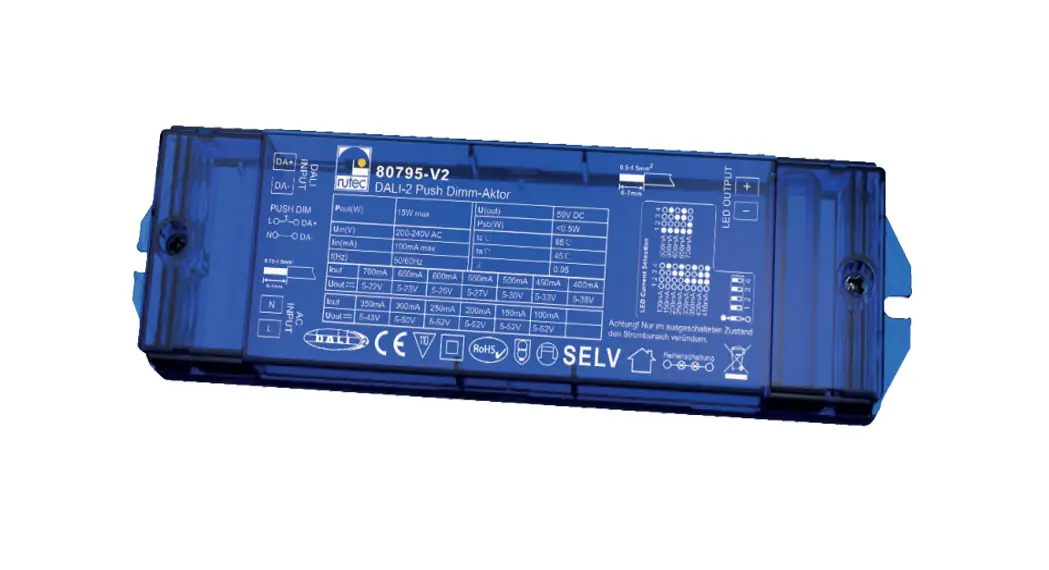
 80795-V2 DALI-2 Push Dimm-Actor
Instruction Manual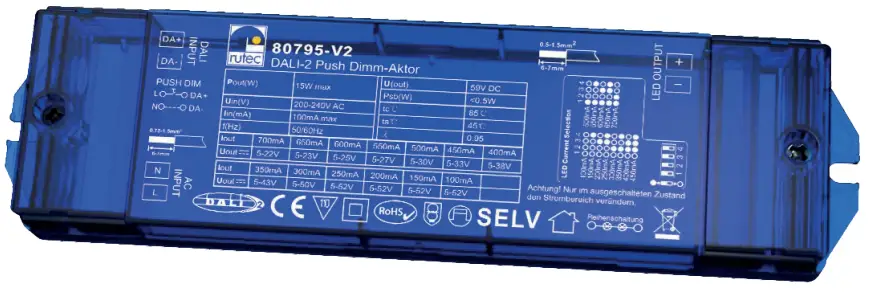
 DALI-2 Push Dimm-Actor
80795-V2
80795-V2 DALI-2 Push Dimm-Actor
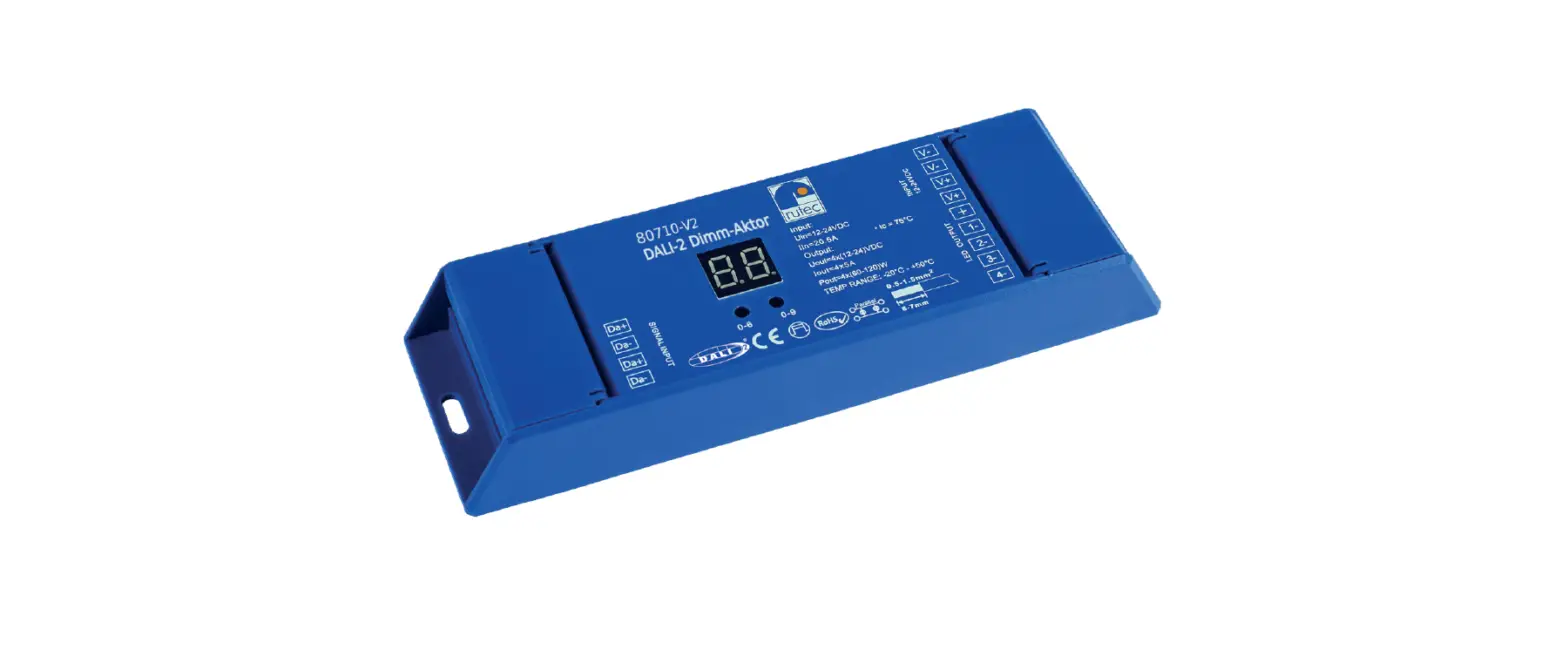
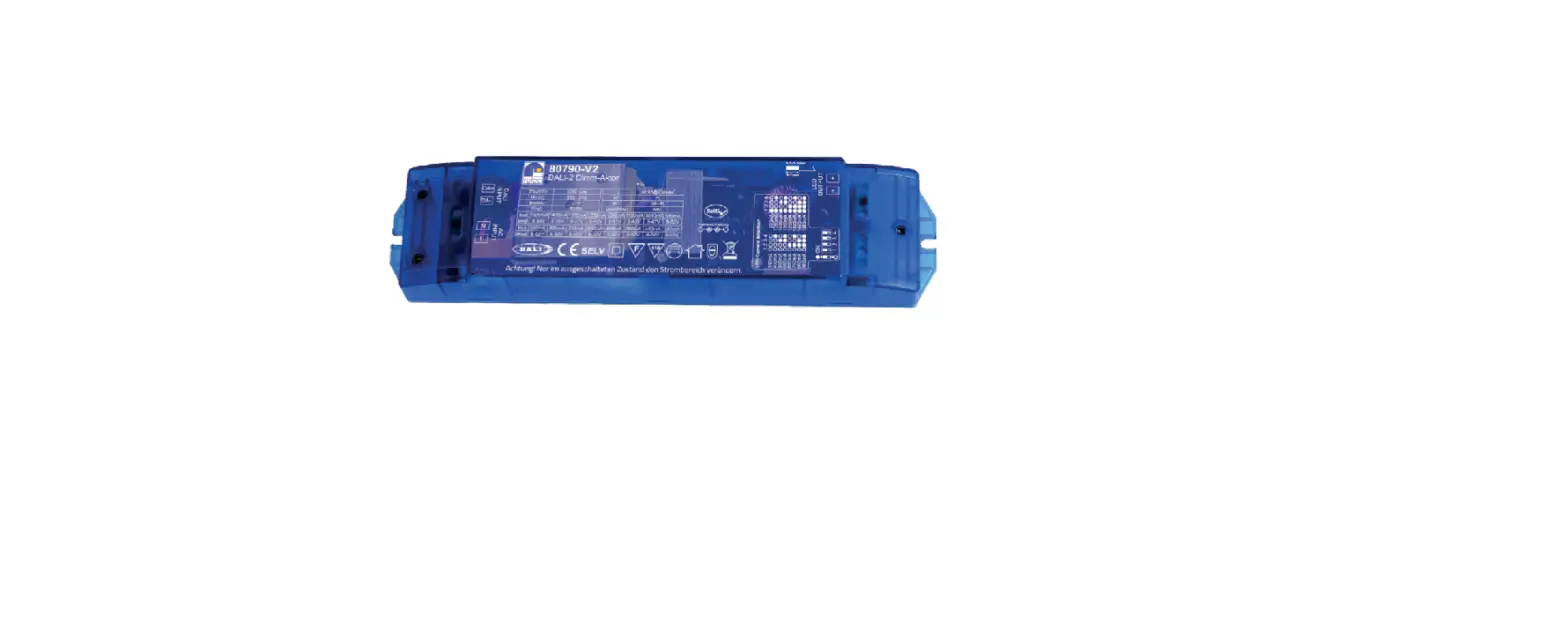
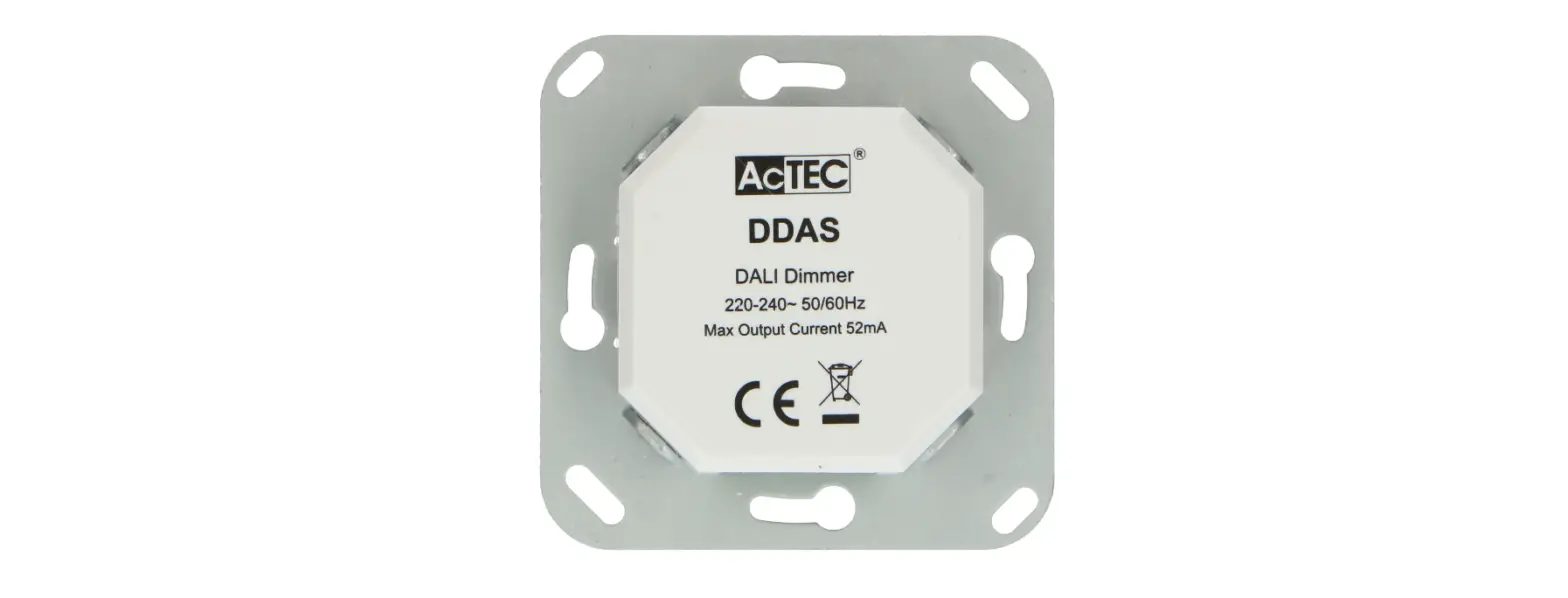
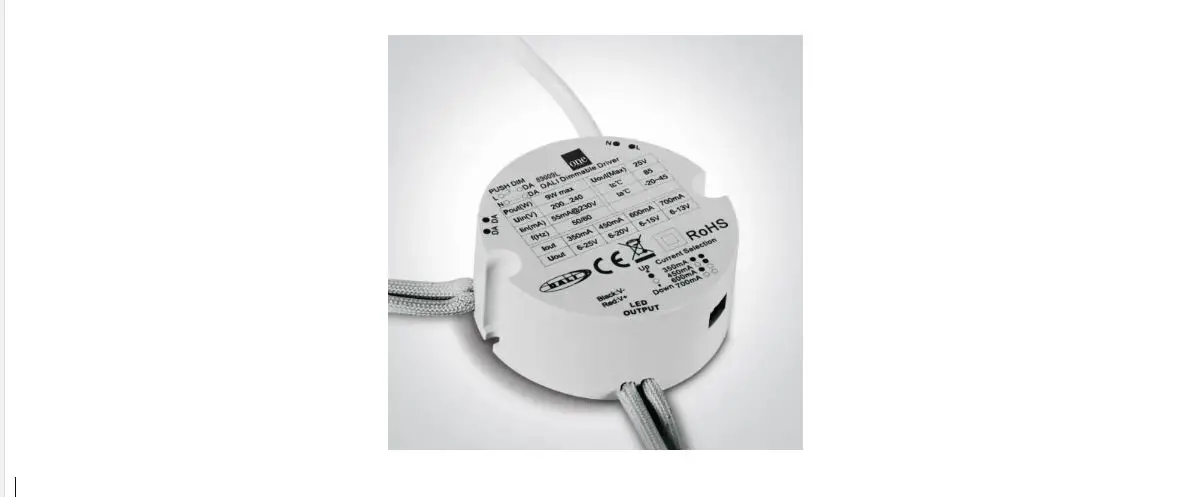
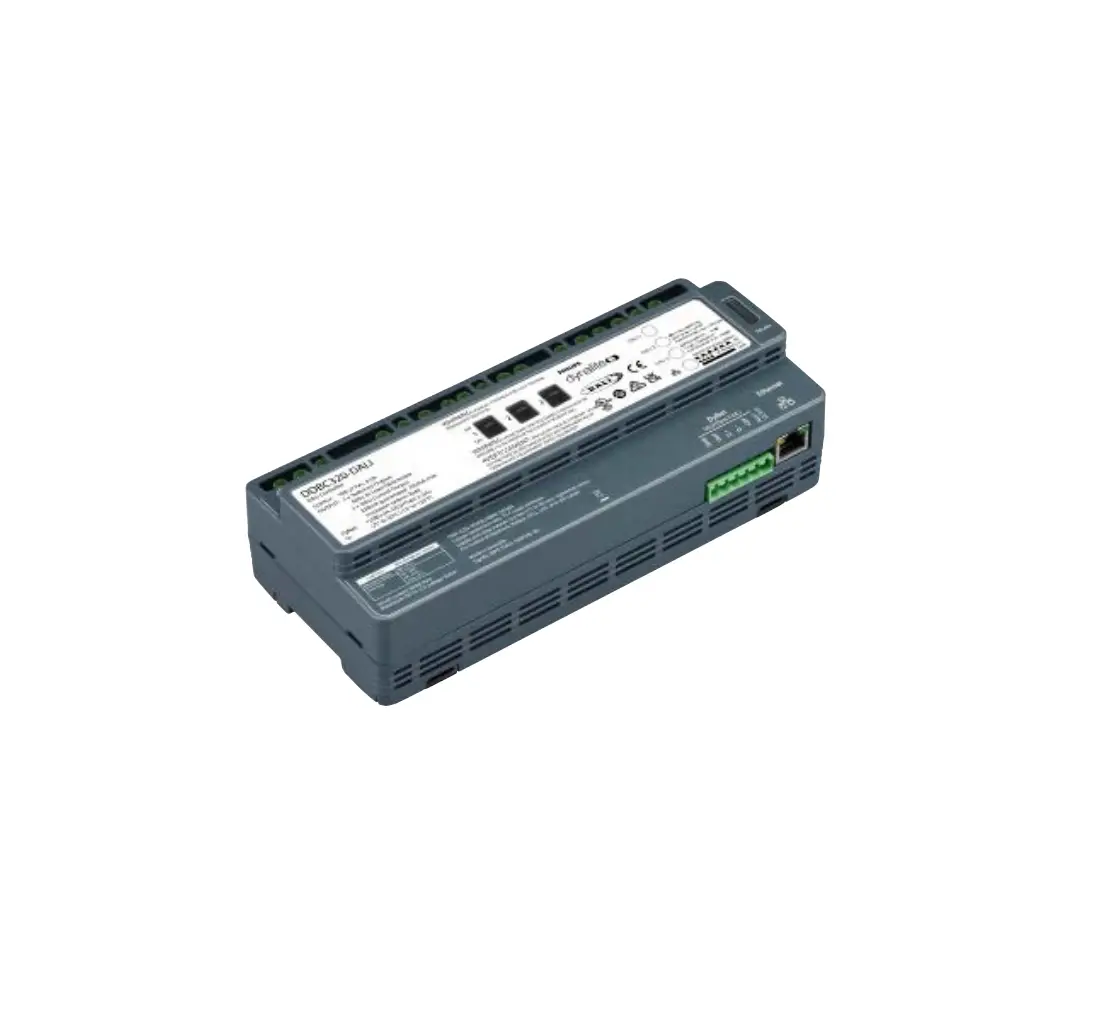
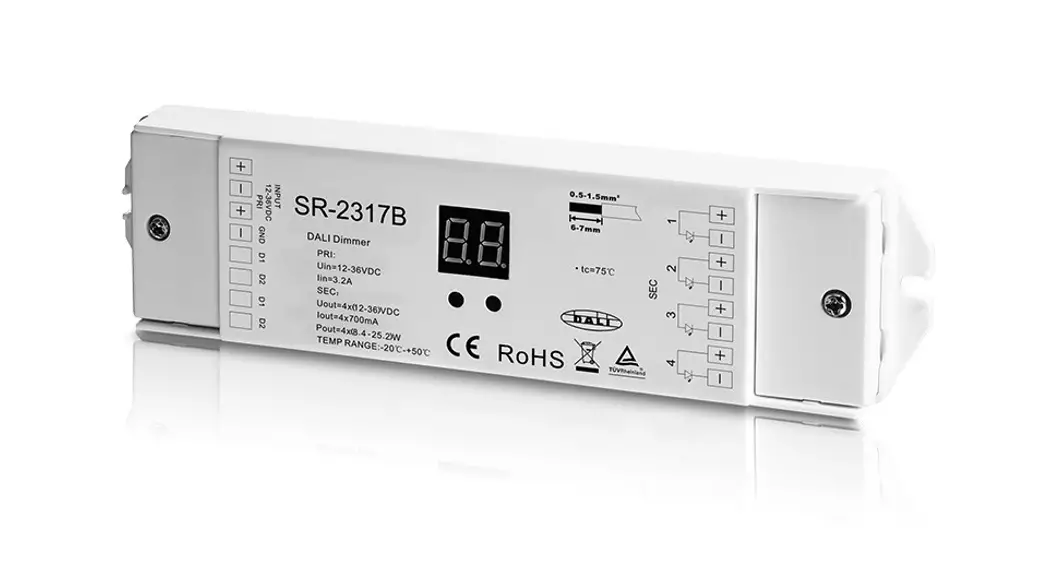
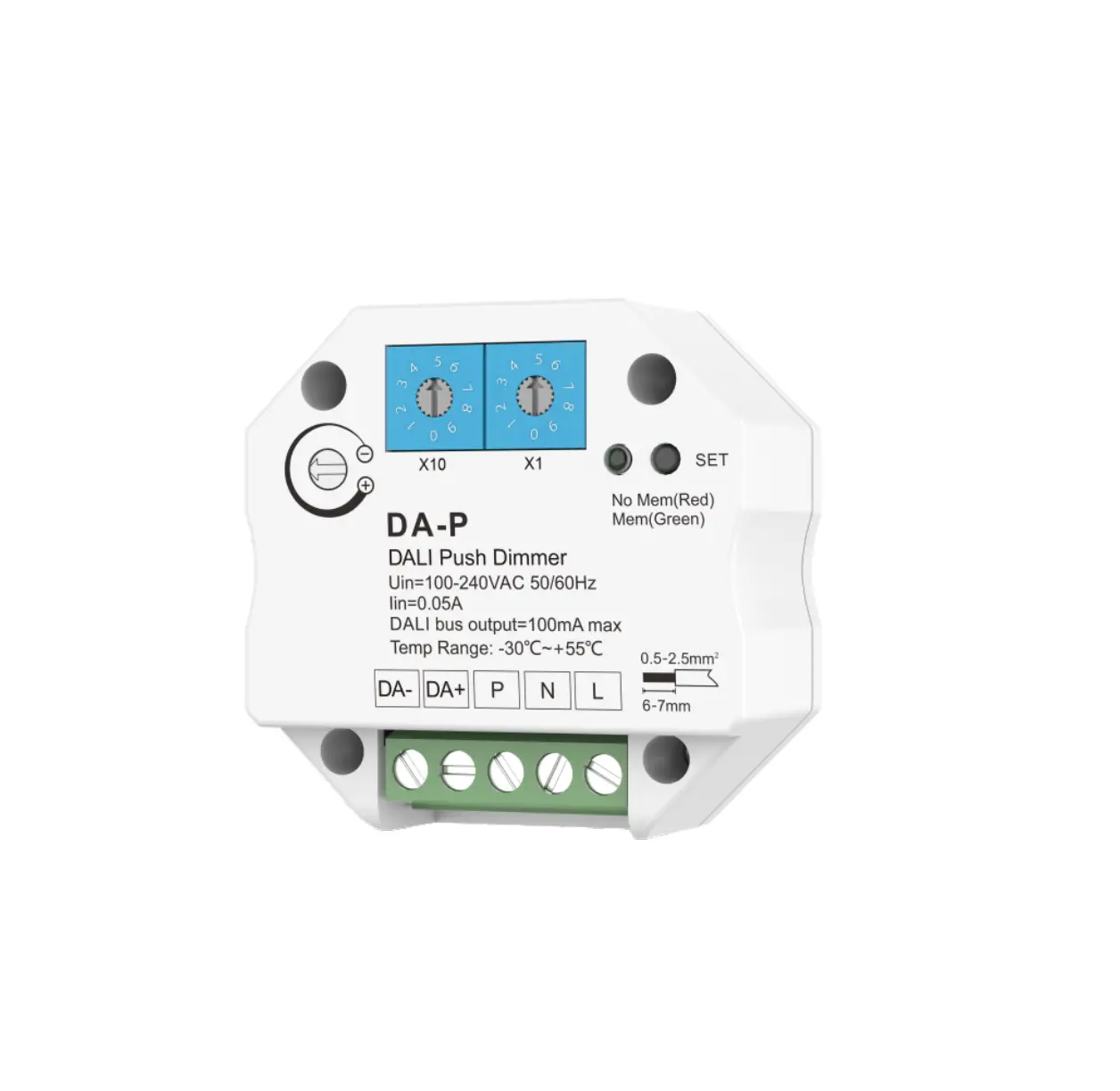
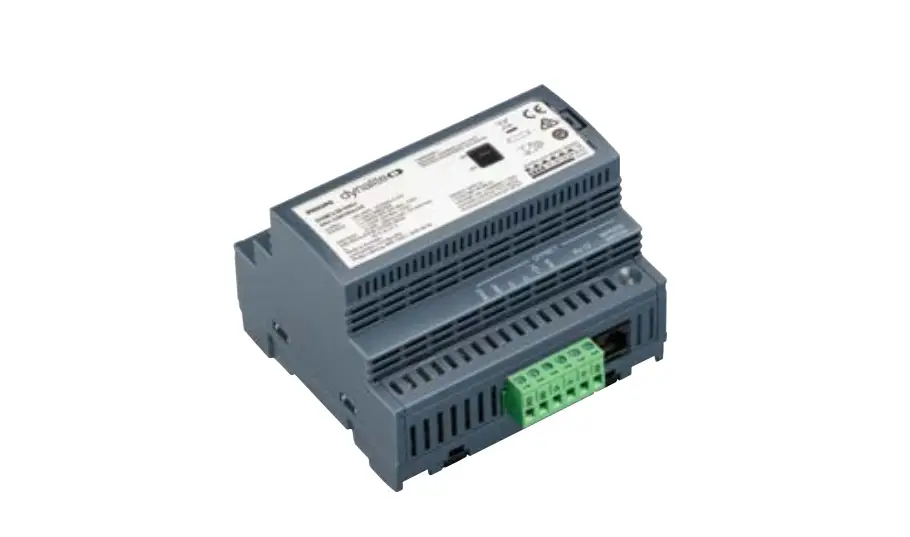
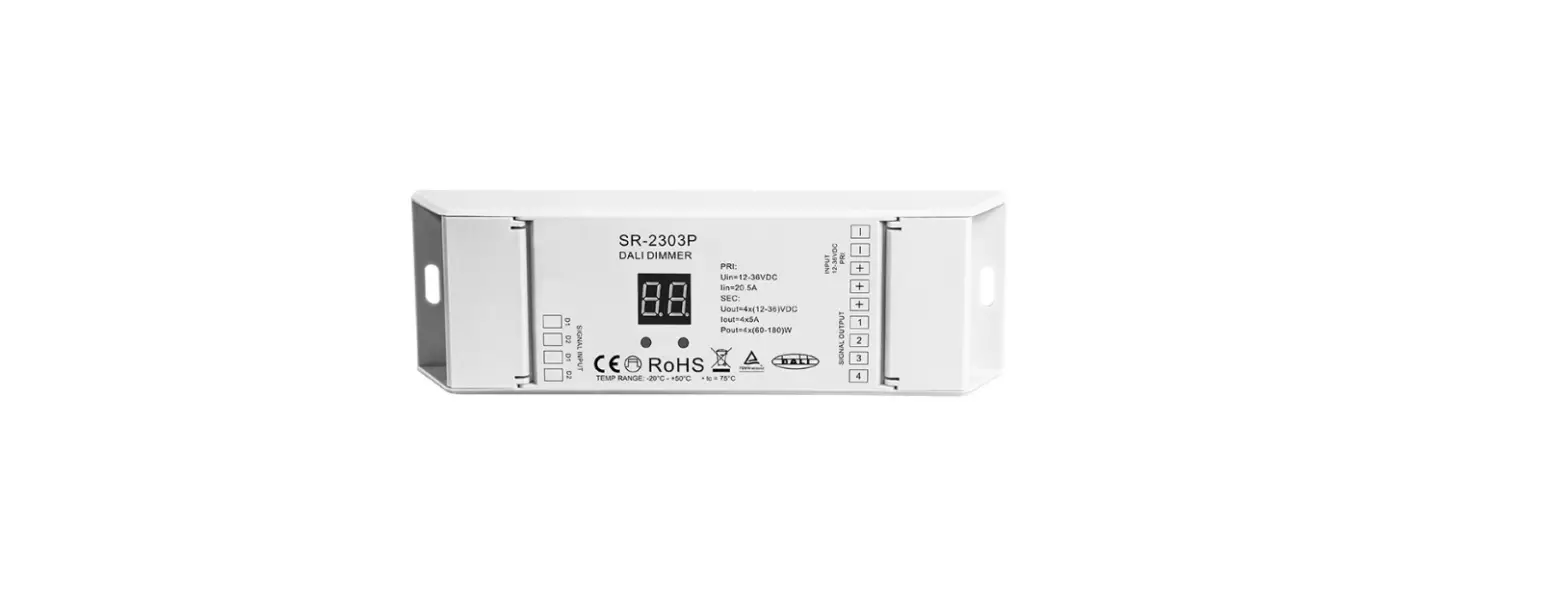
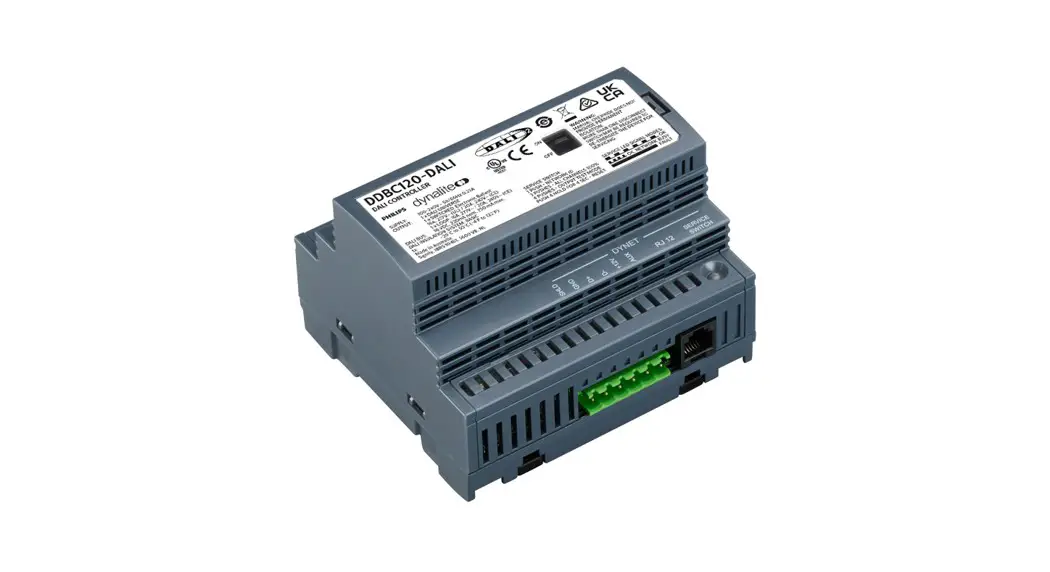
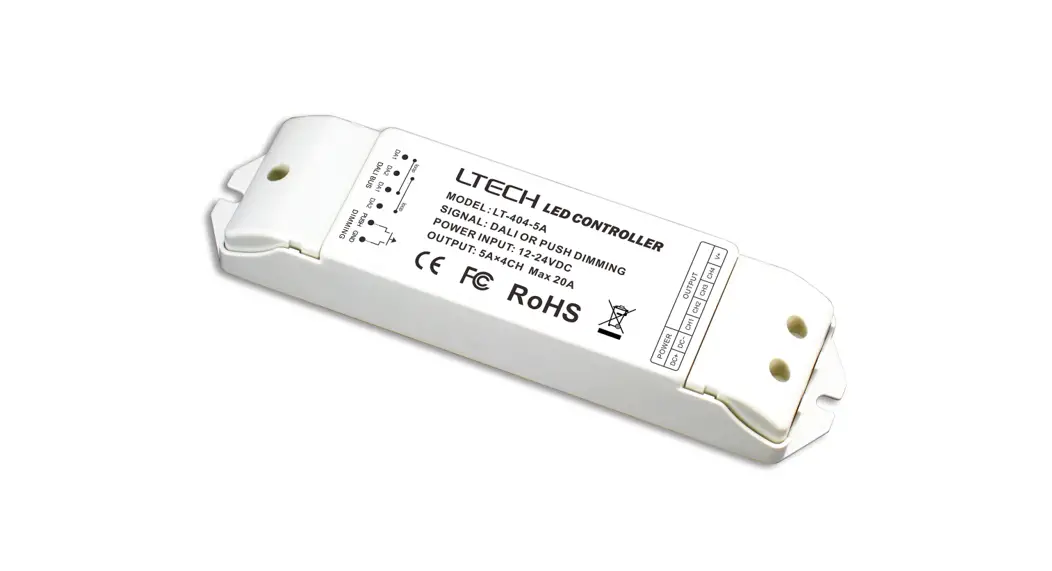
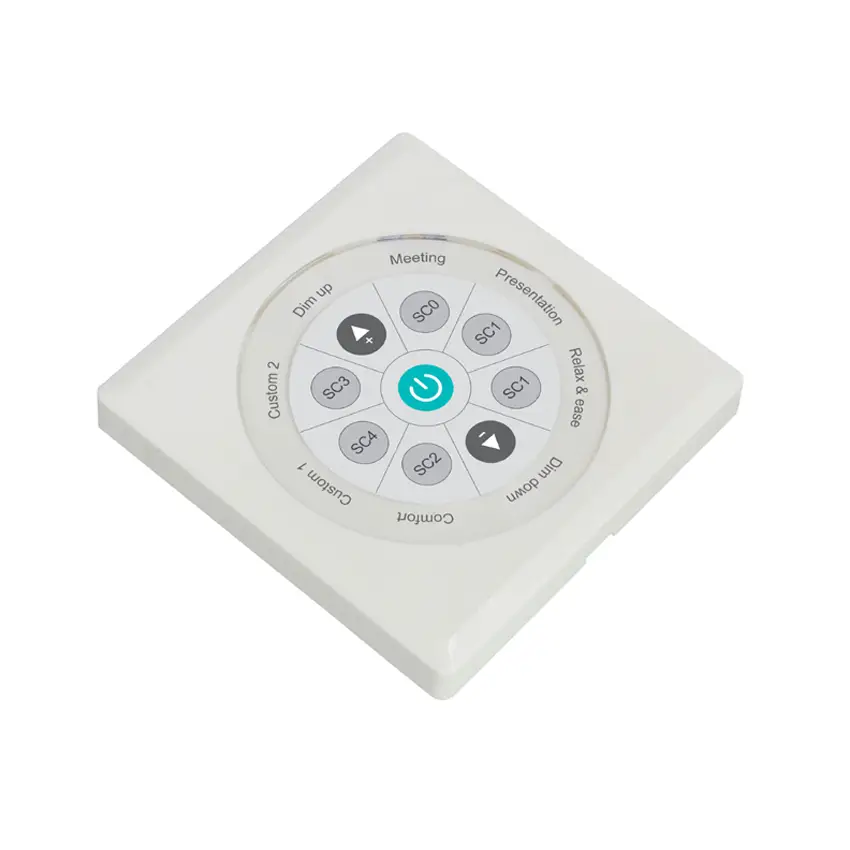
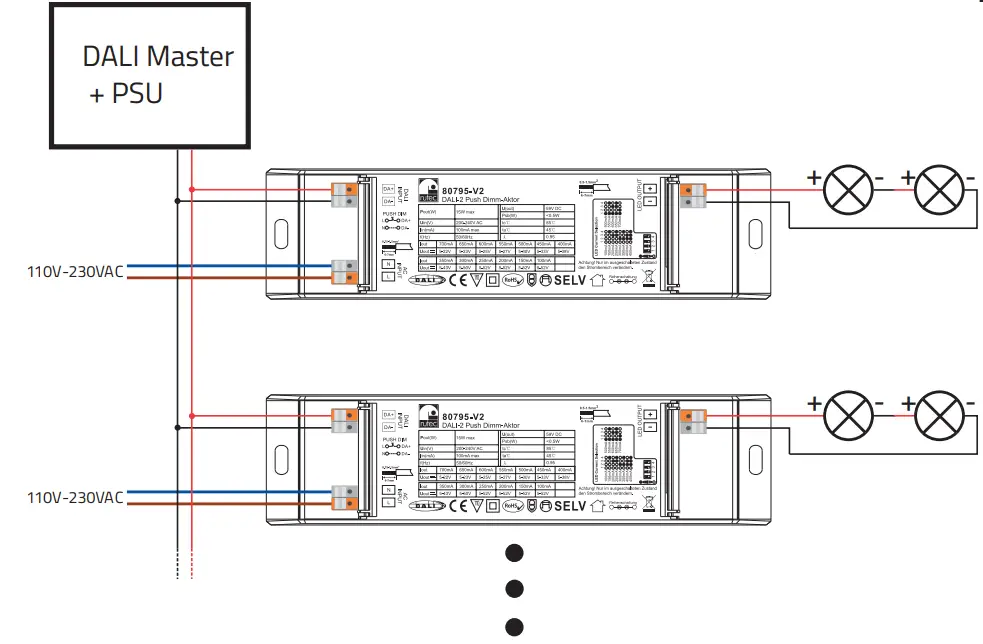
The rutec DALI-2 Push dimming actor has one channel with one address for single-colour controls and enables digital or analogue dimming with soft control behaviour. The DALI address can be addressed automatically with the help of DALI Masters. The DALI-2 Push dimming actor, can be regulated with the help of DALI signals or a push-button control.
DIP SCHWITCHES SETTING OPTIONS:
| Articel no. | Input Voltage | Output Voltage | Output Power | Output Current |
| 80795-V2 | 200-240V AC | 5-52 V DC max | 15 W max | 100-700 mA |
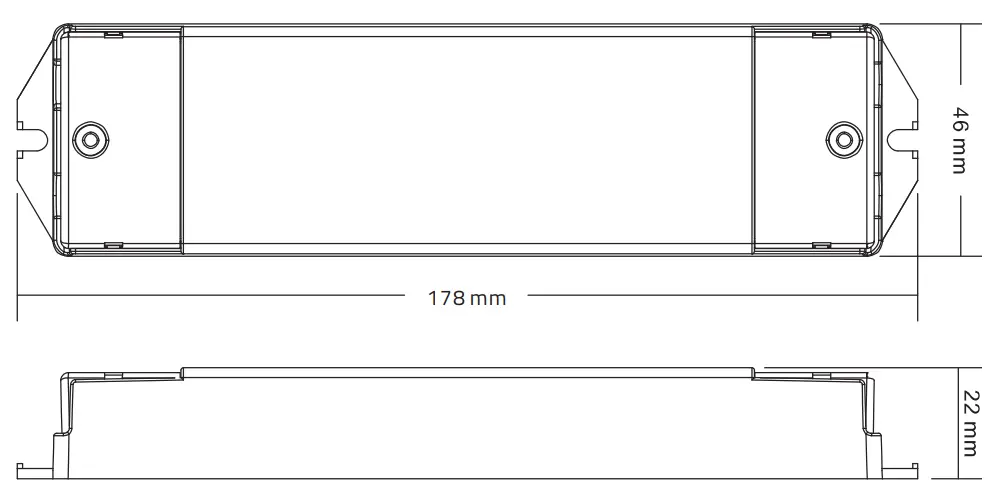
PRUDUCT DIMENSIONS:
DIP SWITCH SETTINGS:
Use the dip switch to set the required current value in the de-energised state.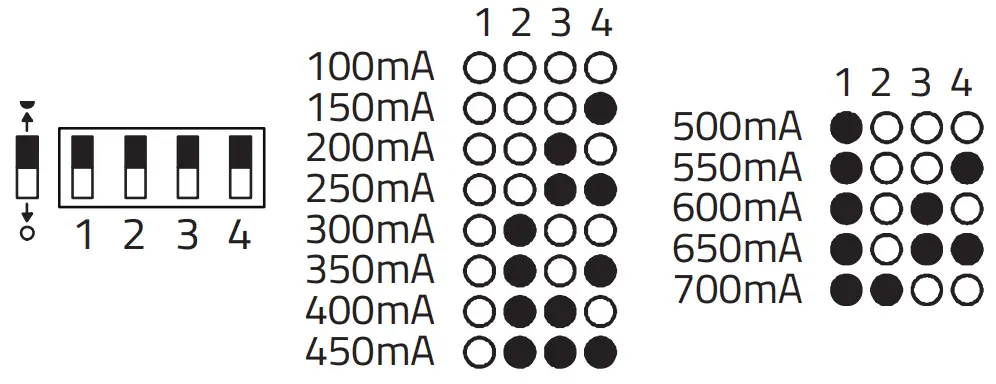
OUTPUT POWER:
| m z’s-st | melt-9C° | M tiOL-L | M EL-SZIL | M SL-S’L | M SL-SeL | 1nod |
| A ZS-5 | A ZS-5 | A ZS-S | A ZS-5 | A 05-5 | A E7-S | Mon |
| VW OW. | VW OSL | Vw 00Z | Vw OSZ | VW 00E | VW OSE | Viol |
| M SL-Z | m seitn-stz | Ansysiz | M 5EP7L-SLIZ | M SL-E | M 56’7L-StE | M SL-SIE | Pod |
| A 8E-S | A EE-S | A 0E-S | A tz-s | A SZ-S | A EZ-S | A U-S | loon |
| Val 007 | VW O97 | Val 009 | VW OSS | Val 009 | VW 059 | Val OOL | lool |
WIRING DIAGRAM:
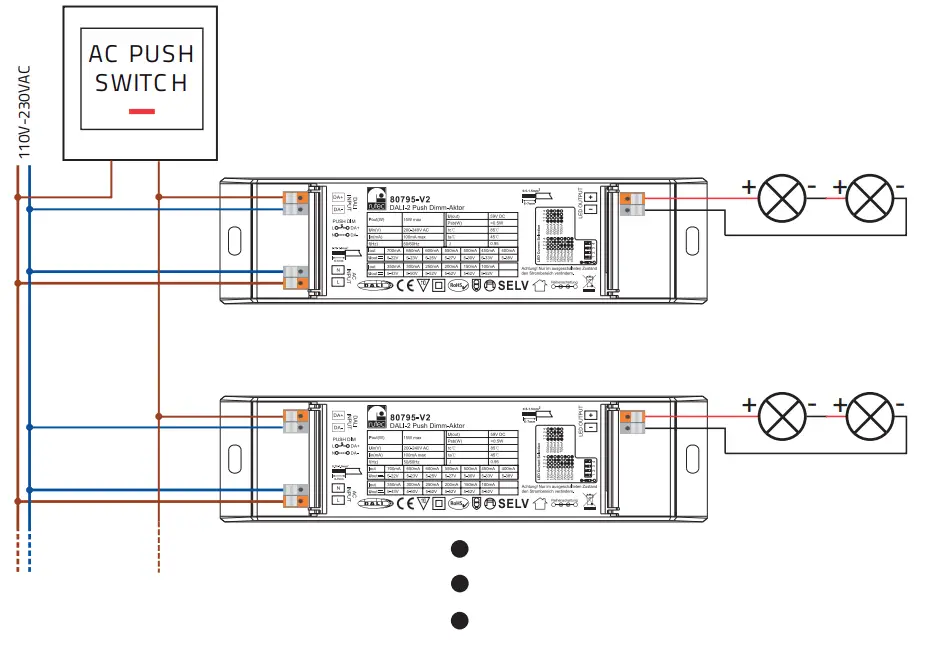
PUSH BUTTON (PUSH DIM) OPERATION:
OPERATING INSTRUCTIONS:
1. automatic setting:
The DALI-2 master unit assigns the addresses automatically. For the function, refer to the operating instructions of the master controller.
2. push-dim
As soon as the terminals Da+(L’) and Da-(N) have been connected with the 230 V AC pushbutton, the display changes to PD which stands for the operating mode “Push-Dimm”.
- Pressing briefly switches the outputs on/off.
- Pressing and holding dims the light strip to the desired brightness value.
- Press and hold again to dim the continuous row again.
- The dimming range is 1-100
The “push dim” mode has a memory effect so that after a short-circuit or loss of voltage/voltage recovery, the light is switched to the voltage recovery, the light returns to the last known brightness value.
SAFETY INSTRUCTIONS:
- Be sure to have a professional electrician complete installation. There is no warranty coverage for any lights installed without observing european safety directives.
- The LED controller is not waterproof. Please protect the controller from direct sunlight and avoid rain. For outdoor installation, please ensure that the controller is installed in a waterproof housing.
- Always ensure that the unit is installed in a location with good ventilation to ensure correct operating temperature.
- Check that the voltage and the power adapter are suitable for the controller and that the designation of the anode and cathode matches those of the controller.
- Please ensure that an appropriate cable diameter is used for the connection between the controller and the LED.
- Never connect the cables when the power is on, check that the connections are correct and check for short circuits before switching on the power.
- Please do not carry out any repairs yourself. This will invalidate the manufacturer’s warranty.
 Dispose of electrical and electronic devices in an environmentally friendly manner.
Carl-Zeiss-Str. 15
28857 Syke
DALI-2_Dimm-Aktor_BA_80795-V2_08/2022