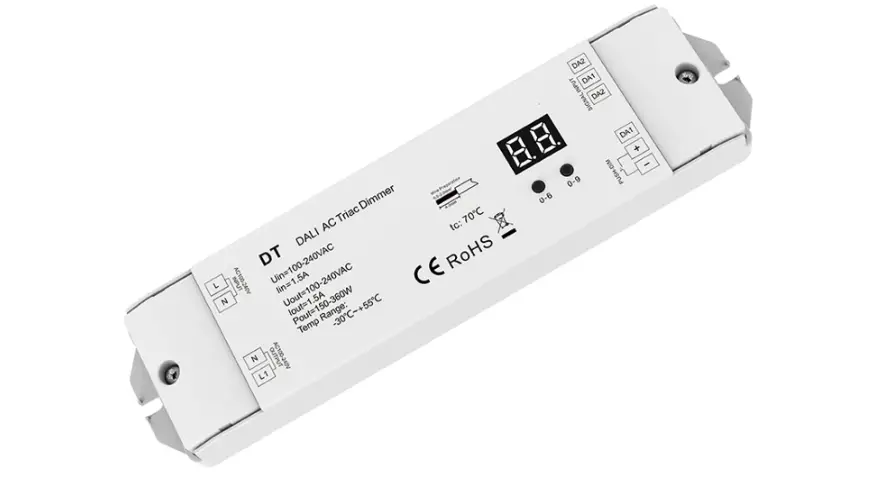
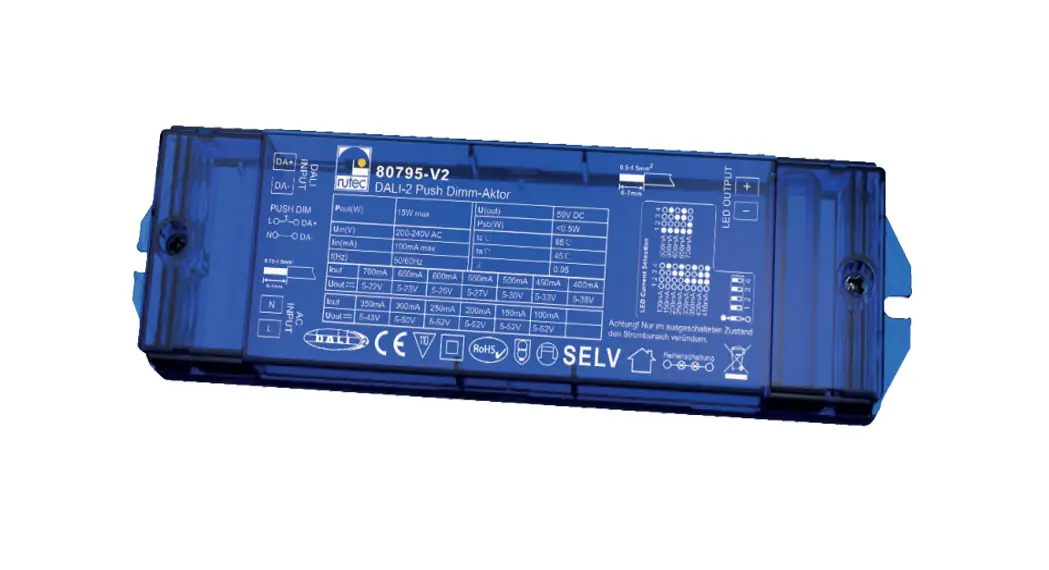
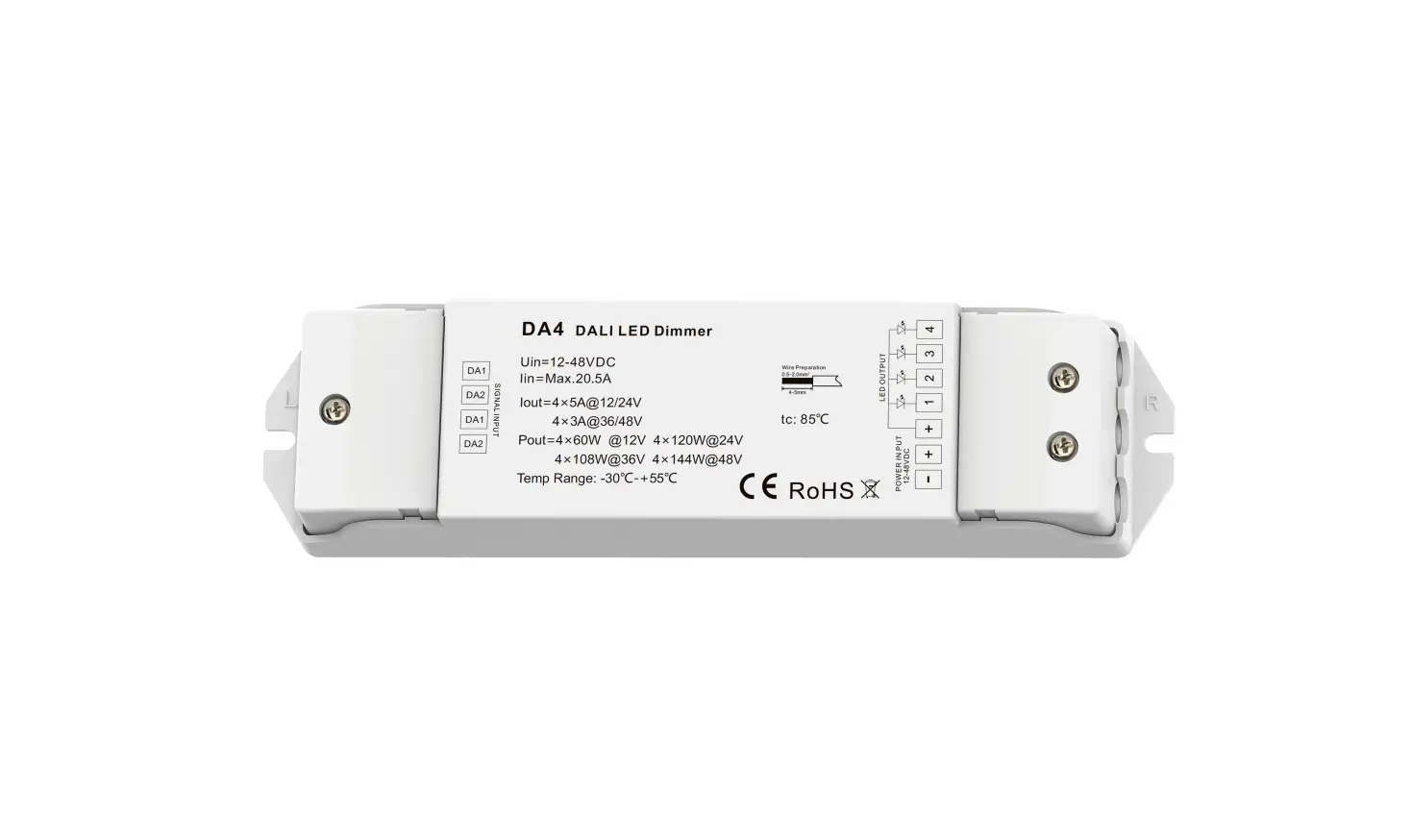
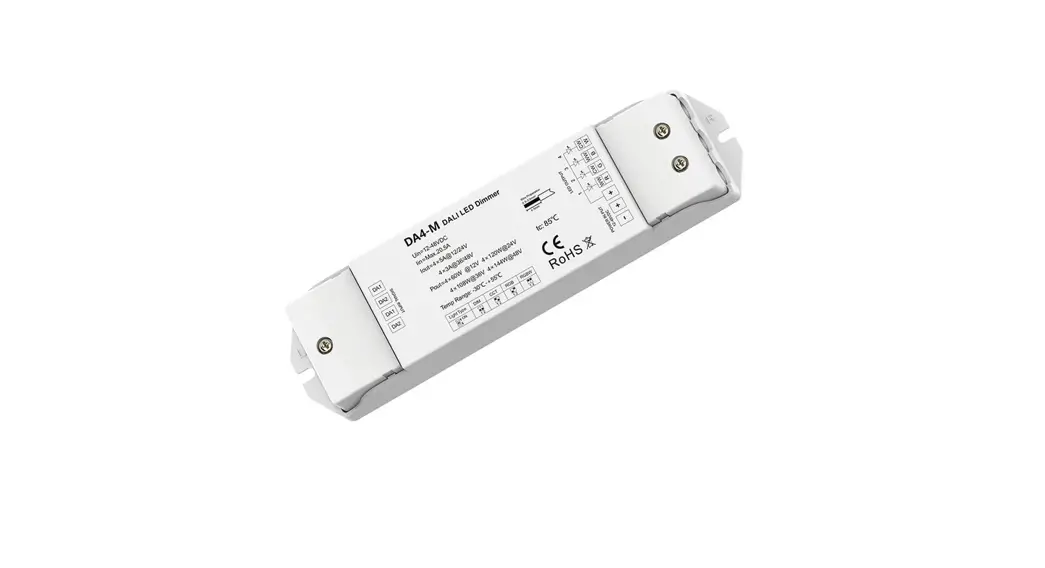
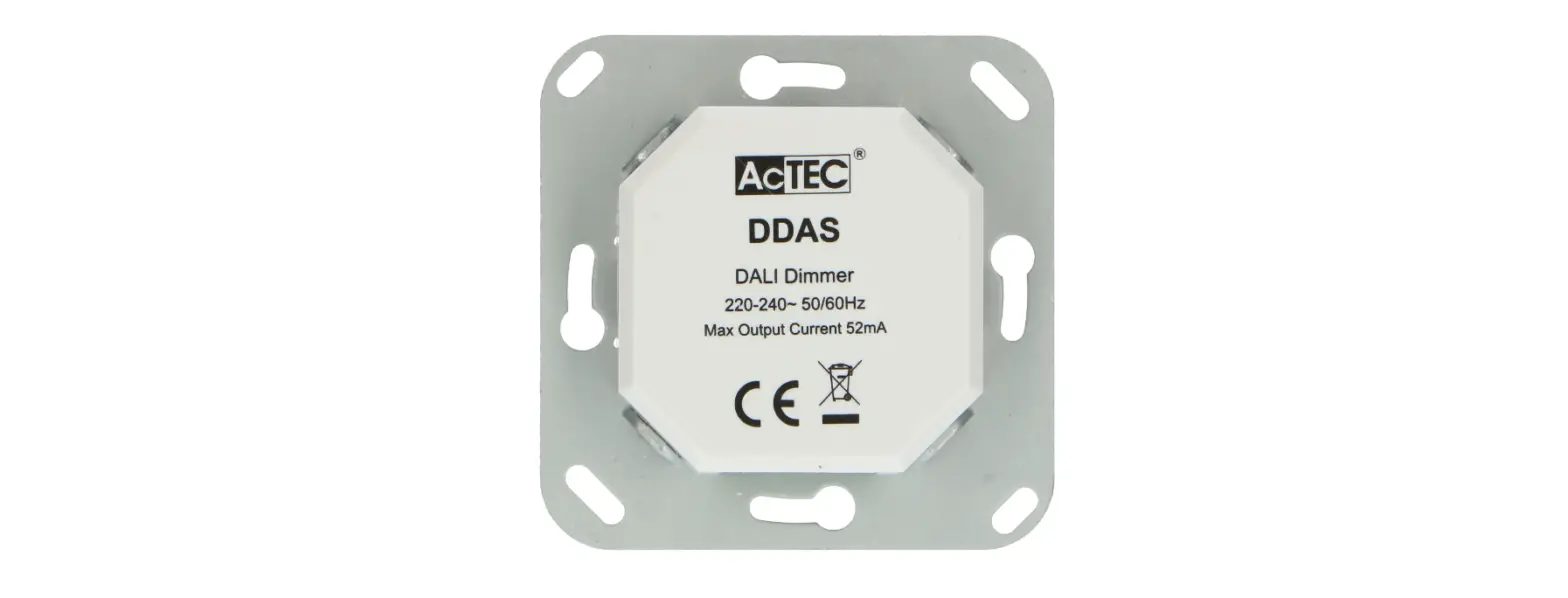
DA-P DALI Push Dimmer
Product Information:
The DALI Push Dimmer Model No.: DA-P is a small dimmer designed
for use with DALI drivers or ballasts. It features unidirectional
and broadcasting communication, allowing for control via
conventional push-button. The dimmer has multiple functions
including push dimming, address programmability, adjustable dimming
speed, and memory function.
Technical Parameters:
- Input voltage: 100-240VAC
- Output voltage: 100-240VAC
- Output current: Max 0.05A
- DALI bus output: 100mA max
- Operation temperature: -30°C to +55°C
- Case temperature (Max.): +75°C
- IP rating: IP20
Mechanical Structures and Installations:
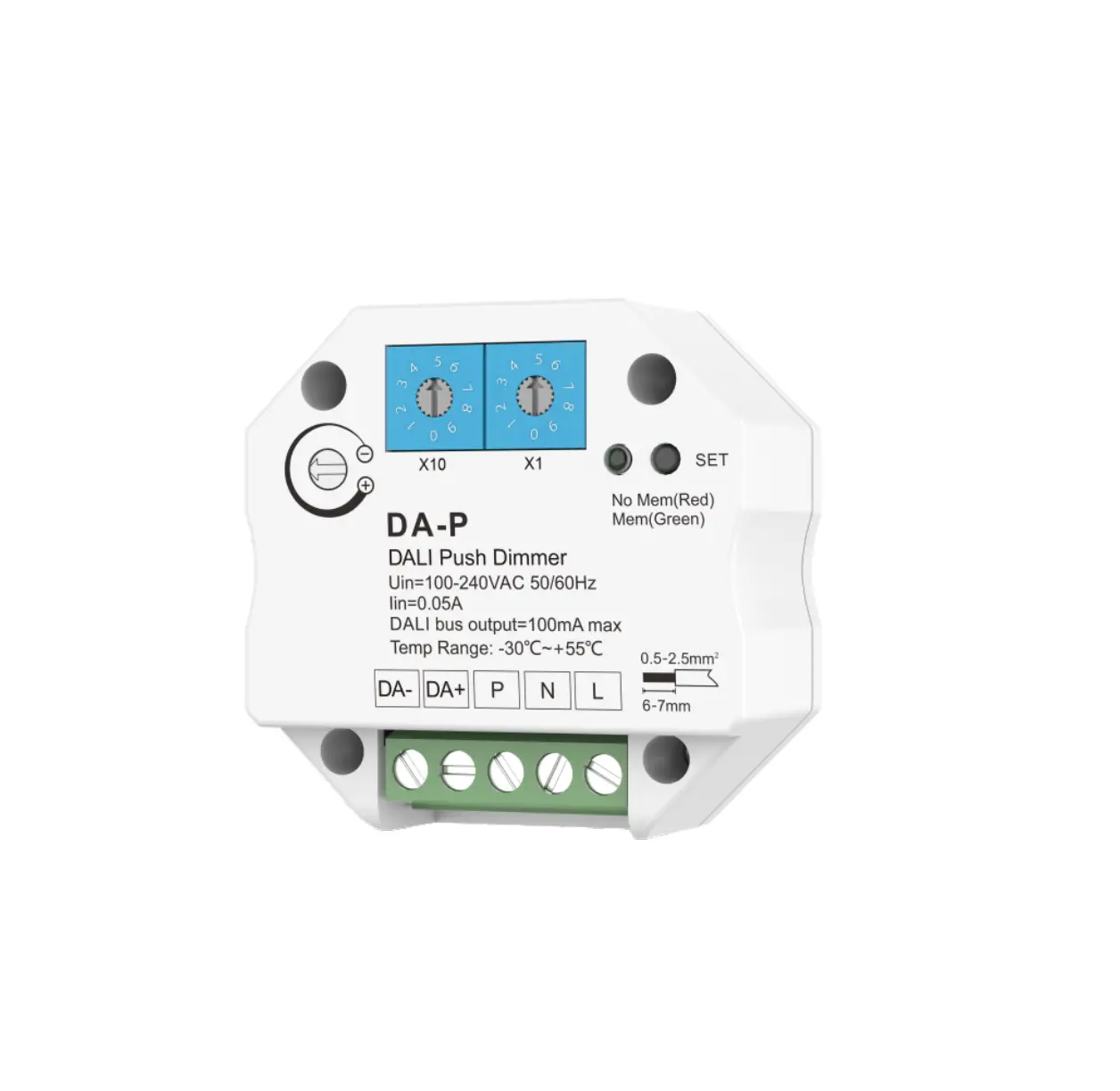
- Rotary switches for setting DALI address
- Number equals to tens position plus units position
- 10x(0~9) for setting tens position
- Dimming speed adjust
Wiring Diagram:
- AC push-button input
- 1x(0~9) for setting units position
- Memory Setting button
- Memory status indicator
Package Size: L60 x W60 x H40mm
Gross weight: 0.061kg
Warranty: 5 years
Product Usage Instructions:
DALI address setting:
1. Unicast mode: Address value 0-63 corresponds to DALI
addresses 00-63.
2. Group mode: Address values 70-85 correspond to DALI groupings
0-15.
3. Broadcast mode: Left rotary switch value is 9.
PUSH dimming speed setting:
1. The closer the arrow is to +, the faster the PUSH dimming
speed will be.
2. The closer the arrow is to -, the slower the PUSH dimming
speed will be.
Memory function setting:
Short press the SET button to switch the memory function.
1. Without memory: LED indicator is red. PUSH dimming and then
power on again, light returns to maximum brightness.
2. With memory: LED indicator is green. PUSH dimming and then
power on again, light restores the last brightness. Factory
default: Without memory.
Push-button function:
Short press: Turn on / off light.
Long press: Dimming up/down.
Safety & Warnings:
Please carefully ensure all wire connections and polarities are
correct and secure before applying power, otherwise this controller
will be damaged.
DALI Push Dimmer Model No.: DA-P
Push Dim/Address programmability/Dim speed adjustable/Memory function
Features
Small Dimmer for DALI Drivers or Ballasts. Unidirectional and broadcasting communication. Control by conventional push-button, with or without memory:
Short press: turn on /off light. Long press: dimming up/down. Dimming speed adjustable by rotary knob.
Technical Parameters
Input and Output Input voltage Output voltage Output current DAIL bus output
100-240VAC 100-240VAC Max 0.05A 100mA max
Environment Operation temperature Case temperature (Max.) IP rating
Mechanical Structures and Installations
Ta: -30 OC ~ +55 OC Ta: +75 OC IP20
Rotary switches for setting DALI address, the number equals to tens position plus units position 10x(0~9) for setting tens position Dimming speed adjust.
DAIL signal DAIL signal +
Wiring Diagram
AC push-button input
1x(0~9) for setting units position Memory Setting button Memory status indicator
AC input
Push-button
Package Size Gross weight
Warranty Warranty
L60x W60 x H40mm 0.061kg
5 years
52.00 mm
27.00 mm
52.00 mm
N L
100-240V~50/60Hz
L N
DALI
DA+ Ballast or
DA- Driver
L N
DALI
DA+ Ballast or
DA- Driver
Caution:
Please carefully ensure all wire connections and polarities are correct and secure before applying power, otherwise this controller will be damaged.
User Manual Ver 1.0.0
1
DALI address setting
1. Address value = Left rotary switch value × 10 + right rotary switch value. For example : Left rotary switch value is 5, right rotary switch value is 4, Address value = 5 x 10 + 4 = 54.
2. Unicast mode : Address value 0-63 corresponds to DALI addresses 00-63. Group mode : Address values 70-85 correspond to DALI groupings 0-15. Broadcast mode : Left rotary switch value is 9.
PUSH dimming speed setting
1.The closer the arrow is to “+”, the faster the PUSH dimming speed will be. 2. The closer the arrow is to “-“, the slower the PUSH dimming speed will be.
Memory function setting
Short press the “SET” button to switch the memory function. 1. Without memory: LED indicator is red, PUSH dimming and then power on again, light returns to maximum brightness. 2. With memory: LED indicator is green, PUSH dimming and then power on again, light restores the last brightness. Factory default: Without memory.
Push-button function
Short press: Turn on / off light.
Long press : Dimming up/down
Safety & Warnings
· DO NOT install with power applied to device. · DO NOT expose the device to moisture.
User Manual Ver 1.0.0
2
DALI :DA-P
///
DALI : :/ :/
DAIL
100-240VAC 100-240VAC Max 0.05A 100mA max
IP
Ta: -30 OC ~ +55 OC Ta: +75 OC IP20
DALI 10x(0~9)
DAILDAIL+
AC
1x(0~9)
AC
52.00 mm
60x 60 x 40mm(xx) 0.061kg
5
52.00 mm
27.00 mm
N L
100-240V~50/60Hz
L N
DALI
DA+
DA-
L N
DALI
DA+
DA-
:
1.0.0
1
DALI
1.=×10+ 54=5×10+4=54 2.0-63DALI00-63 70-85DALI0-15 9
1.”+” 2.”-”
“SET” 1. 2.
: / : /
1.0.0
GuangzhouSkyacneCo.,Ltdwww.iskydance.cn 2
 景晴光电- 灯光控制系统专业制造商 官网