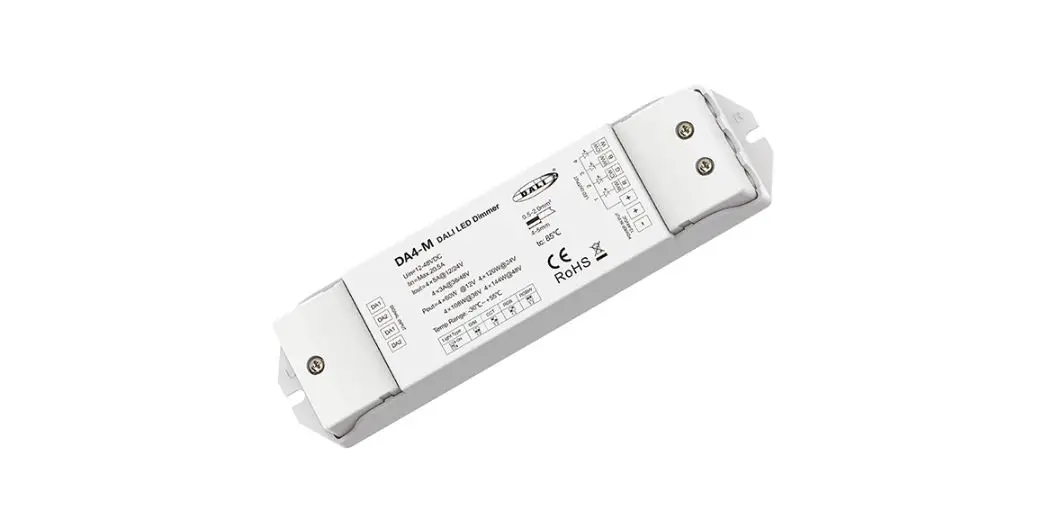
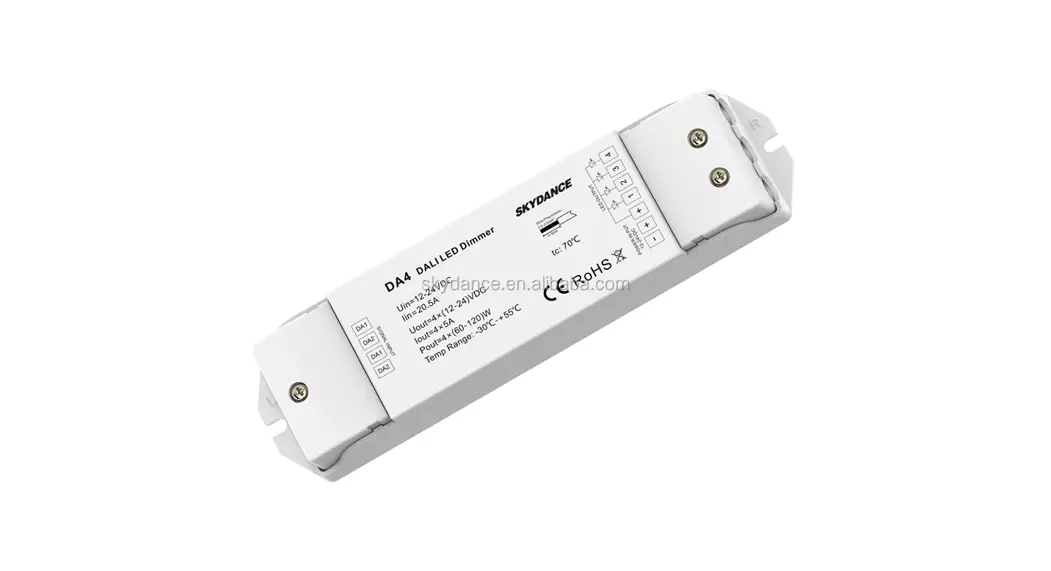
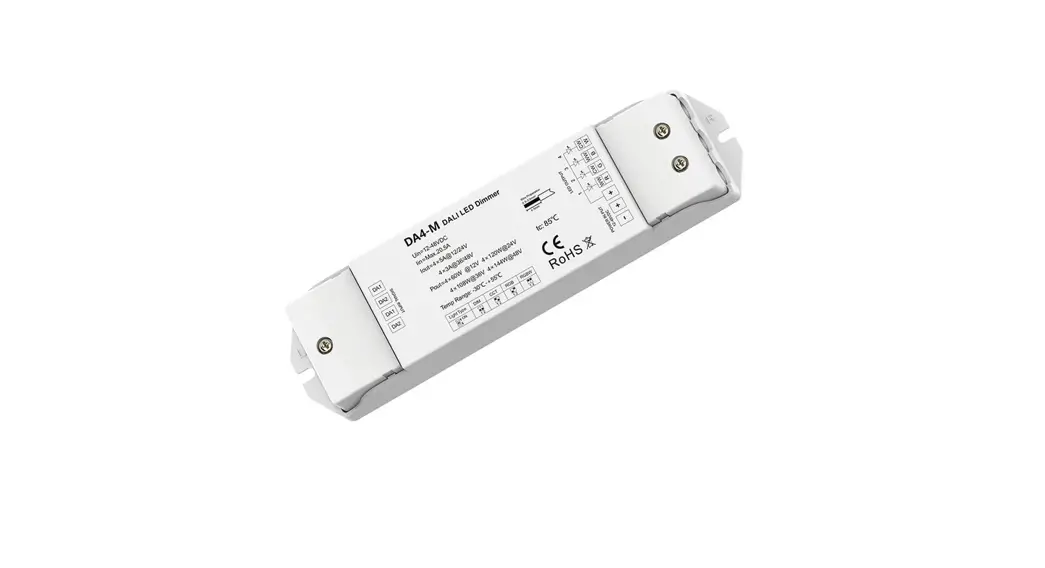
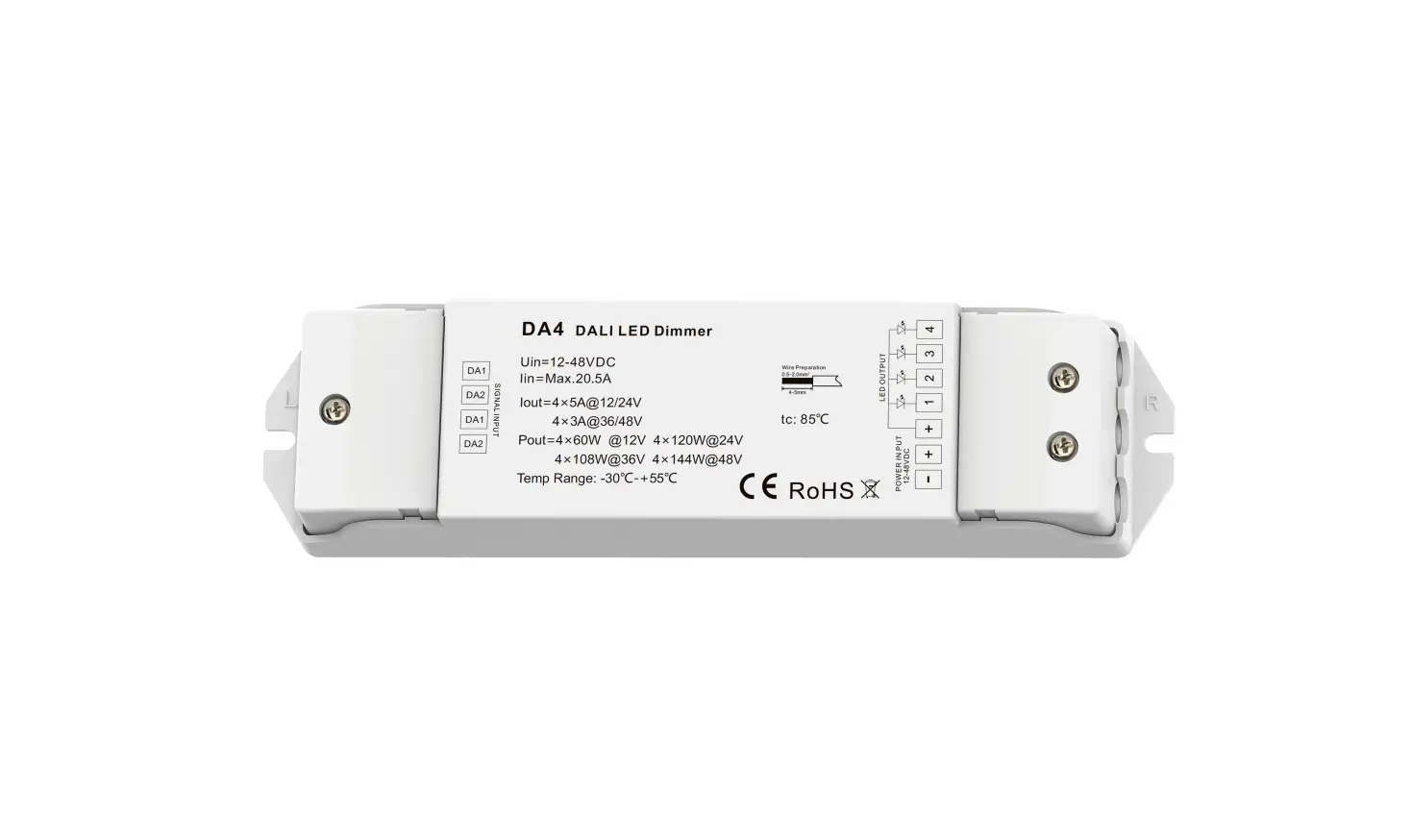
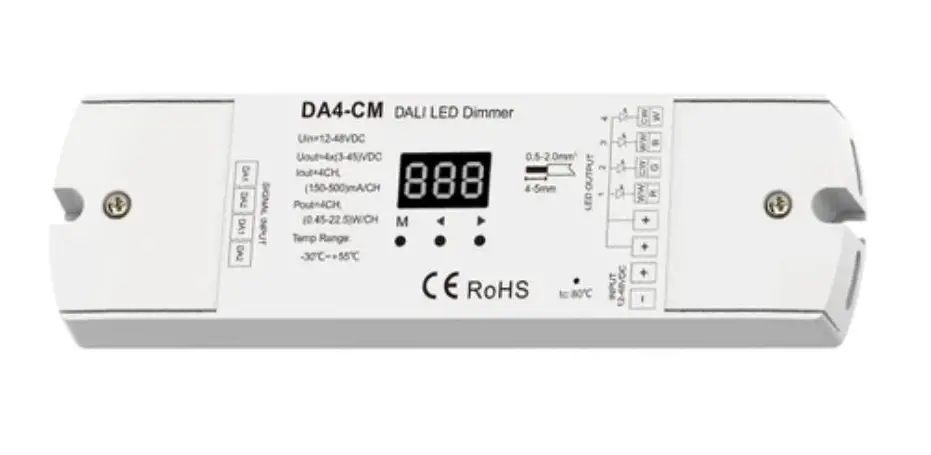
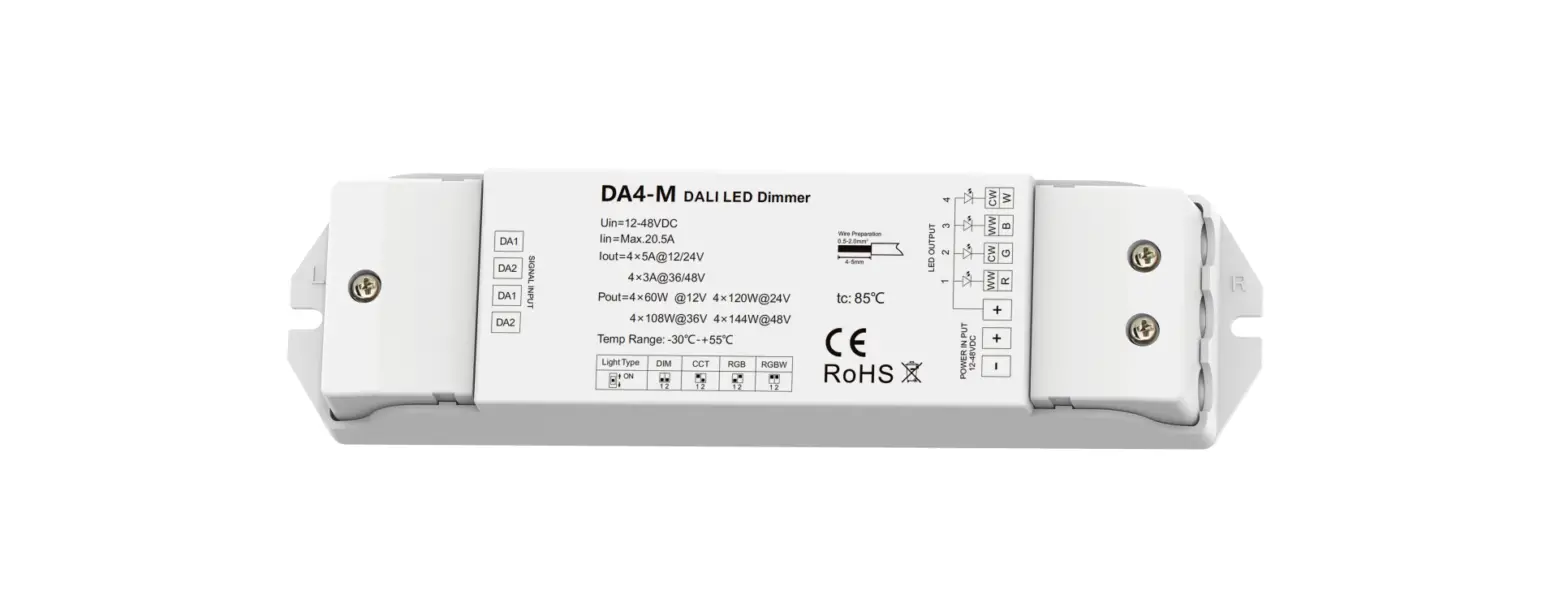
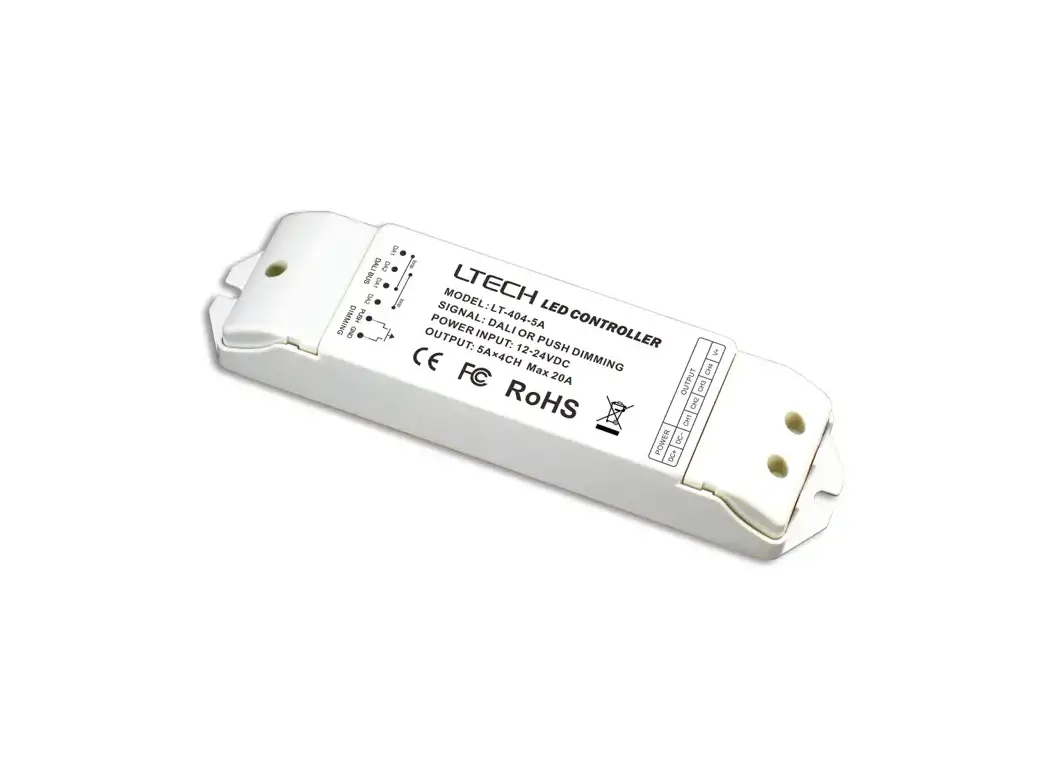
DA4-D 4 Channel Constant Voltage DALI LED Dimmer
Product Information
Product Name: 4 Channel Constant Voltage DALI
LED Dimmer
Model No.: DA4-D
Features:
- 4 channel constant voltage DALI LED Dimmer with digital
display - 5A per channel
- 1-4 DALI address quantity is selectable
- 4 channel work separately
- In accordance with DALI standard protocol IEC 62386-102, IEC
62386-207 - Compliance with DALI products from other international
incorporation - DALI address can be manually assigned and shown in digital
display - DALI address can be automatically assigned by DALI master
- PWM digital dimming with standard DALI logarithmic dimming
curve - PWM frequency 1000/2000/4000/8000Hz selectable
- Over-heat / Over-load / Short circuit protection, recover
automatically - Fast self-testing function
- Available in white or black
Technical Parameters:
- Input voltage: 12-24VDC
- Input current: 20.5A
- Output voltage: 12-24VDC
- Output current: 4CH,5A/CH
- Output power: 4 x (60-120)W
- Output type: Constant voltage
- Operation temperature: -30 OC ~ +55 OC
- Case temperature (Max.): +85OC
- IP rating: IP20
- Dimming data: DALI
- Dimming range: 0 -100%
- Dimming curve: Logarithmic
- PWM Frequency: 1000/2000/4000/8000Hz
Warranty and Protection:
- Warranty: 5 years
- Protection: Reverse Polarity, Over-heat, Over-load, Short
circuit
Product Usage Instructions
Mechanical Structures and Installations:
The DA4-D 4 Channel Constant Voltage DALI LED Dimmer should be
installed using DIN Rail Mounting Size TS-35/7.5 or TS-35/15.
The wiring diagram is as follows:
Power Supply 12-24VDC Constant Voltage
DA2 DA1 DA2 DA1 SIGNAL INPUT
DA4-D
M
LED OUTPUT
1
2
3
4
DALI Master
AC100-240V
+ Single color LED strip + Single color LED strip + Single color LED strip
Single color LED strip
+
Operation:
- To set the DALI address quantity, long press the “M” key for 2
seconds. - Use the “+” or “-” key to switch between 1/2/3/4 DALI address
quantity (1CH, 2CH, 3CH, or 4CH). - Short press the “M” key or wait for a timeout of 10 seconds to
exit the DALI address quantity setting.
DALI address quantity setup explanation:
- When set to 1 DALI address, Ch1, Ch2, Ch3, Ch4 will have the
same DALI address. - When set to 2 DALI addresses, Ch1 and Ch3 will have the same
DALI address A, Ch2 and Ch4 will have the same DALI address
A+1. - When set to 3 DALI addresses, Ch1 will have DALI address A, Ch2
will have DALI address A+1, Ch3 will have DALI address A+2, and Ch4
will have no DALI address and no output. - When set to 4 DALI addresses, Ch1 will have DALI address A, Ch2
will have DALI address A+1, Ch3 will have DALI address A+2, and Ch4
will have DALI address A+3.
For example, if the start DALI address is 32:
- When DALI address quantity is 1CH, the dimmer occupies 1 DALI
address (32). - When DALI address quantity is 2CH, the dimmer occupies 2 DALI
addresses (32, 33). - When DALI address quantity is 3CH, the dimmer occupies 3 DALI
addresses (32, 33, 34). - When DALI address quantity is 4CH, the dimmer occupies 4 DALI
addresses (32, 33, 34, 35).
4 Channel Constant Voltage DALI LED Dimmer
Model No.: DA4-D
1-4 DALI address selectable/4 Channel/Constant voltage/PMW dimming/Numeric display/Din Rail
Features
4 channel constant voltage DALI LED Dimmer with digital display, 5A per channel. 1-4 DALI address quantity is selectable, 4 channel work separately. In accordance with DALI standard protocol IEC 62386-102, IEC 62386-207 and in compliance with DALI products
from other international incorporation. DALI address can be manually assigned and shown in digital display or automatically assigned by DALI master. PWM digital dimming, standard DALI logarithmic dimming curve. PWM frequency 1000/2000/4000/8000Hz selectable. Over-heat / Over-load / Short circuit protection, recover automatically. With fast self-testing function. Available in white or black.
Technical Parameters
Input and Output Input voltage Input current Output voltage Output current Output power Output type
12-24VDC 20.5A 12-24VDC 4CH,5A/CH 4 x (60-120)W Constant voltage
Environment Operation temperature Case temperature (Max.) IP rating
Ta: -30 OC ~ +55 OC T c: +85OC IP20
Dimming data Input signal Dimming range Dimming curve PWM Frequency
DALI 0 -100% Logarithmic 1000/2000/4000/8000Hz
Warranty and Protection
Warranty
5 years
Protection
Reverse Polarity Over-heat Over-load Short circuit
User Manual Ver 1.0.3
Mechanical Structures and Installations
DA4-D 4 Channel Constant Voltage DALI LED Dimmer
Power Input + Power Input –
Ch2 LED Output Output LED + Output LED + Ch1 LED Output –
Two groups of DALI signal input DALI bus no need distinguish plus-minus polarity
DA2 DA1 DA2 DA1 SIGNAL INPUT
DA4-D
M
LED OUTPUT
1
2
3
4
Digital display
Setting key
Output LED + Ch3 LED Output Ch4 LED Output –
Output LED + Installation rack
45mm 35.5mm
67mm
37mm 48mm
DIN Rail Mounting Size: TS-35/7.5 or TS-35/15
Page 1
Wiring Diagram
Power Supply 12-24VDC Constant Voltage
DA2 DA1 DA2 DA1 SIGNAL INPUT
DA4-D
M
LED OUTPUT
1
2
3
4
DALI Master
AC100-240V
+ Single color LED strip + Single color LED strip + Single color LED strip
Single color LED strip
+
Operation
Set DALI Address Quantity You need set DALI address quantity according to applications requirement for the rst time. Long press M for 2s, prepare for set DALI address quantity. Short press or key to switch between1/2/3/4 DALI address quantity (“1CH”,”2CH” ,”3CH” or “4CH”). Short press M key or timeout 10s, quit DALI address quantity setting.
DALI address quantity setup explain: When set 1 DALI address, Ch1,Ch2,Ch3,Ch4 will be the same DALI address. When set 2 DALI address, Ch1,Ch3 will be same DALI address A, Ch2,Ch4 will be same DALI address A+1. When set 3 DALI address, Ch1 will DALI address A, Ch2 will DALI address A+1,
Ch3 will DALI address A+2, Ch4 no DALI address and no output. When set 4 DALI address, Ch1 will DALI address A, Ch2 will DALI address A+1,
Ch3 will DALI address A+2, Ch4 will DALI address A+3.
For example, the start DALI address is 32: When DALI address quantity is “1CH”, the dimmer occupy 1 DALI address and address is 32. When DALI address quantity is “2CH”, the dimmer occupy 2 DALI addresses and address is 32,33. When DALI address quantity is “3CH”, the dimmer occupy 3 DALI addresses and address is 32,33,34. When DALI address quantity is “4CH”, the dimmer occupy 4 DALI addresses and address is 32,33,34,35.
User Manual Ver 1.0.3
DA4-D 4 Channel Constant Voltage DALI LED Dimmer Set DALI Address via buttons Long press or key for 2s, prepare for set the start DALI address, then press or key to set the start DALI address. Short press M key or timeout 10s, quit start DALI address setting. The start DALI address can be manually assigned from 00-63-FF. by factory defaults, no DALI address is assigned for the dimmer, and digital display shows “AFF”. DALI address assigned by DALI masters DALI address can also be assigned by DALI Master controller automatically. Please refer to user manuals of compatible DALI Masters for speci c operations. The digital display will show “AAU” When the DALI master is assigning address. After address is assigned, the digital display will show the start DALI address”Axx”, xx is from 00 to 63. Using DALI master assign address may result in discontinuous address, the digital display will show the start DALI address”Uxx”.
Set PWM frequency Long press M & key for 2s, prepare for set PWM frequency. Short press or key to switch between1000Hz(“F10”), 2000Hz(“F20”), 4000Hz(“F40”) or 8000Hz(“F80”).
Higher PWM frequency, will cause lower output current, higher power noise, but more suitable for camera (No flickers for video). Short press M key or timeout 10s, quit PWM frequency setting.
Restore factory default parameter Long press and key for 2s, restore factory default parameter, display “RES”. Factory default parameter: no DALI address is assigned, DALI address quantity is 4, PWM frequency is 2000Hz. Long press M & key for 2s, enter fast self-testing, the output channel will be on orderly then all on.
Safety & Warnings
· DO NOT install with power applied to device. · DO NOT expose the device to moisture.
Page 2
DALI4LED
:DA4-D
1-4DALI/4//PMW//
4DALILED5A 1-4DALI4 DALIIEC62386-102IEC62386-207DALI DALIDALI PWMDALI //
12-24VDC 20.5A 12-24VDC 4CH,5A/CH 4 x (60-120)W
5 , ,
PWM
IP
DALI 0 -100% 500Hz
Ta:-30 OC~+55 OC Tc:+85 OC IP20
1.0.3
+ –
2LEDLED+ LED+ 1LED-
DALI
DA2 DA1 DA2 DA1 SIGNAL INPUT
DA4-D
M
LED OUTPUT
1
2
3
4
LED+ 3LED4LED-
LED+
45mm 35.5mm
67mm
37mm 48mm
DIN: TS-35/7.5TS-35/15
1
12-24VDC
DA2 DA1 DA2 DA1 SIGNAL INPUT
DA4-D
M
LED OUTPUT
1
2
3
4
AC100-240V
DALI
+ LED + LED + LED + LED
DALI
DALI M2DALI 1/2/3/4DALI”1CH””2CH””3CH””4CH” M10DALI
DALI 1DALICh1Ch2Ch3Ch4DALI 2DALICh1Ch3DALIACh2,Ch4DALIA+1 3DALICh1DALIACh2DALIA+1Ch3DALIA+2Ch4DALI 4DALICh1DALIACh2DALIA+1Ch3DALIA+2Ch4DALIA+3
DALI32: DALI”1CH”1DALI32 DALI”2CH”2DALI3233 DALI”3CH”3DALI323334 DALI”4CH”4DALI32333435
1.0.3
DALI
2DALIDALI M10DALI DALI00-63-FF DALI”AFF”
DALIDALI DALIDALIDALI DALI”AAU” DALI”Axx”xx0063 DALIDALI”Uxx”
2″RES” DALIDALI4 M24
2