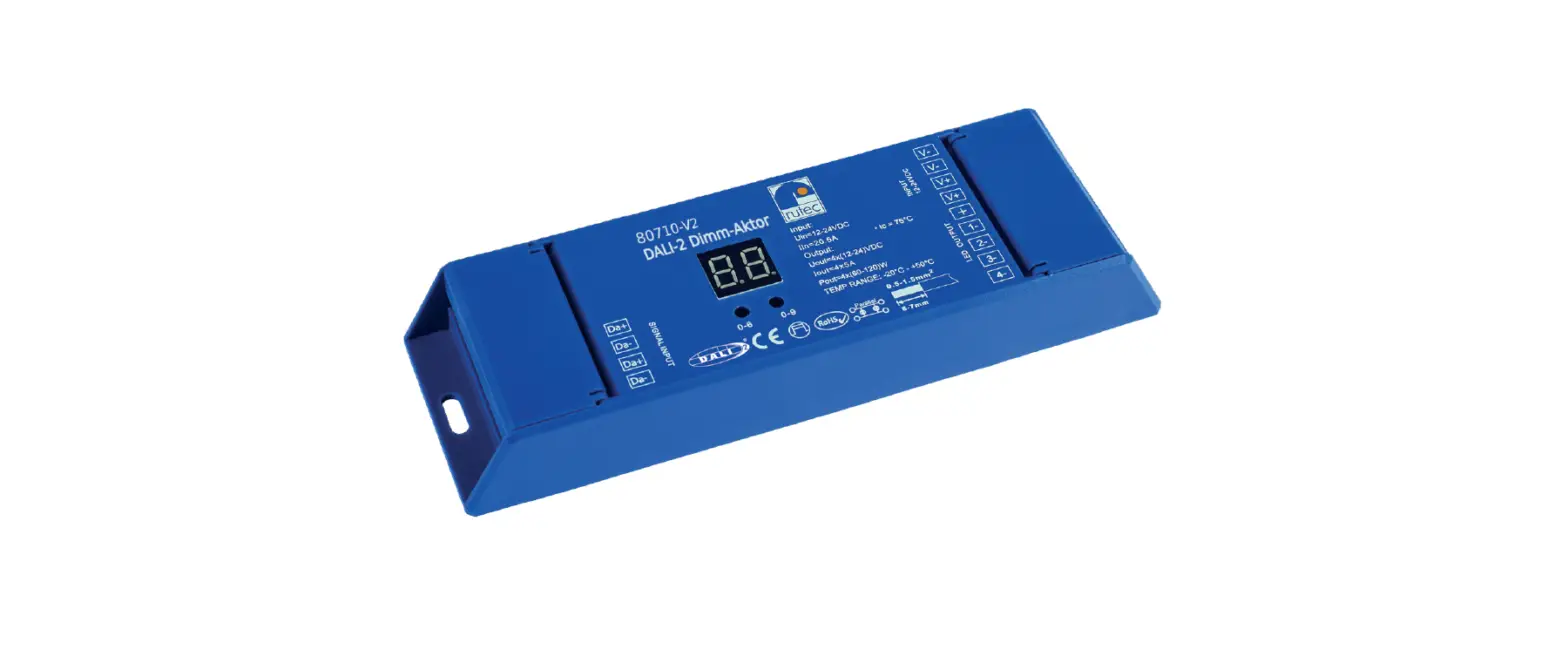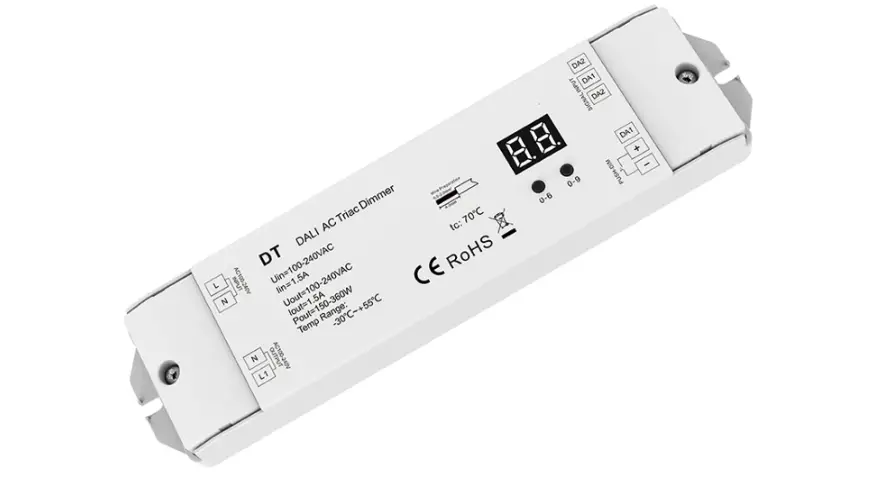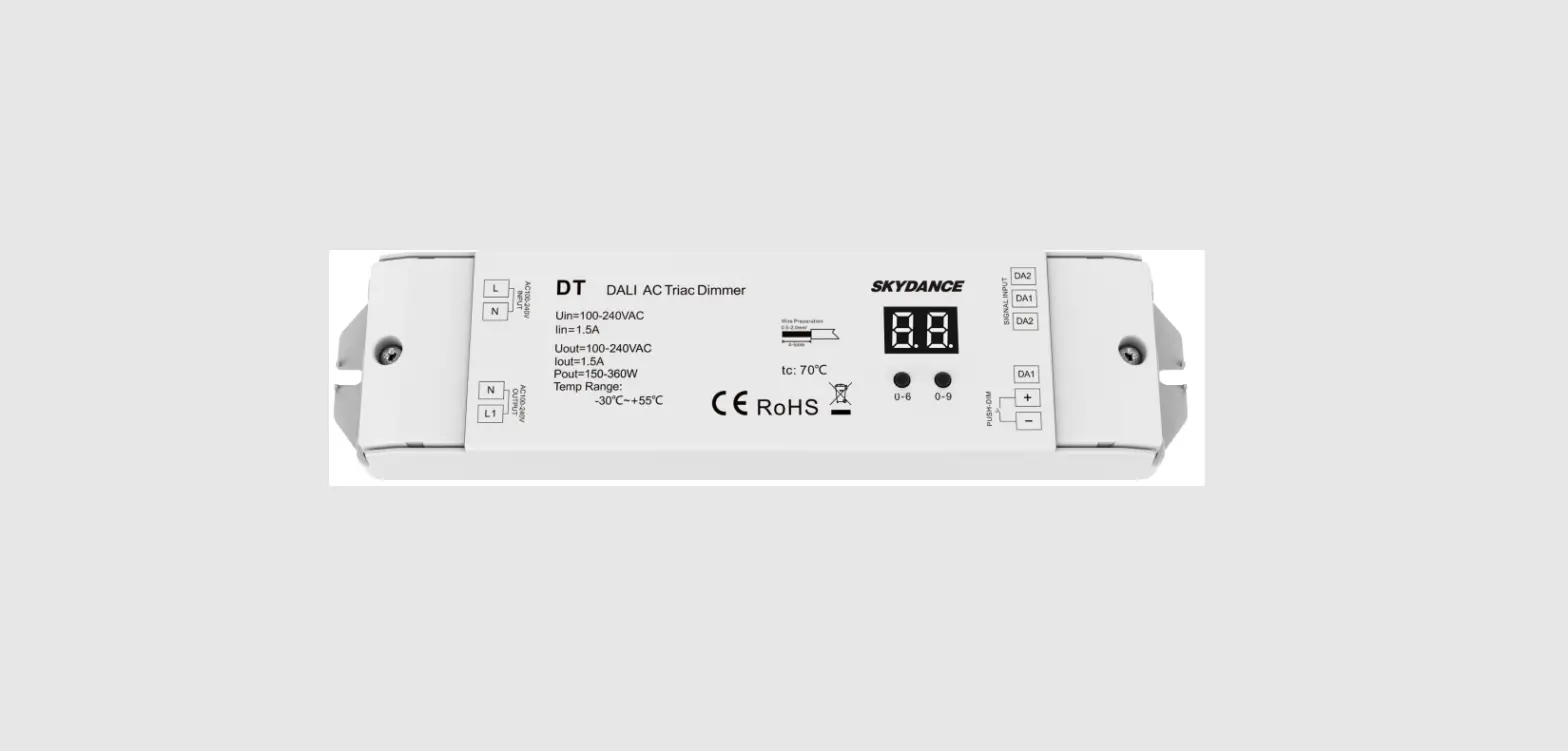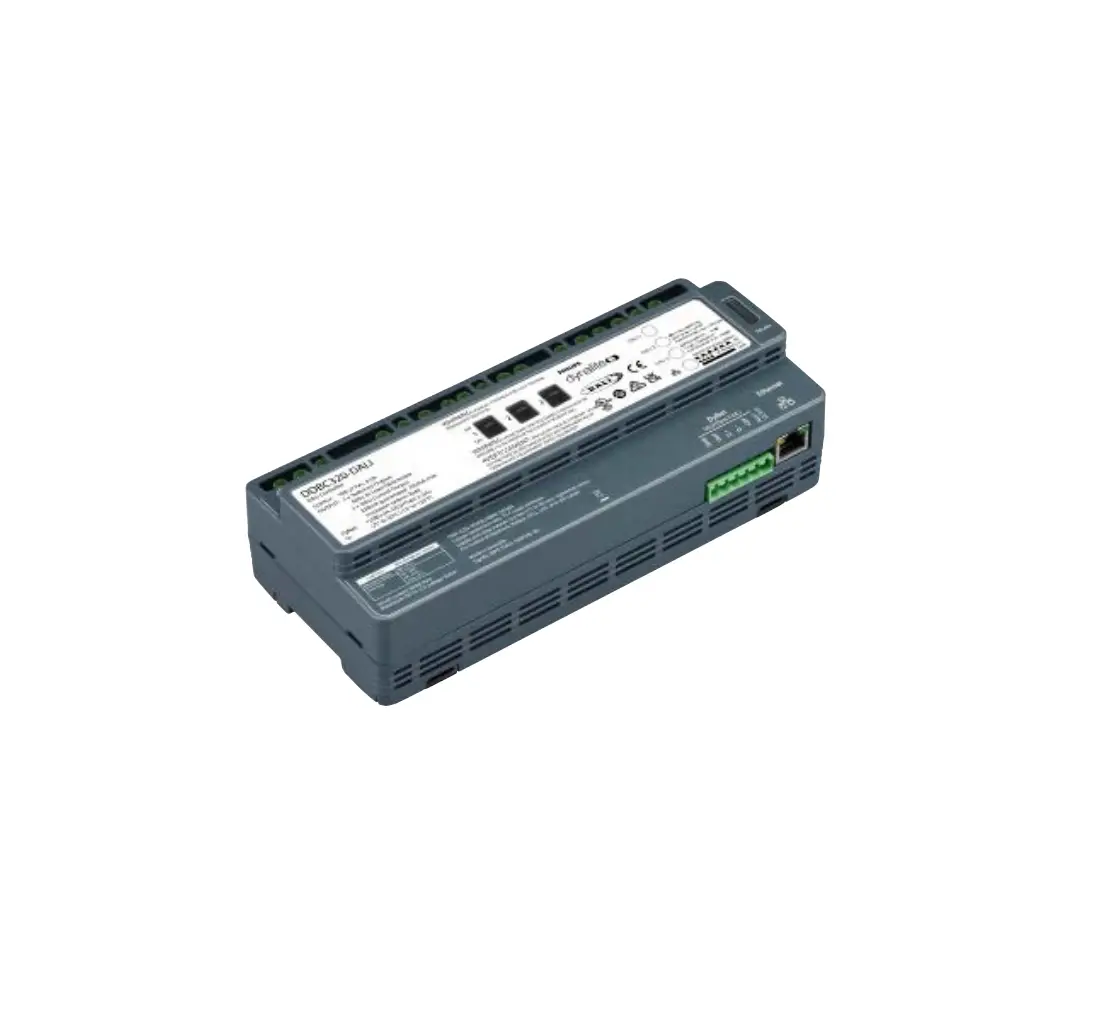

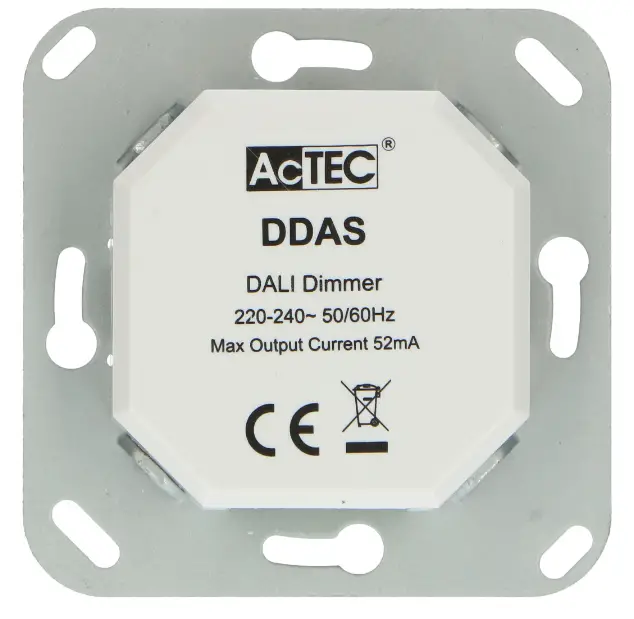
AcTEC DDAS Dimmer Dali
Product Features
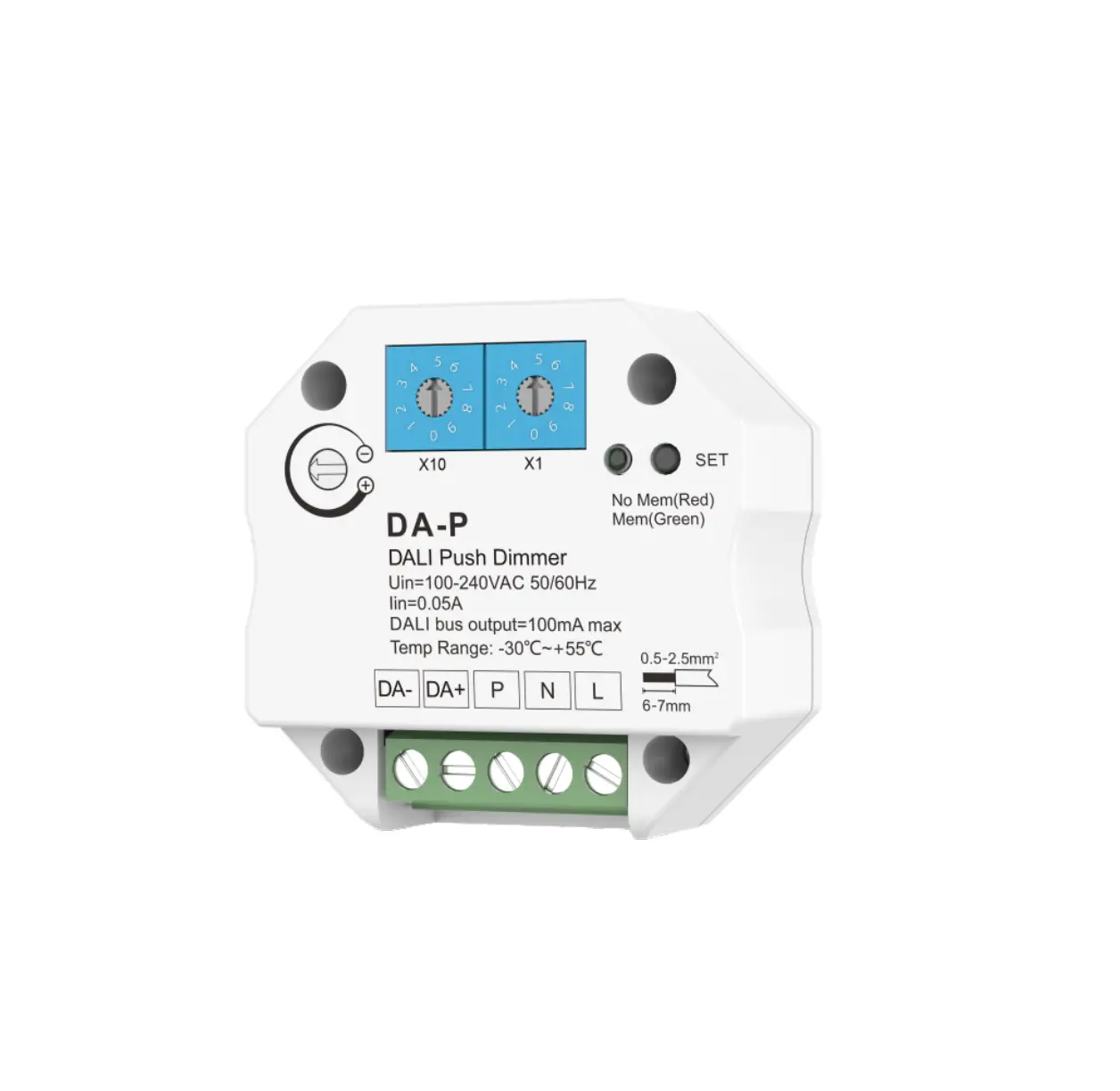
- Dimmable with DALI signal
- 52 mA DALI power embedded for supplying DALI devices
- Built-in on/off and rotary knob dimming control
- Protections: Over-voltage, overload
- Possibility of storing a basic brightness and a fixed power-on brightness
- Stand-by power: <0.5W
- Set single address, group address, scene address or broadcast address via dip switch
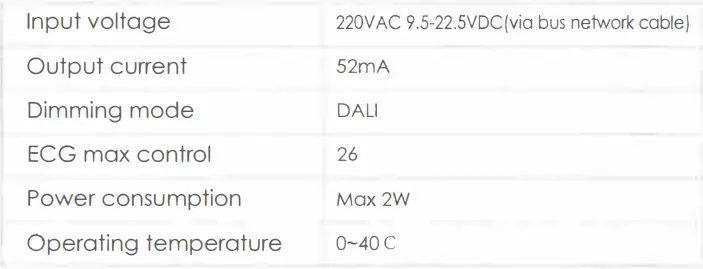
Technical Data
Dip Switch Operation
Via dip switch, you can set 64 single addresses(0-63), 16 group addresses(0-15) and broadcast addresses. Total address value = the sum of the dip switch value To gel the place value when in “an” position, otherwise will be 0.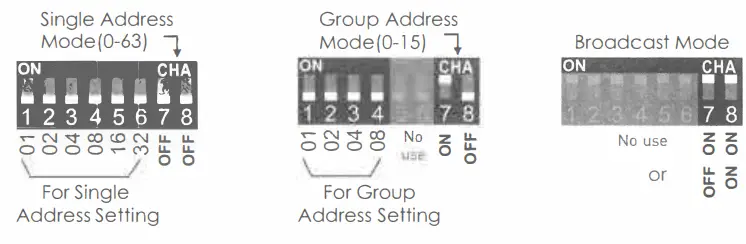
- Short press: ON/OFF
- Turn the knob: Dimming
- ON+double press: Set the start-up brightness.
- OFF+double press: Clear the start-up brightness
- ON+ long-press(l0S+): Set the minimum brightness.
- OFF+ long-press(l0S+}: Clear the minimum brightness
- Auto remembers the last brightness level as start-up brightness, unless you set it.
Installation instruction
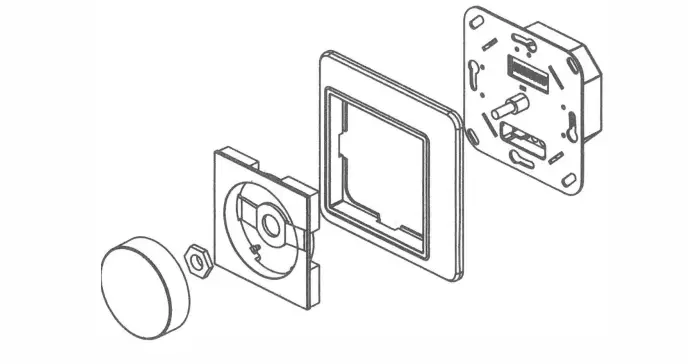
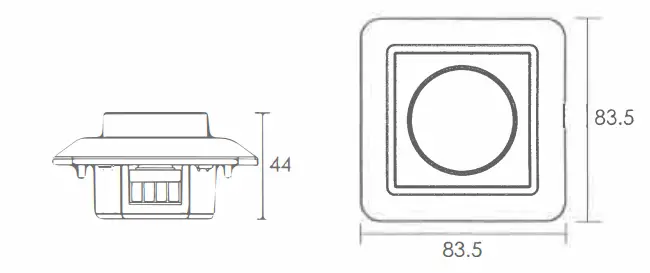
Dimensions(mm)
Wiring
- Method 1
- A single DALI group configuration The DALI dimmer can control On/Off and dim for a group of DALI drivers without a DALI controller and DALI PS

- (Set DIP to broadcast) Set Dip switch to broadcast. All devices, max 26, would be controlled as a group.
- A single DALI group configuration The DALI dimmer can control On/Off and dim for a group of DALI drivers without a DALI controller and DALI PS
- Method 2
- A typical DALI configuration The dimmer can be set to Group 1 or 2 through the DIP so as to control G 1 or G2 Set Dip switch to a single address-Only one Device with this address would be controlled.

- Set Dip switch to a group address-AII devices with this group addressed would be controlled. Set Dip switch to the broadcast-AII device. max 26, would be controlled as a group
- A typical DALI configuration The dimmer can be set to Group 1 or 2 through the DIP so as to control G 1 or G2 Set Dip switch to a single address-Only one Device with this address would be controlled.
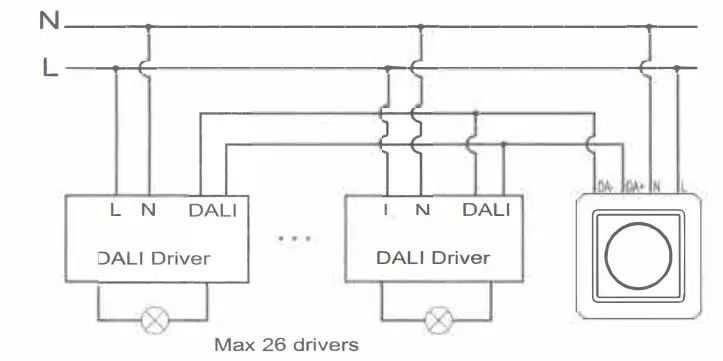
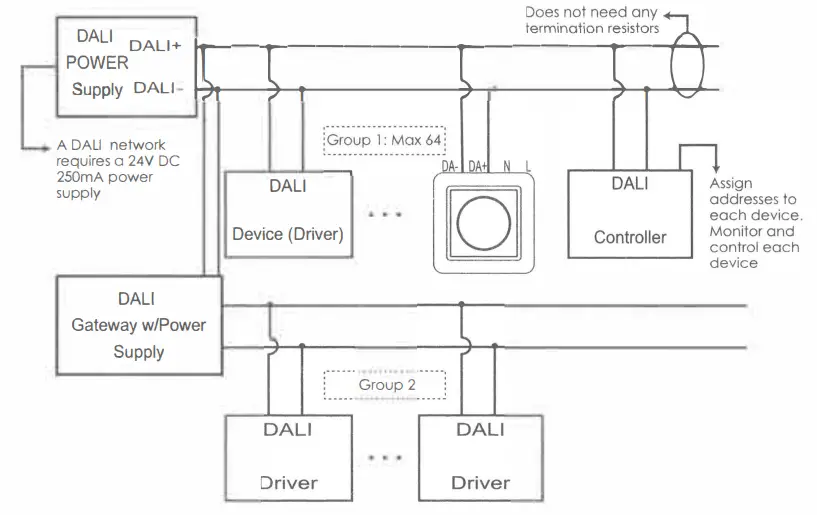
Remarks: DALI address of each device is assigned by a DALI control system. The address of this DALI dimmer is to be set in relevant to that set by the DALI control system.