
 Subordinate New Brand
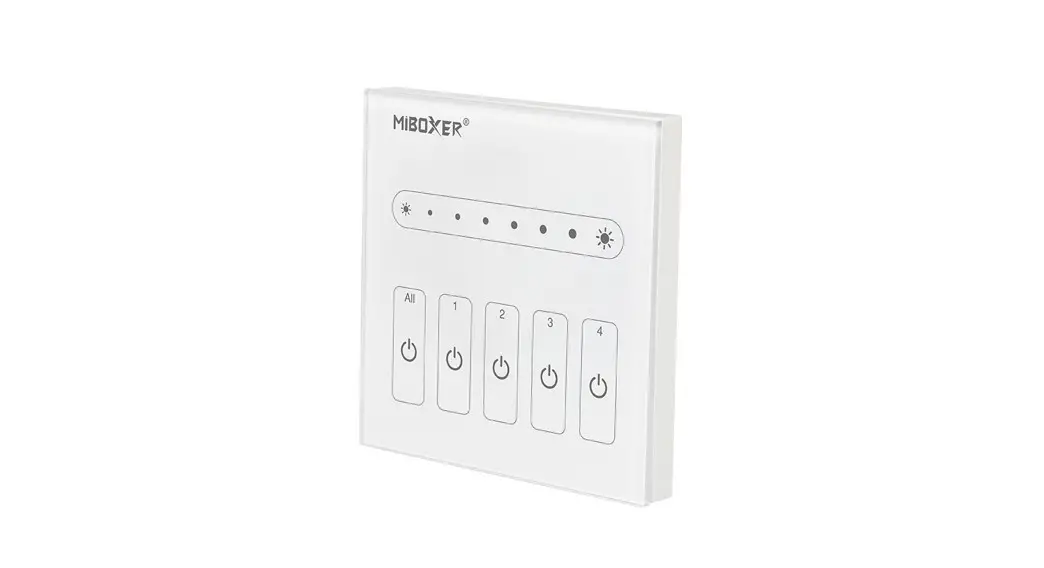
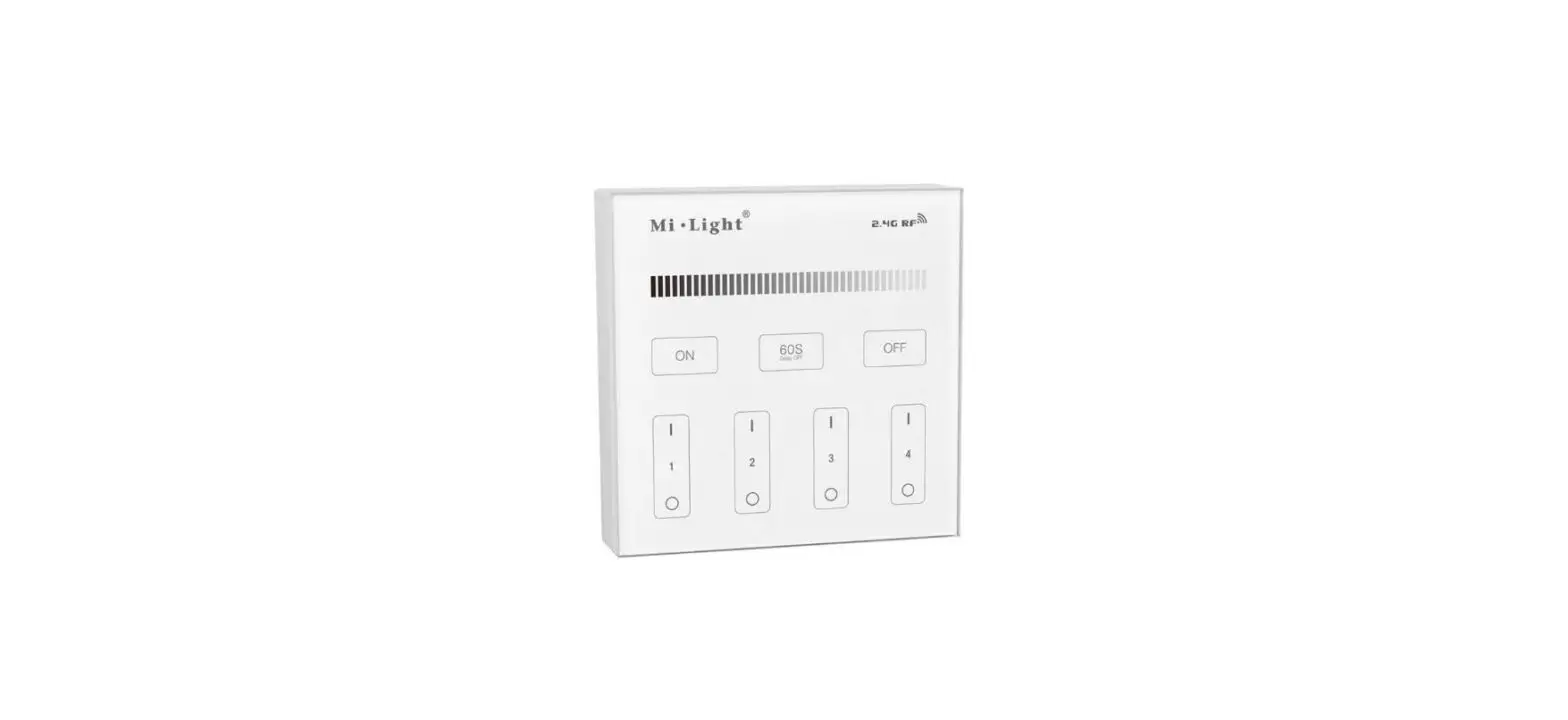
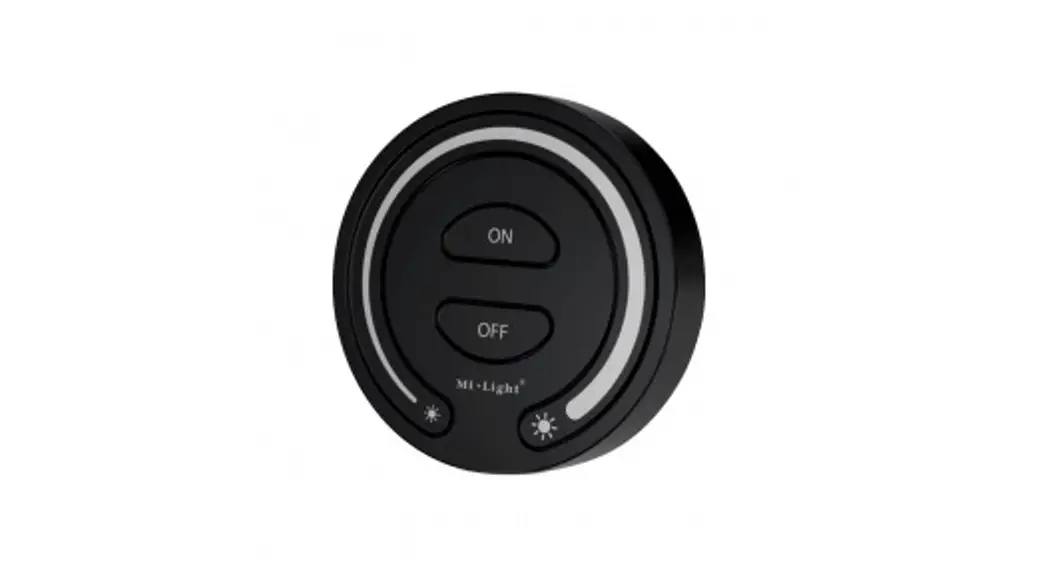
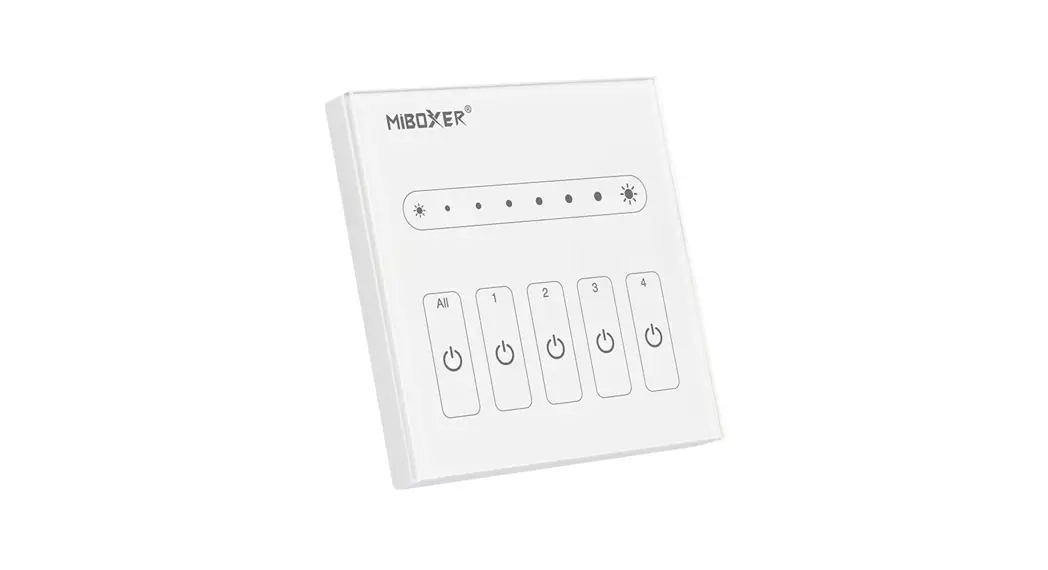
DALI Dimming Panel
Model No.: DP1 / DP2
Features
Use DALI standard protocol IEC62386. DALI bus give power; easily setting address. Support single address mode, group address mode, and broadcast mode; control the lamp ON/OFF and brightness.
Parameters
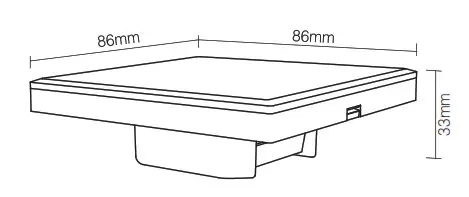
DALI brightness dimming panel
Model No.: DP1
Power Supply: DALI Power
DALI Bus Standard: IEC62386
Standby Current: 5mA
Working Temperature:-20~60℃
Product Weight: 138g
DALI color temperature dimming panel
Model No.: DP2
Power Supply: DALI Power
DALI Bus Standard: IEC62386
Standby Current: 5mA
Working Temperature:-20~60℃
Product Weight: 138g
Connection Diagram
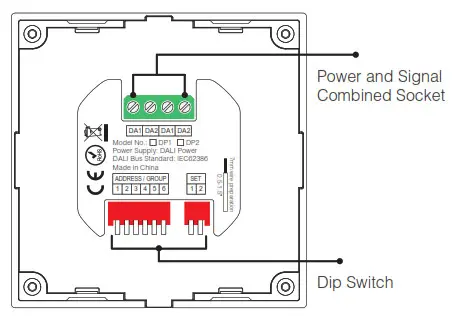
Dip Switch Operation
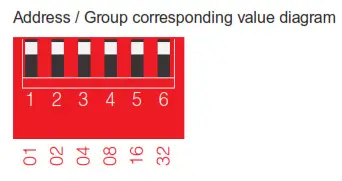
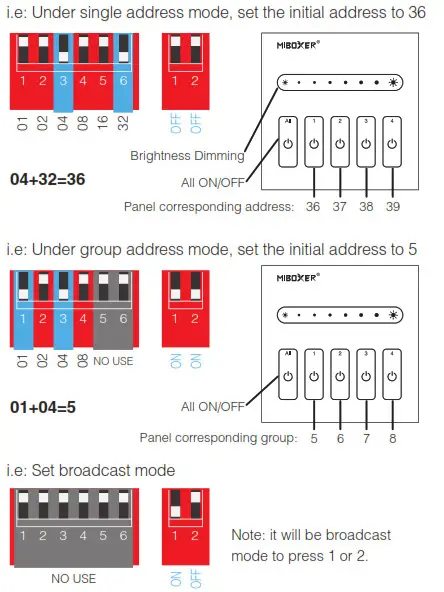
Via dip switch, you can set 64 single addresses (0~63), 16 group addresses (0~15), and broadcast mode.
Address value= the sum of the DIP Switch value(to get the place value when in “ON” position, otherwise it wil be 0).
DALI brightness dimming panel setting diagram.
DALI color temperature dimming panel setting diagram
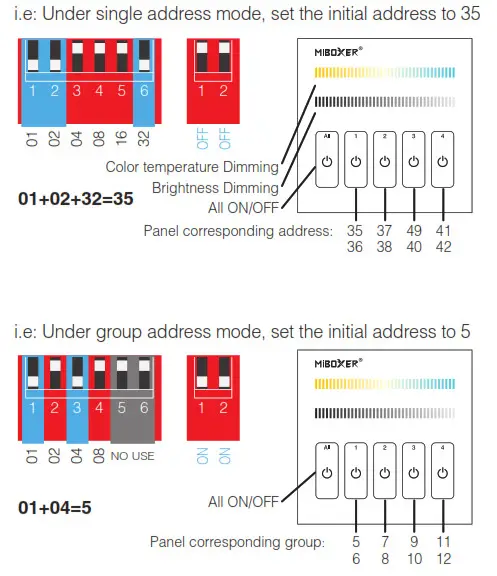
Note: There is no broadcast mode with the DALI color temperature dimming panel.
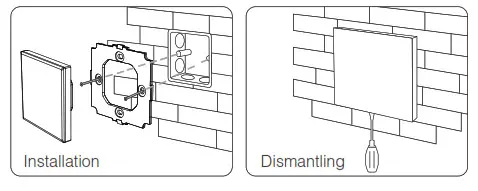
Installation / Dismantling
Attention
When installation, pls handle with care to avoid the broken of glass panel.
 Made in China