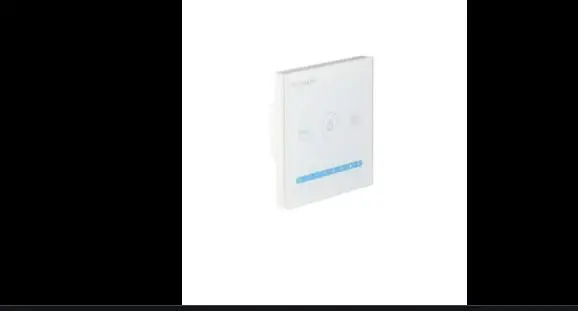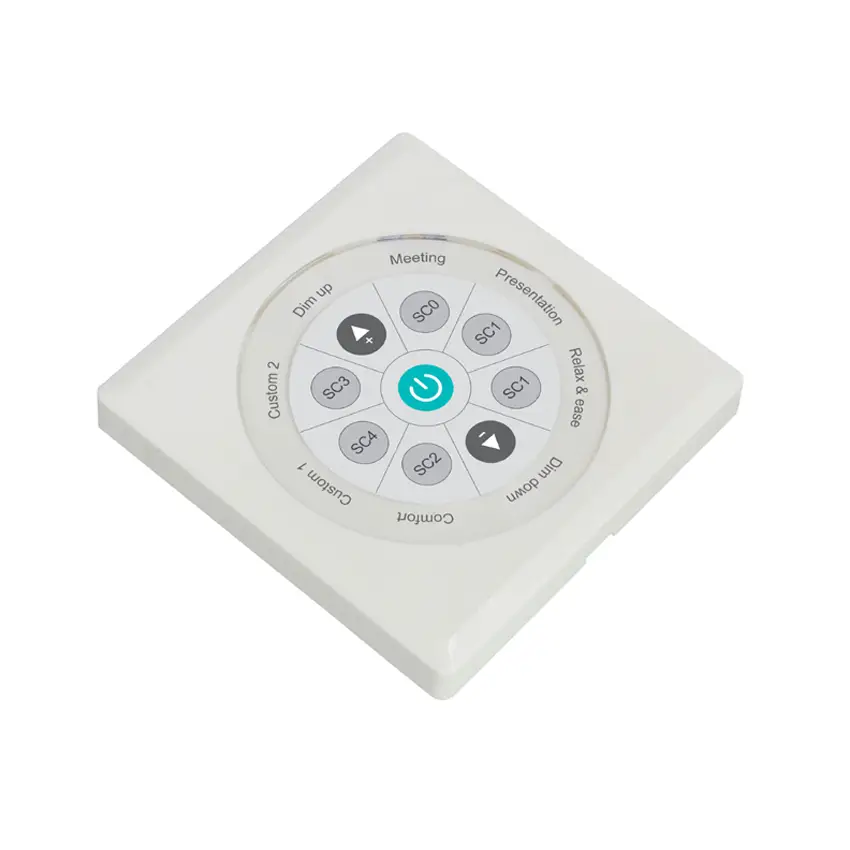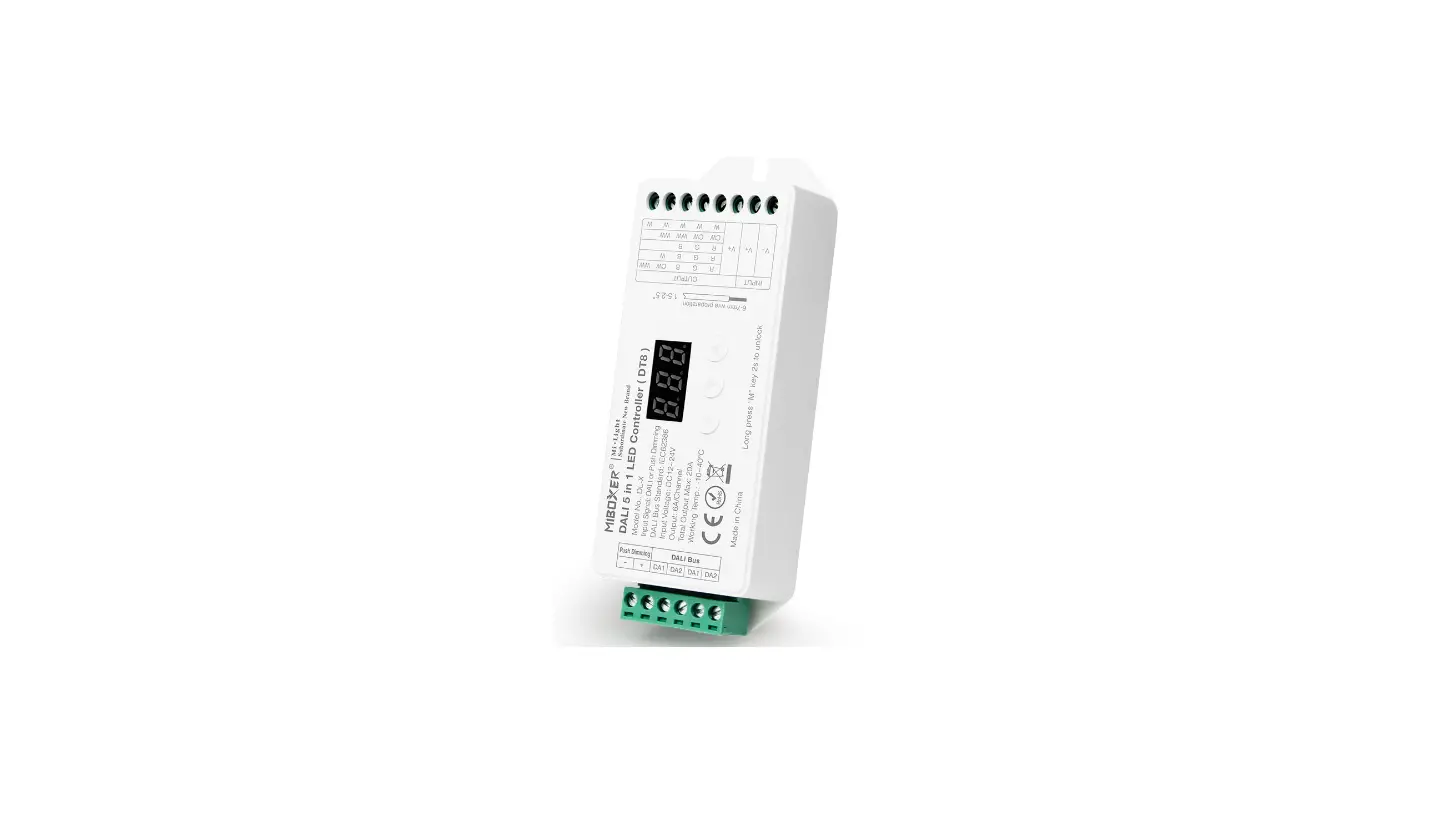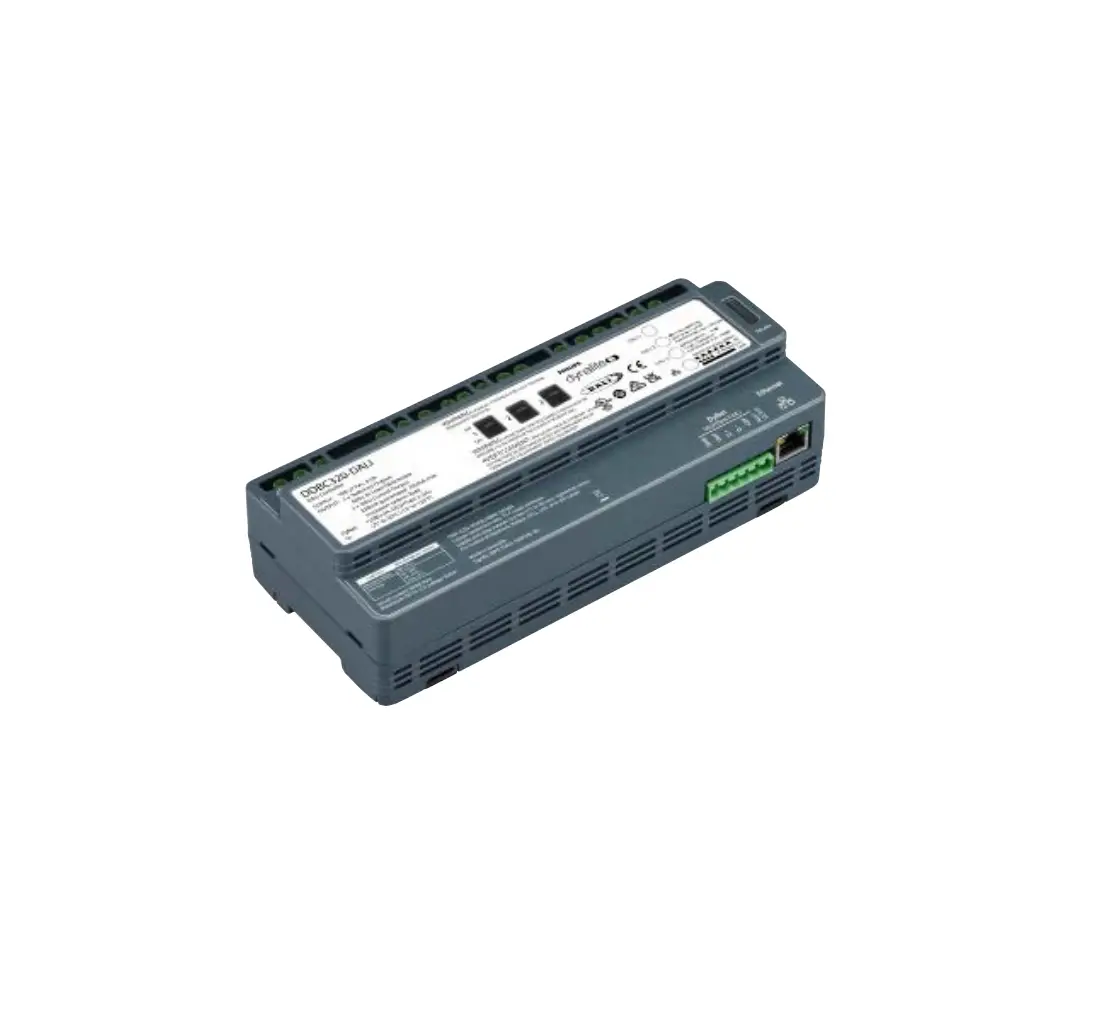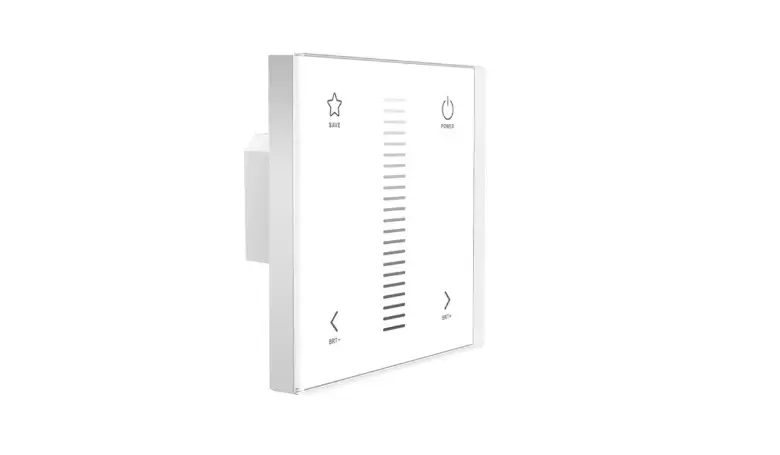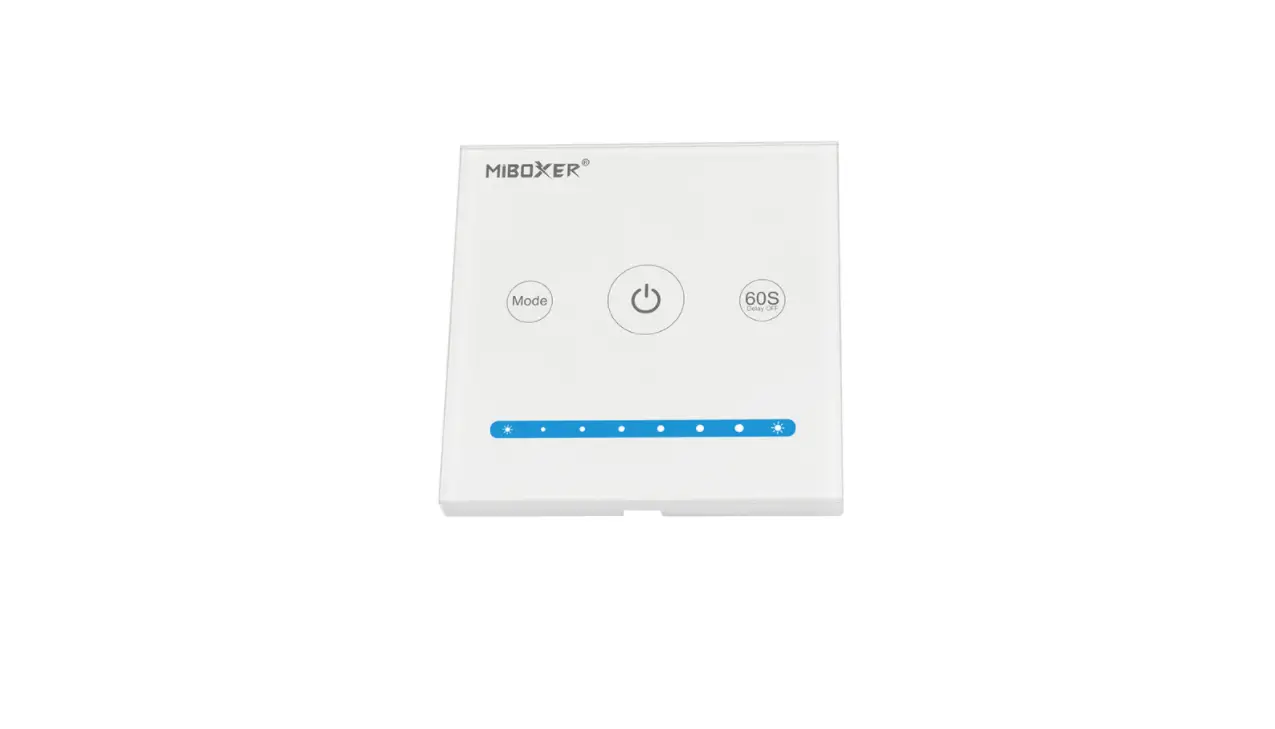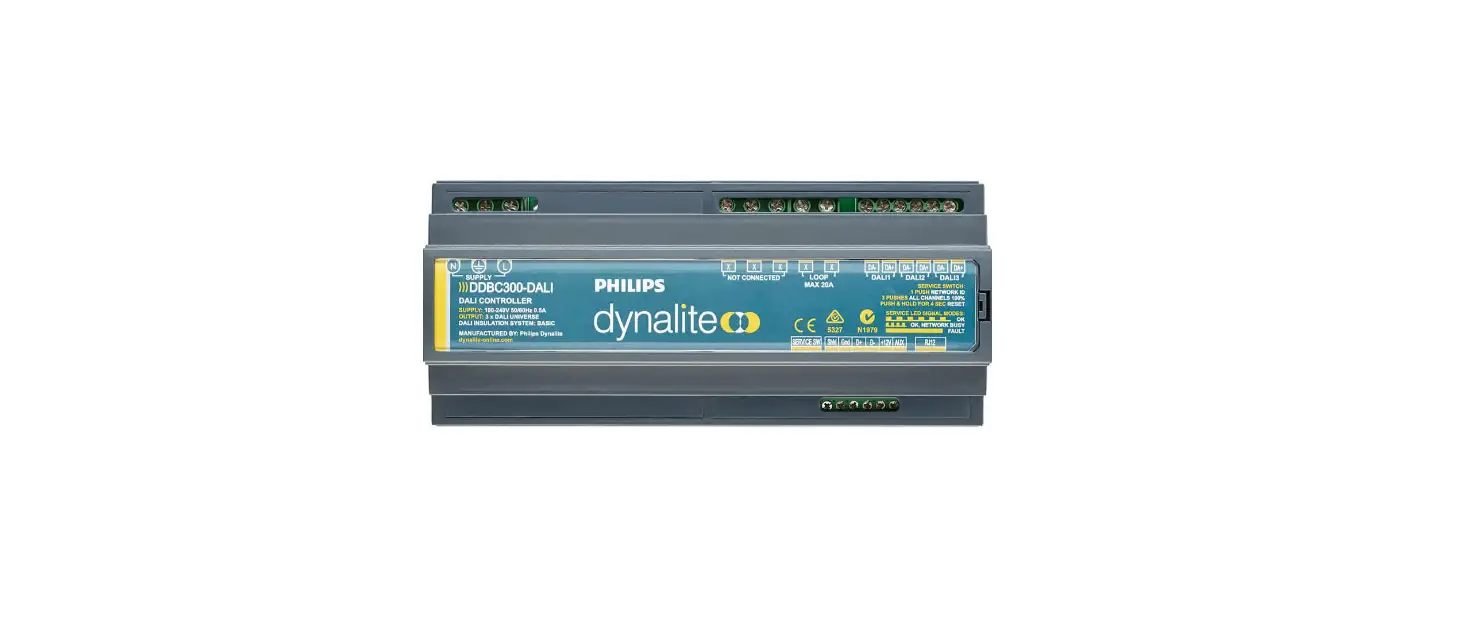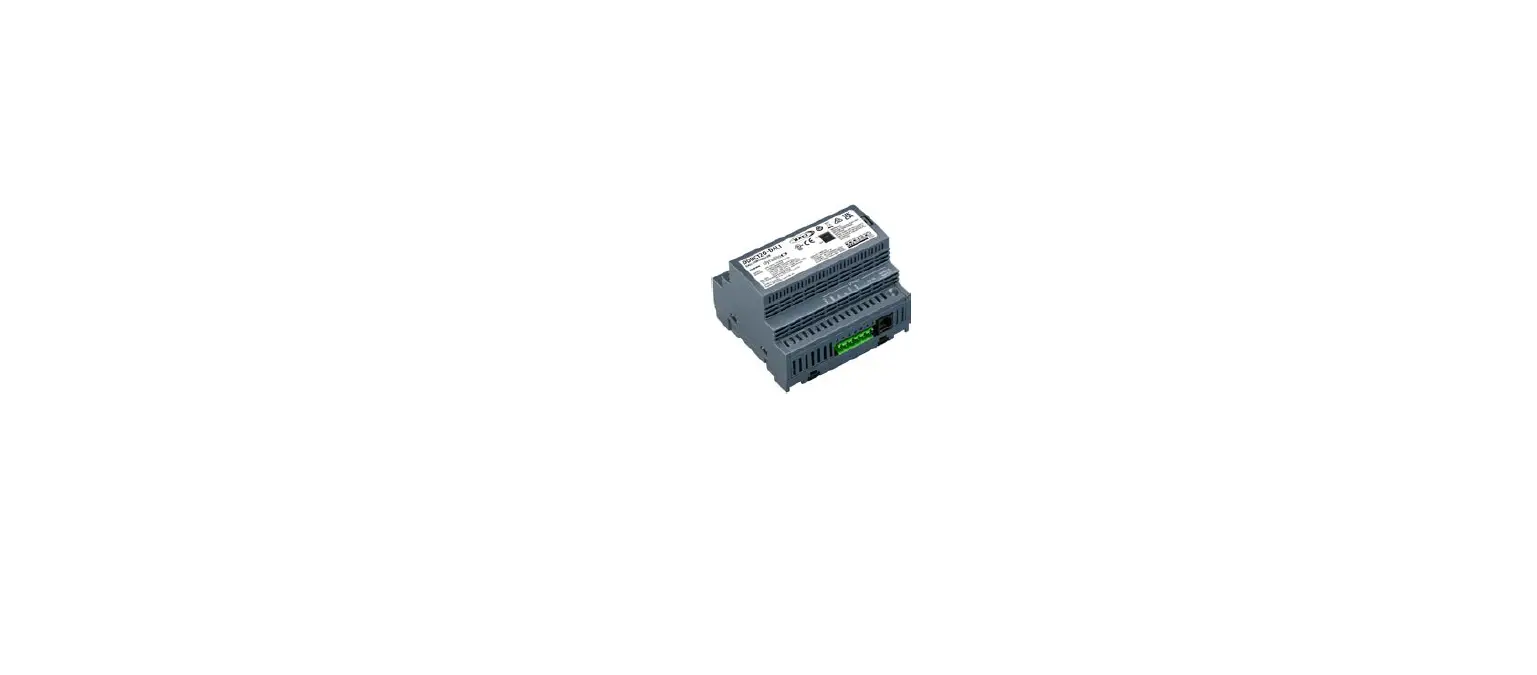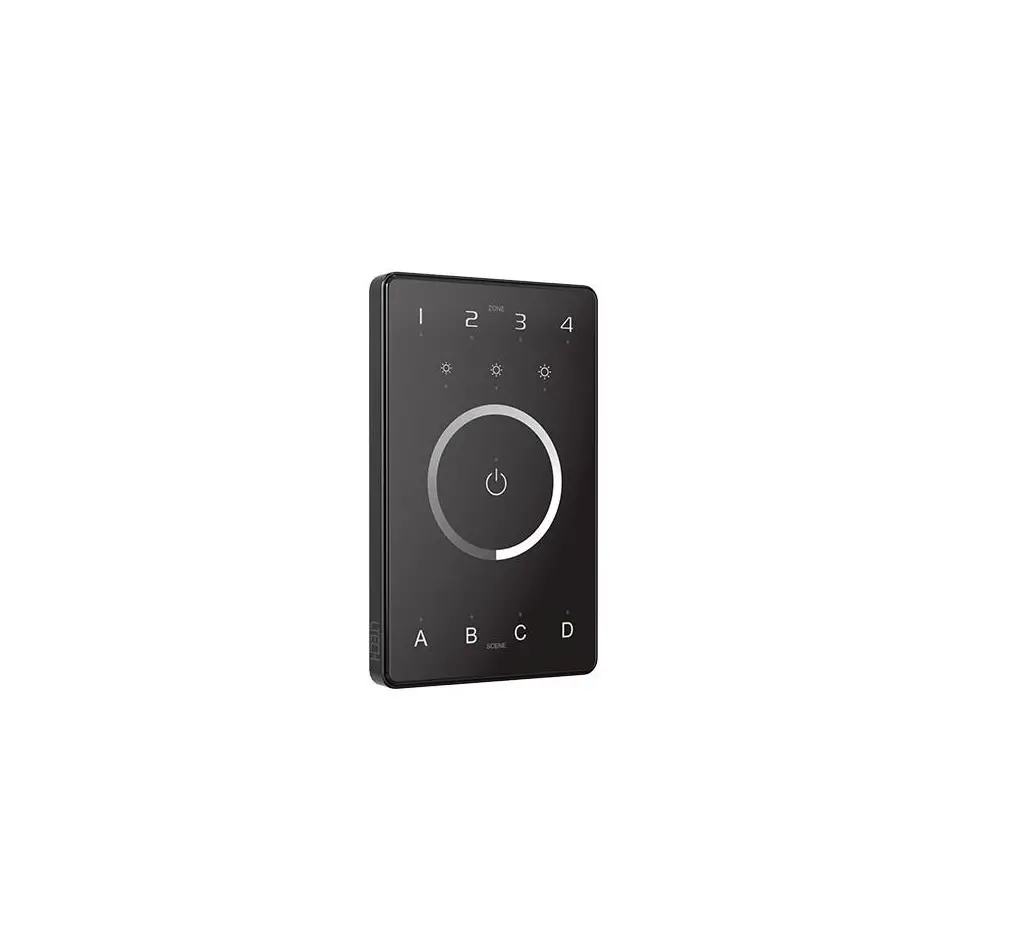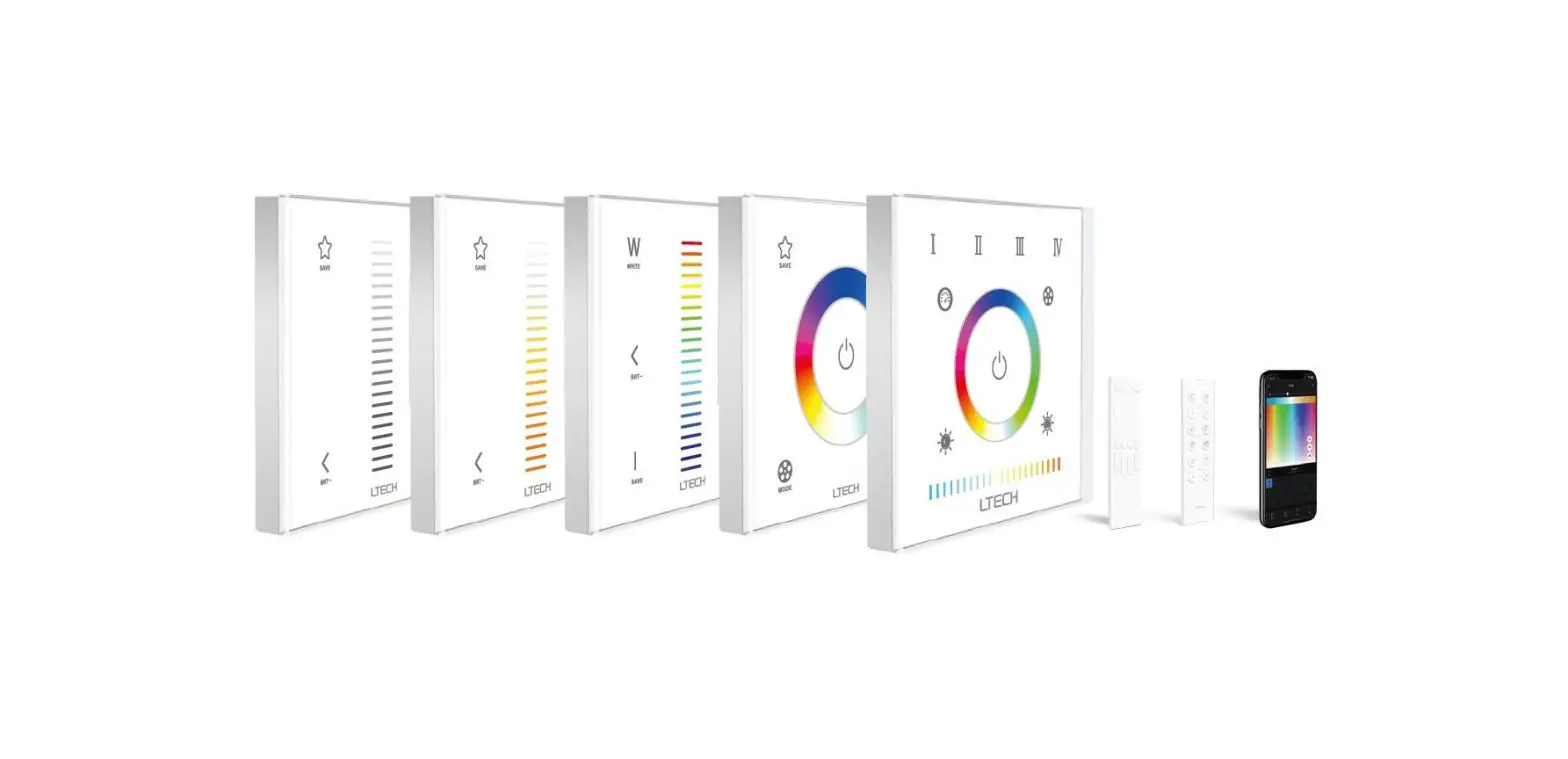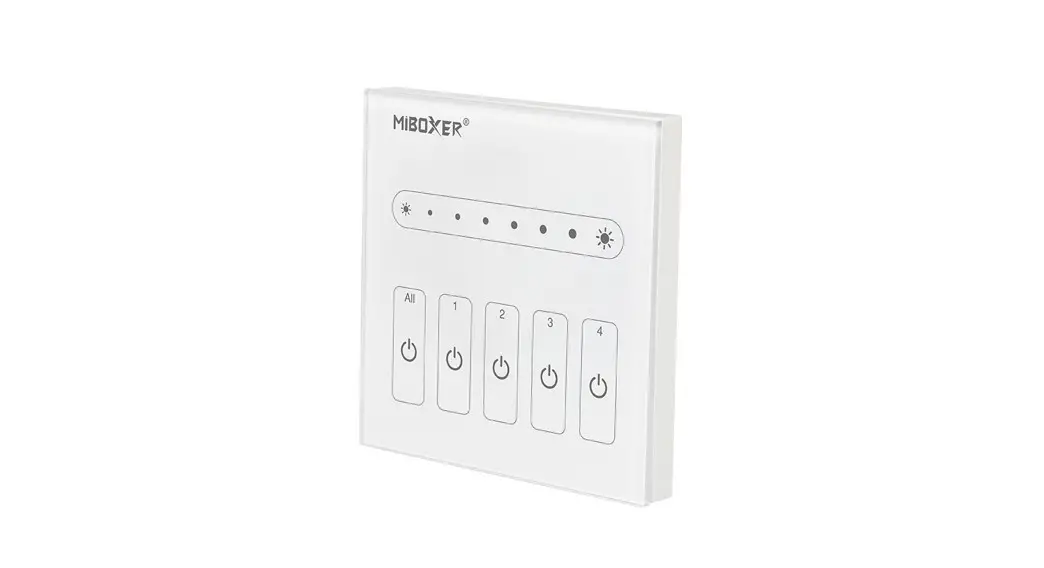
 DP1S Dali Touch Panel
Instruction Manual
Features
Adopt DALI standard protocol IEC62386. Powered by DALI bus, digital tube display, simple and quick function setting. It can control the ON/OFF, color, color temperature, saturation, and brightness of DALI lightings, and support scene saving and selection.
- Support DALI standard protocol IEC62386-102, 207, 209.
- Support DT8 type. Tc, XY coordinates, RGBWAF.
- Support 4 control modes: scene, grouping, unicast, and broadcast.
- Support ON/OFF, color, color temperature, saturation, and brightness control.
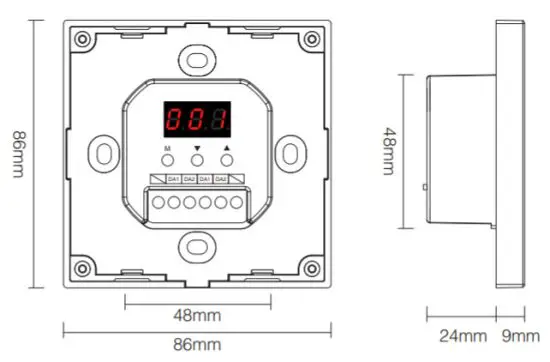
- Digital tube displays the address, group, scene. Function setting is simple and quick.
- Powered by DALI Bus.
- Touch control, sensitive touch.
Parameters
| Model No. | DP1S | DP2S | DP3S |
| Power Supply | DALI Power | DALI Power | DALI Power |
| DALI Bus Standard | IEC62386 | IEC62386 | IEC62386 |
| Output Signal | DALI Signal | DALI Signal | DALI Signal |
| Controlling Type | Dimming(DT6) | CCT(DT8 type: Tc) | RGB(DT8 type: xy coordinates) RGBW(DT8 type: RGBWAF) RGB+CCT(DT8 type: RGBWAF) |
| Standby Current | <4mA@16V | <4mA@16V | <4mA@16V |
| Working Temp. | -10~40°C | -10~40°C | -10~40°C |
| Weight | 145g | 145g | 145g |
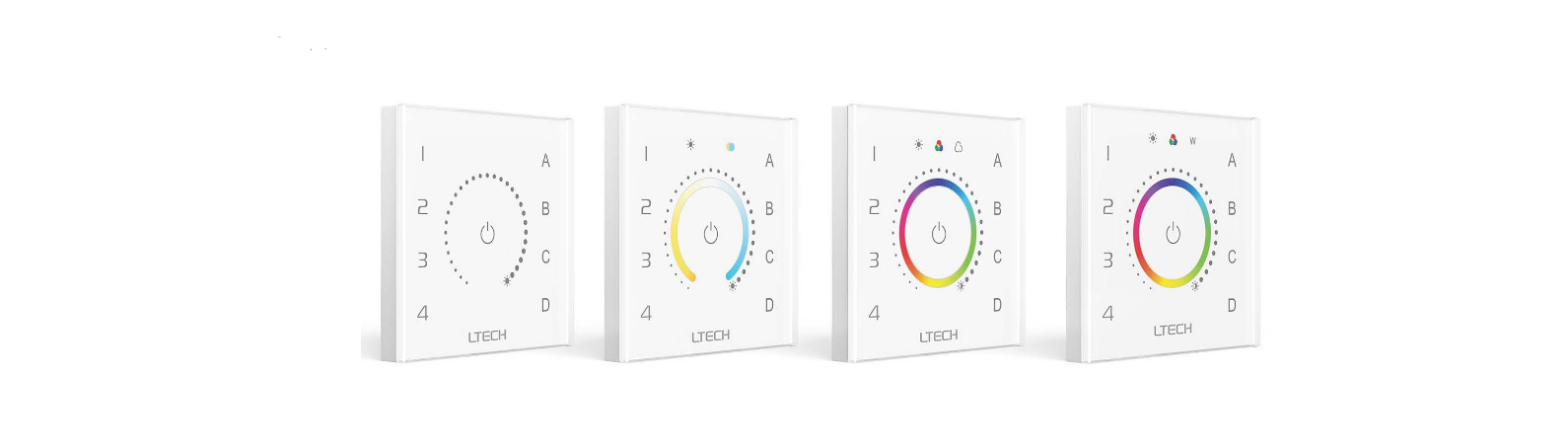
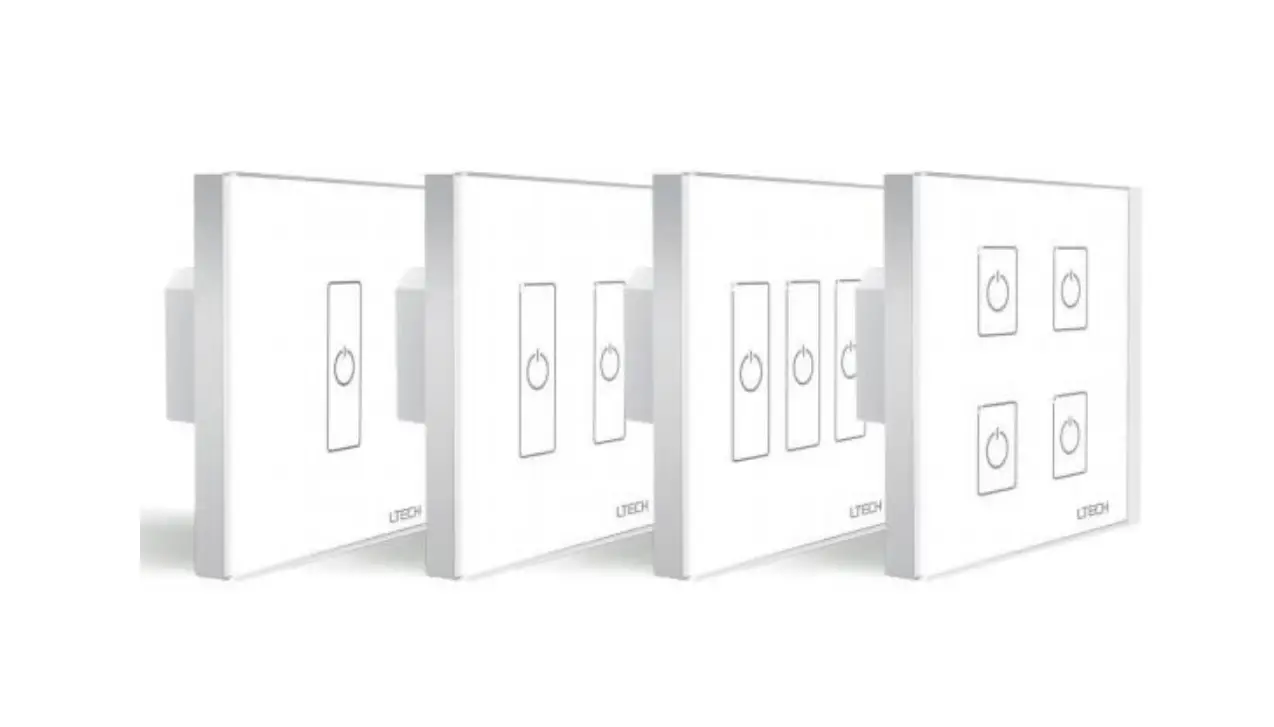
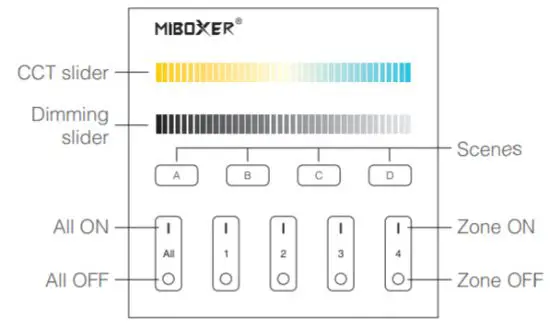
DALI Dimming Touch Panel (DT6) Model No.: DP1S
DALI Color Temp. Touch Panel (DT8) Model No.: DP2S
DALI 3 in 1 Touch Panel (DT8) Model No.: DP3S
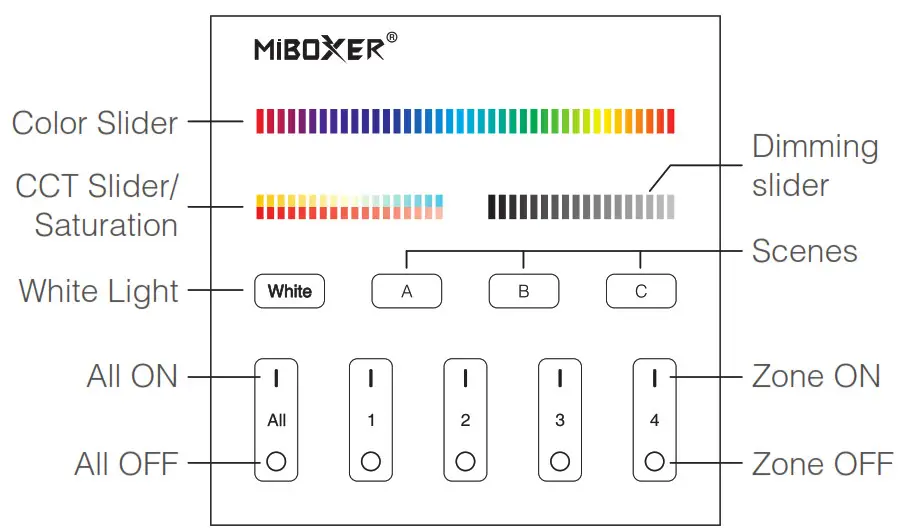
 Change lamp colors.
 Adjust color temperature.
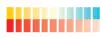 Under white light mode, adjust color temperature.
Under color light mode, change lamp colors. Adjust brightness(1%~100%).
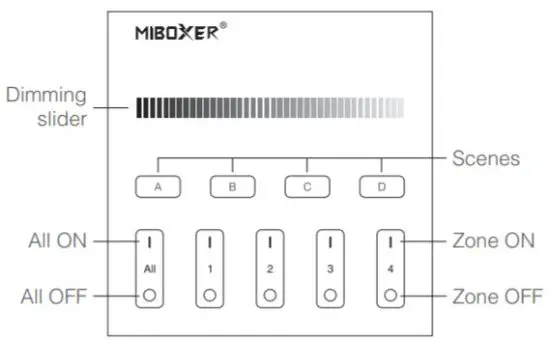
 Short press to get white light mode.
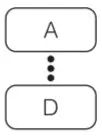 Short press A or B or C or D to select scene.
Long press A or B or C or D button to save the current light status to the Corresponding scene (see more on instruction 5).
Master ON: Short press to turn on all the lights under groups 1-4 on this panel. Long press for 5 seconds to turn on the button sound.
Zone on (1-4): Short press to turn on all the lights in the group.
Master OFF: Short press to turn off all the lights under groups 1-4 on the panel. Long press for 5 seconds to turn off the button sound.
Zone OFF (1-4): Short press to turn off all lights in the group.
 Indicator light: The group indicator light is always on, indicating that the group has been selected;
The indicators of the 4 groups are all on, indicating that all 4 groups are selected.
Function setting instruction
Digital dube display state instruction
Self-locking: If there is no operation for 5s, it will enter the locked state, and the digital tube will not display.
Unlocking: Long press the M button for 2s until the digital tube is highlighted, and the unlock is successful.
Control mode setting (Only DP3S have this function)
Under unlocked status, short press M button; until the digital tube displays DP3-DP5, press ▲ button or ▼ button to switch (RGB, RGBW, RGBCCT) 3 different control modes.
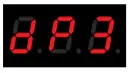 RGB dimming control mode(DT8 type: x-y)
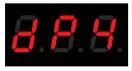 RGBW dimming control mode(DT8 type: RGBWAF)
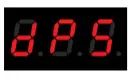 RGBCCT dimming control mode(DT8 type: RGBWAF)
DALI unicast address, group address, and broadcast address settings
Under unlocked status, short press M button,
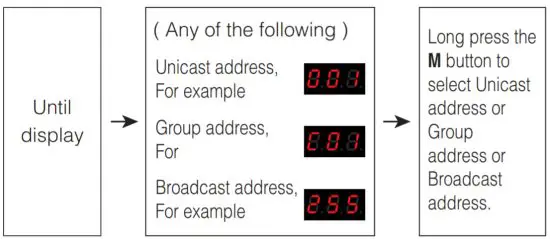
Unicast address:
When display (000-063): DALI panel is in unicast address mode. Short press ▲ or ▼ to set the start unicast address of DALI panel, long press can quickly adjust.
For example:
| Panel set a unicast address | Unicast addresses corresponding to the 4 groups | |||
| Zone-1 | Zone-2 | Zone-3 | Zone-4 | |
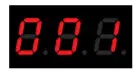 | 001 | 002 | 003 | 004 |
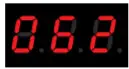 | 062 | 063 | 000 | 001 |
Group address:
When display (C00-C15): DALI panel is in group address mode. Short press the ▲ or ▼ to set the starting group address of the DALI panel, long press can quickly adjust.
For example:
| Panel set group address | Group addresses corresponding to the 4 groups | |||
| Zone-1 | Zone-2 | Zone-3 | Zone-4 | |
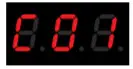 | 01 | 02 | 03 | 04 |
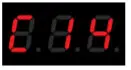 | 14 | 15 | 00 | 01 |
Scene setting
Under the unlocked state, short press the M button until the digital tube displays (E00-E15). Short press ▲ or ▼ to set the initial scene value of the DALI panel, long press for quick adjustment.
For example:
Setting to | Relative scene for (A B C D) button | ||
DP1S | DP2S | DP3S | |
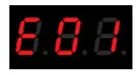 | A: Scenes 01 B: Scenes 02 C: Scenes 03 D: Scenes 04 | A: Scenes 01 B: Scenes 02 C: Scenes 03 D: Scenes 04 | A: Scenes 01 B: Scenes 02 C: Scenes 03 |
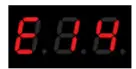 | A: Scenes 14 B: Scenes 15 C: Scenes 00 D: Scenes 01 | A: Scenes 14 B: Scenes 15 C: Scenes 00 D: Scenes 01 | A: Scenes 14 B: Scenes 15 C: Scenes 00 |
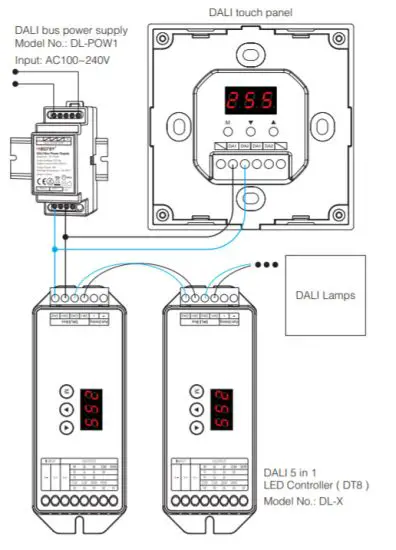
Connection Diagram
Installation / Dismantlement
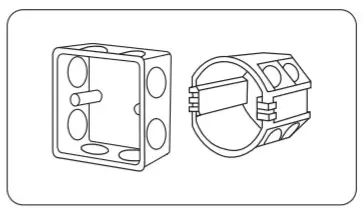 | 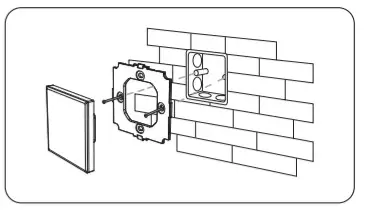 |
| Install the bottom case into the wall; Above are the standard bottom cases. | Fix the base on the bottom case with screw. |
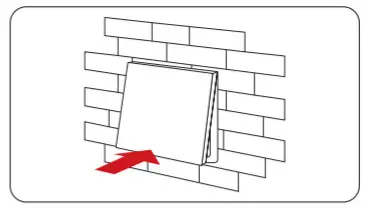 | 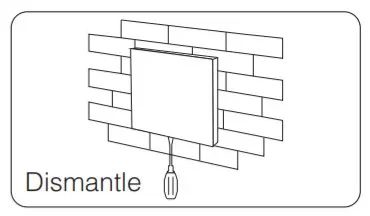 |
| Clip glass panel to the base. | Insert a screwdriver into the bayonet of the panel, pry it out to dismantle it. |
Attention
- The product shall be debugged and installed by professionals.
- Before switching on the power, please ensure that all wiring is correct, so as not to cause damage to the device.
- If there is faults, non-professional please do not repair without permission, otherwise, the device may be damaged.
 Made in China