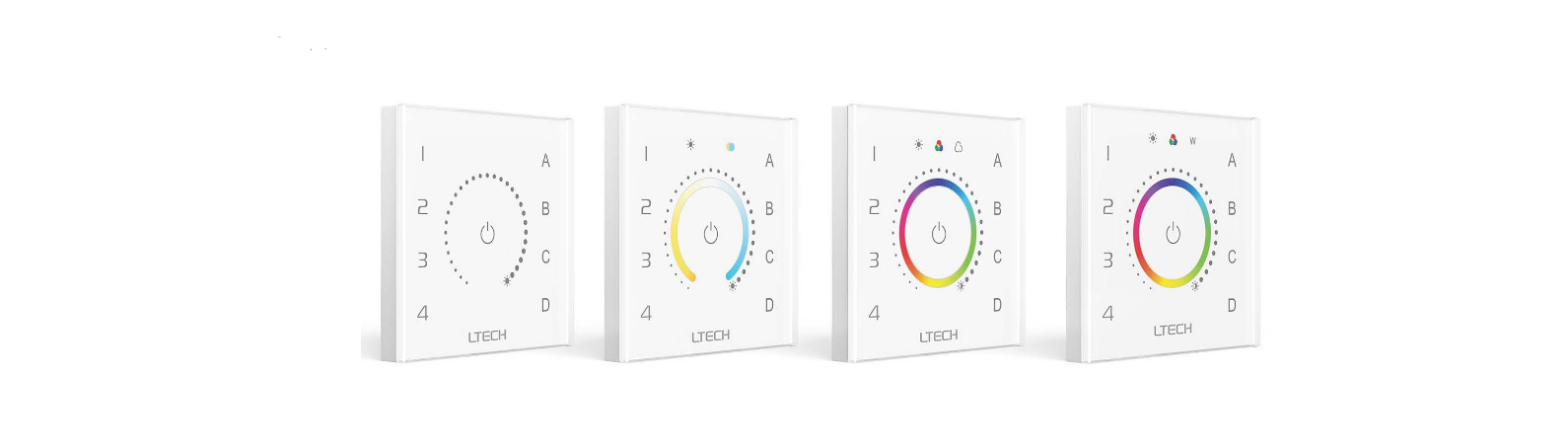
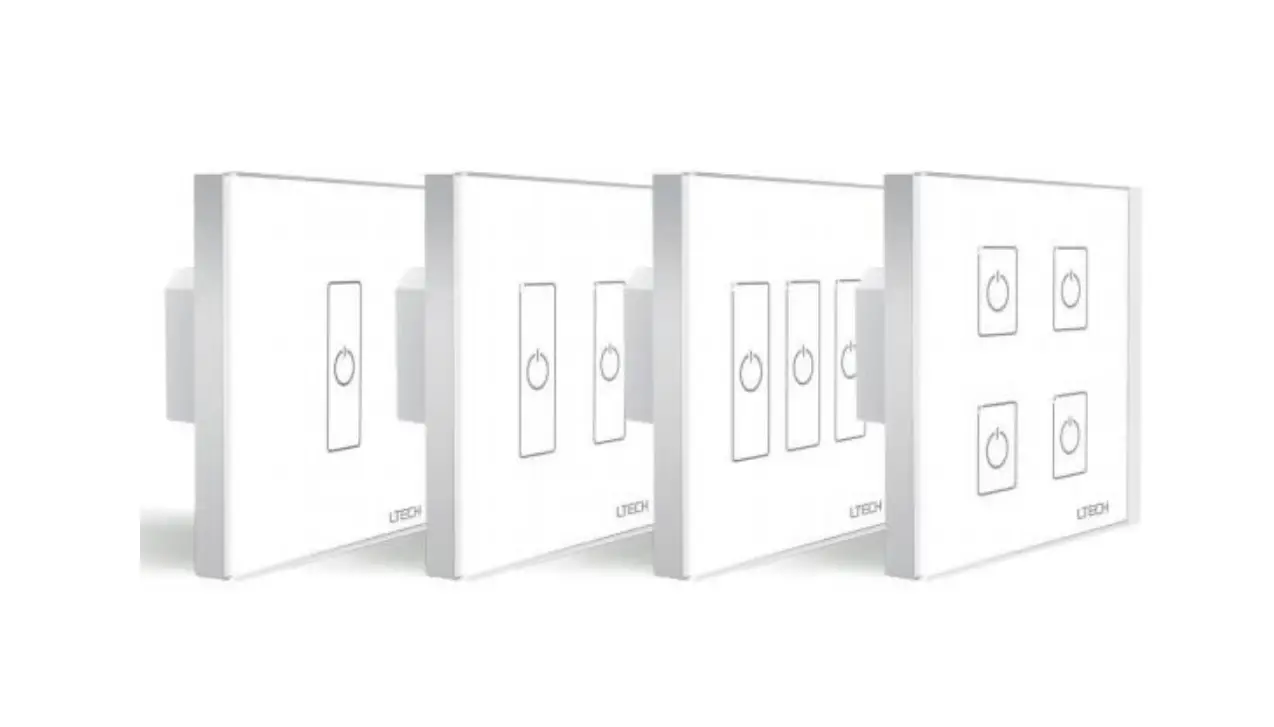
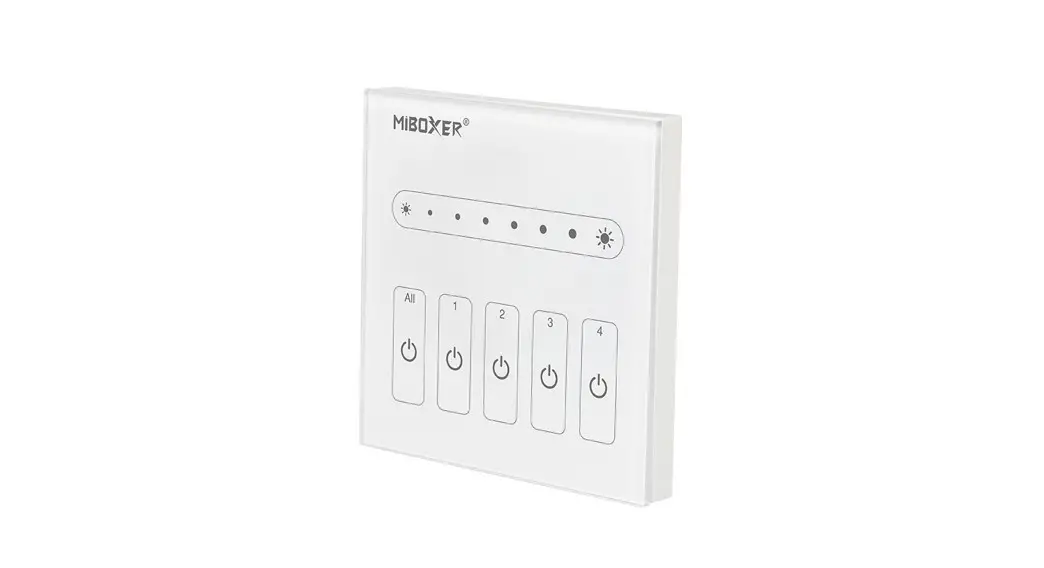
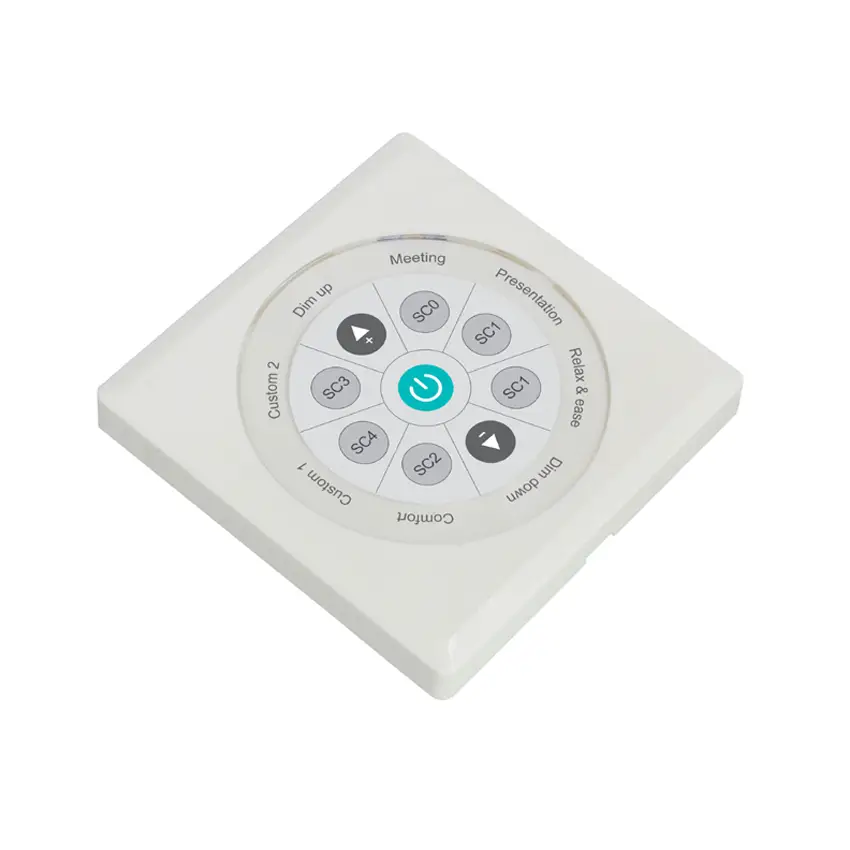
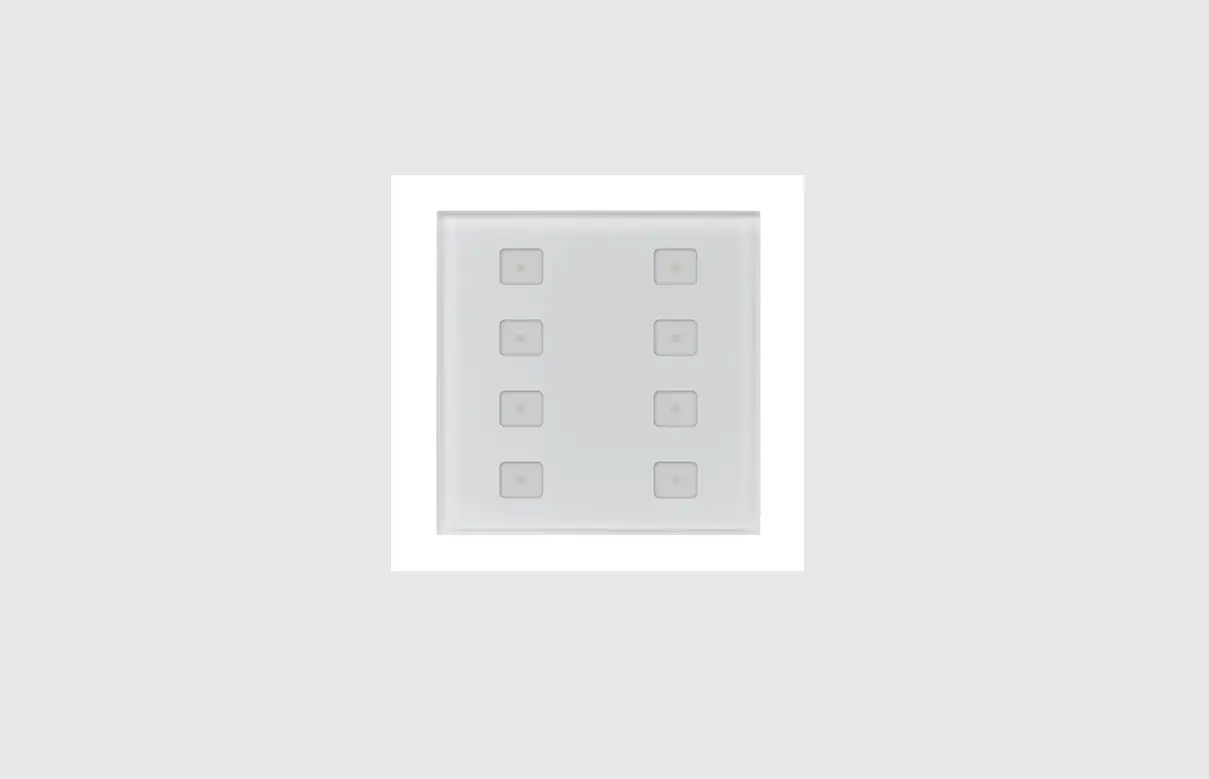
DT8 DALI Dual Color Touch Controller
Product Information
Product Name: DT8 DALI Dual Color Touch
Controller
Model Number: 09.230TC.04151
Function Introduction:
- 50% brightness
- LED indicator
- 75% brightness
- 25% brightness
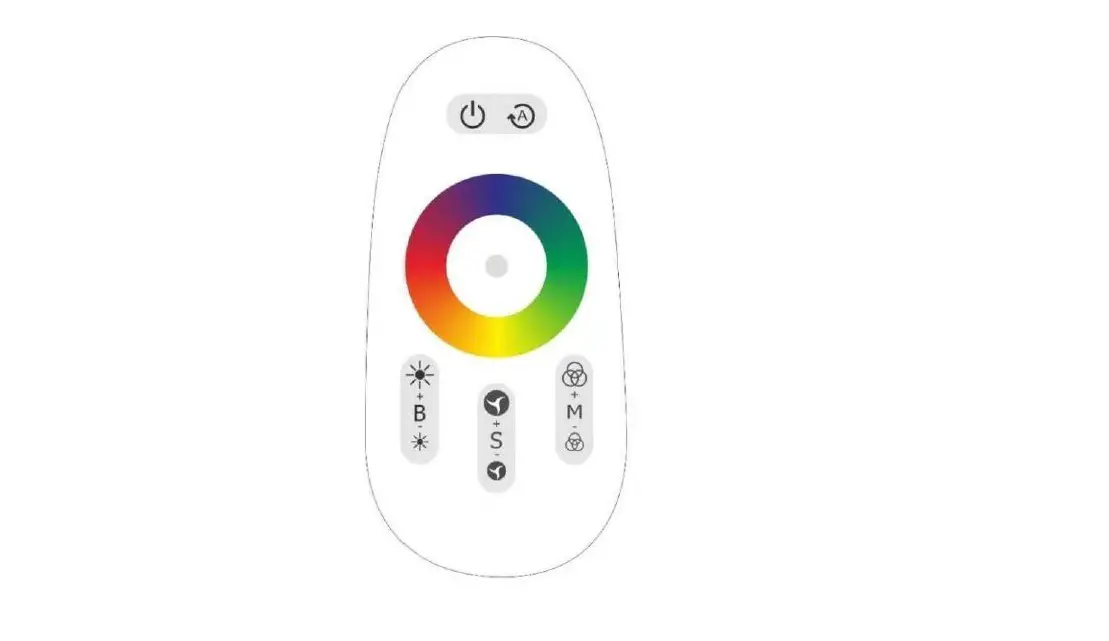
- CCT color wheel
- Press and hold down to decrease light intensity
- 100% brightness
- ON/OFF button
- Press and hold down to increase light intensity
Product Data:
- Output Signal: DALI
- Power Supply: 12-24VDC PSU, AC 100-240V, 12V/24V/36V CV
PSU - Power Consumption: DALI consumption
- Operating Temperature: [temperature range]
- Relative Humidity: [humidity range]
- Dimensions: 86x86x29.1mm
Safety & Warnings:
- [Safety and warning information]
Wiring Diagram:
- [Wiring diagram]
Product Usage Instructions
Scene Button:
- To save a scene, press and hold down the scene button. To
recall a saved scene, click the scene button. The saved scene will
cover the predefined one.
Operation:
- Rotary Switch Position: [0-15]
- DALI Group Selected: [0-14]
- Broadcast: [0-14]
Scene Setting Table:
| Rotary Switch Position | Scene assigned to S1 | Scene assigned to S2 | Scene assigned to S3 | Scene assigned to S4 |
|---|---|---|---|---|
| 0 | 0 | 1 | 2 | 3 |
| 1 | 1 | 2 | 3 | 4 |
| 2 | 2 | 3 | 4 | 5 |
| […] | […] | […] | […] | […] |
Installation
[Installation instructions]DT8 DALI Dual Color Touch Controller
09.230TC.04151
Important: Read All Instructions Prior to Installation Function introduction
50% brightness
LED indicator
75% brightness
25% brightness
CCT color wheel
Press and hold down to decrease light intensity
100% brightness
ON/OFF button
Press and hold down to increase light intensity
Product Data Output Signal Power Supply
Power consumption DALI consumption Operating temperature Relative humidity
Dimensions
DALI signal 12-24VDC < 20 mA 4 mA 0-40°C 8% to 80%
86x86x29.1mm
Safety & Warnings
· DO NOT install with power applied to device. · DO NOT expose the device to moisture.
· Touch sensitive. · Glass interface (white & black). · Comply to DALI standard protocol IEC 62386-102, IEC 62386-207, IEC 62386-209 and in compliance with DALI products from other international incorporation · Enable to control 1 DALI Group and 4 DALI Scenes. · Enable to set start DALI group number (0-15) and scene number (0-15) by rotary switches on the back. · Support DT8 devices · Color temperature adjustment according to DALI specifications of Device Type 8, Color Type Tc. · Each DT8 device is controlled via a single DALI address
19.4 mm
Wiring diagram
Scene button, press and hold down to save a scene, click to recall, the saved scene will cover the predefined one
Front side
60.3 mm 52.0 mm
DALI signal output DC Power input
DA DA
V+ V-
DALI Wall Panel Controller
Rotary Switch for Assigning Group (Total 16 Groups)
Rotary Switch for Assigning Scene (Total 16 Scenes)
DA DA
V+ V-
DALI Wall Panel Controller
Back side
DALI Master/ DALI Master software via computer
12-24VDC PSU
AC 100-240V
12V/24V/36V
V-
CV PSU
V+
DA
V-
DA
DT8 DALI CCT Dimmer
V-
DA
V+
DA
V+
+
WW-
0-6
0-9
CWWW-
CW-
DA
V-
DA
DT8 DALI CCT Dimmer
V-
DA
V+
DA
V+
+
WW-
0-6
0-9
CWWW-
CW-
V+
V+
WW
WW
CW
CW
WW
WW
CW
CW
V+
V+
WW
WW
CW
CW
WW
WW
CW
CW
Connect with Dual Color LED Strip Connect with Dual Color LED Strip
Operation
1. Set starting Group number via rotary switch on the back: (0-15 selectable) · This DALI touch panel controller enables dimming commands and DT8 commands to be sent to 1 Group of devices on the DALI circuit. A rotary switch on the back is used to select Groups you would like to control and set the starting Group number, and total 16 Groups (0-15) can be selected. · When the rotary switch arrow position is at 0, the panel controls all DALI devices on the circuit via broadcast. · When the rotary switch arrow position is at X except 0 (1-15), the panel controls DALI Group X-1. Note: all DALI slaves on the circuit shall be assigned to one or more DALI groups by DALI master first. Please refer to the detailed Group setting table as follows:
Rotary Switch Position
0
1 2 3 4 5 6 7 8 9 10 11 12 13 14 15
DALI Group Selected
Broadcast 0 1 2 3 4 5 6 7 8 9 10 11 12 13 14
2. Set starting Scene number via rotary switch on the back: (0-15 selectable) · This DALI touch panel controller enables Scene selection commands for up to 4 Scenes to be sent to the DALI circuit. A rotary switch on the back is used to select Scenes you would like to control and set the starting scene number, and total 16 Scenes (0-15) can be selected.
· When the rotary switch arrow position is at X (0-15), Scene button S1 controls Scene X, S2 controls Scene X+1, S3 controls Scene X+2, and S4 controls Scene X+3.
Please refer to the detailed Scene setting table as follows:
Rotary Switch Position
0 1 2 3 4 5 6 7 8 9 10 11 12 13 14 15
Scene assigned to S1
0
1
2
3
4
5
6
7
8
9 10 11 12 13 14 15
Scene assigned to S2
1
2
3
4
5
6
7
8
9 10 11 12 13 14 15 0
Scene assigned to S3
2
3
4
5
6
7
8
9 10 11 12 13 14 15 0
1
Scene assigned to S4
3
4
5
6
7
8
9 10 11 12 13 14 15 0
1
2
Installation