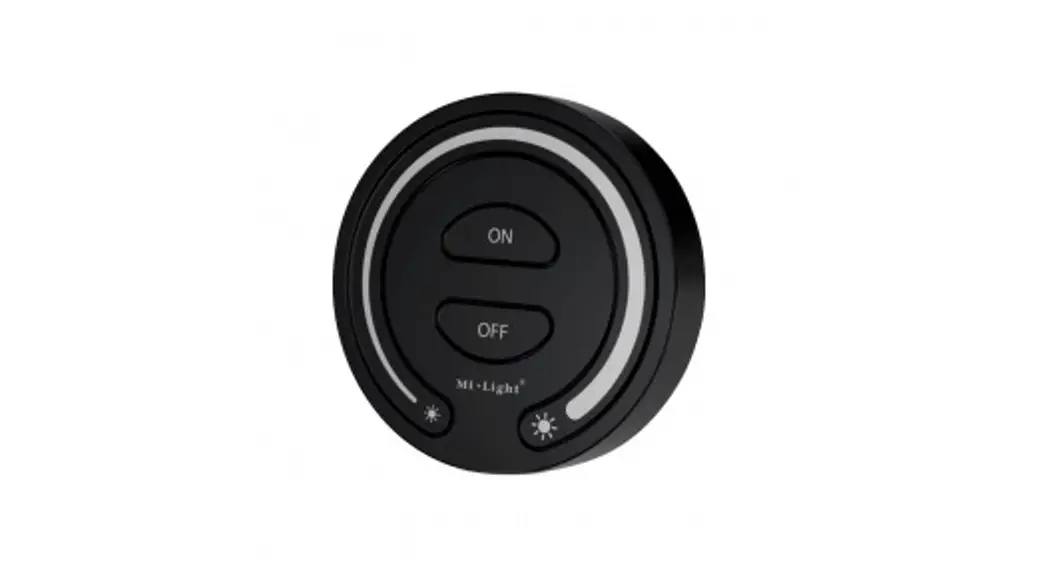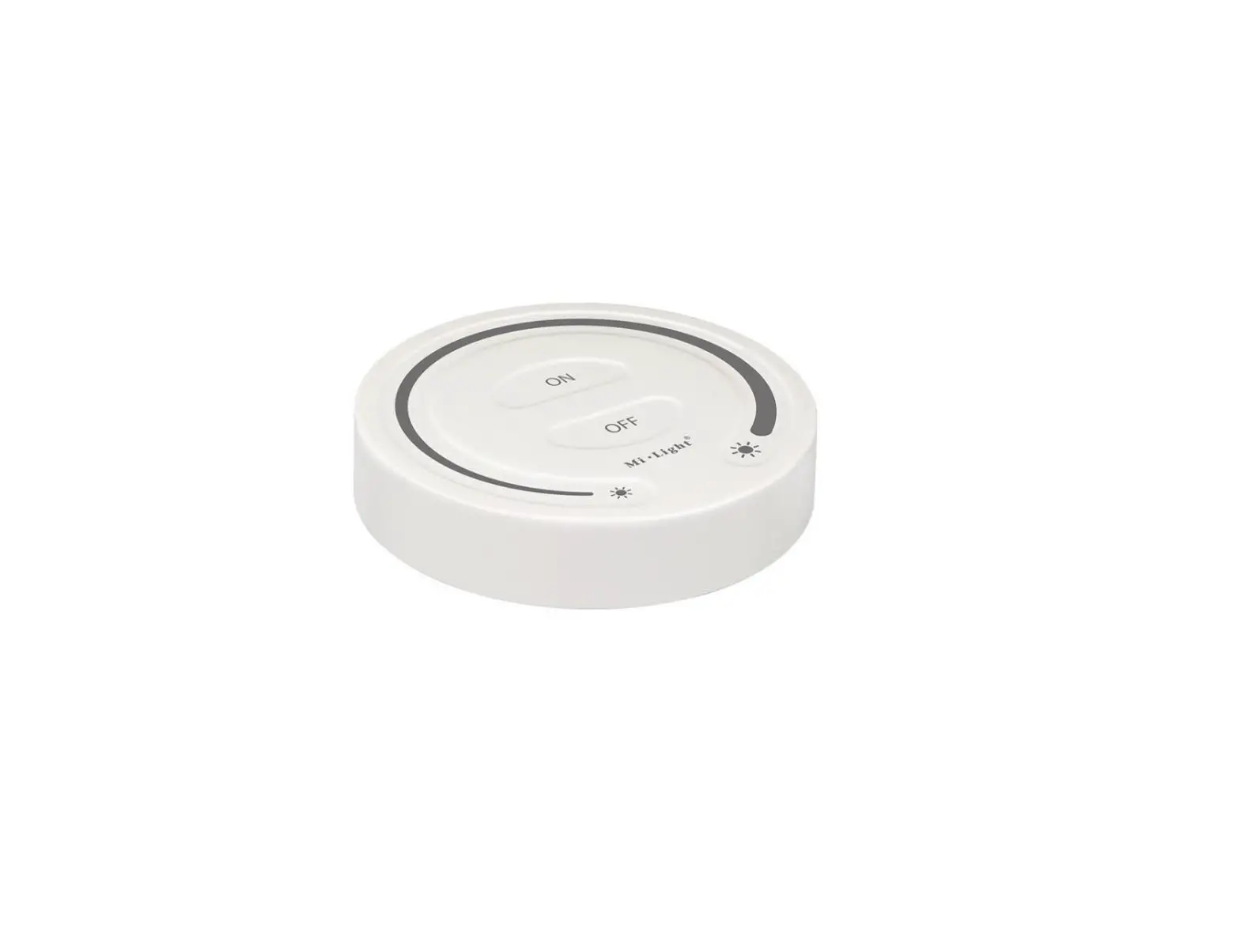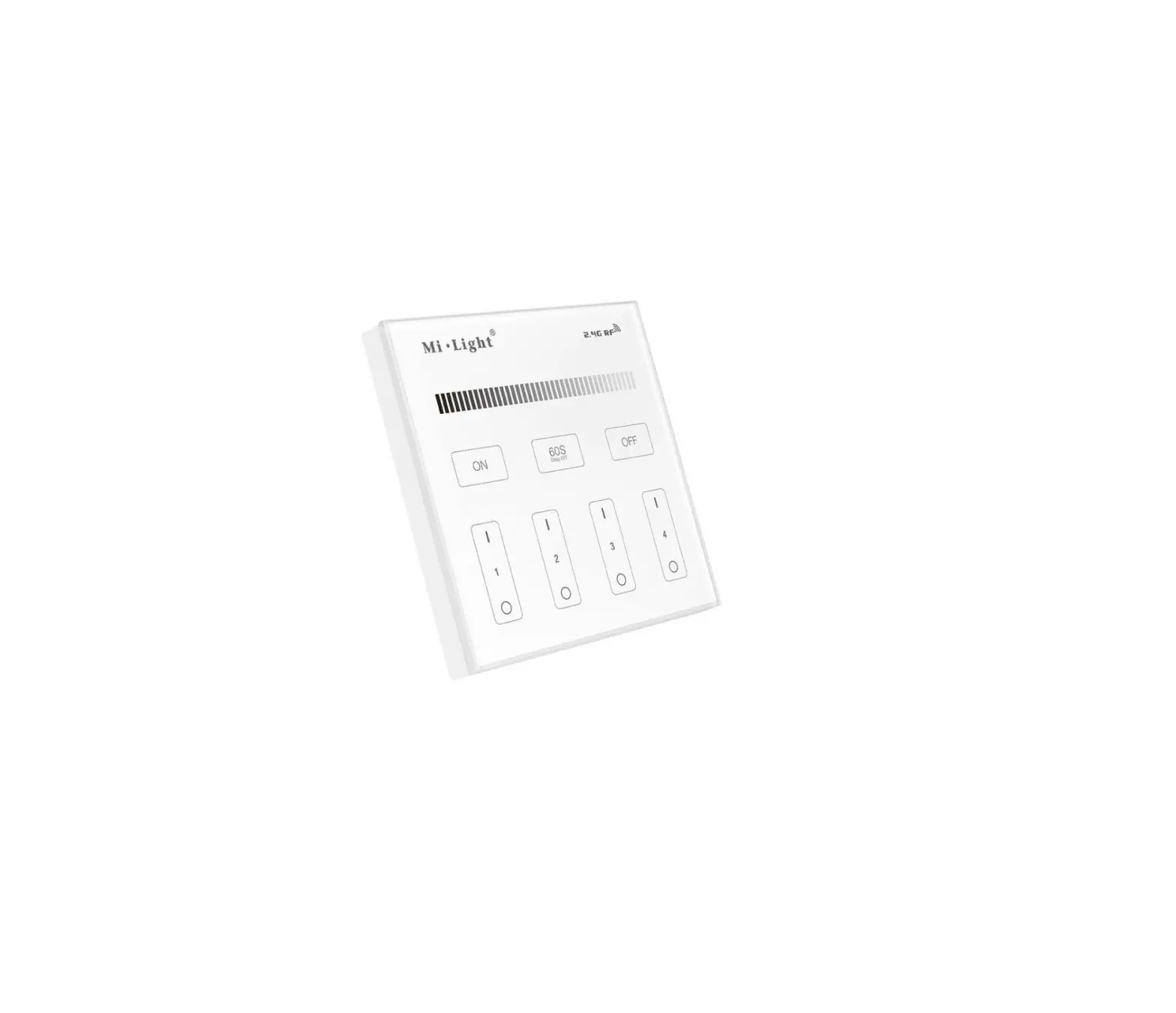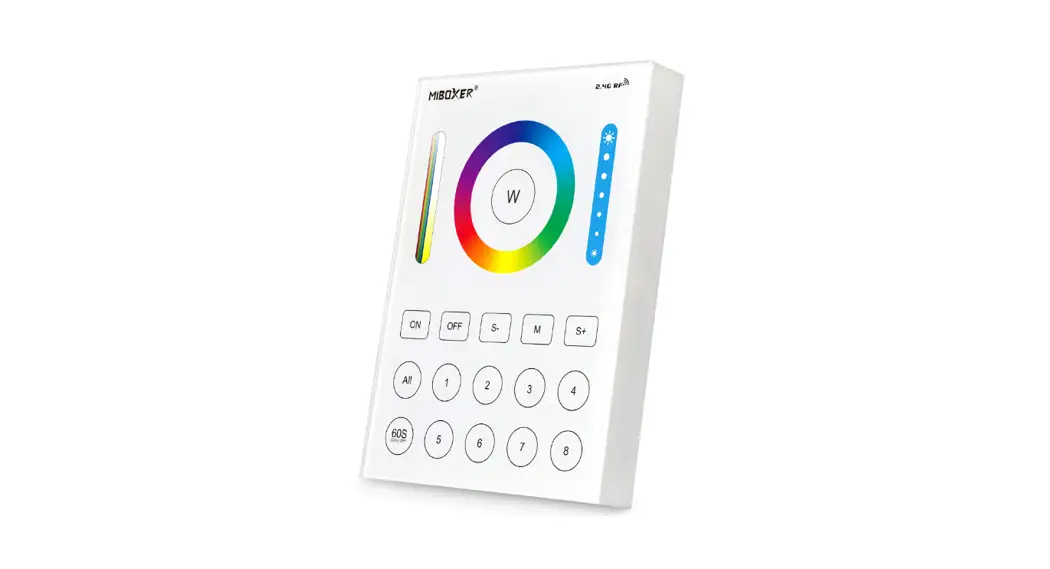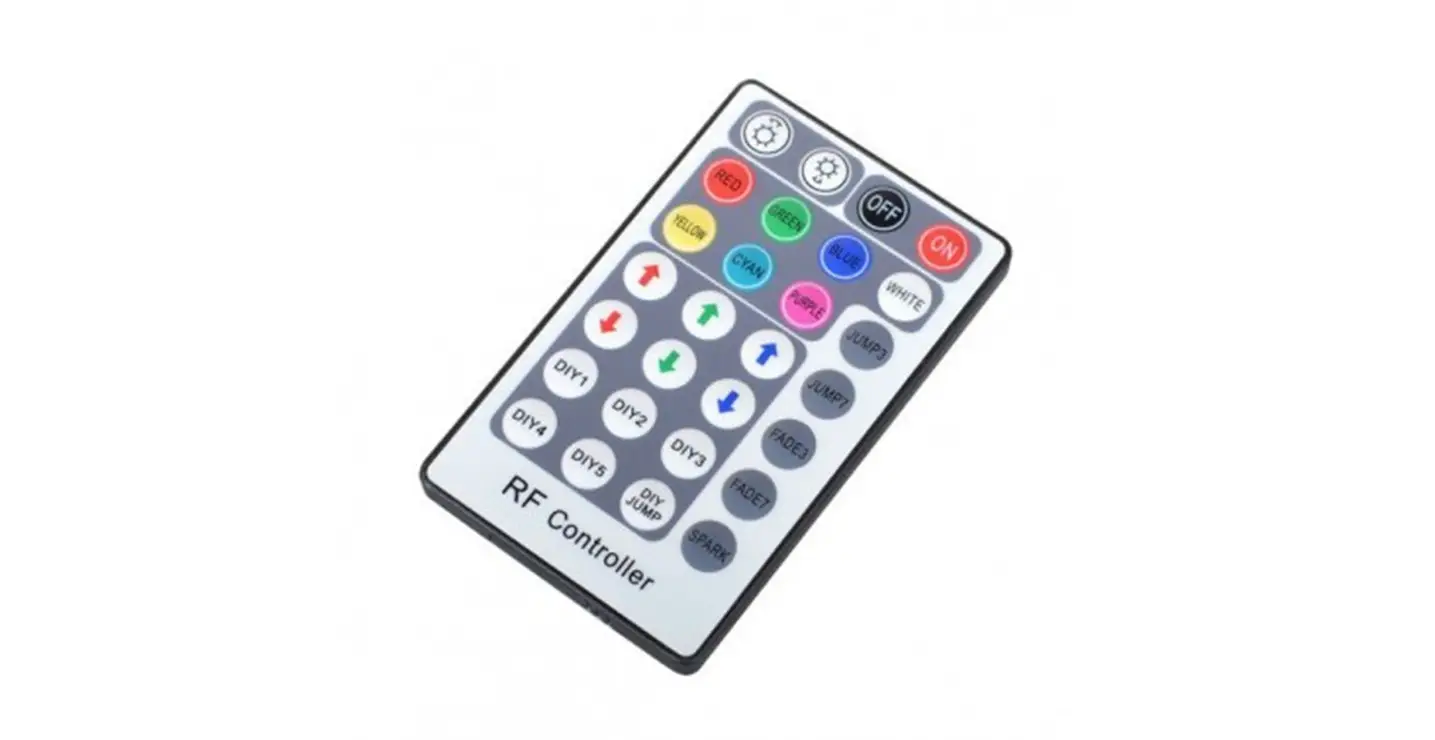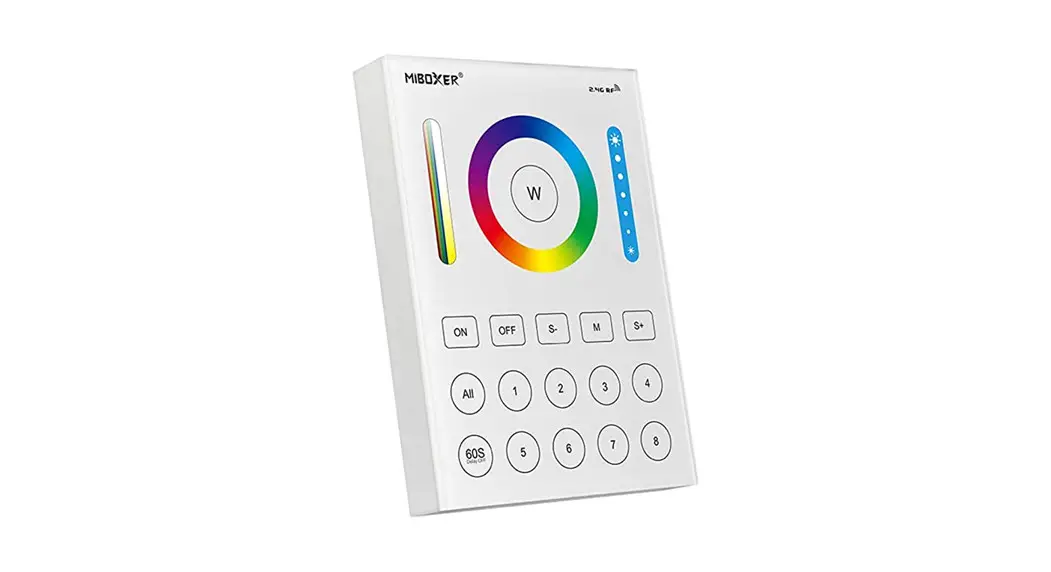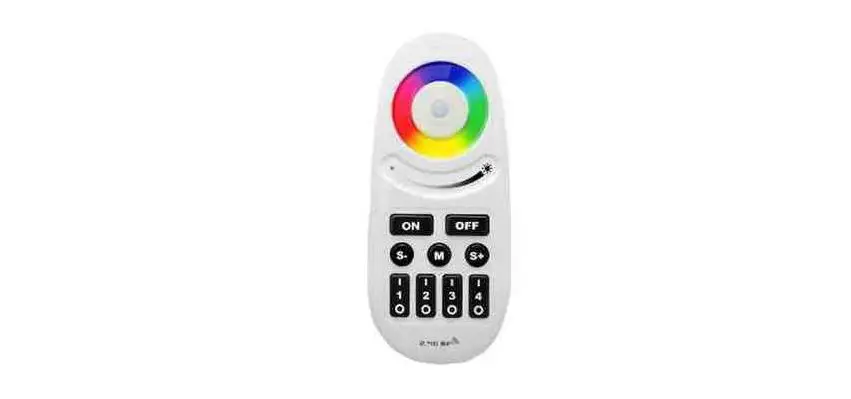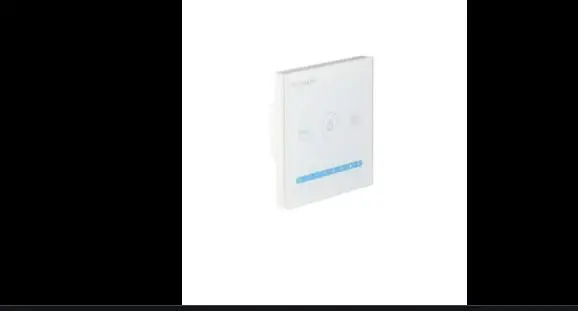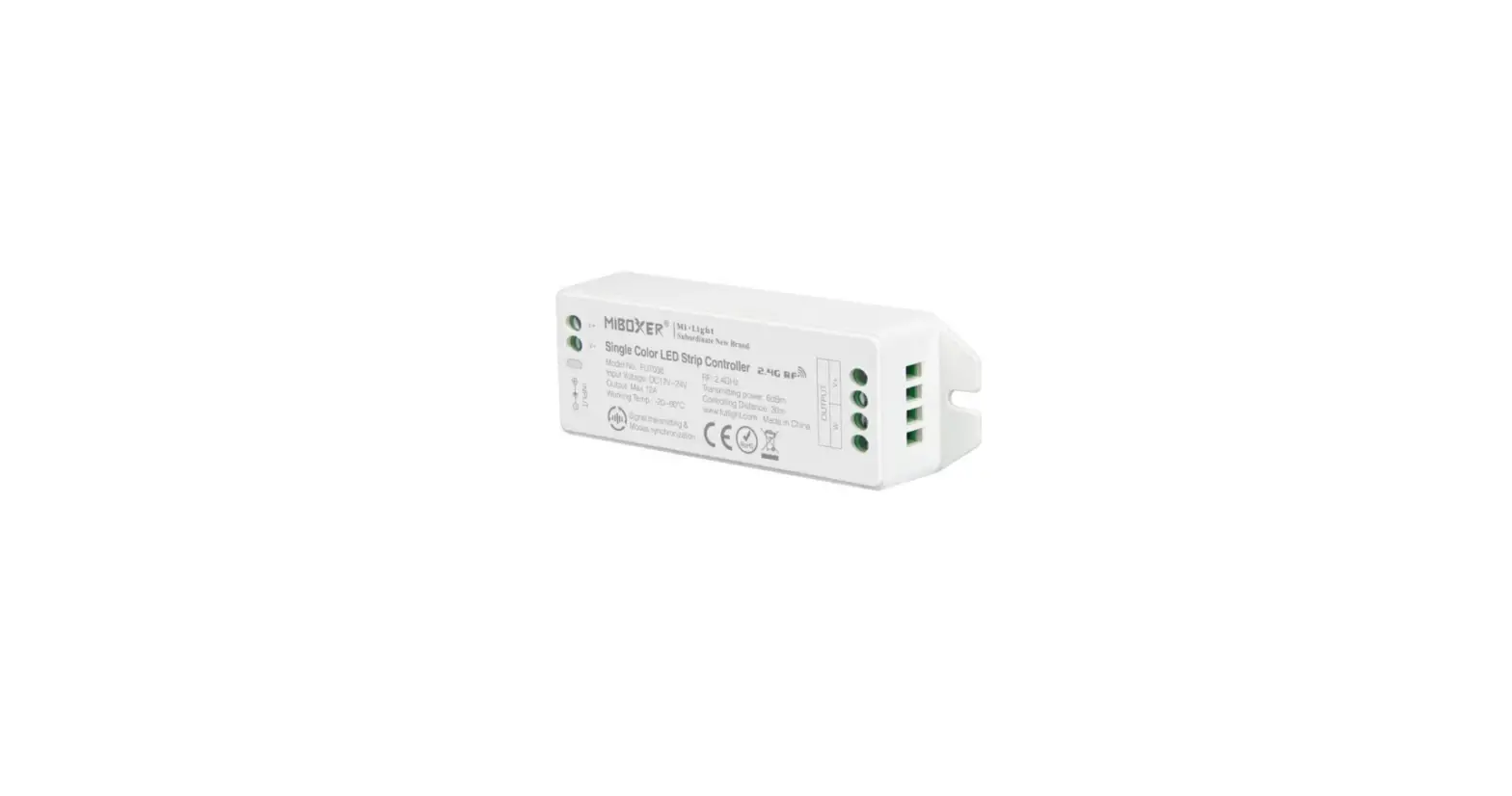

MiBOXER T1 4-Zones Dimming Panel Remote
Features
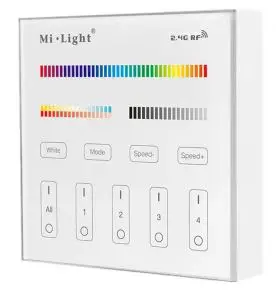
We adopt a high-precision capacitive touch screen IC. The touch screen is very stable; 2.4GHz high RF wireless control with long-distance controlling, low power consumption and high-speed transmitting rate. This product has a T series and B series, and the difference is the method of power supply. Both series have 4 kinds: T1/B1 4-zone dimmable panel remote; T2/B2 CCT 4-zone panel remote; T3/B3 4-zone RGB/RGBW panel remote; T4/B4 4-zone RGB+CCT panel remote. This product widely work on our smart LED Lighting, LED controller and smart panel controller, etc.
Parameters
B Series: Powered by 3V(2*AAA Battery) Working Voltage
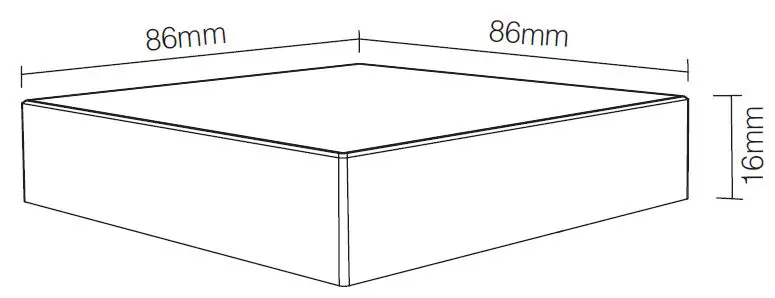
- 3V(2*AAA Battery) Standby Power Consumption: 20uA Transming Power: 6dBm Transmission Frequency: 2.4GHz Working Temp.: -10~40°C Control Distance: 30m Size: 86*86*16mm
T Series Powered by AC100~240V
- Working Voltage: AC100~240V
- Standby Power: 0.15W
- Transmitting Power: 6dBm
- Transmission Frequency:2.4GHz
- Working Temp: -10~40°C
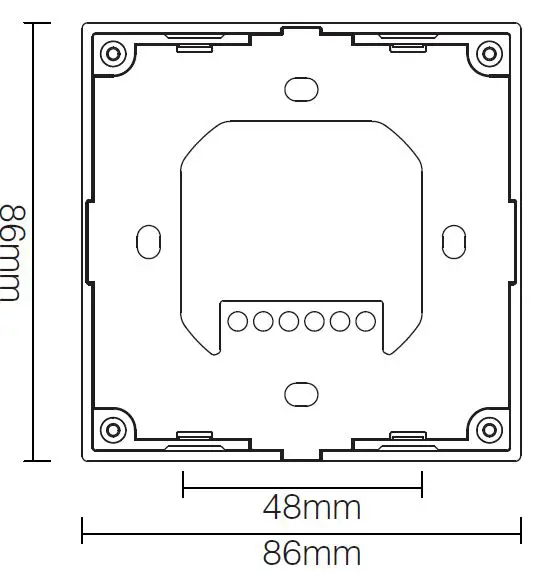
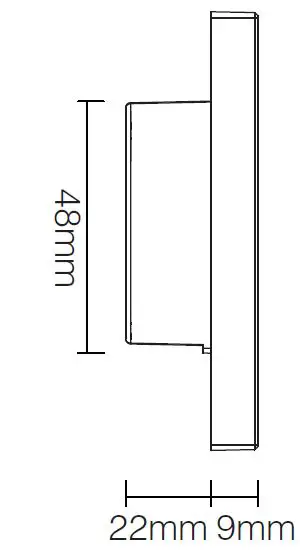
- Control Distance: 30m Size: 86*86*31mm
Function of keys
Remark:
- When touching the button, LED indicates the lamp will flash once with different sound (Touch slider with no sound).
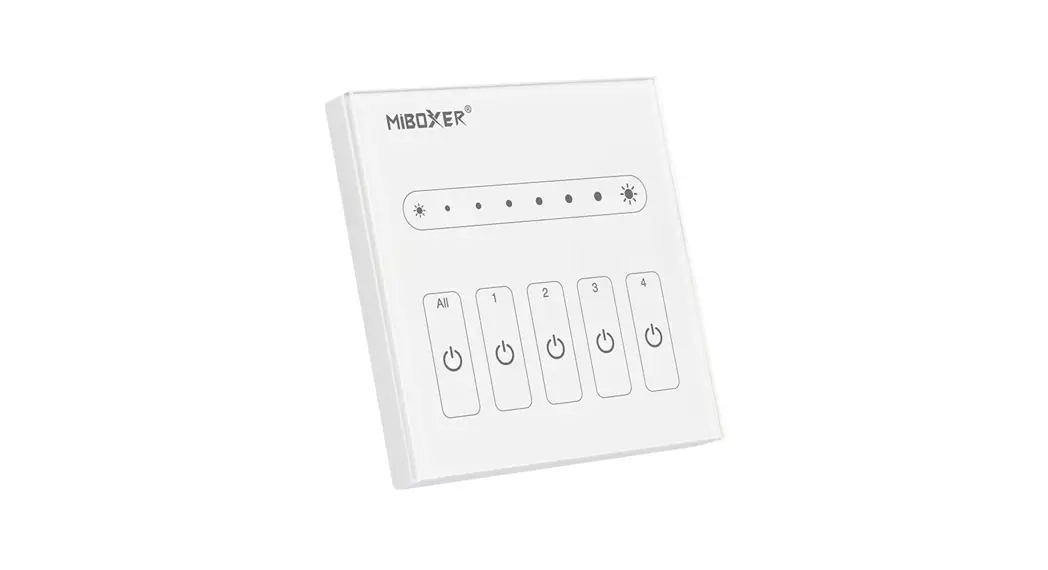
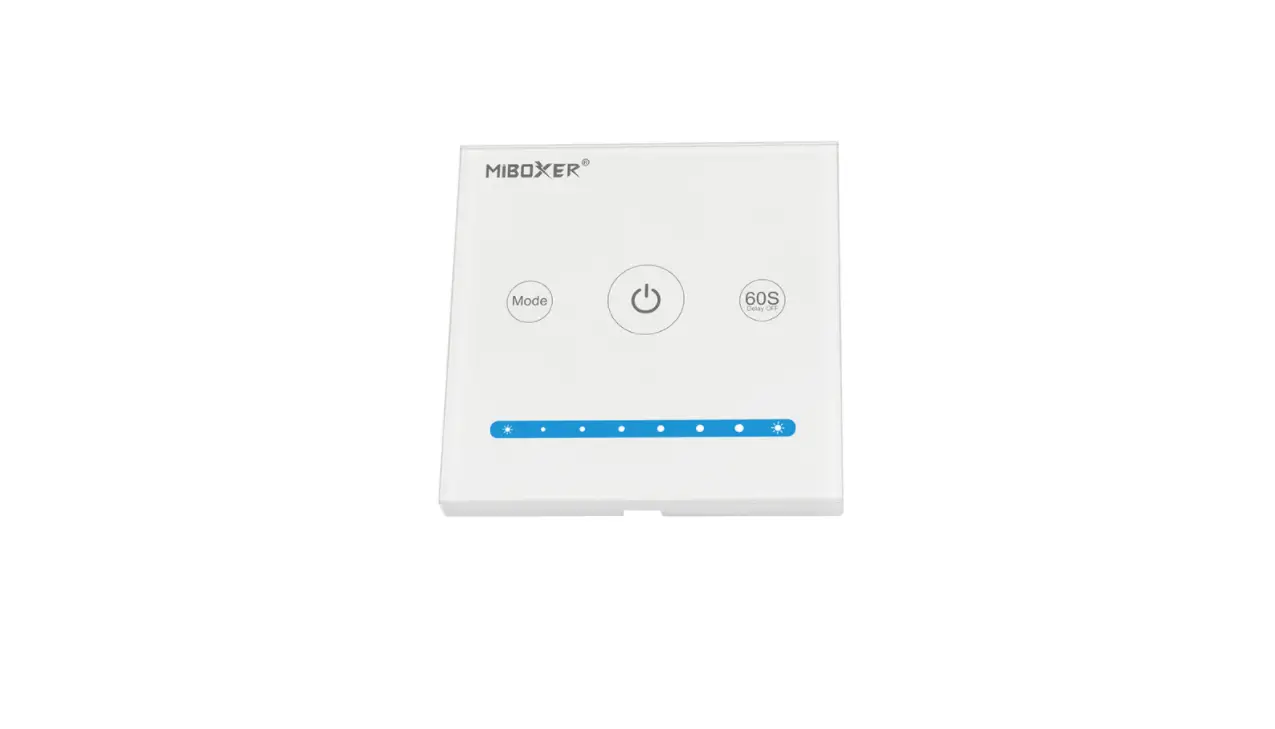
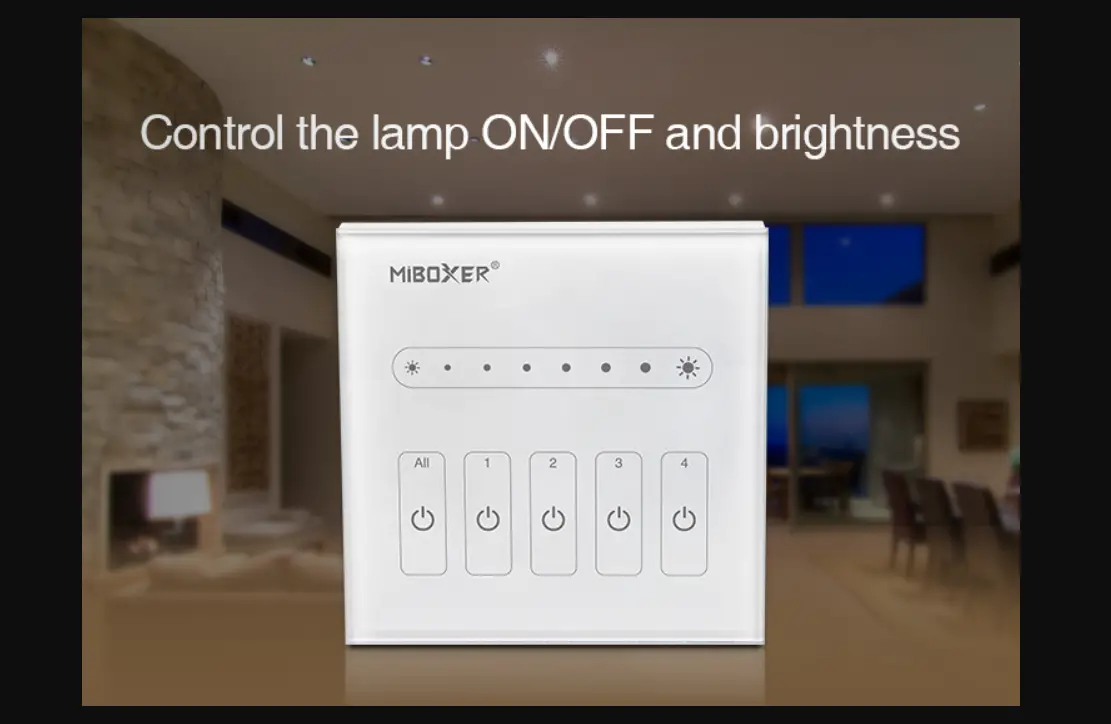
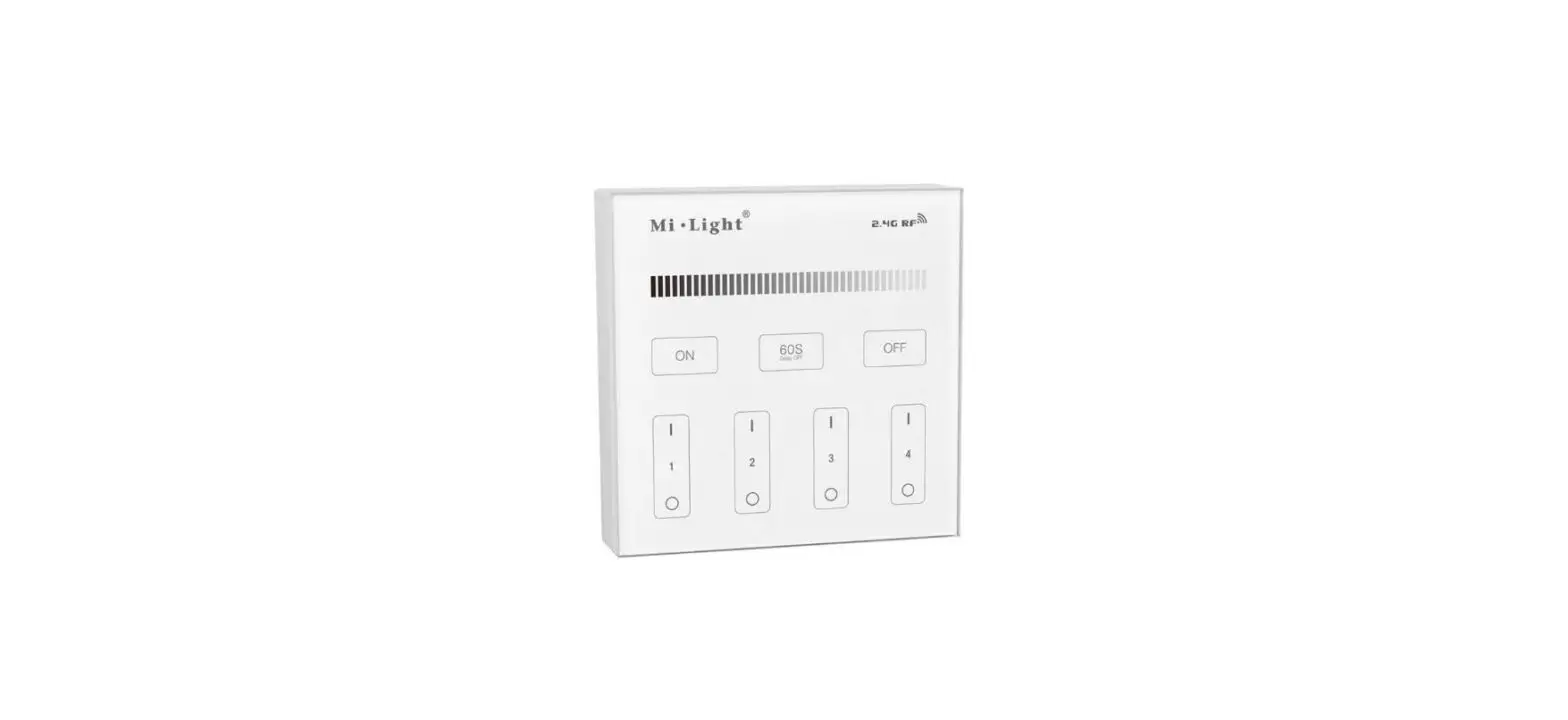
B1& B1-B & T1 4-Zone Panel Remote (Brightness)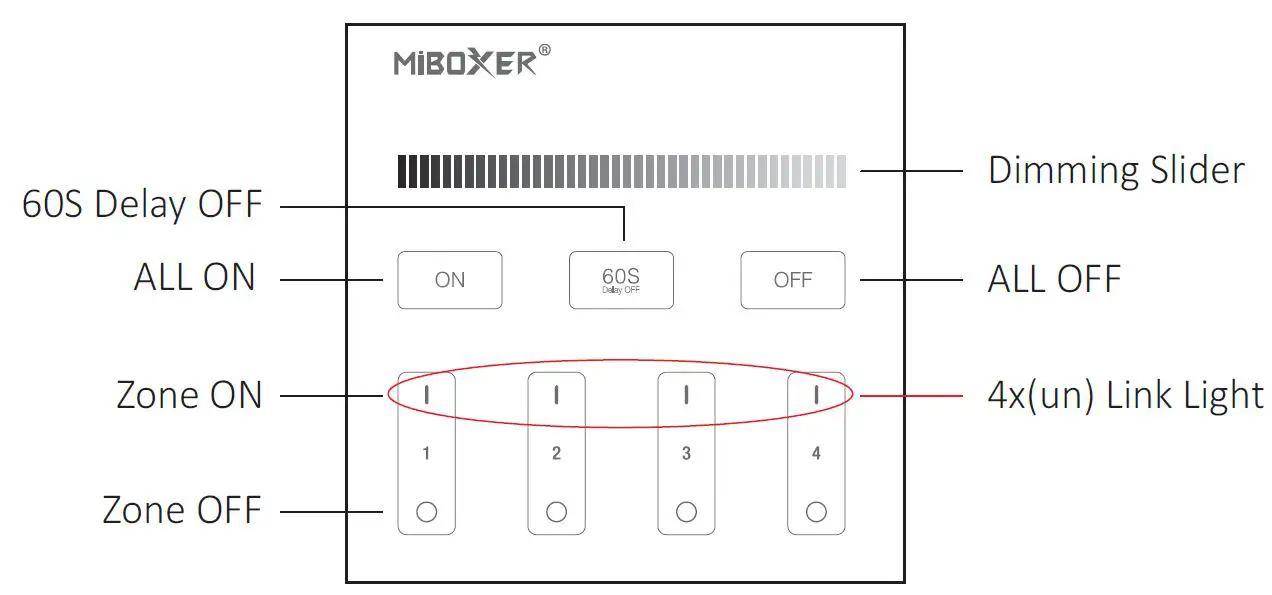
 Touch the dimming slider to change the brightness from 1~100%.
 Touch master ON, turn on all linked lights. Long press 5 seconds to turn ON the indicating sound.
 When the light is ON, press “60S Delay OFF”, the light will be OFF Automatically after 60 seconds.
 Touch master OFF, turn off all linked lights. Long press 5 seconds to turn OFF the indicating sound.
 Touch Zone ON, turn on zone-linked lights.
 Touch Zone OFF, turn off zone-linked lights.
 Touch the dimming slider to change the brightness from 1~100%.
 Touch master ON, turn on all linked lights. Long press 5 seconds to turn ON the indicating sound.
 When the light is ON, press “60S Delay OFF”, the light will be OFF Automatically after 60 seconds.
 Touch master OFF, turn off all linked lights. Long press 5 seconds to turn OFF the indicating sound.
 Touch Zone ON, turn on zone-linked lights.
 Touch Zone OFF, turn off zone-linked lights.
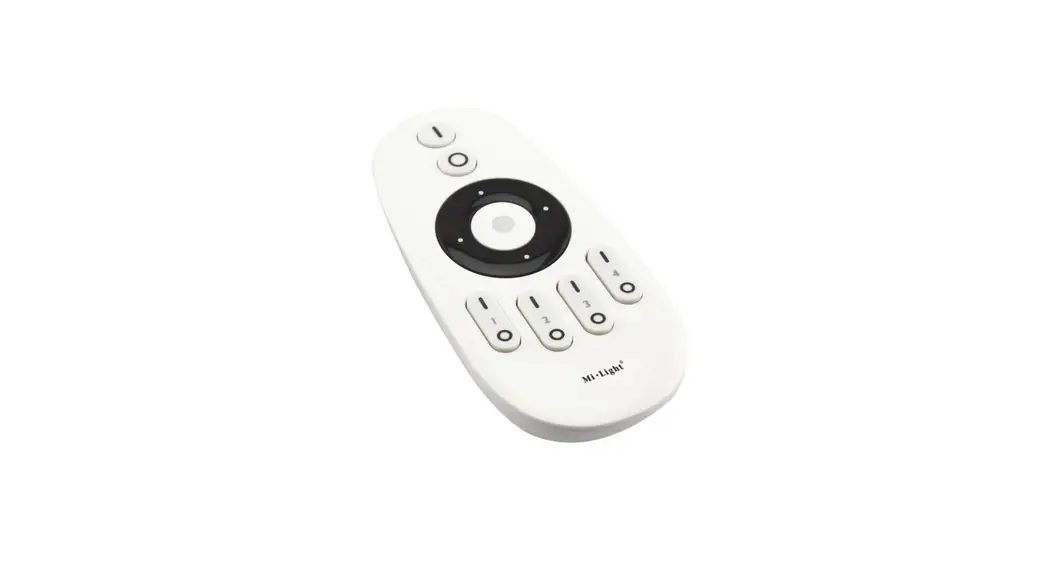
B2 & T24-Zone Panel Remote (Color Temp.) 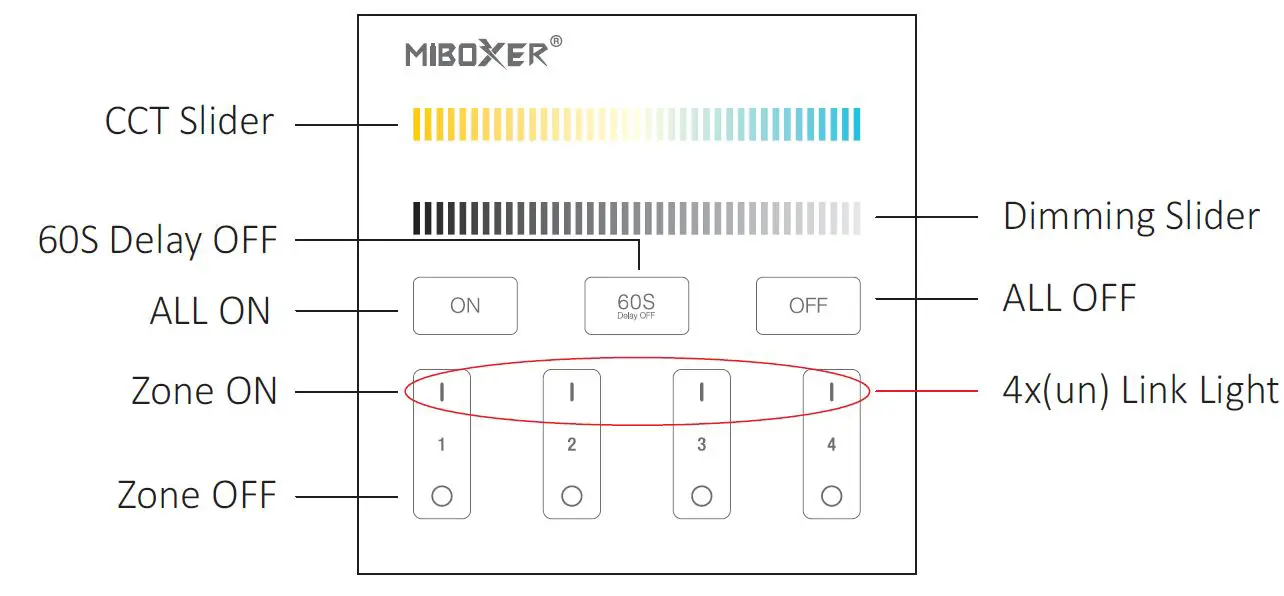
 Touch the slider to change the color temperature.
 Touch the dimming slider to change the brightness from 1~100%.
- Touch master ON, turn on all linked lights. Long press 5 seconds to turn ON the indicating sound.
 When the light is ON, press “60S Delay OFF”, the light will be OFF Automatically after 60 seconds.
- Touch master OFF, turn off all linked lights. Long press 5 seconds to turn OFF the indicating sound.
- Touch Zone ON, turn on zone-linked lights.
- Touch Zone OFF, turn off zone-linked lights.
 Touch the slider to change the color temperature.
 Touch the dimming slider to change the brightness from 1~100%.
 When the light is ON, press “60S Delay OFF”, the light will be OFF Automatically after 60 seconds.
B3 & B3-B & T3 4-Zone Panel Remote (RGBW)
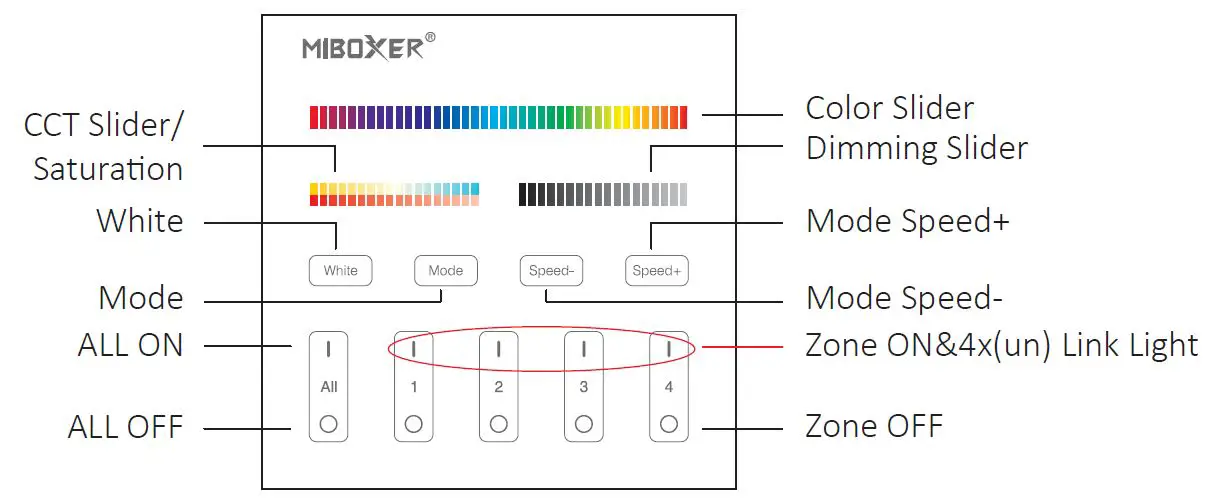
 Touch the color slider, and choose the color you want.
- Touch the dimming slider to change the brightness from 1~100%.
 Touch the white button to white light mode.
 Switching modes.
 Slow the speed on the present dynamic mode.
 Accelerate the speed on the present dynamic mode.
- ALL ON: Touch to turn on all linked lights. Long press 5 seconds to turn ON the indicating sound. Zone(1-4) ON: Touch zone ON, turn on zone-linked lights.
- ALL OFF: Touch to turn off all linked lights. Long press 5 seconds to turn OFF the indic ating sound. Zone(1-4) OFF: Touch zone OFF, turn off zone-linked lights.
 Touch the color slider, and choose the color you want.
 Touch the white button to white light mode.
 Switching modes.
 Slow the speed on the present dynamic mode.
 Accelerate the speed on the present dynamic mode.
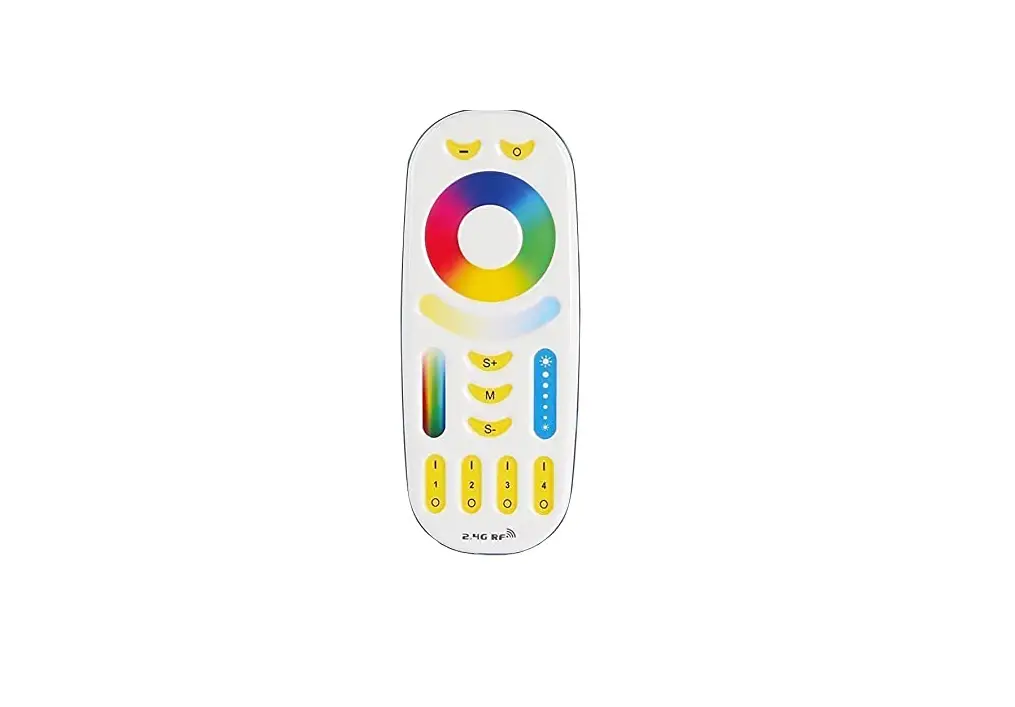
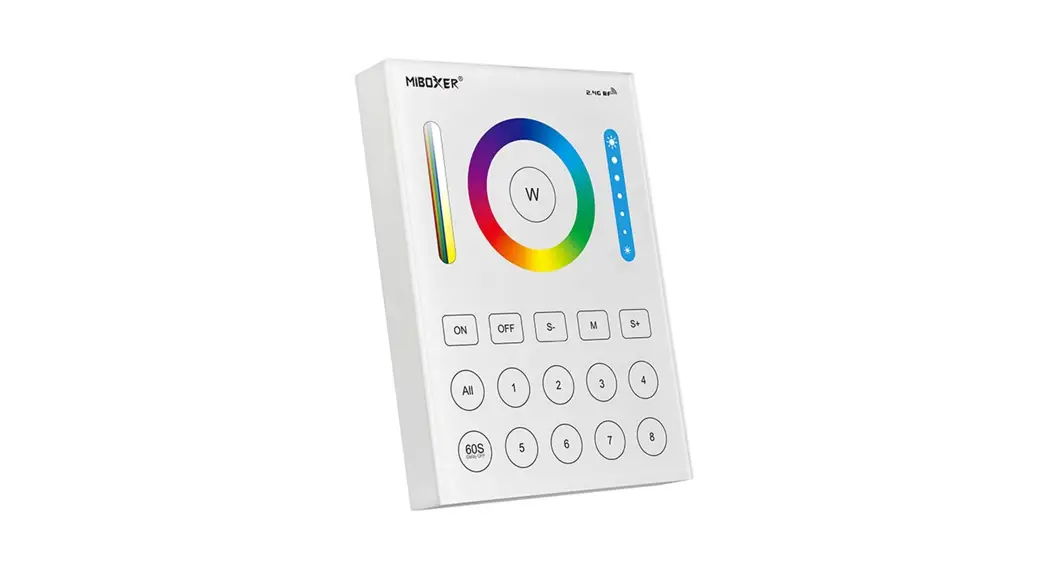
B4 & B4-B & T4 4-Zone Panel Remote (RGB+CCT)
- Touch the color slider, and choose the color you want.
 Under white light mode, adjust color temperature; Under color light mode, change color saturation.
- Touch the dimming slider to change the brightness from 1~100%.
- Touch white button to white light mode.
- Switching modes.
- Slow the speed on the present dynamic mode.
- Accelerate the speed on the present dynamic mode.
- ALL ON: Touch to turn on all linked lights. Long press 5 seconds to turn ON the indicating sound.Zone(1-4) ON: Touch zone ON, turn on zone- linked lights.
- ALL OFF: Touch to turn off all linked lights.Long press 5 seconds to turn OFF the indicating sound. Zone(1-4) OFF: Touch zone OFF, turn off zone-linked lights.
 Under white light mode, adjust color temperature; Under color light mode, change color saturation.
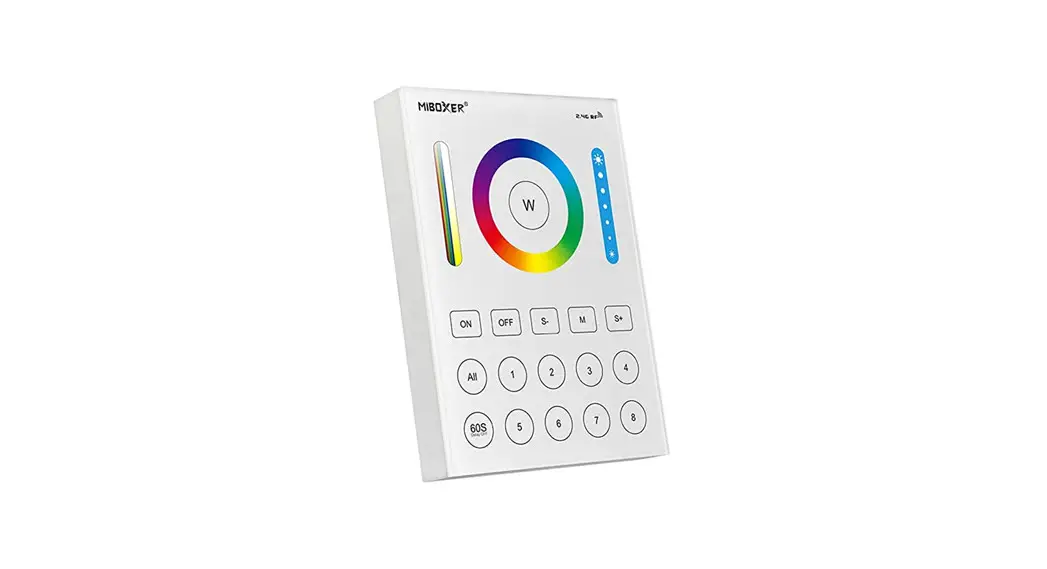
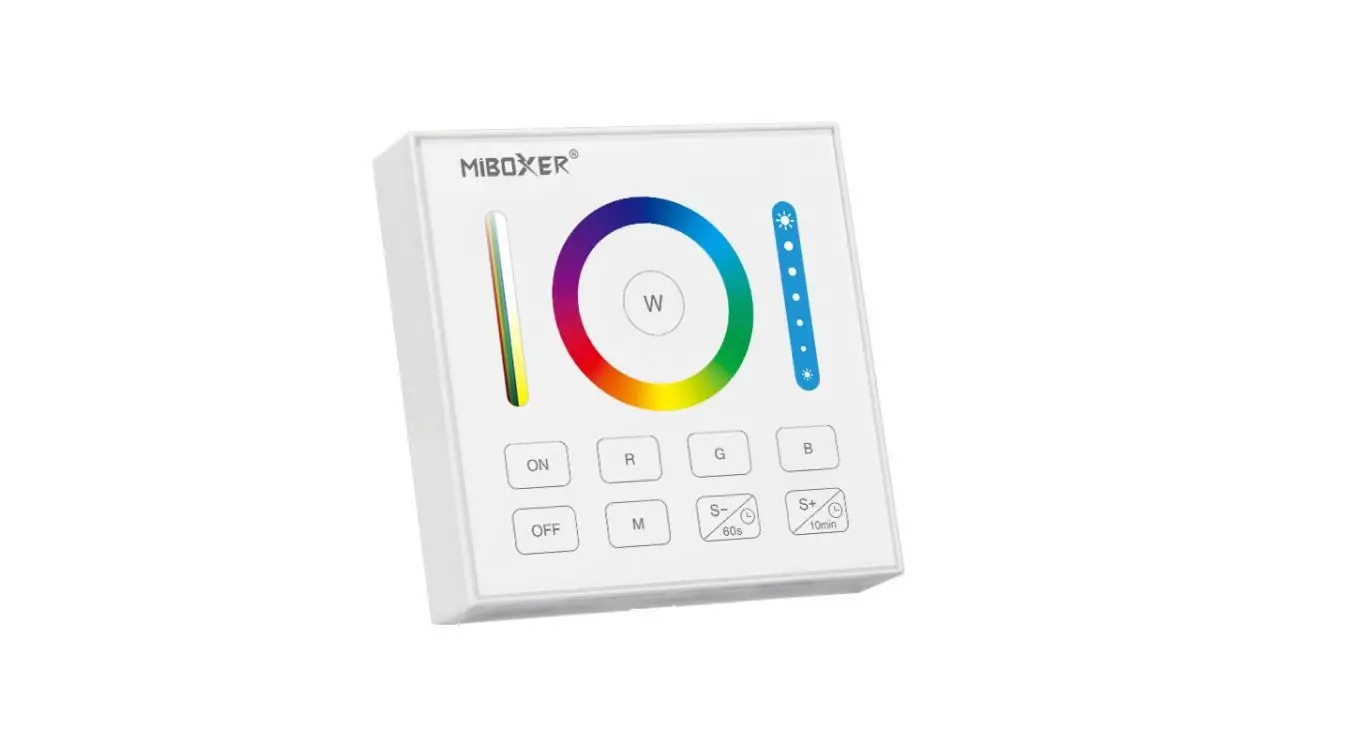
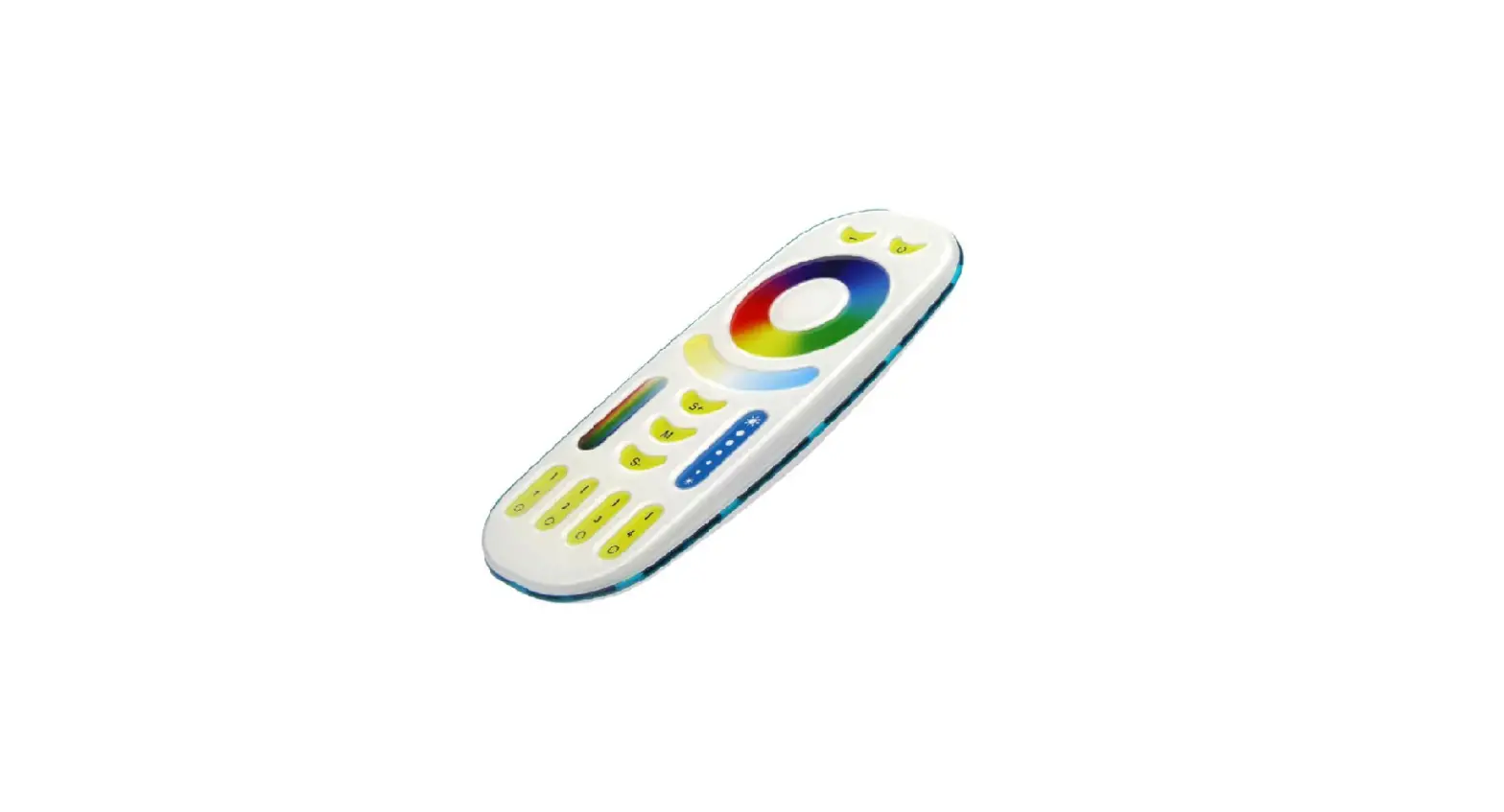
B0 Panel Remote (RGB+CCT) 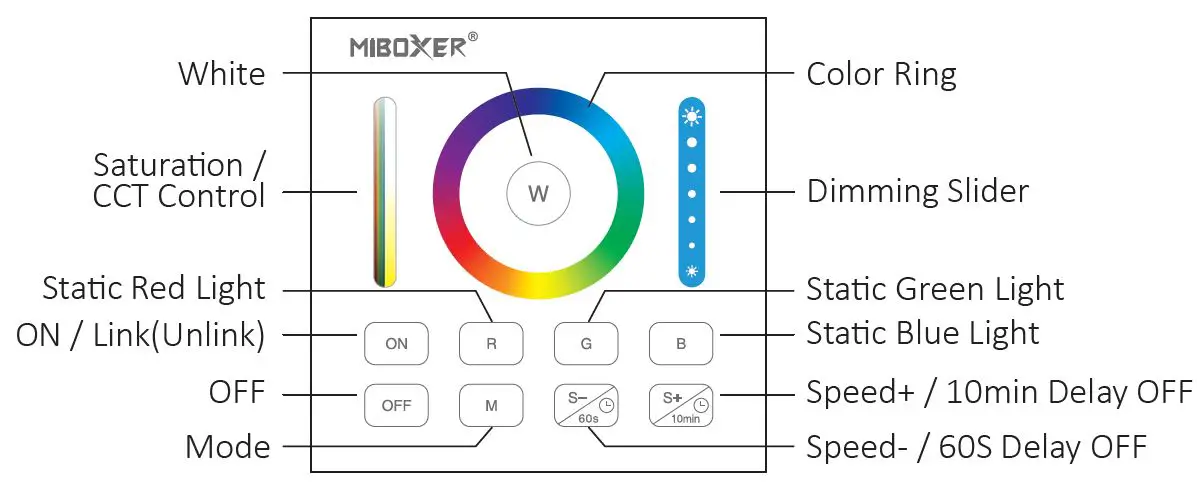
 Touch the color ring to change colors.
 Under white light mode, adjust color temperature; Under color light mode, change color saturation.
 Slide the brightness slider to adjust the brightness.
 Press the button to get white light.
 Touch the ON button, and turn on the linked device.
 Touch OFF button, turn off the linked device.
 Static red light.
 Static green light.
 Static blue light.
 Dynamic mode switching button.
 Accelerate the speed under the present dynamic mode. Under static after mode, Long press for 2 seconds, the light shine once, the light will be off after 10 minutes.
 Slow the speed under present dynamic mode.Under static mode, long press for 2 seconds, the light shine once, the light will be off after 60 seconds.
 Touch the color ring to change colors.
 Under white light mode, adjust color temperature; Under color light mode, change color saturation.
 Slide the brightness slider to adjust the brightness.
 Press the button to get white light.
 Touch the ON button, and turn on the linked device.
 Touch OFF button, turn off the linked device.
 Static red light.
 Static green light.
 Static blue light.
 Dynamic mode switching button.
 Accelerate the speed under the present dynamic mode. Under static after mode, Long press for 2 seconds, the light shine once, the light will be off after 10 minutes.
 Slow the speed under present dynamic mode.Under static mode, long press for 2 seconds, the light shine once, the light will be off after 60 seconds.
Link / Unlink( B1-B4 & T1- T4 & B1-B/B3-B/B4-B )
Linking Instructions
- Switch off the light, after 10 seconds switch on again.

- When the light is on, short press any zone of 3 times within 3 seconds.

- The light blinks 3 times slowly means the linking is done successfully.

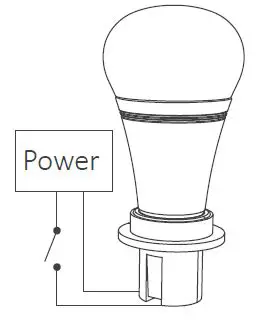
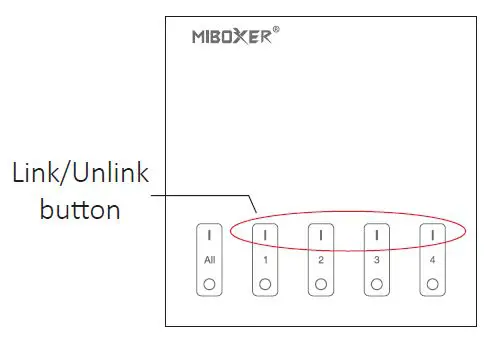
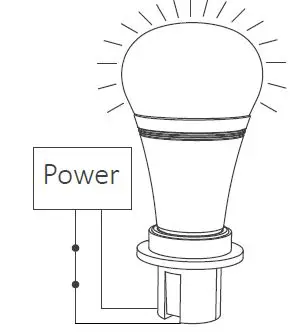
If the light does not blink slowly, the linking failed, pls switch off the light again, and follow the above steps again.
Unlinking Instructions
- Switch off the light, after 10 seconds switch it on again.

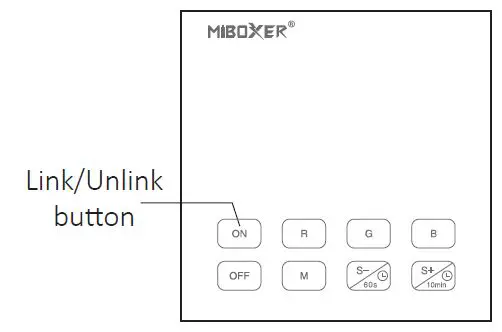
- When the light is on, short press “ON” 5 times within 3 seconds.

- The light blinking 10 times quickly, means unlinking successfully.

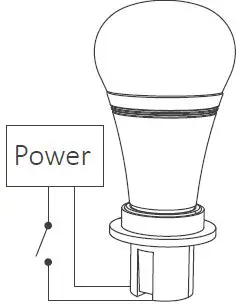
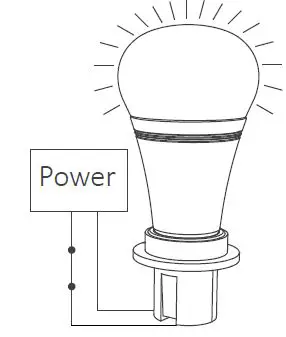
If the light does not blink quickly, the unlink failed, pls switch off the light again, and follow the above steps to unlink again.
Link / Unlink
Linking Instructions
- Switch off the light, and after 10 seconds switch on again.
- When the light on, short press “ON” 3 times within 3 seconds.
- The light blink 3 times slowly means the linking is done successfully.
Unlinking Instructions
- Switch off the light, and after 10 seconds switch on again.
- When the light on, short press “ON” 5 times within 3 seconds.
- The light blinking 10times quickly means unlinking successfully.
If the light does not blink quickly, the unlink failed, pls switch off the light again, and follow the above steps to unlink again.
Installation
B series Installation
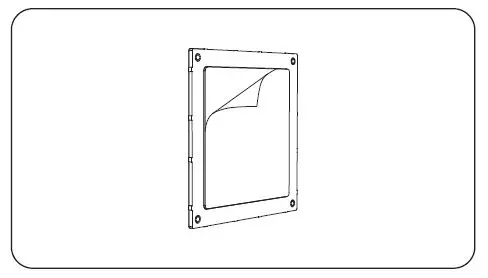
- Tear out the back tape.

- Stick the holder to the position where you want.

- Install 2*AAA battery.

- Put the rotating switch on the front of the holder.
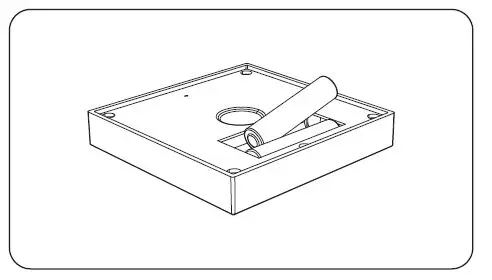
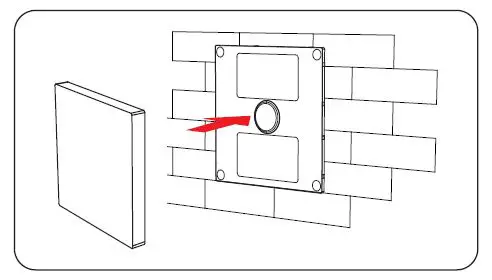
T series Installation/ Dismantlement
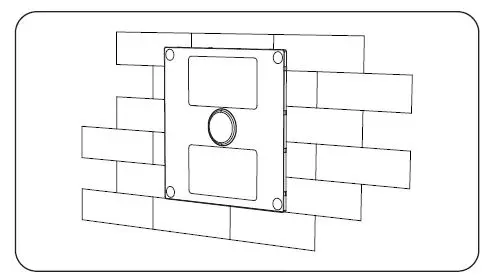
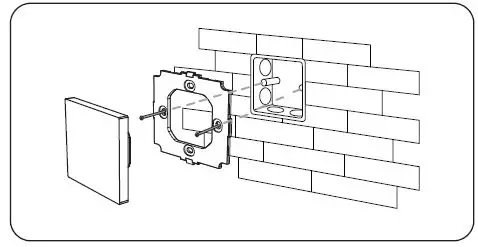
- Install the bottom case into the wall; Above are the standard bottom cases.

- Clicks into the upper side of the glass panel on the controller base, then press the lower side slightly to make it clicks into the controller base.

- Fix the controller base on the bottom case with screw.

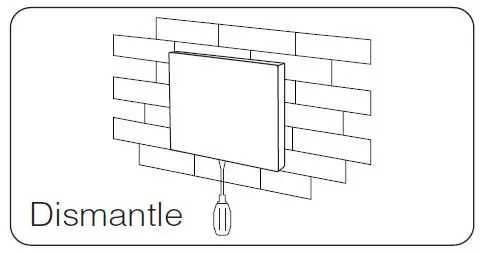
- Dismantle Plug into the below bayonet with a screwdriver, and upwarp the screw driver, then you can dismantle the controller.

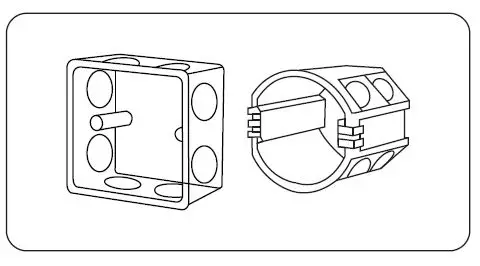
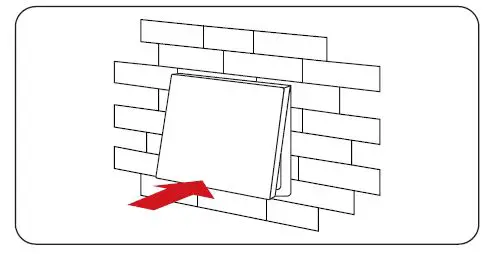
Attention
- Please check the cable, and make the circuit is correct before powering on.
- When installation, pls handle with care to avoid the broken of the T series glass panel.
- Please do not use lighting fixtures around the mental area and high magnetic field, otherwise, it will badly affect the control distance.