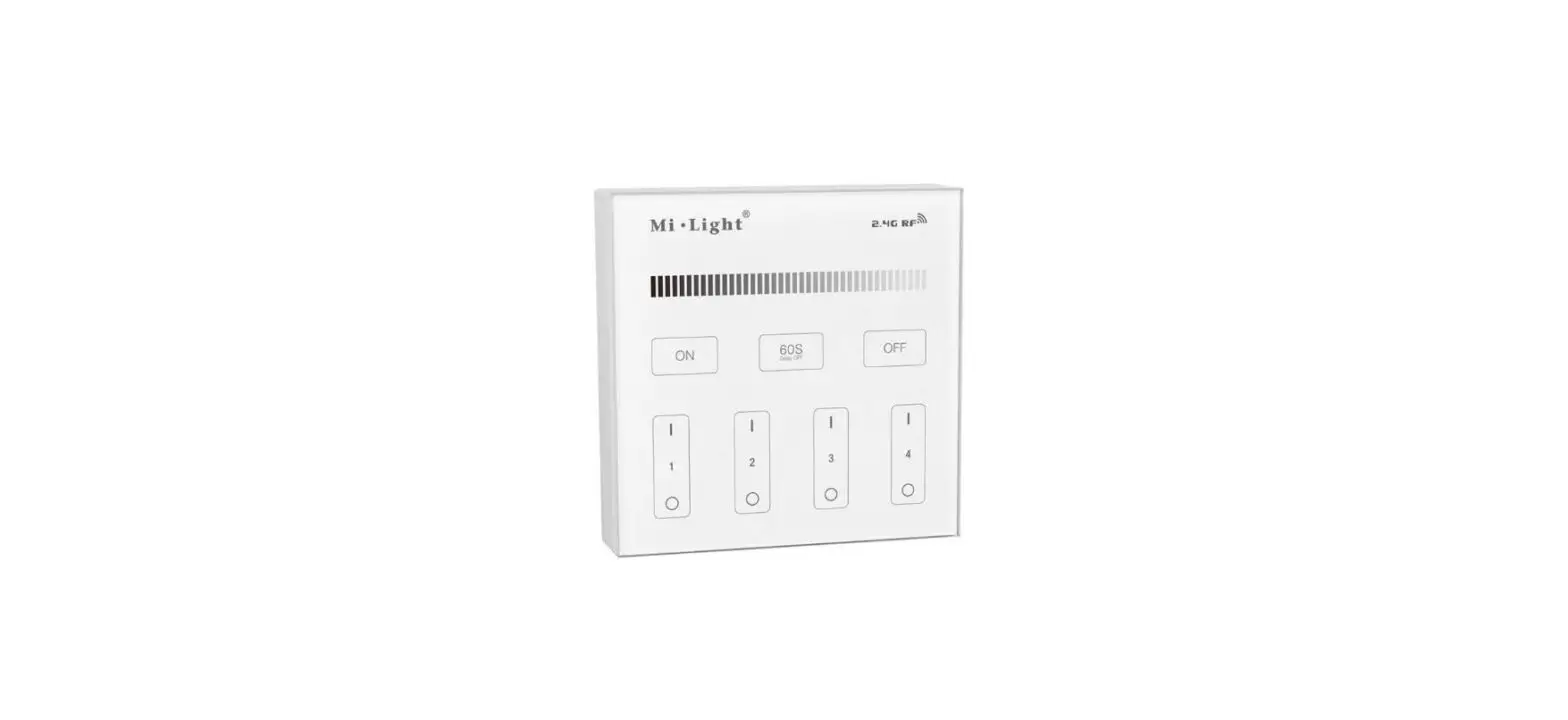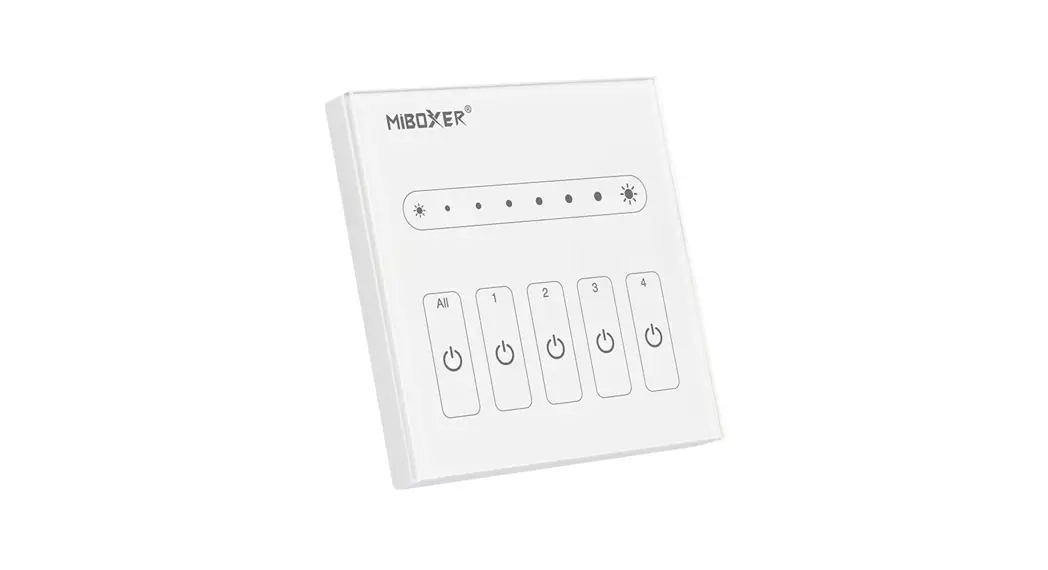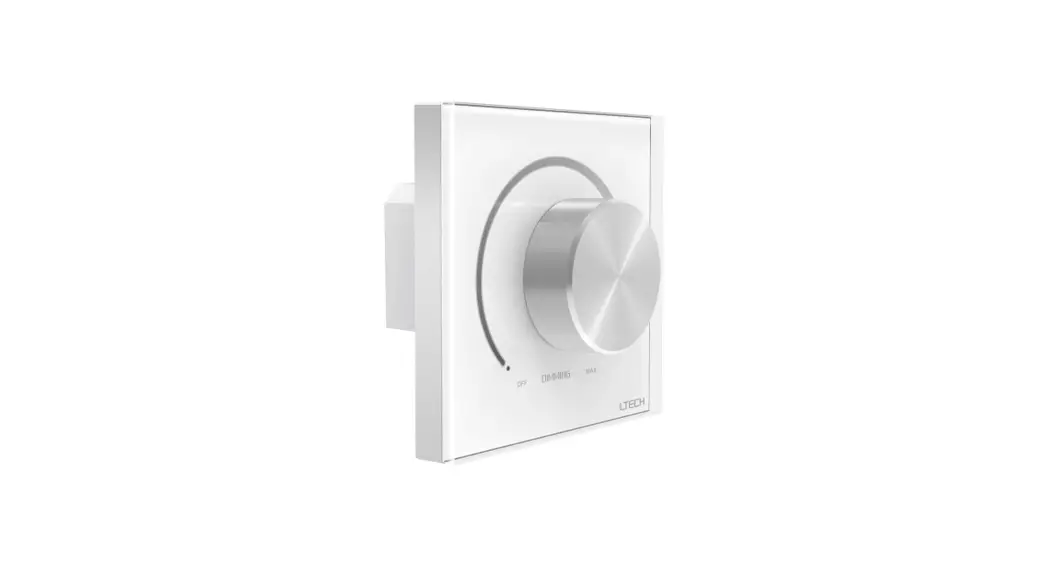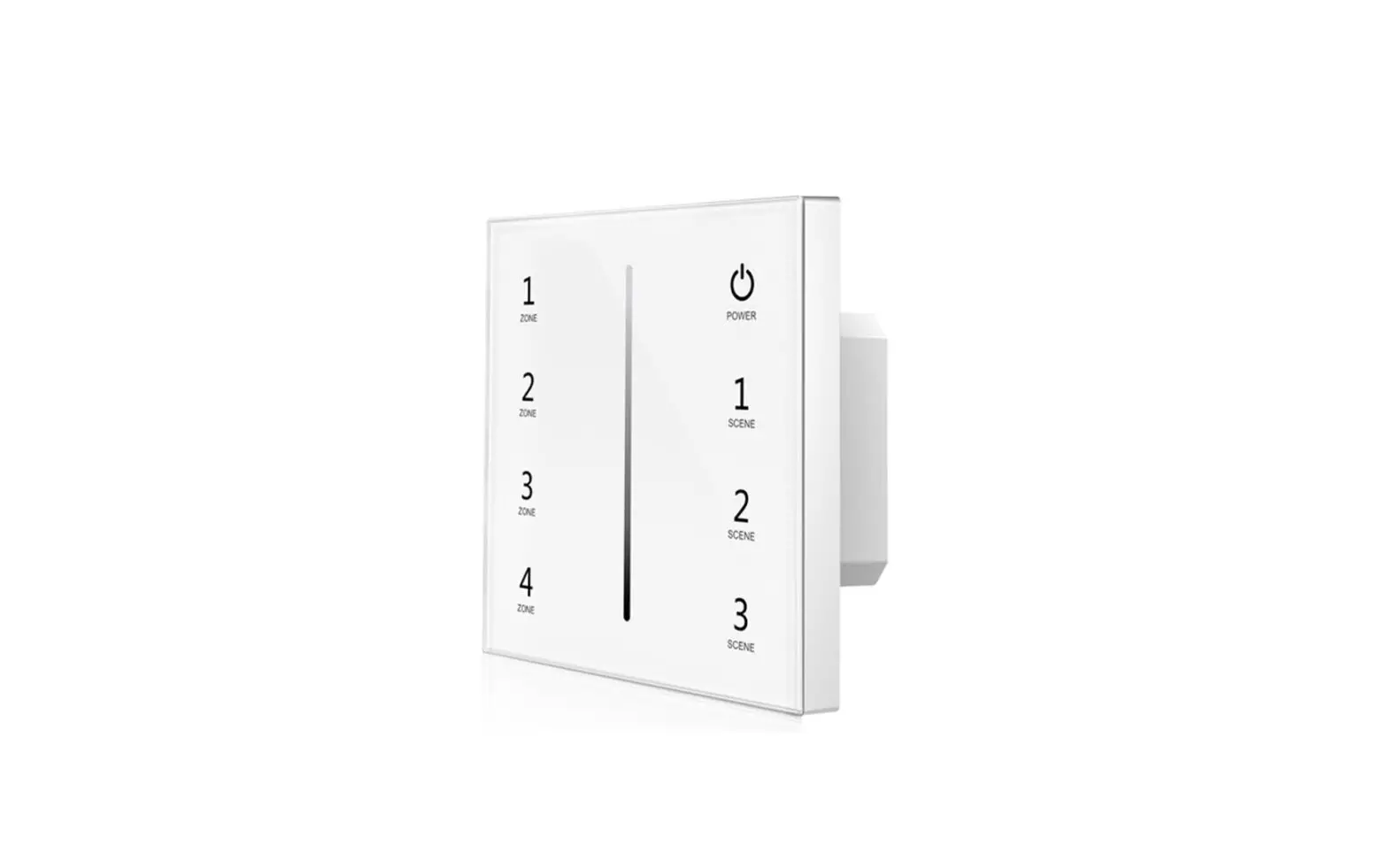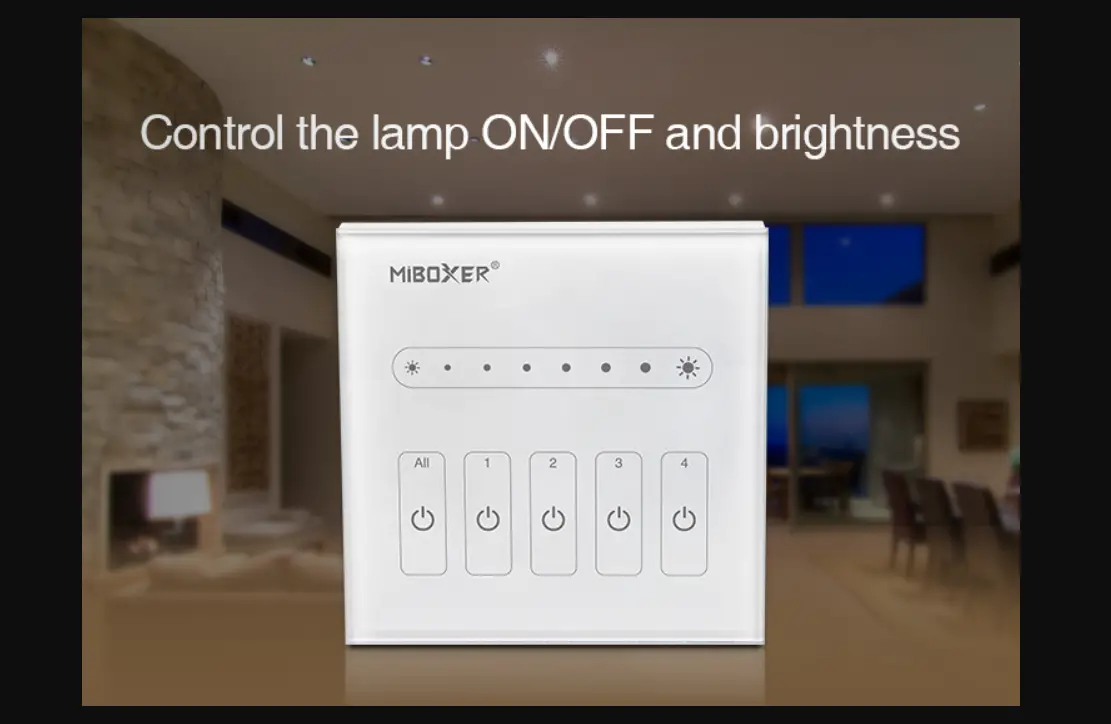

MiBOXER L1/L4 0~10V 1/4CH LED Touch Panel Dimmer
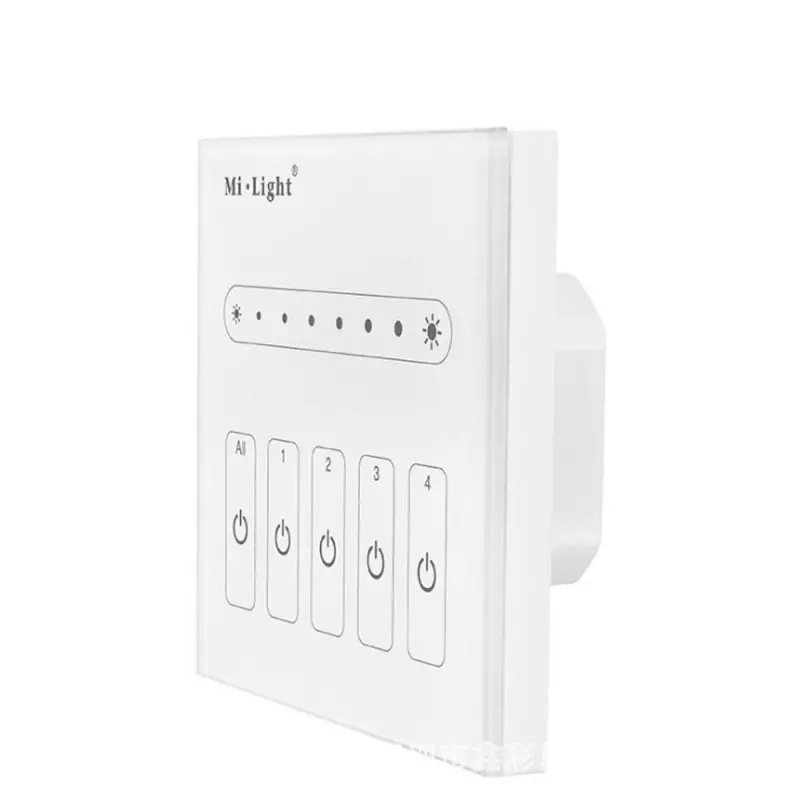
Product Features
- Exquisite fashionable stalinite Panel;
- Adopt high precision touching IC with more sensitive and stable touching.
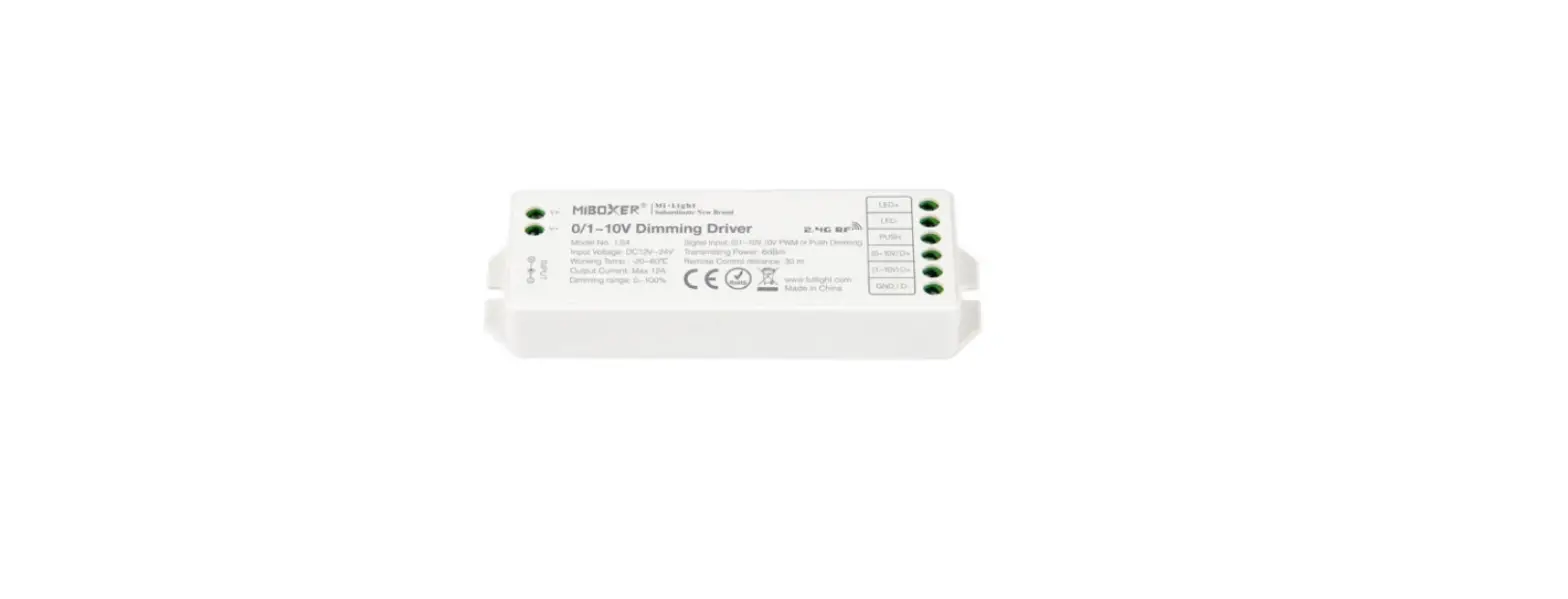
- Touch the slider to output 0~10V signal, and working with 0/1~10V Dimming Diver;
- Brightness dimmable;
- Widely work on the controlling of hotel lighting and home lighting.
Technical Parameters
- Input Voltage: AC100~240V 50/60Hz
- Output Voltage: 0~10V
- Output Current: Max. 20mA/Channel
- Working Temperature: -20~60℃
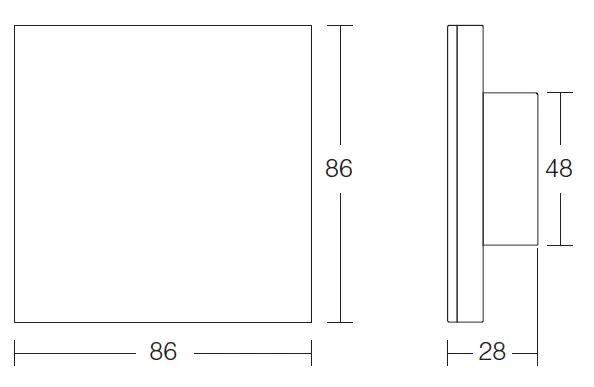
- Size: 86*86*28mm
Product Features
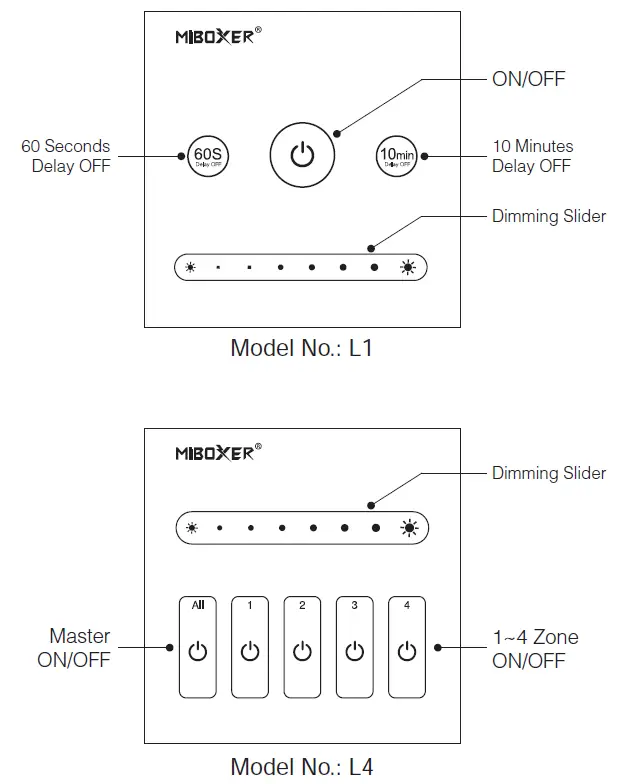
- When the light is ON, Press “ ”, indicating lamp will blink quickly, the light will be off automatically after 60 seconds; Touch again to cancel “60S Delay OFF” function
- When the light is ON, Press “ ”, indicating lamp will blink slowly, the light will be off automatically after 10 Minutes; Touch again to cancel “10min Delay OFF” function
- 256 grade brightness dimming
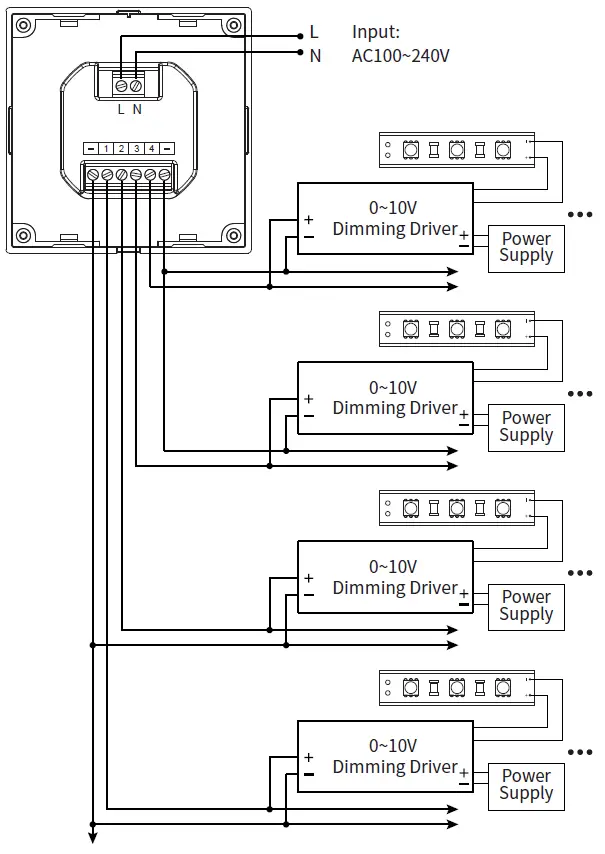
Connection Diagram
L1 One Channel Panel Dimmer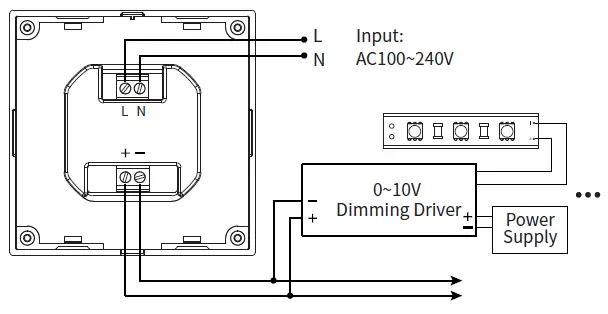
L4 Four Channel Panel Dimmer
Installation / Dismantlement
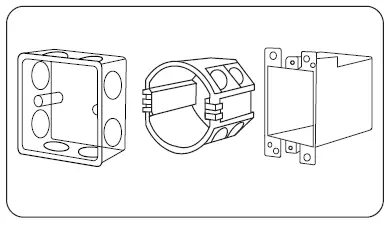
- Install the bottom case into the wall; Above are the standard bottom cases.

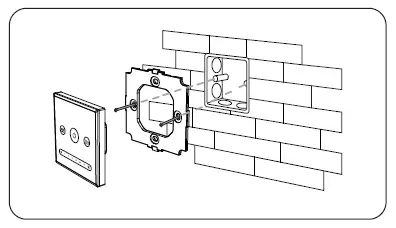
- Fix the panel dimmer base on the bottom case with screw.

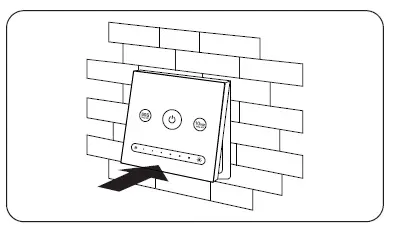
- Clicks into the upper side of panel dimmer base, then press the lower side slightly to make it clicks into the base.

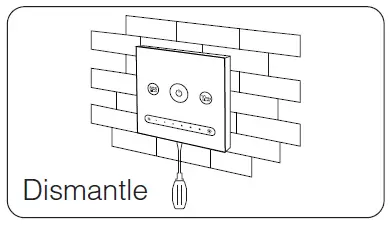
- Plug into the below bayonet with a screwdriver, and upwarp screwdriver, then you can dismantle the controller.

Attention:
- Before installation, pls check the input voltage is same as the Panel Dimmer, and check the connection of polarity.
- When Installation, pls handle with care to avoid the broken of the glass panel.