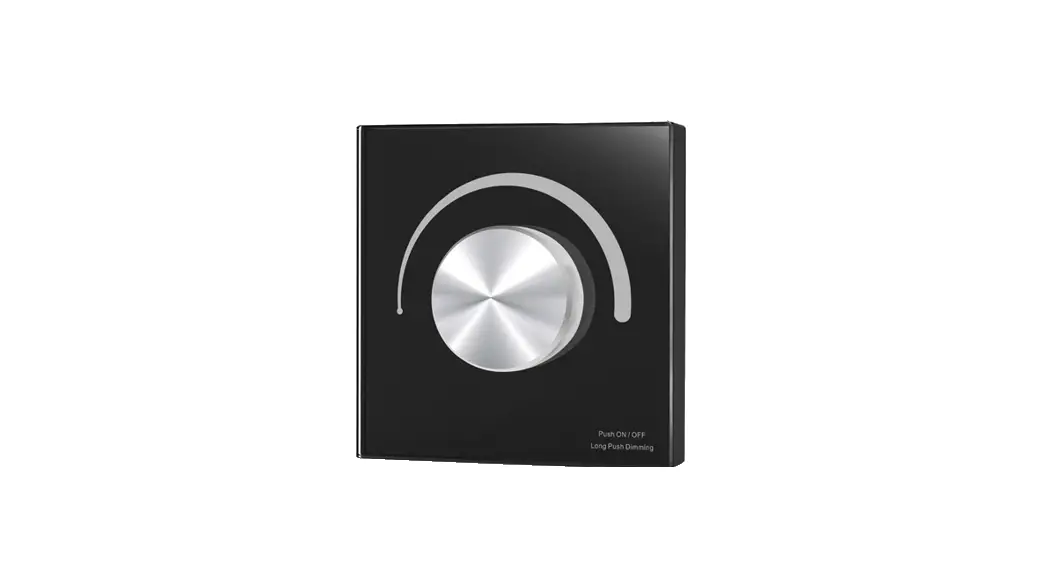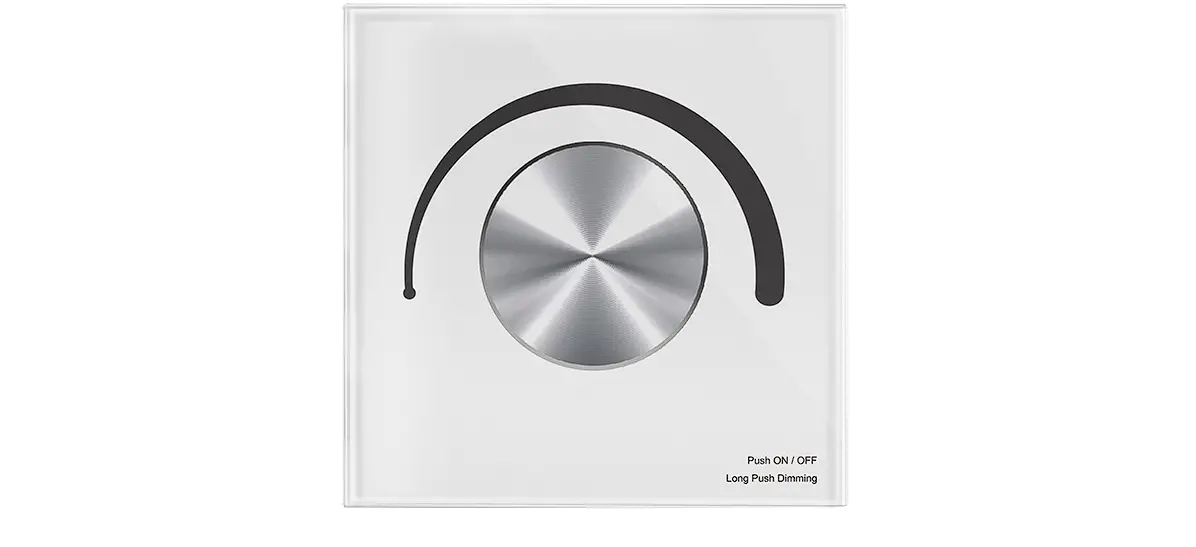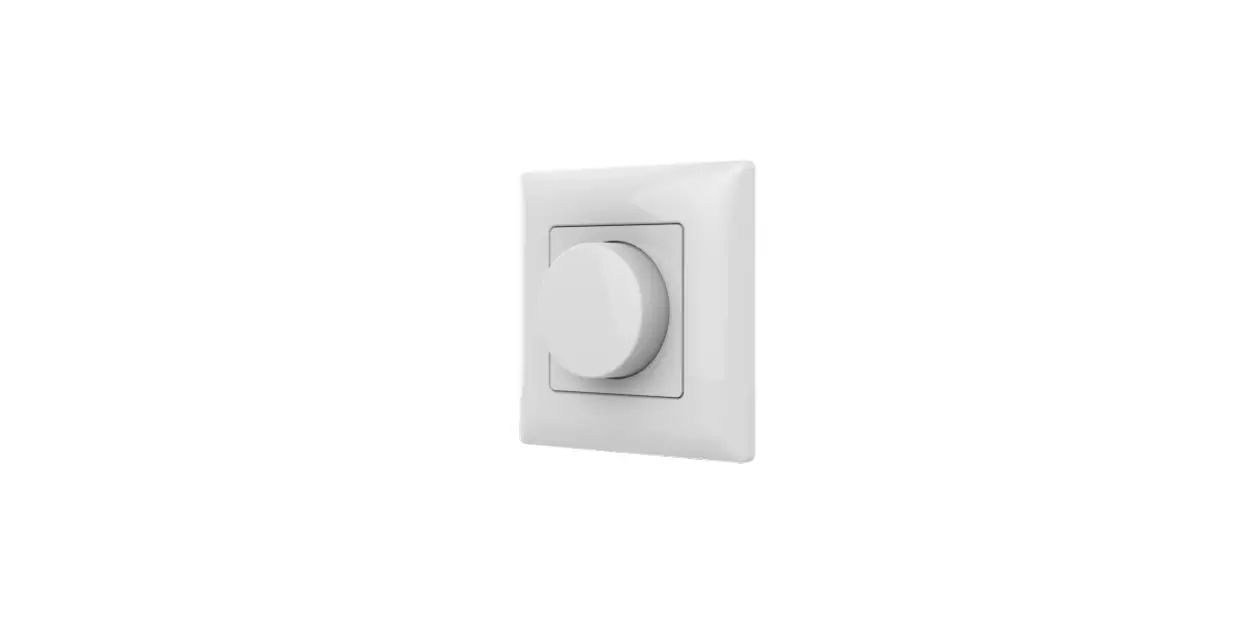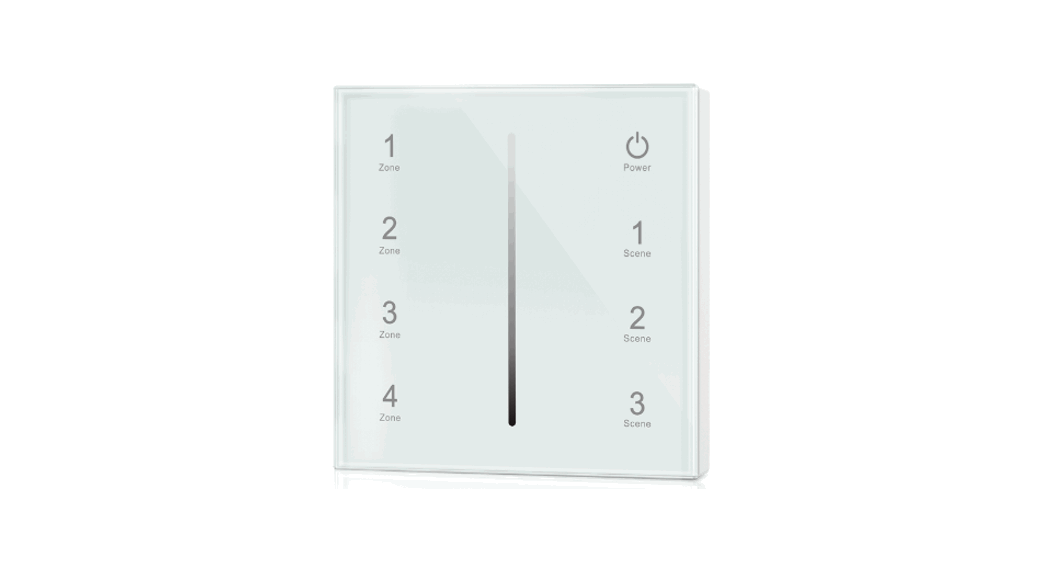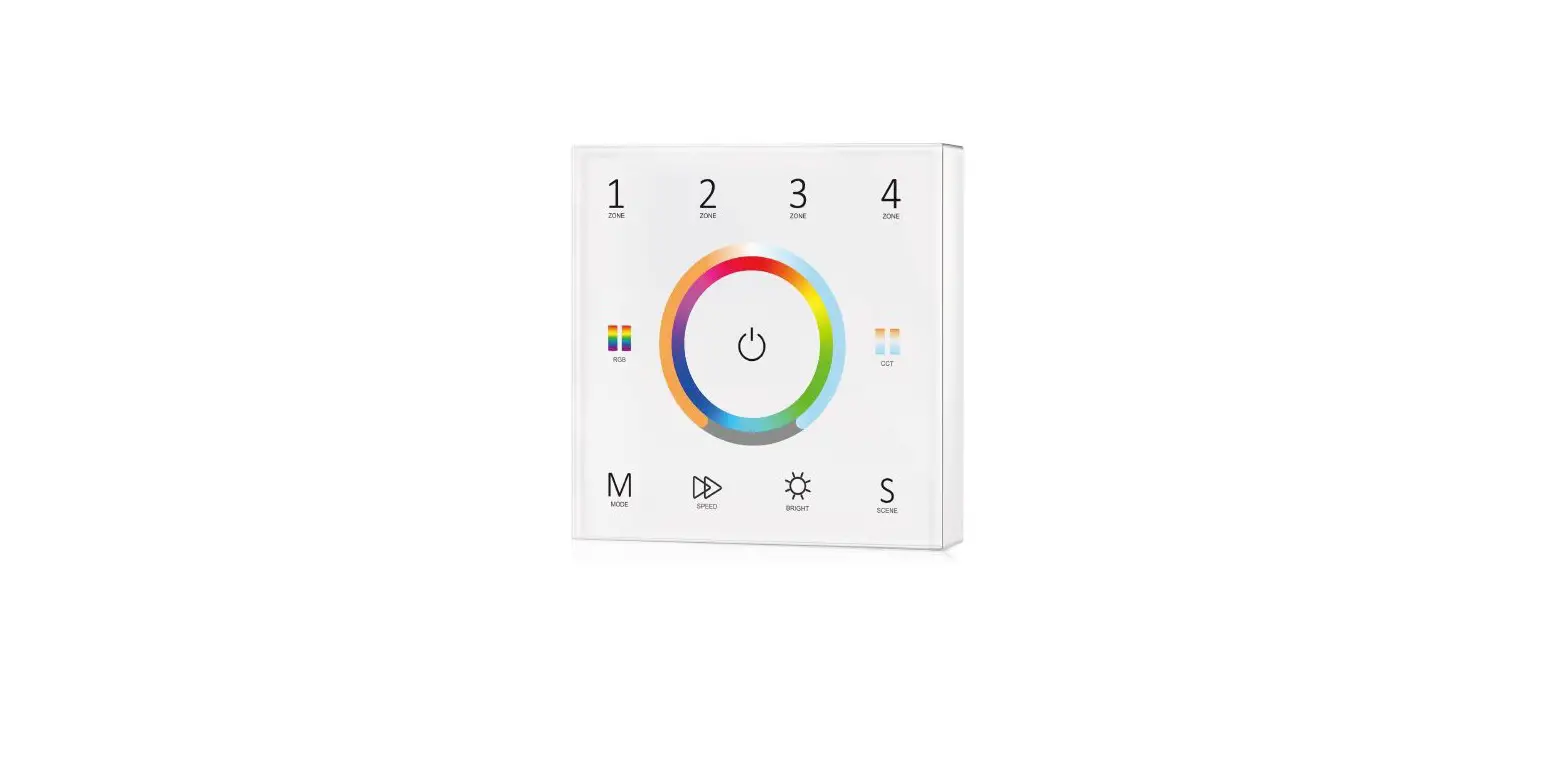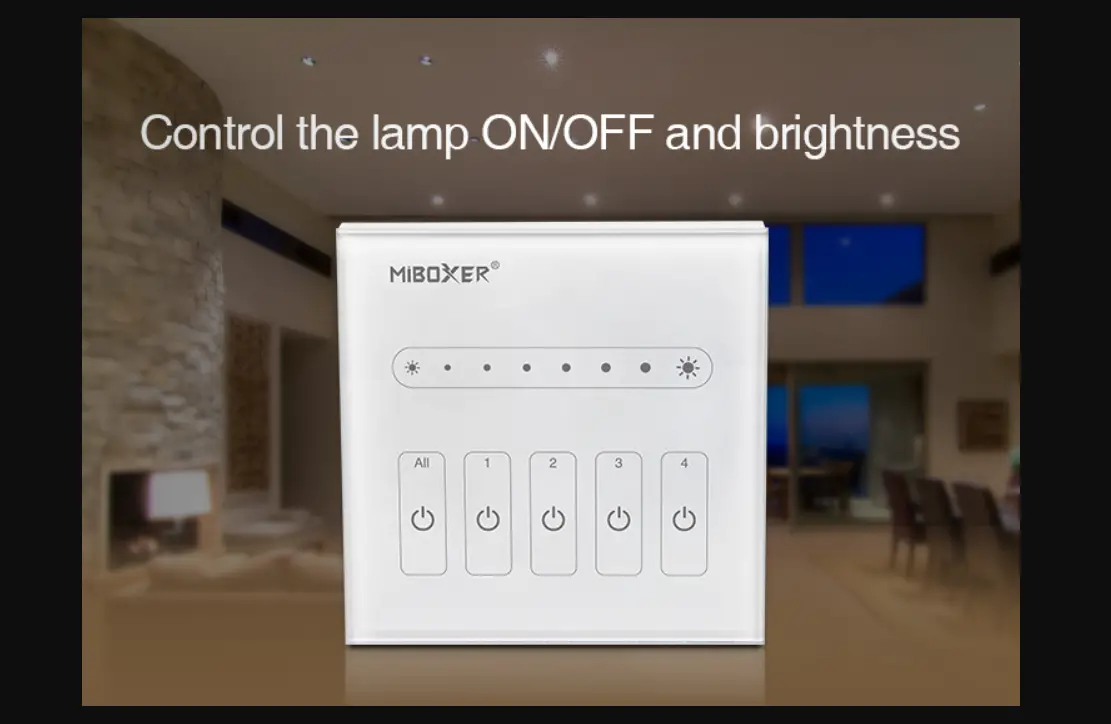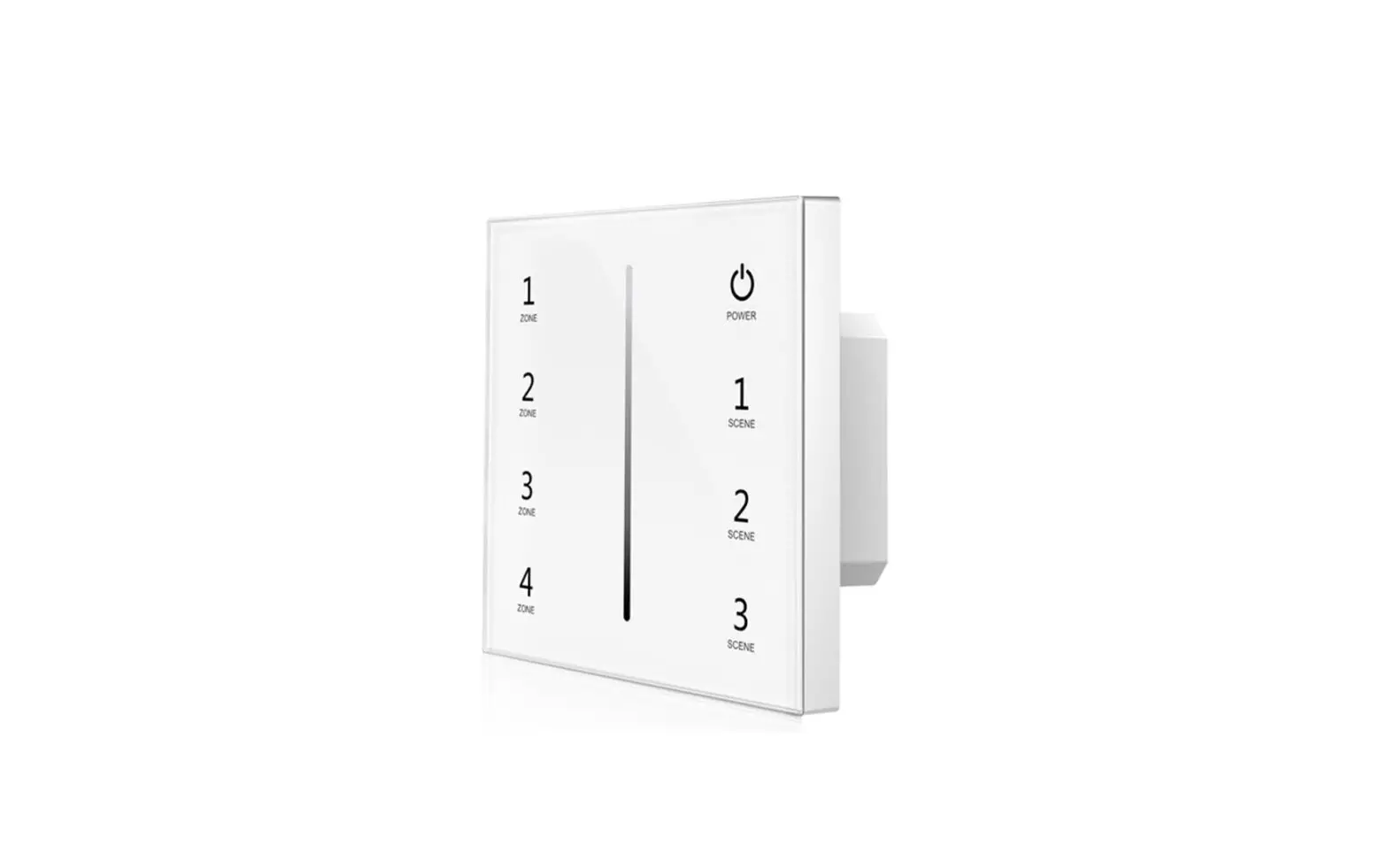
SKYDANCE T18-1 4 Channel 0-10V Touch Glass Panel Dimmer User Manual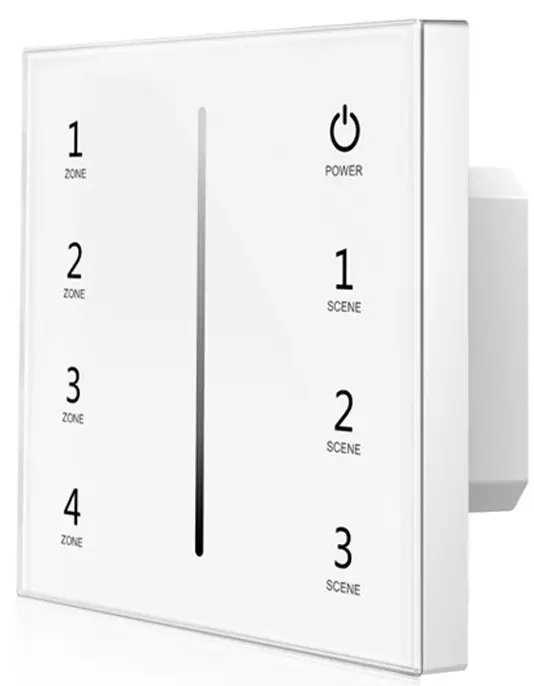
Features
- Touch panel 0-10V dimmer, output 4 channel 0-10V signal.
- Output connect with 0/1-10V dimmable driver.
- Ultra sensitive high strength glass touch panel with touch slide in the middle.
- Compatibility with RF 2.4G dimming remote control.
- Touch keys with LED indicator.
- White & Black glass panel available.
Technical Parameters
| Input and Output | |
| Input voltage | AC100-240V |
| Output signal | 0-10V (20mA) |
| Output current | 20mA/CH |
| Environment | |
| Operation temperature | Ta: -30° C ~ +55°C |
| Case temperature (Max.) | T c:+65 O C |
| IP rating | IP20 |
| Warranty | |
| Warranty | 5 years |
| Safety and EMC | |
| EMC standard (EMC | ETSI EN 301 489-1 V2.2.3 ETSI EN 301 489-17 V3.2.4 |
| Safety standard(LVD) | EN 62368-1:2020+A11:2020 |
| Radio Equipment(RED | ETSI EN 300 328 V2.2.2 |
| Certification | CE,EMC,LVD,RED |
| Dimming data | |
| Input signal | Touch key + RF 2.4GHz |
| RF Control distance | 10m(Barrier-free space) |
| Dimming level | 256 levels |
| Dimming range | 0 -100% |
Mechanical Structures and Installations
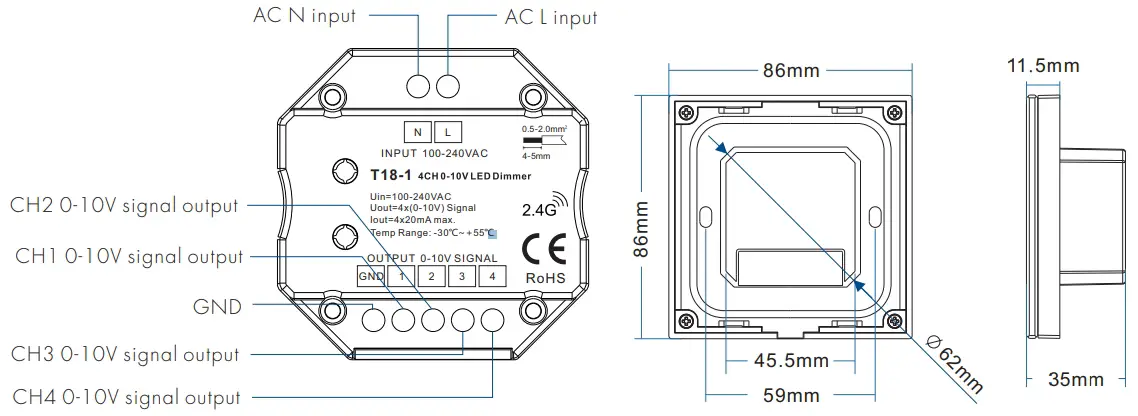
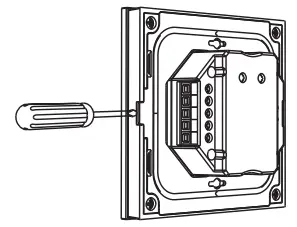
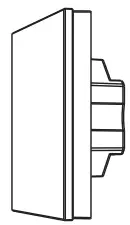
Installation diagram
- Uninstall

- Touch panel

- Baseplate

- Base

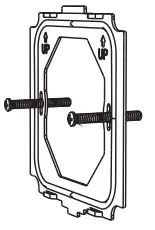
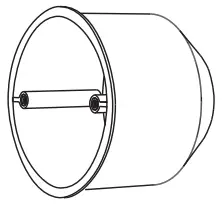
Key function
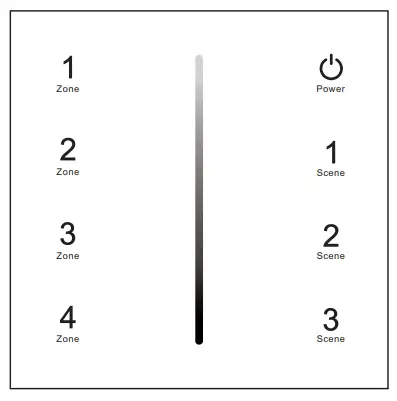
 Turn on/off all zone light
 Brightness slide.
 Short press recall scene. Long press 2s to save the current state into 1/2/3.
 Short press turn on zone light and select zone simultaneously, long press 2s turn off zone light. 4 zone control seperately or synchronously, each zone could control multiple receivers.
 Turn on/off all zone light
 Brightness slide.
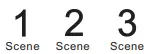 Short press recall scene. Long press 2s to save the current state into 1/2/3.
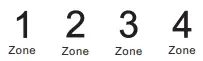 Short press turn on zone light and select zone simultaneously, long press 2s turn off zone light. 4 zone control seperately or synchronously, each zone could control multiple receivers.
Note: The default output is 0-10V, if you want to 1-10V output, please touch power key to turn off light, then long press power key for 15s immediately, the output will become 1-10V. Touch power key to turn off light, then long press power key for 10s immediately, the output will return 0-10V.
Wiring diagram
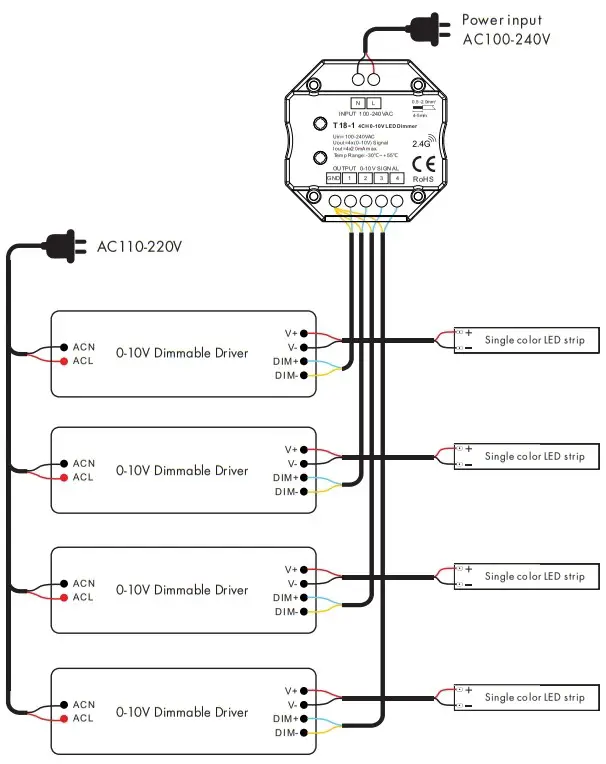
Note: We recommend the number of LED drivers connected to 0/1-10V dimmer (each channel) does not exceed 50 pieces, The maximum length of the wires from dimmer to LED driver should be no more than 50 meters.
Match Remote Control (two match ways)
The 0-10V touch panel dimmer can also match with the RF 4 zone dimming remote (optional).
End user can choose the suitable match/delete ways. Two options are offered for selection:
Use On/Off key
Match:
Turn on light, turn off, immediately press the On/Off key of the panel for 5s, then press any zone key of the RF remote within 5s.
The LED indicator fast flash 3 times means match is successful.
Delete:
Turn on light, turn off, immediately press the On/Off key of the panel for 10sto delete all match, The LED indicator fast flash 6 times means all matched remotes were deleted.
Use Power Restart
Match:
Switch off the power, then switch on power, repeat again, Immediately short press any zone key 3 times on the remote.
The light blinks 3 times means match is successful.
Delete:
Switch off the power, then switch on power, repeat again, Immediately short press any zone key 5 times on the remote.
The light blinks 5 times means all matched remotes were deleted.
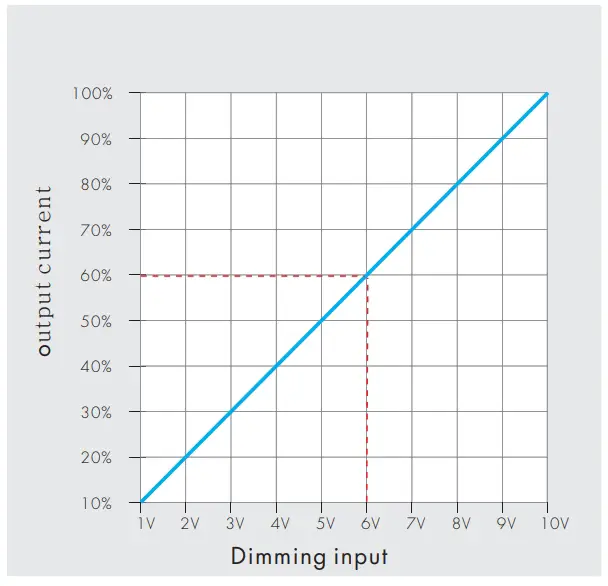
Dimming curve
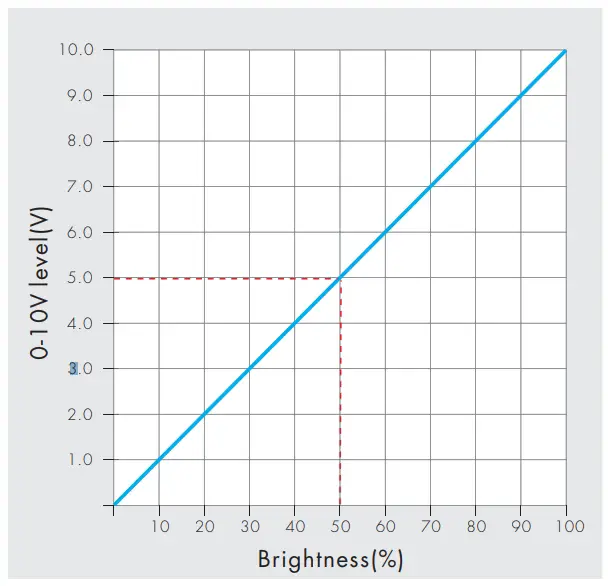
Note:
When the output channel is off, the output dimming signal is 0V. Please read the dimming section of the 0/1-10V dimming driver manual. If the dimming characteristic curve is the same as below, it will not be able to turn off the lights, you need select other models of 1-10V dimmer which have AC OUT function.