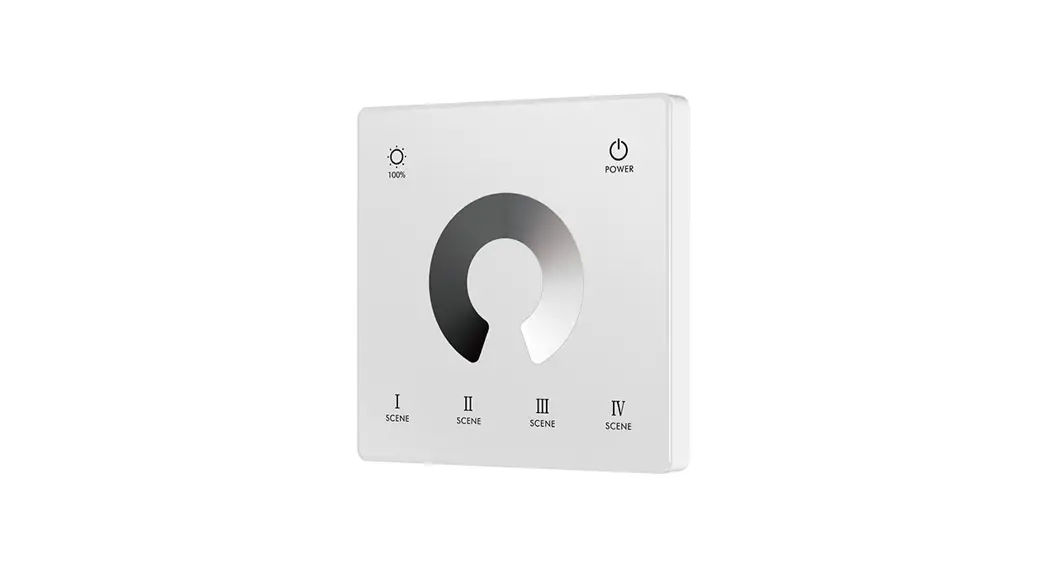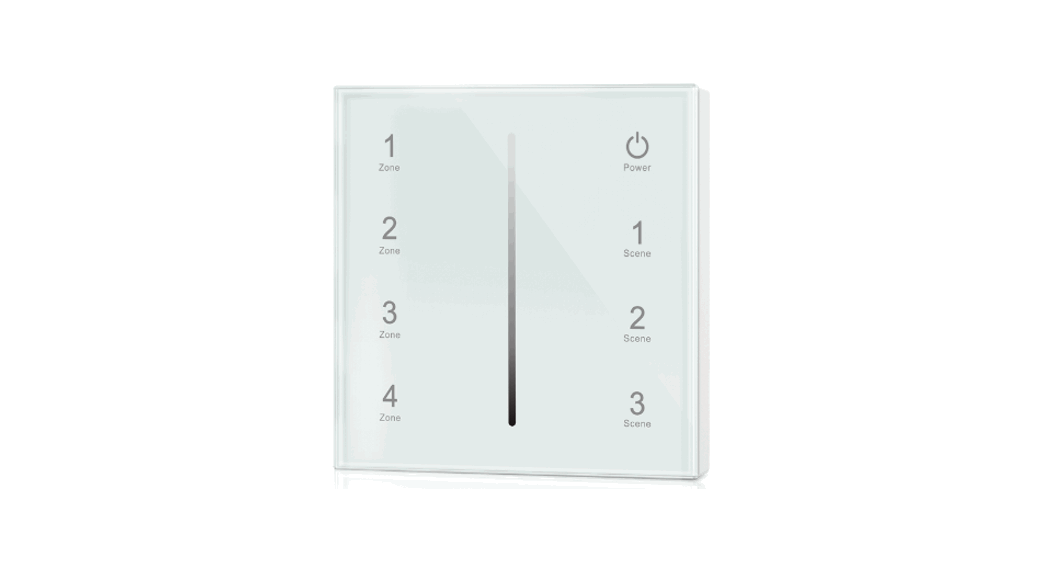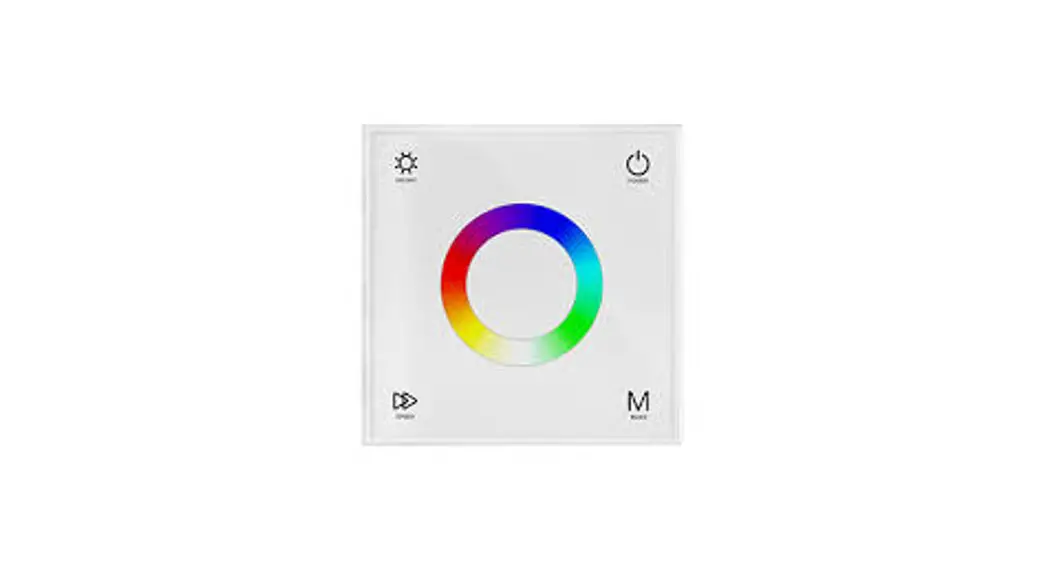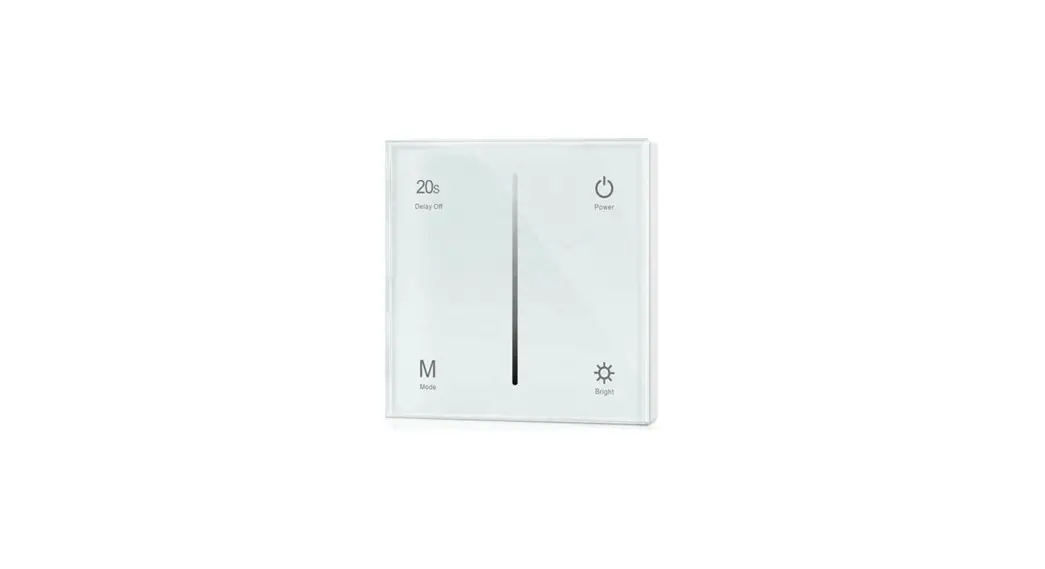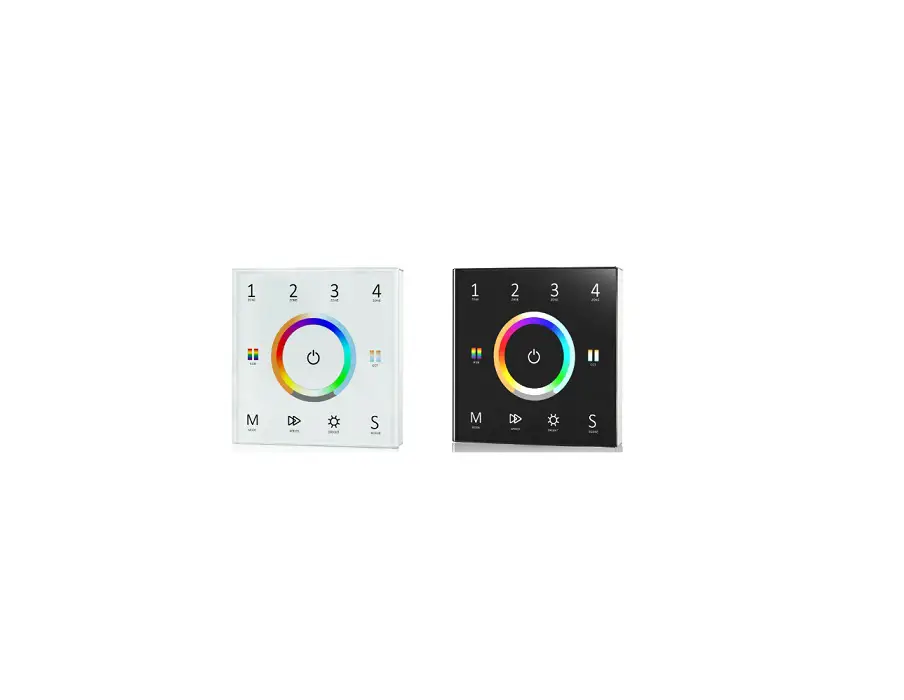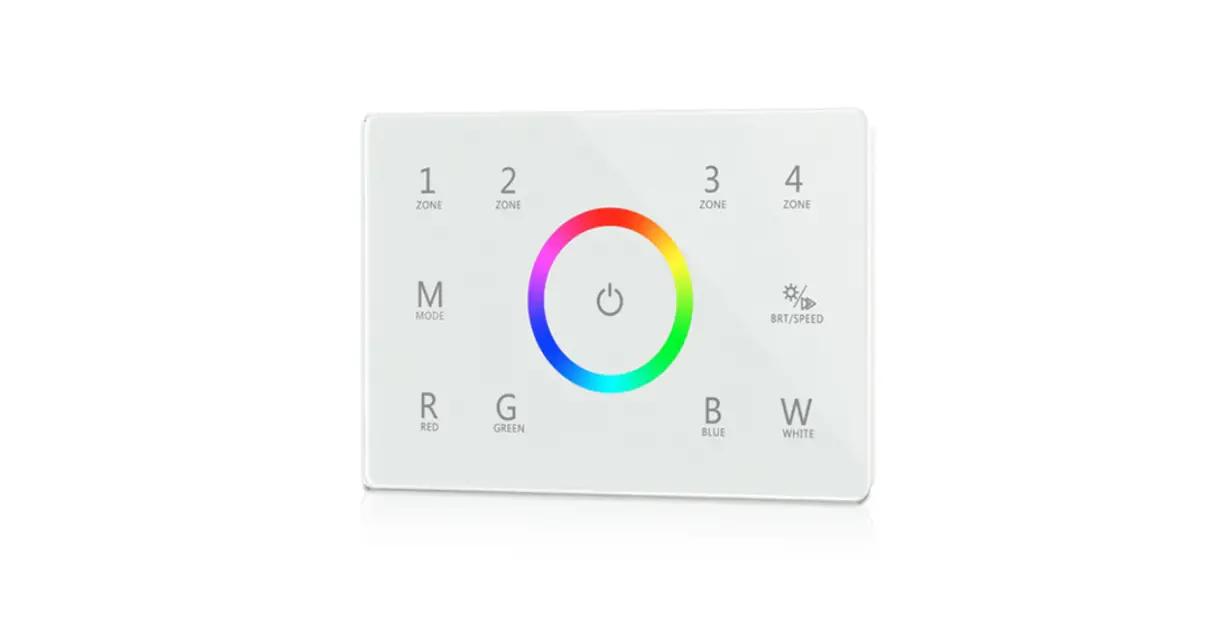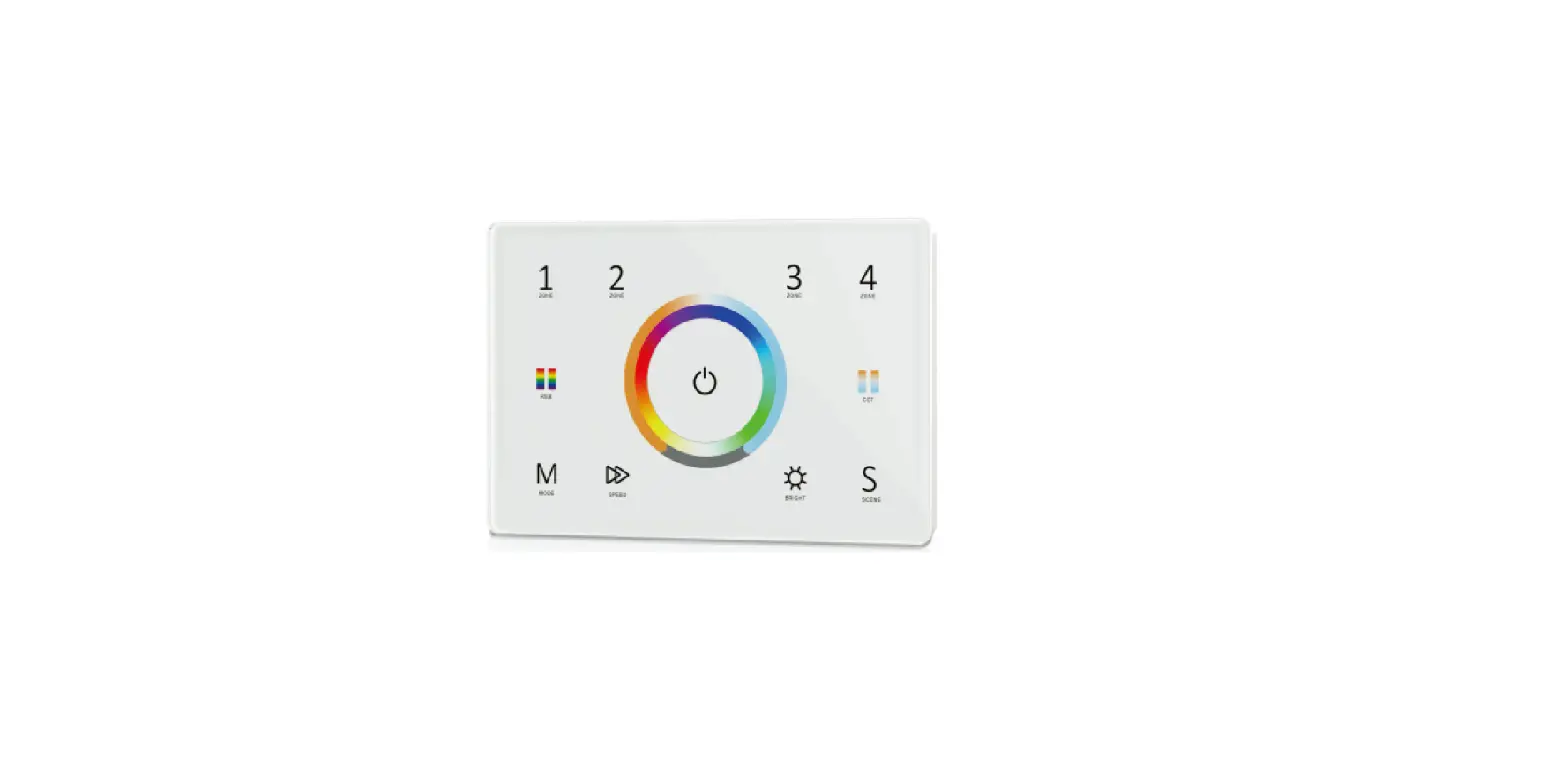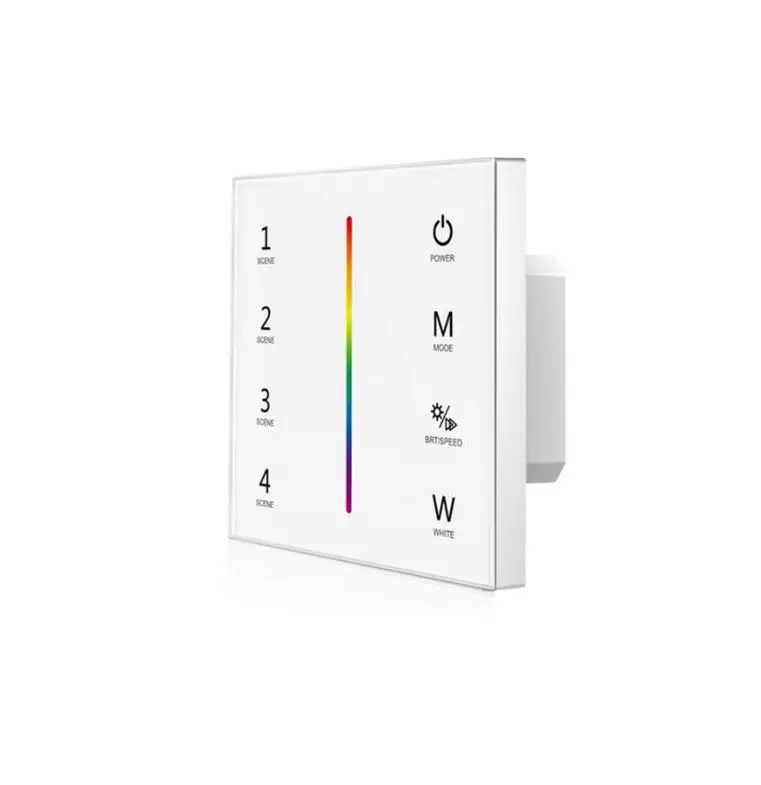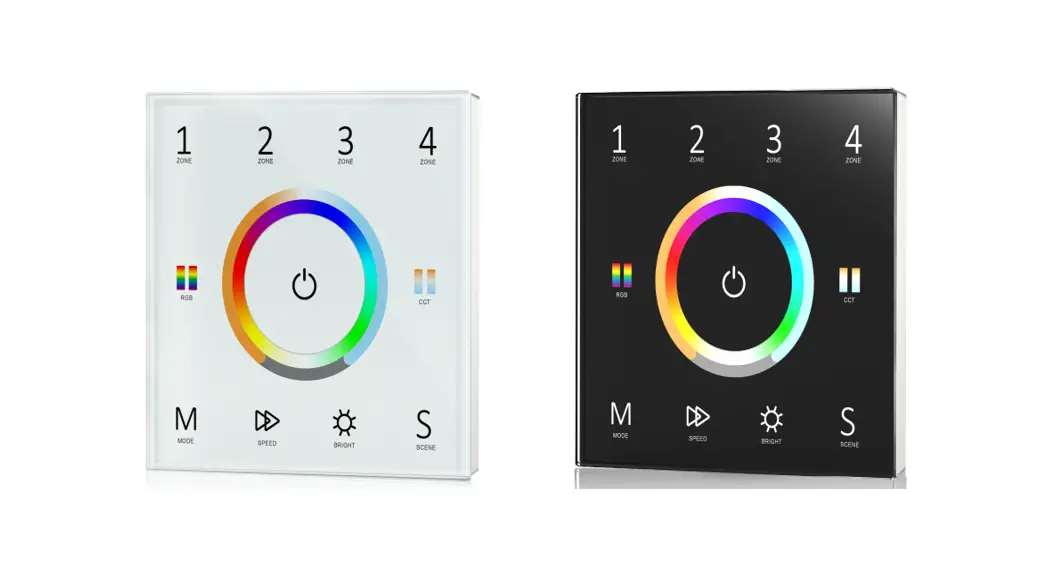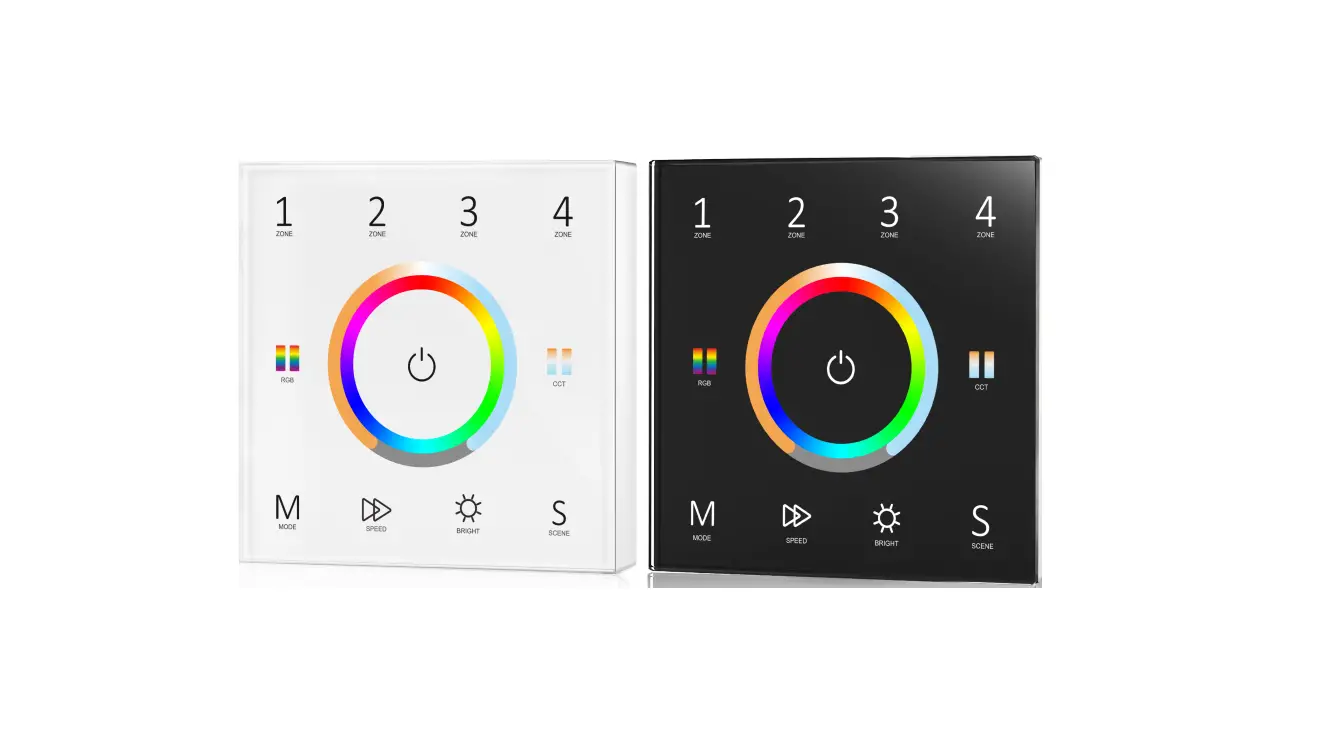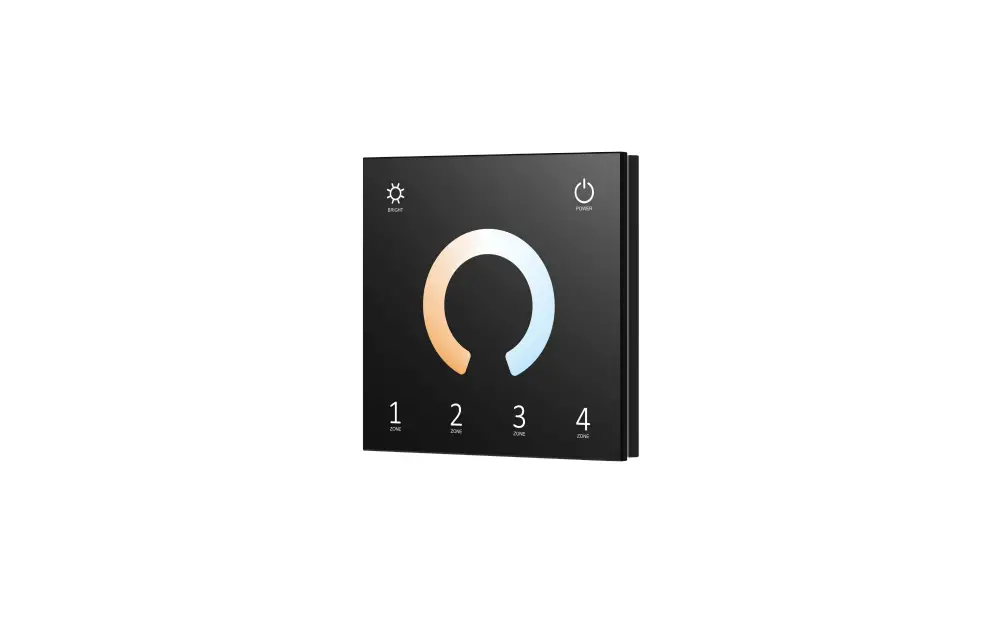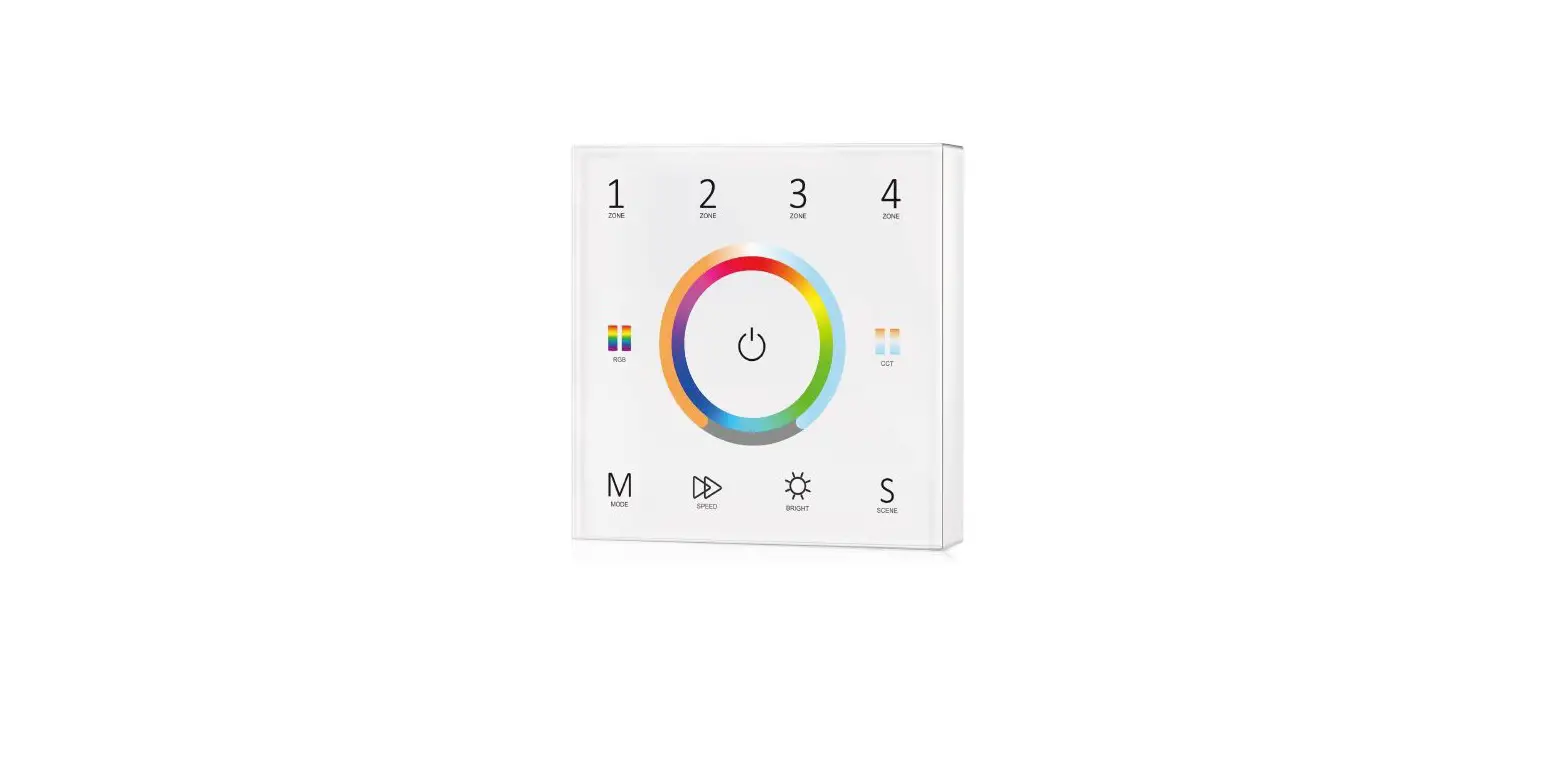

Skydance T25-1 Wall Mounted Touch Panel
Product Information
| Model No. | T25-1 |
|---|---|
| Features | 4 Zone/1-5 color in one/Glass touch panel/Color wheel/Wireless remote 30m distance/AAA x 2 battery |
| Technical Parameters | |
| Input and Output | RF(2.4GHz) |
| Output signal | 3VDC(AAA x 2) |
| Working voltage | 5mA(Without tune) |
| Working current | 20mA(with tune) |
| Standby current | 20A |
| Standby time | 1 year |
| Remote distance | 30m (Barrier-free space) |
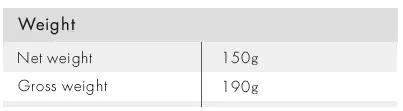
| Weight | |
| Net weight | 150g |
| Gross weight | 190g |
| Safety and EMC | |
| EMC standard (EMC) | ETSI EN 301 489-1 V2.2.3 |
| Safety standard (LVD) | ETSI EN 301 489-17 V3.2.4 |
| Radio Equipment (RED) Certification | EN 62368-1:2020+A11:2020 |
| Certification | CE, EMC, LVD, RED |
| Environment | |
| Operation temperature | Ta: -30°C ~ +55°C |
| Case temperature (Max.) | Tc: +65°C |
| IP rating | IP20 |
| Warranty | 5 years |
| User Manual | Ver 1.0.9 |
Product Usage Instructions
Mechanical Structures and Installations:
Installation rack Battery compartments
Installation diagram:
To fix the panel, two options are offered for selection:
- Option 1: Fix it on the wall with two screws.
- Option 2: Adhere it to the wall with paster.
Match with RF LED controller (two match ways):
End user can choose the suitable match/delete ways. Two options are offered for selection:
- Use the controller’s Match key
- Match: Short press match key, immediately press zone key of the touch panel. The LED indicator fast flash a few times means match is successful.
- Delete: Press and hold match key for 5s to delete all match.
The LED indicator fast flash a few times means all matched remotes were deleted.
- Use Power Restart
- Match: Switch off the power of the receiver, then switch on power, repeat again. Immediately short press zone key 3 times on the touch panel. The light blinks 3 times means match is successful.
- Delete: Switch off the power of the receiver, then switch on power, repeat again. Immediately short press zone key 5 times on the touch panel. The light blinks 5 times means all matched remotes were deleted.
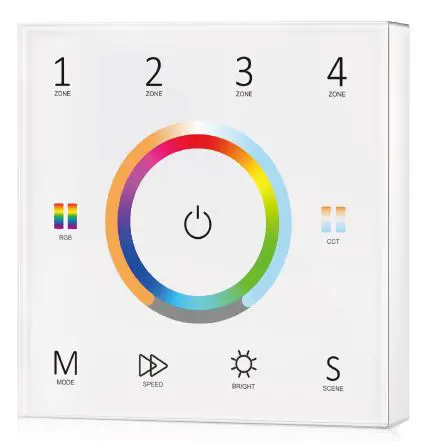
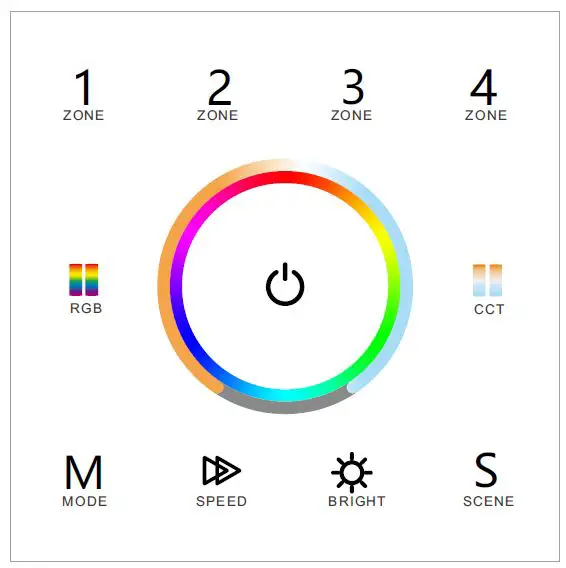
Key function:
| Key | Function |
|---|---|
| ZONE 1 | Zone 1 control |
| ZONE 2 | Zone 2 control |
| ZONE 3 | Zone 3 control |
| ZONE 4 | Zone 4 control |
| RGB | RGB control |
| CCT | CCT control |
| M | Mode control |
| SPEED | Speed control |
| BRIGHT | Brightness control |
| S | Scene control |
Zone light type setting:
Each zone can match single color, dual color (WW/CW), RGB, RGBW or RGB+CCT (WW/CW) controller or lamp. Touch power key to turn on light, turn off light, firstly long press power key 5 seconds, enter zone light setting:
- Long press Zone 1/2/3/4 key 2 seconds, select current zone you want to change.
- Long press below five key 2 seconds to change current zone light type:
- Long press BRIGHT for 2 seconds to set current zone as single color type.
- Long press CCT for 2 seconds to set current zone as dual color type.
- Long press RGB for 2 seconds to set current zone as RGB color type.
- Long press MODE for 2 seconds to set current zone as RGBW type.
- Long press SPEED for 2 seconds to set current zone as RGB+CCT type.
For example, if you want to change zone 1 light type as RGB type, please long press Zone 1 key 2 seconds firstly, then long press RGB 2 seconds to set Zone 1 as RGB type.
When in zone light type setting state, all above long press key operation, the LED indicator will lighten red and blue. Short press power key or touch color wheel to quit zone light type setting.
Wall-Mounted Touch Panel
Model No.: T25-1
4 Zone/1-5 color in one/Glass touch panel/Color wheel/Wireless remote 30m distance/AAA x 2 battery-
Features
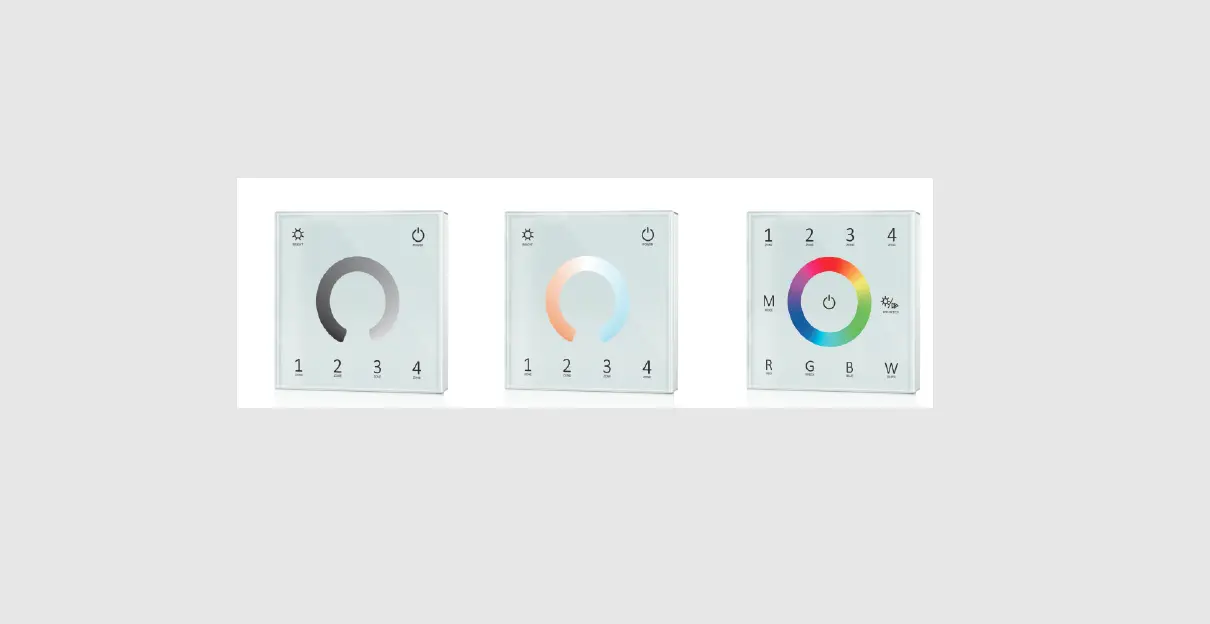
- Touch panel 4 zone 1-5 color universal RF remote.
- Each zone can be set as single color, dual color(WW/CW), RGB, RGBW or RGB+CCT light type.
- Each zone can remote control multiple RF 2.4G LED controllers.
- Ultra sensitive high strength glass touch panel with touch color wheel in the middle.
- Smooth and accurate color adjustment by touching the color slide.
- Touch keys with chord tones and LED indicator.
- Free installation, no wiring, removable.
- AAA x 2 battery powered.
- White & Black glass panel available.
Technical Parameters
| Input and Output | |
| Output signal | RF(2.4GHz) |
| Working voltage | 3VDC(AAA x 2) |
| Working current | <5mA(Without tune) <20mA(with tune) |
| Standby current | <20μA |
| Standby time | 1 year |
| Remote distance | 30m (Barrier-free space) |
| Safety and EMC | |
| EMC standard (EMC) | ETSI EN 301 489-1 V2.2.3 ETSI EN 301 489-17 V3.2.4 |
| Safety standard(LVD) | EN 62368-1:2020+A11:2020 |
| Radio Equipment(RED) | ETSI EN 300 328 V2.2.2 |
| Certification | CE,EMC,LVD,RED |
| Environment | |
| Operation temperature | Ta: -30 OC ~ +55 OC |
| Case temperature (Max.) | T c: +65OC |
| IP rating | IP20 |

Mechanical Structures and Installations
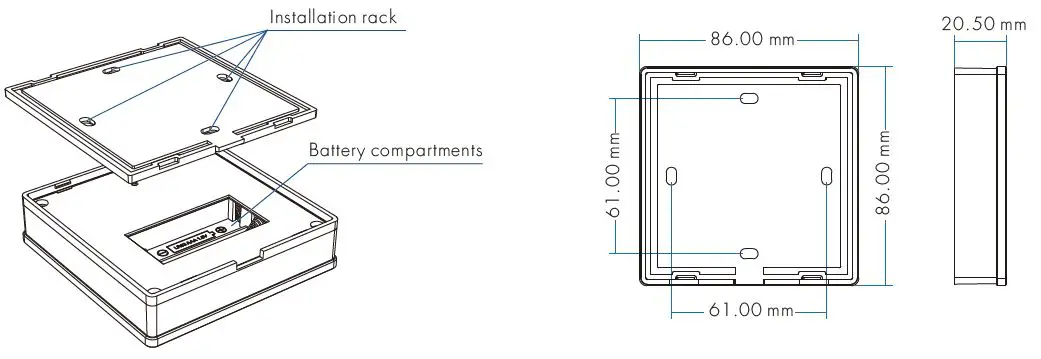
Installation diagram:

To fix the panel, two options are offered for selection:
- Option 1: fix it on the wall with two screws.
- Option 2: adhere it to the wall with paster.
Match with RF LED controller (two match ways)
End user can choose the suitable match/delete ways. Two options are offered for selection:
Use the controller’s Match key
Match:
- Short press match key, immediately press zone key of the touch panel.
- The LED indicator fast flash a few times means match is successful.
Delete:
- Press and hold match key for 5s to delete all match.
- The LED indicator fast flash a few times means all matched remotes were deleted.
Use Power Restart
Match:
- Switch off the power of the receiver, then switch on power,repeat again.
- Immediately short press zone key 3 times on the touch panel.
- The light blinks 3 times means match is successful.
Delete:
- Switch off the power of the receiver, then switch on power, repeat again.
- Immediately short press zone key 5 times on the touch panel.
- The light blinks 5 times means all matched remotes were deleted.
Key function
Zone light type setting
- Each zone can match single color, dual color(WW/CW), RGB, RGBW or RGB+CCT(WW/CW) controller or lamp.
- Touch power key to turn on light, turn off light,firstly long press power key 5 seconds, enter zone light setting:
- long press Zone 1/2/3/4 key 2 seconds, select current zone you want to change,then long press below five key 2 seconds to change current zone light type.
 : Long press 2 seconds, set current zone as single color type.
: Long press 2 seconds, set current zone as dual color type.
: Long press 2 seconds, set current zone as RGB color type.
: Long press 2 seconds, set current zone as RGBW type.
: Long press 2 seconds, set current zone as RGB+CCT type.
For example, If you want to change zone 1 light type as RGB type, please long press Zone 1 key 2 seconds firstly,then long press 2 seconds will set Zone 1 as RGB type.
When in zone light type setting state, all above long press key operation, the LED indicator will lighten red and blue. Short press power key or touch color wheel, quit zone light type setting.
 Turn on/off all zone light.
RGB color / Color temperature.
Press RGB or CCT key to switch between RGB wheel and CCT wheel.
RGB color, 24 levels.
For dual color or RGB+CCT(WW/CW), adjust color temperature by WW/CW channel,short press 11 levels, long press 2s get max or min color temperature.
For RGB, adjust color temperature by mix R/G/B channel,11 levels.
For RGBW, adjust color temperature by adjust W channel brightness,11 levels.long press 2s get 100% or 0% White channel brightness.
 Short press play 10 built-in mode, long press 2s run mode-cycle.
For dynamic RGB mode, adjust speed, short press 10 levels, long press 2s get the default speed. For static RGB color, adjust saturation, namely change current static RGB color to mixed white slowly, short press 11 levels, long press 1-6s for continuous 256 levels adjustment.
Adjust brightness, short press 10 levels, long press 1-6s for continuous 256 levels adjustment.
Short press replay scene. Long press 2s to save the current color into the scene.
4 zone recall or save synchronously.
 Short press turn on zone light and select zone simultaneously, long press 2s turn off zone light. 4 zone control seperately or synchronously, each zone could control multiple receivers. Only multiple zone have same light type can select synchronously.
Note:
- For single color, touch RGB/CCT wheel only change brightness, RGB, MODE, SPEED key is unvalid.
- For dual color, touch RGB/CCT wheel only change color temperature, RGB, MODE, SPEED key is unvalid.
- For RGB, when touch CCT wheel, adjust color temperature by mix R/G/B channel.
- For RGBW, when touch CCT wheel, adjust W channel brightness.
- After touch power key to turn off light, long press power key 10 seconds will turn on or turn off tone.
Safety information
- Read all instructions carefully before you begin this installation.
- When installing battery, pay attention to the battery positive and negative polarity. A long time without the remote control, remove the battery.
When remote distance becomes smaller and insensitive, replace the battery. - If no response from the receiver, please re-match the remote.
- Gently handle remote, beware of falling.
- For indoor and dry location use only.