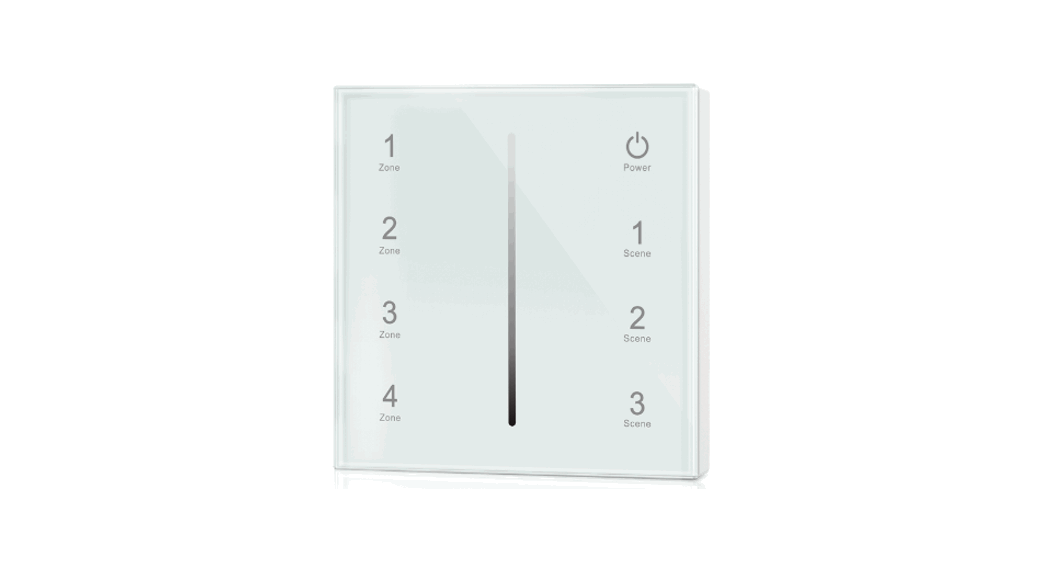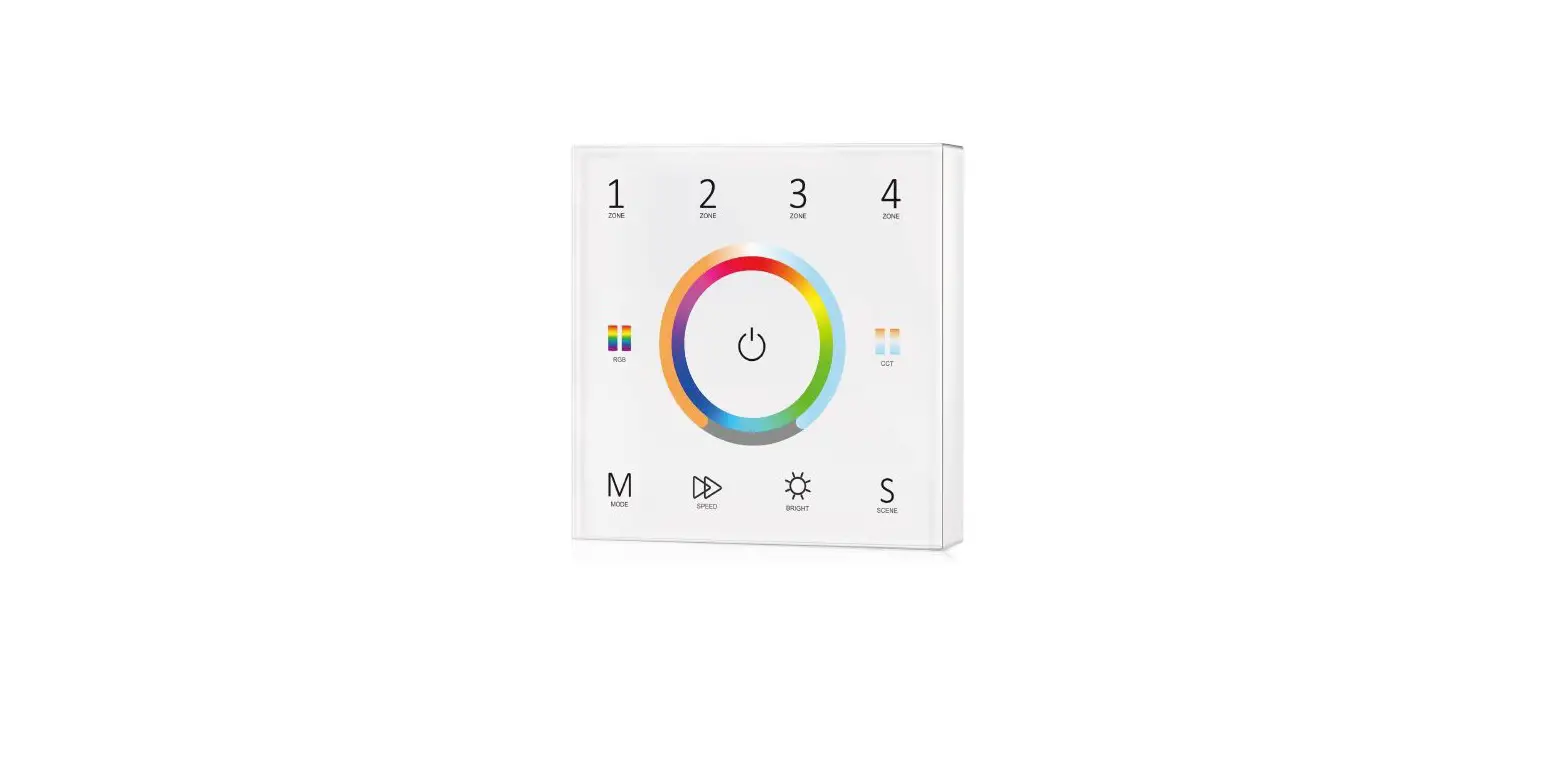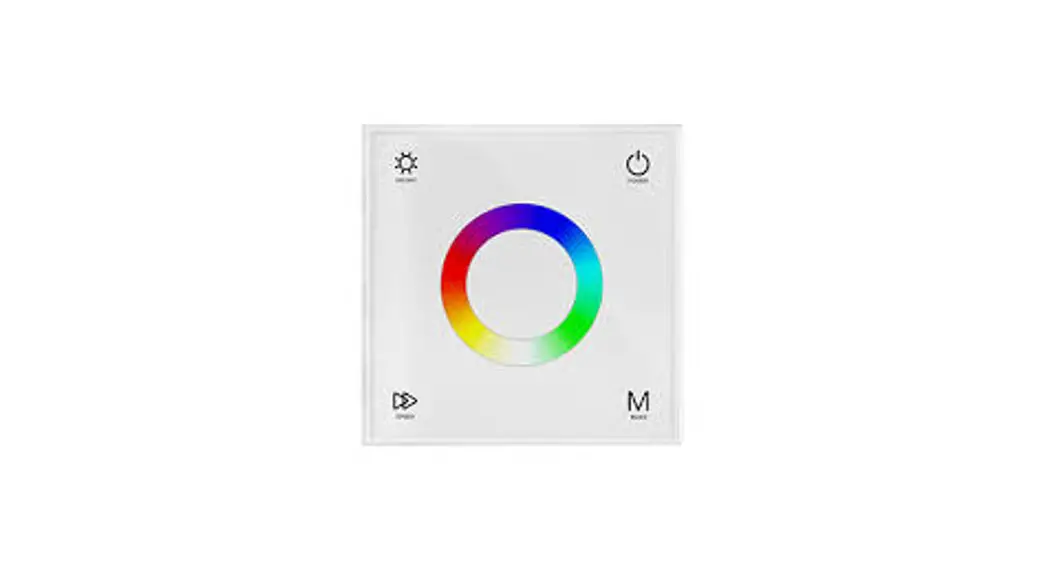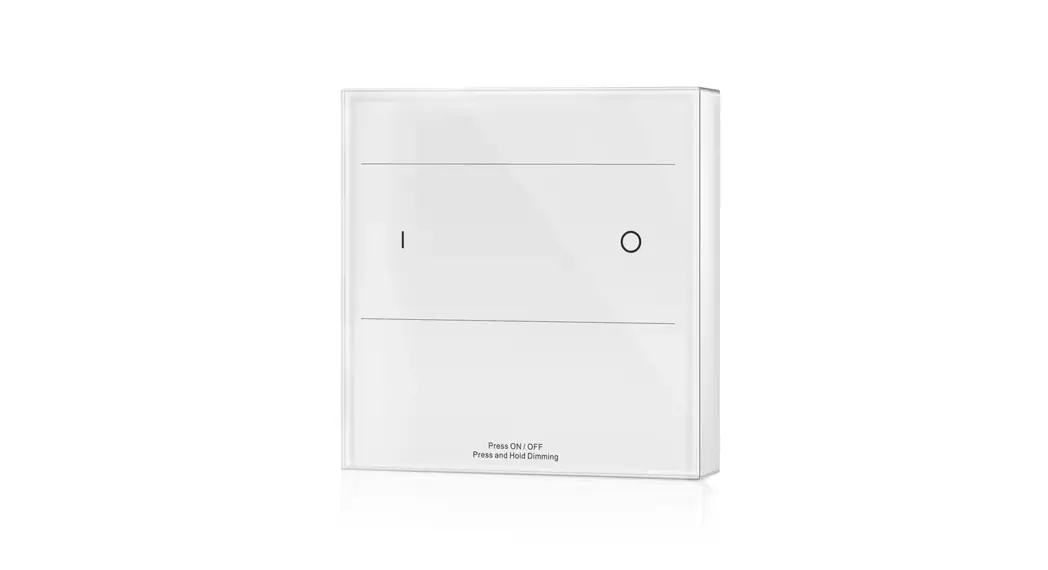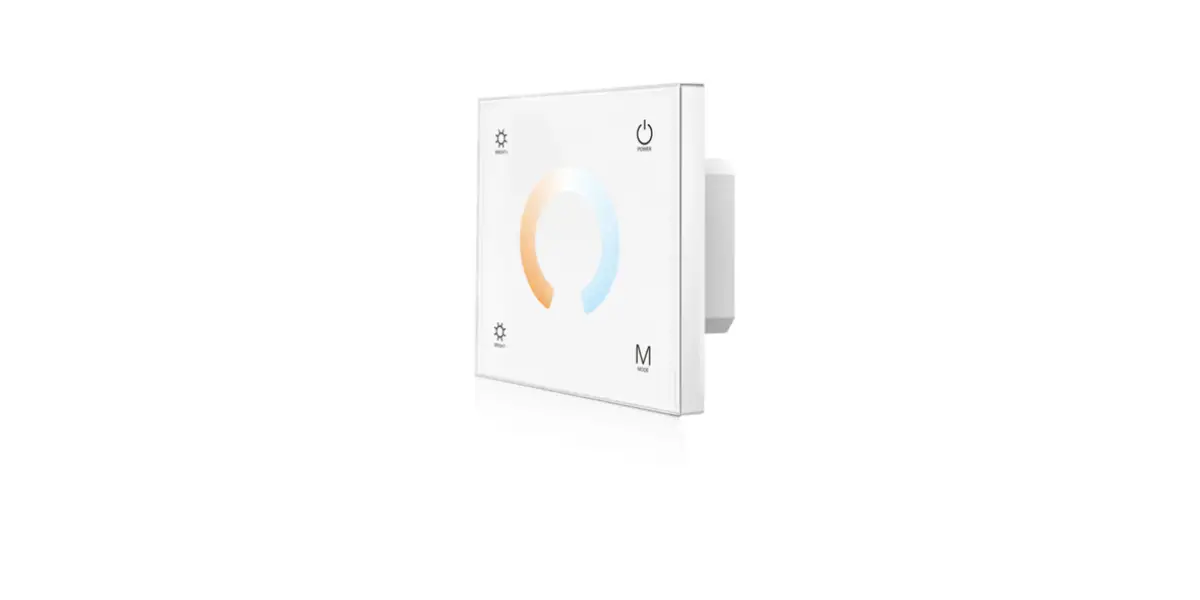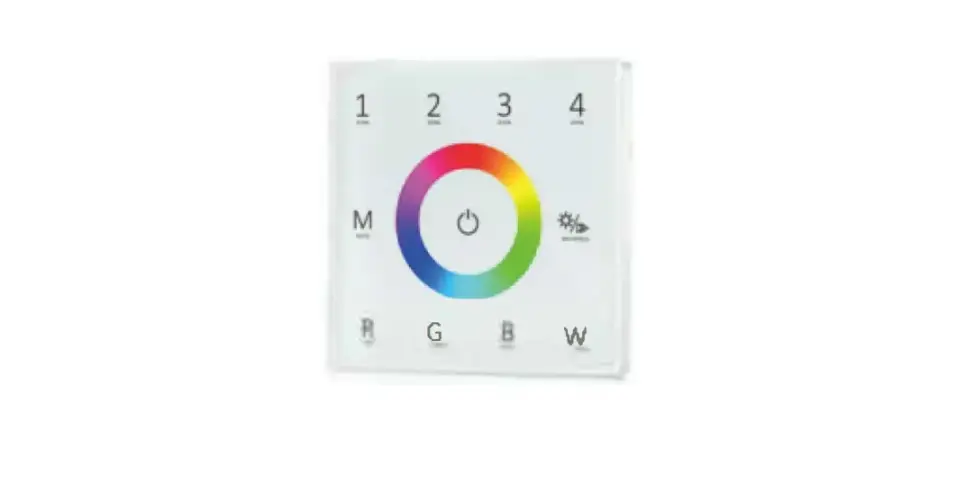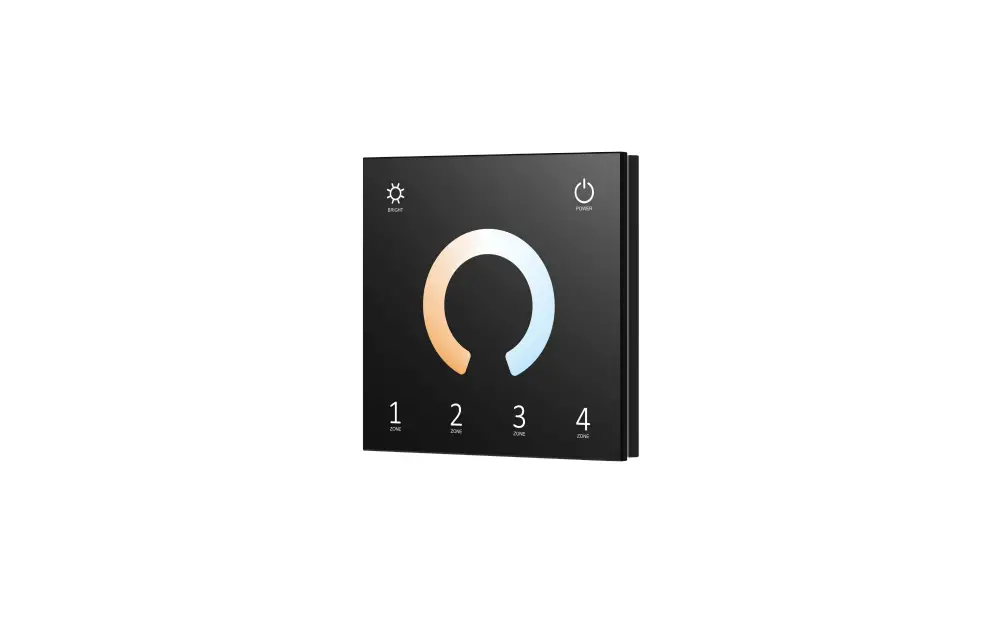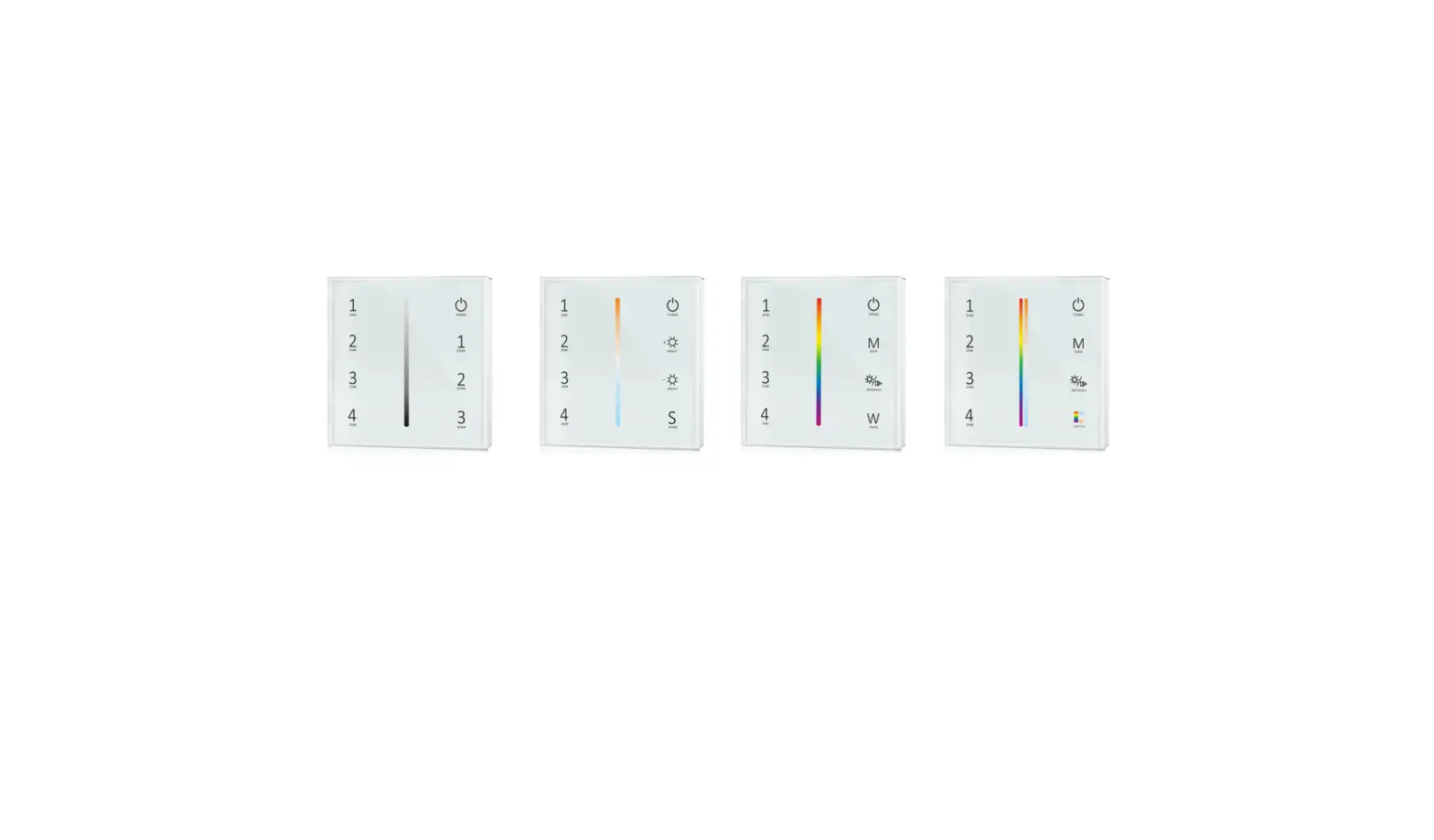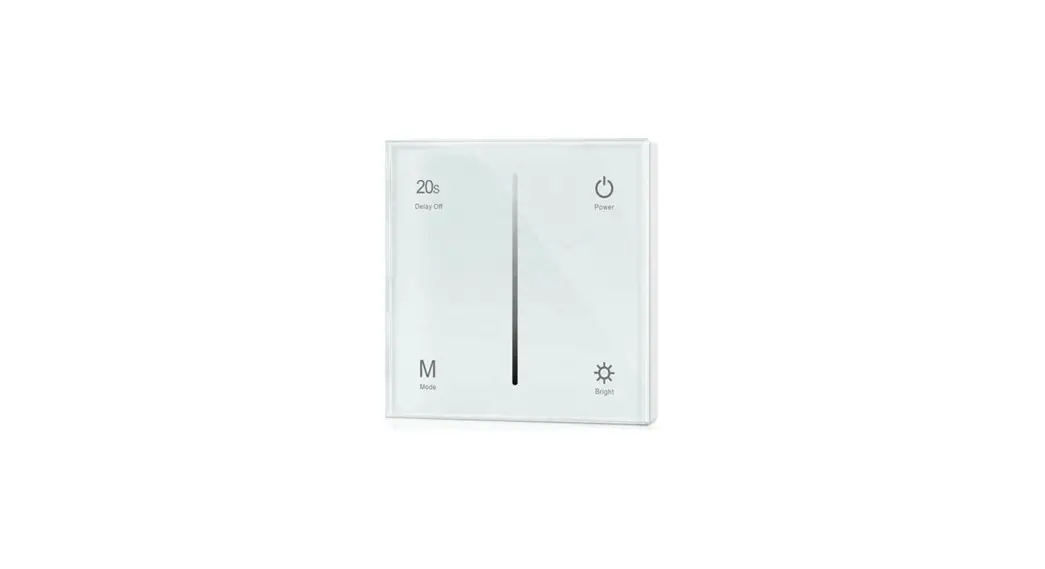

Wall Mounted Touch Panel
Model No.: T1, T2, T3, T4
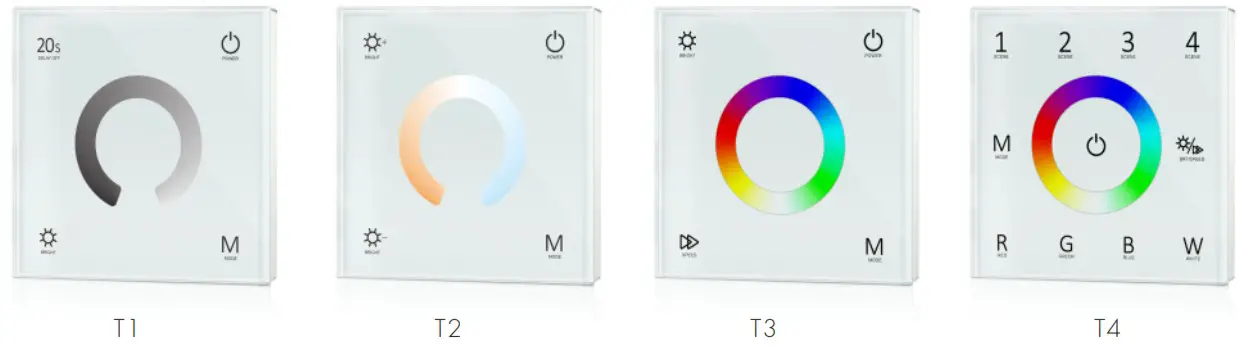
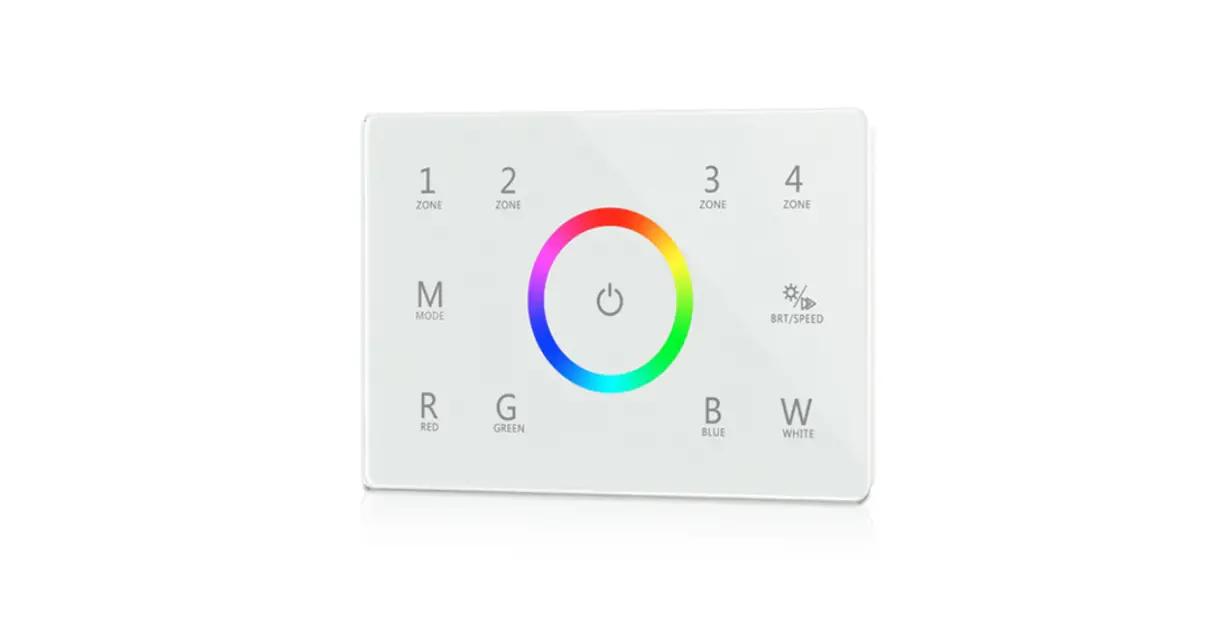
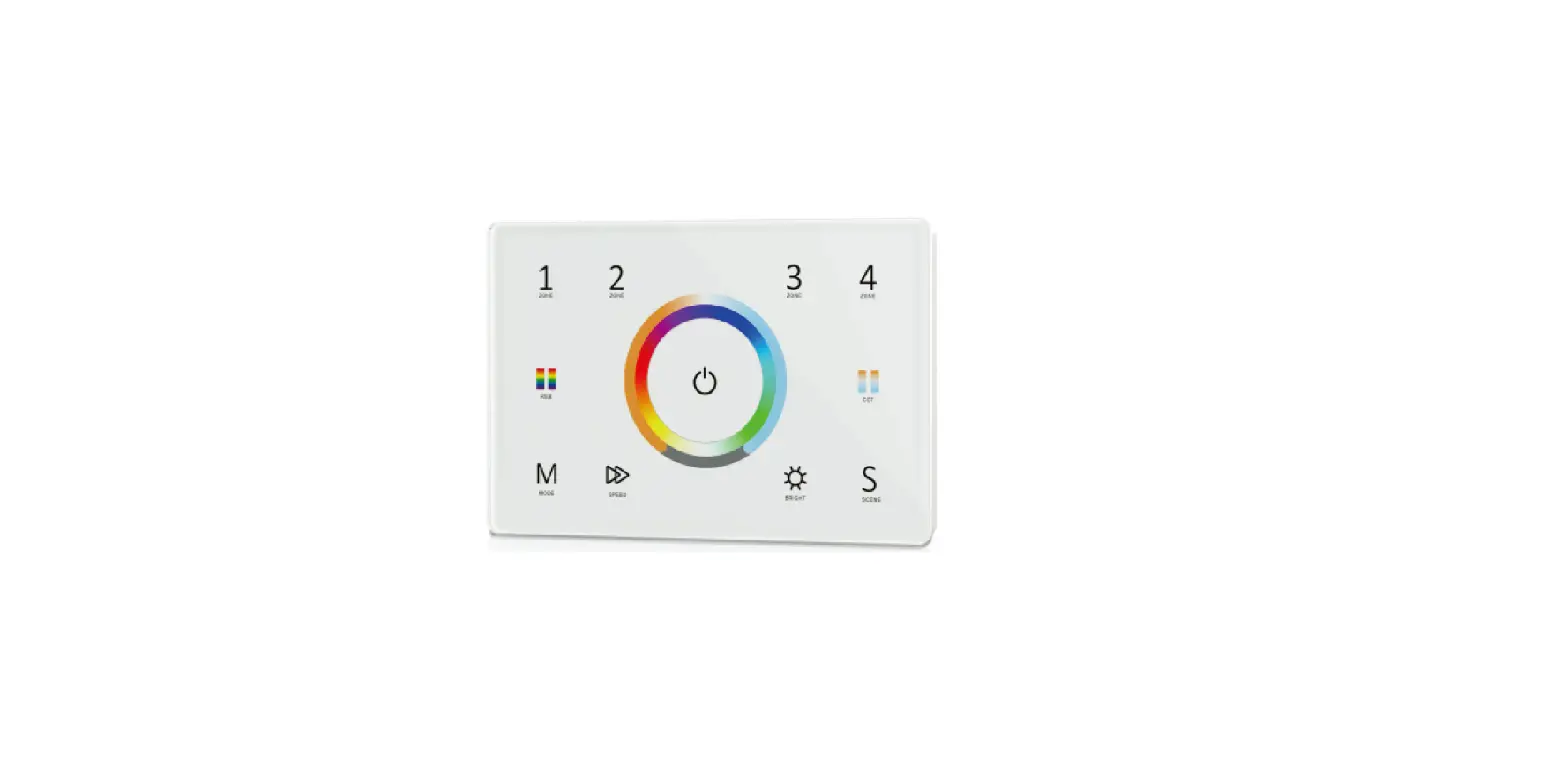
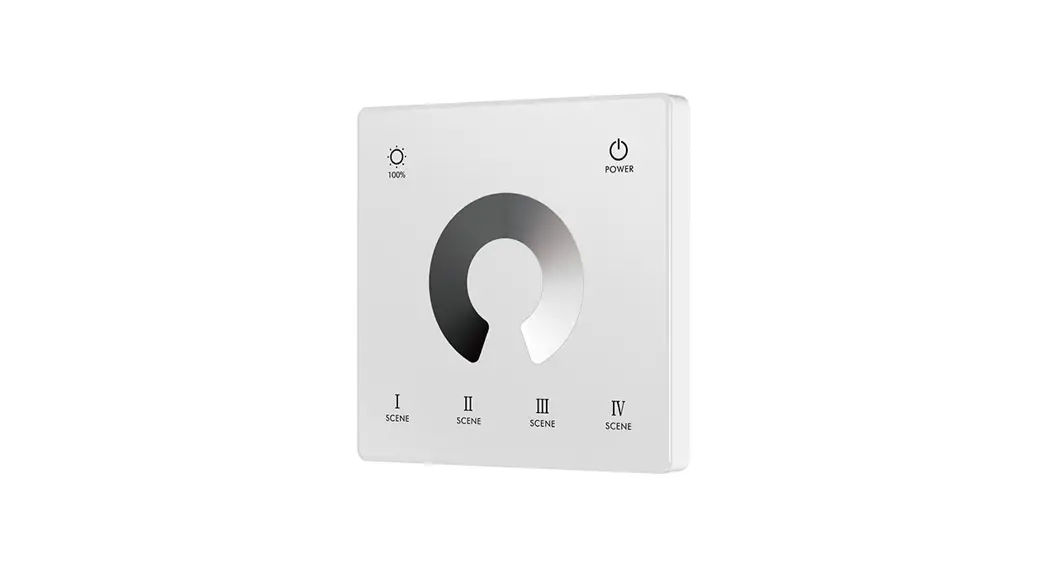
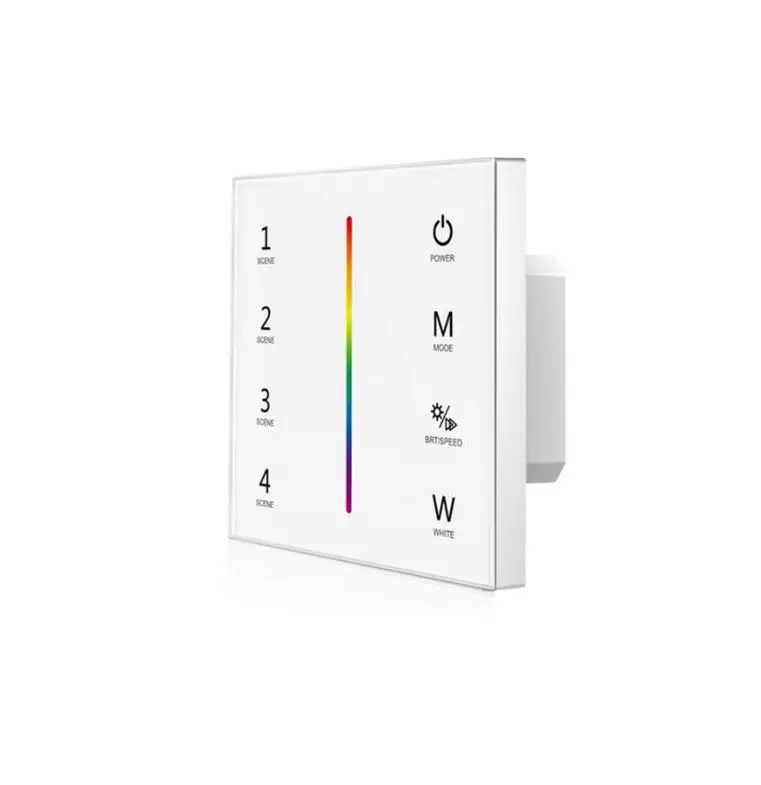
1-4 color/Glass panel/Touch color wheel/DC input/4 channel constant voltage PWM output/Wireless remote control

Features
- Touch panel single color, dual color, RGB or RGBW PWM constant voltage controller.
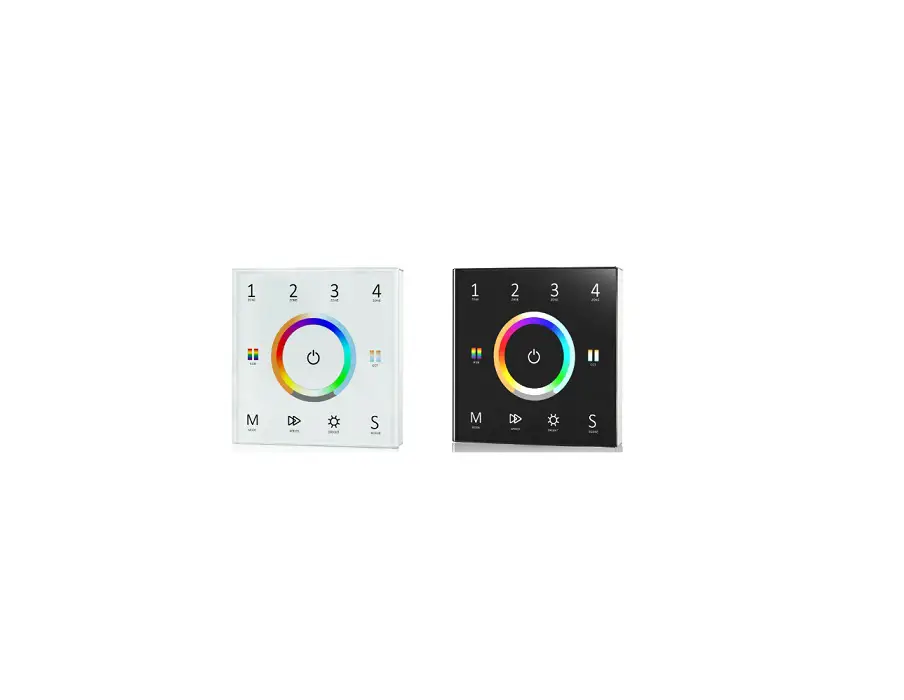
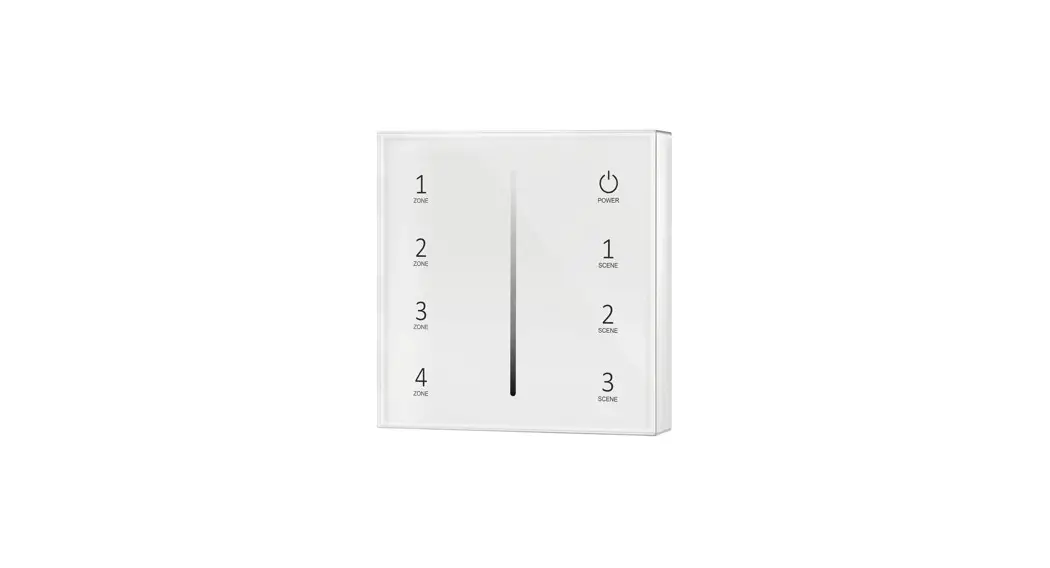
- Ultra sensitive high strength glass touch panel with touch color wheel in the middle .
- Compatibility with RF 2.4G single zone or multiple zone remote control.
- Touch keys with LED indicator.
- White & Black glass panel available.
Technical Parameters
Input and Output
| Model | T1 | T2 | T3 | T4 |
| Input voltage | 12-24VDC | 12-24VDC | 12-24VDC | 12-24VDC |
| Input current | 12.5A | 12.5A | 12.5A | 12.5A |
| Output voltage | 4 x (12-24)VDC | 4 x (12-24)VDC | 3 x (12-24)VDC | 4 x (12-24)VDC |
| Output current | 4CH,3A/CH | 4CH,3A/CH | 3CH,4A/CH | 4CH,3A/CH |
| Output power | 144-288W | 144-288W | 144-288W | 144-288W |
| Output type | Constant voltage | Constant voltage | Constant voltage | Constant voltage |
| PWM frequency | 2000Hz | 2000Hz | 1000Hz | 1000Hz |
| Light type | Single color | Dual color | RGB | RGBW |
Safety and EMC
| EMC standard (EMC) | ETSI EN 301 489-1 V2.2.3 ETSI EN 301 489-17 V3.2.4 |
| Safety standard(LVD) | EN 62368-1:2020+A11:2020 |
| Radio Equipment(RED) | ETSI EN 300 328 V2.2.2 |
| Certification | CE,EMC,LVD,RED |
Weight
| Gross weight | 0.118kg |
| Net weight | 0.230kg |
Environment
| Operation temperature | Ta: -30 ºC ~ +55 ºC |
| Case temperature (Max.) | T c: +85 ºC |
| IP rating | IP20 |
Warranty and Protection
| Warranty | 5 years |
| Protection | Reverse polarity Over heat Short circuit |
Key function
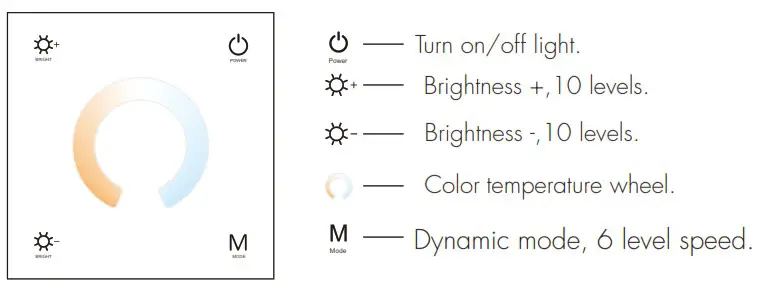
● T1 Single color panel
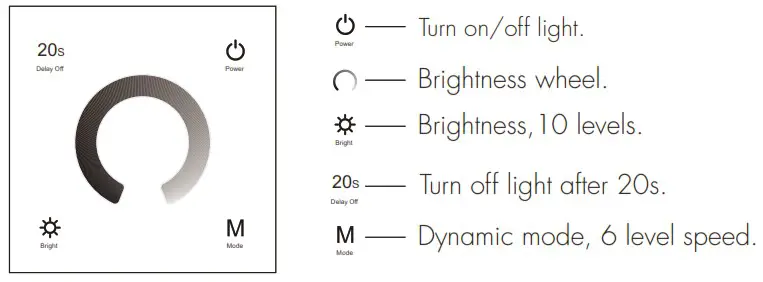
● T2 Dual color panel
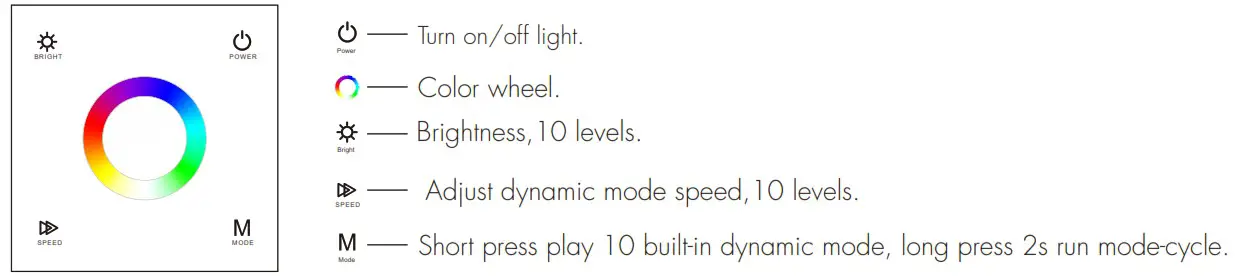
● T3 RGB panel
● T4 RGBW panel
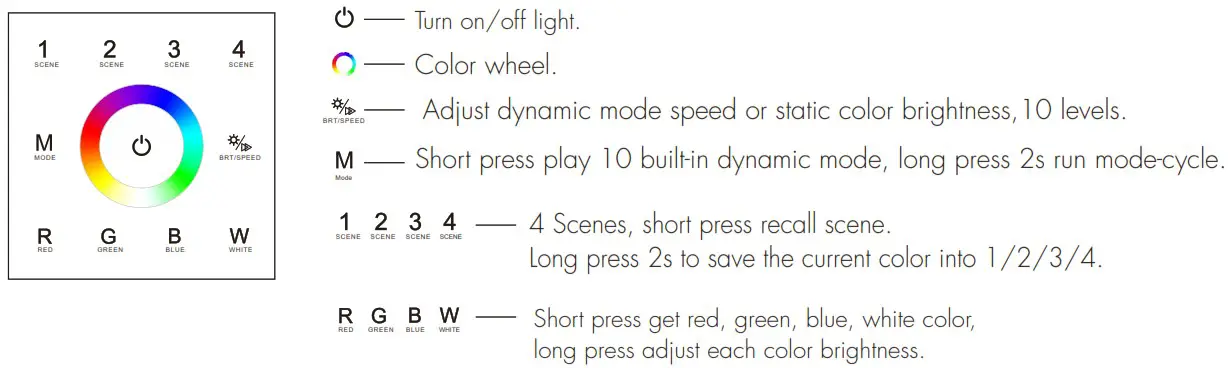
Turn on key tone: Long press power key for 5s when light is off, will turn on or turn off key tone.
Wiring diagram
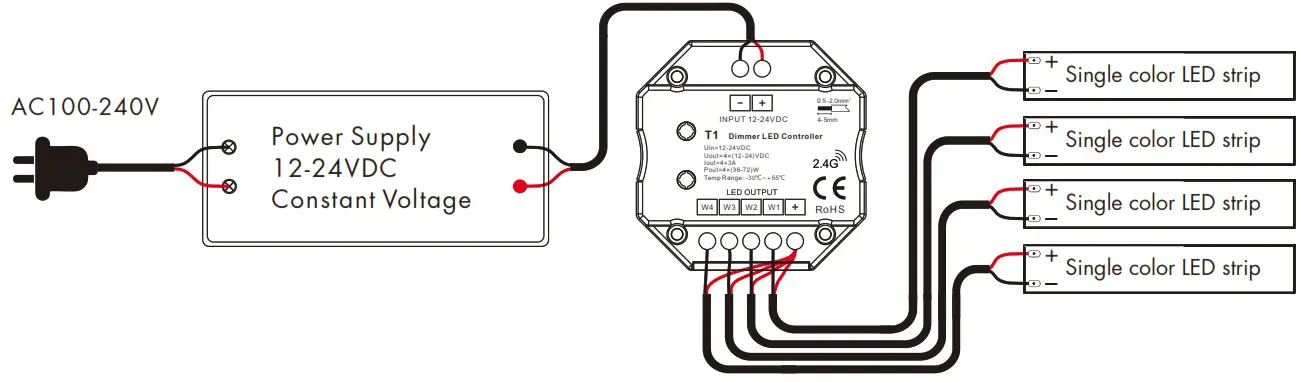
● T1 Single color panel
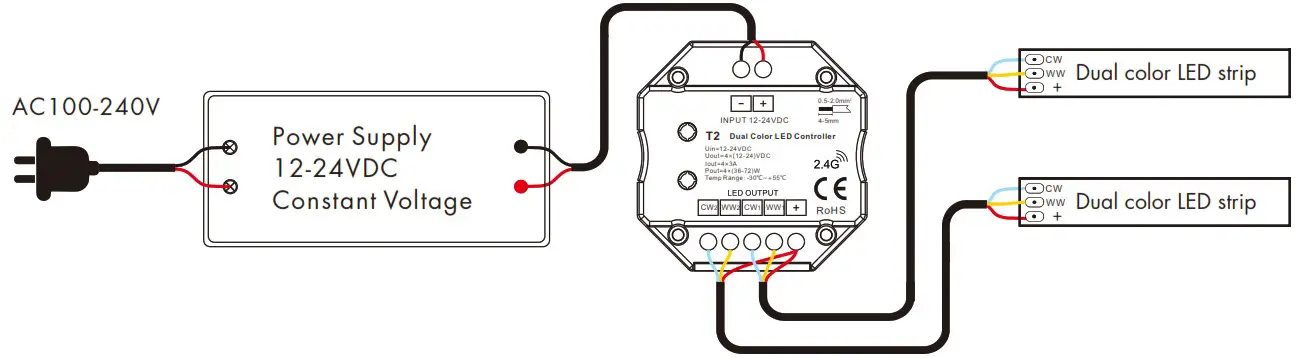
● T2 Dual color panel
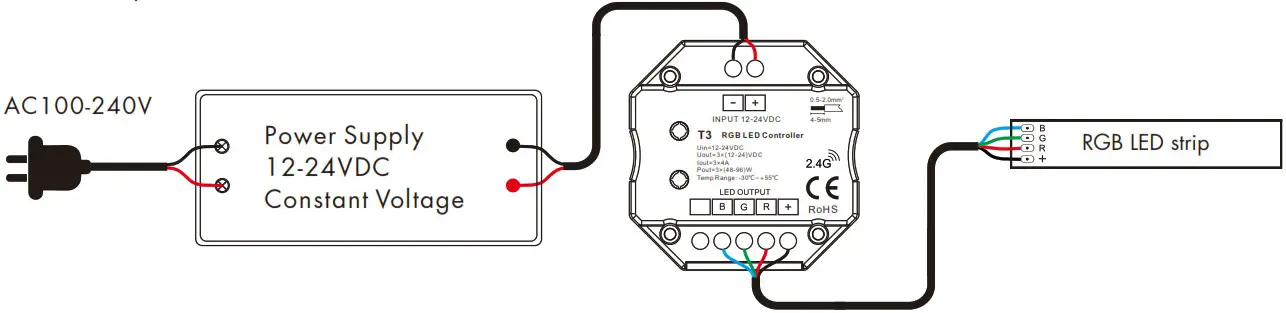
● T3 RGB panel
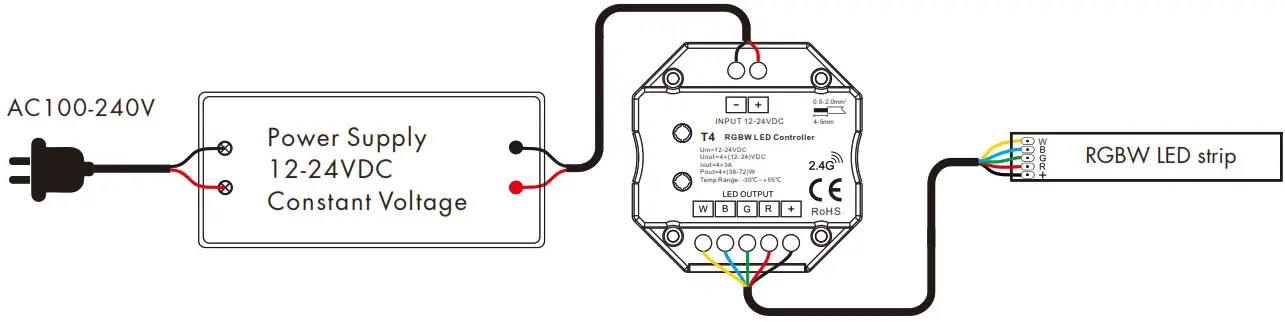
● T4 RGBW panel
LED power supply voltage and power select :
- 12V lamp, Input 12V power supply, can load 0~144W,
- 24V lamp, Input 24V power supply, can load 0~288W, The power supply power must larger than load power 20%.
Match Remote Control (two match ways)
The touch panel controller can also match with the RF remote (optional).
End user can choose the suitable match/delete ways. Two options are offered for selection:
Use On/Off key
Match:
Turn on light, turn off, immediately press the On/Off key of the panel for 5s, then press on/off key (single zone remote) or zone key (multiple zone remote) of the RF remote within 5s.
The LED indicator fast flash 3 times means match is successful.
Delete:
Turn on light, turn off, immediately press the On/Off key of the panel for 10s, delete all matched RF remote.
The LED indicator fast flash 6 times means all matched remotes were deleted.
Use Power Restart
Match:
Switch off the power, then switch on power, repeat again, immediately short press on/off key (single zone remote) or zone key (multiple zone remote) 3 times on the remote. The light blinks 3 times means match is successful.
Delete:
Switch off the power, then switch on power, repeat again, immediately short press on/off key (single zone remote) or zone key (multiple zone remote) 5 times on the remote. The light blinks 5 times means all matched remotes were deleted.
RGB/RGBW dynamic mode list (only for T3 / T4)
| No. | Name | No. | Name |
| 1 | RGB jump | 6 | RGB fade in and out |
| 2 | RGB smooth | 7 | Red fade in and out |
| 3 | 6 color jump | 8 | Green fade in and out |
| 4 | 6 color smooth | 9 | Blue fade in and out |
| 5 | Yellow cyan purple smooth | 10 | White fade in and out |
Mechanical Structures and Installations
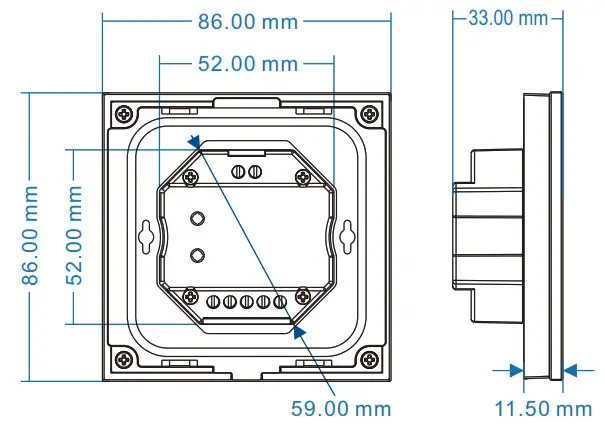
Installation diagram:
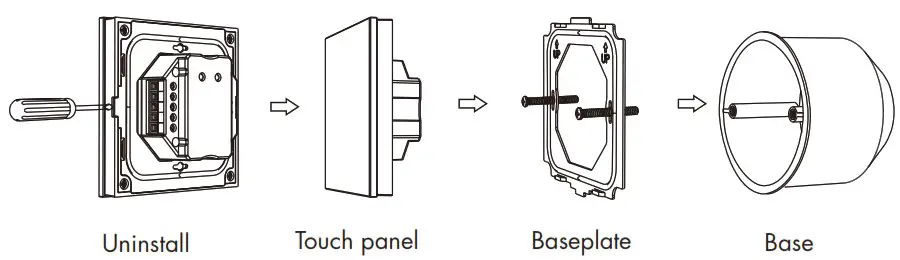
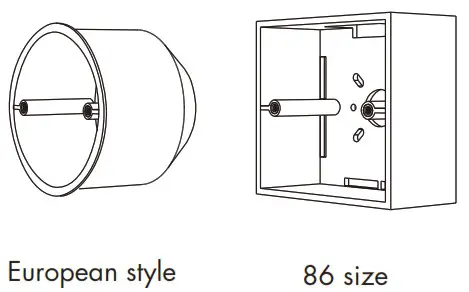
Typical base as below:
T1,T2,T3,T4 Wall Mounted Touch Panel