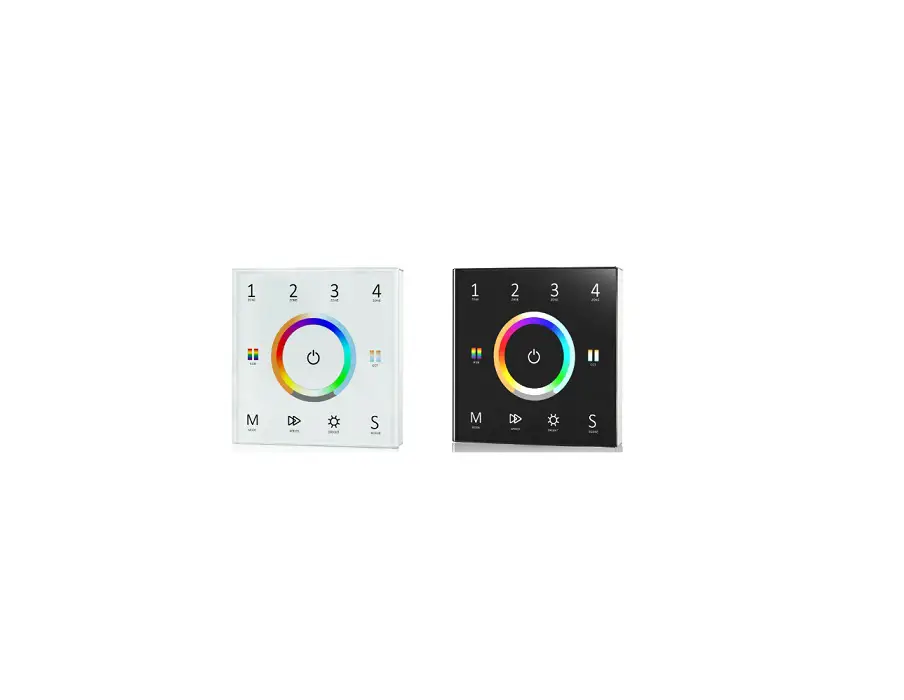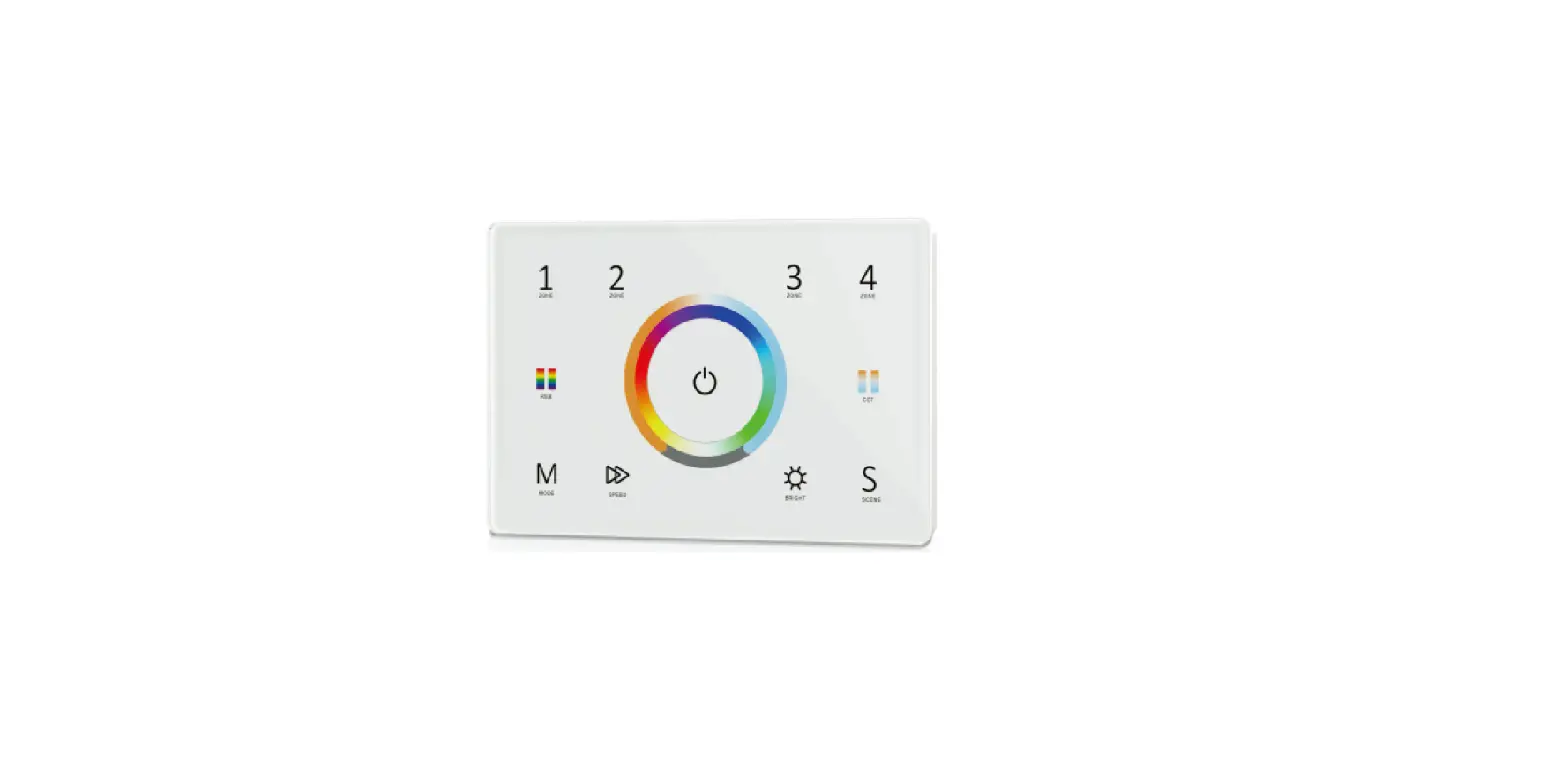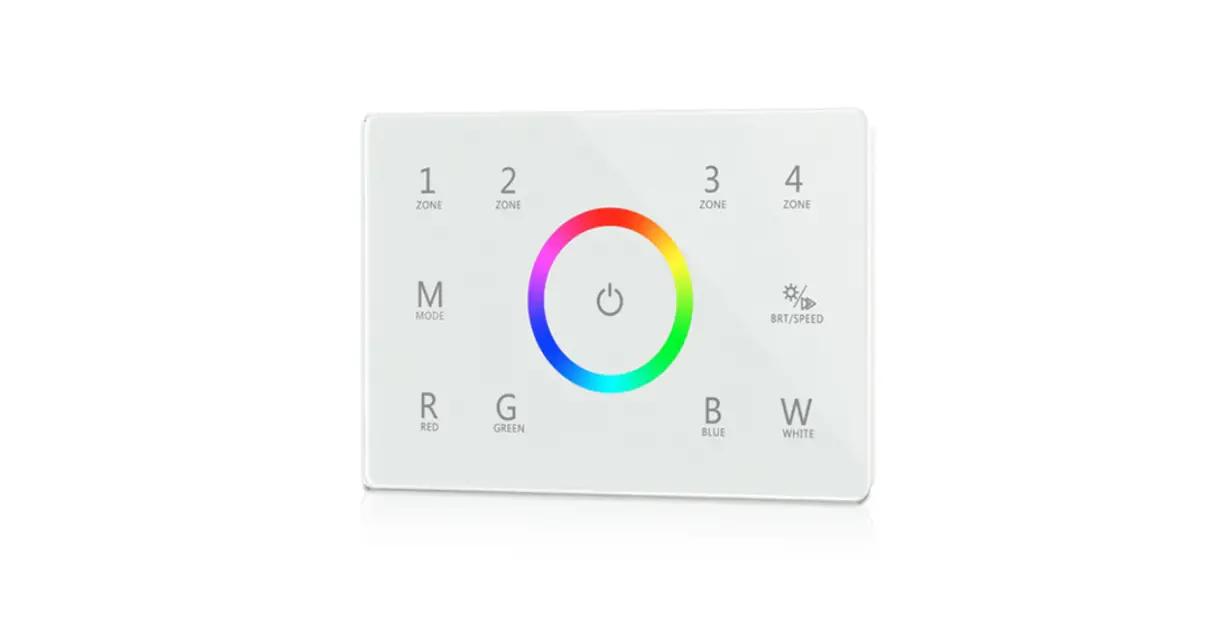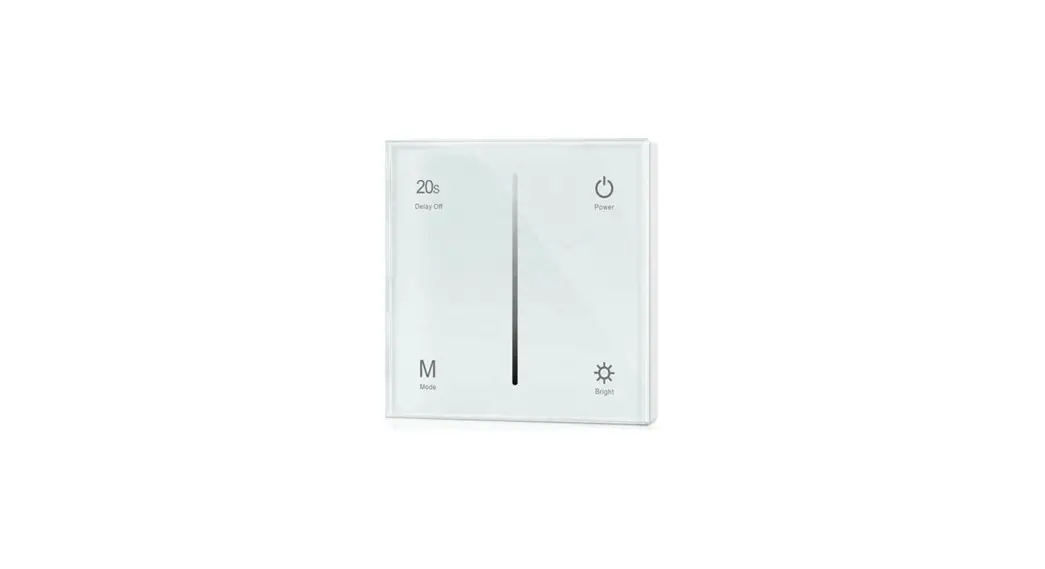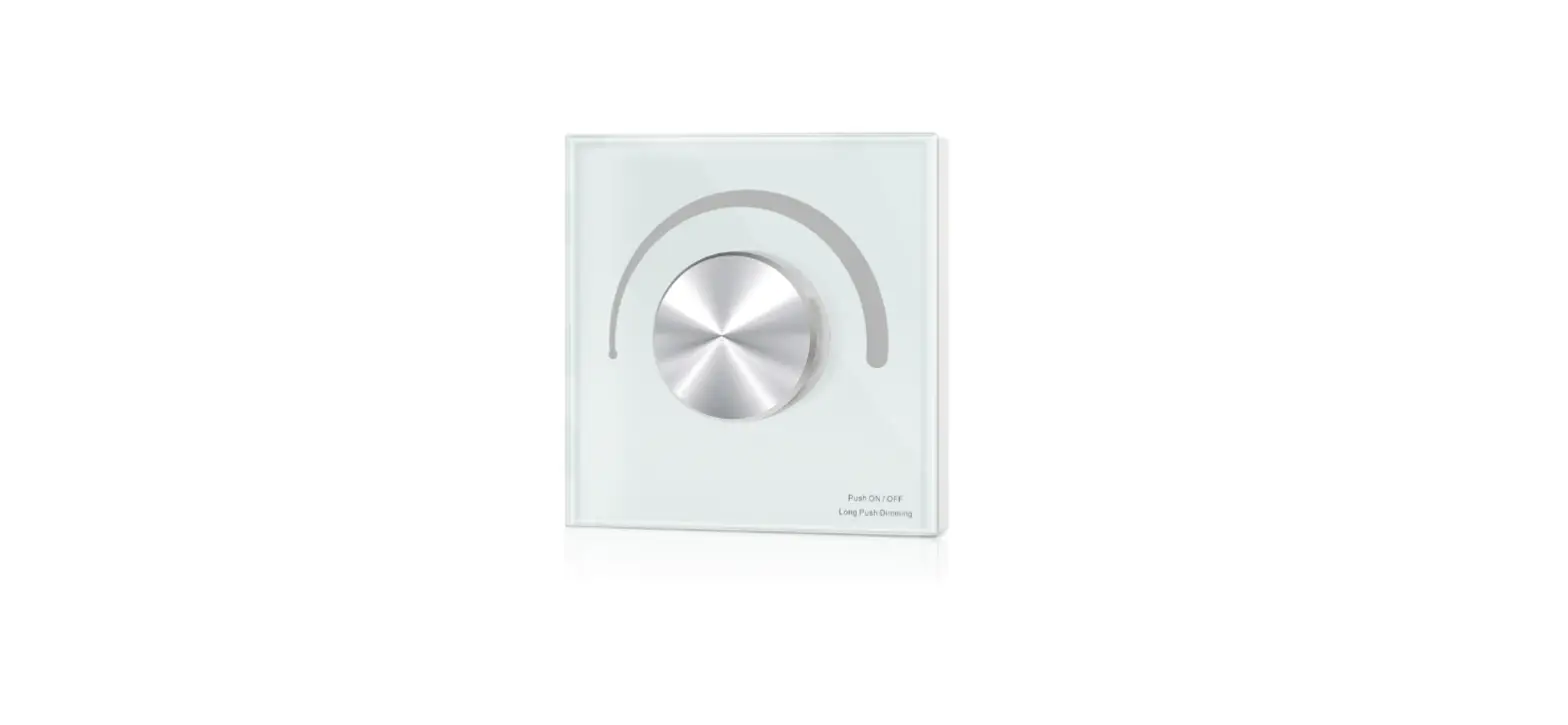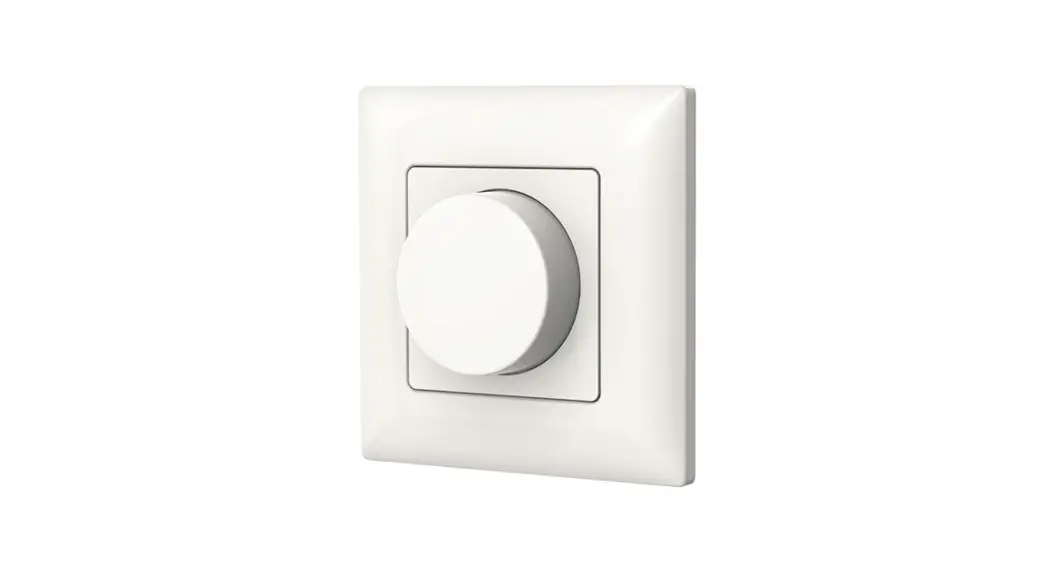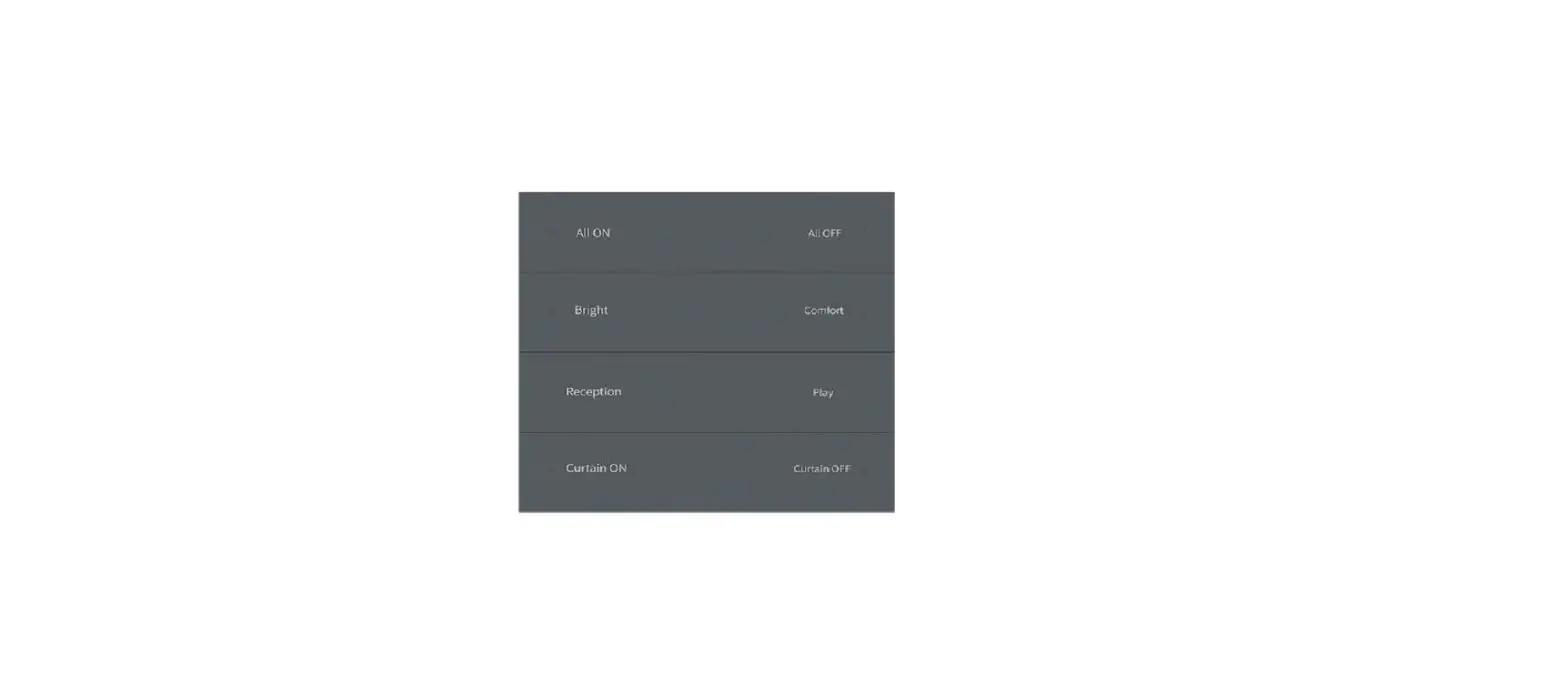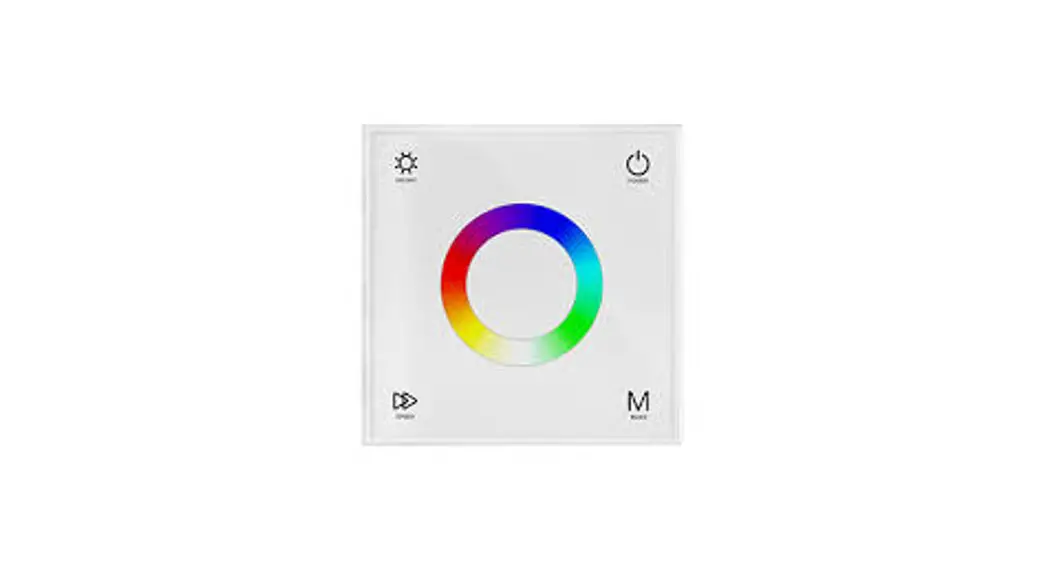
 T16-X Wall Mounted Touch Panel
Model No.: T16-X,T16-3X,T16-2X,T16-1X
Instruction Manual
2-8 Scene/1-8 Zone dimming/Glass touch panel/AC input/RF 2.4G and DMX 512 signal output
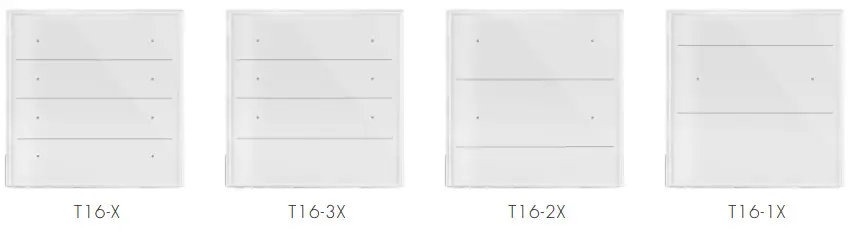

T16-X,T16-3X,T16-2X is designed for scene control, with 8/6/4/2 scene memories selectable, and each scene is programmed by 8 zone and 8 scene RF remote RS10.
Features
- 8/6/4/2 key touch panel RF 2.4G remote with scene recall or zone dimming function, selectable by DIP switch.
- Each zone can remote control one or multiple RF 2.4G 1-5 colors LED controllers.
- Can also be used as an 8/6/4/2/1 zone dimming DMX512 master.
- DMX signal output complies with standard DMX512 protocol, compatible with DMX decoder from any supplier.
- Ultra sensitive high strength glass touch panel.
- Each key with blue LED indicator.
- White & Black glass panels are available.
Technical Parameters
| Input and Output | |
| Input voltage | 100-240VAC |
| Input current | Max 0.1A |
| Output signal | RF 2.4GHz, DMX512 |
| Safety and EMC | |
| EMC standard (EMC) | ETSI EN 301 489-1 V2.2.3 ETSI EN 301 489-17 V3.2.4 |
| Safety standard(LVD) | EN 62368-1:2020+A11:2020 |
| Radio Equipment(RED) | ETSI EN 300 328 V2.2.2 |
| Certification | CE,EMC,LVD,RED |
| Warranty | |
| Warranty | 5 years |
| Dimming data | |
| Input signal | Touch key + RF 2.4GHz |
| RF Control distance | 10m(Barrier-free space) |
| Dimming level | 256 levels |
| Dimming range | 0 -100% |
| Environment | |
| Operation temperature | Ta: -30 O C ~ +55 O C |
| Case temperature (Max.) | T c: +65 C |
| IP rating | IP20 |
Mechanical Structures and Installations
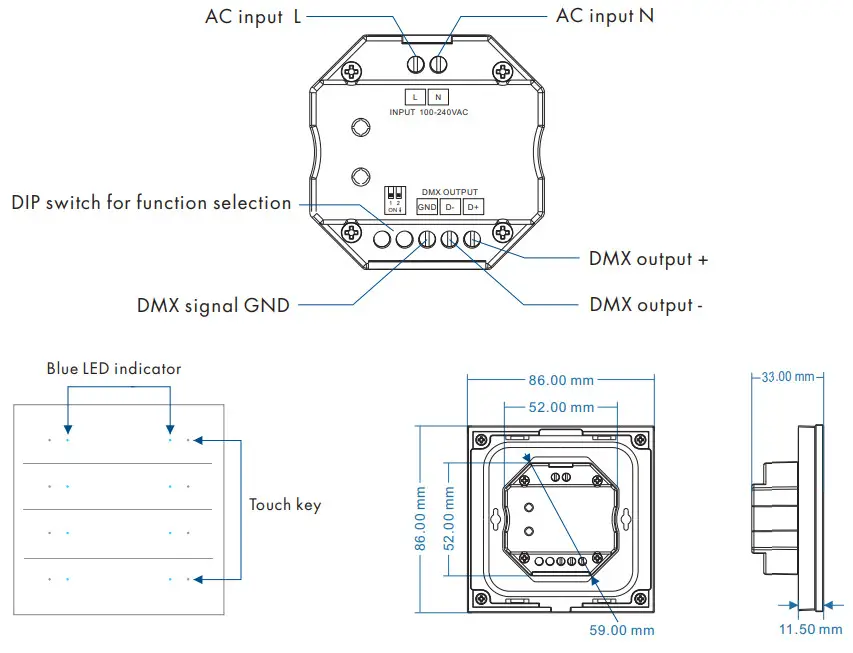
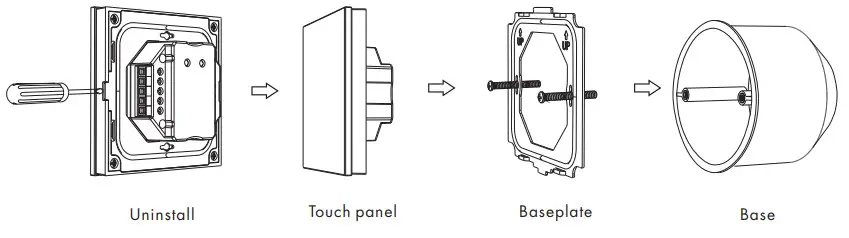
Installation diagram:
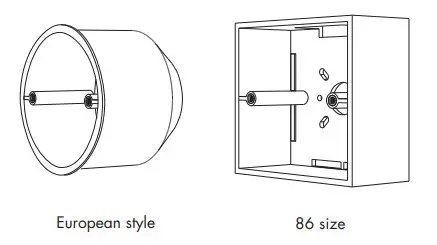
Typical base as below:
Key function
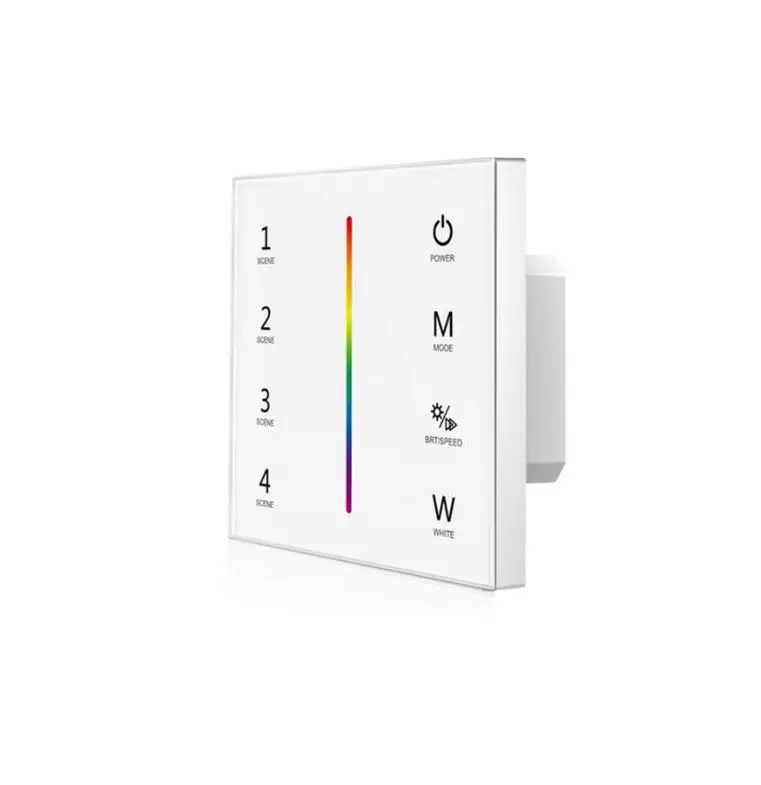
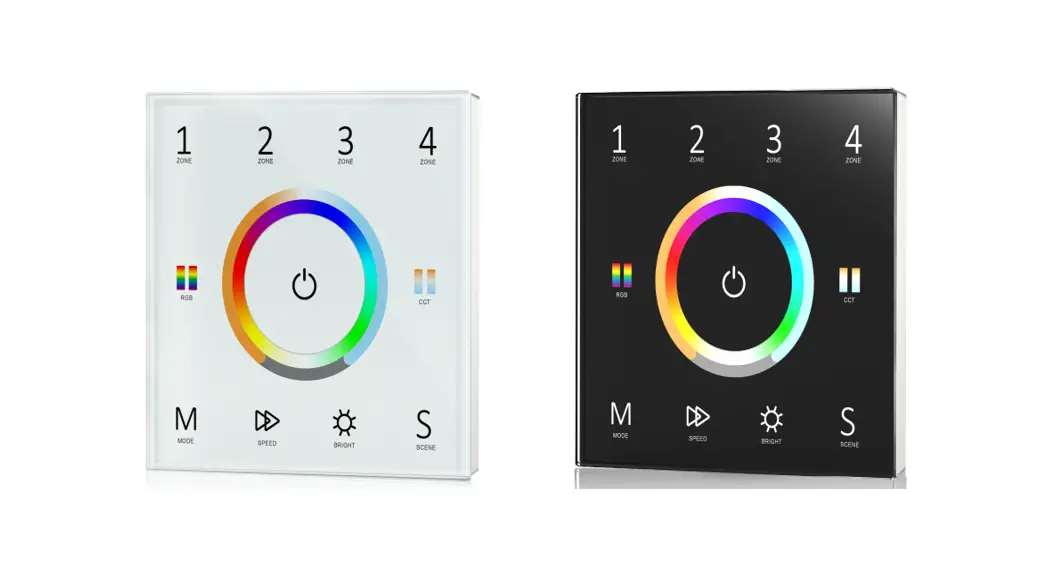
T16-X Scene & Switch Panel
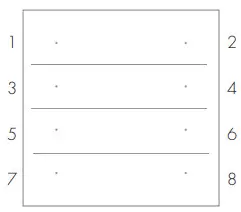
8 Scene
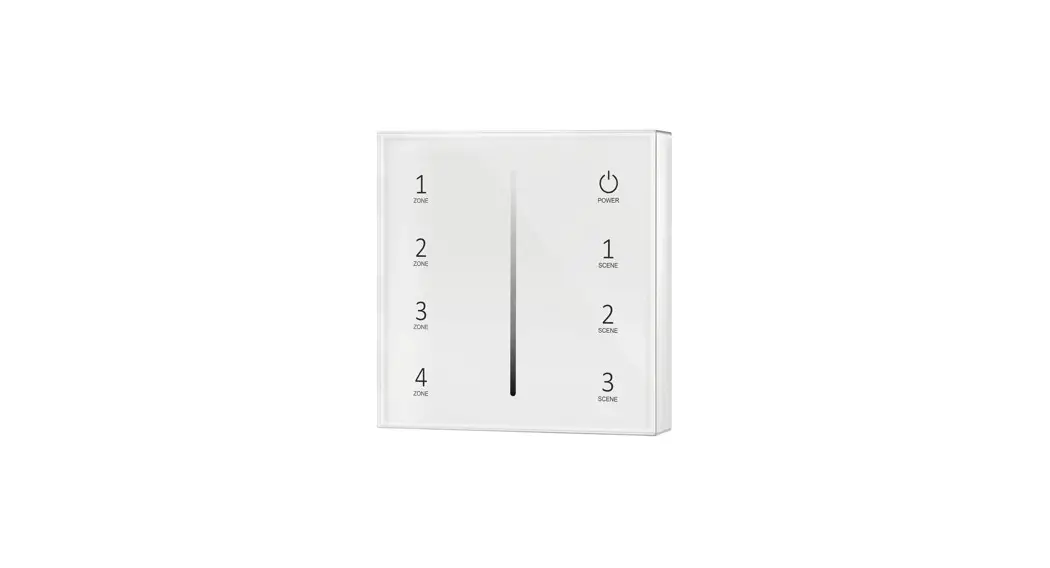
 | 1: Scene 1 2: Scene 2 3: Scene 3 4: Scene 4 5: Scene 5 6: Scene 6 7: Scene 7 8: Scene 8 1-8 Short press: Recall scenes 1-8. 1-8 Long press(2s): Turn off this scene when it is on. |
ON,OFF,6Scene
 | 1: ON 2: OFF 3: Scene 1 4: Scene 2 5: Scene 3 6: Scene 4 7: Scene 5 8: Scene 6 1 Short press: Turn on the scene light. 1 Long press(1-6s): Dimming up when light is on. 2 Short press: Turn off the scene light. 2 Long press(1-6s): Dimming down when light is on. 3-8 Short press: Recall scenes 1-6. |
8 Zone ON/OFF
 | 1: Zone 1 on/off 2: Zone 2 on/off 3: Zone 3 on/off 4: Zone 4 on/off 5: Zone 5 on/off 6: Zone 6 on/off 7: Zone 7 on/off 8: Zone 8 on/off 1-8 Short press: Turn on or off the light of each zone. 1-8 Long press(1-6s): Dimming up or down when light is on. |
4 Zone ON, OFF
 | 1: Zone 1 on 2: Zone 1 of 3: Zone 2 on 4: Zone 2 off 5: Zone 3 on 6: Zone 3 of 7: Zone 4 on 8: Zone 4 off 1,3,5,7 Short press: Turn on the light of each zone. 1,3,5,7 Long press(1-6s): Dimming up when light is on. 2,4,6,8 Short press: Turn off the light of each zone. 2,4,6,8 Long press(1-6s): Dimming down when light is on. |
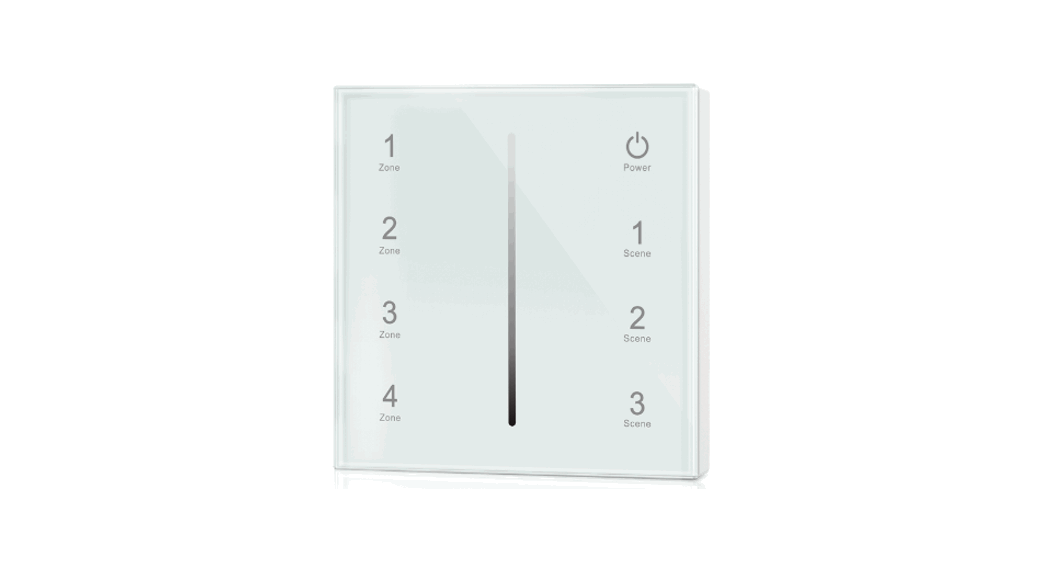
16-3X Scene & Switch Panel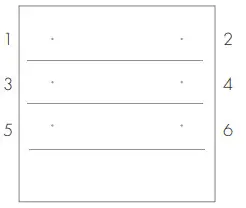 6 Scene
 | 1: Scene 1 2: Scene 2 3: Scene 3 4: Scene 4 5: Scene 5 6: Scene 6 1-6 Short press: Recall scenes 1-6. 1-6 Long press(2s): Turn off this scene when it is on. |
ON, OFF,4 Scene
 | 1: ON 2: OFF 3: Scene 1 4: Scene 2 5: Scene 3 6: Scene 4 1 Short press: Turn on the scene light. 1 Long press(1-6s): Dimming up when light is on. 2 Short press: Turn off the scene light. 2 Long press(1-6s): Dimming down when light is on. 3-6 Short press: Recall scenes 1-4. |
6 Zone ON/OFF
 | 1: Zone 1 on/off 2: Zone 2 on/off 3: Zone 3 on/off 4: Zone 4 on/off 5: Zone 5 on/off 6: Zone 6 on/off 1-6 Short press: Turn on or off the light of each zone. 1-6 Long press(1-6s): Dimming up or down when light is on. |
3 Zone ON, OFF
 | 1: Zone 1 on 2: Zone 1 of 3: Zone 2 on 4: Zone 2 off 5: Zone 3 on 6: Zone 3 off 1,3,5 Short press: Turn on the light of each zone. 1,3,5 Long press(1-6s): Dimming up when light is on. 2,4,6 Short press: Turn off the light of each zone. 2,4,6 Long press(1-6s): Dimming down when light is on. |
T16-2X Scene & Switch Panel
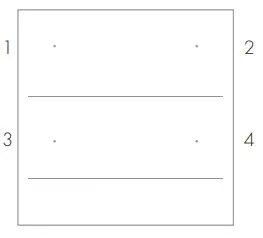
4 Scene
 | 1: Scene 1 2: Scene 2 3: Scene 3 4: Scene 4 1-4 Short press: Recall scenes 1-4. 1-4 Long press(2s): Turn off this scene when it is on. |
ON,OFF,2 Scene
 | 1: ON 2: OFF 3: Scene 1 4: Scene 2 1 Short press: Turn on the scene light. 1 Long press(1-6s): Dimming up when light is on. 2 Short press: Turn off the scene light. 2 Long press(1-6s): Dimming down when light is on. 3-4 Short press: Recall scenes 1-2. |
4 Zone ON/OFF
 | 1: Zone 1 on/off 2: Zone 2 on/off 3: Zone 3 on/off 4: Zone 4 on/off 1-4 Short press: Turn on or off the light of each zone. 1-4 Long press(1-6s): Dimming up or down when light is on. |
2 Zone ON, OFF
 | 1: Zone 1 on 2: Zone 1 of 3: Zone 2 on 4: Zone 2 off 1,3 Short press: Turn on the light of each zone. 1,3 Long press(1-6s): Dimming up when light is on. 2,4 Short press: Turn off the light of each zone. 2,4 Long press(1-6s): Dimming down when light is on. |
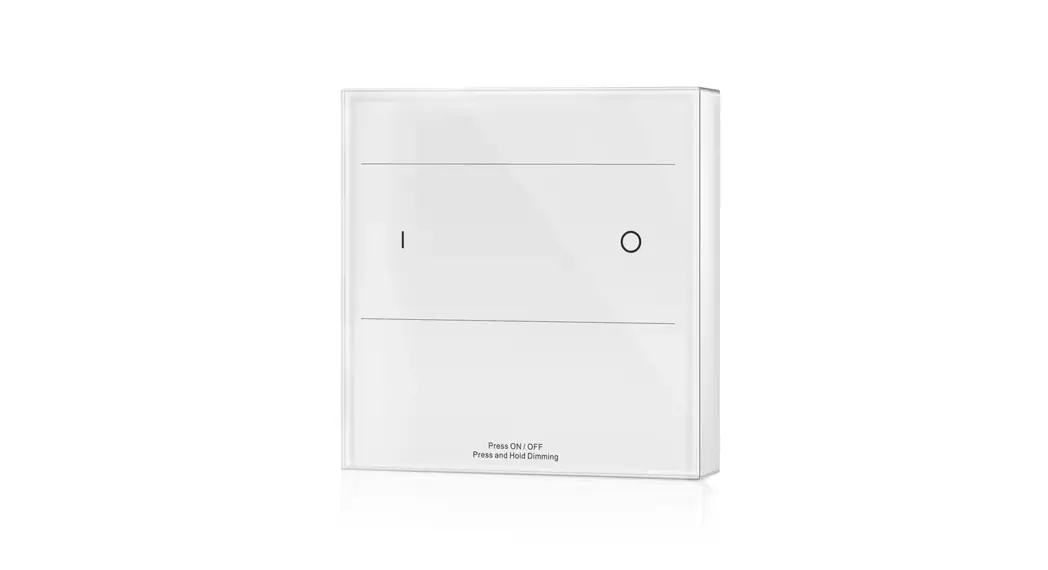
T16-1X 1 Zone Switch Panel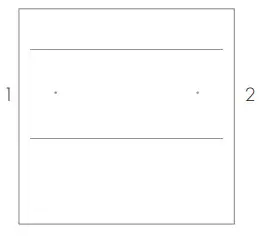 DIM
DIM
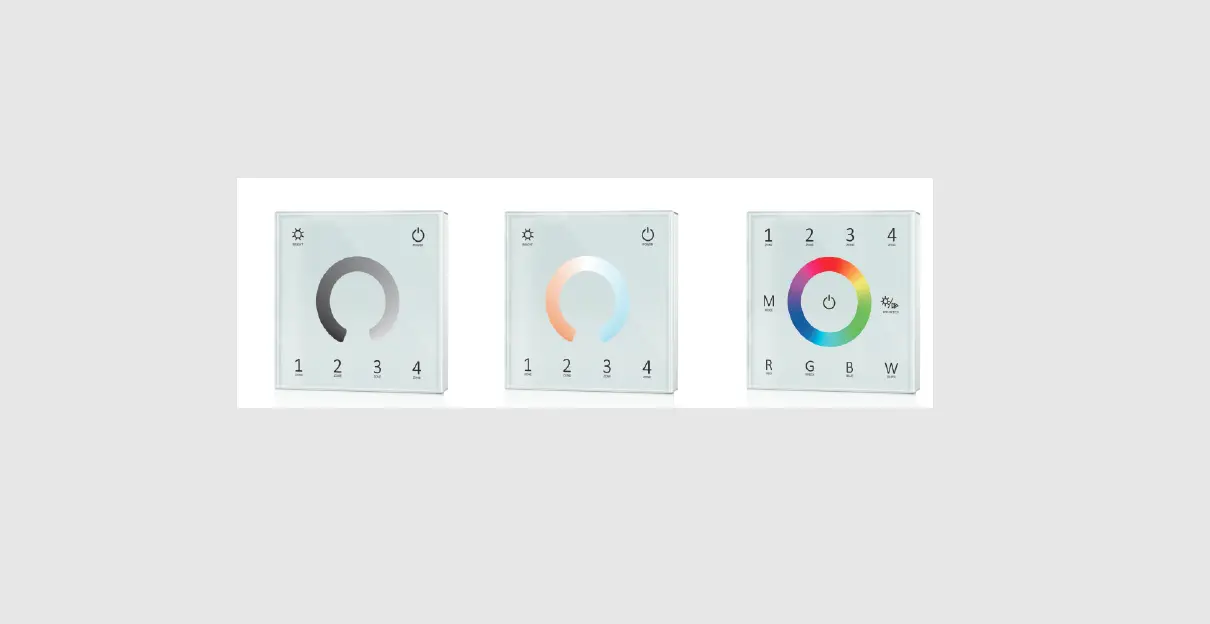
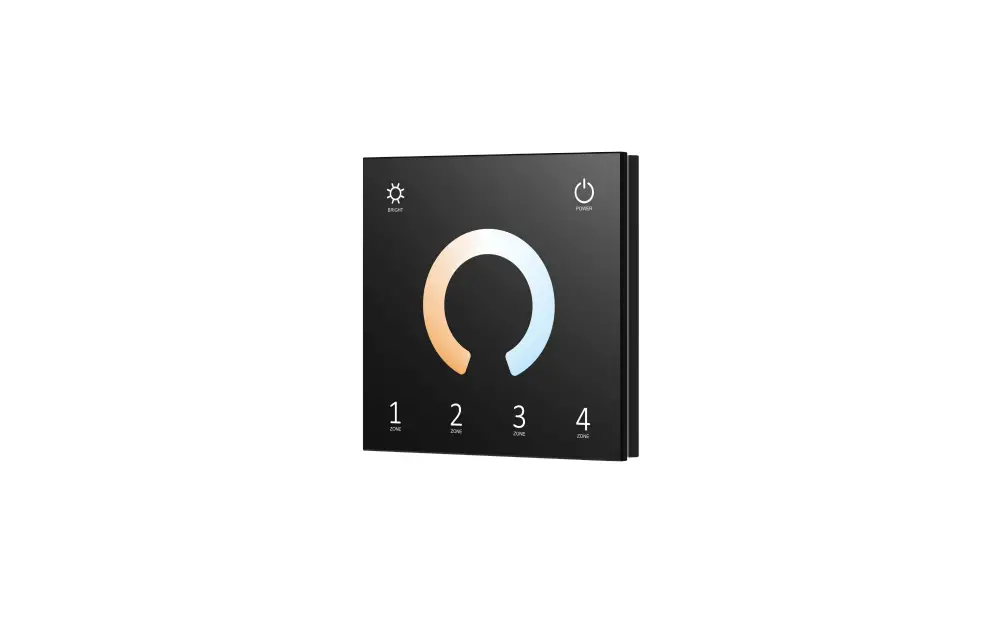
 | 1: ON 2: OFF 1 Short press: Turn on the light. 1 Long press(1-6s): Dimming up when light is on. 2 Short press: Turn off the light. 2 Long press(1-6s): Dimming down when light is on. |
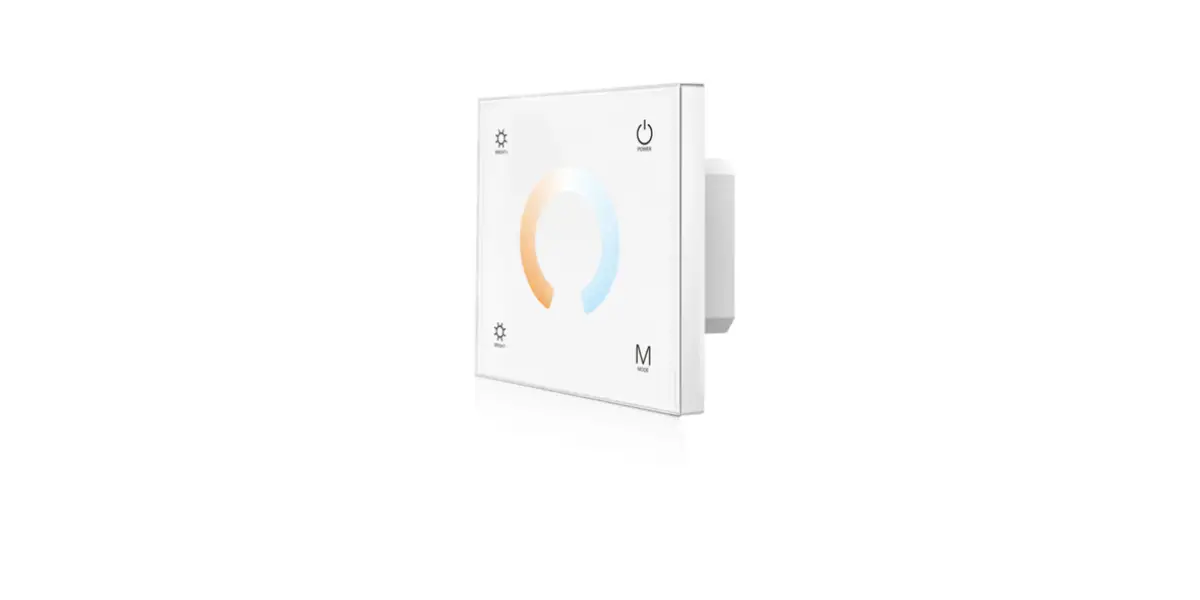
CCT
 | 1: ON/OFF 2: CCT 1 Short press: Turn on or off the light. 1 Long press(1-6s): Dimming up or down when light is on. 2 Short press: Switch between 3 levels of color temperature(WW, NW, CW). 2 Long press(1-6s): Continuous 256 levels of color temperature adjustment when light is on. |
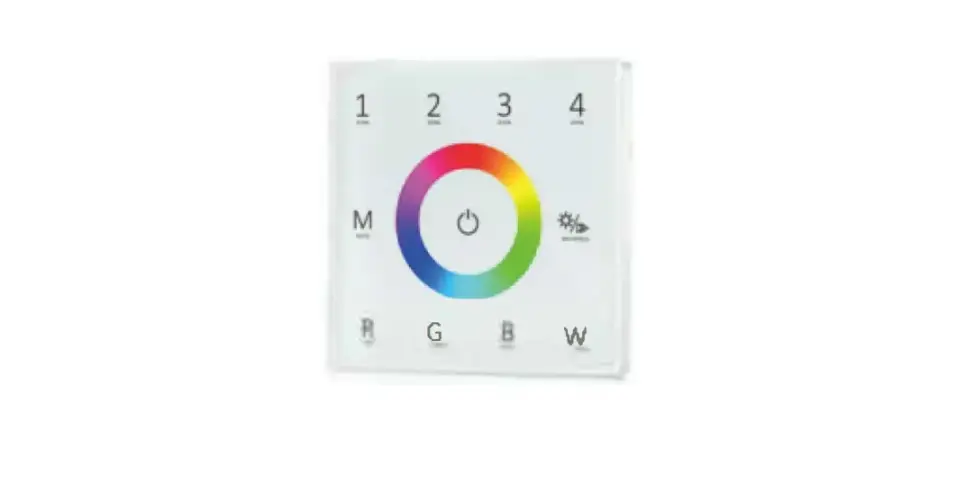
RGB
 | 1: ON/OFF 2: Color/W 1 Short press: Turn on or off the light. 1 Long press(1-6s): Dimming up or down when light is on. 2 Short press: Switch between RGB color and white (RGB mixed). 2 Long press(1-6s): Change RGB color when in RGB mode. |
RGBW
 | 1: ON/OFF 2: Color/W 1 Short press: Turn on or off the light. 1 Long press(1-6s): Dimming up or down when light is on. 2 Short press: Switch between RGB color and white (RGB mixed). 2 Long press(1-6s): Change RGB color when in RGB mode. |
Scene programming
When the panel is set as 8/6/4 scene function, each scene must be programmed by RS10 remote firstly then use the panel scene button to recall these scenes.
Step1: one or multiple light zone are matched with the RS10 remote.
Step2: use the RS10 remote to change the color, brightness, or on/off state of the light zone, and save the current state to 1-8 scenes.
Step3: one or multiple light zone are matched with the T16-X panel remote.
Step4: use the panel scene button to recall these scenes which are programmed by the RS10 remote.
The scene number of the scene panel corresponds to the scene number of the RS10 remote.
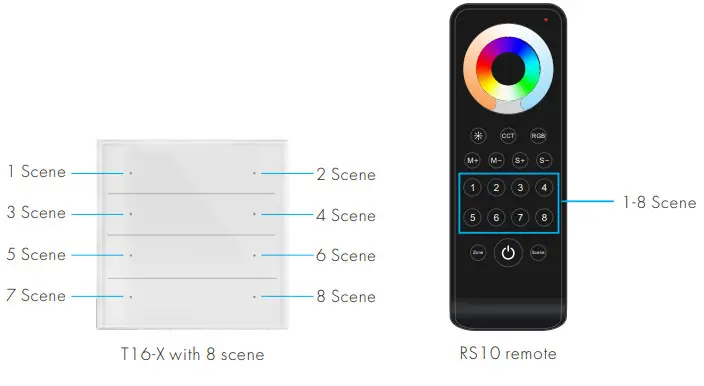
Touch Panel work as RF remote
When the touch panel works as an RF remote, it needs to match with other RF 2.4G 1-5 colors LED controllers.
The end users can choose the suitable match/delete ways. Two options are offered for selection:
Use the controller’s Match key
Match:
Short press the match key, and immediately press the Scene or ON/OFF key of the touch panel.
The LED indicator fast flash a few times means the match is successful.
Delete:
Press and hold the match key for 5s to delete all matches, The LED indicator fast flash a few times means all matched remotes were deleted.
Use Power Restart
Match:
Switch off the power of the receiver, then switch on the power, and repeat again.
Immediately short press the Scene or ON/OFF key 3 times
on the touch panel. The light blinks 3 times means the match is successful.
Delete:
Switch off the power of the receiver, then switch on the power, and repeat again.
Immediately short press the Scene or ON/OFF key 5 times on the touch panel.
The light blinks 5 times means all matched remotes were deleted.
Recommended RF LED controller and driver
| 1.49M typo | Output type | Model | Product name | Product picture |
| 0, ,, | Contact | V1 | Single Color LED Controller ( 5-36V, 8A ) |  |
| V1-L | Sr anglo Color LEDController 12.48V, I SA I |  | ||
| V1-H/P | Single Color LED Controller I 12.24V, 8A 1 |  | ||
| Couto lc e I | PI-10M | RE Constant Current LED Duvet I IOW. 100.450mA 1 |  | |
| PR 2A4 | RE Constant Current LED Driver I I 2W. 100.4513mA I |  | ||
| P13.1 2A I | RE Constant Current LED Driver I I 2W, 100450mA 1 |  | ||
| OR 2 IA | RE Constant Current LED Driver I I.3-2 I W. 150-500rnA I |  | ||
| CCI | Constant era | V2 | Dual Color LED Controller 11224V, SA/CH I |  |
| V2-L | Dual Color LED Controller I I 248V. 8A/CH I |  | ||
| Co no lc I | P1.114.2 | RE Constant Current LED CC Driver 112W. 150-500rnA 1 |  | |
| P120A.2 | RE Constant Current LED CCT Driver 1 20W 300-105OrnA I |  | ||
| CXR-21A-2(WB) | Bluetooth 8 RE 2CH Constant Current LED Duvet I 21VV.150-SOOrnA 1 |  | ||
| CXR-21A-2(WT) | N, F. 6 RE 2CH Constant Current LED Driver I 21 W, 150500mA I |  | ||
| RGB/RGBW | Consta 1 oho | V3 | 3 Channel LED RE Controller 112.24V, 4A/CH I |  |
| V31 | 3 Channel LED RE Controller I 12-48V. 6A/CH I | 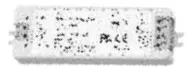 | ||
| VP | 4 Channel LED RE Contrcaer I 1224V. 4A/CH I | 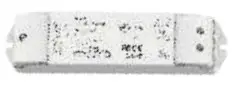 | ||
| V4 | 4 Channel LED RE Cor. ( 1 2-48V. SA/CH I | 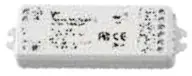 | ||
| Tomtom .22r.2.-1 | C4 | 4 Channel LED RE Controller I 12.48V. 35P 1200mA I | 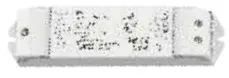 | |
| RateCC1 | Constant voltage | V5-M | 5 Channel LED RE Controller I I 2-24V, 3A/CH 1 | 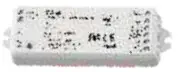 |
| VS.L | 5 Channel LED RE Controller I I 2.48V, SA/CHI | 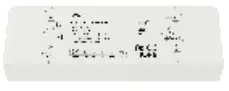 |
Touch Panel work as DMX512 Master
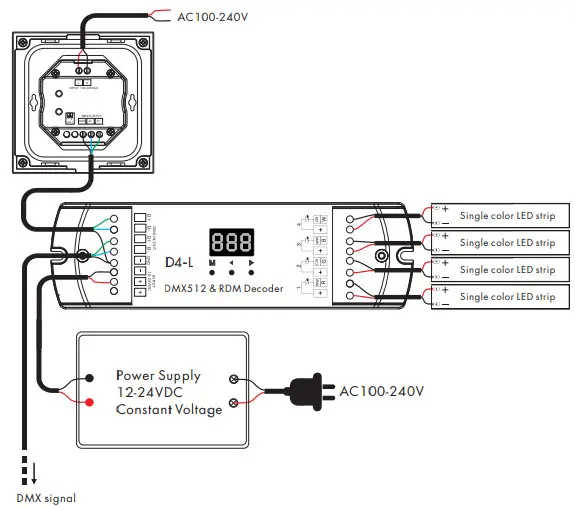
When the panel is set as an 8/6/4 zone dimming function, it can also work as DMX512 master.
After connecting with DMX decoders, please set the DMX decoder’s address as below:
DMX decoder’s address 001 is controlled by Zone 1,
DMX decoder’s address 002 is controlled by Zone 2,
DMX decoder’s address 003 is controlled by Zone 3,
DMX decoder’s address 004 is controlled by Zone 4,
DMX decoder’s address 005 is controlled by Zone 5,
DMX decoder’s address 006 is controlled by Zone 6,
DMX decoder’s address 007 is controlled by Zone 7,
DMX decoder’s address 008 is controlled by Zone 8.
Wiring diagram for touch panel work as DMX512 master