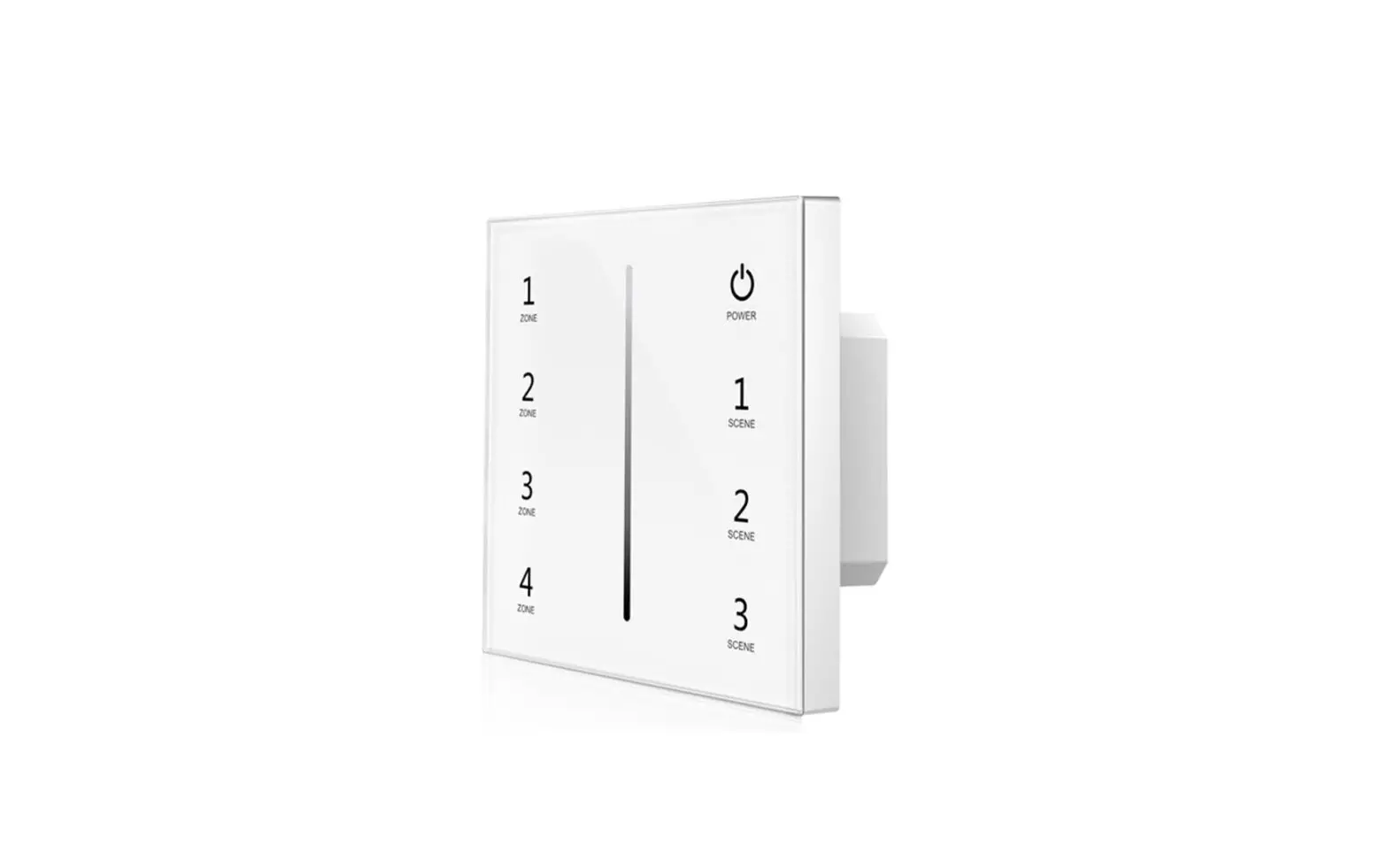
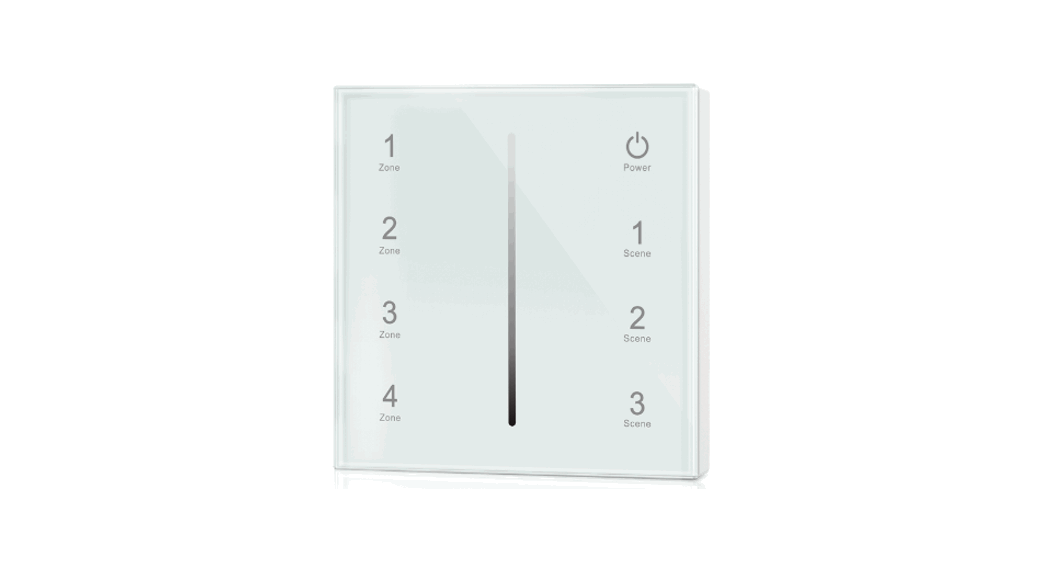
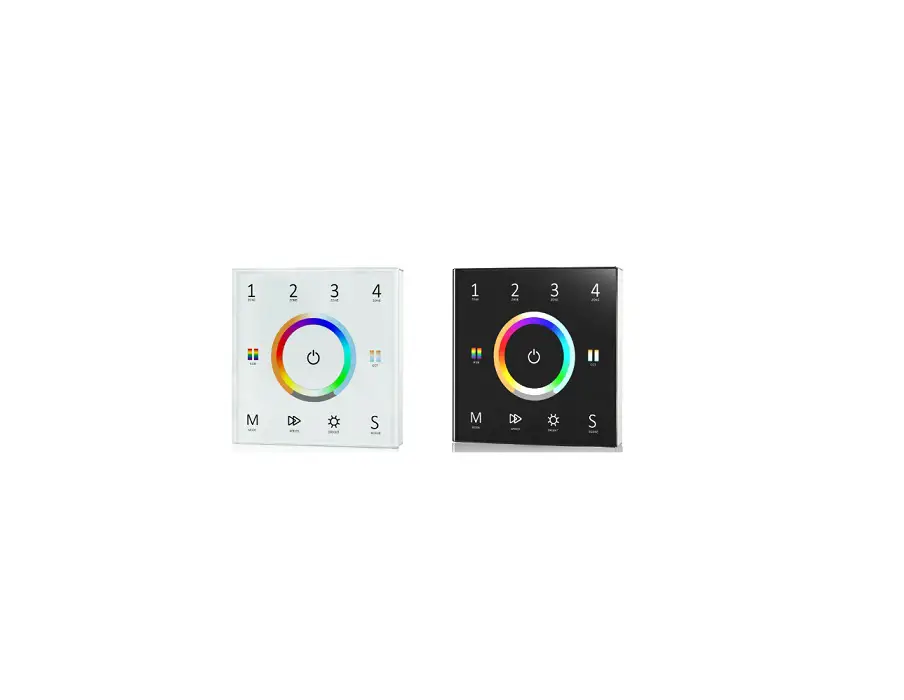
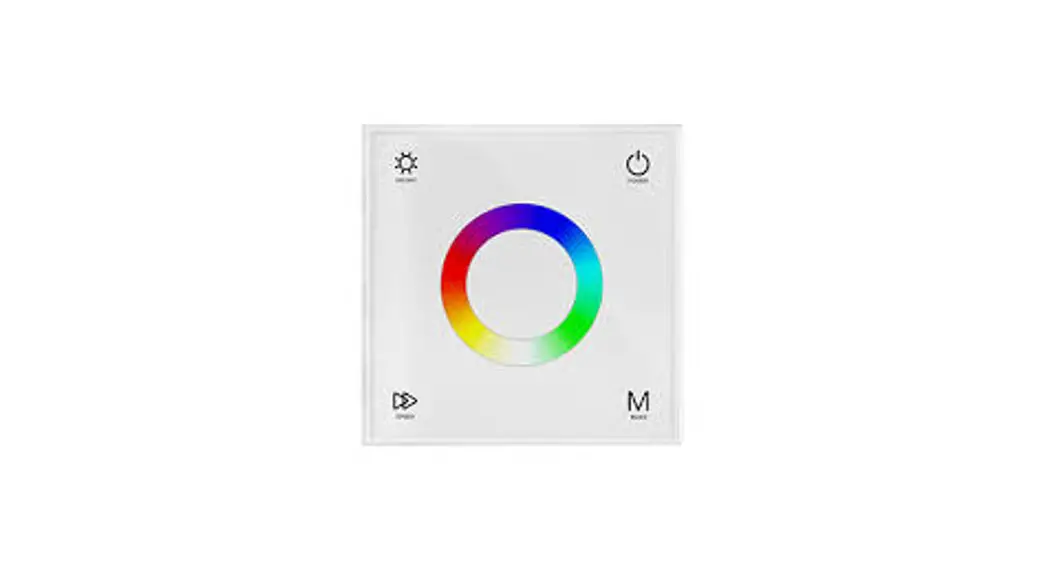
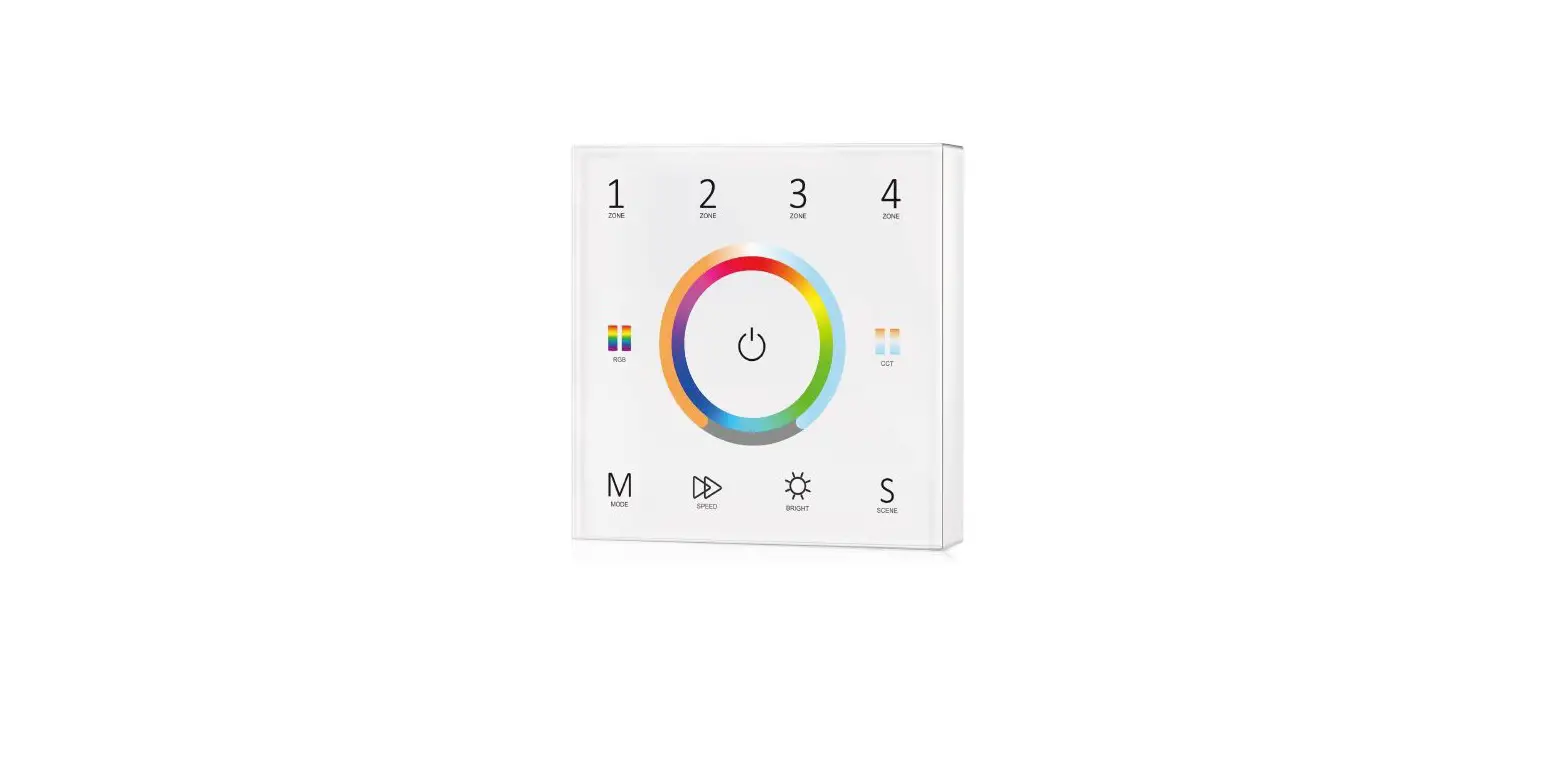
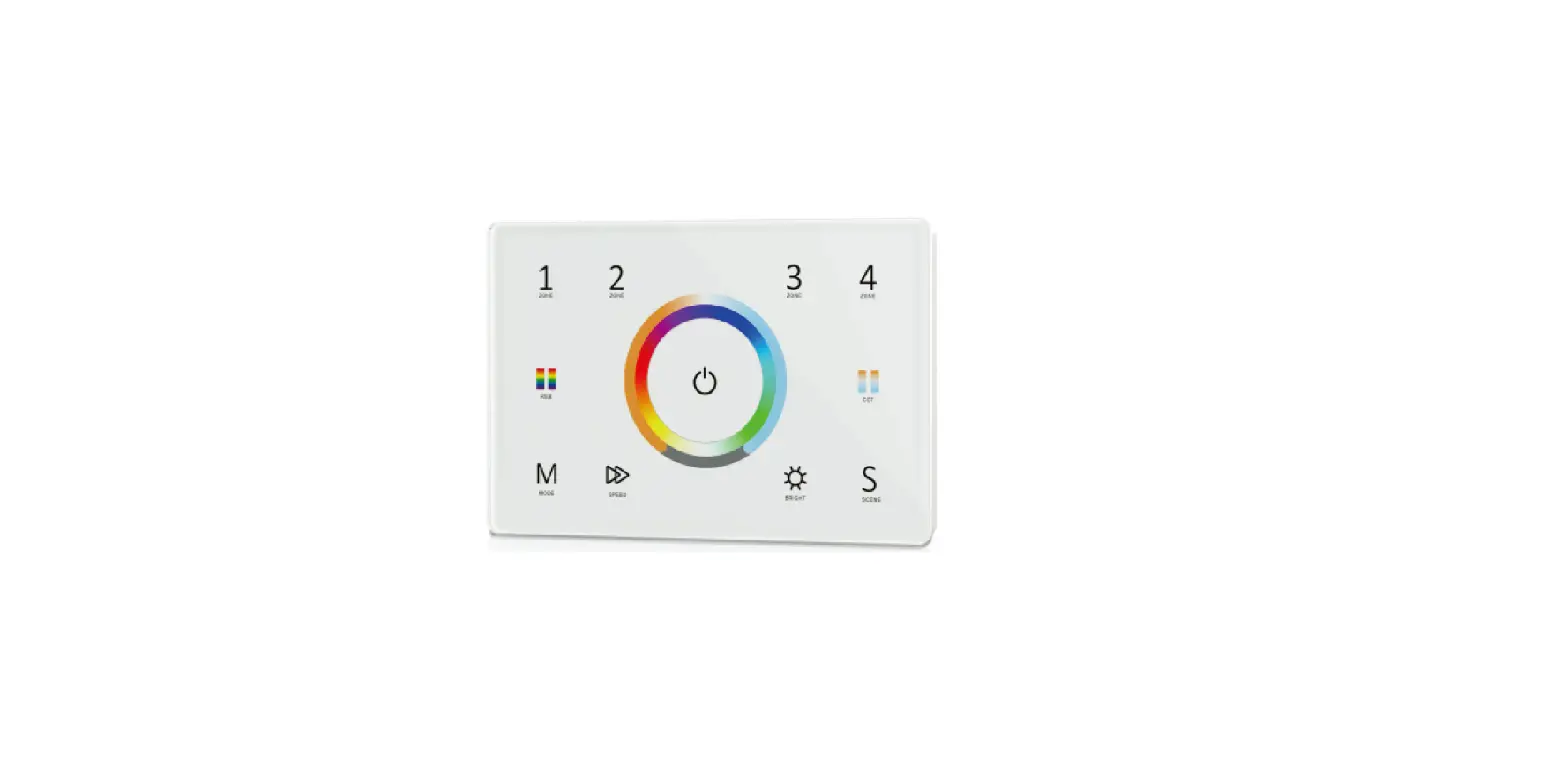
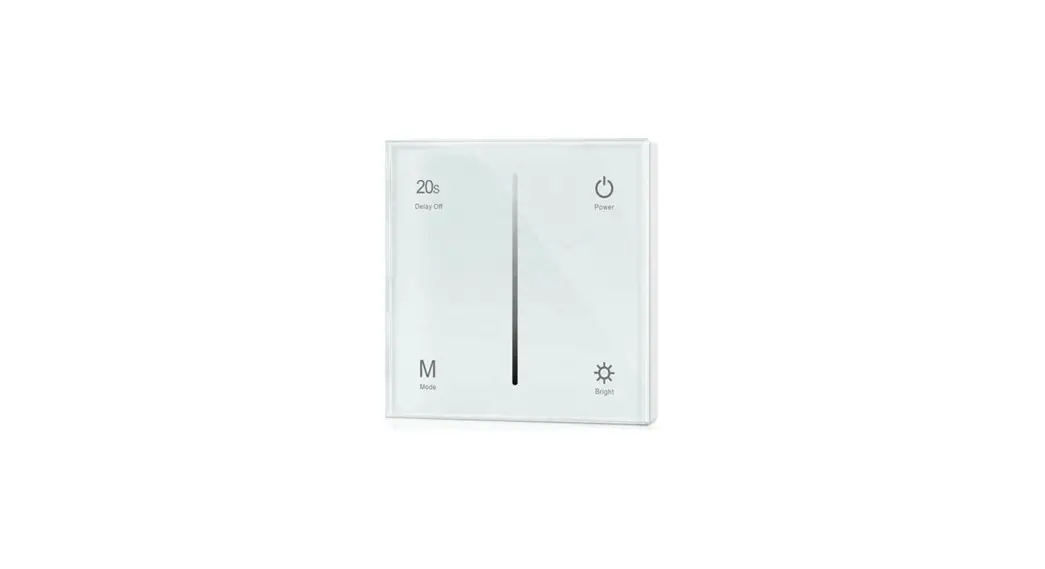
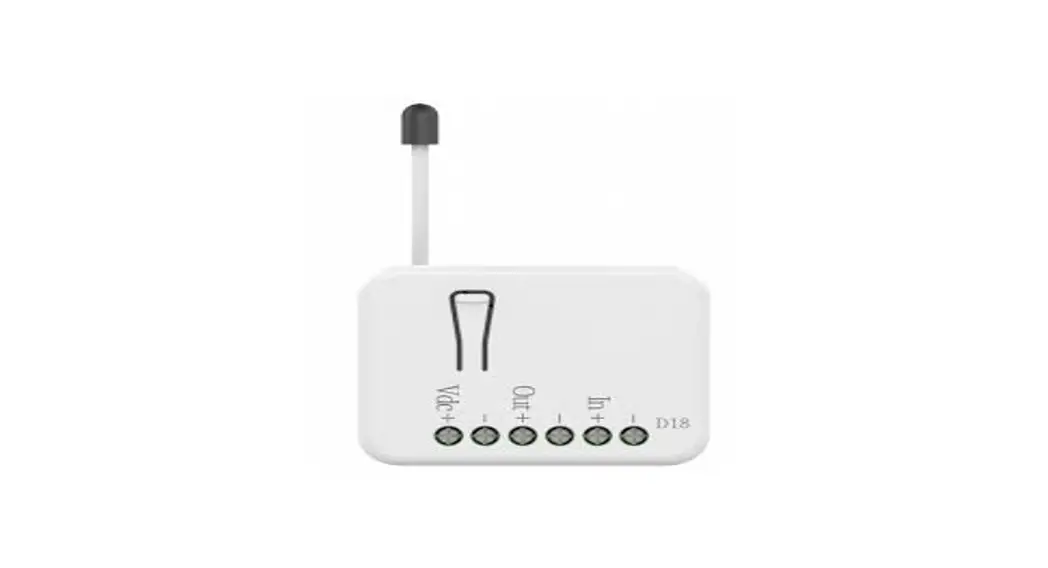
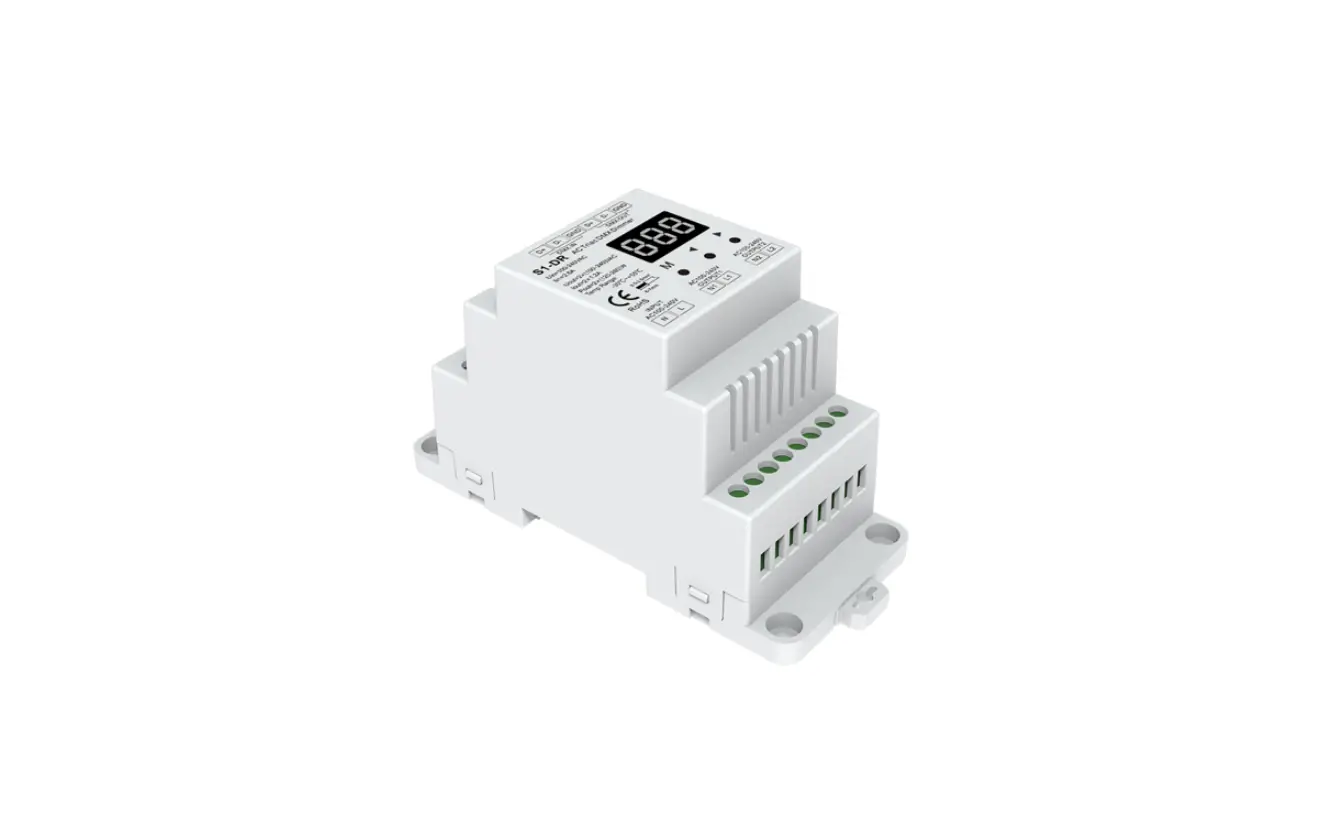
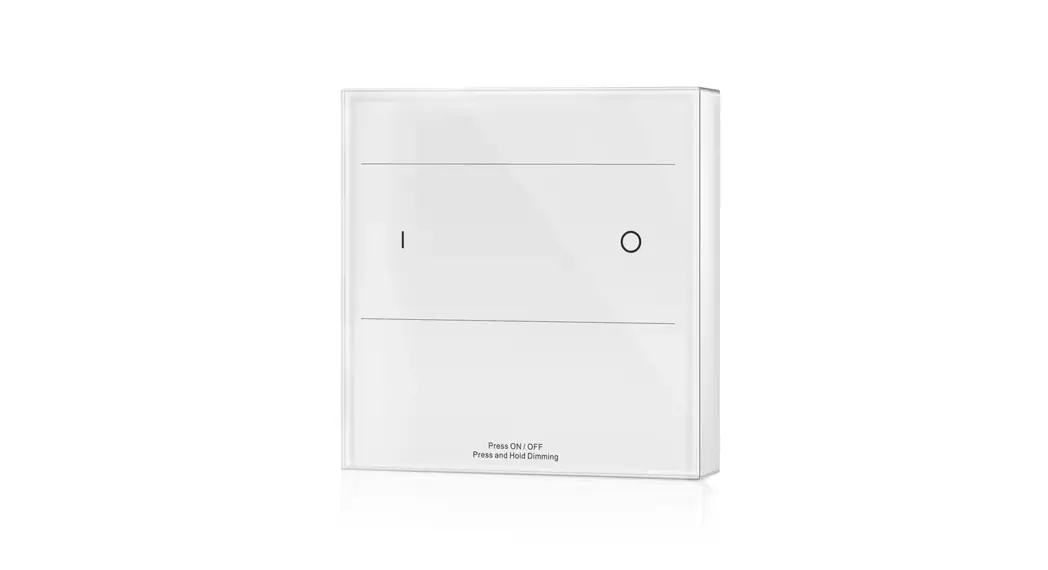
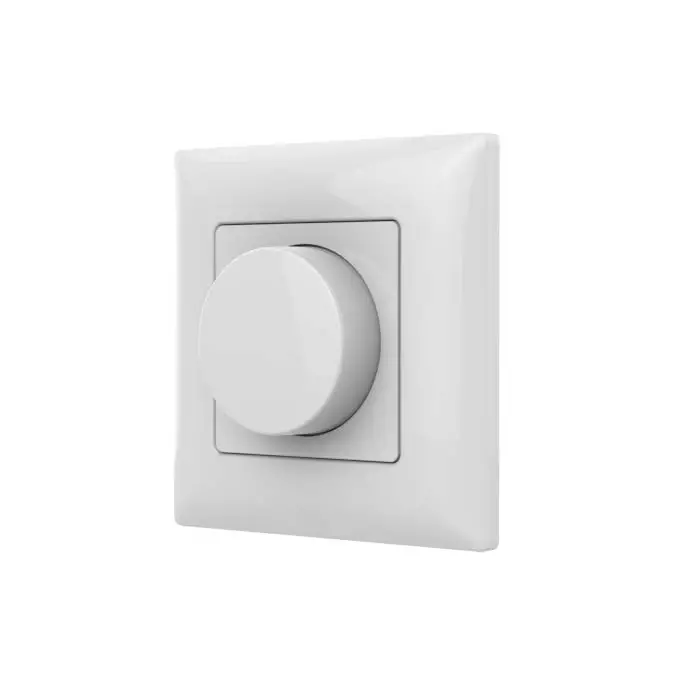
T18 0-10V Touch Glass Panel Dimmer
Product Information:
Model No.: T18
Features:
- Touch panel 0-10V dimmer
- Output 1 channel 0-10V signal
- Output connect with 0/1-10V dimmable driver
- Ultra sensitive high strength glass touch panel with touch
slide in the middle - Compatibility with RF 2.4G dimming remote control
- Touch keys with LED indicator
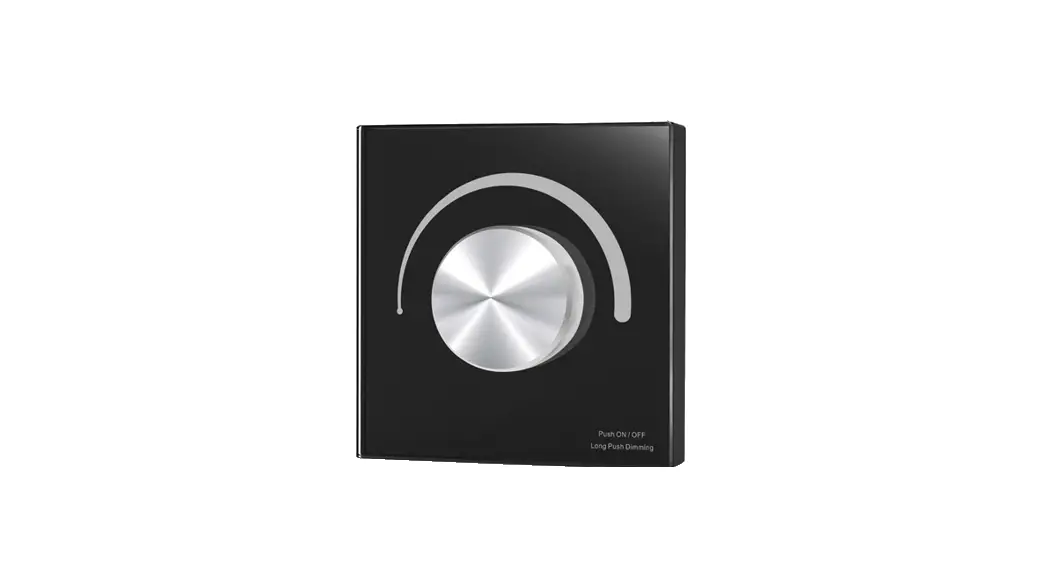
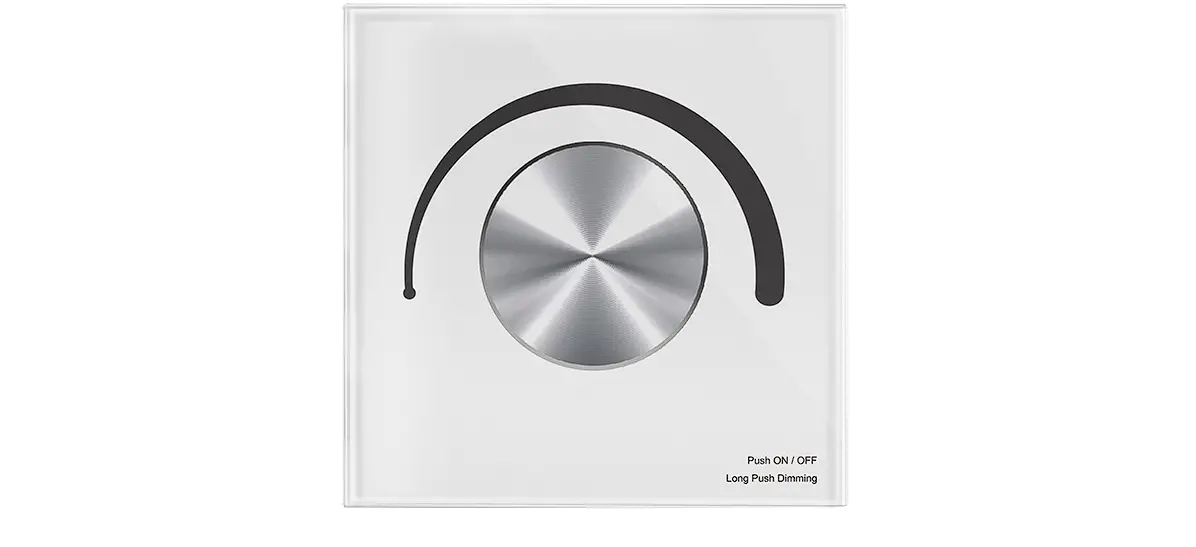
- White & Black glass panel available
Technical Parameters:
- Input voltage: AC100-240V
- Output signal: 0-10V (50mA)
- Output current: 20mA/CH
- Dimming data: Input signal RF
- Control distance: 10m (Barrier-free space)
- Dimming gray level: 256 levels
- Dimming range: 0 -100%
Safety and EMC:
- EMC standard (EMC): ETSI EN 301 489-1 V2.2.3, ETSI EN 301
489-17 V3.2.4 - Safety standard(LVD): EN 62368-1:2020+A11:2020
- Radio Equipment(RED) Certification: ETSI EN 300 328 V2.2.2, CE,
EMC, LVD, RED - Warranty: 5 years
Mechanical Structures and Installations:
- 0-10V signal output
- GND
- Operation temperature: -30°C ~ +55°C
- Case temperature (Max.): +65°C
- IP rating: IP20
- Package Size: L112x W112 x H50mm
- Gross weight: 0.238kg
Product Usage Instructions:
Installation diagram:

Match Remote Control (two match ways):
The 0-10V touch panel dimmer can also match with the RF dimming
remote (optional). End user can choose the suitable match/delete
ways. Two options are offered for selection:
Match:
Option 1:
- Turn on light, turn off, immediately press the On/Off key of
the panel for 5s. - Then press on/off key (single zone remote) or zone key
(multiple zone remote) of the RF remote within 5s. - The LED indicator fast flash 3 times means match is
successful.
Option 2:
- Switch off the power, then switch on power, repeat again.
- Immediately short press on/off key (single zone remote) or zone
key (multiple zone remote) 3 times on the remote. - The light blinks 3 times means match is successful.
Delete:
Option 1:
- Turn on light, turn off, immediately press the On/Off key of
the panel for 10s to delete all match. - The LED indicator fast flash 6 times means all matched remotes
were deleted.
Option 2:
- Switch off the power, then switch on power, repeat again.
- Immediately short press on/off key (single zone remote) or zone
key (multiple zone remote) 5 times on the remote. - The light blinks 5 times means all matched remotes were
deleted.
Key function:
- Turn on/off light
- Play dynamic mode, 6 level speed
- Turn off light after 20s
- Brightness, 10 levels
Note: The default output is 0-10V. If you want
to 1-10V output, please touch power key to turn off light, then
long press power key for 15s immediately, the output will become
1-10V. Touch power key to turn off light, then long press power key
for 10s immediately, the output will return 0-10V.
Wiring diagram:

0-10V Touch Glass Panel Dimmer Model No.: T18
1 zone/Touch glass panel/Brightness slide/Wireless remote control
Features
Touch panel 0-10V dimmer, output 1 channel 0-10V signal. Output connect with 0/1-10V dimmable driver. Ultra sensitive high strength glass touch panel with touch slide in the middle. Compatibility with RF 2.4G dimming remote control. Touch keys with LED indicator. White & Black glass panel available.
Technical Parameters
Input and Output Input voltage Output signal Output current
Dimming data Input signal RF Control distance Dimming gray level Dimming range
AC100-240V 0-10V (50mA) 20mA/CH
Touch key + RF 2.4GHz 10m(Barrier-free space) 256 levels 0 -100%
Safety and EMC
EMC standard (EMC)
Safety standard(LVD) Radio Equipment(RED) Certi cation Warranty Warranty
Mechanical Structures and Installations
0-10V signal output
GND
ETSI EN 301 489-1 V2.2.3 ETSI EN 301 489-17 V3.2.4 EN 62368-1:2020+A11:2020 ETSI EN 300 328 V2.2.2 CE,EMC,LVD,RED
5 years
Environment Operation temperature Case temperature (Max.) IP rating Package Size Gross weight
LVD
Ta: -30 OC ~ +55 OC Ta: +65 OC IP20
L112x W112 x H50mm 0.238kg
86.00 mm 52.00 mm
33.00 mm
AC N output AC L output Installation diagram:
+-
0-10V OUT
T18
AC OUT N L1
AC IN NL
AC L input AC N input
Typical base as below:
86.00 mm 52.00 mm
59.00 mm
11.50 mm
Uninstall
Touch panel
Baseplate
Base
European style
86 size
Match Remote Control (two match ways)
The 0-10V touch panel dimmer can also match with the RF dimming remote (optional).
End user can choose the suitable match/delete ways. Two options are offered for selection:
Use On/Off key
Use Power Restart
Match: Turn on light, turn off, immediately press the On/Off key of the panel for 5s, then press on/off key (single zone remote) or zone key (multiple zone remote) of the RF remote within 5s. The LED indicator fast flash 3 times means match is successful.
Match: Switch off the power, then switch on power, repeat again, Immediately short press on/off key (single zone remote) or zone key (multiple zone remote) 3 times on the remote. The light blinks 3 times means match is successful.
Delete: Turn on light, turn off, immediately press the On/Off key of the panel for 10s to delete all match, The LED indicator fast flash 6 times means all matched remotes were deleted.
Delete: Switch off the power, then switch on power, repeat again, Immediately short press on/off key (single zone remote) or zone key (multiple zone remote) 5 times on the remote. The light blinks 5 times means all matched remotes were deleted.
User Manual Ver 1.1.3
1
Key function
20S
Delay Off
Bright
Power Mode
Power
Mode
20S
Delay Off
Bright
Turn on/off light. Play dynamic mode, 6 level speed. Turn off light after 20s. Brightness,10 levels.
Note: The default output is 0-10V, if you want to 1-10V output, please touch power key to turn off light, then long press power key for 15s immediately, the output will become 1-10V. Touch power key to turn off light, then long press power key for 10s immediately, the output will return 0-10V.
Wiring diagram
Connect with 0/1-10V dimming driver (no use AC OUT)
+-
0-10V OUT
T18
AC OUT N L1
AC IN NL
DIM+
ACN 0/1-10V
DIM-
ACL Dimmable Driver V+
V-
+ Single color LED strip
Connect with 0/1-10V dimming driver (use AC OUT)
+-
0-10V OUT
T18
AC OUT N L1
AC IN NL
AC110-220V
DIM+
ACN 0/1-10V
DIM-
ACL Dimmable Driver V+
V-
+ Single color LED strip
AC110-220V
Connect with 0/1-10V dimming driver (use AC OUT and relay or contactor) An additional AC relay or contactor is needed when total input current of the load is higher than 1.5A or inrush current is greater than 15A.
+-
0-10V OUT
T18
AC OUT N L1
AC IN NL
DIM+
ACL 0/1-10V
DIM-
ACN Dimmable Driver V+
V-
+ Single color LED strip
Relay or Contactor
AC110-220V
Note: We recommend the number of LED drivers connected to 0/1-10V dimmer does not exceed 100 pieces, the maximum length of the wires from dimmer to LED driver should be no more than 50 meters.
User Manual Ver 1.1.3
2