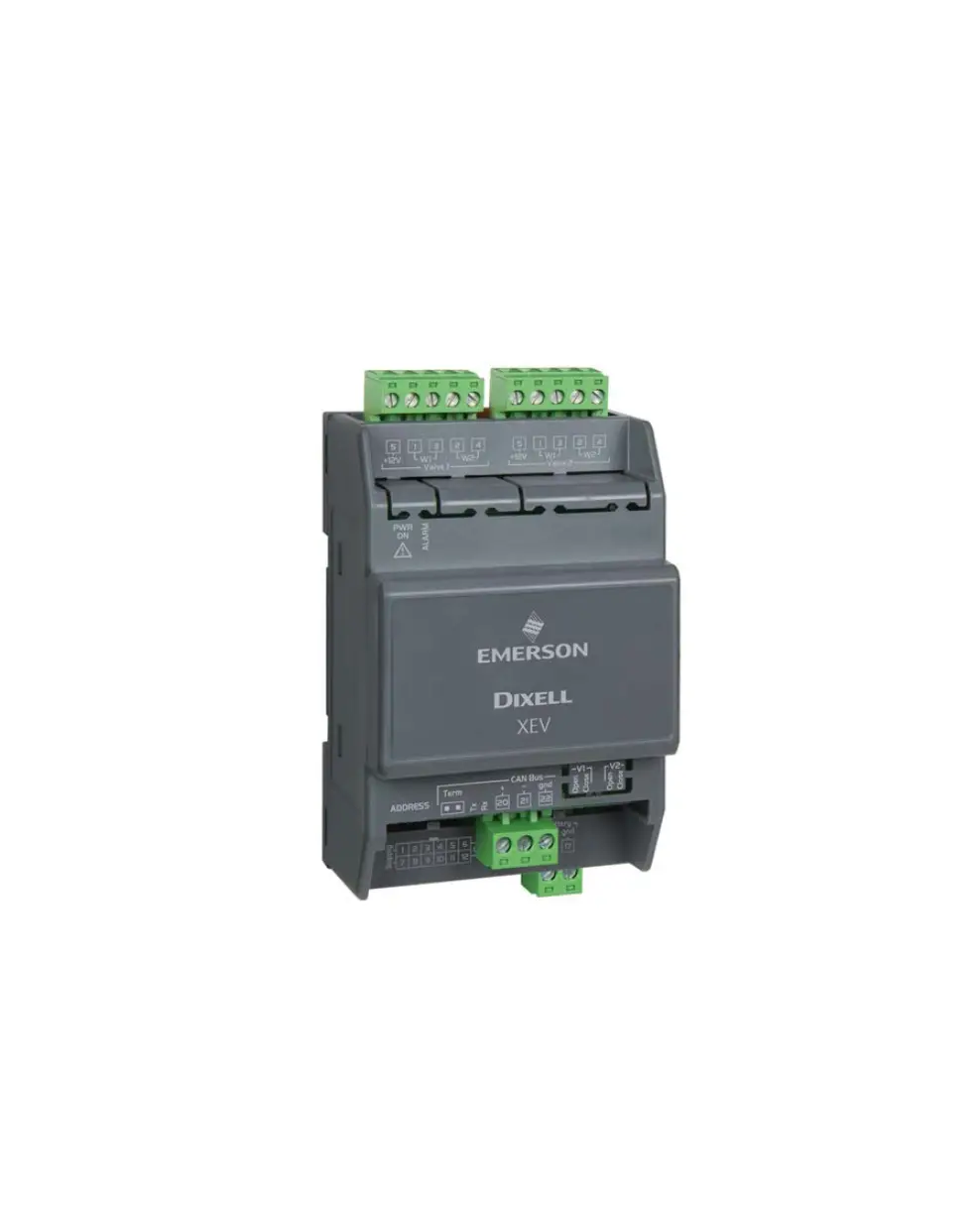
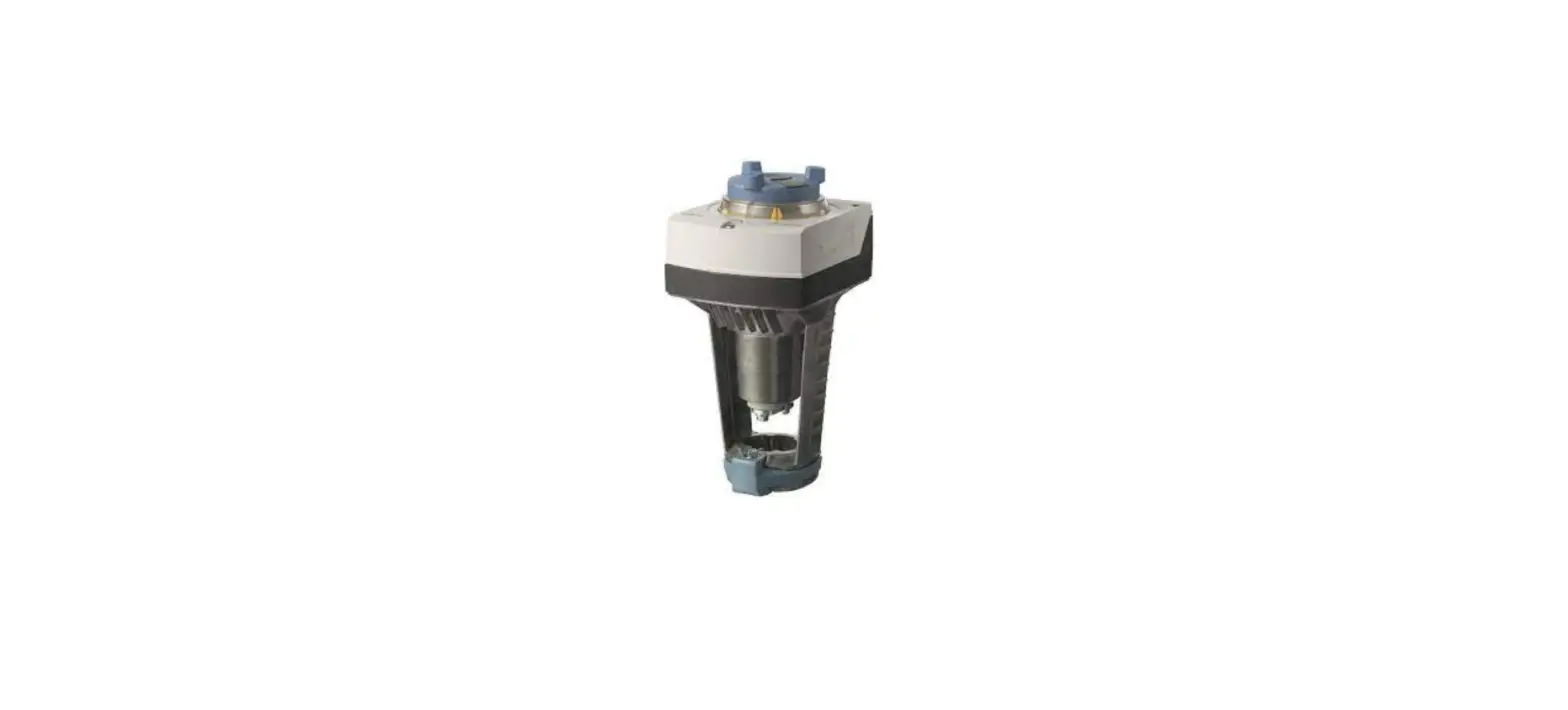
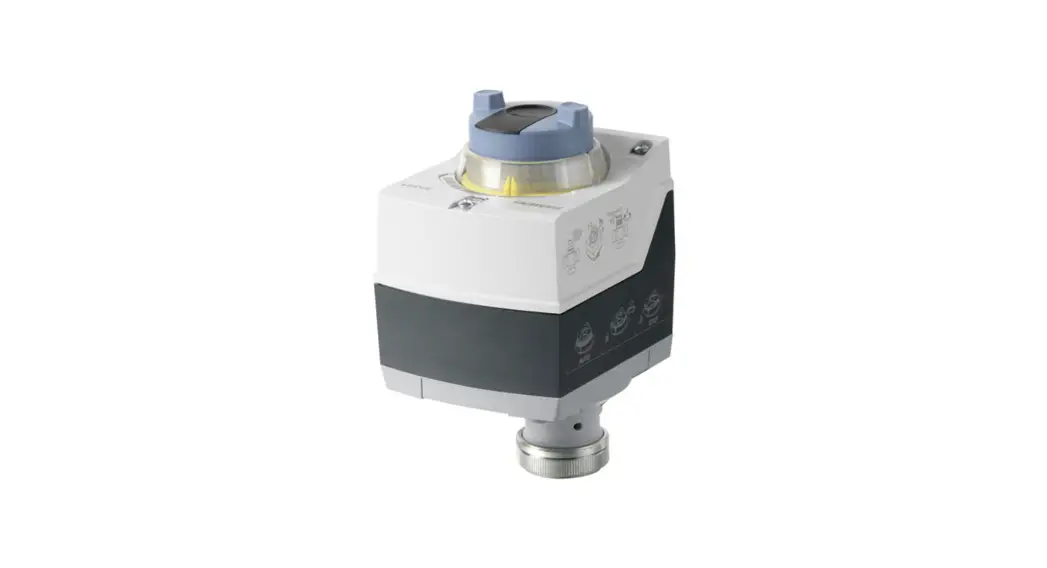
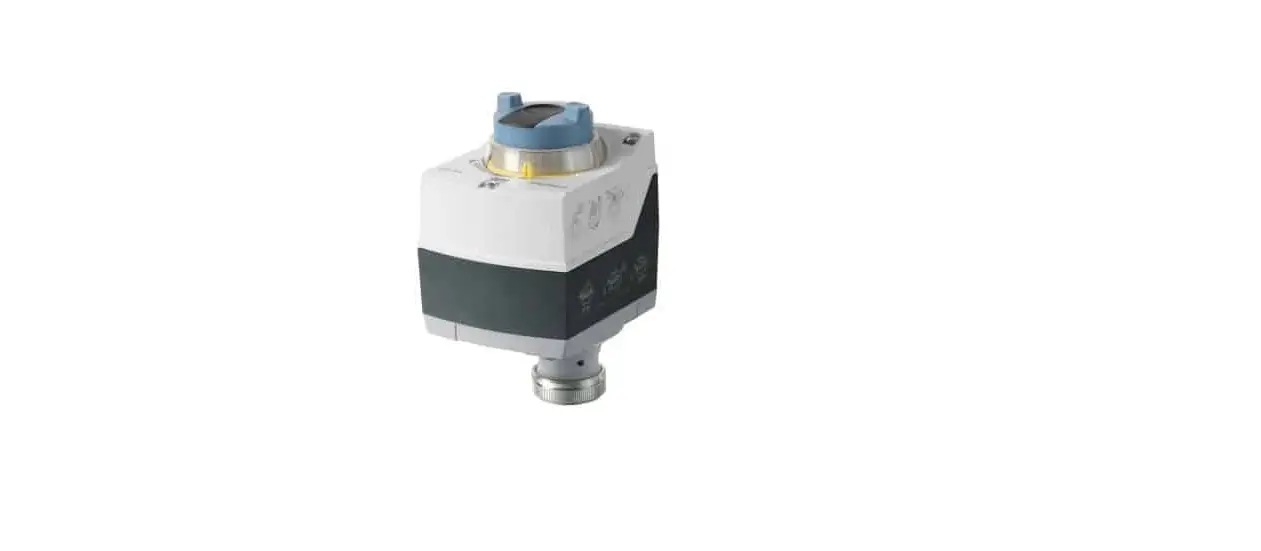
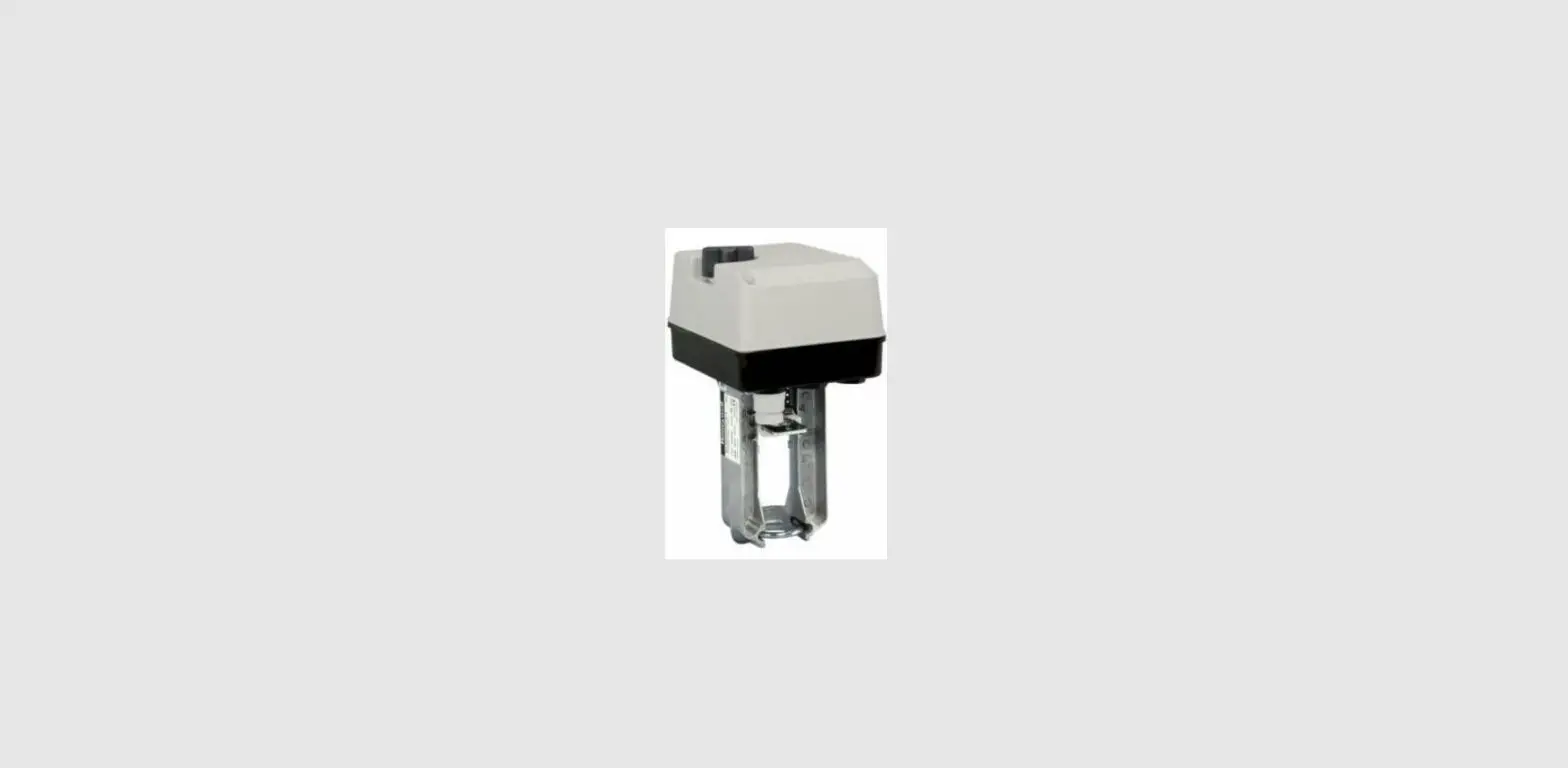
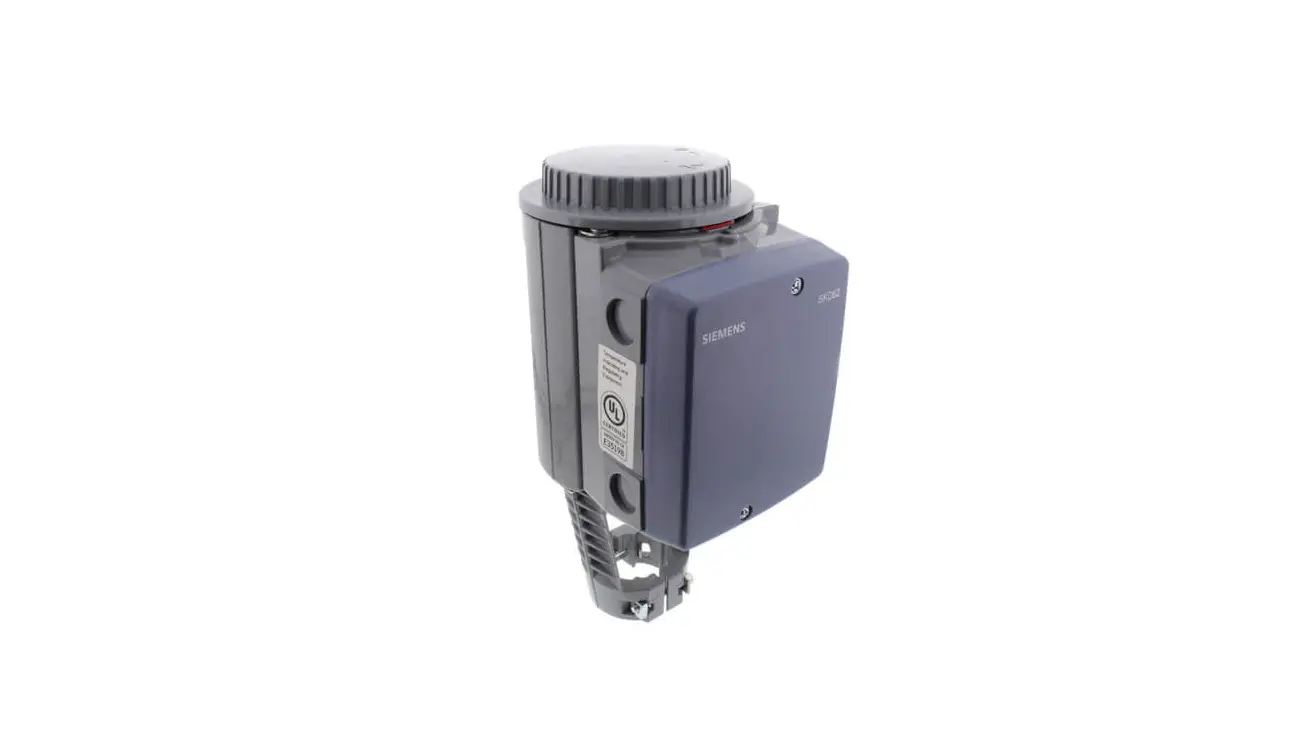
XEV20D Stepper Valve Actuator
Product Information – Stepper Valve Actuator XEV20D
General Description
The Stepper Valve Actuator XEV20D is designed to drive a wide
range of stepper valves. It provides precise control over the
valve’s movement and position. Please read the technical manual of
the valve supplied by the manufacturer before using the
actuator.
Absolute Maximum Power
The XEV20D can supply different maximum values of current to the
stepper wiring, depending on the type and configuration of the
valve:
- Bipolar Valves (4 wires): Current 0.9A max for each valve
- Unipolar Valves (5-6 wires): Current 0.33A max for each
valve
It is important to select the appropriate current transformer
based on the application and refer to the technical manual of the
valve to ensure that the maximum current used to drive the valve is
within the specified limits.
Wiring Diagram
One Valve Configuration
Please refer to Page 3 of the user manual for the wiring diagram
of the one valve configuration.
Two Valves Configuration
Please refer to Page 4 of the user manual for the wiring diagram
of the two valves configuration.
Valve Connections
Please refer to Page 5 of the user manual for the connection
modes of valves from different manufacturers, including 4-wire
valves (bipolar) and 5-6 wire valves (unipolar).
Serial Line – CanBus
The XEV20D can communicate through a CanBus serial line. The
device’s address can be set using the dip-switch called Address.
Please refer to Figure 6-1 in the user manual for the CanBus serial
line diagram.
The address is set in binary mode using the dip-switches. Each
selector has a different weight. Please refer to Figure 6-2 in the
user manual for an example of setting the address.
Please refer to Page 6 of the user manual for the table that
shows how to configure ISaGRAF lines to connect the valve
actuator.
Stepper Valve Actuator XEV20D
Quick Reference Guide
Contents
1 General Warnings ………………………………………………………………………………………………………2 2 General Description ……………………………………………………………………………………………………2 3 Absolute Maximum Power …………………………………………………………………………………………..3 4 Wiring Diagram …………………………………………………………………………………………………………3
4.1 One Valve Configuration …………………………………………………………………………………………….. 3 4.2 Two Valves Configuration ……………………………………………………………………………………………. 4 4.3 IPro Connections ……………………………………………………………………………………………………….. 4 5 Valve Connections ………………………………………………………………………………………………………5 6 Serial Line – CanBus …………………………………………………………………………………………………….6 7 LEDs Meaning ……………………………………………………………………………………………………………7 8 Technical Data …………………………………………………………………………………………………………..8
Document Part # 026-4283 Rev 0
Page 1 of 8
©2022 Emerson Digital Cold Chain, Inc. This document may be photocopied for personal use.
Visit our website at www.climate.emerson.com for the latest technical documentation and updates.
1 General Warnings
PLEASE READ BEFORE USING THIS MANUAL
· This manual is part of the product and should be kept near the instrument for easy and quick reference.
· The instrument shall not be used for purposes different from those described hereunder. It cannot be used as a safety device.
· Check the application limits before proceeding.
SAFETY PRECAUTIONS
· Check if the supply voltage is correct before connecting the instrument. · Do not expose to water or moisture: use the controller only within the operating limits avoiding
sudden temperature changes with high atmospheric humidity to prevent formation of condensation. · Warning: Disconnect all electrical connections before any kind of maintenance. · Fit the probe where it is not accessible by the end user. The instrument must not be opened. · In case of failure or faulty operation send the instrument back to the distributor or to “Dixell S.p.A.” with a detailed description of the fault. · Consider the maximum current which can be applied to each relay (see Technical Data). · Ensure that the wires for probes, loads and the power supply are separated and far enough from each other, without crossing or intertwining. · In case of applications in industrial environments, the use of mains filters (our mod. FT1) in parallel with inductive loads could be useful.
2 General Description
XEV20D is a stepper valve actuator intended either for bipolar stepper valves or unipolar stepper valves. This device has been used with ISaGRAF® environment and with programmable devices of iPRO series or in combination with instruments of i-CHILL 200CX series. The maximum configuration of hardware is equipped with:
· 2 configurable valve outputs to drive bipolar or unipolar valves · Pb1/Pb2 configurable analog inputs: NTC/PTC/Pt1000 · Pb3/Pb4 configurable analog inputs: 4 to20mA/0 to5V/Pt1000 · CanBus serial line · LAN to communicate with instrument of the same series or devices of i-CHILL200CX series
Document Part # 026-4283 Rev 0 ©2022 Emerson Digital Cold Chain, Inc. This document may be photocopied for personal use. Visit our website at www.climate.emerson.com for the latest technical documentation and updates.
Page 2 of 8
3 Absolute Maximum Power
XEV20D is able to drive a wide range of stepper valves, in the following table are indicated the maximum values of current that the actuator can supply to the stepper wiring. Select the current transformer depending on application seeing the following table, for each kind of driving and functioning is reported the Dixell transformer to use.
NOTE: The electrical power absorption of the valve can be unrelated to refrigeration power that valve has. Before using the actuator, please read the technical manual of the valve supplied by the manufacturer and check the maximum current used to drive the valve in order to verify that they are lower than those indicated below.
Valve Type
Driving Mode
Bipolar Valves (4 wires)
Unipolar Valves (5-6 wires)
CONFIGURATION
ONE VALVE
TWO VALVES
Full Step
Full Step
Current 0.9A max > TF20D
Current 0.9A max for each valve > TF40D
Current 0.33A max > TF20D
Current 0.33A max for each valve > TF20D
4 Wiring Diagram
4.1 One Valve Configuration
Document Part # 026-4283 Rev 0 ©2022 Emerson Digital Cold Chain, Inc. This document may be photocopied for personal use. Visit our website at www.climate.emerson.com for the latest technical documentation and updates.
Page 3 of 8
4.2 Two Valves Configuration 4.3 IPro Connections
Document Part # 026-4283 Rev 0 ©2022 Emerson Digital Cold Chain, Inc. This document may be photocopied for personal use. Visit our website at www.climate.emerson.com for the latest technical documentation and updates.
Page 4 of 8
5 Valve Connections
Pay attention to the following table for a quick reference on the connection mode for valves of different manufacturers:
4 WIRES VALVES (BIPOLAR)
Connection Numbering
ALCO EX*
ALCO EX5/6 SPORLAN SEI-SHE DANFOSS ETS
4 2 3 1 5 – Common
White Yellow Brown Green
—-
Blue Brown Black White
—-
White Black Red Green —-
Black White Red Green
—-
5-6 WIRES VALVES (UNIPOLAR)
Connection Numbering 4 2 3 1
5 – Common
SPORLAN
Orange Red
Yellow Black Gray
SAGINOMIYA
Orange Red
Yellow Black Gray
Figure 5-1 – XEV20D Device
Document Part # 026-4283 Rev 0 ©2022 Emerson Digital Cold Chain, Inc. This document may be photocopied for personal use. Visit our website at www.climate.emerson.com for the latest technical documentation and updates.
Page 5 of 8
6 Serial Line – CanBus
The device can communicate through CanBus serial line only when a correct address is set. The addressing is made through the dip-switch called Address as you can see in the following drawing:
Figure 6-1 – CanBus Serial Line
The address is set in binary mode. Every selector has a different weight, in figure nearby the address is: 1 x 1 = 1 2 x 0 = 0 4 x 1 = 4 8 x 1 = 8
1+4+8=13
Figure 6-2 – CanBus Device
The following table has to be used to configure ISaGRAF lines to connect the valve actuator.
LINE
GEN_LINE
GEN_AO
GEN_AO
GEN_AO
GEN_A1
GEN_DI
channel number line_num name par_1
par_2 par_3
I/O 1
CanBus Number
CAN
CanBus Number
CAN node address
10
4 CanBus Number
CanBus Number
16
2 CanBus Number
CanBus Number
17
7 CanBus Number
CanBus Number
26
4 CanBus Number
CanBus Number
1
3 CanBus Number
CanBus Number
31
EVV_StepsOutp ut Valve 1
EEV_OutRateV alve 1
EVV_ProbeTCo nfiguration Valve 1
EVV_Temperat EVV_ValvePosi ure Valve 1 tion Valve 1
Document Part # 026-4283 Rev 0 ©2022 Emerson Digital Cold Chain, Inc. This document may be photocopied for personal use. Visit our website at www.climate.emerson.com for the latest technical documentation and updates.
Page 6 of 8
LINE I/O 2
I/O 3
I/O 4 I/O 5 I/O 6 I/O 7 I/O 8
GEN_LINE
GEN_AO
GEN_AO
GEN_AO
GEN_A1
GEN_DI
EVV_StepsOutp ut Valve 2
EEV_OutRateV alve 2
EVV_ProbeTCo nfiguration Valve 2
EVV_Temperat EVV_ValvePosi ure Valve 2 tion Valve 2
EVV_Steps MaxValve 1
EVV_ProbePCo nfiguration Valve 1
EVV_Pressure Valve 1
EVV_Steps MaxValve 2
EVV_ProbePCo nfiguration Valve 2
EVV_Pressure Valve 2
EVV_OutPhasC urrent Valve 1
EVV_OutPhasC urrent Valve 2
EVV_OutValveC onfiguration
7 LEDs Meaning
The following table has to be used to configure ISaGRAF lines to connect the valve actuator.
LED
PWR ON ALARM TX/RX TX/RX OPEN V1 OPEN V1 CLOSE V1 CLOSE V1 OPEN V2 OPEN V2 CLOSE V2 CLOSE V2
MODE
On On Blinking On Blinking On Blinking On Blinking On Blinking On
MEANING
The device is correctly powered An alarm is present CanBus or LAN activity, communication activated No link Valve 1 is opening Valve 1 completely opened Valve 1 is closing Valve 1 completely closed Valve 2 is opening Valve 2 completely opened Valve 2 is closing Valve 2 completely closed
Document Part # 026-4283 Rev 0 ©2022 Emerson Digital Cold Chain, Inc. This document may be photocopied for personal use. Visit our website at www.climate.emerson.com for the latest technical documentation and updates.
Page 7 of 8
8 Technical Data
Case Connectors Power Supply Probe Inputs Valve Output(s) Serial Connection Data Storing Kind of Action Rated Impulsive Voltage Operating Temperature Relative Humidity
Measuring and Regulation Range
Resolution
4 DIN Disconnectable terminal block 2,5 mm2 for valve outputs and minifit connector for low voltage section 24Vac/dc; Absorption: 40VA max. 2 configurable as NTC/PTC/Pt1000 2 configurable as NTC/PTC/Pt1000/4 to 20mA/ to 5V See table on page 3 CanBus and LAN for iCHILL200CX Non volatile memory (EEPROM) 1B; Pollution Grade: 2; Software Class: A 2500V; Over-voltage Category: II 10 to 60 °C; Storage Temperature: -30 to 85 °C 20 to 85% (no condensing) PTC Probe: -50 to150°C NTC Probe: -40 to110°C Pt1000 Probe: -50 to 100°C Pressure Transducer: -1.0 to 50.0 Bar 0,1°C or 1 °F; Precisione@ 25°C: ±0,1 °C ±1 digit
Document Part # 026-4283 Rev 0
Page 8 of 8
This document may be photocopied for personal use. Visit our website at www.climate.emerson.com for the latest technical documentation and updates.
Join Emerson Technical Support on Facebook. http://on.fb.me/WUQRnt For Technical Support call 833-409-7505 or email [email protected] The contents of this publication are presented for informational purposes only and they are not to be construed as warranties or guarantees, express or implied, regarding the products or services described herein or their use or applicability. Emerson reserves the right to modify the designs or specifications of such products at any time without notice. Responsibility for proper selection, use and maintenance of any product
remains solely with the purchaser and end-user. ©2022 Emerson is a trademark of Emerson Electric Co.
 Emerson Retail Solutions Tech Support | Facebook
 Copeland Worldwide | Copeland US
 Copeland is Engineered for Sustainability | Copeland US