
Mi.Light
Subordinate New Brand
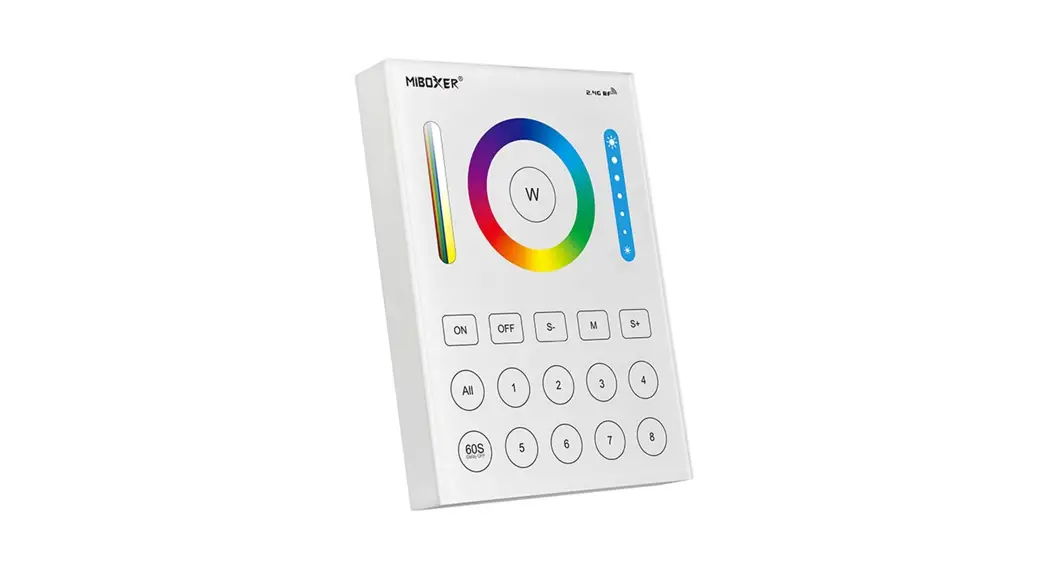
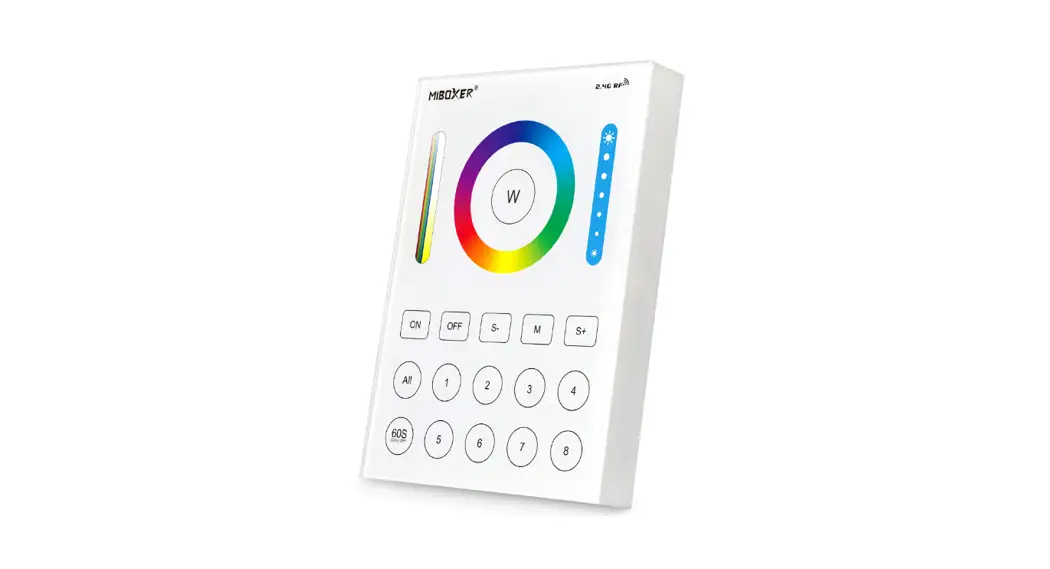
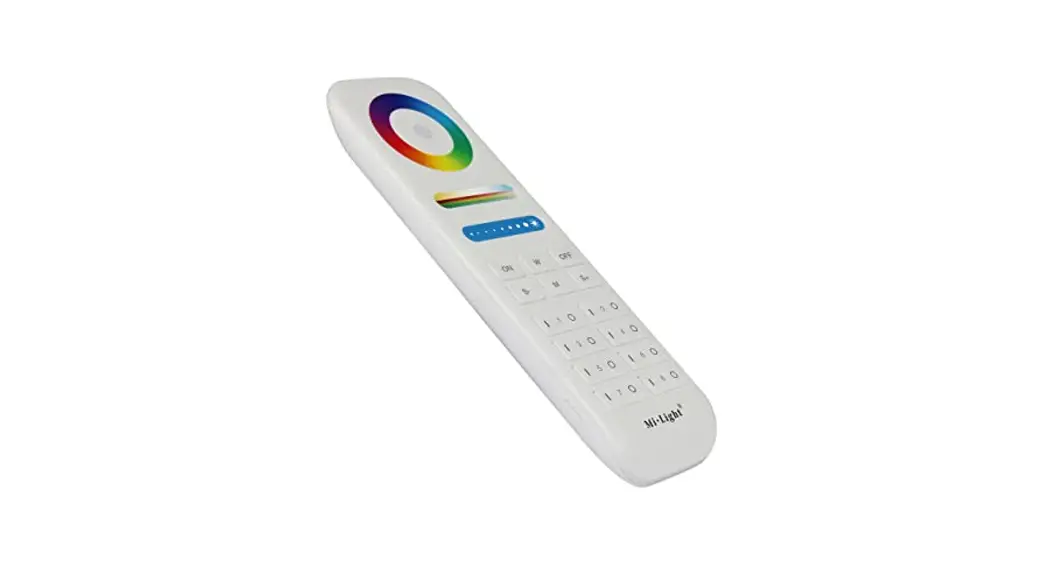
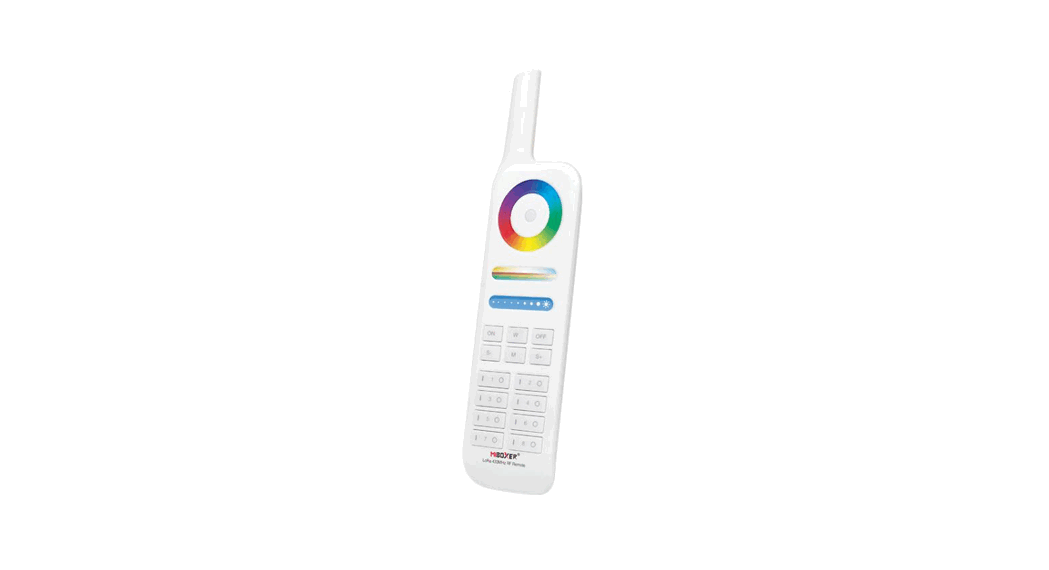
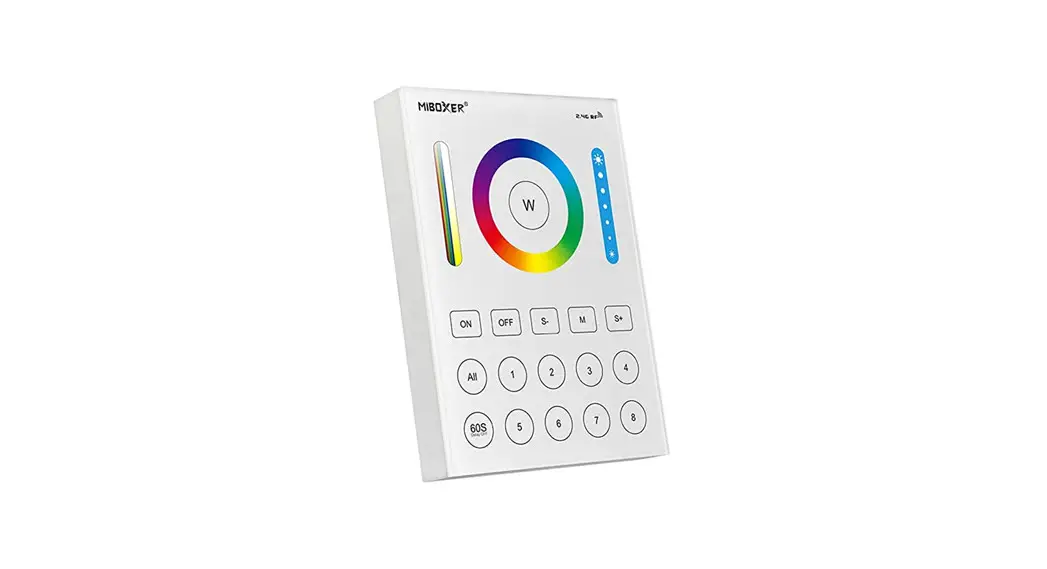
8-Zone Panel Remote (RGB+CCT)
Model No.: B8
Instruction Manual
Features
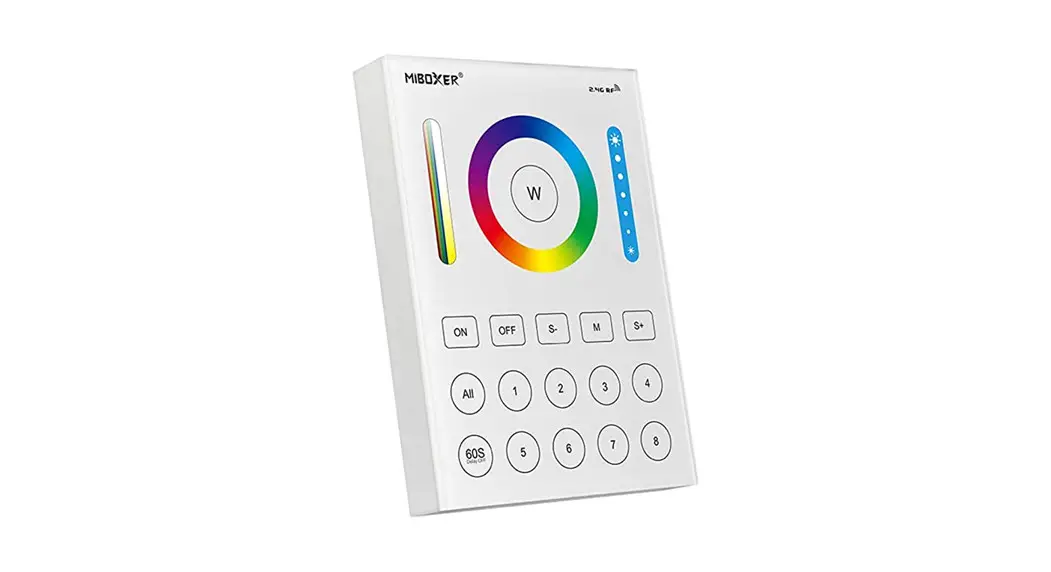
This 8-zone panel remote is made of an elegant salinity panel and high-precision touching IC; touching is more stable and sensitive. And adopt the worldwide used 2.4GHz frequency, GFSK control method, with the features of low power consumption, long-distance transmitting, strong anti-interference and fast communication rate; can control specified Mi-Light/MiBoxer smart light with color, color temperature, saturation and brightness changing.
Parameters
Model No.: B8
Working Voltage: 3V(2*AAA Battery) / DC3.3V
Transmitting Power: 6dBm
Standby Power: 30uA
Transmission Frequency: 2.4GHz
Modulation Method: GFSK
Control Distance: 30m
Working Temp.: -20~60 ℃
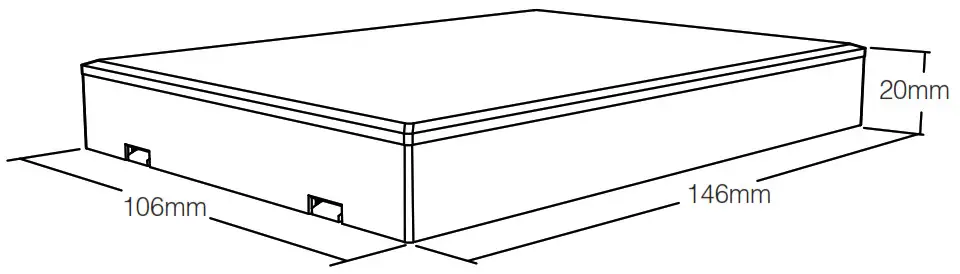
Size: 106*146*20mm
| Panel Remote Name | Compatible Remote Model | Compatible Products |
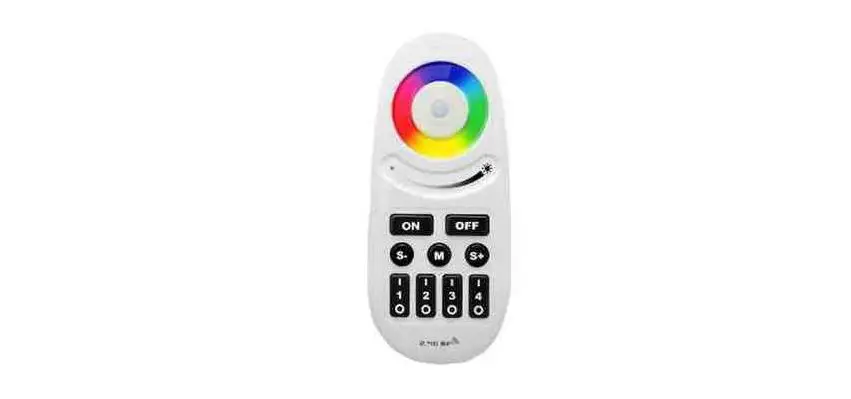
| 8-Zone Panel Remote ( RGB+CCT ) | FUT089 | RGB+CCT series LED Bulb series LED Floodlight series 5 in 1 Smart LED Controller |
Function of keys
Remark:
When touching the button, LED indicating lamp will flash once with a different sound(Touch slider with no sound).
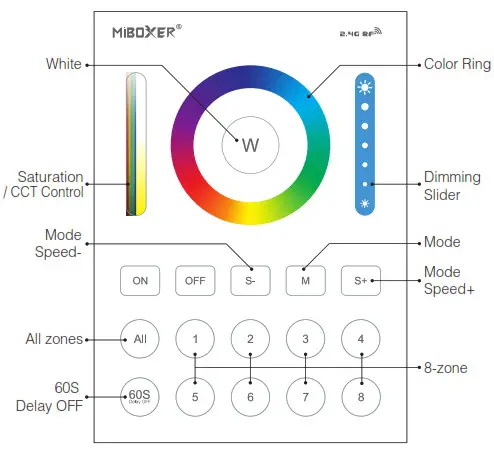
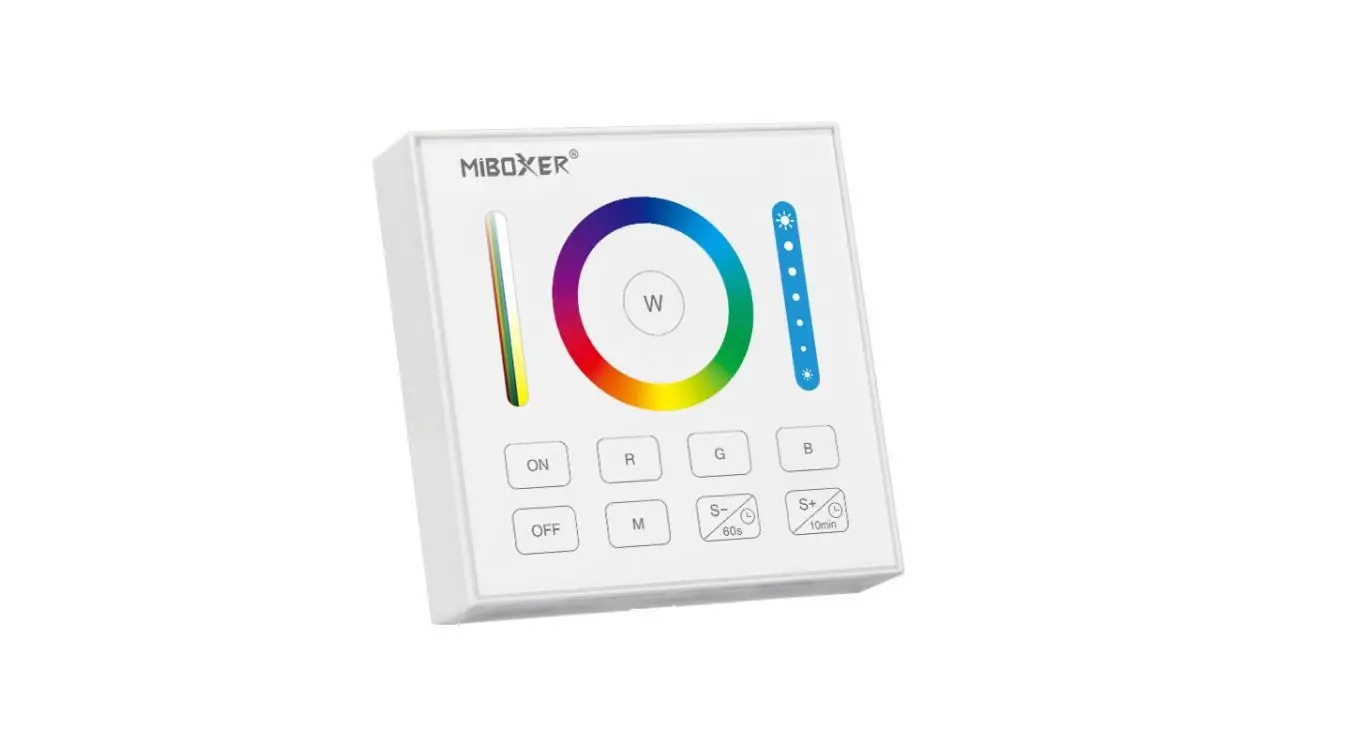
 | Touch the color ring to change colors. |
 | Under white light mode, adjust color temperature; Under color light mode, change color saturation. |
 | Slide the brightness slider to adjust the brightness. |
 | Press the button to get white light. |
 | Turn on the linked lights. Long press “ON” button for 10 seconds to set up the button sound. |
 | Turn off the linked lights. Long press “OFF” button for 10 seconds to close the button sound. |
 | Press the button, to open the “60S delay ” Function, the indicating lamp will shine; Press again cancel the “60S delay” Function, the indicating lamp will be off. |
 | Dynamic mode switching button. |
 | Lower the dynamic mode speed. |
 | Accelerate the dynamic mode speed. |
 | Press “ALL” button, to control all linked lights, and the indicating lamp shine meanwhile. |
1-8 | Press 1-8 zone, to control the corresponding zone linked lights, and indicate lamp will shine. |
Installation/ Dismantlement
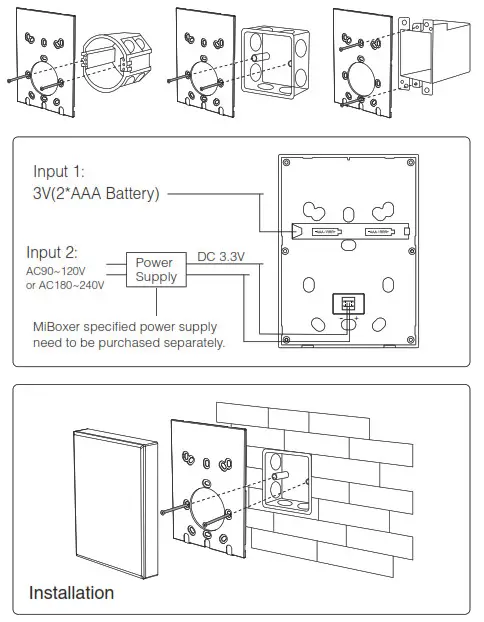
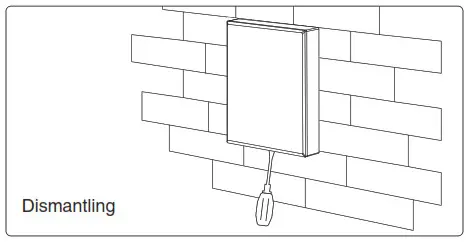
Attention
- Please check the cable, and make the circut is correct before power on.
- When installation, pls handle with care to avoid the broken of the glass panel.
Linking Instructions
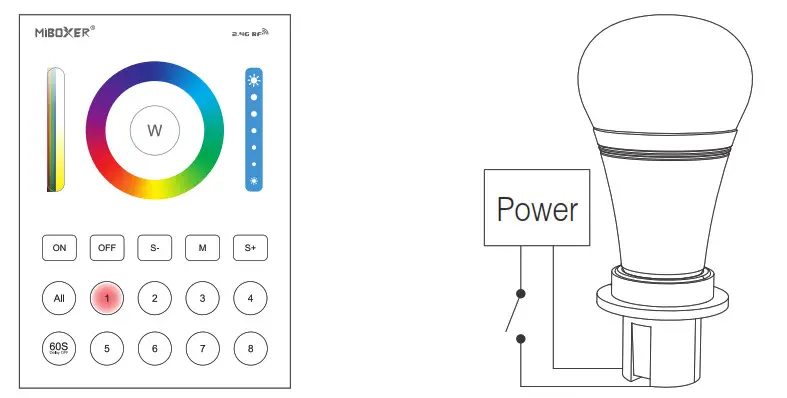
- Click the 1-8 zones button you want to link, the corresponding indicating lamp will shine.
- Switch off the light, after 10 seconds switch on again

- When the light on, short press ” On” 3 times within 3 seconds
- The light blink 3 times slowly means the linking is done successfully.
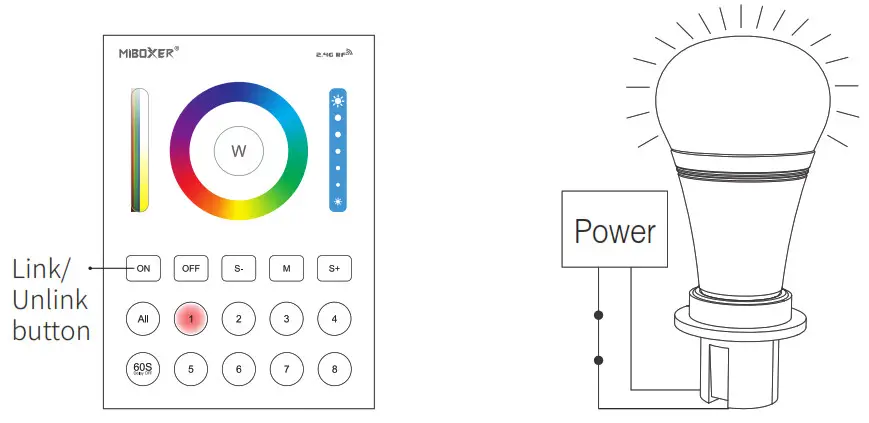
 If the light not blink slowly, the linking failed, Pls switch off the light again, and follow the above steps again.
Unlinking Instructions
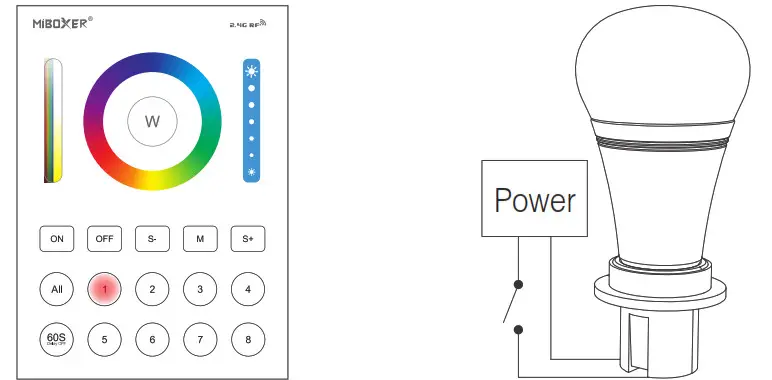
- Click the 1-8 zones button you want to unlink, the corresponding indicating lamp will shine. Unlinking must be the same zone with the Linking
- Switch off the light, after 10 seconds switch on again.

- When the light on, short press ” On” 5 times within 3 seconds
- The light blinking 10 times quickly, means unlinking successfully.
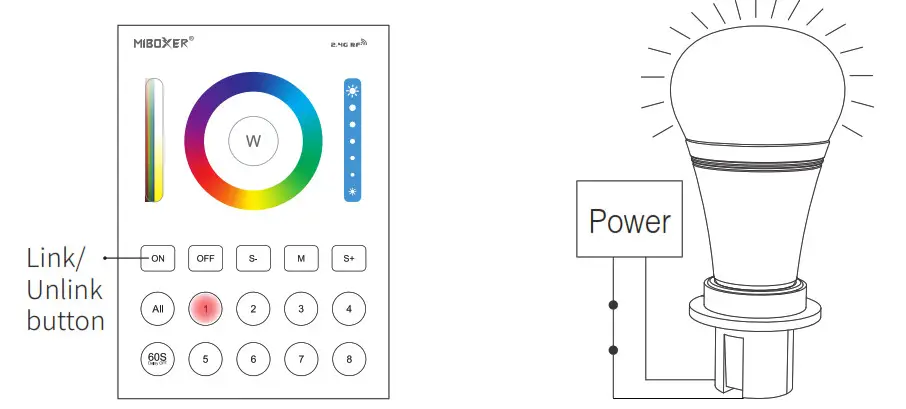
If the light does not blinks quickly, the unlink failed, pls switch off the light again, and follow the above steps to unlink again.
 Made in China