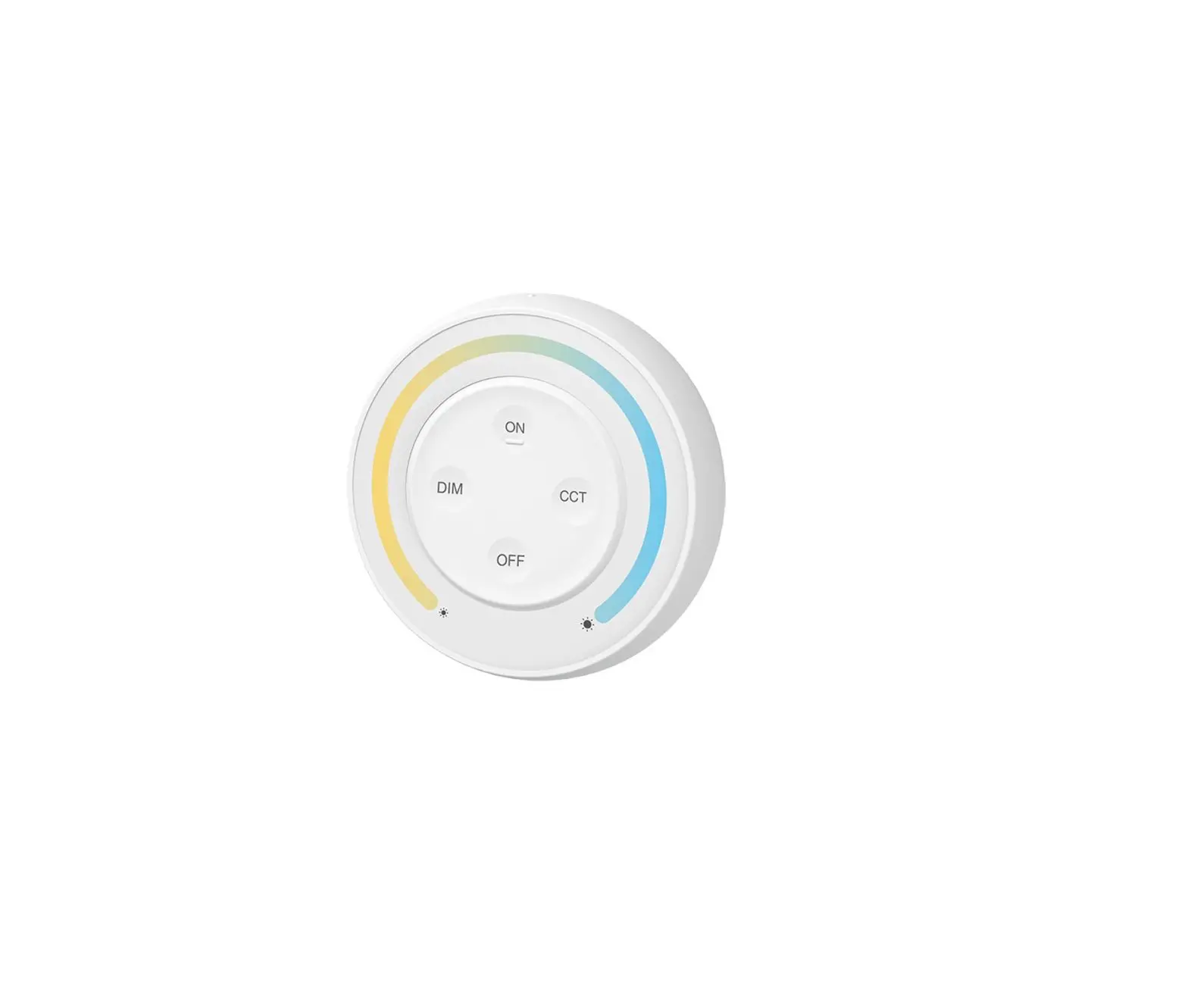
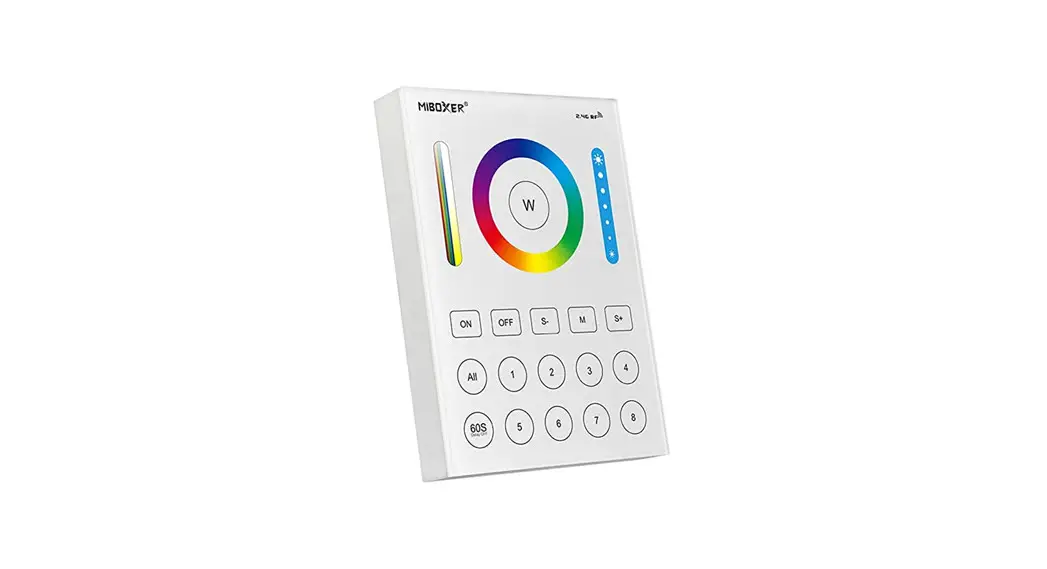
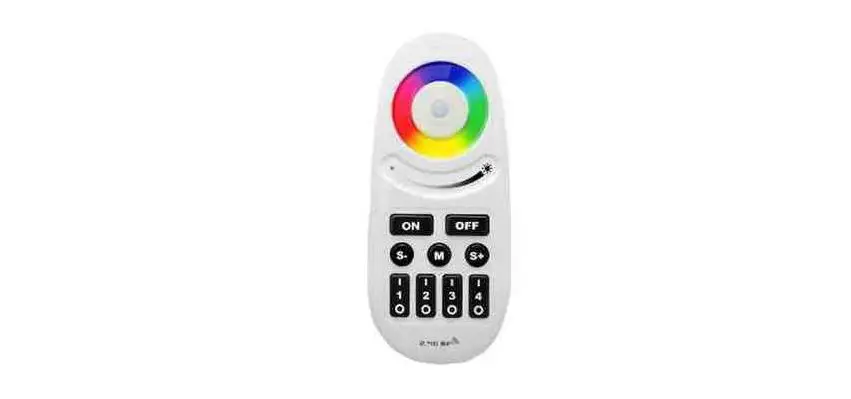
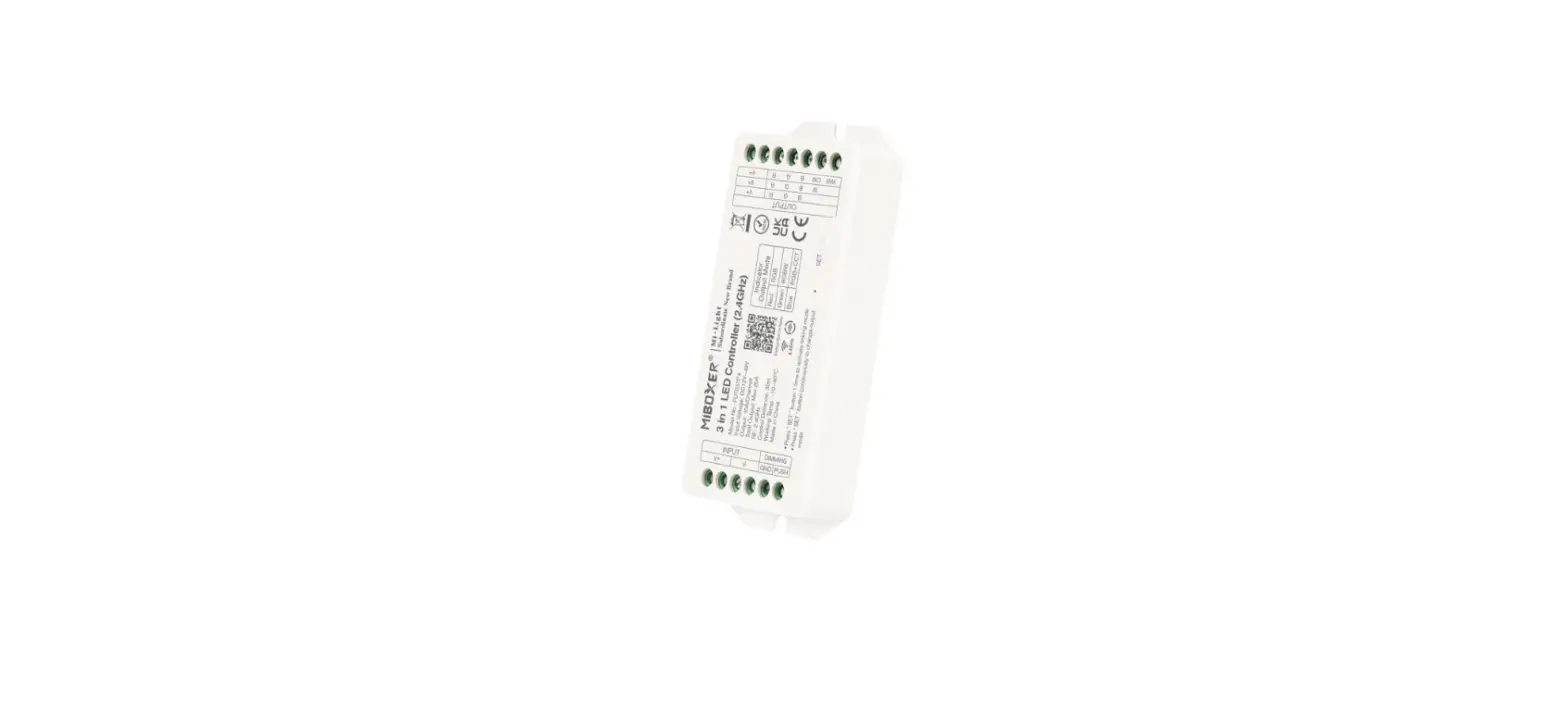
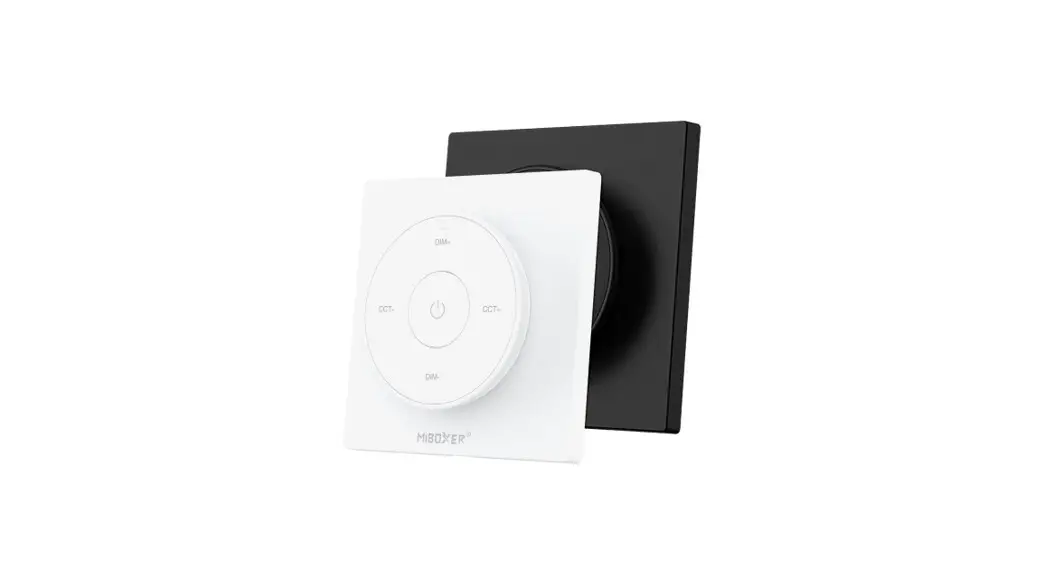
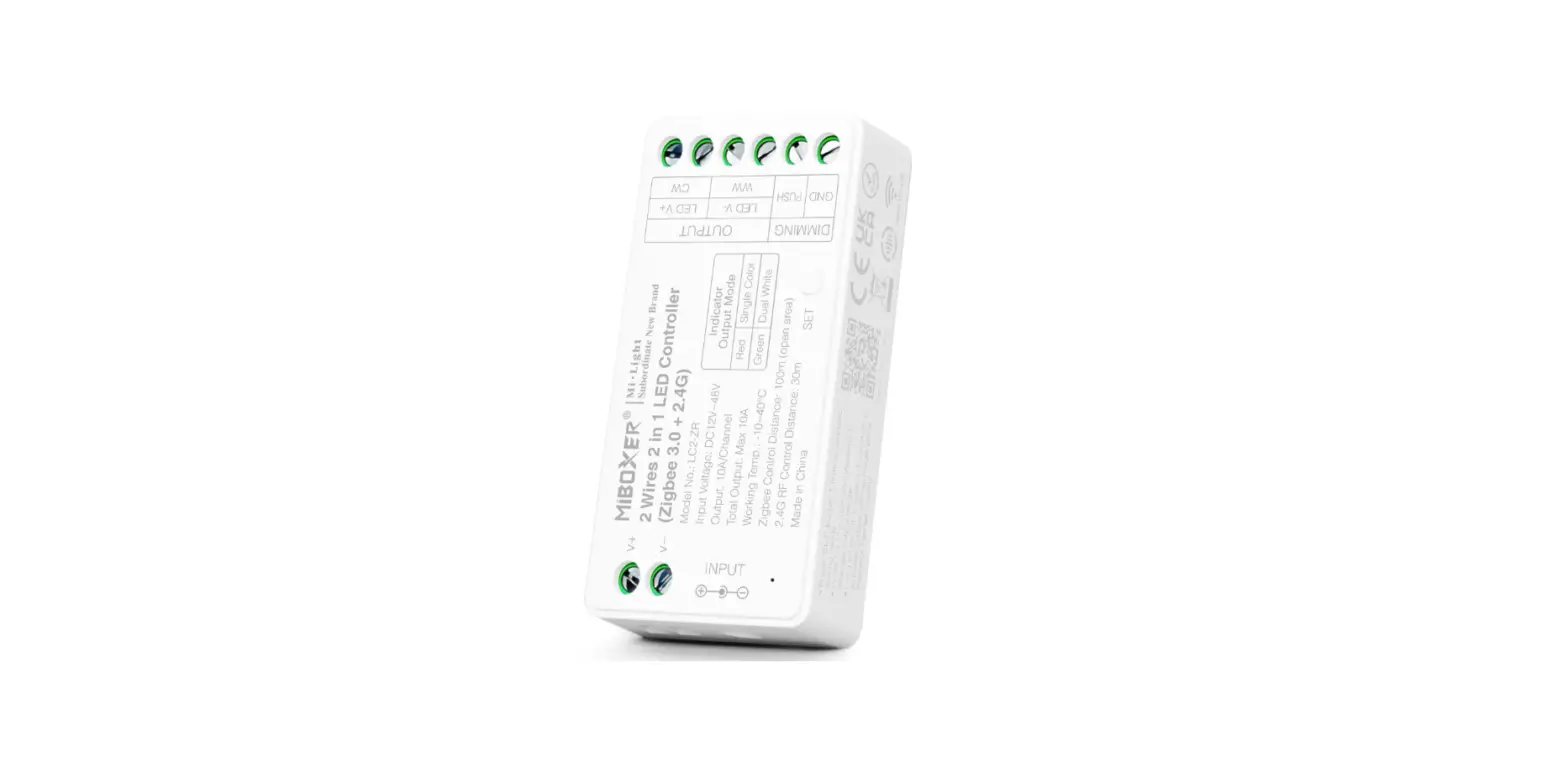
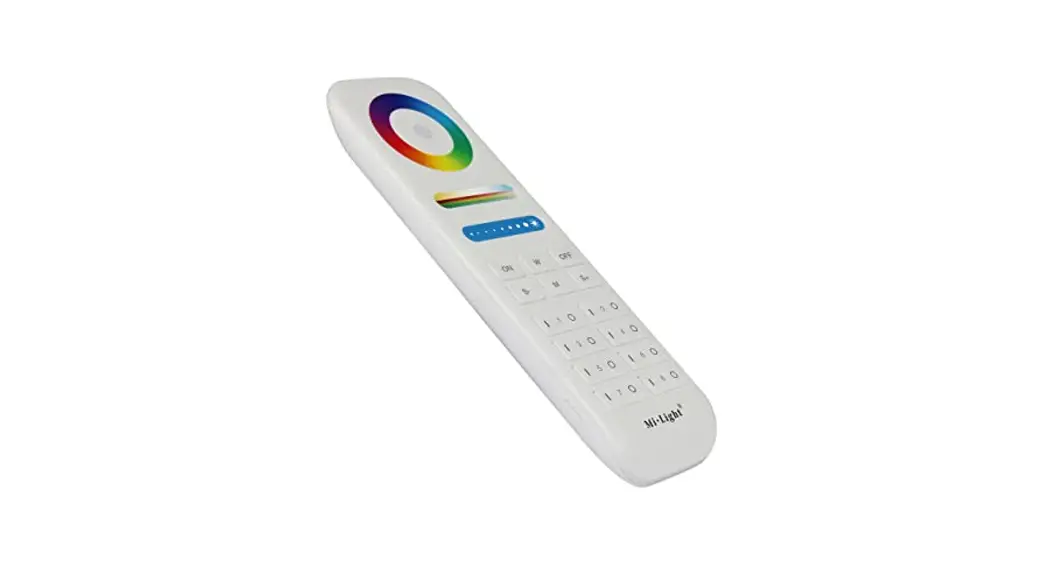
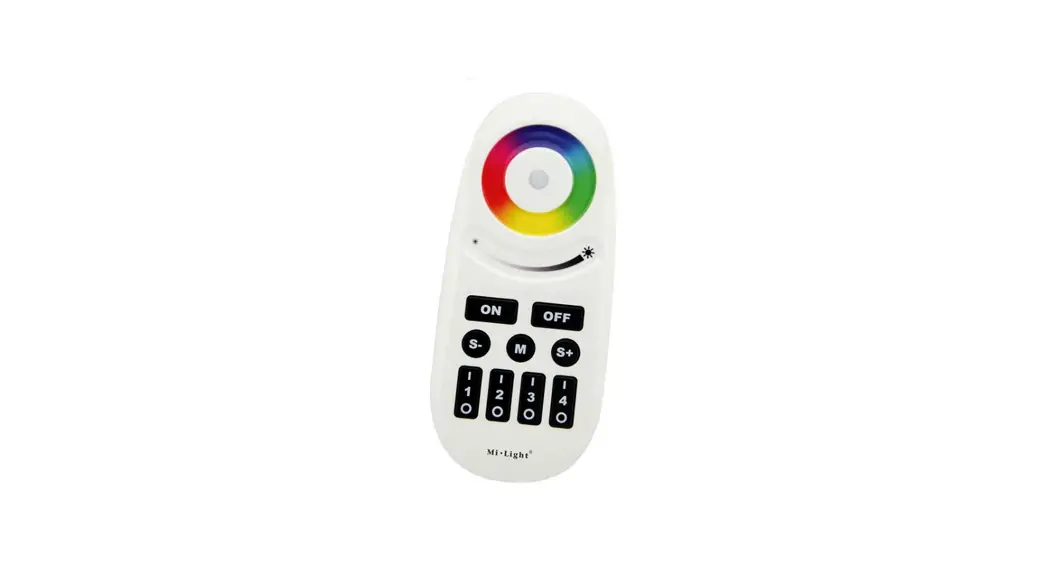
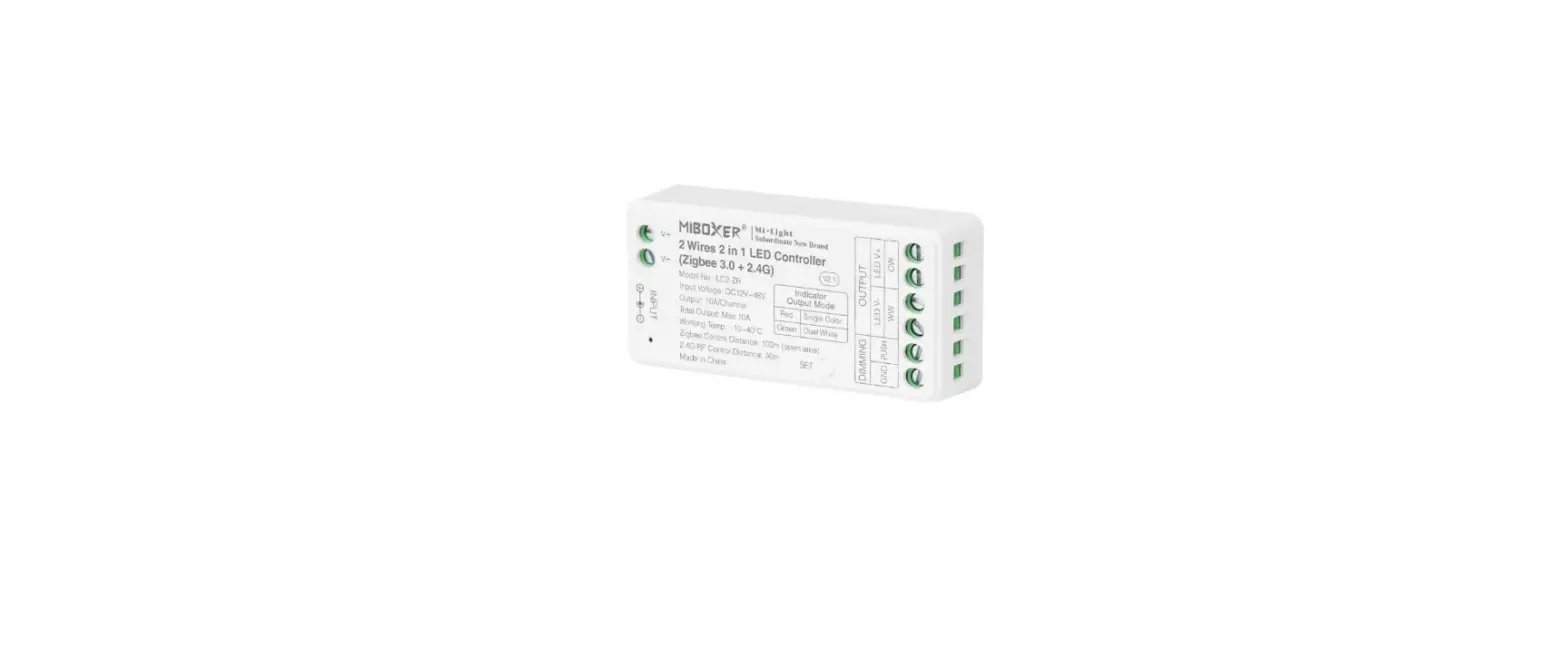
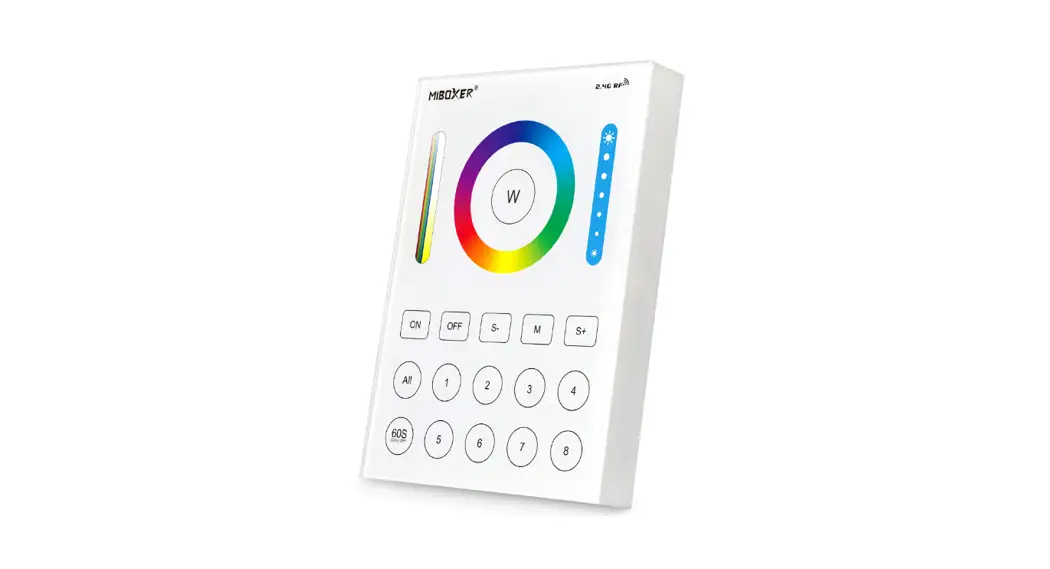
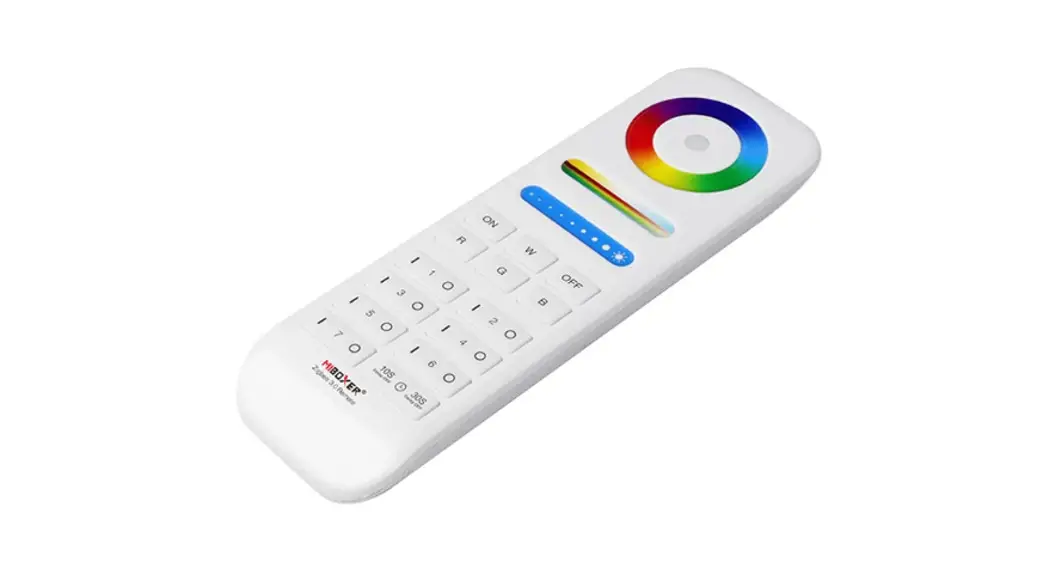
 2.4G Rainbow Remote (RGB+CCT)
Model No.: S2-B / S2-W / S2-G
Product Features
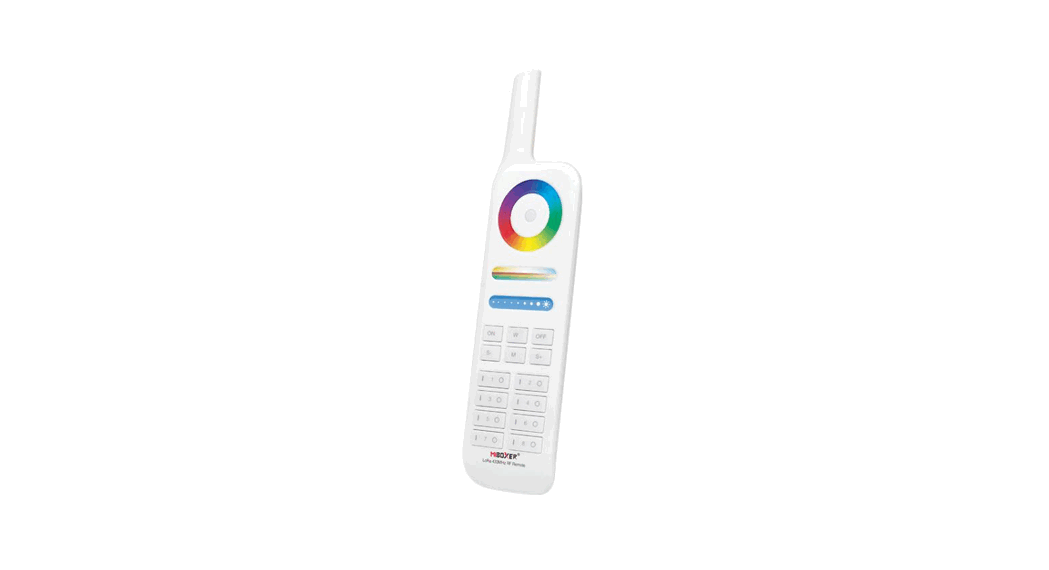
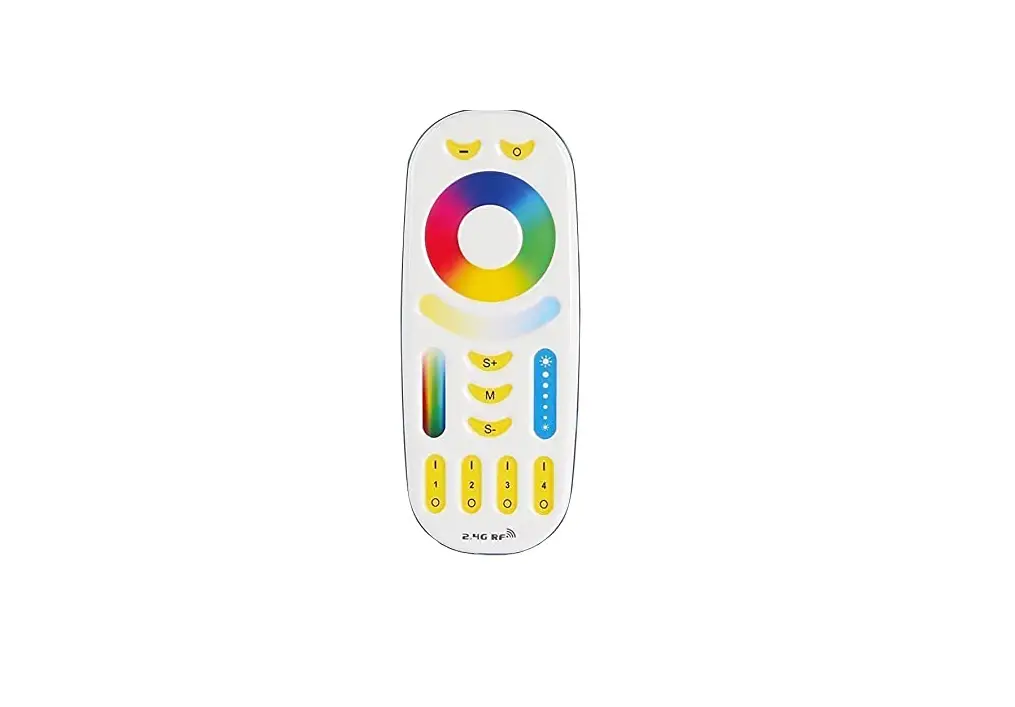
This product adopt worldwide used 2.4GHz frequency, GFSK control method, with features of low power consumption, long distance transmitting, strong anti-interference, and fast communication rate. It can control color, color temperature, saturation, and brightness of the Mi-Light / MiBoxer 2.4G smart light.
Product Parameters
Model No.: S2-B / S2-W / S2-G Working Voltage: 3V(AAA battery*2PCS) Transmitting Power: 6dBm Standby Power: 20uA RF: 2.4GHz Modulation Method: GFSK Control Distance: 30m
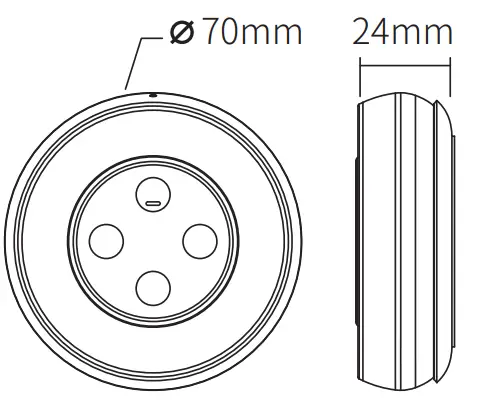
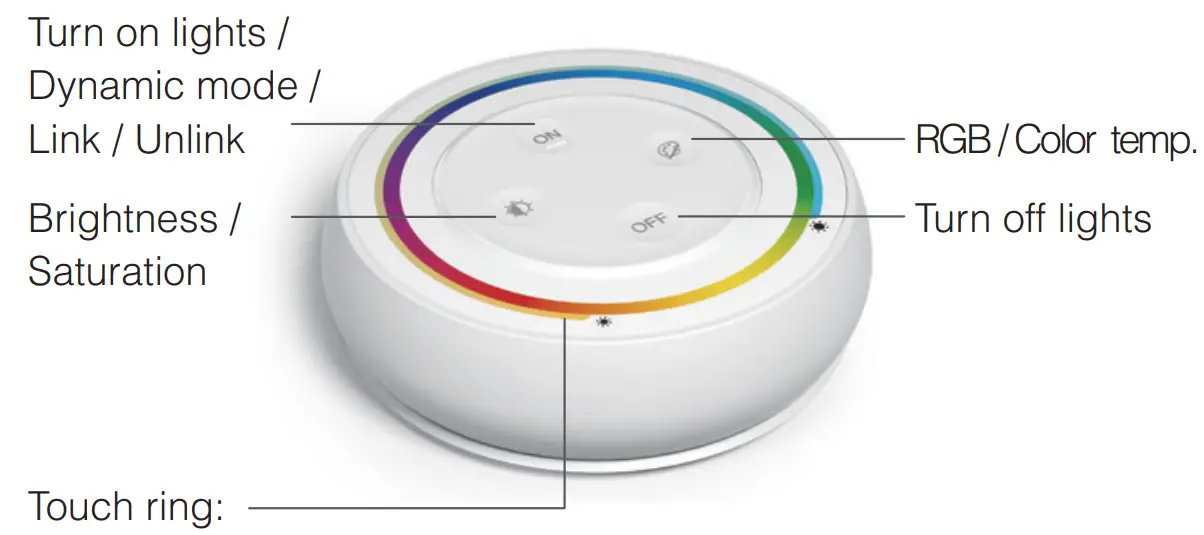
brightness, saturation, color temperature, RGB use together. (It turns to adjust brightness by default if the remote is not operated for 3 seconds)
Install Battery
Note: 2*AAA Battery need to buy separately
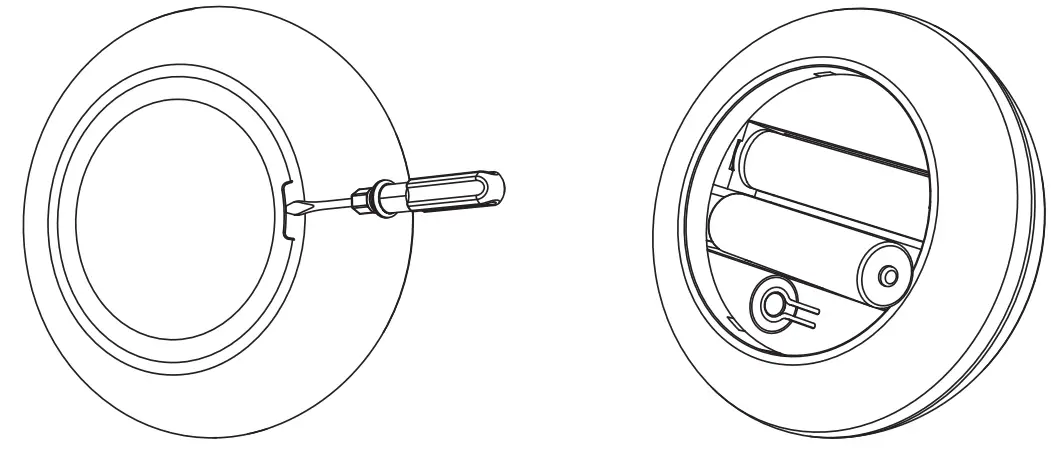 | |
| 1. Open battery cover behind the remote. | 2. Install battery correctly and close battery cover. |
Function Description
- Adjust RGB
Short press key twice in succession, and then touch
 to adjust RGB.
 - Adjust saturation
Press the key twice in succession, and then touch to adjust the color saturation of lighting. (Note: only in RGB mode)
 - Adjust color temperature
Short presskey once, then touch to adjust color temp. - Adjust brightness
Short presskey once, then touch to adjust brightness. - Dynamic mode switching
Long press ON key until the indicator light flashes twice, then short press ON key to cycle switch.
(Note: it will exit automatically if no operation after 3 seconds)
 key twice in succession, and then touch
 to adjust RGB.
 the key twice in succession, and then touch
 Linking Code / Unlinking Code Instructions
You can control lights after linking the remote with light.
Linking Code Instructions
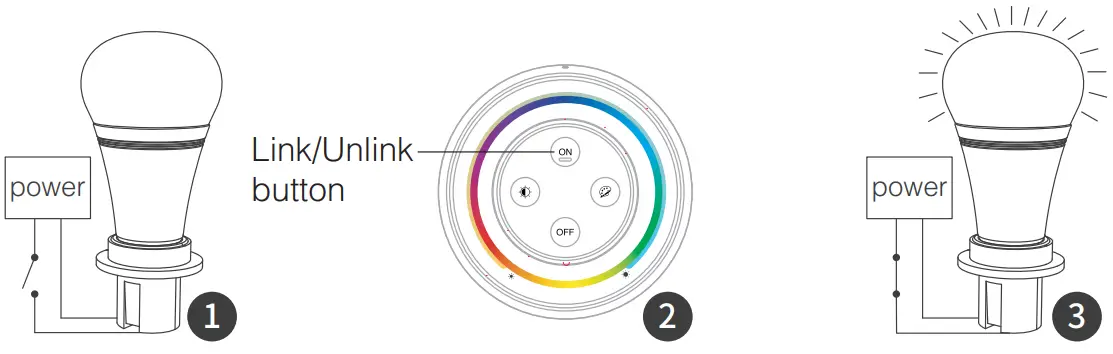 | ||
| Switch off the light after 10 seconds, then switch on again. | Short press the “ON” button 3 times within 3 seconds when the light is on. | Lights blink 3 times slowly means linking is done successfully. |
 Linking failed if the light is not blinking slowly, Please follow the above steps again.(Note: lights that have linked can’t link again)
Unlinking Code Instructions
| ||
| Switch off the light after 10 seconds, then switch on again. | Short press the “ON” button 5 times within 3 seconds when the light is on. | Lights blink 10 times quickly means unlinking is done successfully. |
Unlinking failed if the light is not blinking quickly, Please follow the above steps again.(Note: lights haven’t linked that don’t need to unlink)
Attention
- If the indicator light flashes quickly when using it, please replace the battery in time. Do not use the poor quality batteries in case of leaving out liquid to damage the remote.
- Do not use remote in a large-scale metal area or an area with strong electromagnetic waves nearby, otherwise will affect communication distance seriously.
 Made in China