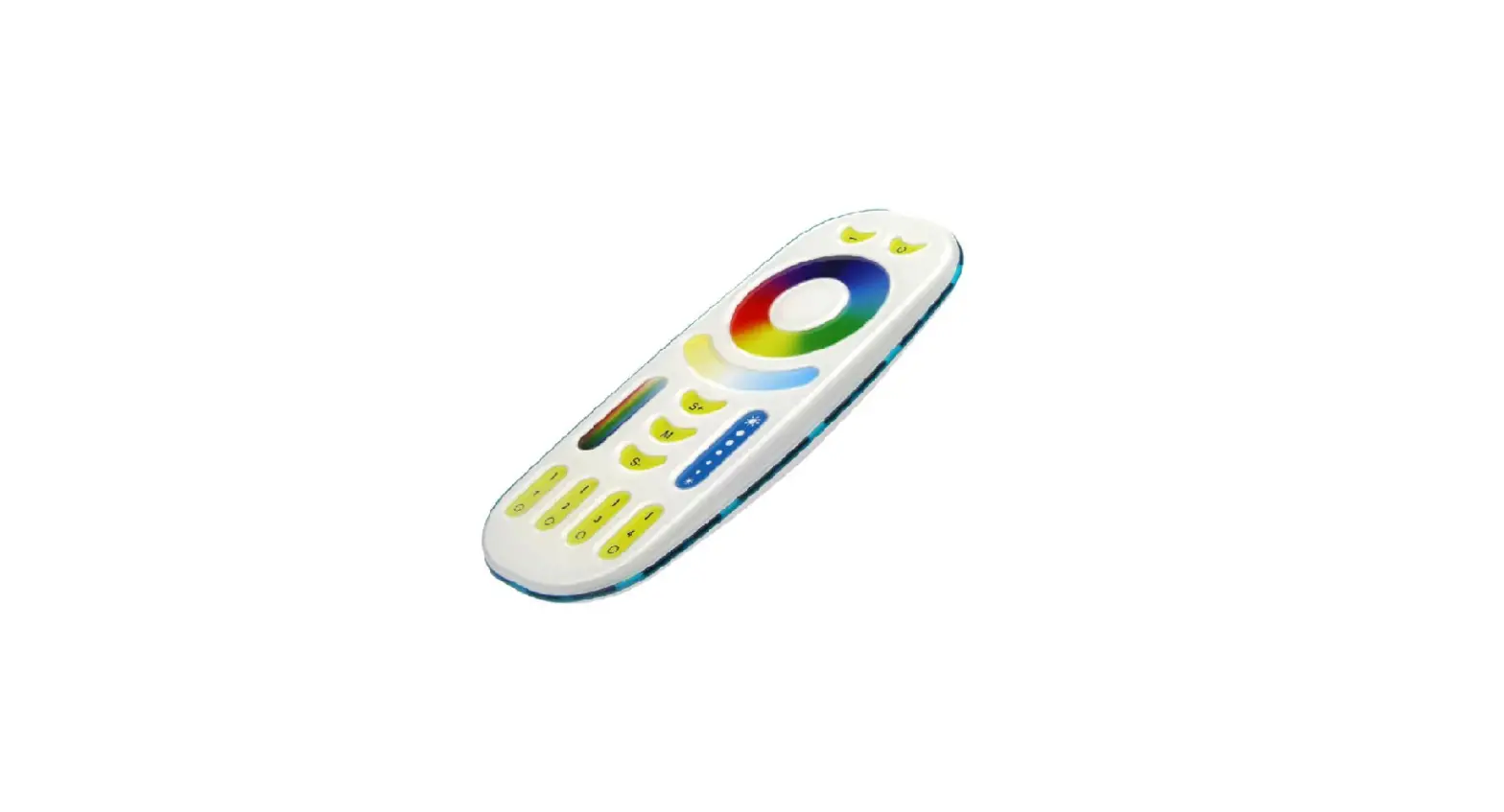
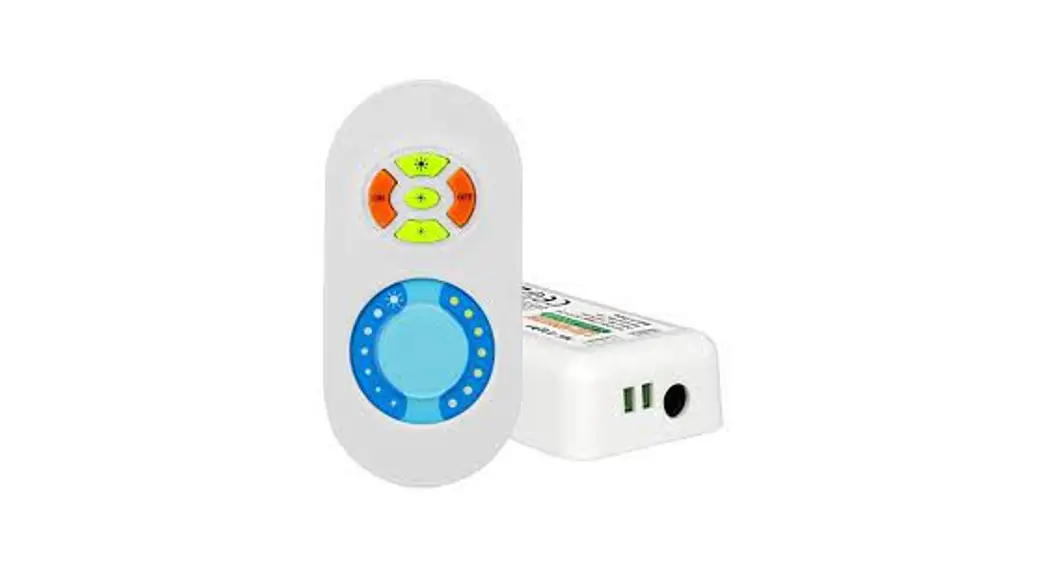
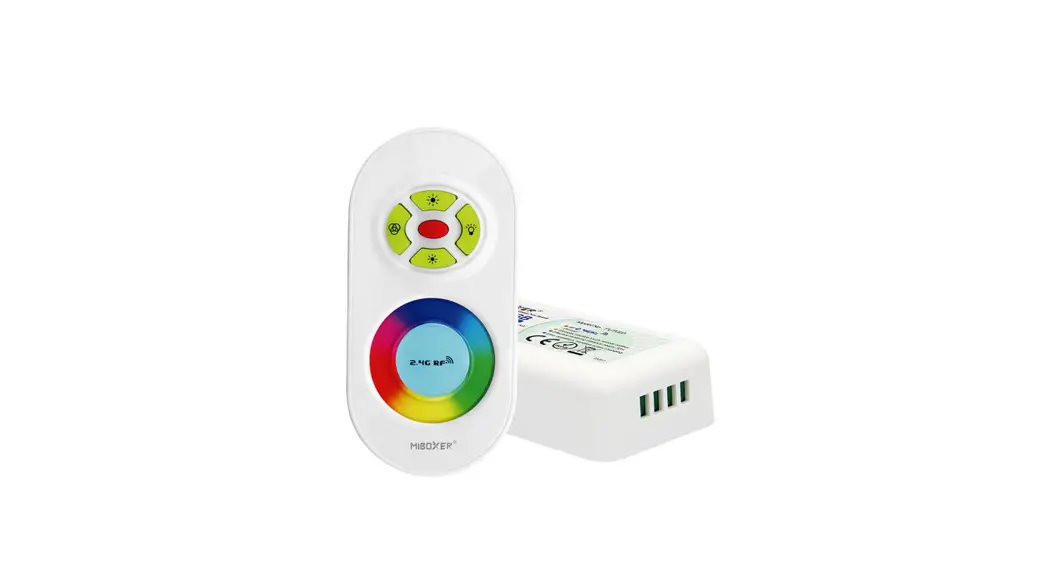
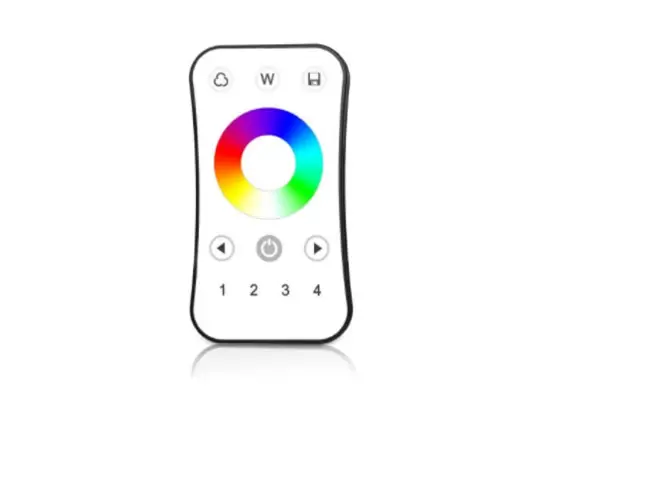
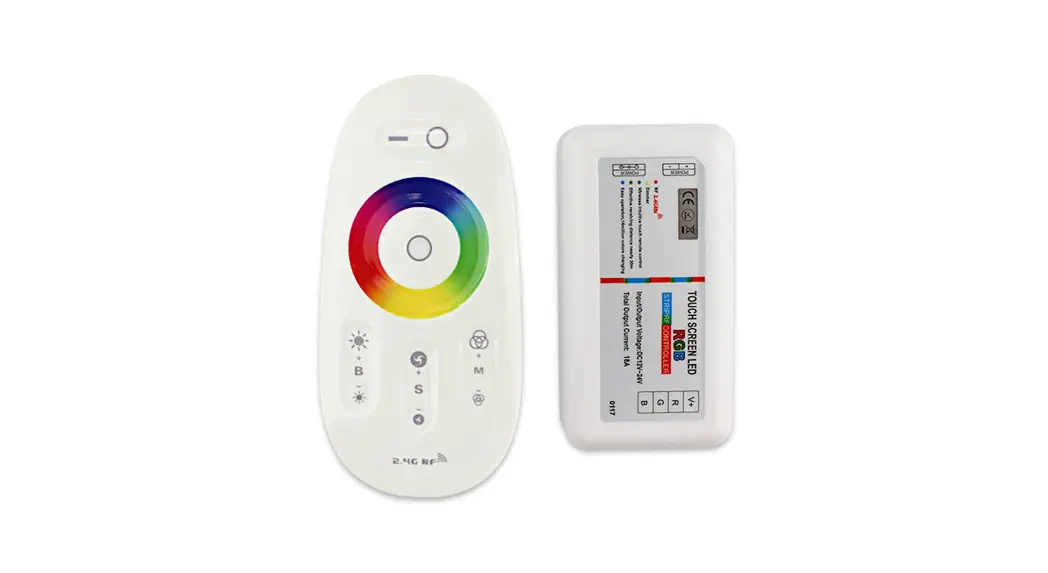
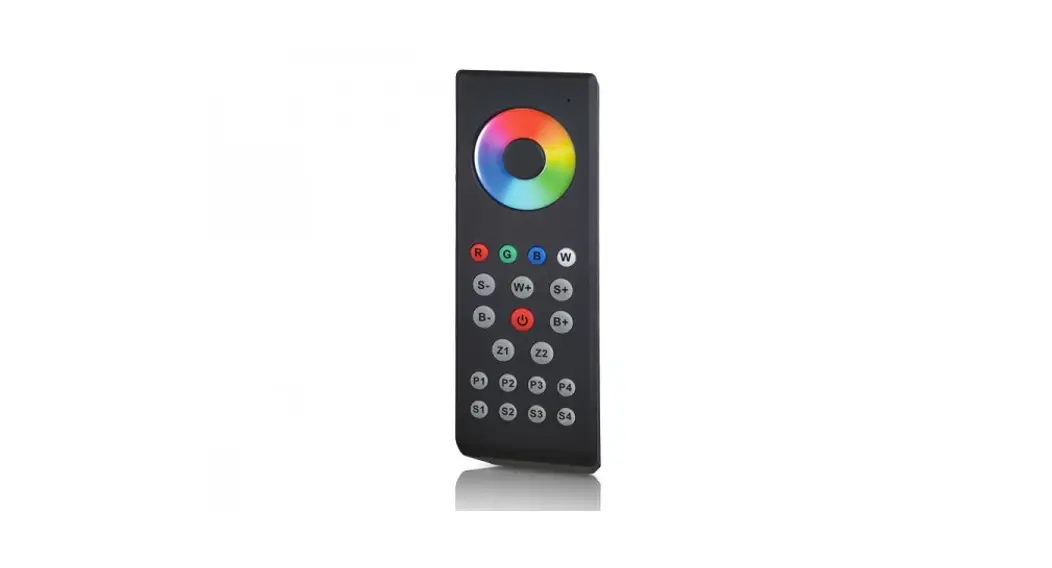
MZ-RGB-REMOTE RF Touch Color Remote for MiLight or MiBoxer
Product Information:
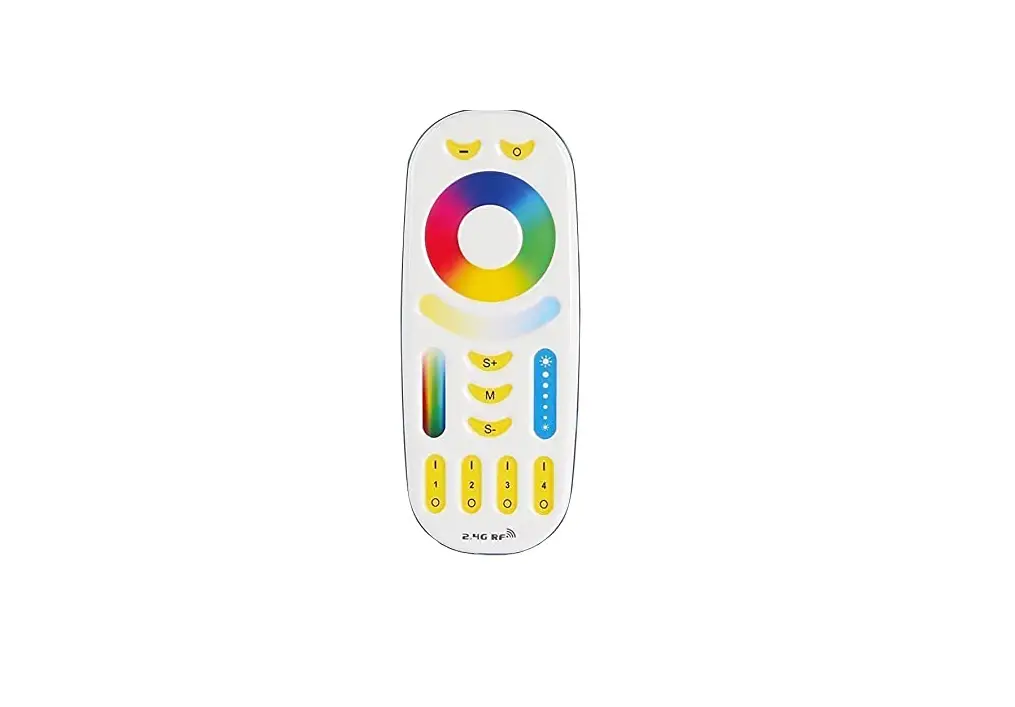
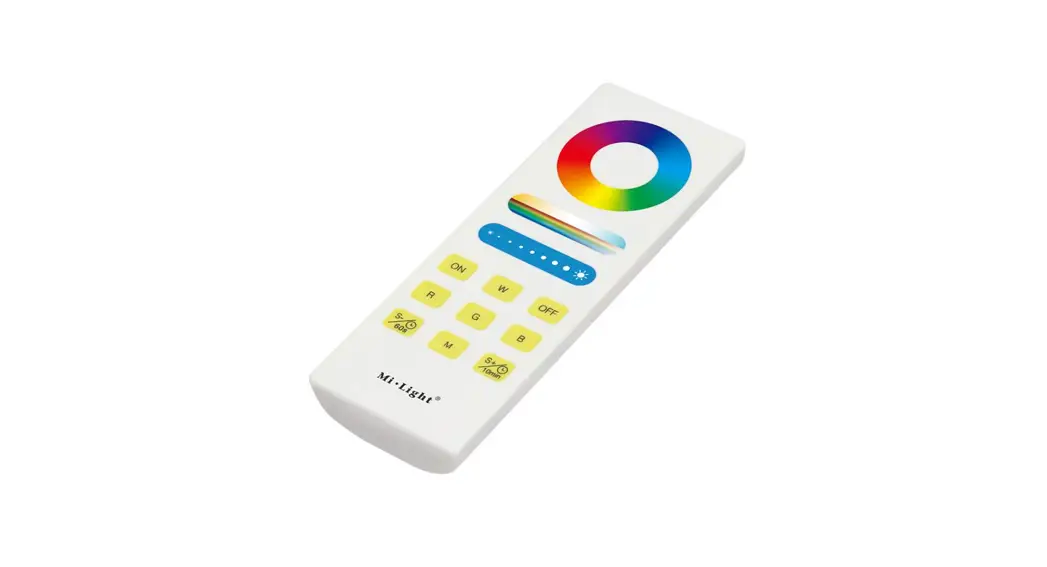
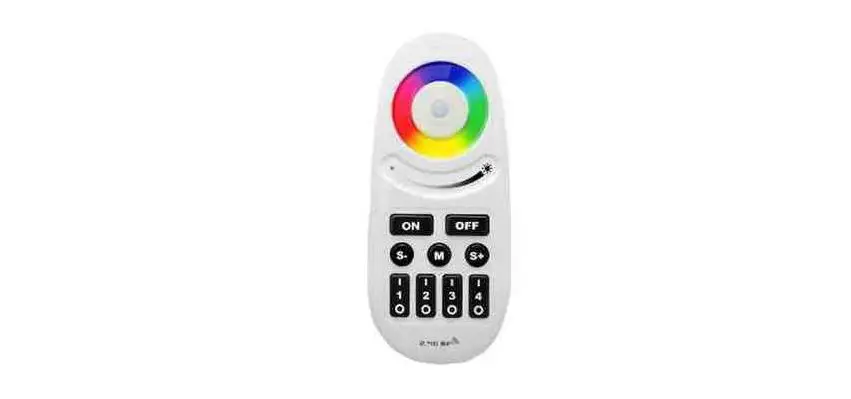
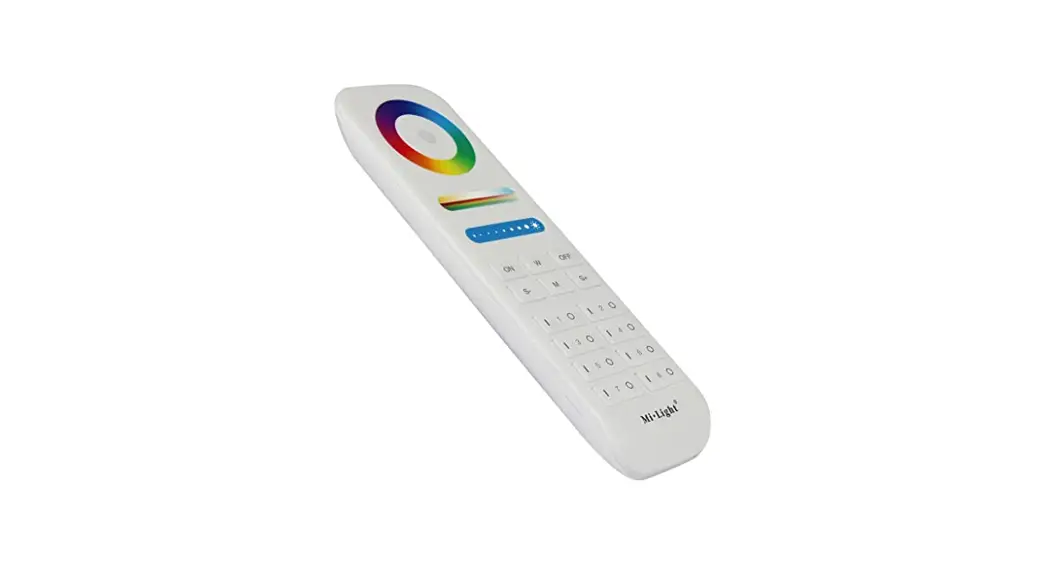
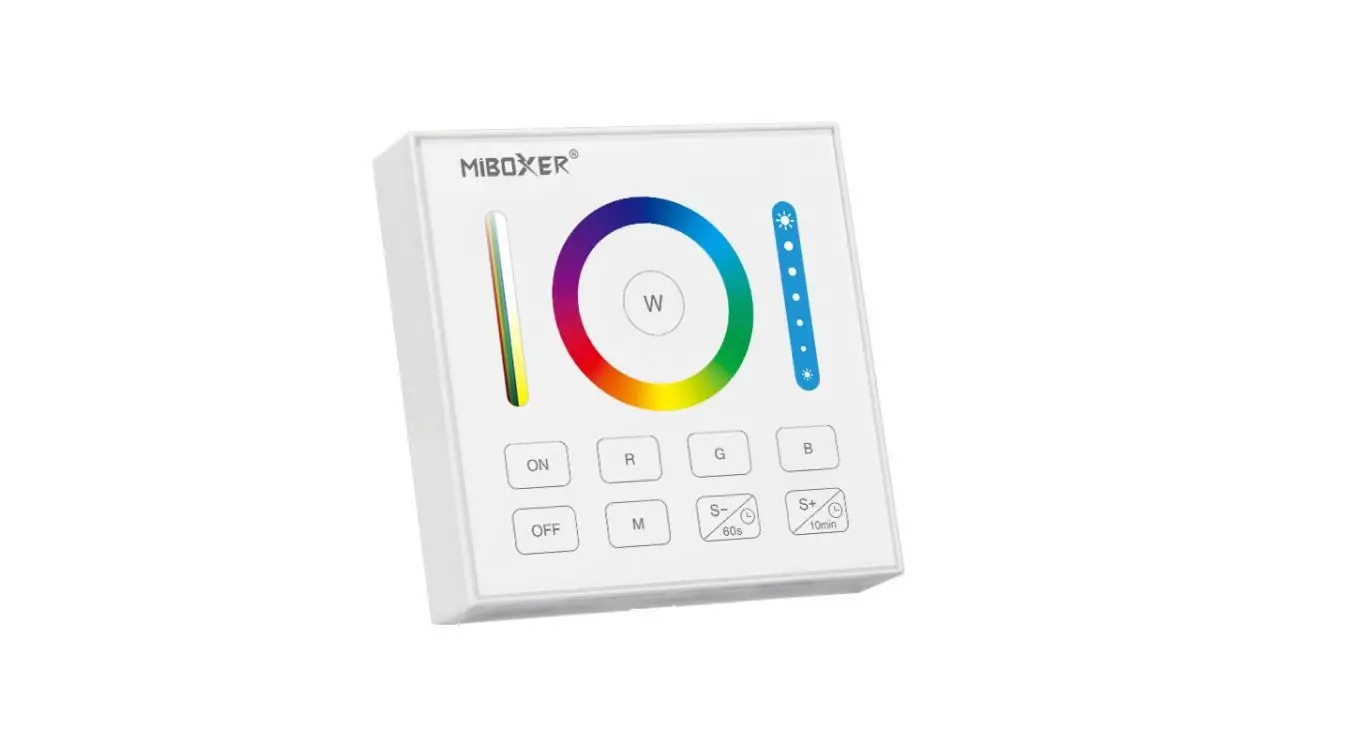
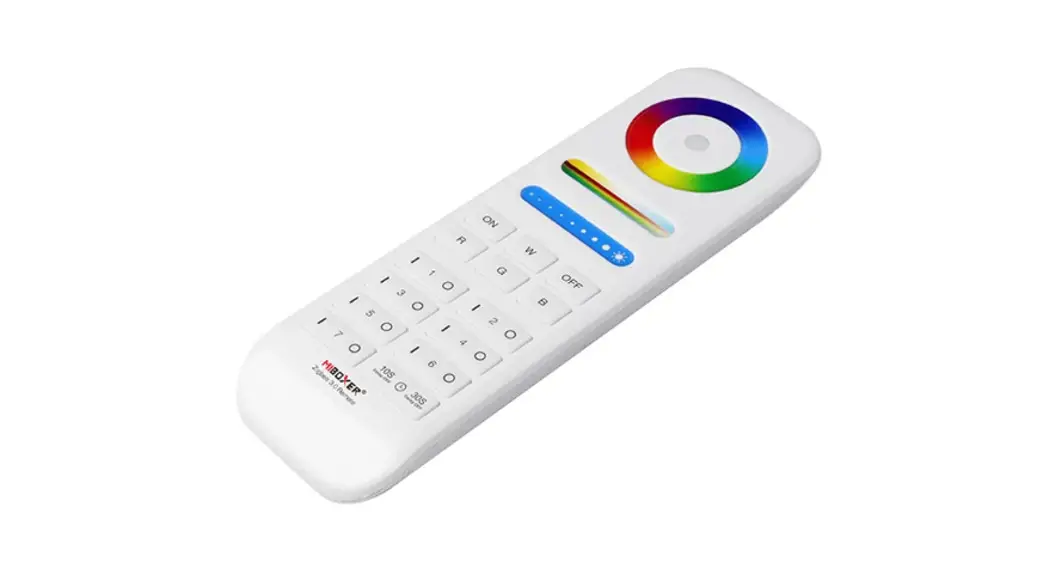
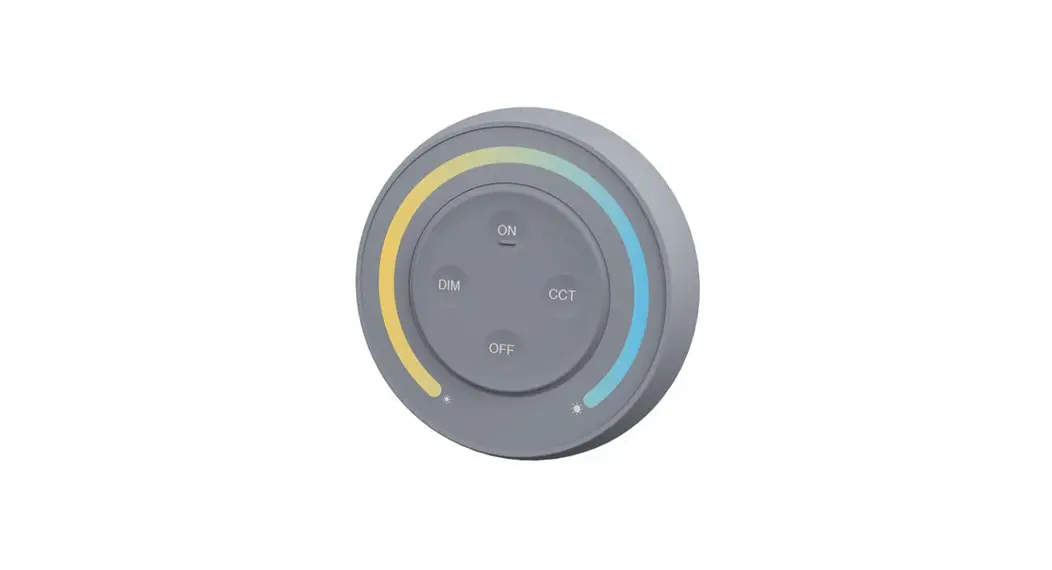
The MiBoxer Remotes are designed to control LED lights. They
offer a convenient way to adjust the lighting settings and colors
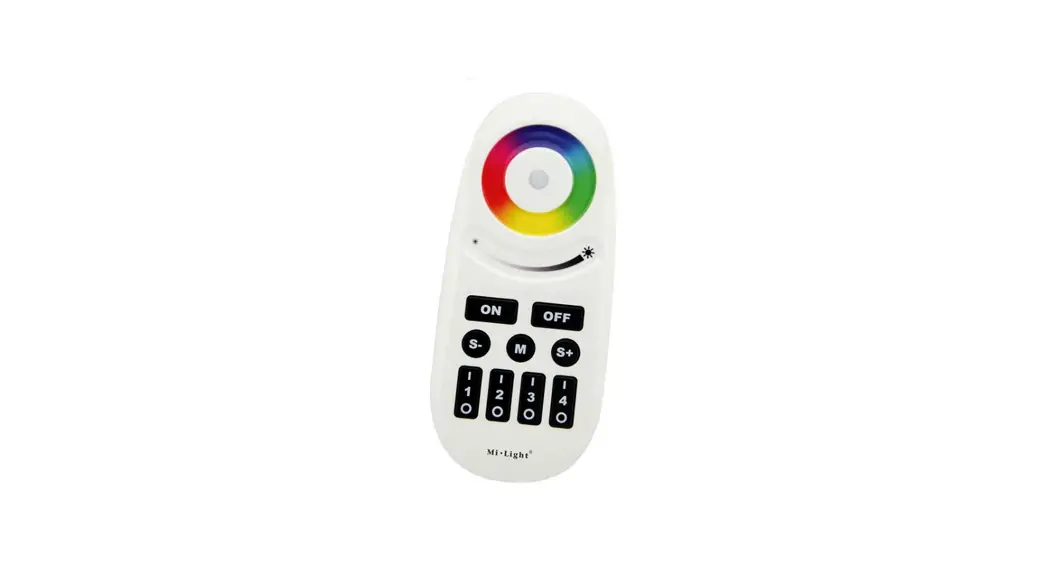
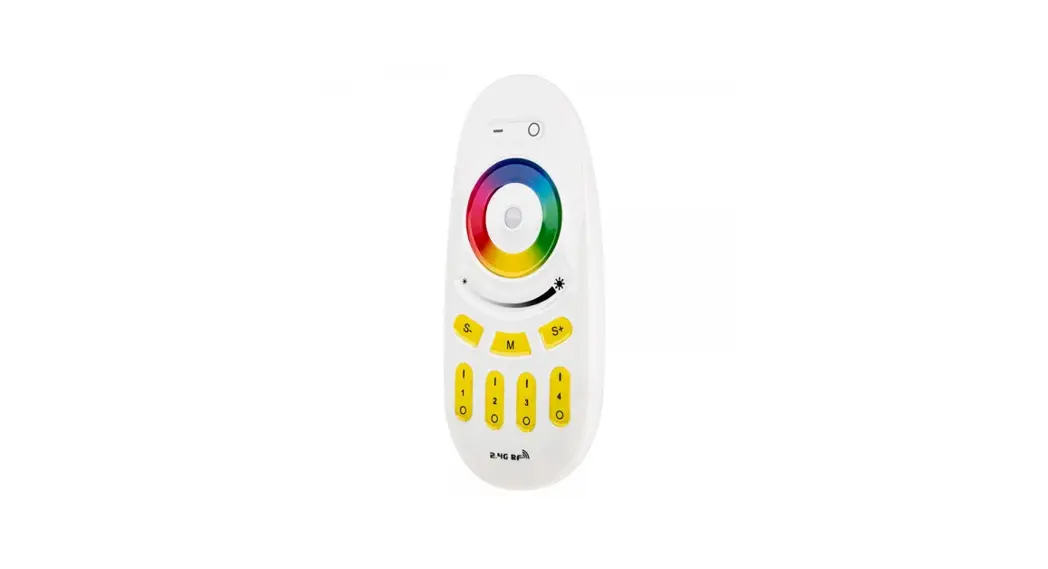
of your LEDs. The remotes feature a color wheel indicator and
various buttons for easy operation. Please read the following
instructions carefully before installing and operating the
remotes.
Product Usage Instructions:
- Ensure that all connections are securely made and that the
connected LEDs turn on when powered. - To disconnect the supply power, you can either disconnect the
controller’s connection to the power supply, unplug the power
supply, or turn off the wall switch or breaker connected to the
power supply. - With the supply power off, check if the remote is functional by
pressing any button. The indicator in the middle of the color wheel
should light up. If it does not, please check the battery
orientation and charge state. - Determine which zone you want to pair the LEDs with. Press the
`|’ button repeatedly for that zone. - Reapply supply power while continuing to repeatedly press the
`|’ button. Keep pressing until the connected LEDs begin to
flash. - Once the LEDs stop flashing, it indicates that pairing has been
successful, and the remote is ready to use.
Product Details:
Model: MZ-RGB-REMOTE
Product Code: RGBCCT-MZ8-RF
Contact Information:
Rev V2 04/20/2022
Address: 4400 Earth City Expy, St. Louis, MO 63045
Phone: 866-590-3533
Website: superbrightleds.com
Important: Read all instructions prior to installation / operation.
Pairing Procedure for MiBoxer Remotes
Supplemental Guide
MiBoxer Remote Pairing
1. Ensure all connections are secure and that the connected LEDs turn on when powered.
2. Disconnect supply power by disconnecting the controller’s connection to the power supply, unplugging the power supply, or simply by turning of the wall switch or breaker the connected to the power supply.
3. With supply power off, verify the remote is functional by pressing any button. The indicator in the middle of the color wheel should light up. If it does not, check battery orientation and charge state.
4. Determine which zone to pair the LEDs to and begin repeatedly pressing the `|’ button for that zone, then reapply supply power. Continue repeatedly pressing the `|’ button after you restore power to the controller until the connected LEDs begin to flash.
MZ-RGB-REMOTE
RGBCCT-MZ8-RF
S-
S+
M
1
4
23
5. Once the LEDs stop flashing, this indicates pairing has been successful and the remote is ready to use.
Rev V2 04/20/2022 4400 Earth City Expy, St. Louis, MO 63045 866-590-3533 superbrightleds.com