
User Manual
MiBoxer Remote Pairing
Important: Read all instructions prior to installation.
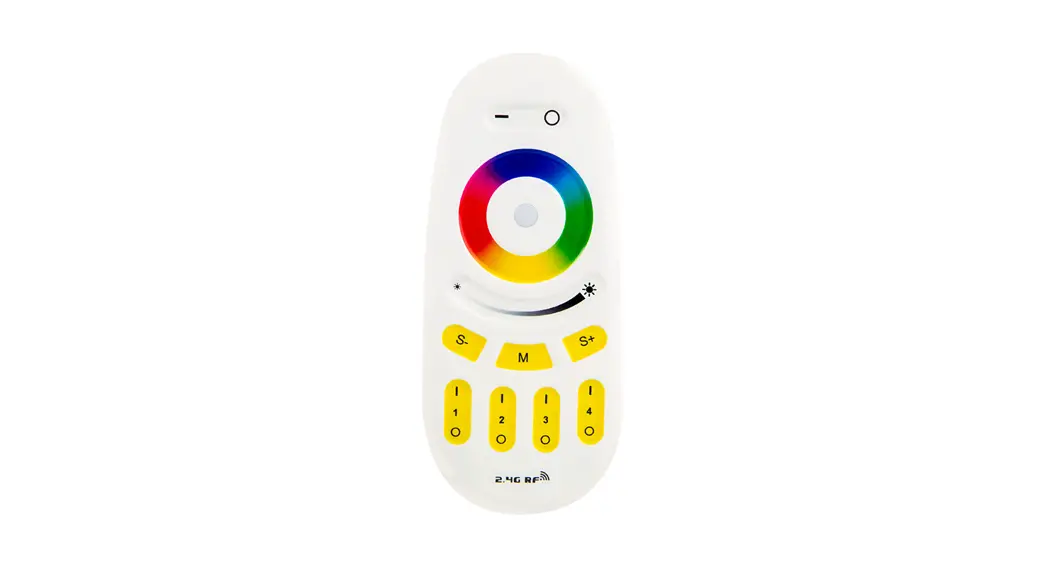
Pairing Procedure for all MiBoxer Remotes
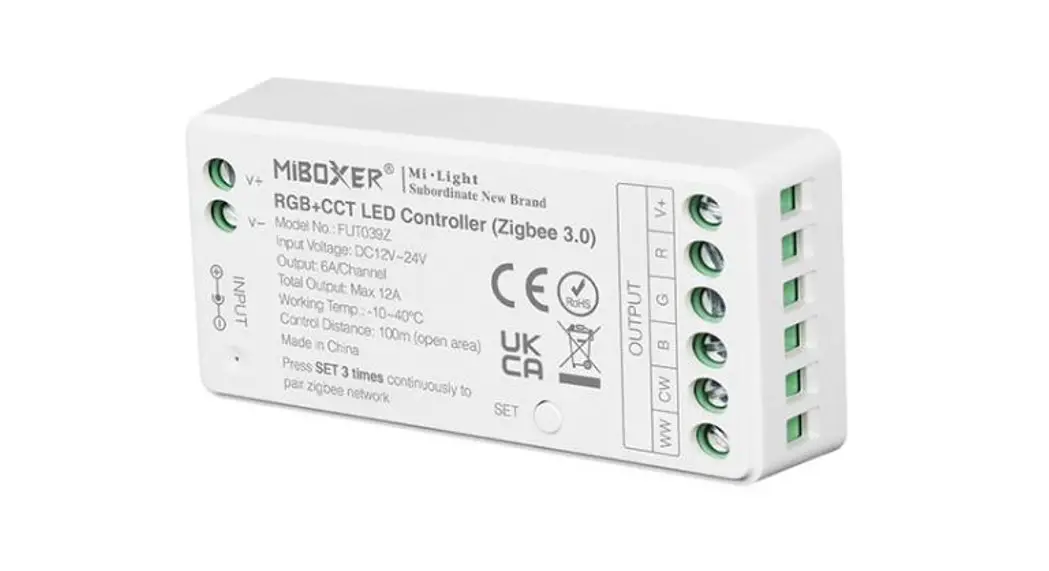
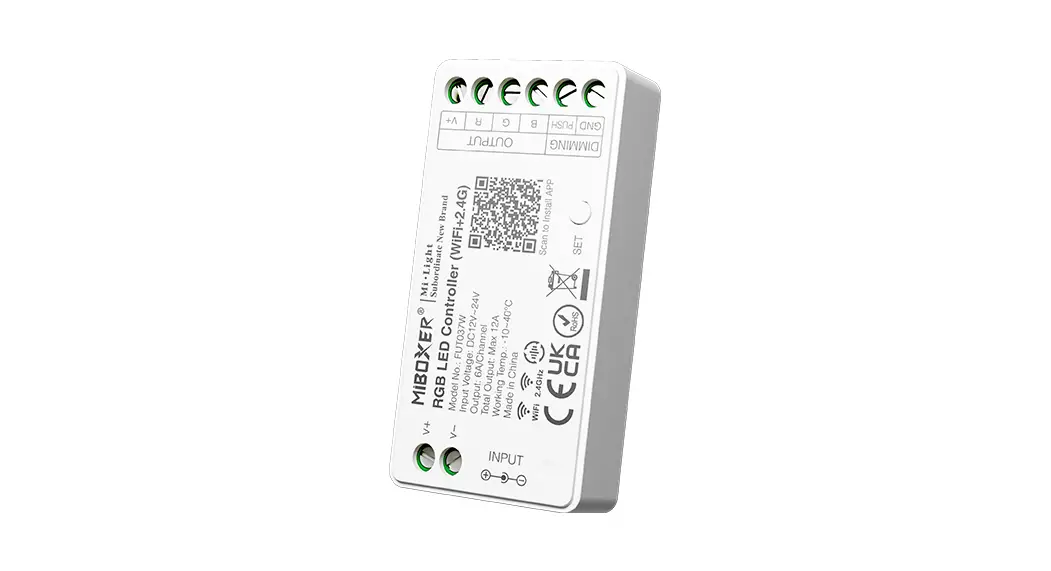
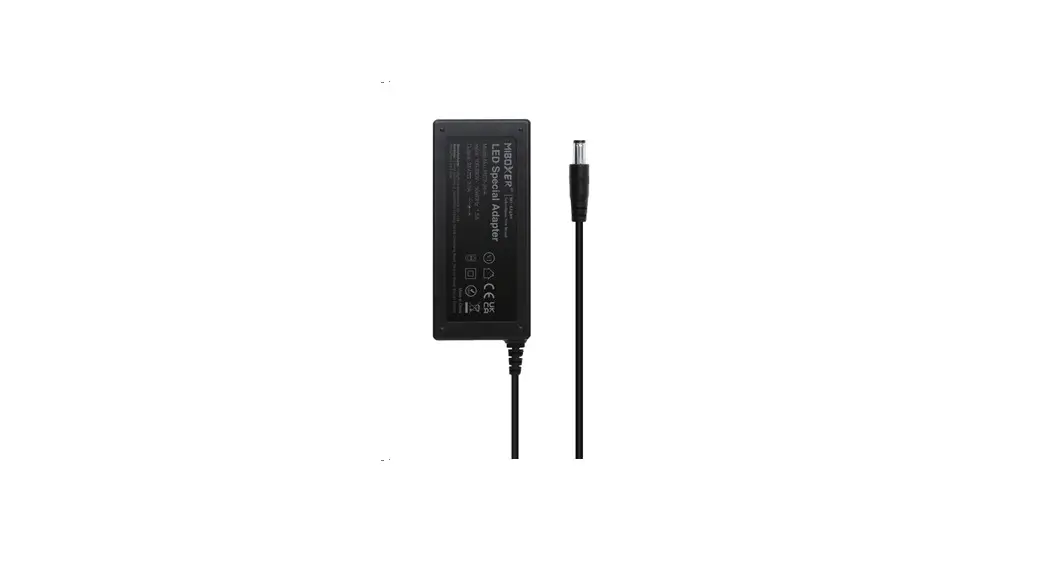
- Make sure all connections are secure. Power supply and LEDs should all be hooked up and powered on.
- Completely disconnect power through any of these methods:
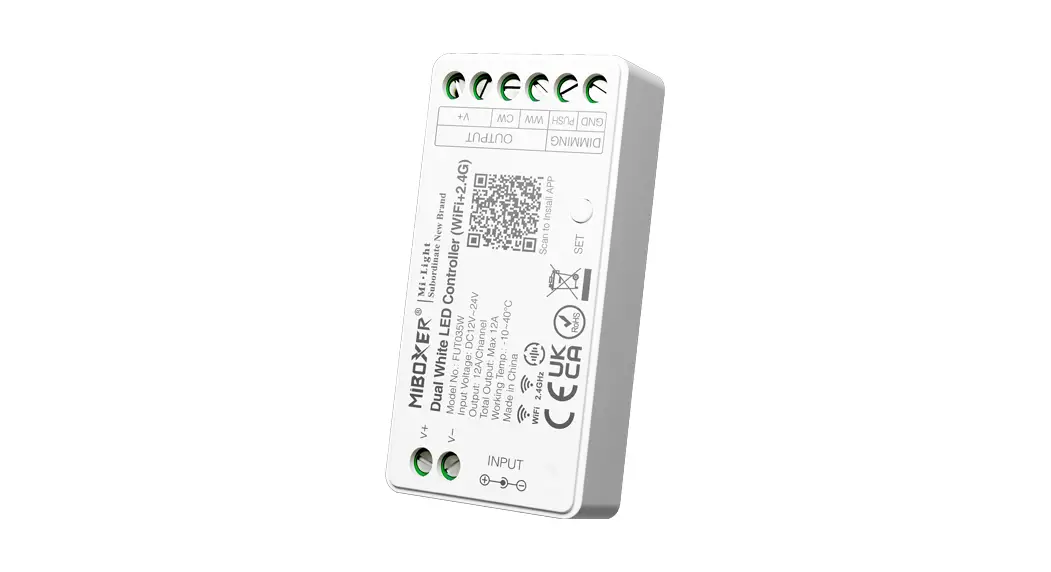
-Unplug connector going to the MiBoxer controller.
-If using a power cord, unplug power supply from the wall.
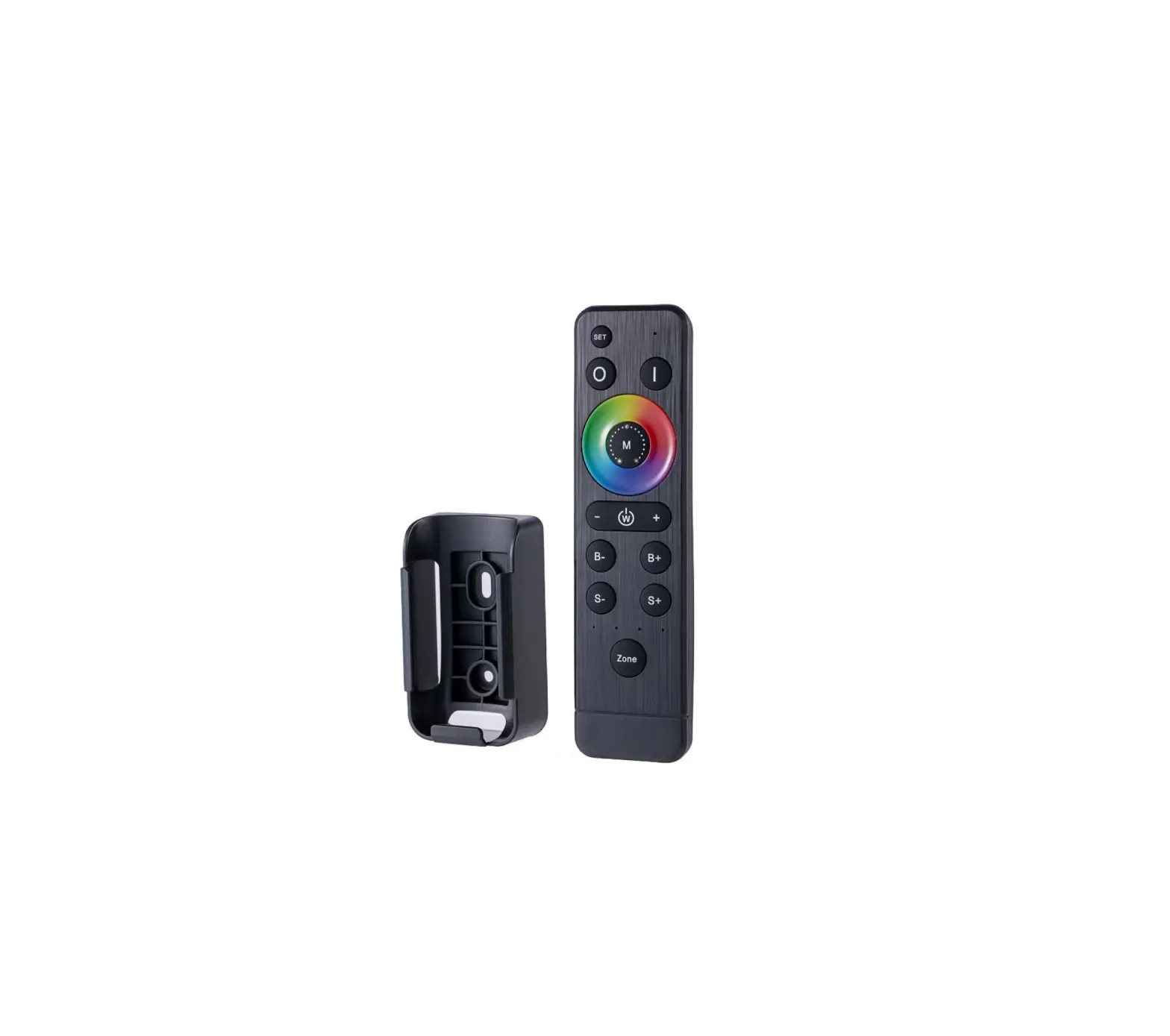
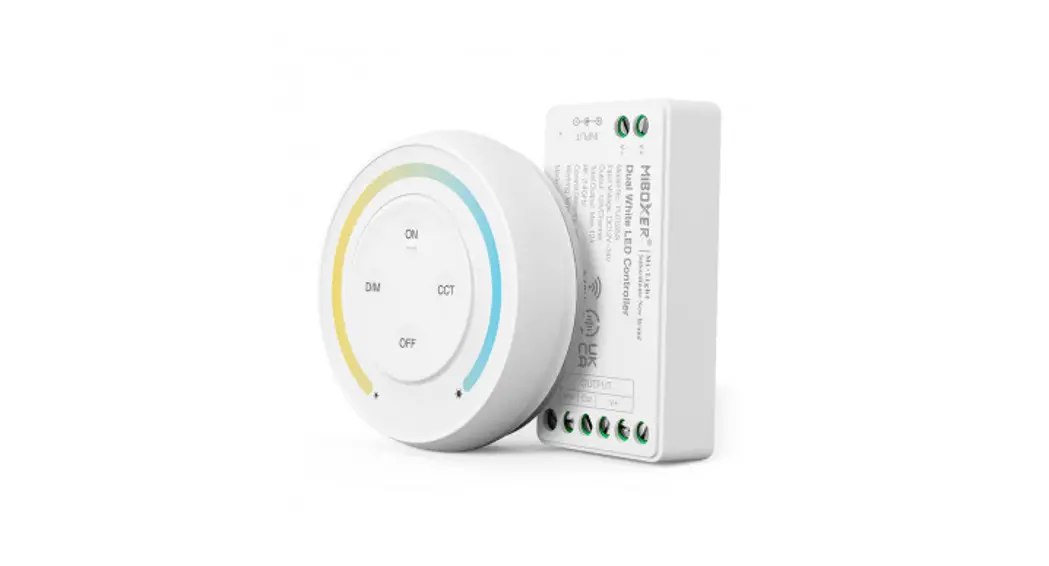
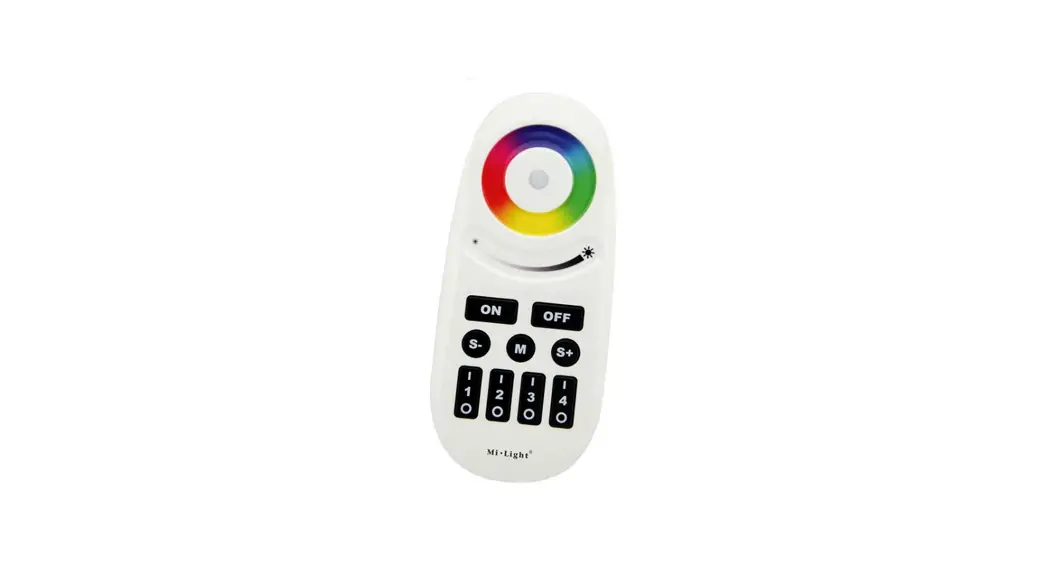
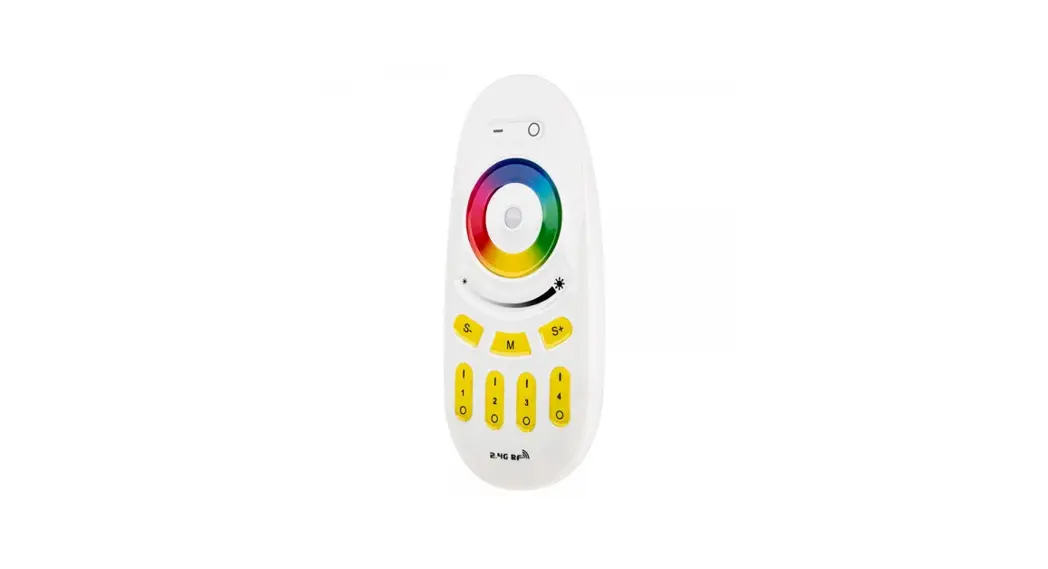
-If hardwired to a switch, simply turn off the switch. - With supply power off, touch any button on the remote and verify that the DOT in the middle of the color wheel lights up.
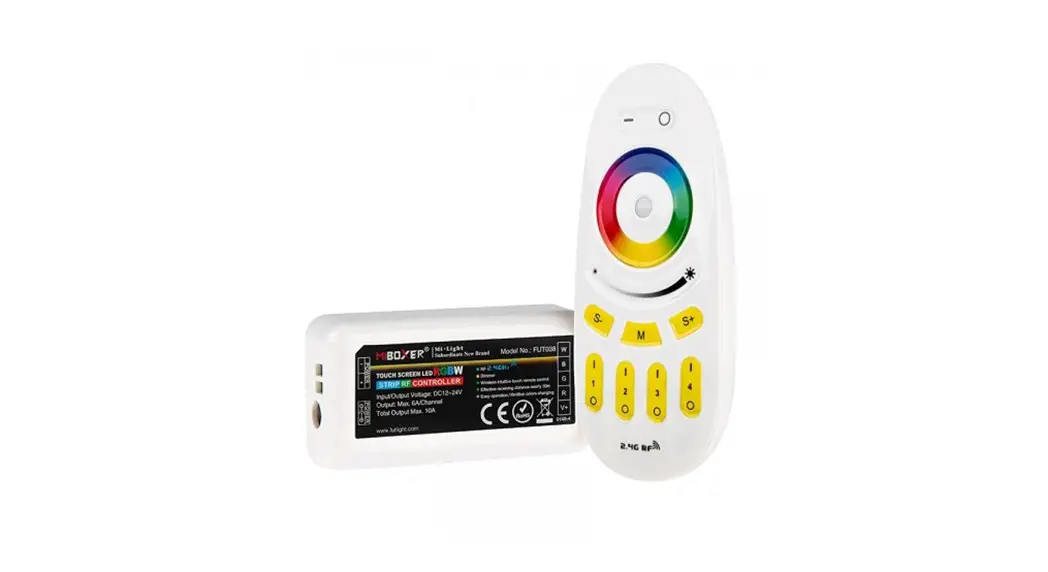
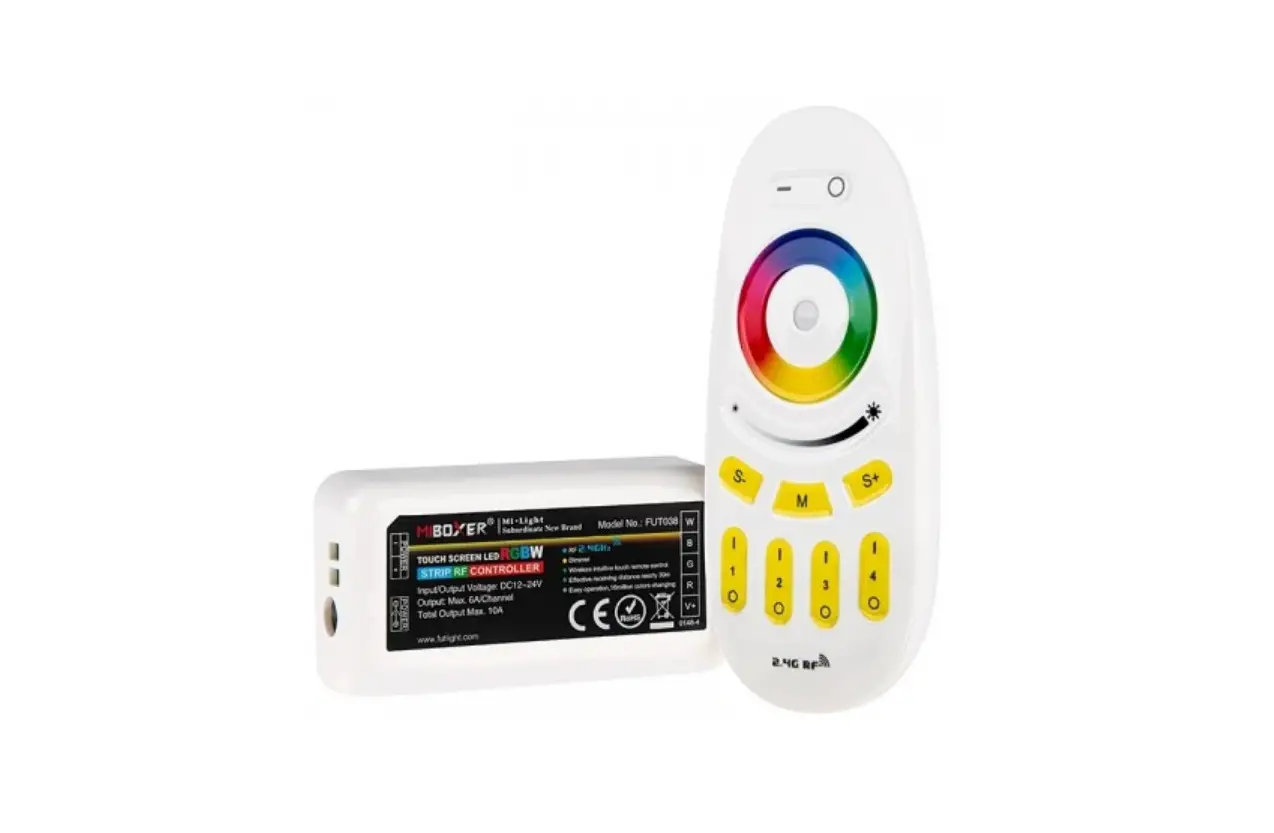
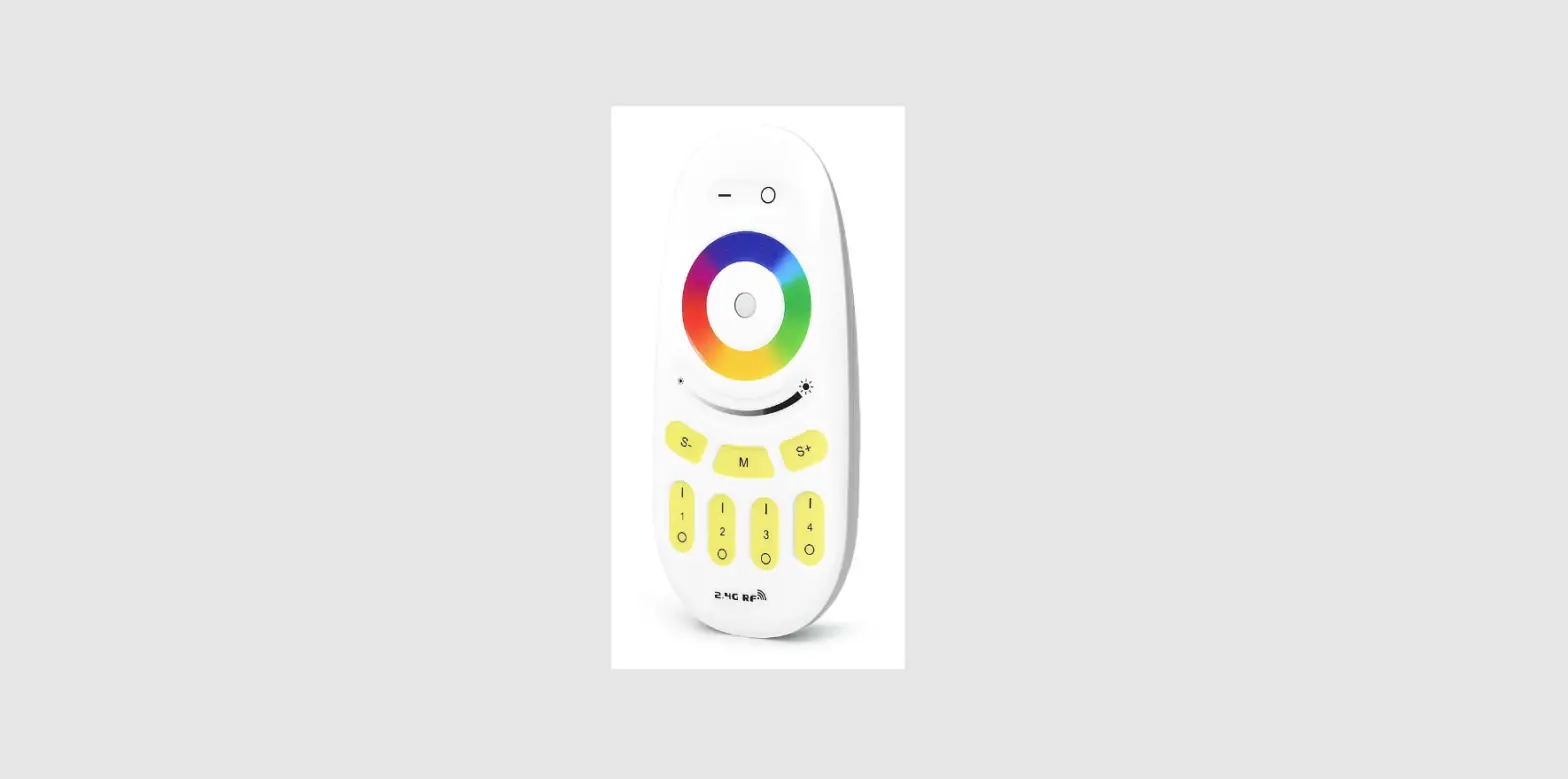
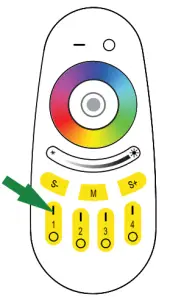
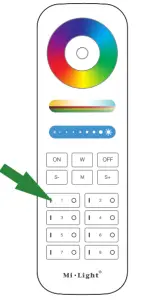
- Start pressing the (I) button repeatedly. Zones are shown in example graphic to the right. Each zone contains it’s own (I) button and a (O) button.
- Continue pressing (I) button as you restore power to the controller. Do not stop pressing (I) button until you see the LEDs starting to flash. Stop pressing (I)
button repeatedly. - Once LEDs stop flashing, zone control has been successfully connected.

Rev Date: V1.0 06/21/2021
4400 Earth City Expy, St. Louis, MO 63045
866-590-3533
superbrightleds.com