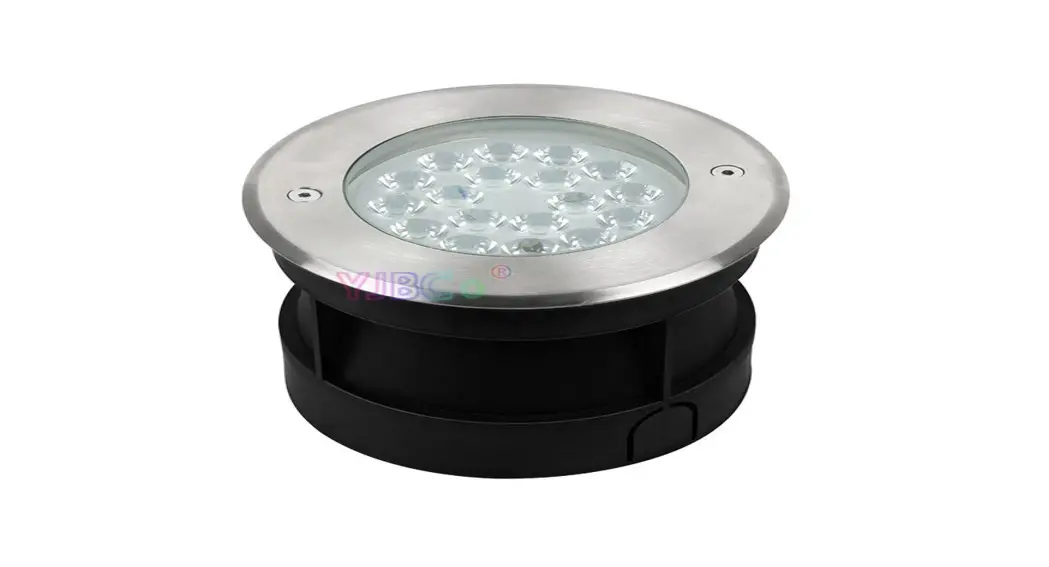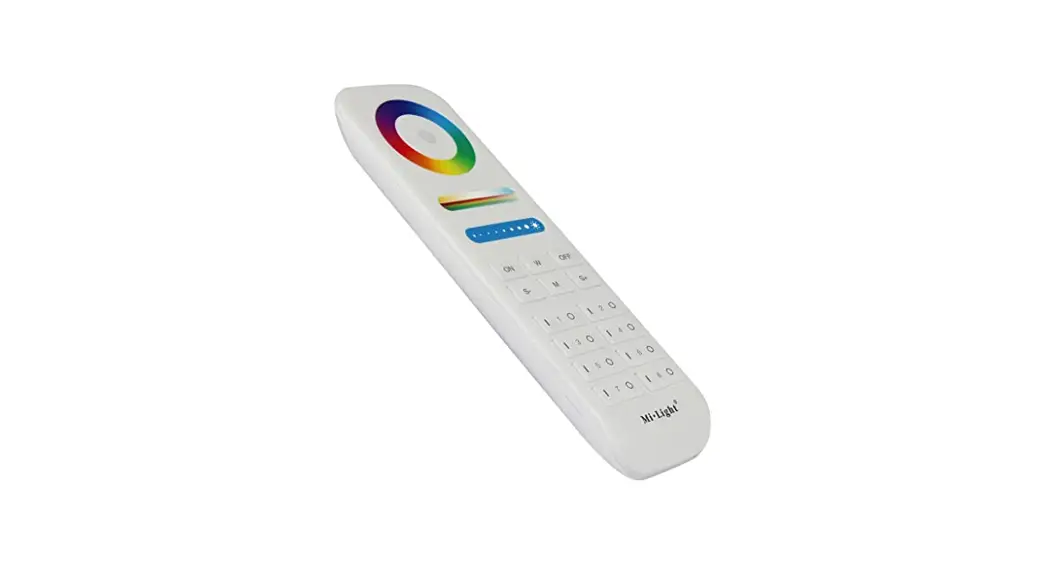

MiLight
Subordinate New Brand
Features
The product adopts the widely used 2.4 GHz wireless technology with the features of low power consumption, long signal transmitting and strong anti-interference, etc. Widely used in the controlling of hotel lighting and home lighting.
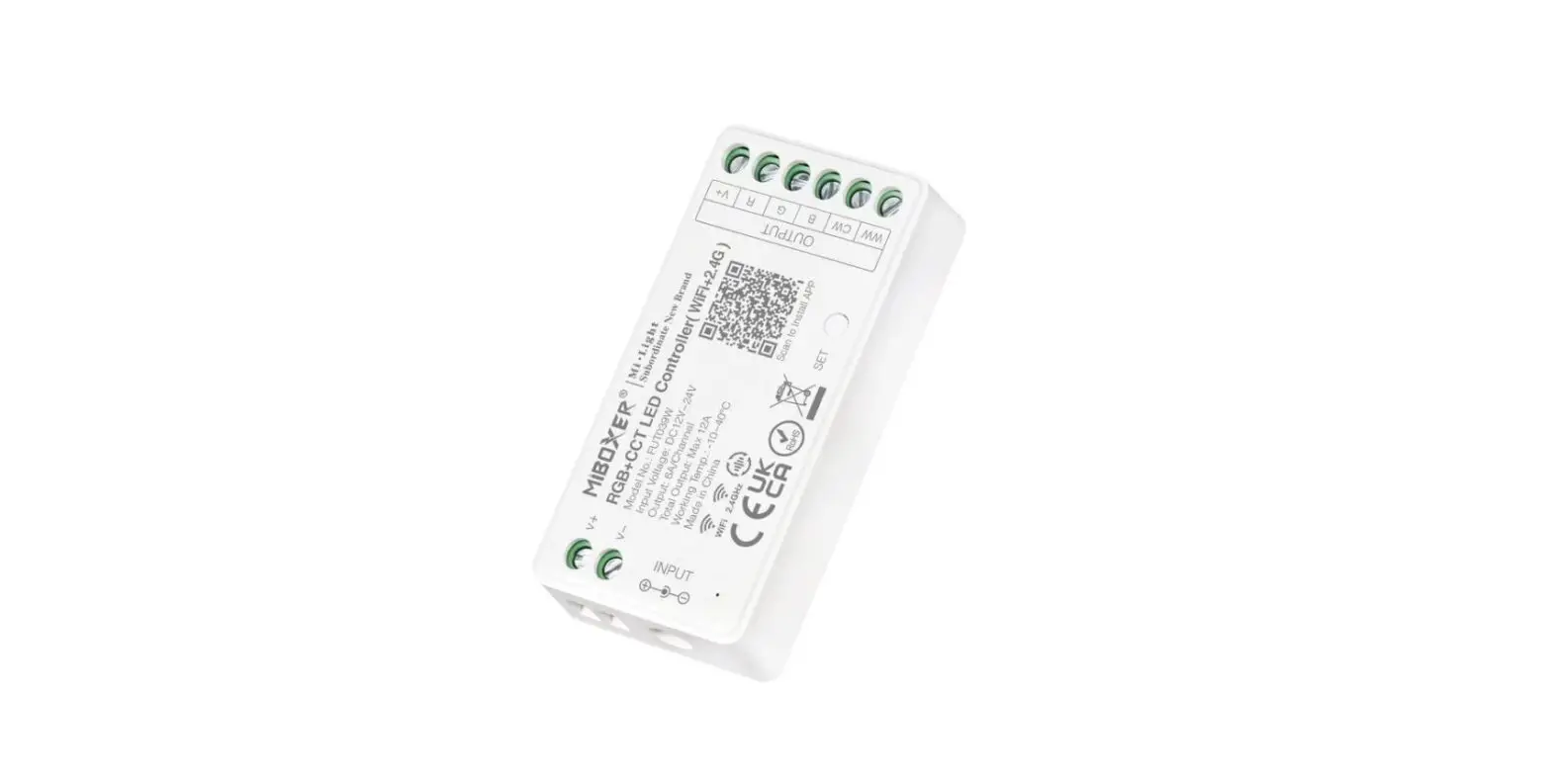
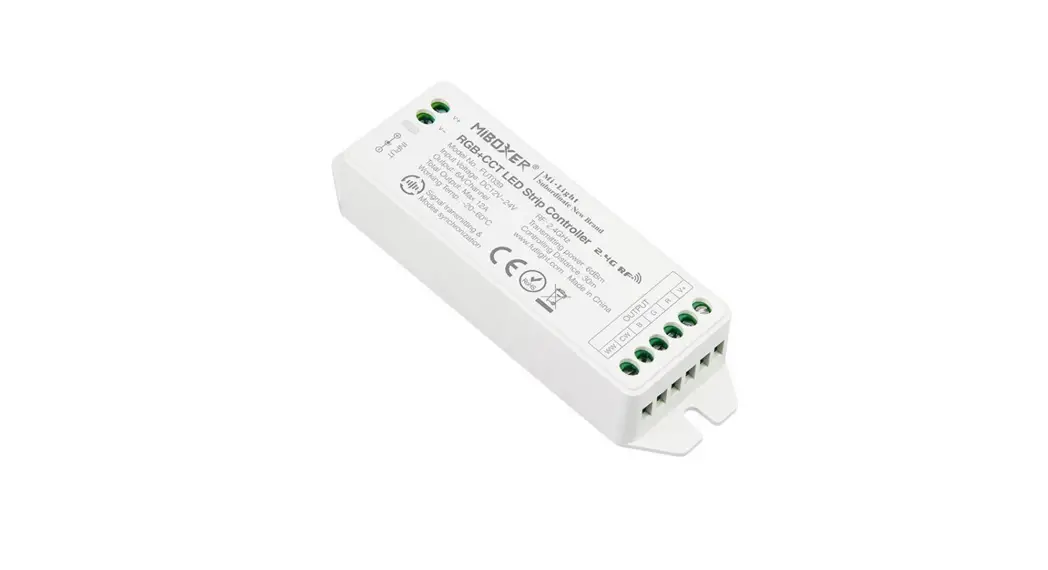
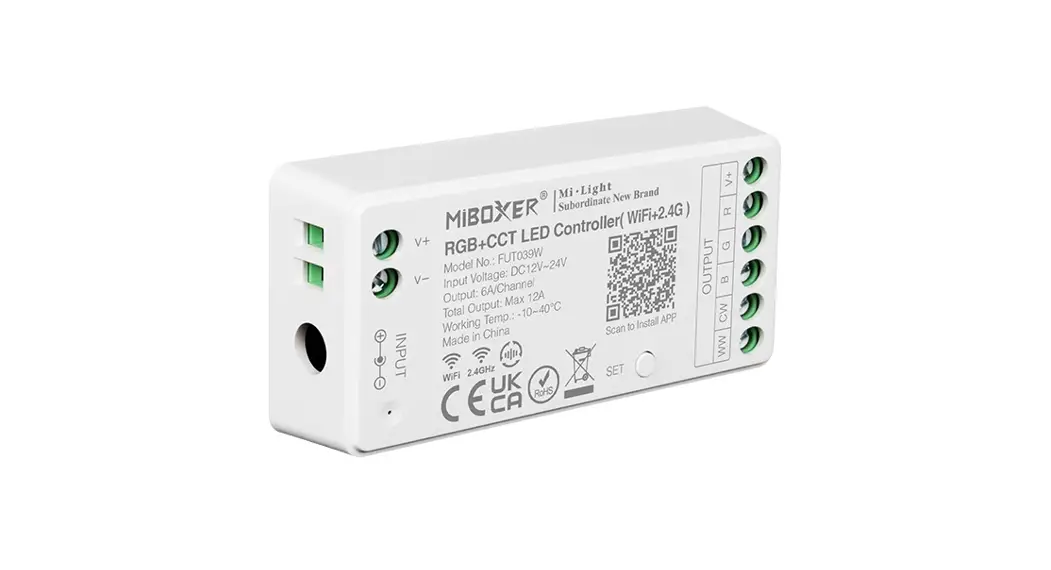
RGB LED Controller (RGB-MZ)
 | 16 Million colors to choose |
 | Mix Red, Green, and Blue light to adjust the color temperature |
 | Dim brightness / Saturation |
 | 2.4G RF wireless transmission technology |
 | Remote control Control distance 30m |
 | Smartphone app control (2.4GHz gateway is needed) |
 | Support third-party voice control (2.4GHz gateway is needed) |
RGBW LED Controller (RGBW6-MZ)
| 16 Millions colors to choose |
| Dim brightness / Saturation / White mode |
| 2.4G RF wireless transmission technology |
| Remote control Control distance 30m |
| Smartphone app control (2.4GHz gateway is needed) |
| Support third-party voice control (2.4GHz gateway is needed) |
Dynamic mode table
M1. Fade in and fade out Here
different colors fade into each other
M2. Strobe white
Just white color flashes up
M3. RGBW fade in fade out
This program fades in and fades out the color red, green, blue, and white one after another
M4. Color flash
In this program, red, green, blue, white yellow purple flashes to change
M5. Disco
Different colors strobe and flash to change
M6. The red color ramps up and flash
In this program, the red color brightens from 0%-100% and shuts down, then flashes three flames
M7. Green color ramp up and flash
In this program, the green color brightens from 0%-100% and shuts down, then flashes three flames
M8. The blue color ramps up and flash
In this program, the blue color brightens from 0%-100% and shuts down, then flashes three flames
M9. Color change+flash
Here several colors fade into each other and then flash randomly
Note: The colors can be dimmed under any mode, and the speed of any mode can be adjustable.
For RGB LED strip light, the white is mixed with red, green, and blue, so the white is not pure.
Linking Code / Unlinking Code Instructions
Linking Code Instructions
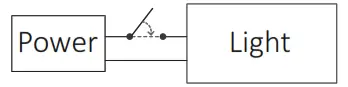 | 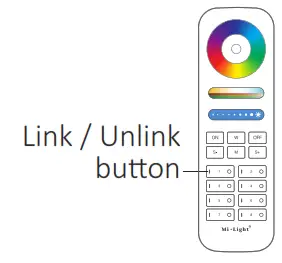 | 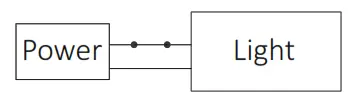 |
| Switch off the light, after 10 seconds then switch it on again. | Short press the ” I ” button 3 times within 3 seconds when the light on. | Lights blink 3 times slowly means linking is done successfully. |
 Linking failed if the light is not blinking slowly, Please follow the above steps again.
(Note: Light that has linked can’t link again)
Unlinking Code Instruction
| | |
| Switch off the light, after 10 seconds then switch it on again. | Short press the ” I ” button 5times within 3 seconds when the light is on. | Lights blink 10 times slowly means linking is done successfully. |
Unlinking failed if the light is not blinking quickly, Please follow the above steps again.
(Note: Light hasn’t linked that doesn’t need to unlink)
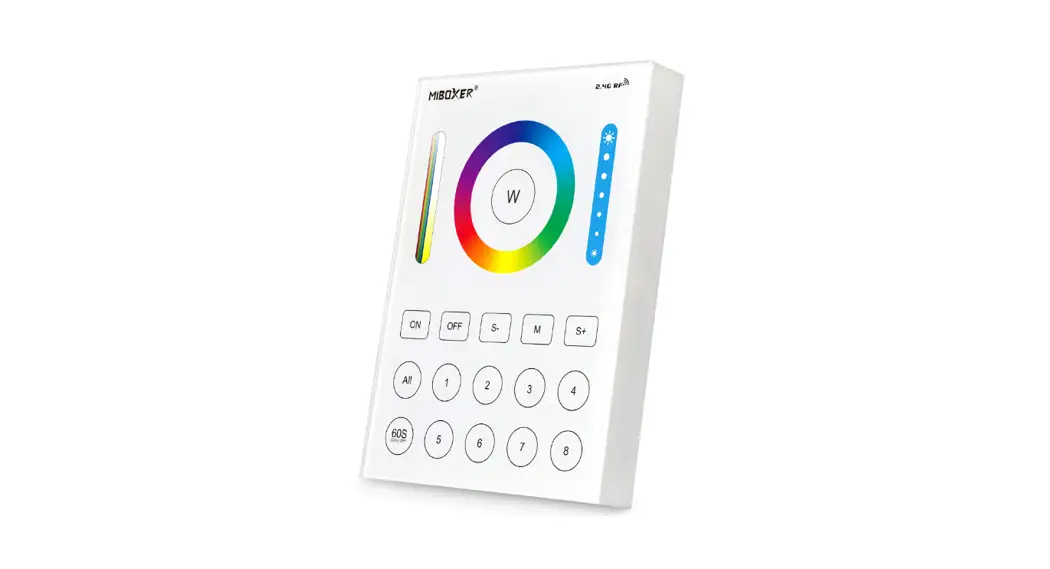
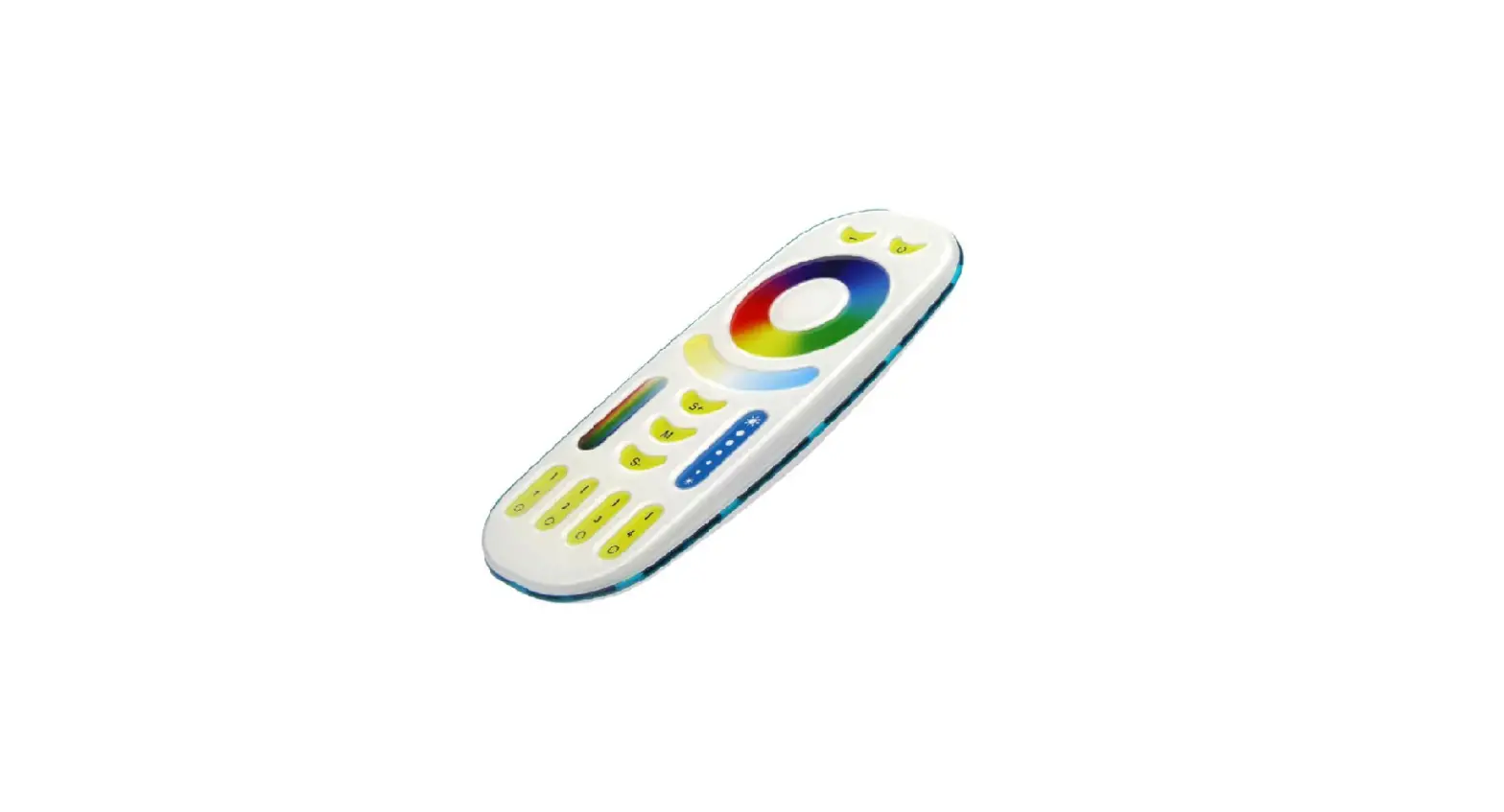
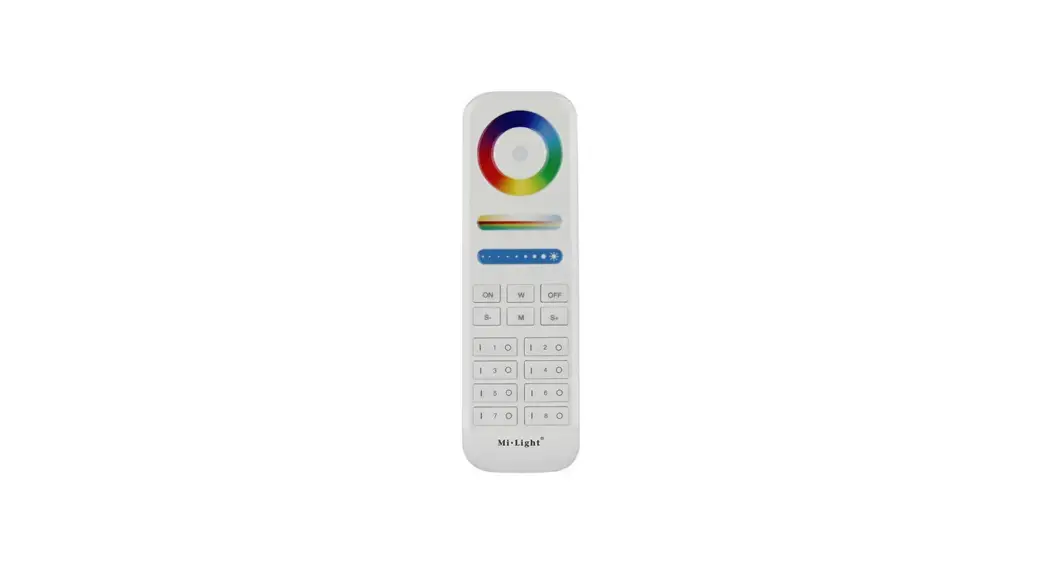
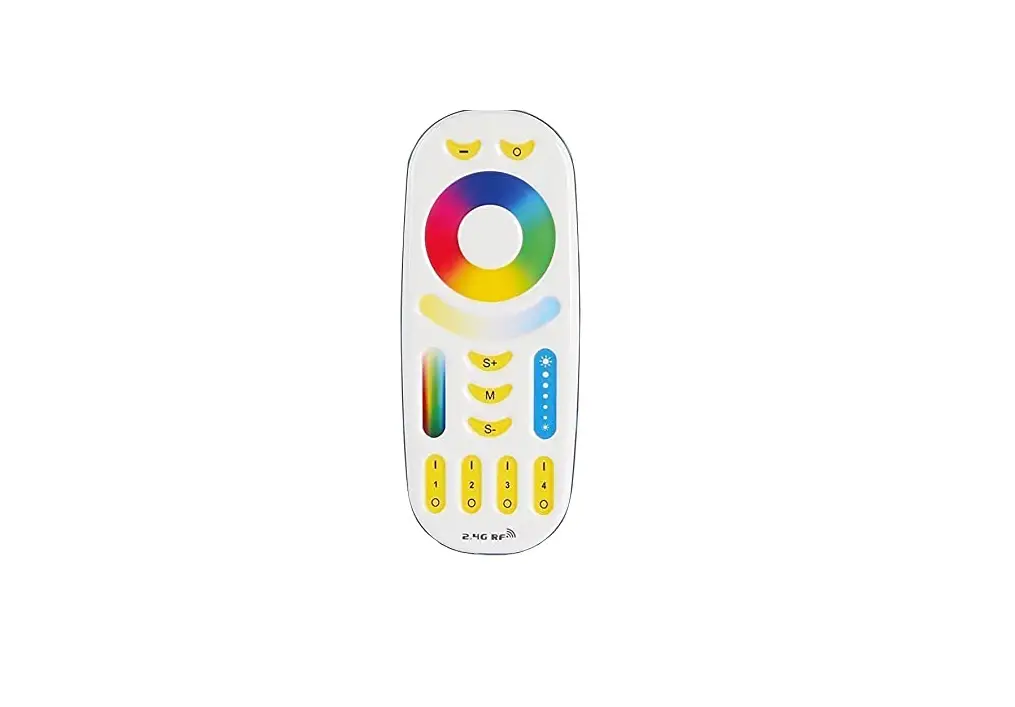
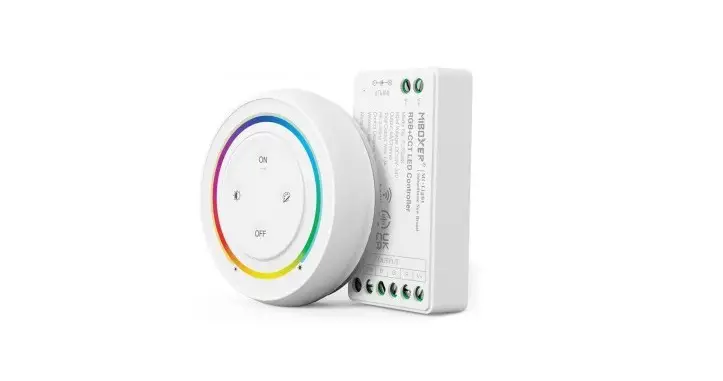
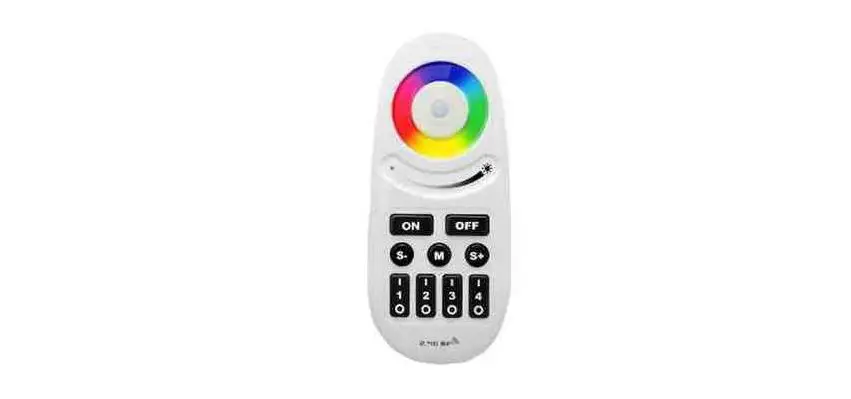
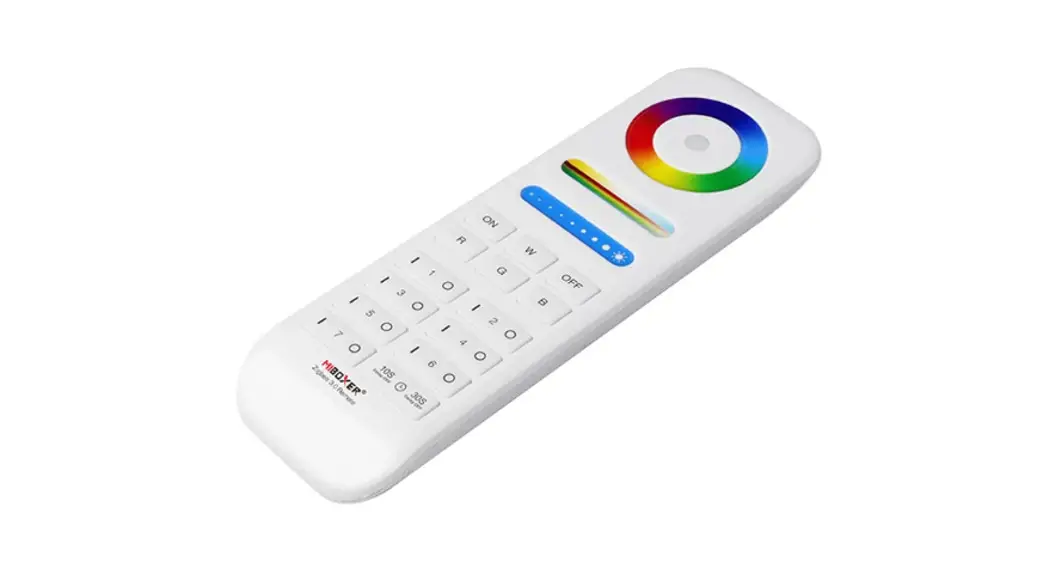
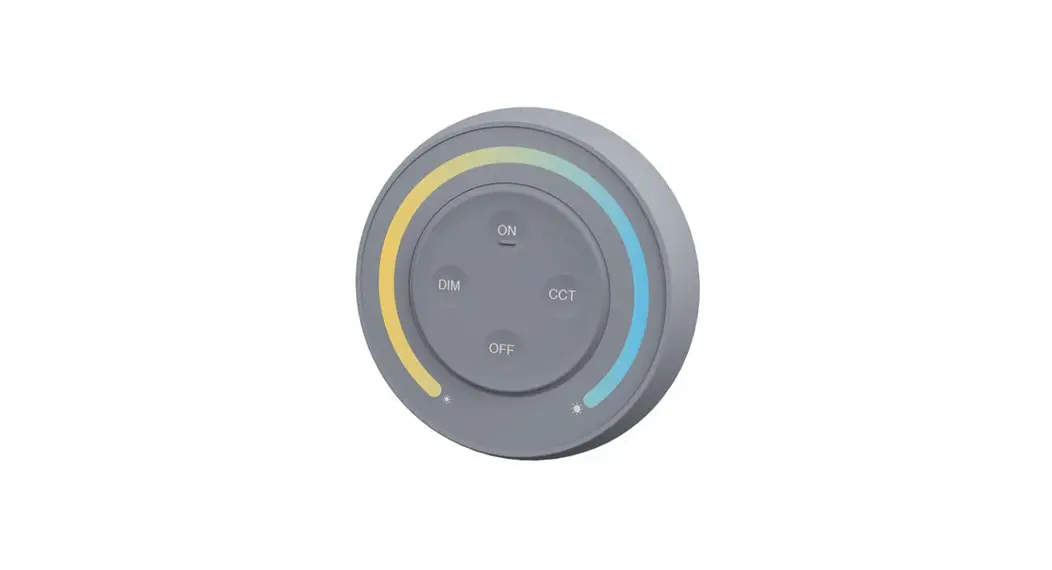
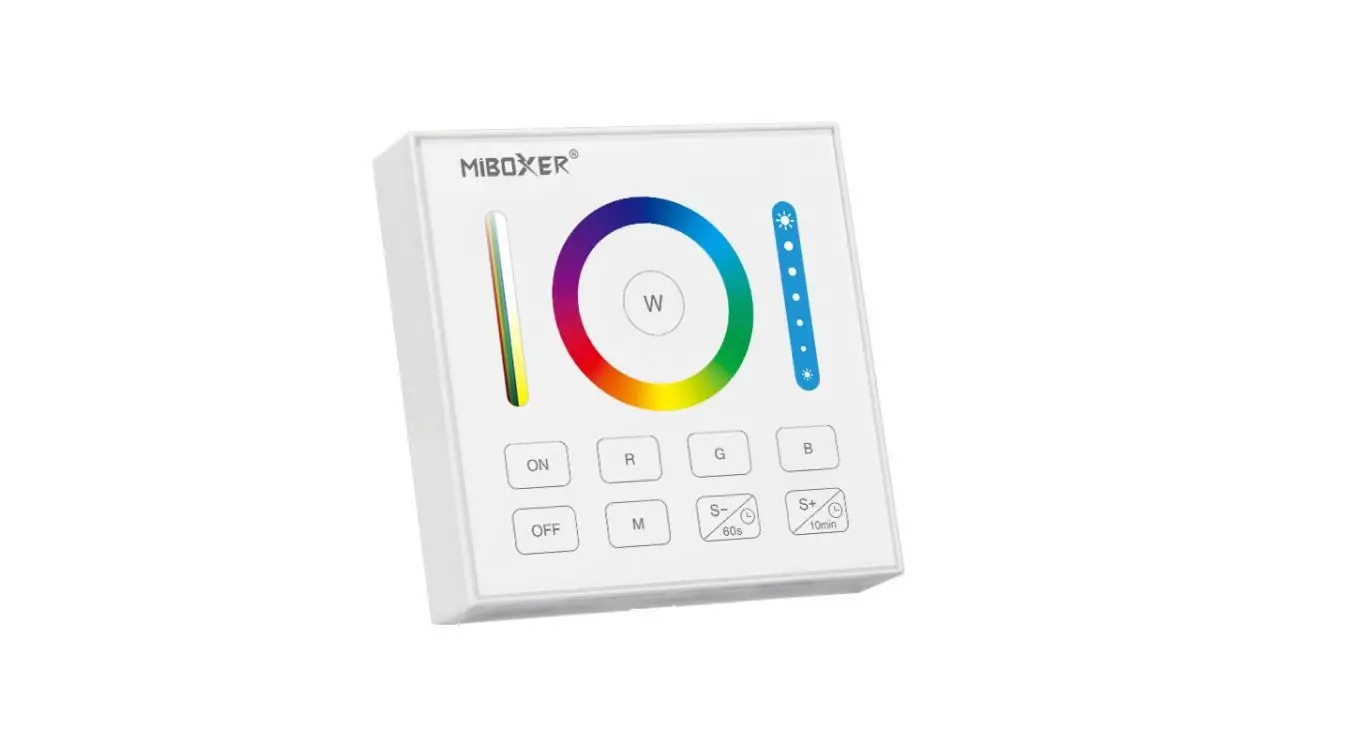
Compatible with these remote controls (Purchased separately)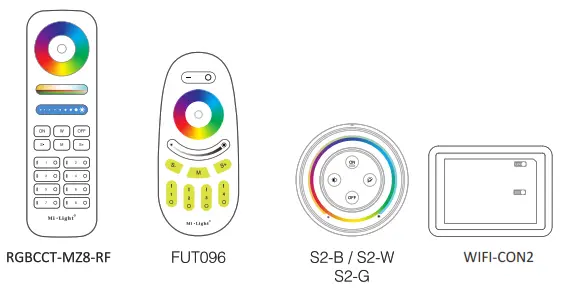
Scan QR code to watch video instruction
 |  |
| https://miboxer.com/light/video/wifi_2.html | https://miboxer.com/light/video/voice_2.html |
Attention
- Please check whether the voltage of the power supply matches the controller and light, and please check the connection on both the cathode and anode before applying power.
- Ensure supply power is off before performing any installation or wiring procedures.
- Using the light/controller in a place with metal or concrete structures or electromagnetic interference will cause issues with communication and communication range.
Made in China
Light can not use in a humid area