 Mi • Light
Subordinate New Brand
Features
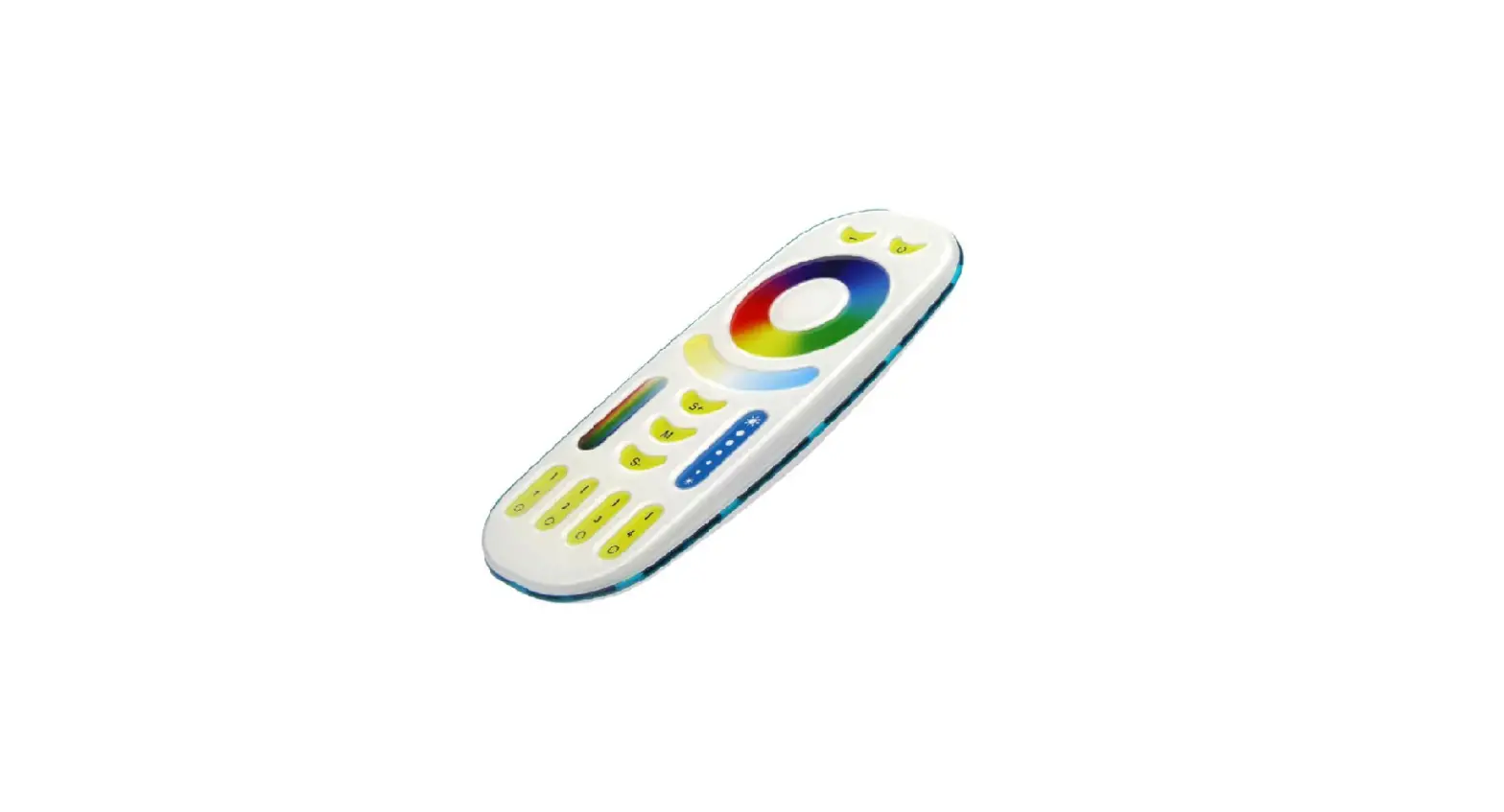
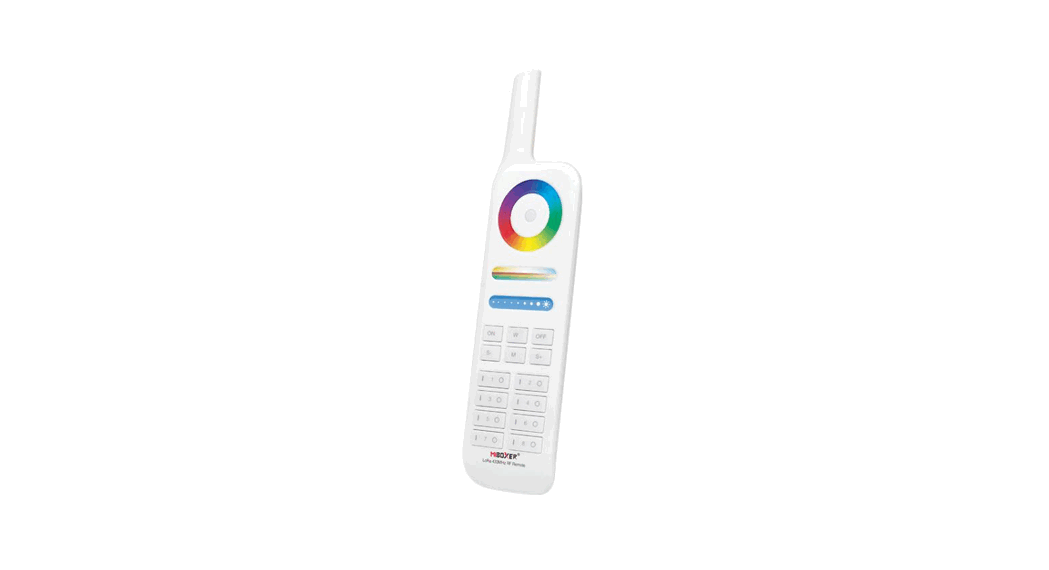
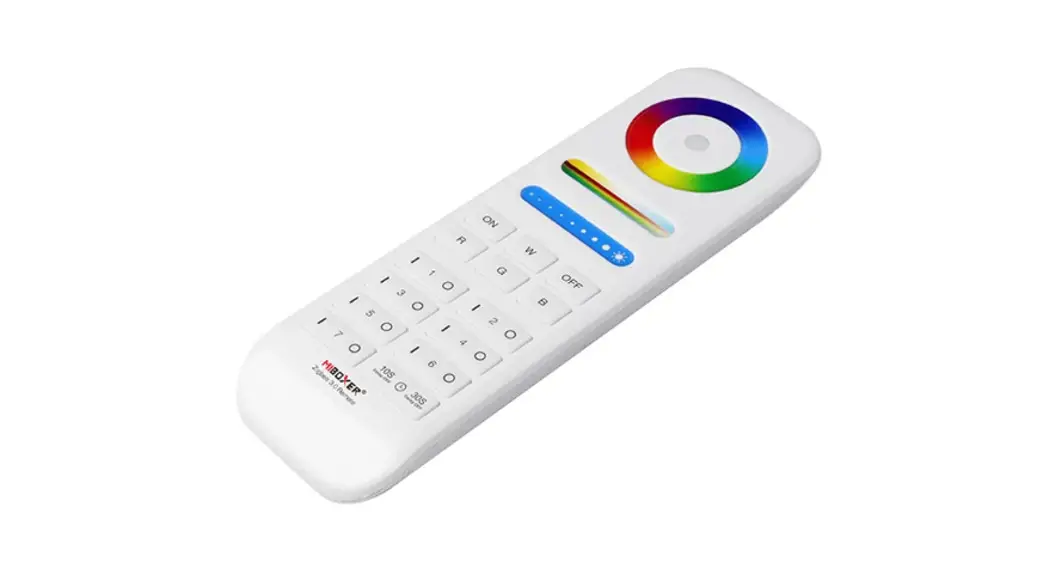
This item is made by zigbee 3.0 standard protocol with low consumption,strong ability to set up internet and anti-interference. It can control on/off, RGB color,color temperature,saturation and brightness for zigbee 3.0 lights.
 Zigbee 3.0 standard protocol
 Compatible with all zigbee 3.0 lights
 7 Zones can divide lights into different combinations easily
 16 Millions of colors to choose
 Color temperature adjustable
 Dim brightness / saturation
 Remote support add to the zigbee 3.0 gateway Can realize App and remote to control lights
 Each zone can keep one favorite color, double click zone ” l ” key to get it (Need to add remote into zigbee gateway and set up by App)
Parameters
Model No.: FUT089Z
Working Voltage:3V (AAA * 2PCS)
Transmitting Power: 10dBm
Standby Power Consumption: 20µA
Max Controllable Lights: 25 Pcs
Control Distance: 100m (open area)
Working Temperature: -10~40°C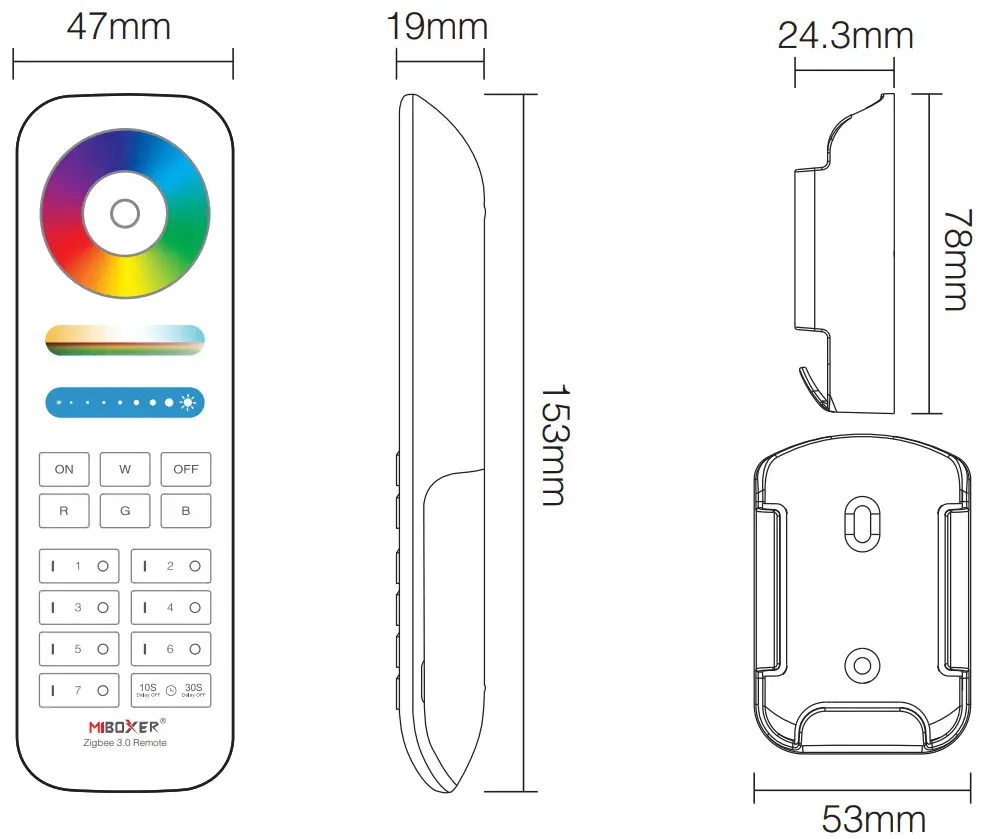
Function
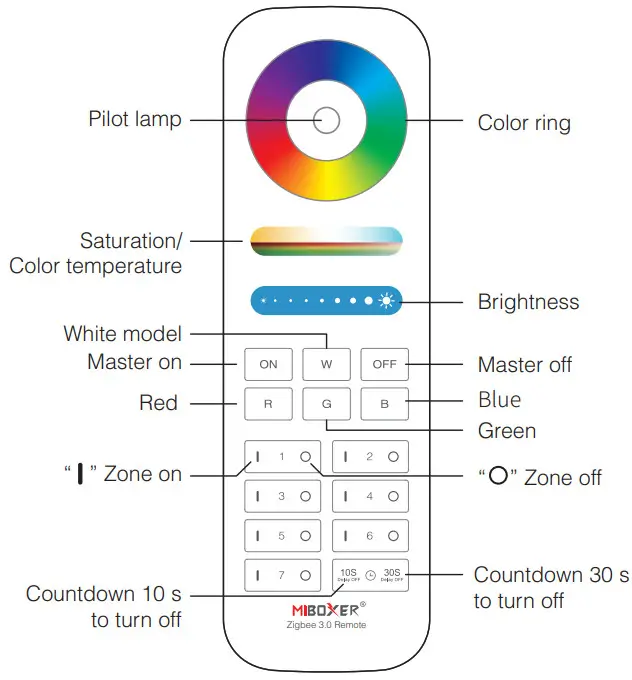 Attention: Please change battery if the indicator flashes frequently with low percentage.
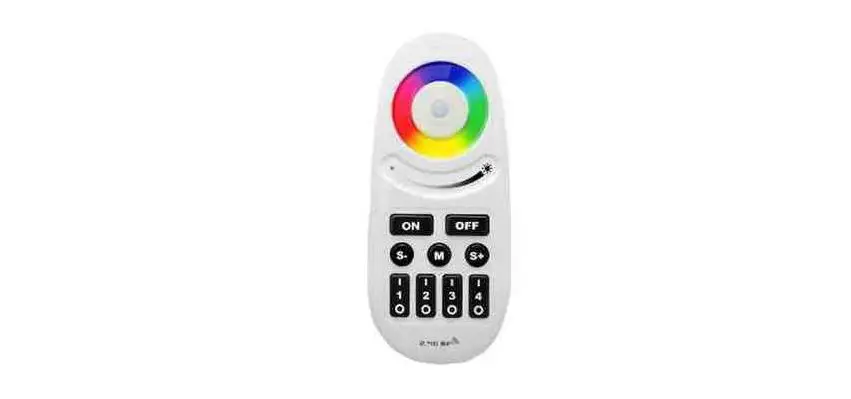
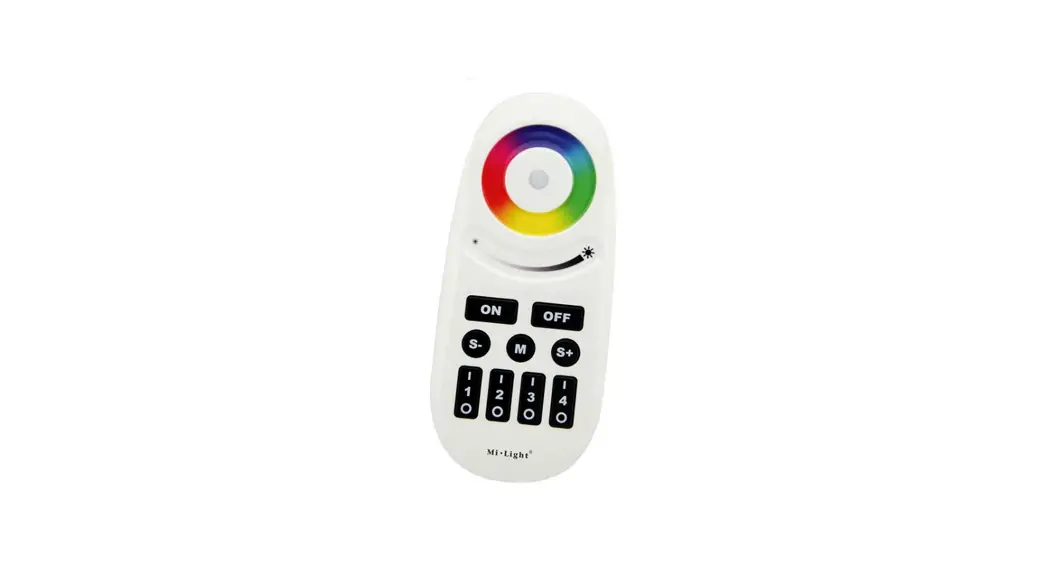
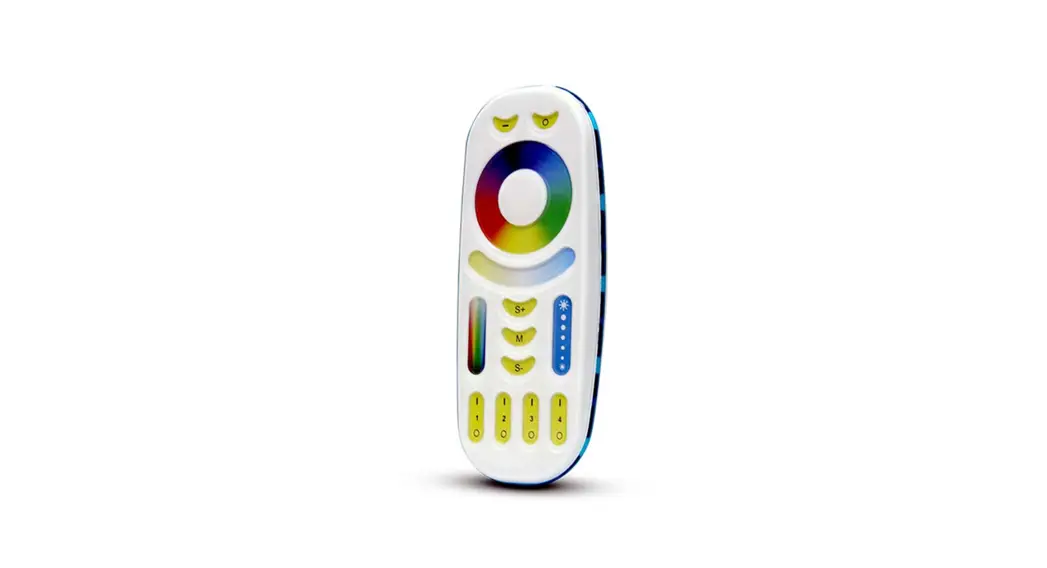
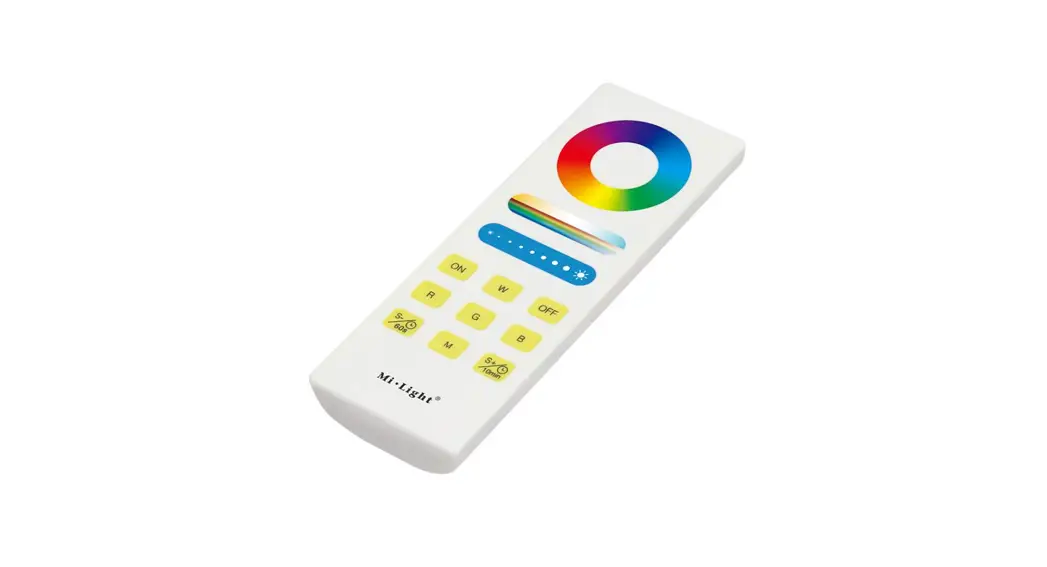
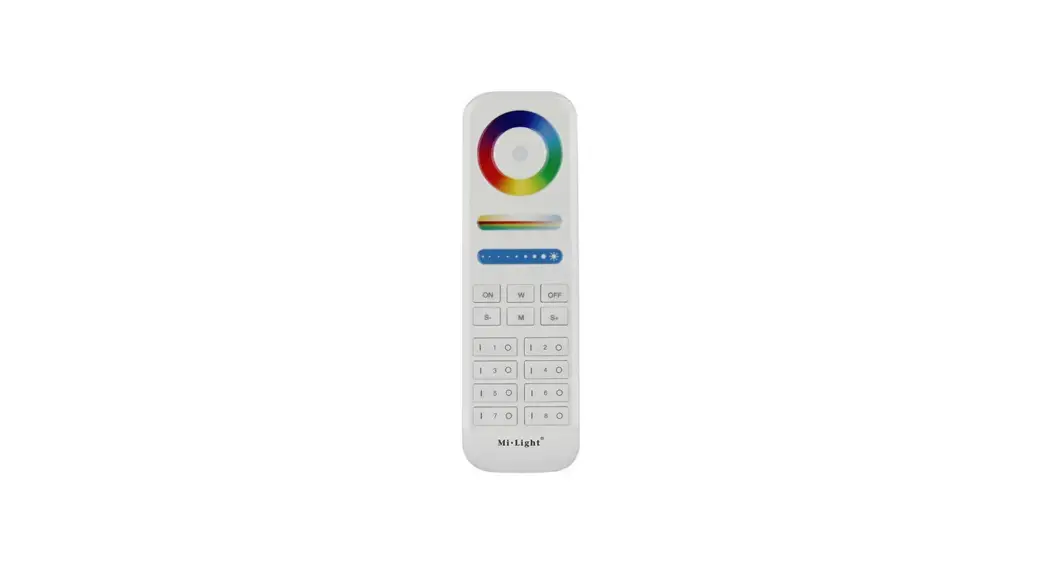
 Touch the color ring to change colors.
 Slide the brightness slider to adjust the brightness.
 Under white light mode, adjust color temperature;
Under color light mode, change color saturation.
W Switch to white color model
ON Master on, turn on all lights which had linked.
OFF Master off, turn off all lights which had linked.
Zone Control
It’s flexible to creat different zones. Each zone max connect with 25 lights. One remote support connection with 25 lights. One light can be controlled by same remote from different zones.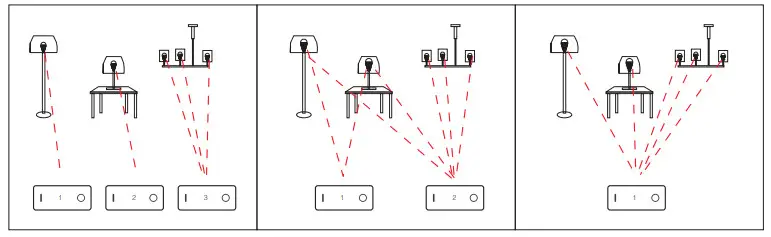
Add remote into zigbee 3.0 gateway
Zigbee lights can be controlled by remote, app or third party voice at the same time
Method:
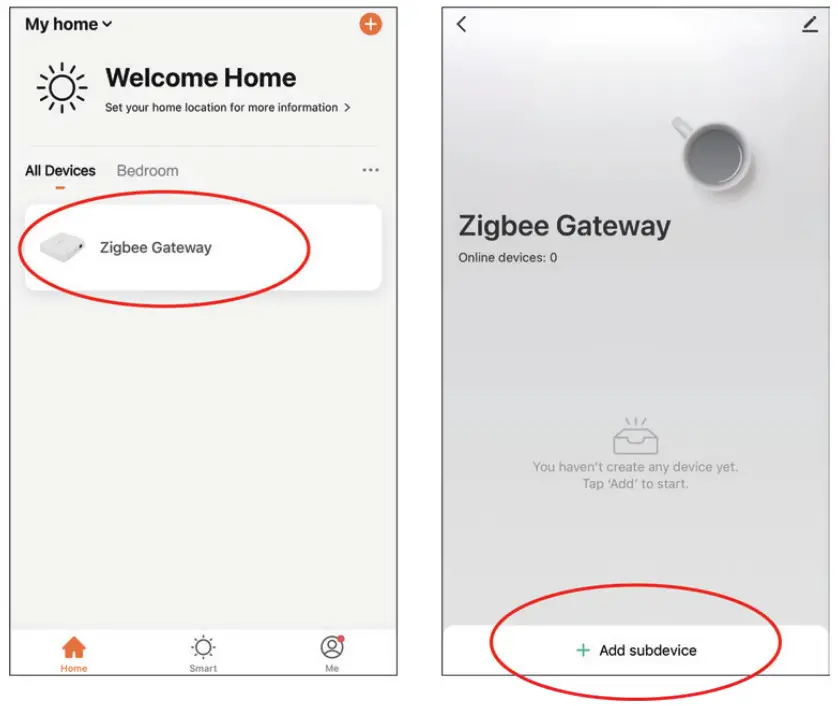
- “MiBoxer Smart” app already added gateway.
- Click “zigbee gateway” in “Home” interface and enter in.
- Add subdevice.

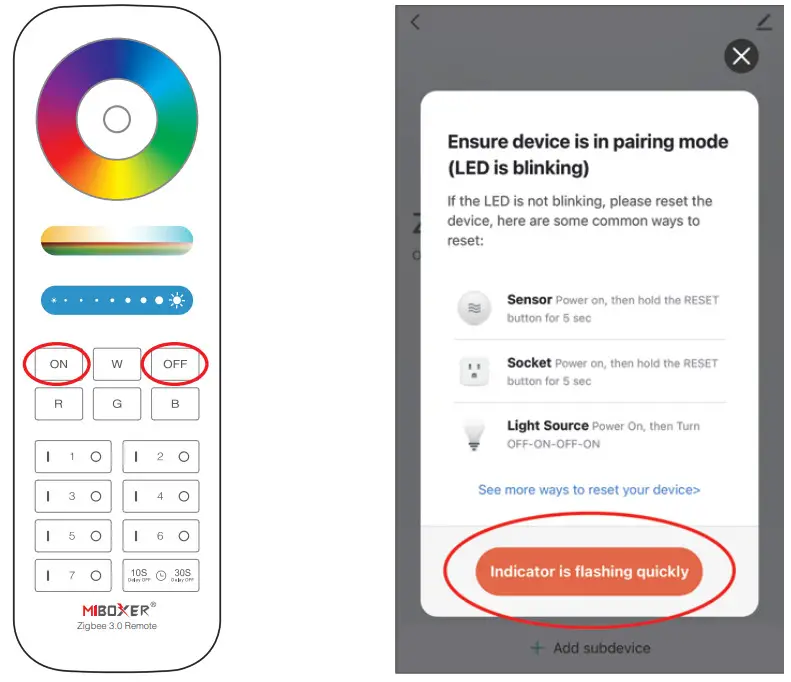
- Press ” ON ” and ” OFF ” button 5 seconds at the same time untill indicator of remote flash one time with one seconds.
- Click “Indicator is flashing quickly”

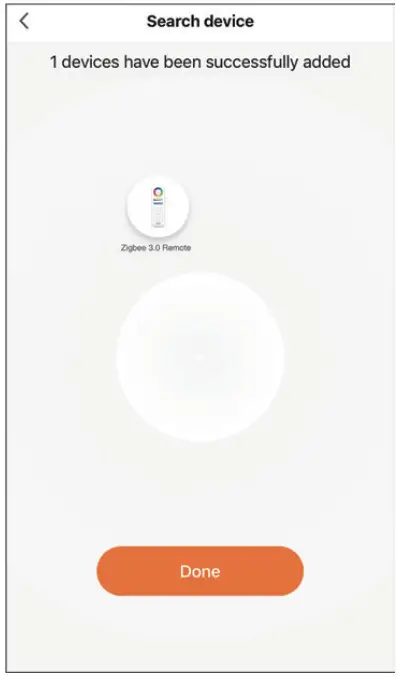
- Click “Done”, remote added into gateway successfully
Match and dismatch light
(Remote already added into gateway)
- “MiBoxer Smart” app already added zigbee 3.0 gateway and some lights connected into zigbee gateway ( please read instruction for zigbee lights and find out solution for
matching and dismatching). - Select “Zigbee Remote” and enter in.
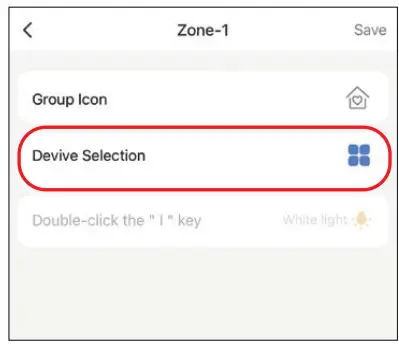
- Select zone which need to match or dismatch (eg:zone-1).
 Attention :ON/OFF button on remote = Zone-8 on APP
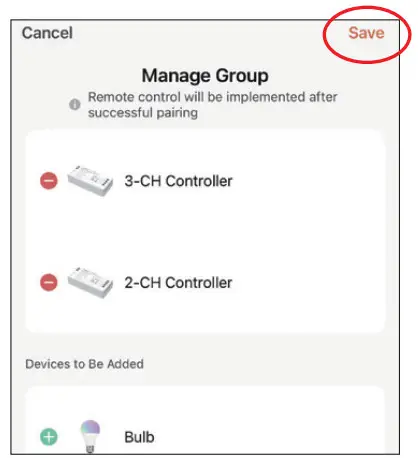
- Click ” Device Selection”

- Click select the controlled device and “Save”

- Double clicking“ I ”button to setup

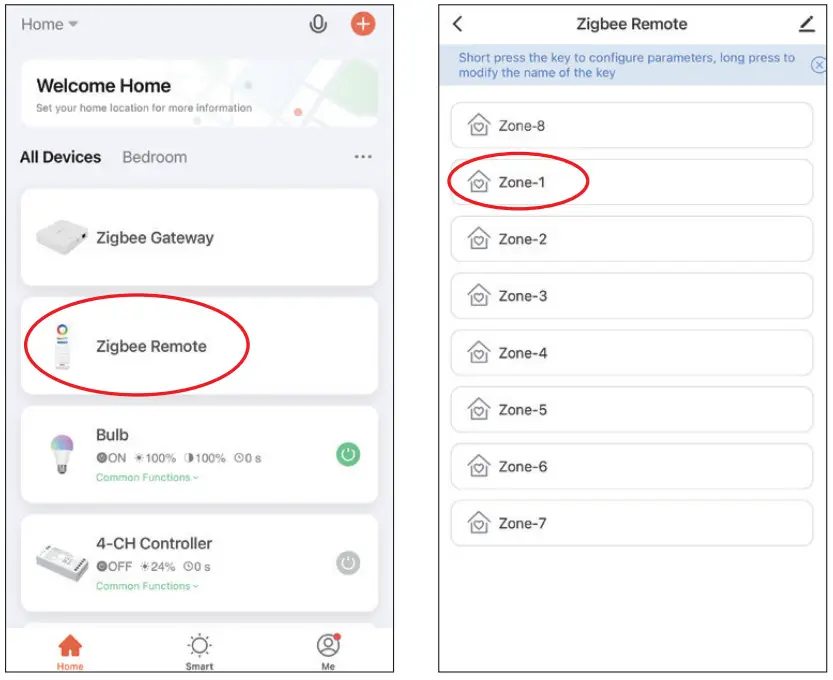 Attention :ON/OFF button on remote = Zone-8 on APP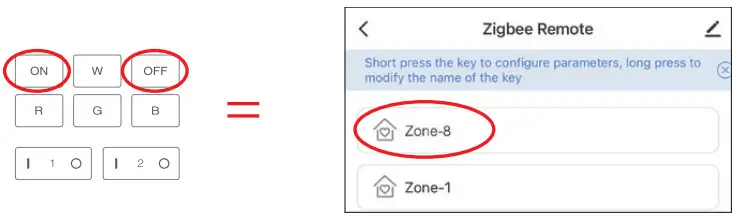
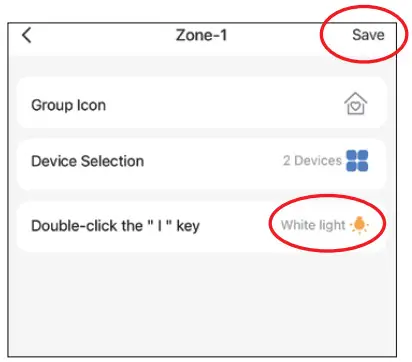
1). Click Double-click the ” I ” key to enter setting
2). Press “Save” to complete
Explanation for double clicking
“ I ” button
Select the favourite color or scene and save them, you can use
“ I ”key to enjoy favourite color or scene quickly
Attention
- Please change battery if the indicator of remote flash frequently while you are using it. Don’t use battery with poor quality, otherwise the battery is easy to liquid out and broke remote
- Please don’t use it in moist, high temperature,dusty or high voltage application since this model is accurate electronics.We suggest to keep it indoor,dry and none static electricity area
- Please stay away from wide metal and high magnetic field, otherwise it will affect transmitting distance.
Made in China