
 Subordinate New Brand
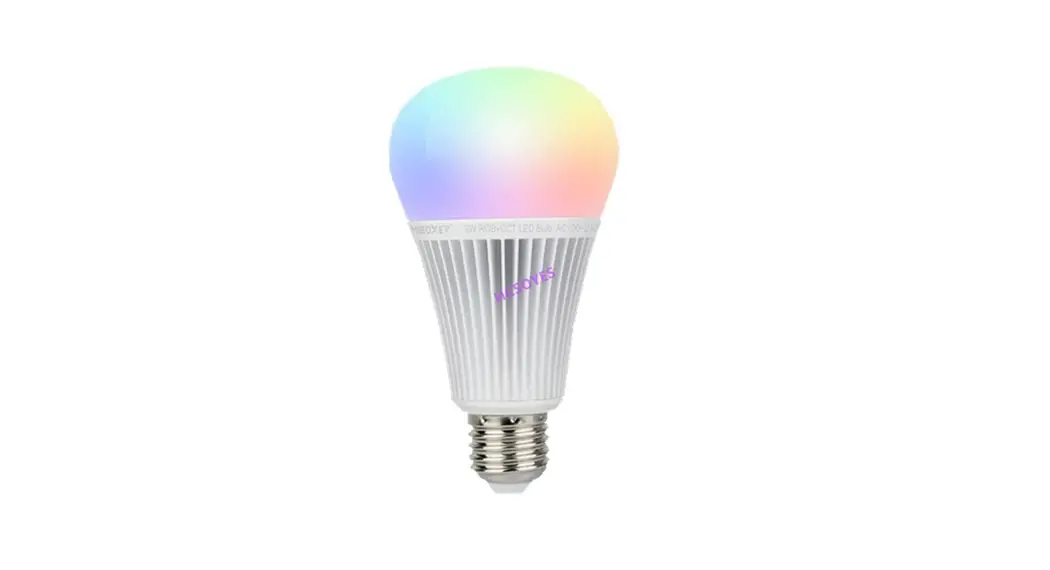
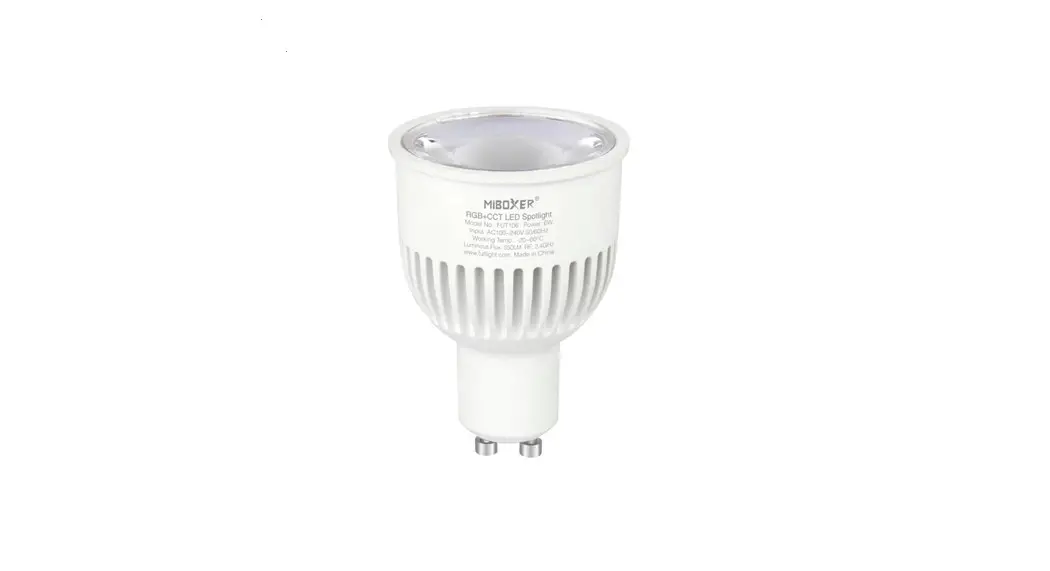
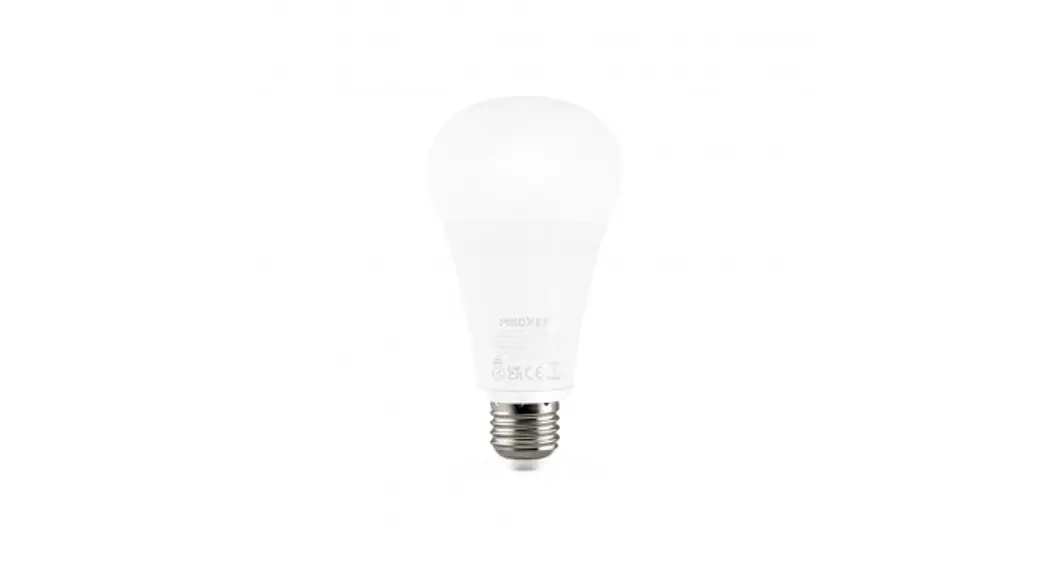
12W RGB+CCT LED Bulb (Zigbee 3.0)
Model No.: FUT105Z
Features
This item supports Zigbee 3.0 standard protocol with low consumption, strong ability to pair with the network automatically, and resist interference. It’s made by the best aluminum material with heat dissipation. The bulb has a unique apperance with 220° wide beam angle. Users can use zigbee wireless remote to dim light. It supports to pair with Zigbee gateway and enjoy the function (wireless dimmable, remote control, timmer, group control and music rhythm)
 | 16 Millions of colors to choose |  | Zigbee remote control |
| Color temperature 2700K~6500K |  | Smartphone APP control (Zigbee 3.0 gateway is needed) | |
 | Dim brightness |  | Support third party voice control (Zigbee 3.0 gateway is needed) |
 | Product follow Zigbee 3.0 standard protocol |

Parameters
Model No: FUT105Z
Voltage: AC100~240V 50/60Hz
Power: 12W
Working Temp.: -10~40℃
Color Temp.: 2700K~6500K
Control Distance: 100m (open area)
CRI: >80
PF: >0.5
Lifespan: 50000 Hours
Beam angle: 220°
Light Efficiency: 90LM/W
Luminous Flux: 1100LM
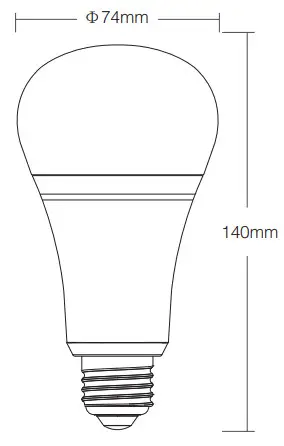
How to control the light via phone APP?
Please add zigbee 3.0 gateway to [ MiBoxer Smart ] APP firstly
- Connect with power supply.
- Turn on/off light continuously over 3 times, confirm the light with red color in-breath ambiance.
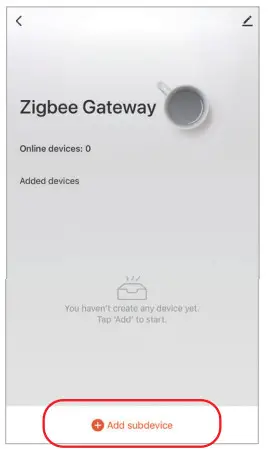
- Open [ MiBoxer Smart ] an APP and add sub-device ( see the following screenshot).
- You can dim light, group control, and ambiance control after adding the device completely.

Match and Dispatch with zigbee remote
stay closer distance between the light and remote
| Remote | Light |
| The remote doesn’t pair with zigbee gateway | Support match and dispatch light |
| The remote paired with zigbee gateway | Only support match and mismatch light which connected with the same gateway |
Instruction of Matching
- Connect with power supply.
- Ensure the light is always on ( please wait 5 seconds and turn off, turn on again 1 time if the light is in red color with breathing ambiance).
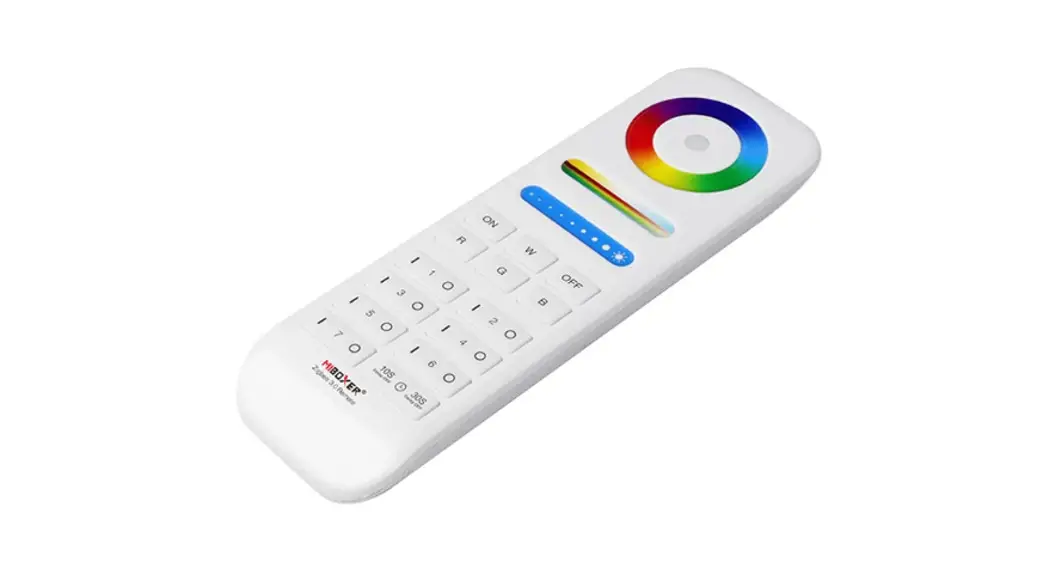
- Long press group control “|” button with 3 seconds until the indicator of remote flash quickly ( check details in remote instruction).
- Please keep closer for the remote and the light which you want to connect ( within 1 meter).
- Matching is done if the light breathes 3 times.
Instruction of Dispatching
- Connect with power supply.
- Ensure the light is always on.
- Long press group control “O” button with 3 seconds until the indicator of remote flash slowly ( check details in remote instruction).
- Please keep closer for the remote and the light which you want to connect ( within 1 meter).
- Dispatching is done if the light breathes 3 times.
Please repeat above steps if you are failed
 Attention
- Remote only match or mismatch with one light in one time, it will match or mismatch with the nearest light.
- Remote doesn’t pair with gateway: one light is only controlled by one remote.
- Light doesn’t pair with the gateway: it can not be controlled by a remote which already paired with the gateway.
- If remote and light are both connected with gateway: one light can be controlled by many remotes (the max quantity for remote and light is based on the max gateway which is connected).
Warning
- Ensure voltage is AC100~240V.
- Please turn off the power supply while installing the light.
- Stay away from high temperatures and moist areas.
 Made in China