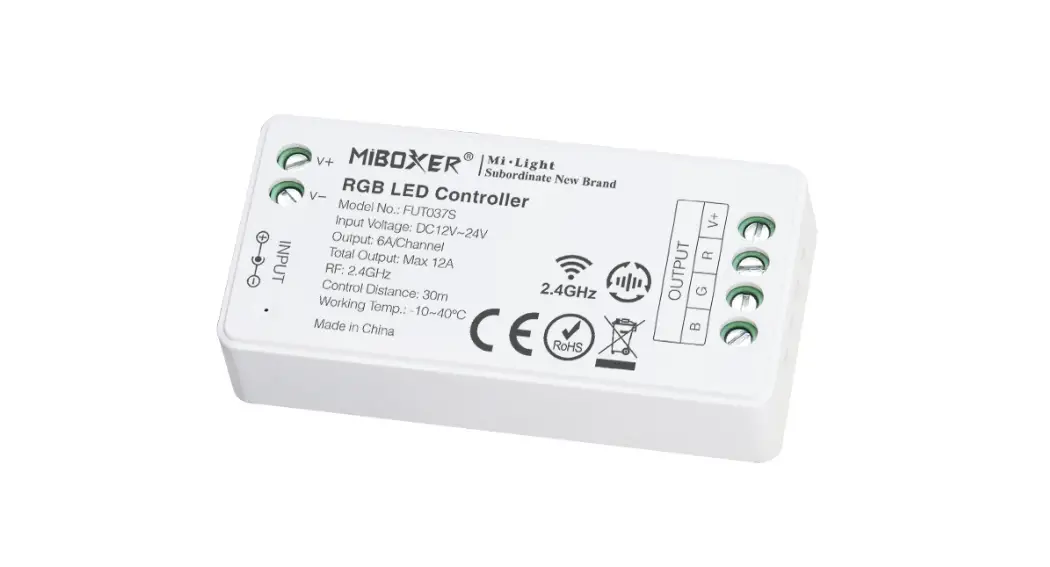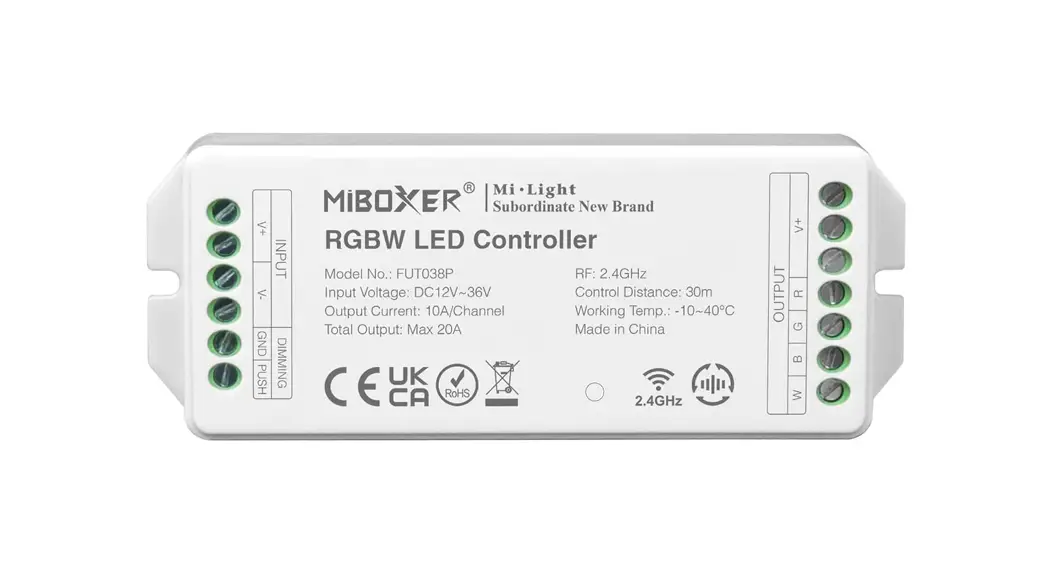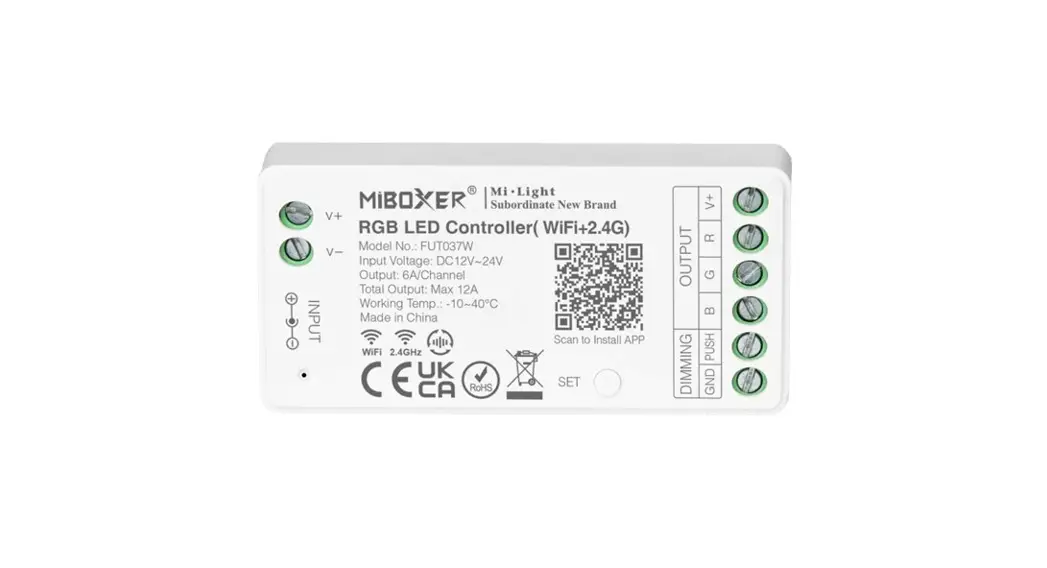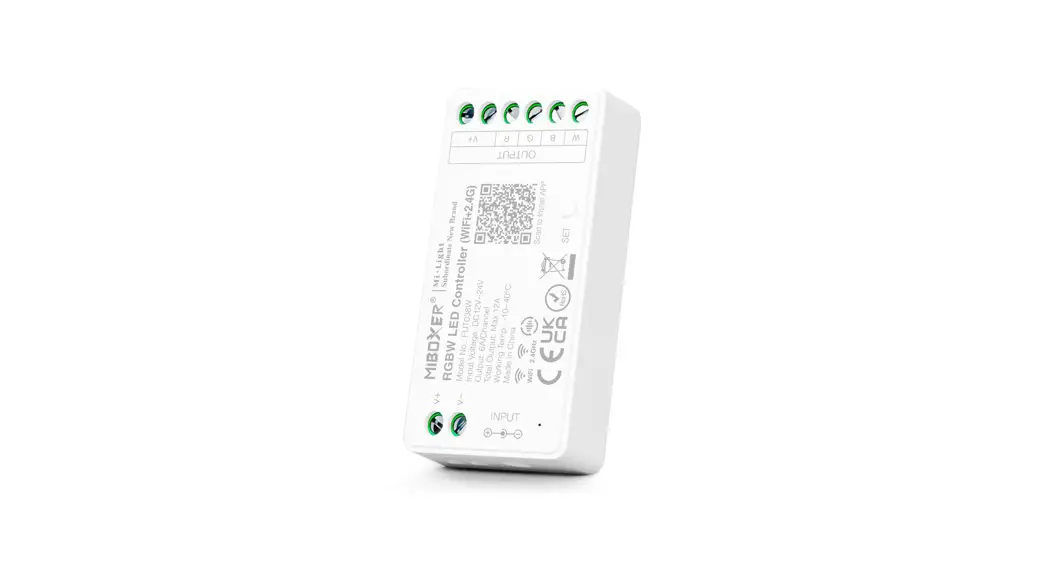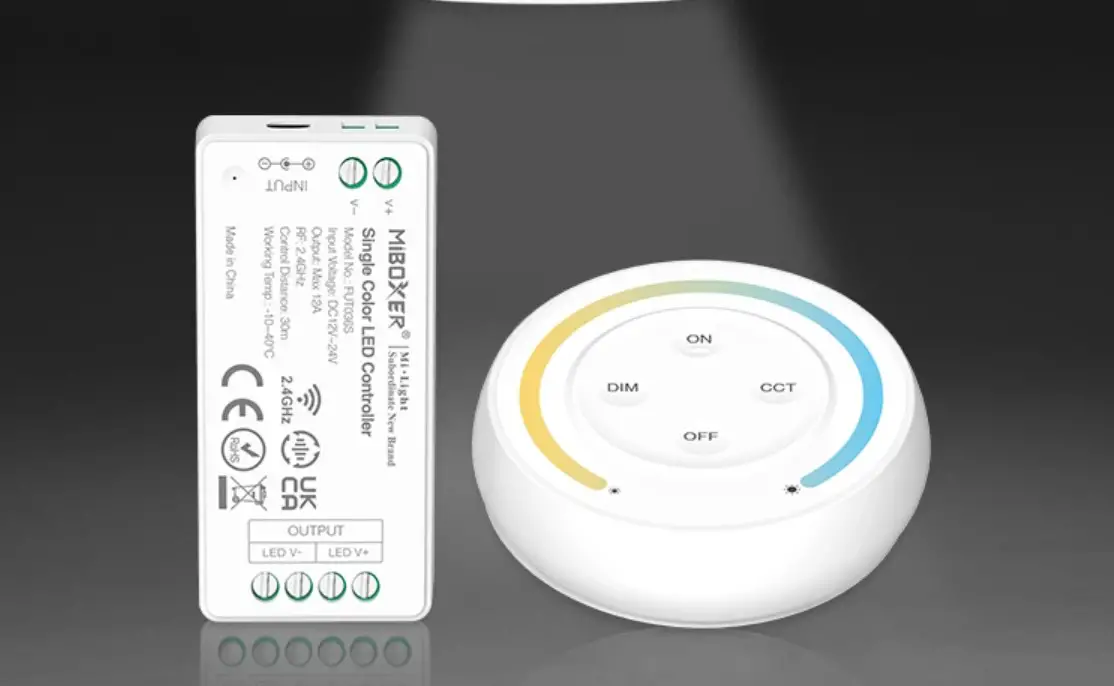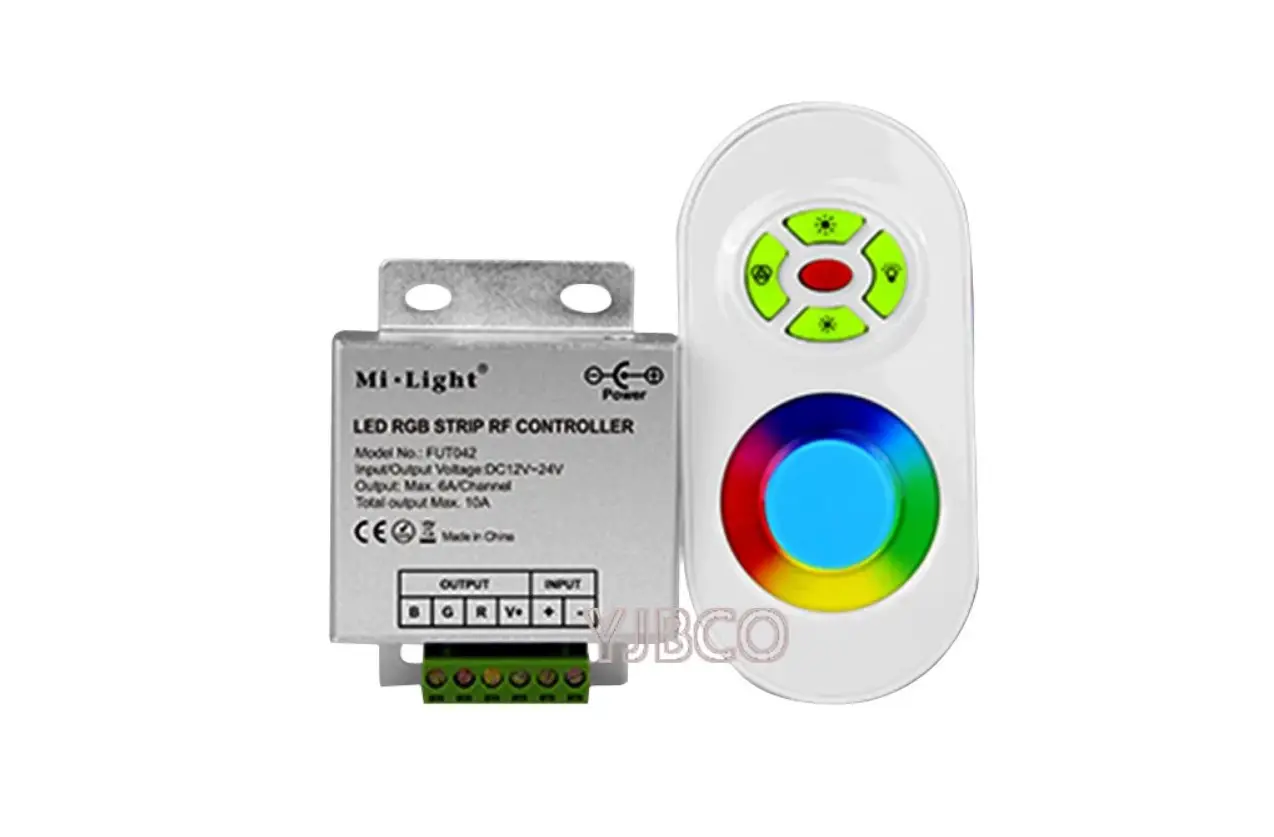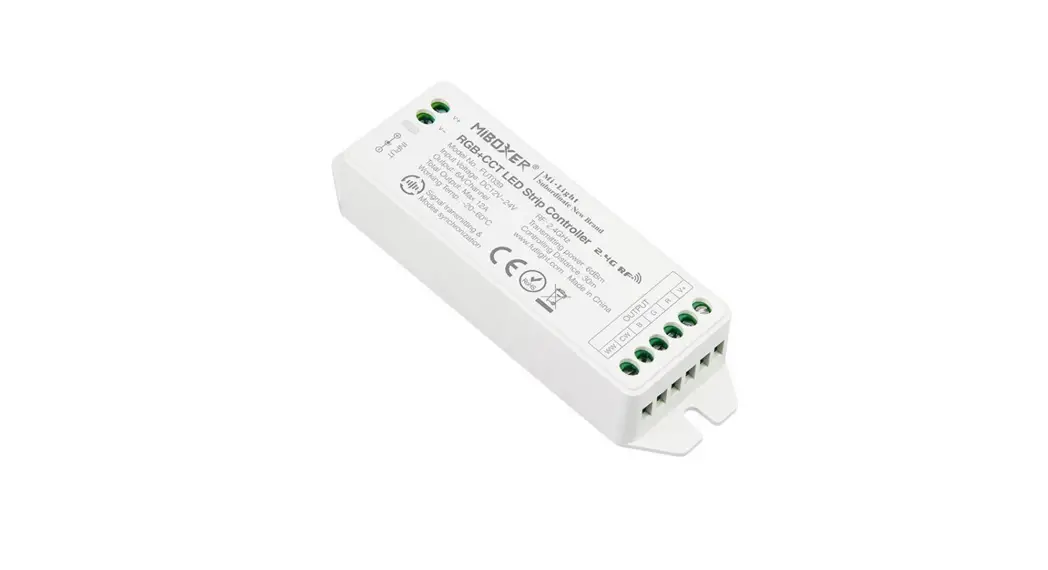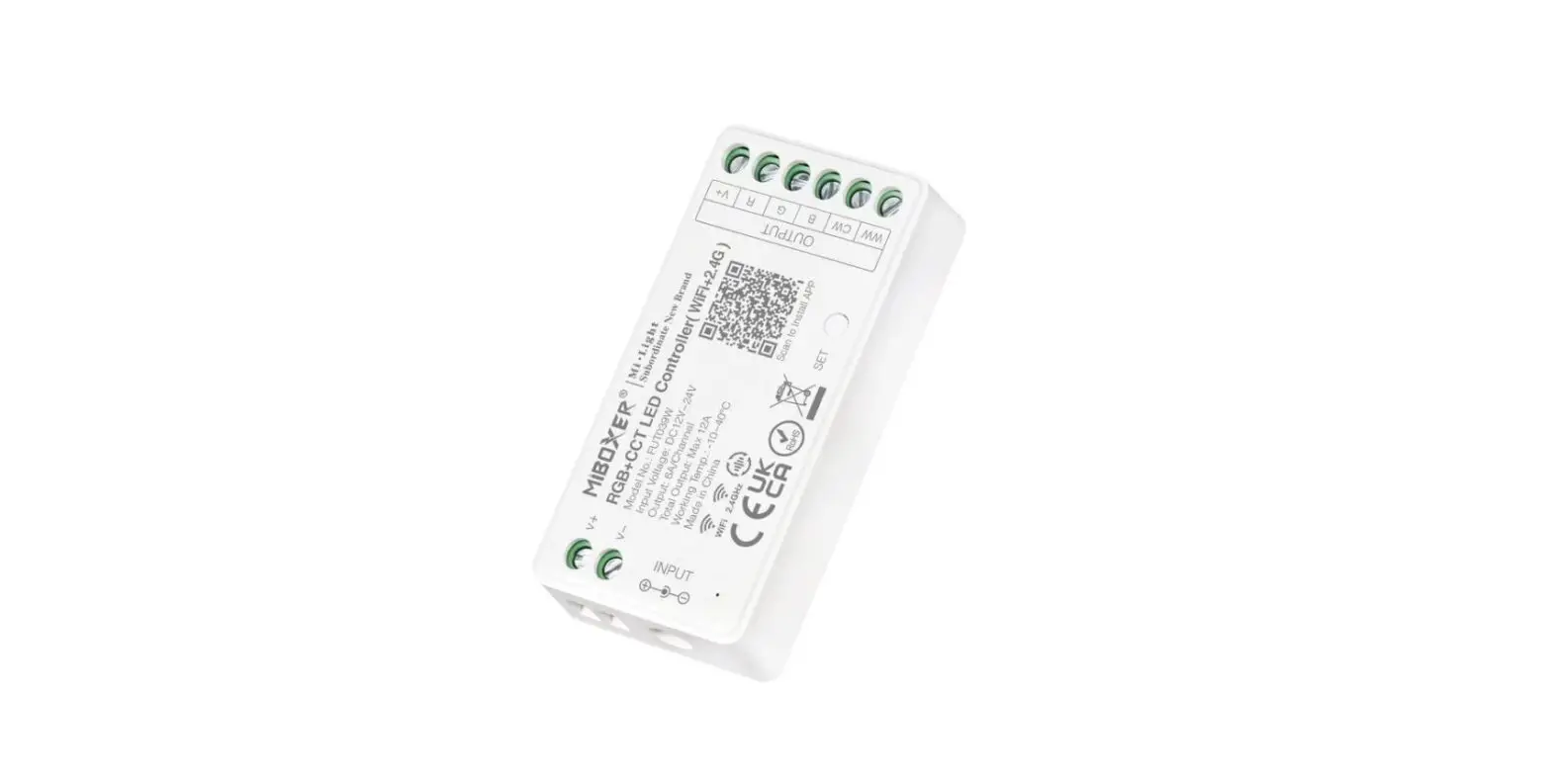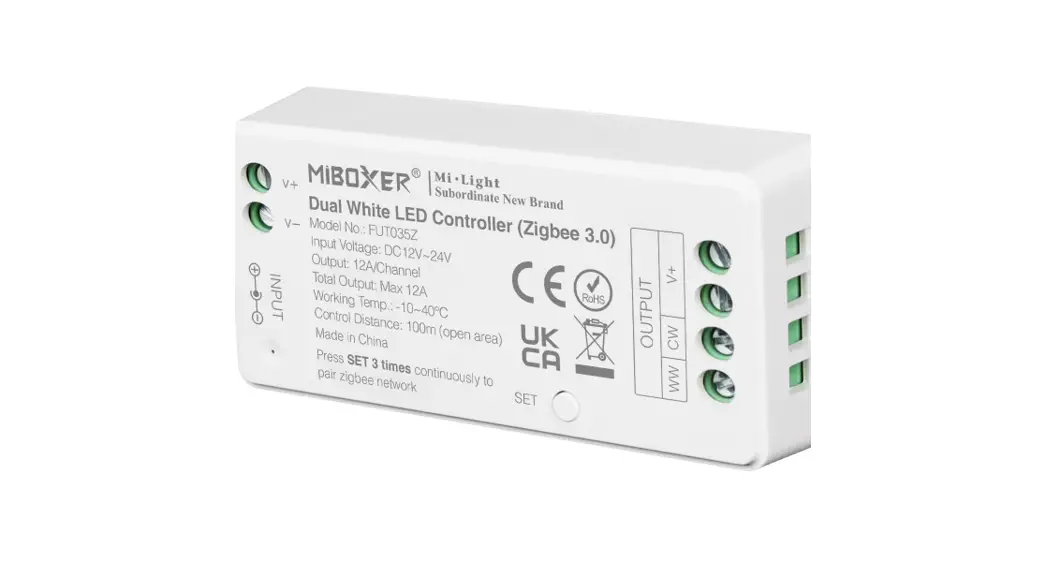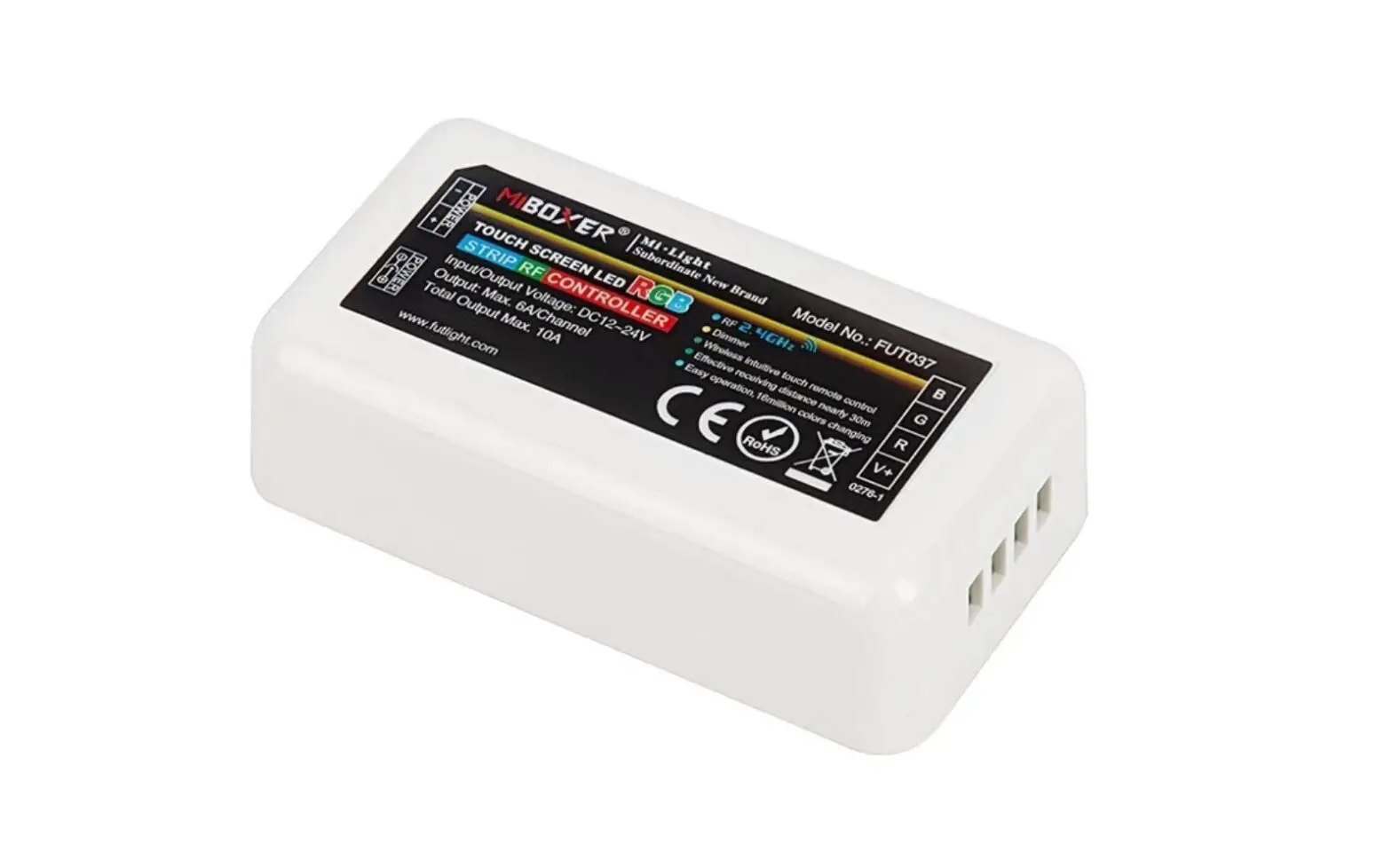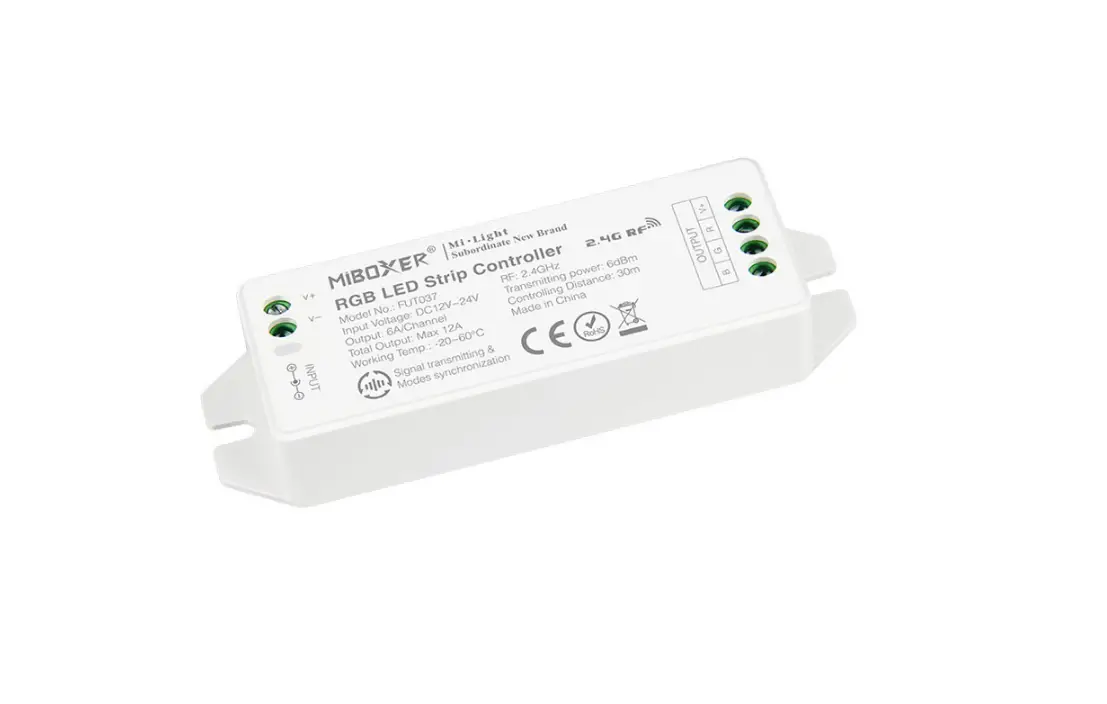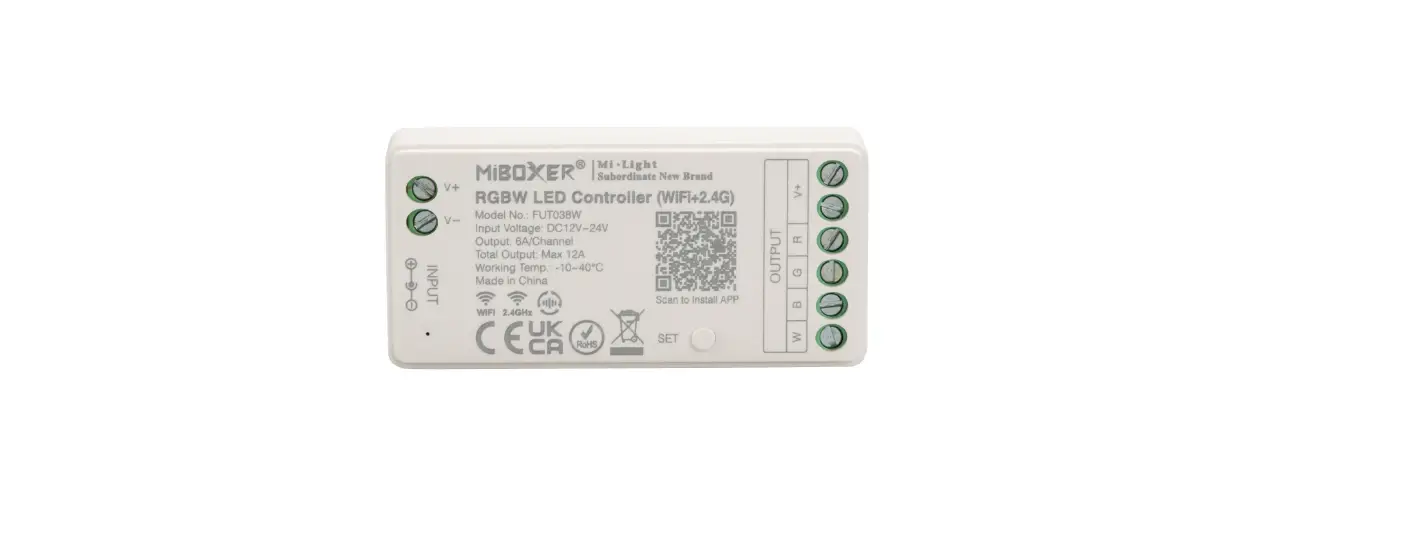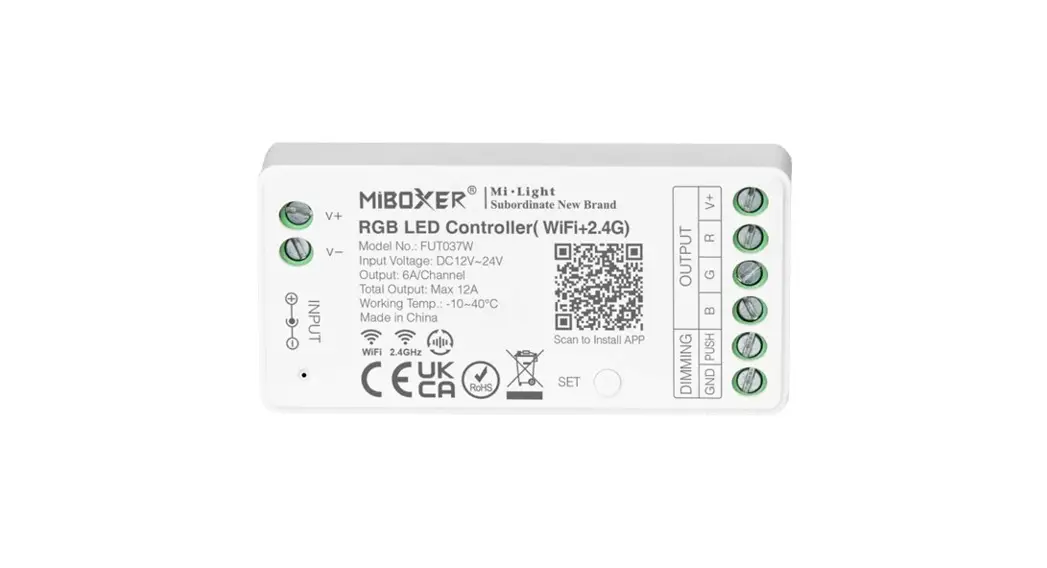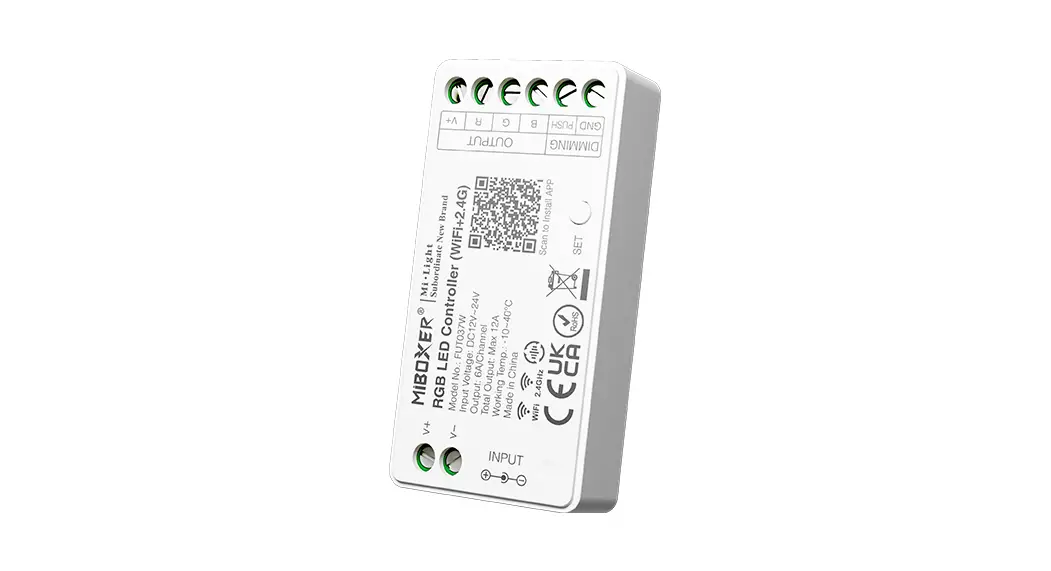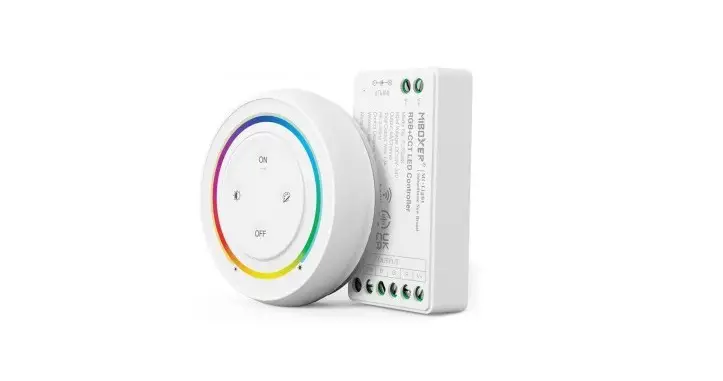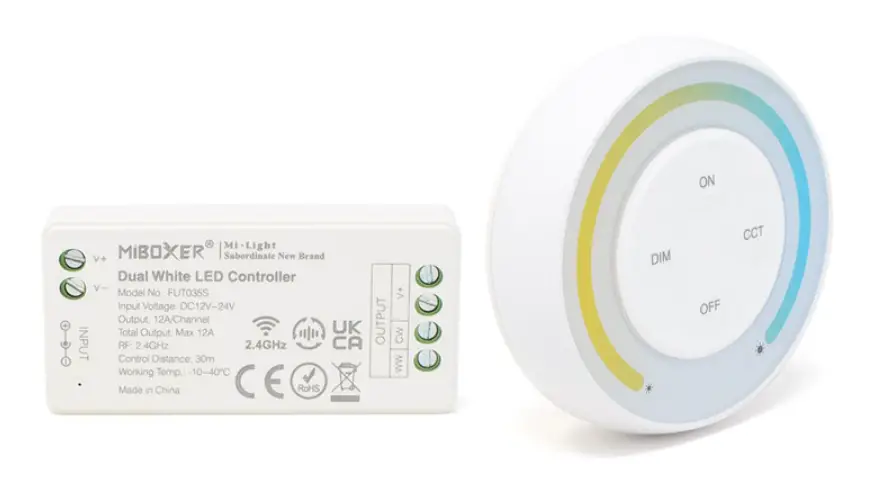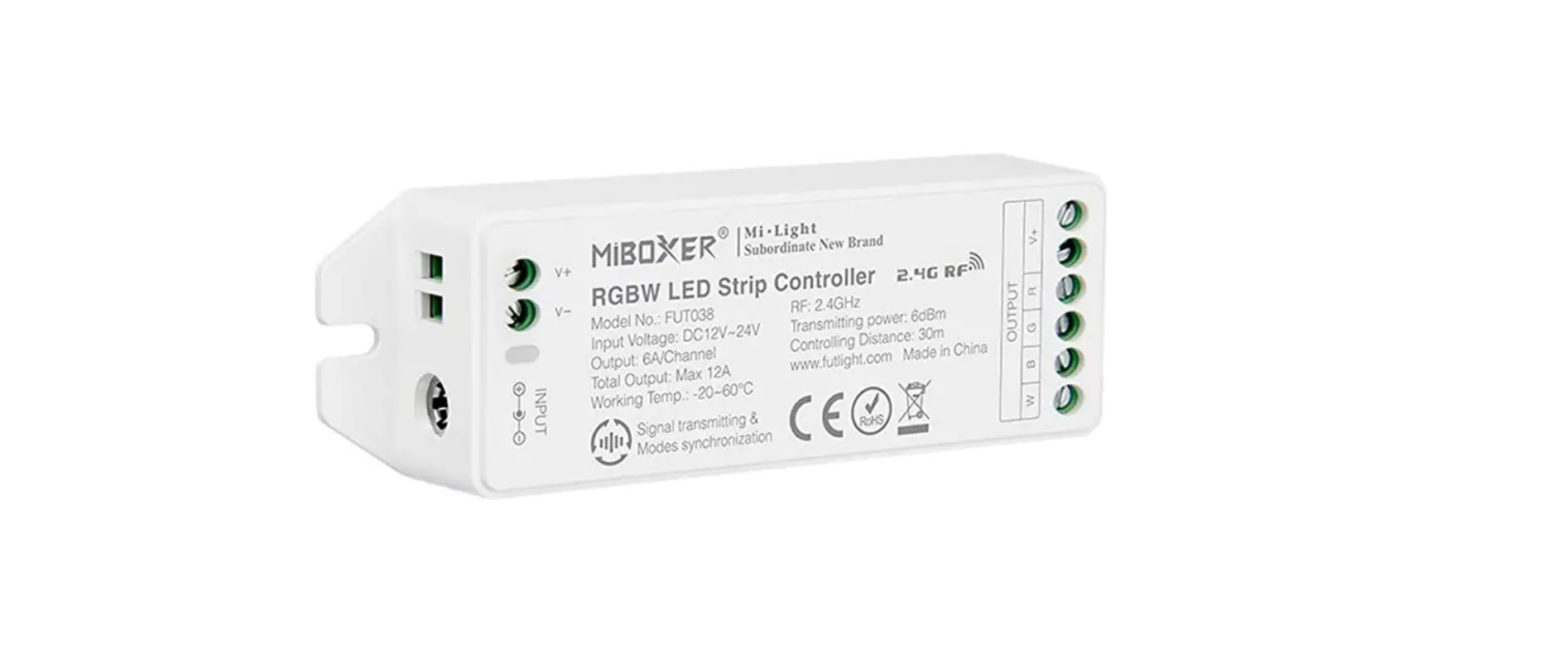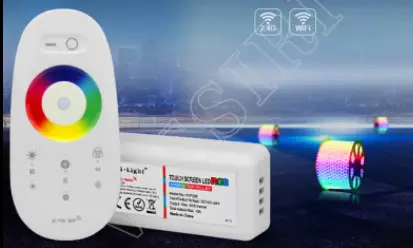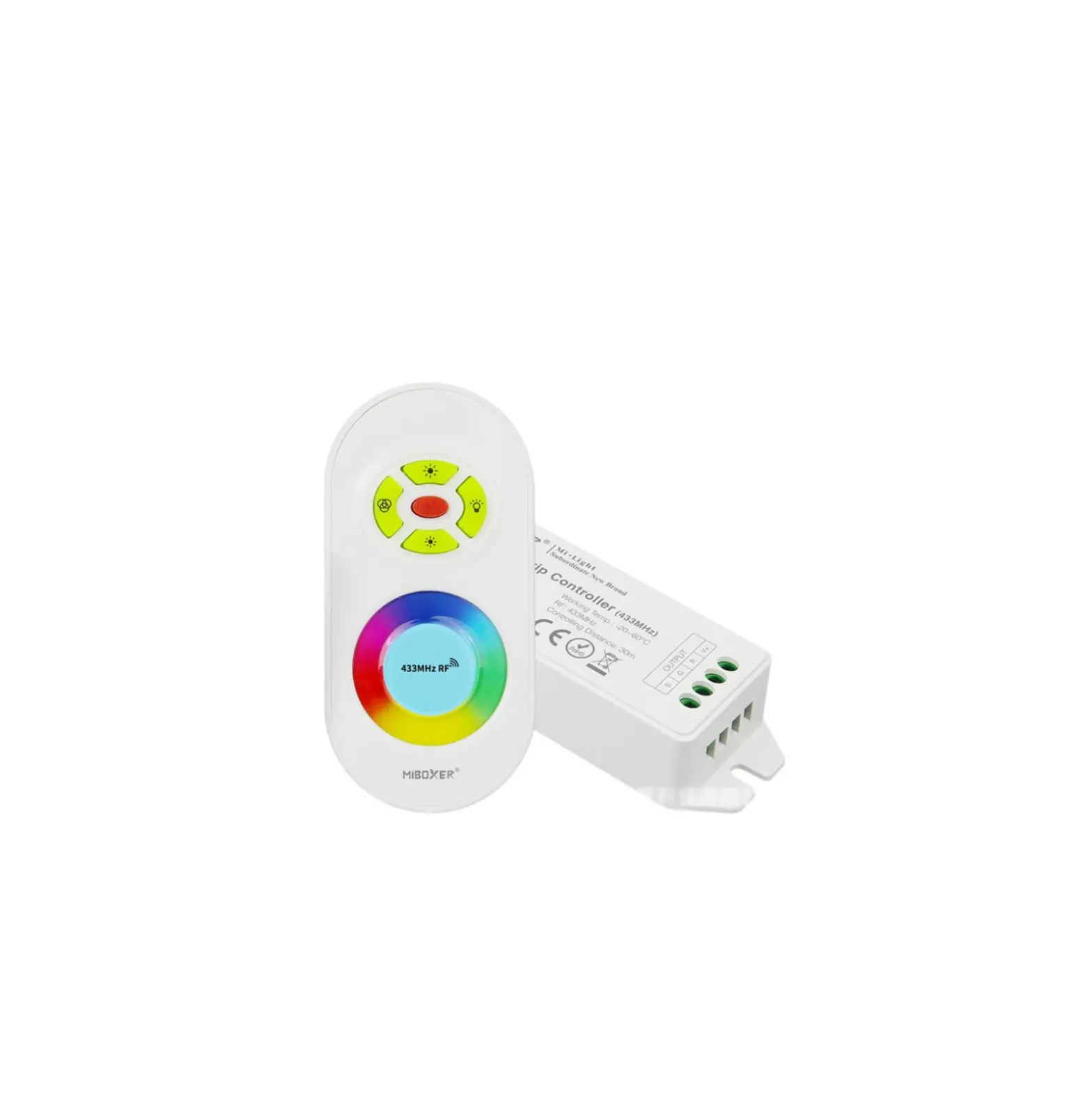
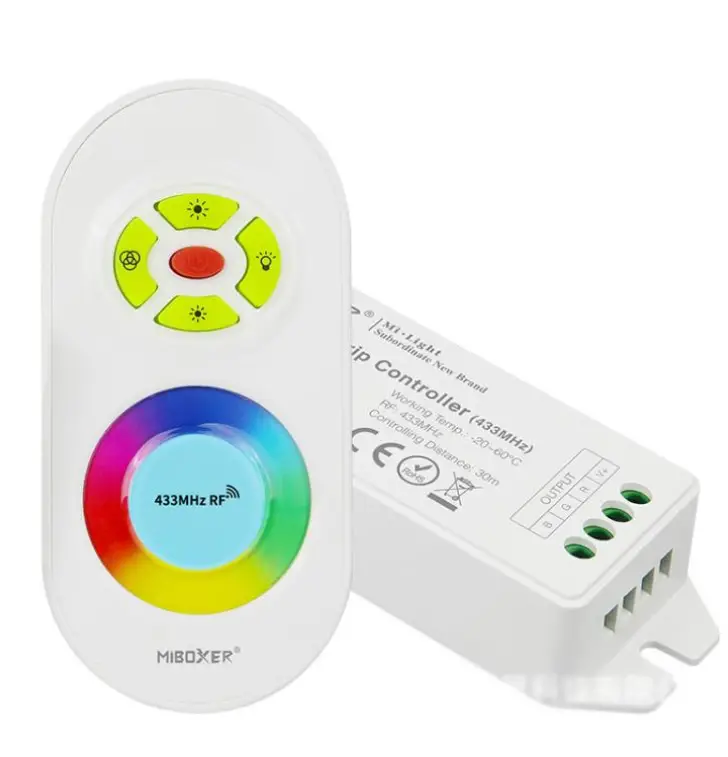
MIBOXER FUT042 433MHz 4Pin RGB Controller
Features
This controller adopt the widely used 433MHz wireless technology with the features of low power consumption, long signal transmitting and strong anti-interference, etc. Widely used on the controlling of hotel lighting and home lighting
 16 Millions of l!::J colors to choose
 Dim brightness
 Remote control L!;!_J Control distance 30m
 RF wireless ~ transmission technology
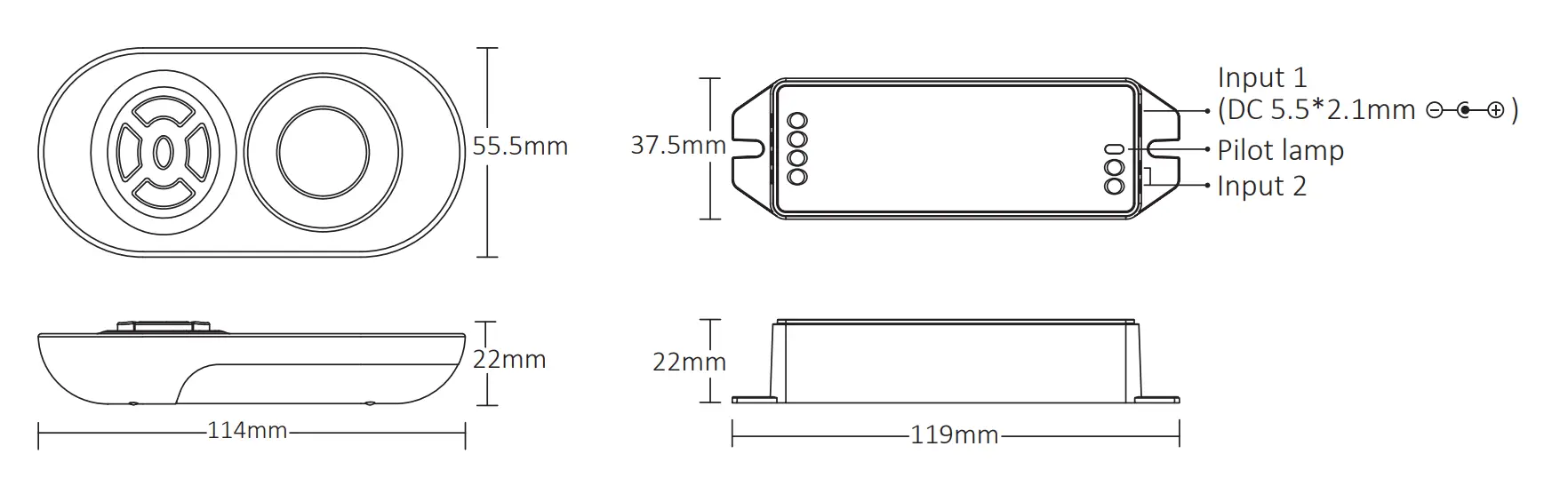
Products Key Diagram
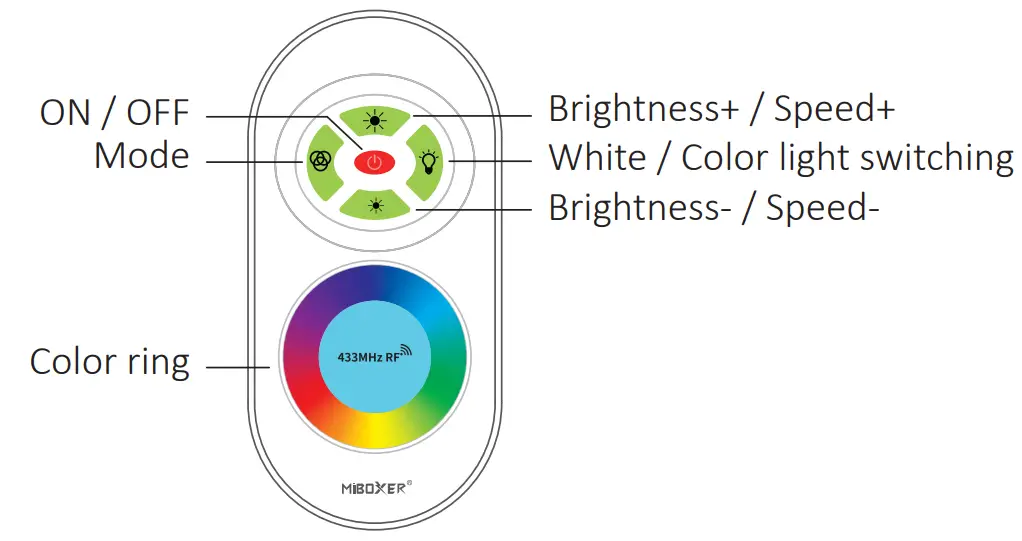
 Touch the color ring to change colors
 Turn on or off the linked lighting device
 Dynamic mode switching button (Seethe dynamic mode sheet)
 Switch button for color light and white light Note: If you want to change color under white light mode, you need to switch to color light mode.
 Under color light and white light mode, brightness+ Under dynamic mode, See the dynamic mode sheet
 Under color light and white light mode, brightness – Under dynamic mode, See the dynamic mode sheet
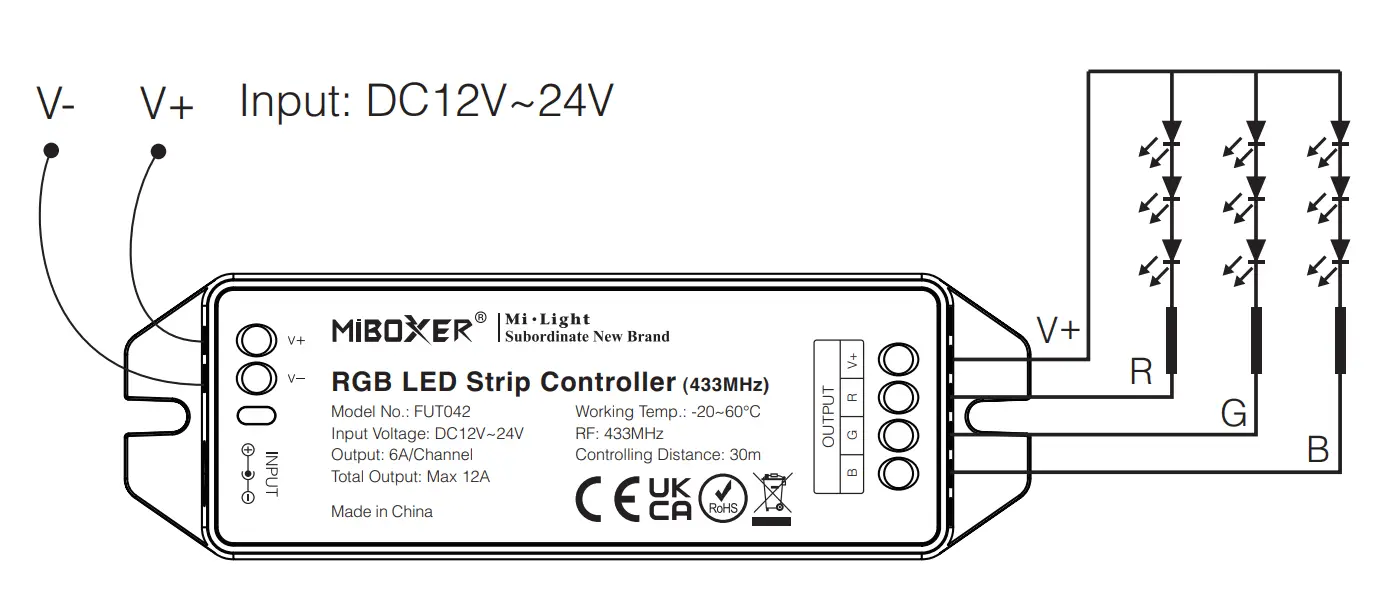
Connect diagram
Pilot lamp instruction:
Always lighting means working normally; Flash means receiving remote signal.
 Note
Note
Factory setting is one remote control one receiver. Users can group it as per the need. One remote can control countless receivers, but one receiver just can bel controlled by max 4 remotes.
Dynamic Mode Sheet
Press and adjust brightness and speed.
| Number | Dynamic Mode | Brightness | Speed |
| 1 | Change color automatically | Adjustable | – |
| 2 | Three color jump to change | – | Adjustable |
| 3 | Seven color jump to change | ||
| 4 | Three color gradual change | ||
| 5 | Seven color gradual change | Adjustable | – |
| 6 | Red jumps to change | ||
| 7 | Blue jumps to change | ||
| 8 | Purple jumps to change | ||
| 9 | Green jumps to change | ||
| 10 | Yellow jumps to change | ||
| 11 | Cyan jump to change | ||
| 12 | White jump to change | – | Adjustable |
| 13 | Red and blue fiash alternately | ||
| 14 | Blue and green flash alternately | ||
| 15 | Red and green flash alternatively |
Linking Code/ Unlinking Code Instructions
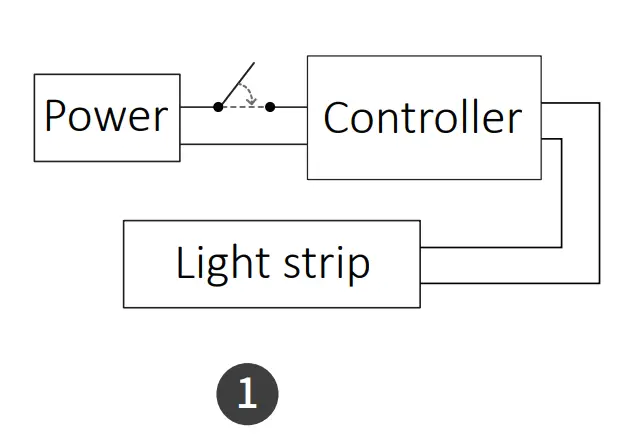
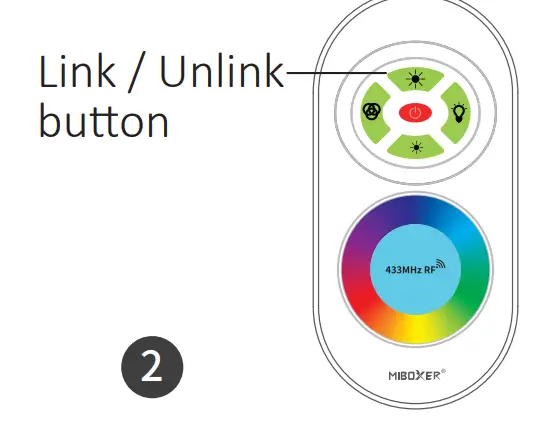
Linking the controller
- Switch off light, after 10 seconds then switch on again.

- Short press”
 ” button 1 time within 3 seconds when light on.
- Lights blink 3 times slowly means linking is done successfully.

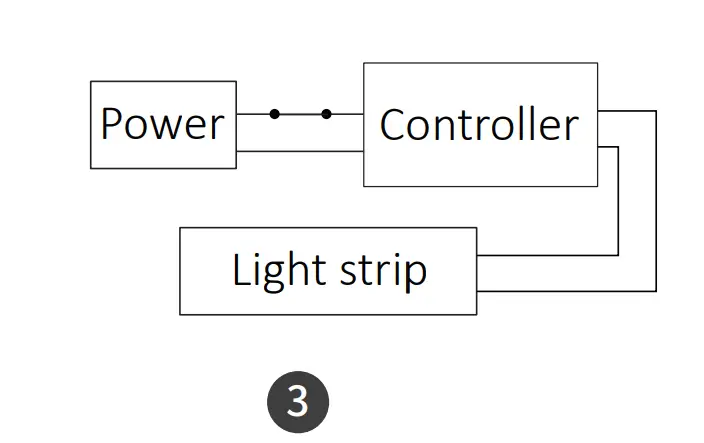
Unlinking the controller
- Switch off light, after 10 seconds then switch on again.
- Short press” ” button 5 times within 3 seconds when light on.
- quickly means unlinking is done successfully.
If the light not blink quickly, the unlink failed, Please switch off the light again, ~ and follow the above steps to unlink again.
Attention
- Please check whether the voltage of the power supply is in accordance with the light, and please check the connection of both the cathode and anode, otherwise the light will be broken.
- Please don’t connect wires with power on. Please turn on again only when it is in right connection and no short circuit
- Non-professional user cannot dismantle the lighting fixtures directly.
- Please do not use the light in the place with widely range metal area or strong electromagnetic wave nearby, otherwise, the remote distance will be seriously affected.


Light can not use in humid area