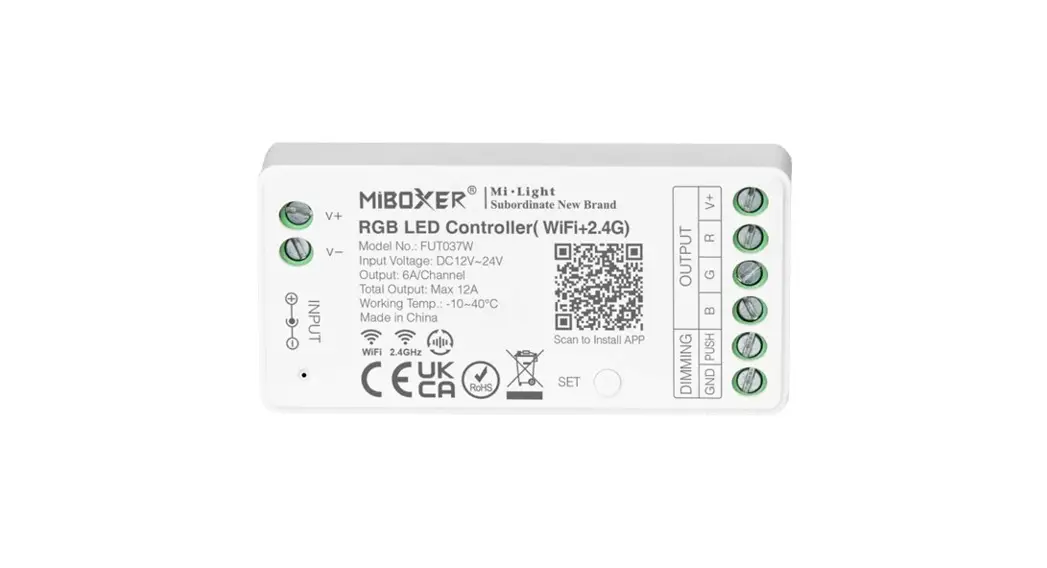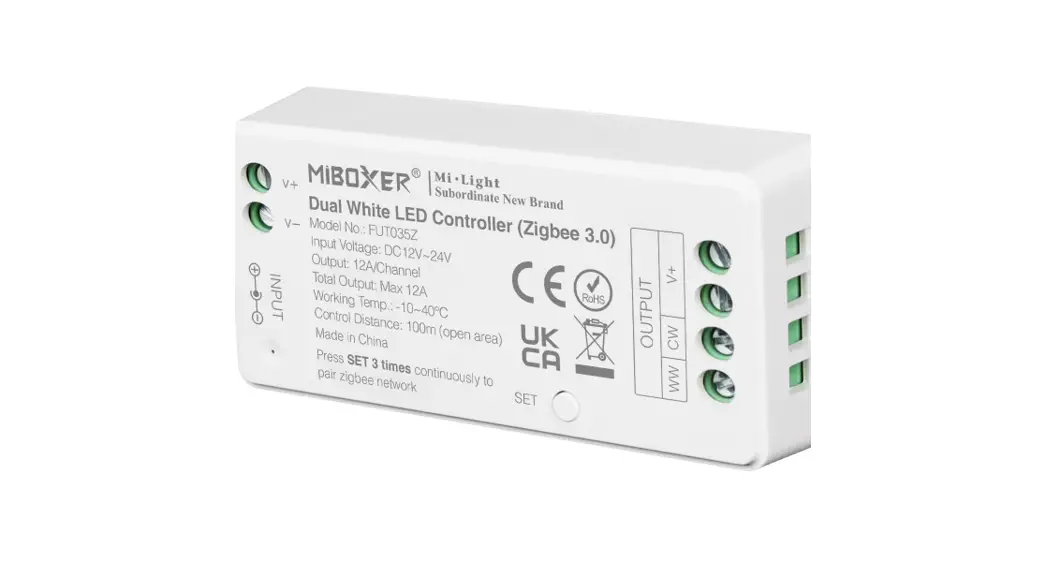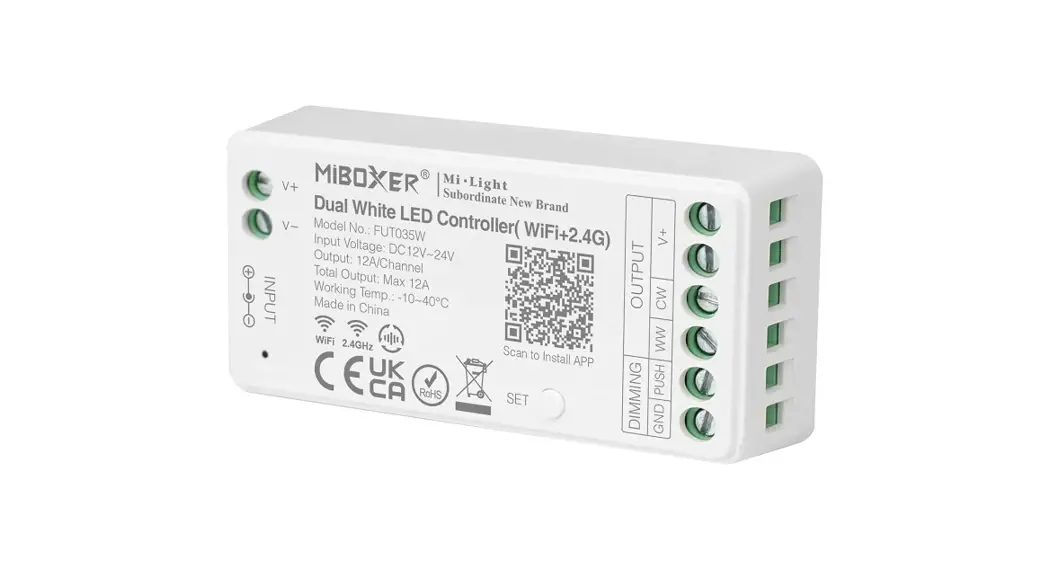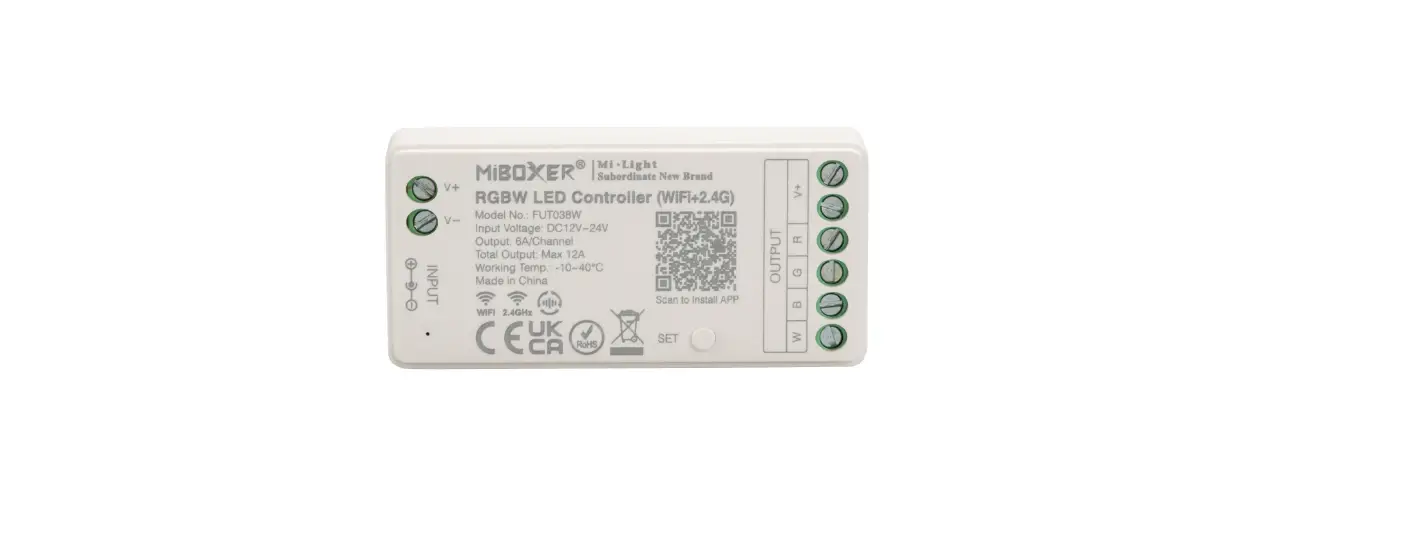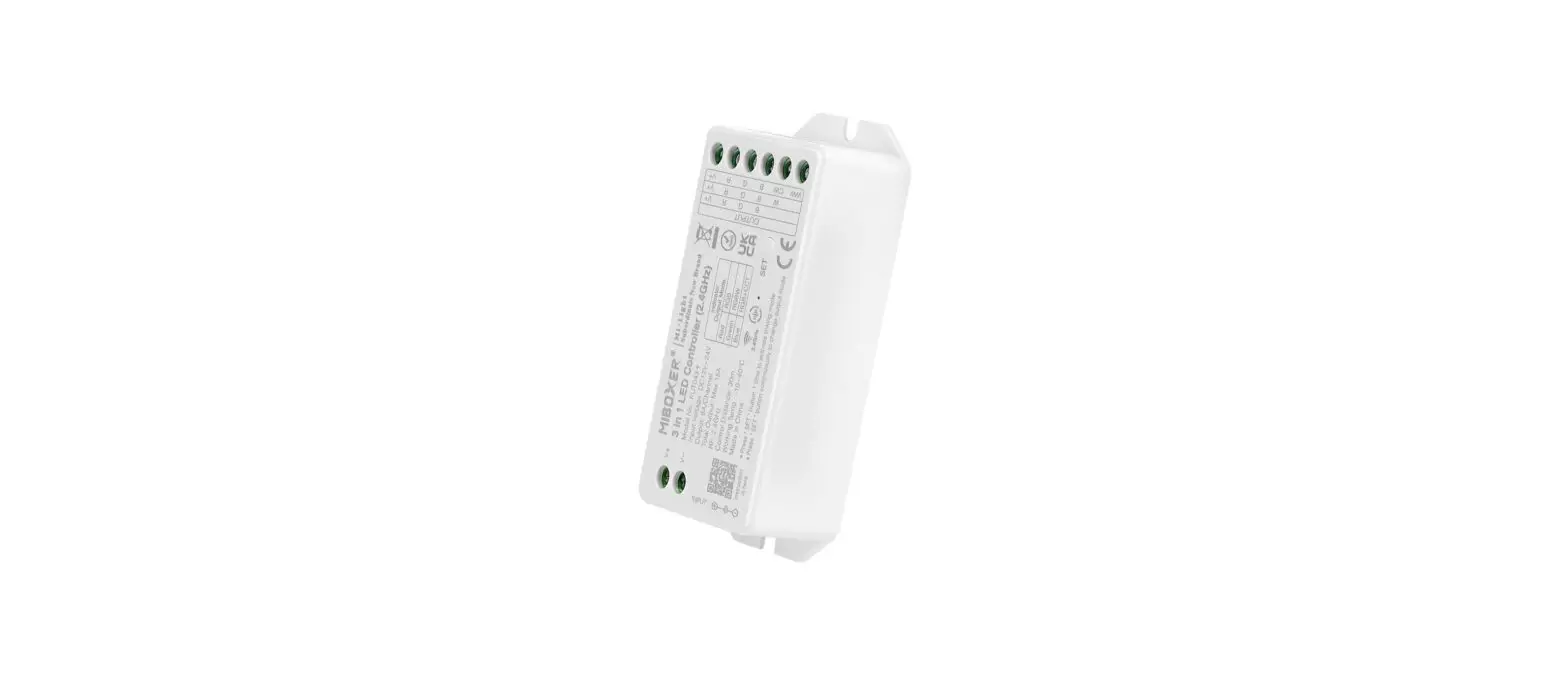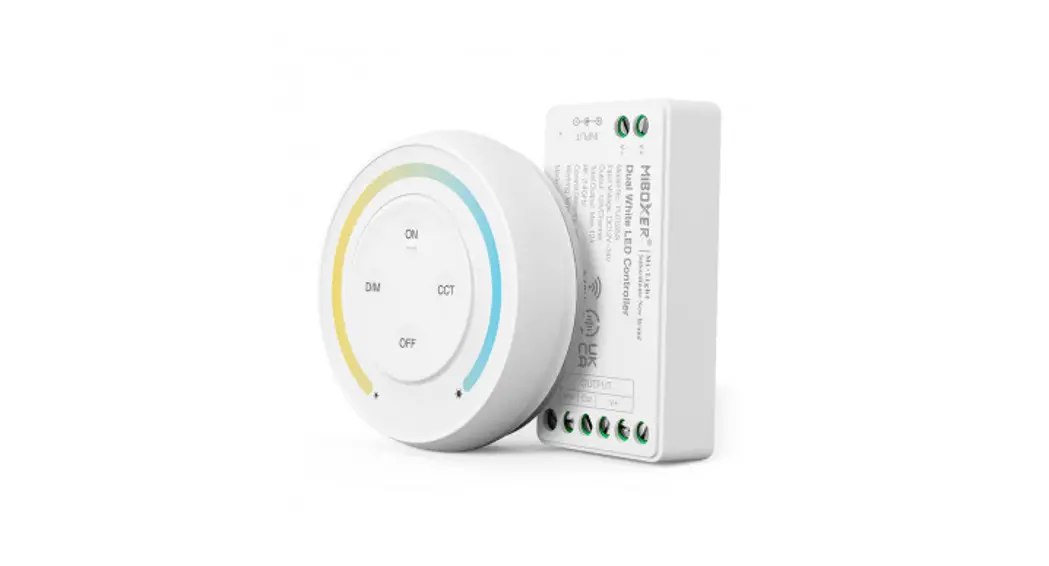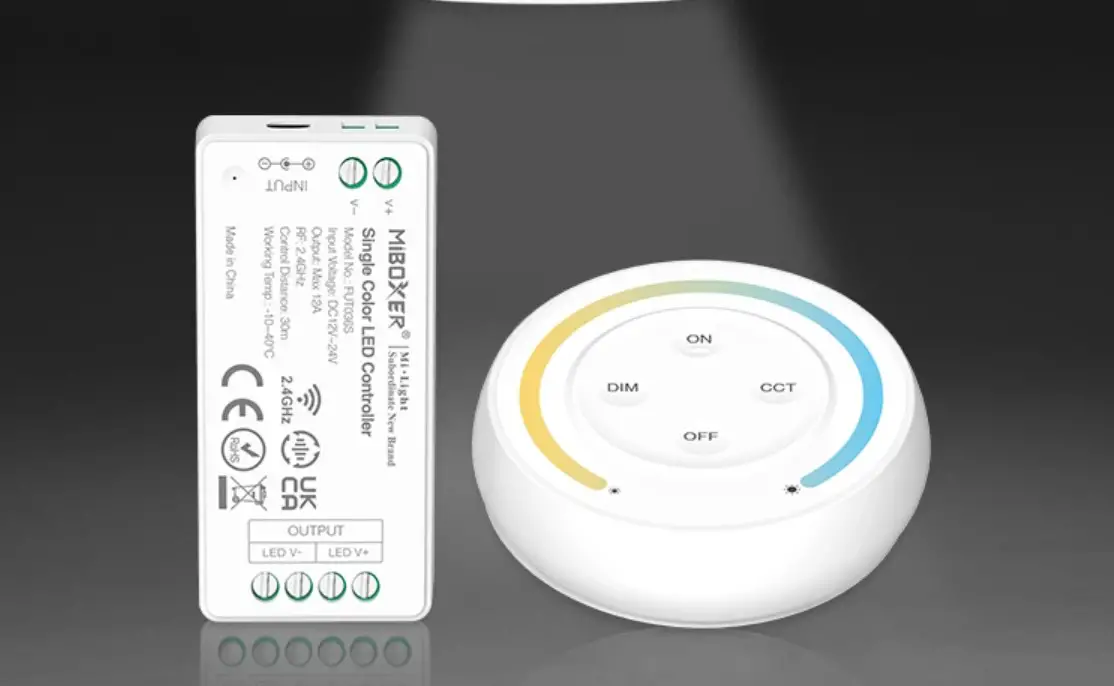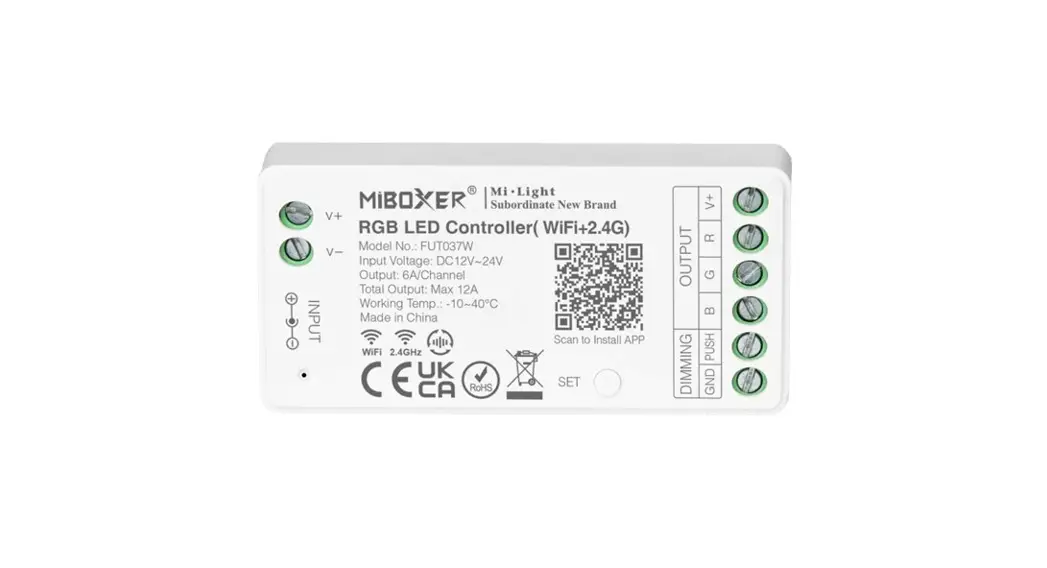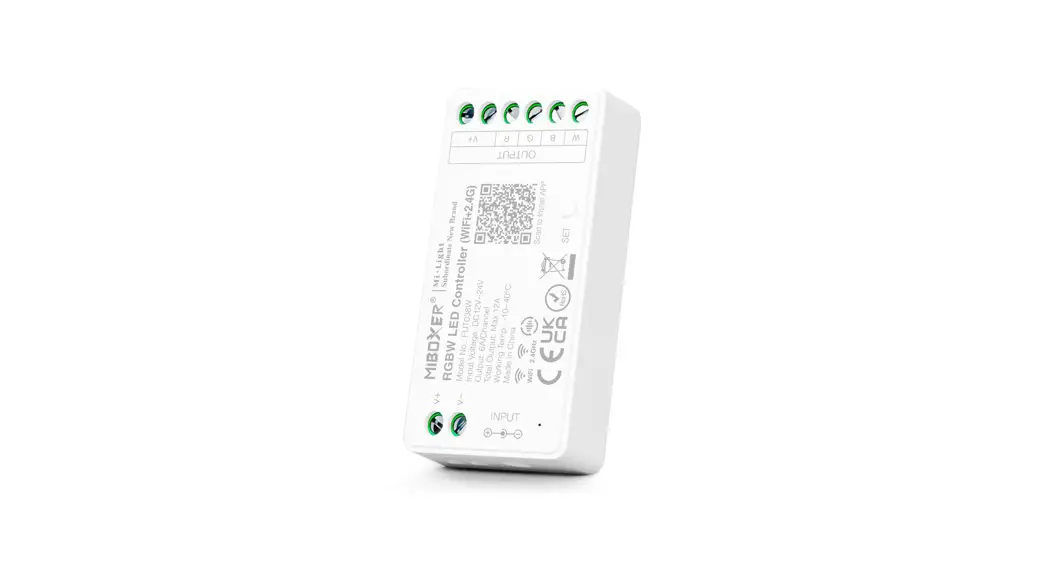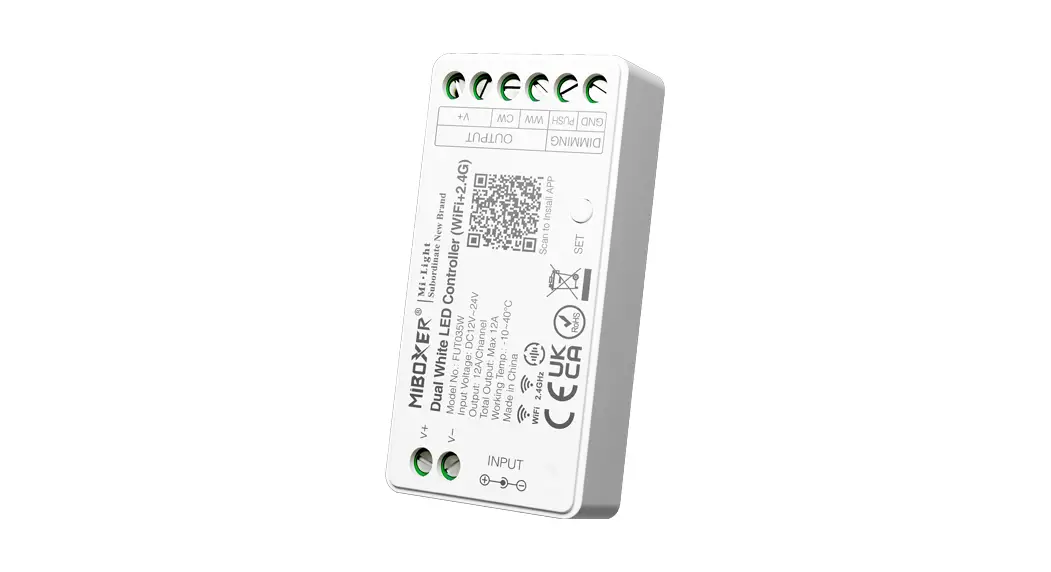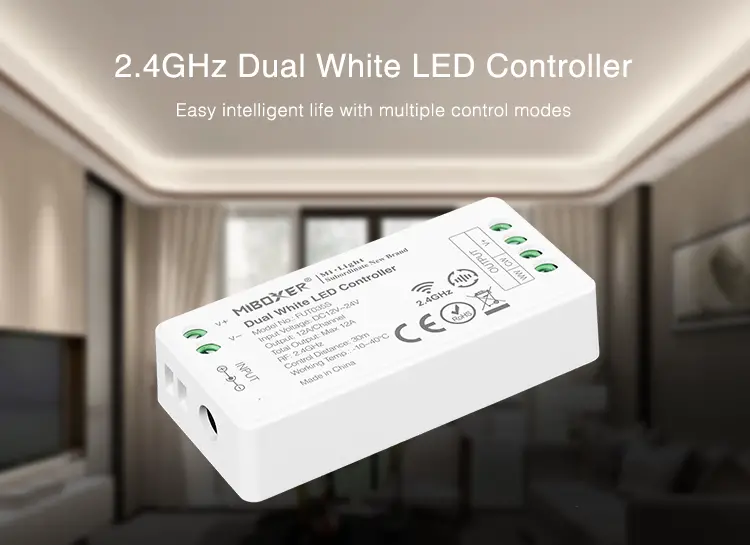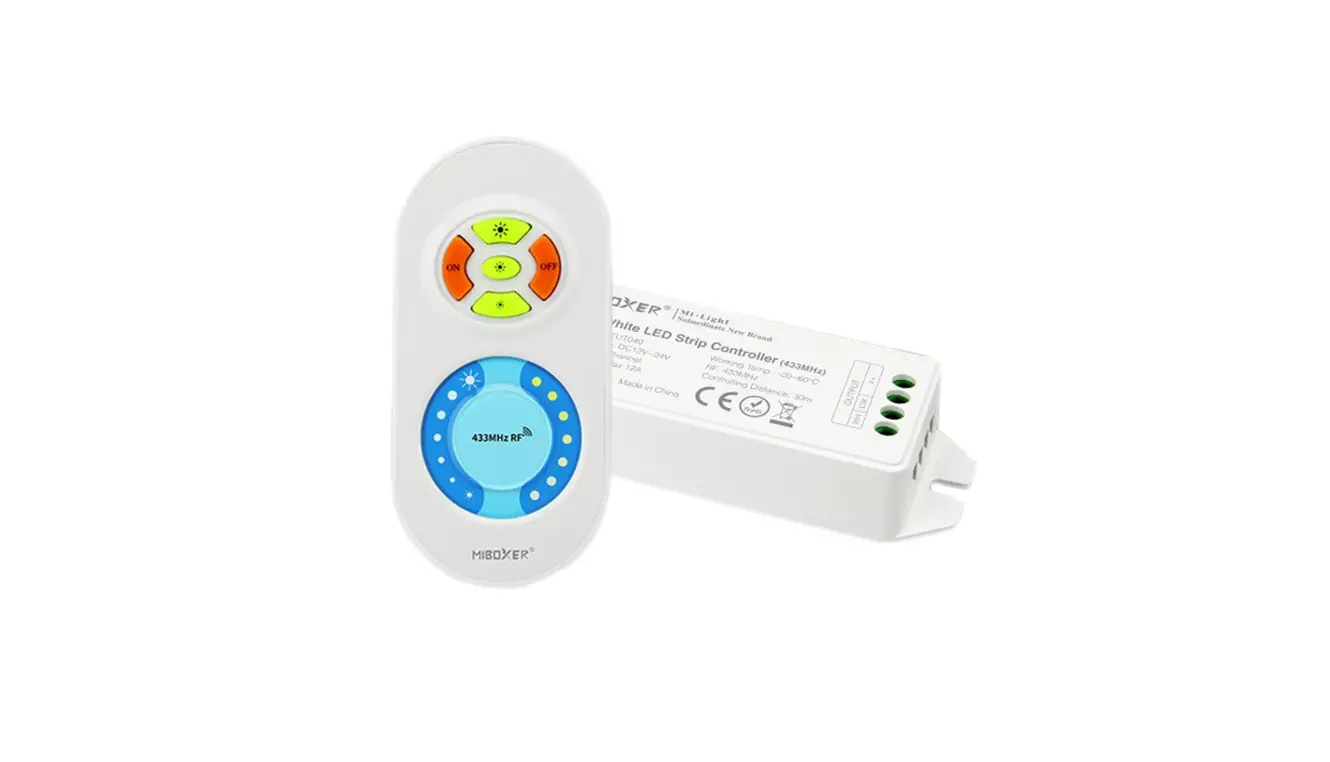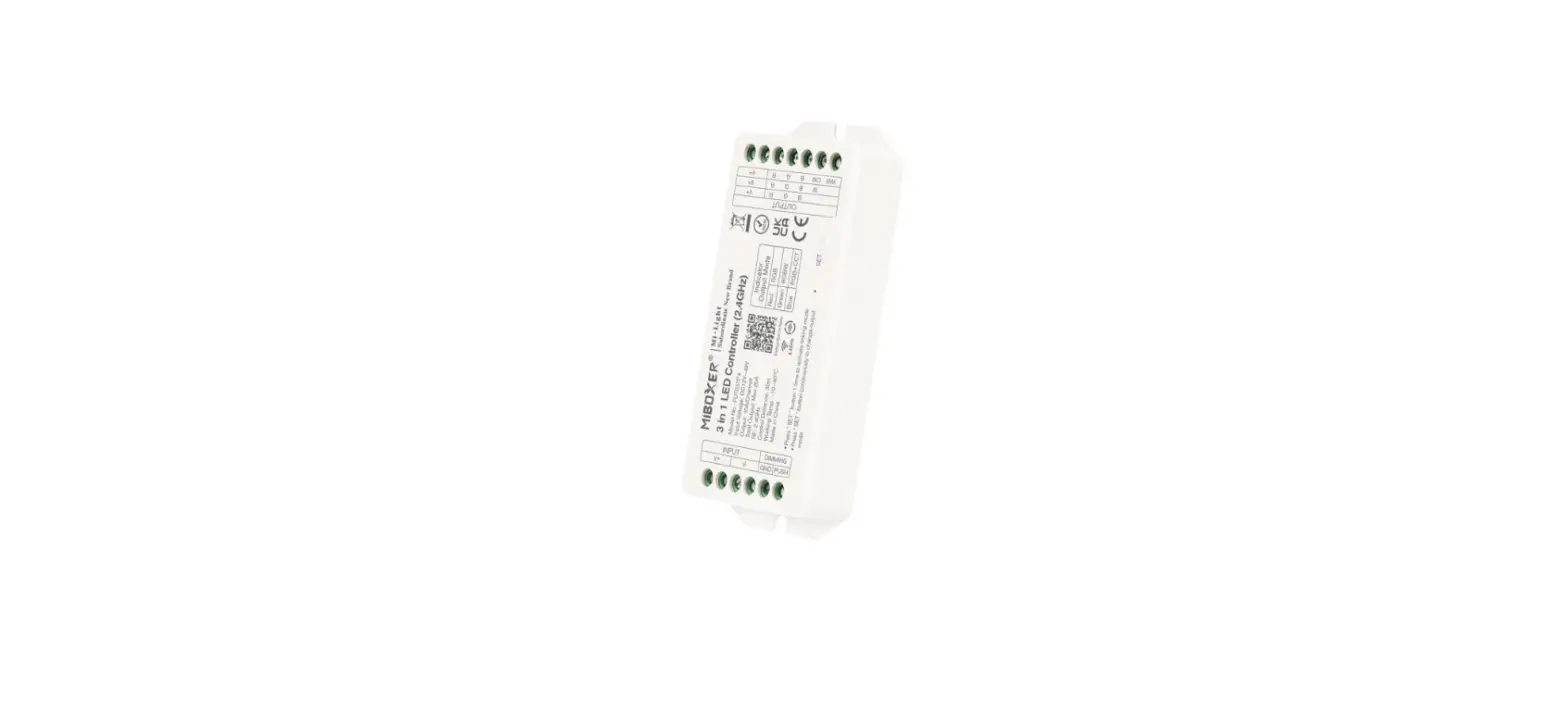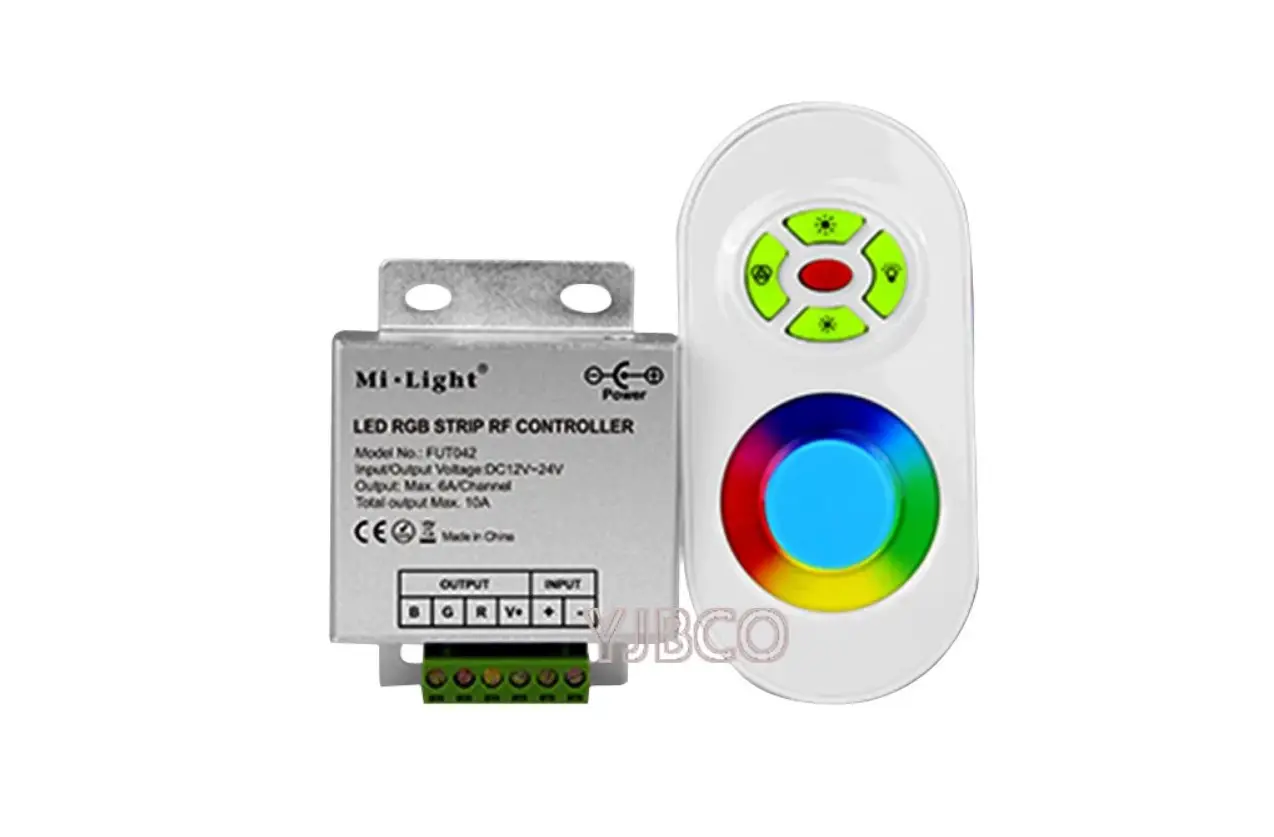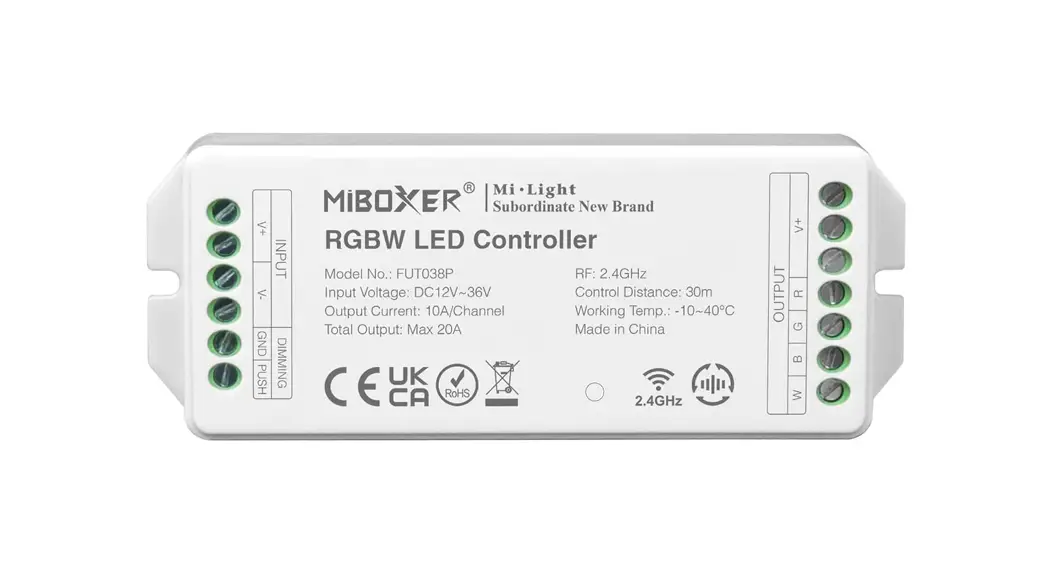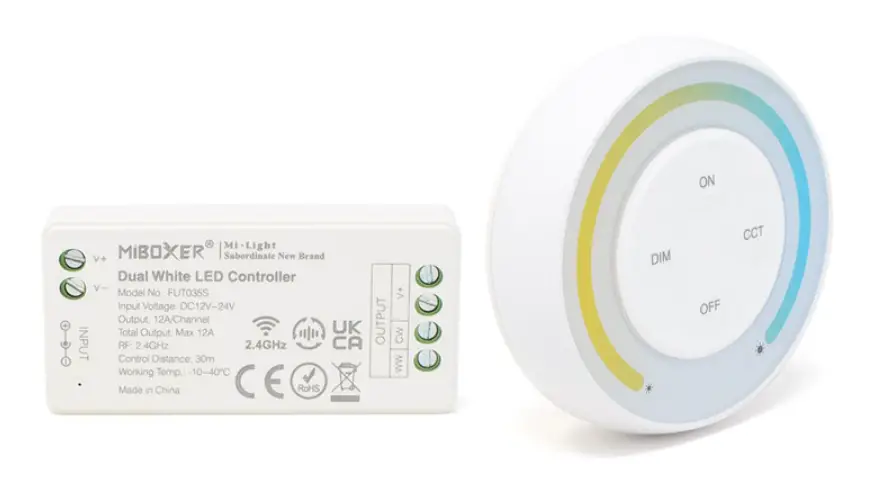

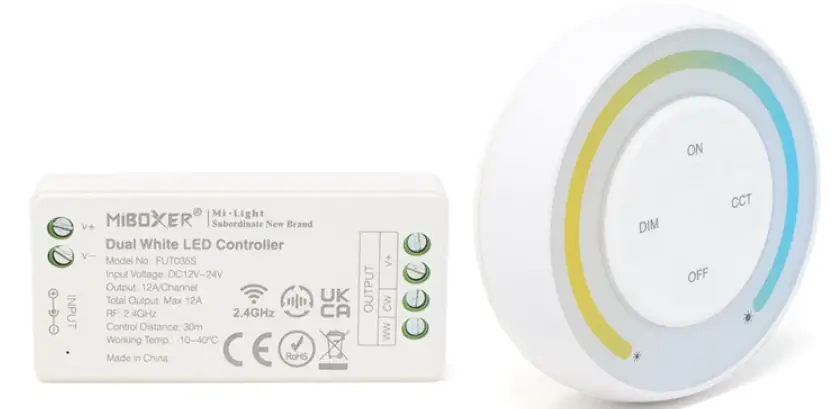
MIBOXER FUT035SA Dual White LED Controller Kit
Features
Product adopt the widely used 2.4GHz wireless technology with the features of low power consumption, long signal transmitting and strong anti-interference, etc. Product has auto-transmitting function. Widely used on the controlling of hotel lighting and home lighting.
Dual White LED Controller
 Color temperature adjustable
 Dim brightness
 2.4G RF wireless transmission technology
 Signal transmitting
 Remote control Control distance 30m
 Smartphone app control (2.4GHz gateway is needed)
 Support third party voice control (2.4GHz gateway is needed)
 Color temperature adjustable
 Dim brightness
 2.4G RF wireless transmission technology
 Signal transmitting
 Remote control Control distance 30m
 Smartphone app control (2.4GHz gateway is needed)
 Support third party voice control (2.4GHz gateway is needed)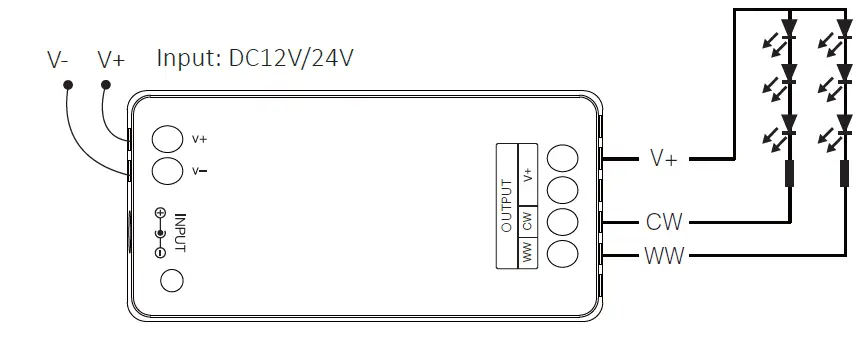
Single Color LED Controller
 Dim brightness
 2.4G RF wireless transmission technology
 Signal transmitting & Modes synchronization
- Remote control Control distance 30m
- Smartphone app control (2.4GHz gateway is needed)
- Support third party voice control (2.4GHz gateway is needed)
 Dim brightness
 2.4G RF wireless transmission technology
 Signal transmitting & Modes synchronization
Install The Battery For Remote
Note: 2*AAA Battery need to buy separately
- Open battery cover behind remote.
- Install battery correctly and close battery cover.
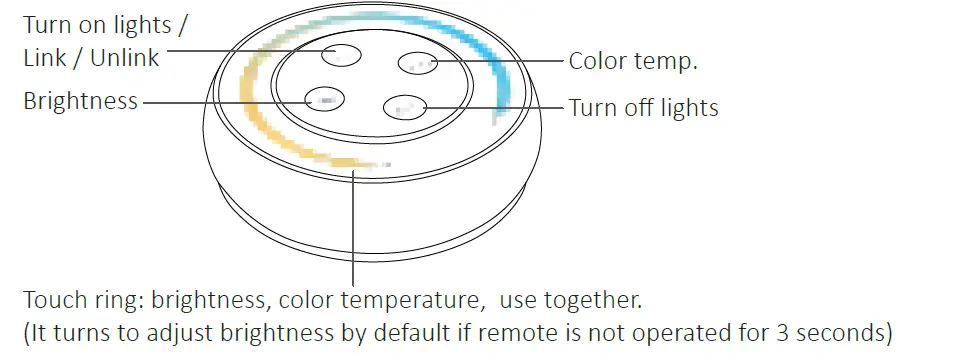
Remote Instruction
- Adjust color temperature
Short press key once, then touch
  to adjust color temperature.
 - Adjust brightness
Short press DIN key once, then touch to adjust brightness.
 key once, then touch
  to adjust color temperature.
Linking Code/Unlinking Code Instructions
Attention: No need to match code since its already matched code in factory setting
Linking Code Instructions
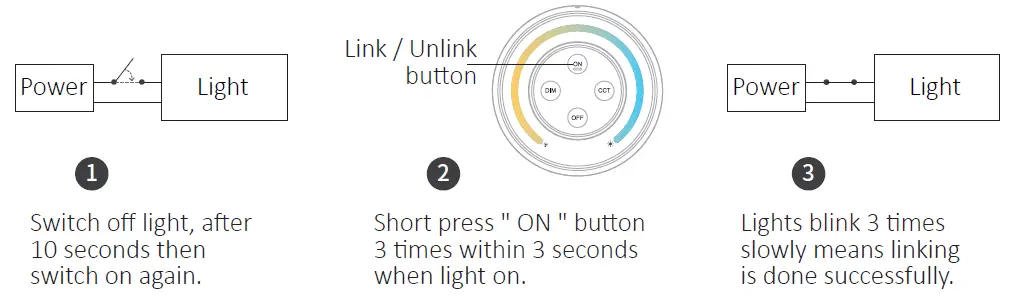
Linking failed if light is not blinking slowly, Please follow above steps again.
(Note: Light that have linked can’t link again)
Unlinking Code Instructions
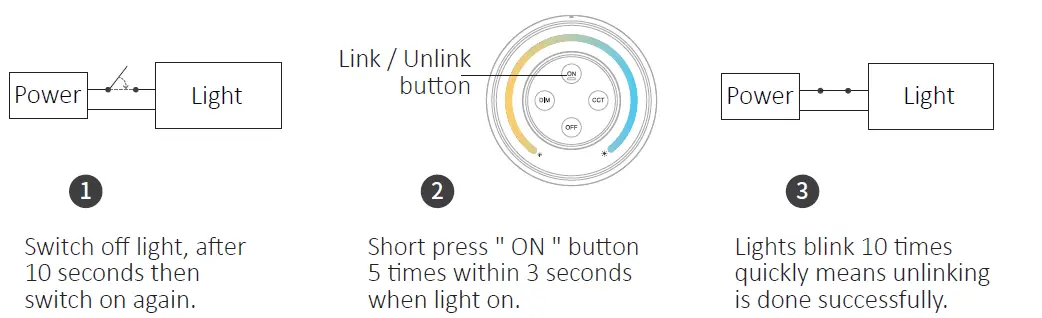
Unlinking failed if light is not blinking quickly, Please follow above steps again.
(Note: Light haven’t linked that don’t need to unlink)
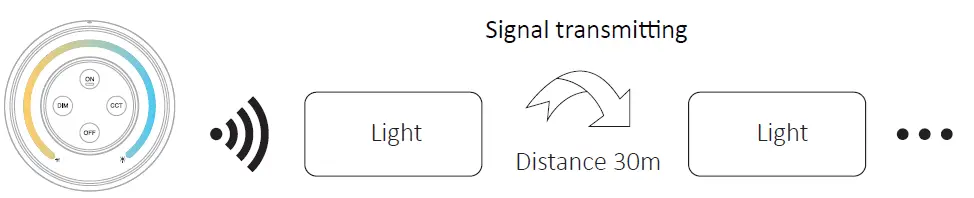
Signal transmitting
One light can transmit the signals from the remote control to another light within 30m, as long as there is a light within 30m, the remote control distance can be limitless.
PWM high frequency / low frequency switching
Switch to high frequency (8KHz): on the condition of turning on the light
- Short press the “OFF” button of the remote control once;
- Short press the “ON” button 5 times within 3 seconds, the white light blink 2 times quickly, indicating successfully.
Switch to low frequency (500Hz): on the condition of turning off the light
- Short press the “ON” button of the remote control once;
- Short press the “OFF” button 5 times within 3 seconds, the white light blink 2 times slowly, indicating successfully.
Switch to low frequency (500Hz): on the condition of turning off the light
- Short press the “ON” button of the remote control once;
- Short press the “OFF” button 5 times within 3 seconds, the whit light blink 2 times slowly, indicating successfully.
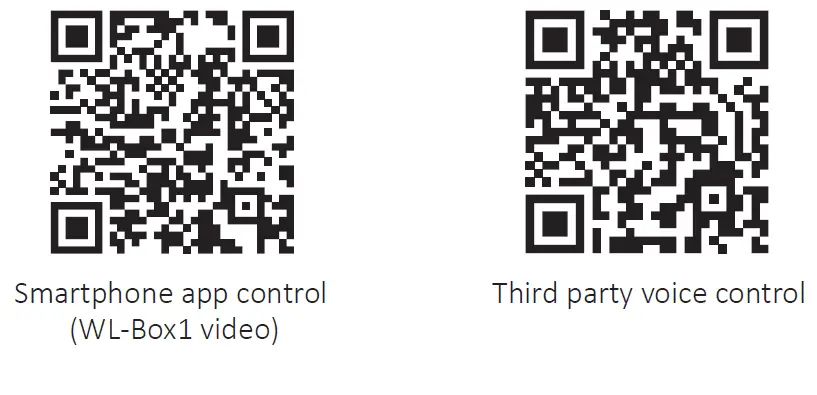
Scan QR code to watch video instruction
The mode of “Do Not Disturb”
It can be activated or turned off via remote control
Turn on “Do not disturb” (wide using in the area which have power failure frequently to save energy)
Press “OFF” button three times within three seconds and press “ON” button three times,
Activated successfully once led light flashes four times quickly.
Attention: Do not disturb mode is activated
- When the light is OFF status (For example: Use app or remote to turn off light) The light is OFF status once you turn off power and turn on again. (User must turn off and turn on power twice times to activate light or use APP / remote to activate light)
- When the light is ON status The light is ON status once you turn off and turn on power one time.
Turn off “Do not disturb”
Press “ON” button three times within three seconds and press “OFF” button three times, closed successfully once led light flashes four times slowly. Attention: The light will be always “ON” status if you turn on and turn off power once user closed “Do not Disturb” mode.
Attention
- Please check whether the voltage of the power supply is in accordance with the light, and please check the connection of both the cathode and anode, otherwise the light will be broken.
- Please don’t connect wires with power on. Please turn on again only when it is in right connection and no short circuit.
- Non-professional user cannot dismantle the lighting fixtures directly.
- Please do not use the light in the place with widely range metal area or strong electromagnetic wave nearby, otherwise, the remote distance will be seriously affected.