
Mi-Light
Subordinate New Brand
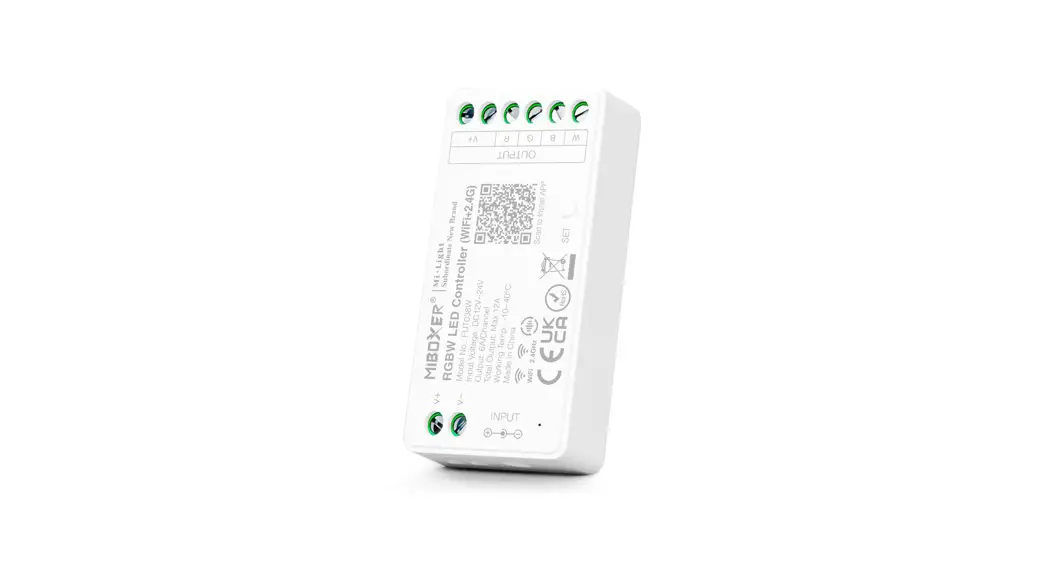
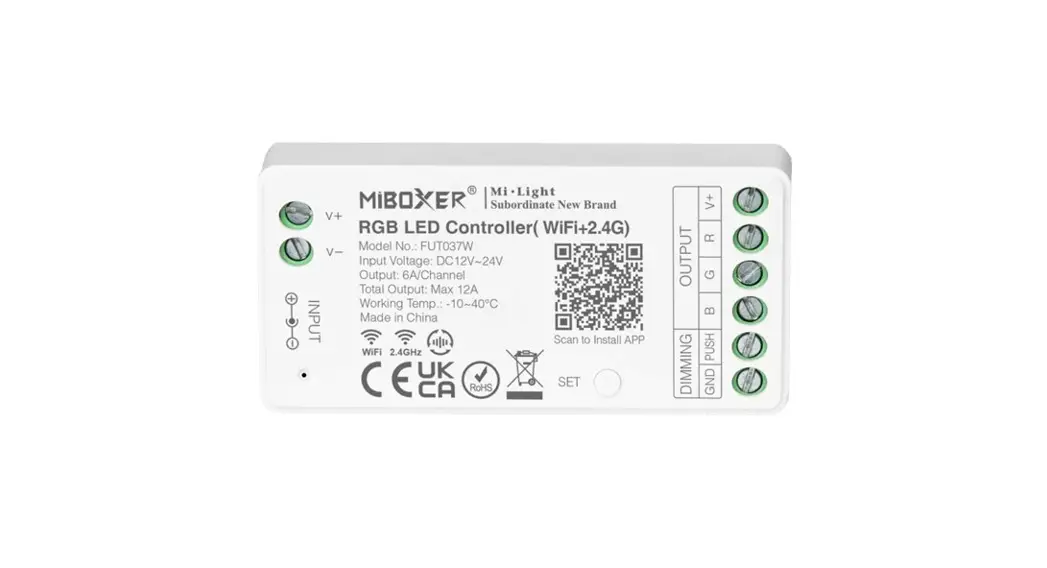
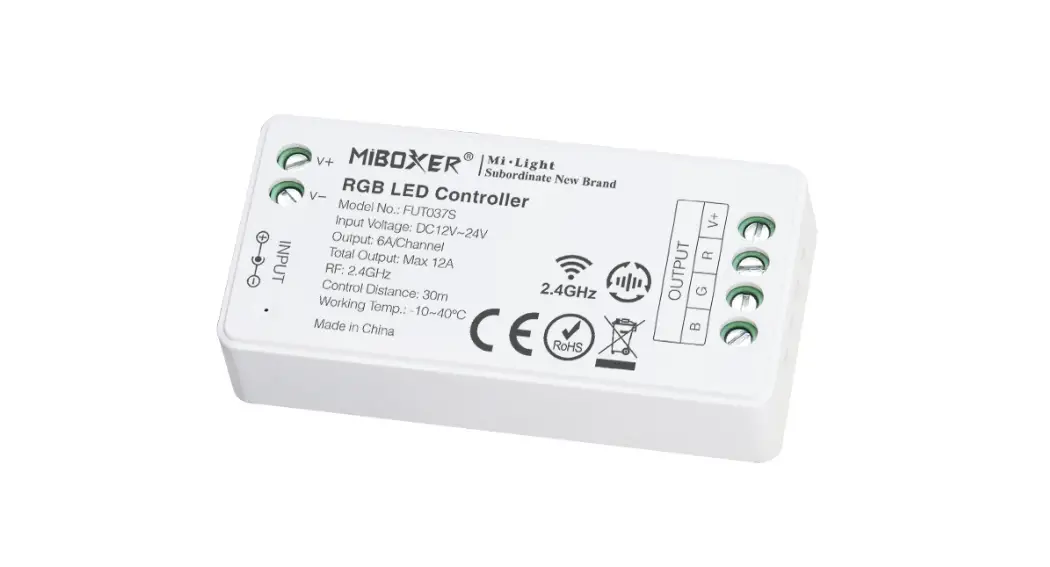
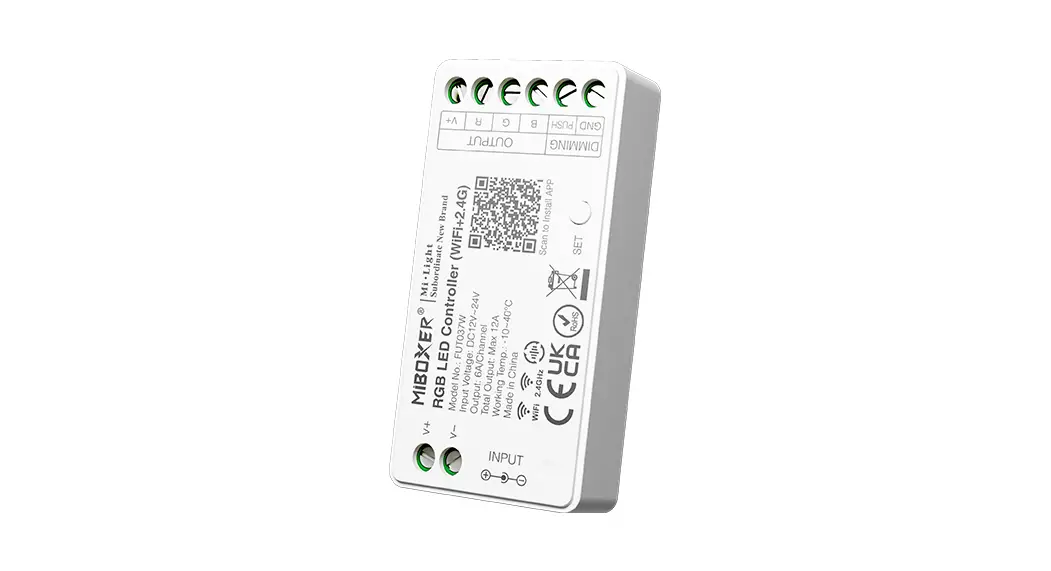
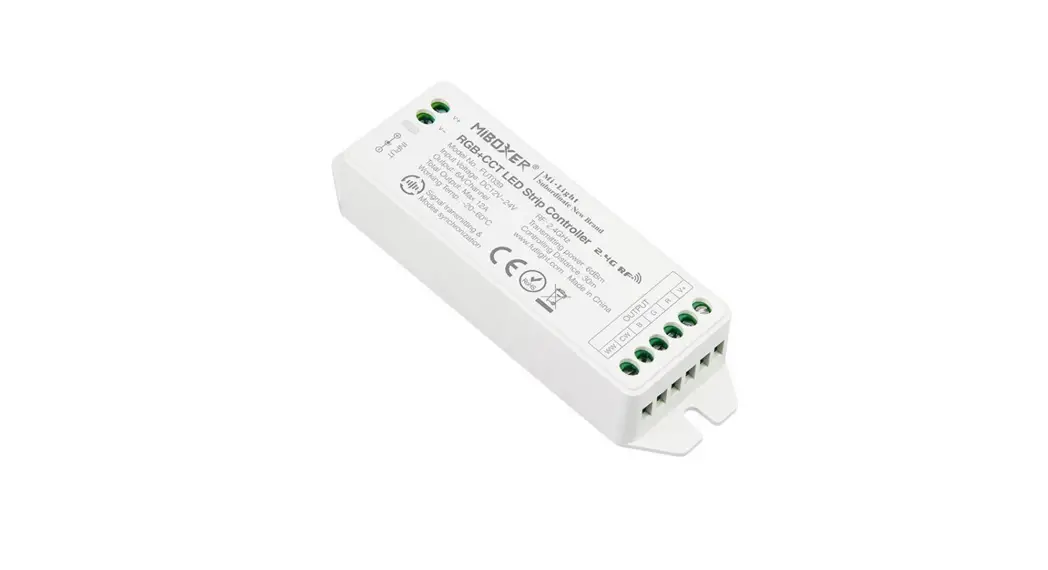
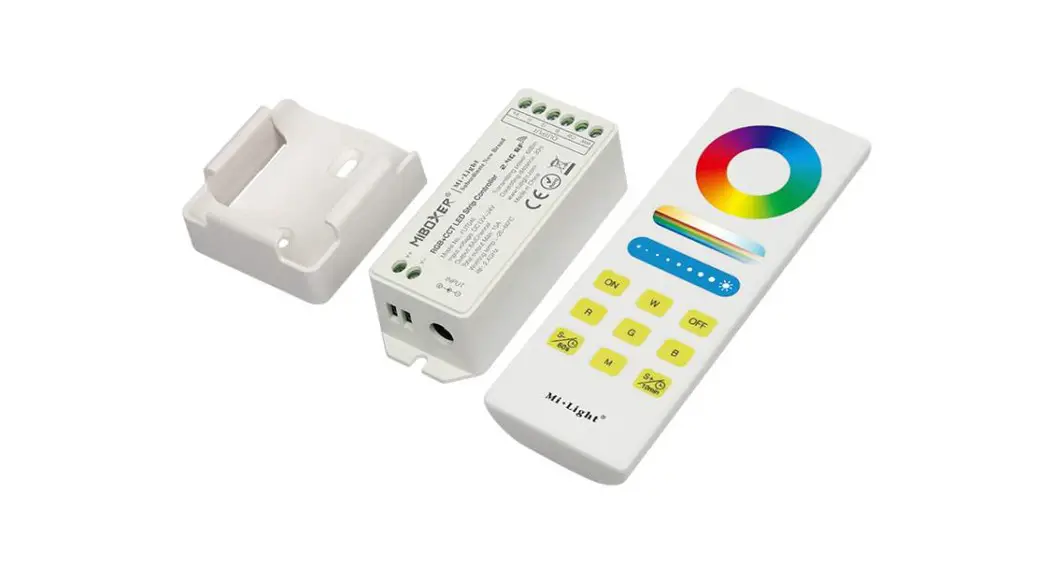
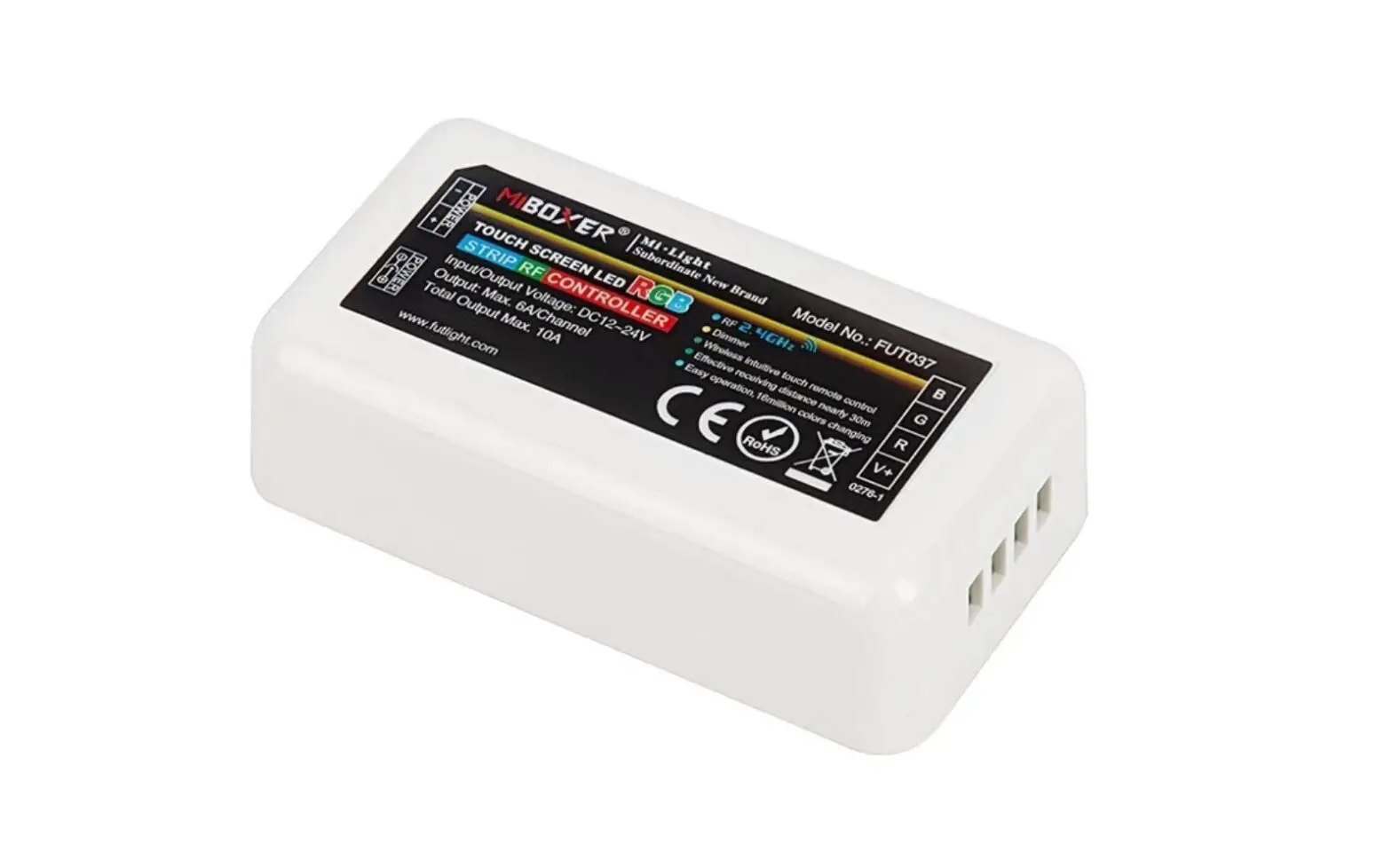
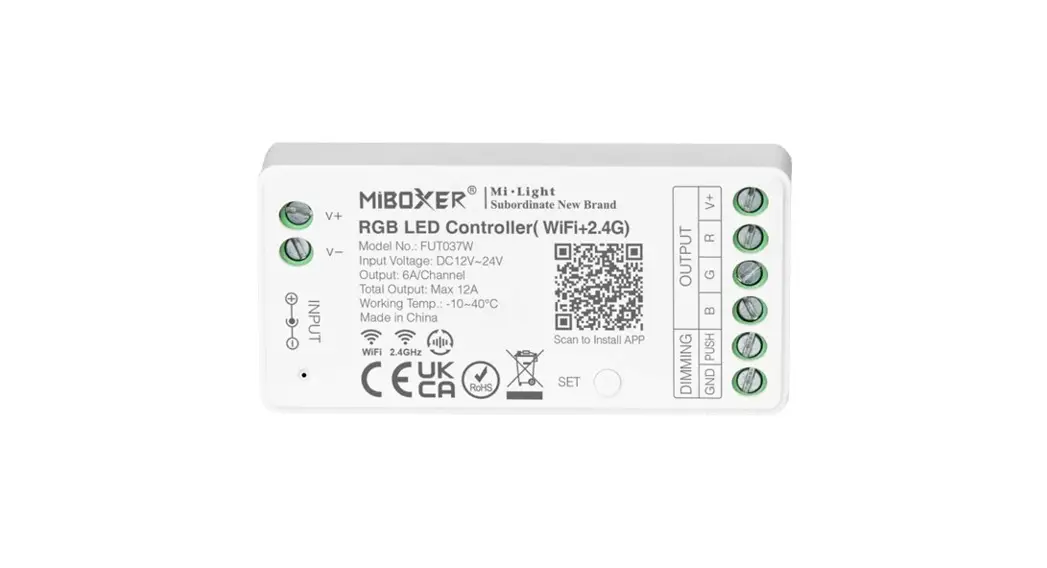
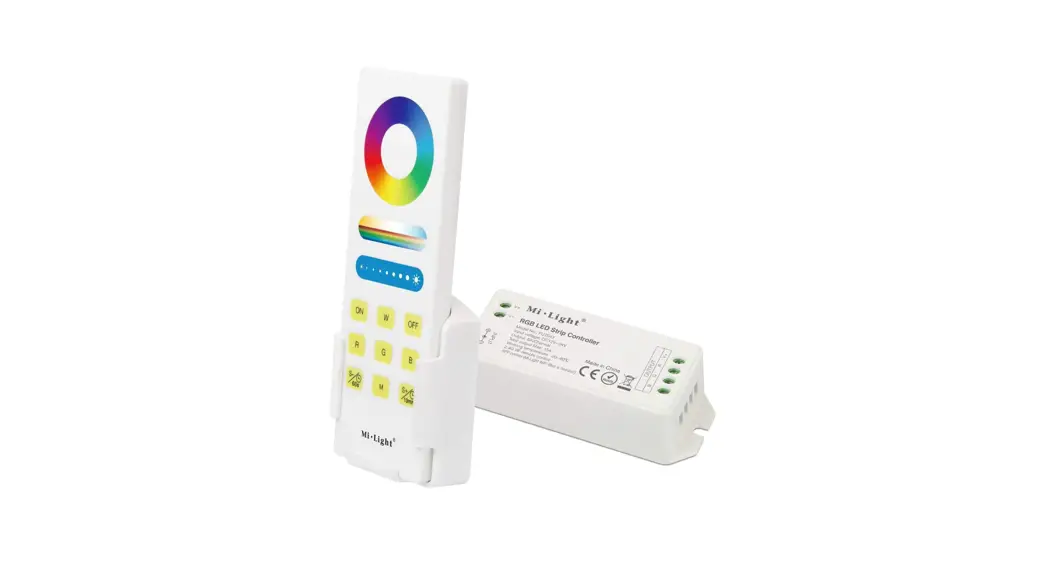
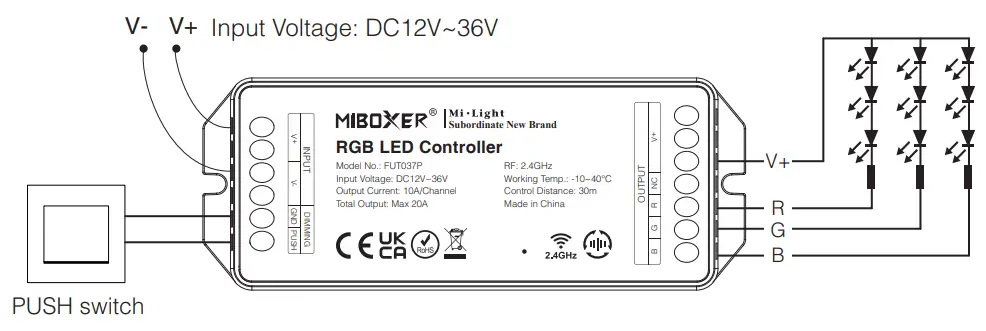
RGB LED Controller (Model No.: FUT037P)
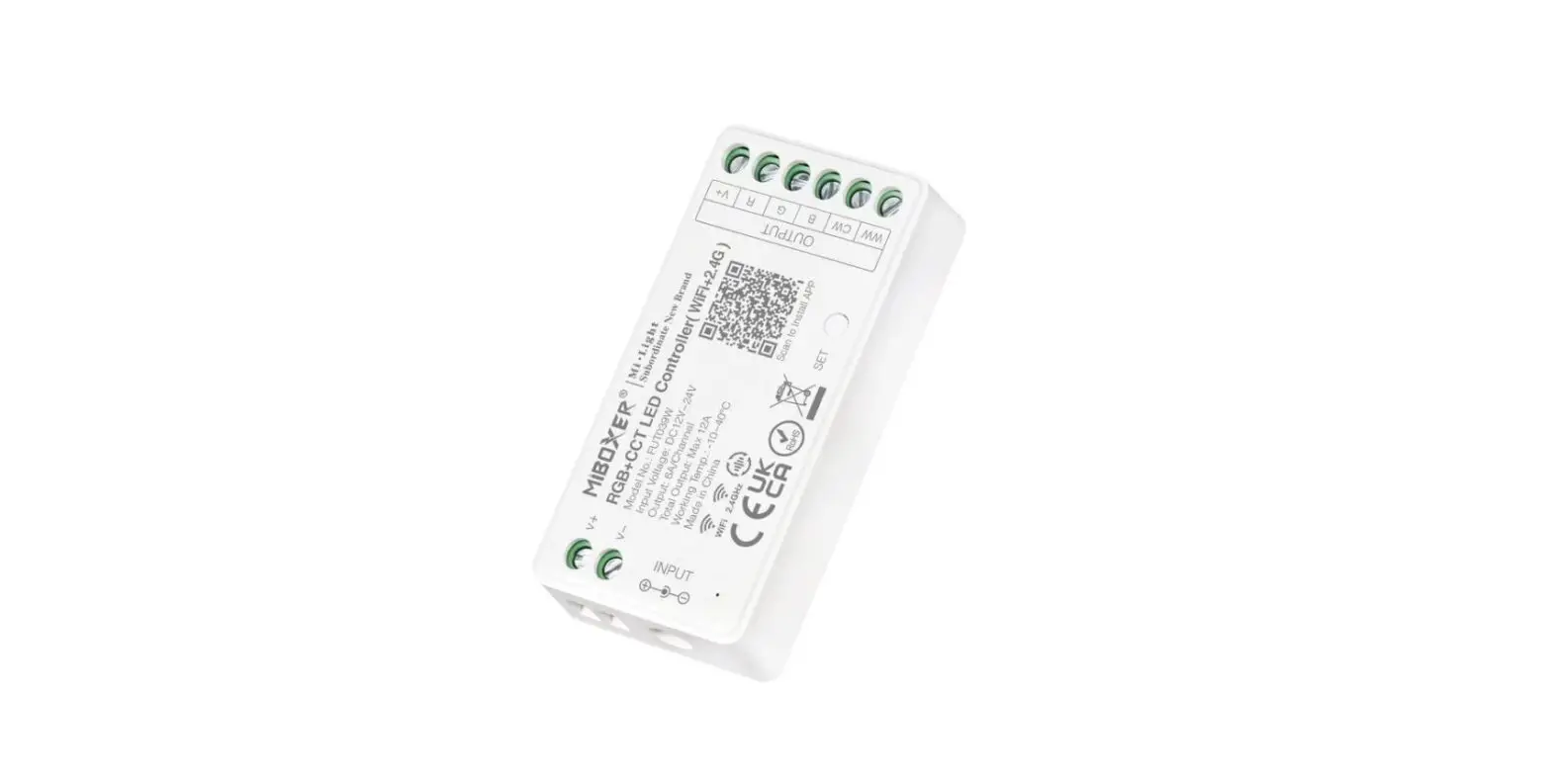
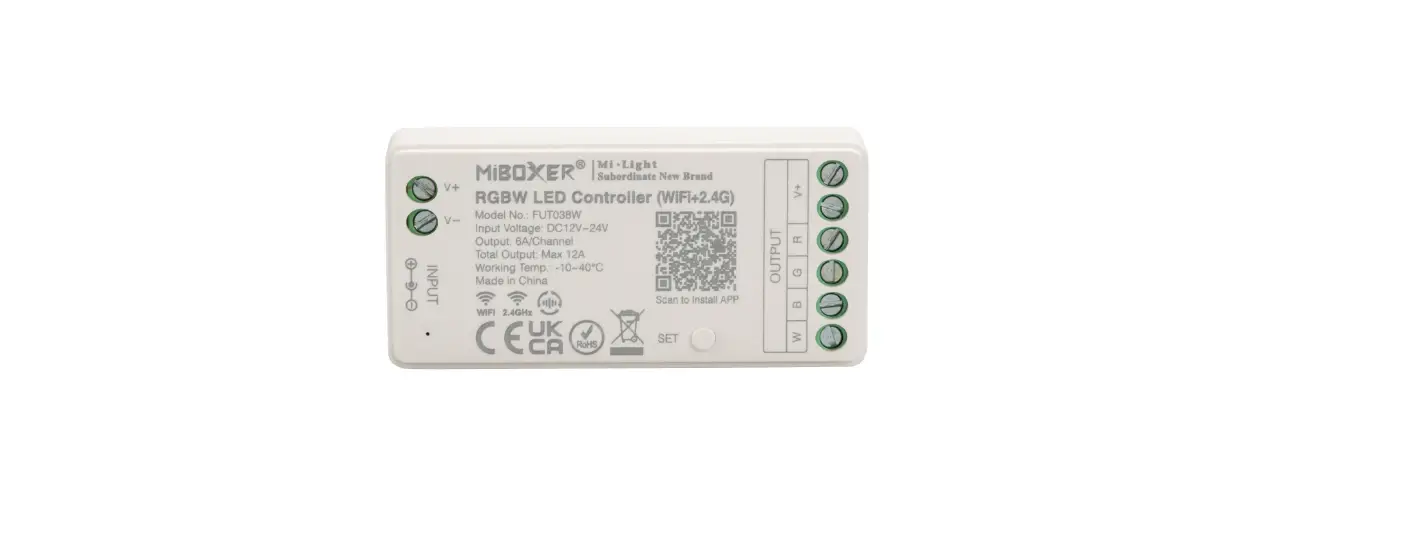
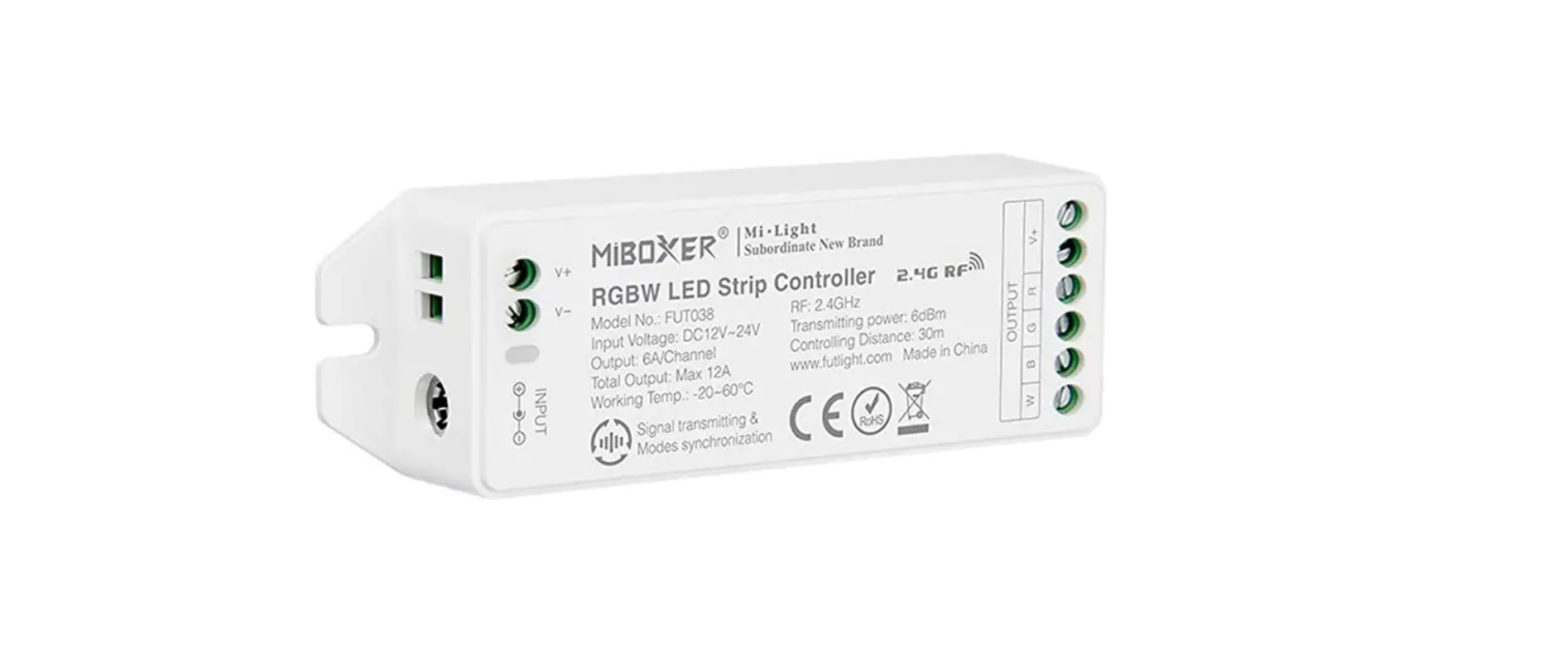
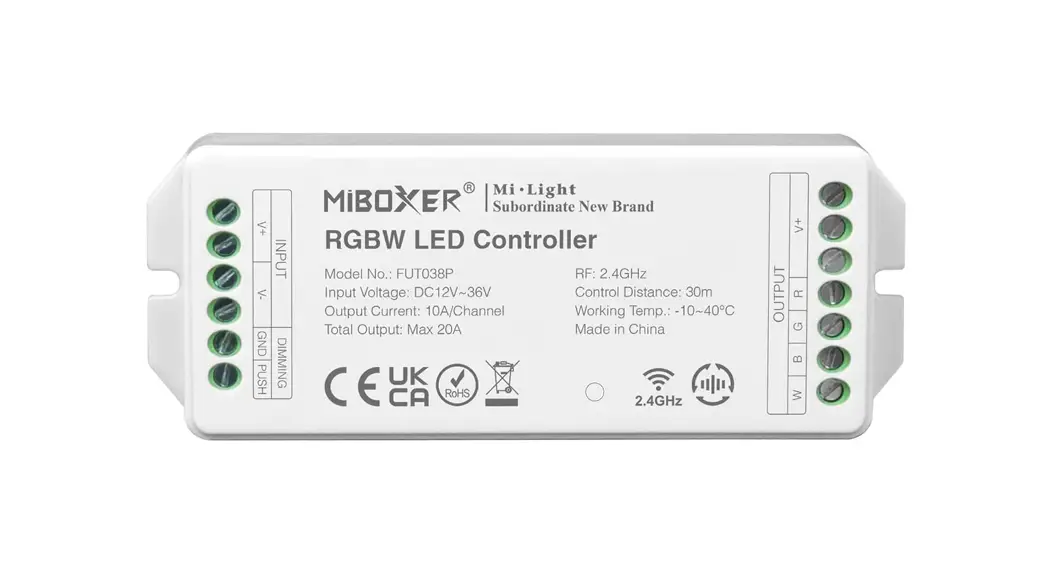
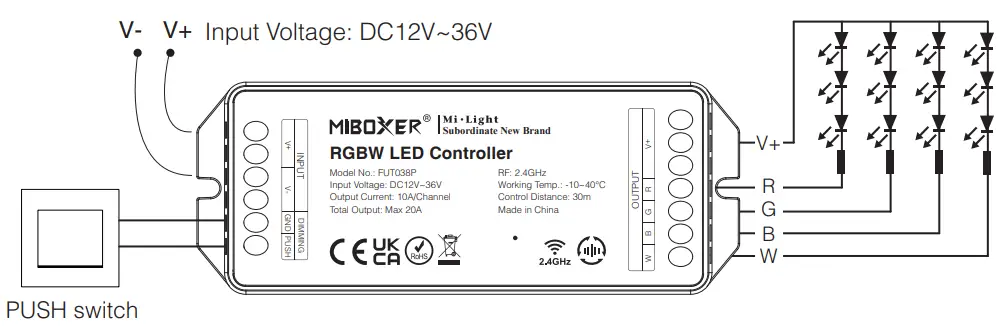
RGBW LED Controller (Model No.: FUT038P)
Features
Controller adopt the widely used 2.4GHz wireless technology with the features of low power consumption, long signal transmitting and strong anti-interference, etc.
Controller has auto-transmitting and auto-synchronizing function. Widely used on the controlling of hotel lighting and home lighting.

RGB LED Controller
Model No.: FUT037P
Input Voltage: DC12V~36V
Output Current: 10A/Channel
Total Output: Max 20A
RF: 2.4GHz
Working Temp.: -10~40°C
Control Distance: 30m
 | 16 Millions of colors to choose |
 | Mix Red, Green and Blue light to adjust color temperature |
 | Dim brightness / saturation |
 | 2.4G RF wireless transmission technology |
 | Remote control Control distance 30m |
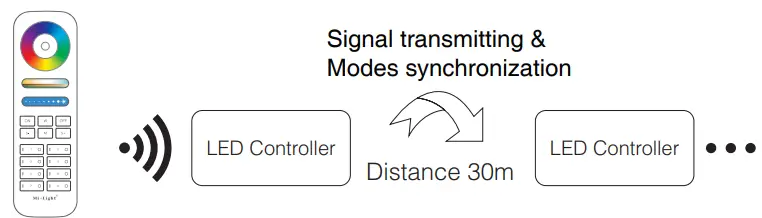
 | Signal transmitting & Modes synchronization |
 | Smartphone App control (2.4GHz gateway is needed) |
 | Support third party voice control (2.4GHz gateway is needed) |
 | Support PUSH dimming |
RGBW LED Controller
Model No.: FUT038P
Input Voltage: DC12V~36V
Output Current: 10A/Channel
Total Output: Max 20A
RF: 2.4GHz
Working Temp.: -10~40°C
Control Distance: 30m
| 16 Millions of colors to choose |
| Dim brightness / saturation |
| 2.4G RF wireless transmission technology |
| Remote control Control distance 30m |
| Signal transmitting & Modes synchronization |
| Smartphone App control (2.4GHz gateway is needed) |
| Support third party voice control (2.4GHz gateway is needed) |
| Support PUSH dimming |
Dynamic mode table 1 (default)
| Number | Dynamic Mode | Brightness / Saturation / Speed |
| 1 | Mardi Gras | Adjustable |
| 2 | Automatic color change | |
| 3 | Sam | |
| 4 | Gemstone | |
| 5 | Twilight | |
| 6 | American | |
| 7 | Fat Tuesday | |
| 8 | Party | |
| 9 | Slow Color Splash |
Dynamic mode table 2 (need to switch manually)
| Number | Dynamic Mode | Brightness / Saturation / Speed |
| 1 | Colors gradual change | Adjustable |
| 2 | White light Gradual change | |
| 3 | RGB gradual change | |
| 4 | Seven colors jump to change | |
| 5 | Jump to change randomly | |
| 6 | Red light gradual change +Flash 3 times | |
| 7 | Green light gradual change +Flash 3 times | |
| 8 | Blue light gradual change +Flash 3 times | |
| 9 | White light gradual change +Flash 3 times |
Dynamic mode table selection
Select dynamic mode table 1: The controller is powered off for 10 seconds and then powered on. Within 3 seconds, press the ” S+ ” button 5 times, the blue light blink 3 times slowly, indicating successfully.
Select dynamic mode table 2: The controller is powered off for 10 seconds and then powered on. Within 3 seconds, press the ” S- ” key 5 times, and the yellow light blink 3 times slowly, indicating successfully.
PUSH dimming
Short press push switch:
- turn on or turn off light.
Long press push switch:
- stepless dimming brightness.
- Long press / release and long press again to increase or decrease brightness.
Signal transmitting
One LED controller can transmit the signals from the remote control to another LED controller within 30m, as long as there is a LED controller within 30m, the remote control distance can be limitless.
Modes synchronization
Different LED controllers can work synchronously when they are started at different times, controlled by the same remote, under same dynamic mode and within 30m distance. The same dynamic mode, the same speed can be synchronized.
Link Code / Unlink Code with remote
7.1 Link code
- Making LED controller to enter Link code / Unlink code mode: Switch off LED controller, switch on again after 10 seconds.
- Short press zone “
 ” or “
 ” 3 times on remote within 3 seconds, light blinking 3 times slowly means the linking is done successfully.
 ” or “
Note: The ”  ” key for FUT089 / FUT089-B / B1 / B1-B / T1 / B2 / T2 remote don’t support to link code.
7.2 Unlink code
- Making LED controller to enter Link code / Unlink code mode: Switch off LED controller, switch on again after 10 seconds.
- Short press zone “ ” or ” ” 5 times on remote within 3 seconds, light blinking 10 times quickly means the unlinking is done successfully.
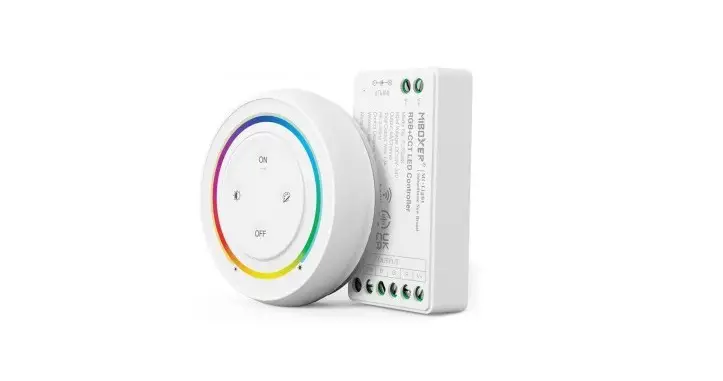
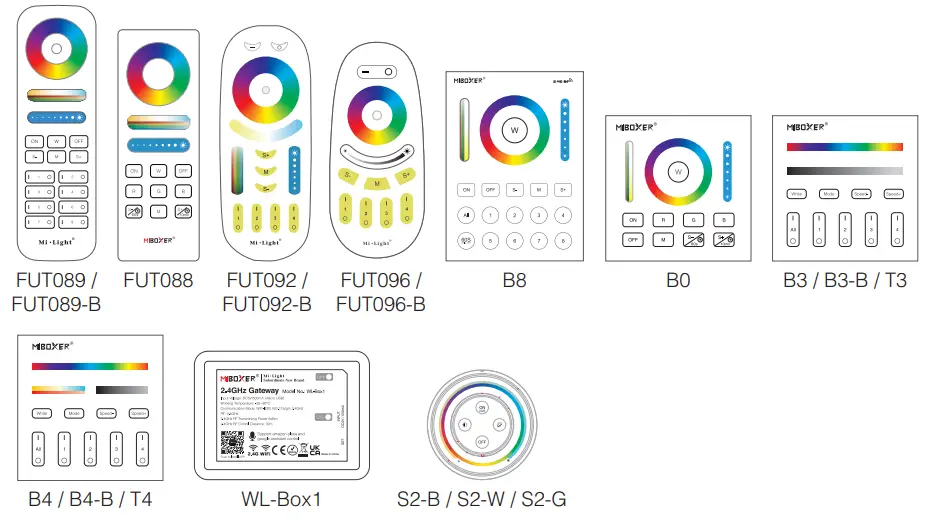
7.3 Compatible with these remote controls (Purchase separately)
PWM high frequency / low frequency switching
Switch to high frequency (8KHz): on the condition of turning on the light
- Short press the “OFF” button of the remote control once;
- Short press the “ON” button 5 times within 3 seconds, the white light blink 2 times quickly, indicating successfully.
Switch to low frequency (500Hz): on the condition of turning off the light
- Short press the “ON” button of the remote control once;
- Short press the “OFF” button 5 times within 3 seconds, the white light blink 2 times slowly, indicating successfully.
Attention
- Please check whether the voltage of the power supply is in accordance with the controller, and please check the connection of both the cathode and anode, otherwise the controller will be broken.
- Please don’t connect wires with power on. Please turn on again only when it is in right connection and no short circuit.
- Please do not use the controller in the place with widely range metal area or strong electromagnetic wave nearby, otherwise, the remote distance will be seriously affected.