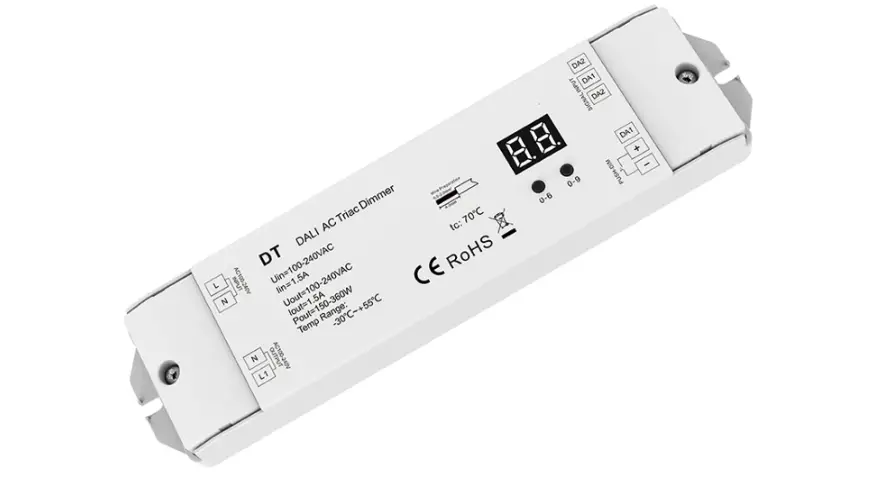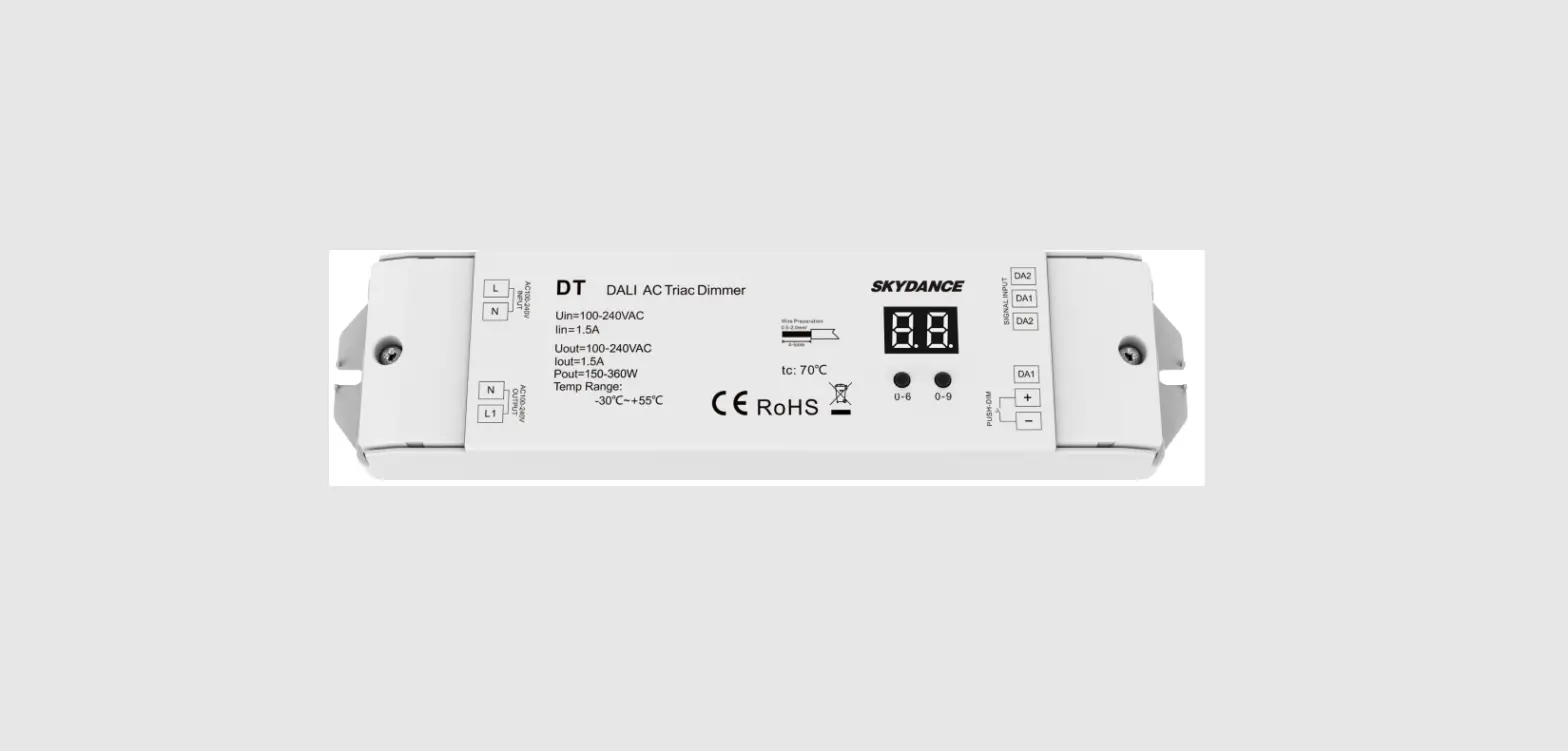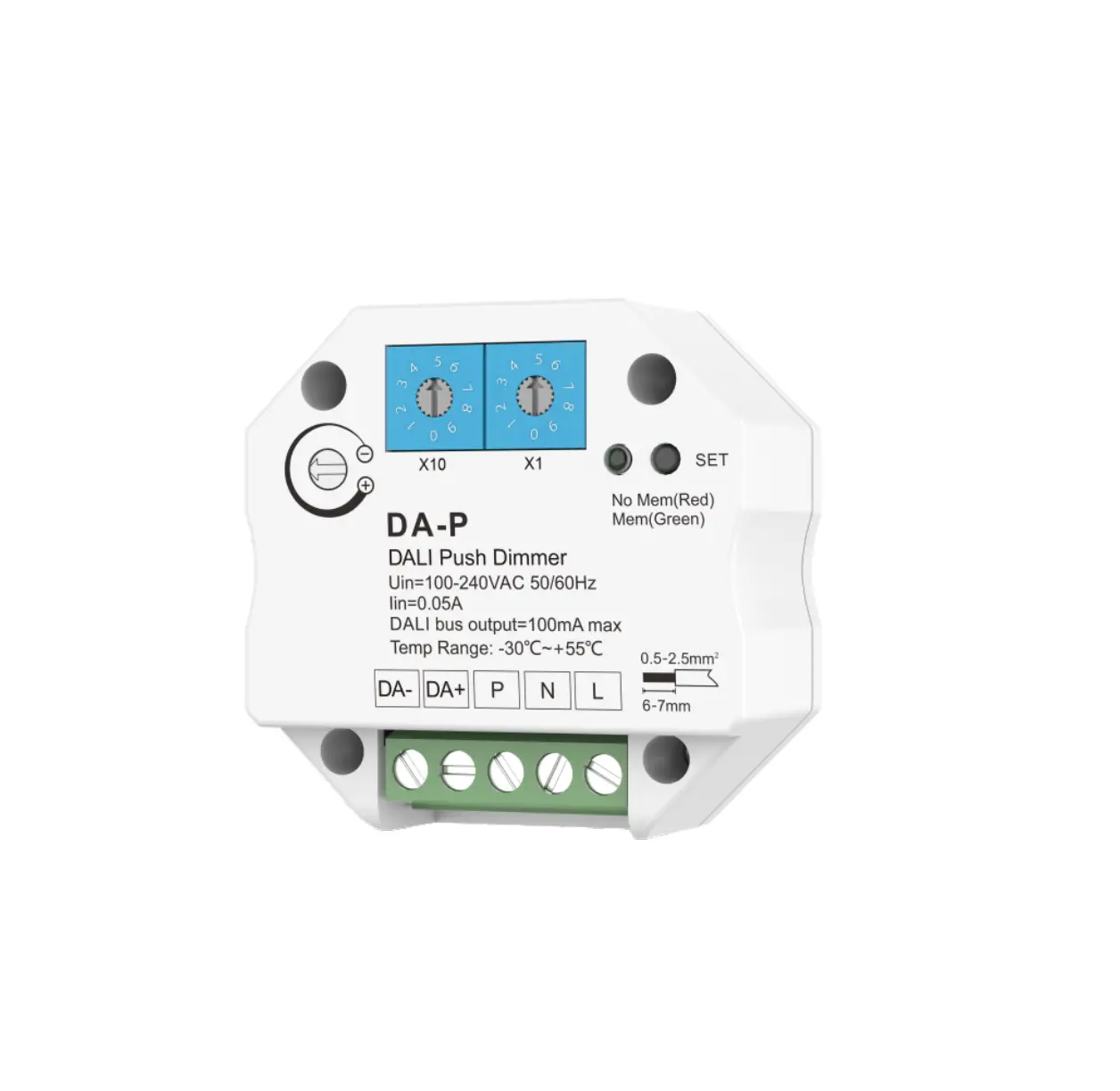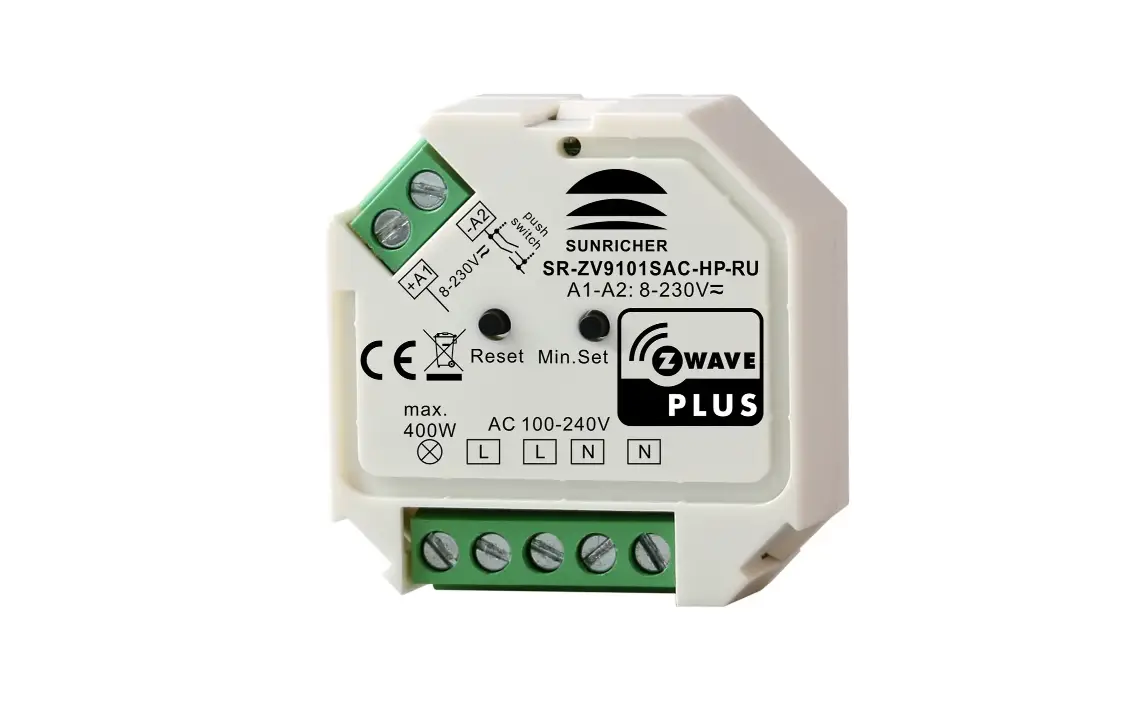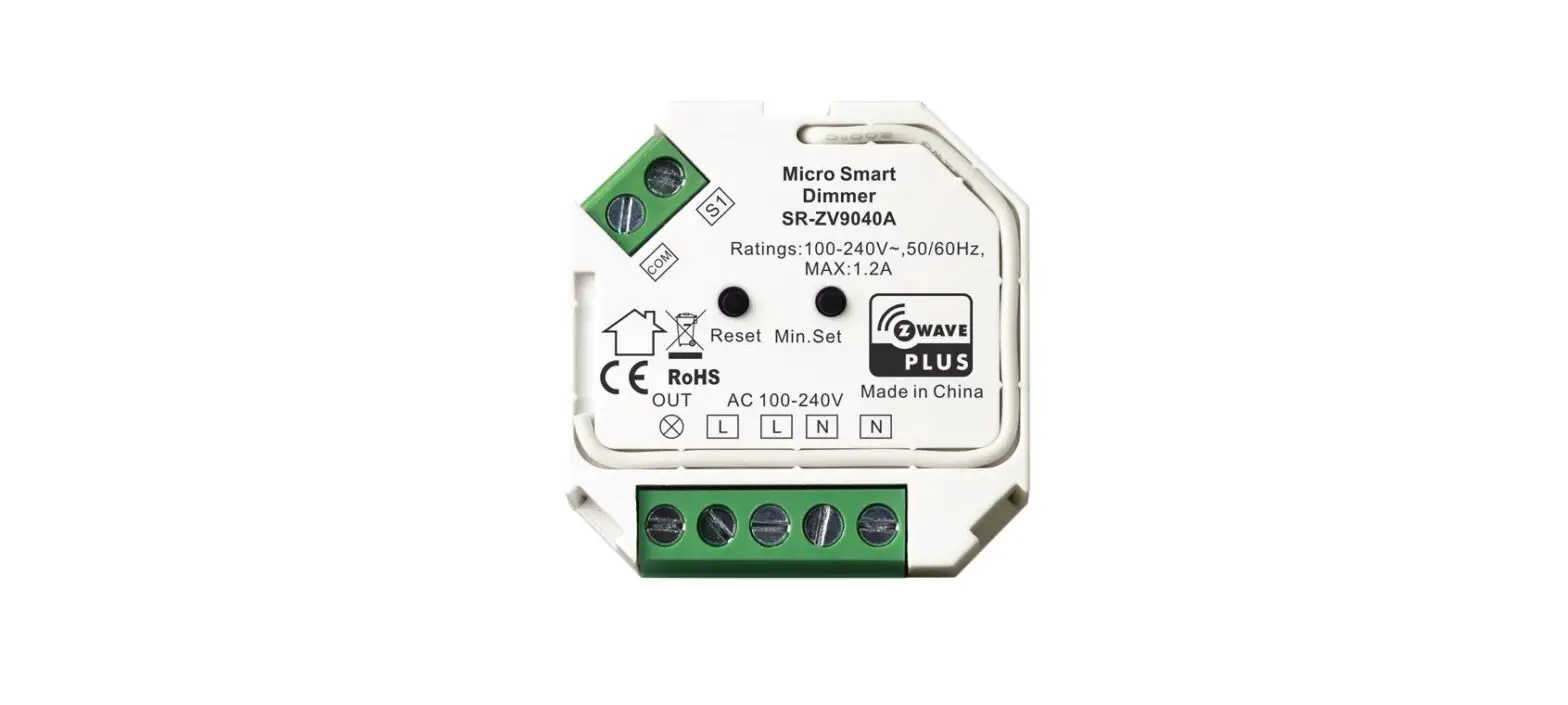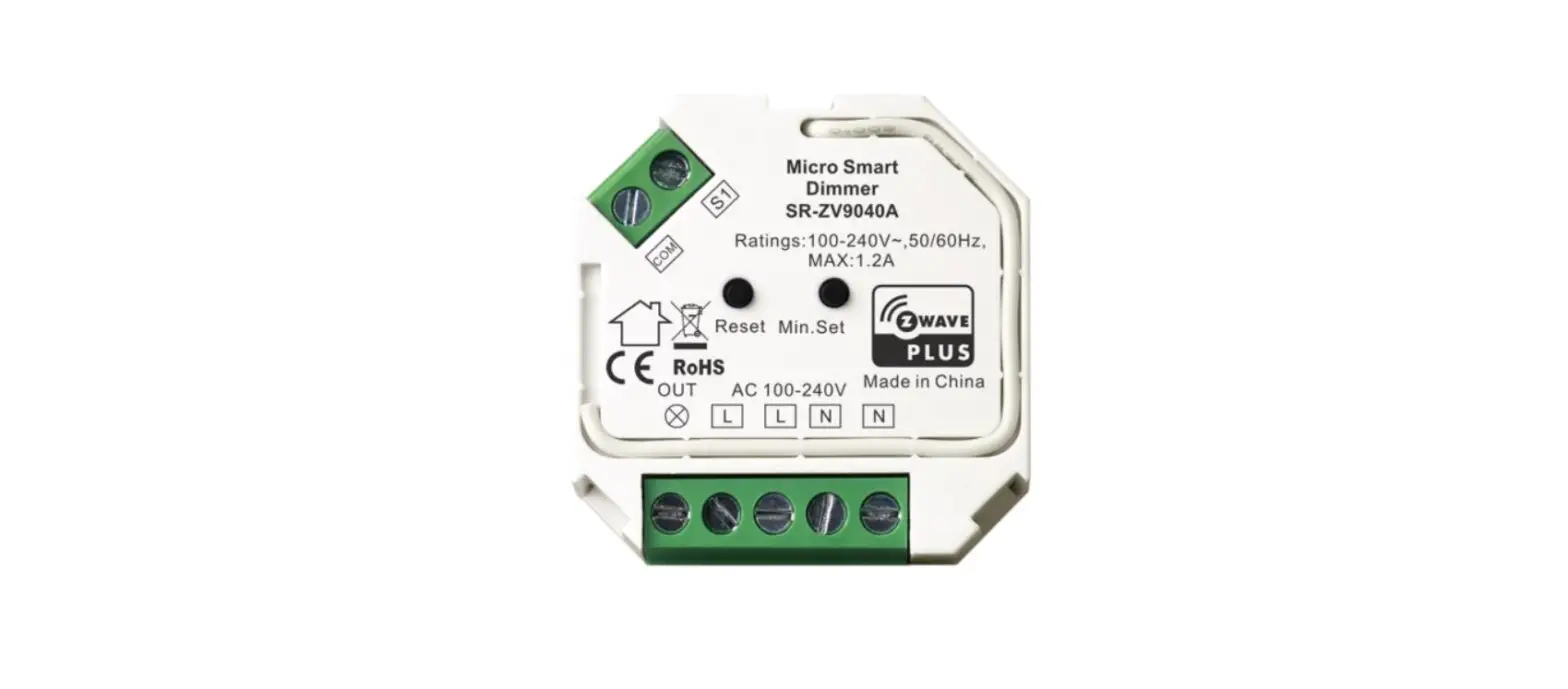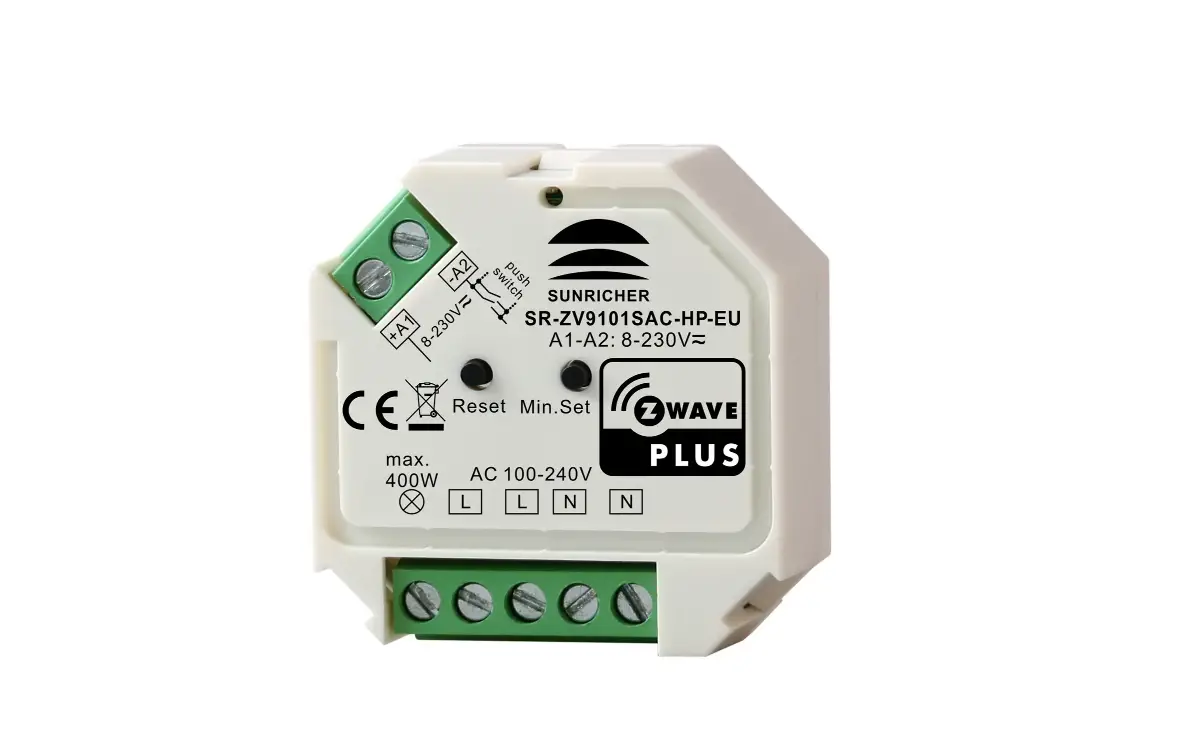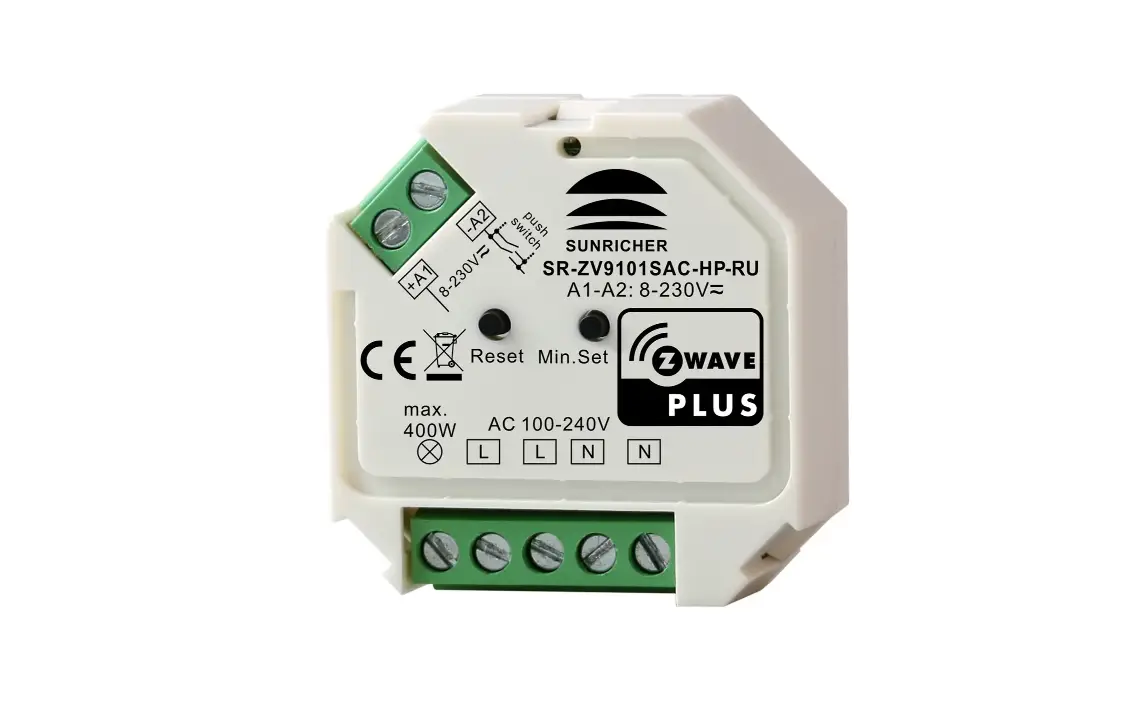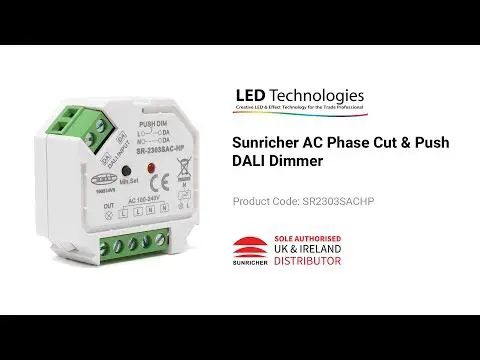

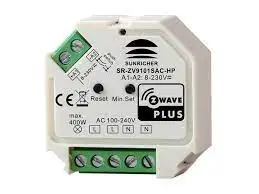
SUNRICHER SR-ZV9101SAC-HP Dali + Push AC Phase Cut Dimmer
Important: Read All Instructions Prior to Installation
Function introduction
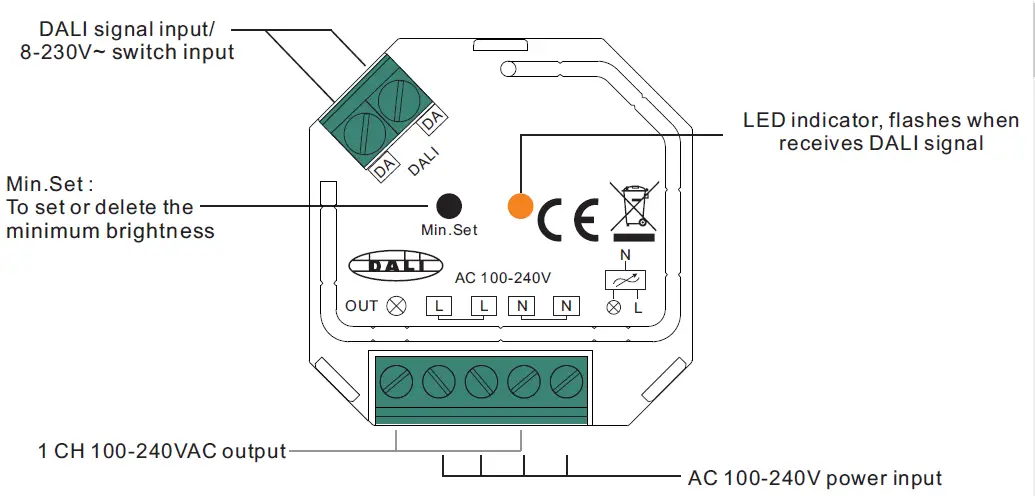
Product Data
| Input Voltage | Output Voltage | Output Current | Allowed Inrush Current | DALI Consumption | Size(LxWxH) |
| 100-240VAC | 100-240VAC | 1.8A max | Cold Start 75A max. | 2mA max | 45.5x45x20.3mm |
- In compliance with IEC 62386-101:2014, IEC 62386-102:2014, IEC 62386-207 Ed2.
- Built-in DALI-2 interface, DALI DT6 device
- Match all DALI systems in the market
- AC phase-cut dimmer with both DALI and push switch control interface
- 100-240VAC Wide Input and Output Voltage,
- 1 DALI address to control 1 Channel Output, Up to 400W
- Input and Output with Screw Terminals, Safe and Reliable
- Trailing edge dimming, supports resistive loads and capacitive loads
- Innovative minimum brightness setting function
- Single Wire Push Switch Input for Push Dim Function
- Great Compatibility with Universal 8V-230V~ Input Push Switches
- To dim and switch single color dimmable LED lamps, traditional incandescent and halogen lights
- Mini Size, Easy to be Installed into a standard 86*86mm wall box
- Waterproof grade: IP20
Safety & Warnings
- DO NOT install with power applied to device.
- DO NOT expose the device to moisture.
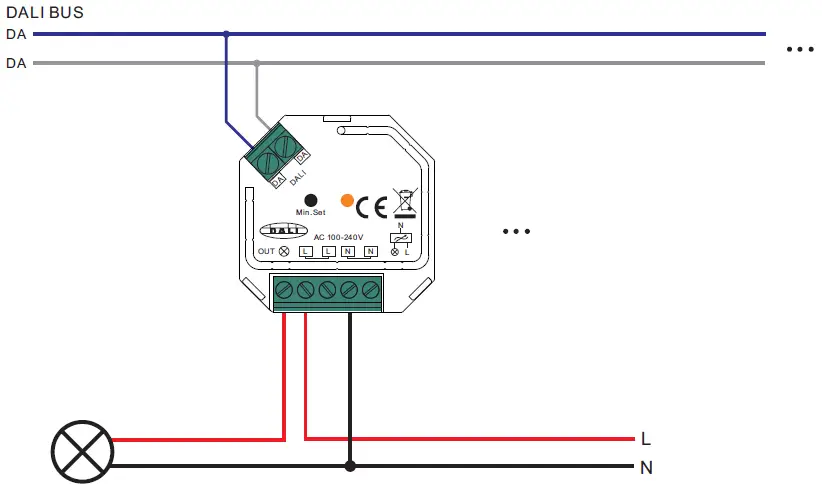
Wiring diagram
With DALI Signal
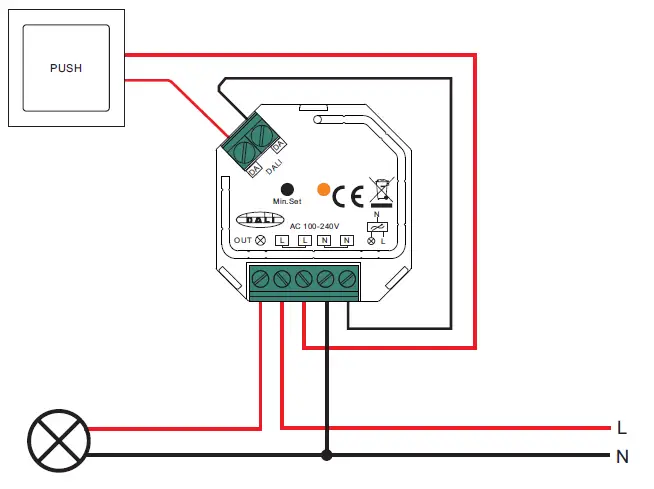
With Single AC Push Switch
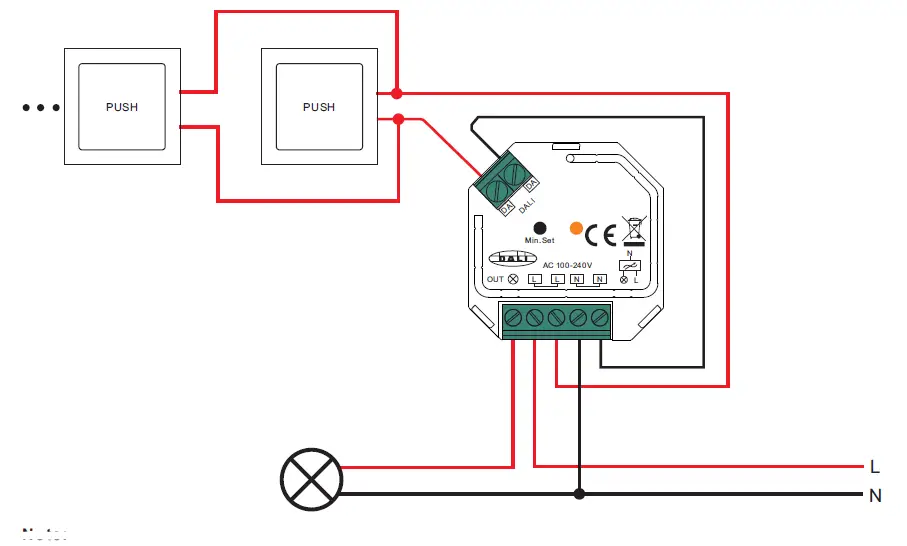
With Multiple AC Push Switches for Multiple Control Points
Note:
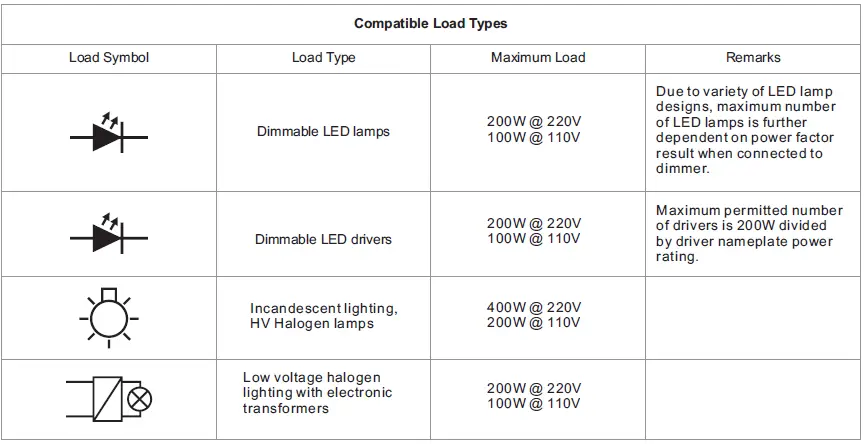
- The allowed inrush current of this dimmer is cold start 75A, when connecting LED drivers or LED luminaries in parallel, please make sure that the total inrush current of the parallel connected drivers or luminaries do not exceed the max. allowed inrush current of this dimmer.
- The recommended number of parallel connected drivers or luminaries shall not be more than 10, otherwise the dimmer may be damaged due to the high inrush current at the moment of starting
This phase dimmer adopts trailing edge dimming (reverse phase control), please make sure the connected loads support reverse phase control. Please refer to the user manual of the load or consult the supplier of the load
Operation
Setting DALI Address
1 DALI addresses for 1 channel output is assigned by DALI Master controller automatically, please refer to user manuals of compatible DALI Masters for specific operations.
Setting minimum brightness
Adjust brightness to a level, then press and hold down “Min. Set ” key on the dimmer until the light flashes, once set a minimum brightness, the light can only be dimmable between this minimum brightness and maximum brightness. The dimming range of this dimmer is 1%-100%, but some load types may flicker when dimmed to 1%, thus a minimum brightness shall be set higher than 1% to avoid flickering during dimming process.
Delete the minimum brightness
Adjust the brightness to maximum level, then click “Min. Set” key on the dimmer to delete the minimum brightness, the light will flash to indicate successful reset.
PUSH DIM
While connected with PUSH switch, click the button to switch ON/OFF lights. Press and hold down the button to increase/decrease light intensity.