
www.firstdegreefitness.com
First Degree Fitness
Speed Sensor Trouble Shooting
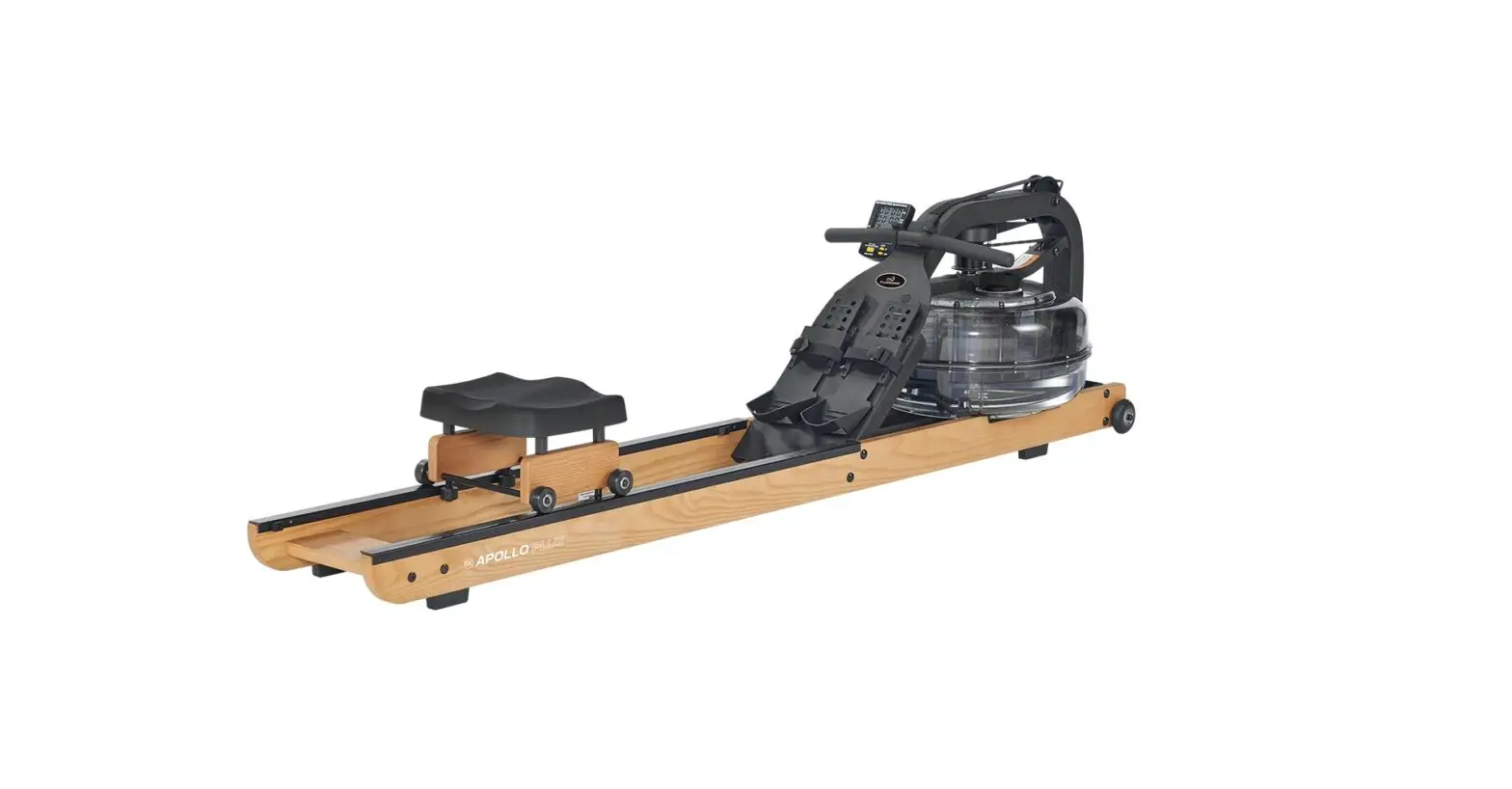
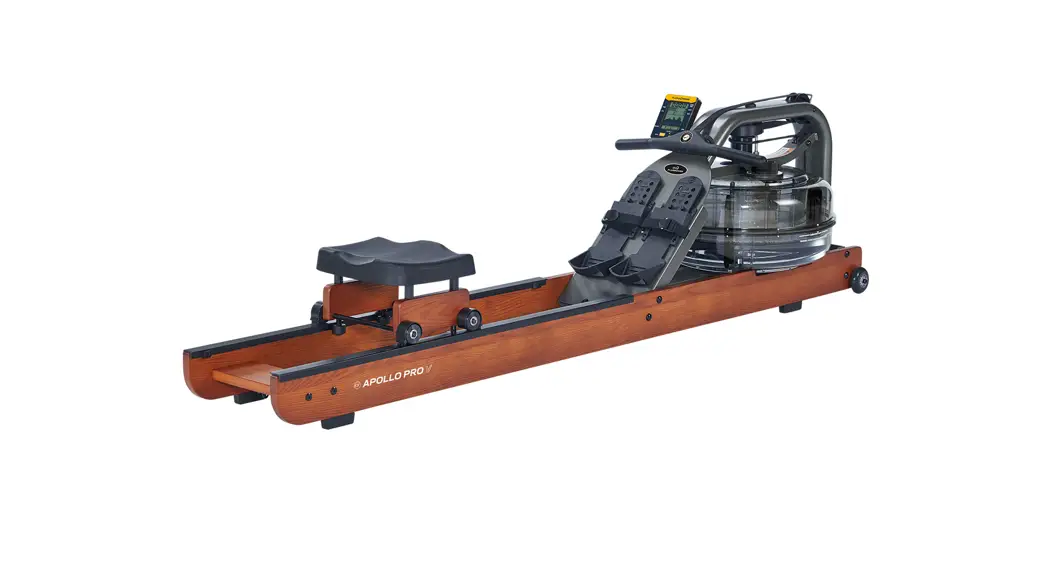
and Replacement Guide for
Apollo AR
and
Apollo PRO
Sensor Troubleshooting
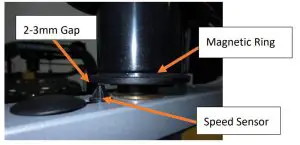
- Check the gap between the sensor and the magnetic ring should be 2-3mm

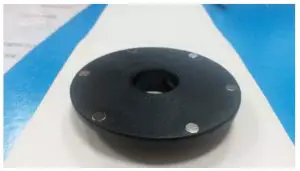
- Visually check all 6 magnets in the magnetic ring are present and flush (no need to remove the ring)

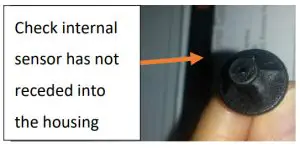
- Check sensor head – the internal sensor should be no more than a few millimeters inside the hole

- If the above checks fail to resolve the issue continue to the next section
Sensor Removal
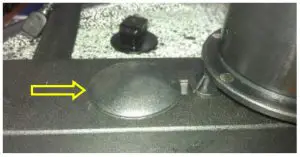 | 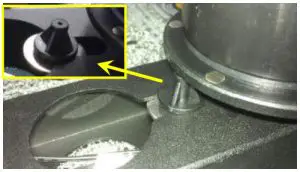 | 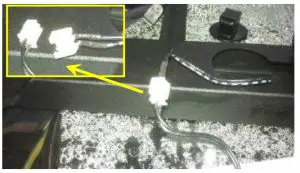 | 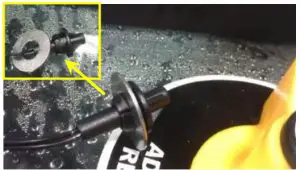 |
| Remove the Frame Plug | Pull the Speed Sensor out of the frame | Disconnect the sensor cables | Remove the washer from the Speed Sensor |
Sensor Re-Installation
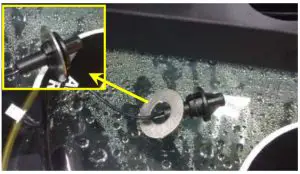 | 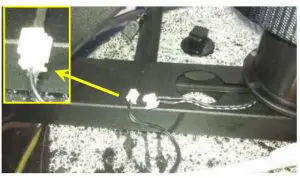 | 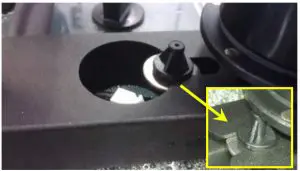 | 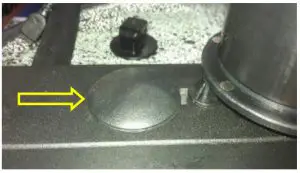 |
| Fit washer onto the new Sensor | Connect the cables. | Install the Speed Sensor as shown. | Replace the Frame Plug. |