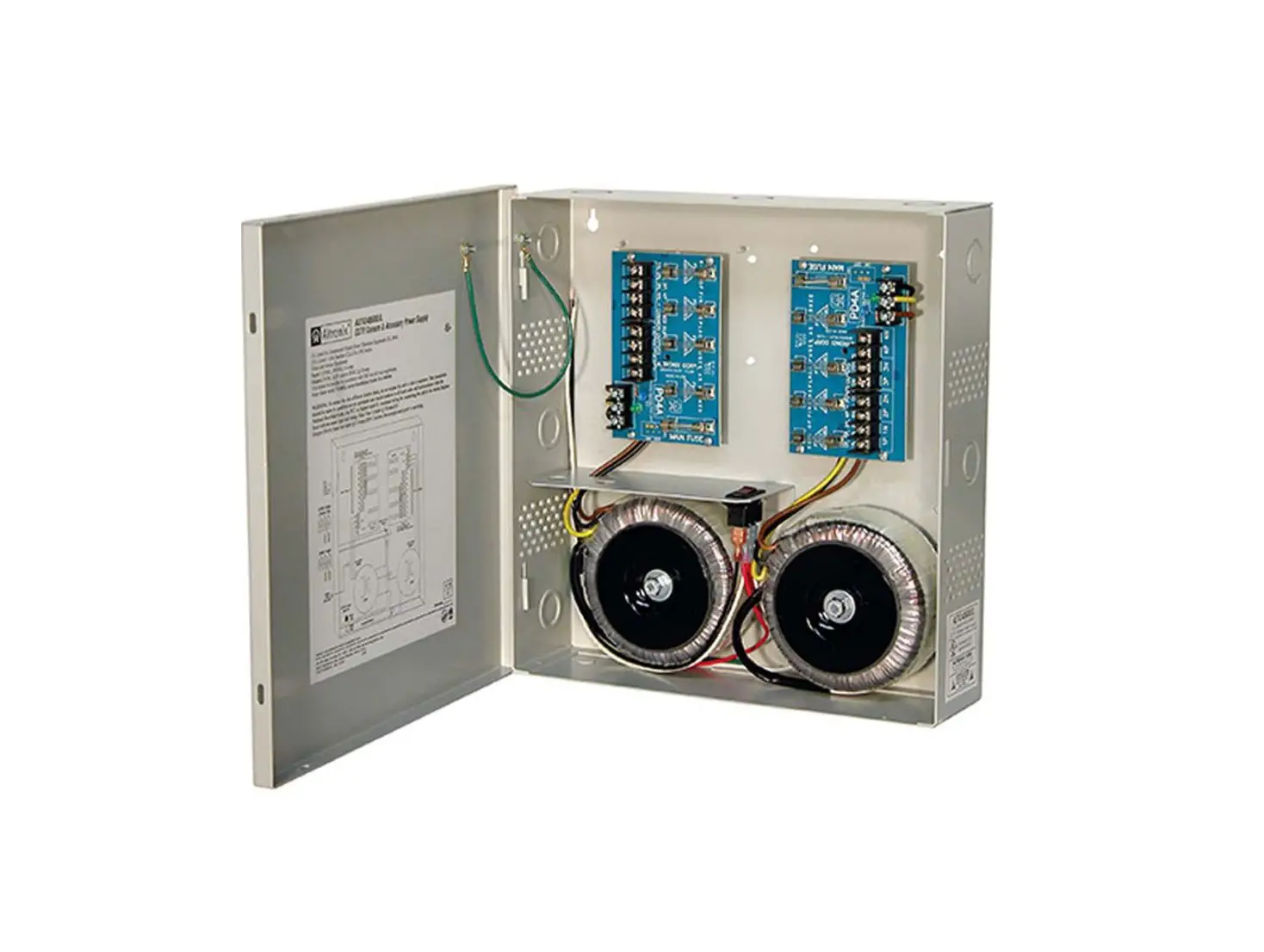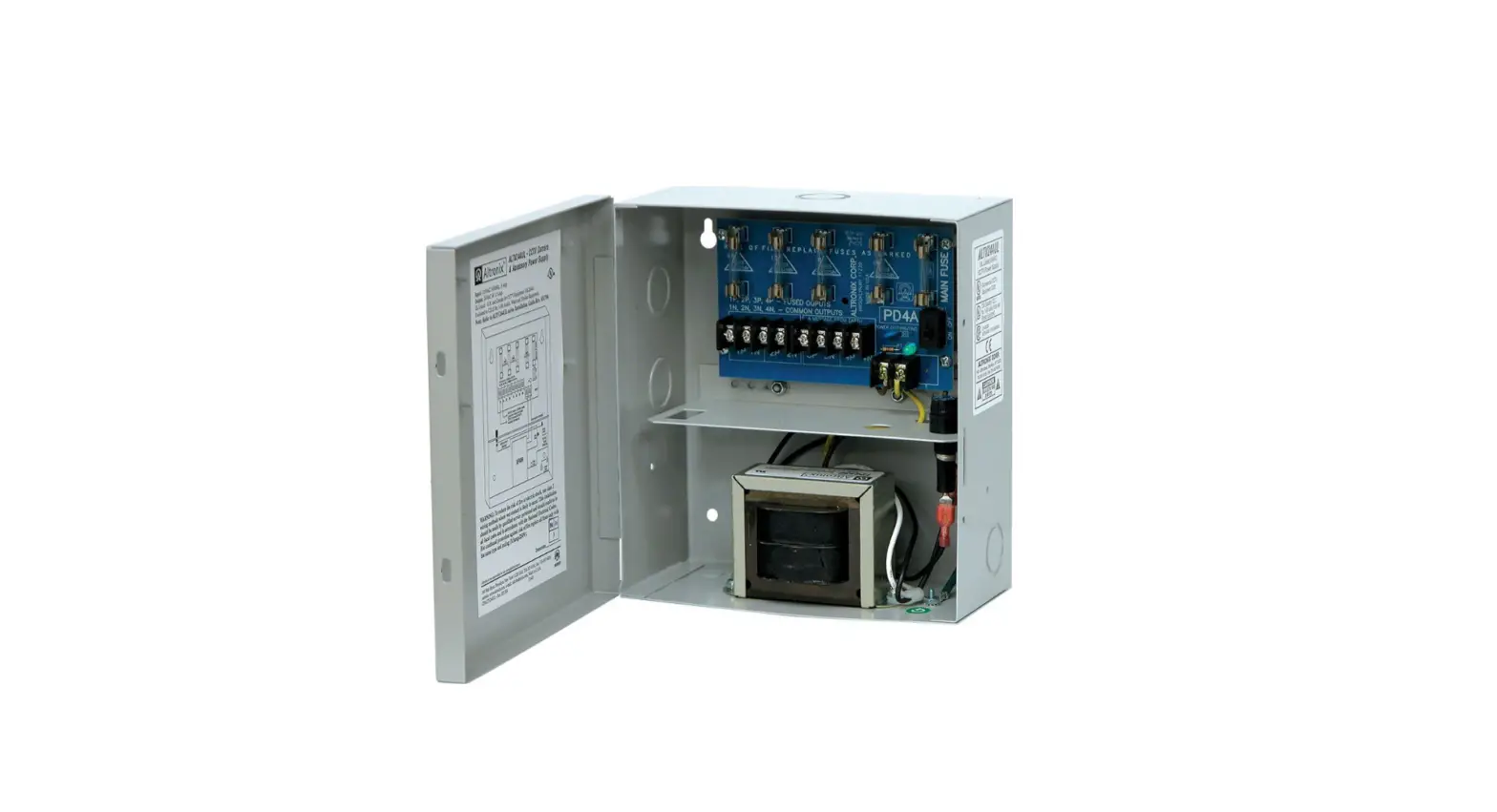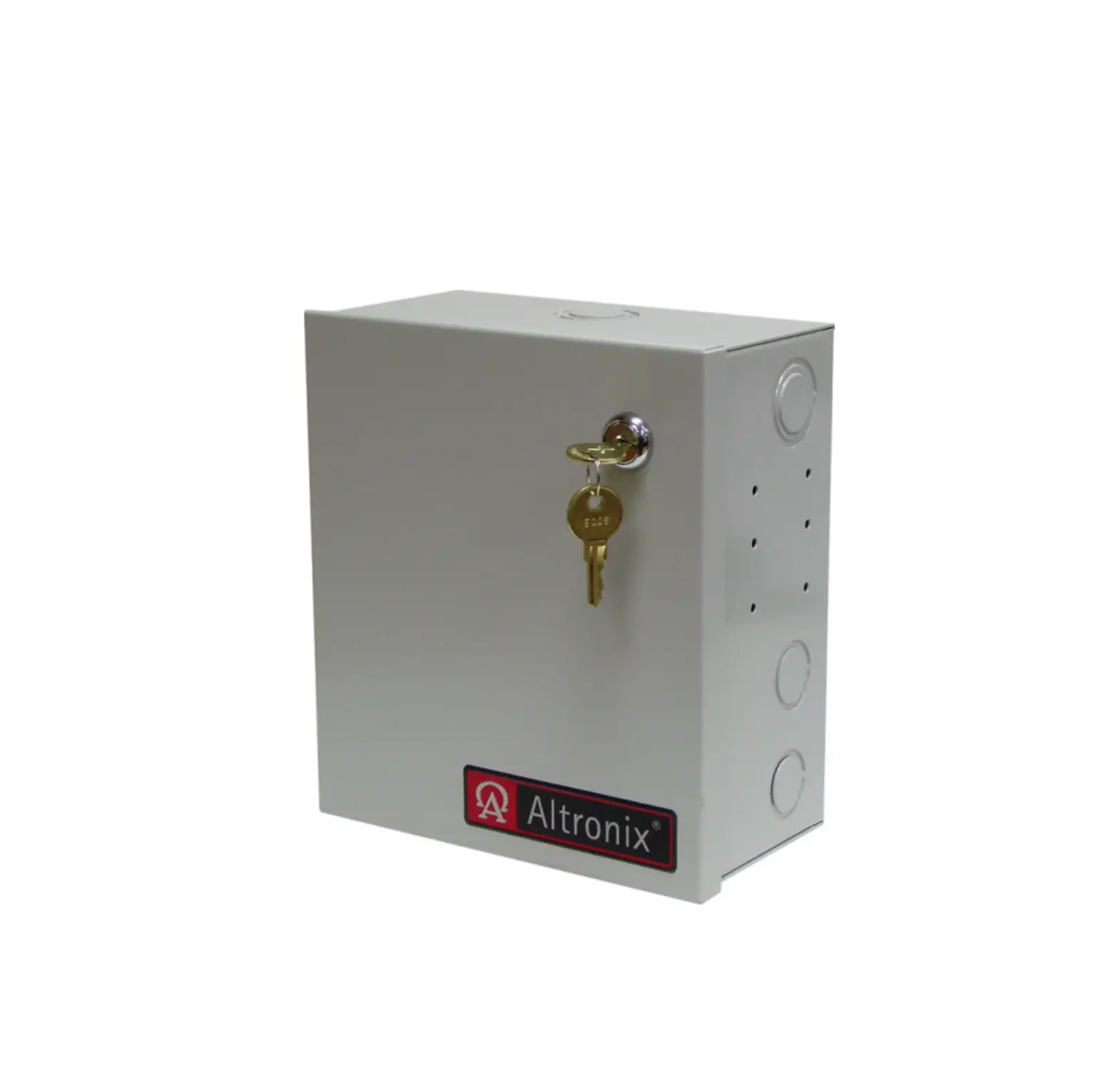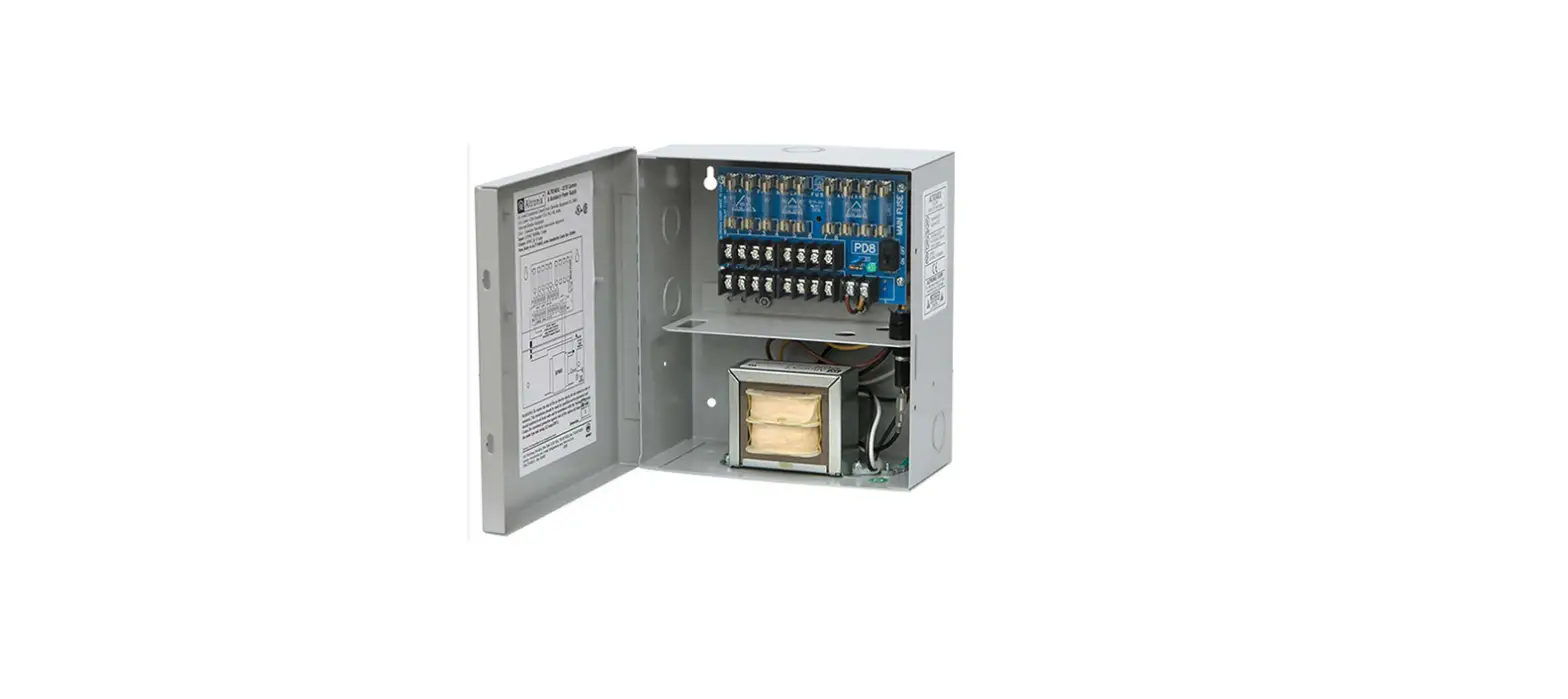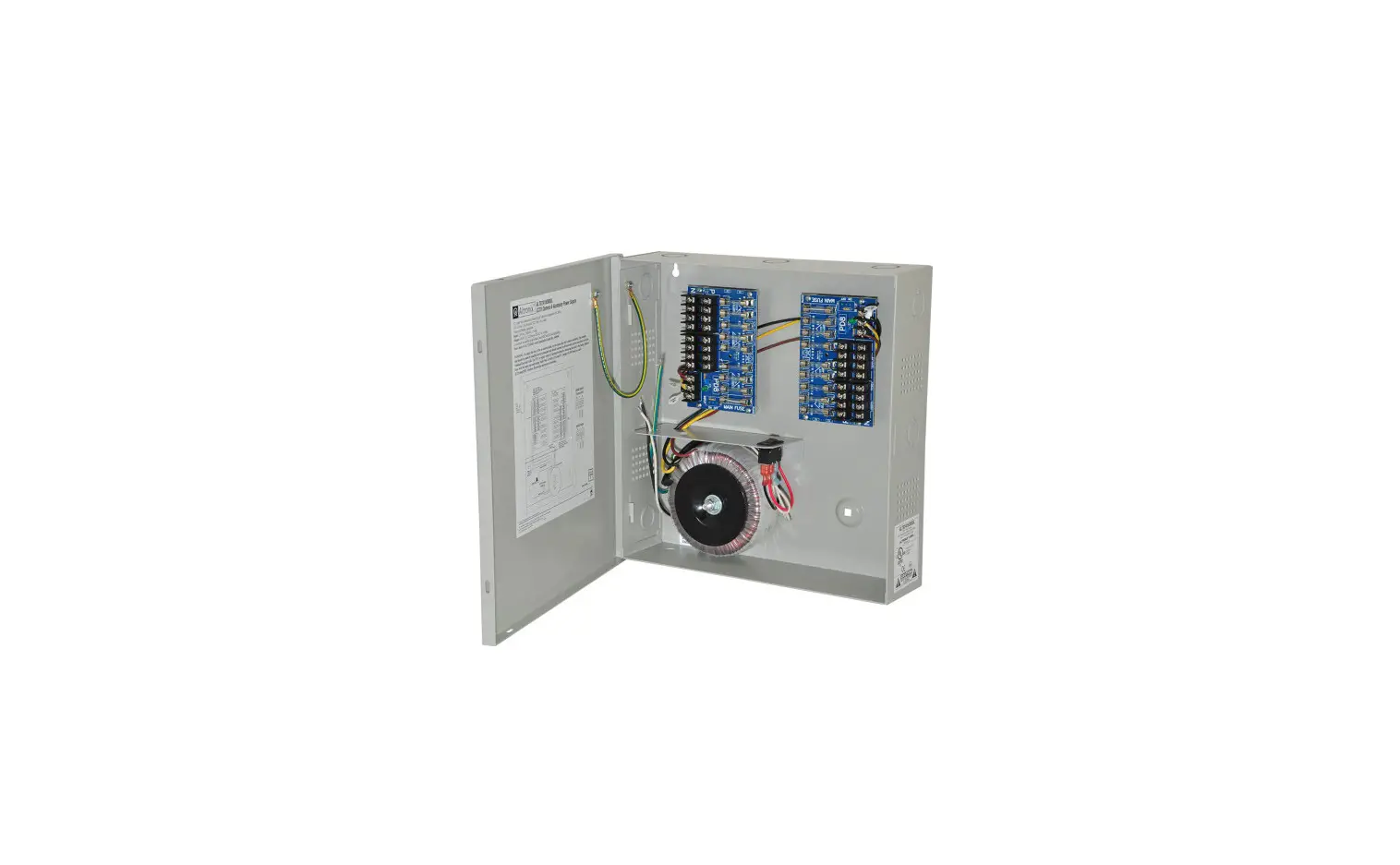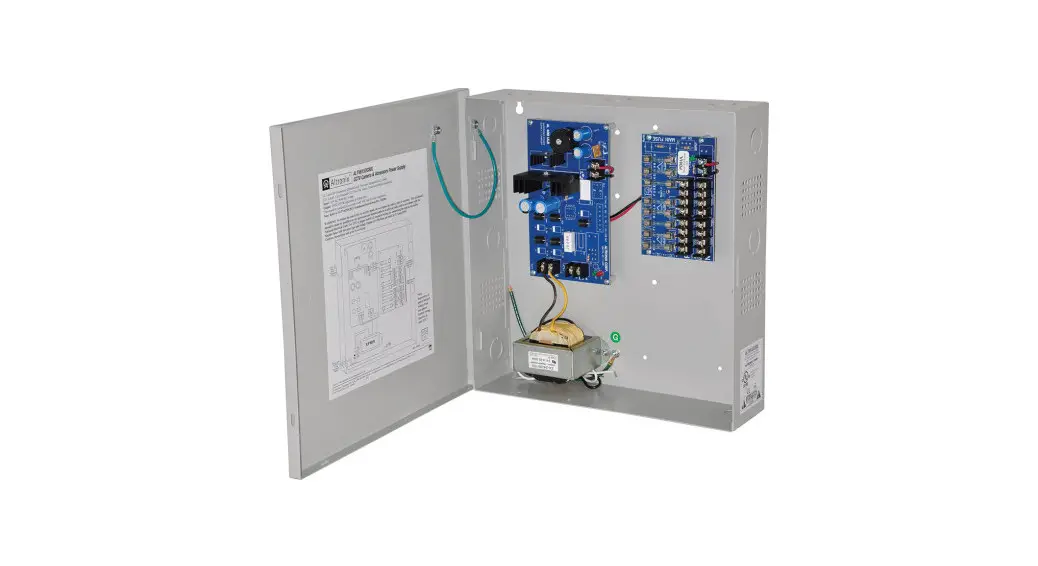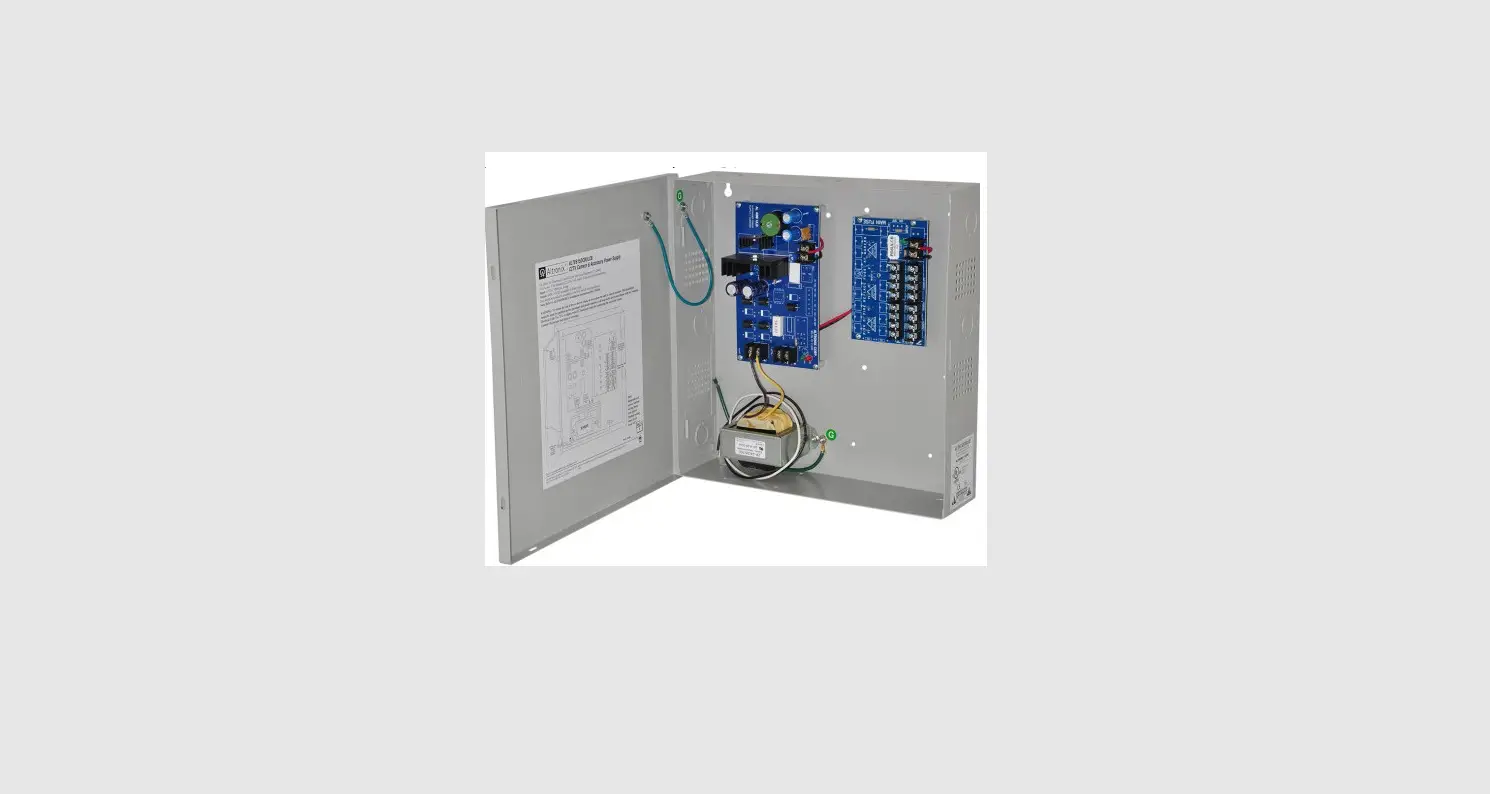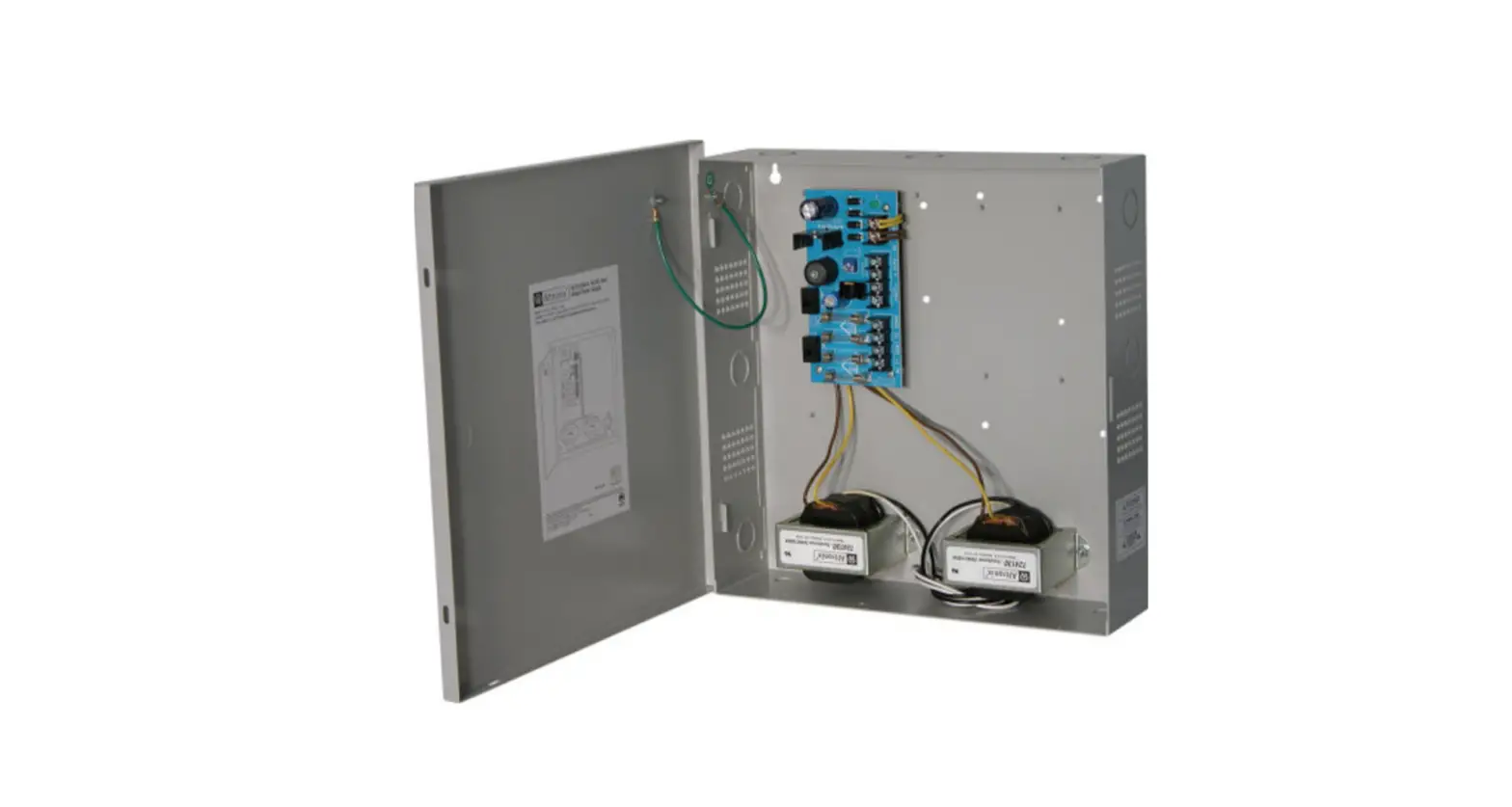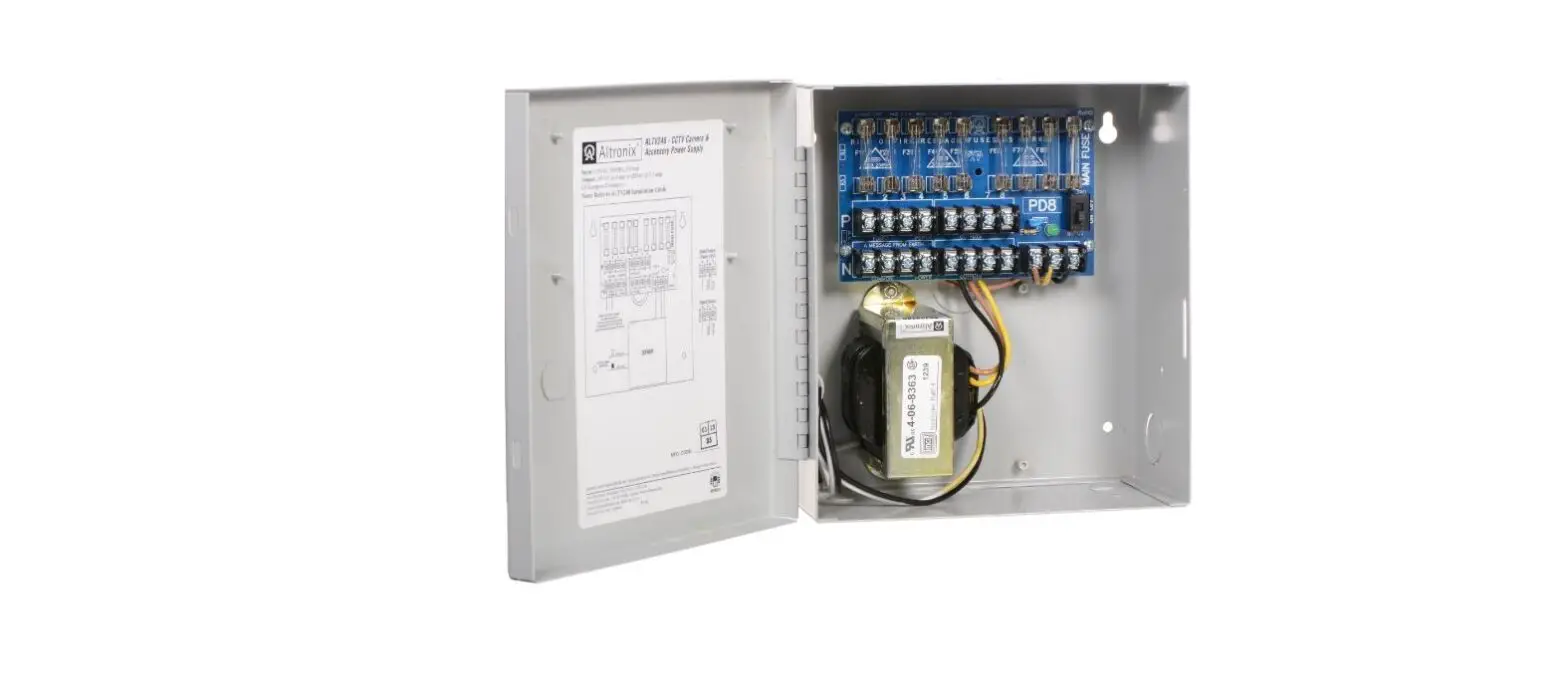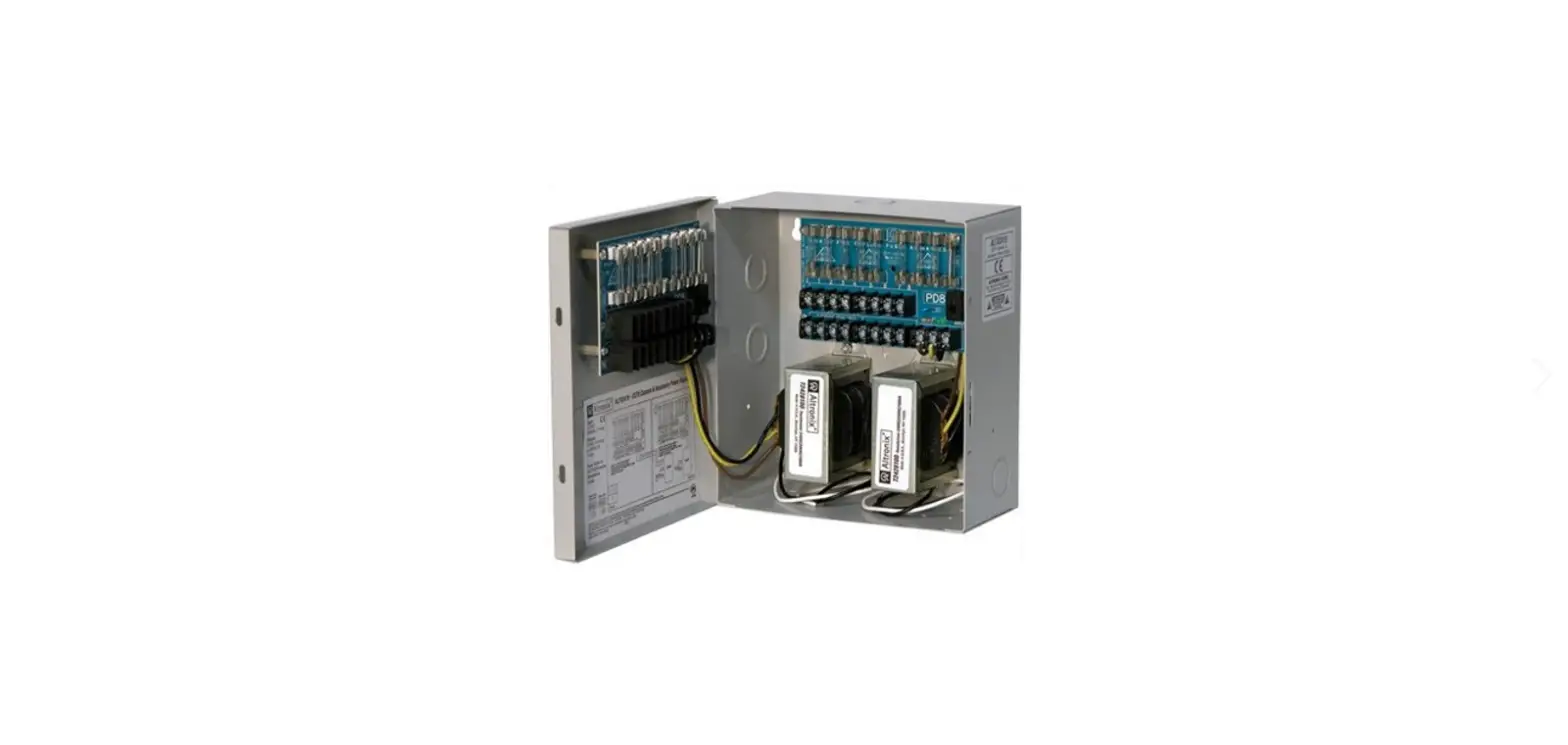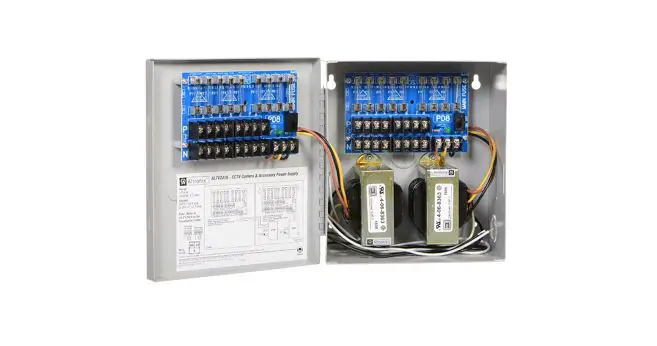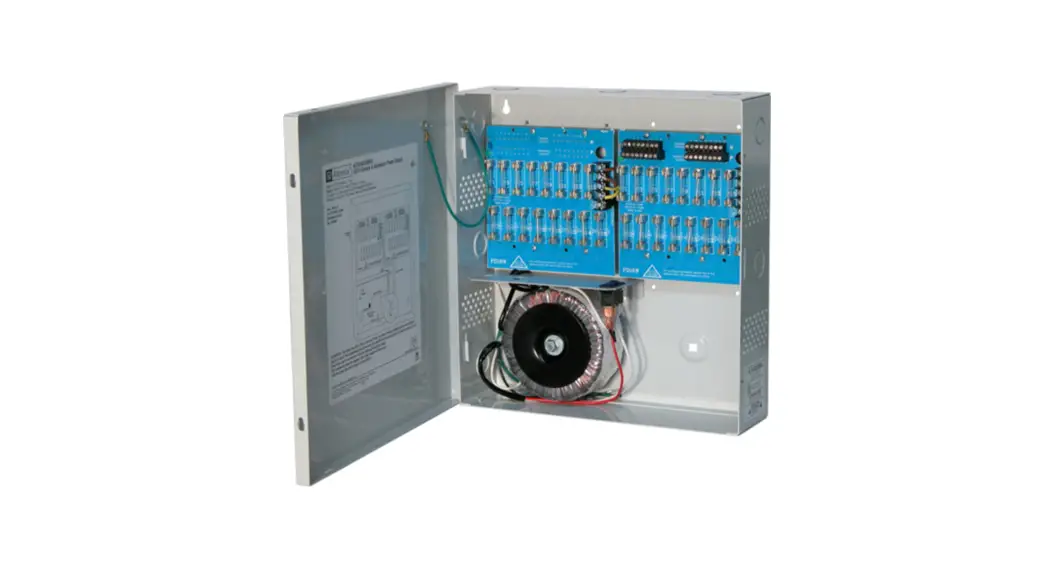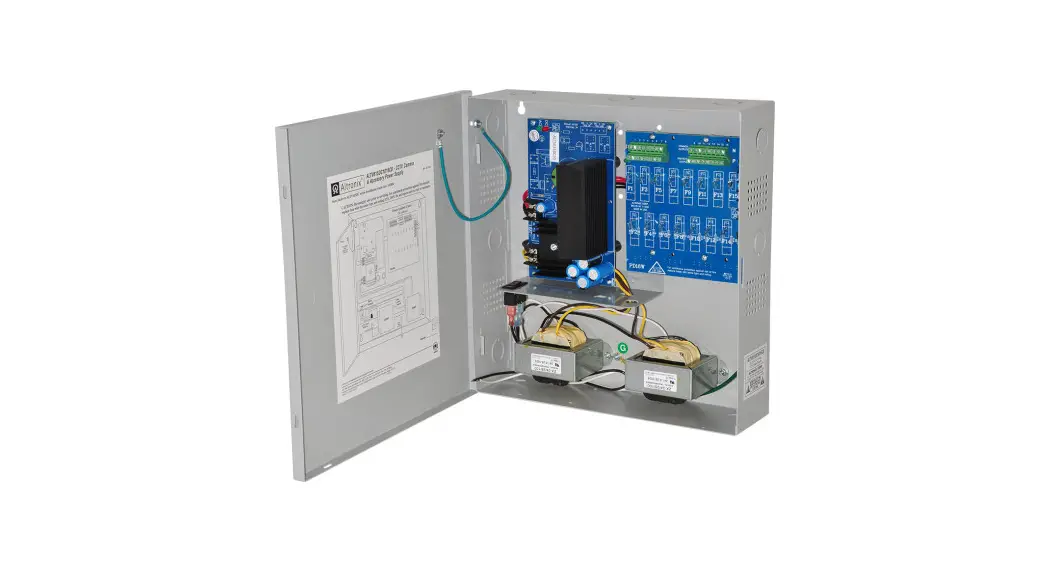
 ALTV615DC1016 Series
CCTV Power Supplies
Models Include:
ALTV615DC1016
– 6-15VDC @ 10A
– Sixteen (16) Fuse Protected Outputs.
ALTV615DC1016CB
– 6-15VDC @ 10A
– Sixteen (16) PTC Protected Outputs.
Installation Guide
ALTV615DC1016 Series CCTV Power Supplies
For models with the line cord installed add suffix “3”, e.g. ALTV615DC10163
Rev. 102804
Installing Company: _____________________
Service Rep. Name: _____________________
Address: ______________________________
Phone #: _____________________________
Overview:
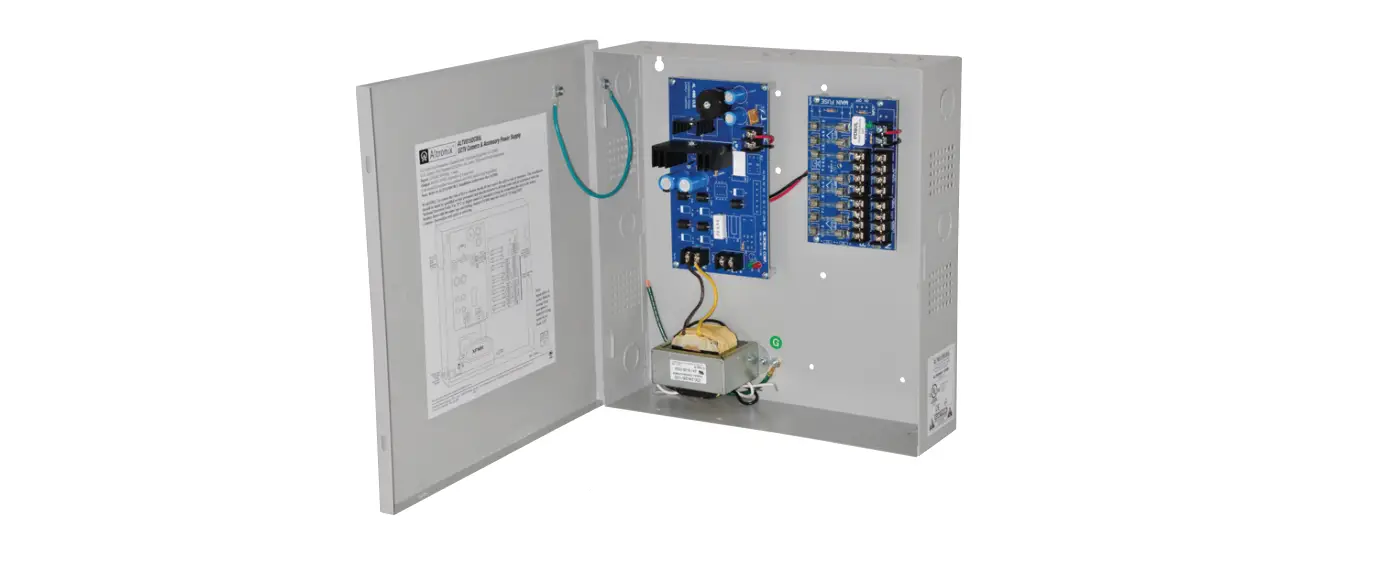
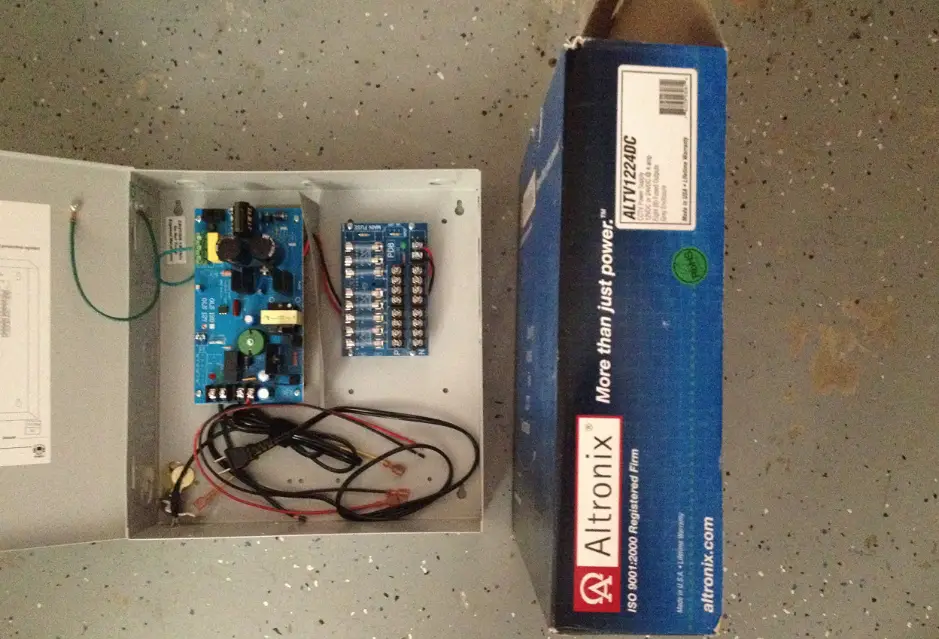
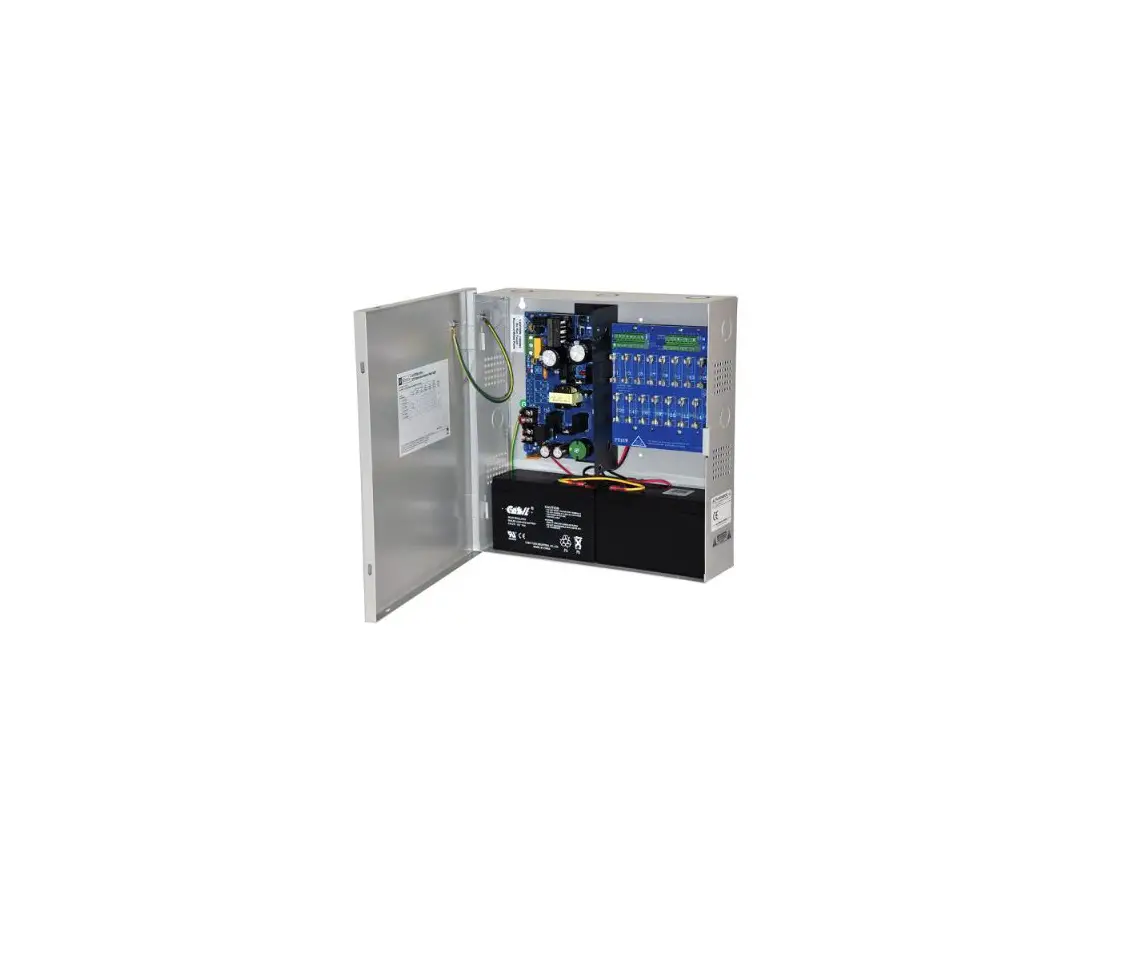
ALTV615DC1016 Series DC CCTV Power Supplies provide 6-15VDC distributed via sixteen (16) fuse or PTC protected outputs for powering CCTV cameras, heaters, and other video accessories.
Sixteen (16) Output ALTV615DC1016 Reference Chart:
| Altronix Model Number | Total Output Current (Power) | Output Voltage | Number of Outputs | PTC Protected Outputs (autoresettable) | Fuse Protected Outputs | Output Current (max. per output) | 115VAC 50/60Hz Input Current |
| ALTV615DC1016 | 10A | 6-15VDC | 16 | – | P | 3.5A | 1.9A |
| ALTV615DC1016CB | 10A | 6-15VDC | 16 | P | – | 2.5A | 1.9A |
Specifications:
Input:
- Input 115VAC, 50/60 Hz, 1.9A.
Output:
- Sixteen (16) fuse or PTC protected outputs.
- 6VDC to 15VDC field adjustable.
- 10A total continuous supply current.
- Filtered and electronically regulated outputs.
Features:
- AC input and DC output LED indicators.
- Illuminated power disconnect circuit breaker with manual reset.
- Unit maintains camera synchronization.
- Ease of installation saves time and eliminates costly labor.
Enclosure Dimensions (H x W x D approx.): 13.5” x 13” x 3.25”
(342.9mm x 330.2mm x 82.6mm)
Installation Instructions:
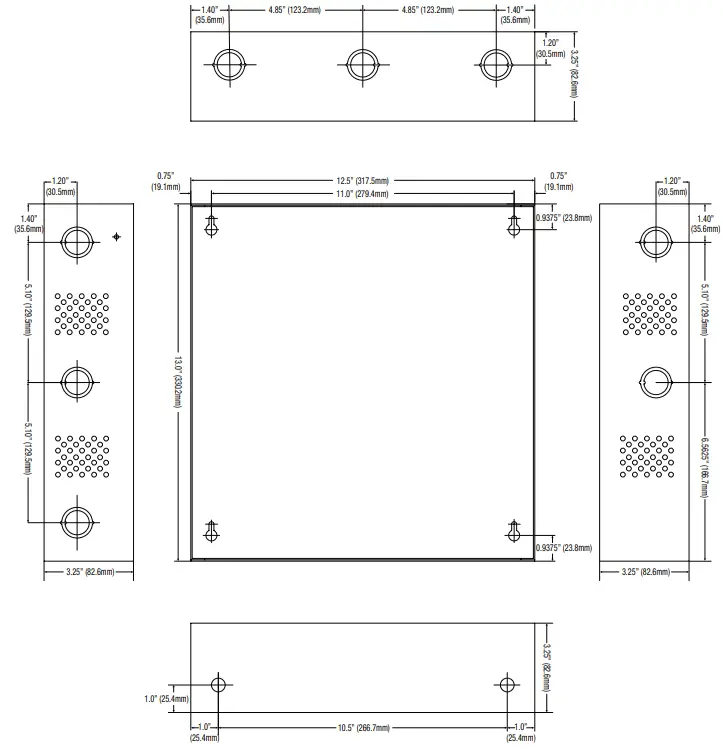
- Mount unit in the desired location. Mark and predrill holes in the wall to line up with the top two keyholes in the enclosure. Install two upper fasteners and screws in the wall with the screw heads protruding. Place the enclosure’s upper keyholes over the two upper screws; level and secure. Mark the position of the lower two holes. Remove the enclosure. Drill the lower holes and install the two fasteners. Place the enclosure’s upper keyholes over the two upper screws. Install the two lower screws and make sure to tighten all screws (Enclosure Dimensions, pg. 4). Secure enclosure to earth ground.
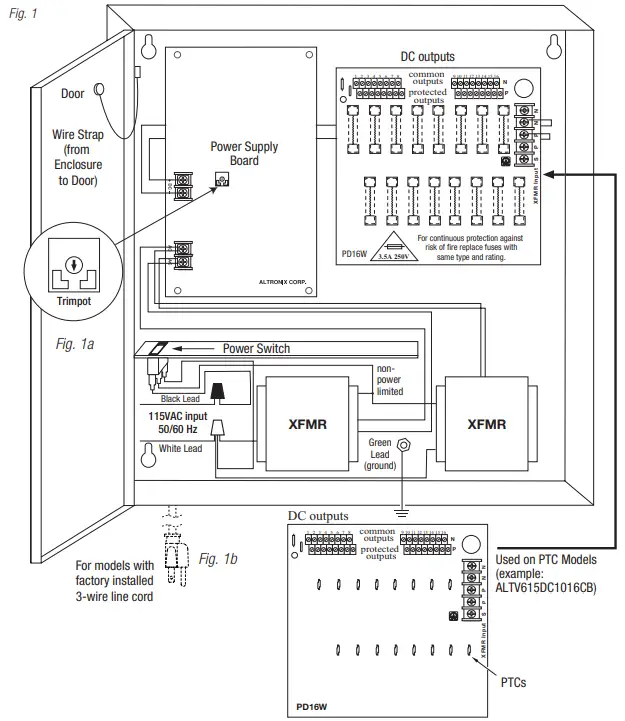
- Connect AC power to the two black and two white flying leads of the transformer (Fig. 1, pg. 3).
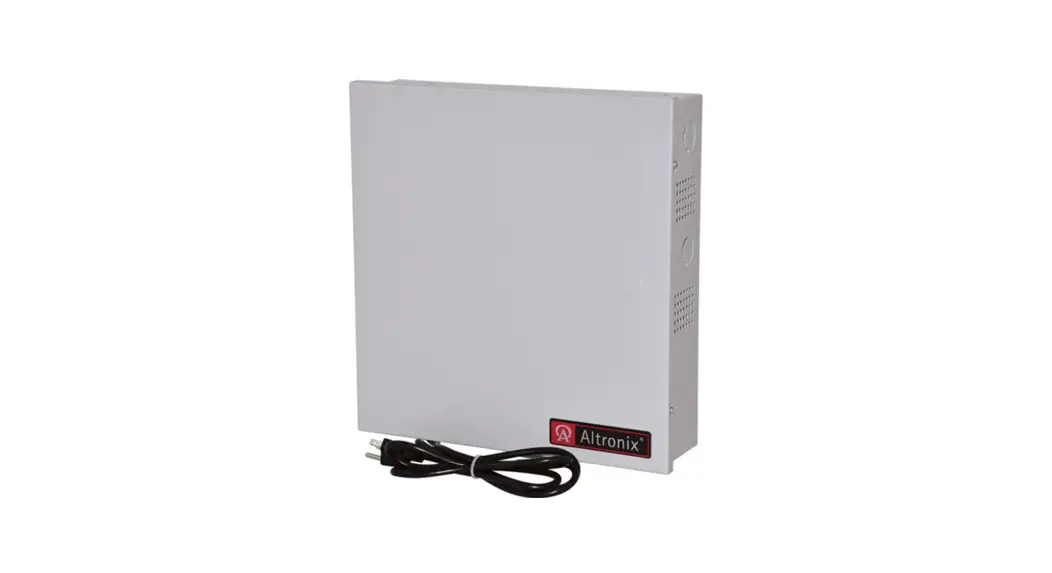
Units with line cord installed skip Step #2. - Plug the line cord into a grounded AC receptacle (Fig. 1b, pg. 3).
- Adjust output voltage (unit is factory set at 12VDC): use the trimpot on the power supply board prior to connecting CCTV devices (Fig. 1a, pg. 3).
- Measure output voltage before connecting devices. This helps avoiding potential damage.
Terminals marked [1P – 16P] are positive (+) and terminals marked [1N – 16N] are negative (–).
CAUTION: Determine the maximum operating voltage of the equipment being powered before adjusting the output voltage. - Connect devices to terminals marked [1P – 1N] through [16P – 16N] on PD16W/PD16WCB board (Fig. 1, pg. 3), carefully observing correct polarity.
- Green LED will illuminate when unit is powered.
- Upon completion of the wiring, secure enclosure door with screws (supplied).
Caution: Equipment must be installed/serviced by authorized/trained personnel only.
Shut branch circuit power before installing/servicing equipment.
WARNING: To reduce the risk of fire or electric shock, do not expose the unit to rain or moisture. This installation should be made by qualified service personnel and should conform to the National Electrical Code and all local codes.
Terminal Identification:
Power Supply Board
| Terminal Legend | Function/Description |
| AC / AC | Low volage AC input. |
| + DC – | 6VDC-15VDC output. |
PD16W – Distribution Module
| Terminal Legend | Function/Description |
| 1P – 16P | Positive DC output. |
| 1N – 16N | Negative DC output. |
CAUTION: De-energize unit prior to servicing. For continued protection against fire hazard replace fuse with the same type and rating 3.5A, 250V. Do not expose unit to rain or moisture.
 The lightning flash with arrowhead symbol within an equilateral triangle is intended to alert the user to the presence of an insulated DANGEROUS VOLTAGE within the product’s enclosure that may be of sufficient magnitude to constitute an electric shock.
 The exclamation point within an equilateral triangle is intended to alert the user to the presence of important operating and maintenance (servicing) instructions in the literature accompanying the appliance.
 CAUTION: To reduce the risk of electric shock do not open enclosure.
There are no user serviceable parts inside.
Refer servicing to qualified service personnel.
Enclosure Dimensions (H x W x D approximate): 13.5” x 13” x 3.25” (342.9mm x 330.2mm x 82.6mm)
 Altronix is not responsible for any typographical errors.
140 58th Street, Brooklyn, New York 11220 USA | phone: 718-567-8181 | fax: 718-567-9056
website: www.altronix.com | e-mail: [email protected] | Lifetime Warranty
IIALTV615DC1016 Series L07U ALTV615DC1016 Series Installation Guide
 Altronix Home