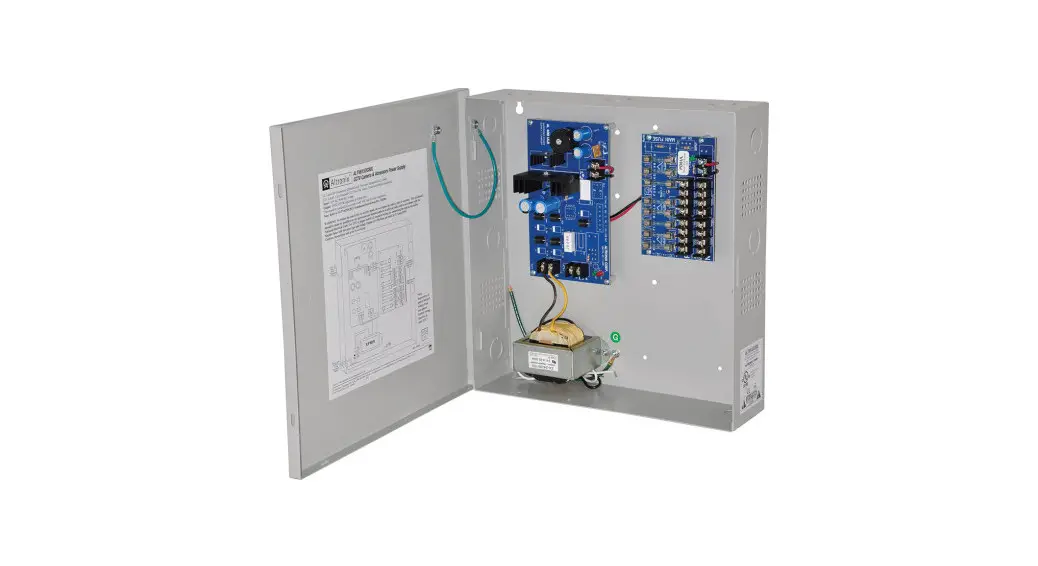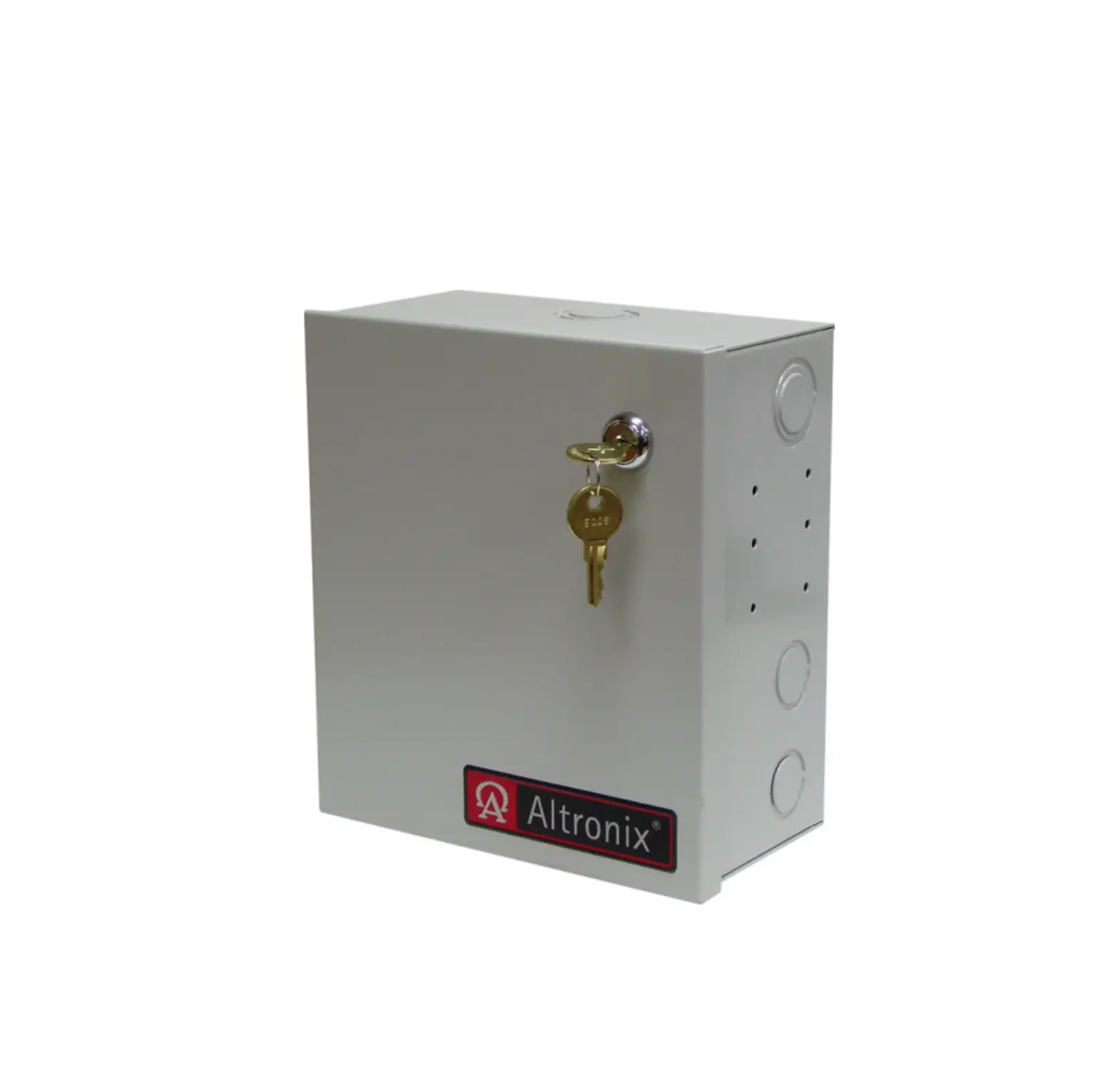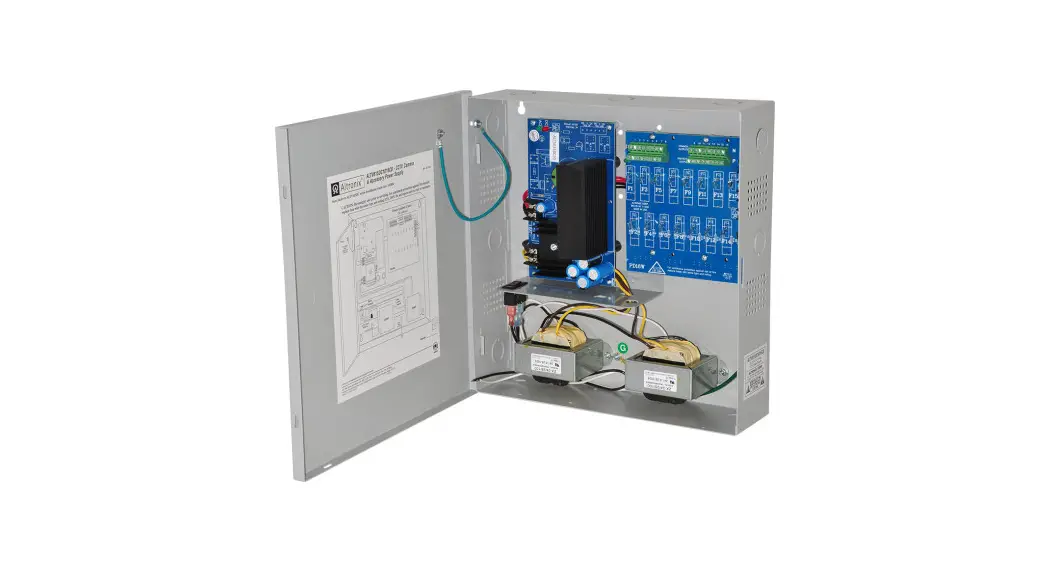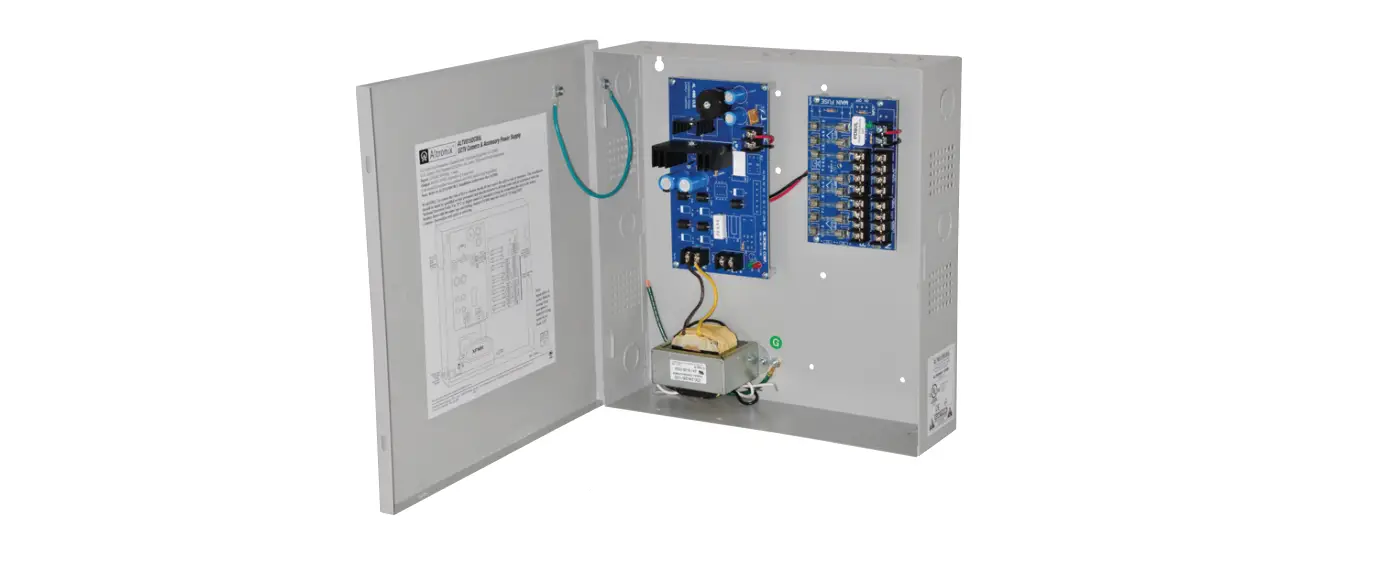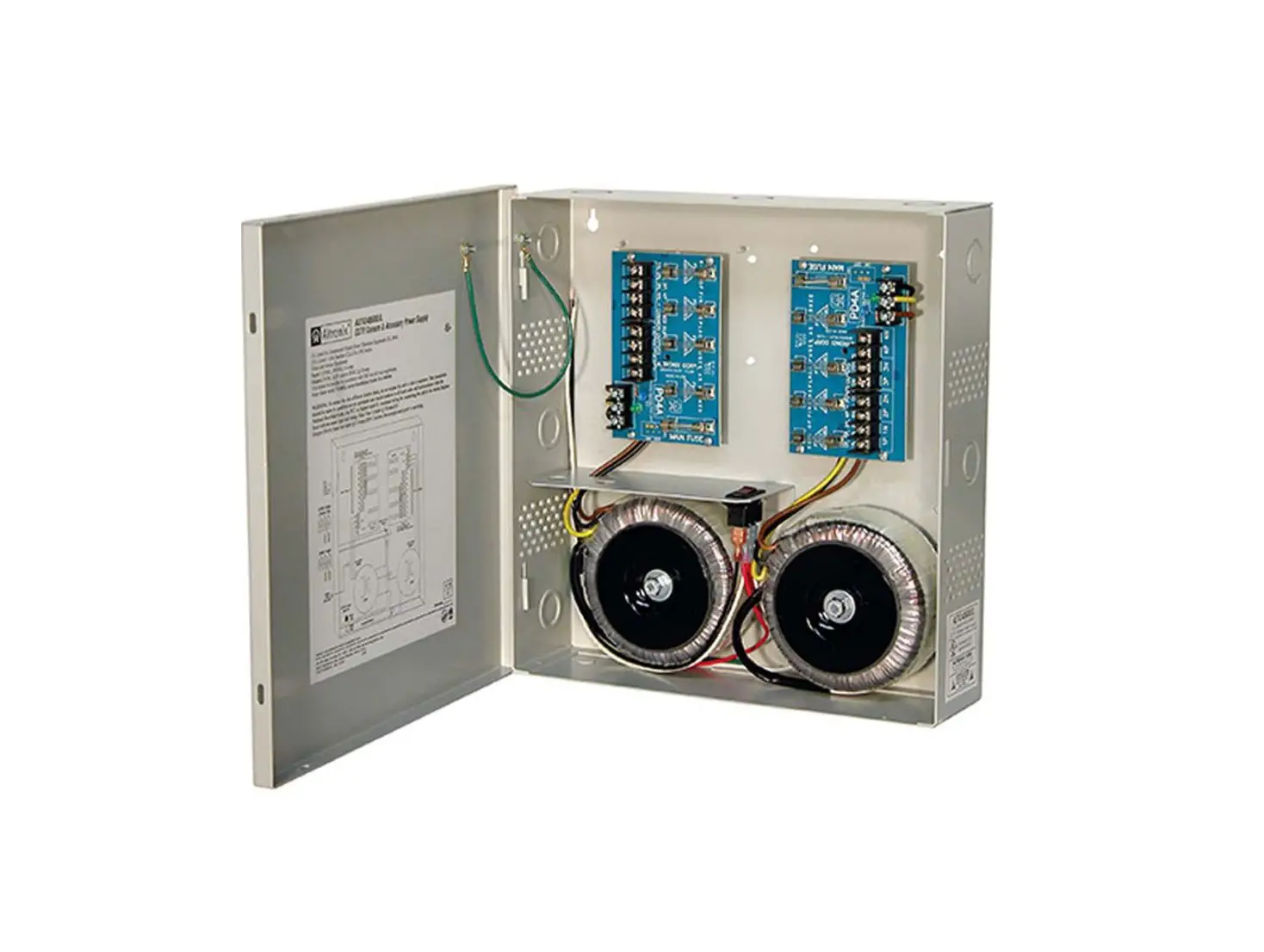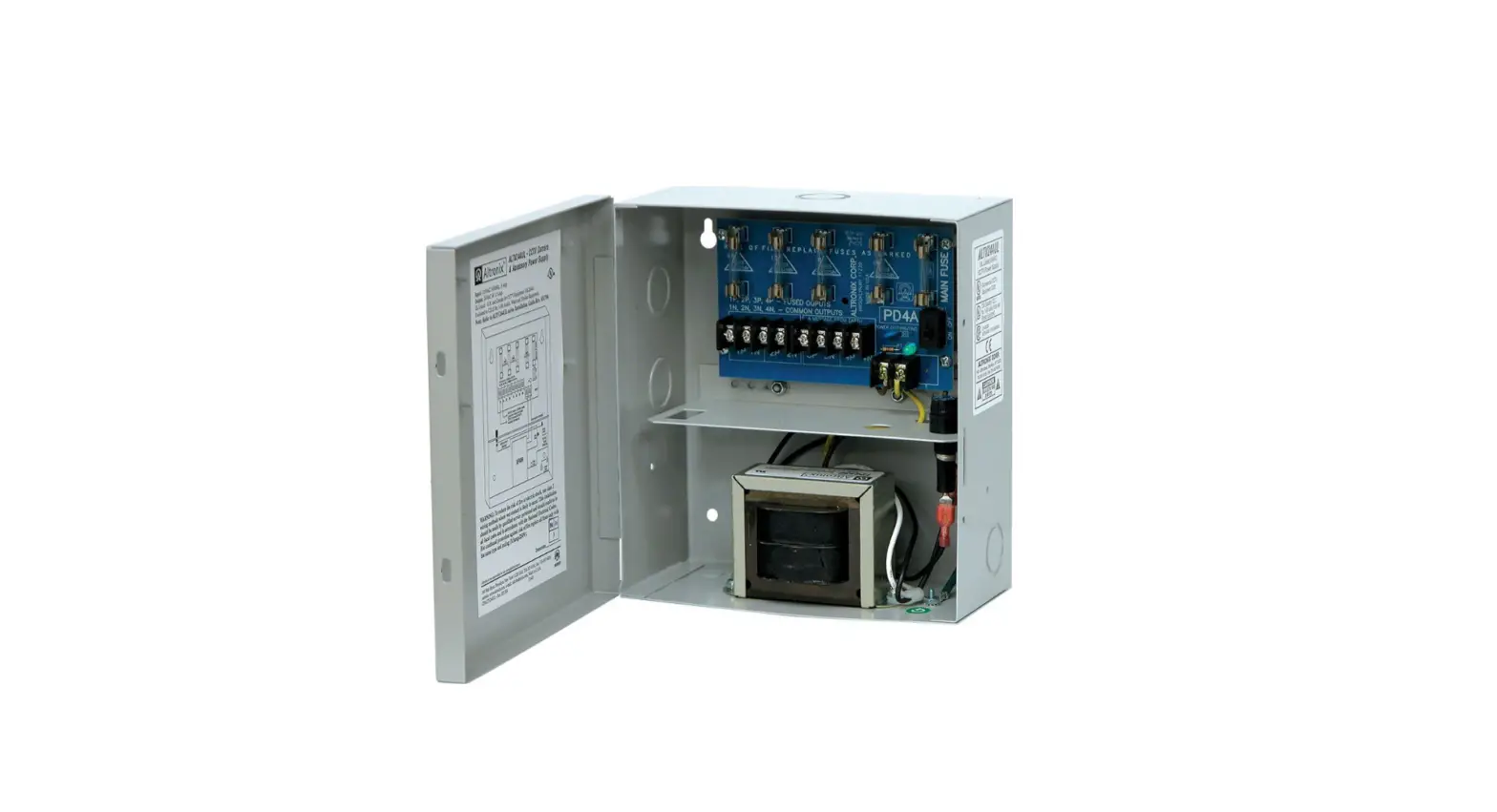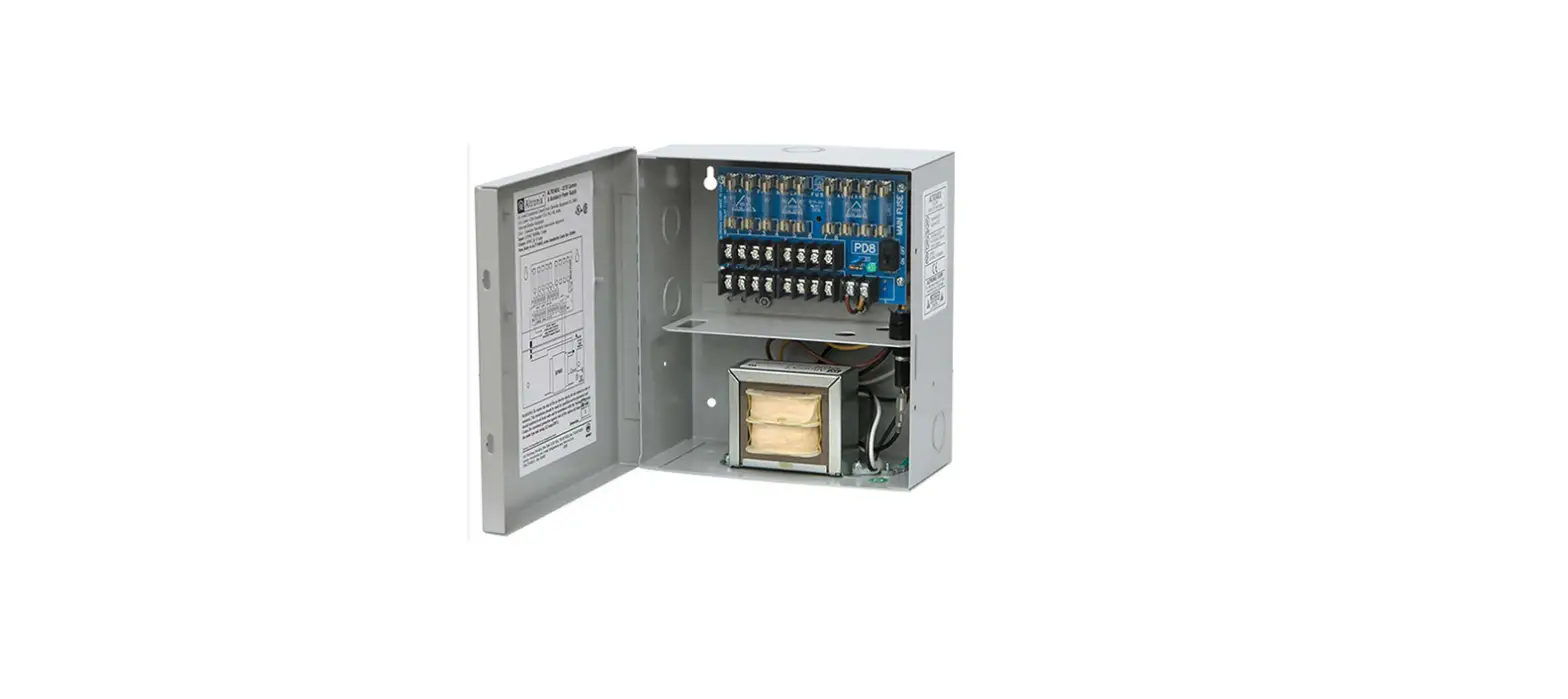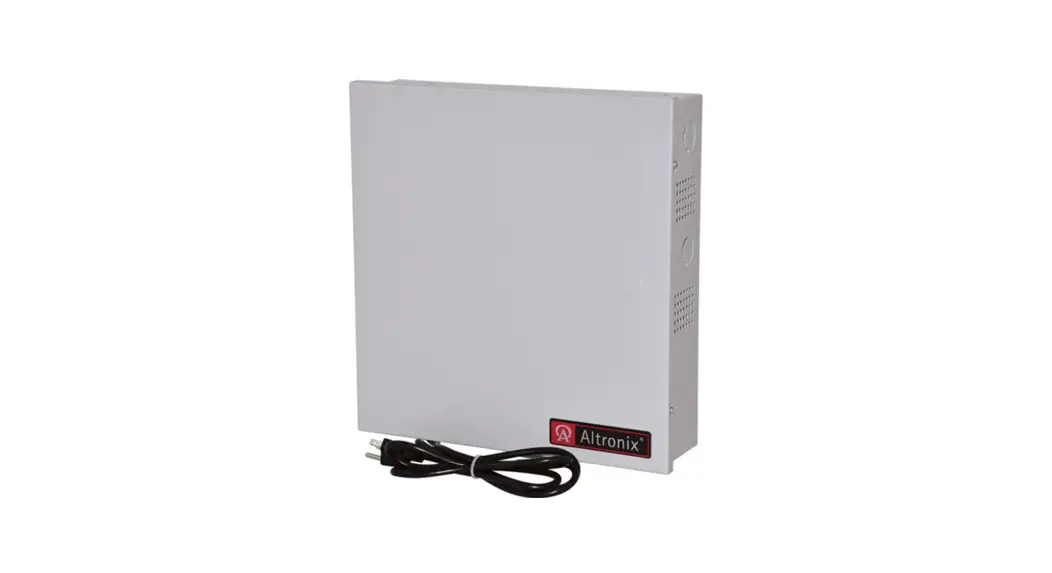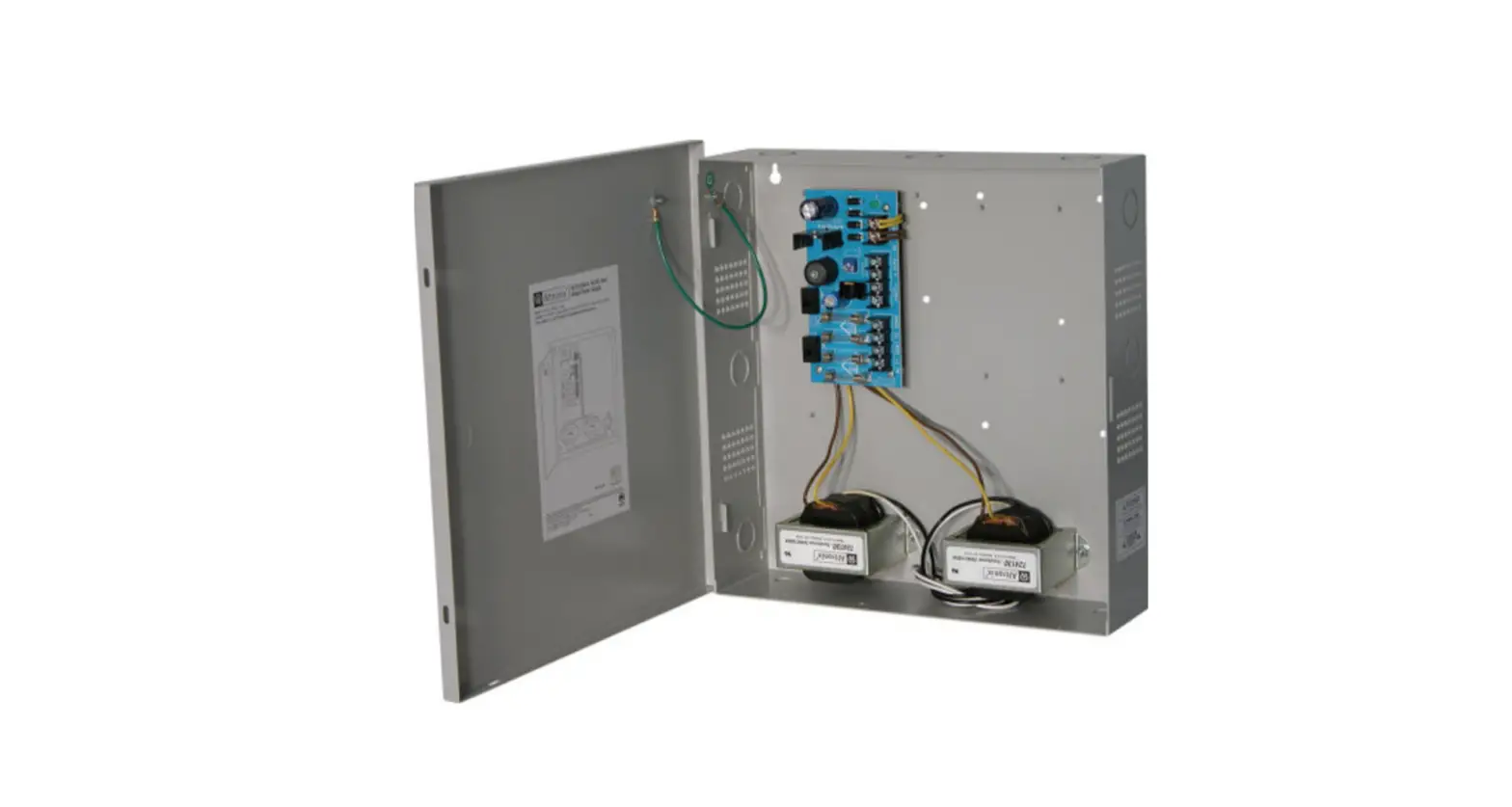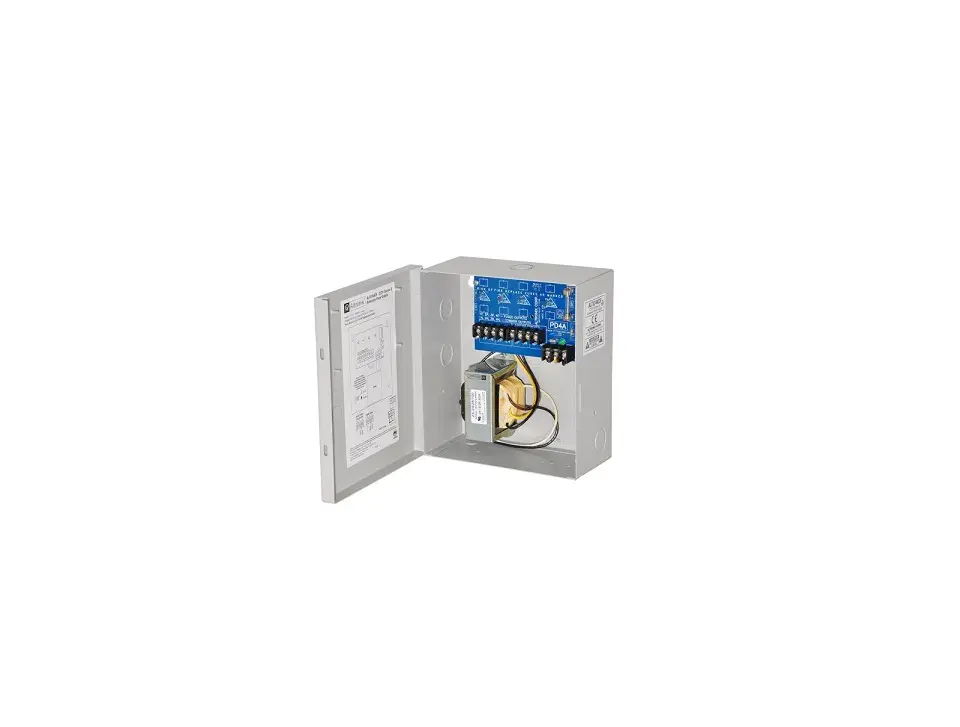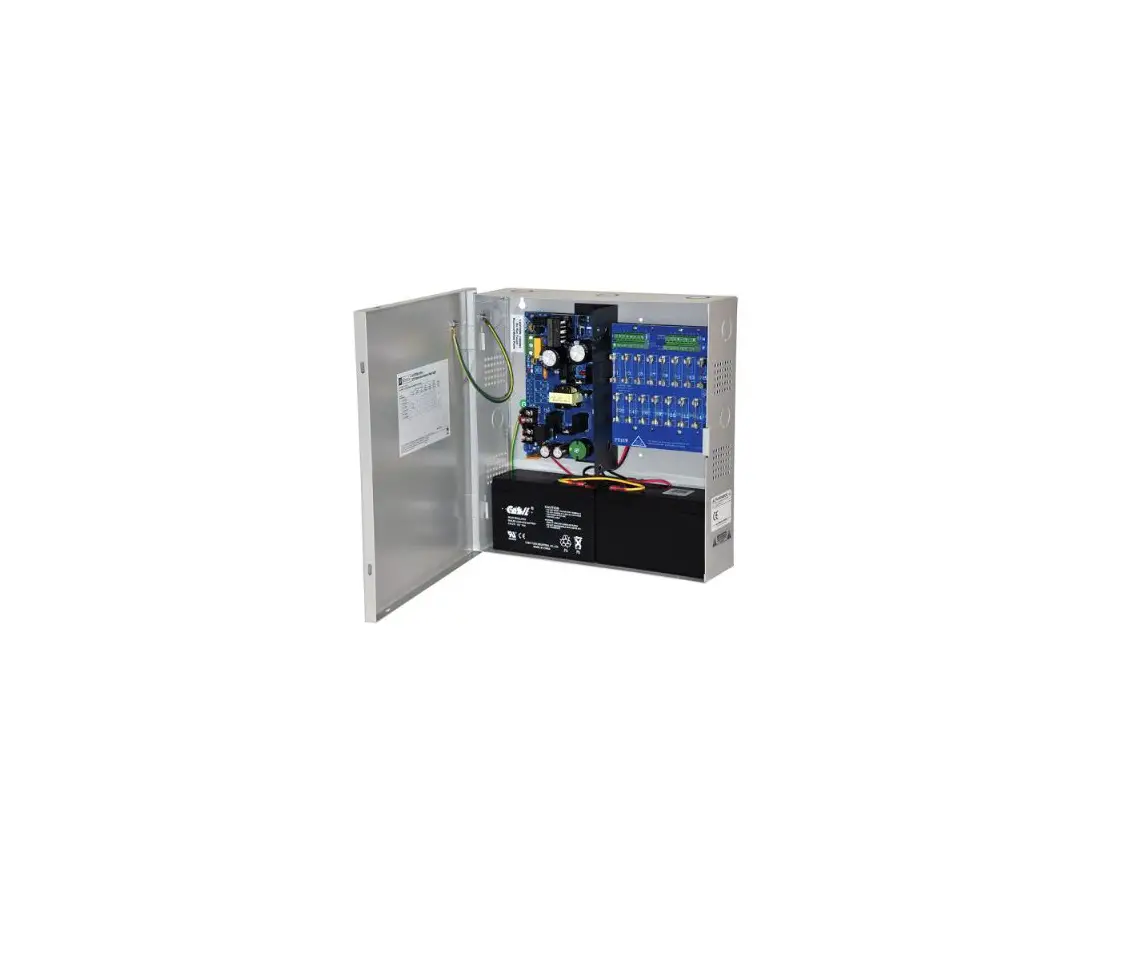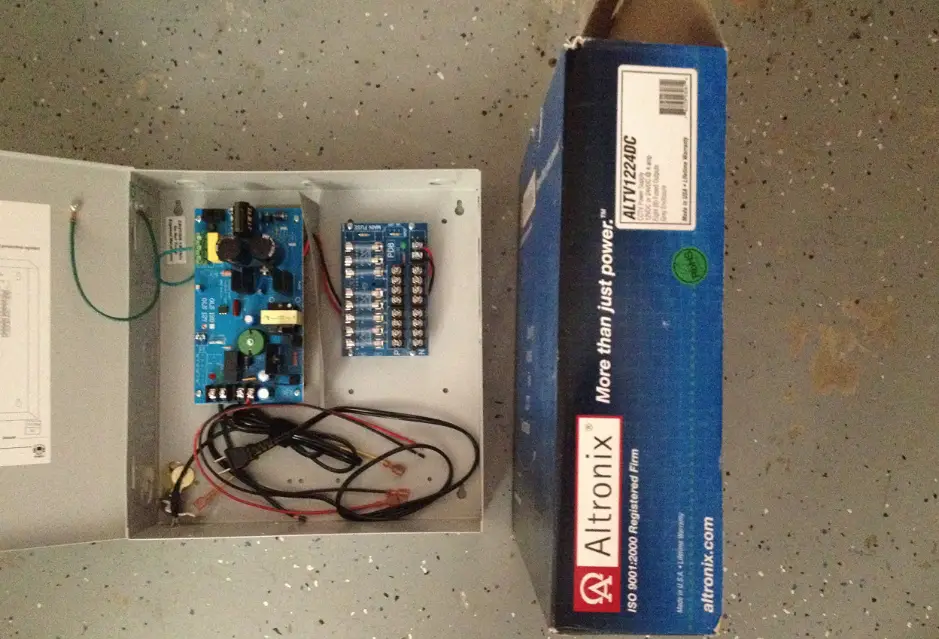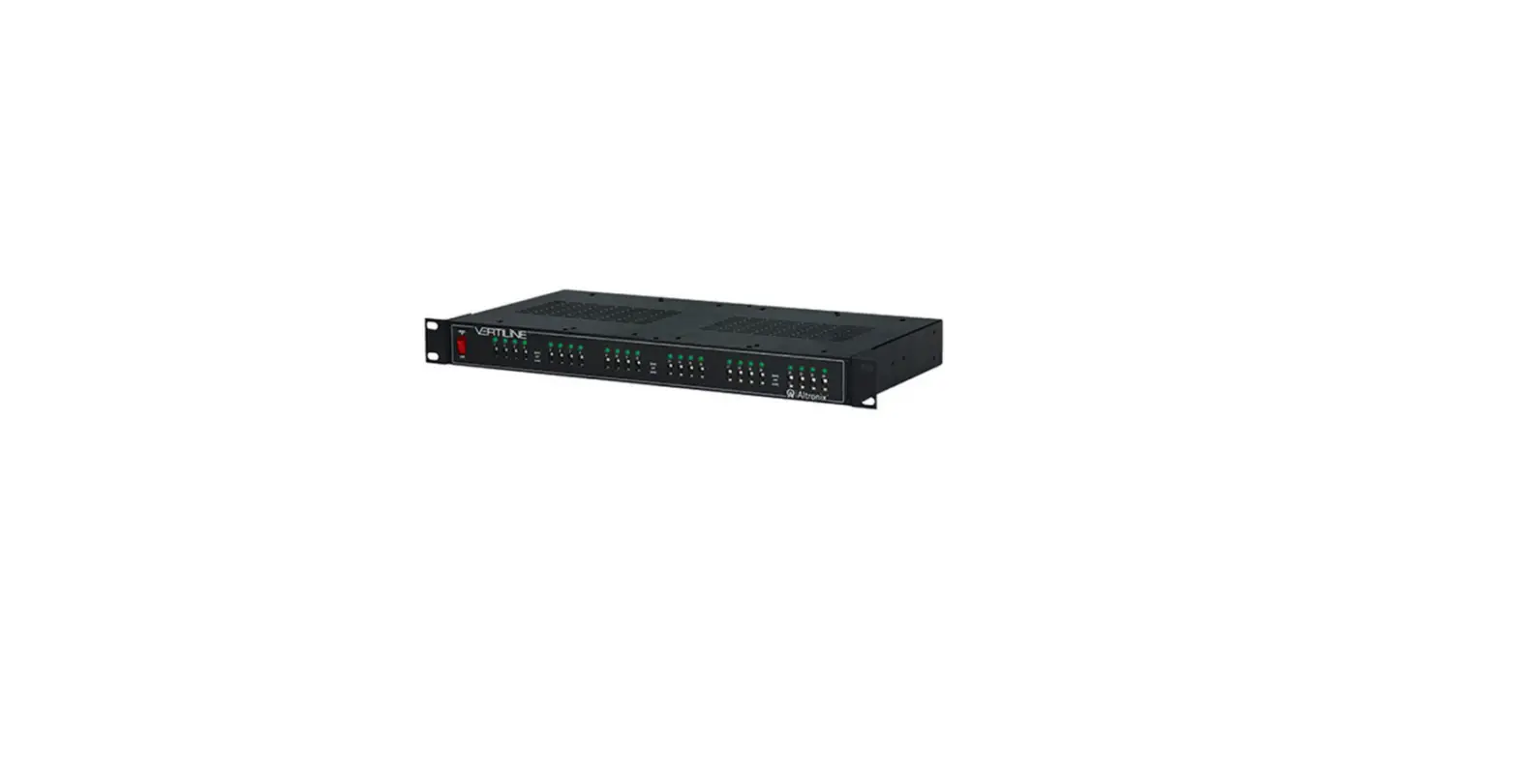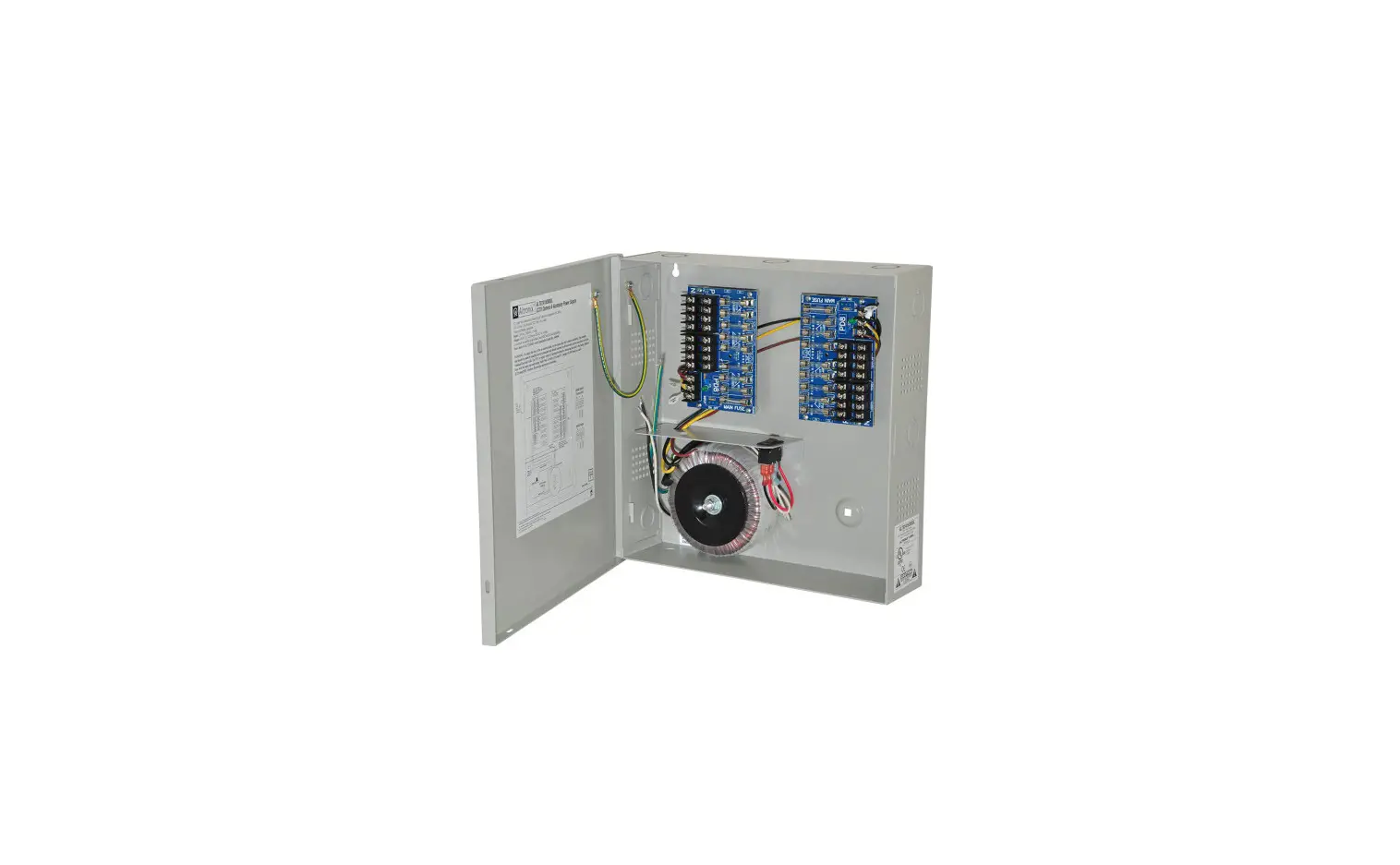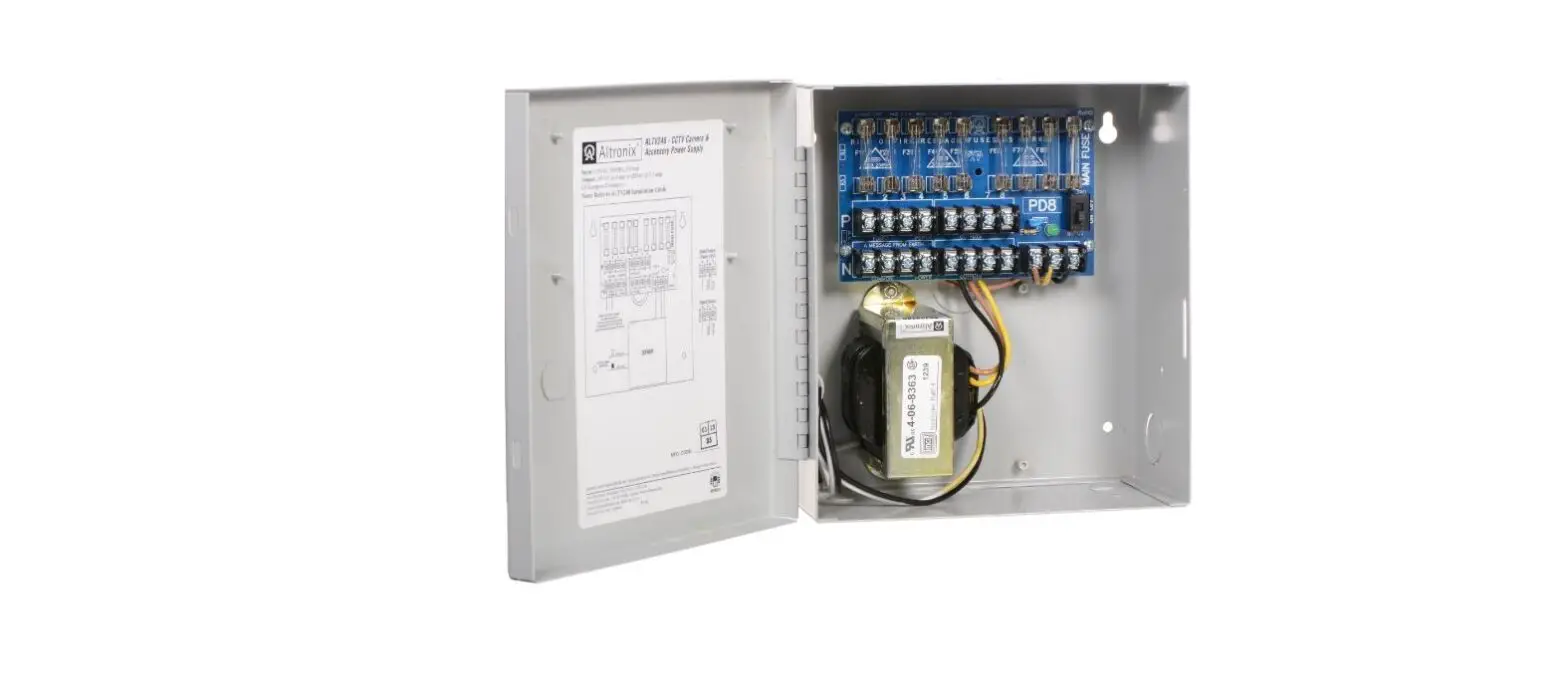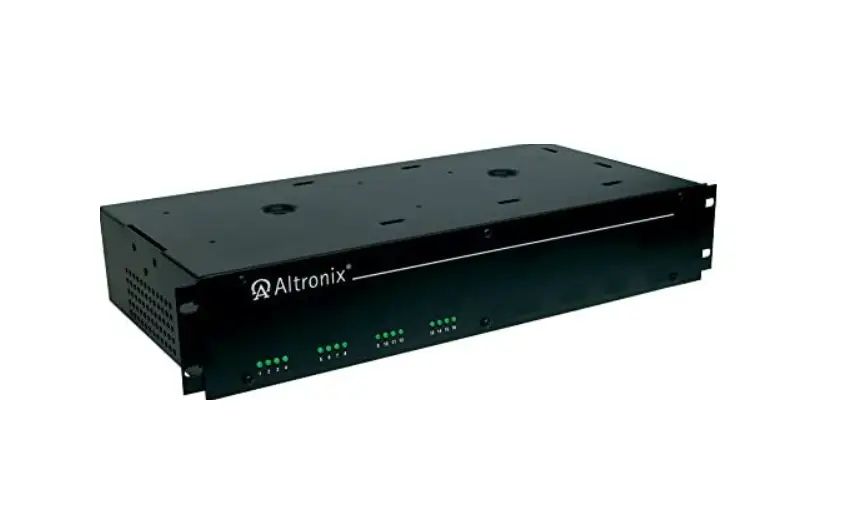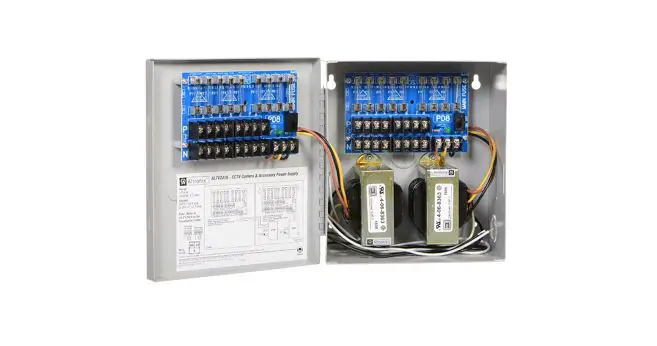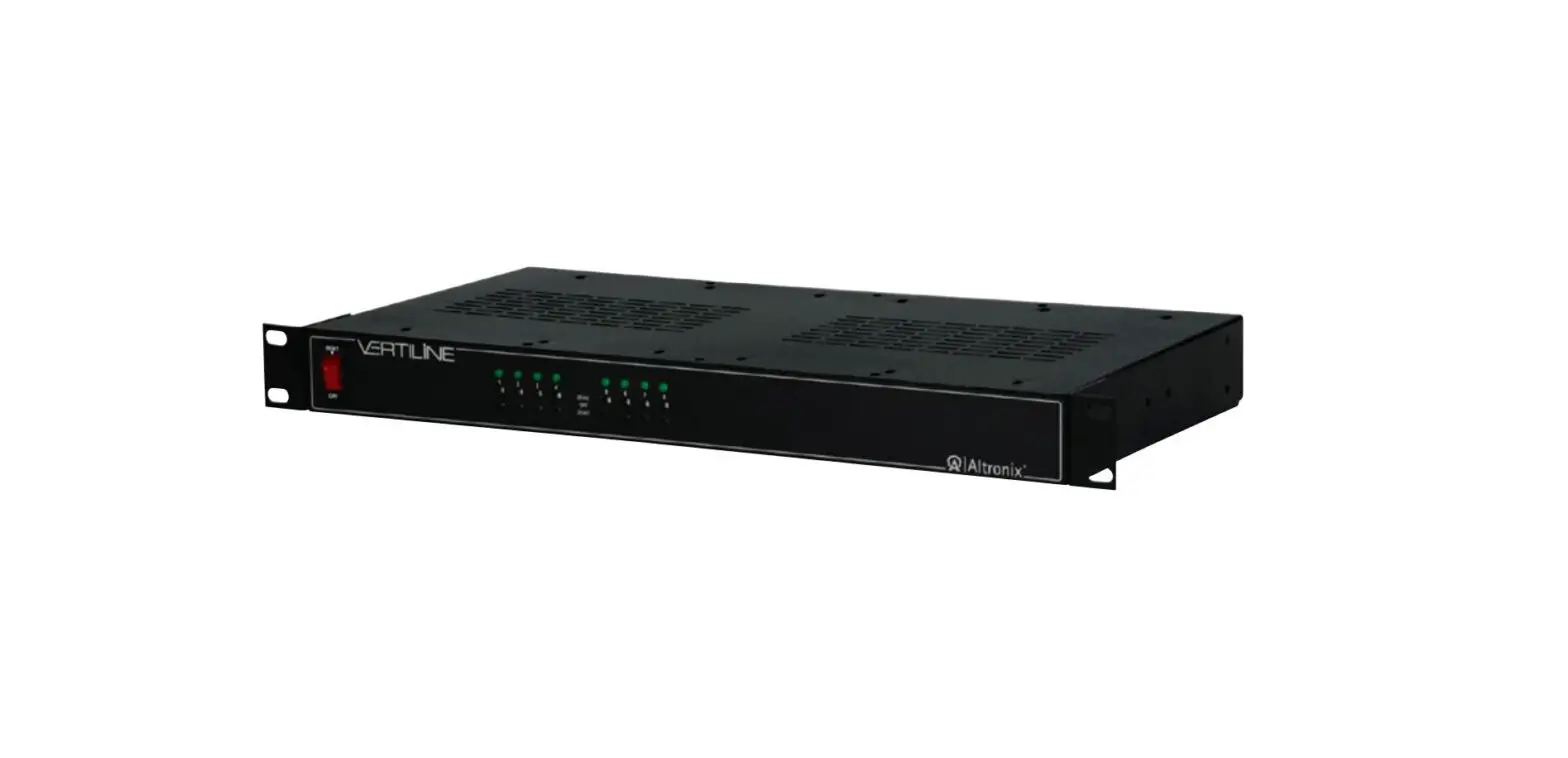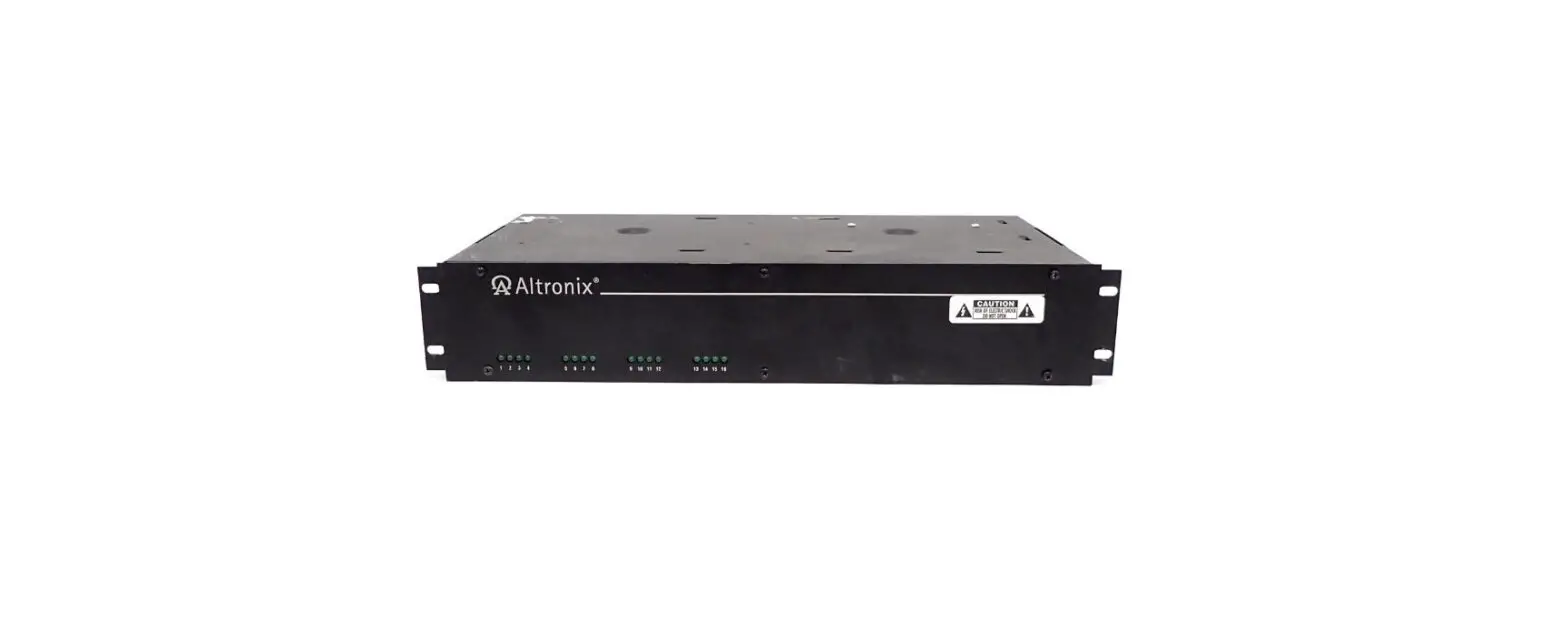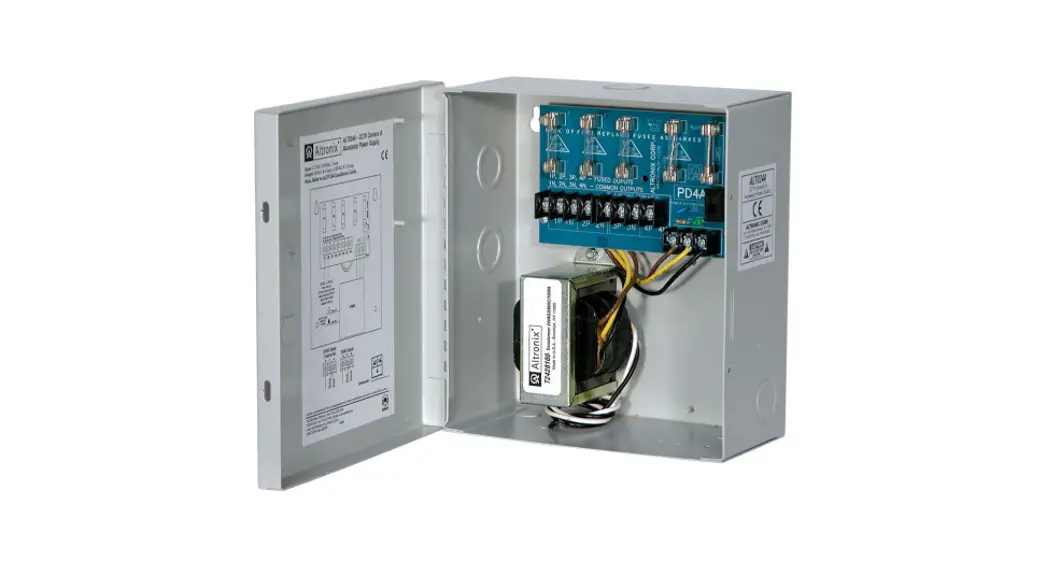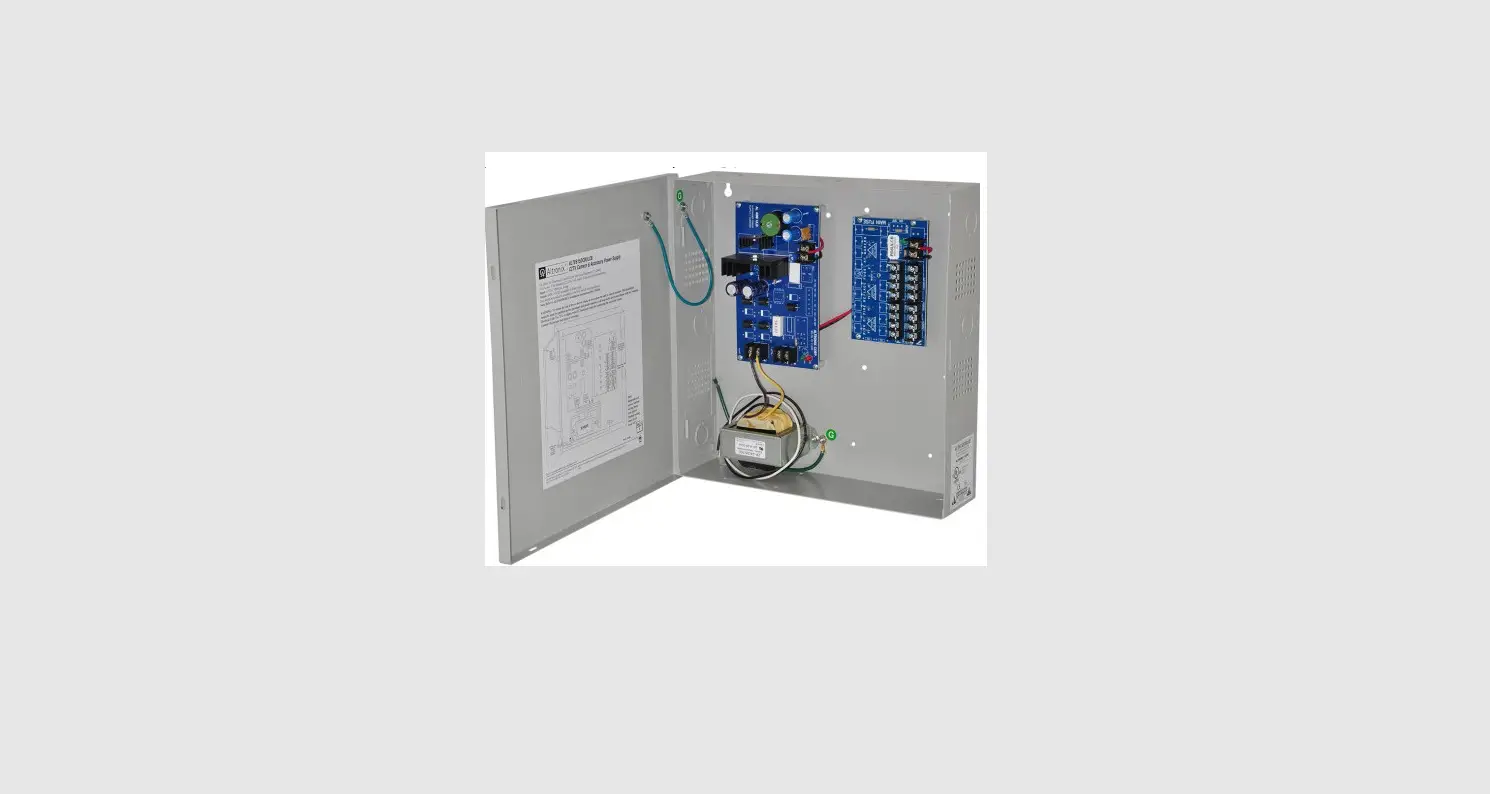

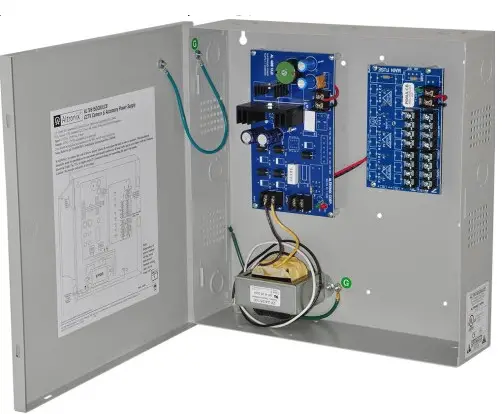
Altronix ALTV615DC8ULCB CCTV Camera and Accessory Power Supply
Overview
Altronix ALTV615DC8ULCB CCTV Power Supply is designed with eight (8) individually PTC protected power-limited, Class 2 Rated outputs for powering
CCTV cameras and other video accessories. It provides 6VDC-15VDC distributed via eight (8) PTC-protected outputs with a total of up to 4A continuous
supply current.
Specifications
Agency Listings:
- UL Listed for Commercial Closed-Circuit Television Equipment (UL 2044).
- CUL Listed – CSA Standard C22.2 No.1-98, Audio, Video and Similar Equipment.
Input:
- Input 115VAC, 50/60 Hz, 0.9A.
Output:
- 6VDC-15VDC adjustable output.
- Eight (8) individually PTC protected, auto-resettable Class 2 Rated power-limited outputs.
- 4A total continuous supply current.
- Filtered and electronically regulated outputs.
PTC Ratings:
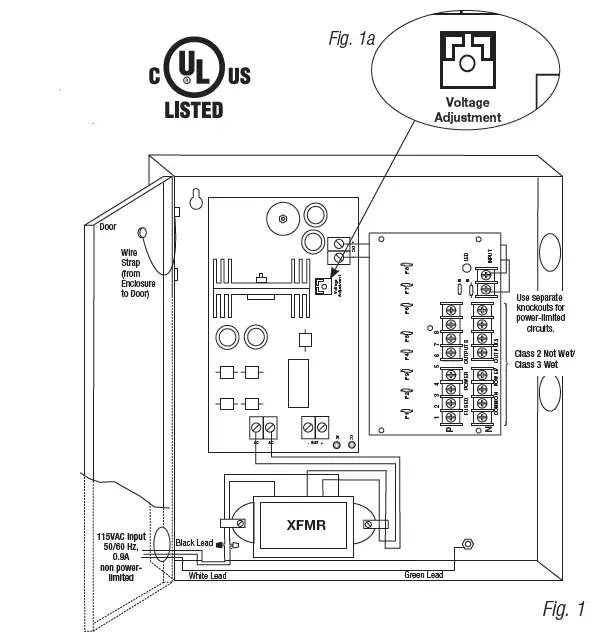
- Output PTCs are rated at 2.5A/250VAC (Fig. 1).
Visual Indicators:
- AC input and DC output LED indicators.
Additional Features:
- Spare fuses included.
- Unit maintains camera synchronization.
- Ease of installation saves time and eliminates costly labor.
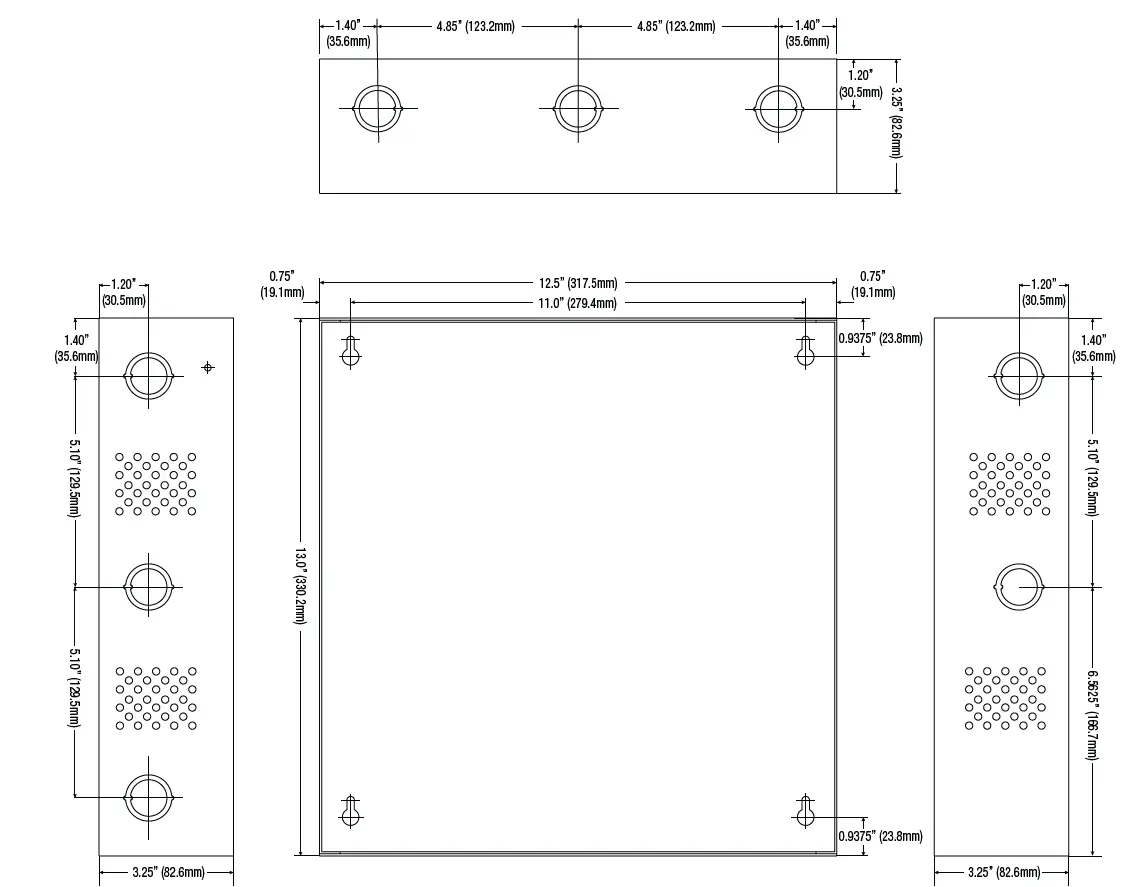
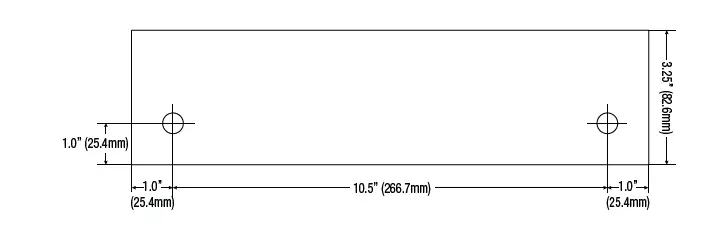
Enclosure Dimensions (H x W x D approx.): 13.5” x 13” x 3.25” (342.9mm x 330.2mm x 82.55mm).
Note: For a model with factory installed 3-wire line cord add suffix “3”, i.e.ALTV615DC8ULCB3, and disregard paragraph 2 in Installation Instructions.
Installation Instructions
- Mount ALTV615DC8ULCB in the desired location.
- Connect green lead to earth ground. Connect AC (115VAC, 50/60 Hz) to the black and white flying leads of the transformer (Fig. 1). Use knockout adjacent to the transformer. 0.25” spacing must be provided between AC input wiring and all other circuits.
- Adjust output voltage using a trim pot on the board prior to connecting CCTV devices (Fig. 1a).
- Measure output voltage before connecting devices. This helps avoid potential damage. Terminals marked [1P-8P] are positive (+) and terminals marked [1N-8N] are negative.
CAUTION: Determine the maximum operating voltage of the equipment being powered before adjusting the output voltage. - Connect each DC CCTV camera to the terminal pairs marked [1P-1N] through [8P-8N] on the PD8CB board (Fig. 1), carefully observing correct polarity.
- Green LED will illuminate when the unit is powered.
- Upon completion of the wiring secure the enclosure door with screws (supplied).
Keep power-limited circuits (outputs 1 through 8) away from non-power-limited. 0.25” space must be provided. Use separate knockouts. Caution: Equipment to be installed/serviced by authorized/trained personnel only. Shut branch circuit power before installing/servicing equipment. WARNING: To reduce the risk of fire or electric shock, do not expose the unit to rain or moisture. This installation should be made by qualified service personnel and should conform to NEC and all local codes.
Terminal Identification
AL400ULB – Power Supply Board

PD8ULCB – Distribution Module

Enclosure Dimensions (H x W x D approximate): 13.5” x 13” x 3.25” (342.9mm x 330.2mm x 82.55mm)
Altronix is not responsible for any typographical errors. Product specifications are subject to change without notice.
140 58th Street, Brooklyn, New York 11220 USA | phone: 718-567-8181 | fax: 718-567-9056
website: www.altronix.com | e-mail: [email protected] | Lifetime Warranty
IIALTV615DC8ULCB Rev. 042806
 Altronix Home